


Update

Crashing Craters | Update 36.3
Aug 19th
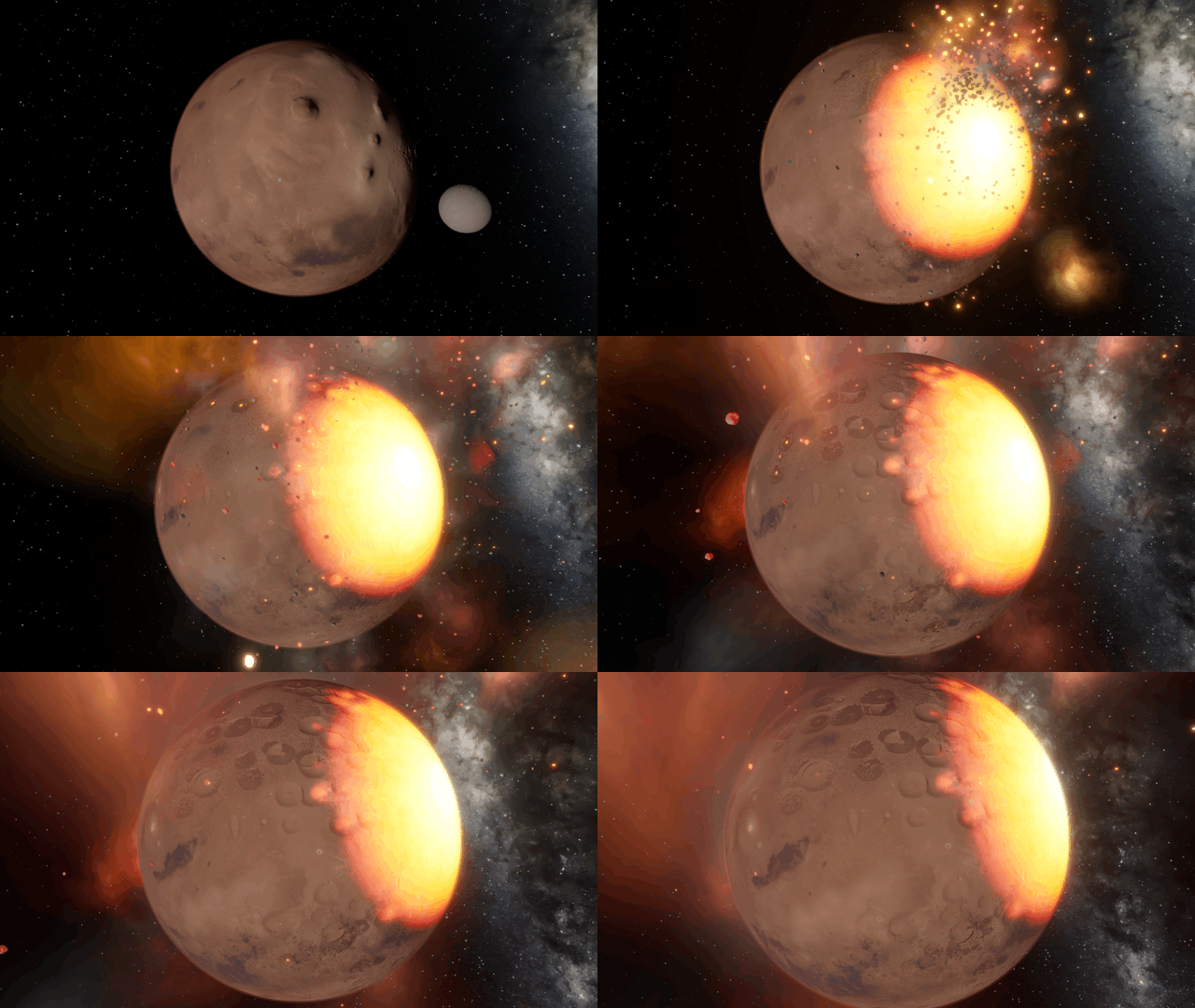
Collision craters form and combine together more realistically. You can also duplicate objects, watch black holes evaporate, and explore a simulation of a newly discovered exosatellite.
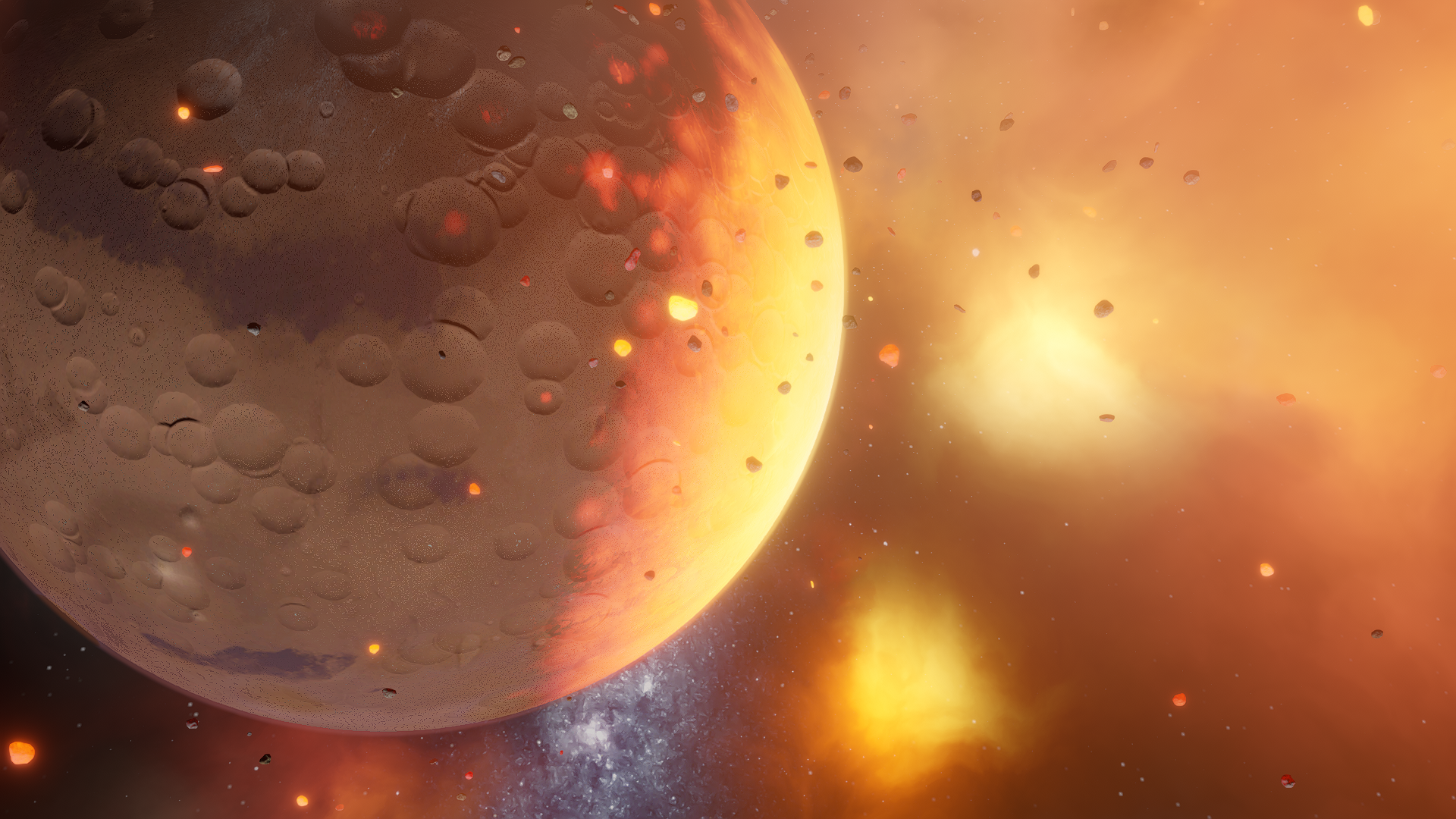
Creating Craters
Craters from collisions with moons and small rock fragments alike are more realistic, blending naturally and better respecting an object’s elevation range and topography. Larger impacts now leave behind complex craters with a central peak.
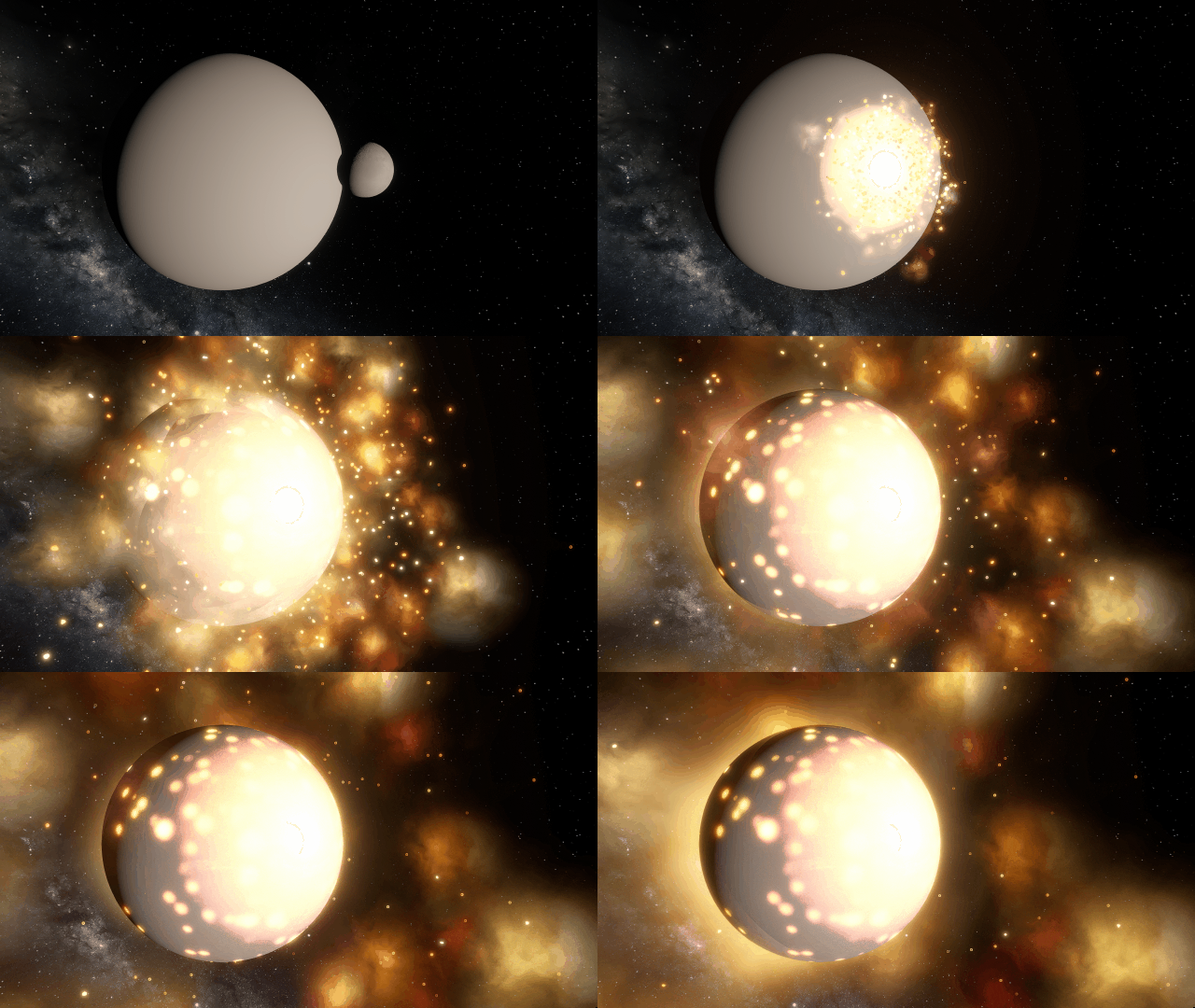
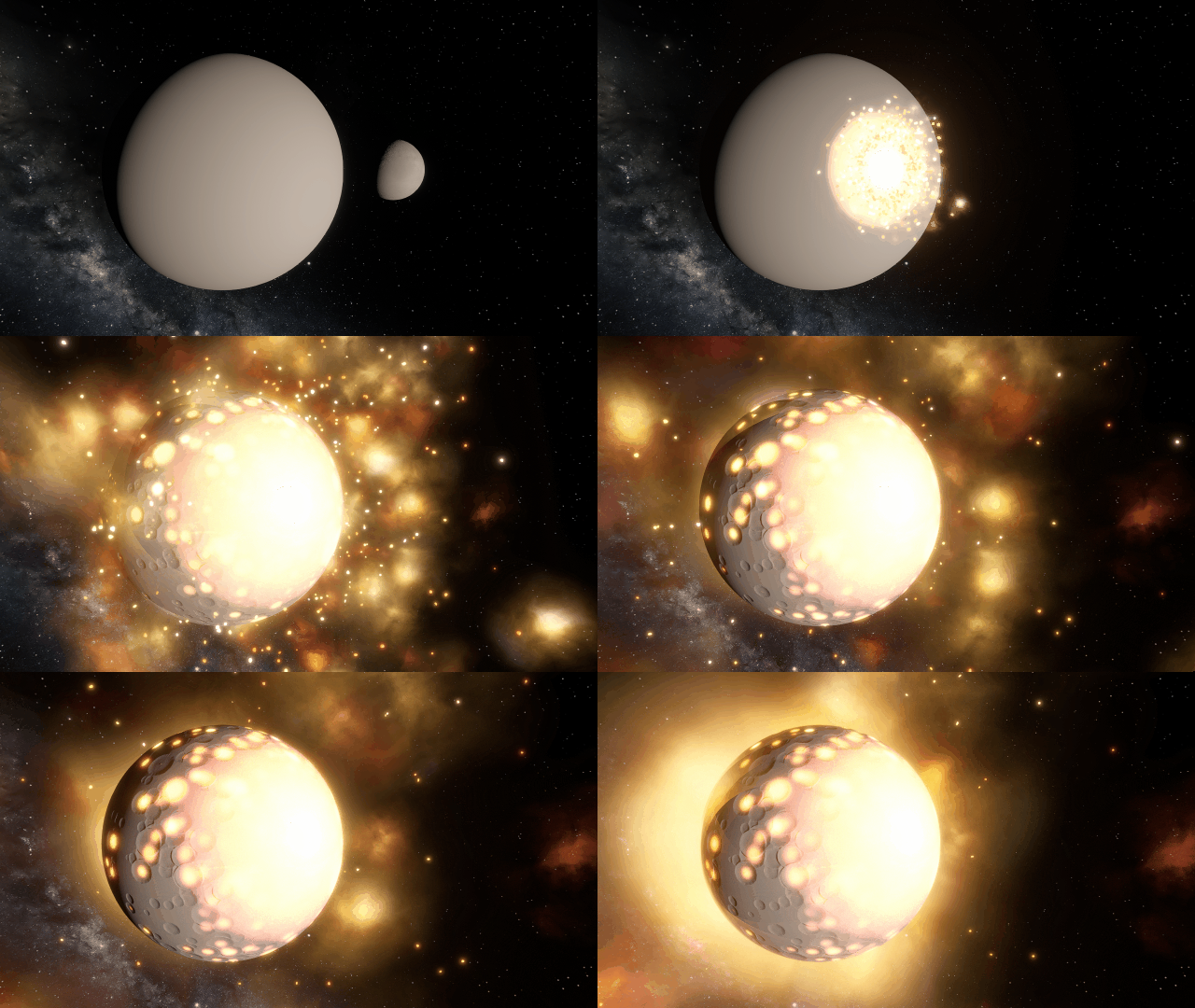
Duplicate Objects Duplicate Objects
Duplicate selected object with the new Duplicate button, or use the Copy and Paste keyboard shortcuts.
- On Windows, use Ctrl+C and Ctrl+V. On Mac, use ⌘C and ⌘V.
- Detailed surface data is not yet copied, so local surface features like liquid depth and temperature variations will be distributed evenly across duplicated surfaces and may need to be resettled
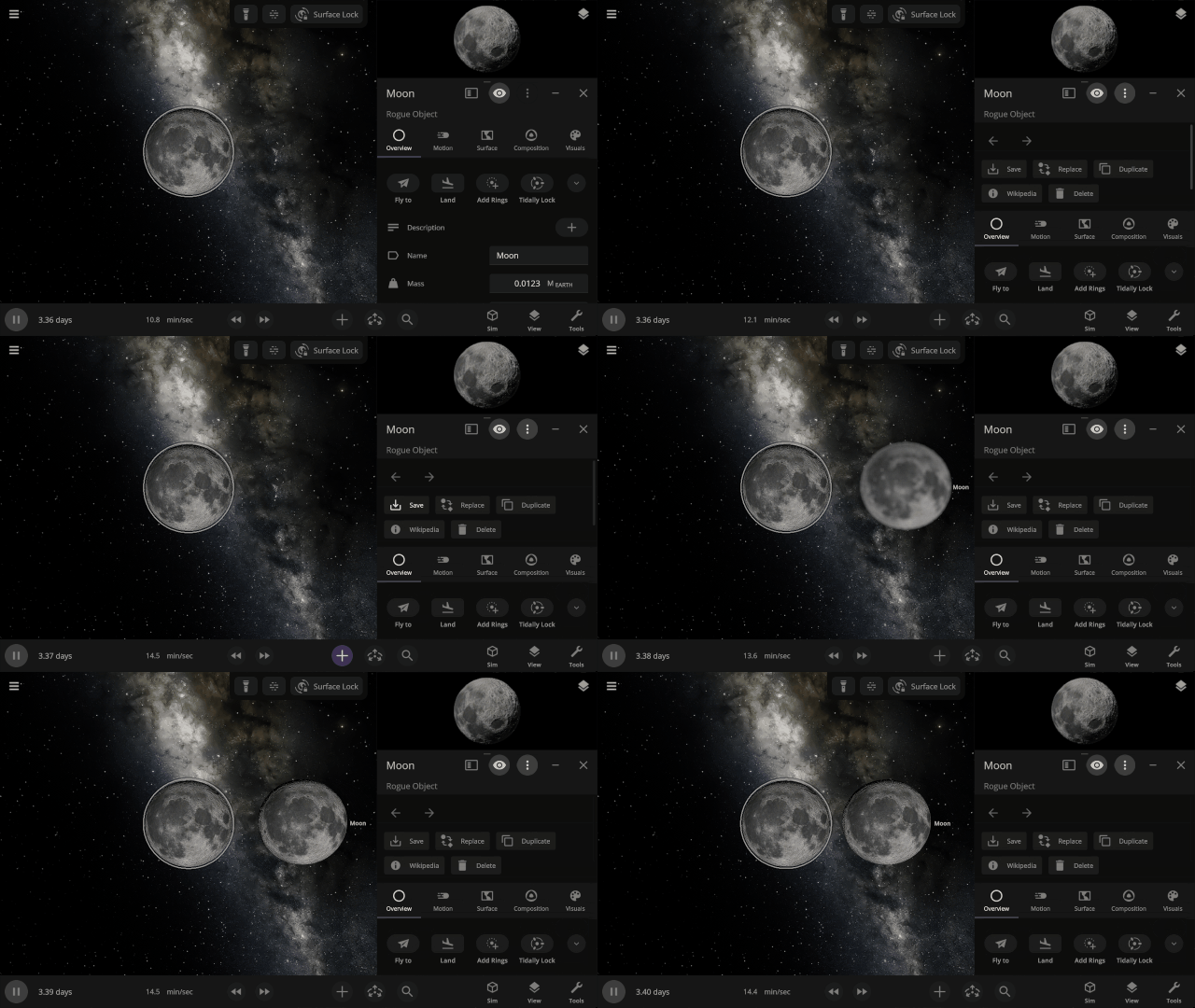
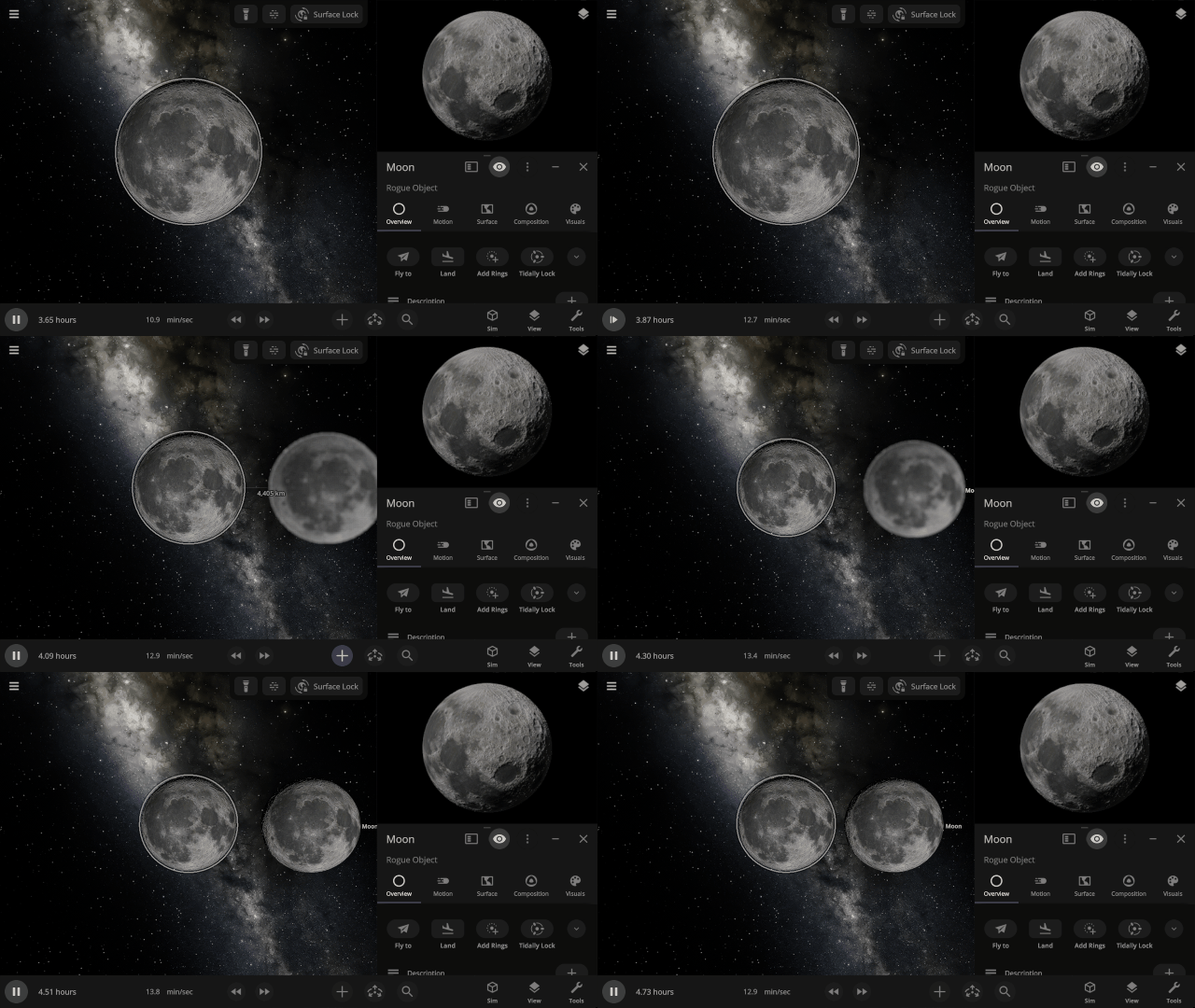
Object Holograms
Objects now smoothly fade in and out of existence when an object is added to or removed from a simulation.
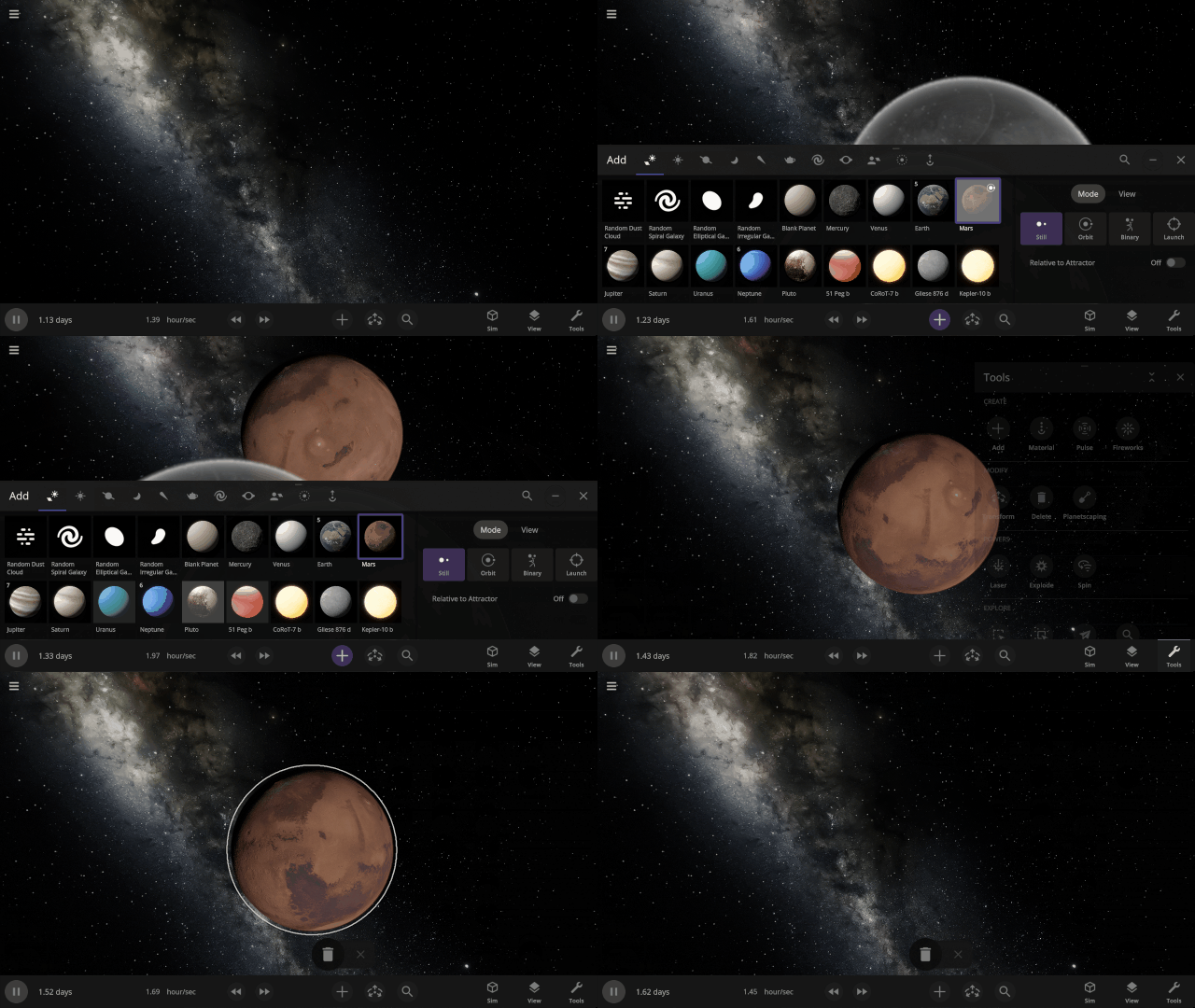
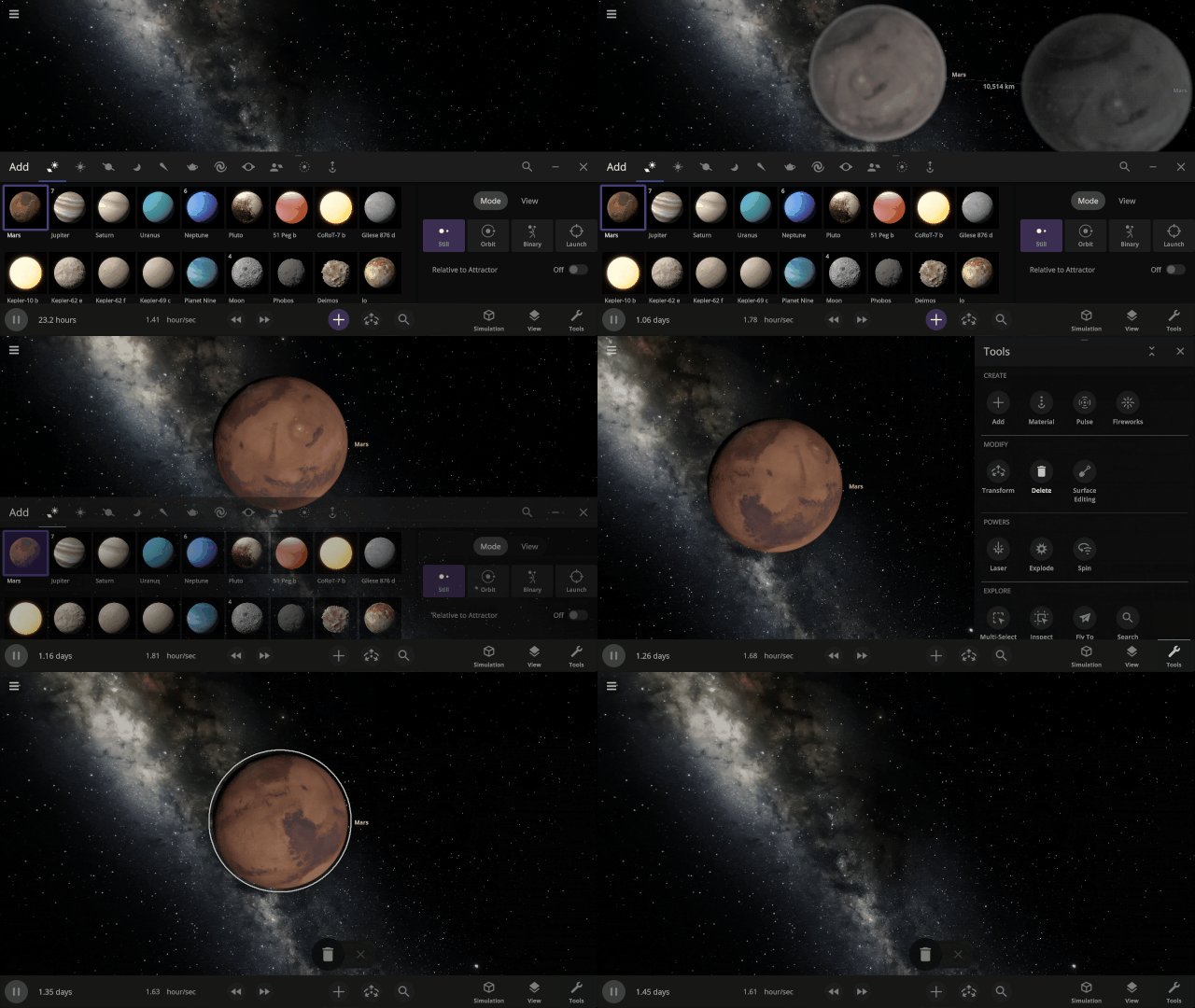
More Highlights
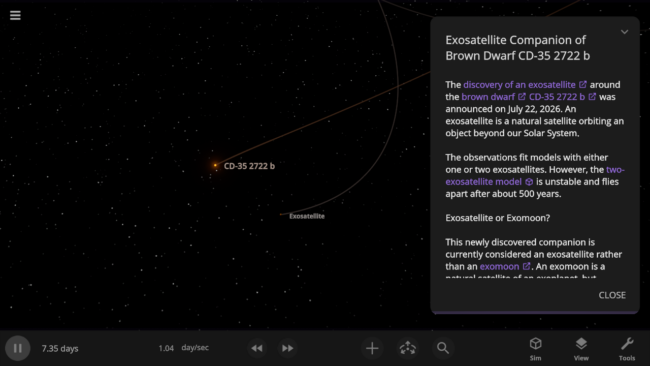
Check out the recently discovered exosatellite that challenges the definition of an exomoon in our new simulation, Exosatellite Companion of Brown Dwarf CD-35 2722 b.
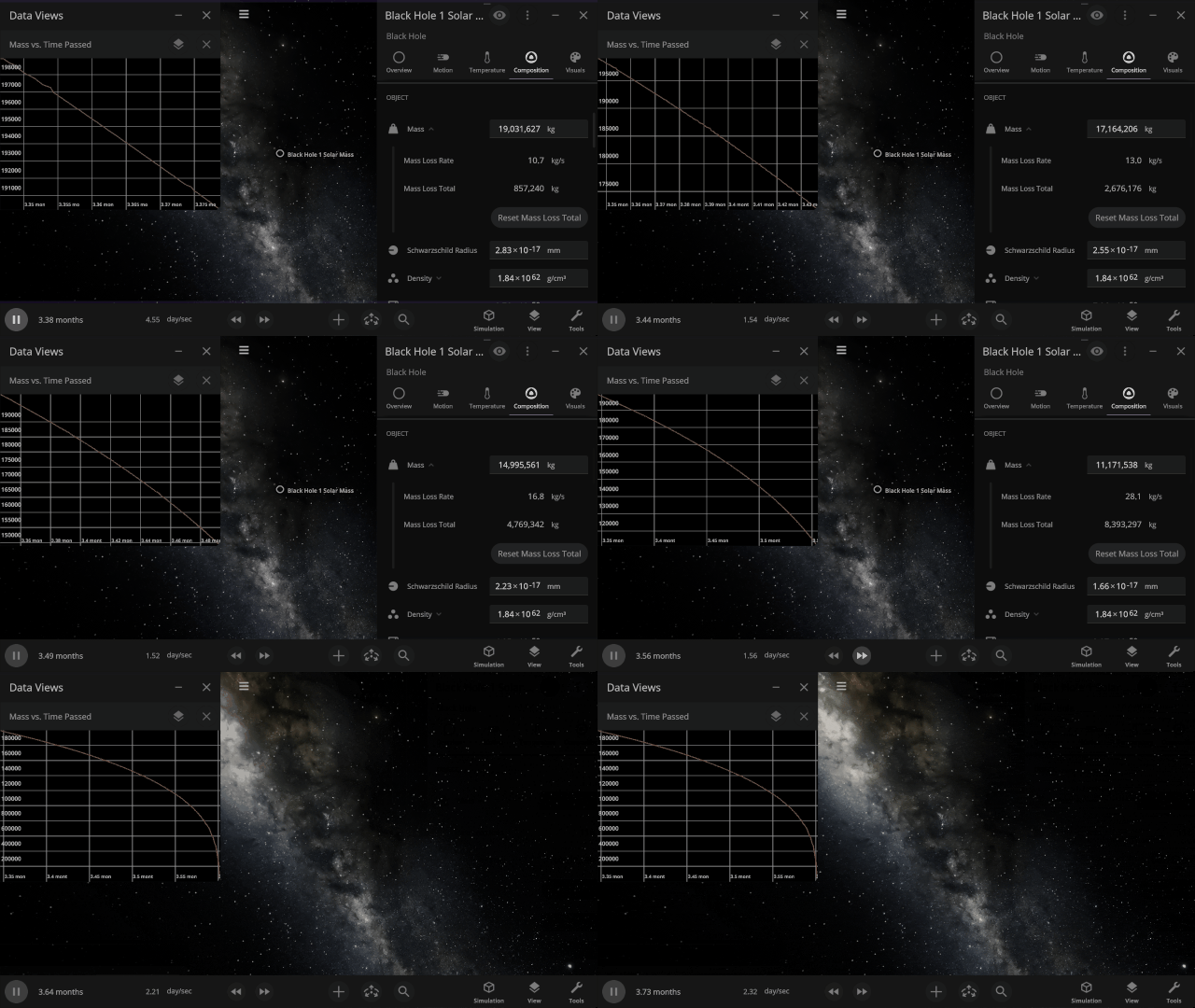
Black holes now realistically lose mass and evaporate due to Hawking radiation. This primarily affects tiny black holes, but all black holes experience some mass loss.
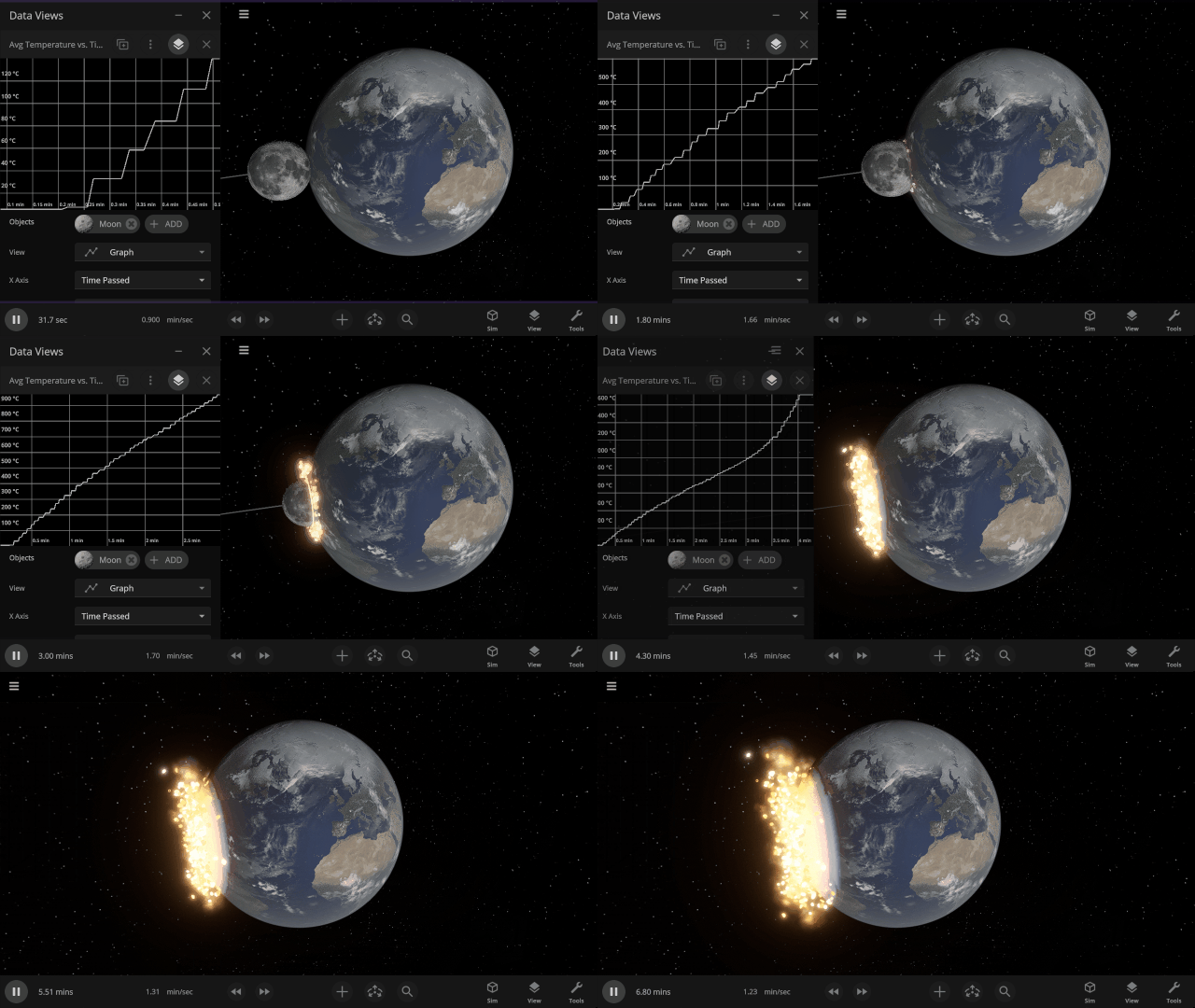
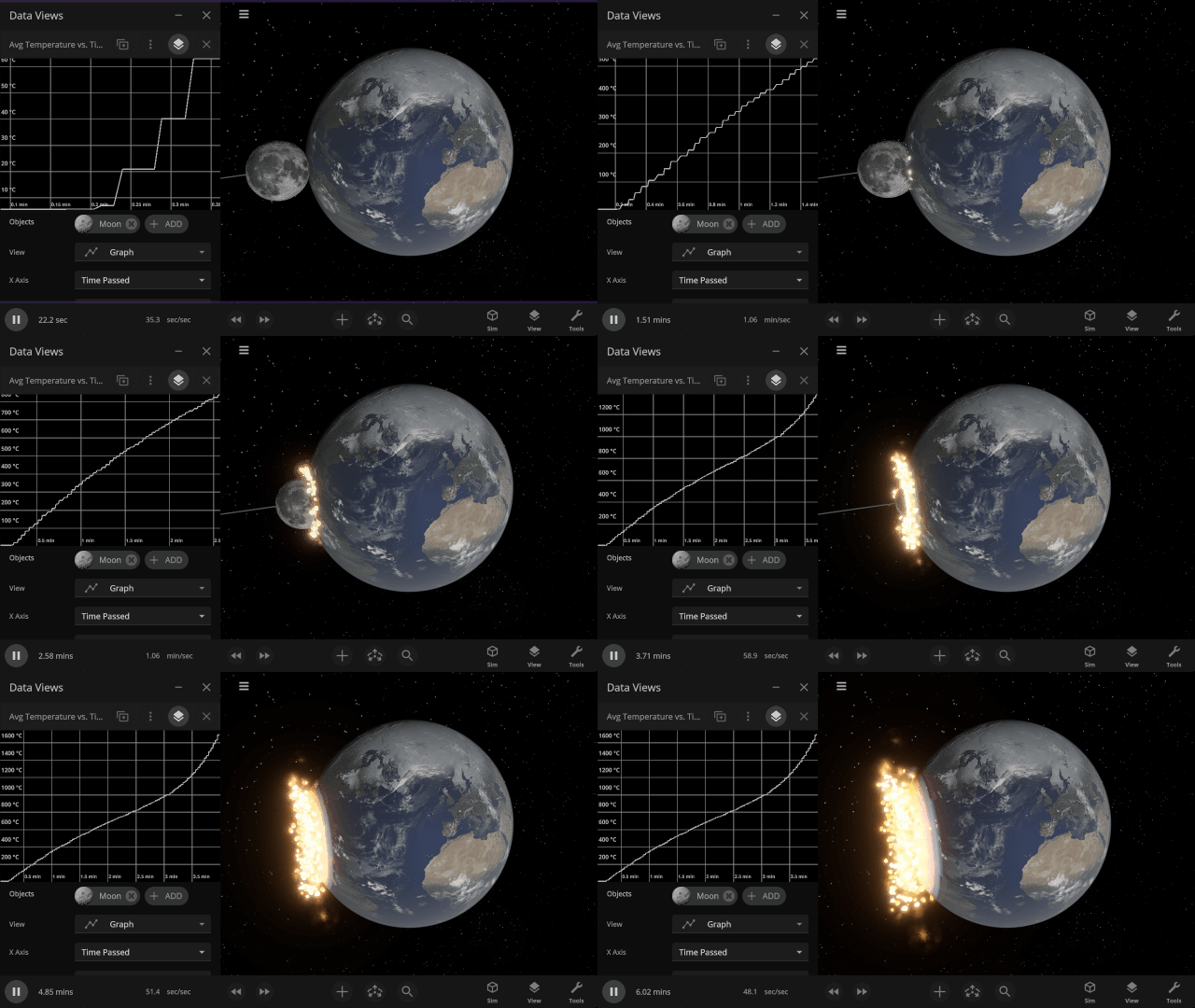
Graphs now stay open and retain their data, rather than closing, when the object they are tracking is destroyed.
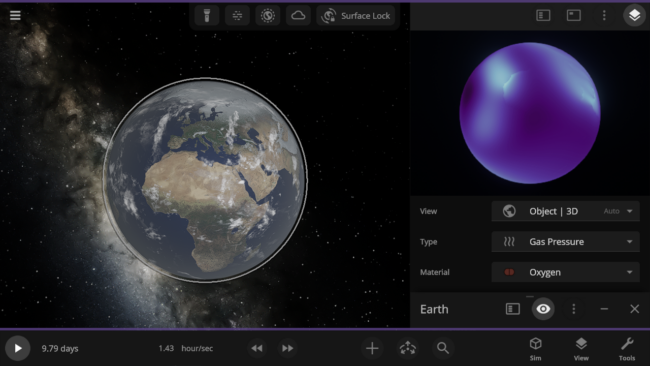
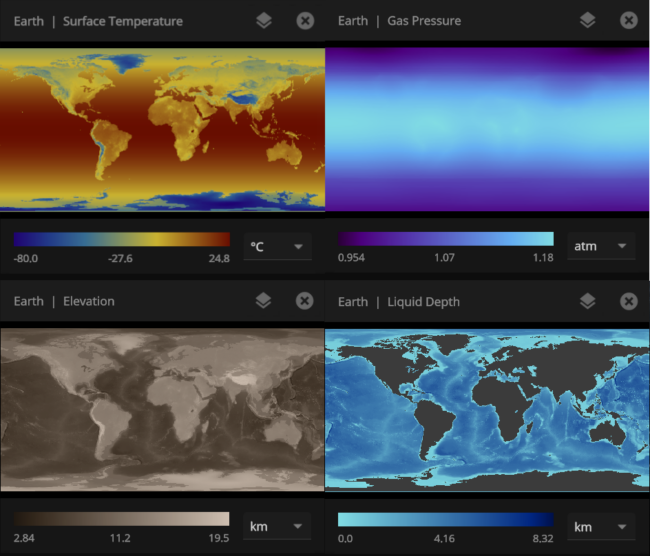
See material-specific data views, like Earth’s oxygen-only Gas Pressure data view, in 3D. Previously, these views were only available in 2D.
Check out the full list of What’s New in Update 36.3.
Please report any issues on our Steam forum, on Discord, or in-game via Home > Send Feedback.

Winds of Change | Update 36.2
Jun 25th
Watch winds push gases across planetary atmospheres, see object shapes accurately outlined, and adjust what objects are made of by percentage. We’ve also focused on eliminating issues with over 50 fixes and improvements.
Atmospheric Winds
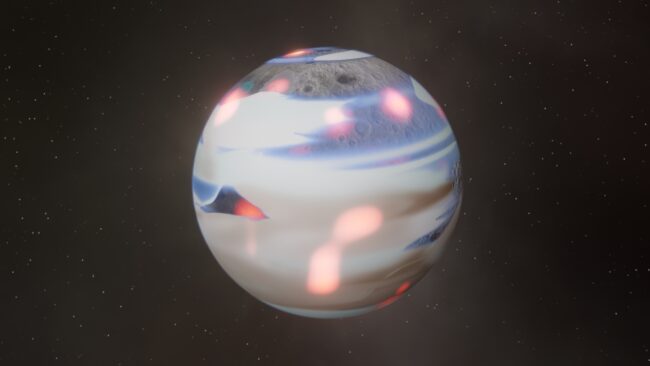
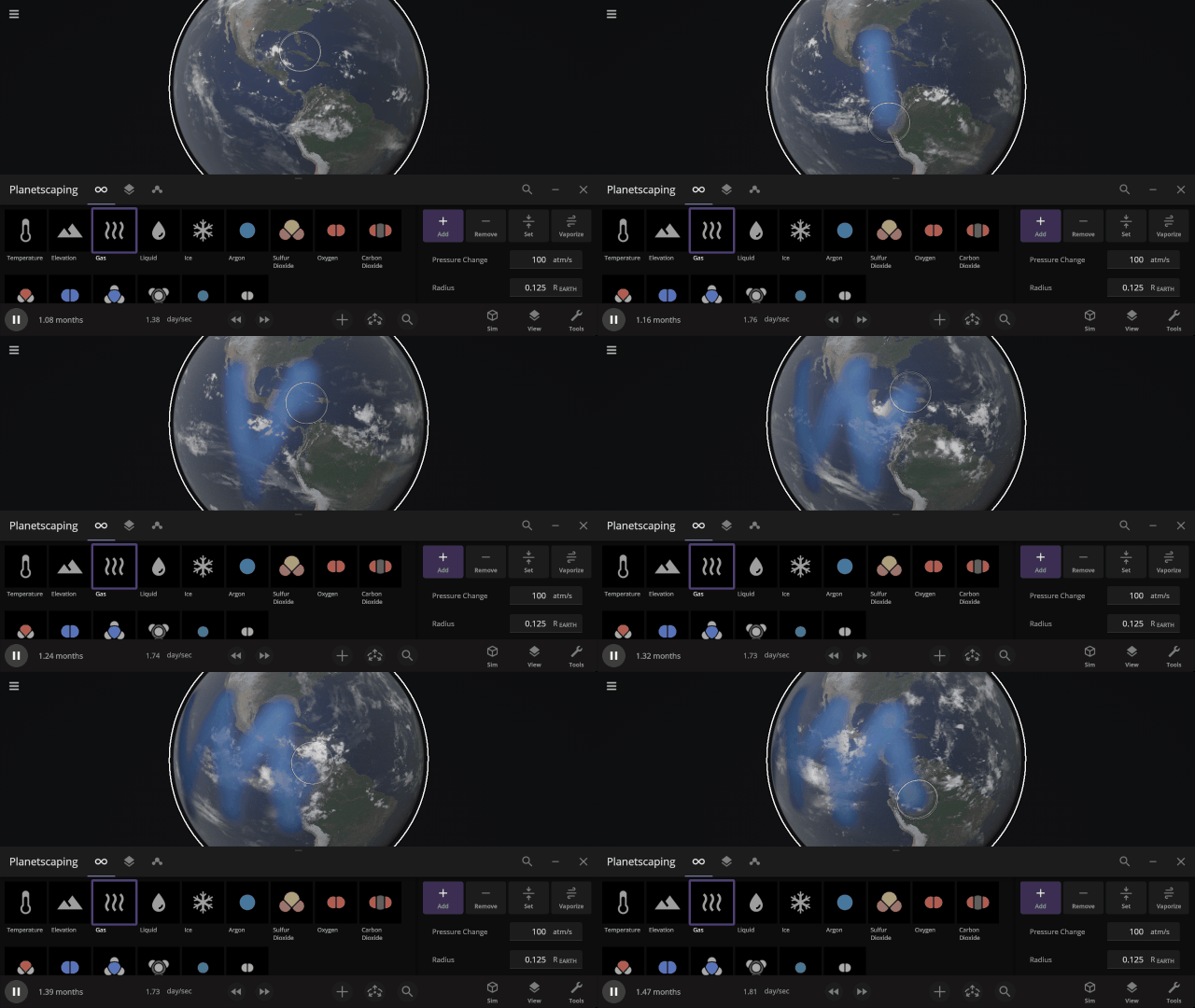
Gases now sweep across planetary atmospheres via the geostrophic wind. Check it out and customize the wind speed under Surface > Atmosphere > Geostrophic Wind Speed
Shapely Object Outlines
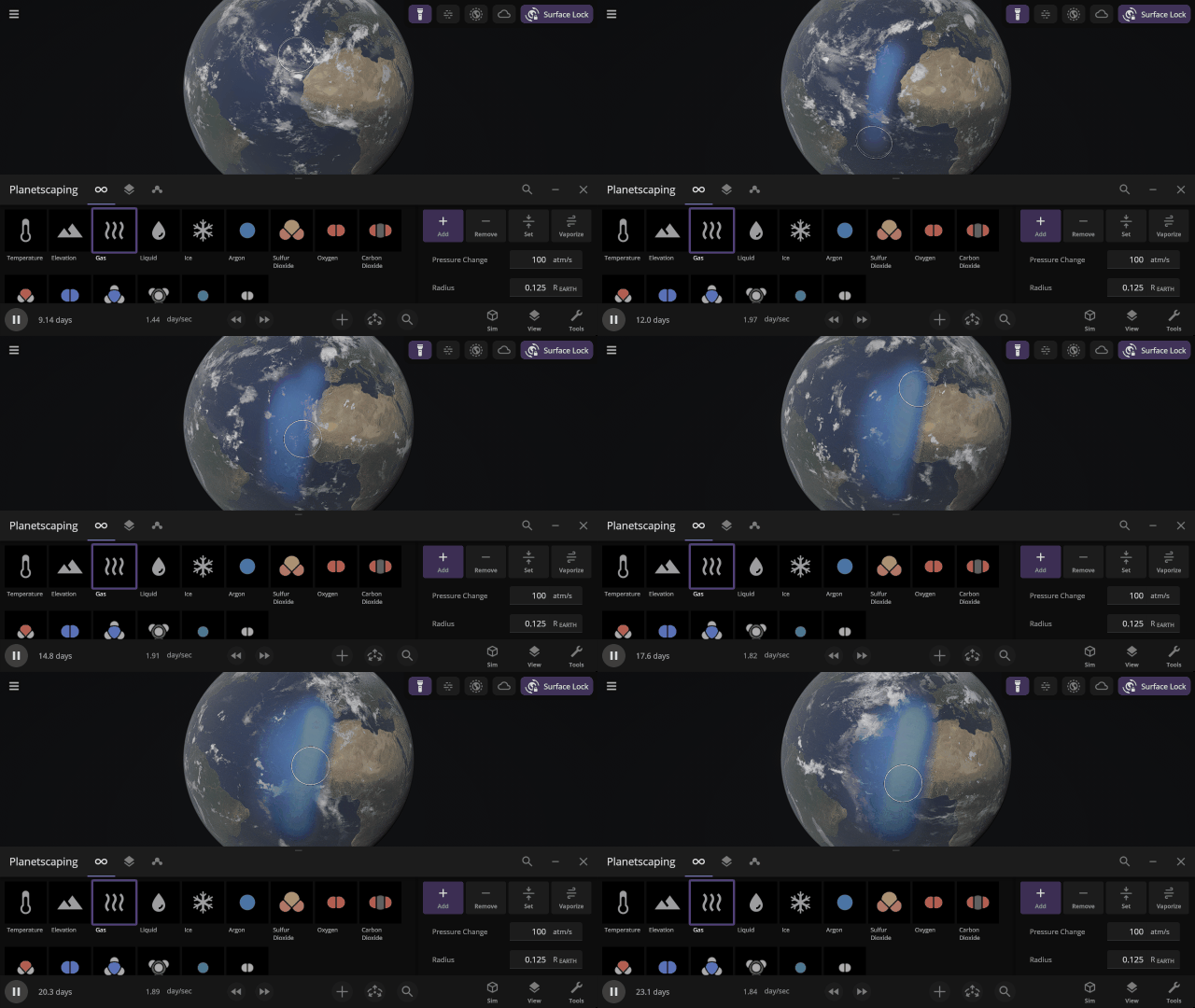
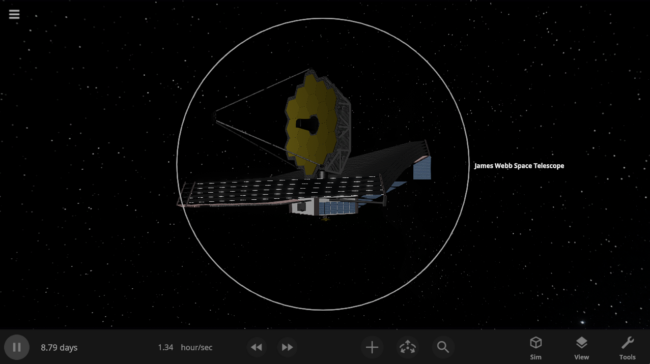
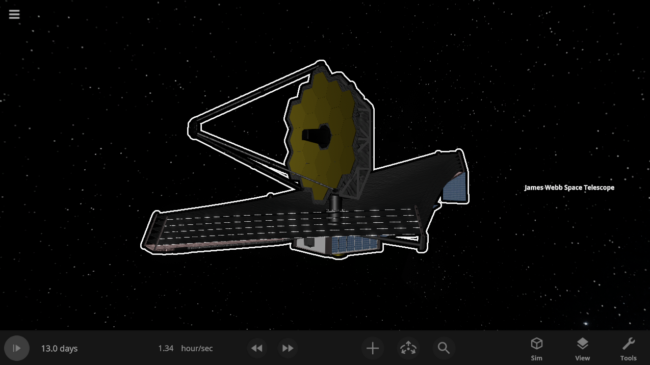
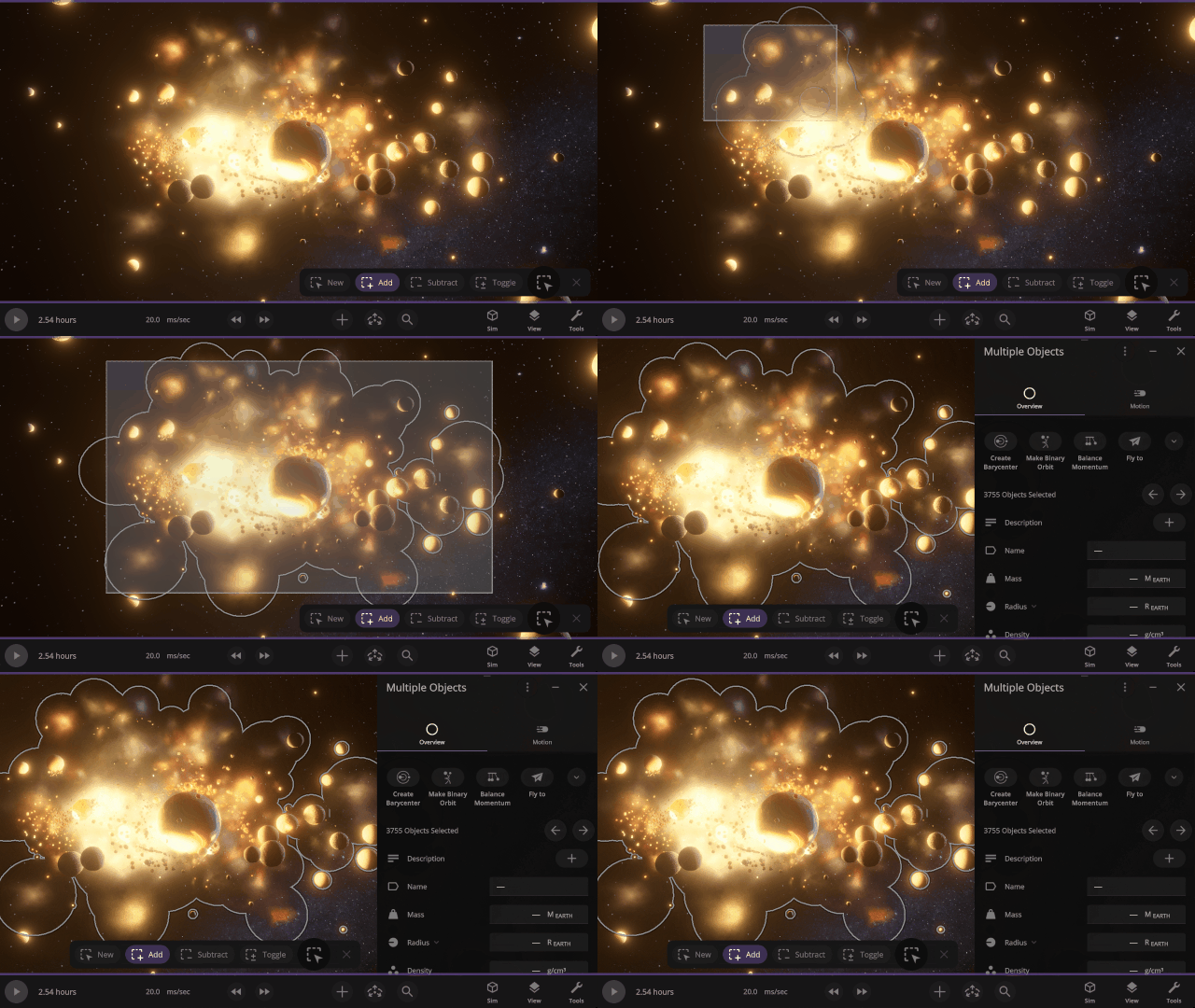
Object outlines now conform to their unique shapes rather than being drawn as circles. Selecting multiple objects at once now seamlessly blends their shapes.
More Highlights
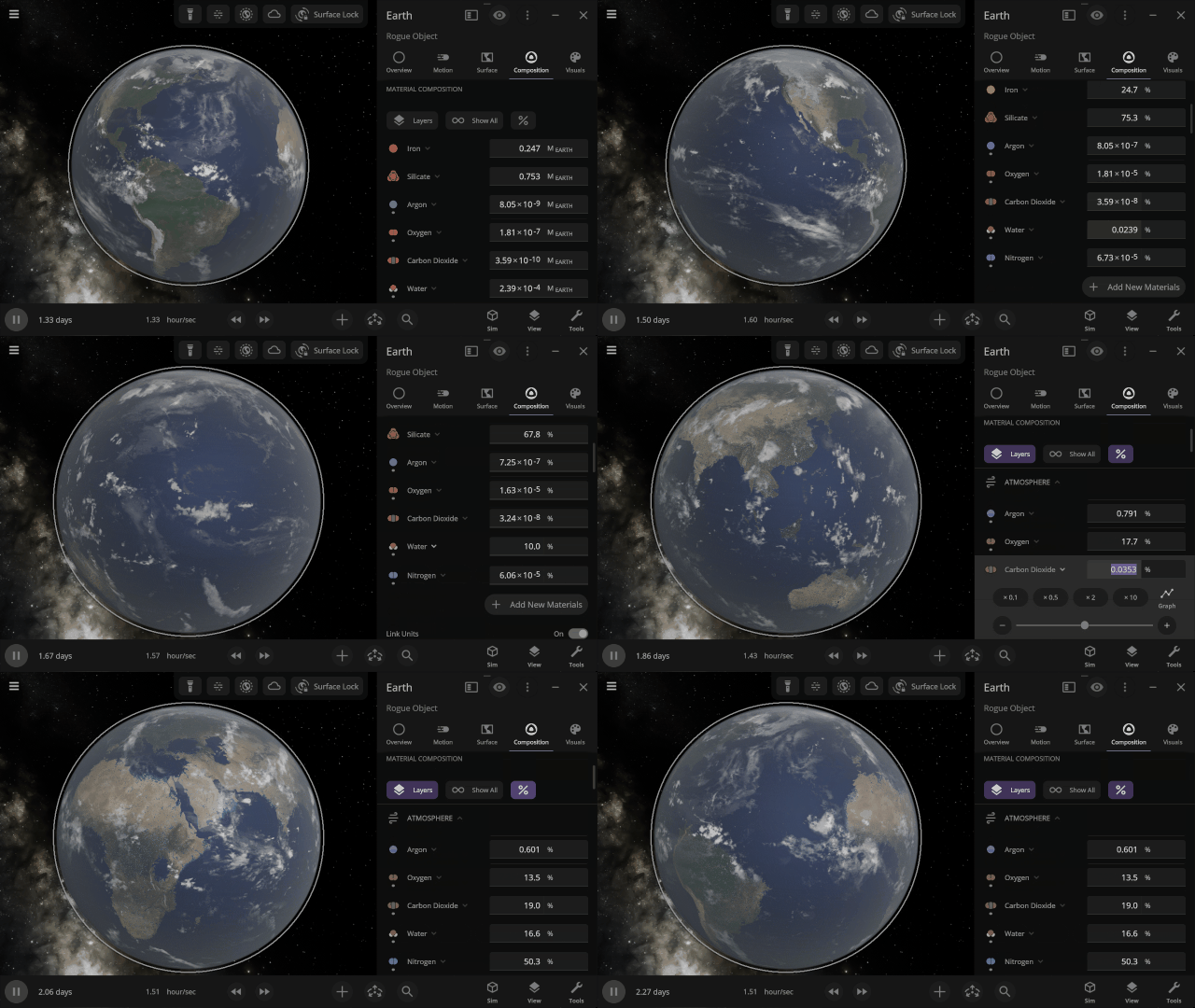
Adjust object material compositions based on percentage. Quickly recreate Earth, Titan’s atmosphere, or fine-tune your custom creations.
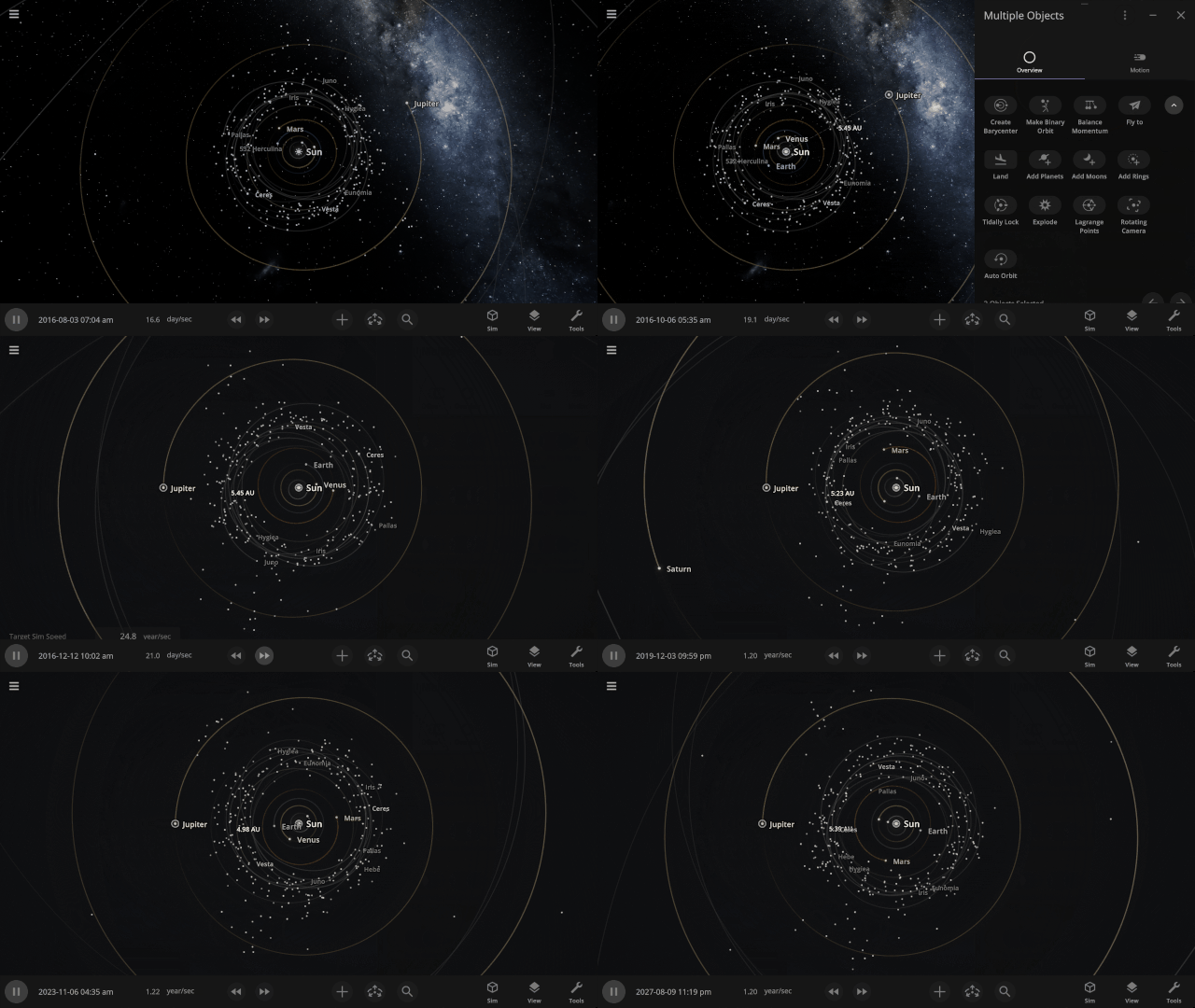
Explore a new way to see object motion with the new Rotating Camera view. Click Rotating Camera when two objects are selected to freeze their relative motion and reveal difficult-to-see orbital motions and patterns. Try selecting Jupiter and the Sun in the Solar System to see how the trojan asteroids move relative to Jupiter.
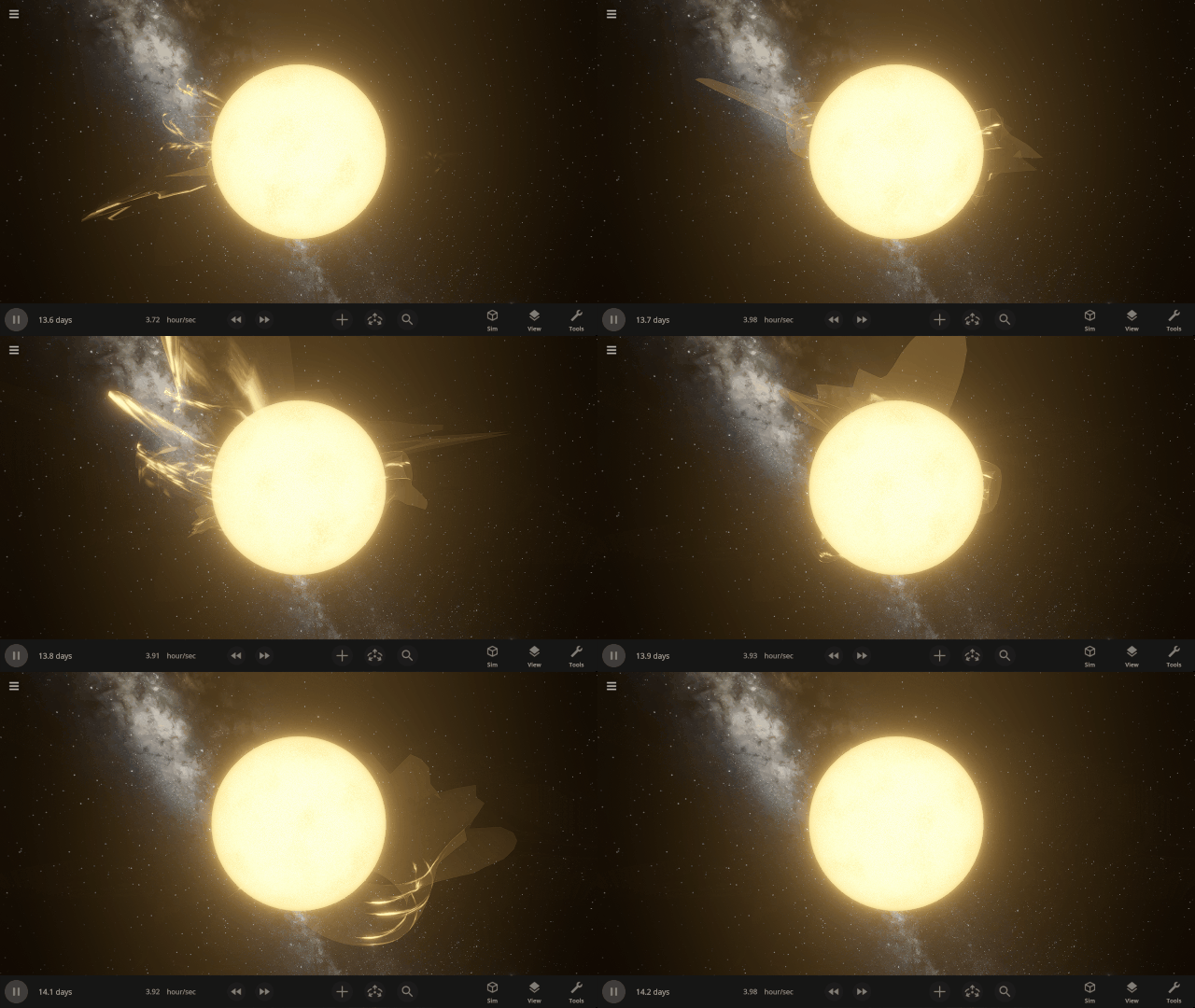
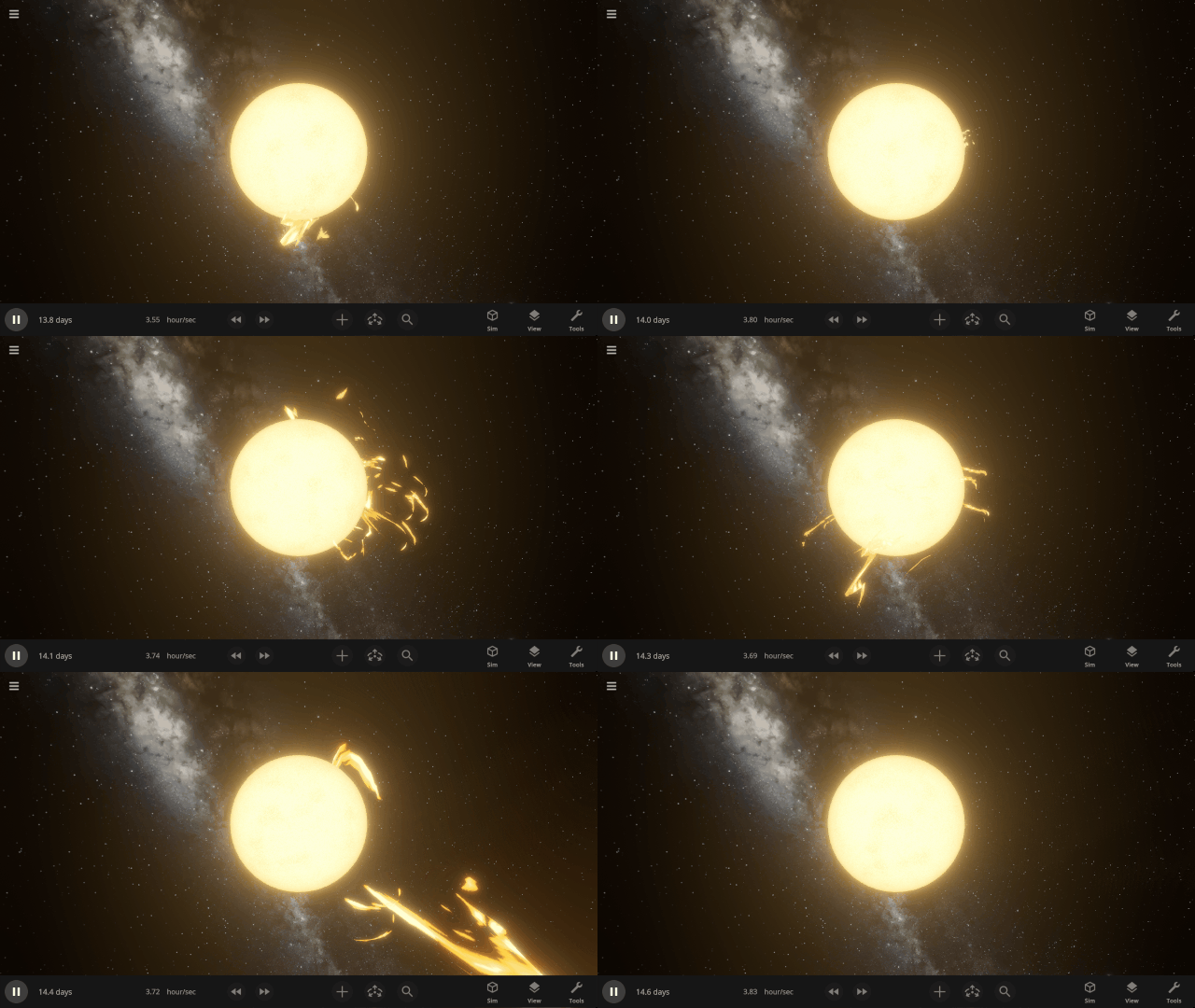
Stellar prominences now look more realistic, with colors based on the star’s surface temperature and thinner, more looping visuals.
Check out the full list of What’s New in Update 36.2.
Please report any issues on our Steam forum, on Discord, or in-game via Home > Send Feedback.

Back to the Moon! | Update 36.1
Apr 29th
Artemis II Mission
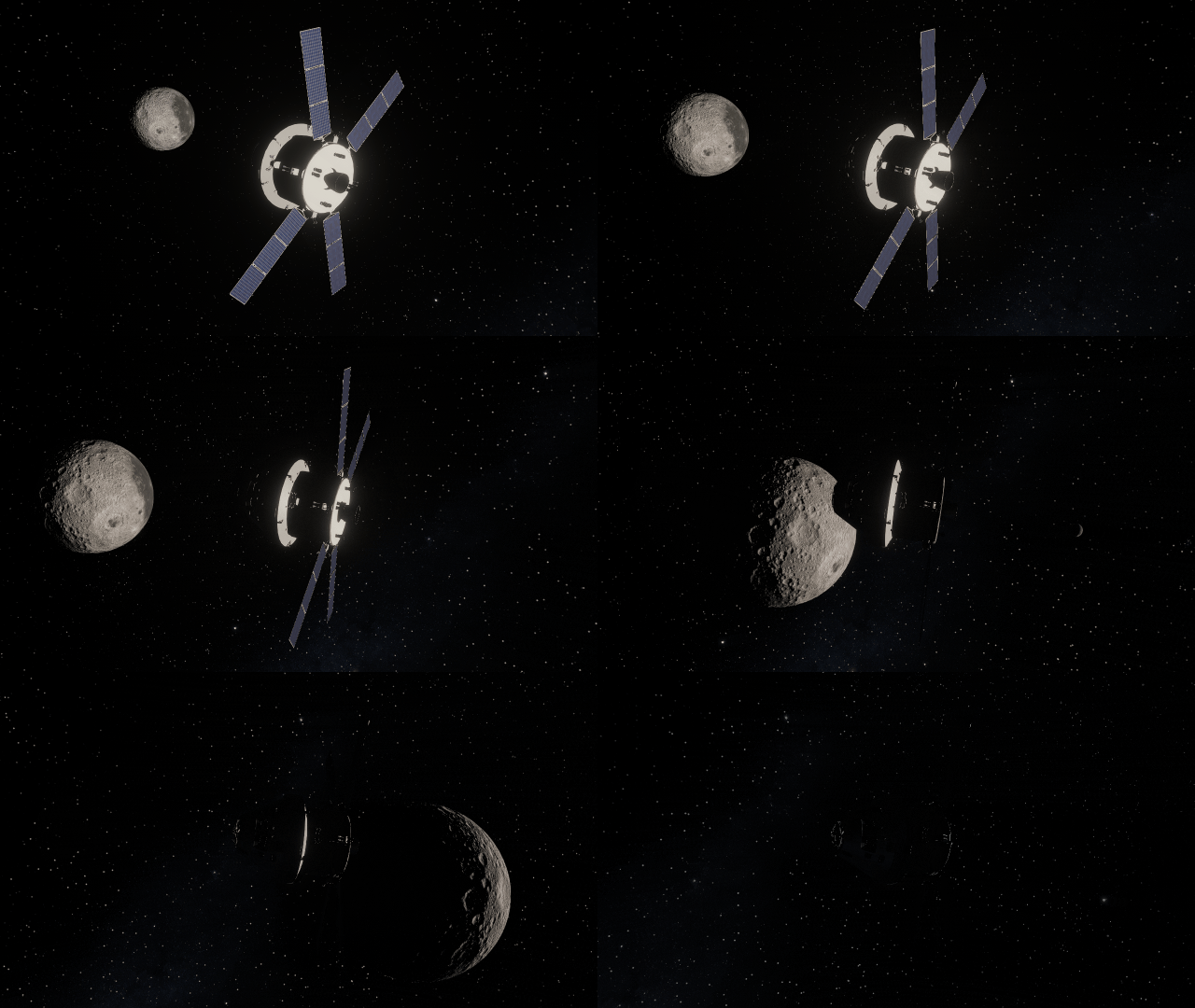
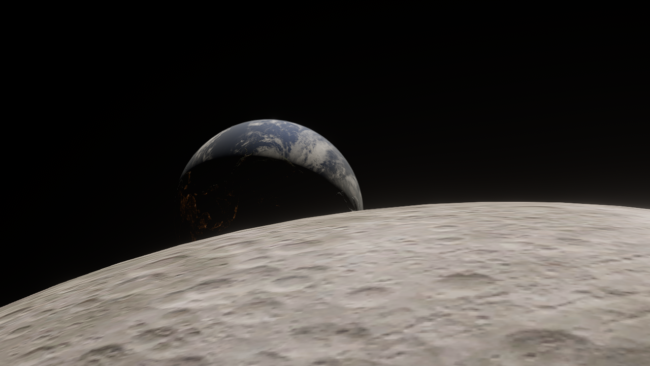
The recent Artemis II mission swept around the far side of the Moon, taking humanity farther than they’ve ever been from Earth. Experience it yourself in our new simulation, Artemis II: Humanity’s Farthest Journey.
Orion Spacecraft
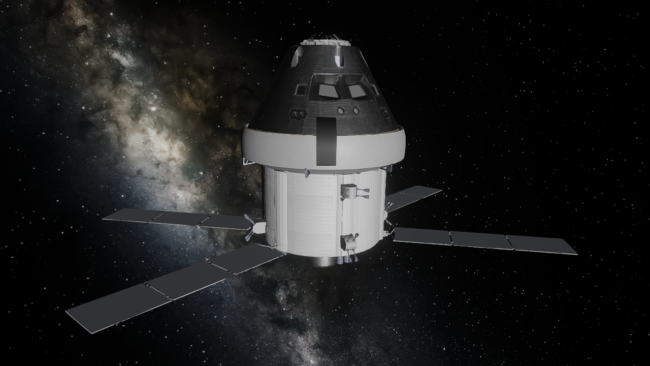
The Orion Integrity spacecraft from the Artemis II mission is now in Universe Sandbox. See it in our simulation of the Artemis II mission or add it to any simulation.
More Highlights
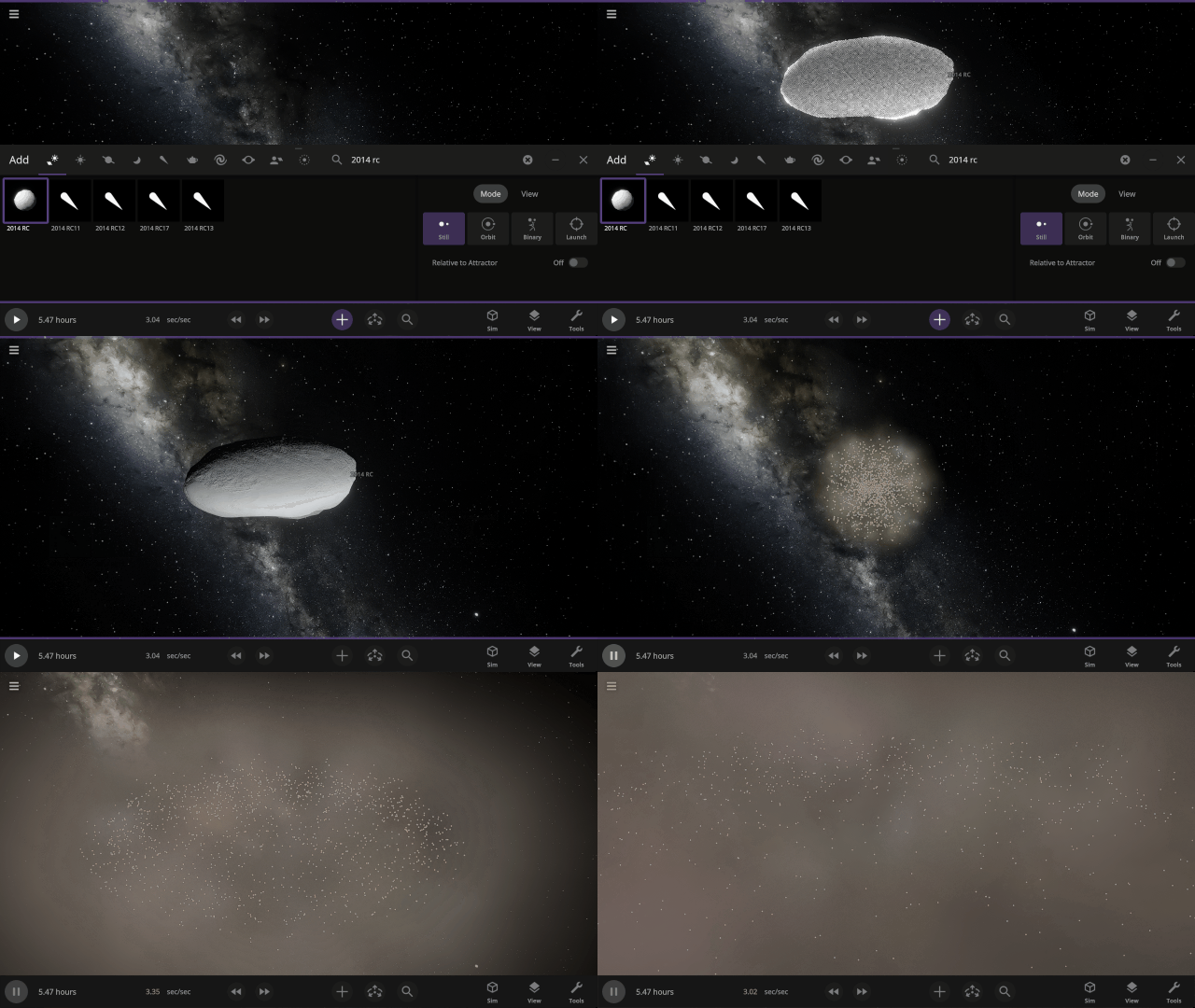
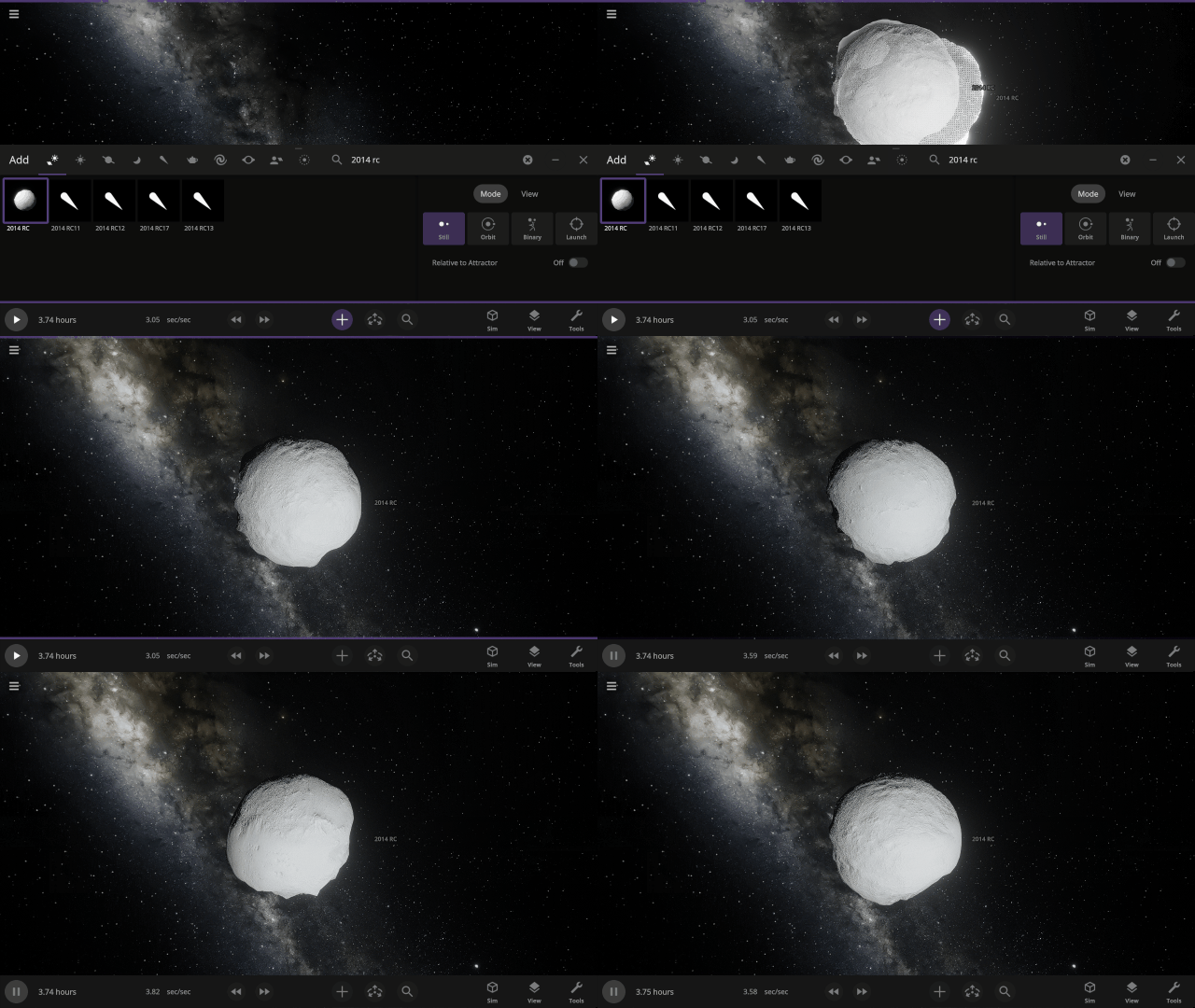
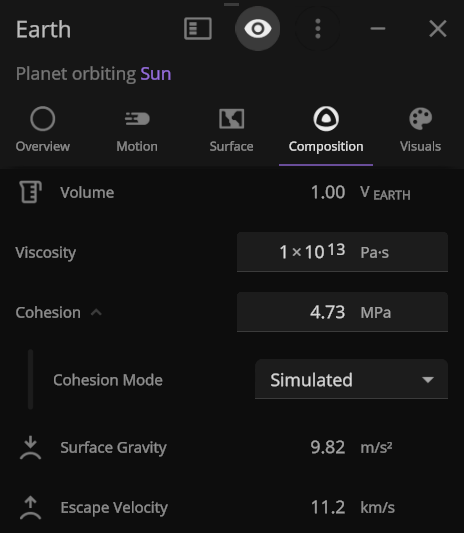
Object cohesion, how tightly bound together an object is, is now simulated based on its composition. This impacts object deformation and fragmentation rates and prevents fast spinning objects like asteroid 2014 RC from immediately ripping themselves apart.
Check out the full list of What’s New in Update 36.1.
Please report any issues on our Steam forum, on Discord, or in-game via Home > Send Feedback.

Pale Blue DOTS | Update 36
Mar 30th

Blast apart rings with lasers, deform moons as they become tidally locked, vaporize meteors, and more! We’ve reconstructed the physics simulation architecture of Universe Sandbox to provide a new base for improving performance, finding and fixing issues faster, and more easily adding new physics features.
“To me, it underscores our responsibility to deal more kindly with one another, and to preserve and cherish the pale blue dot, the only home we’ve ever known.” – Carl Sagan, Pale Blue Dot, 1994
New Simulation Framework
We’ve overhauled the physics architecture of Universe Sandbox to utilize the Data-Oriented Technology Stack (DOTS) from Unity, the game engine we use to build Universe Sandbox, to
- Improve performance now and in the future.
- Add new physics simulation, like stretched objects and atmospheric drag to simulate meteors.
- Make our game code easier to maintain and build on.
- Provide a foundation for future big features, such as building and flying spacecraft and constructing (and destroying) megastructures like Dyson spheres.

Improved Lasers!
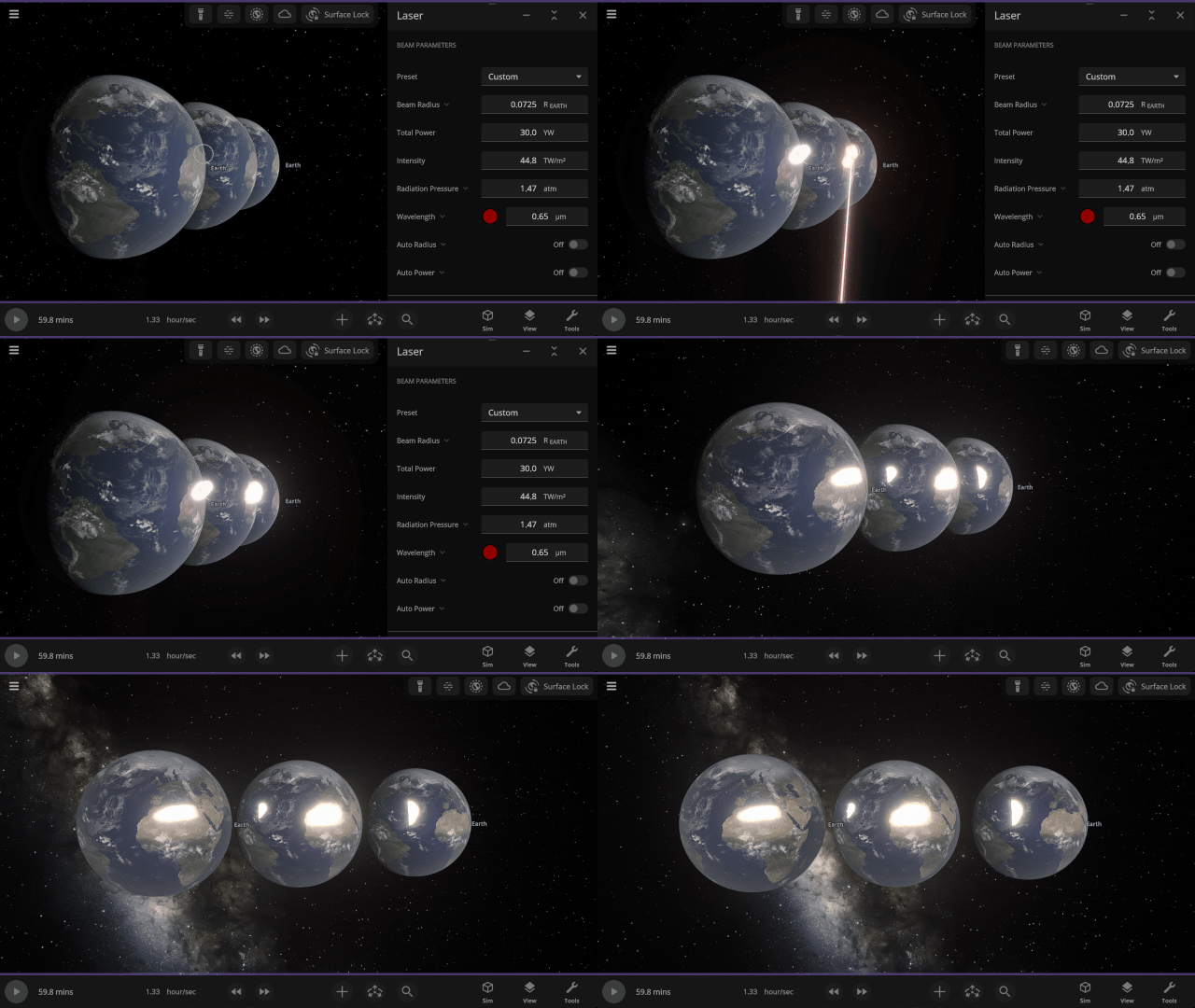
Blast multiple objects at once (instead of just one object at a time) with the updated laser! You can even push objects around by increasing light’s radiative pressure.
Atmospheric Fireballs
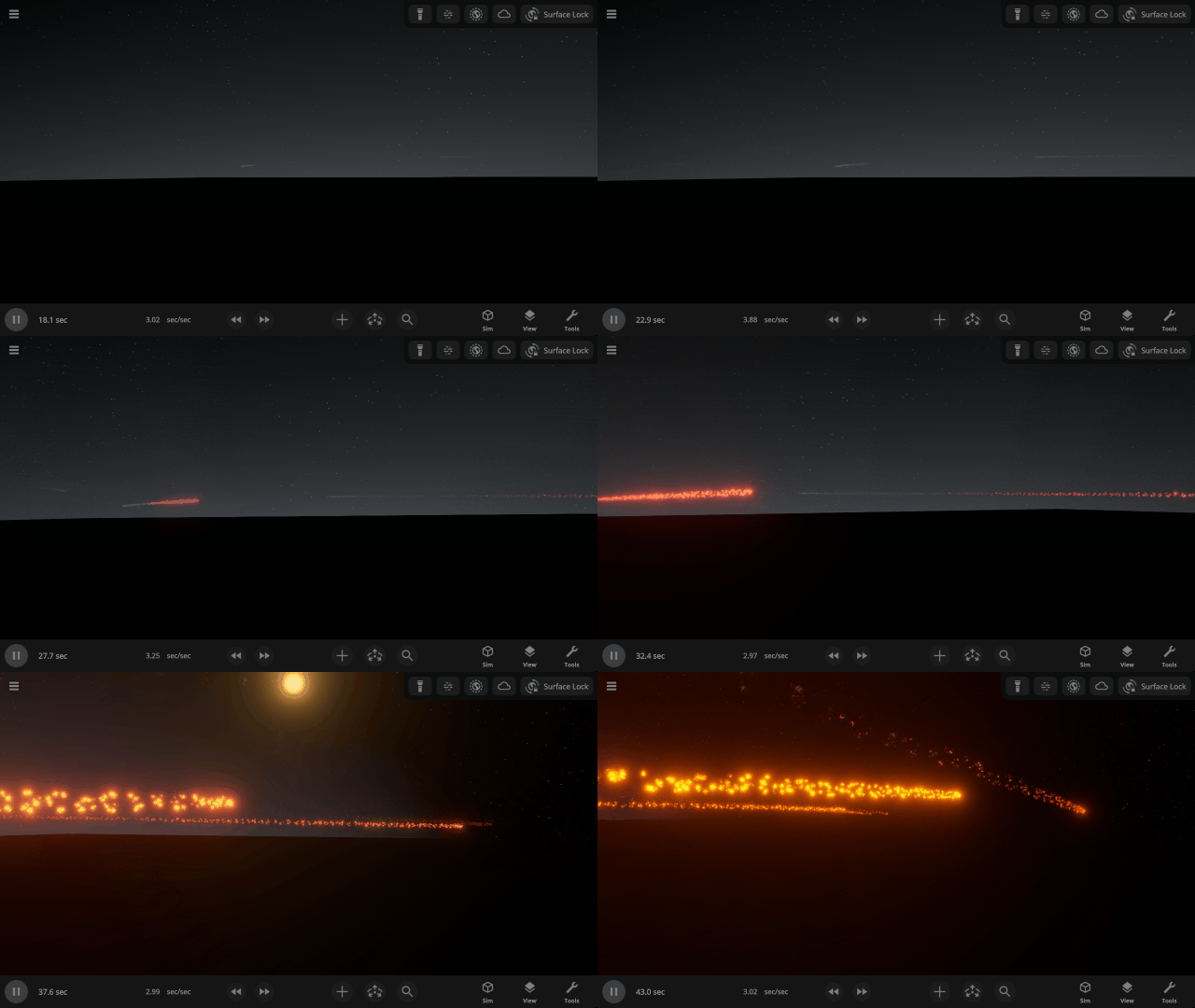
Objects now burn up as they travel through planet atmospheres with our new atmospheric drag force to simulate meteors. Trails are created as volatile material, like water, is burned off the object. Check it out in our new Meteor Shower from Earth’s Surface simulation.
More Highlights
Objects Stretching & Squishing
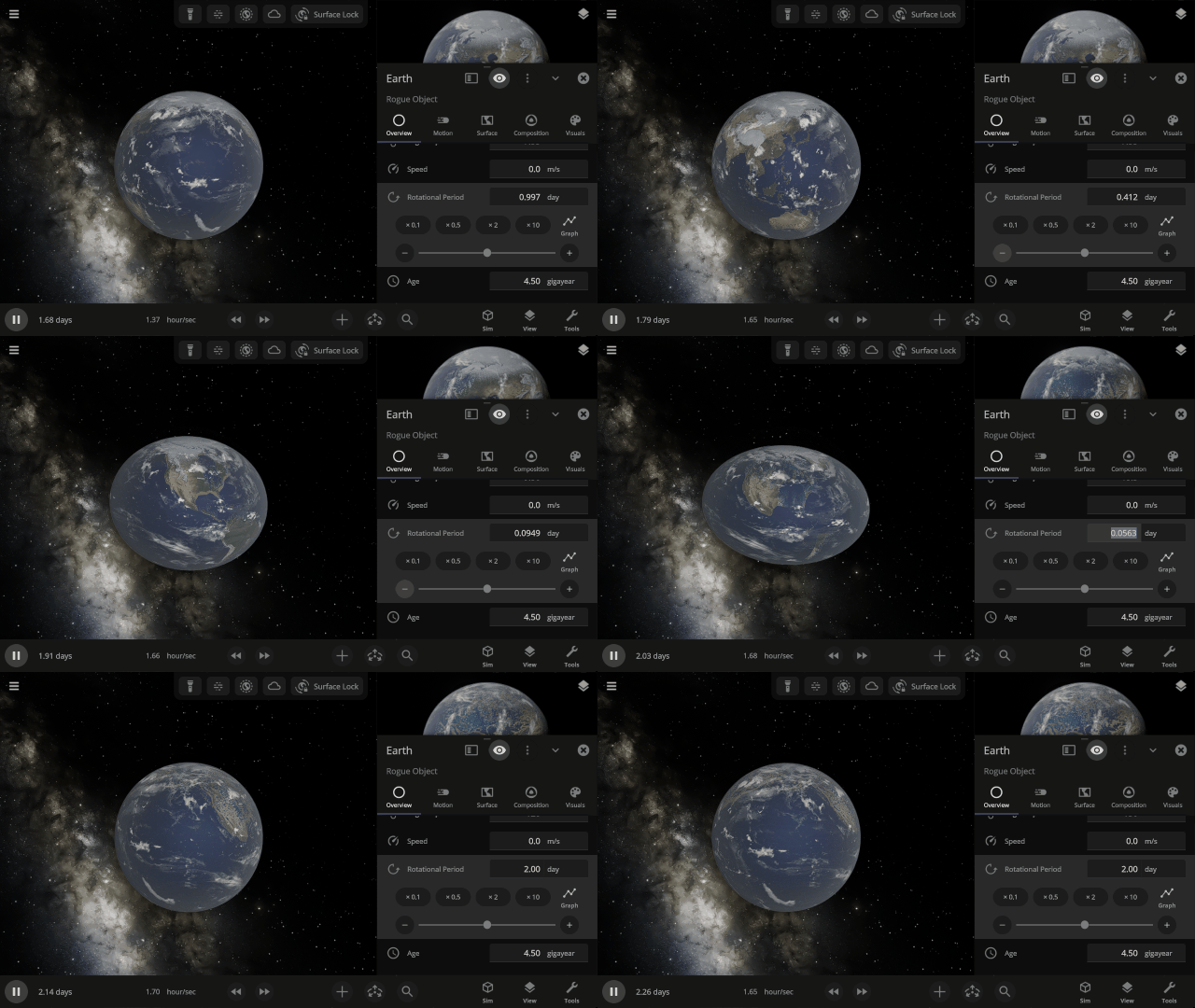
Simulate the stretching and flattening of objects in real life due to gravity or fast rotation. However, collisions and surface simulation will continue to simulate as perfect spheres even on stretched objects until this is improved in a future update.
Customize Heat Glow & Luminosity
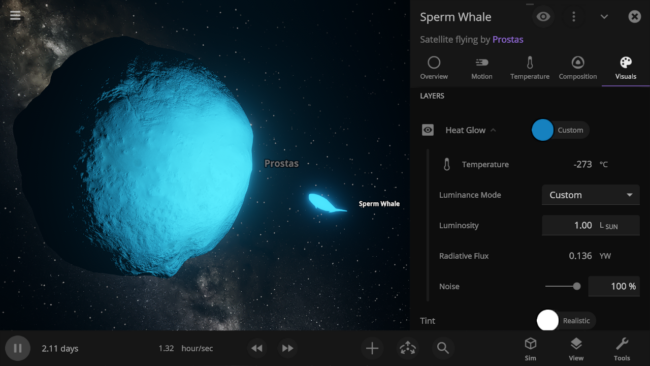
Want to make a whale glow with the brightness of the Sun? Now you can make any object emit any color light at any brightness, regardless of its temperature.
Tidal Locking
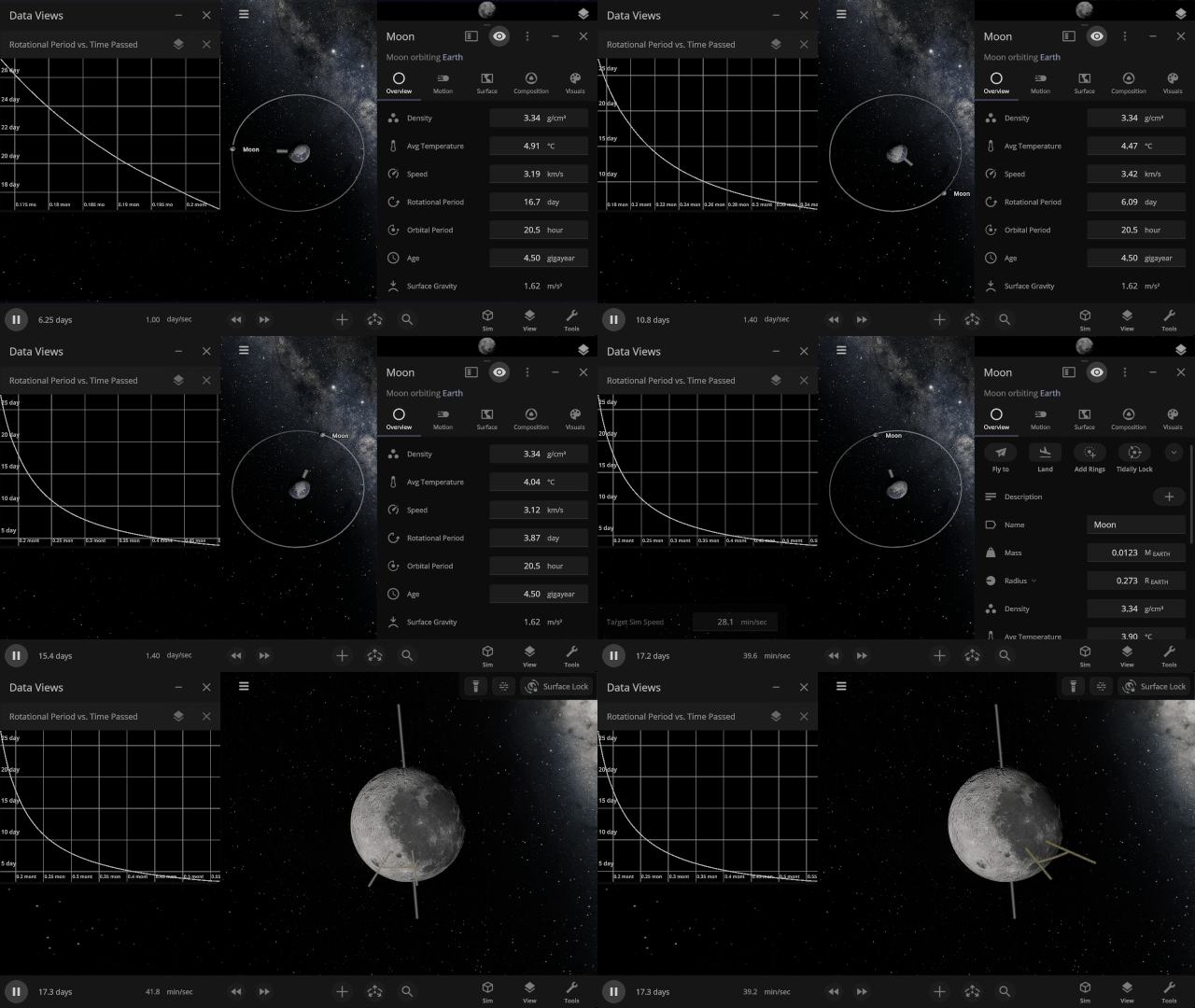
Gravitational interactions that change an orbiting object’s rotational period until the same side of one object always faces the other, as the Earth has done to the Moon, are now simulated. Visualize tidal locking by turning on Tidal Lag in the View panel to see the difference between the object’s orbital and rotational periods.
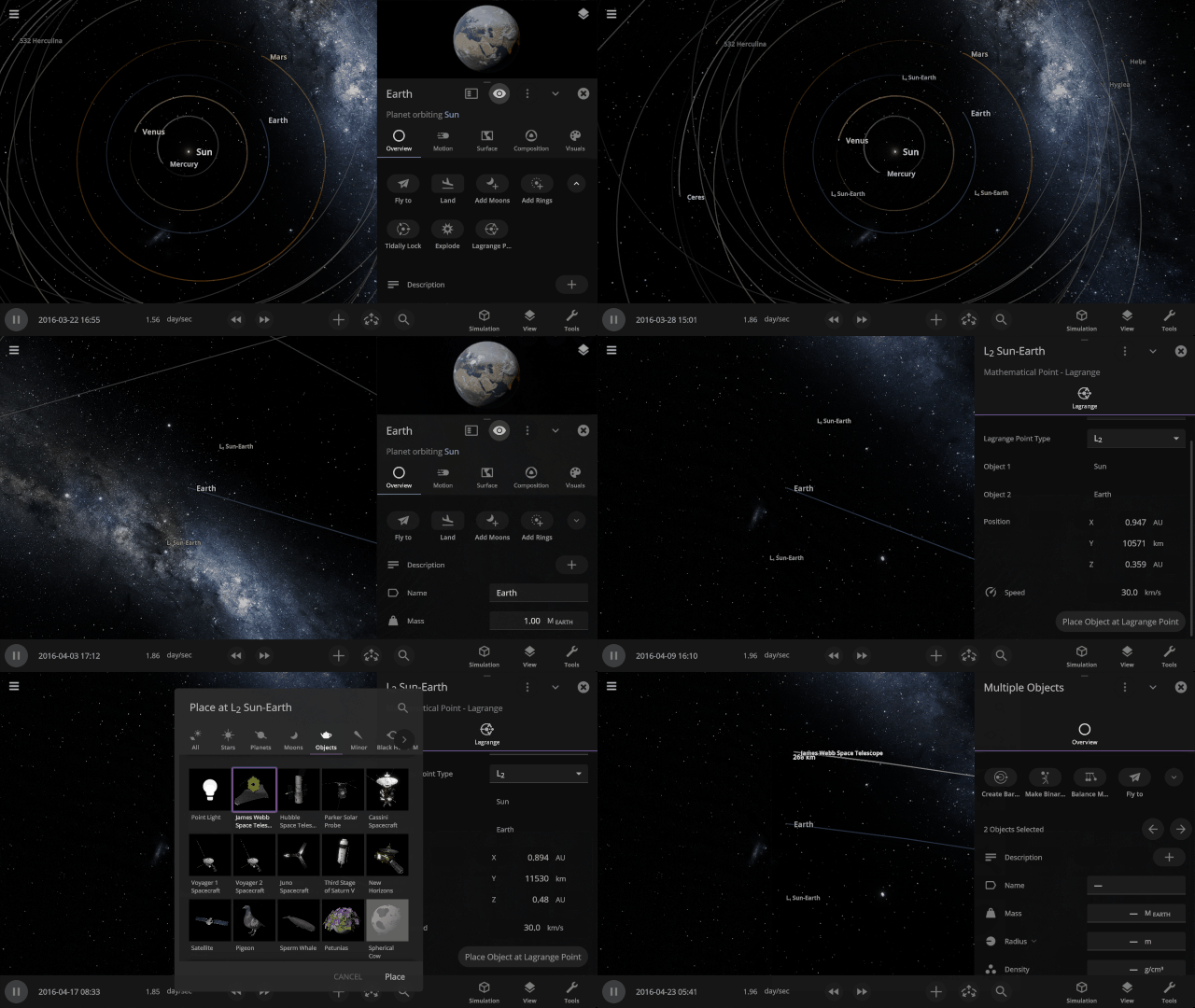
Lagrange Points
Mark the location of Lagrange points, points where the gravitational forces between all objects in the system are equal, with the press of a button. There’s even a handy Place Object at Lagrange Point option.
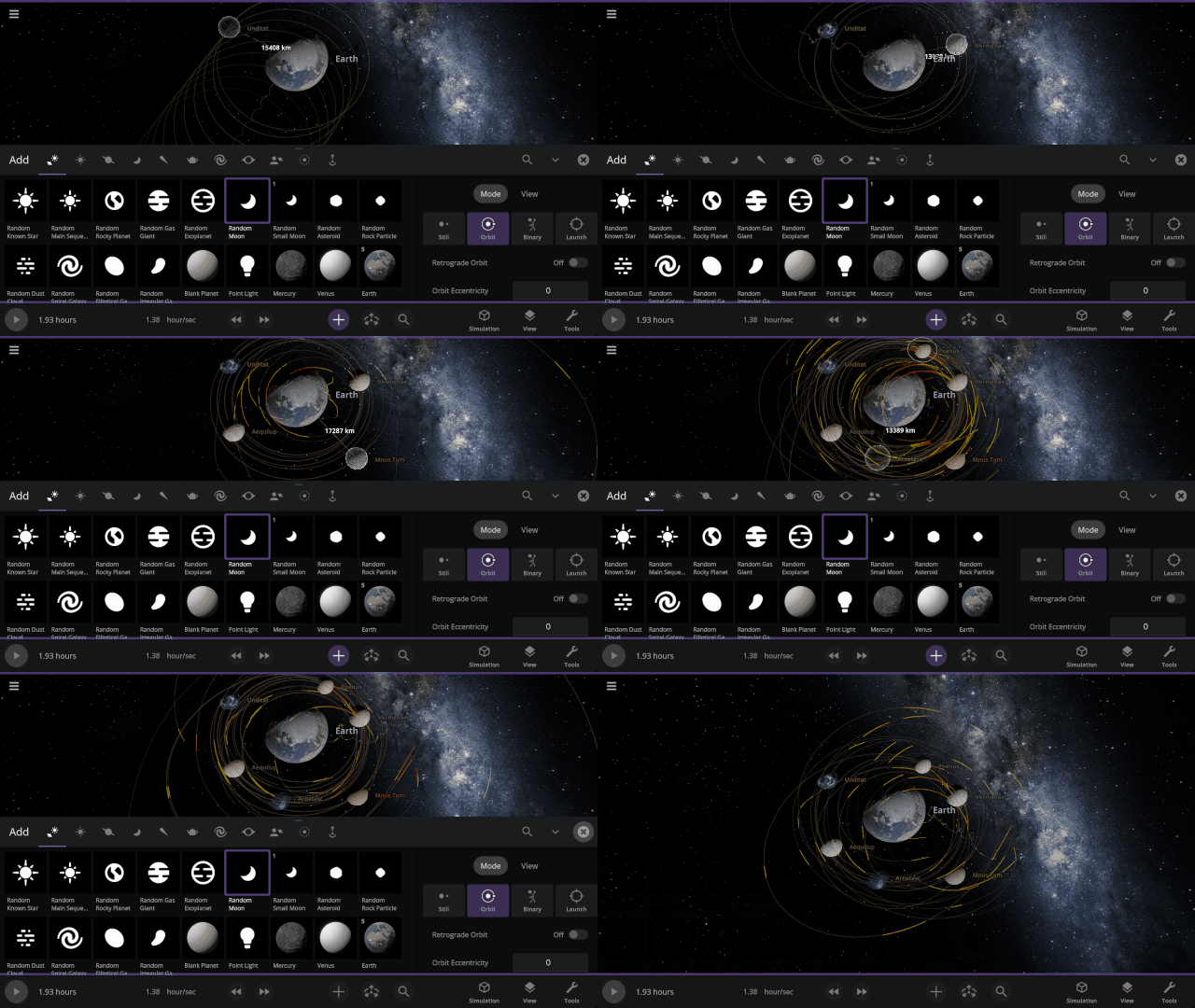
Predicted paths
See the path an object will follow as we project its motion into the future. Checking for collisions along the way, this path will turn from yellow to red, showing the amount of predicted overlap. Turn on predicted paths under
View > Overlays > Predicted Paths
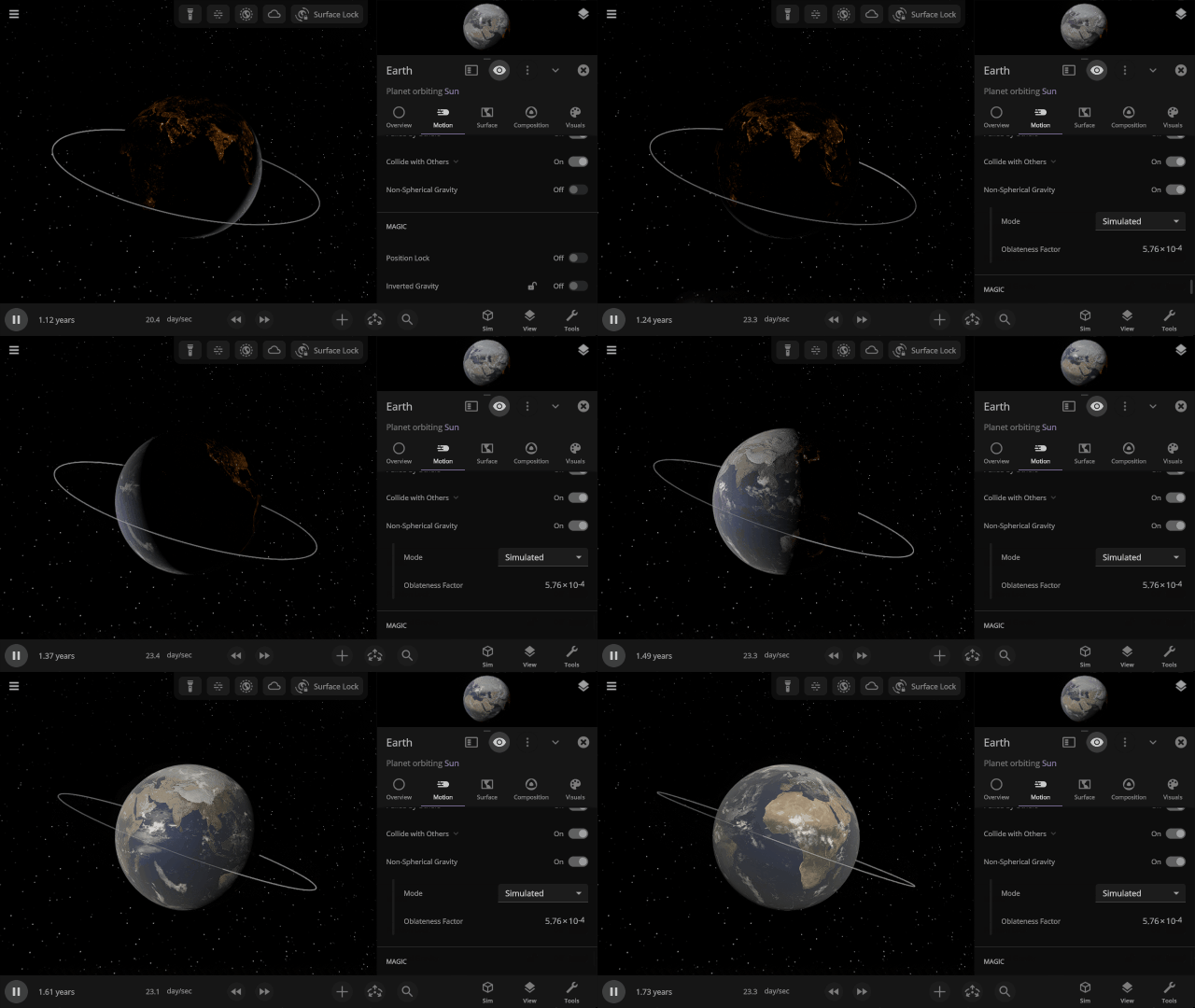
Non-spherical Gravitational Fields
Similar to flattening objects, we’re now fully simulating how an object’s gravitational field changes when it’s no longer a sphere by simulating its oblateness factor (also called J2). Previously, these factors, used to simulate the orbits of sun-synchronous satellites, had to be manually entered.
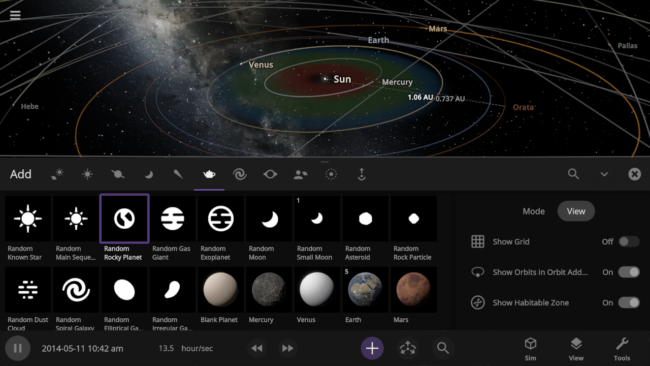
New Add Tool Views
Automatically turn on orbits, the simulation grid, or show the habitable zone with the Add Tool View options as you add objects to your simulation.
New Overlays
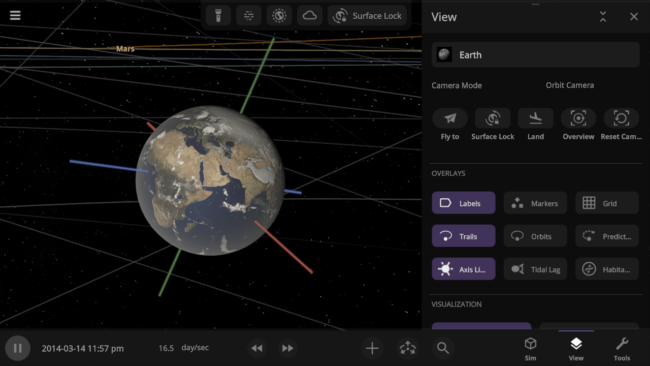
Use the new overlay options to easily see the predicted path an object will take, the orientation of its axes in the simulation, and more.
New Save File Structure
Simulation and object save files are now more versatile and capable. In the future, you’ll be able to save and share custom presets (like individual species of life). Previously saved simulations and objects will still open, but new saves will not work in old versions of Universe Sandbox.
Number Formatting
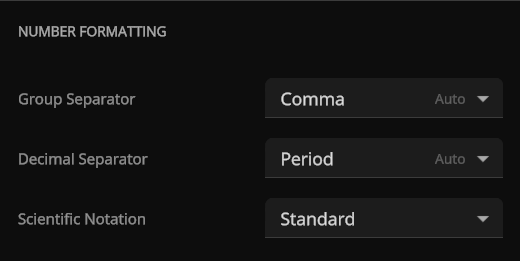
Show large numbers with commas, periods, half-spaces, or without separators. The initial number format will correspond to the selected language and can be adjusted under
Home > Settings > General > Number Formatting
Check out the full list of What’s New in Update 36.
Please report any issues on our Steam forum, on Discord, or in-game via Home > Send Feedback.

Planet Nine’s New Nemesis | Update 35.4
Oct 23rd
Learn about the recently discovered sednoid 2023 KQ14 and why it challenges the Planet Nine hypothesis. Enjoy a handful of bug fixes and quality-of-life improvements like the ability to quickly fly to planets just by selecting an already selected object. We’ve also updated our game engine and improved support for High Dynamic Range (HDR) displays.
A New Sednoid In the Outer Solar System
The recently discovered sednoid 2023 KQ14 orbits way out in the Oort Cloud with Sedna, and its position challenges the current predictions of a hypothetical Planet Nine in our Solar System. Check it out in our new simulation Sednoid 2023 KQ14.

Updating Our Engine
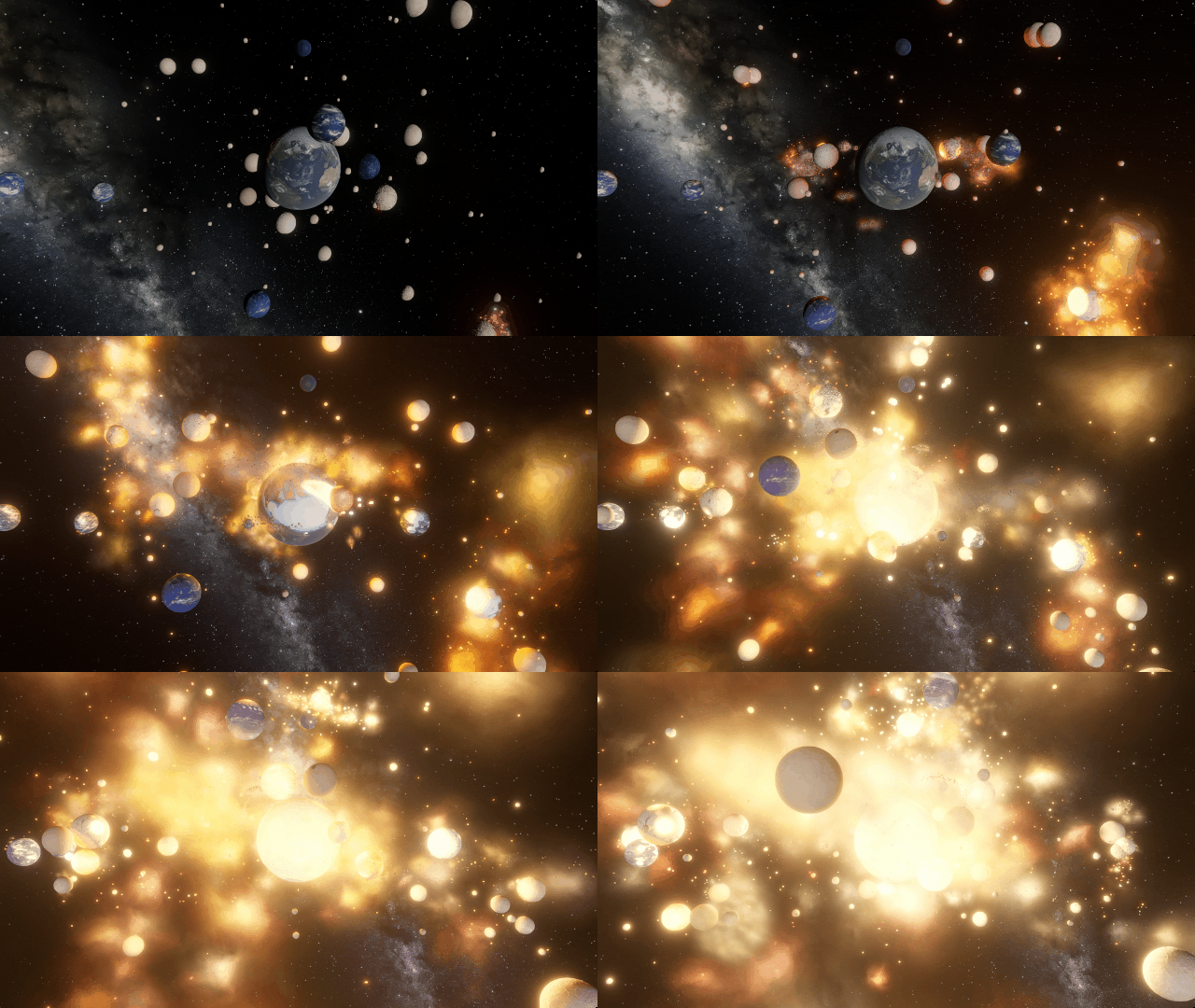
We’ve updated Unity, the game engine we use to build Universe Sandbox, to version 6.1. This update allows us to further improve our visuals with more accurate lighting, better support for High Dynamic Range (HDR) displays, and more.
More Highlights
Clicking on a selected object now flies you to the object.
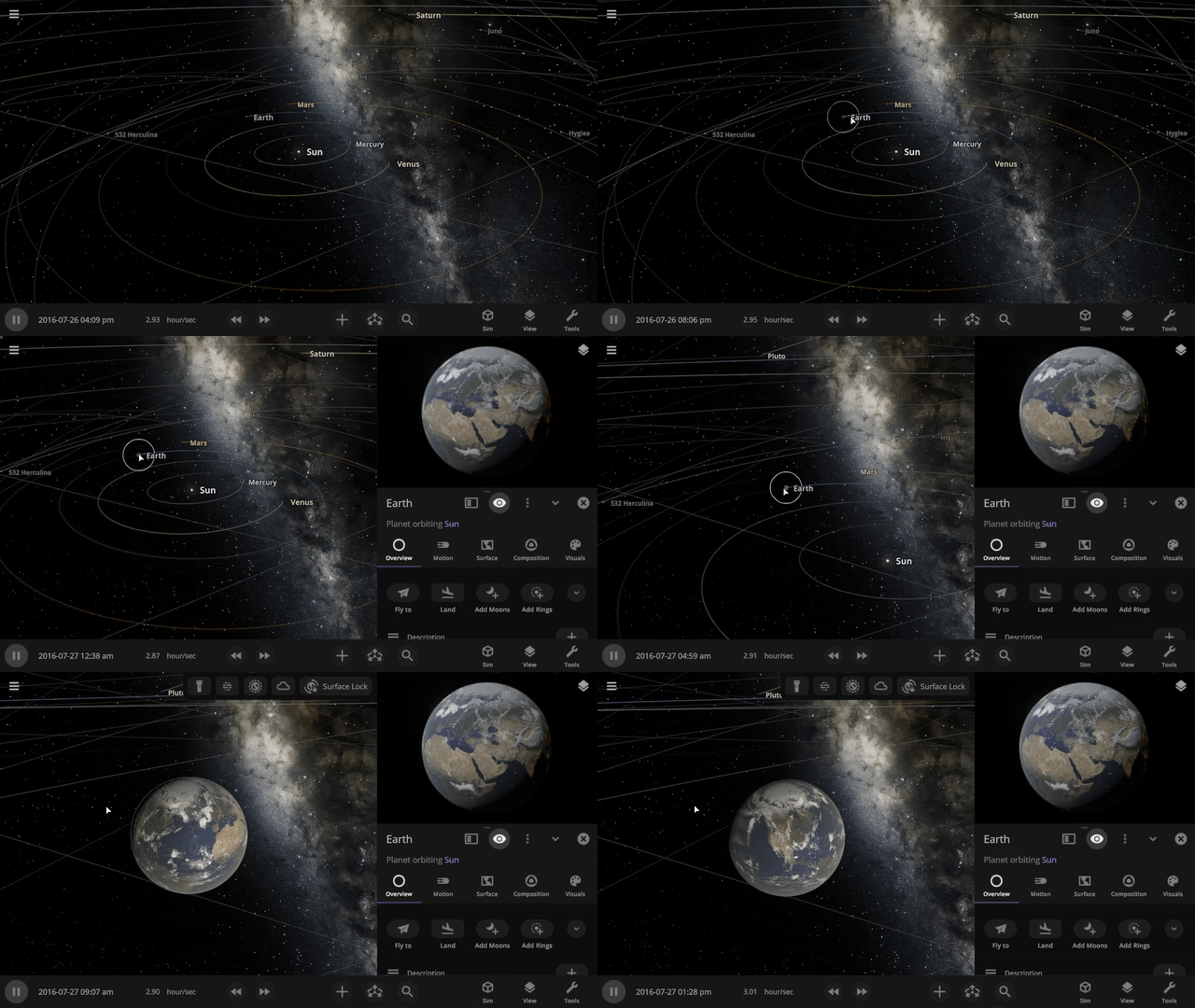
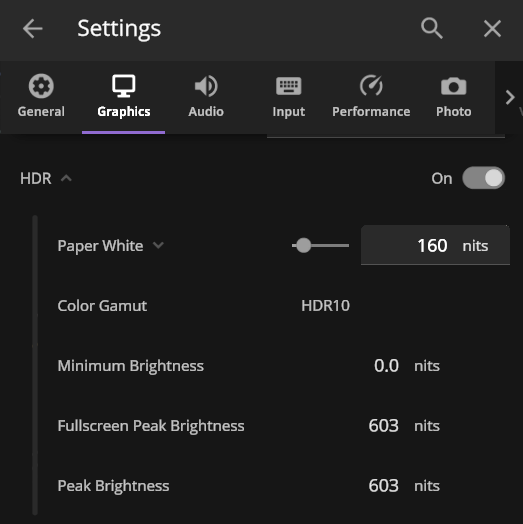
We’ve improved HDR (High Dynamic Range) support for those with HDR-compatible monitors. Playing Universe Sandbox with HDR on adds higher contrast and more vibrant colors. HDR support is still a work in progress, but you can try it out by enabling it under Home > Settings > Graphics > Display.
Check out the full list of What’s New in Update 35.4.
As of this update, Universe Sandbox on Windows now requires a graphics card that works with DirectX 12, which has been a stated minimum graphics requirement since March 2025. Learn more.
Please report any issues on our Steam forum, on Discord, or in-game via Home > Send Feedback.

Another Interstellar Visitor | Update 35.3
Aug 20th

Watch the third-ever discovered visitor from outside our Solar System, 3I/ATLAS, fly past the Sun and see how it compares it to other known interstellar interlopers. We’ve also improved the view that shows what parts of the surface of a planet are illuminated, updated our scientific notation, and more!
In the Light of Day
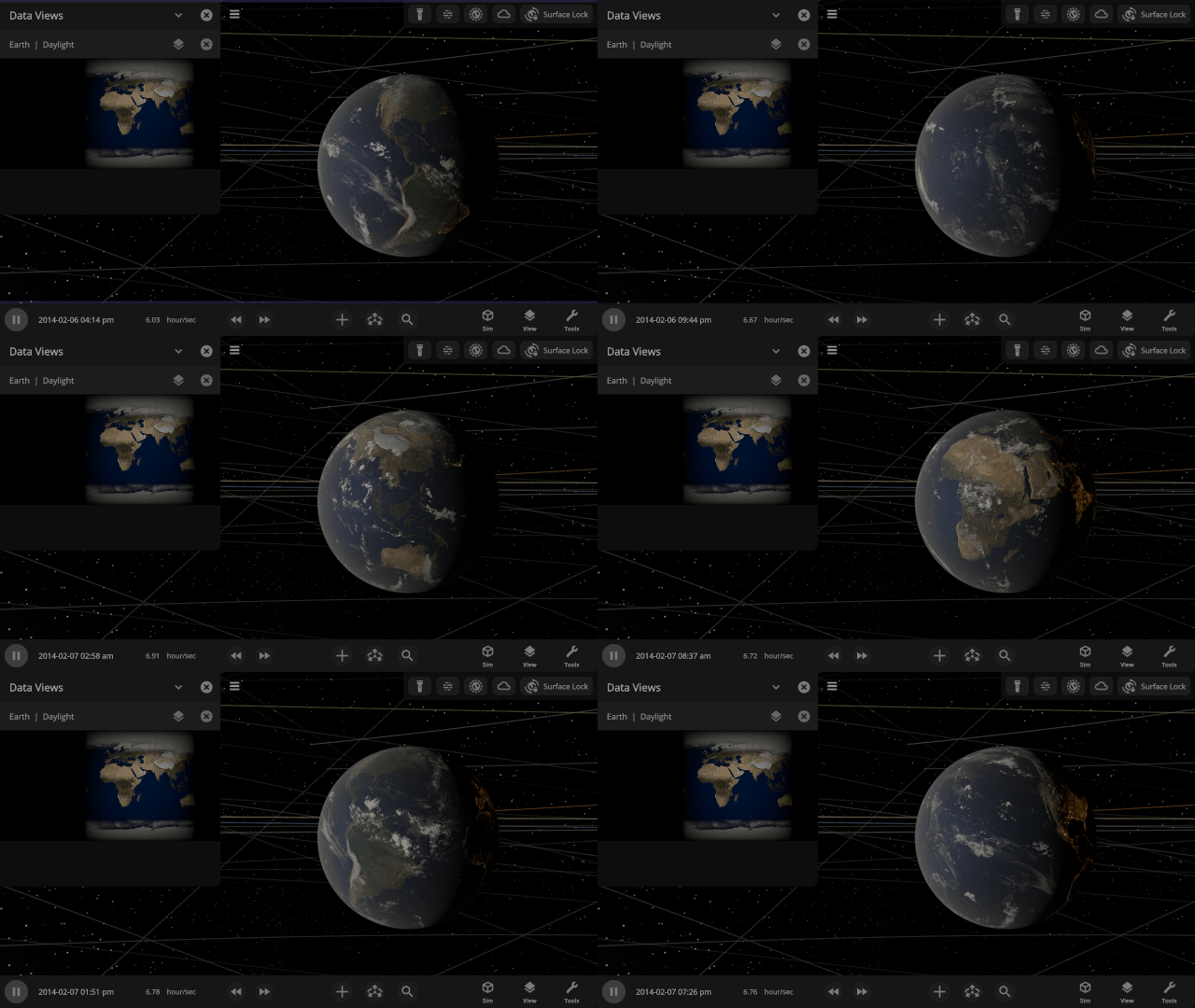
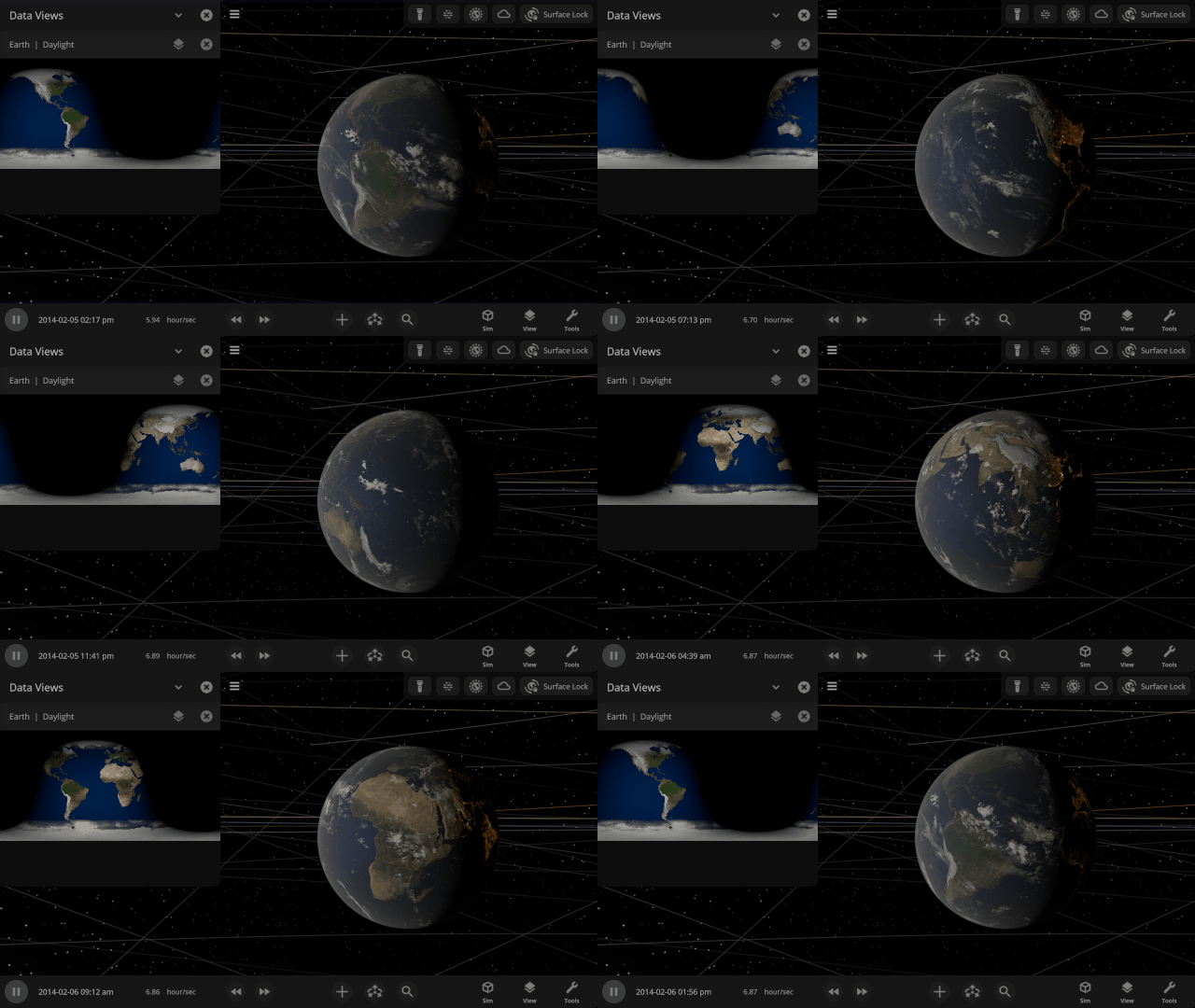
The Daylight view now shows surface illumination of a planet in real-time as the object rotates and orbits within the simulation. Previously it was a static snapshot of the daylight on a planet.
Comets from Beyond the Solar System
Watch the comet 3I/ATLAS, the third-ever discovered interstellar visitor to our Solar System, pass by on its journey through space and compare the trajectories of all three known interstellar visitors. Find them under
Home > Open > Interstellar Comet 31/ATLAS
Home > Open > Interstellar Object Trajectory Comparison


Scientific Notation
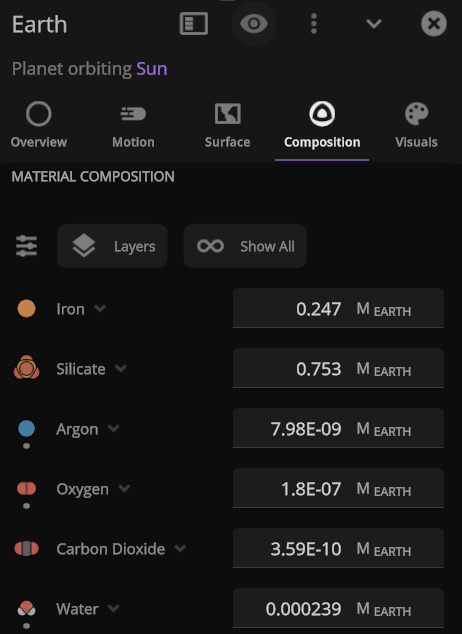
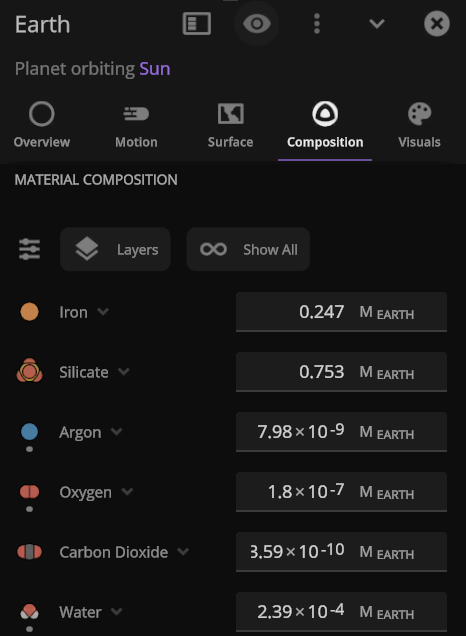
Astronomically large (and small) numbers are already hard to understand, so we’ve updated our scientific notation to be friendlier: “1 × 10#” (previously we used “1E+#”). Try changing Earth’s mass to 1×10^6 Earth masses and see what happens to the Solar System.
More Highlights
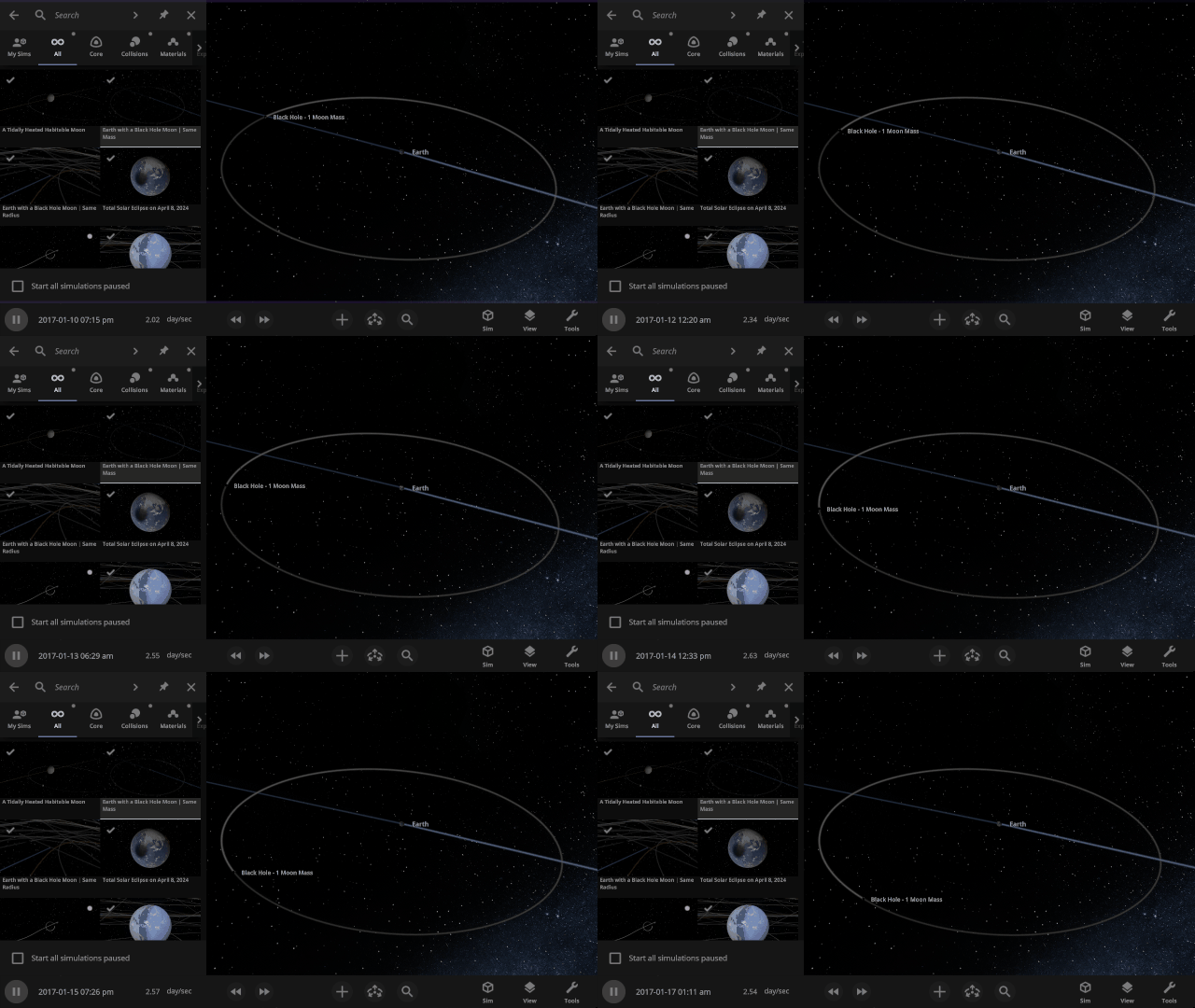
Watch what would happen to Earth if the Moon were replaced with a black hole of the same mass or the same radius. Which simulation do you think will be more destructive? Check them out under
Home > Open > Earth with a Black Hole Moon | Same Mass
Home > Open > Earth with a Black Hole Moon | Same Radius
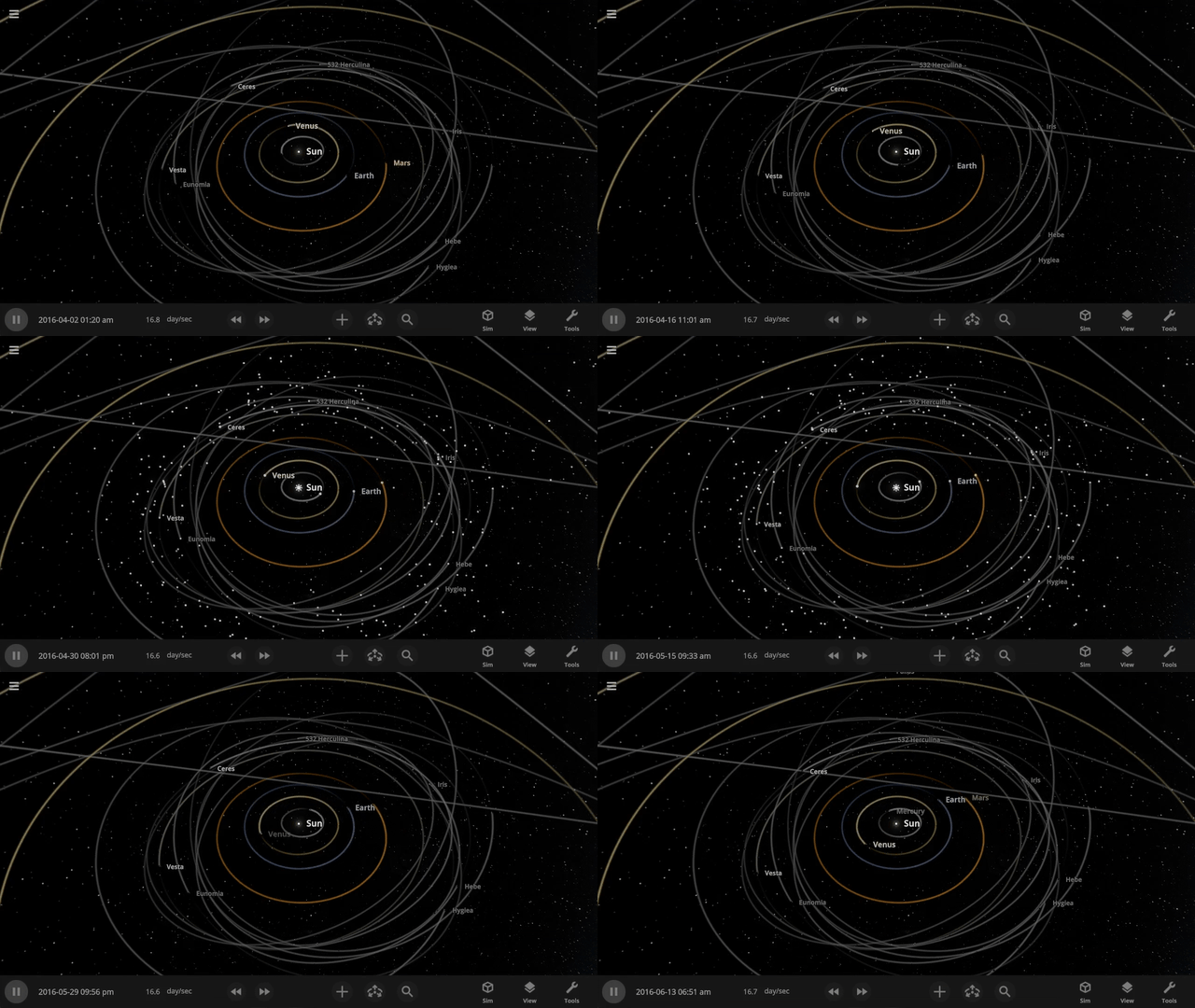
See small objects in your simulation even faster by turning on Markers by pressing “m” (previously “i”) on your keyboard. No need to go all the way to View > Markers.
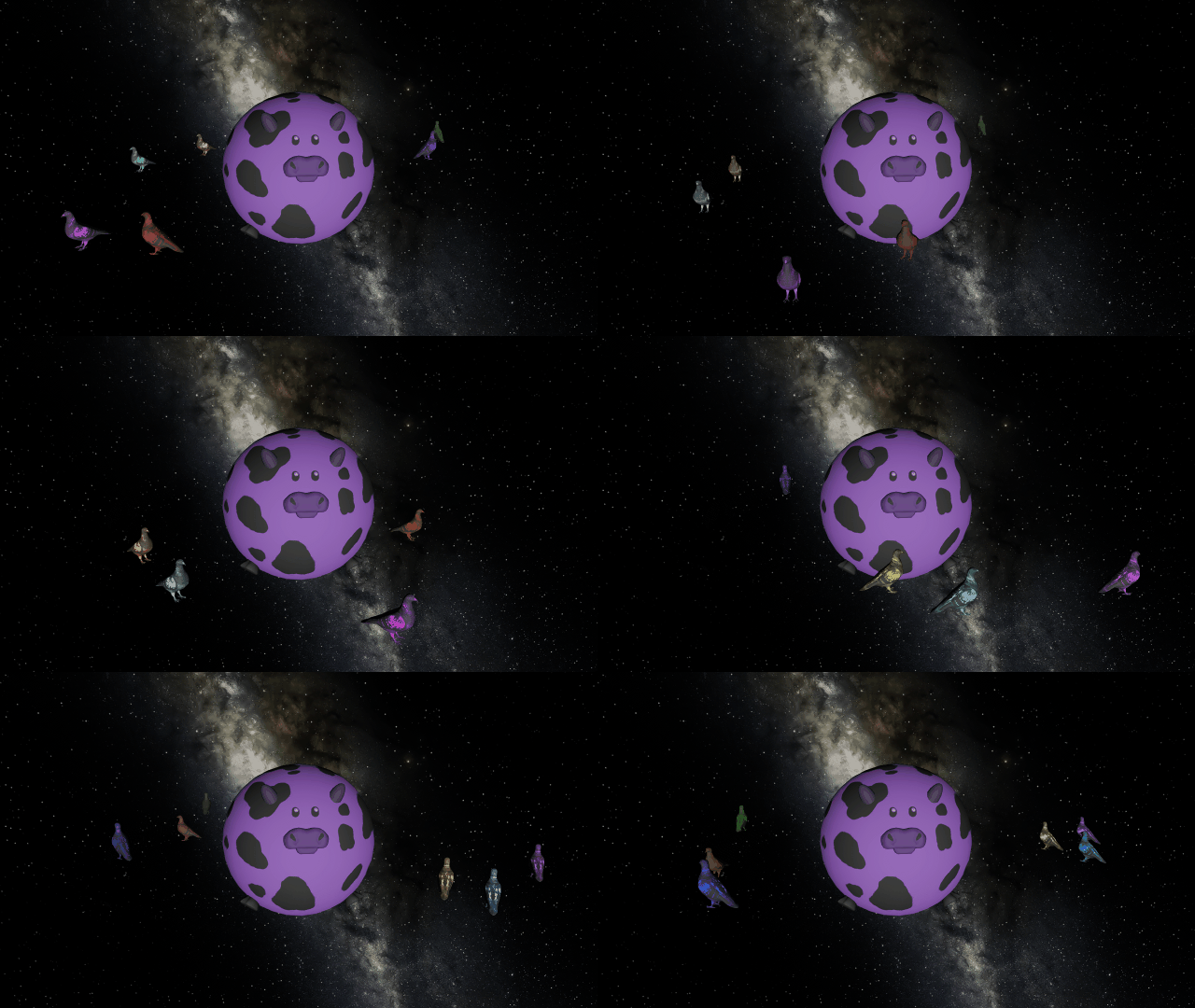
You can once again add custom colors to your human scale objects to make purple cows and a pigeon rainbow.
Check out the full list of What’s New in Update 35.3.
Please report any issues on our Steam forum, on Discord, or in-game via Home > Send Feedback.

Blinded by the Light | Update 35.2
Jun 17th
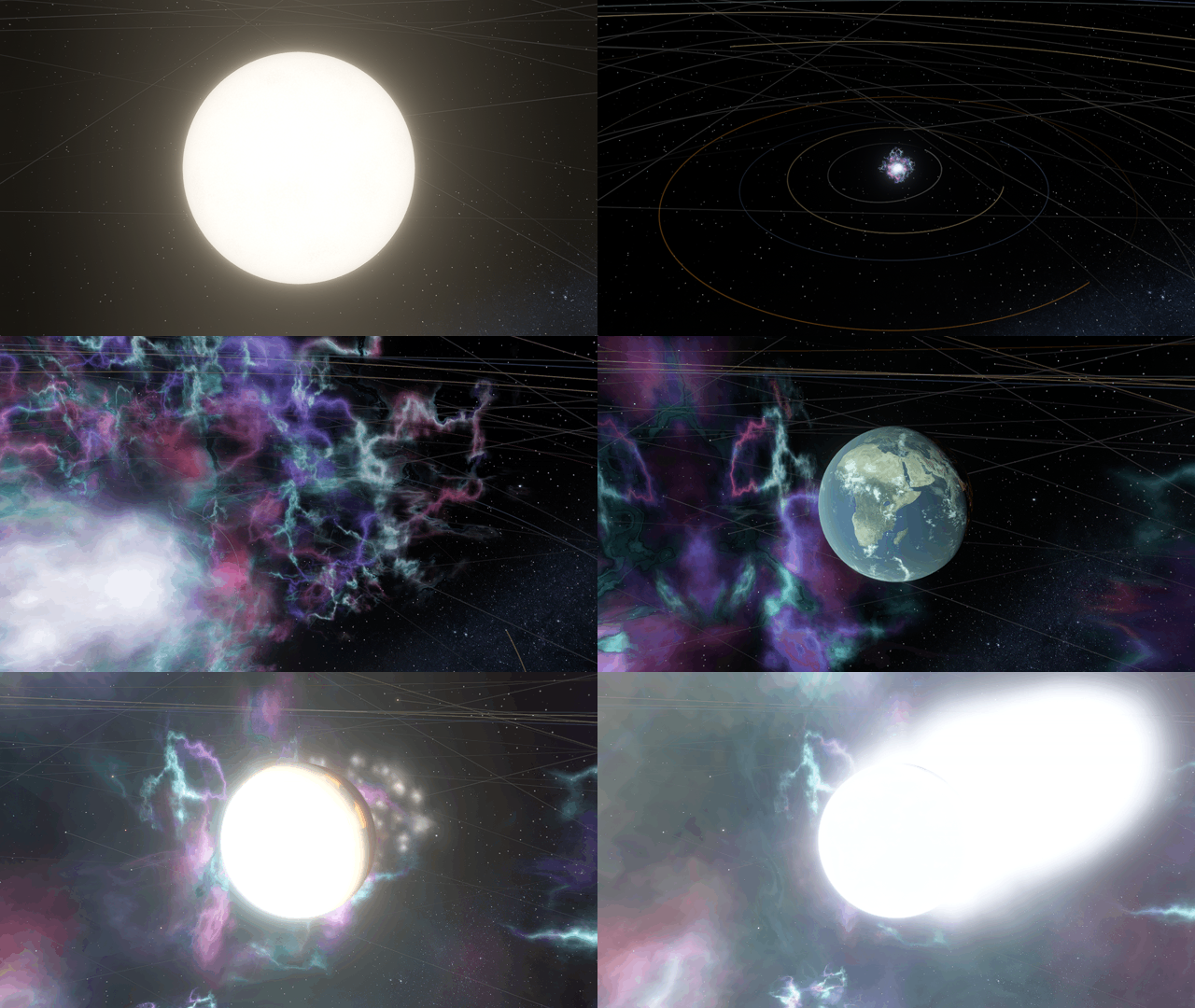
Watch the boiling surface of a star, then set off a supernova and light up your worlds (before your planets are vaporized anyways). Massive stars now leave behind a neutron star or black hole when they end their life with a bang, and much more!
Super(nova) Lighting
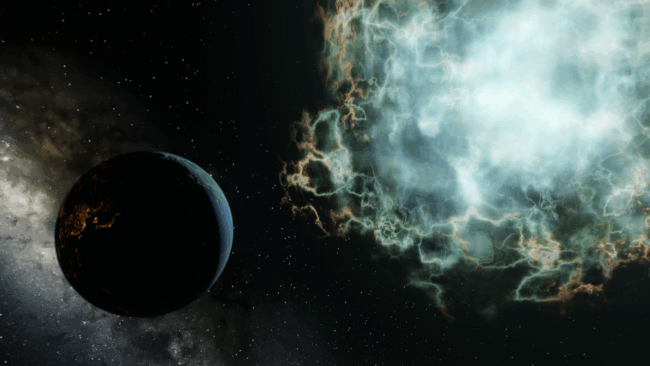
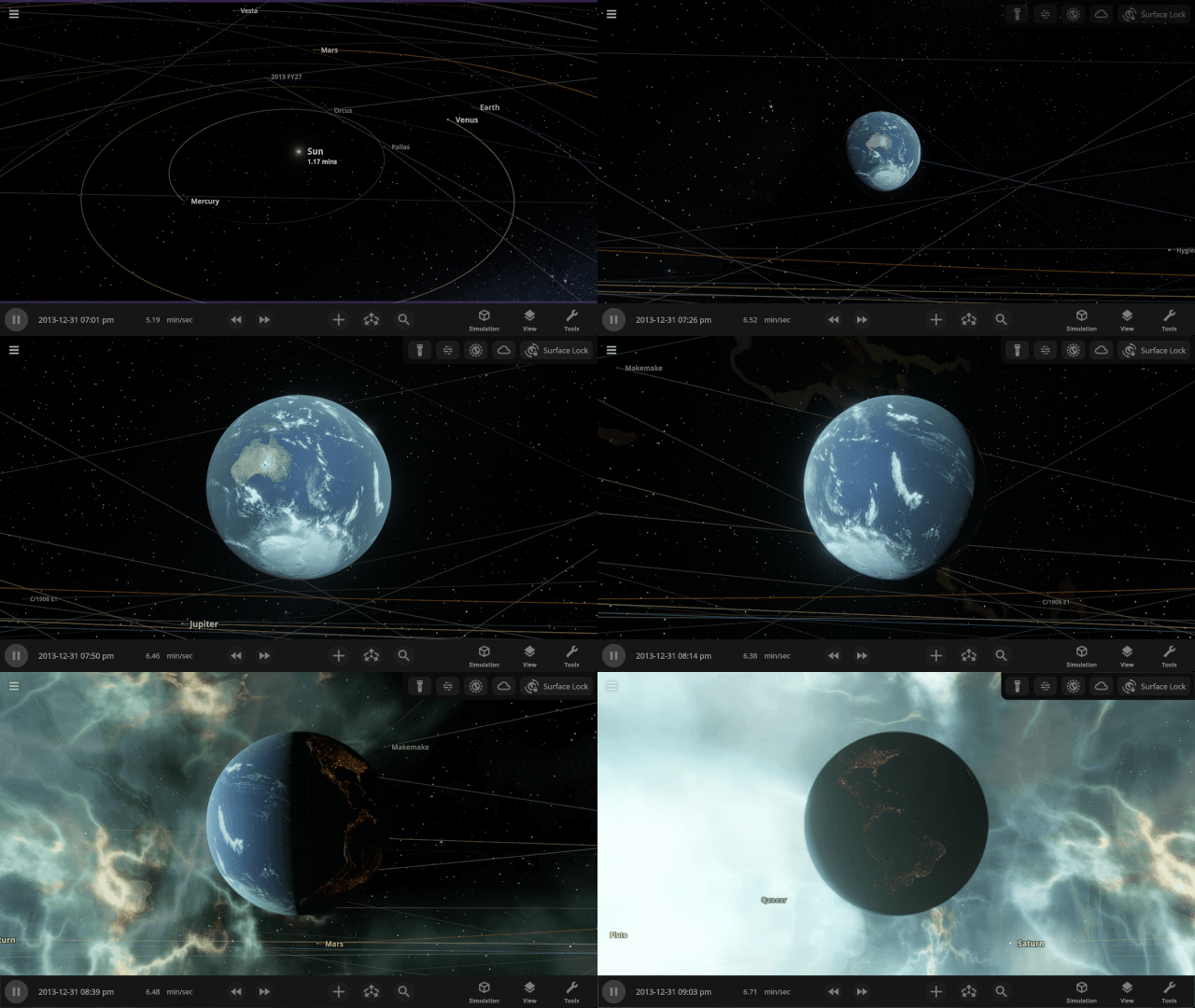
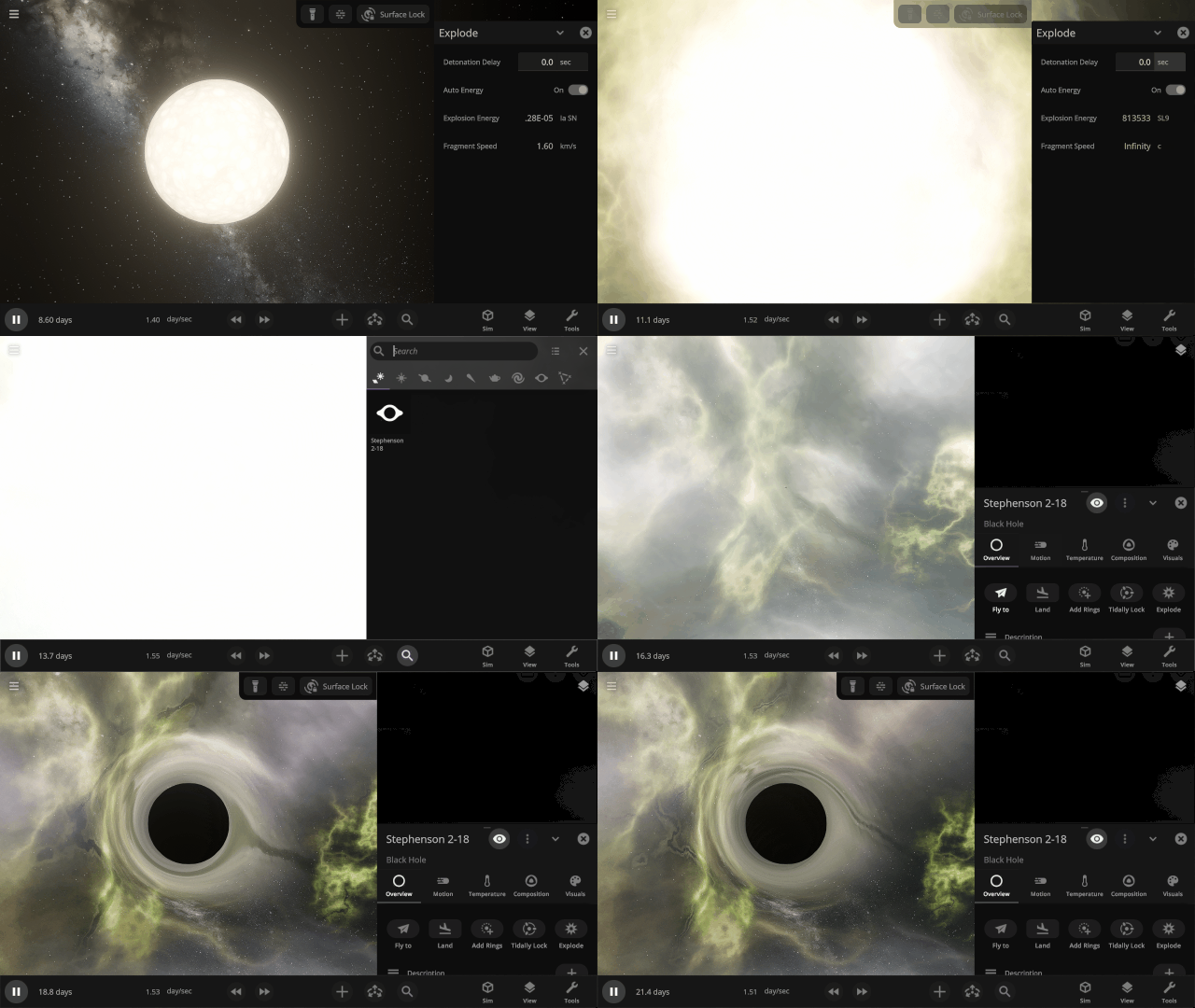
Supernovas now brilliantly light up space as they explode and boil away your planets. Be careful looking at them without your Space Goggles, they’re extremely bright before they realistically fade as they expand and cool down.
See Stellar Surfaces
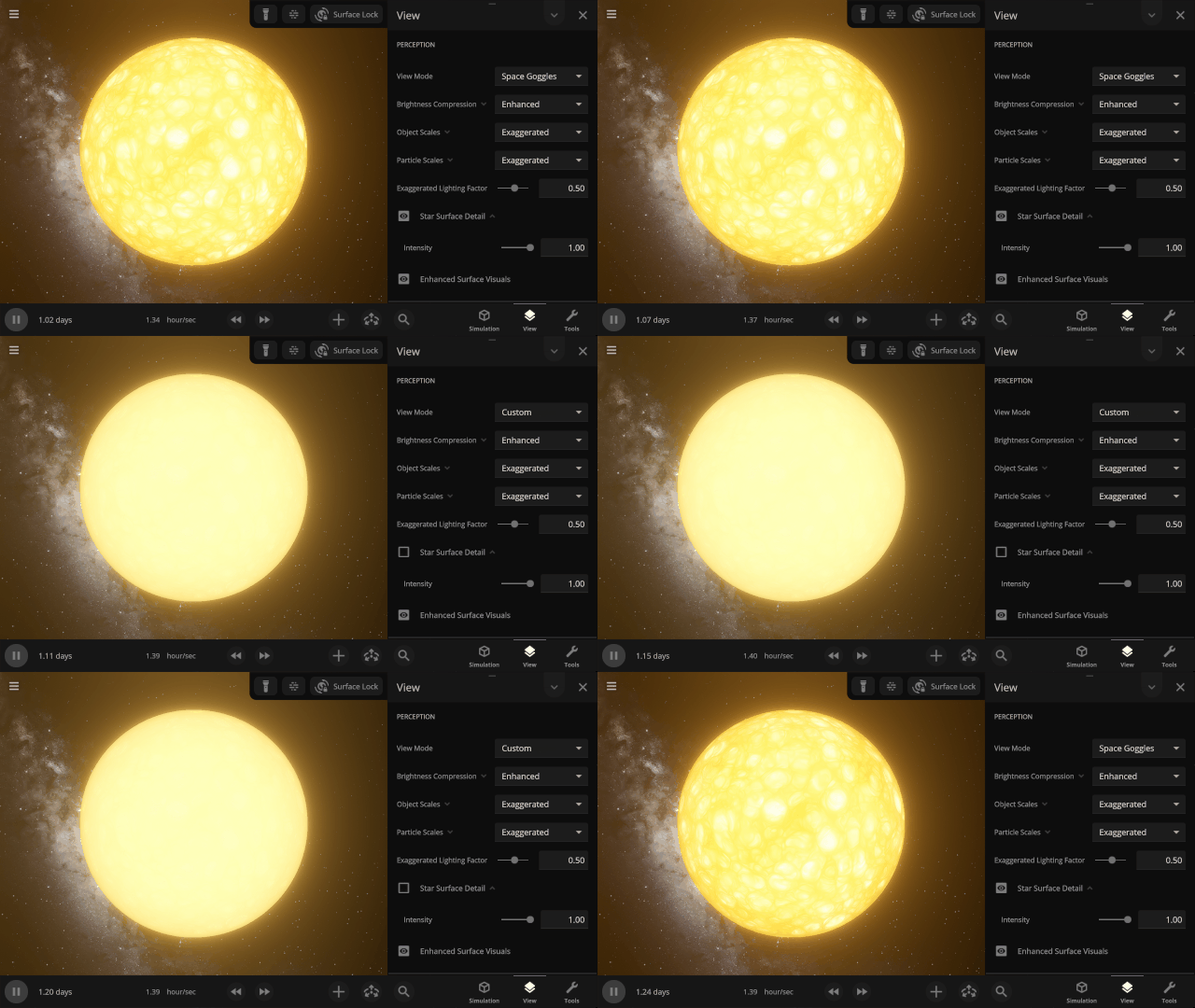
Examine the boiling surface of a star. Cells called stellar granules are created when currents of plasma bring bubbles of superheated materials from the interior to the surface. Star surfaces are too bright for the human eye to see any detail, so we’ve used false colors to make these granules visible. Find it under
View > Perception > Star Surface Detail
Zombie Stars
Massive stars that go supernova now leave behind a remnant. For stars between 8 and 20 times the mass of the Sun, the remnant is a neutron star. Stars over 20 times the mass of the Sun leave behind a black hole.
More Highlights
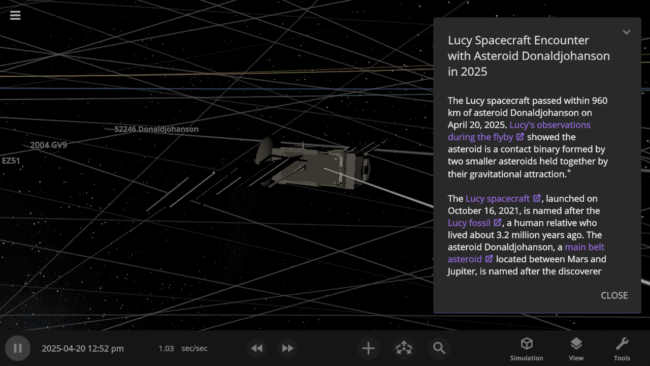
NASA’s Lucy spacecraft, named after the Lucy fossil, passed nearby asteroid Donaldjohanson, named after the fossil’s discoverer, on April 20, 2025. This flyby was a test run before Lucy begins its main mission studying the Trojan asteroids that share Jupiter’s orbit. Check out our simulation of the encounter under
Home > Open > Lucy Spacecraft Encounter with Asteroid Donaldjohanson in 2025
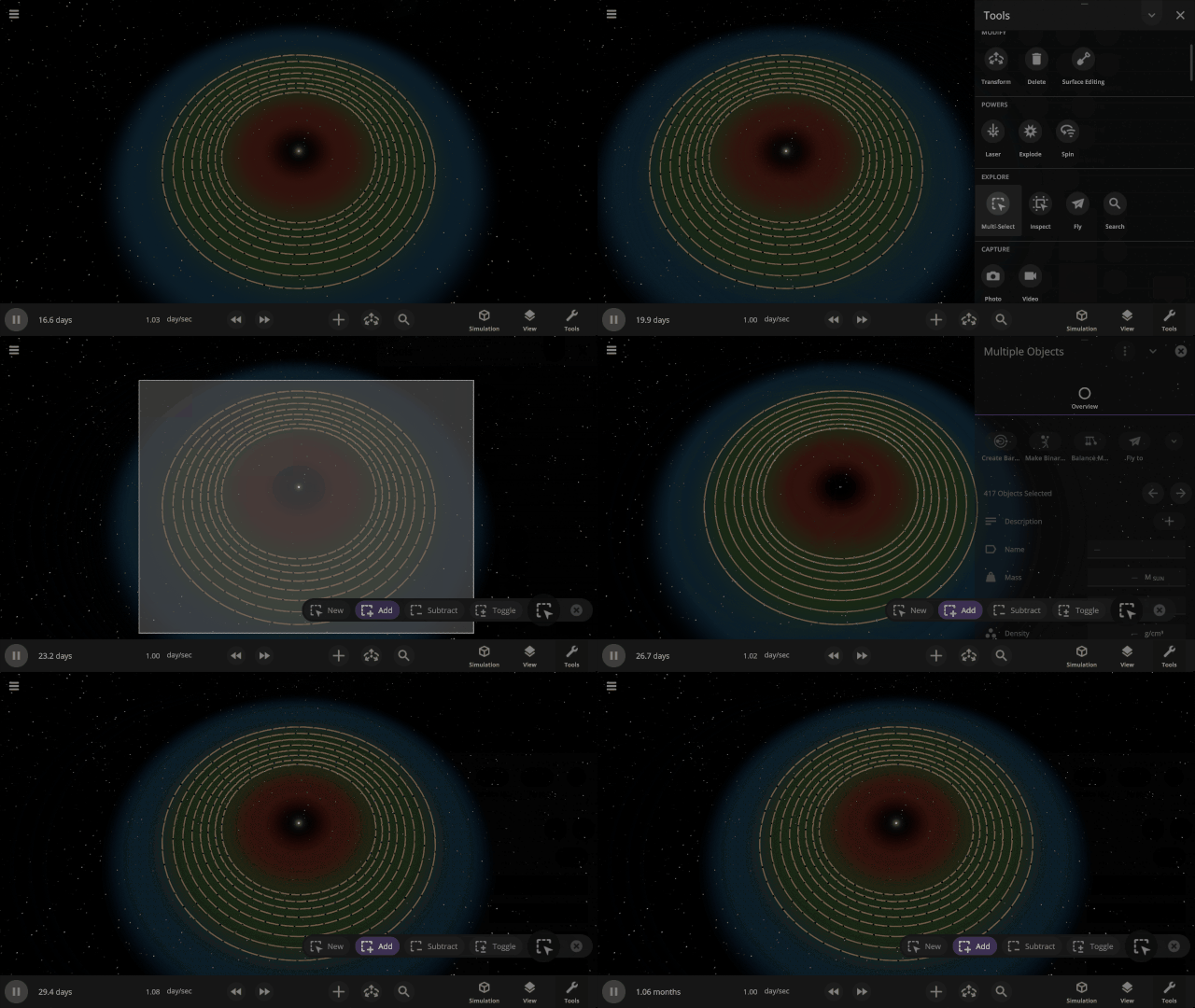
You can now smoothly undo the deletion of a large number of objects at once with Ctrl+Z (or Cmd+Z on Mac), and they’ll even have their trails regenerated. You can also undo launching objects.

Exoplanet system simulations now include the inclination of known exoplanets around their host stars.
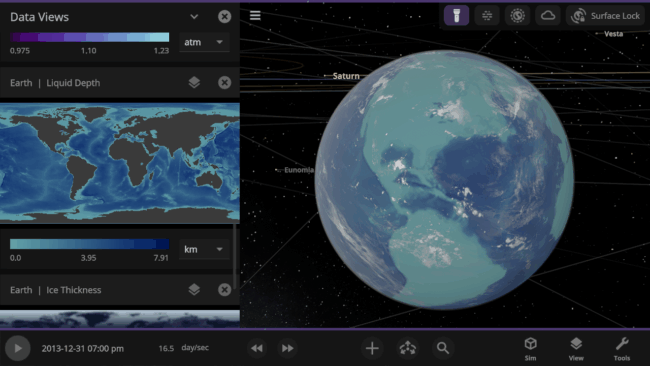
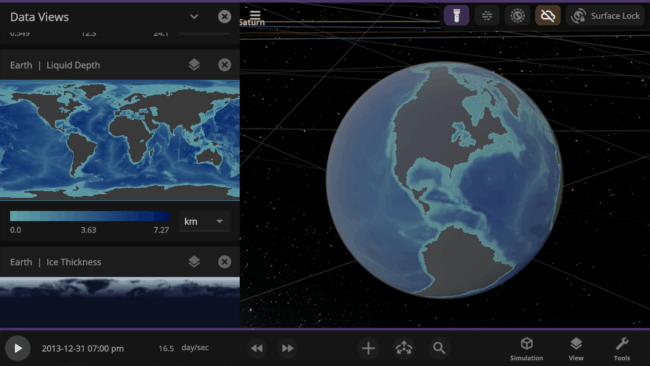
3D data views no longer color points on the object surface that have a value of zero.
Check out the full list of What’s New in Update 35.2.
Please report any issues on our Steam forum, on Discord, or in-game via Home > Send Feedback.

Describing the Universe | Update 35.1
Apr 28th
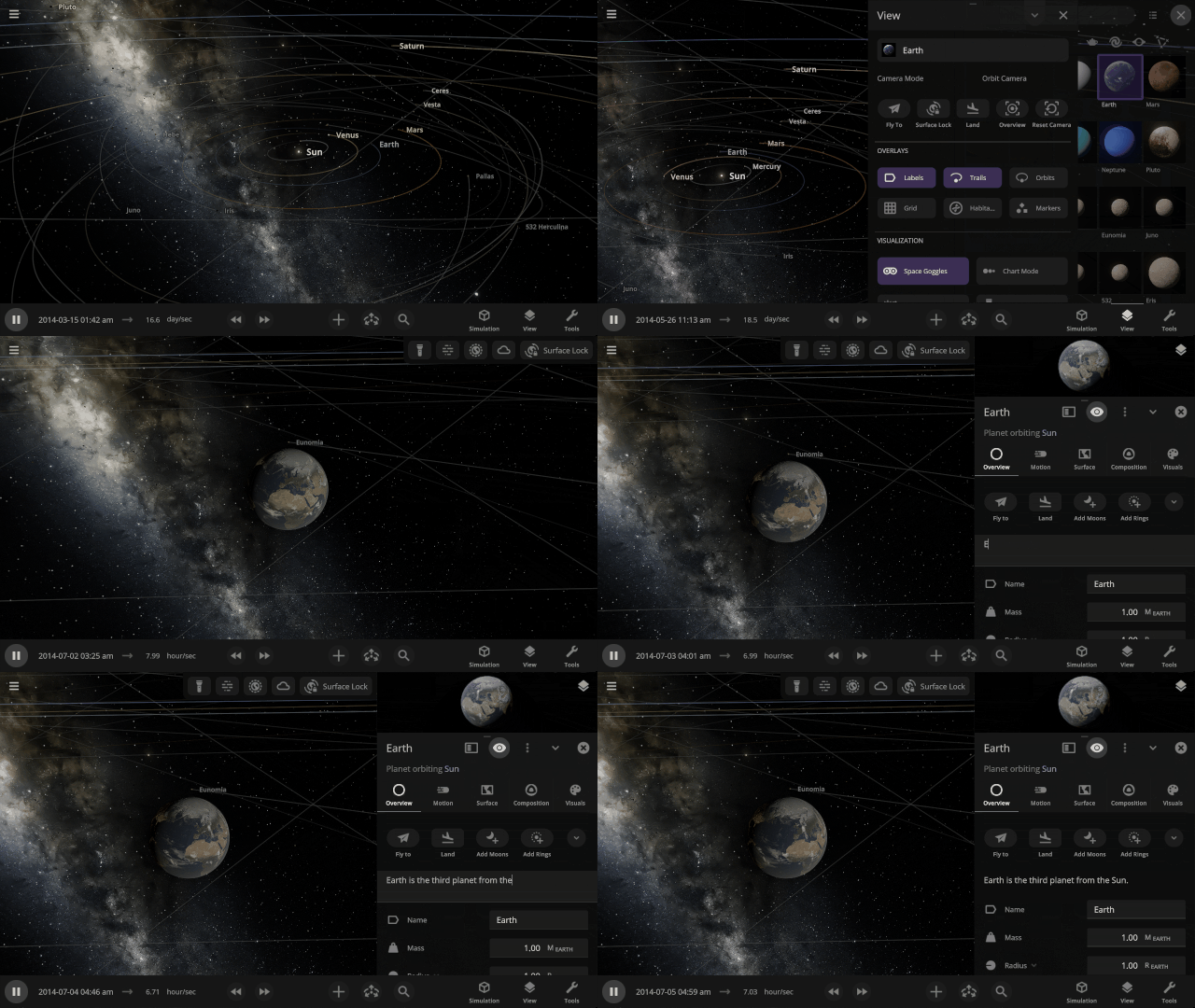
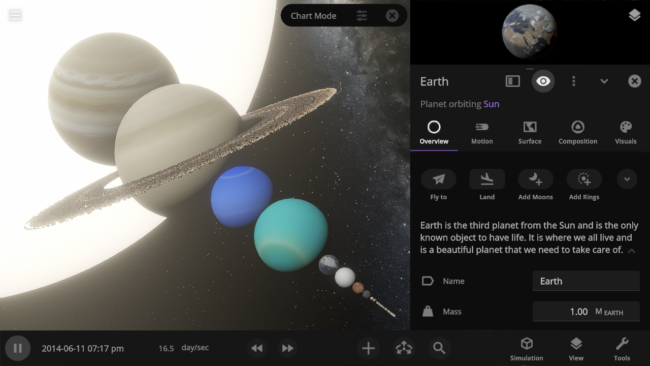
Describe Your Worlds
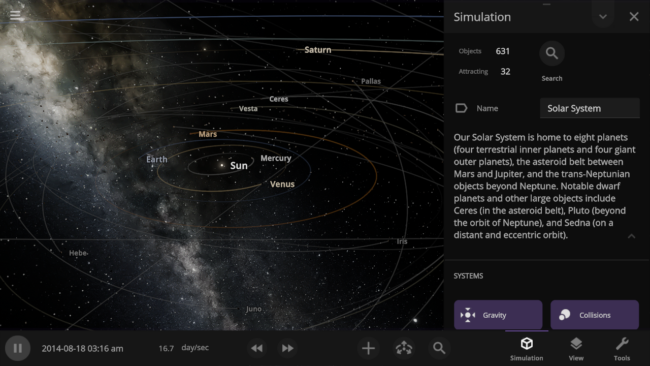
Add rich details to any object and the simulation itself with the new description properties. Include your favorite facts about each planet in the Solar System, or give a detailed backstory to your custom Tatooine! Add them under
- Object Properties > Overview > Description
- Simulation > Description
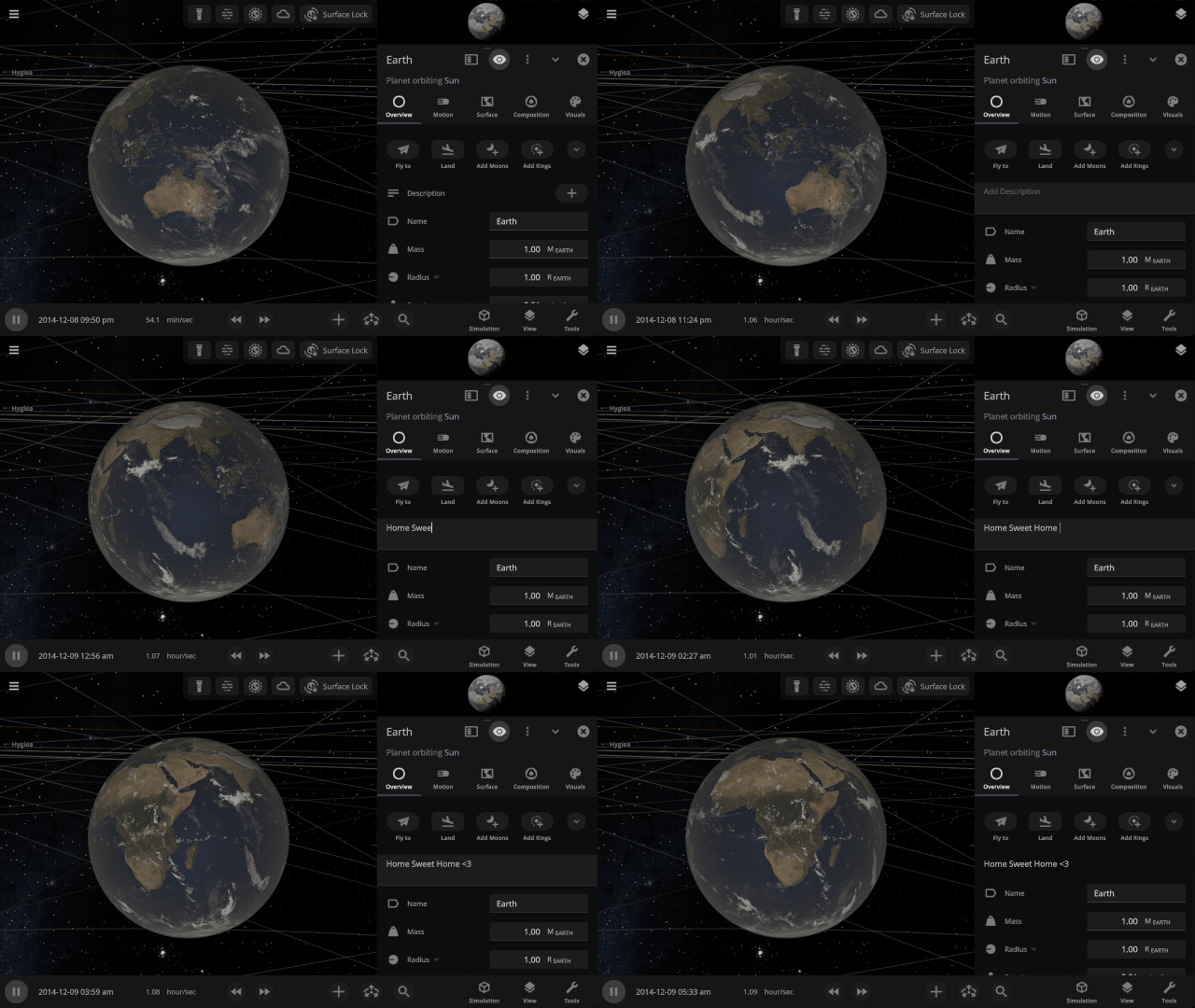
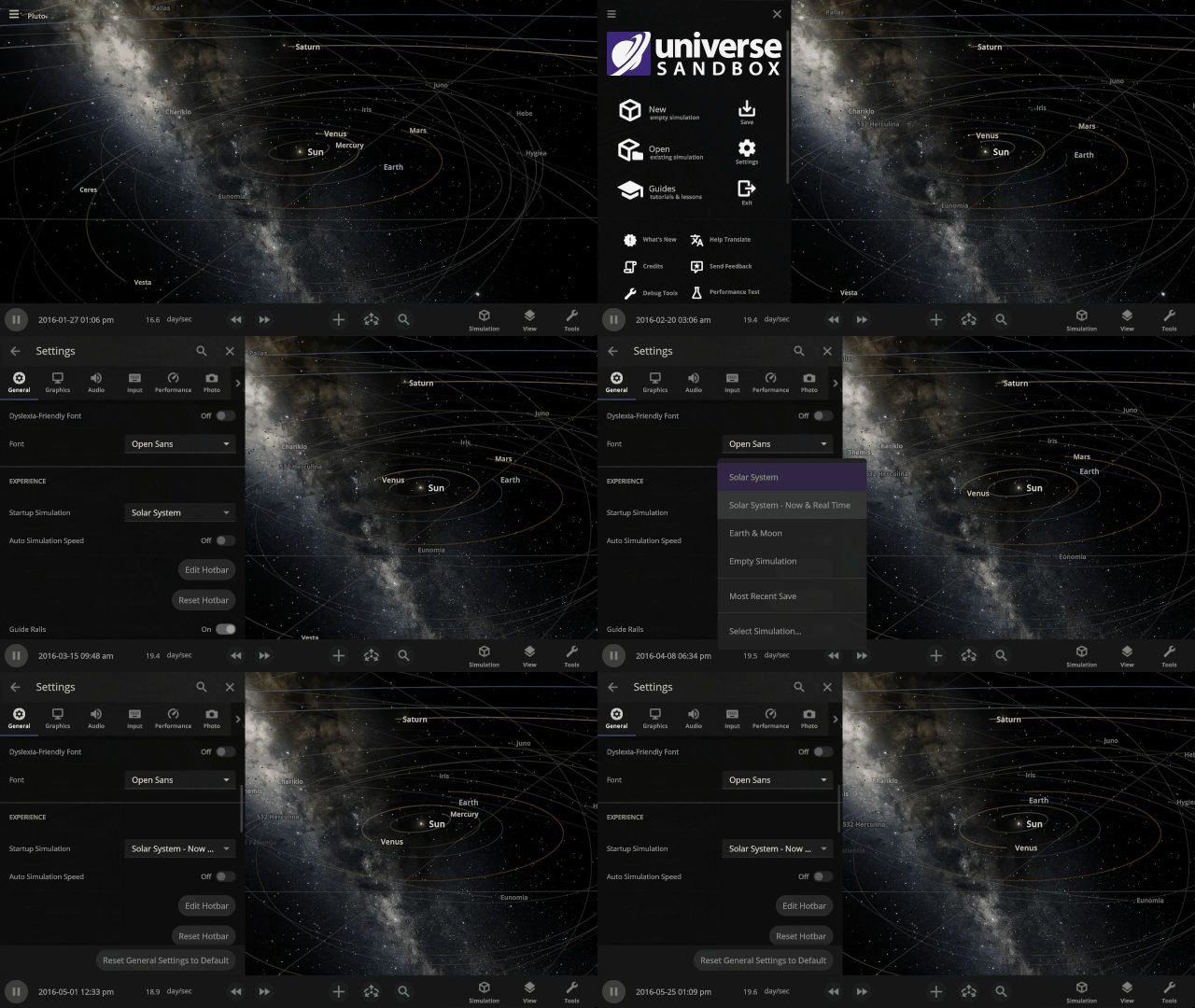
Choose Your Startup Simulation
Pick up where you left off and have Universe Sandbox open your most recent save, your own custom work in progress, or any of our included simulations when it starts up. Set this under
Home > Settings > General > Experience > Startup Simulation
This feature was added in Space in a New Light | Update 35, but wanted to highlight it again in case you missed it.
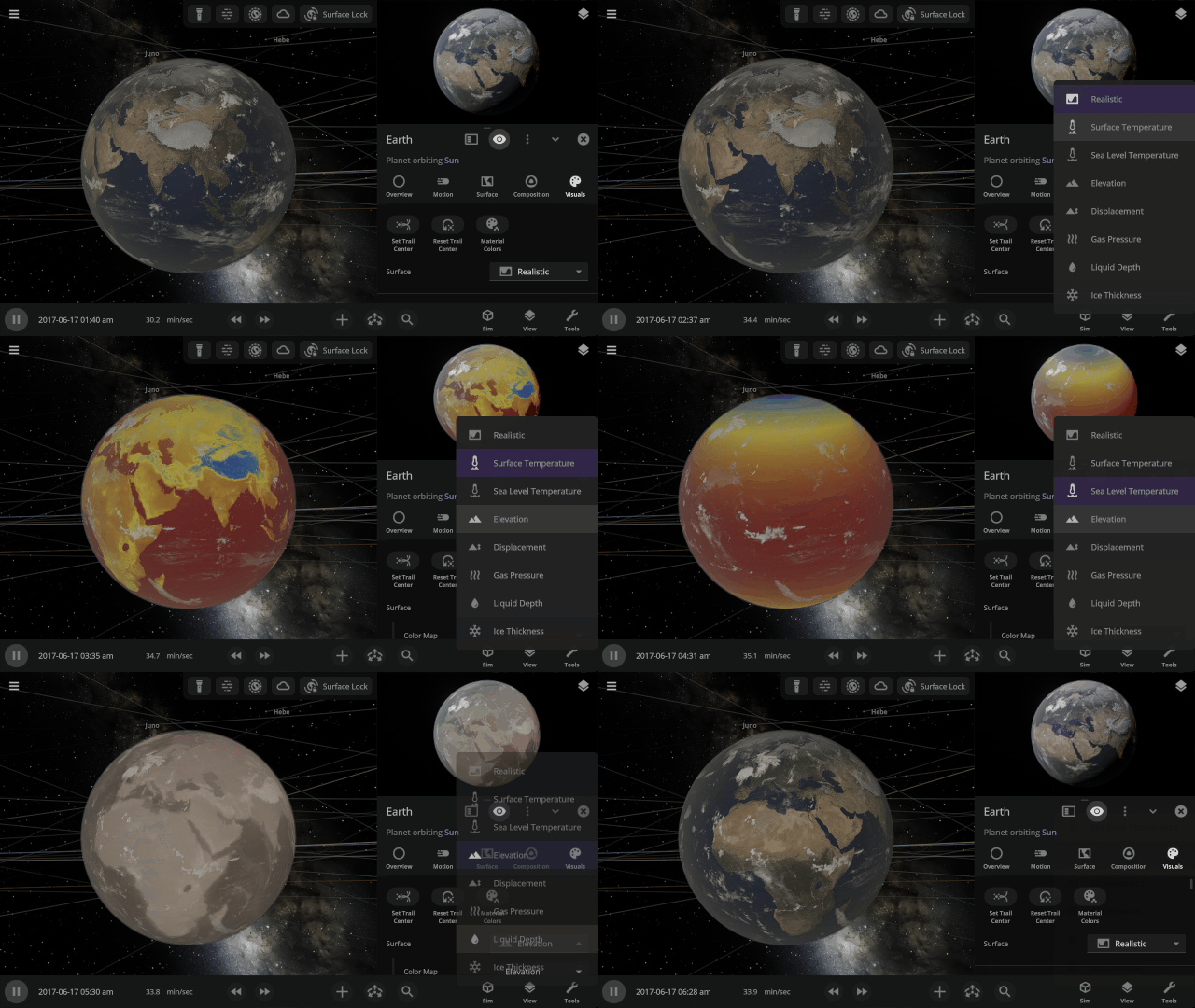
Visualizing Planet Data
See information about your planets, like the Surface Temperature or Elevation, projected on their surfaces in 3D. This view is now shown in the object preview and on the objects in the simulation. Check it out under
Object Properties > Visuals > Surface
More Highlights
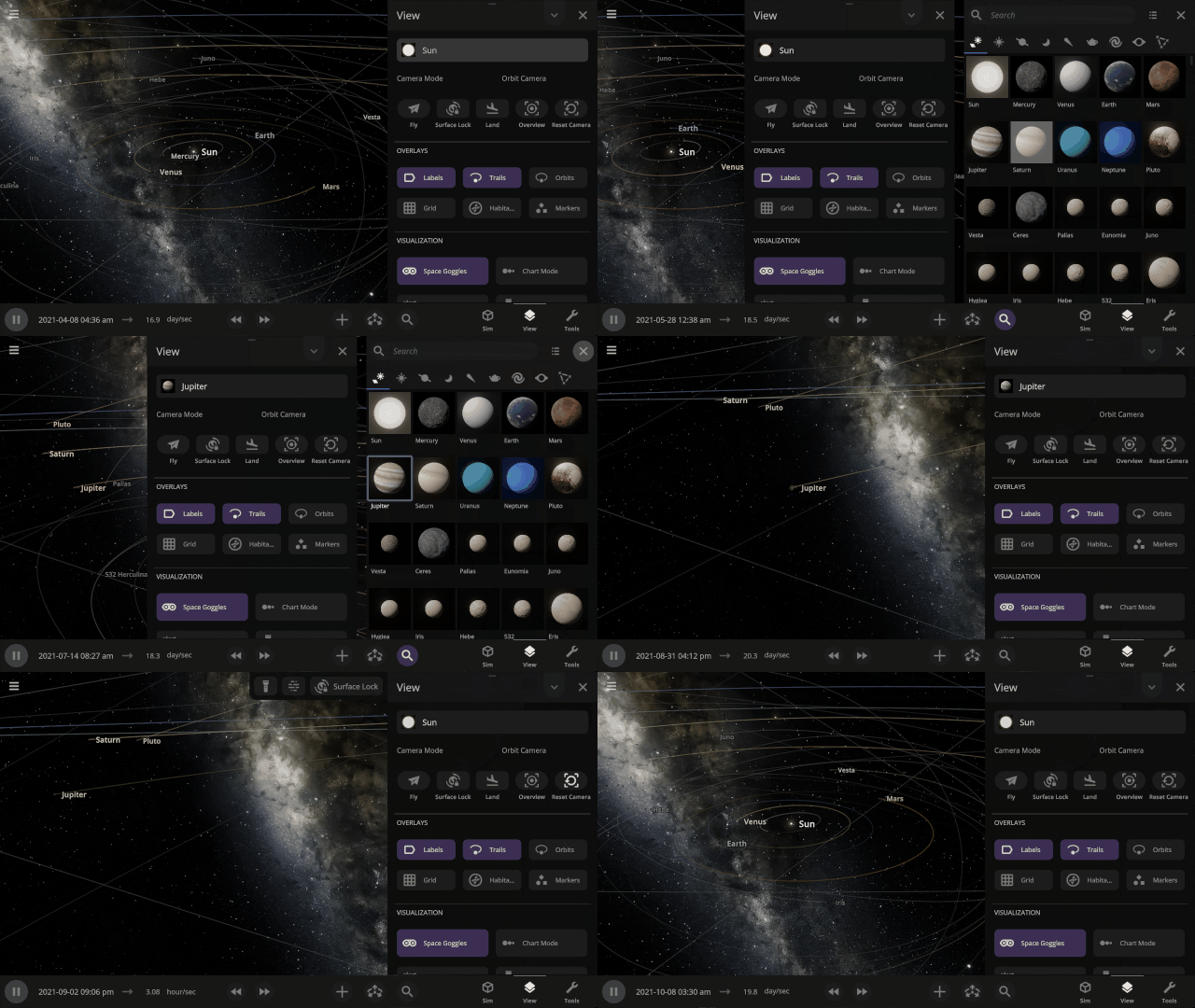
Use the new actions in the View panel to Fly, Land, reset the camera position, and more.
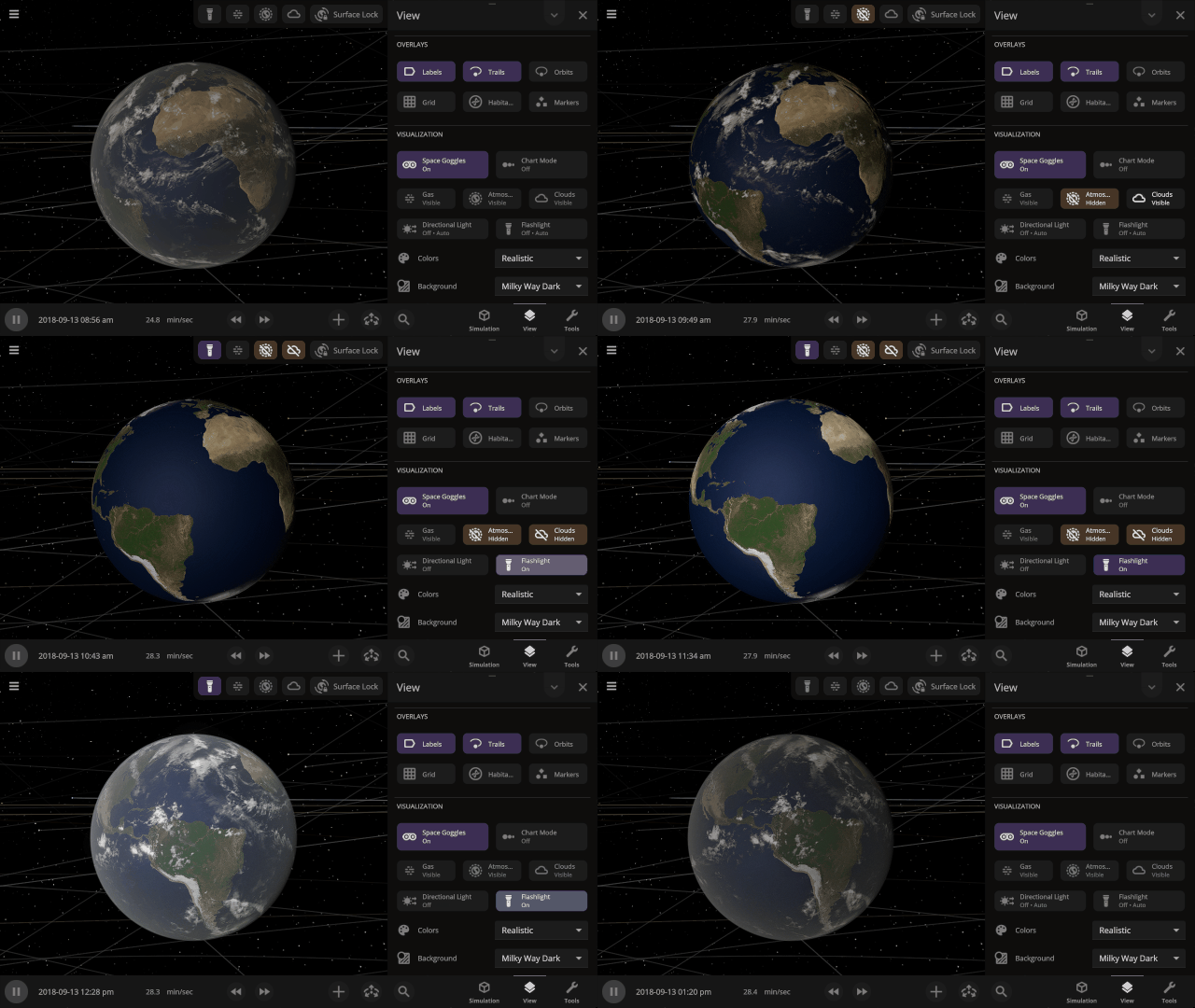
Controls to show and hide an object’s atmosphere, clouds, and dust clouds are now simulation-wide view settings instead of only applying when zoomed in on an object. Find them in the View panel.
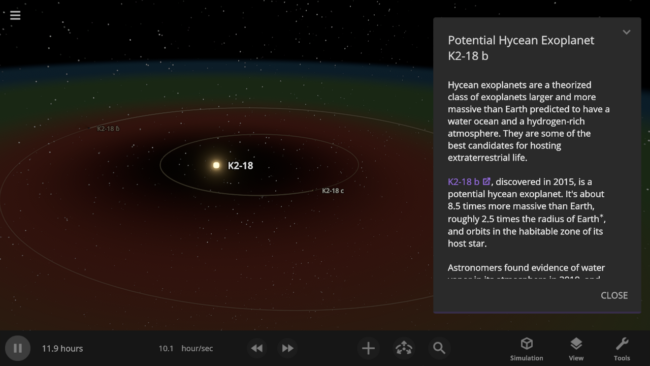
The simulation of exoplanet K2-18 b has been updated to reflect the recent evidence of specific molecules in K2-18 b’s atmosphere that are known to be produced by biological processes on Earth. However, some scientists have argued these molecules may be produced without life, and more data is needed to confirm these molecules are really present in K2-18 b’s atmosphere.
Check out the full list of What’s New in Update 35.1.
Please report any issues on our Steam forum, on Discord, or in-game via Home > Send Feedback.

Space in a New Light | Update 35
Mar 3rd
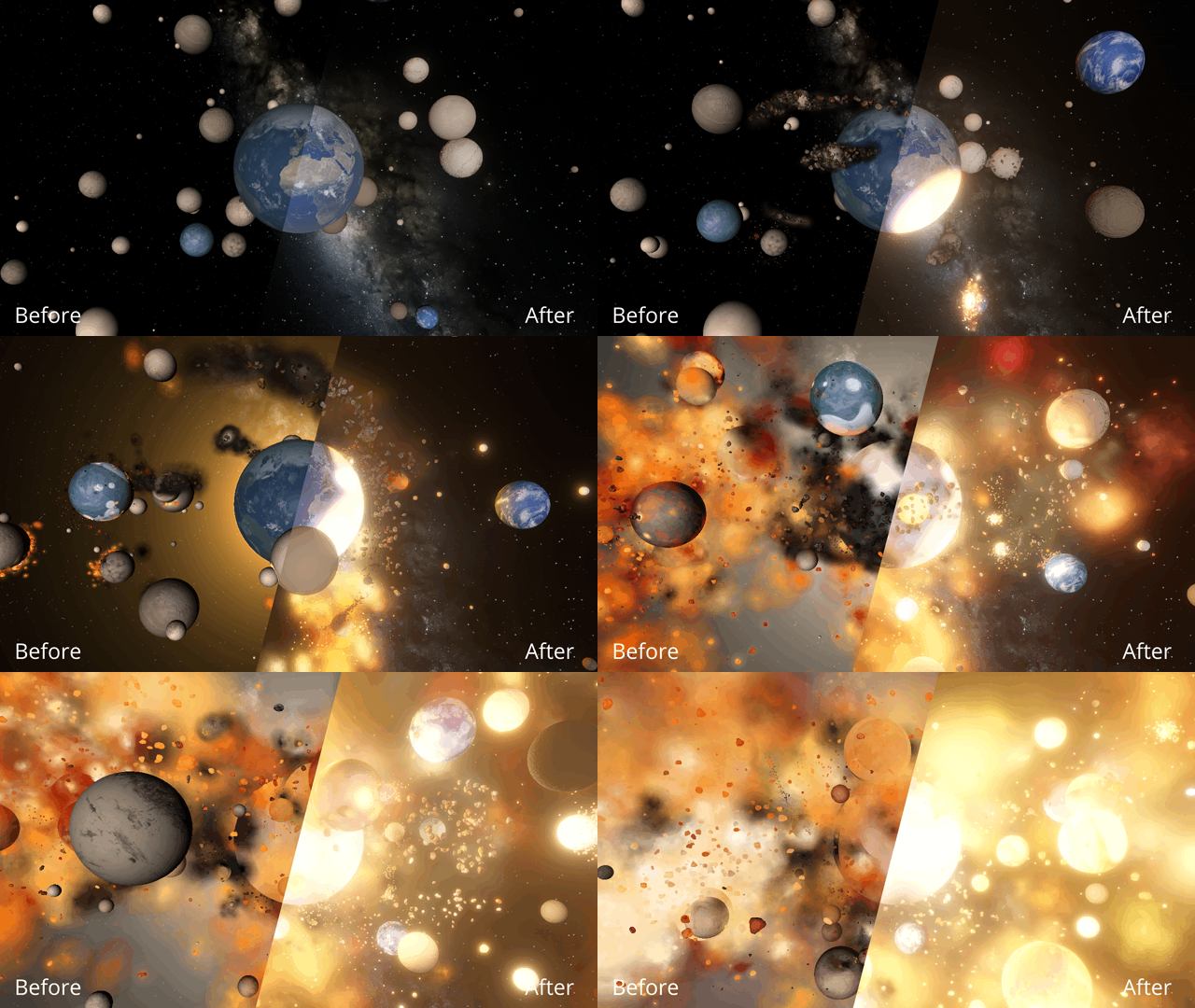
Immerse yourself in a universe more awe-inspiring and realistic than ever before with our next-generation graphics update! We’ve also added many interface improvements to make controlling the universe easier and more intuitive. You need to see it to believe it.
A More Realistic Graphics Engine
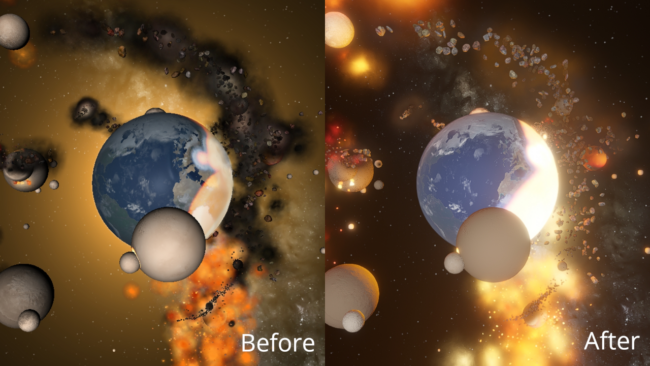
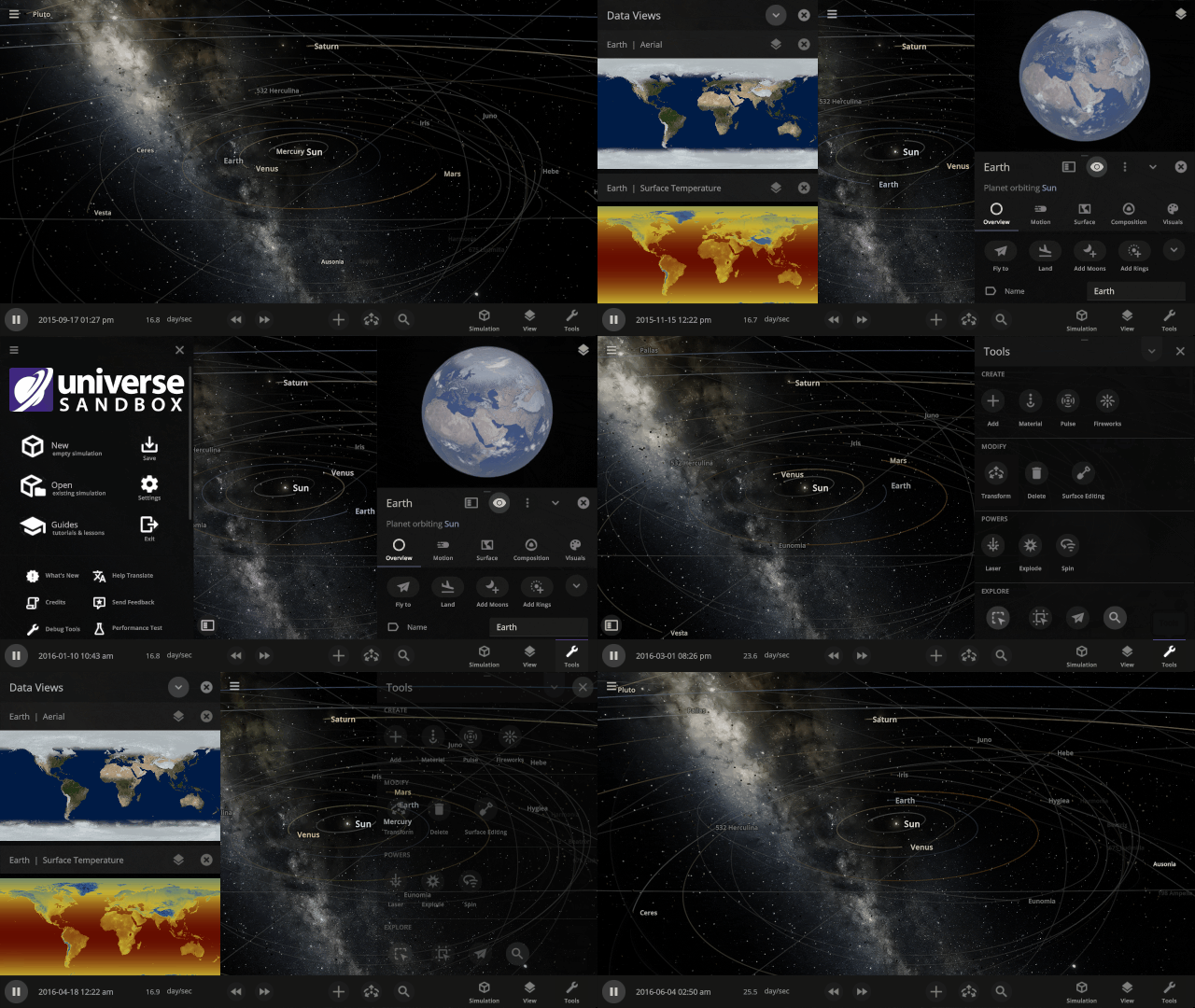
We’ve completely replaced our 10-year-old graphics technology with a state-of-the-art system to make Universe Sandbox look more realistic with physically-based lighting. This new system has required us to update our minimum requirements. Learn more.
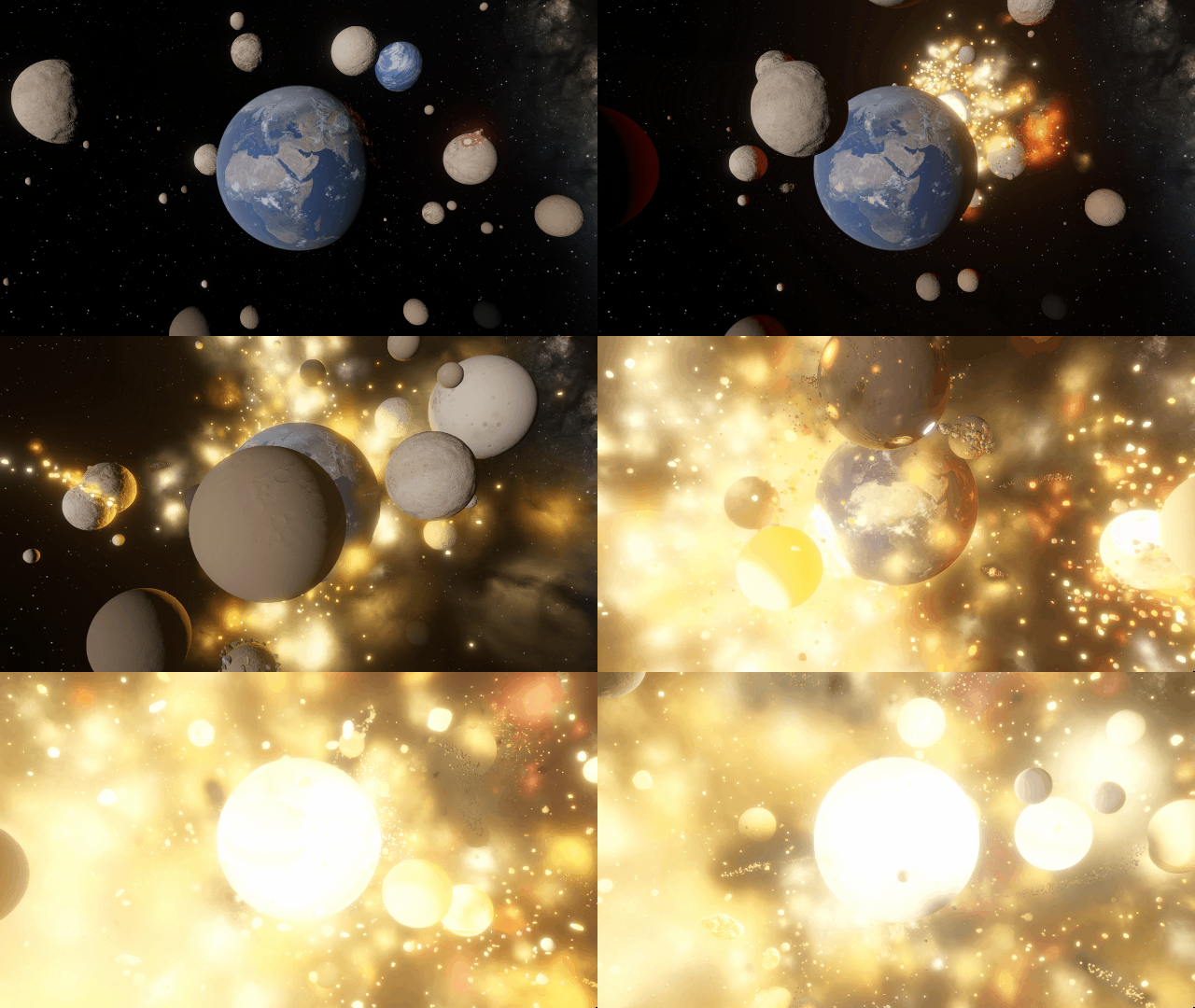
Edit Objects Simultaneously
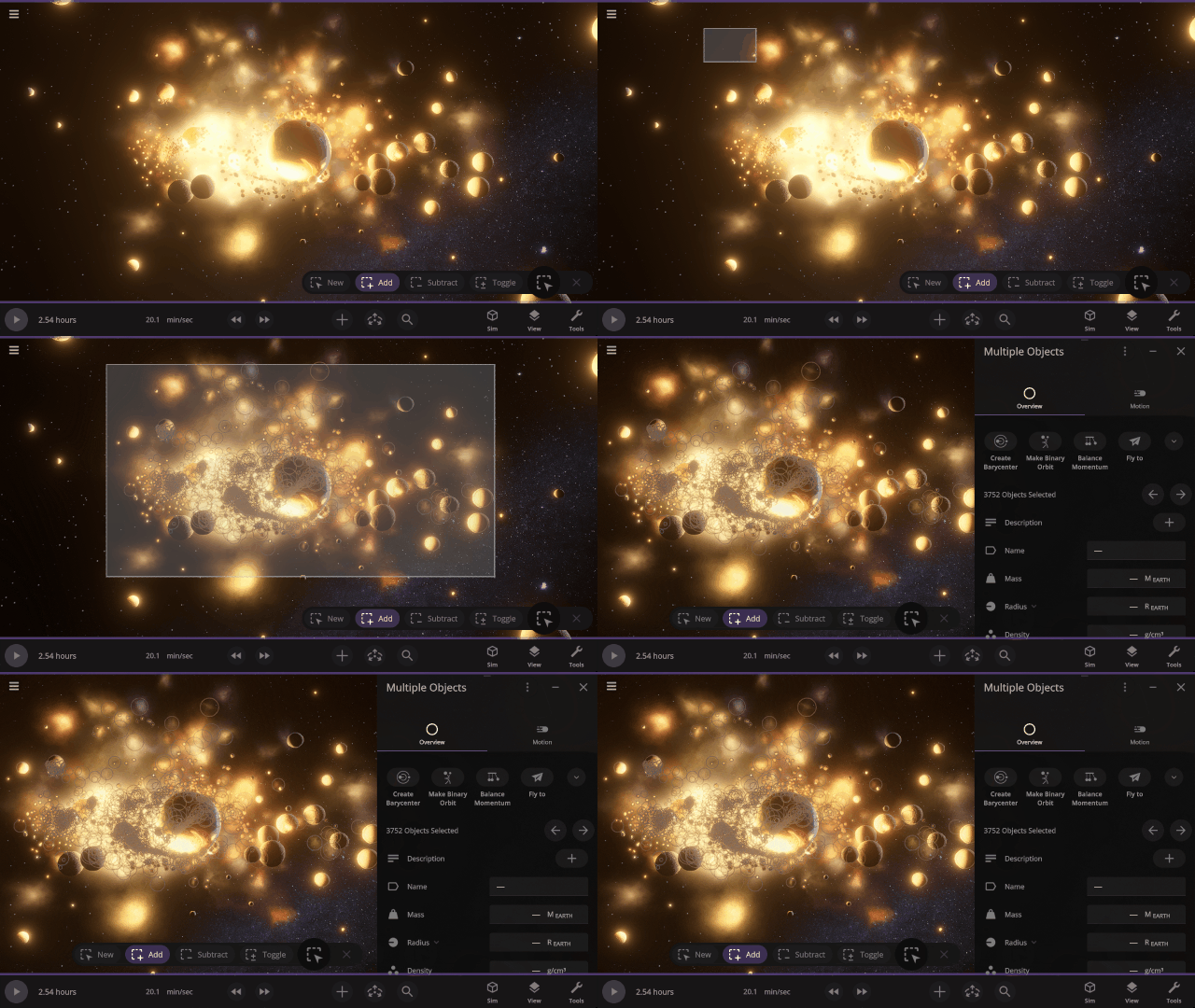
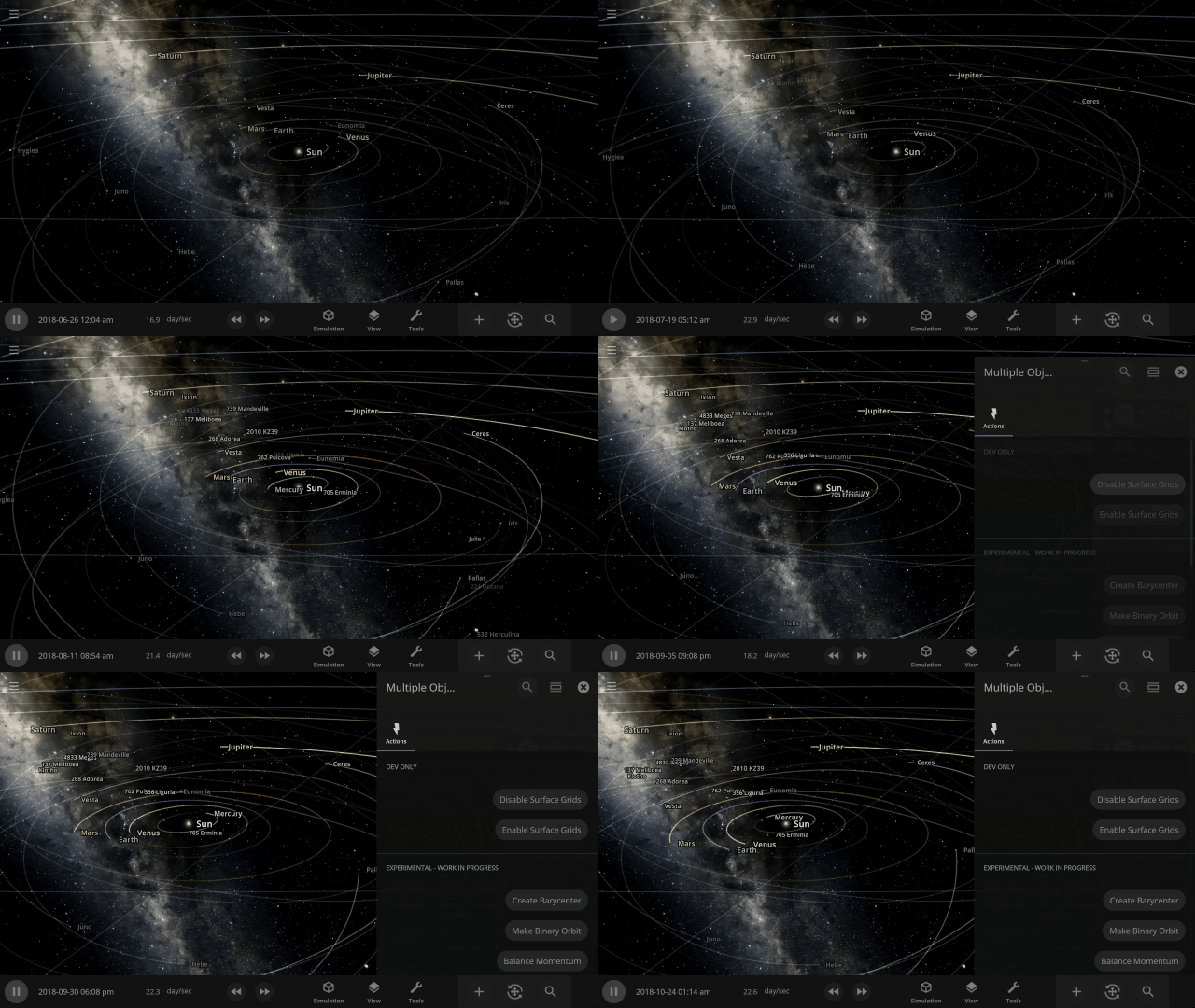
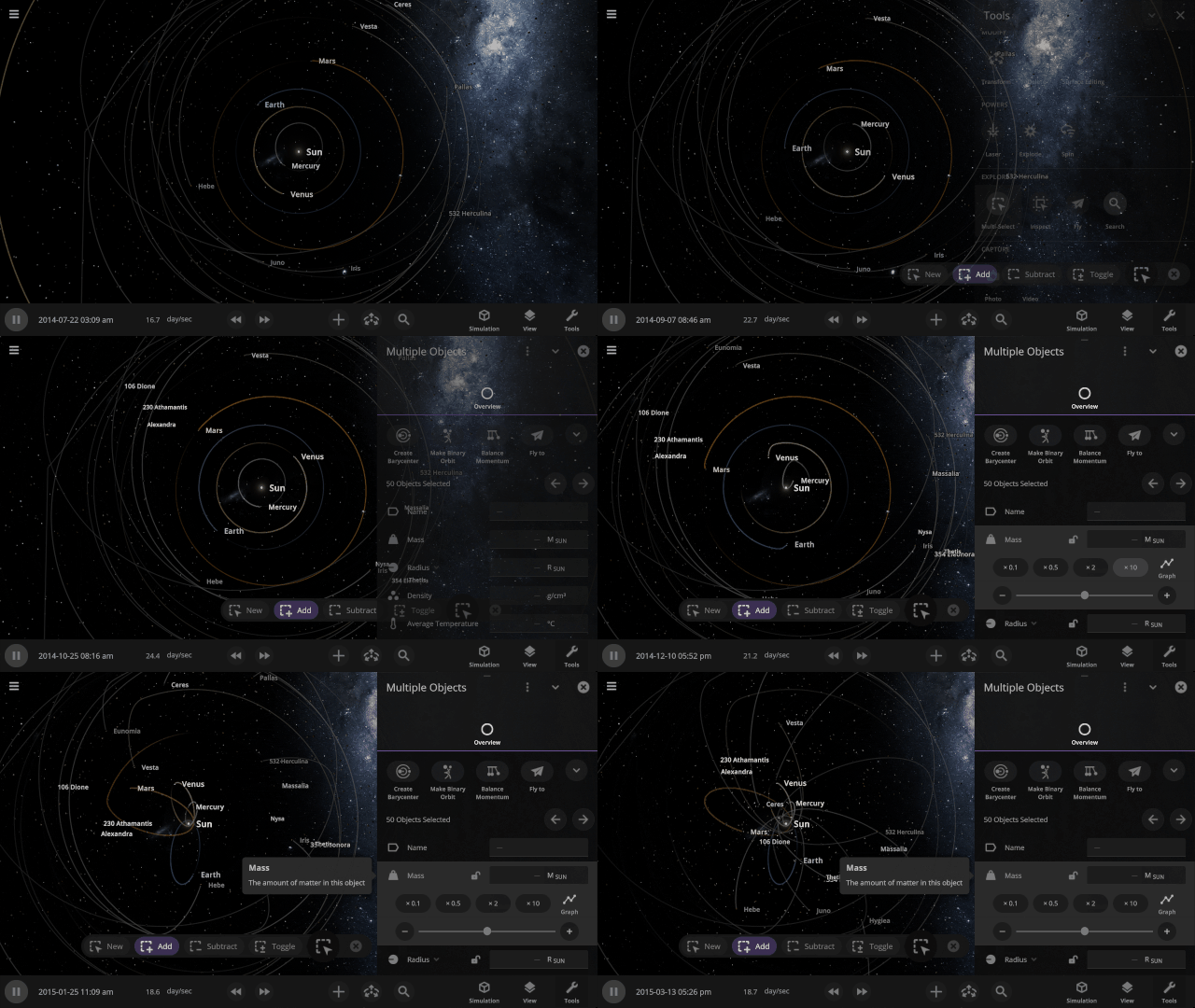
The properties panel now lets you edit multiple objects at once. Use the new Multi-Select tool to select multiple objects and try increasing the mass of every object in the Solar System simultaneously!
Automatic Interface Management
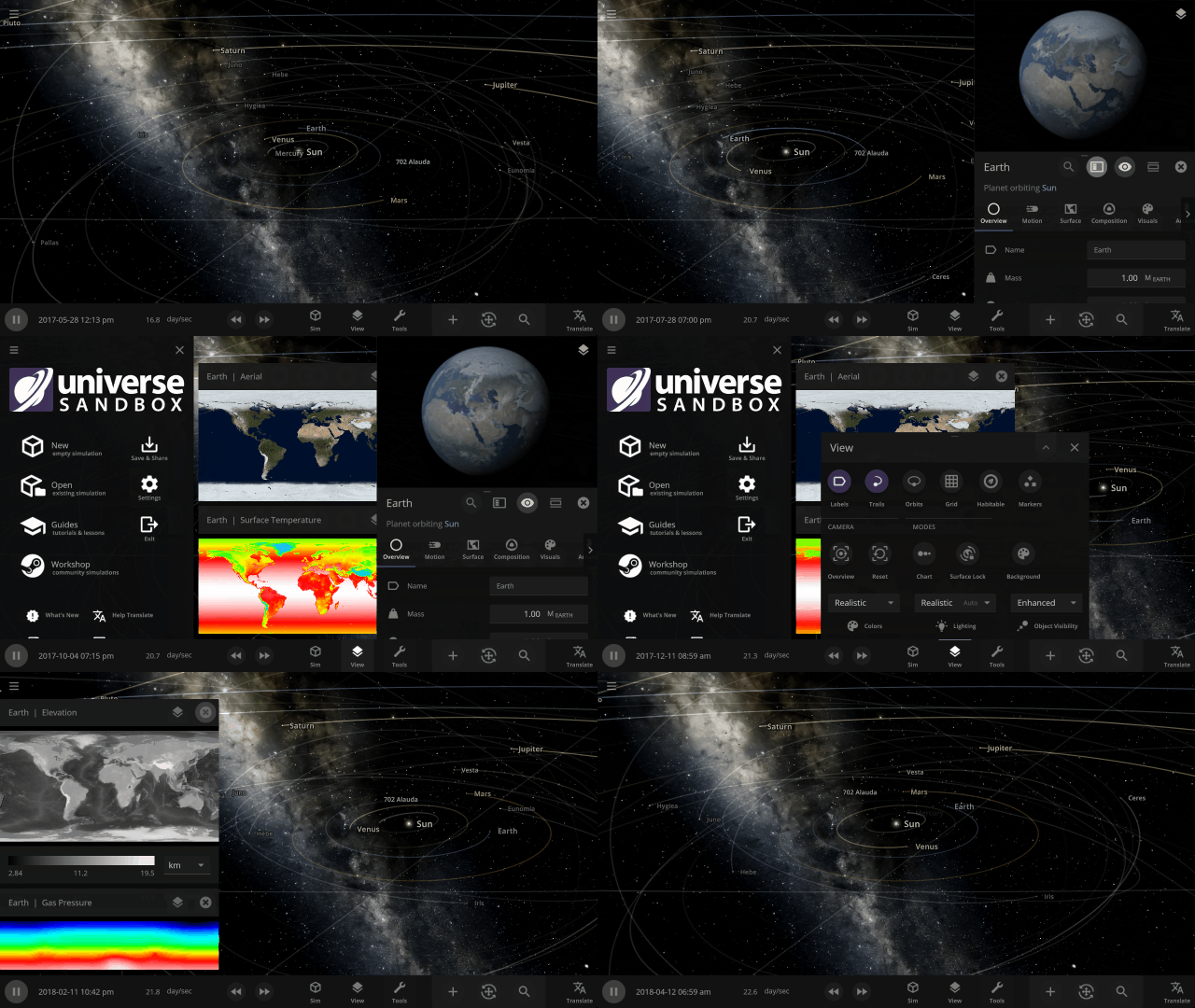
Focus on manipulating the universe instead of managing panels with our new interface system that automatically positions, resizes, and closes panels so you can always see the simulation. This immersive system also provides better support for ultrawide monitors and small screens (like smartphones).
More Highlights
Focus on realism
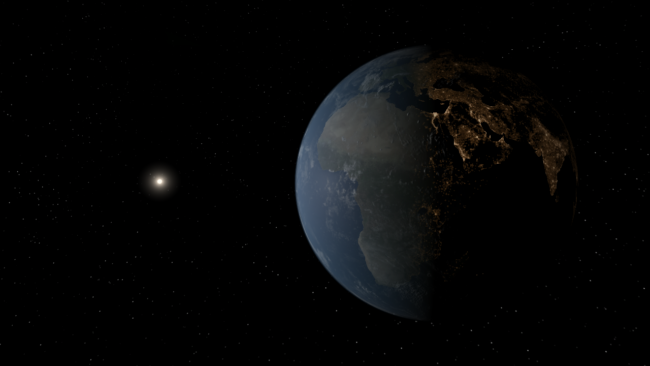
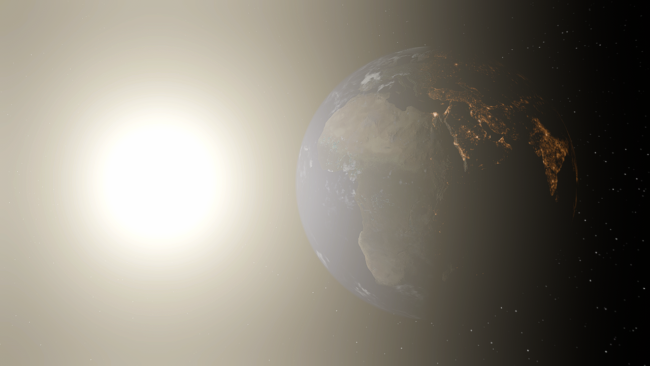
Making Universe Sandbox look as realistic as possible with physically-based lighting has made stars realistically bright, and collisions result in blindingly realistic hot spots. It turns out there’s a reason you’re not supposed to look at the Sun.
Light from hot planets
Hot objects now emit light based on their temperature so you can use intense impacts to light up your simulation. Previously, only stars could emit light.
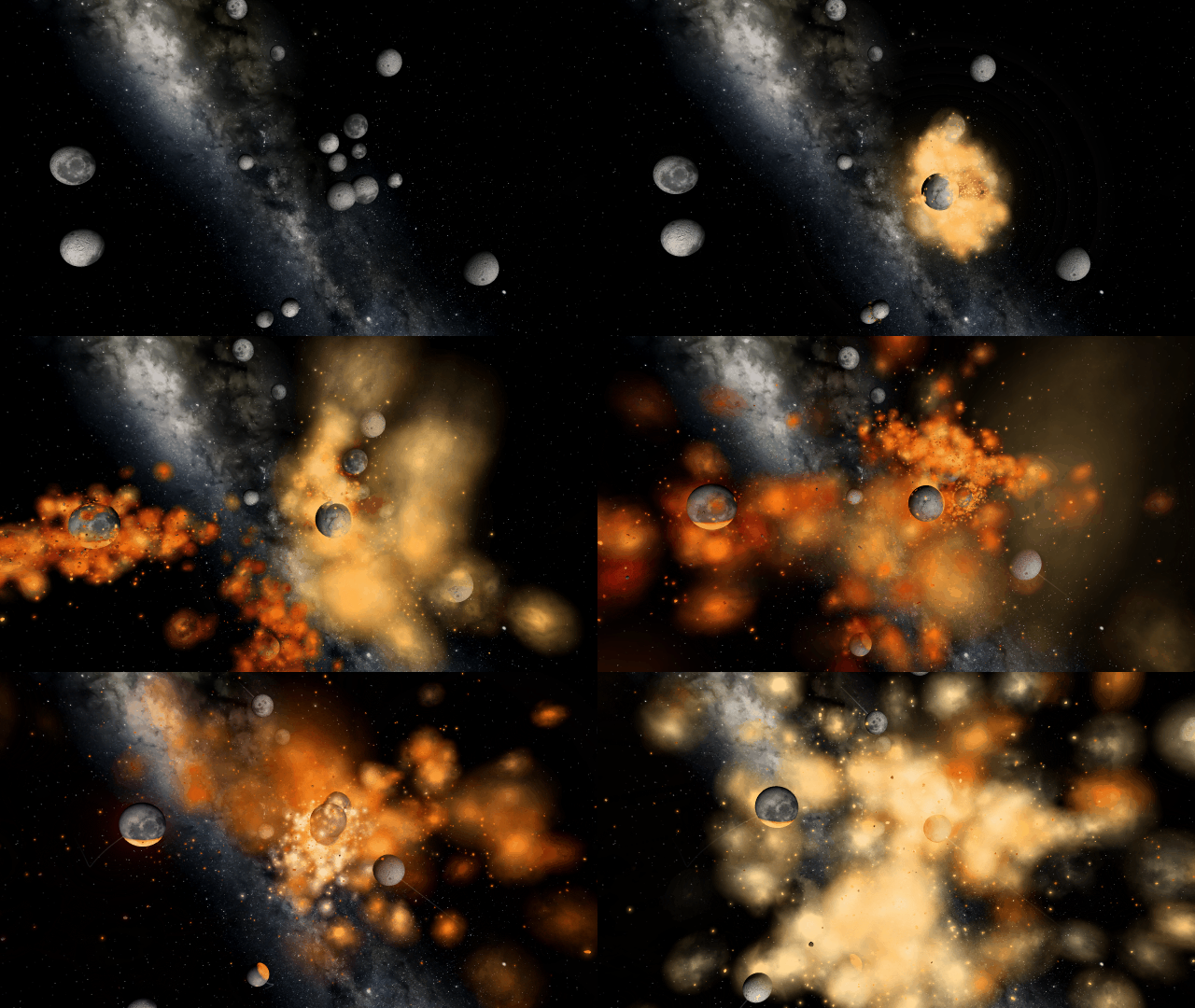
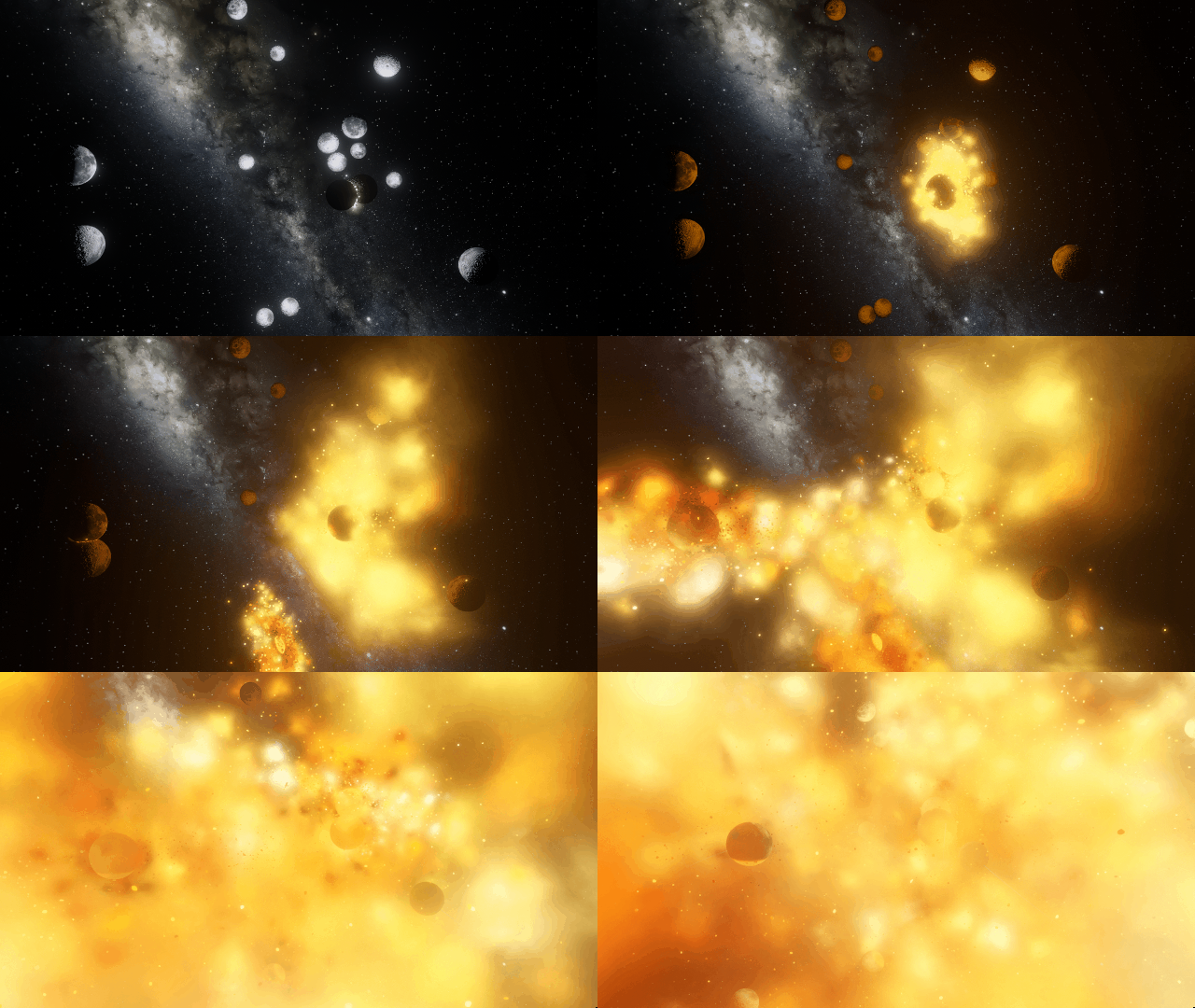
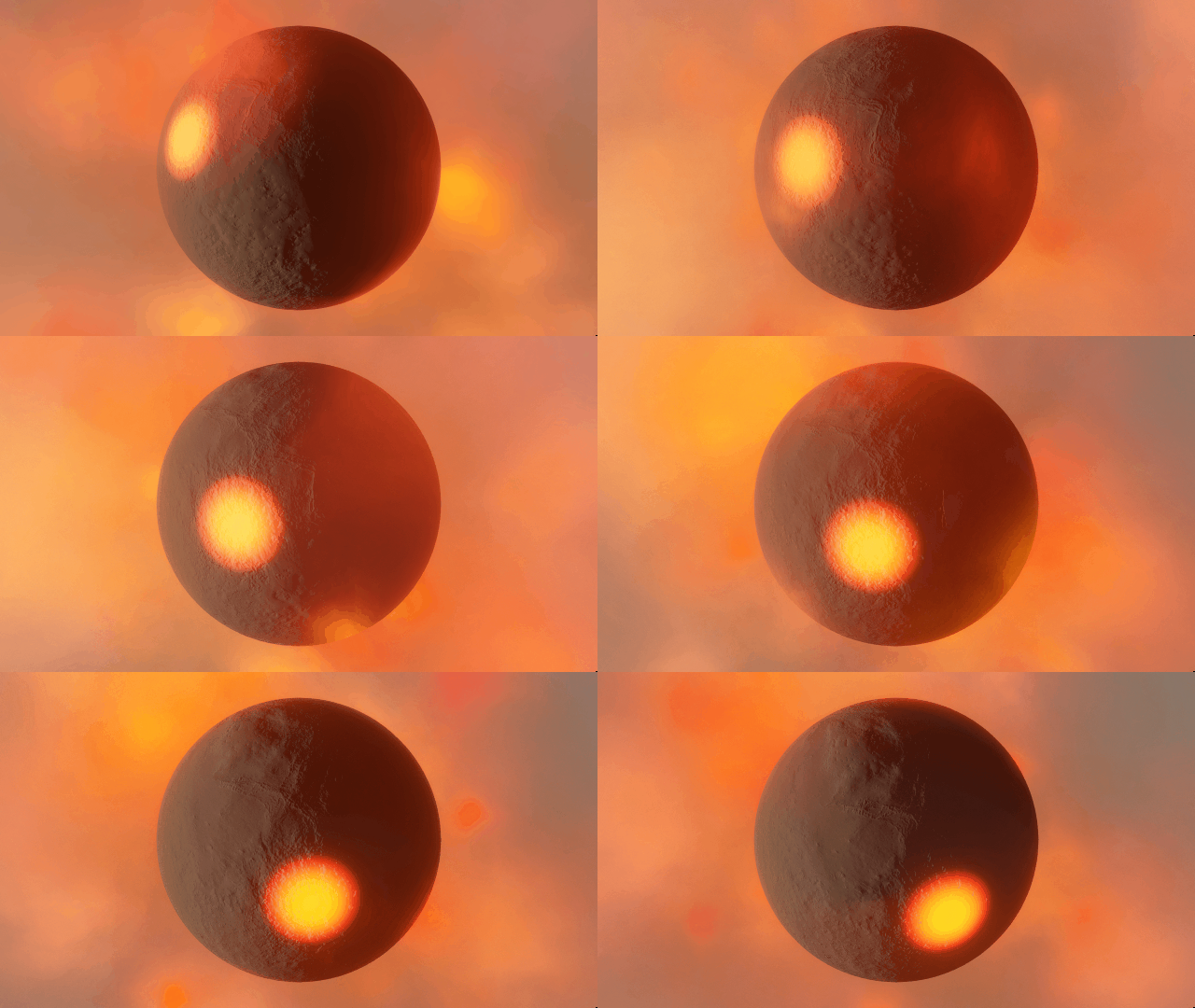
Localized glow
Objects now bloom only in hot areas, like those created from lasers or collisions, instead of being surrounded by a single uniform glow.
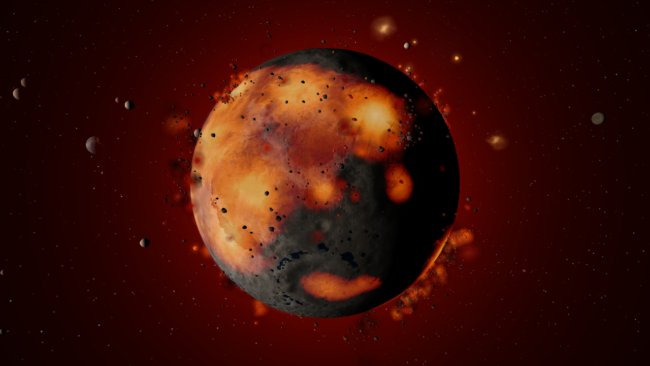
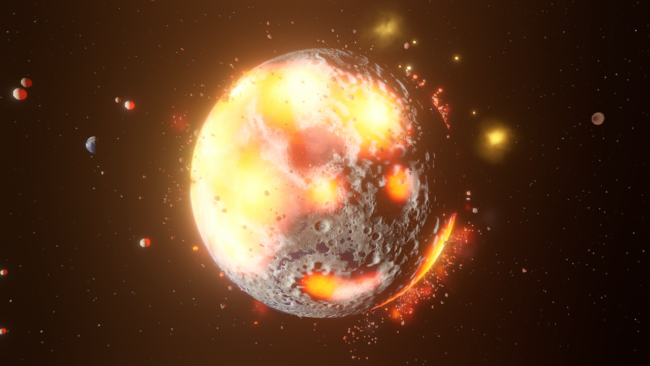
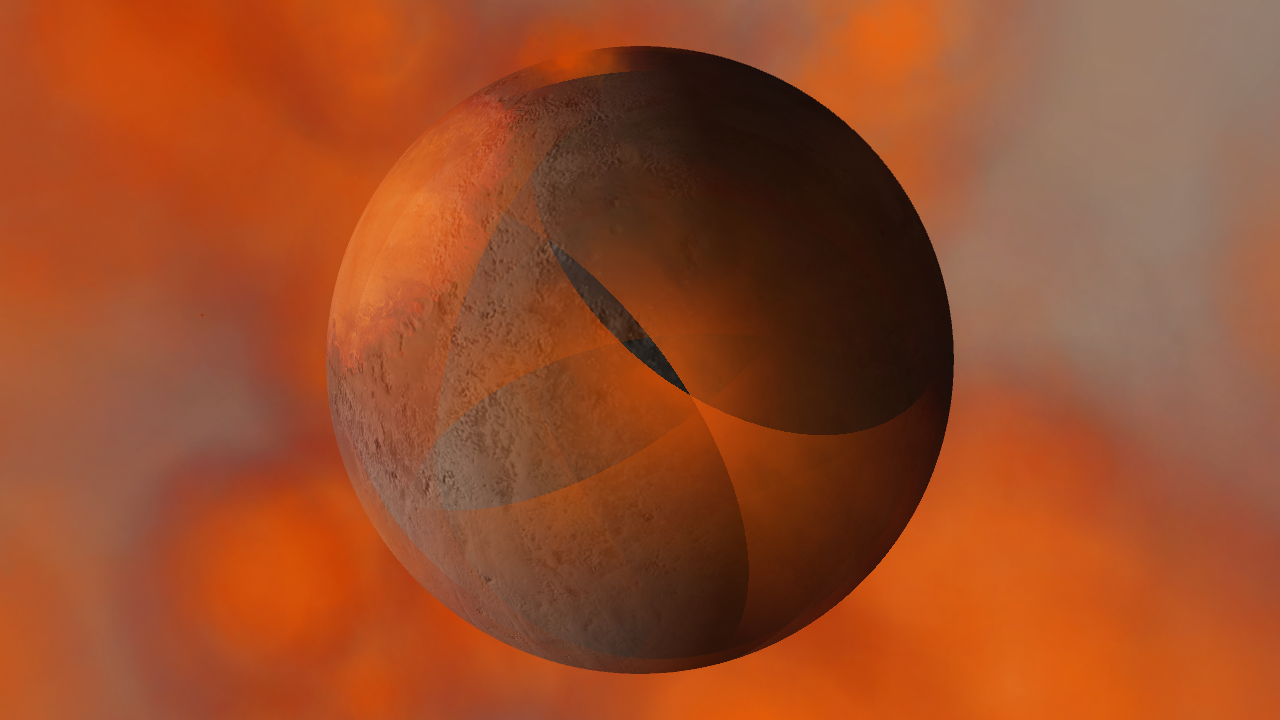
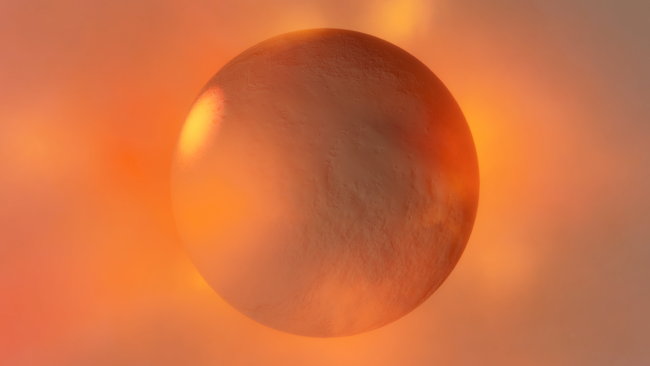
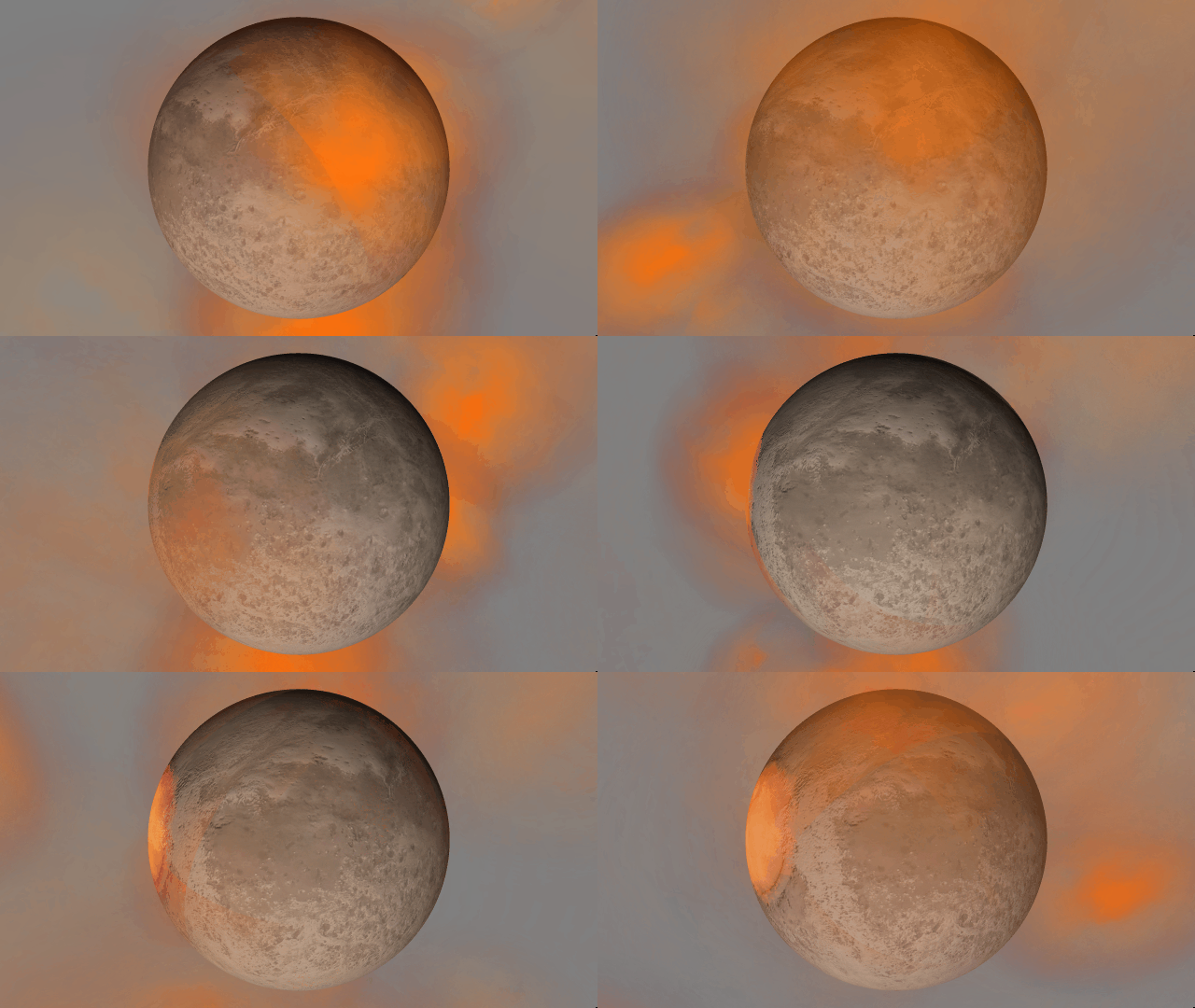
Smoothly blending clouds
Gas and dust clouds now smoothly pass over planets instead of creating sharp intersections.
Realistic artifacts
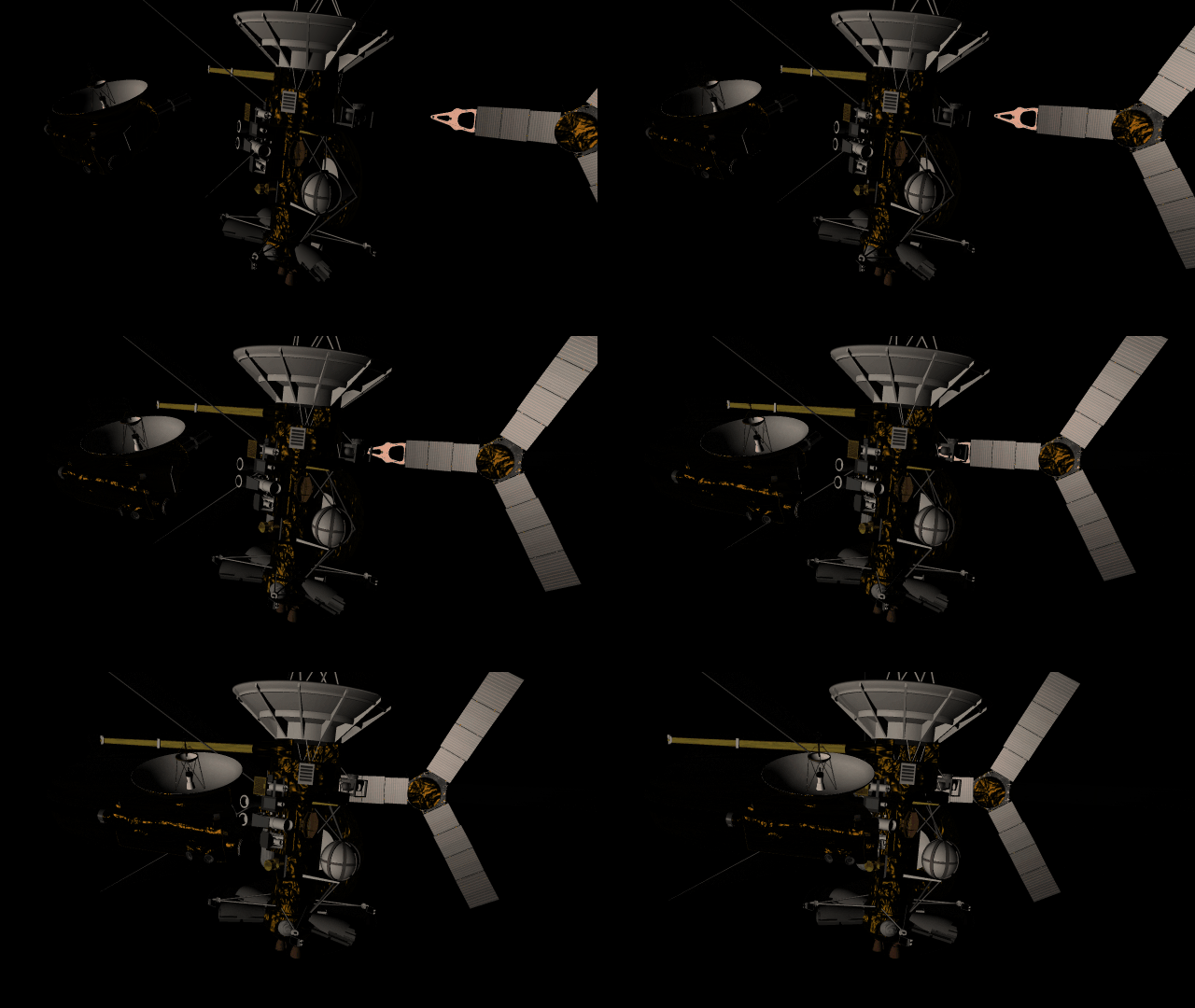
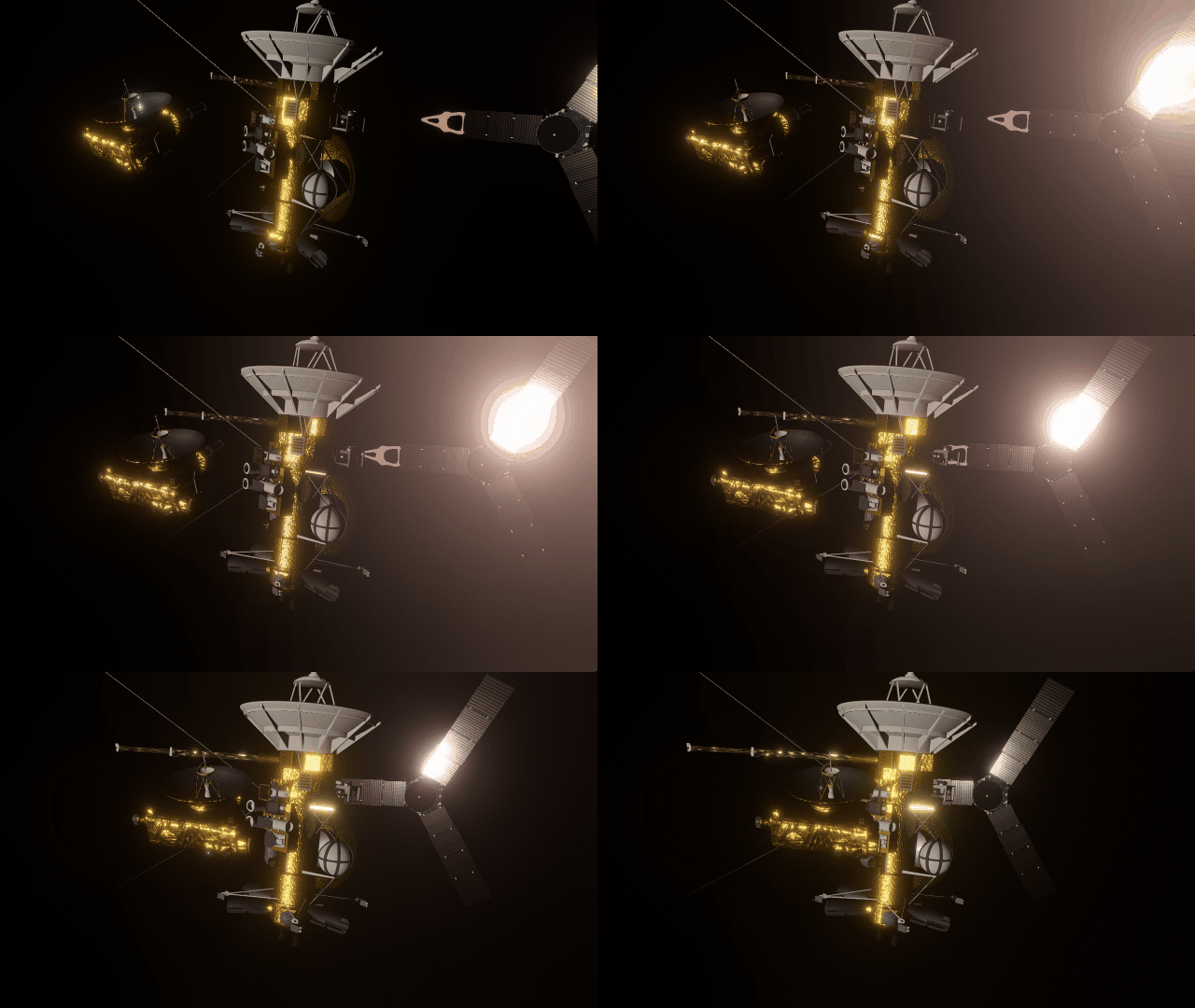
The surfaces of human-scale objects, or artifacts like spacecraft, have shiny, reflective metals and rough, rugged edges that interact with light more realistically.
Math in text fields
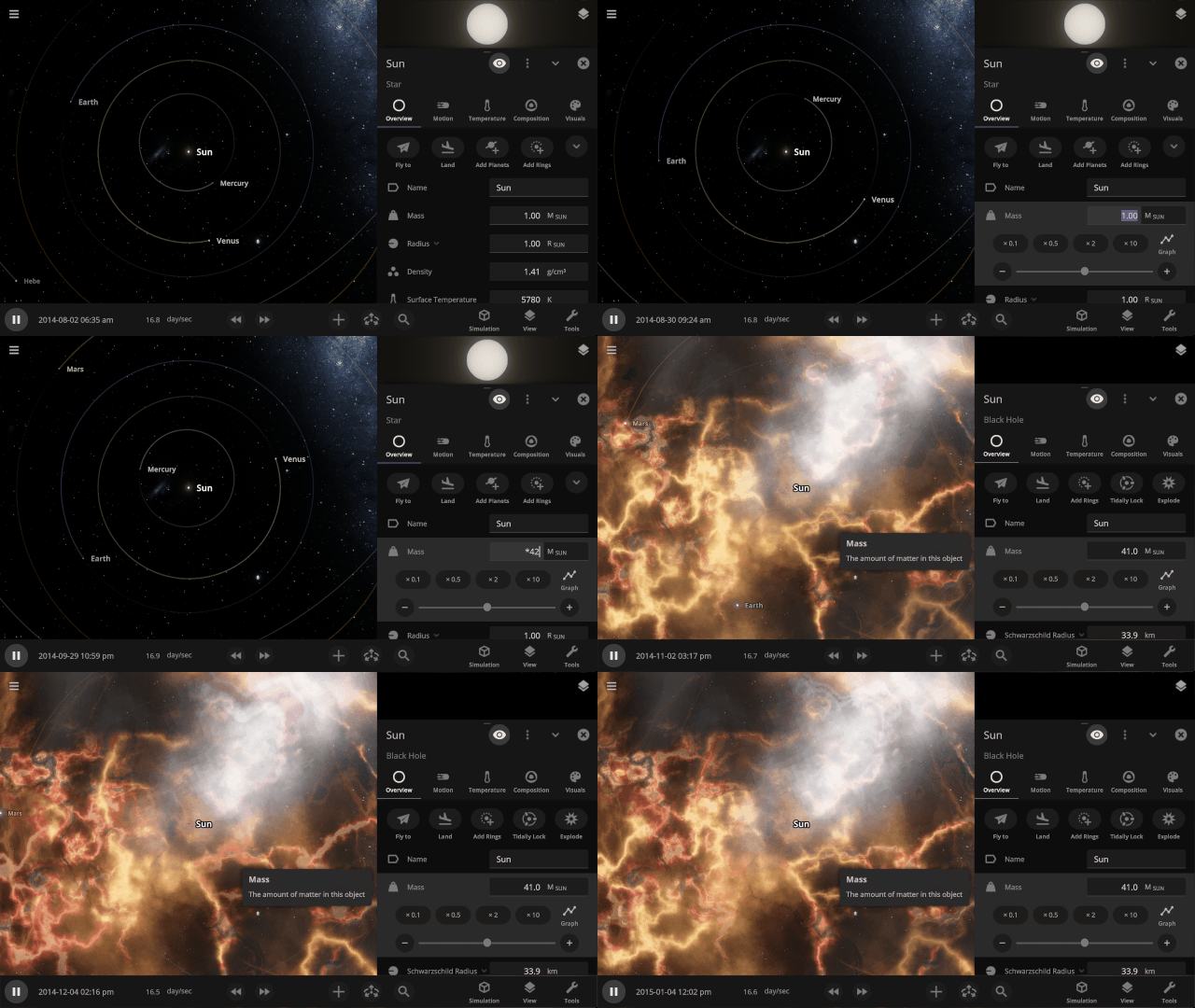
All object properties now support basic math. Try typing “*42” into a property to multiply by 42 or “/3” to divide by 3, for example.
Explore planet surfaces
Move across the surface of a planet with the WASD keys after landing on it by zooming in for a closer look or using the Land action button in the planet’s Overview tab.
Light intensity with distance
Objects are now always realistically lit based on their physical distance from a light source. Previously, objects were lit with the same intensity based on the camera’s distance from a light source instead of the object’s distance from a light source.
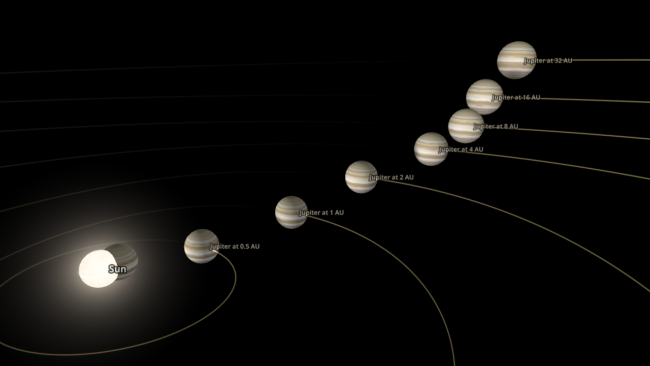
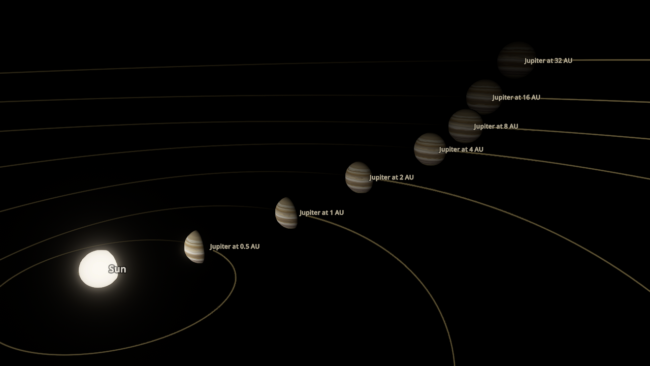
Light warping
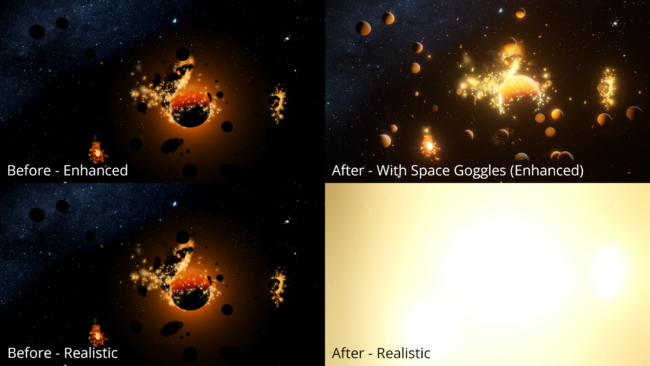
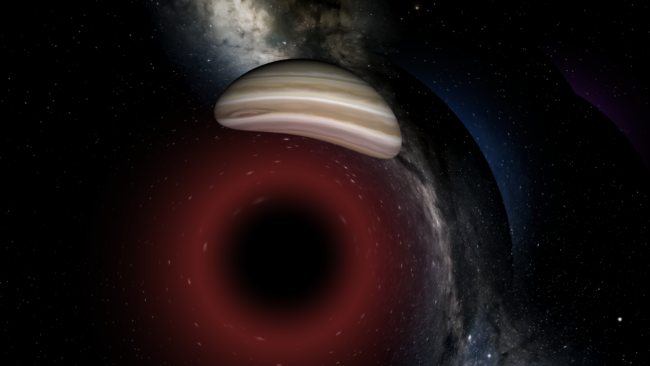
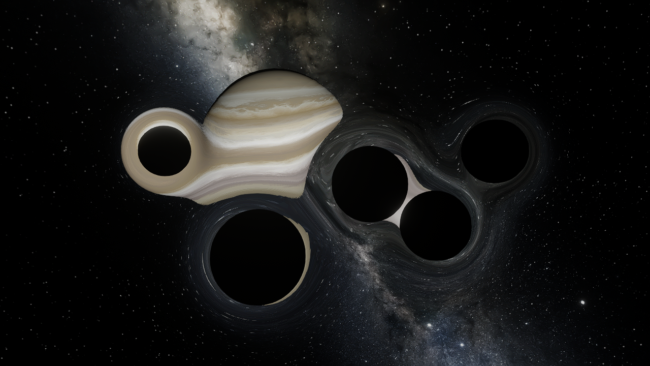
Black holes now realistically warp the visuals from other black holes instead of blocking any black holes behind them from being seen. The images below are from the same simulation, with custom colors in the “Before” image that make the black holes easier to see.
Updated View Panel
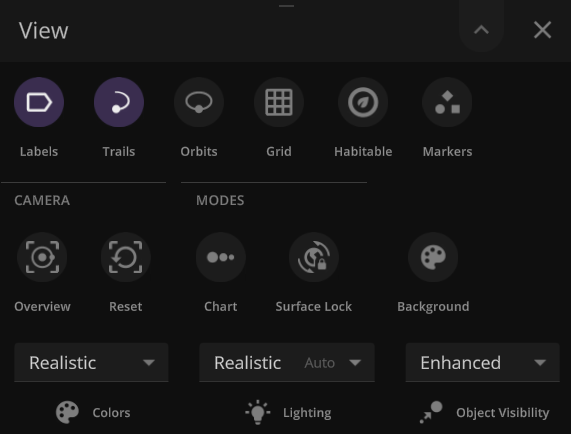
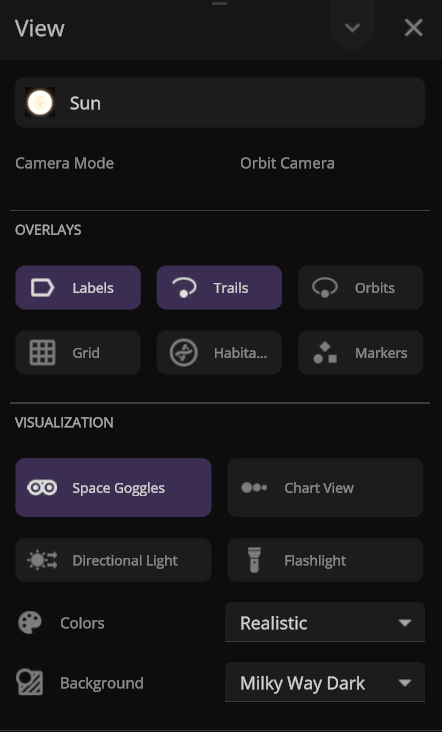
We’ve improved the View panel with more intuitive controls and lighting options
- You can now see and change the camera target from the View panel.
- Space Goggles provide a more comfortable view that filters the brightness to show the action while preserving realism. Turning them off switches to an unfiltered realistic view where stars, hot objects, and collisions can be blindingly bright.
Action Buttons
We’ve added all-new Action buttons at the top of every Properties tab. Quickly fly to a planet or explode it. Your call. (These buttons replace the Action tab.)
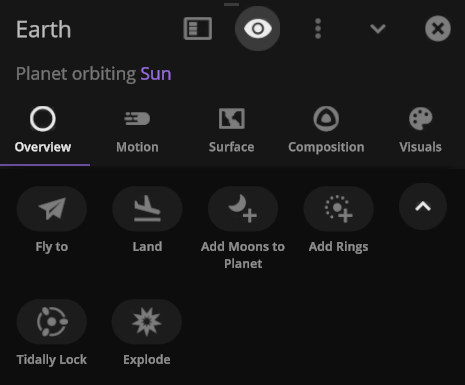
- Save objects or learn more about real astronomical ones with our new Wikipedia button under Additional Actions.

Color maps
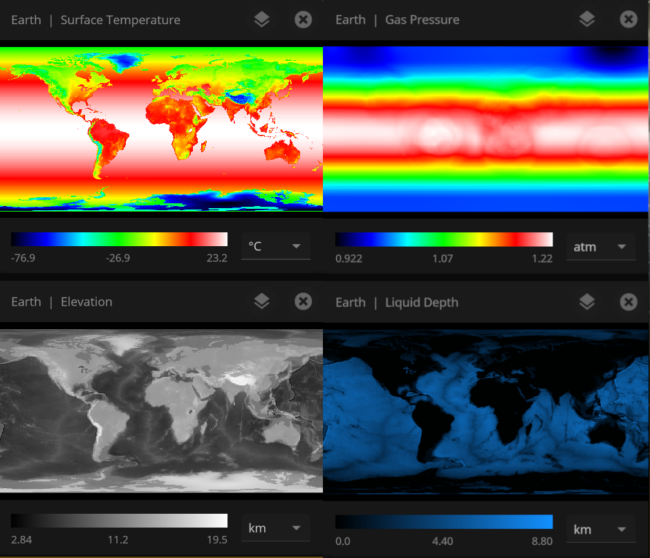
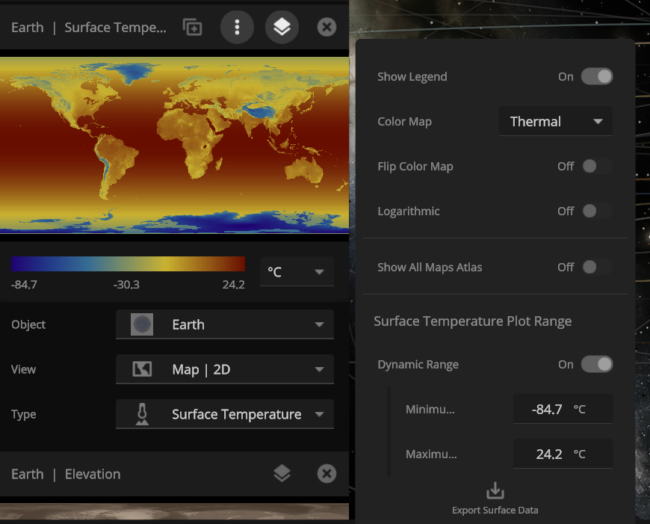
We’ve updated our Data View color maps to make them more perceptually uniform. We’ve also added colorblind-friendly color maps and the ability to invert them.
Inspecting the surface
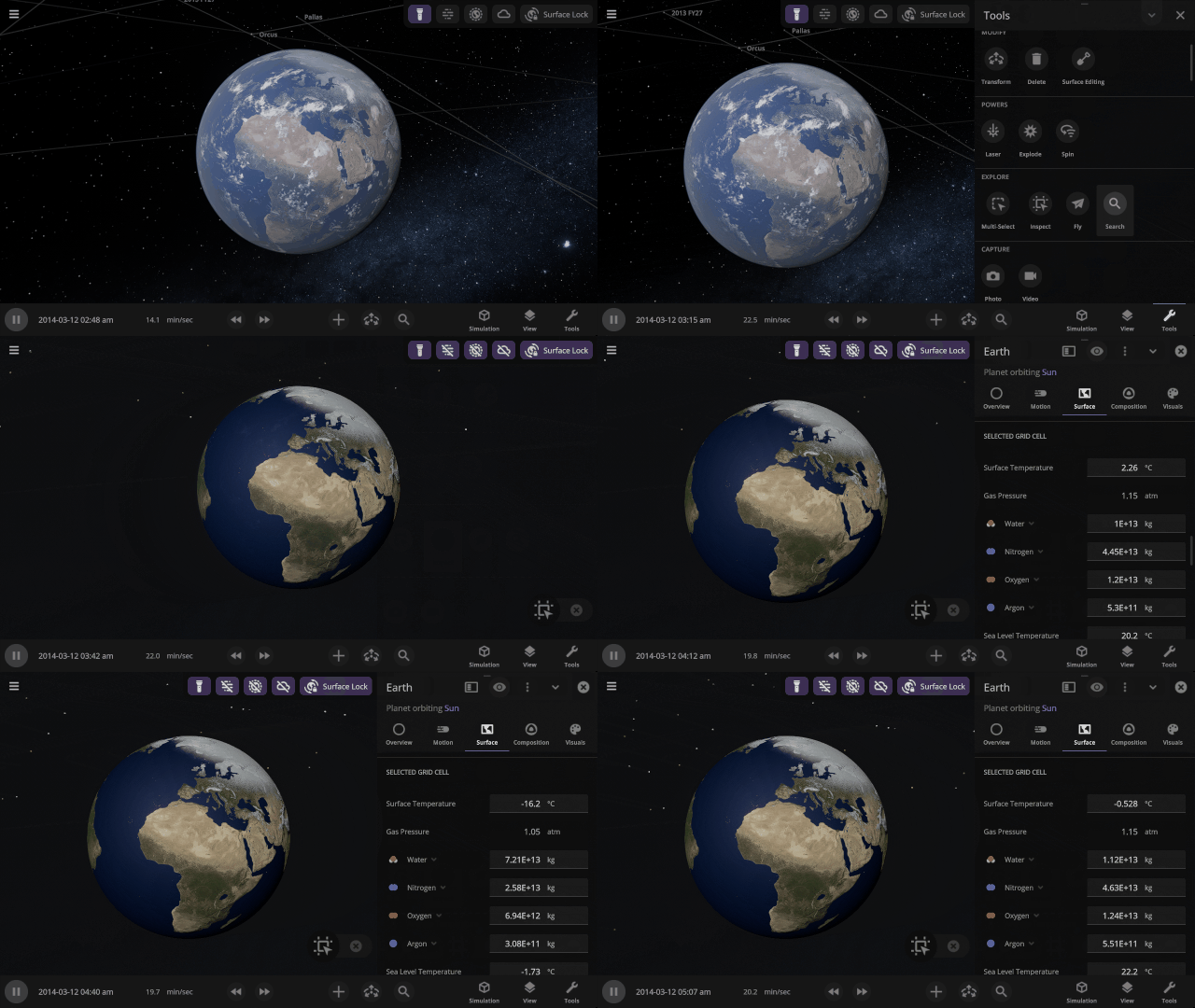
Use the new Inspect tool to quickly see the temperature, material composition, elevation, and other properties of specific points on a planet’s surface.
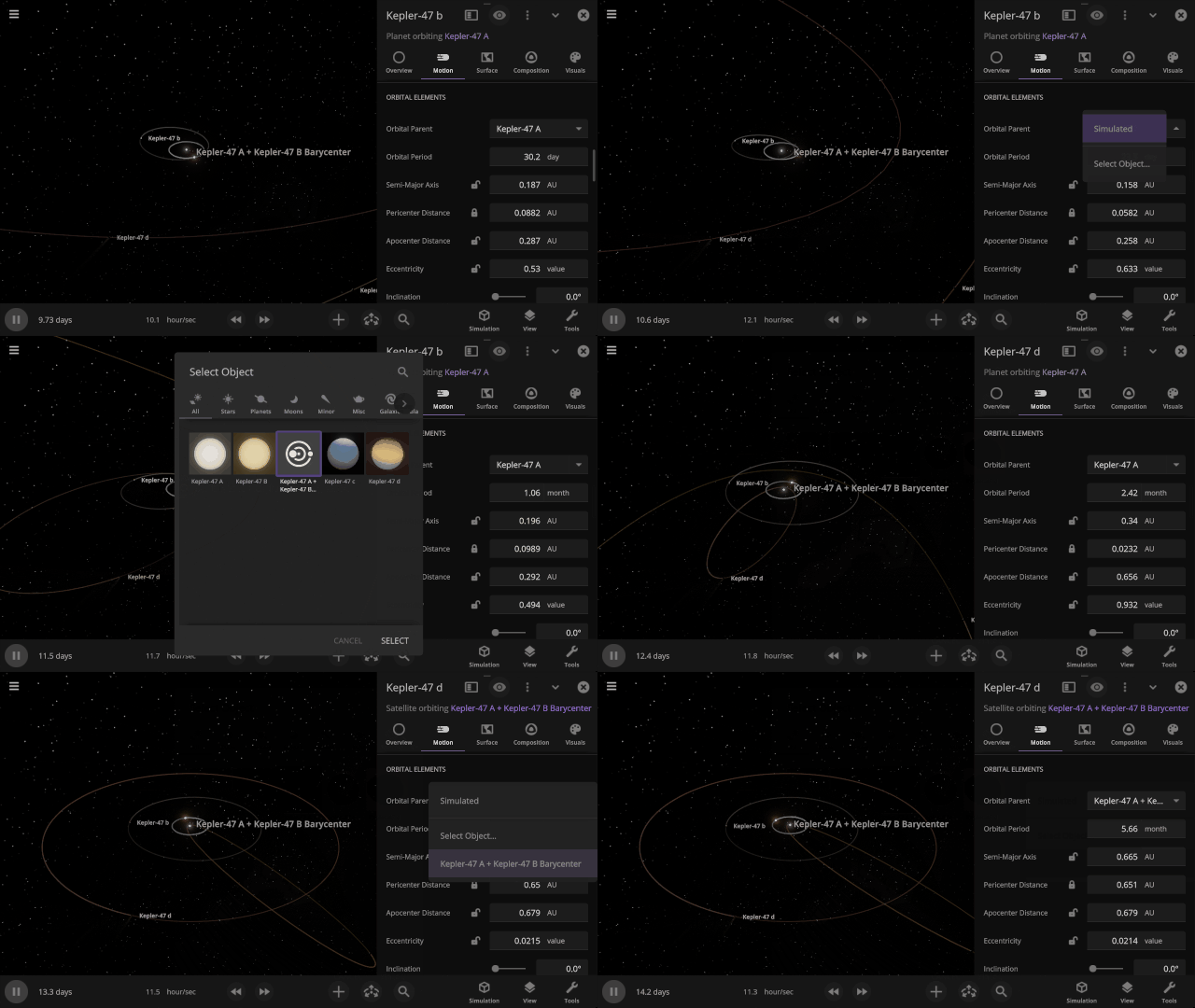
Selectable Orbital Parent
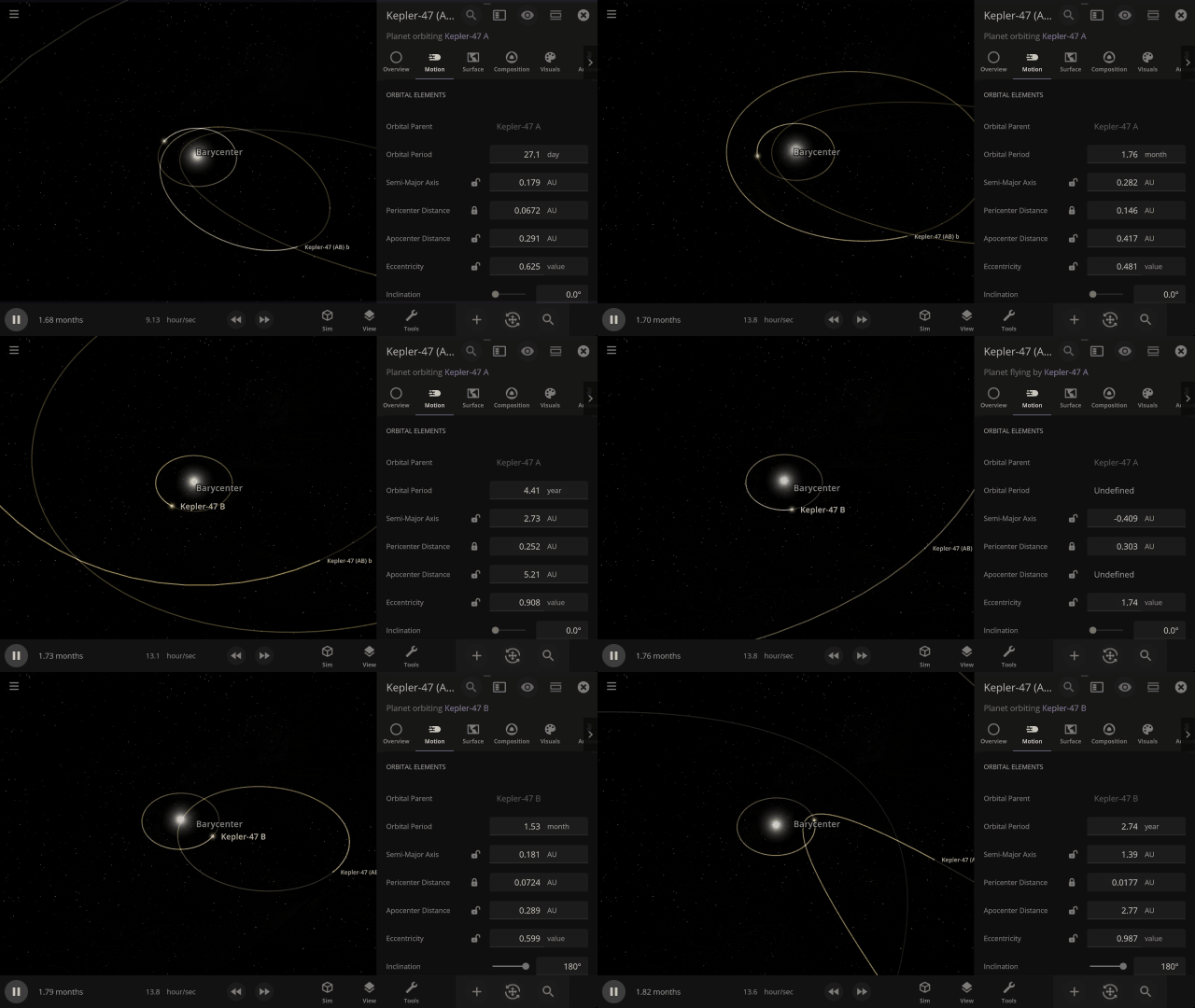
It’s now easier to create binary systems orbiting a common center of mass (also called a barycenter). View and adjust an object’s Orbital Elements around a binary by selecting the system’s barycenter as the object’s Orbital Parent.
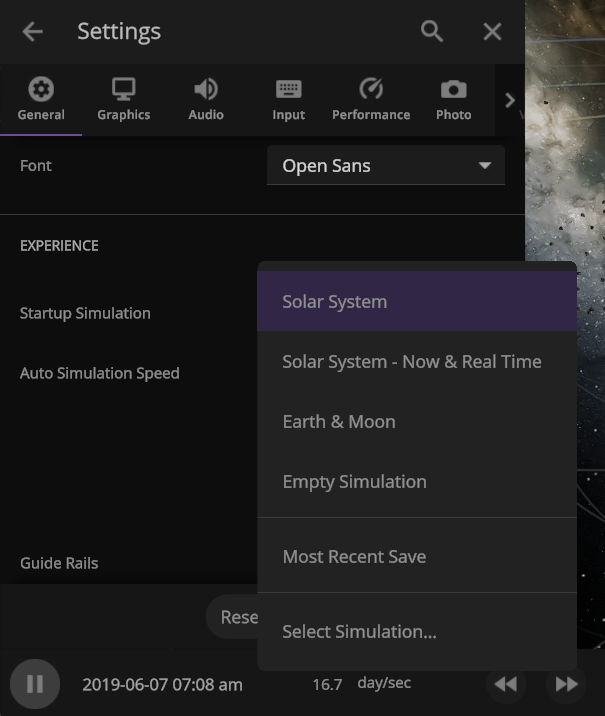
Choose your Startup Simulation
Choose the simulation that automatically opens when Universe Sandbox starts, from any of our included simulations to your own custom work in progress. Just go to
Home > Settings > General > Experience > Startup Simulation
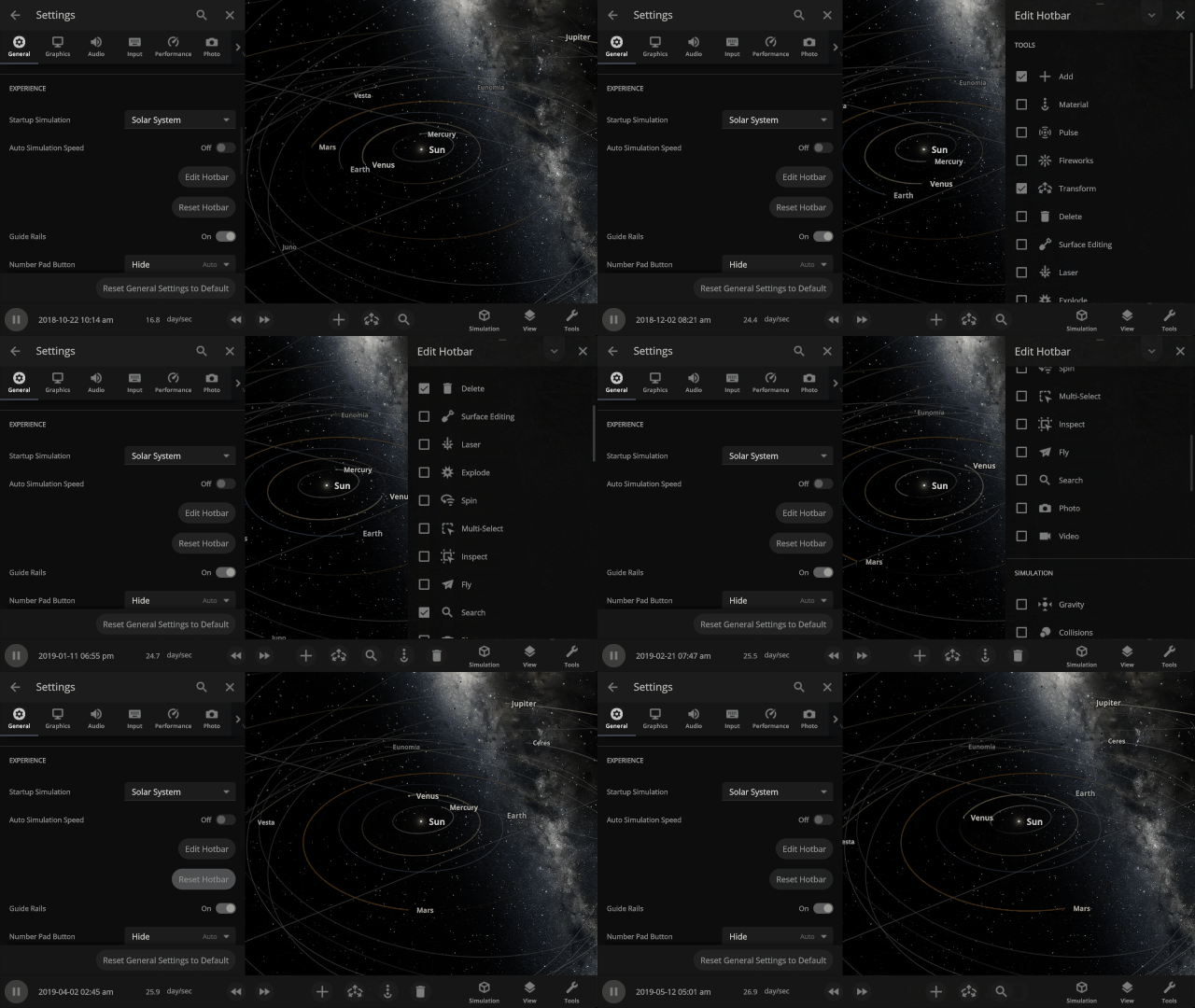
New hotbar
The hotbar has been overhauled so you can add even more shortcuts to manipulate the universe. To edit your hotbar, go to Settings > General > Edit Hotbar or right-click on it and then select “Edit Hotbar.”
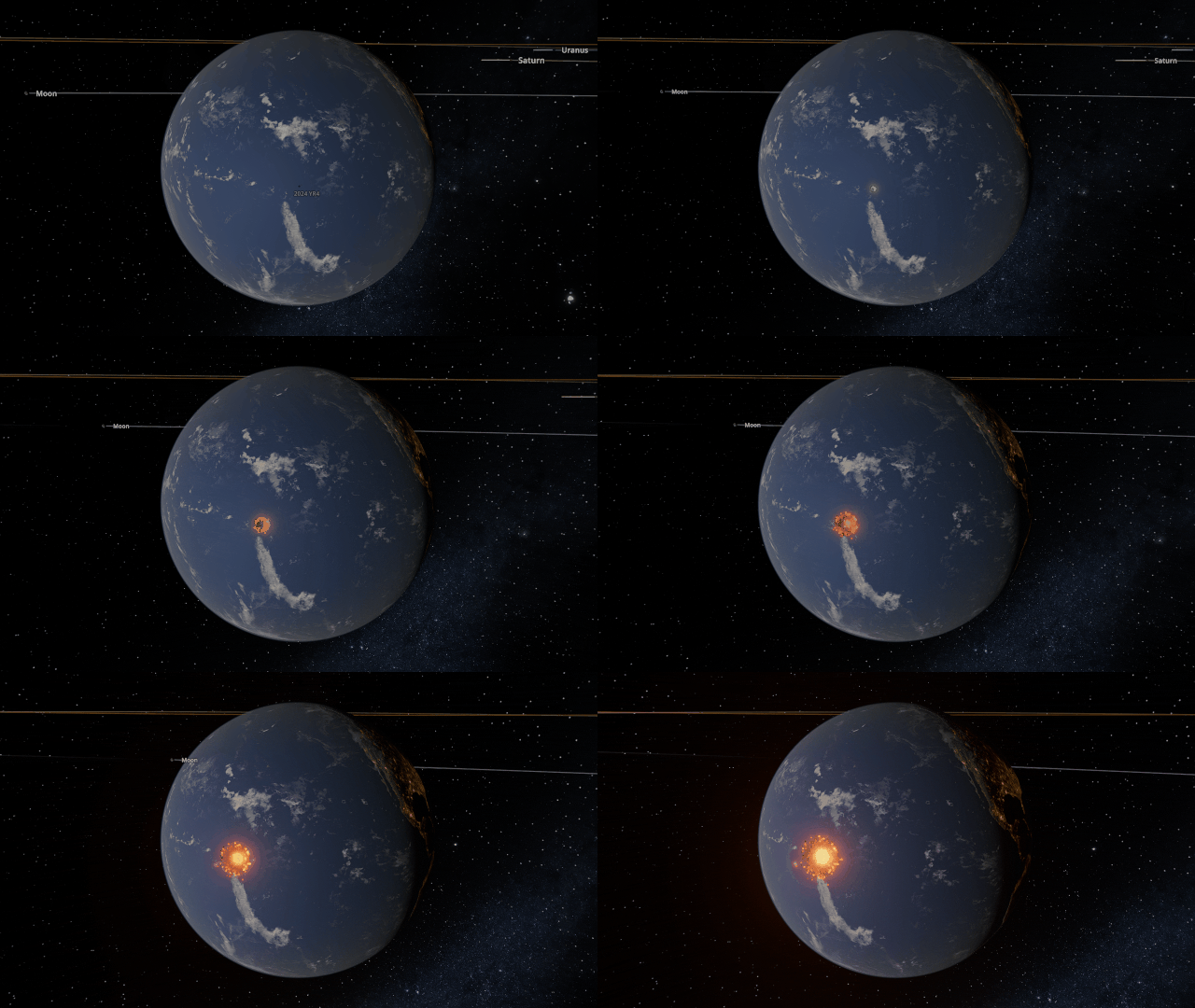
A Potentially Dangerous Asteroid
Watch the projected path of one of the most potentially dangerous asteroids ever detected, YR 2024, as it flies near Earth in 2032, or check out a What If? scenario of what the impact might look like under
Close Encounter of Asteroid YR4 2024 with Earth in 2032
And
What If Asteroid YR4 2024 Collides with Earth in 2032?
New Minimum Requirements
Improving our graphics means we need to update our minimum hardware requirements to include
- 4 GB dedicated video memory (up from 2 GB). 8 GB is recommended.
- 4 GB RAM (up from 2 GB). 8 GB is recommended.
- 4 GB of free disk space (up from 2 GB).
- Windows:
- DirectX 12
- Windows 10 21H1+ (support for Windows 7 SP1, 8, 8.1, and older versions of Windows 10 will be dropped)
- Apple:
- Silicon (M1 or newer). Intel Mac will no longer be supported.
- Universe Sandbox may still run on Intel-based Macs, but we cannot guarantee good performance for every Intel-based Mac.
- macOS 11.0+ (support for macOS 10.14 and 10.15 will be dropped)
- Silicon (M1 or newer). Intel Mac will no longer be supported.
While it is never fun to have support dropped, this new graphics system will allow us to improve performance and add new features to Universe Sandbox now and well into the future.
We’ll ensure all users affected by this change can always access the version of Universe Sandbox from before this minimum requirements update. Learn how.
Check out the full list of What’s New in Update 35.
Please report any issues on our Steam forum, on Discord, or in-game via Home > Send Feedback.

Eclipsed Improvements | Update 34.1
Mar 5th

If Update 34.1 does not download automatically, follow these update instructions. If you don’t own Universe Sandbox, you can buy it via our website.
2024 Total Solar Eclipse
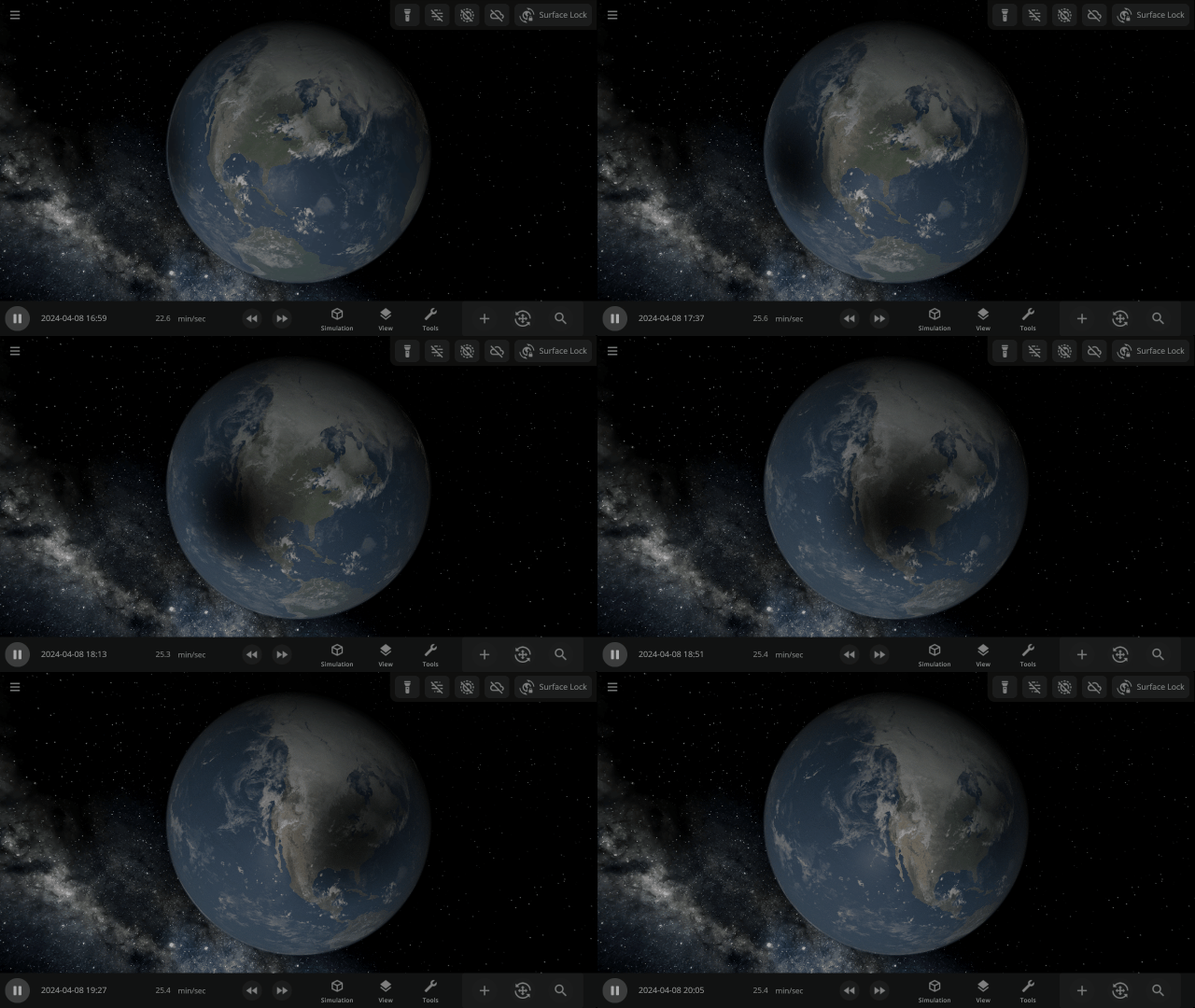
Watch the Moon completely block out the Sun across parts of Mexico, the United States, and Canada in our simulation of the April 8, 2024 total solar eclipse. Check it out under:
Home > Open > Total Solar Eclipse on April 8, 2024
Learn more about this eclipse.
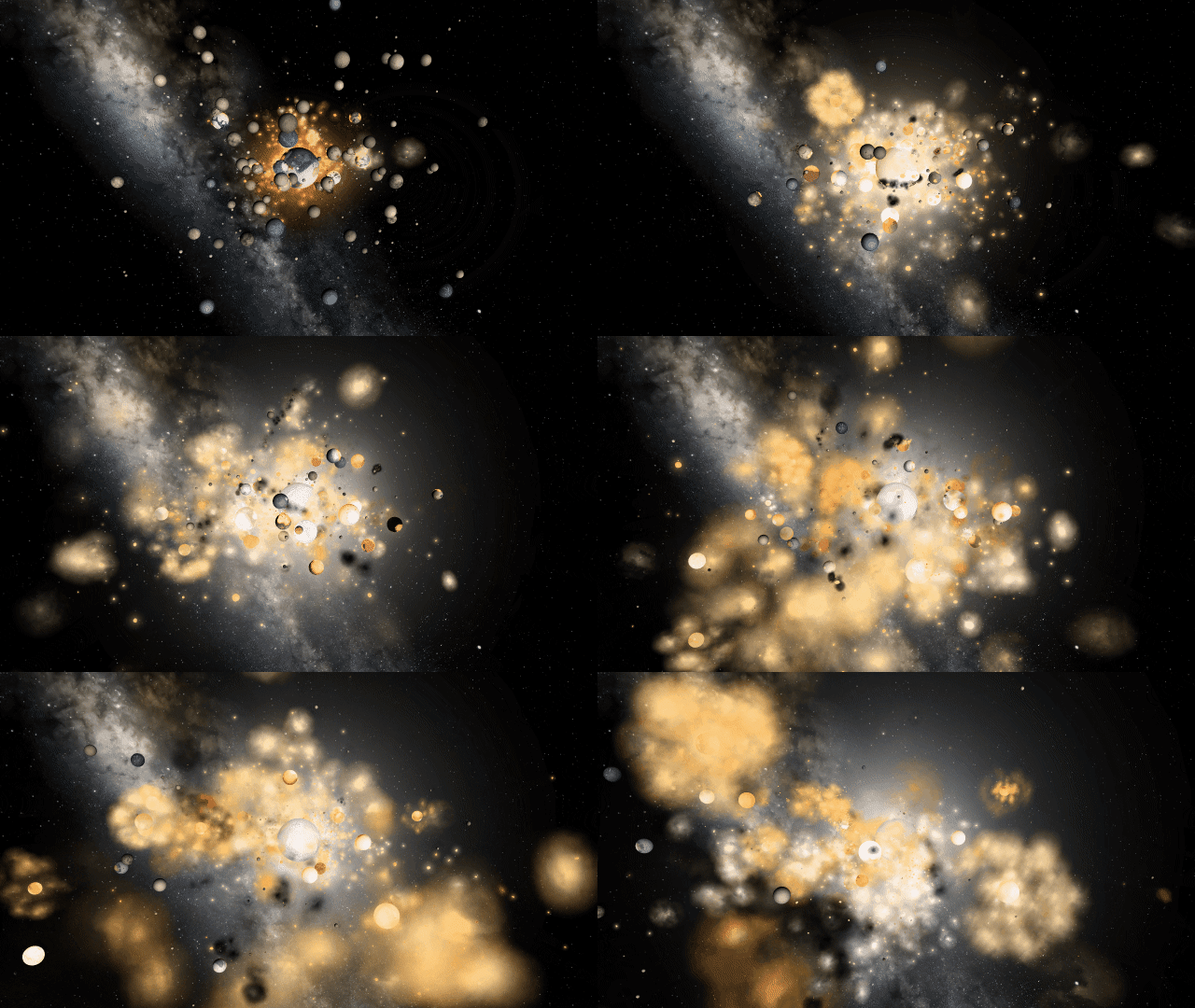
Chaotic Collisional Aftermath
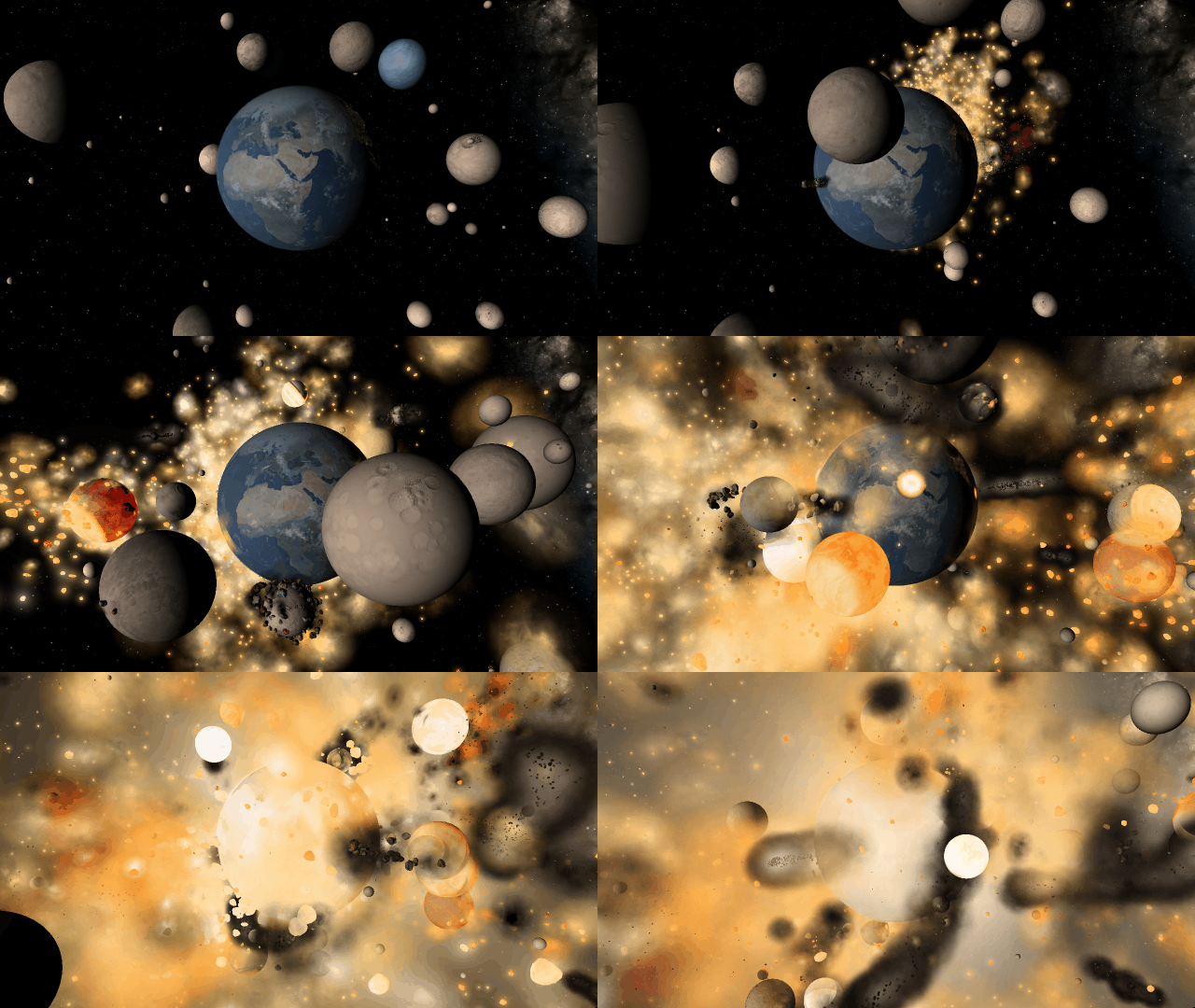
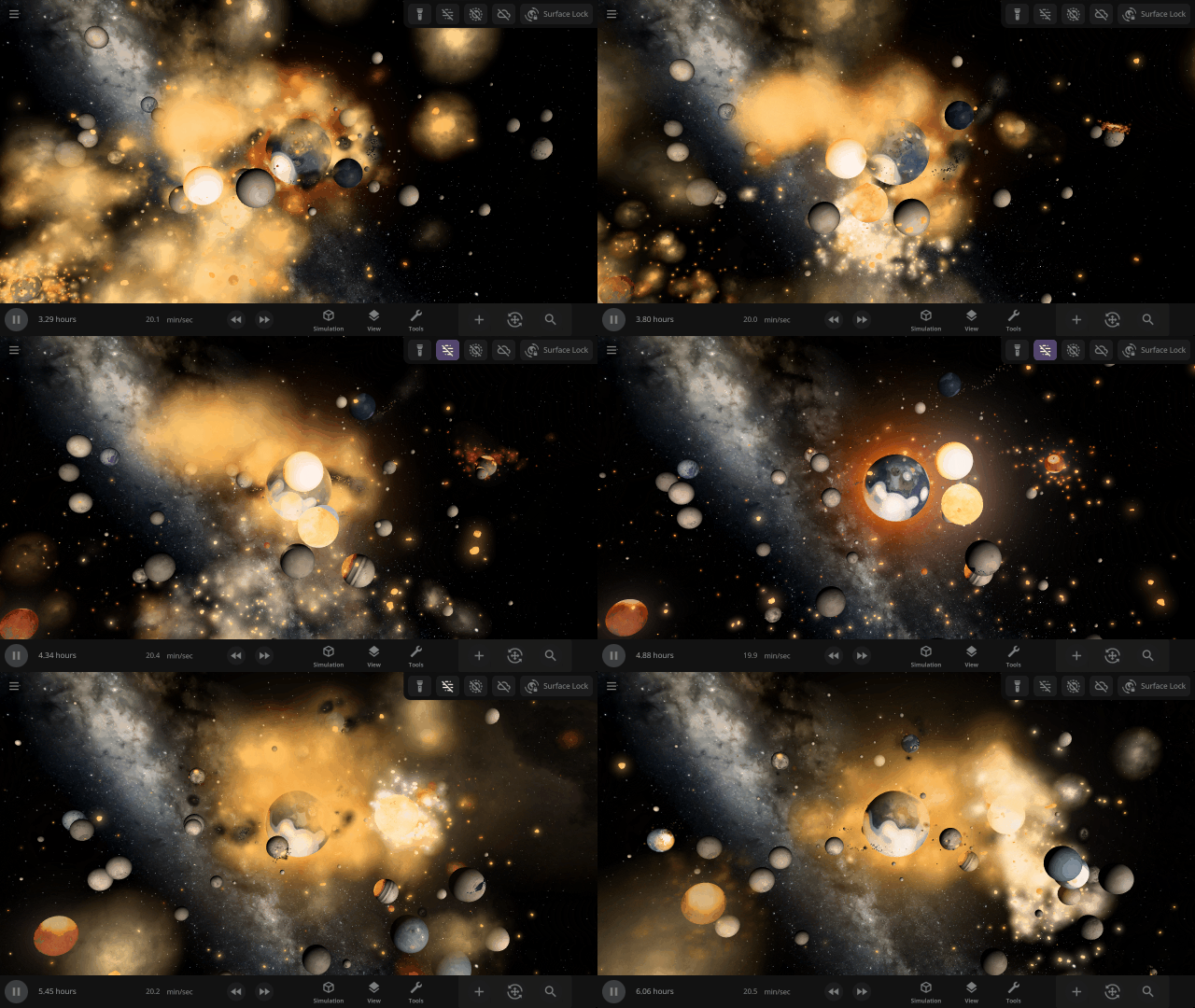
Immerse yourself in chaos as gas clouds expand and rock fragments collide in the aftermath of collisions. We’ve updated our particle system to preserve performance while simulating fuller, more realistic collisions.

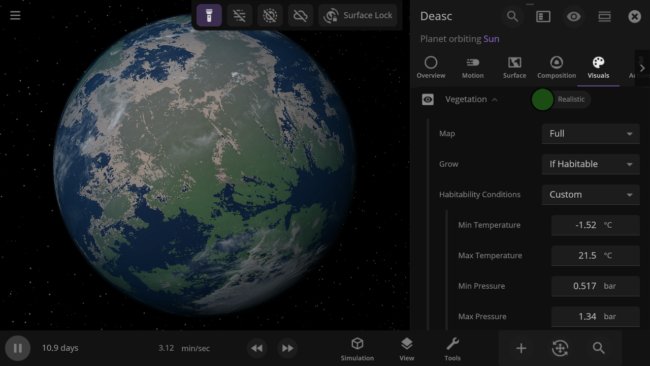
Custom Habitable Range
Customize the habitable temperature and atmospheric pressure of your planets for more unique vegetation and city lights coverage.
More Highlights
Explore the chaos of the fictional planetary system of Trisolaris from The Three-Body Problem. The number of objects gravitationally interacting makes it impossible to predict the planet’s orbits, called the three-body problem.

All gasses in a planet’s atmosphere now contribute to its color and opacity instead of just the 4 gasses with the most mass.

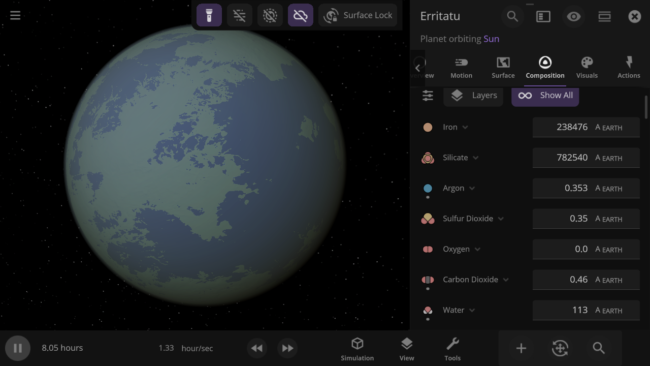
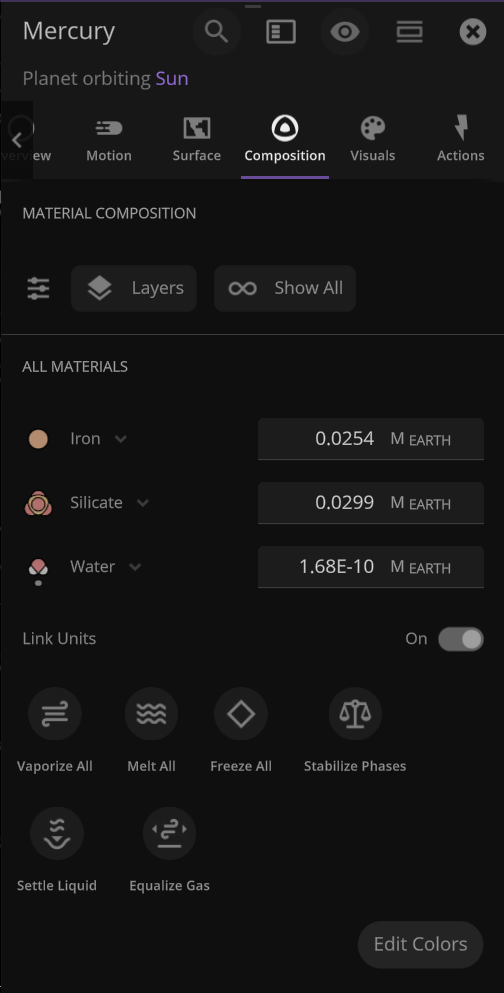
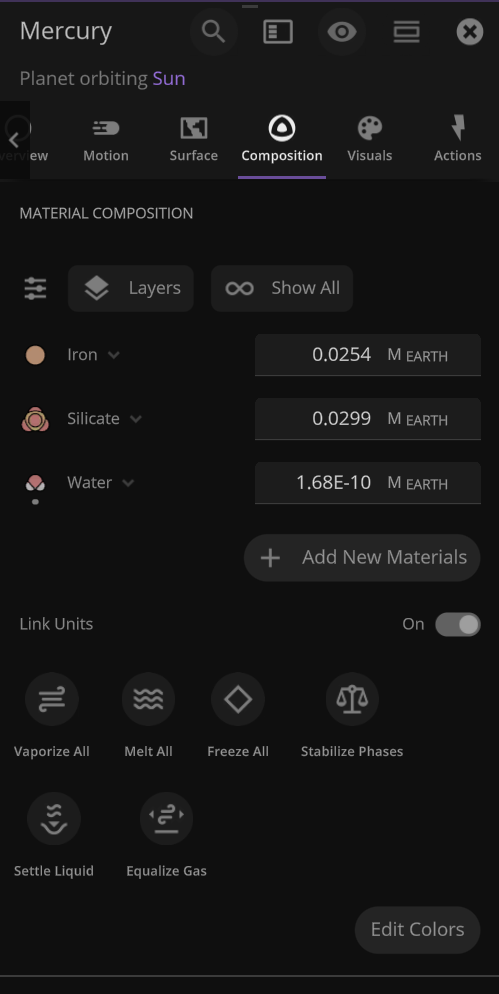
An object’s material composition now just shows the list of materials currently in the object by default. We’ve also added an Add New Materials button.
Use the new Hide Dust Clouds toggle to look at planet surfaces and see collisions through thick clouds of dust.
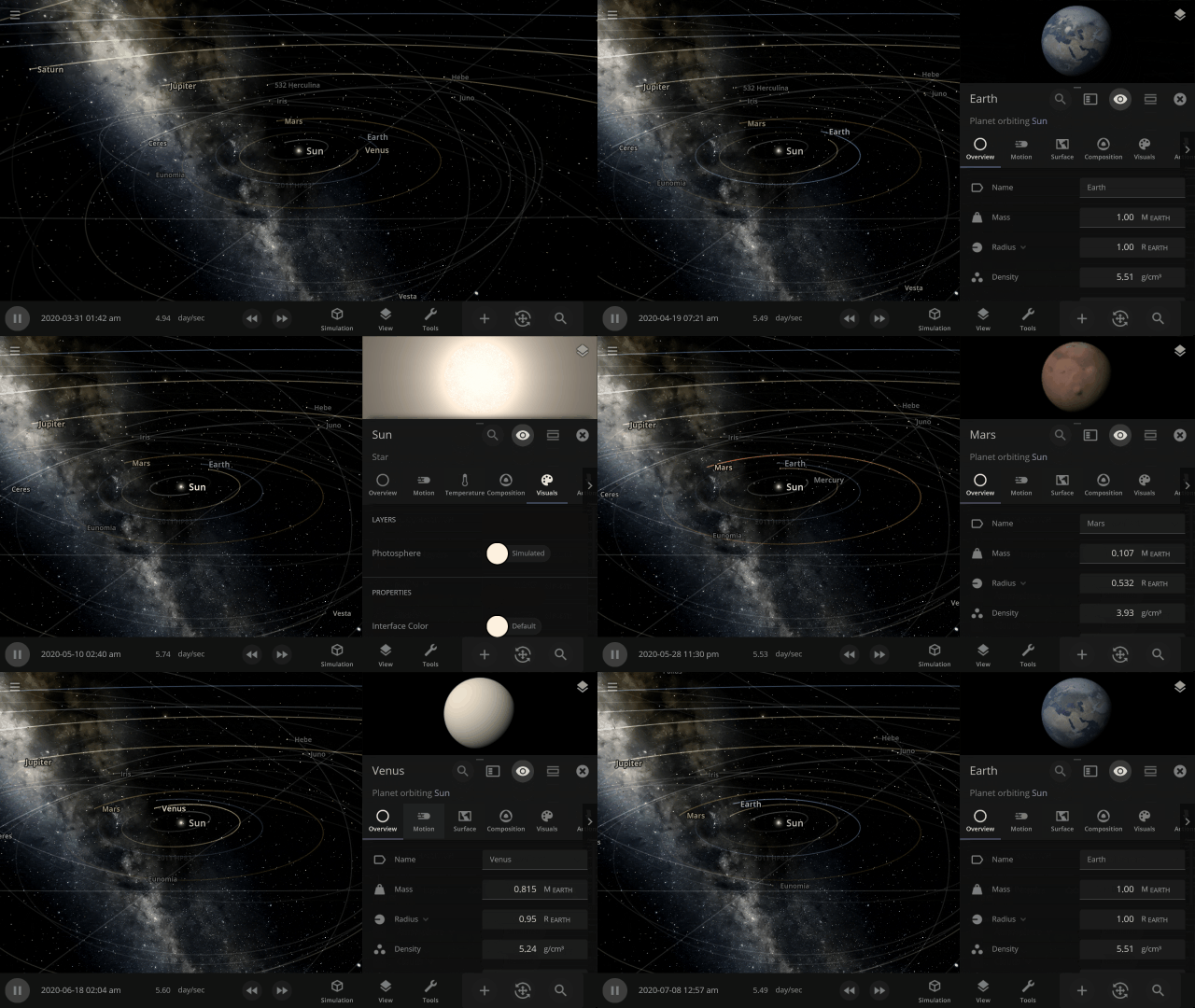
The object properties panel has been greatly optimized, making it faster to open and switch objects.
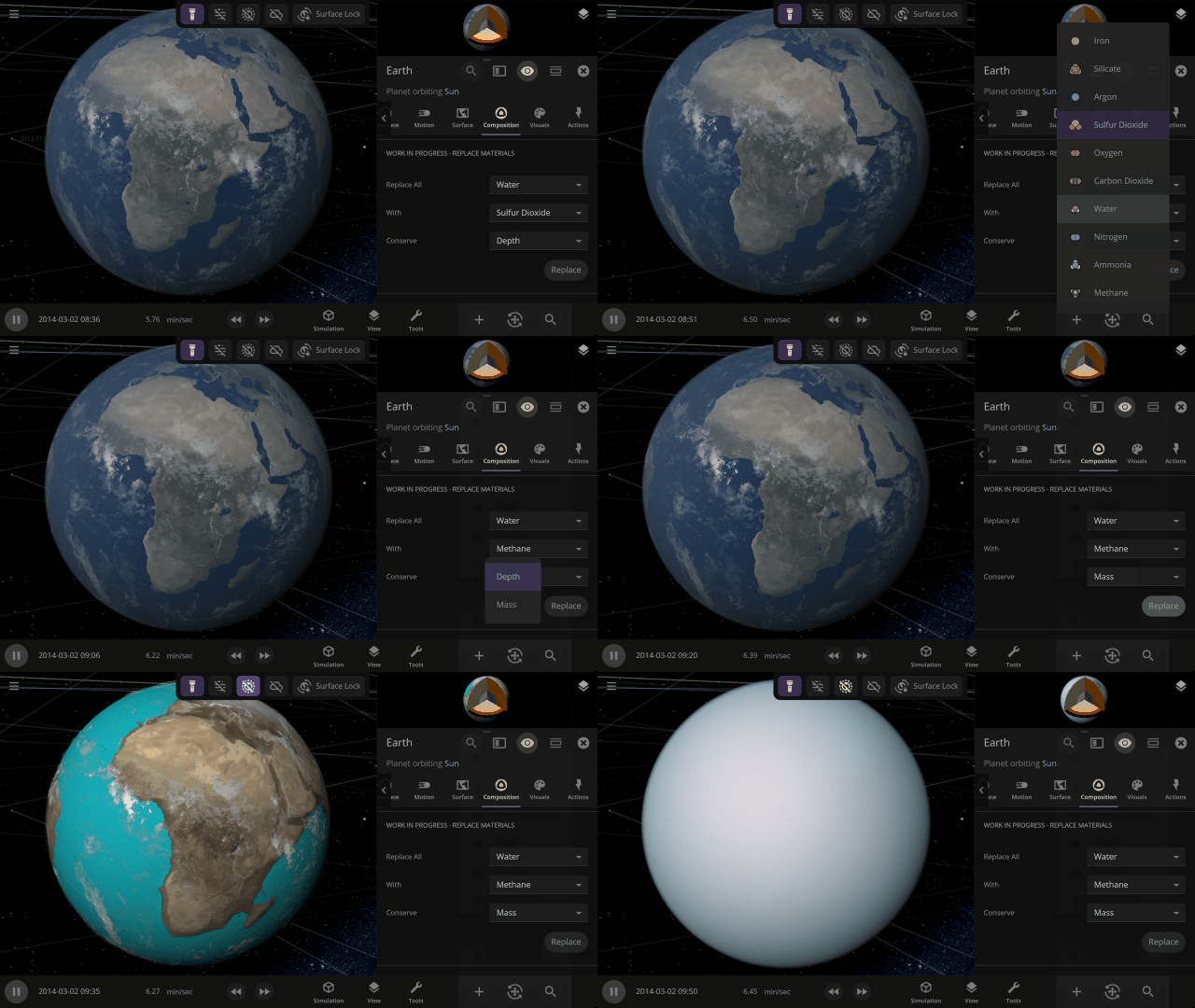
Completely swap one material on a planet for another with one tap. What would Earth look like if you switched out all the water for methane?
This update is brought to you by our completely new build system, which automatically creates different versions of Universe Sandbox whenever one of our team members updates the code it’s built on, allowing us to test and release new features even faster.
Listen to your favorite Universe Sandbox track over and over again by looping them under
Settings > Audio > Music Controls > Loop Track
Check out the full list of What’s New in Update 34.1
Please report any issues on our Steam forum, on Discord, or in-game via Home > Send Feedback.