


Update

Terraforming | Update 34
Dec 14th
If Update 34 does not download automatically, follow these update instructions. If you don’t own Universe Sandbox, you can buy it via our website.
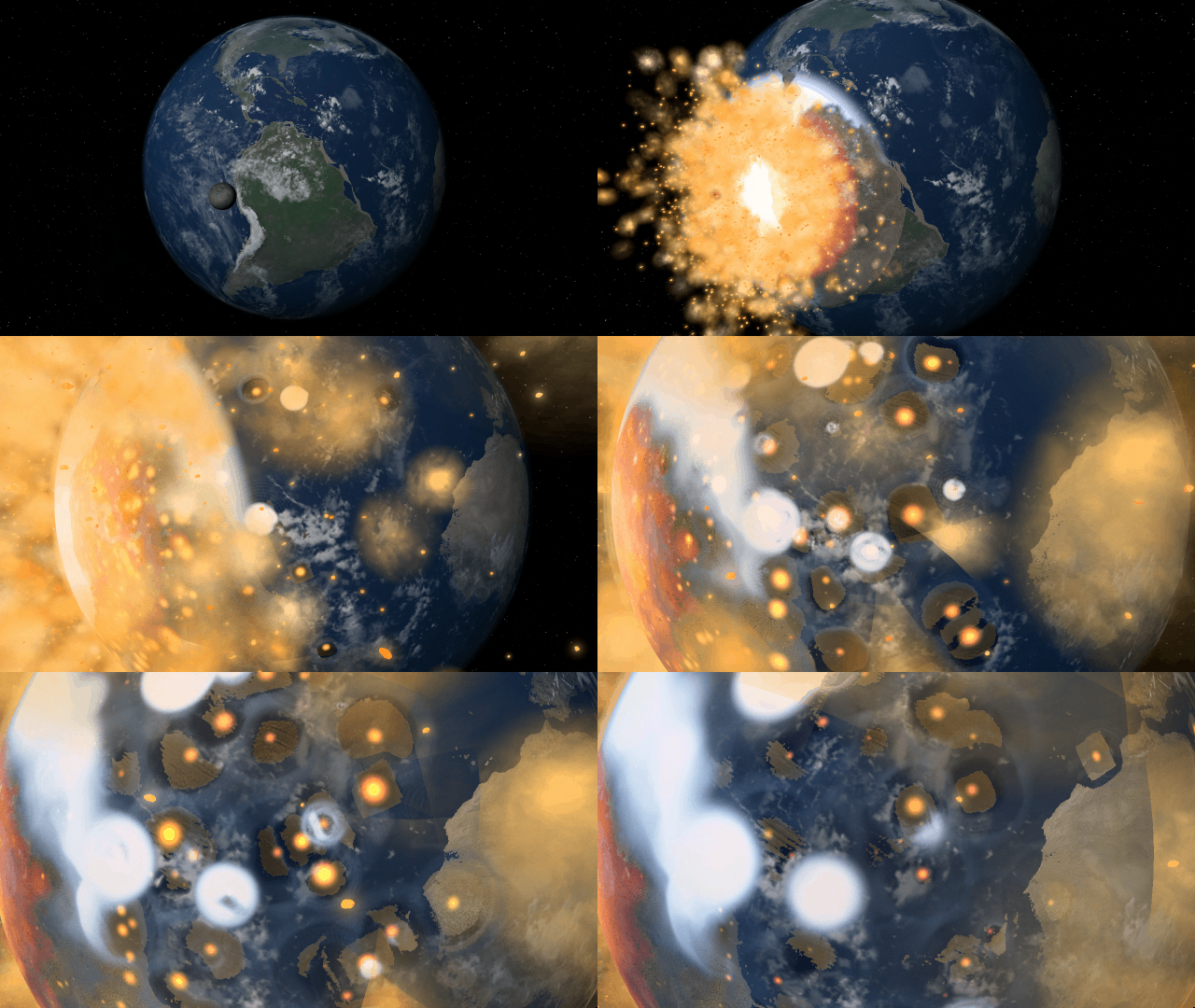
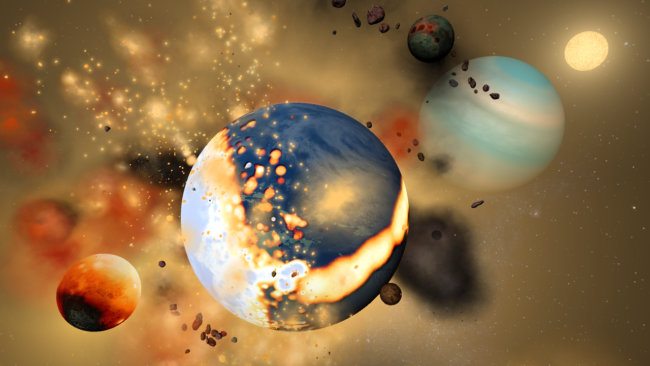
Simulate, construct, and terraform planets and atmospheres more realistically than ever before with new materials! Planet sizes, atmospheric heating, gas and liquid colors, and more are now simulated based on the mass and phase of each material in a planet’s composition.
Learn more about how we simulate materials in two new guides
Home > Guides > Tutorials > Playing with Materials
Home > Guides > Science > Terraforming Mars
New Materials
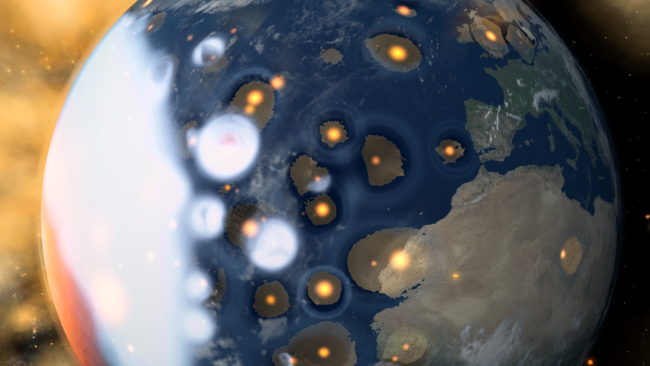
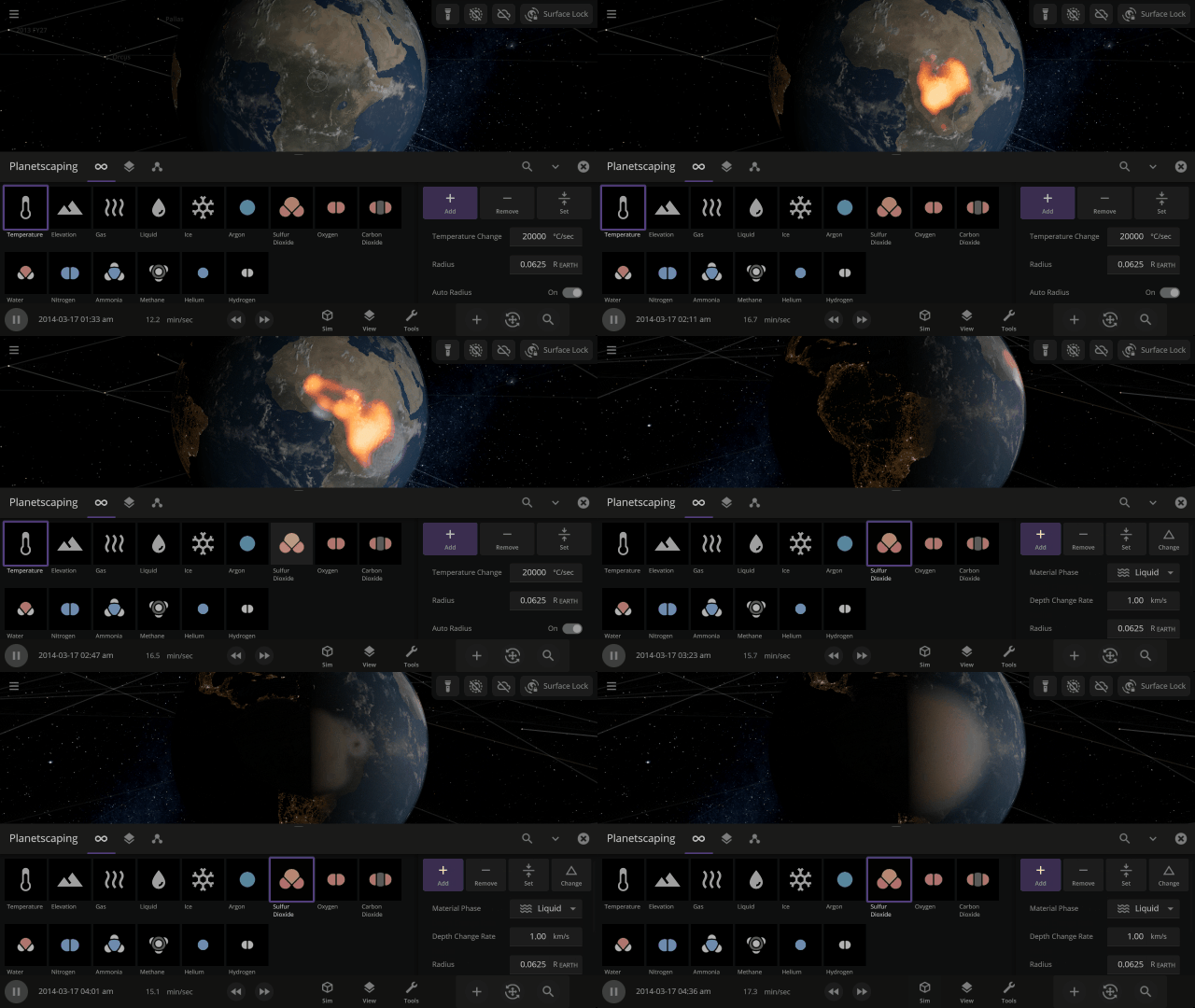
Terraform planets, rain down oceans, and expand atmospheres with 8 new materials (for a total of 12) using the Material or Planetscaping tools, or adjust the materials directly under
Properties > Composition
In addition to silicate, iron, hydrogen, and water, we are now simulating helium, carbon dioxide, oxygen, sulfur dioxide, methane, nitrogen, argon, and ammonia.
Planet Atmospheres
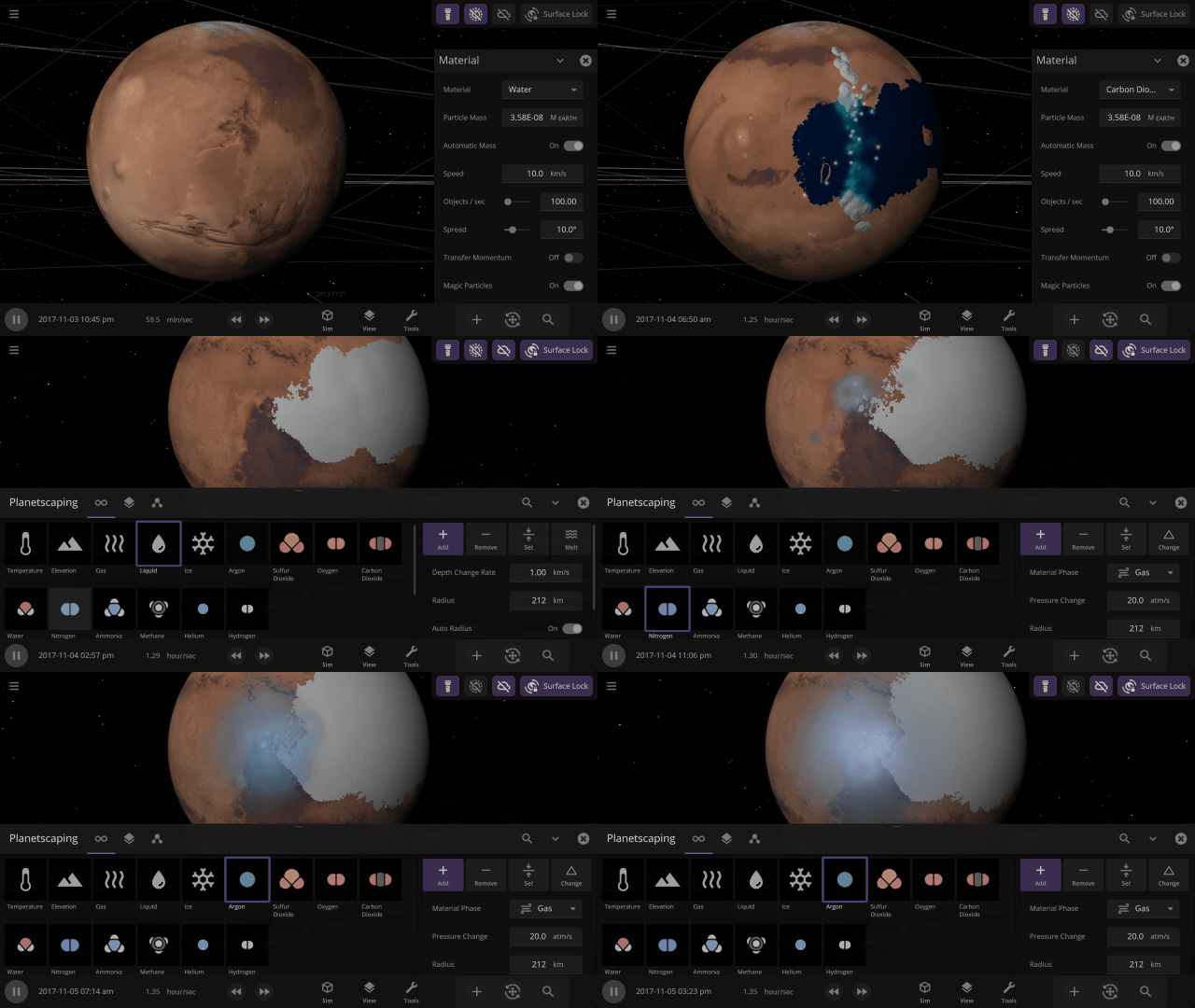
Create pleasant Earth-like or oppressive Venus-like atmospheres by adjusting the mix of materials in the atmosphere. Atmosphere colors are based on the amount of gas in a specific area, with thicker atmospheres being harder to see through.
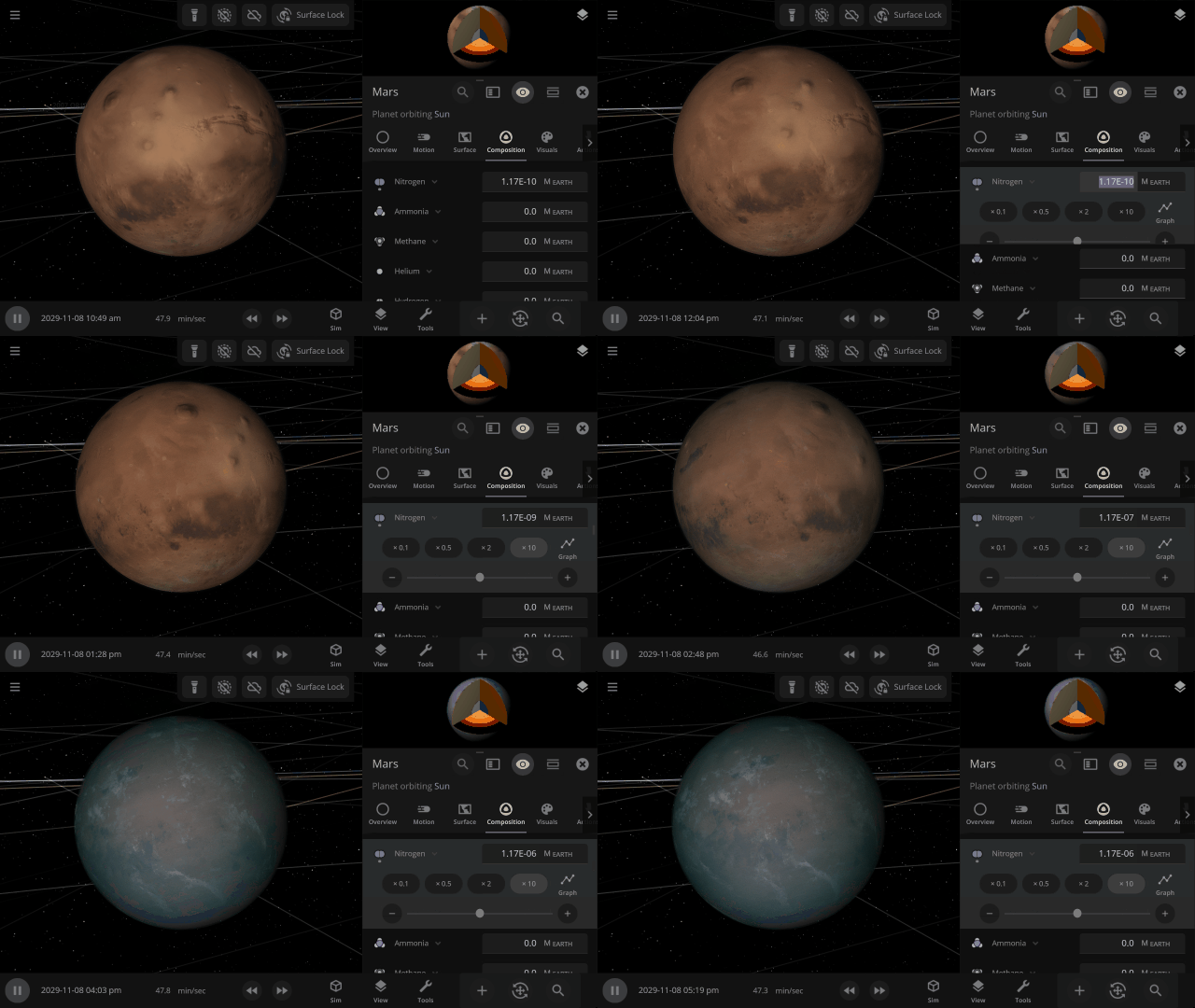
Material Collisions
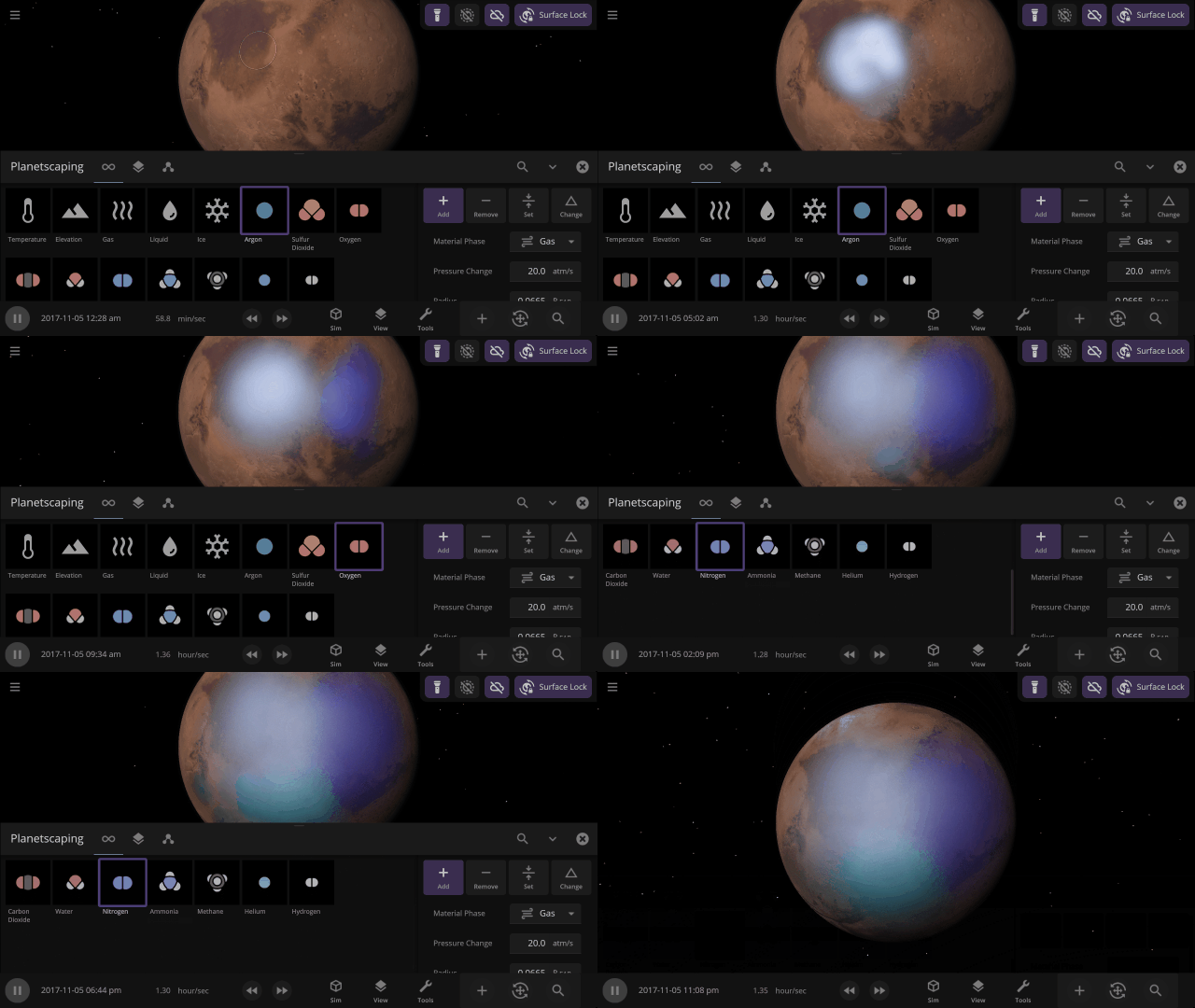
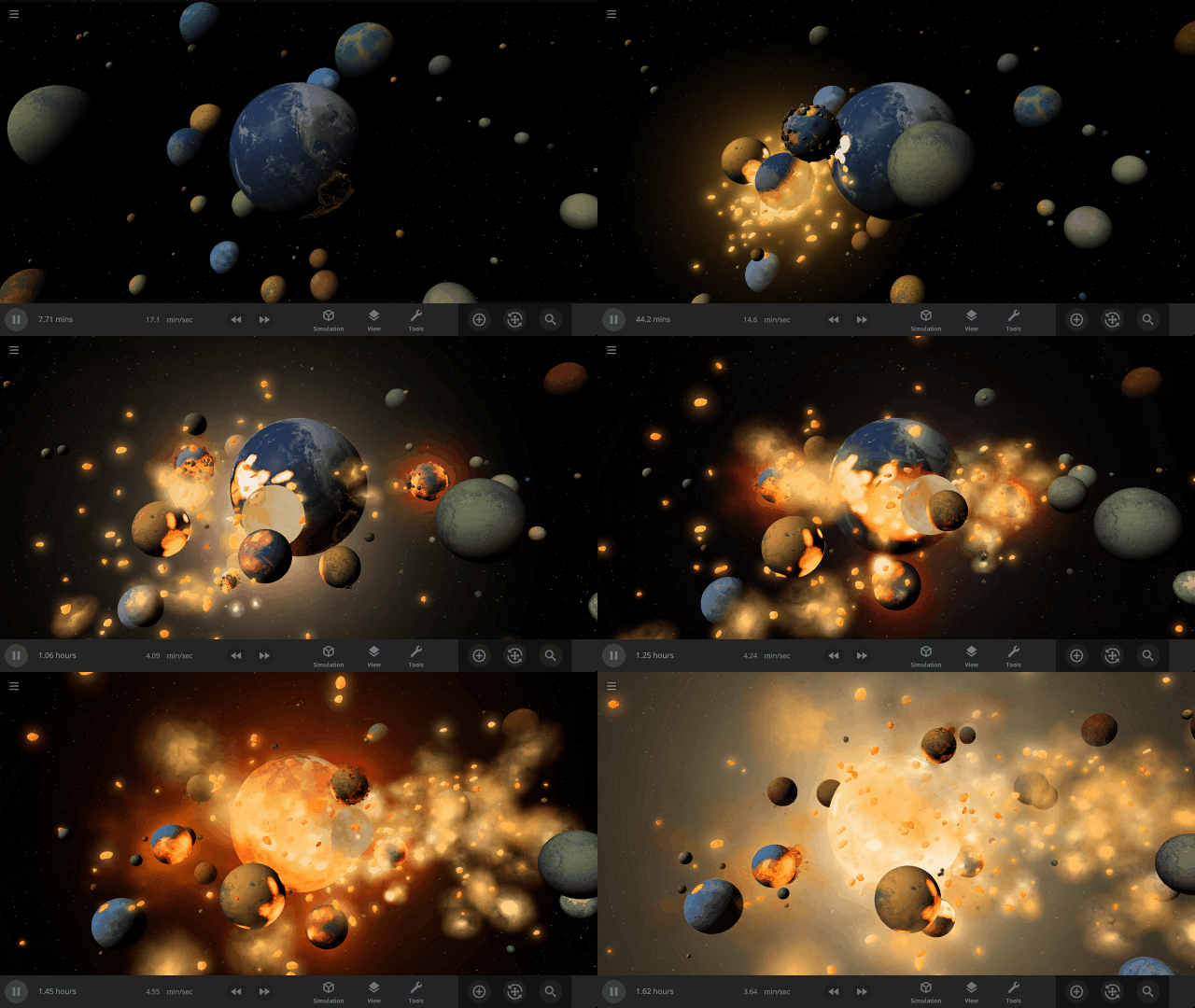
Bombard planets with materials to see their atmospheres and oceans indefinitely altered. Watch oceans boil, creating vapor-filled atmospheres. Impacts create shockwaves that push gases and punch holes in the atmosphere.
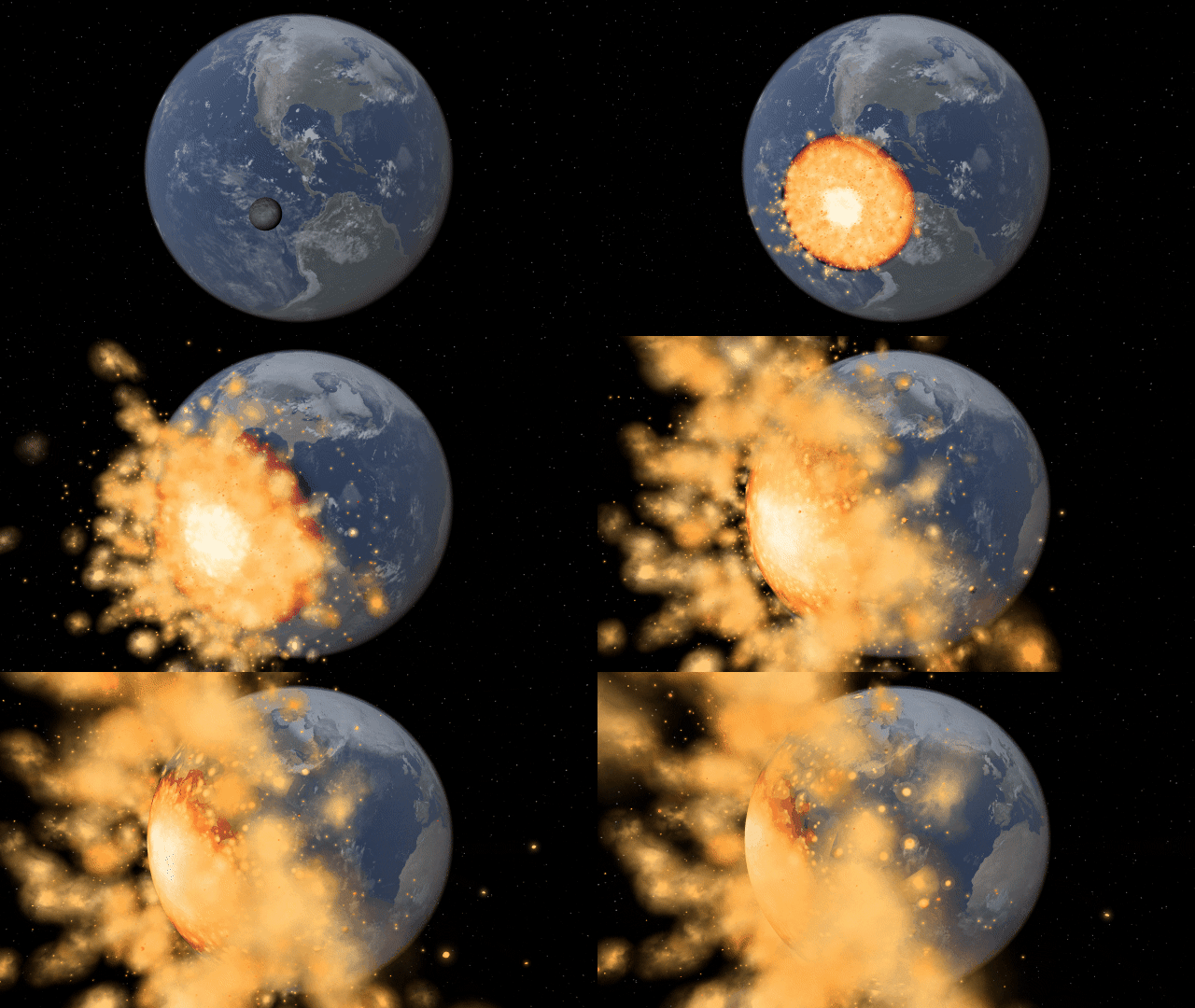
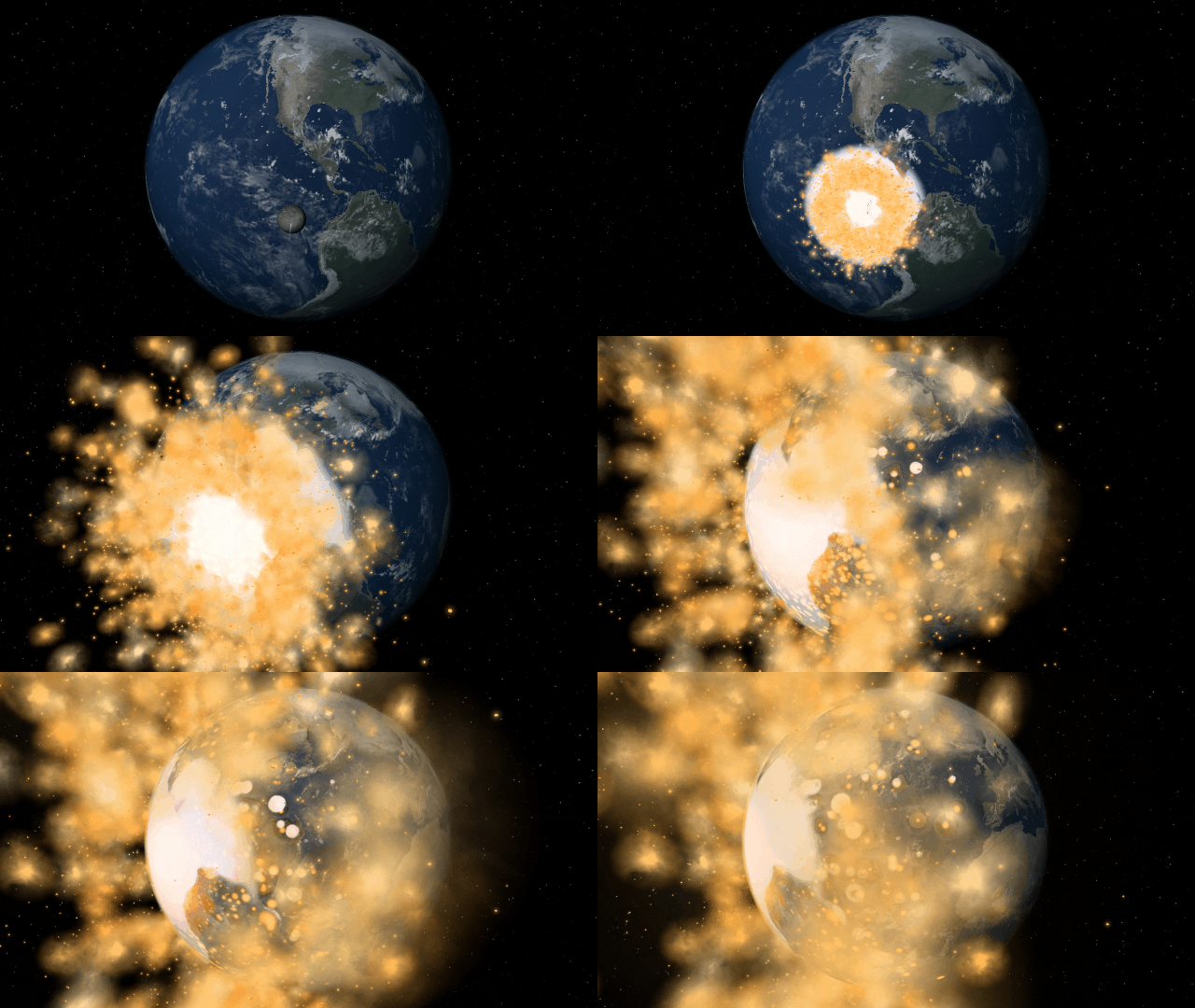
Object Size from Composition
We’re using complex models of materials under the intense heat and pressure inside planets to compute realistic planet sizes.
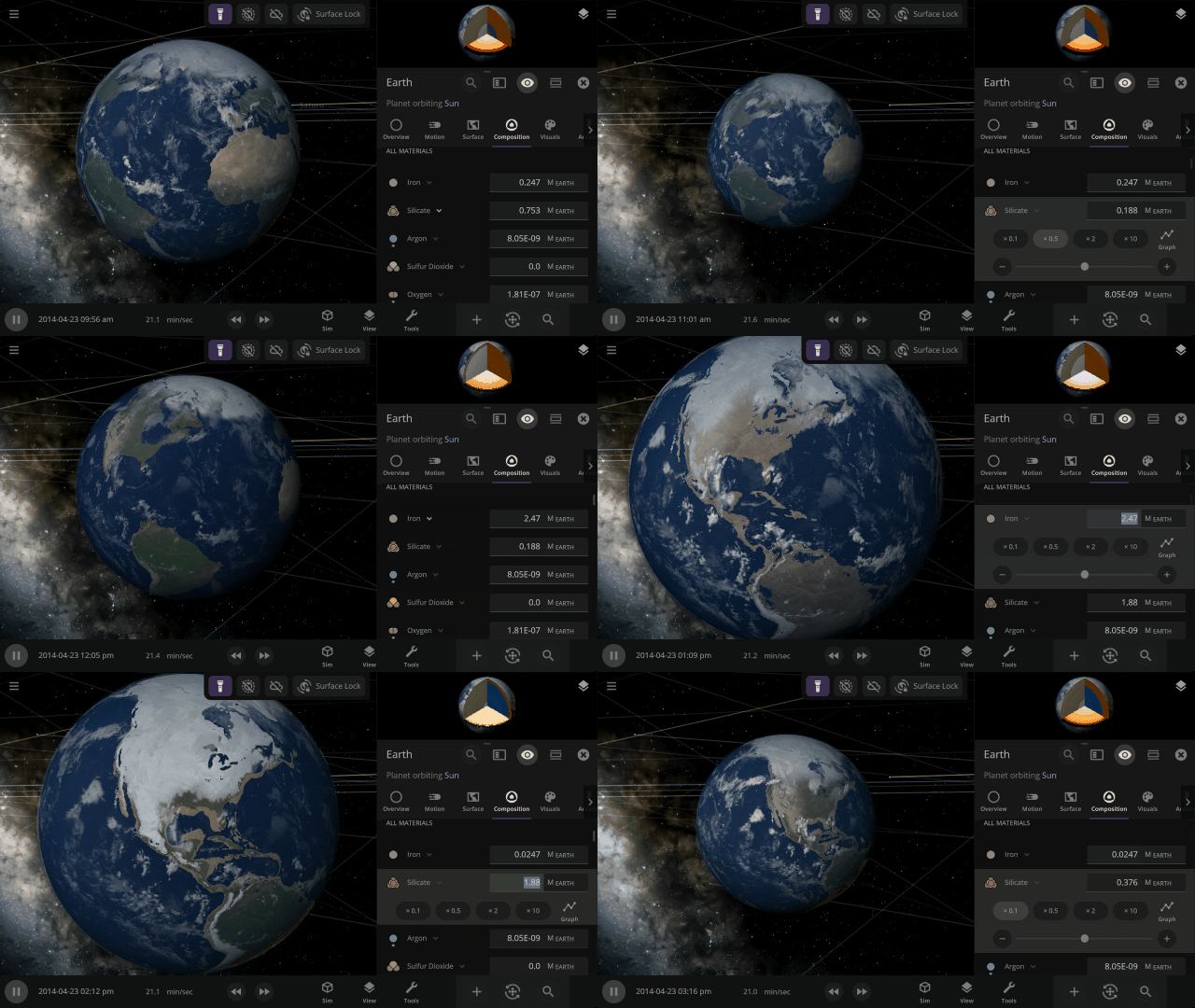
More Highlights
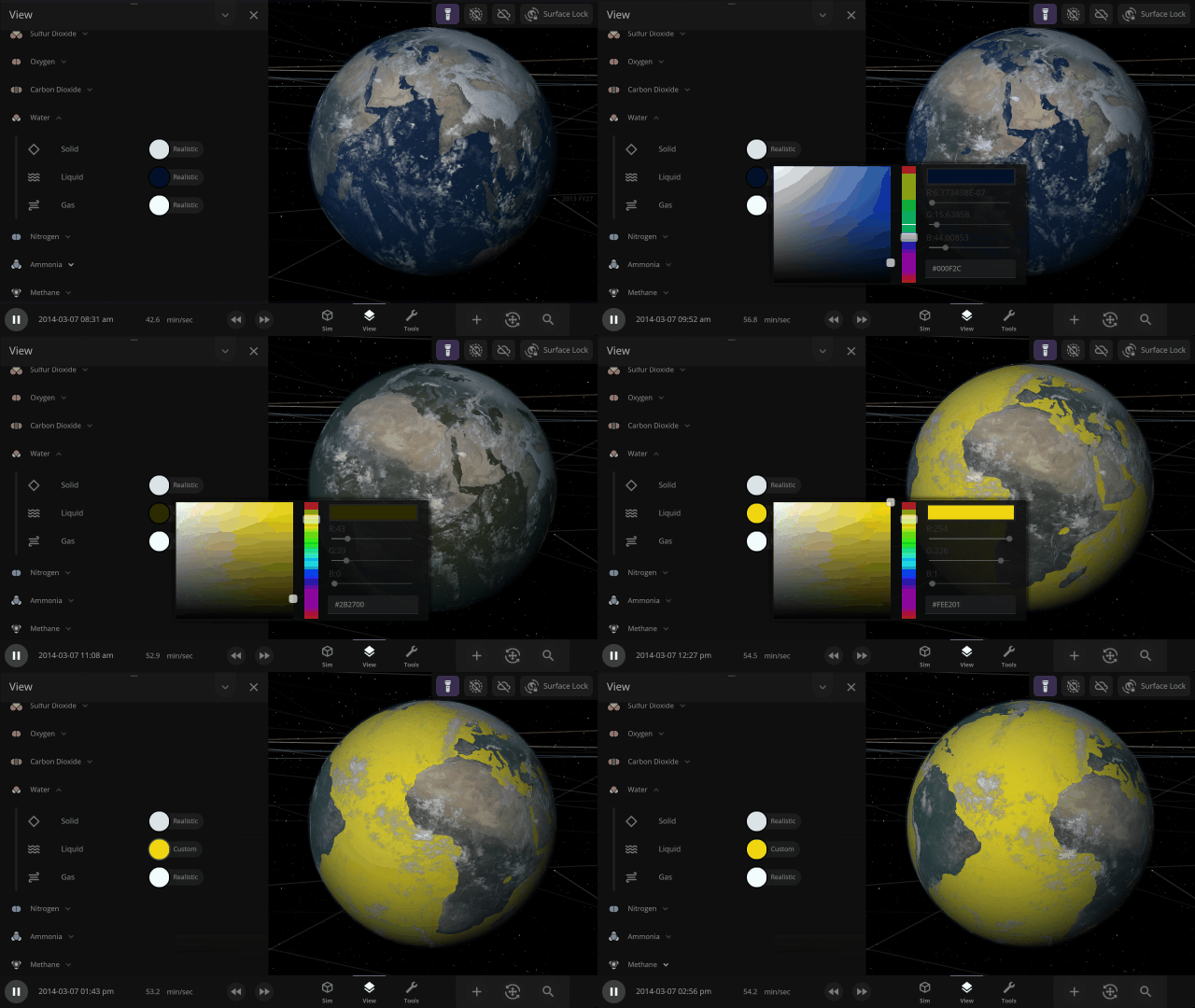
Material colors are based on their real-life properties. Materials blend on the surface of planets and moons so you can watch oceans and gas clouds mix in real time. You can also customize material colors under
View > Advanced View Settings > Materials

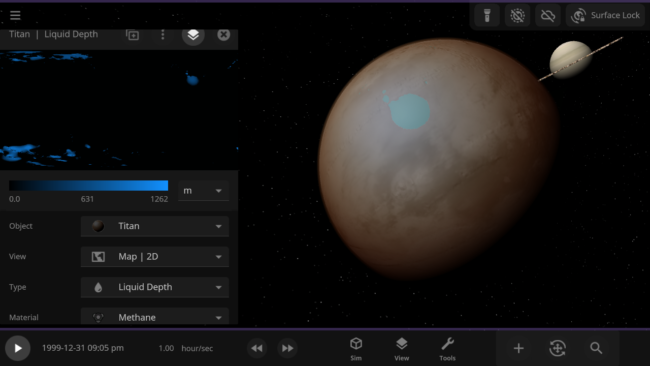
Adding materials beyond water allows us to simulate Titan’s methane lakes. In the future, these new materials will also be the foundation for simulating life.
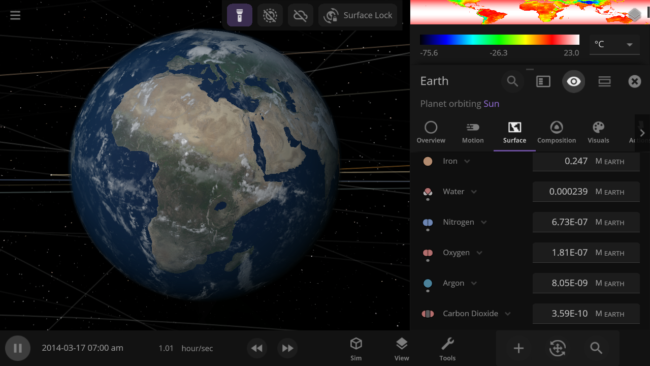
The 4 materials with the most mass will automatically be simulated across an object’s surface, indicated by a dot, similar to how water was simulated. You can also override this and choose any 4 materials to simulate across an object’s surface.
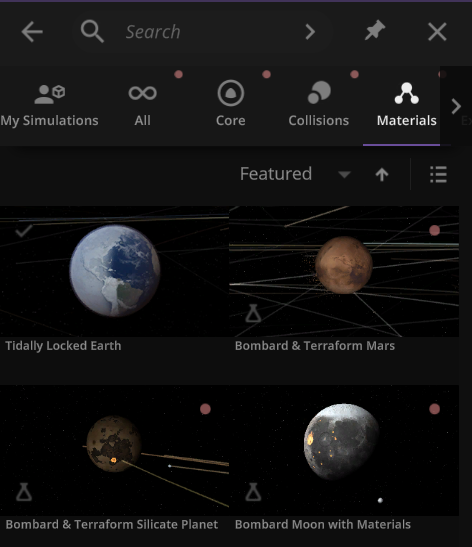
We’ve added a collection of material simulations so you can compare how they change phase between solid, liquid, and gas
Home > Open > Materials
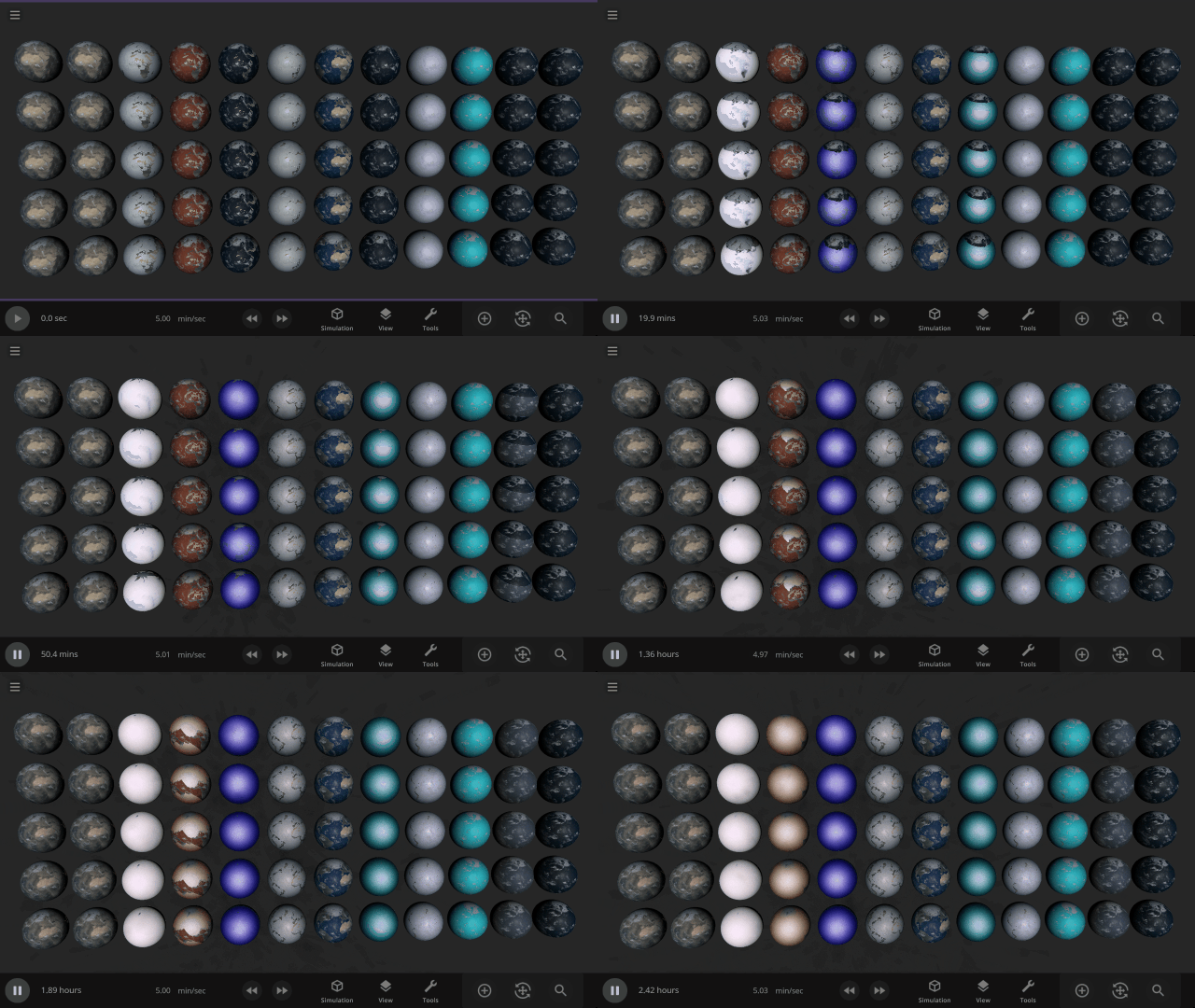
The simulation below shows Earth with different materials in each column and a different amount of that material as a liquid in each row. Some evaporate immediately, and some stay liquid under Earth-like conditions.
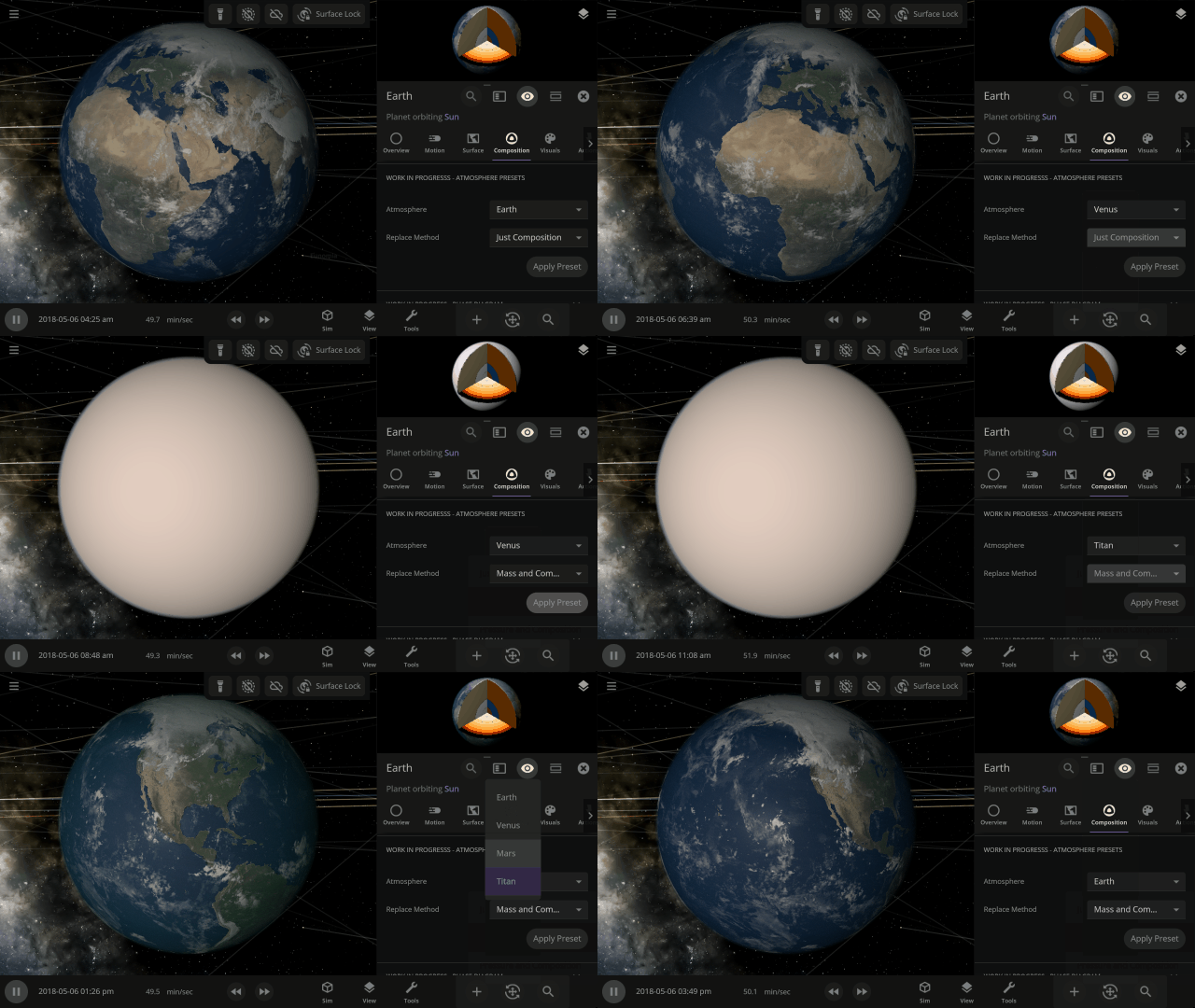
Easily change the atmospheres of custom planets, old and new, using atmosphere presets of known terrestrial planets. This interface is a work in progress.
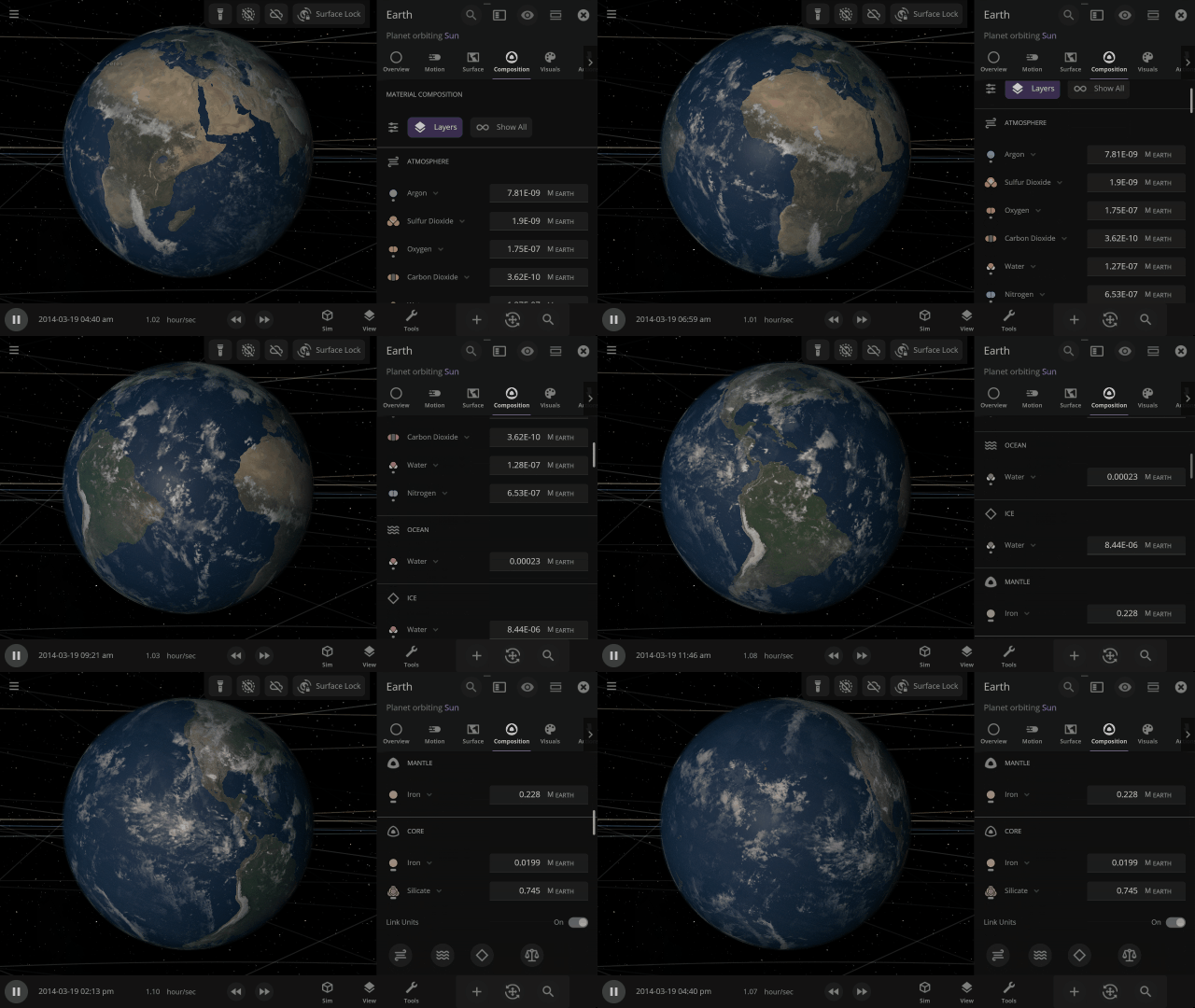
Materials masses can be viewed and adjusted by phase (solid, liquid, gas) or collectively at once under an object’s Composition.
More accessible View toggles make it easy to turn on surface lock, illuminate the dark side of planets, or toggle the visibility of atmospheres and clouds.
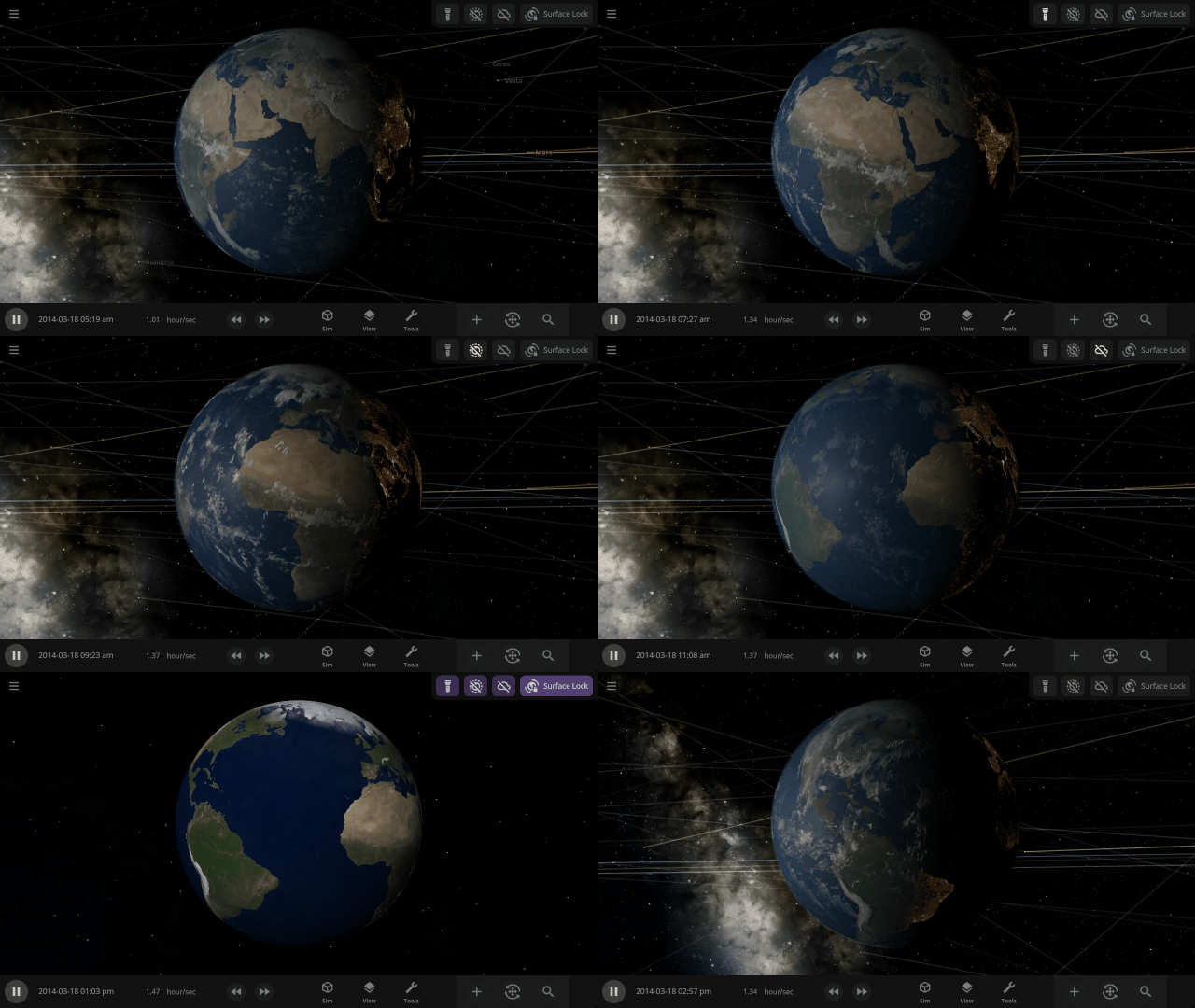
City Lights and Vegetation now require a habitable gas pressure of 0.6 to 1.6 bars and a new habitable temperature of -25 °C to 55 °C (previously -55 °C to 55 °C) and to appear when set to “If Habitable.”
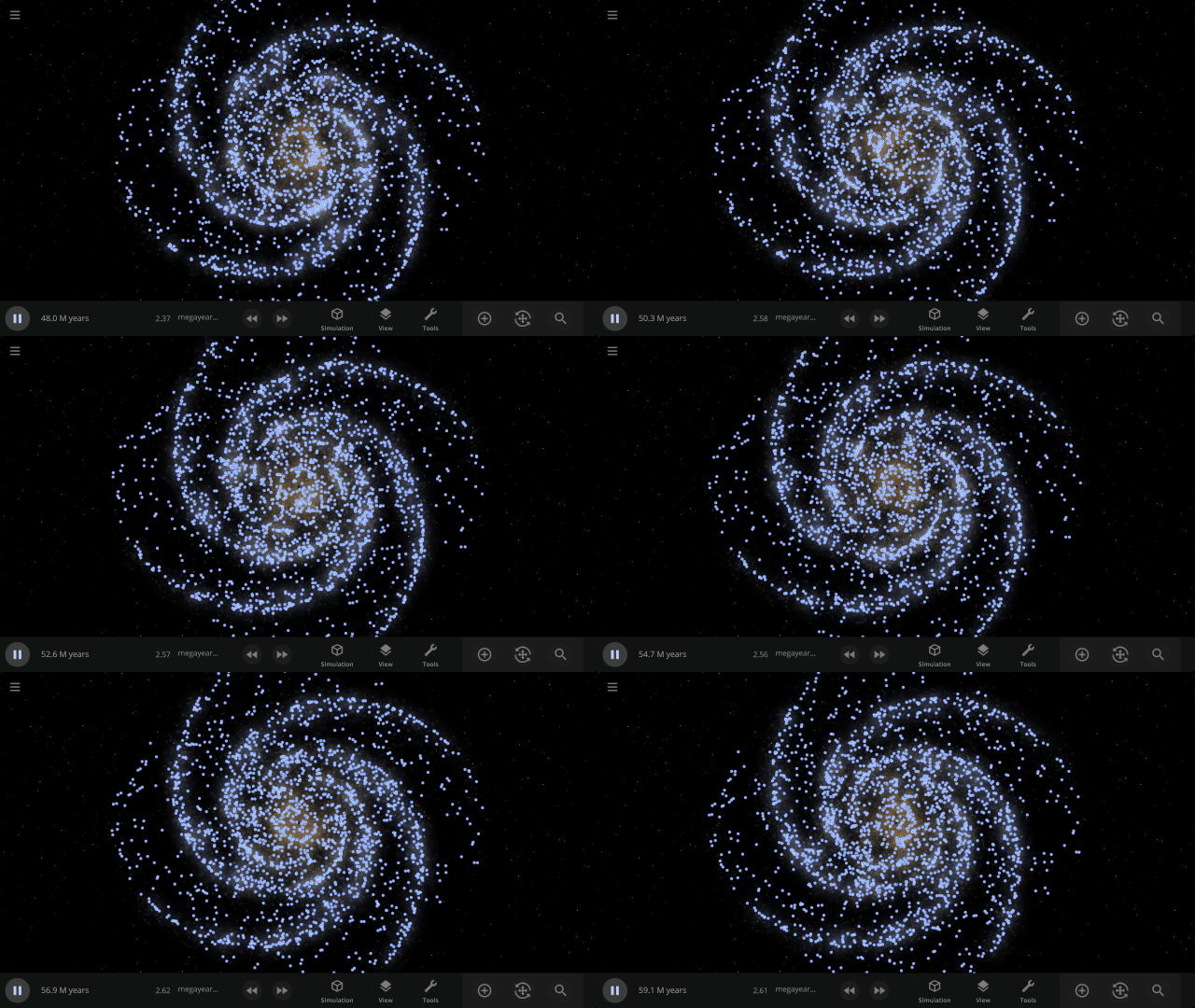
Use object Markers (formerly called Icons) to clearly see the position and movement of objects and particles in a simulation, like nebula in a galaxy, under
View > Markers
Check out the full list of What’s New in Update 34
Please report any issues on our Steam forum, on Discord, or in-game via Home > Send Feedback.
Known Limitations & Planned Improvements
- Only water vapor and gaseous carbon dioxide contribute to our simple atmospheric heating model. We plan to add heating from methane and other greenhouse gases in the future.
- Silicate and iron can only exist on the inside of a planet, not on the surface or in the atmosphere.
- To minimize the impact to performance, only a maximum of 4 materials can be simulated flowing across an object’s surface at a time. We plan to increase the number of materials simulated on object surfaces in the future.
- When a new material replaces one of the 4 simulated materials, it is evenly distributed over the surface, which can cause an atmosphere to seemingly “pop” into existence.
- Materials not simulated across the surface of objects do affect their atmospheric heating, but do not affect the atmosphere opacity.
- Planning updates to the materials interface, including:
- Viewing materials as a percentage of the mass
- Updated Phase Diagram interface
- Updated Atmosphere Preset selection interface
- Better explanation of the Composition cutaway view
- Add the ability to easily replace one material with another
- The maximum speed liquids and gases can flow across object surfaces is slower than the maximum speed of material phase changes and simulation speed.
- Computing planet radii from their composition does not take into account the object’s surface temperature (so heating a gas giant won’t make it expand, for example).
- Phase changes (like evaporation) do not affect the surface temperature of an object.
- Materials in small asteroids do not undergo phase changes.
- Materials transferred during collisions are currently always transferred in the liquid phase (although they can change phase quickly after being transferred).
- The color of Titan’s atmosphere is not fully simulated because they are caused by tiny amounts of organic particles called tholins that are not simulated in Universe Sandbox. We plan to simulate the colors of hazes like those in Titan’s atmosphere in the future.

Gravity Simulation Upgrade | Update 33
Aug 16th
If Update 33 does not download automatically, follow these update instructions. If you don’t own Universe Sandbox, you can buy it via our website.
Gravity Simulation
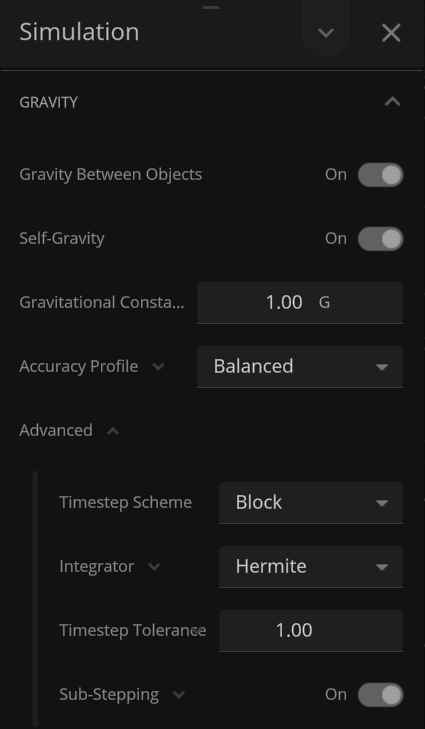
We’ve completely overhauled our gravity simulation to increase accuracy, stability, and overall performance. Run simulations at higher speeds than ever before while maintaining gravitational accuracy.
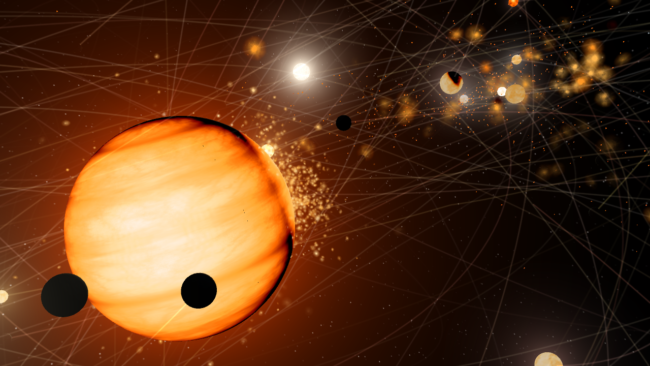
Many simulations can now be run at noticeably higher simulation speeds. Try increasing the simulation speed of the Solar System simulation or your own custom simulation.
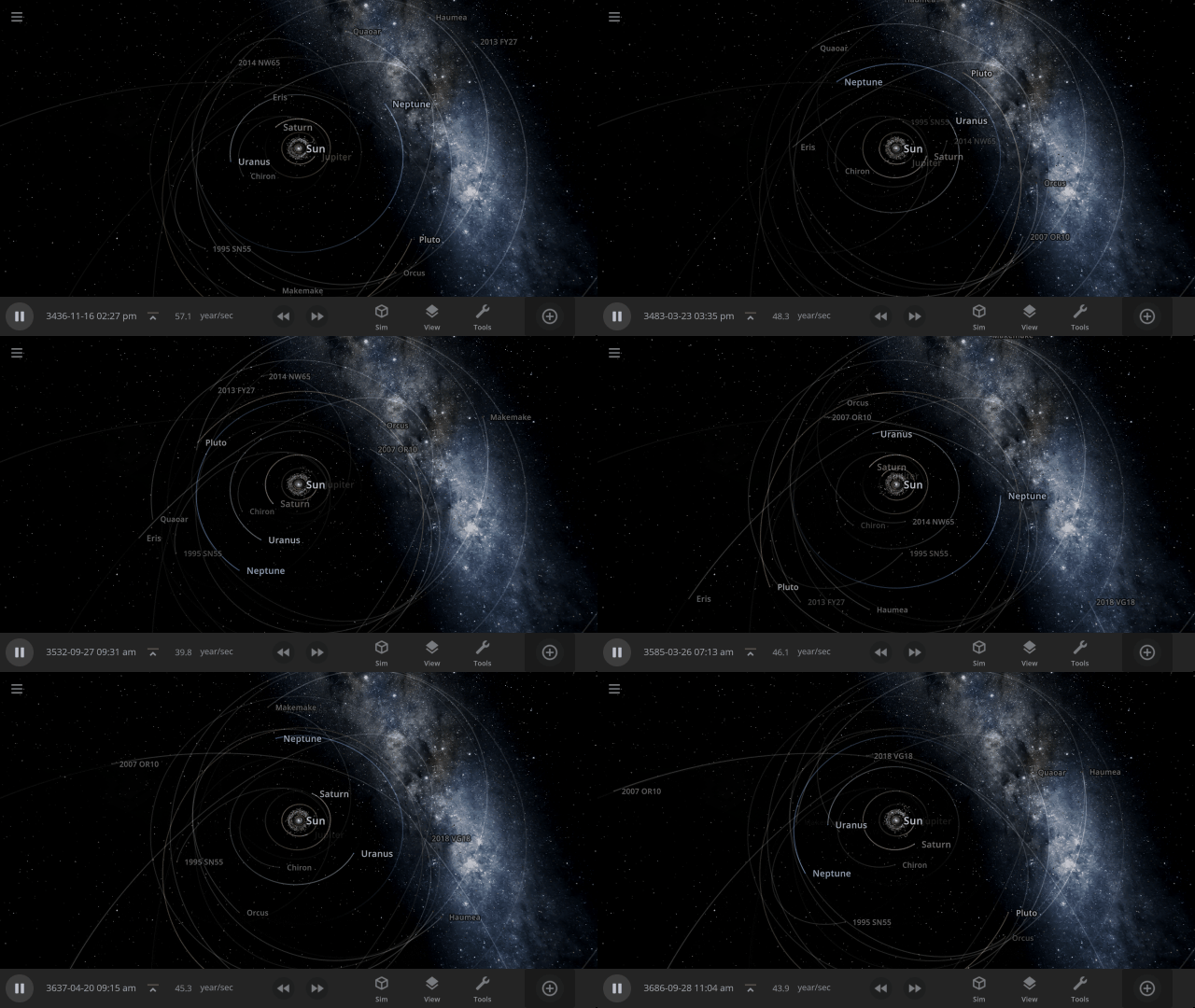
Before
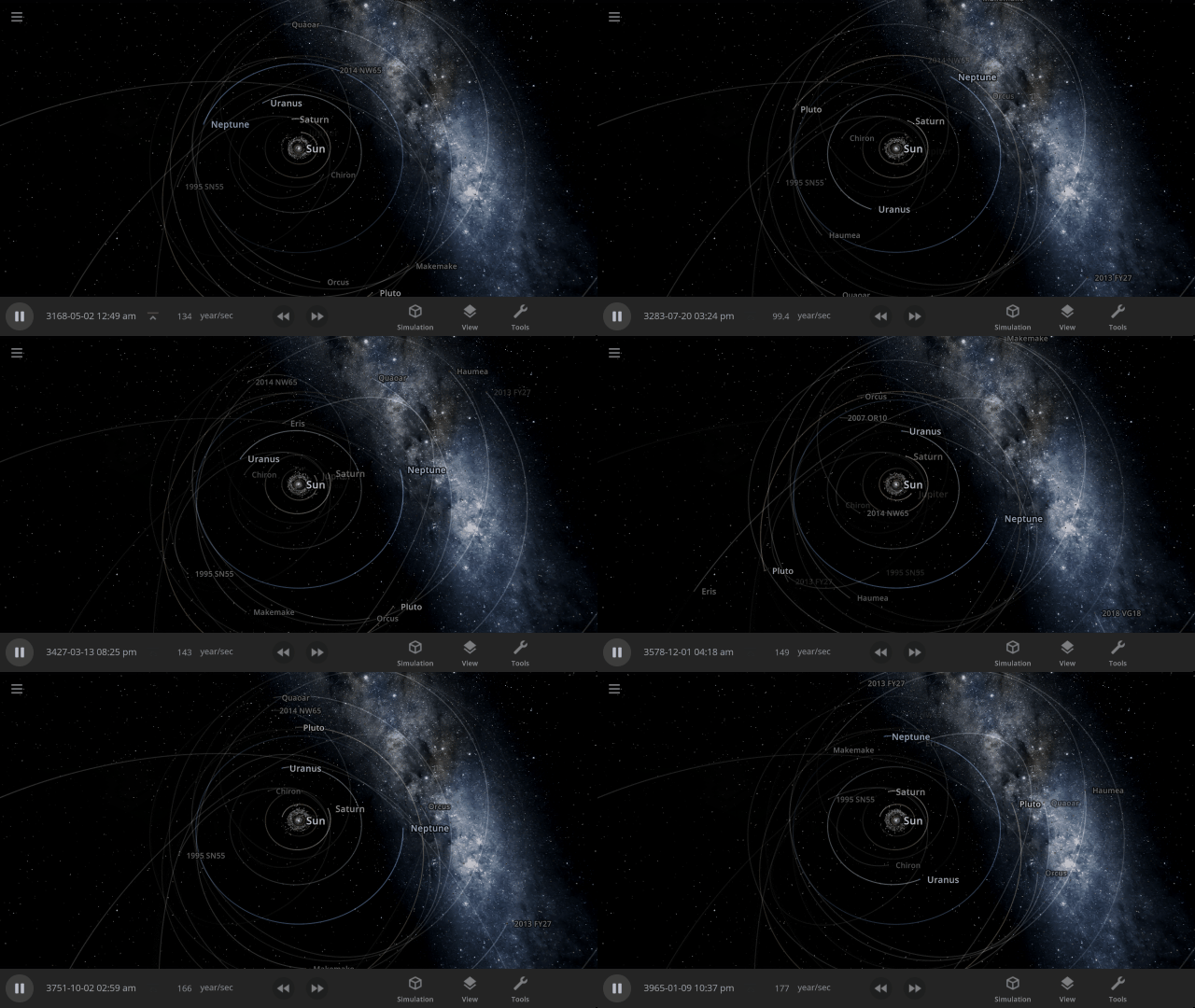
After
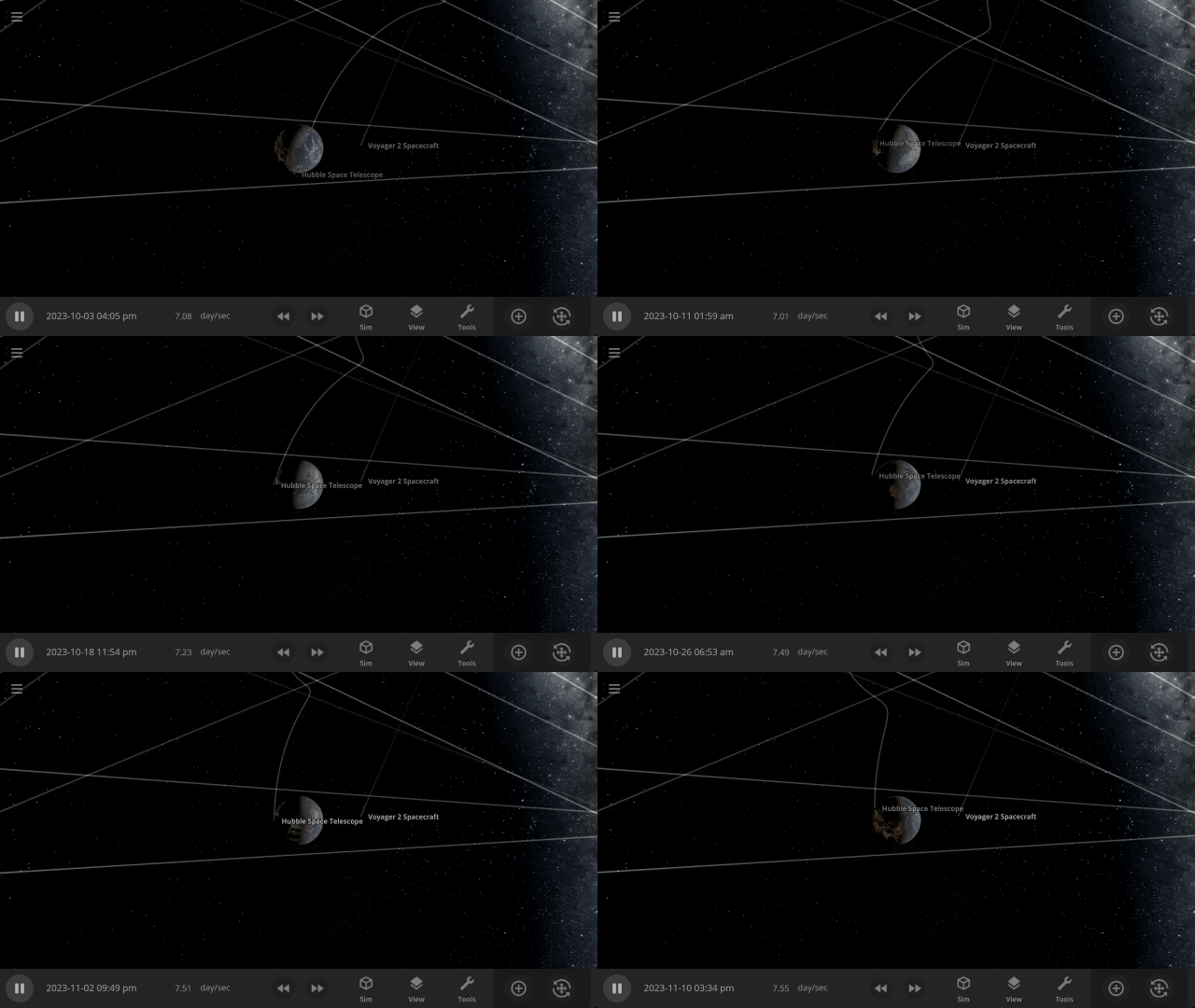
The Hubble Space Telescope used to crash into or fly away from Earth at simulation speeds greater than a couple days per second. Now it maintains a stable orbit at much higher simulation speeds.

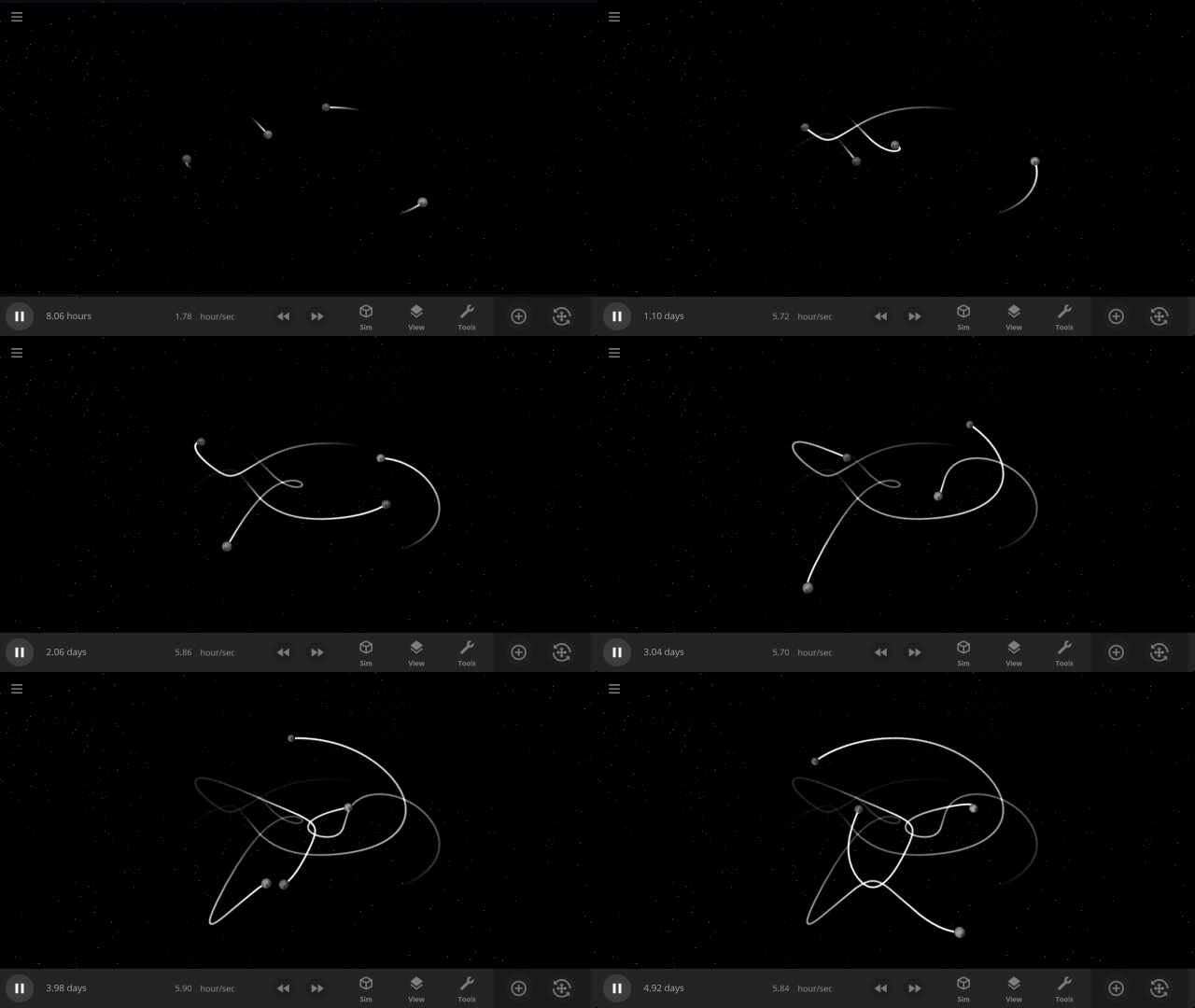
Choreography simulations, where moons are distributed evenly over a pre-computed path creating a unique design, are much more stable and create the desired patterns, like this fish, before becoming gravitationally unstable and falling apart, as expected.

We’ve also added more controls so you can fine-tune the balance between maximum simulation speed and gravitational accuracy. Learn more in our updated guide
Guides > Tutorials > Advanced Simulation Speed Controls
More Highlights
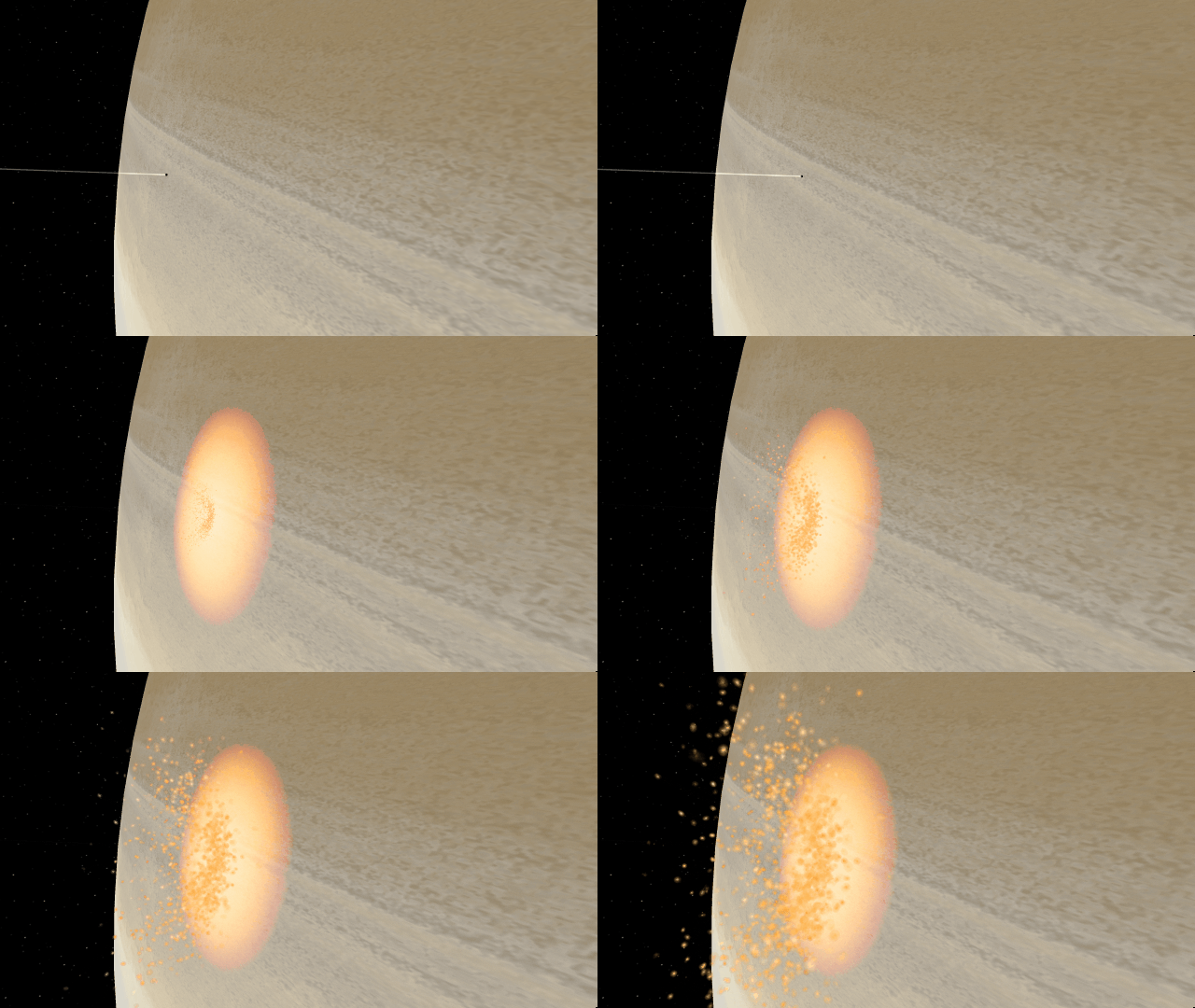
Small objects colliding with gas giants now create more realistic impacts with smaller, gradually growing impact areas

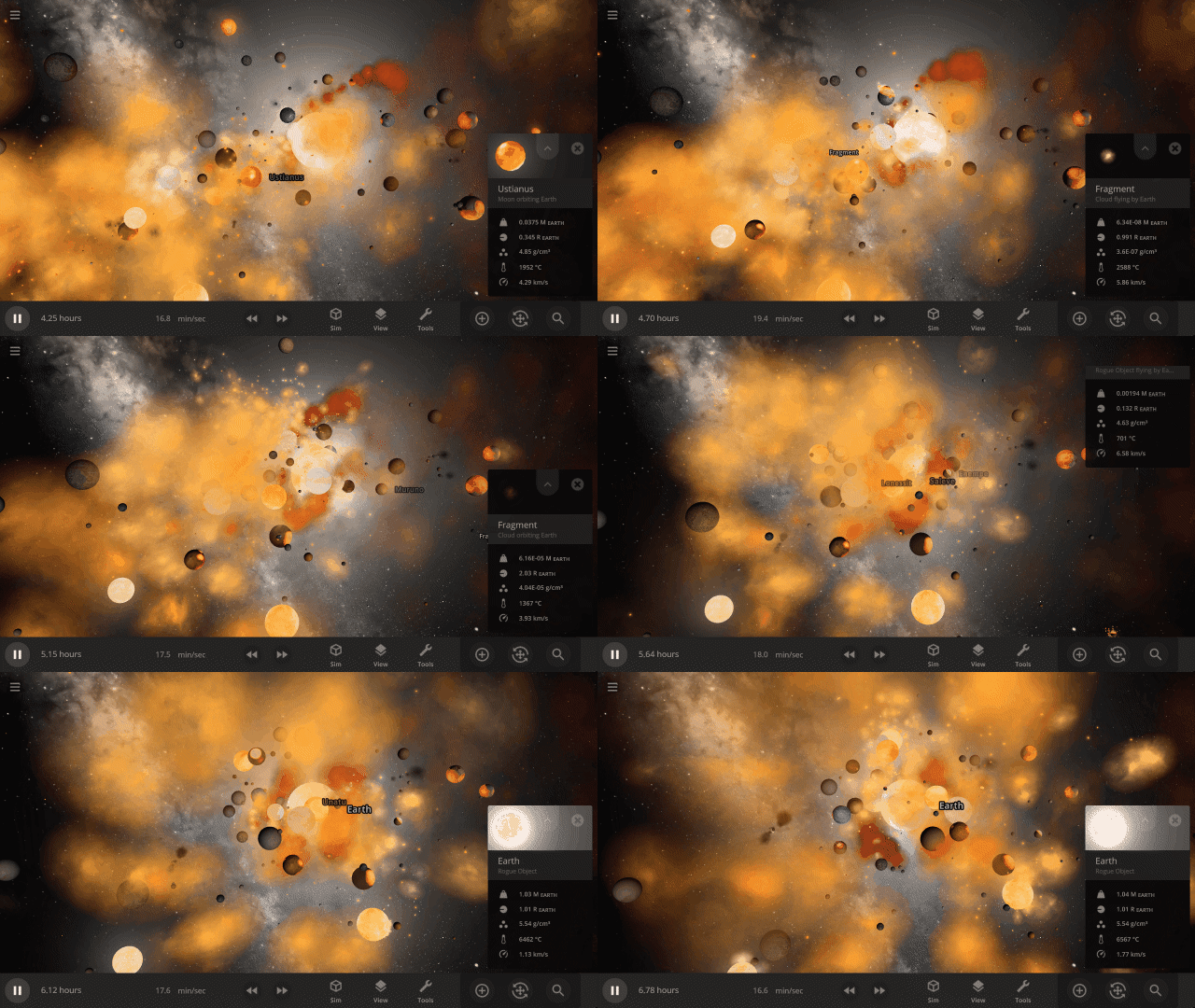
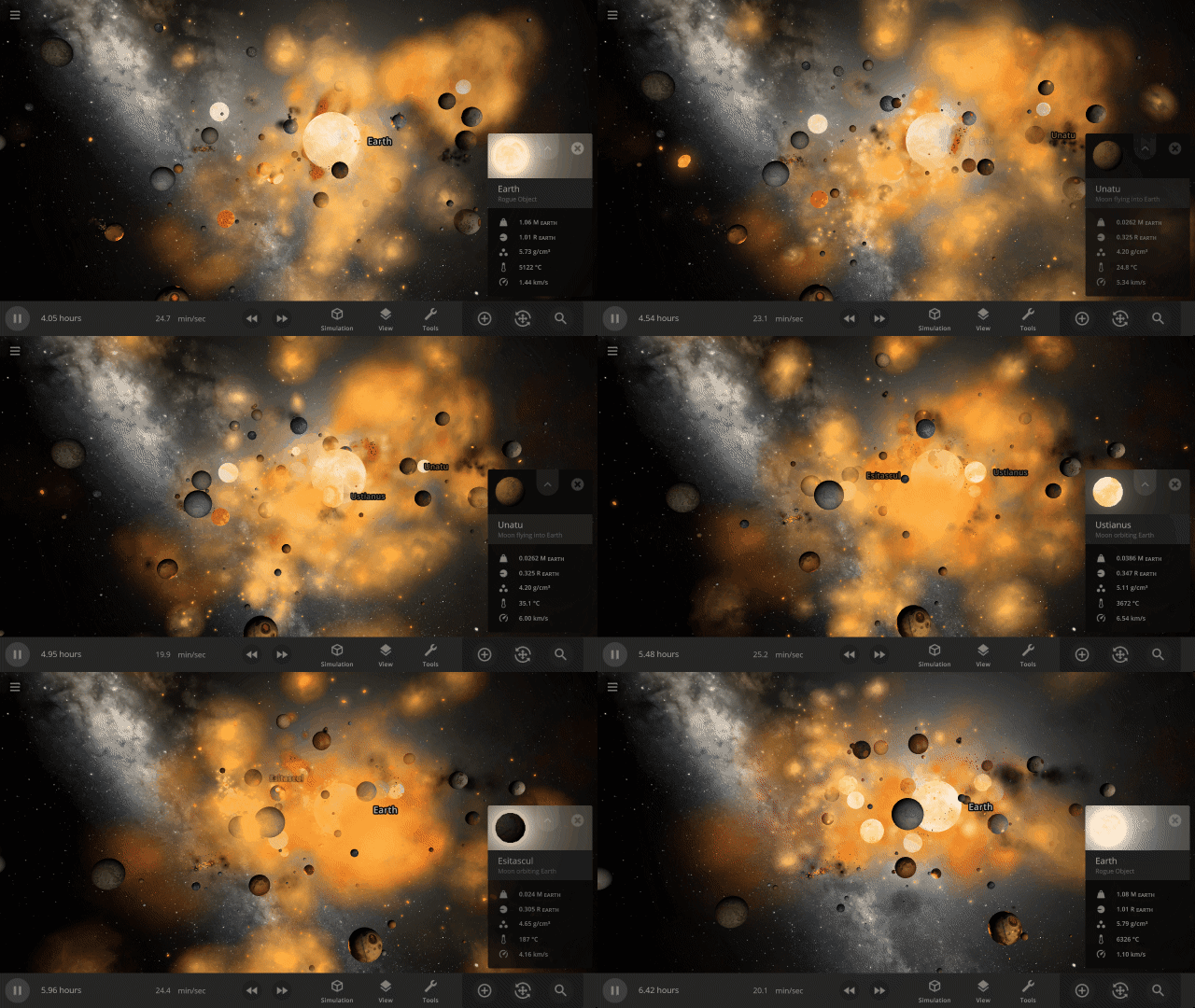
Object selection has been completely rewritten. It’s now much easier to select objects in crowded simulations with lots of dust clouds and fragments.
Check out the full list of What’s New in Update 33
Please report any issues on our Steam forum, on Discord, or in-game via Home > Send Feedback.

Grand Collision Unification | Update 32.3
Jun 29th
If Update 32.3 does not download automatically, follow these update instructions. If you don’t own Universe Sandbox, you can buy it via our website.
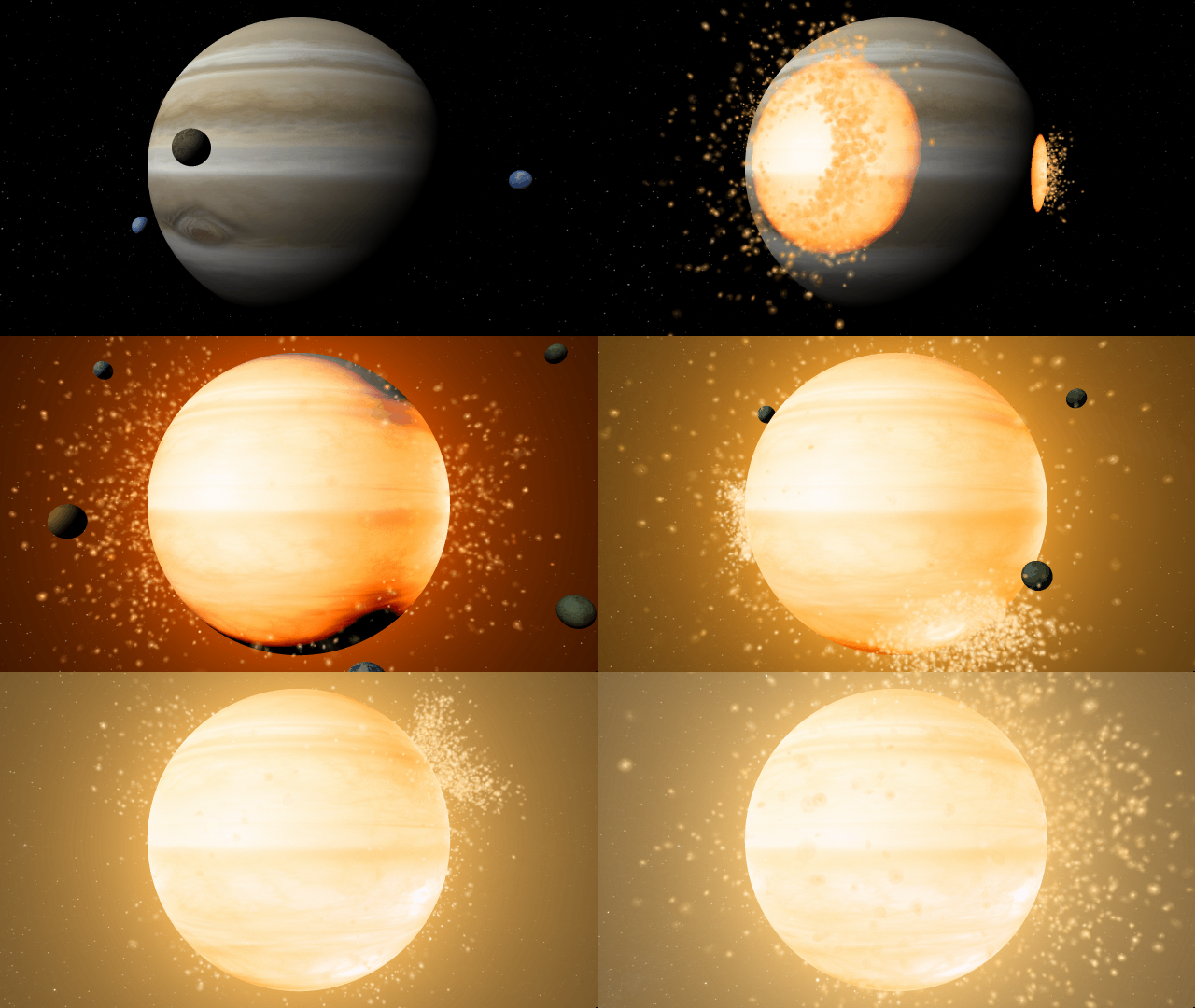
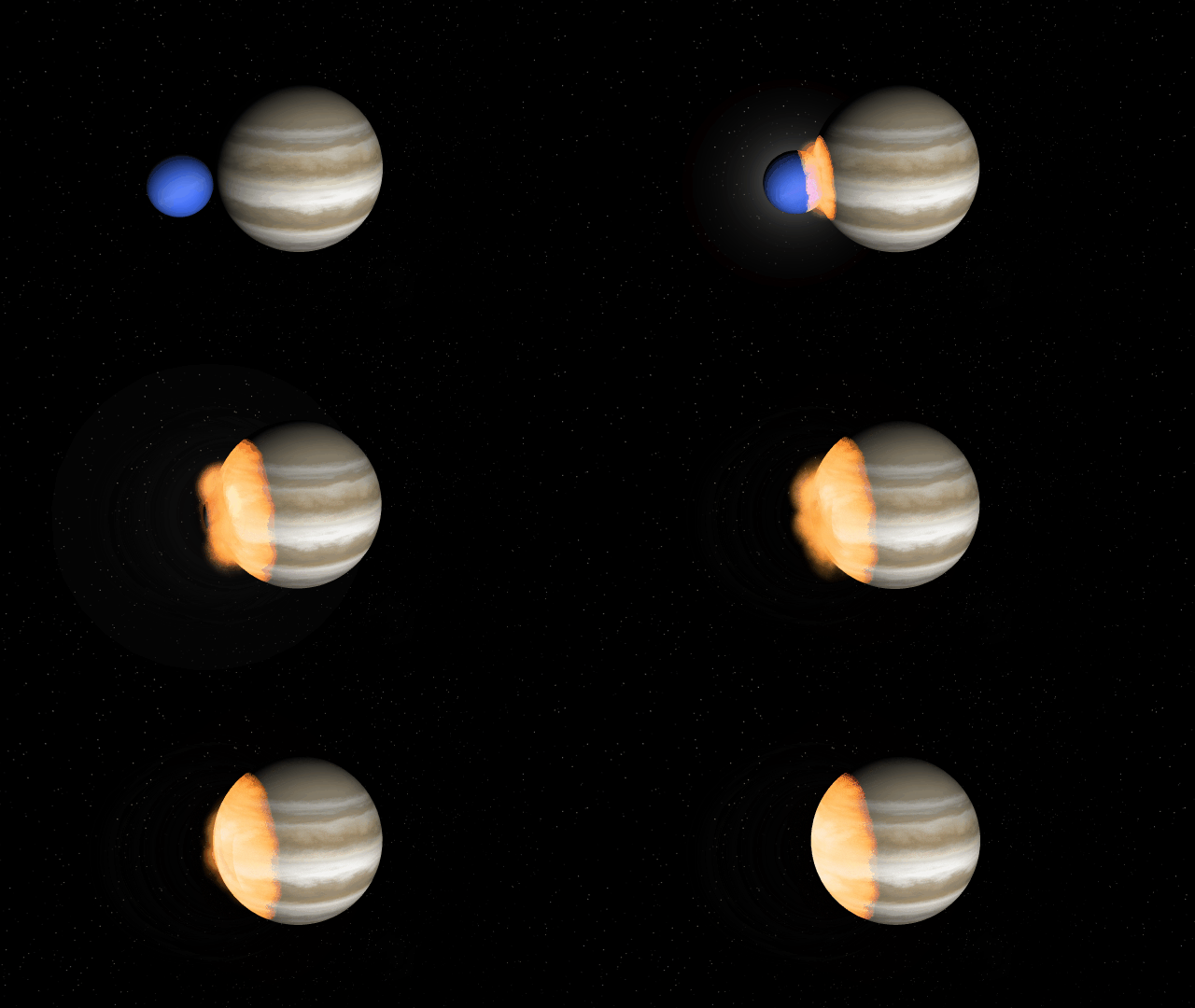
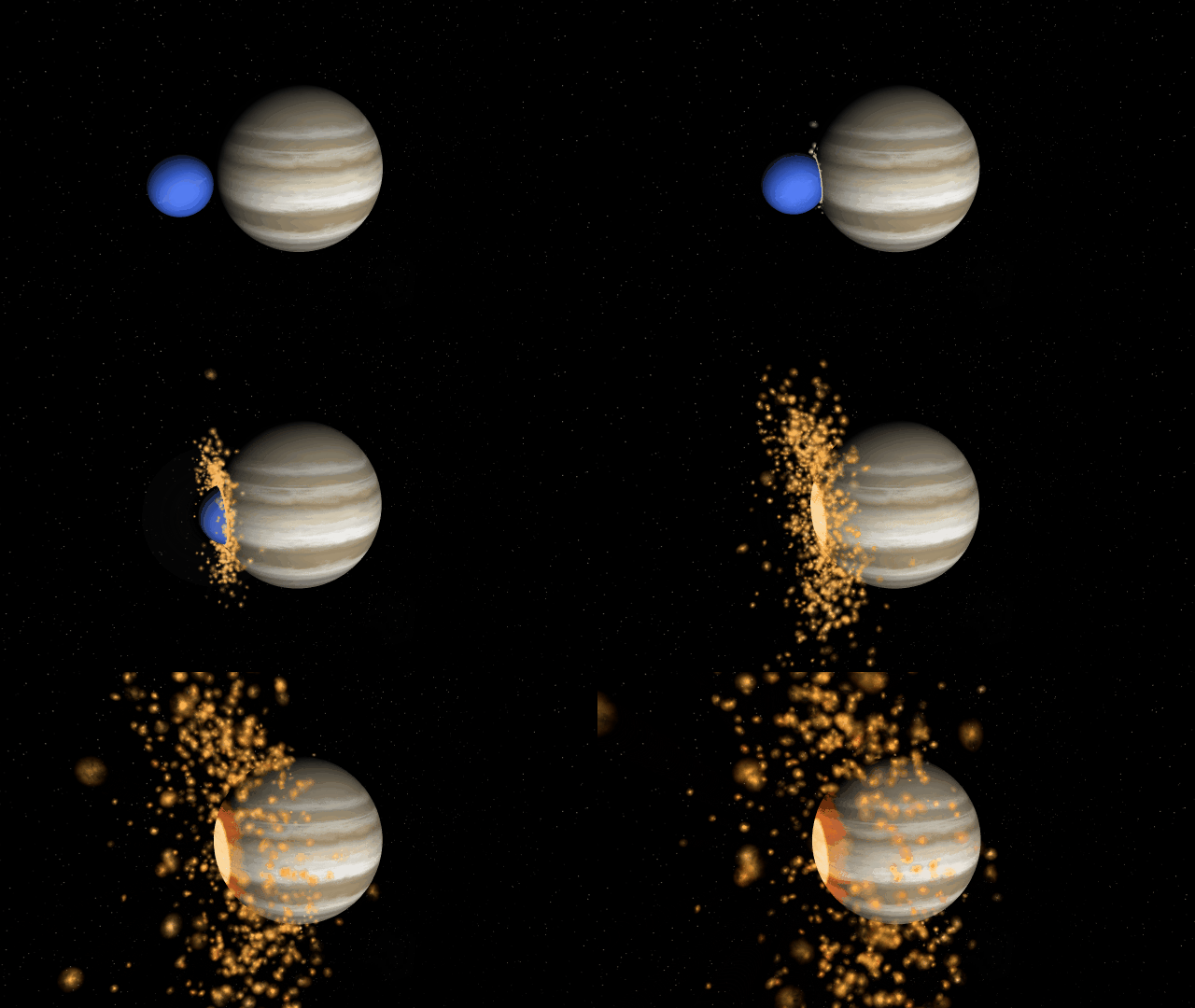
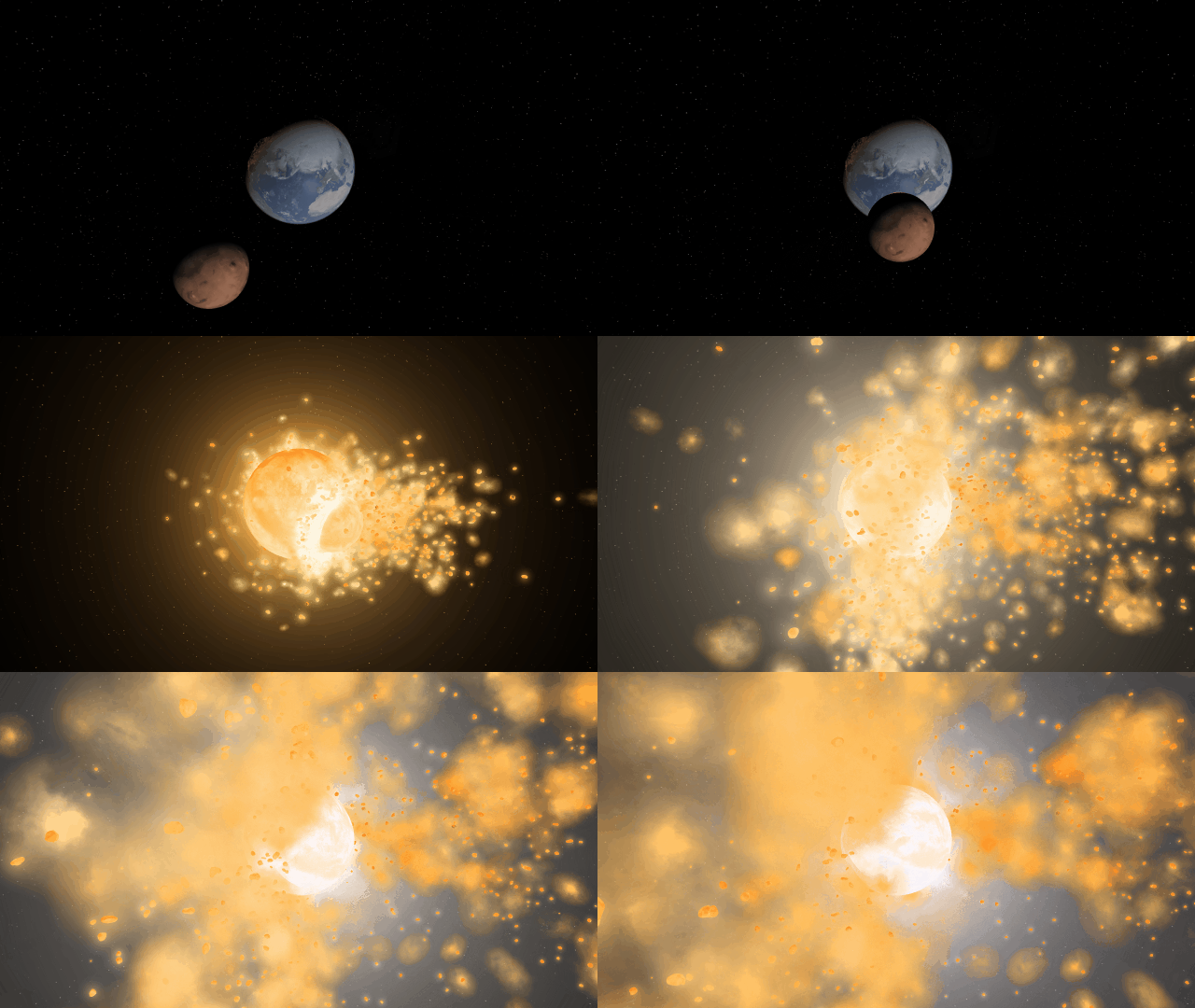
We’ve combined our two previously separate collision methods improving collisions so shockwaves now realistically eject fragments as they spread across gas giants during collisions. Interface panels, such as graphs, data maps, and object properties, are now remembered when you open saved simulations. We’ve also added new astronomical discoveries to explore, like the galaxy-sized detector used to find new evidence of supermassive black holes.
Unified Collisions
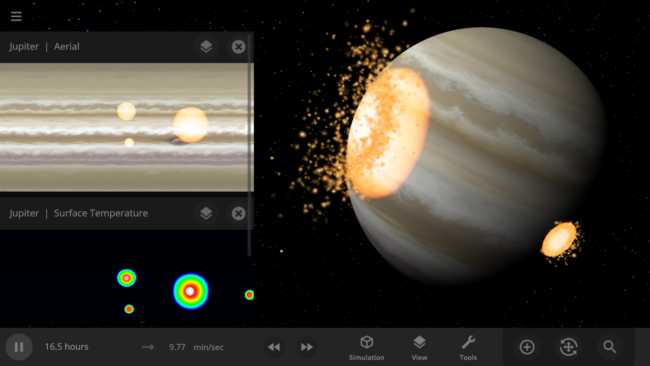
Collisions are more realistic, with shockwaves propagating across gas giant surfaces and fragment ejection direction based on impact angle with our new unified collision system. This new collision solution combines our two previous separate collision methods.

Saving Your Interface
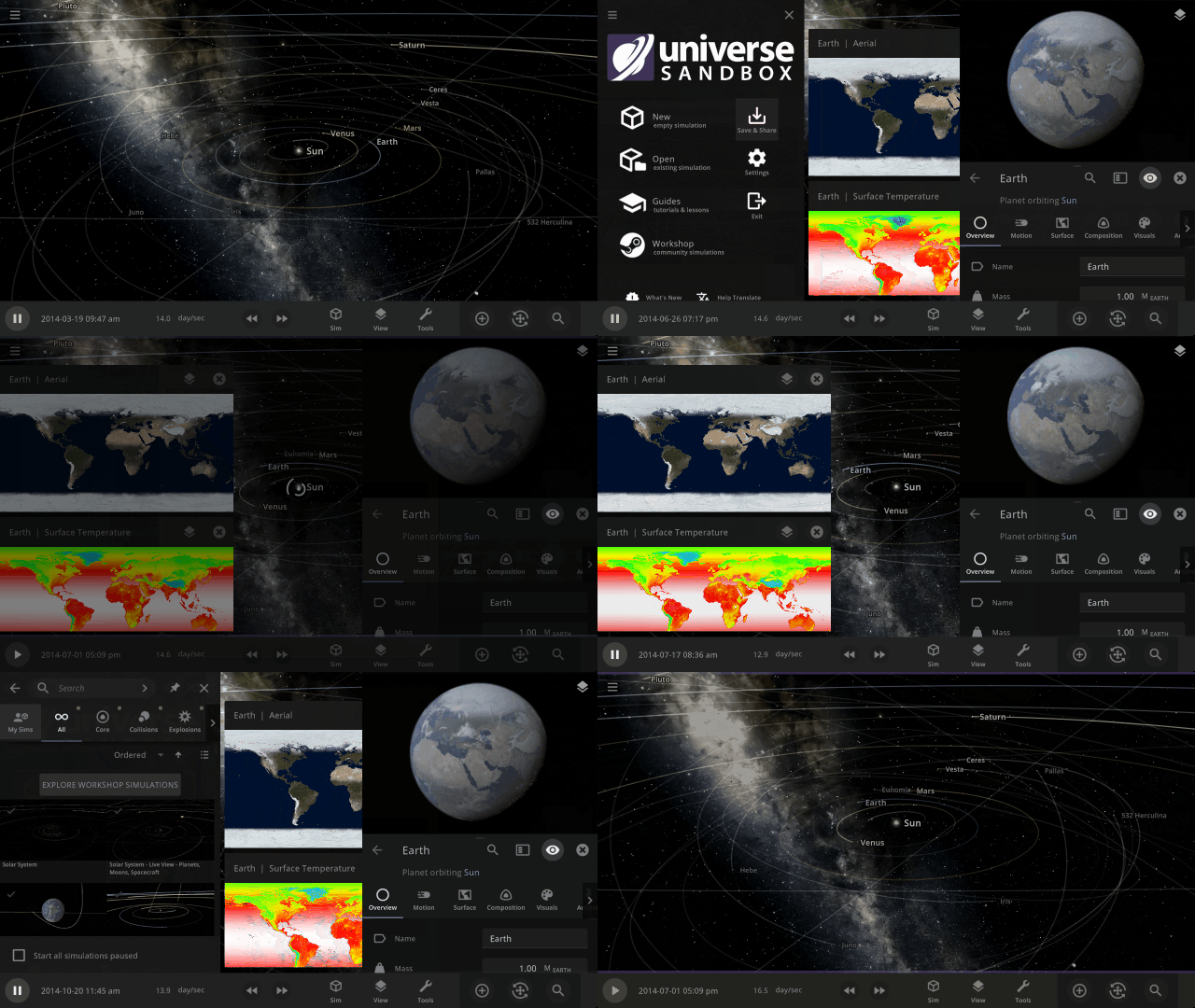
Pick up right where you left off with the properties panel open, or include a temperature graph in a shared simulation to show a planet heating up from a close encounter with a star. Saved simulations now remember the state of the interface panels. See it in action in
Open > Core > A Tidally Heated Habitable Moon or Tidally Locked Earth
Searching for Supermassive Black Holes
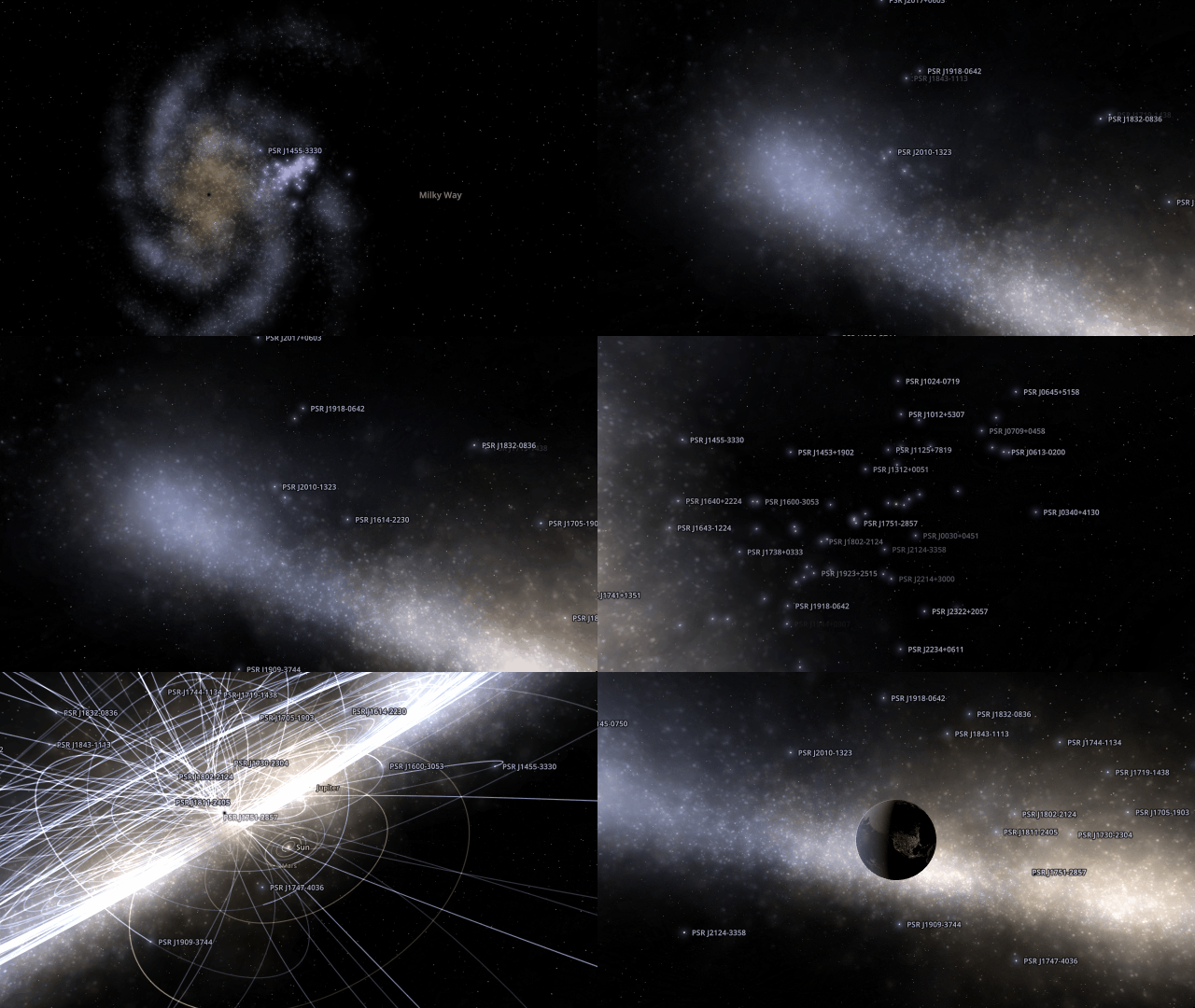
On June 28, 2023, evidence for a signal generated from all supermassive black hole pairs from across the universe was announced by the North American Nanohertz Observatory for Gravitational Waves. Explore the galaxy-sized detector they used and learn how they found this evidence in our new guide
Guides > Discoveries > Searching for Supermassive Black Holes
More Highlights
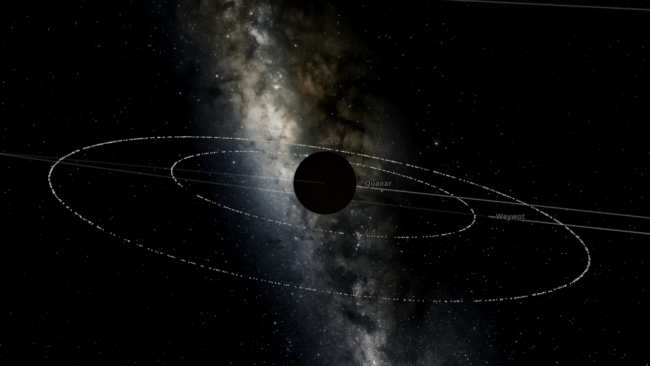
See the dwarf planet Quaoar’s newly discovered rings in the new simulation
Open > Solar System > Quaoar with Rings
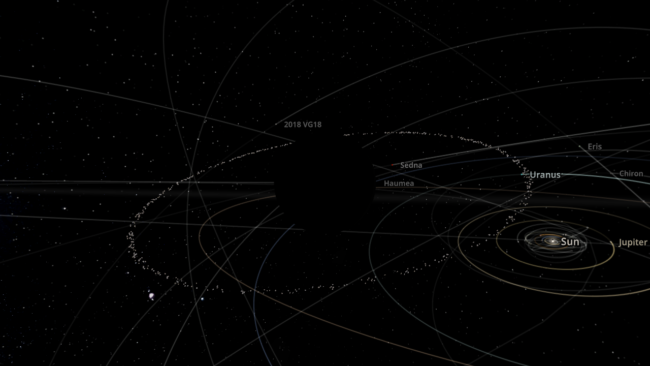
We’ve also added a simulation of the dwarf planet Haumea’s rings, which were discovered back in 2017, in the simulation
Open > Solar System > Haumea with Rings
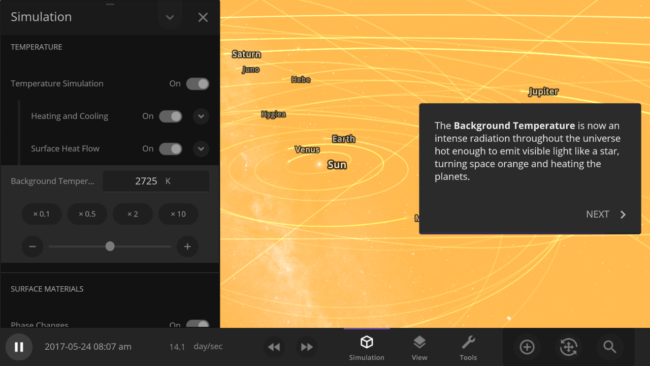
Manipulate the temperature of the universe and learn about the cosmic microwave background, a type of faint radiation spread across space, in our new guide
Guides > Science > Cosmic Microwave Background
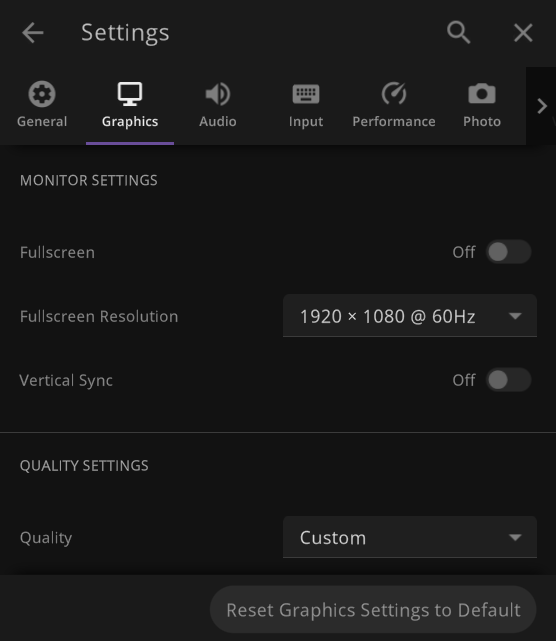
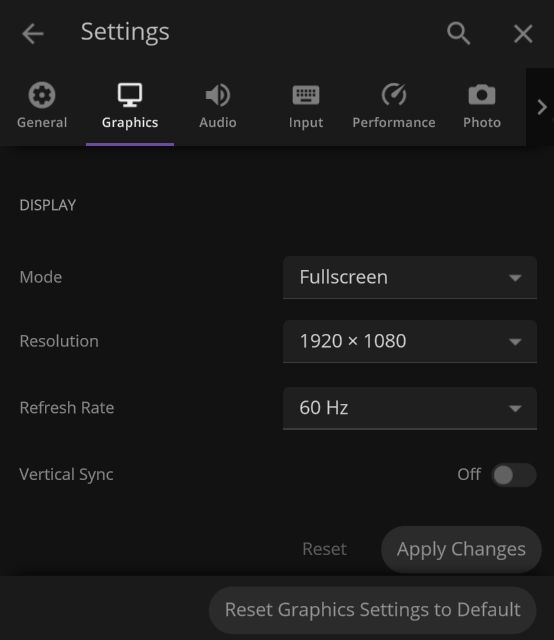
Display settings have been updated to include more options for exclusive fullscreen, fullscreen borderless, and windowed resolutions
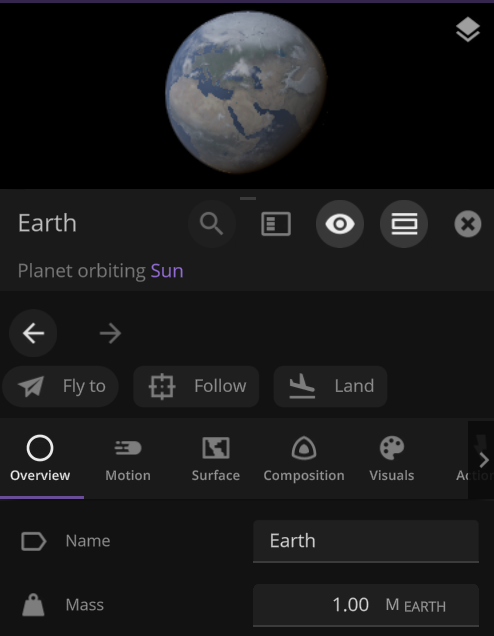
Additional Actions have been added to the Properties panel of objects so you can easily Fly To, Follow, or Land on objects
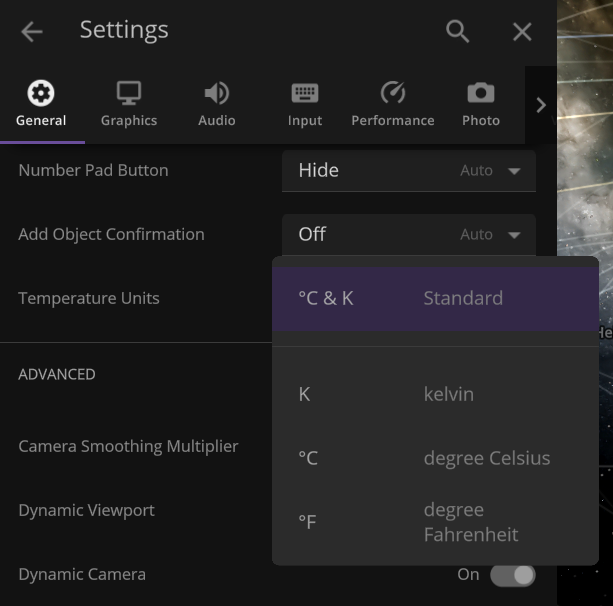
Default temperature unit can now be changed to °F, only °C, or only K under
Settings > General > Temperature Units
Check out the full list of What’s New in Update 32.3
Please report any issues on our Steam forum, on Discord, or in-game via Home > Send Feedback.

A Comet, an Asteroid, and a Planet Walk into the Solar System | Update 32.2
Mar 23rd
If Update 32.2 does not download automatically, follow these update instructions. If you don’t own Universe Sandbox, you can buy it via our website.
Watch a green comet pass by Earth for the first time in 50,000 years, see an asteroid swing by Earth in one of the closest ever encounters, and explore a hypothetical planet from the 1800s disproven by Einstein’s theory of relativity. Speaking of comets, asteroids, and planets…
A comet, an asteroid, and a hypothetical planet walk into the Solar System. The hypothetical planet says to the comet, “Why so green?” The comet says, “It’s the radiation from the Sun evaporating the carbon on my surface. You’d know that if you were as close to the Sun as people thought you were.” The hypothetical planet turns red with anger and ceases to exist. The asteroid says, “Phew, that was a close one!”
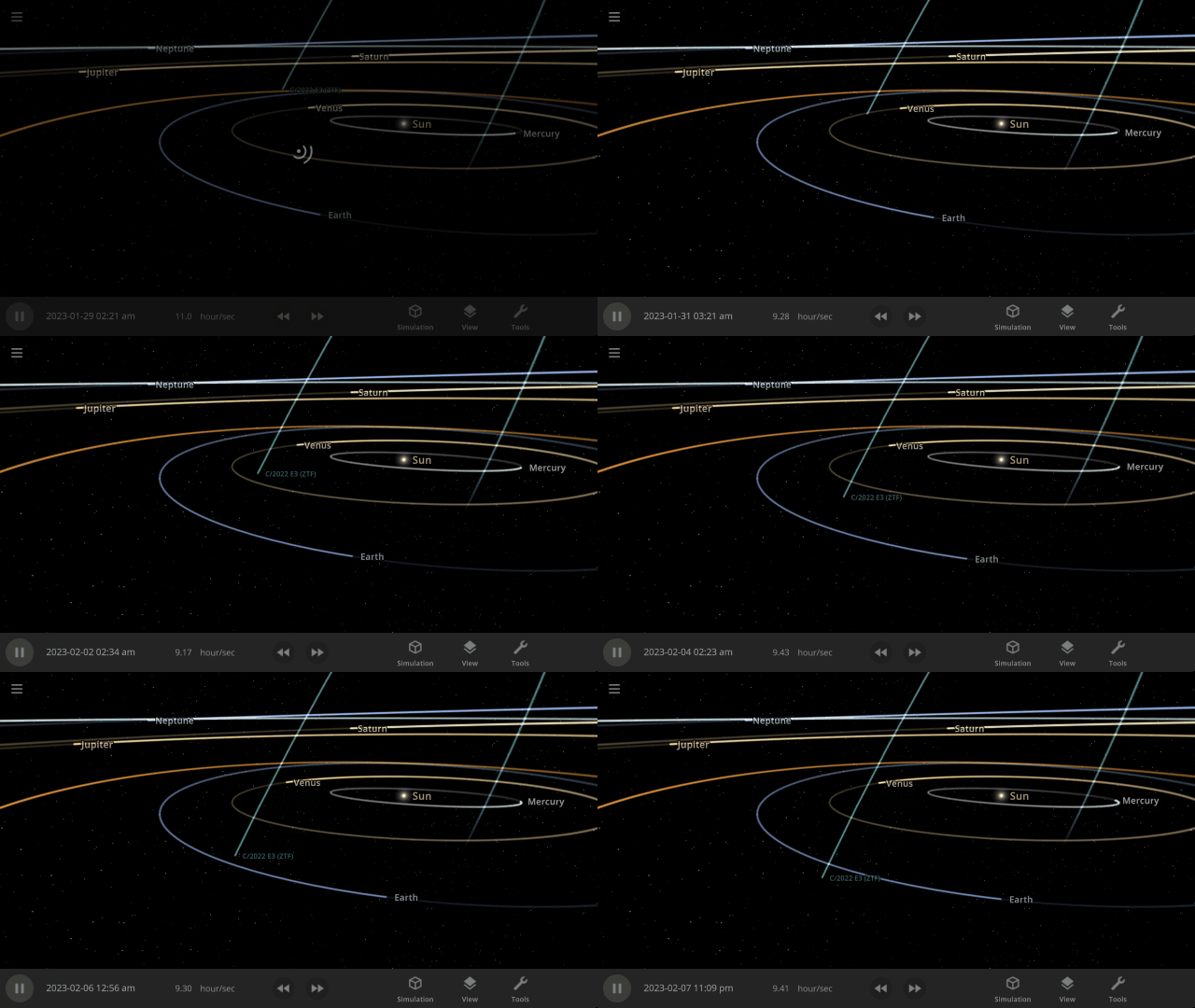
A Green Comet
The green comet, C/2022 E3 (ZTF), recently passed by the Earth for the first time in 50,000 years. Explore its path and watch this once-in-a-lifetime event occur over and over with our new simulation
The Green Comet C/2022 E3 (ZTF) in 2023
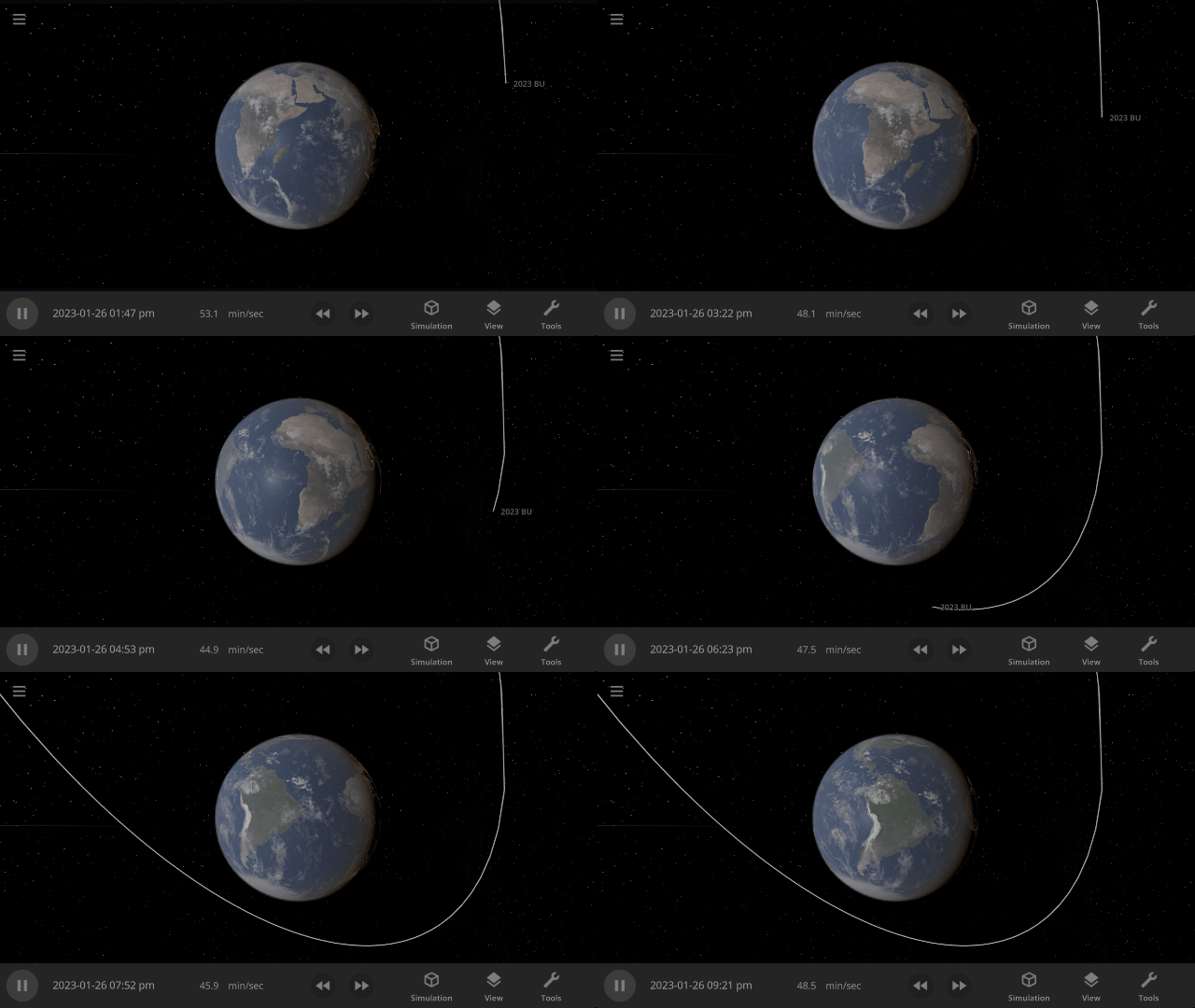
Close Encounters of the Asteroid Kind
Asteroid 2023 BU performed a close pass of Earth (though it posed no threat), only 2,200 km from the surface. That’s just under half the length of the United States! Watch one of the closest asteroid encounters ever recorded in our new simulation
Asteroid 2023 BU Close Encounter in 2023
The Non-Existent Planet
In the 1800s, many astronomers thought there was a planet, dubbed Vulcan, between Mercury and the Sun. Mercury’s orbit was observed to wobble slightly more than predicted, and Vulcan was hypothesized to explain this. We now know Vulcan does not exist, and general relativity causes the additional wobble, but you can see Vulcan’s proposed orbit in the new simulation
Hypothetical Planet Vulcan

More Highlights
Landing (press “c”) on the surface of a planet now always points you toward the horizon. Taking off returns you to your previous position instead of in front of the planet.

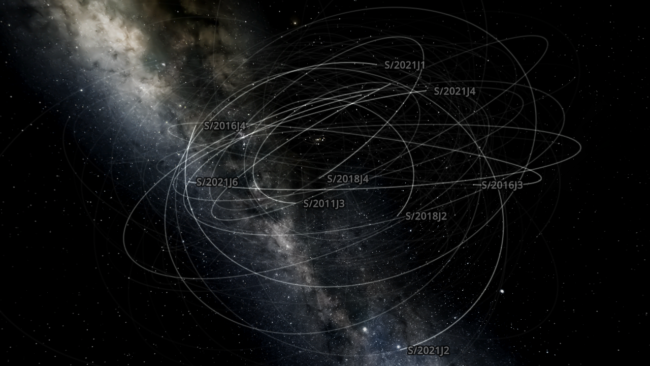
On February 3, 2023, astronomers announced the discovery of 12 more moons orbiting Jupiter. Learn about these new moons in our new simulation
Jupiter’s New Moons 2023
Or explore the history of the discovery of all of Jupiter’s 92 moons in our guide
History of Jupiter’s Moons
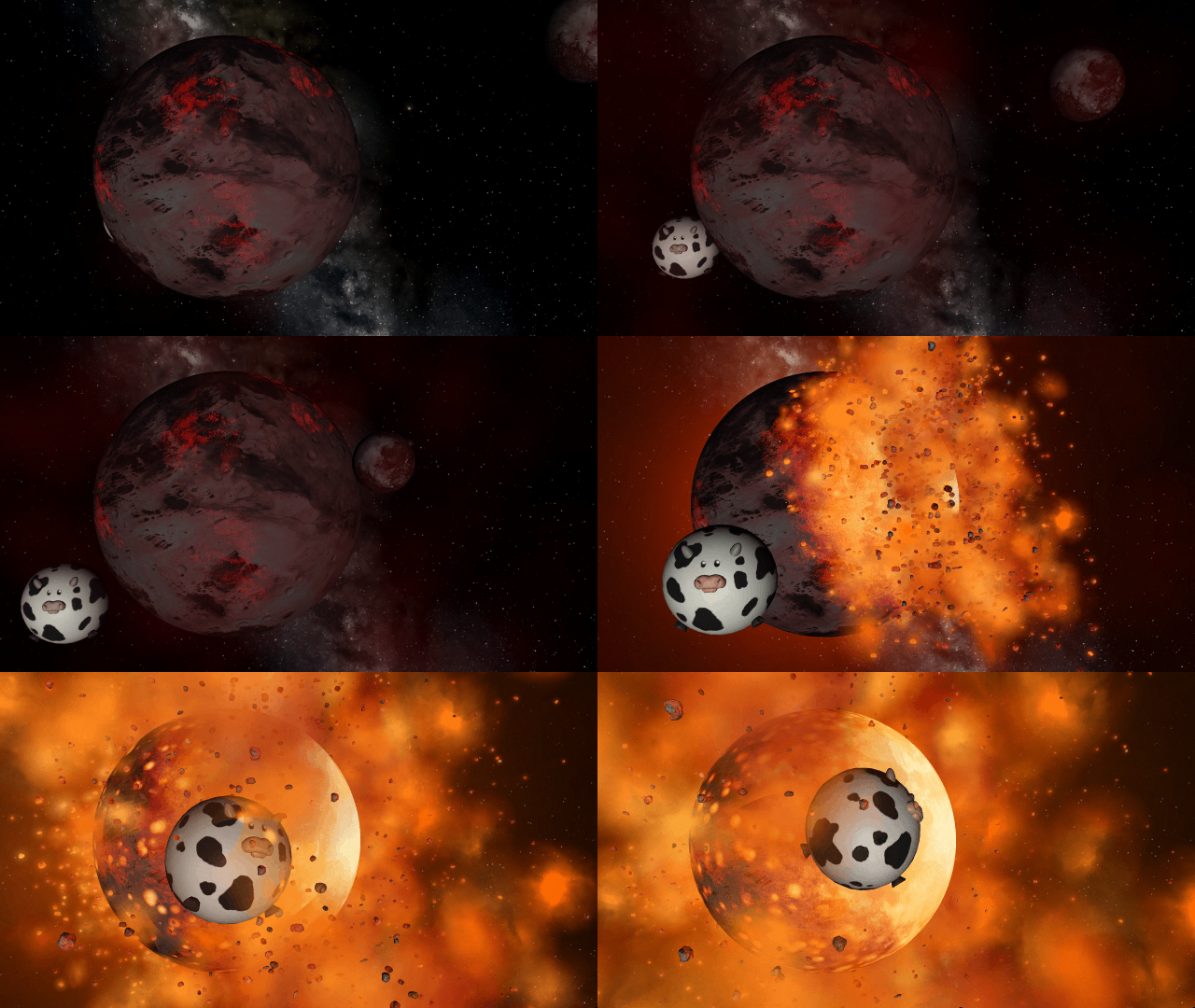
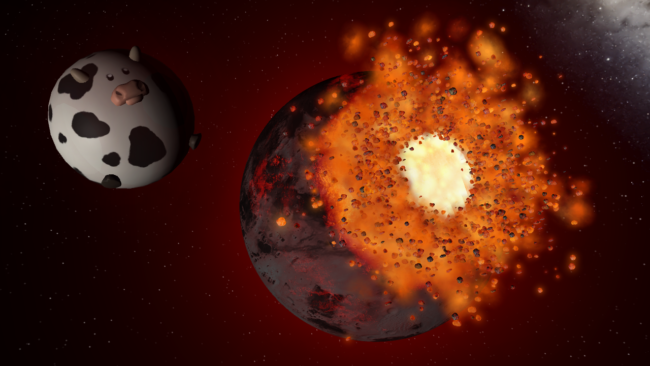
We added a Spherical Cow to Universe Sandbox! This refers to a joke that when physicists want to make a problem easier to handle, they sometimes simplify it so much it’s no longer realistic.
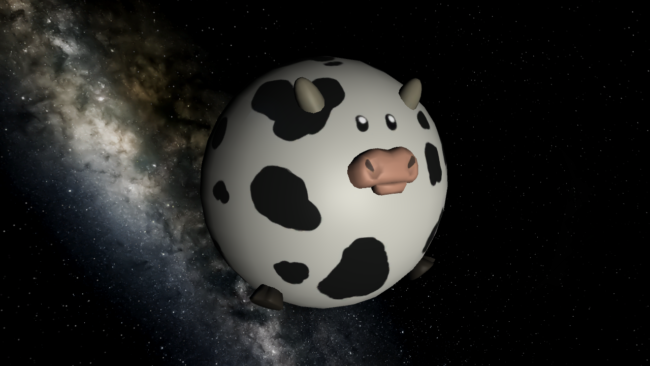
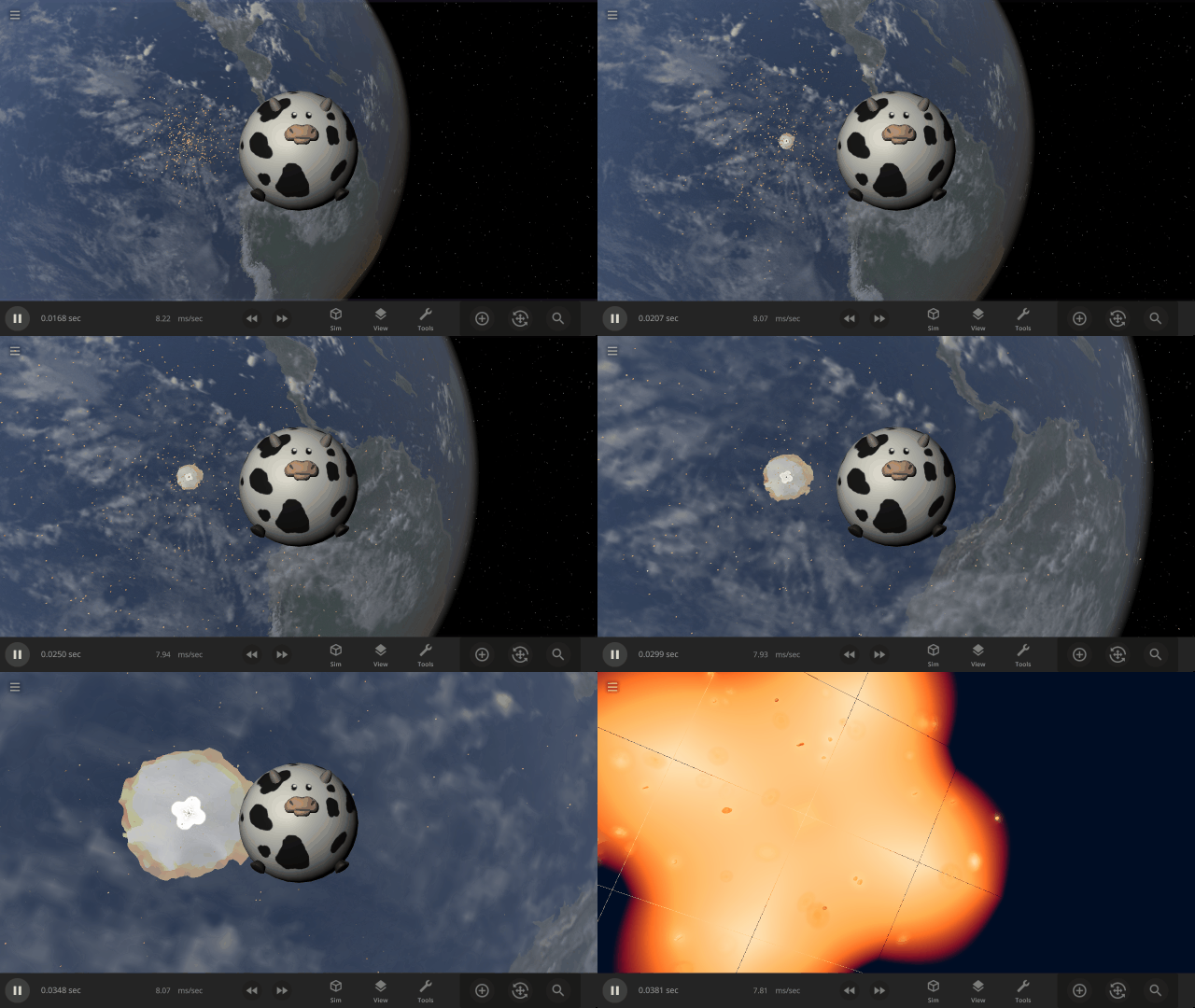
Experience 100 spherical cows hitting Earth at lightspeed in our new sim
Earth & 100 Spherical Cows at the Speed of Light
Because why not?
Check out the full list of What’s New in Update 32.2
Please report any issues on our Steam forum, on Discord, or in-game via Home > Send Feedback.

Skies of Blue, Red Collisions Too | Update 32.1
Dec 14th
If Update 32.1 does not download automatically, follow these update instructions. If you don’t own Universe Sandbox, you can buy it via our website.
Collision shockwaves and atmosphere colors are more realistic, camera motion is smoother, and you can try the new Automatic Simulation Speed, which adjusts the simulation speed based on what’s happening in the simulation. Never miss a collision again!
Improved Shockwaves
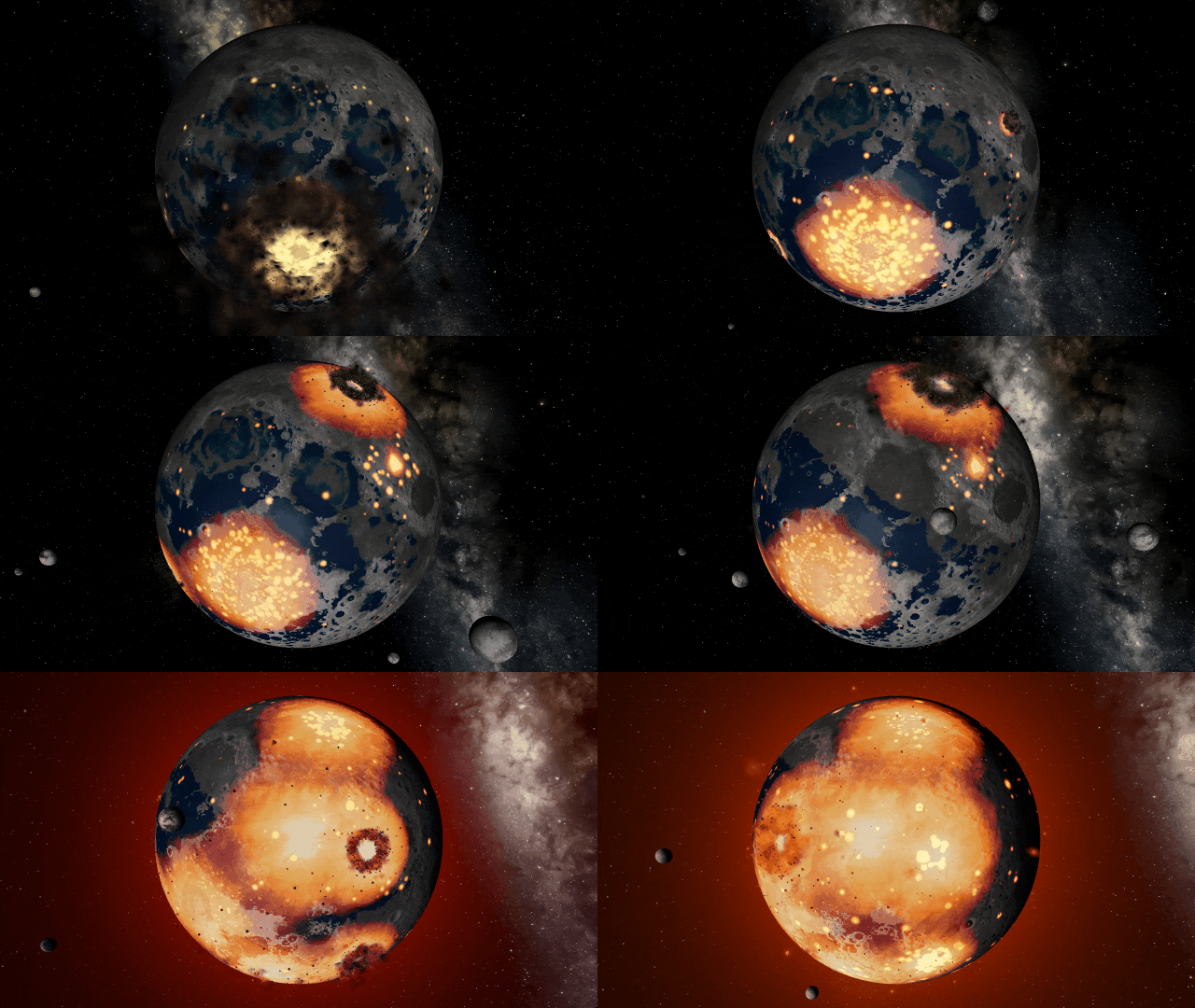
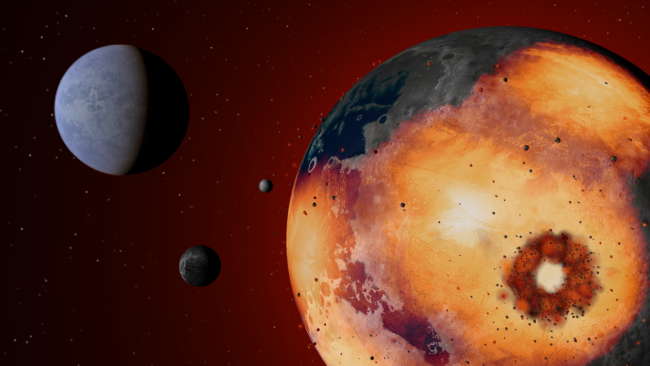
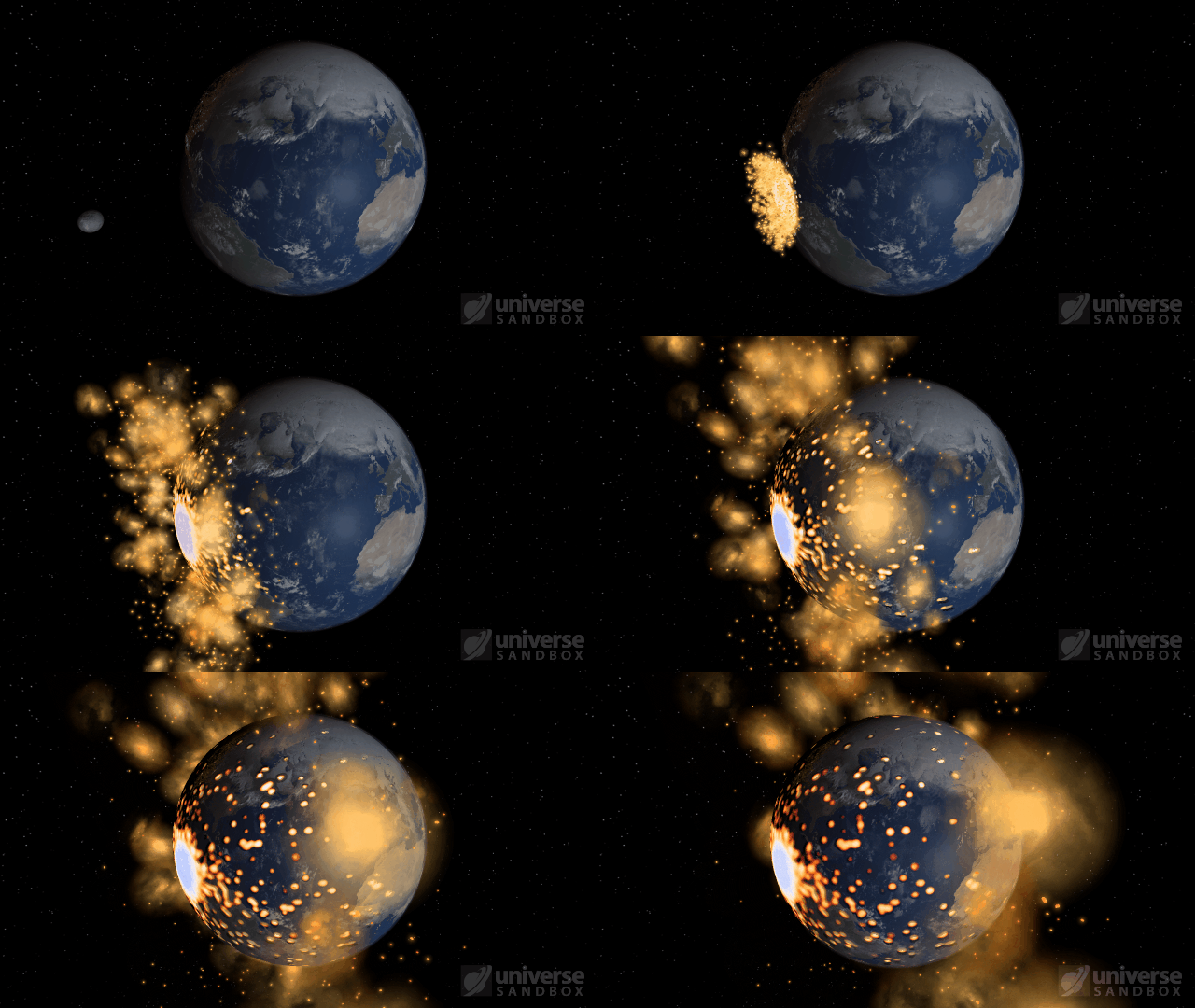
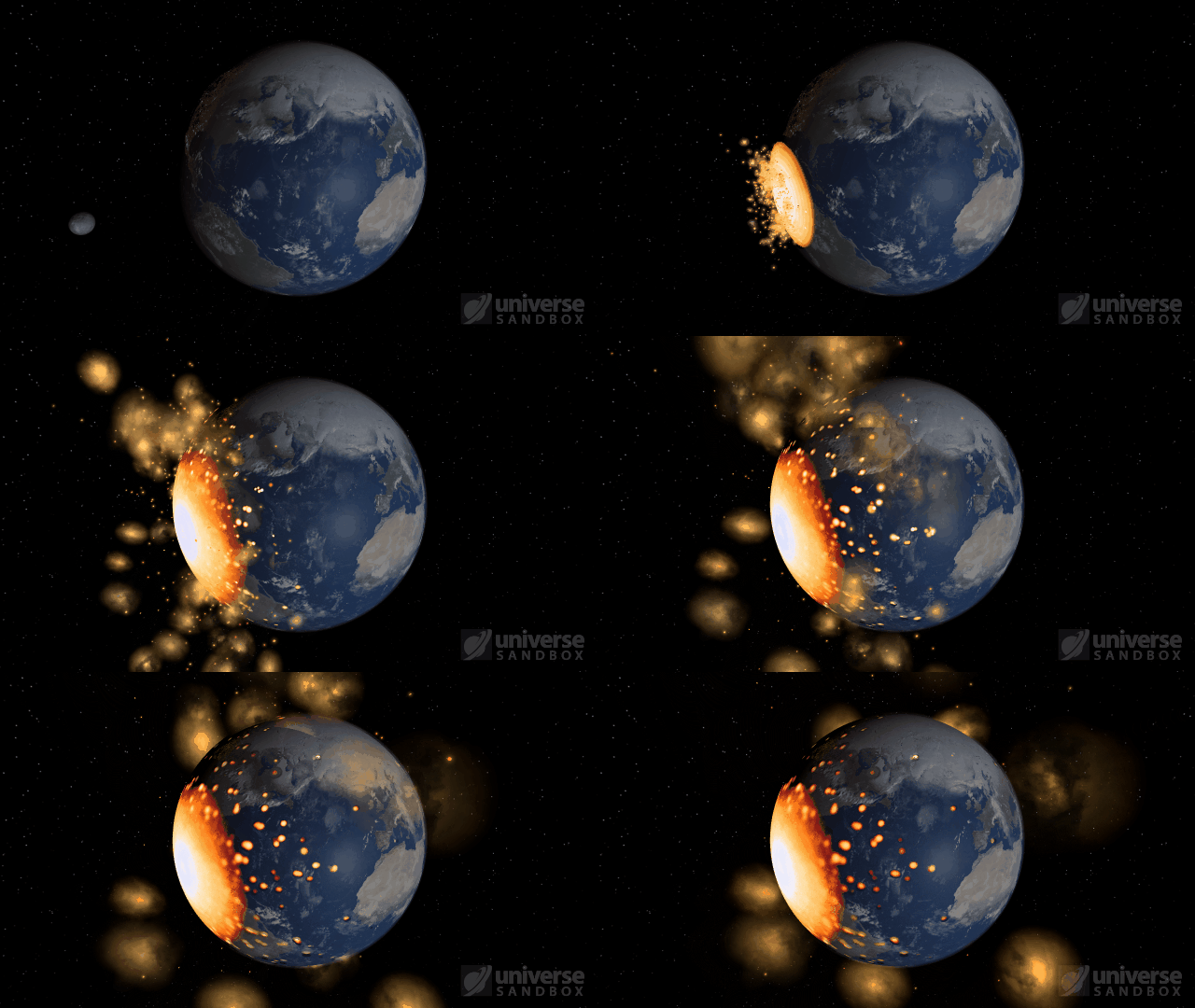
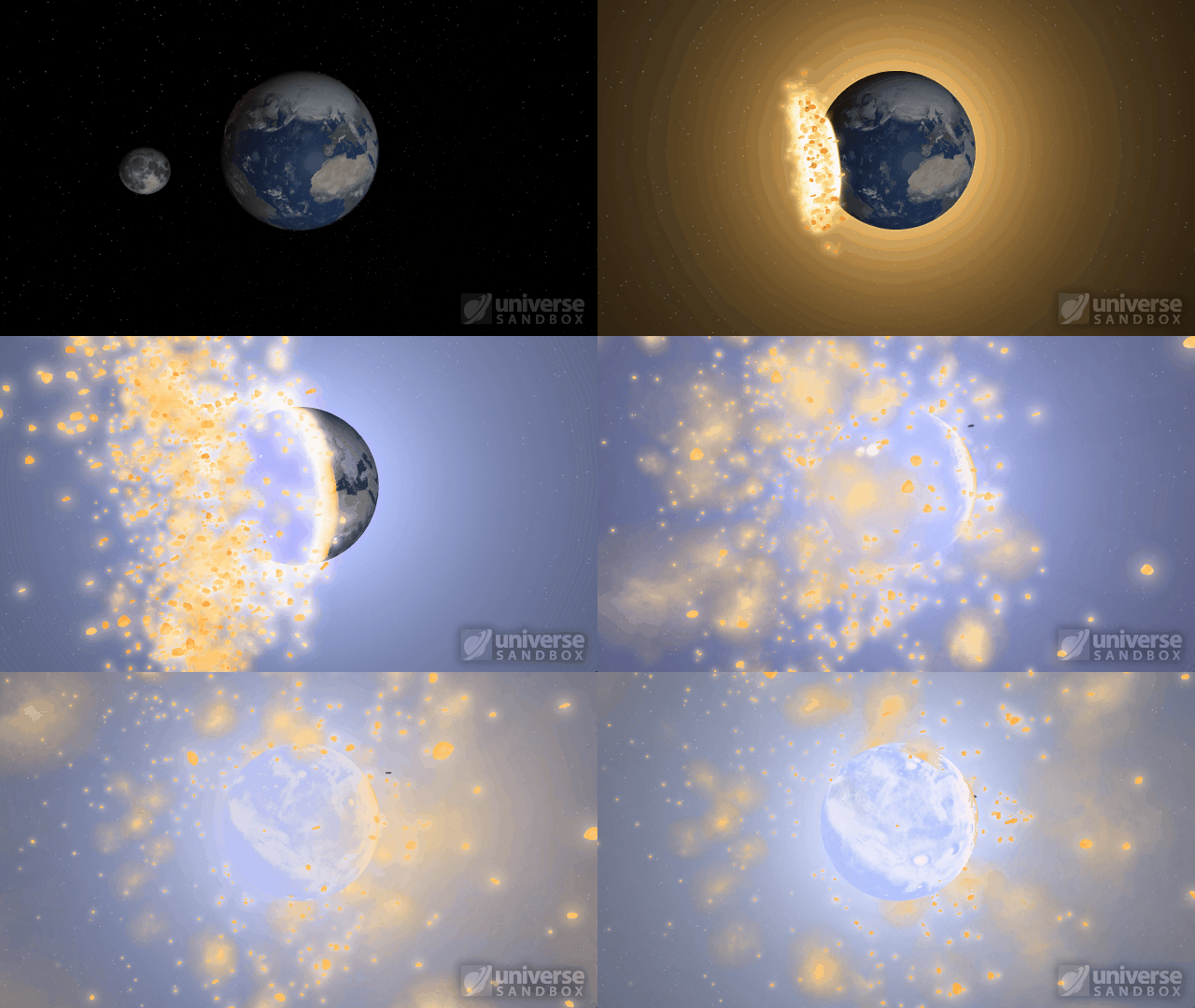
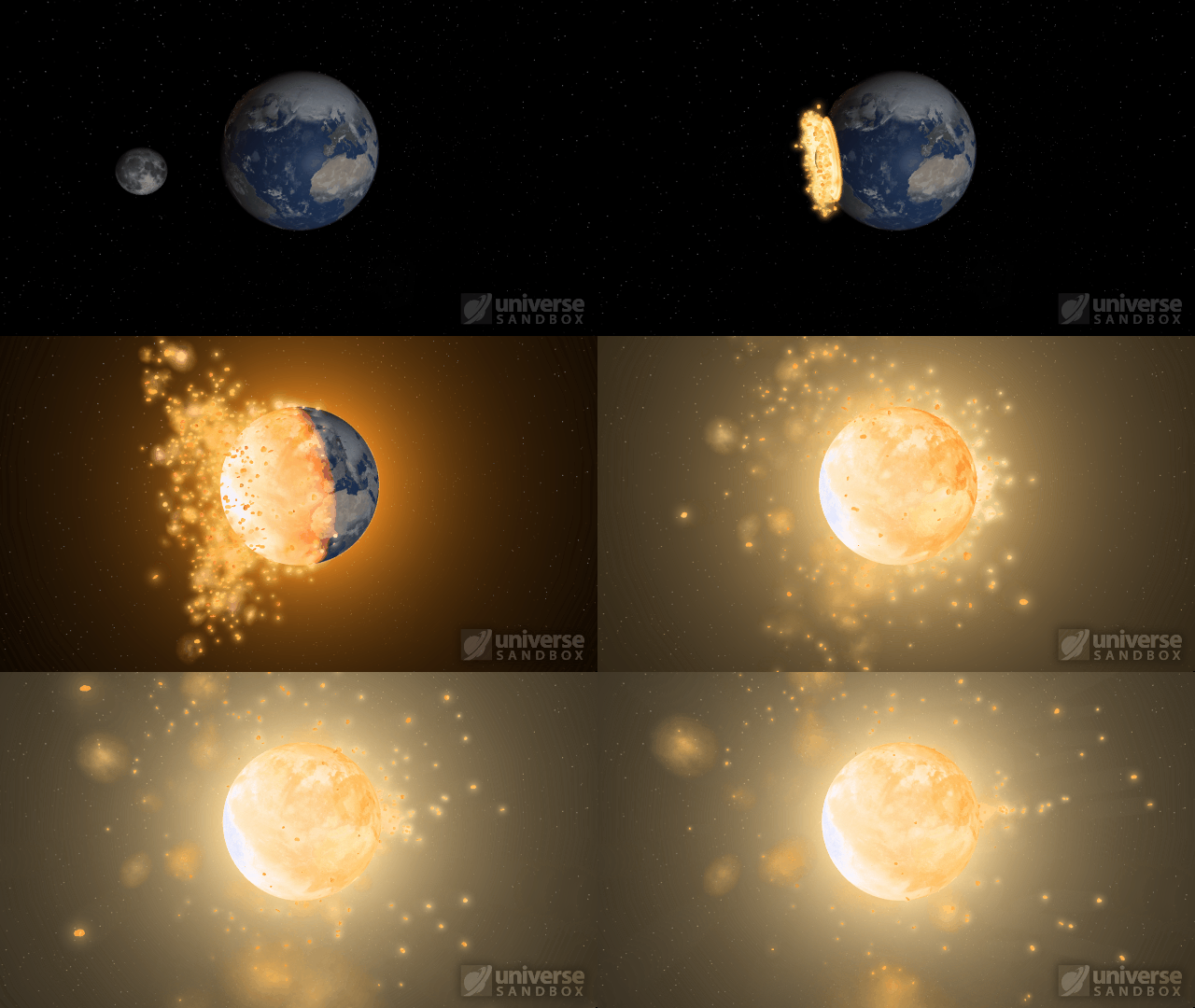
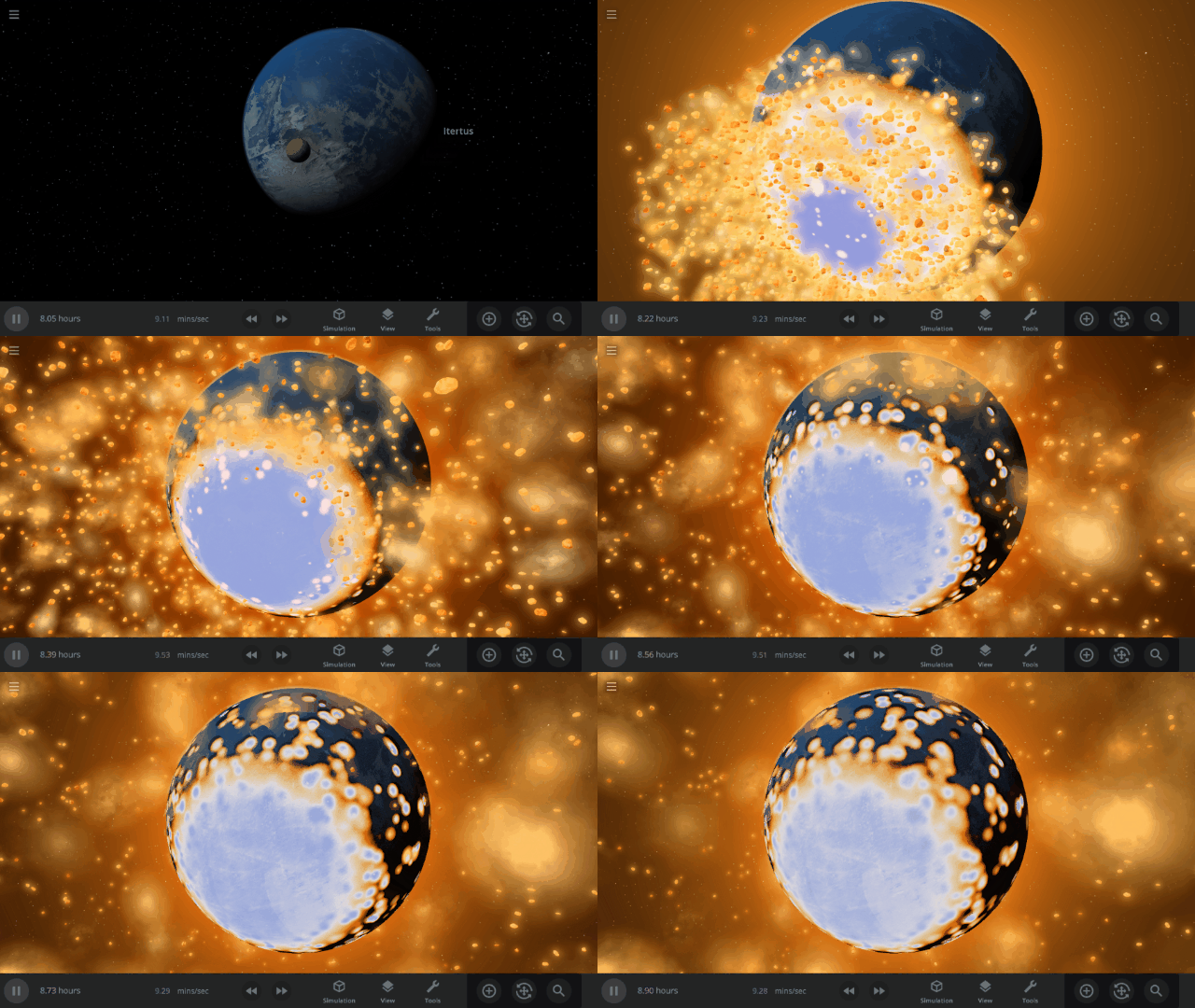
Energy from collisions spreads more realistically over the surface of an object, resulting in larger shockwaves. Heating from collisions is also less concentrated and spreads over a larger area. Previously, shockwave expansion ended abruptly in a smaller area, often resulting in blue-hot impact sites.
The dwarf planet Ceres colliding with Earth
The Moon colliding with the Earth
Automatic Simulation Speed
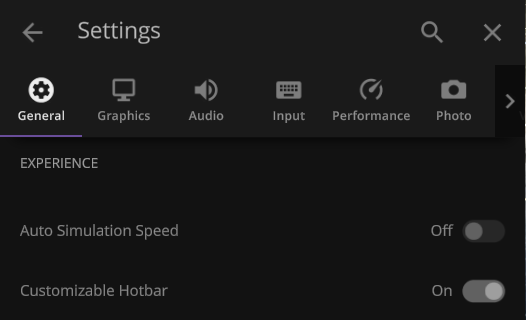
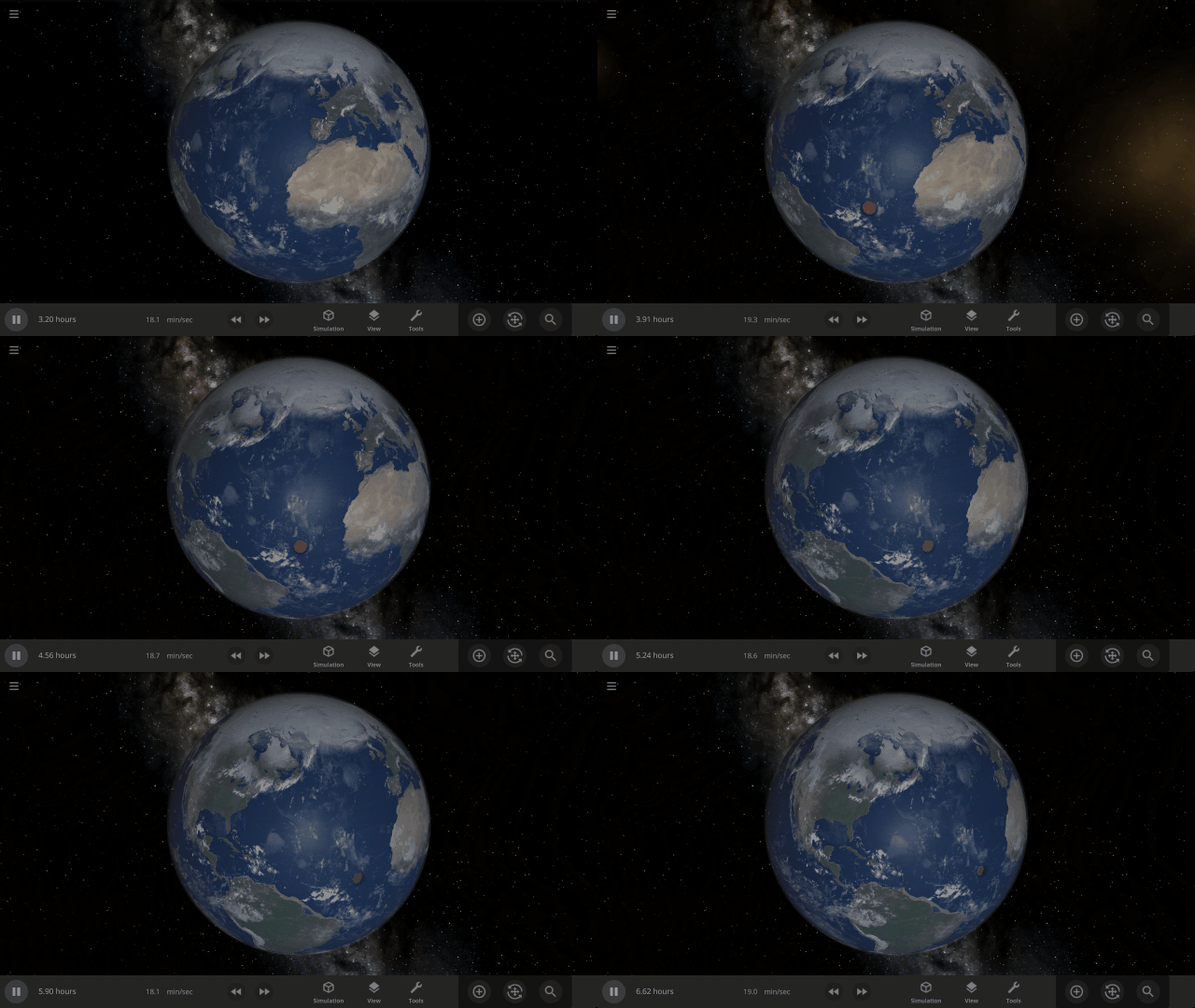
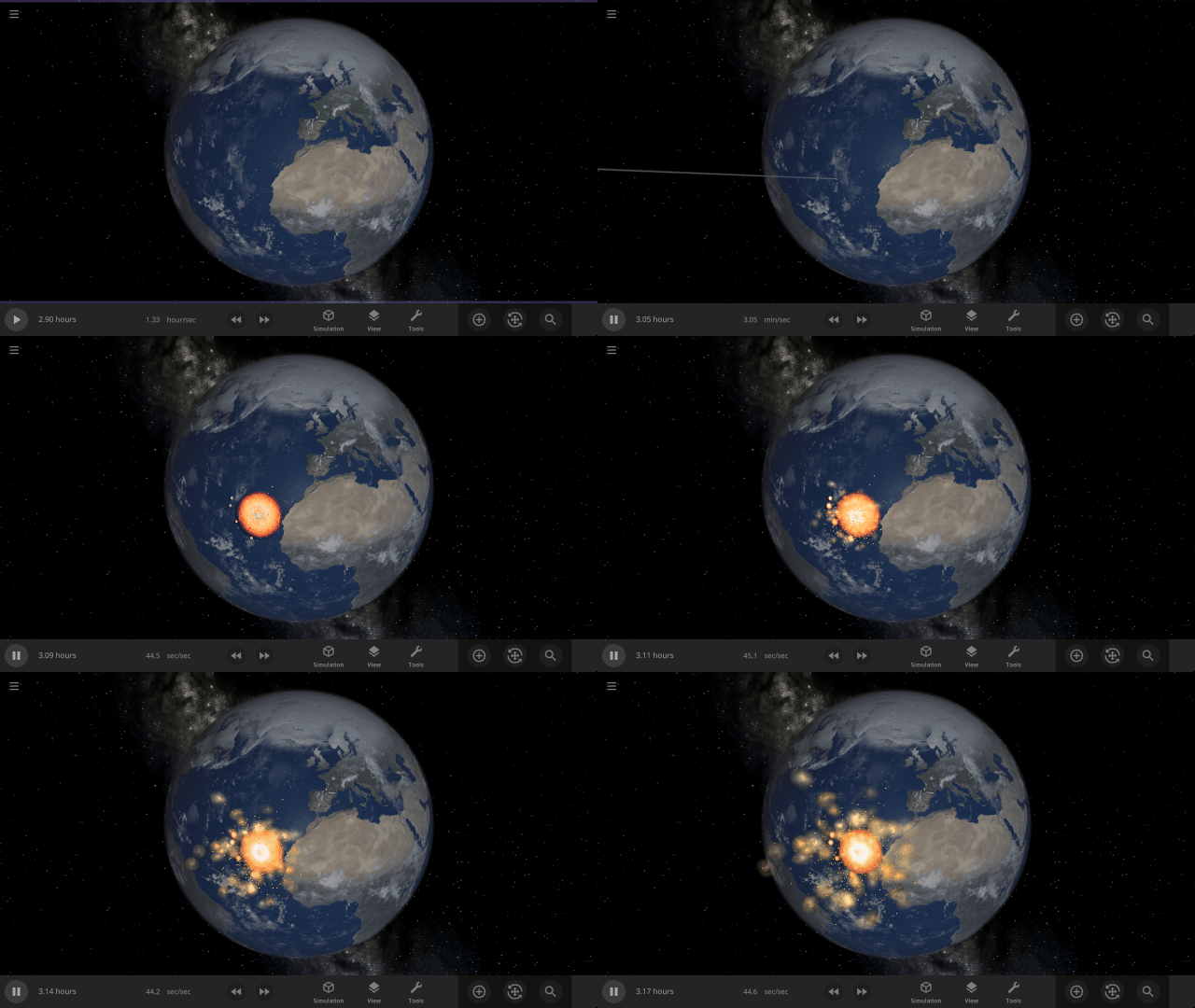
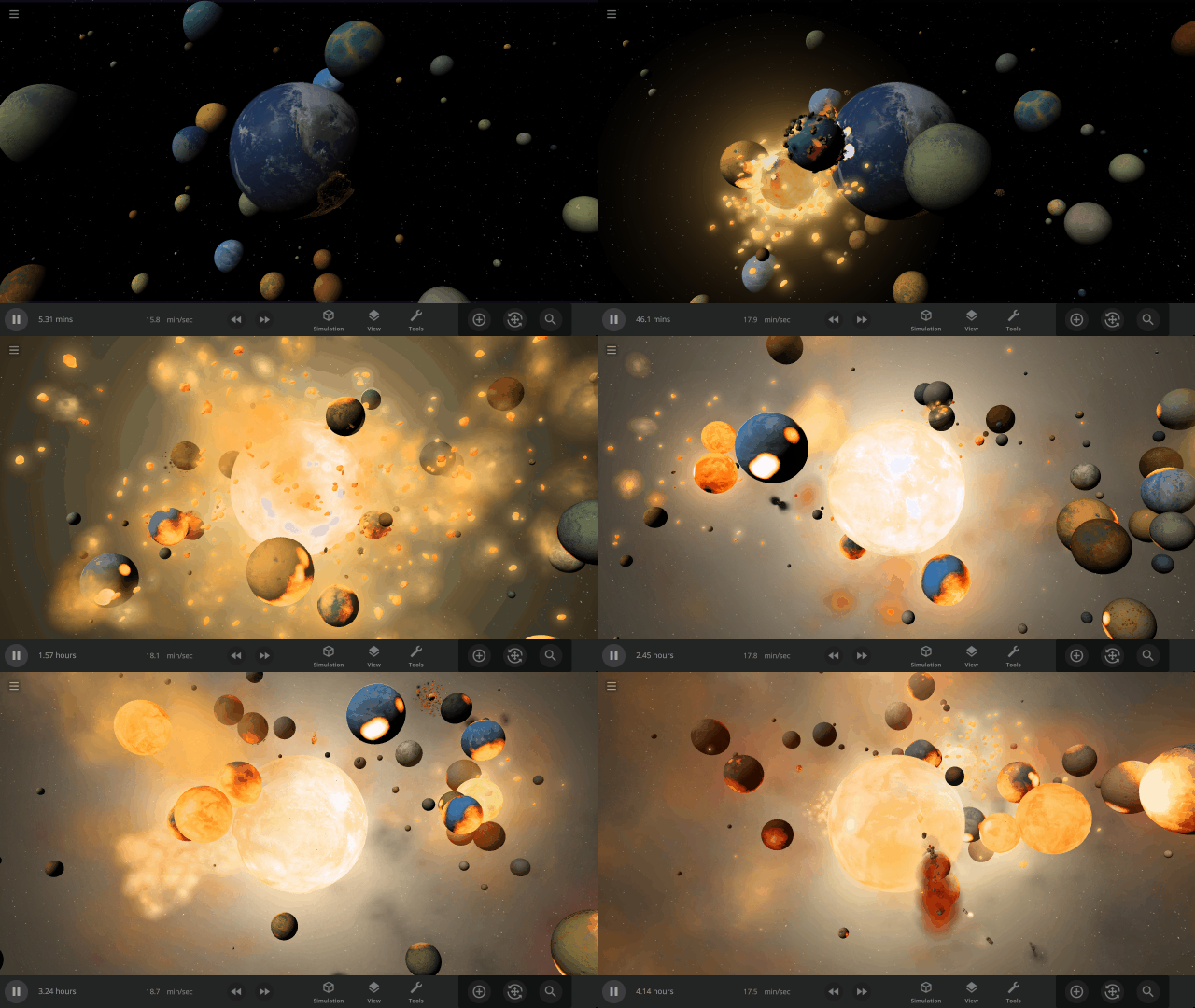
Allow the simulation speed to adjust itself automatically based on various conditions, like nearby objects and collisions, by turning on the new Automatic Simulation Speed feature. Automatically speeding up and slowing down the simulation speed provides an improved viewing experience for collisions, orbits, explosions, and more.
This feature is still in active development and is currently off by default. Turn it on under
Settings > General > Experience > Auto Simulation Speed
The simulation speed will slow down to show collisions that you might otherwise miss
Create a more cinematic experience while watching simulations like Earth & 100 colliding moons
Rayleigh Scattering
Object atmospheres now visually simulate Rayleigh scattering, which describes how light scatters in the atmosphere. Rayleigh scattering is what makes Earth’s daytime sky appear blue and the setting Sun appear red. Adjust the strength of the scattering under
Visuals > Atmosphere > Rayleigh Scattering Strength
Earth with realistic Rayleigh scattering
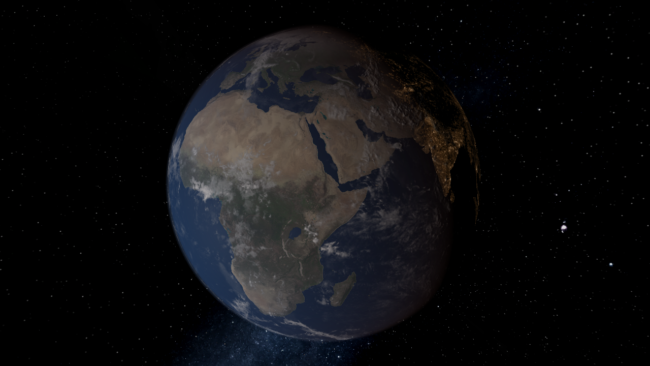
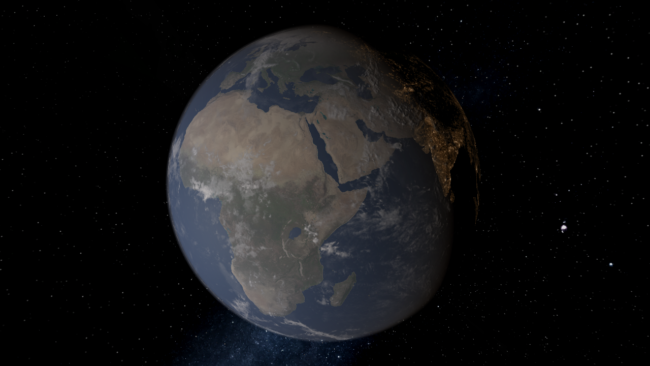
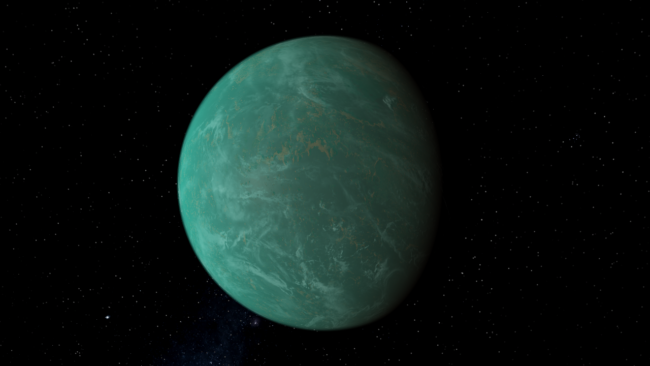
Custom object with Rayleigh scattering at 85% strength
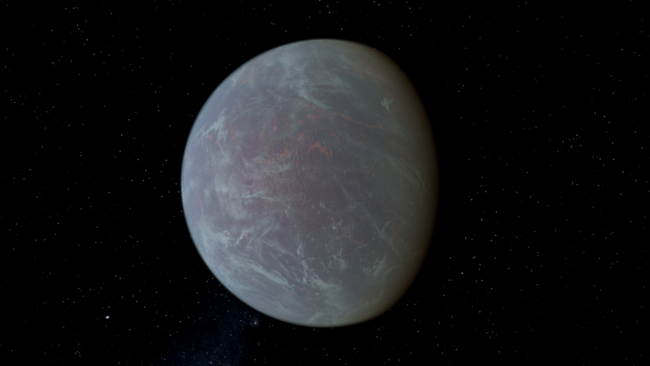
More Highlights
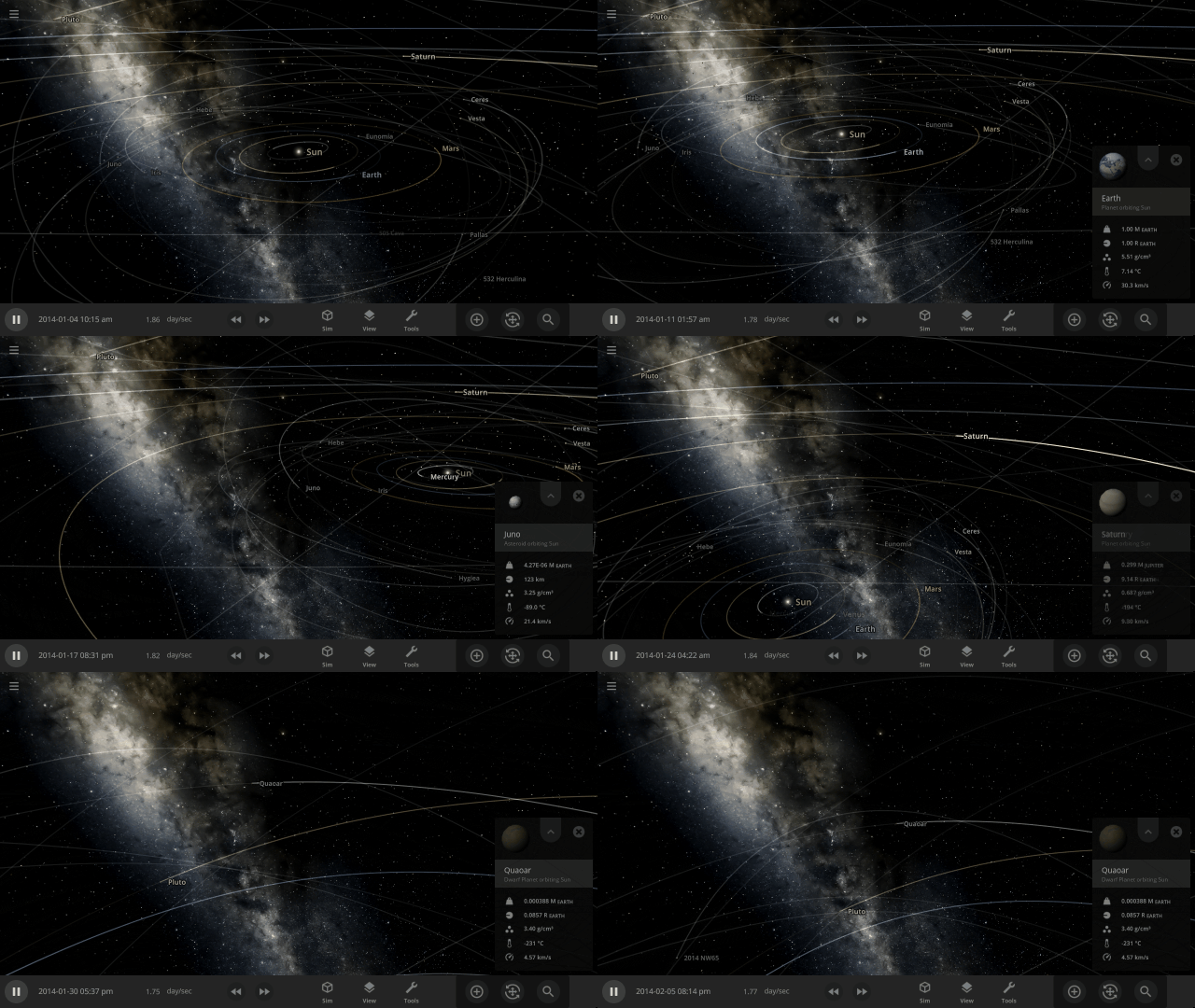
Your view now smoothly rotates, or pans, to focus on an object instead of sliding the view left or right, like a camera on rails
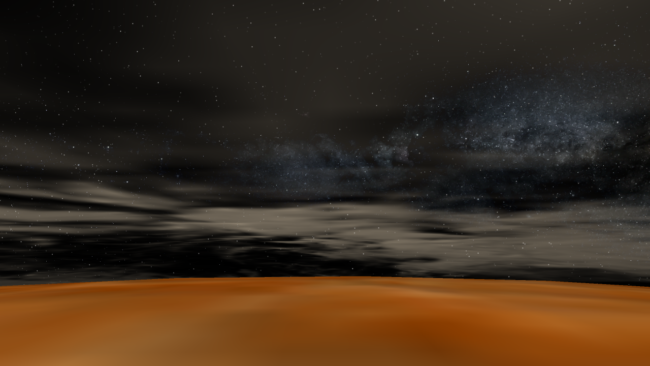
Atmospheres are now visible from the surface of planets. Land on a planet by pressing “c” on your keyboard to check it out.
Check out the full list of What’s New in Update 32.1
Please report any issues on our Steam forum, on Discord, or in-game via Home > Send Feedback.

Build-A-Planet | Update 32
Nov 17th
If Update 32 does not download automatically, follow these update instructions. If you don’t own Universe Sandbox, you can buy it via our website.
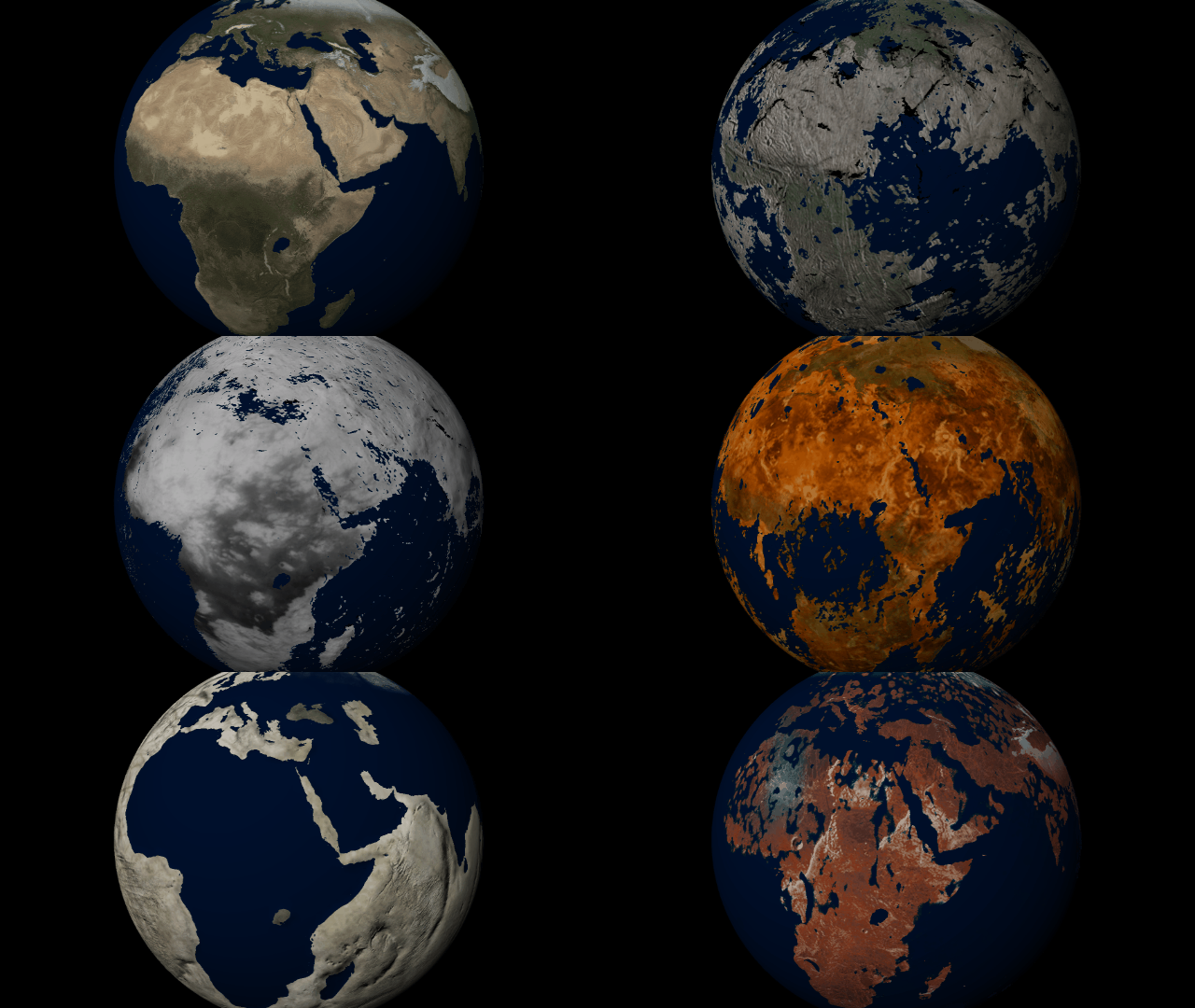
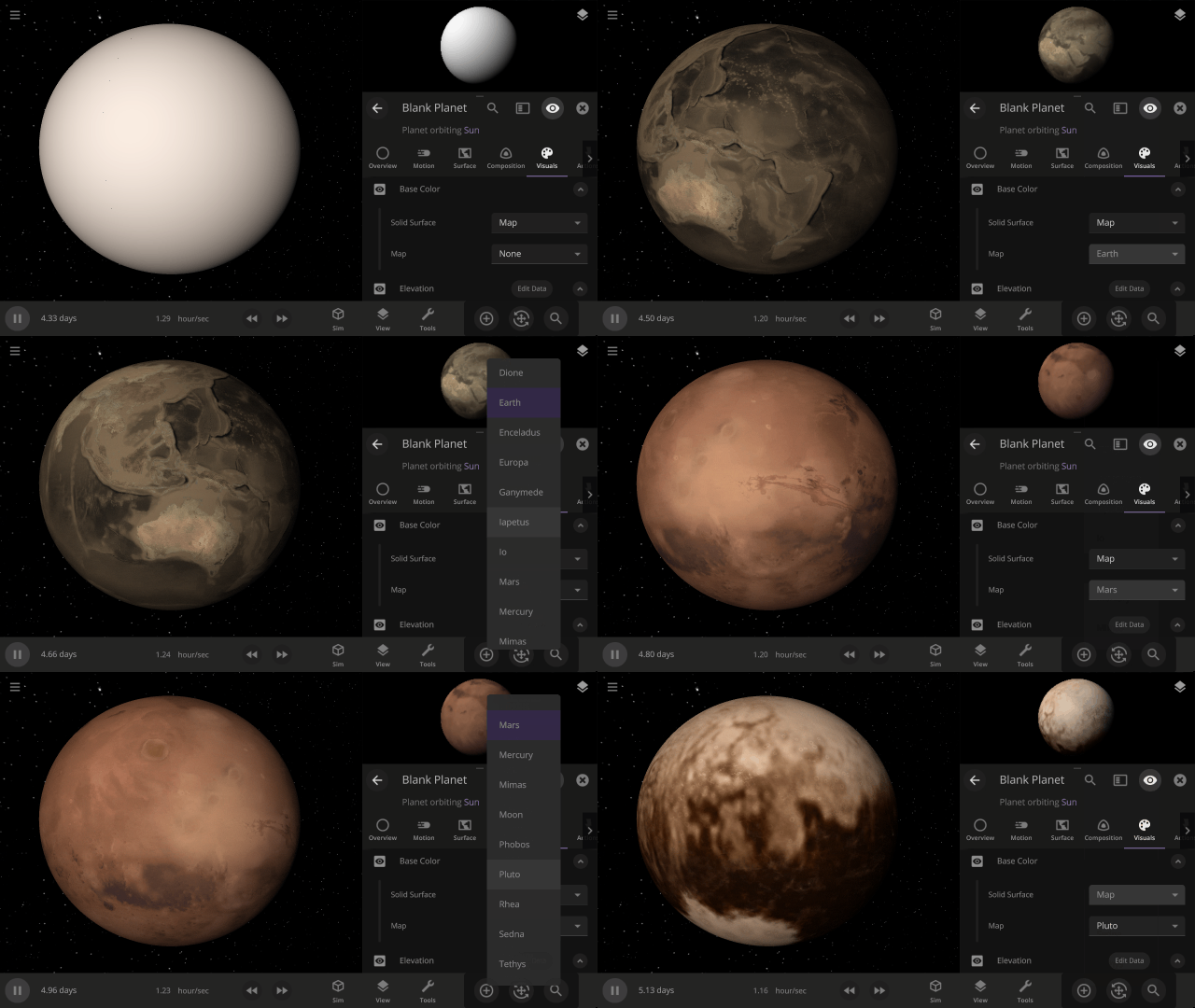
Customize the look and topography of planets and moons with a library of realistic color and height maps. Turn Earth into Mars or mix-and-match maps to create your own worlds.
Elevation Maps
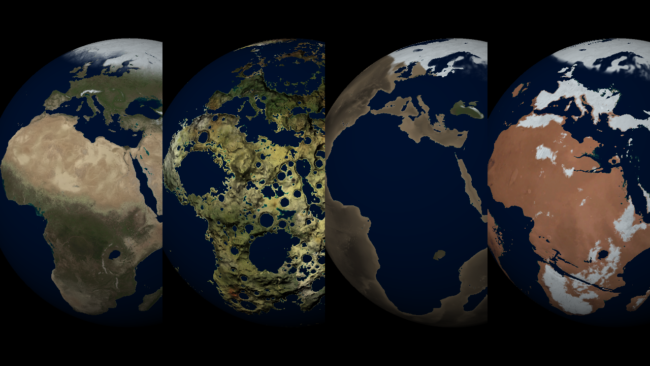
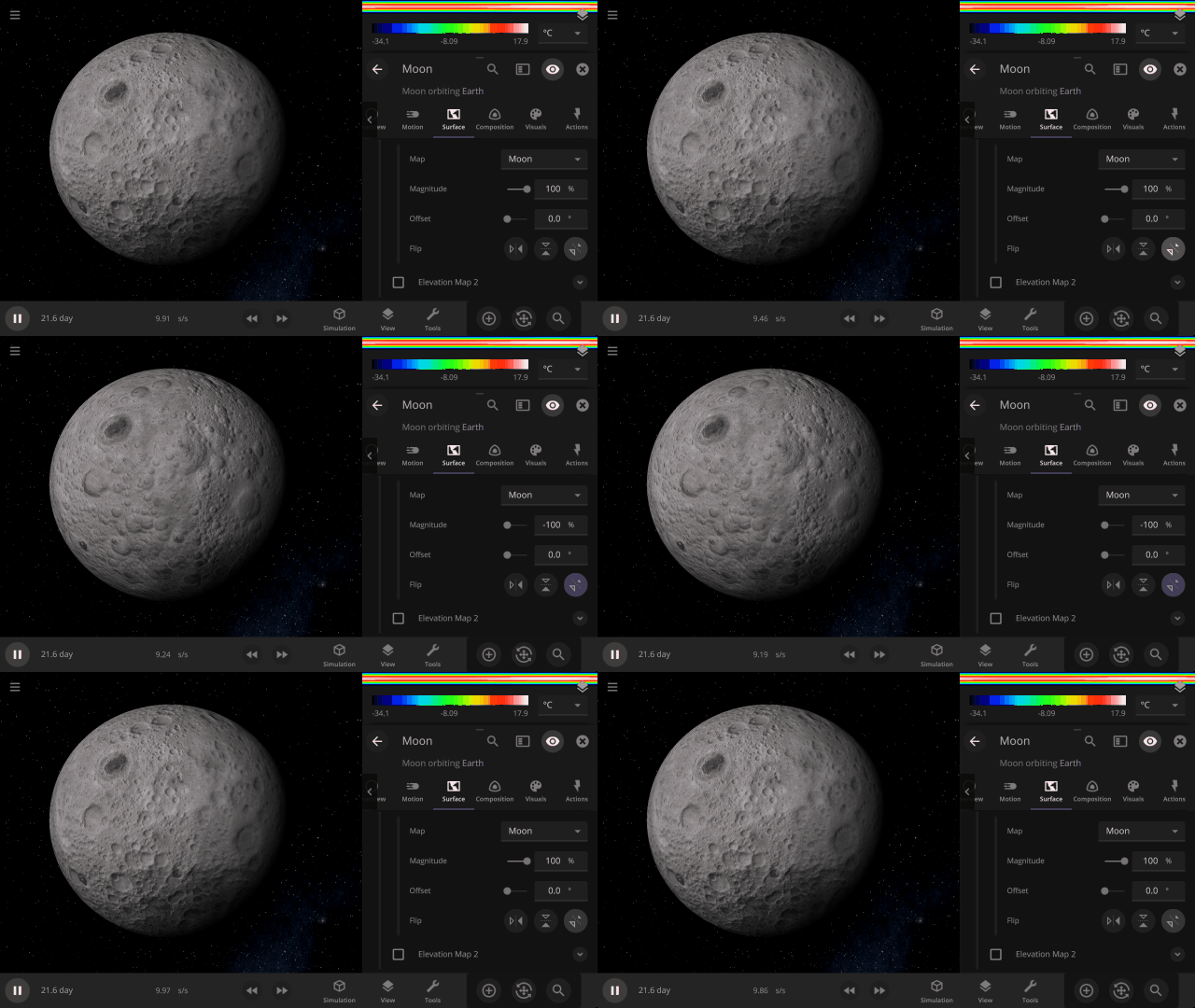
Blend, shift, and flip any two of the elevation maps in Universe Sandbox to create your own custom surface that governs water flow, temperature simulation, and more. Learn more
Guides > Tutorials > Creating Planets from Scratch & Transforming Planets
Color Maps
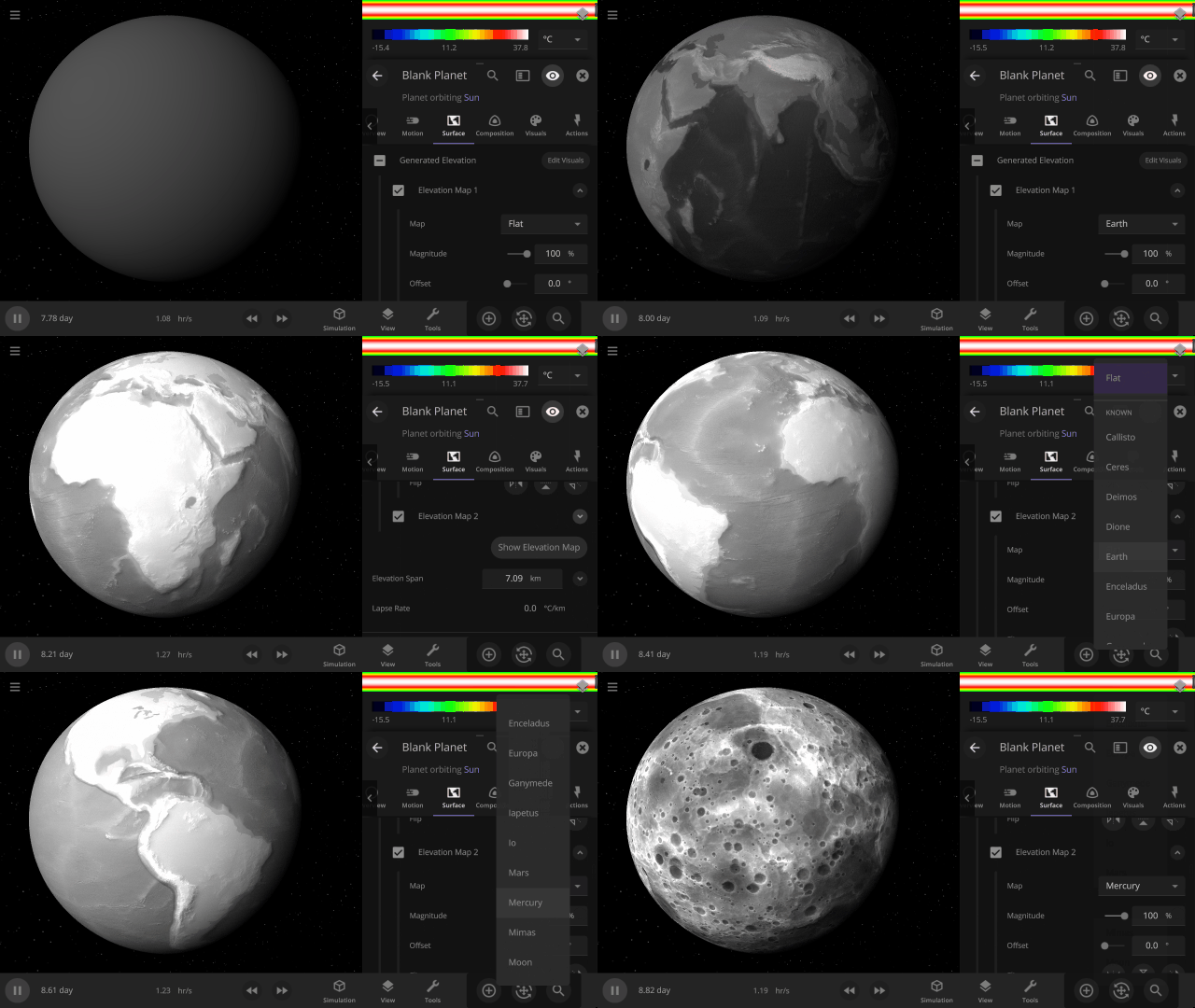
Change the surface map of any planet to match other planet images included in Universe Sandbox.
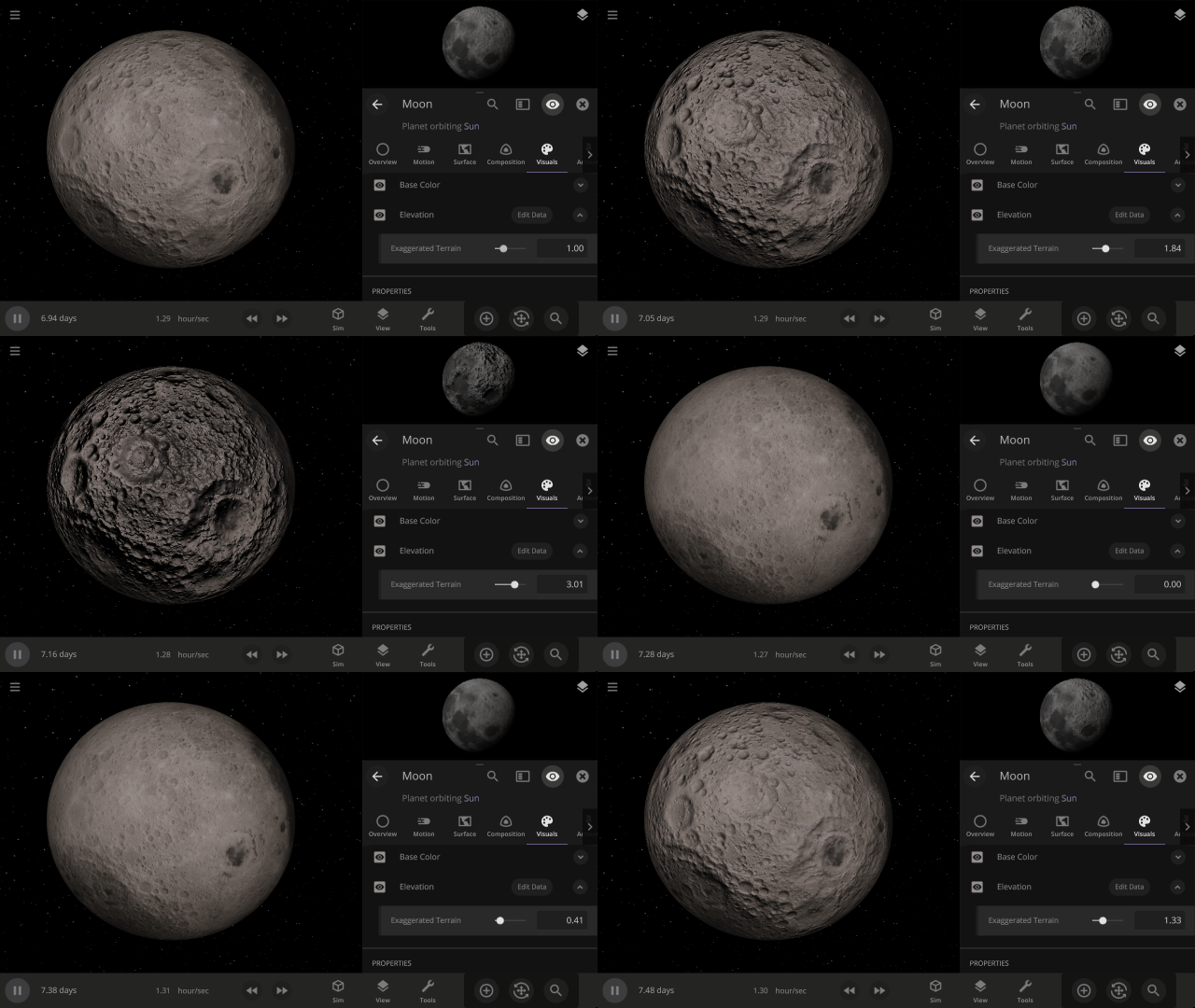
Apparent Elevation Intensity
Change the apparent difference between high and low elevation, also called the normal map, under
Visuals > Elevation > Exaggerated Terrain
More Highlights
Invert a planet’s elevation with the push of a button under
Surface > Elevation > Elevation Map > Flip
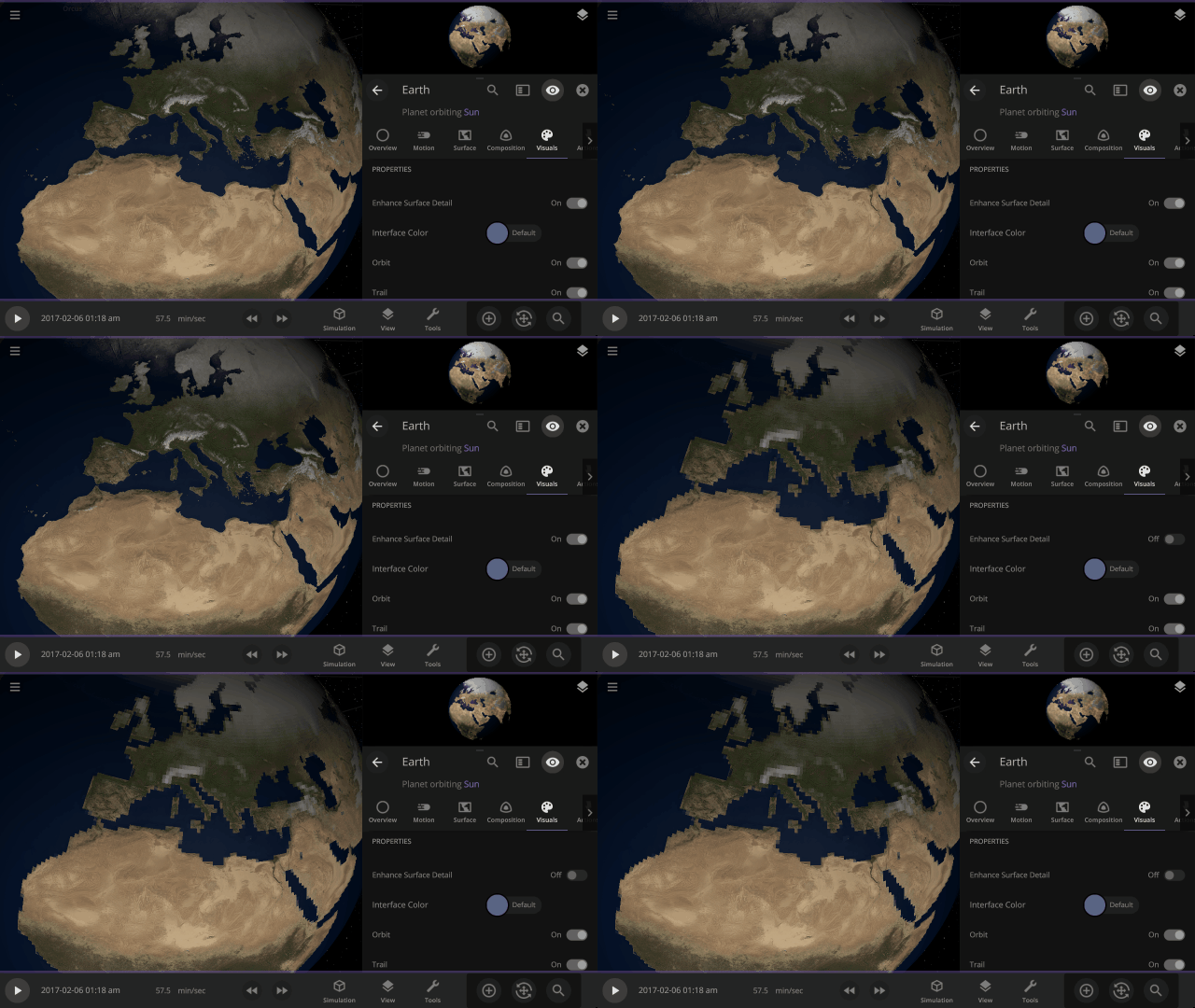
View a planet’s simulated surface without high-resolution corrections under
Properties > Visuals > Enhance Surface Detail
Turning off the enhanced view shows the map resolution we use for simulating object surfaces, including water flow and snow.
Turn off the visual glow from high temperatures, also called blackbody radiation, under
Properties > Visuals > Heat Glow
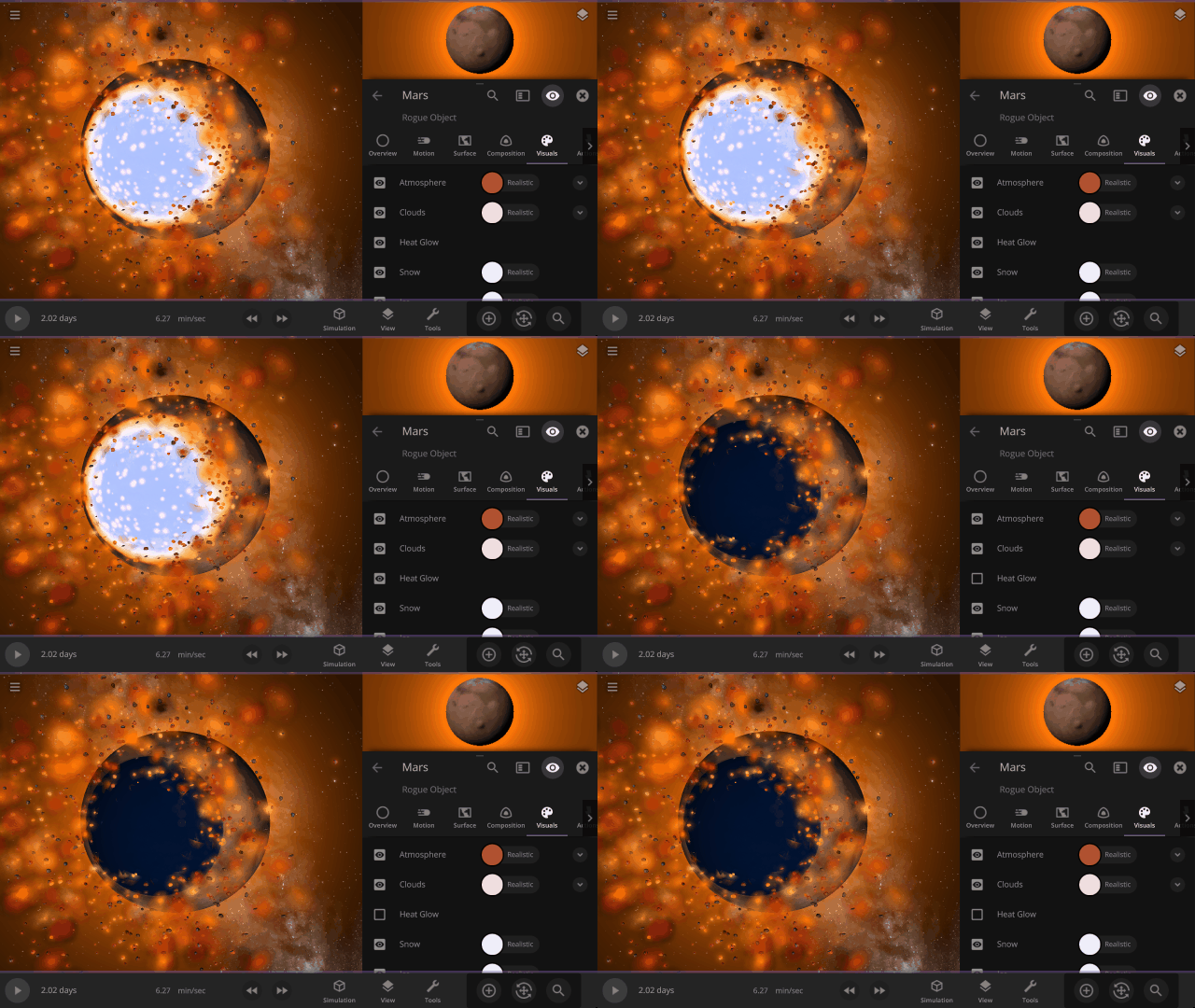
This update includes 9+ additions and 3+ fixes and improvements.
Check out the full list of What’s New in Update 32
Please report any issues on our Steam forum, on Discord, or in-game via Home > Send Feedback.

Space is Big | Update 31.4
Oct 27th
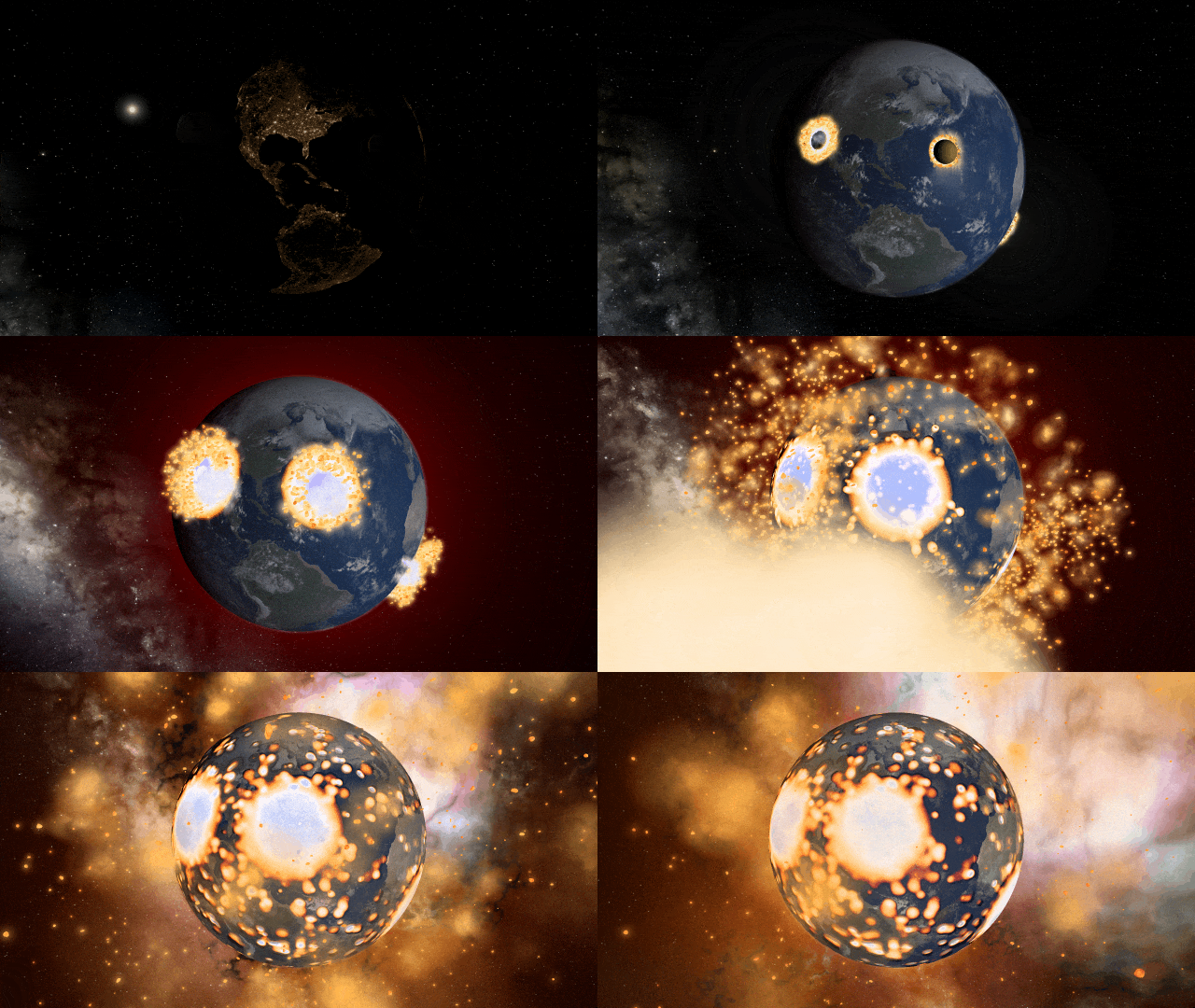
If Update 31.4 does not download automatically, follow these update instructions, or buy Universe Sandbox via our website.
“Space is big. You just won’t believe how vastly, hugely, mind-bogglingly big it is. I mean, you may think it’s a long way down the road to the chemist’s, but that’s just peanuts to space.”
- Douglas Adams, The Hitchhiker’s Guide to the Galaxy
And now we’ve made it a bit easier to comprehend the scale of space.
Scaling Space
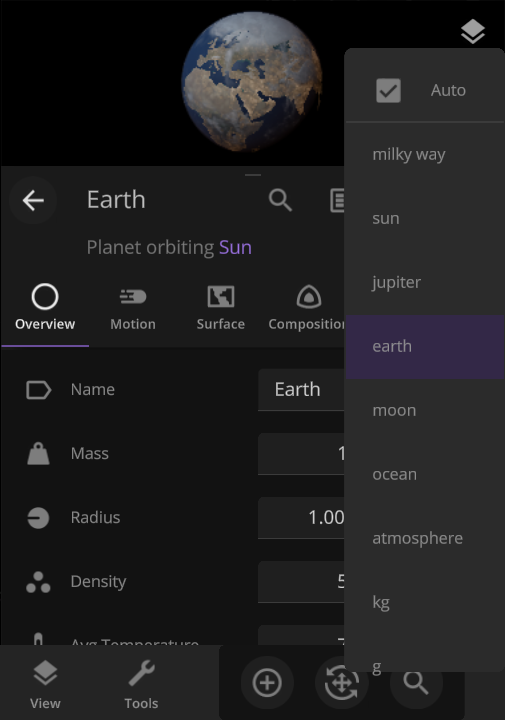
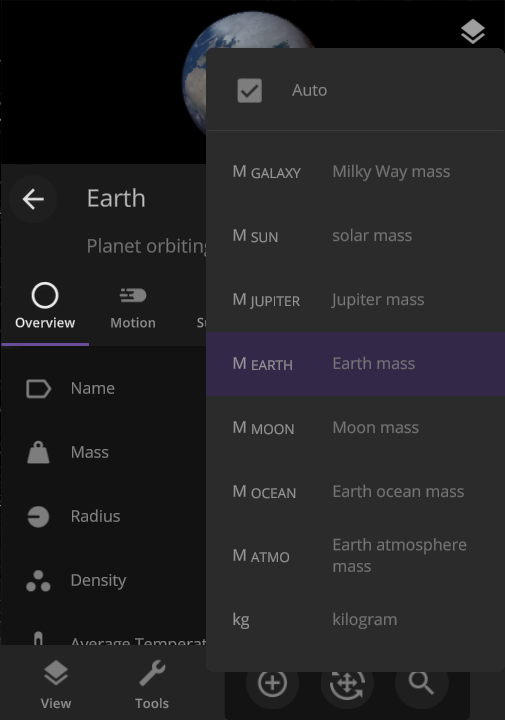
The unit of measurement selection menu now explains what each unit means to help you better understand the vastness of space. Unit names based on the properties of other objects (like Earth mass) have also been updated for clarity.
Juno Flyby of Europa
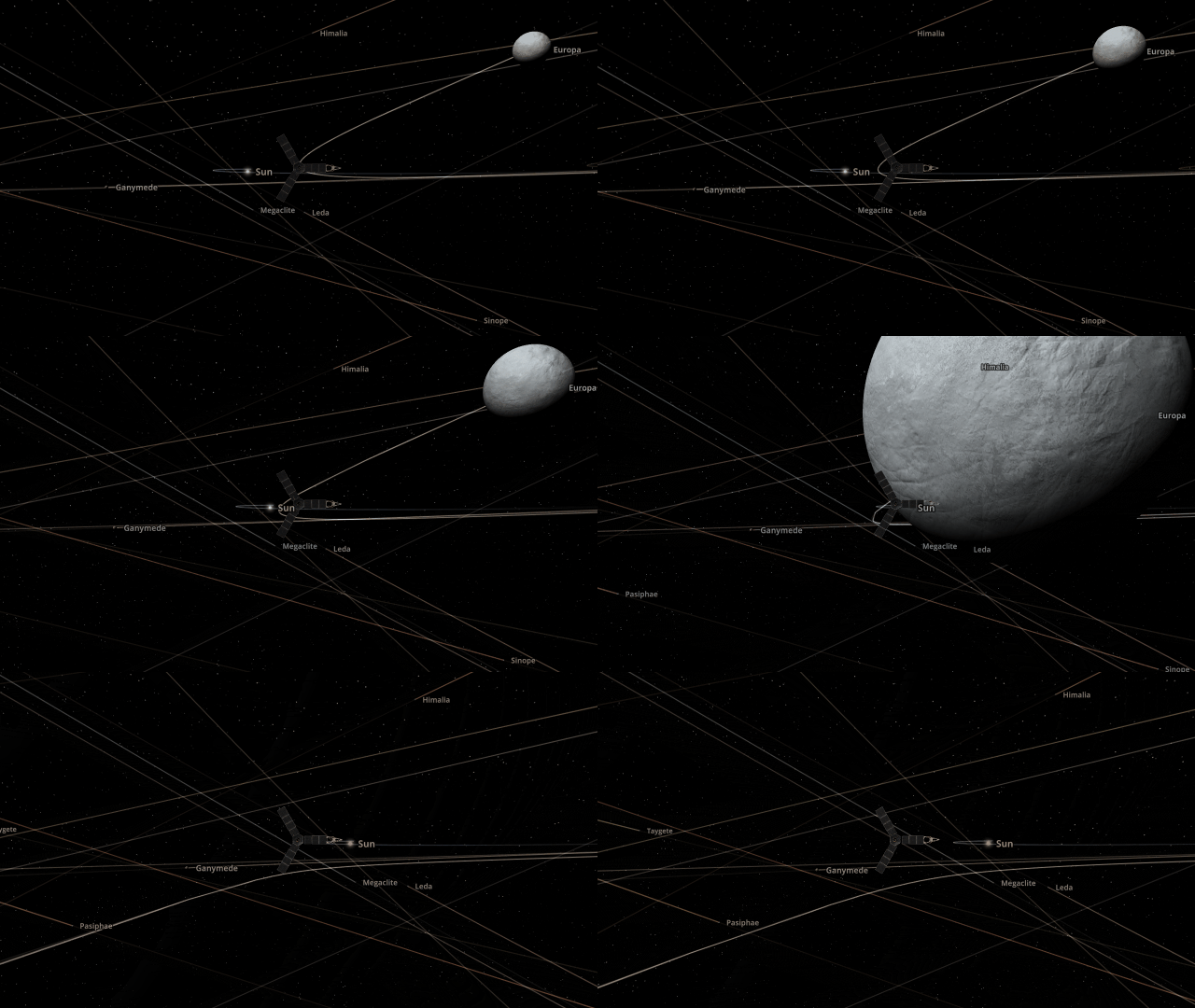
On September 29, 2022, the Juno spacecraft performed a flyby of Jupiter’s moon Europa, coming within 352 kilometers and taking the highest-ever resolution close-up image of the moon’s surface. Watch this close flyby in our new simulation
Juno Flyby of Europa in 2022
More Highlights
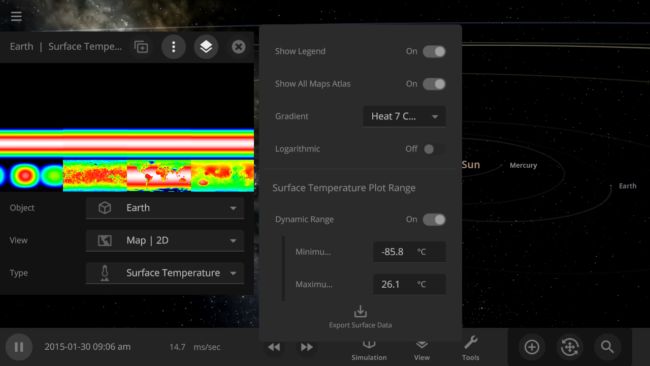
You can now view and monitor the data views for all objects in a simulation at once, also called the Atlas, by going to Open View Panel Settings > 2D Settings > Show All Maps Atlas. The interface for this type of view is a work in progress.
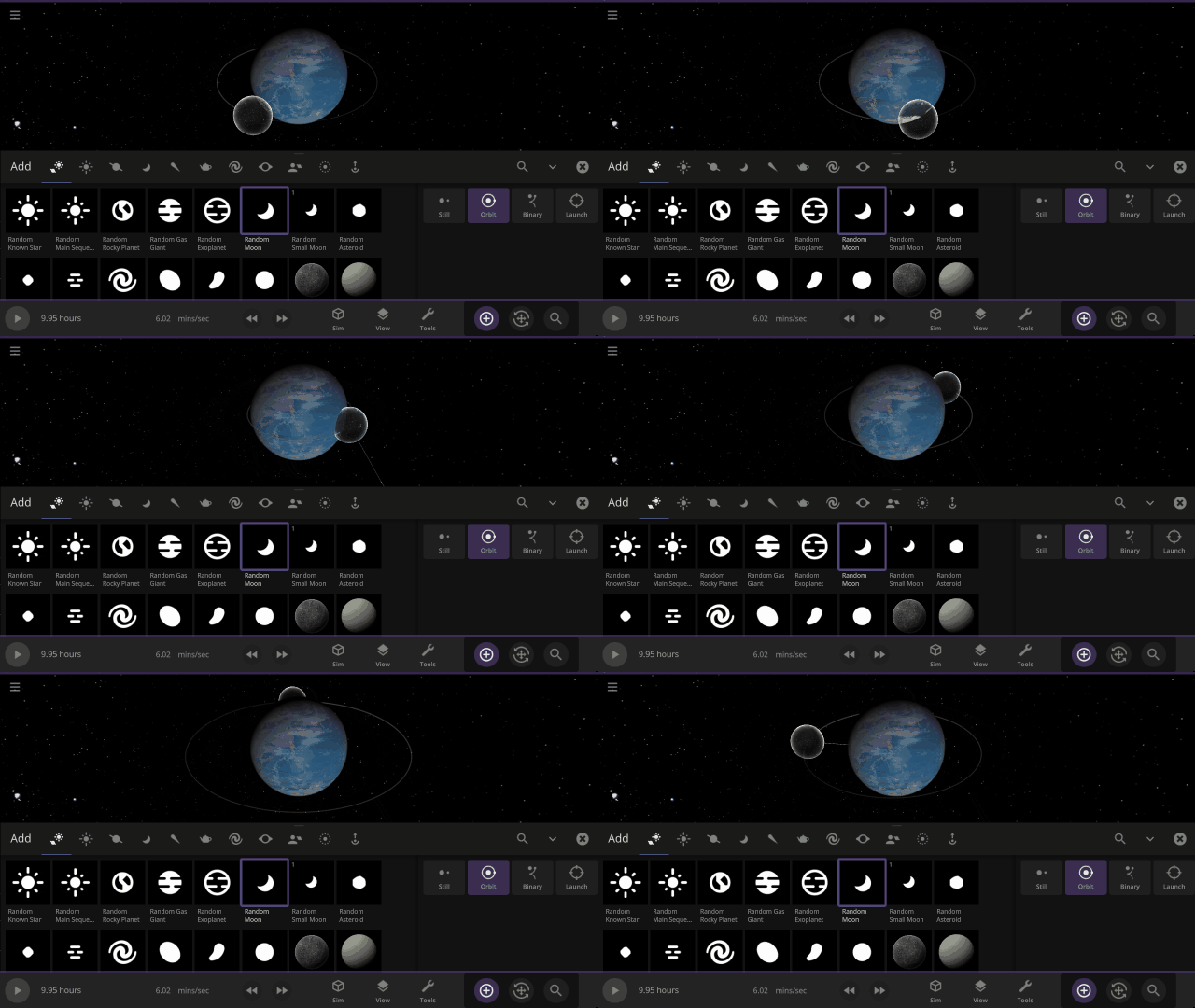
Object holograms have been updated to look the same, be more visible across different backgrounds, and clearly show their positions in front of or behind other objects
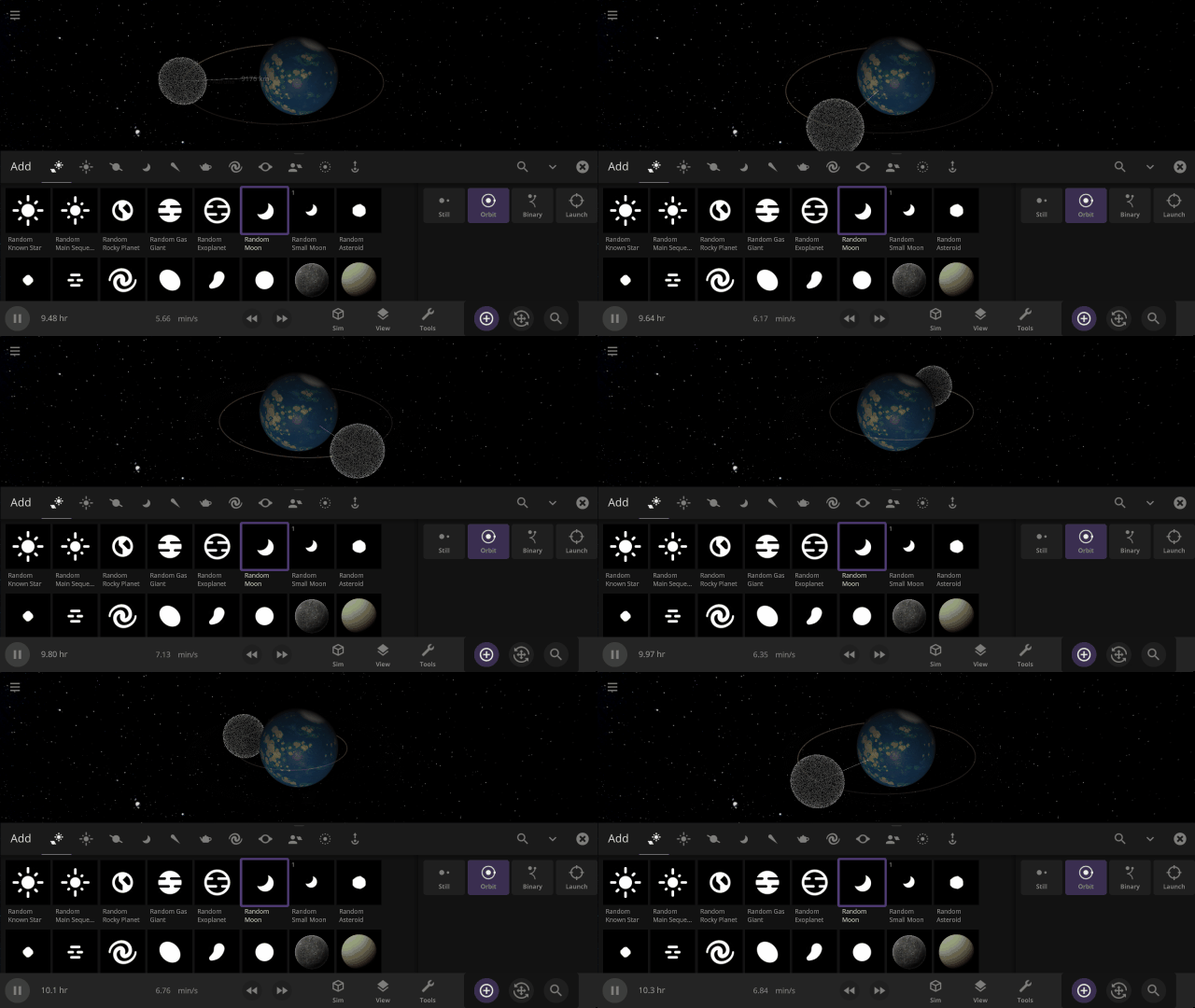
This update includes 4+ additions and 15+ fixes and improvements.
Check out the full list of What’s New in Update 31.4
Please report any issues on our Steam forum, on Discord, or in-game via Home > Send Feedback.

Planetary Defense DART | Update 31.3
Sep 22nd
If Update 31.3 does not download automatically, follow these update instructions, or buy Universe Sandbox via our website.
DART Mission
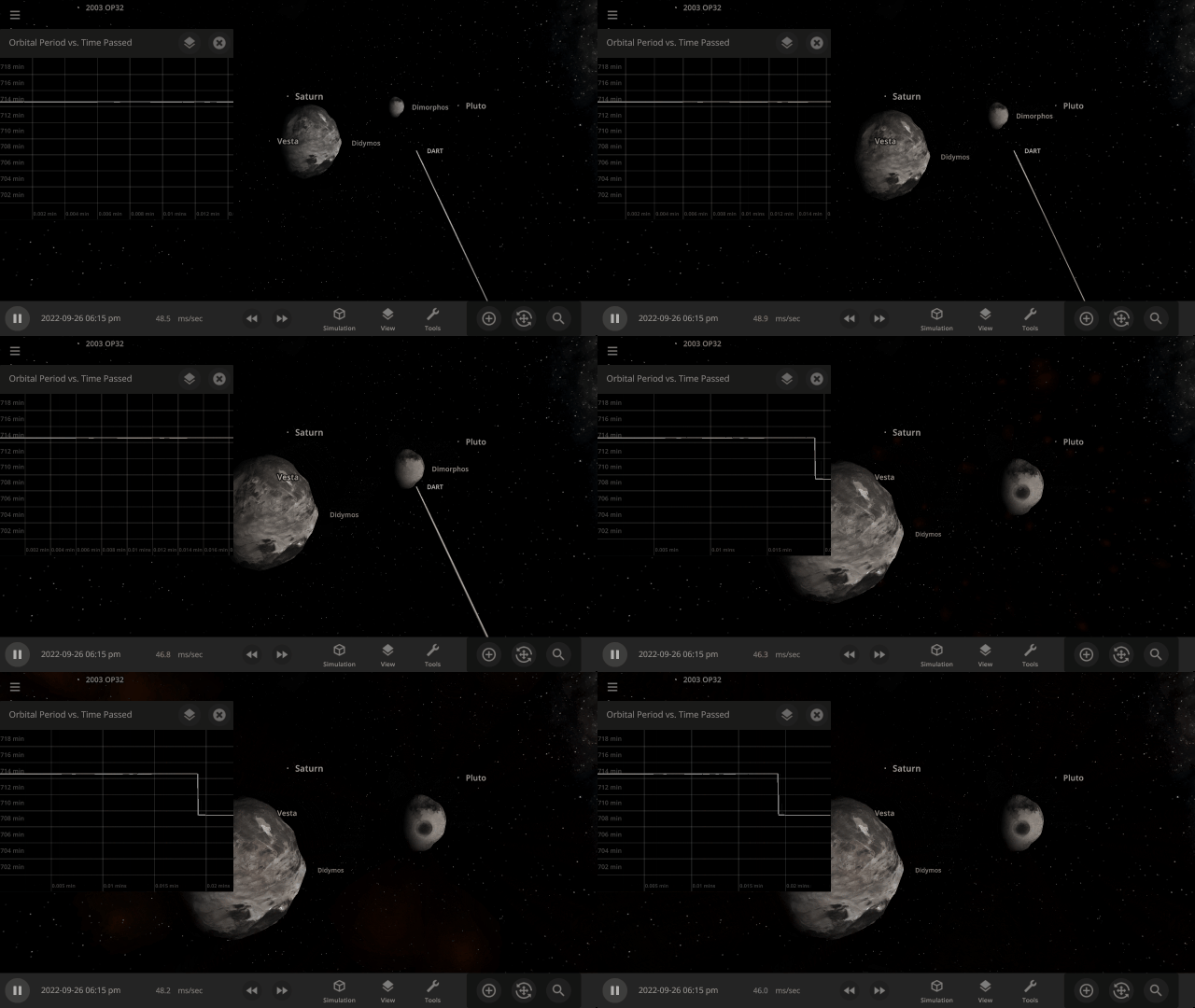
NASA’s DART mission will intentionally collide the DART spacecraft with the asteroid Dimorphos, attempting to change its orbit & testing humanity’s ability to protect Earth from future asteroids. Check out our simulation of this mission:
Open > DART: Humanity’s First Planetary Defense Experiment
More Highlights
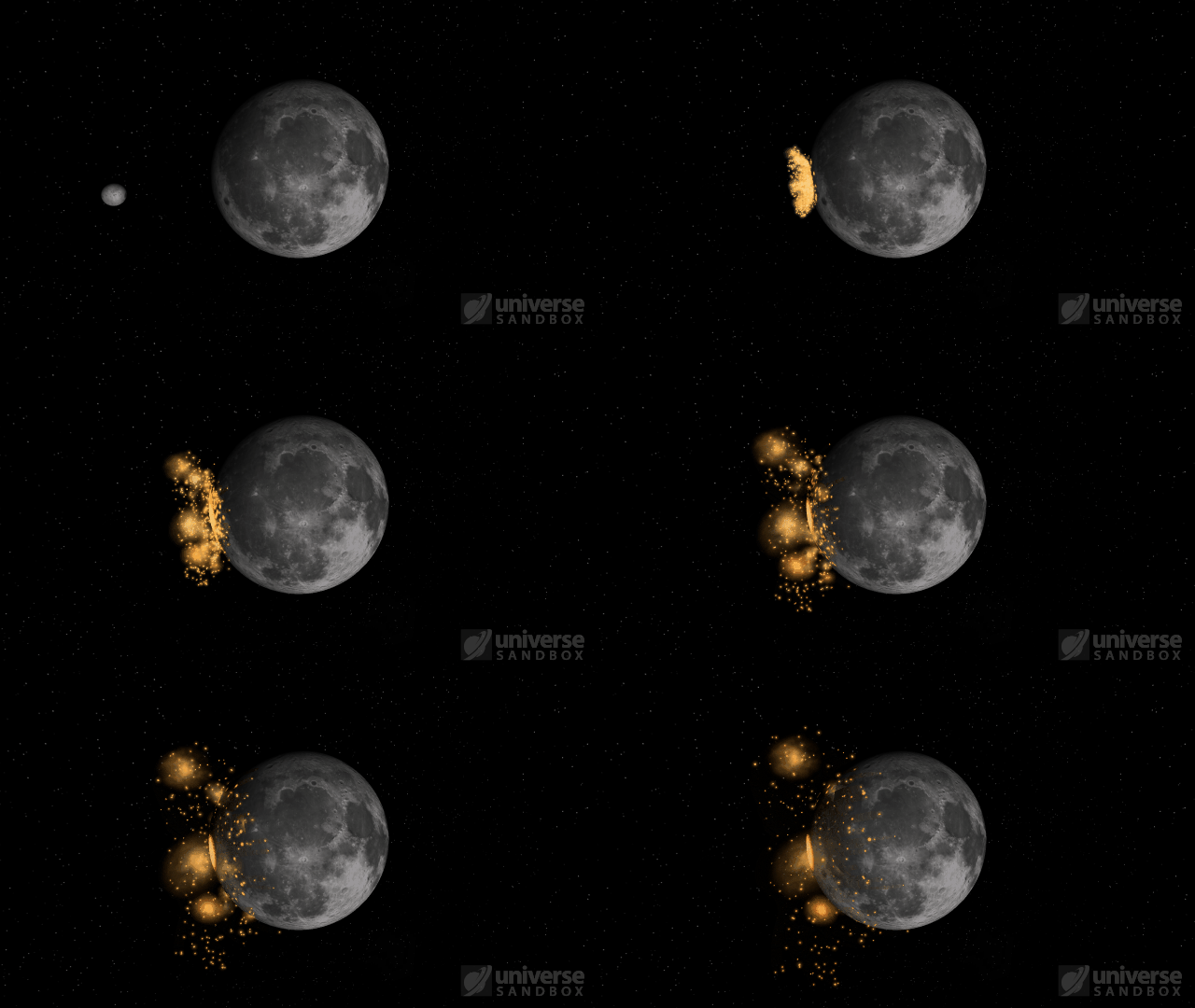
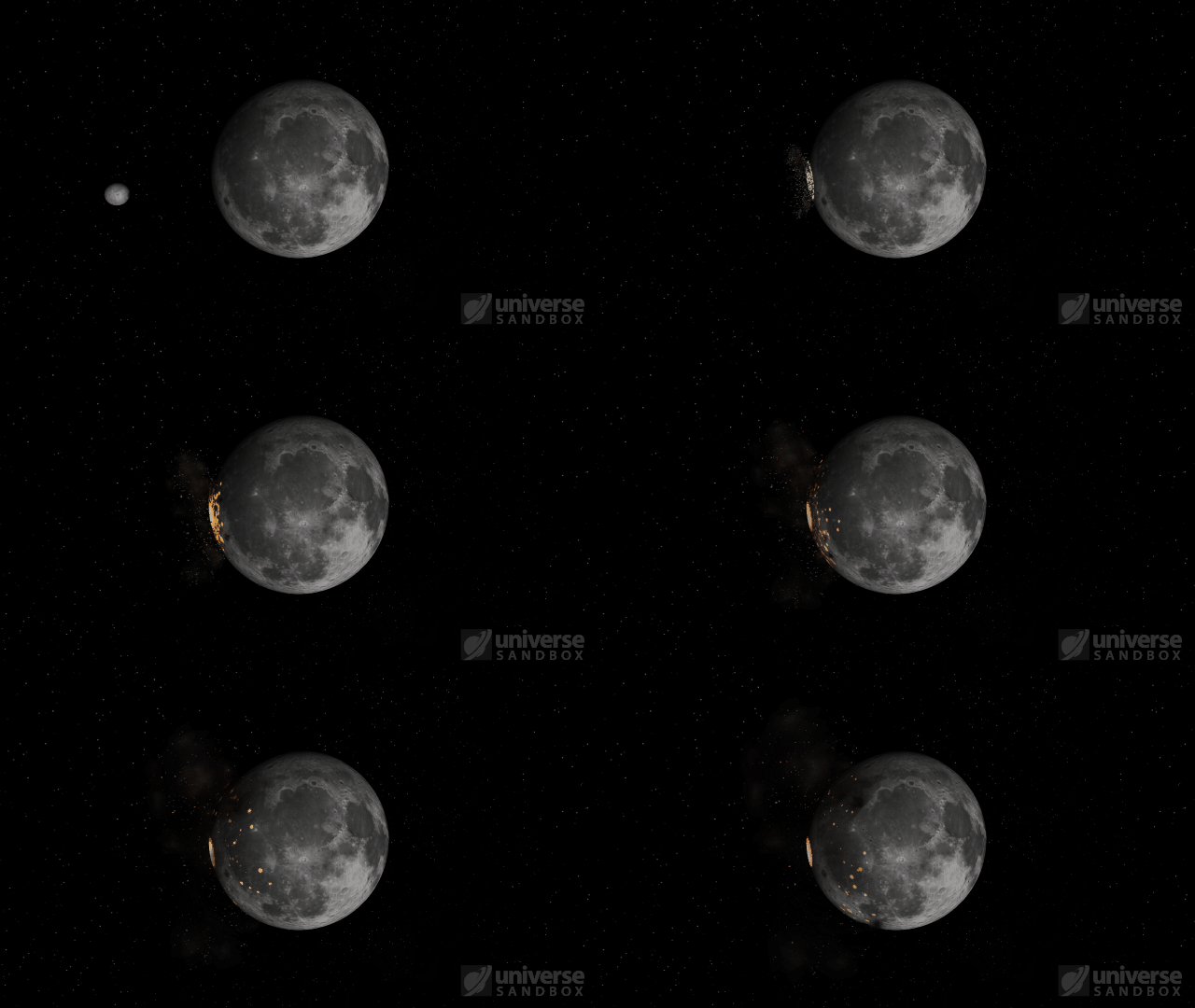
Fragment temperature and glow from collisions are now realistically based on the collision energy. Low energy collisions, like the one shown here, don’t generate enough energy to make the particles glow.
Camera transitions after the target collides are smoother
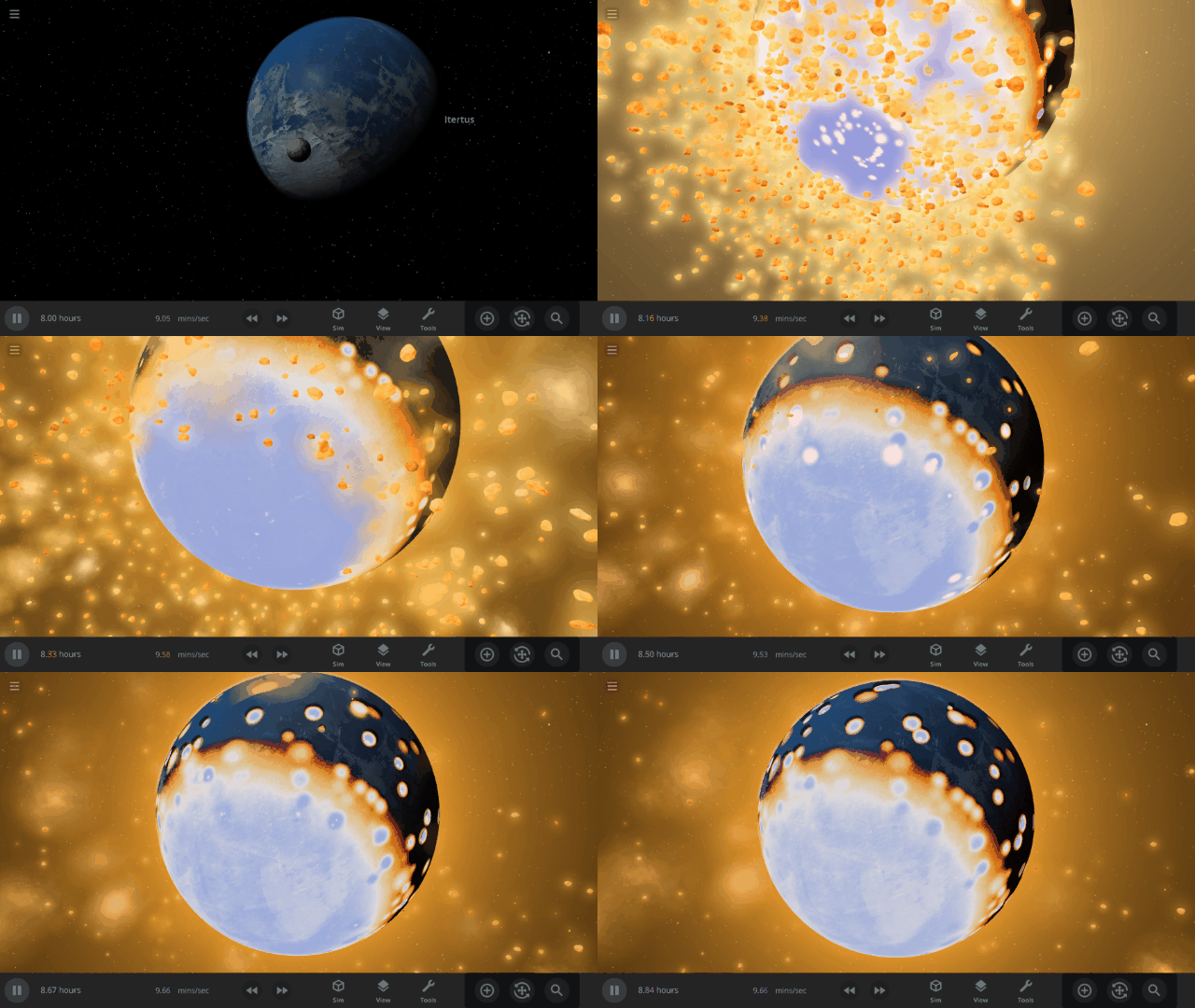
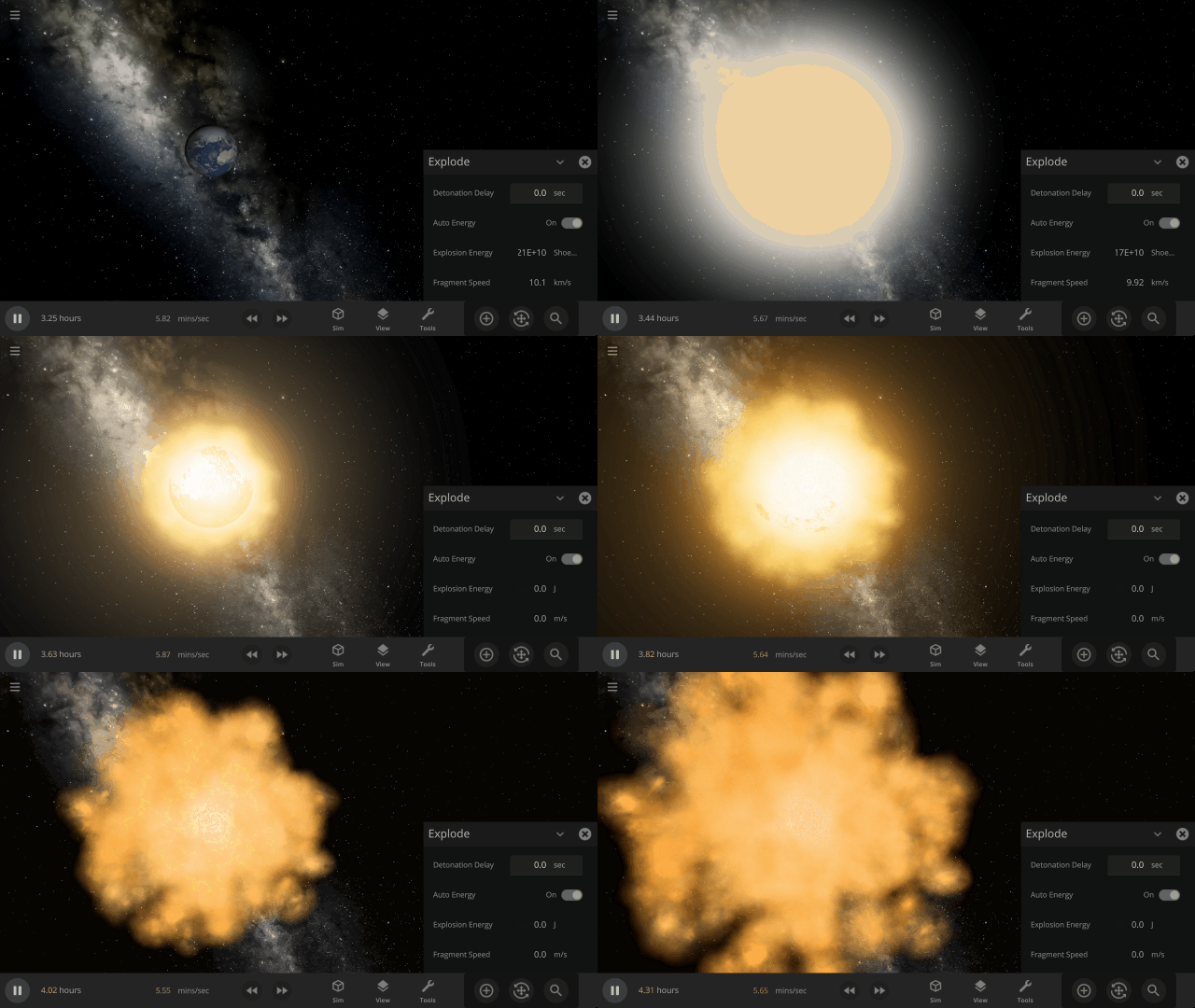
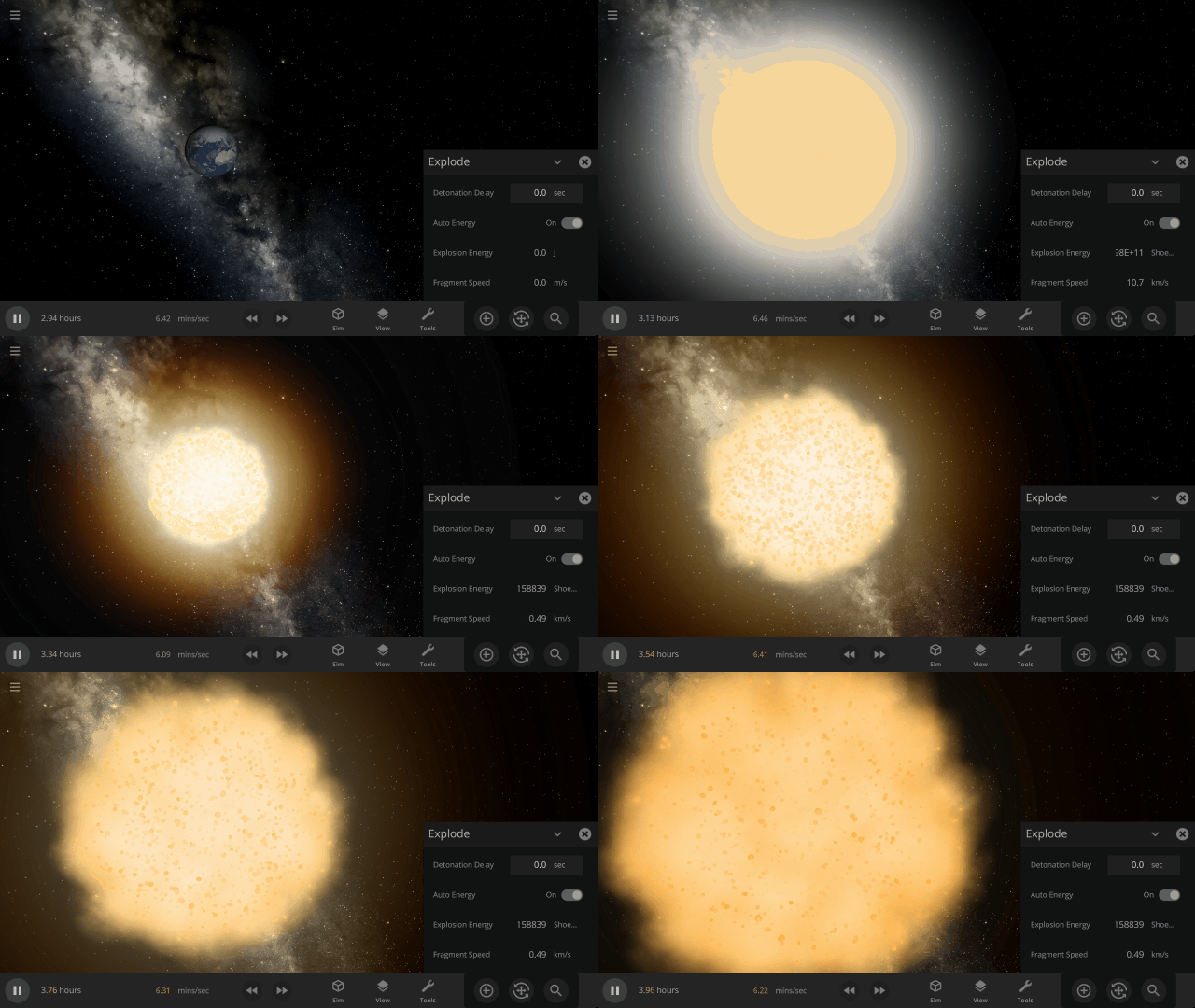
Explosions now create rock fragments and dust clouds
Under-the-hood improvements to make referencing known objects more reliable
This update includes 1+ additions and 20+ fixes and improvements.
Check out the full list of What’s New in Update 31.3
Please report any issues on our Steam forum, on Discord, or in-game via Home > Send Feedback.

Upgrading Our Engine | Update 31.2
Aug 18th
If Update 31.2 does not download automatically, follow these update instructions, or buy Universe Sandbox via our website.
Update 31.2
Unity Engine Upgrade
We’ve updated Unity, the game engine we use to create Universe Sandbox. While you won’t see immediate changes, this will allow us to utilize new features for future improvements to our physics simulation.
Instant Water Flow
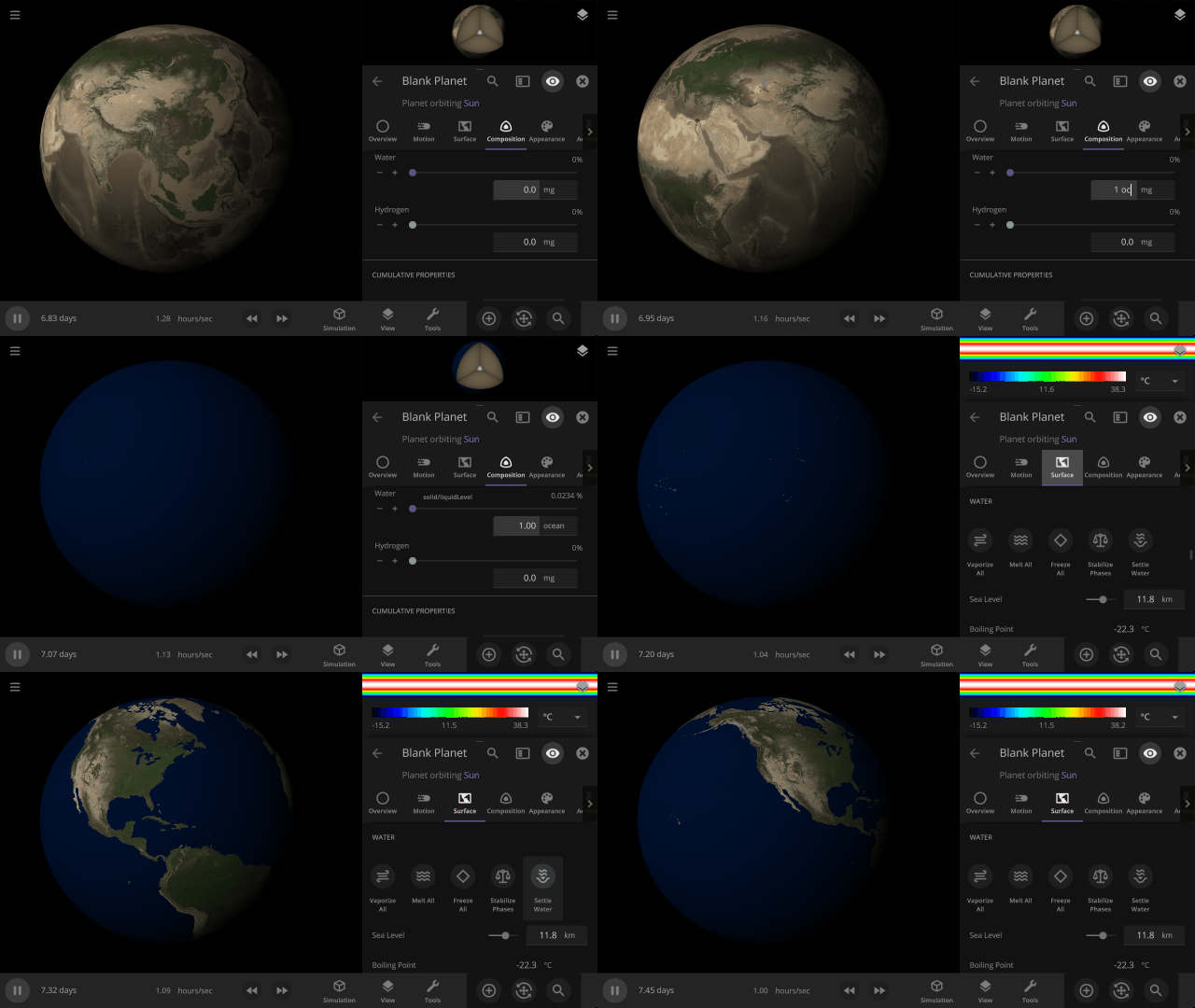
Use the Settle Water button to immediately stabilize the water level of a planet.
More Highlights
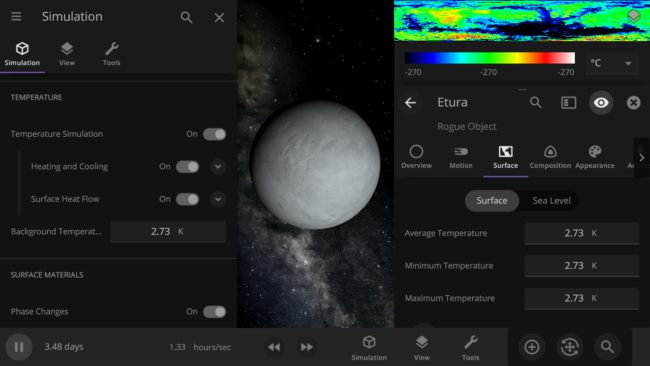
Control the lowest temperature of space with the Background Temperature. By default, this is 2.73 Kelvin to approximate the Cosmic Microwave Background. Adjust it under
Simulation > Advanced Simulation Settings > Temperature > Background Temperature
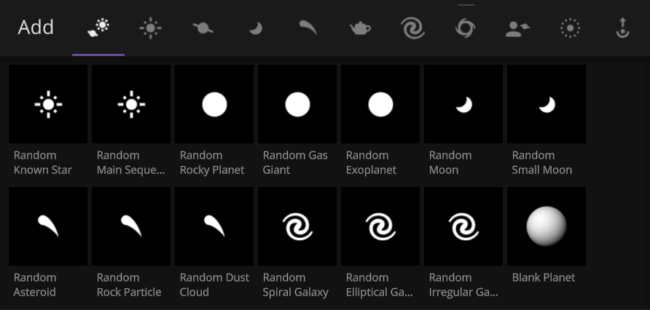
Random object icons in the Add tool have been updated

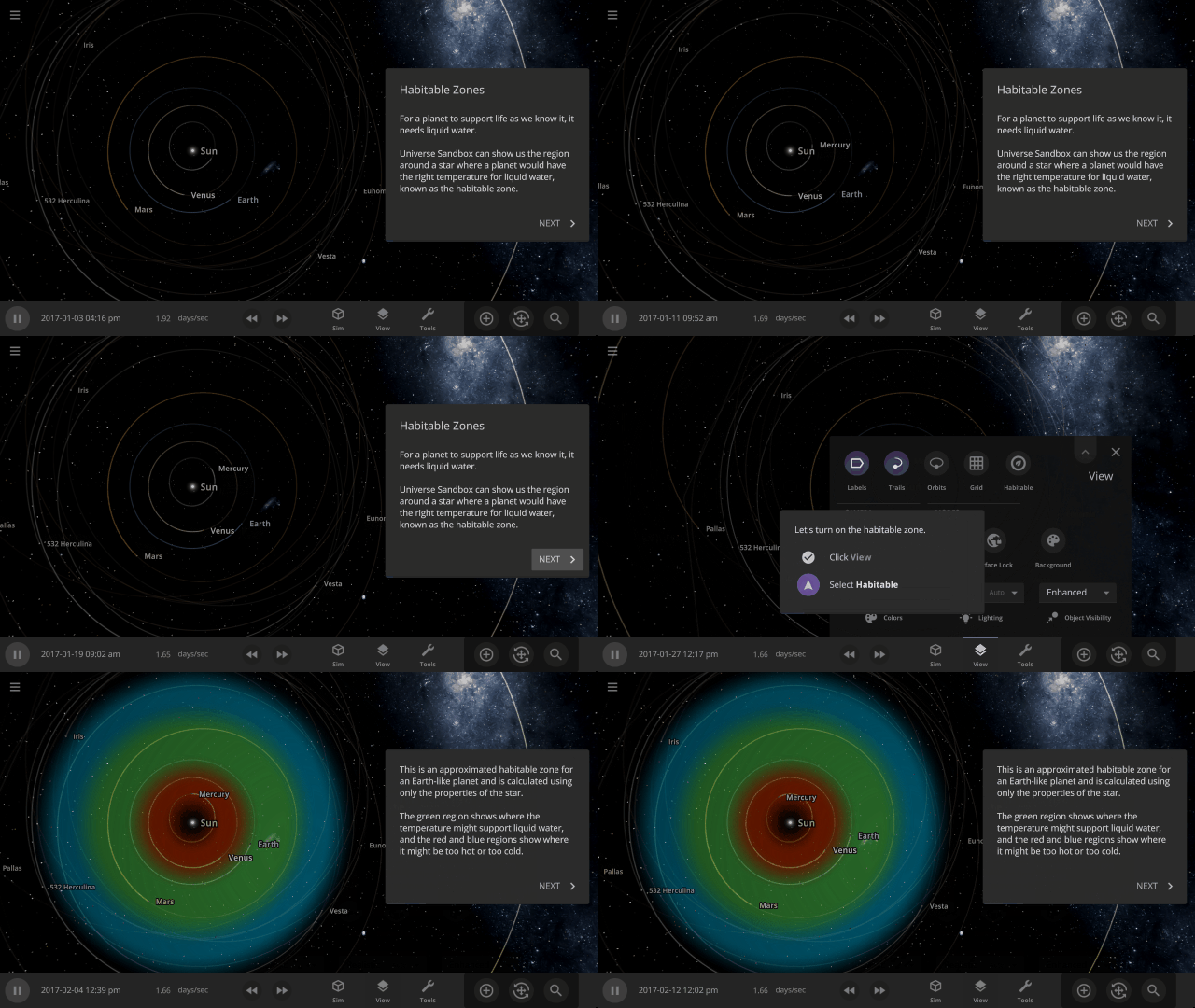
Learn about habitable zones and how Universe Sandbox models them in our guide
Guides > Science > Habitable Zones
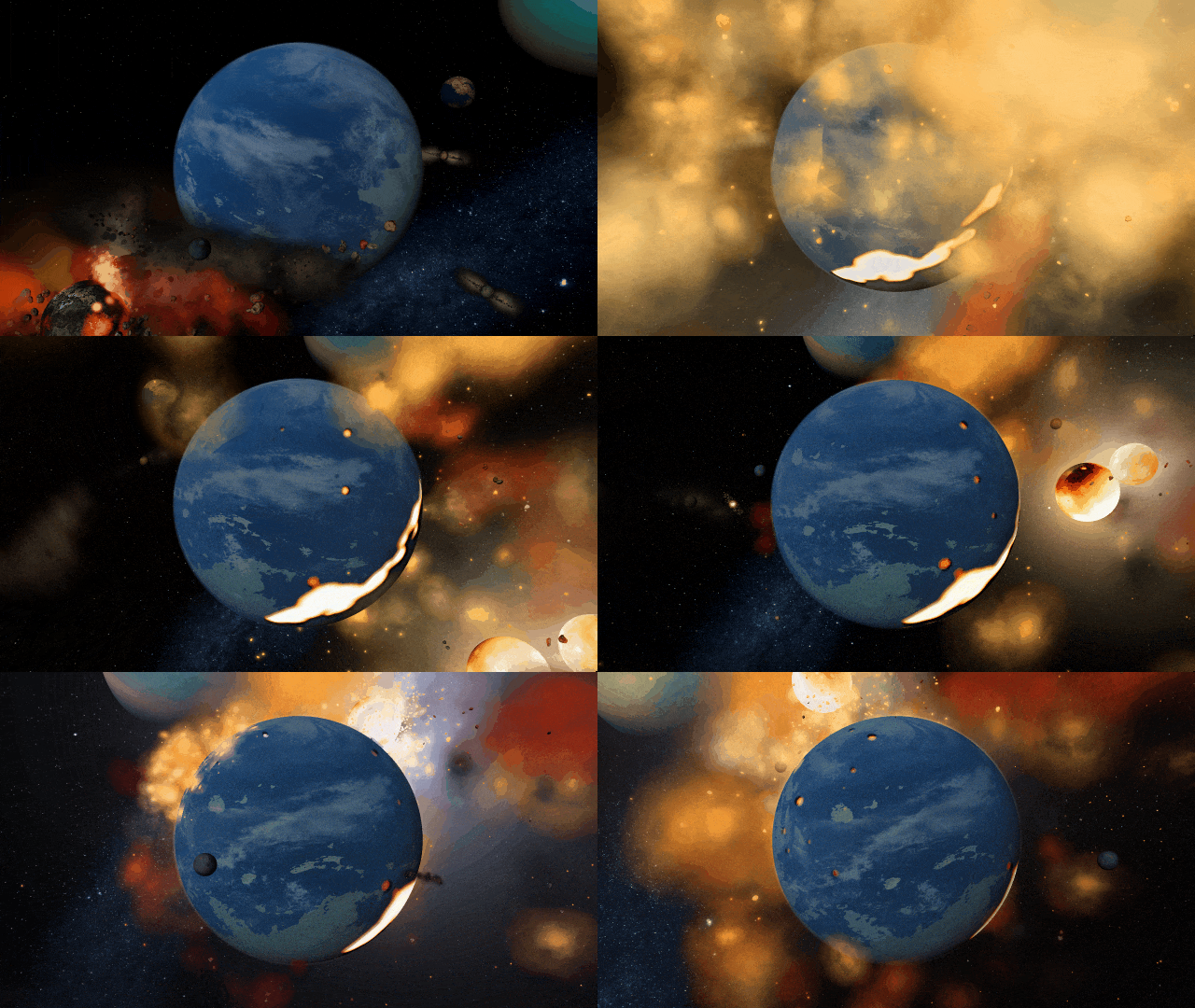
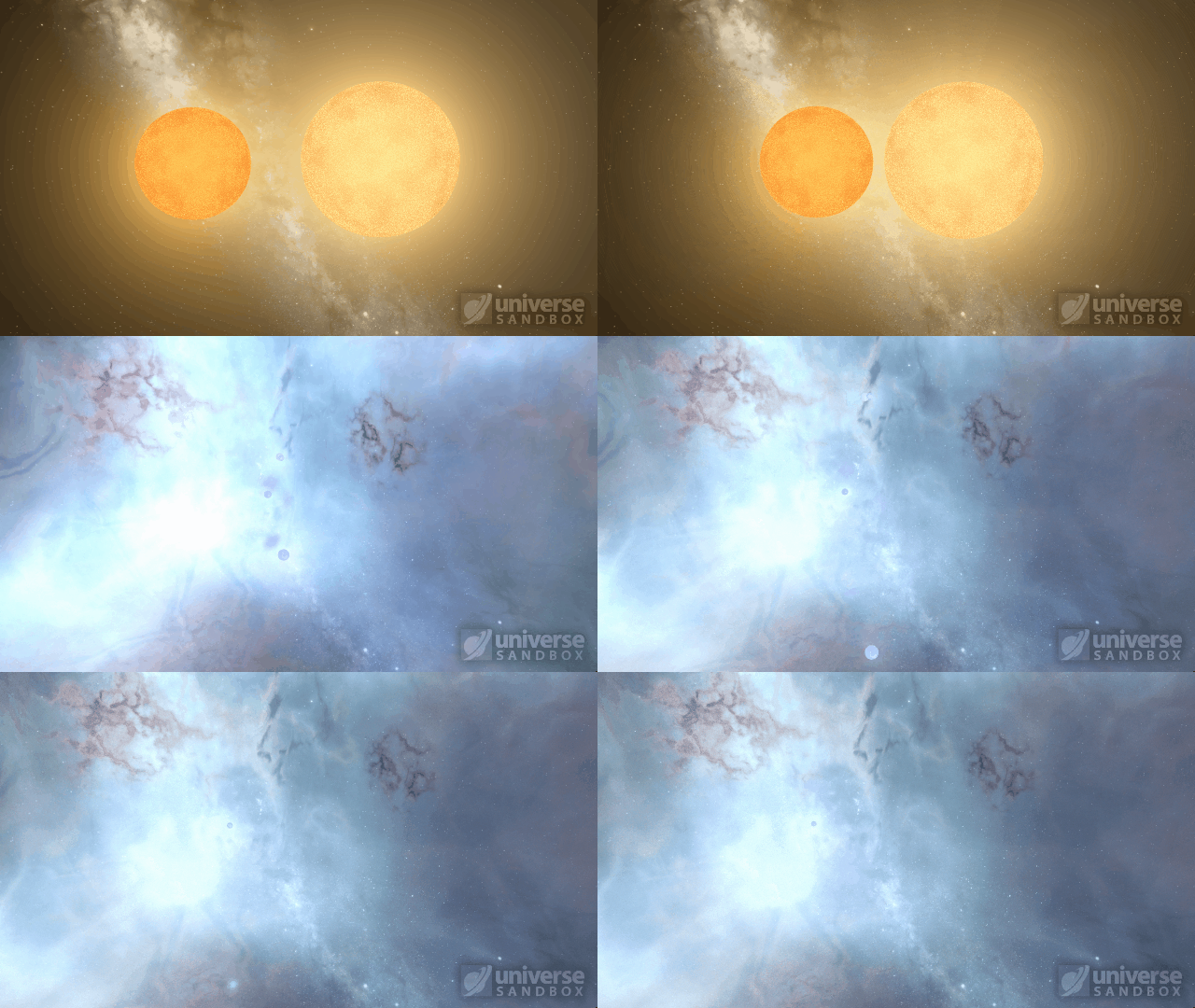
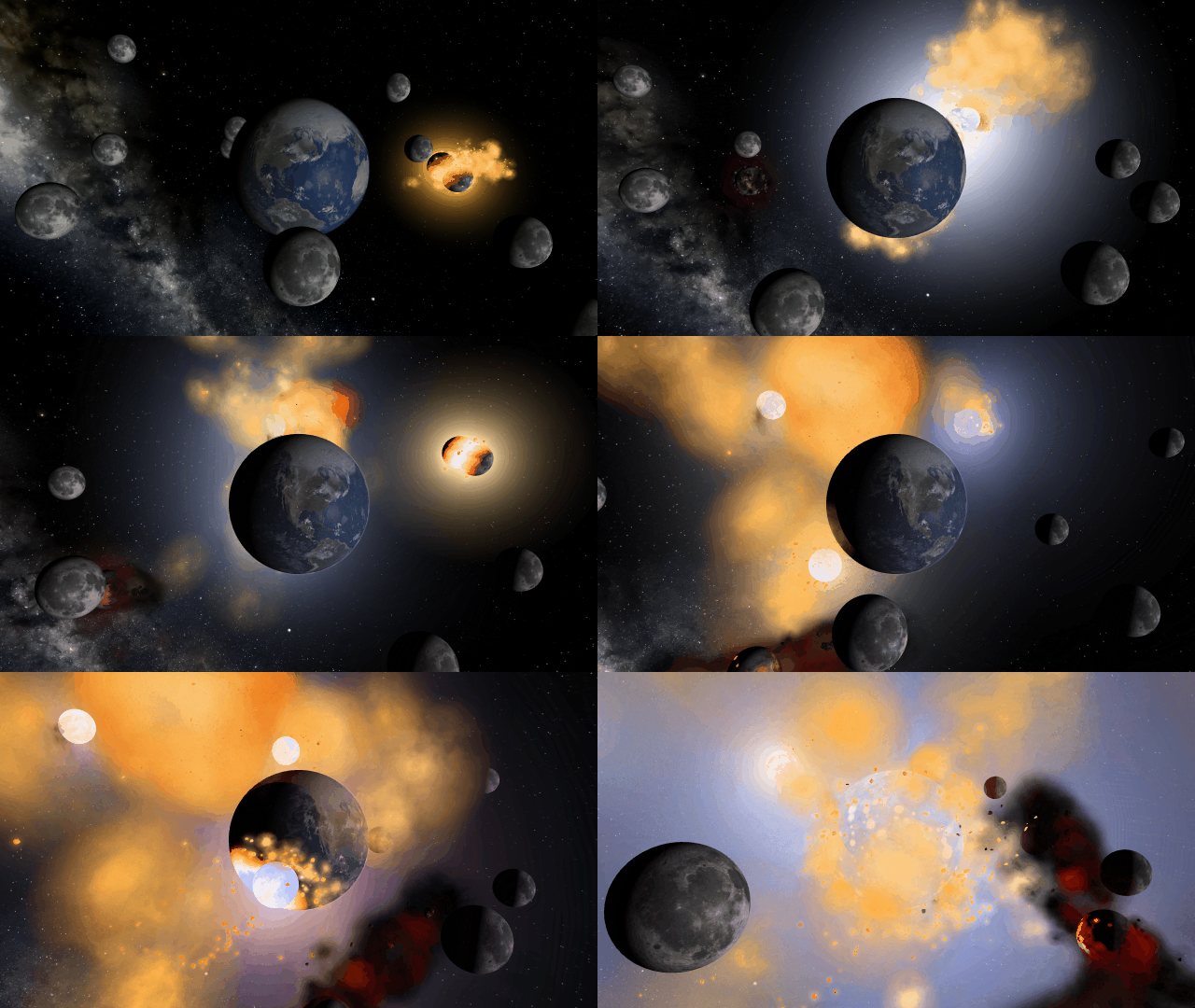
Stellar collisions now partially merge and transfer mass before going supernova
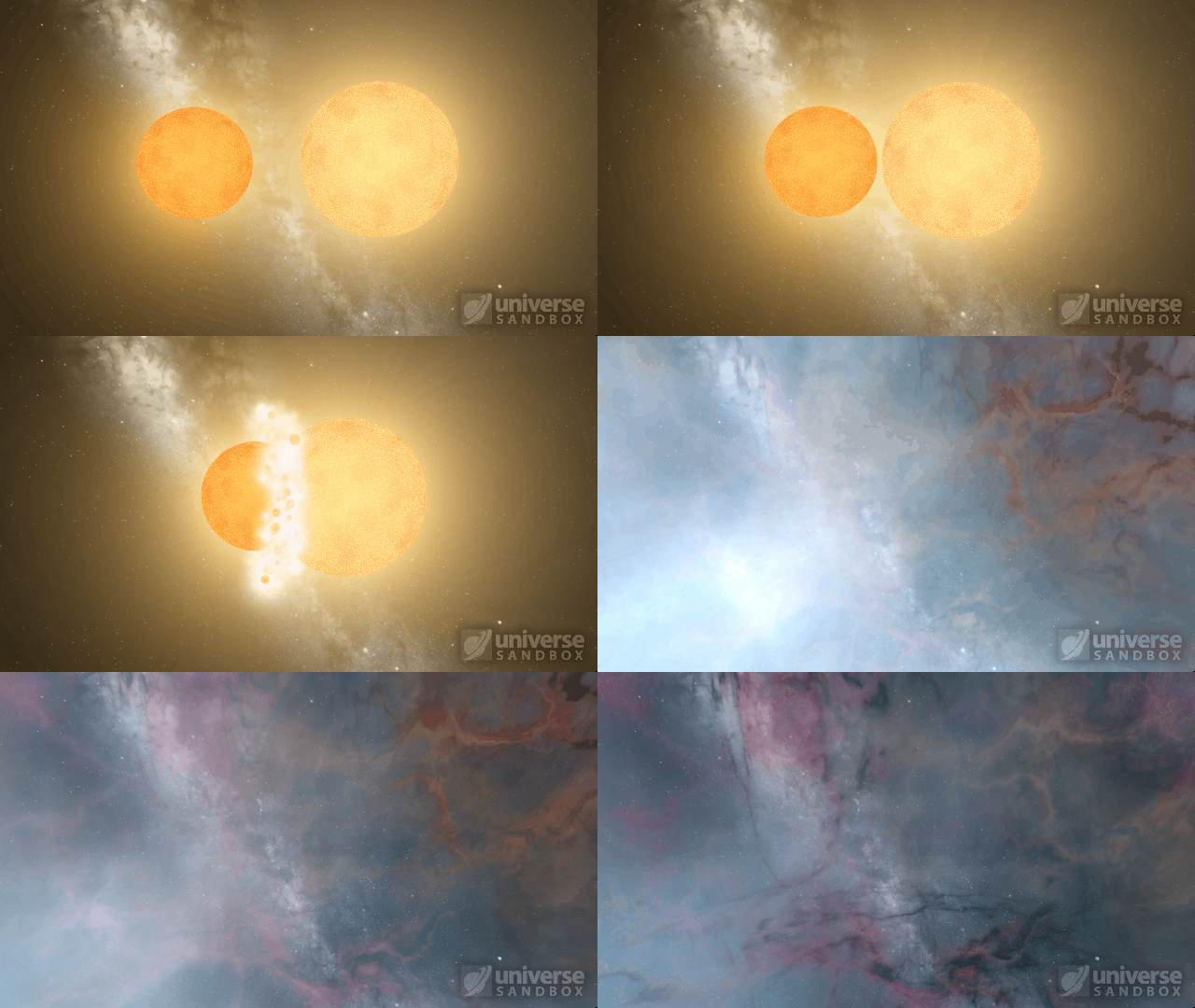
Collision shockwaves are now realistically circular
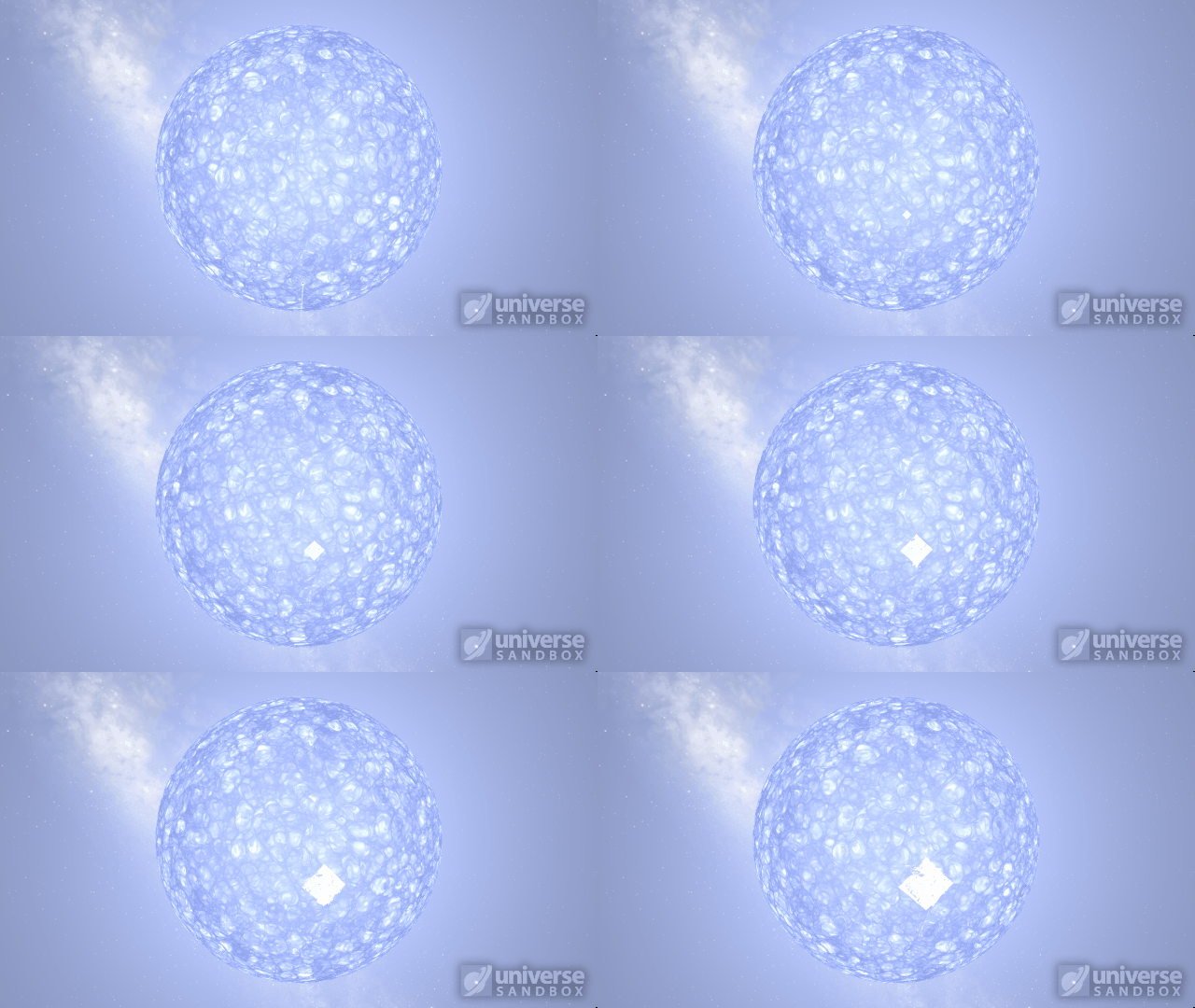
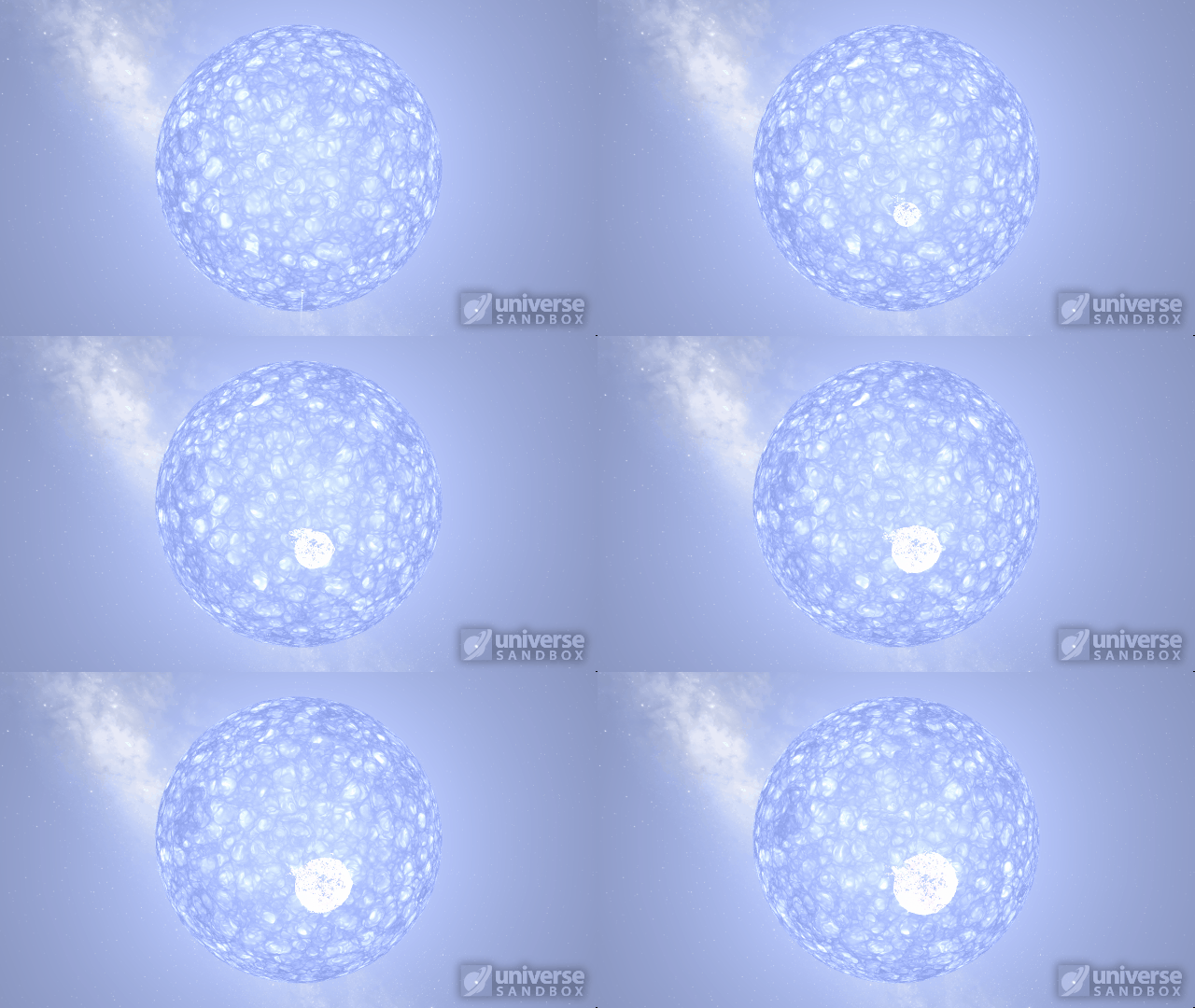
Particles now collide more consistently, and gas cloud momentum is now transferred to and from impacting objects


This update includes 3+ additions and 27+ fixes and improvements.
Check out the full list of What’s New in Update 31.2
Please report any issues on our Steam forum, on Discord, or in-game via Home > Send Feedback.

A Warmer Welcome | Update 31.1
Jun 23rd
If Update 31.1 does not download automatically, follow these update instructions, or buy Universe Sandbox via our website.
Update 31.1
Welcome to Universe Sandbox
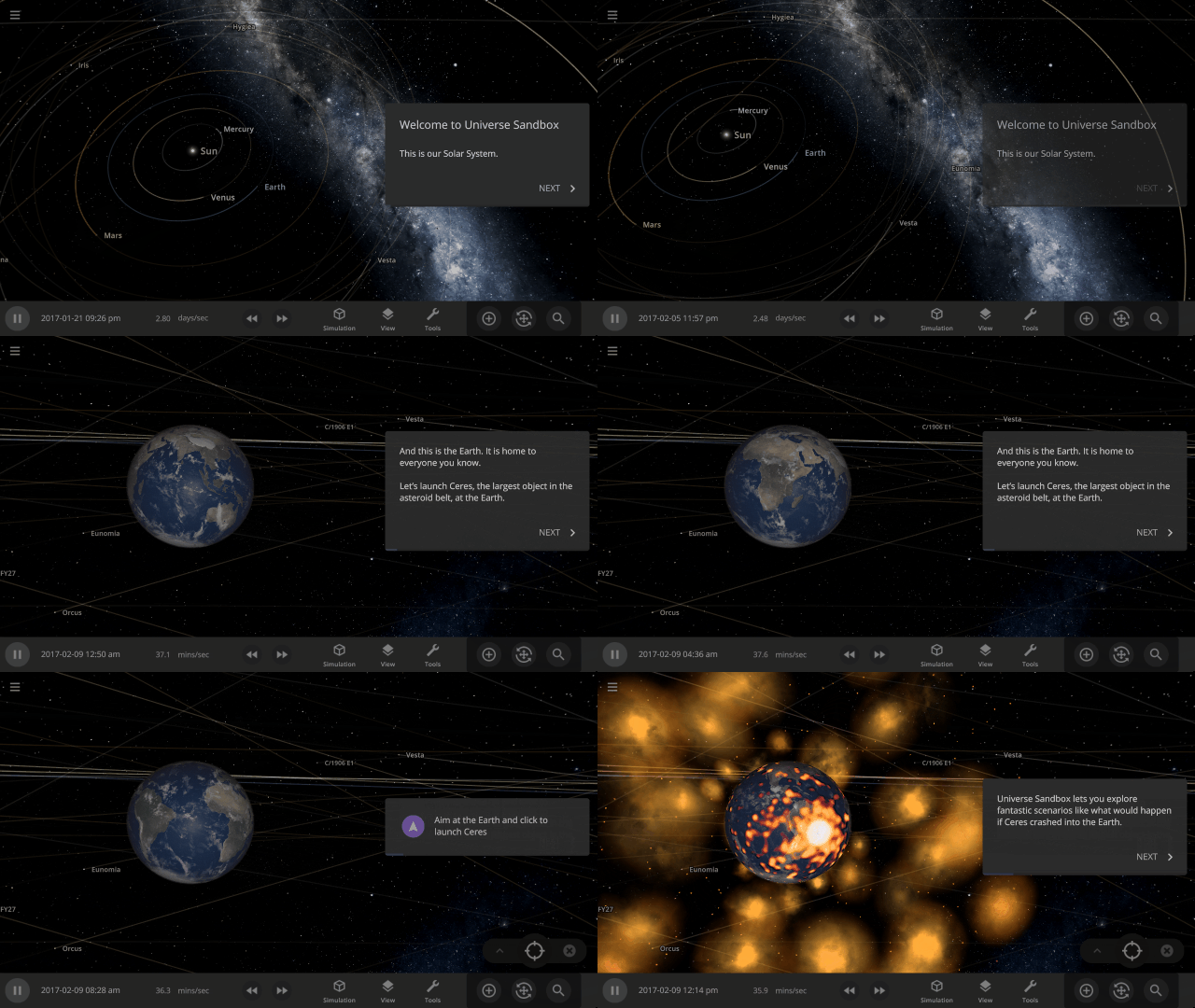
Discover your infinite power to create and destroy! Our all-new welcome guide now better highlights the awesome potential of Universe Sandbox. Check them out
Home > Guides > Welcome to Universe Sandbox
More Highlights
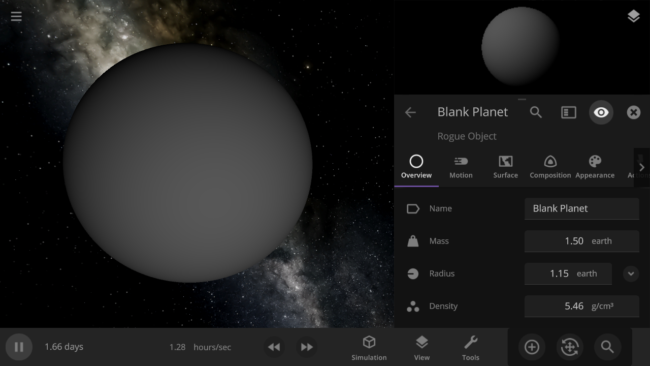
- Blank planets now have the densities of rocky planets instead of gas giants
- The habitable zone no longer intersects planets, giving you a clearer view of the surface
This update includes 1+ additions and 18+ fixes and improvements.
Check out the full list of What’s New in Update 31.1
Please report any issues on our Steam forum, on Discord, or in-game via Home > Send Feedback.