


Archive for August, 2026

Crashing Craters | Update 36.3
Aug 19th
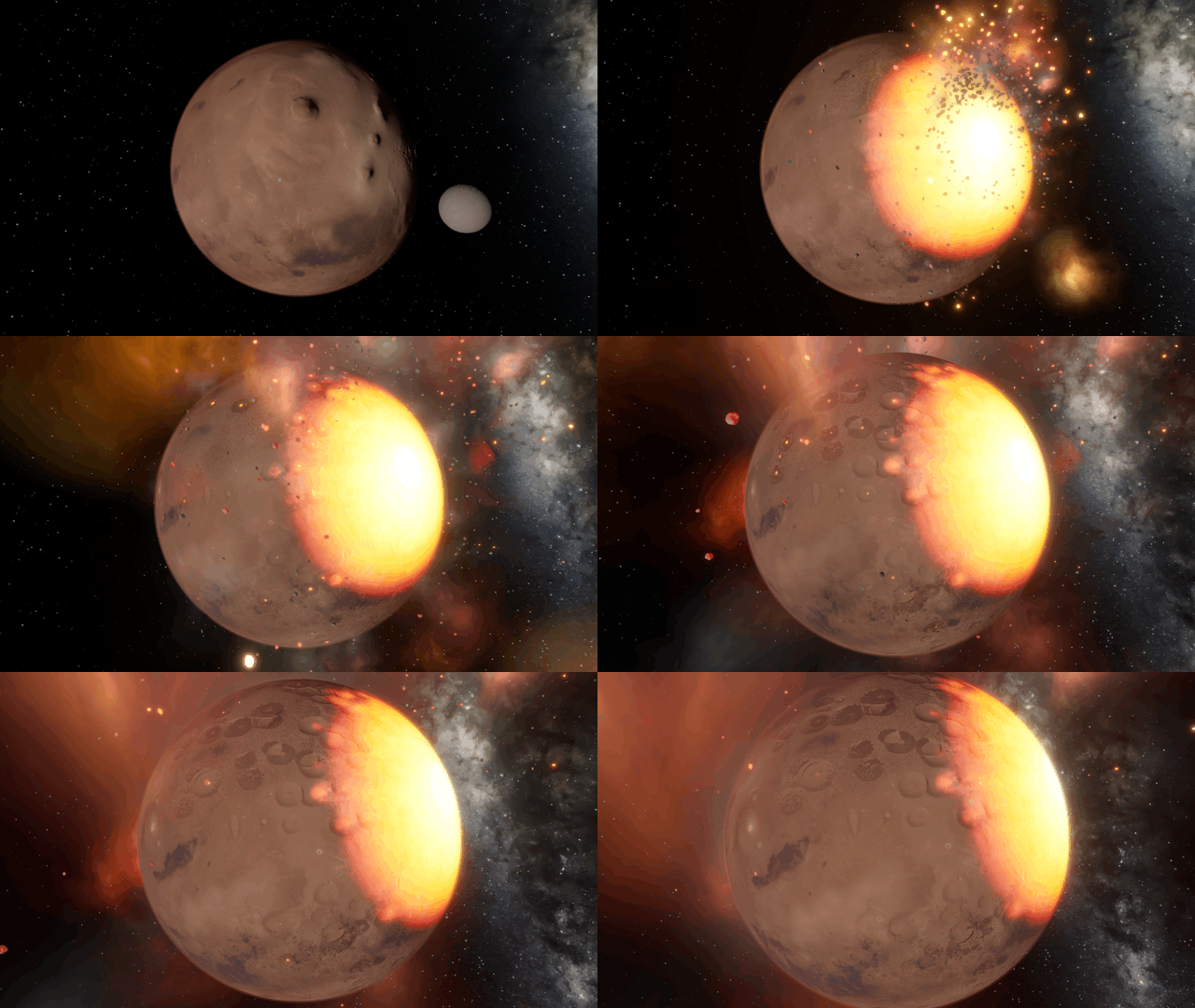
Collision craters form and combine together more realistically. You can also duplicate objects, watch black holes evaporate, and explore a simulation of a newly discovered exosatellite.
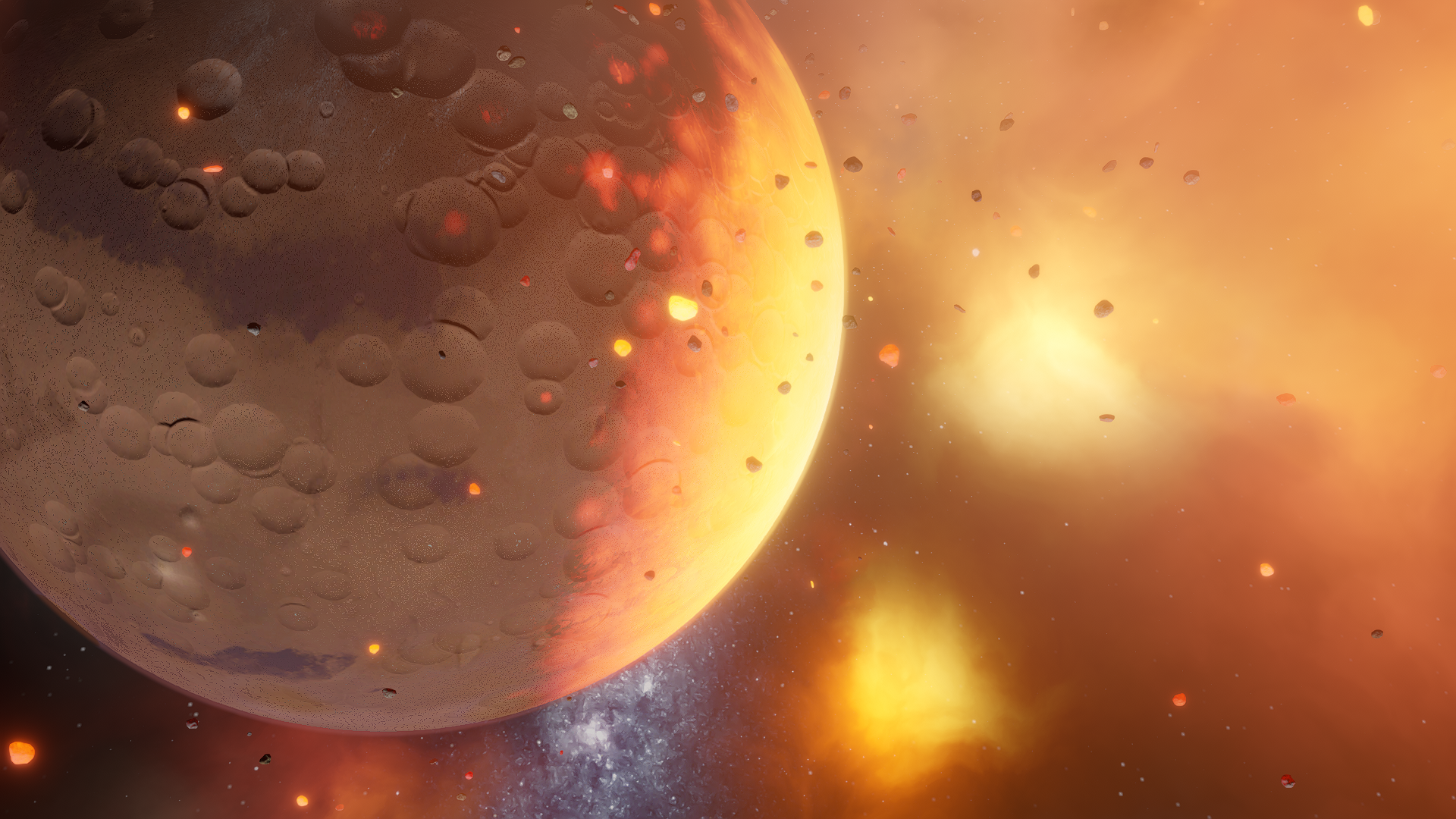
Creating Craters
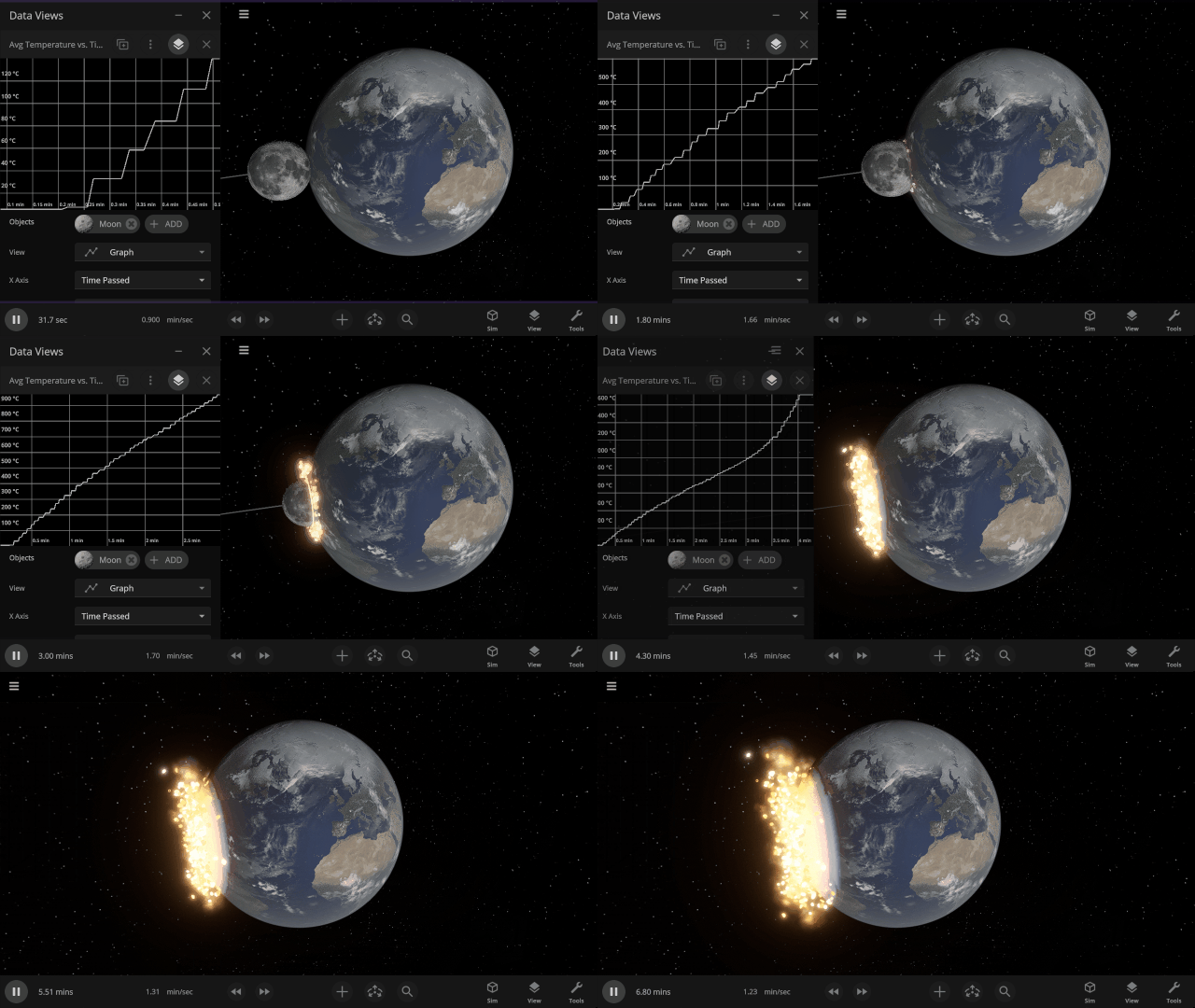
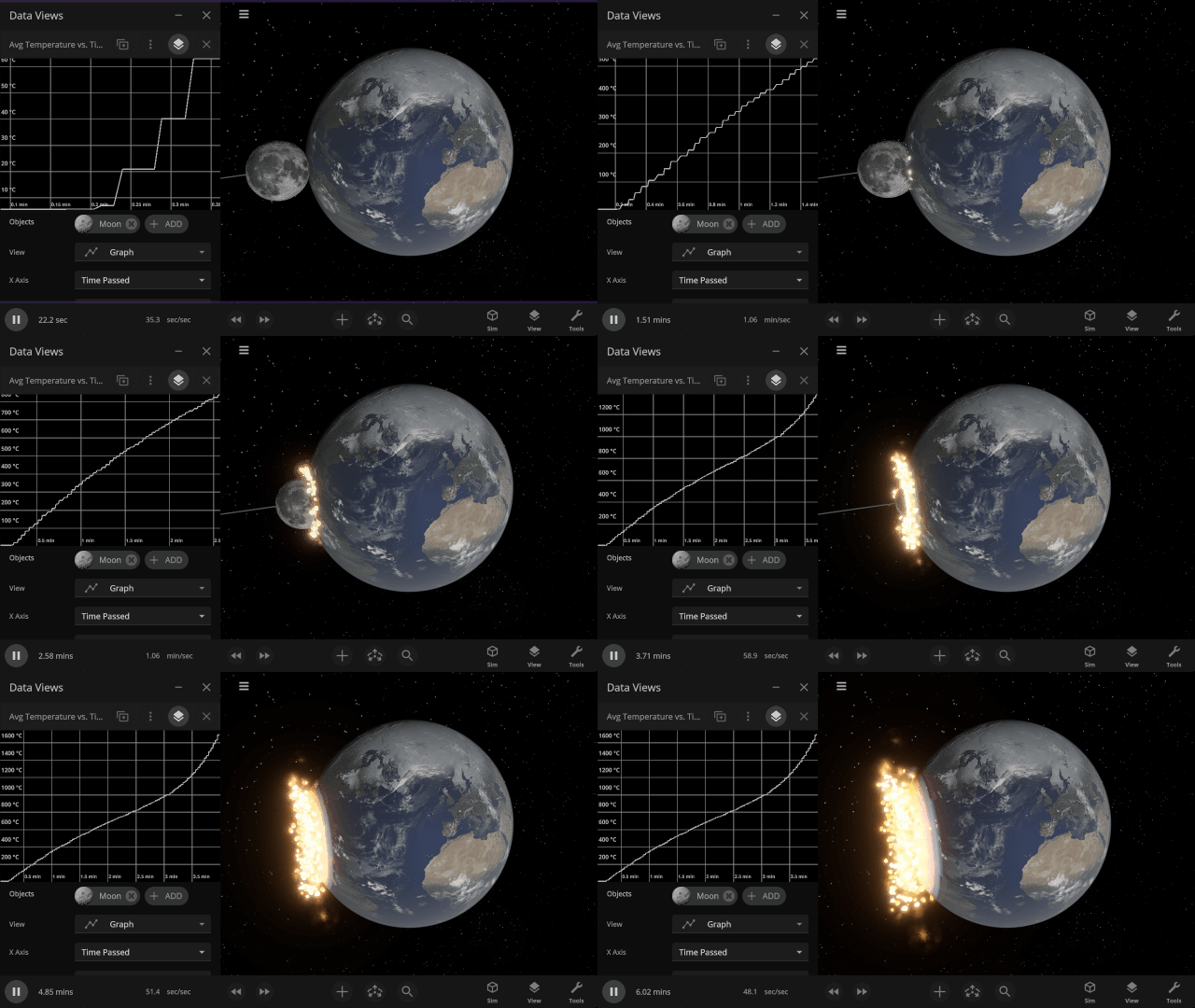
Craters from collisions with moons and small rock fragments alike are more realistic, blending naturally and better respecting an object’s elevation range and topography. Larger impacts now leave behind complex craters with a central peak.
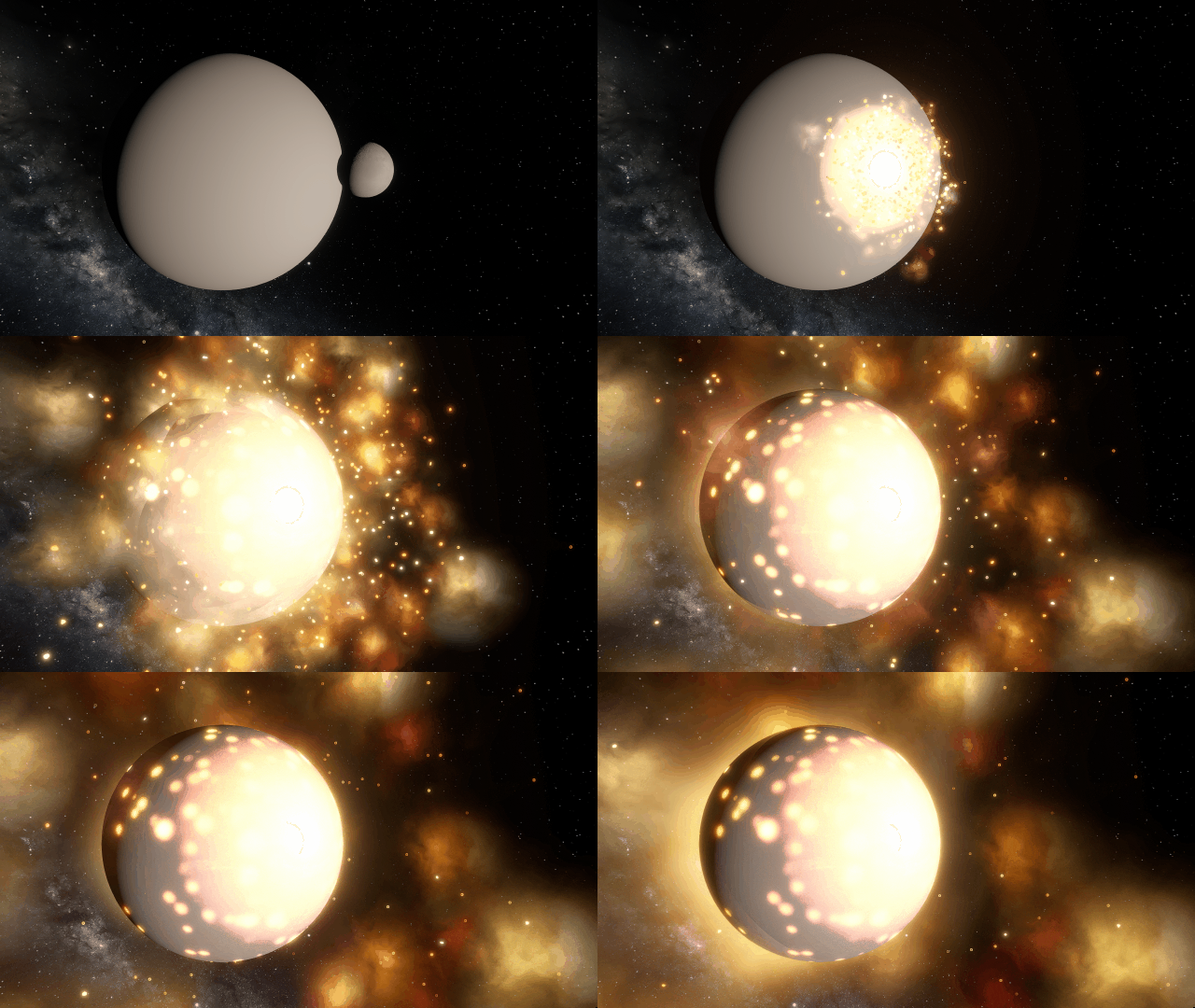
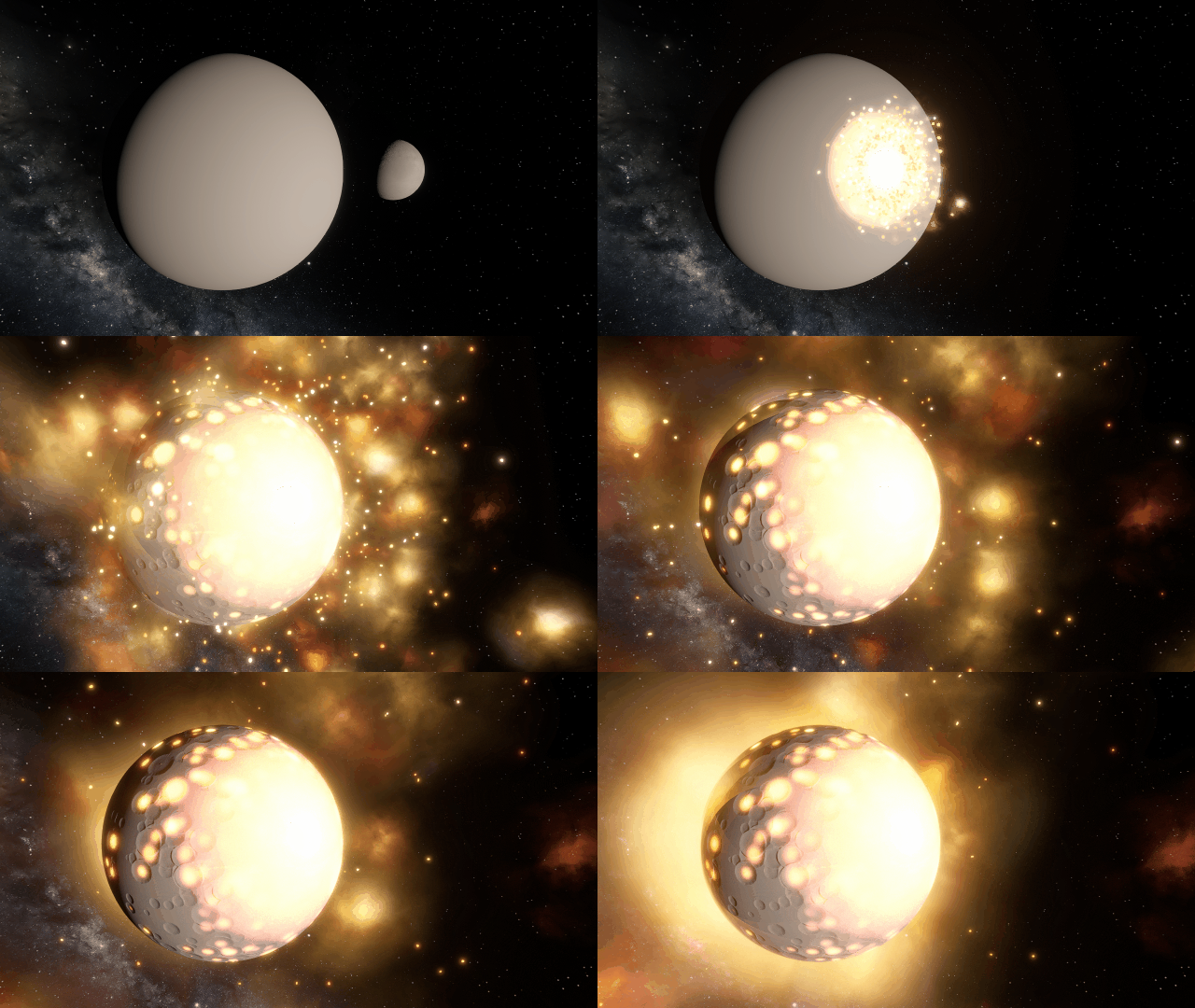
Duplicate Objects Duplicate Objects
Duplicate selected object with the new Duplicate button, or use the Copy and Paste keyboard shortcuts.
- On Windows, use Ctrl+C and Ctrl+V. On Mac, use ⌘C and ⌘V.
- Detailed surface data is not yet copied, so local surface features like liquid depth and temperature variations will be distributed evenly across duplicated surfaces and may need to be resettled
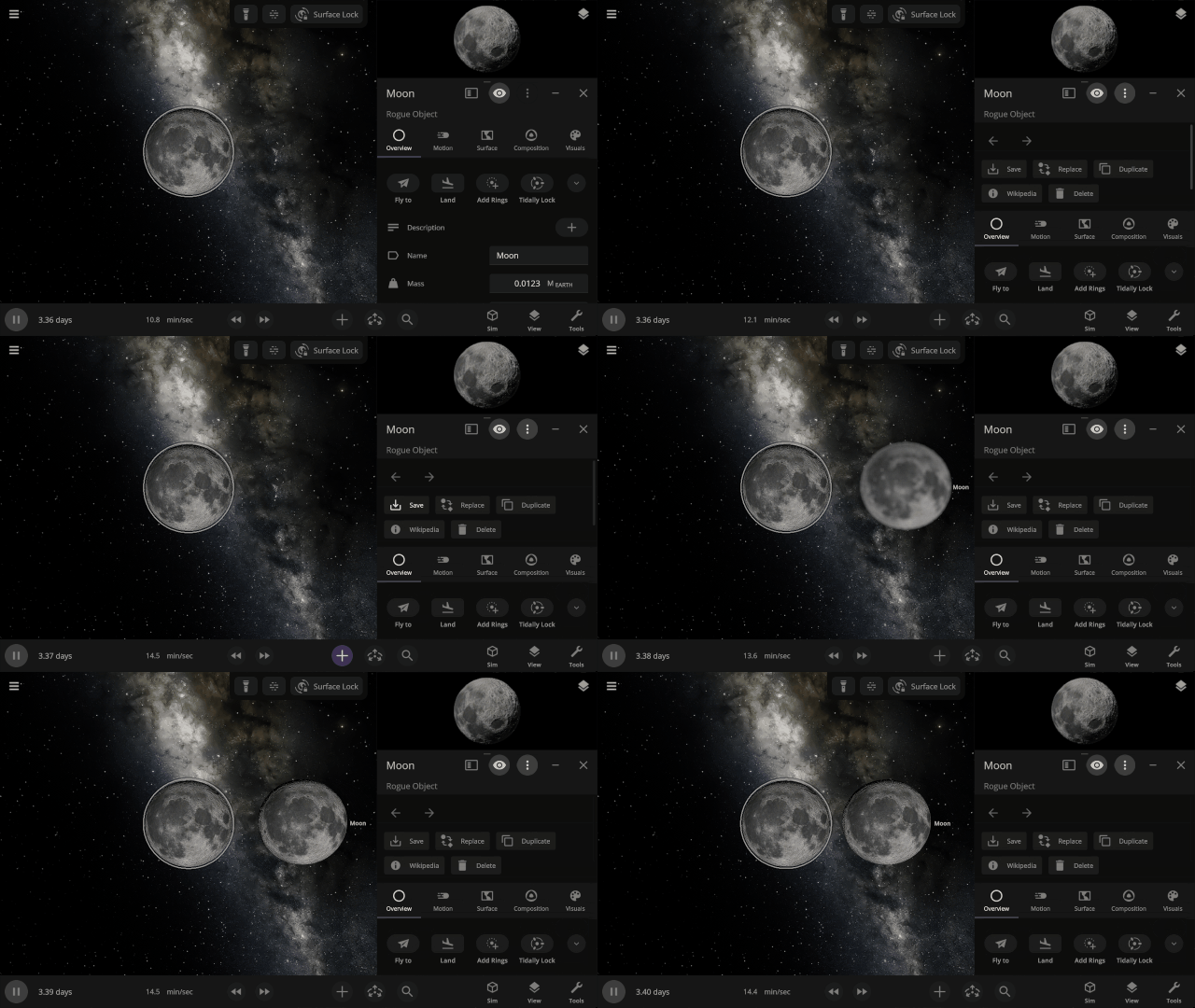
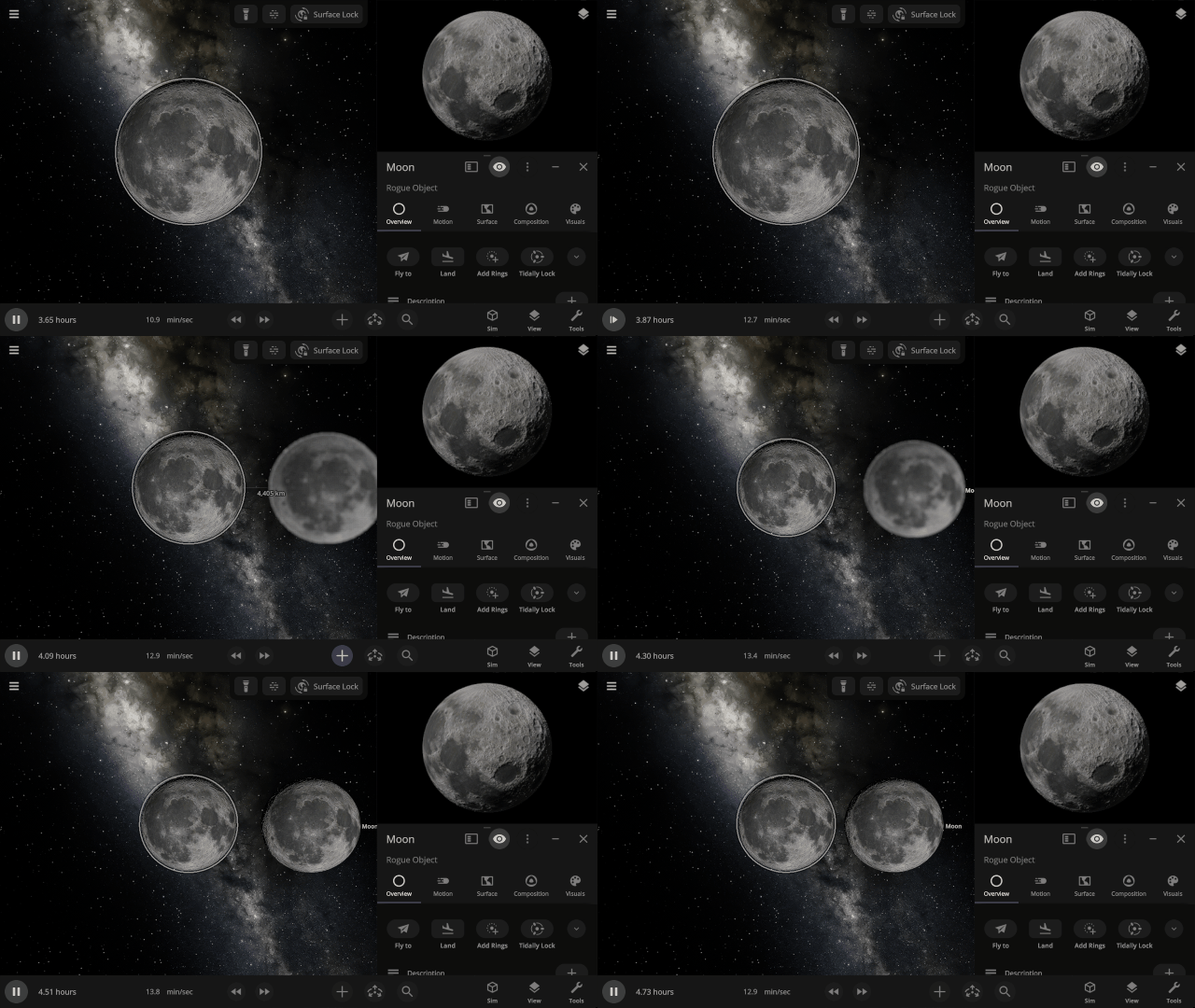
Object Holograms
Objects now smoothly fade in and out of existence when an object is added to or removed from a simulation.
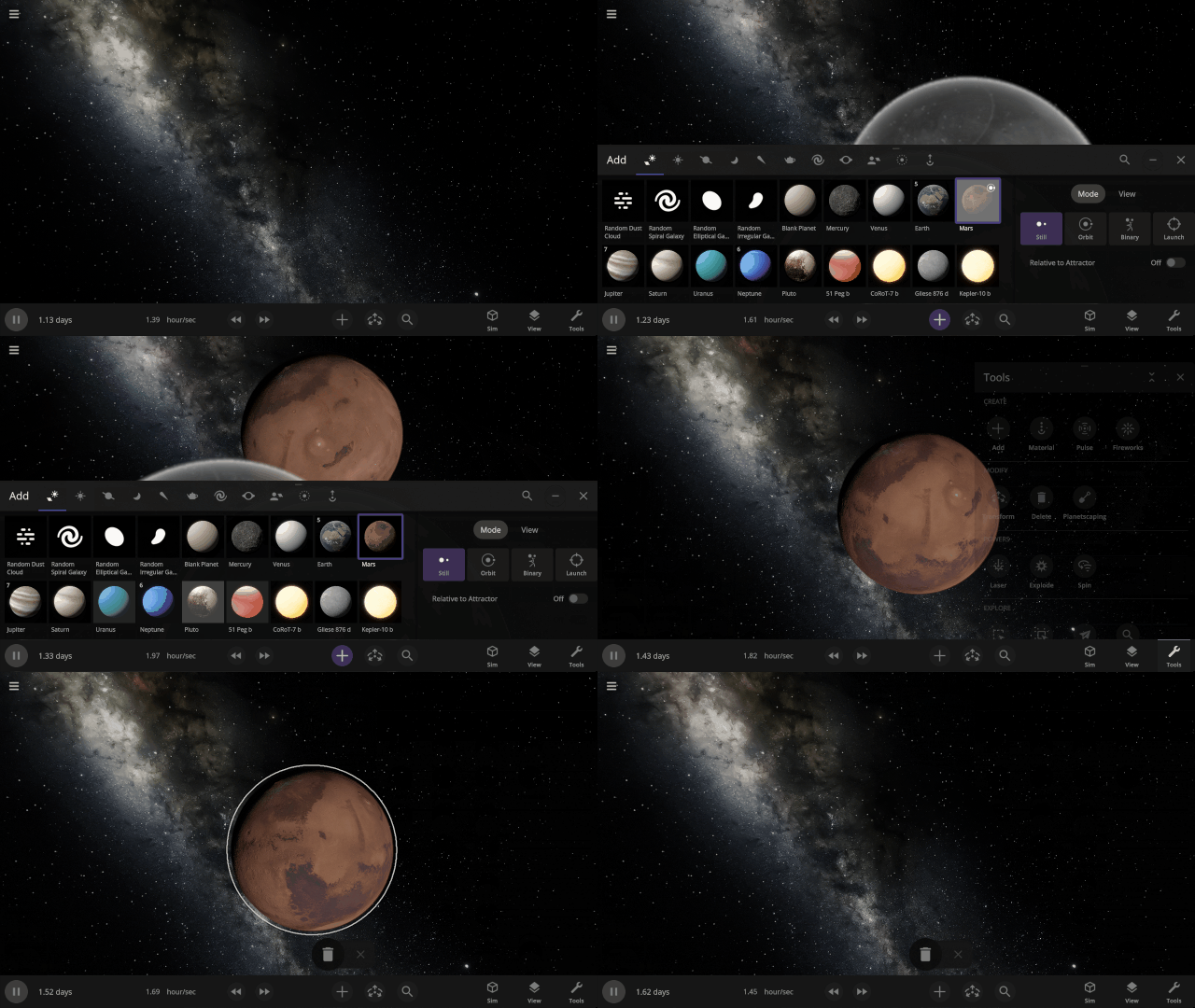
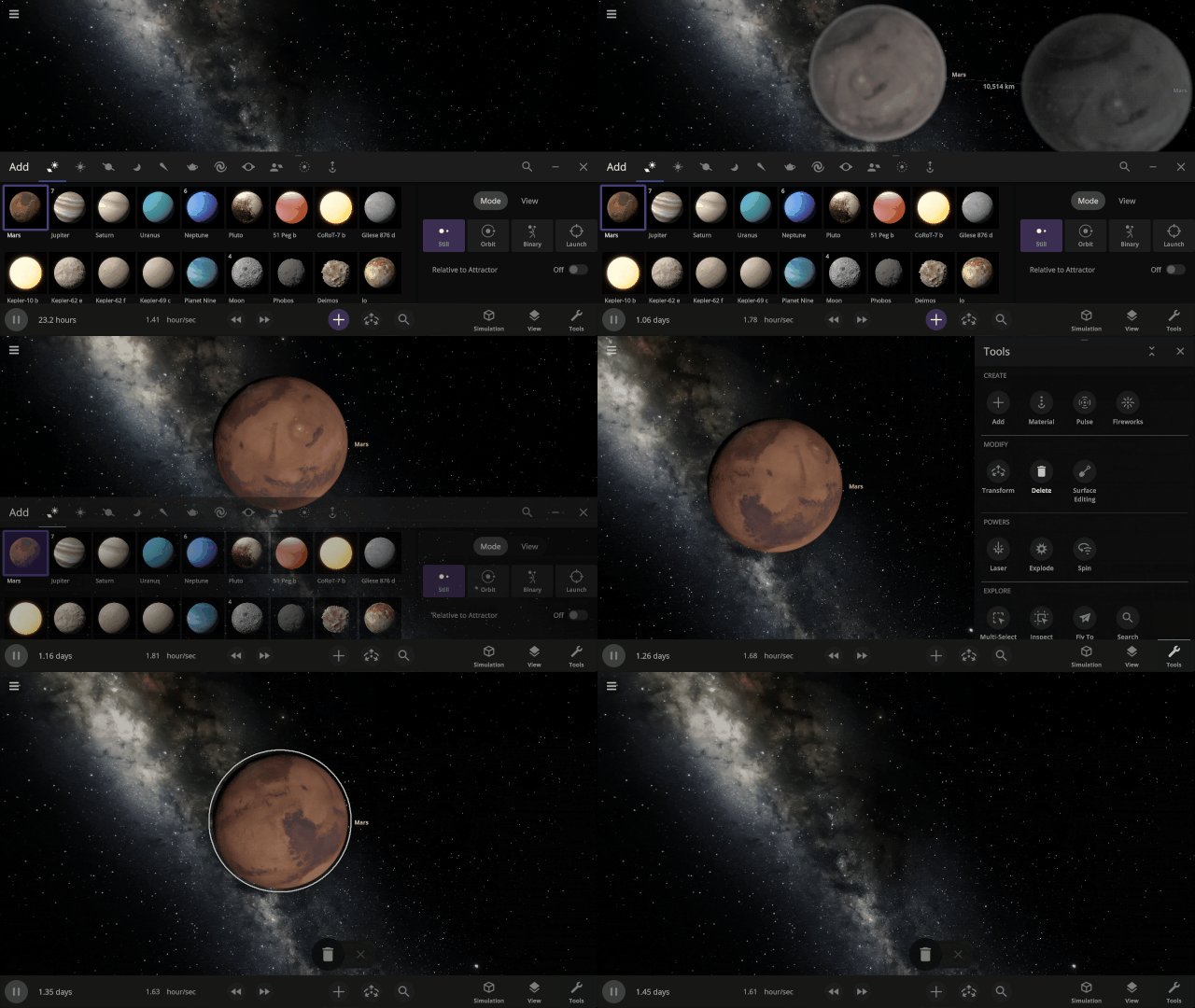
More Highlights
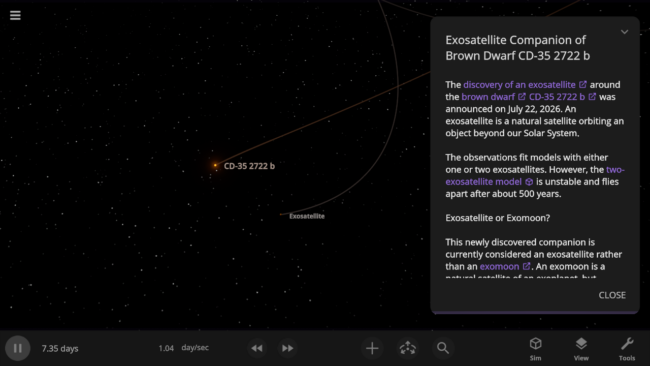
Check out the recently discovered exosatellite that challenges the definition of an exomoon in our new simulation, Exosatellite Companion of Brown Dwarf CD-35 2722 b.
Black holes now realistically lose mass and evaporate due to Hawking radiation. This primarily affects tiny black holes, but all black holes experience some mass loss.
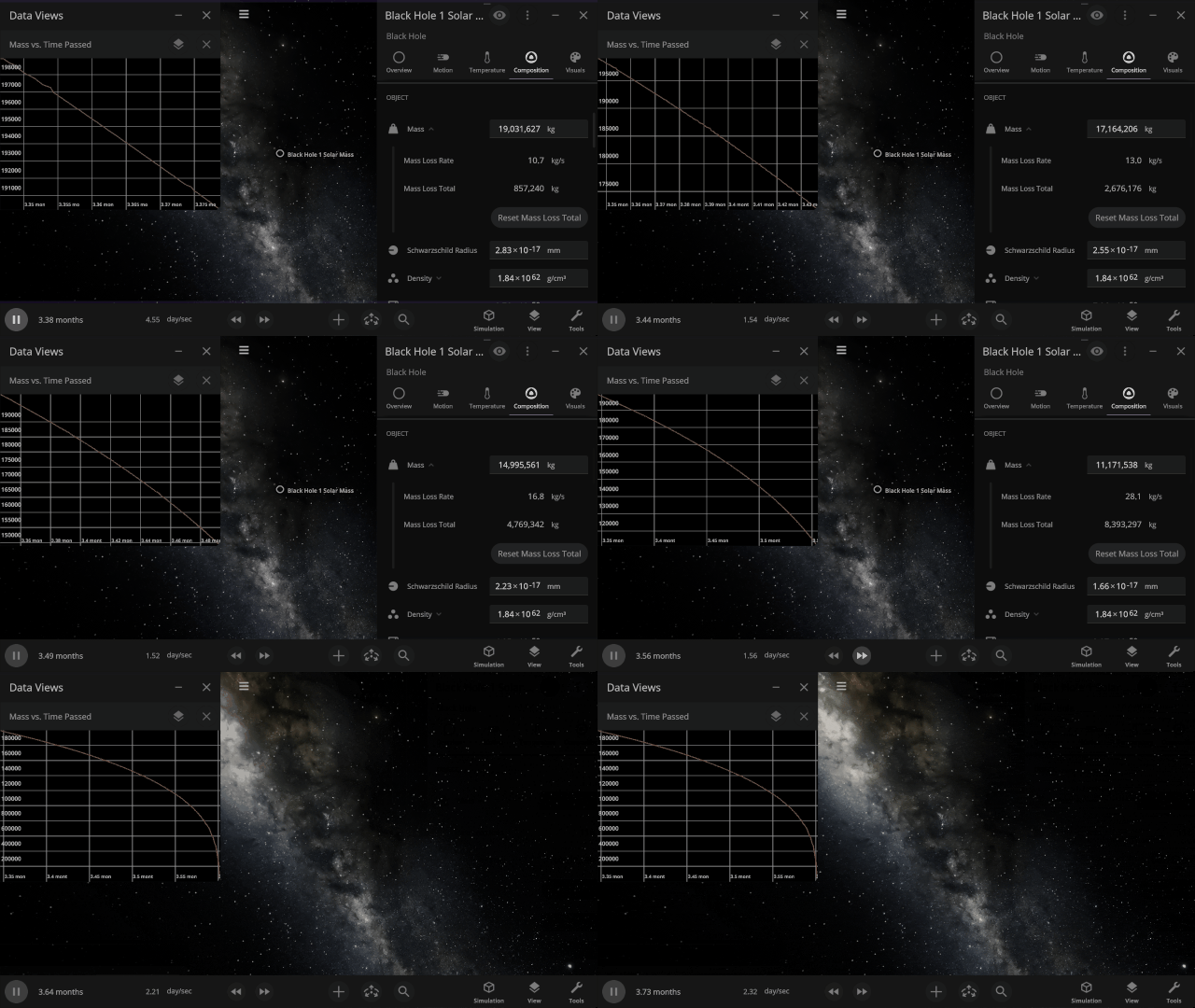
Graphs now stay open and retain their data, rather than closing, when the object they are tracking is destroyed.
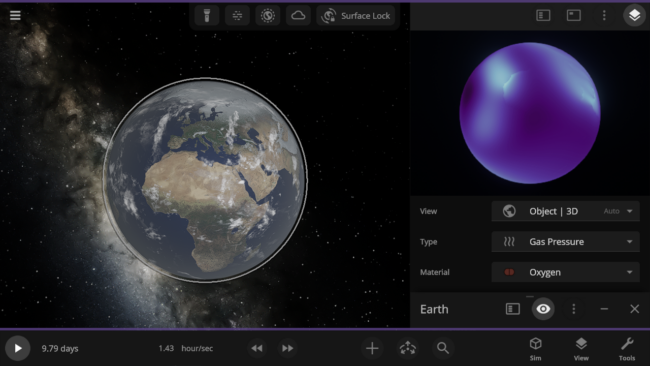
See material-specific data views, like Earth’s oxygen-only Gas Pressure data view, in 3D. Previously, these views were only available in 2D.
Check out the full list of What’s New in Update 36.3.
Please report any issues on our Steam forum, on Discord, or in-game via Home > Send Feedback.