


Update

Skies of Blue, Red Collisions Too | Update 32.1
Dec 14th
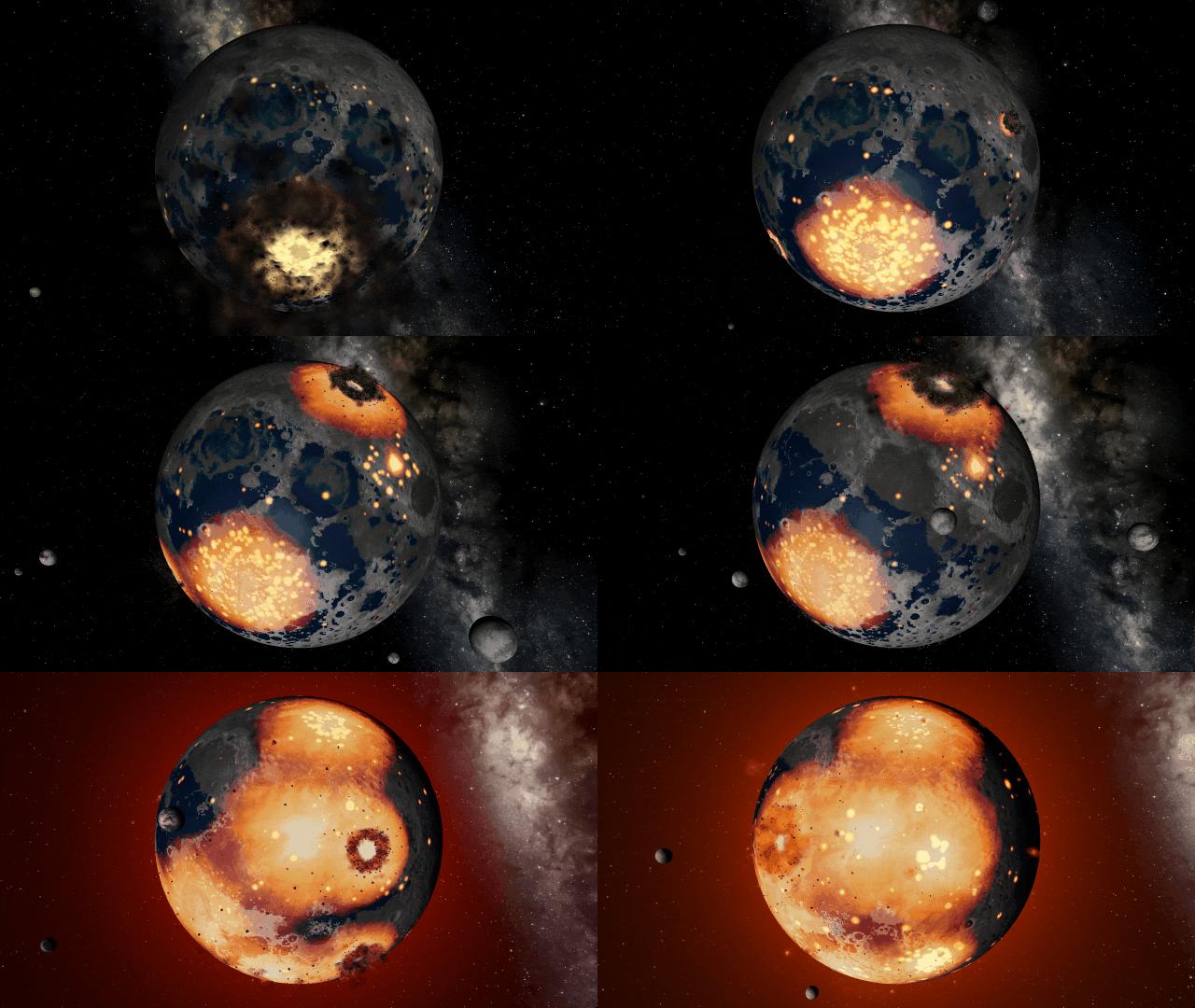
If Update 32.1 does not download automatically, follow these update instructions. If you don’t own Universe Sandbox, you can buy it via our website.
Collision shockwaves and atmosphere colors are more realistic, camera motion is smoother, and you can try the new Automatic Simulation Speed, which adjusts the simulation speed based on what’s happening in the simulation. Never miss a collision again!
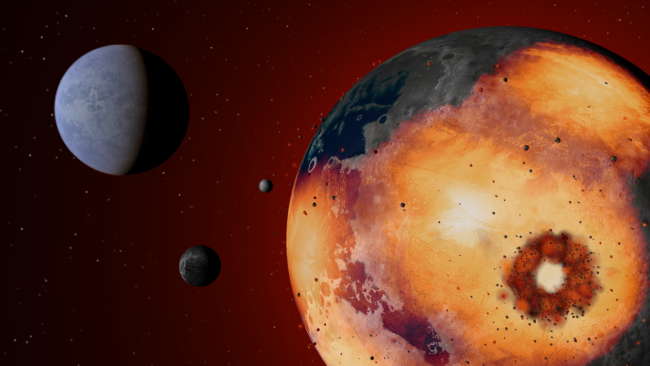
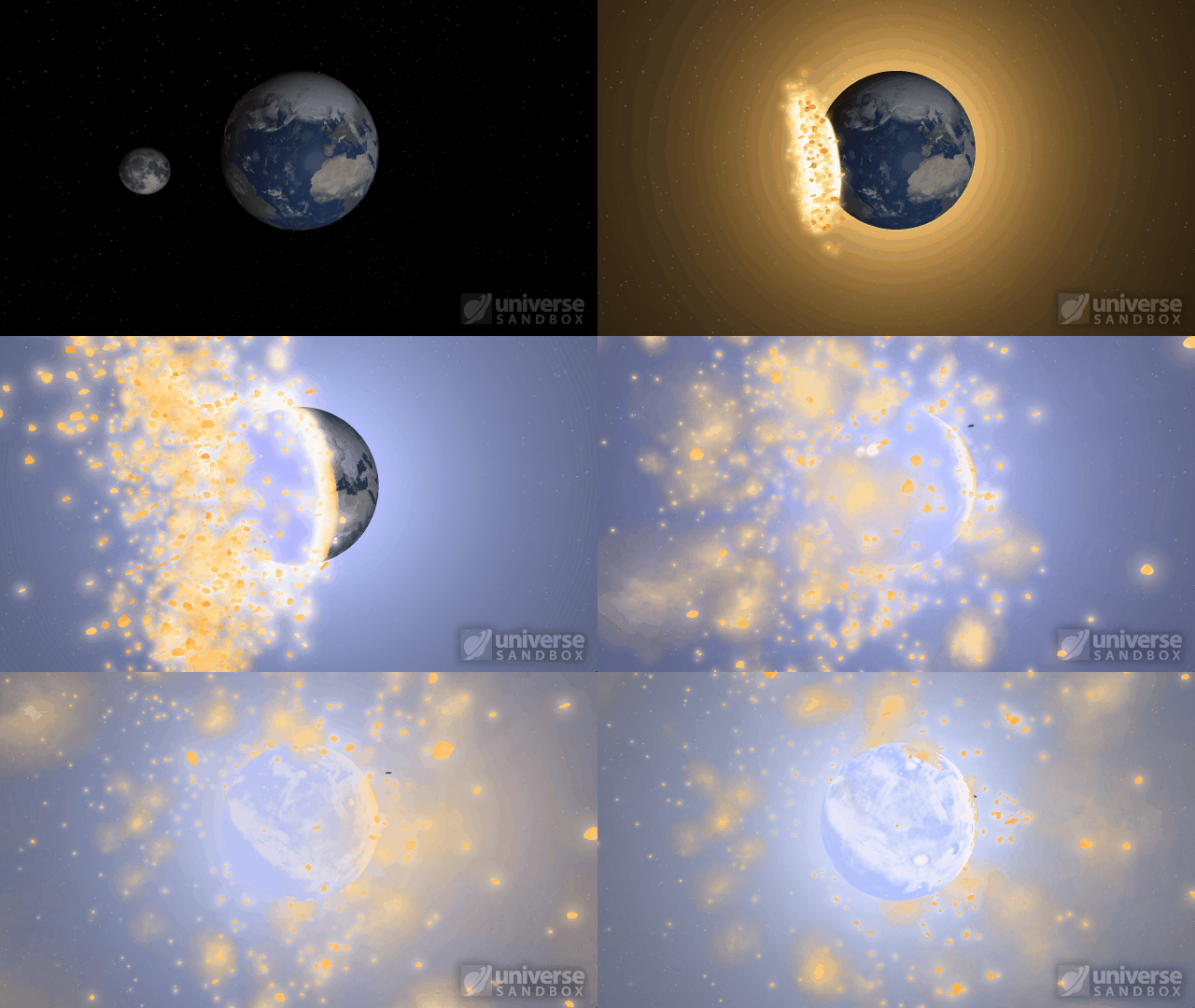
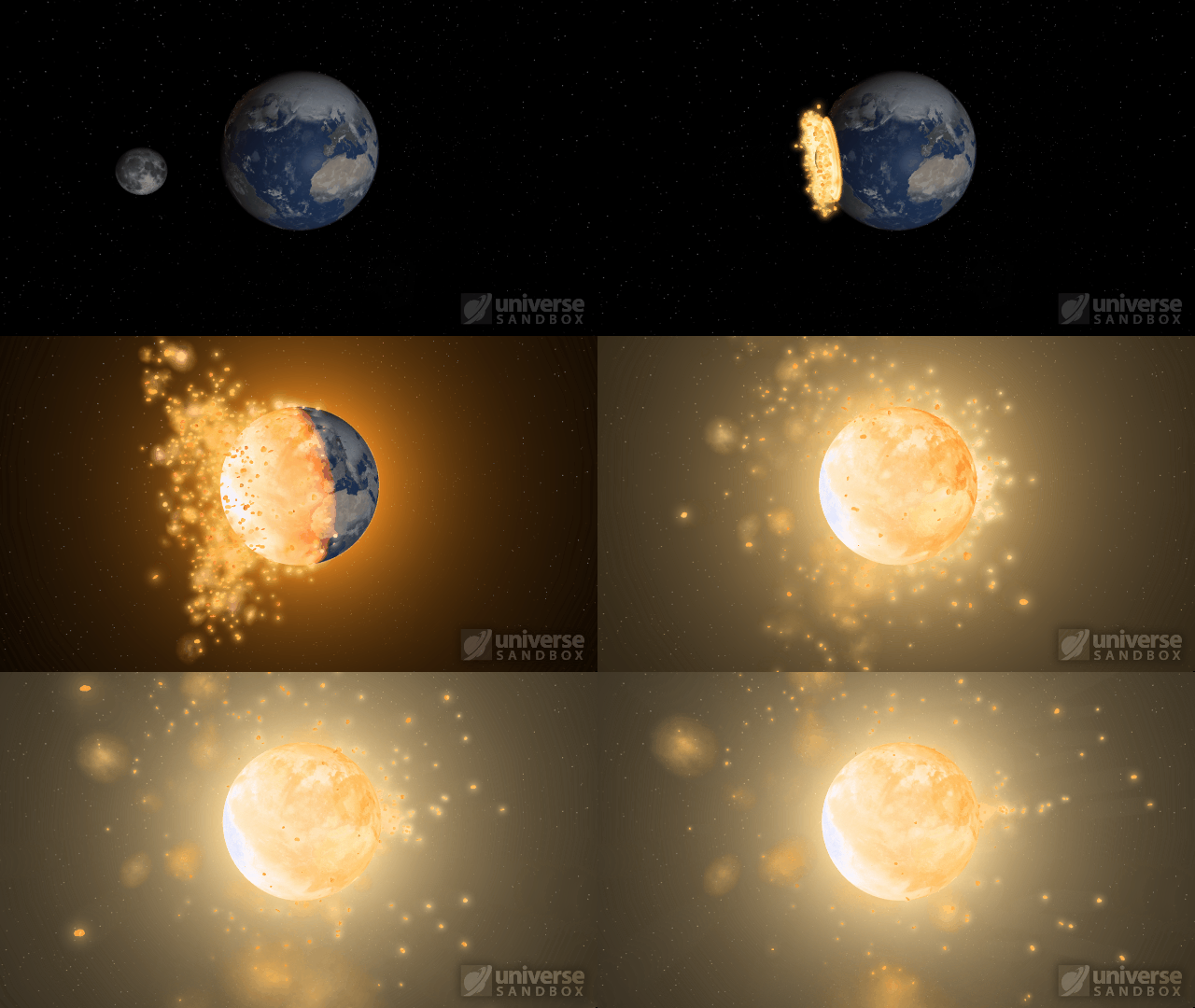
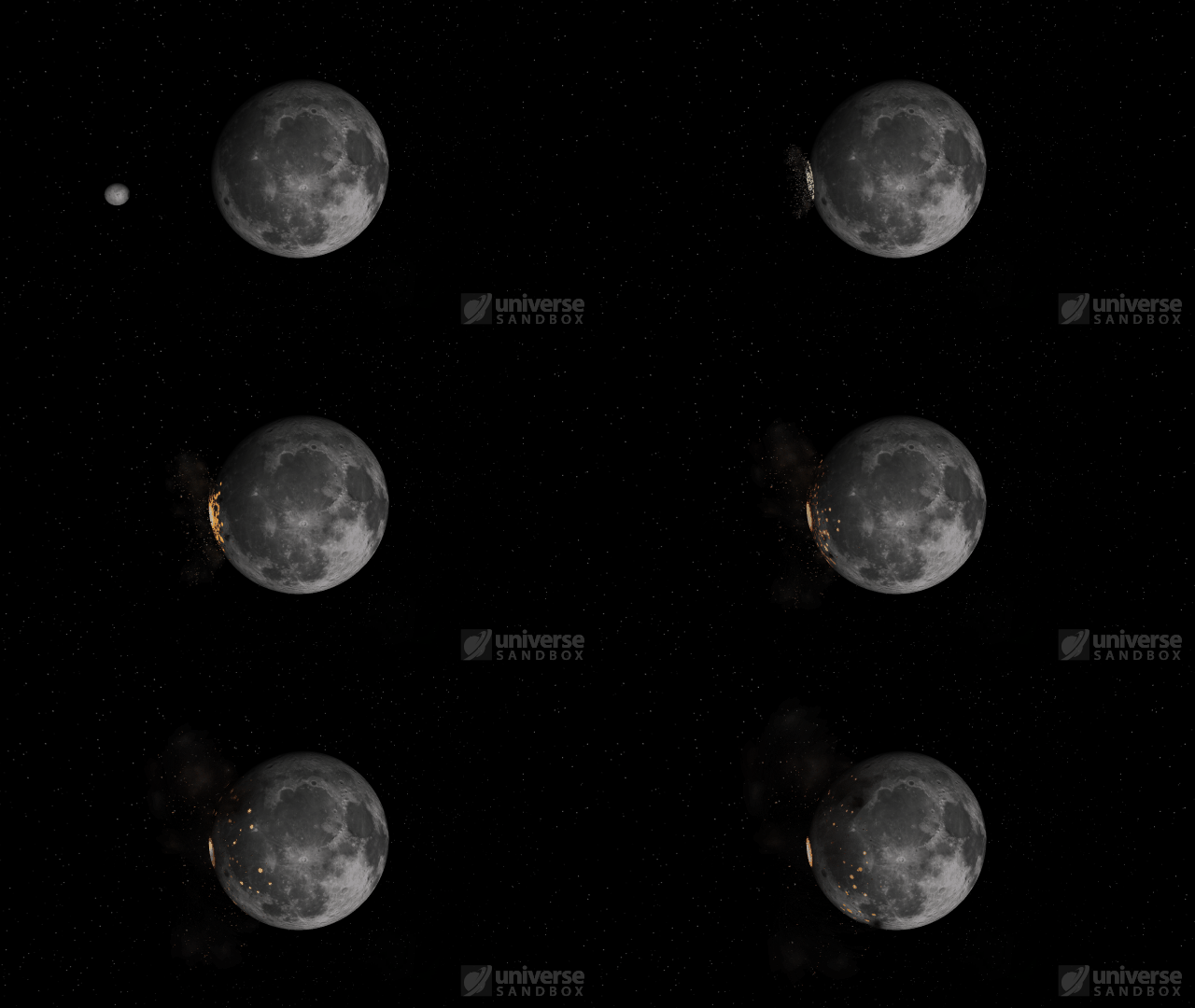
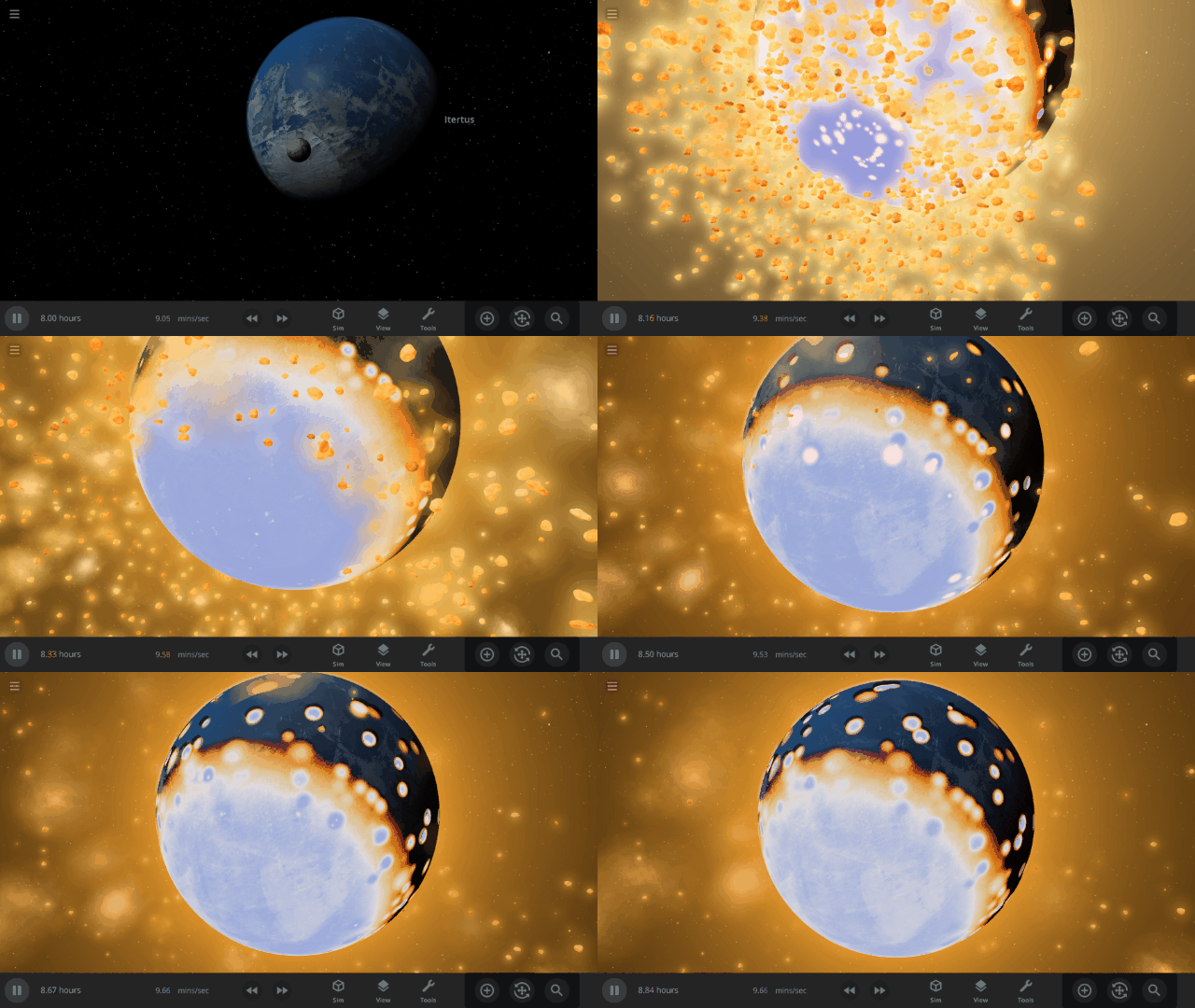
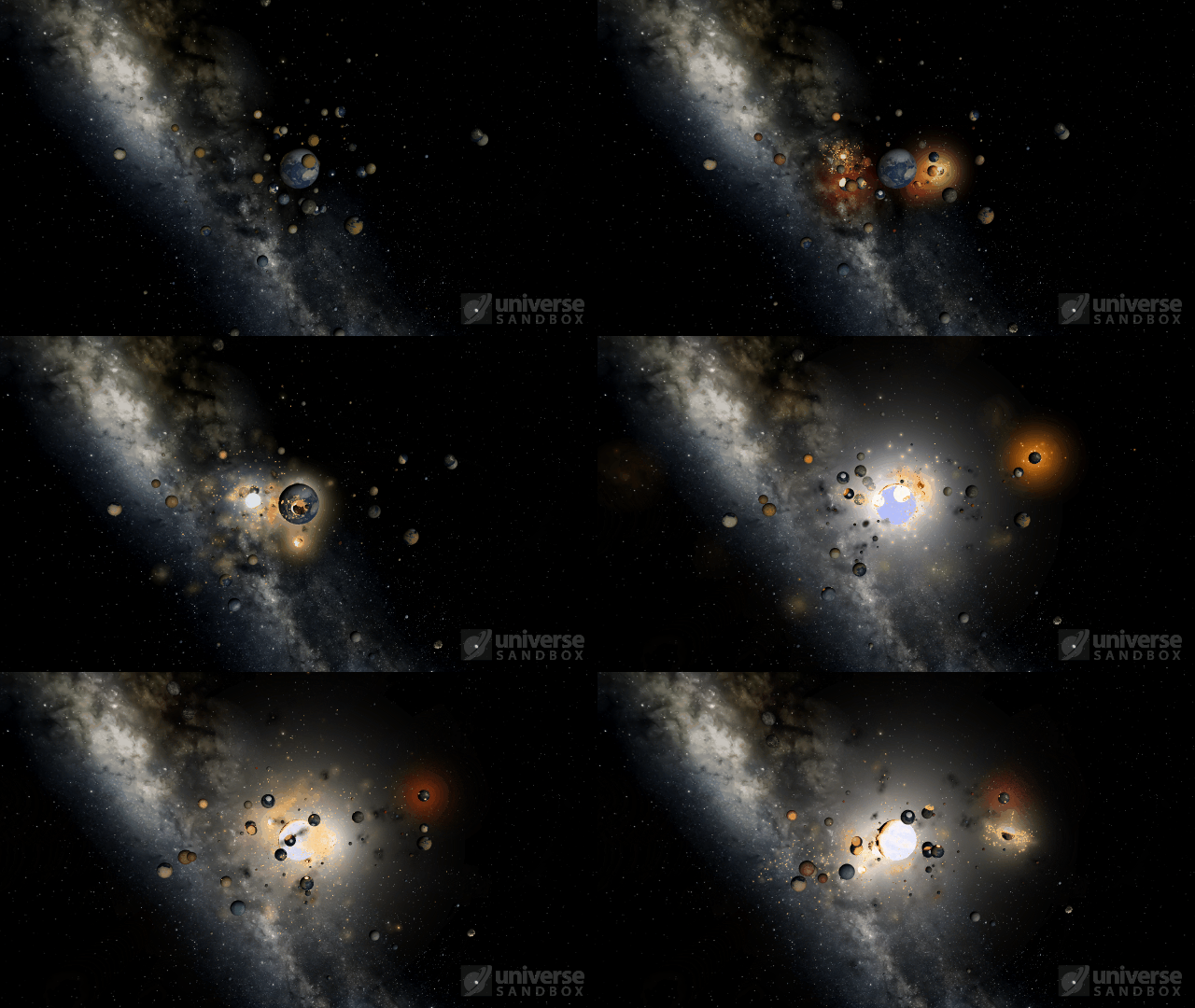
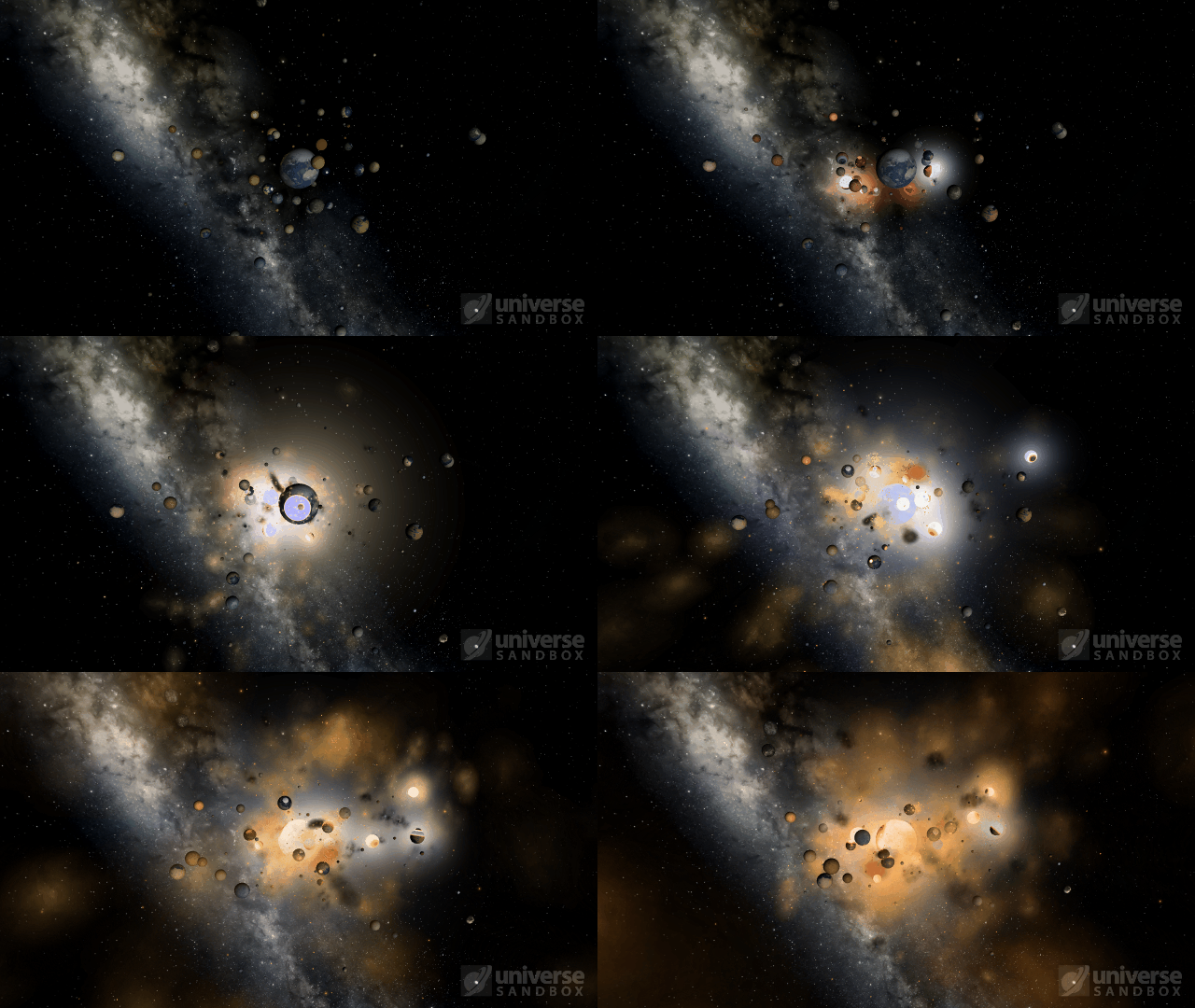
Improved Shockwaves
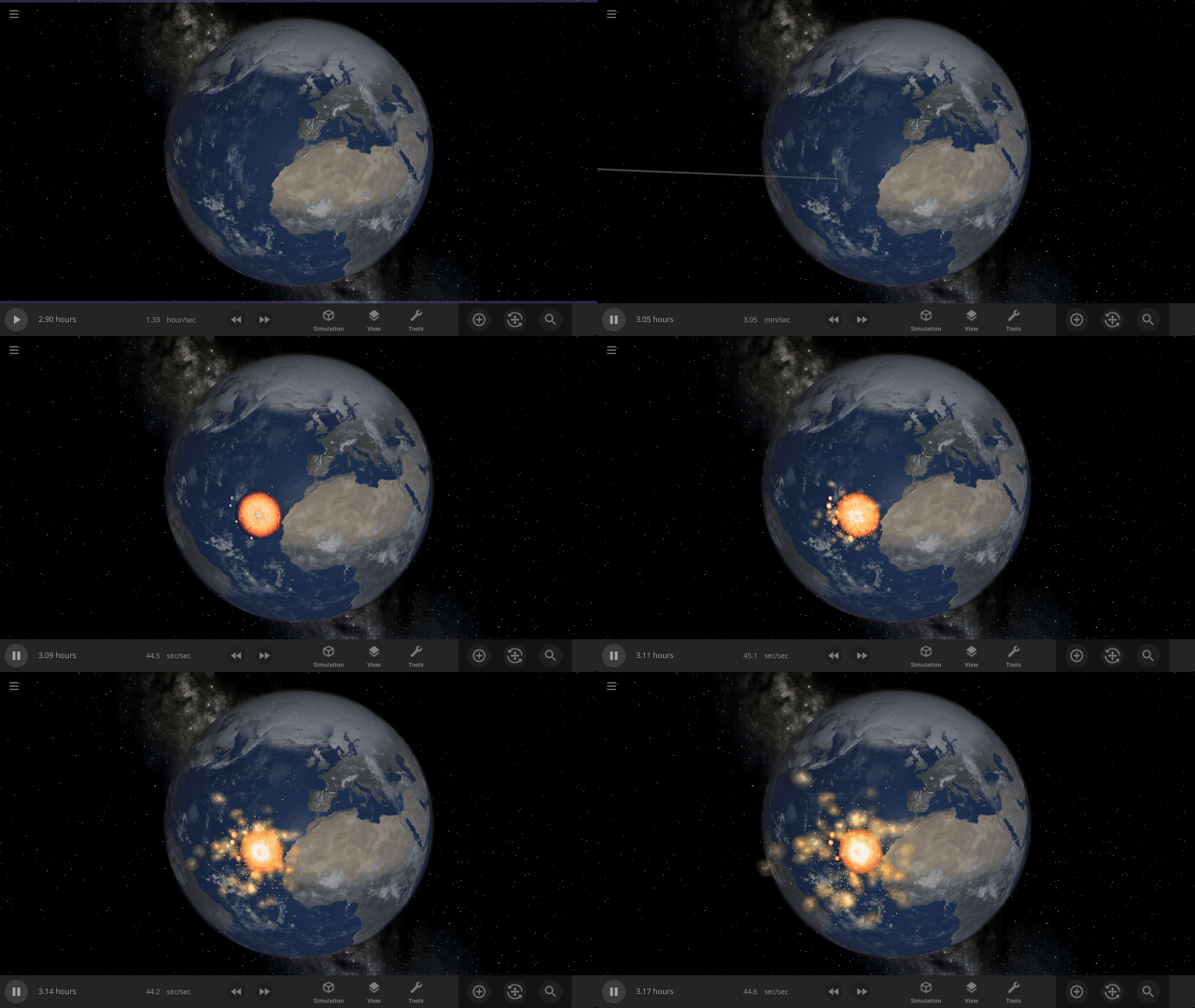
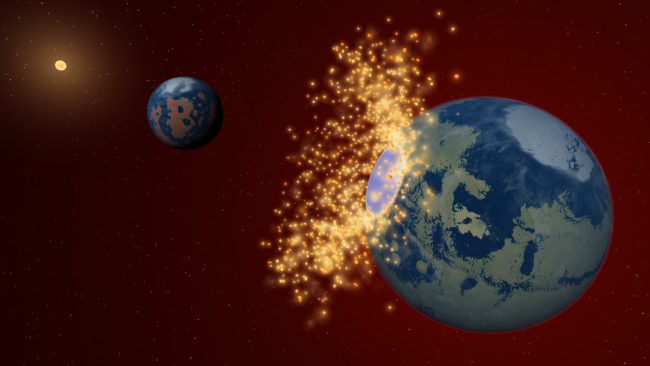
Energy from collisions spreads more realistically over the surface of an object, resulting in larger shockwaves. Heating from collisions is also less concentrated and spreads over a larger area. Previously, shockwave expansion ended abruptly in a smaller area, often resulting in blue-hot impact sites.
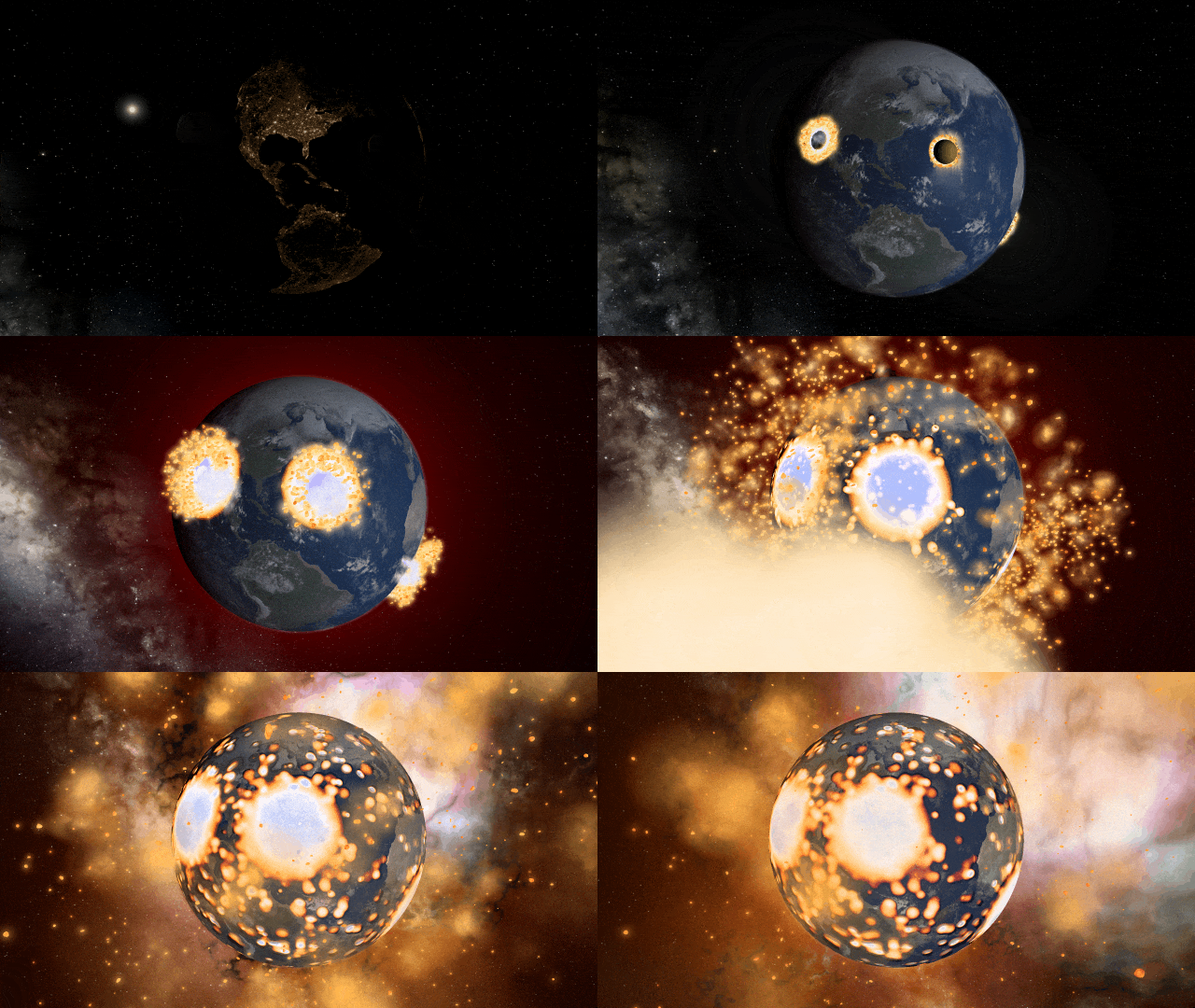
The dwarf planet Ceres colliding with Earth
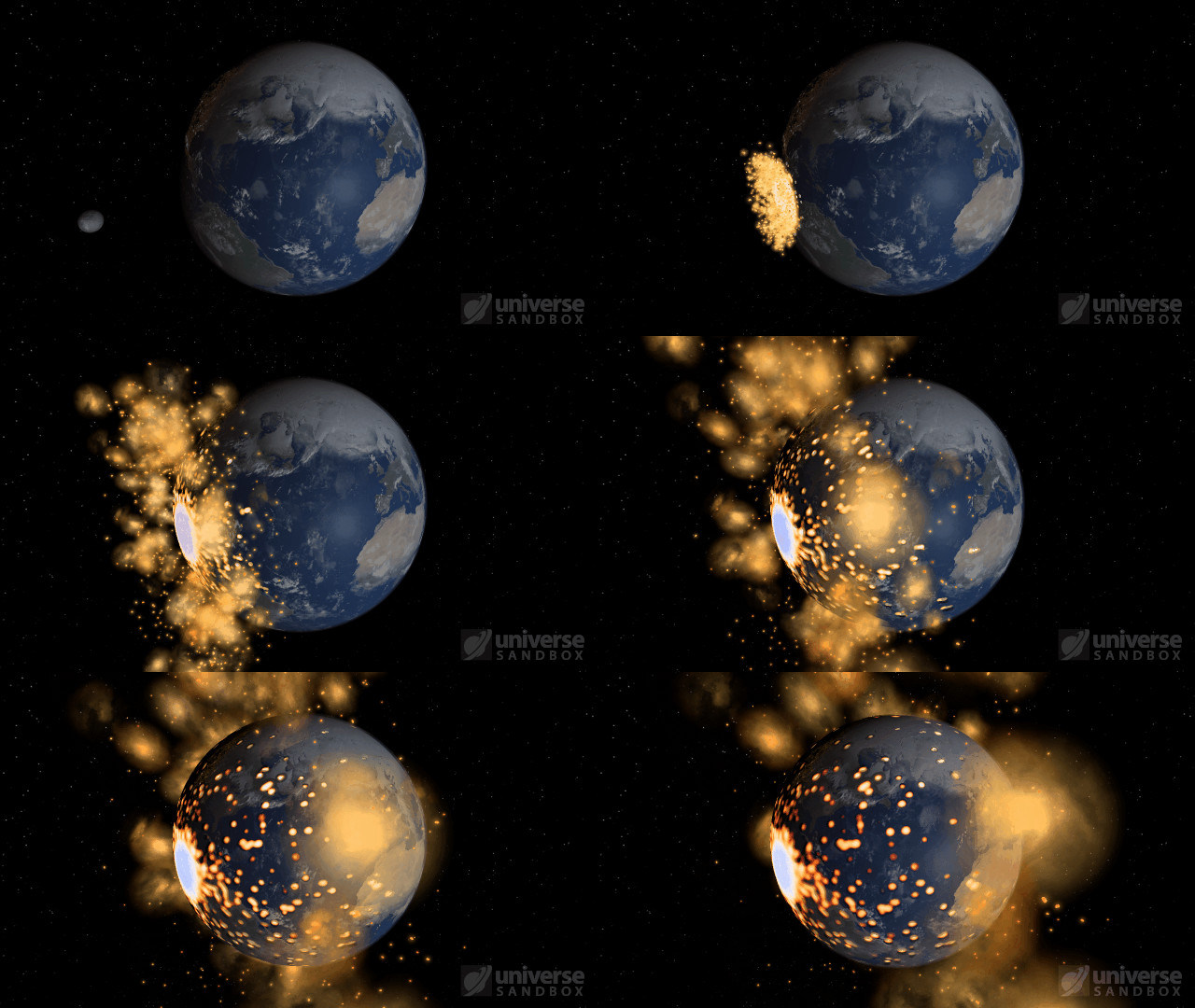
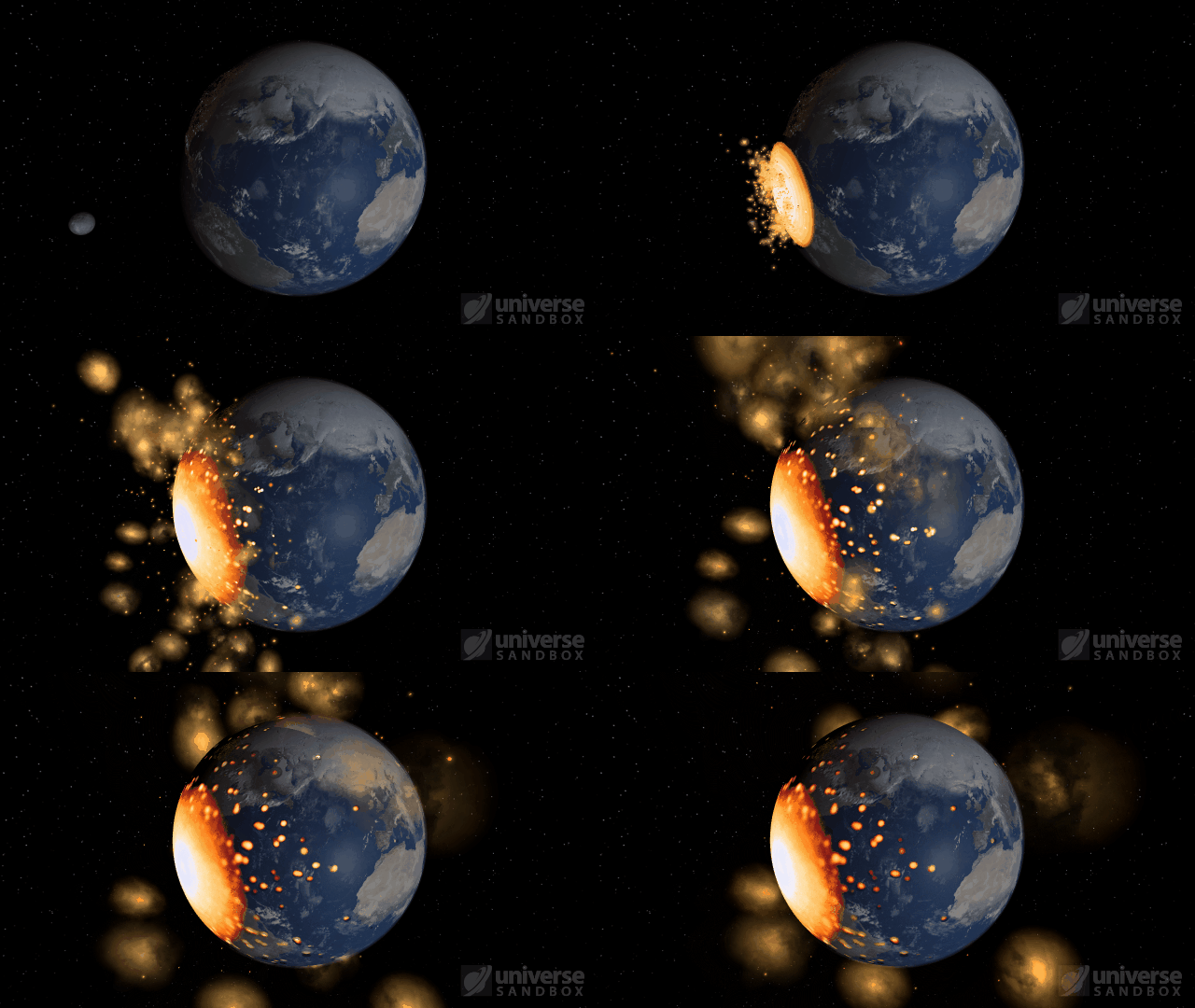
The Moon colliding with the Earth
Automatic Simulation Speed
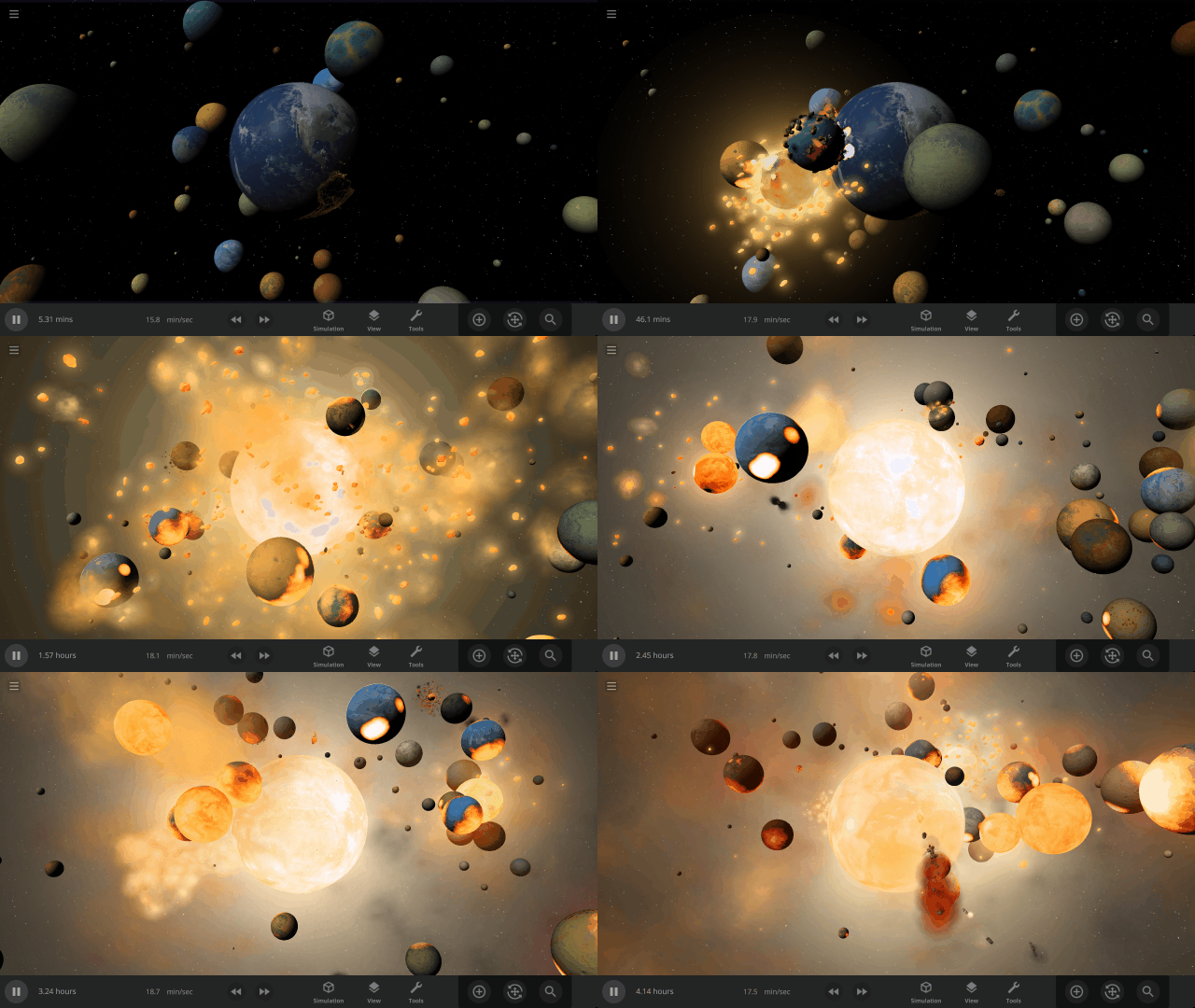
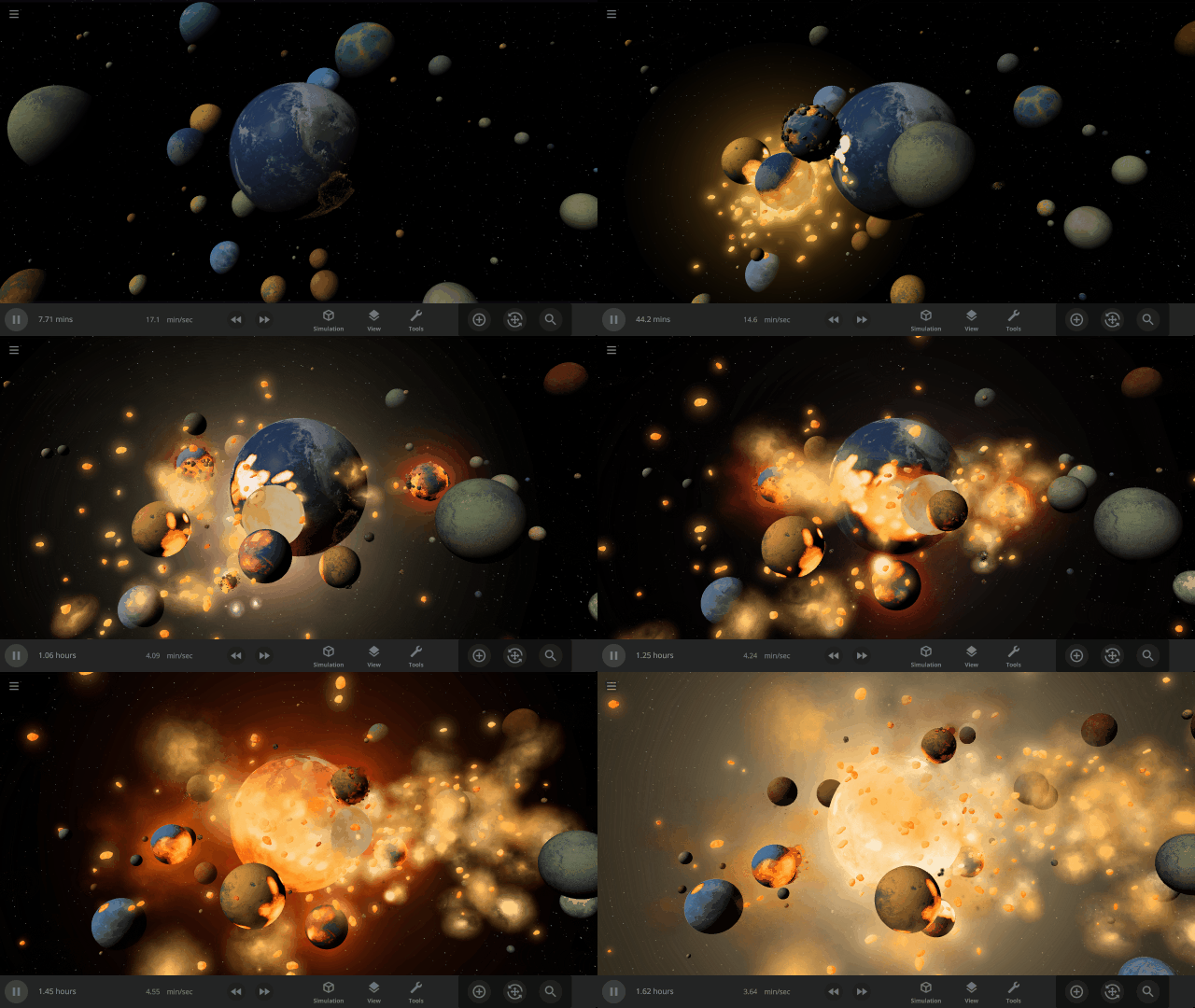
Allow the simulation speed to adjust itself automatically based on various conditions, like nearby objects and collisions, by turning on the new Automatic Simulation Speed feature. Automatically speeding up and slowing down the simulation speed provides an improved viewing experience for collisions, orbits, explosions, and more.
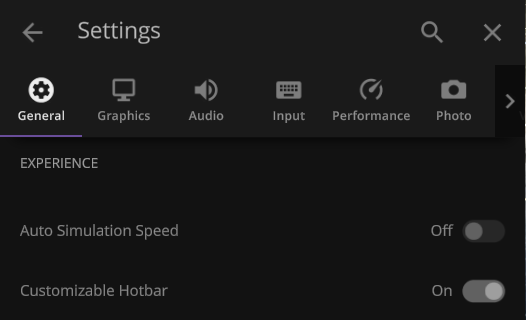
This feature is still in active development and is currently off by default. Turn it on under
Settings > General > Experience > Auto Simulation Speed
The simulation speed will slow down to show collisions that you might otherwise miss
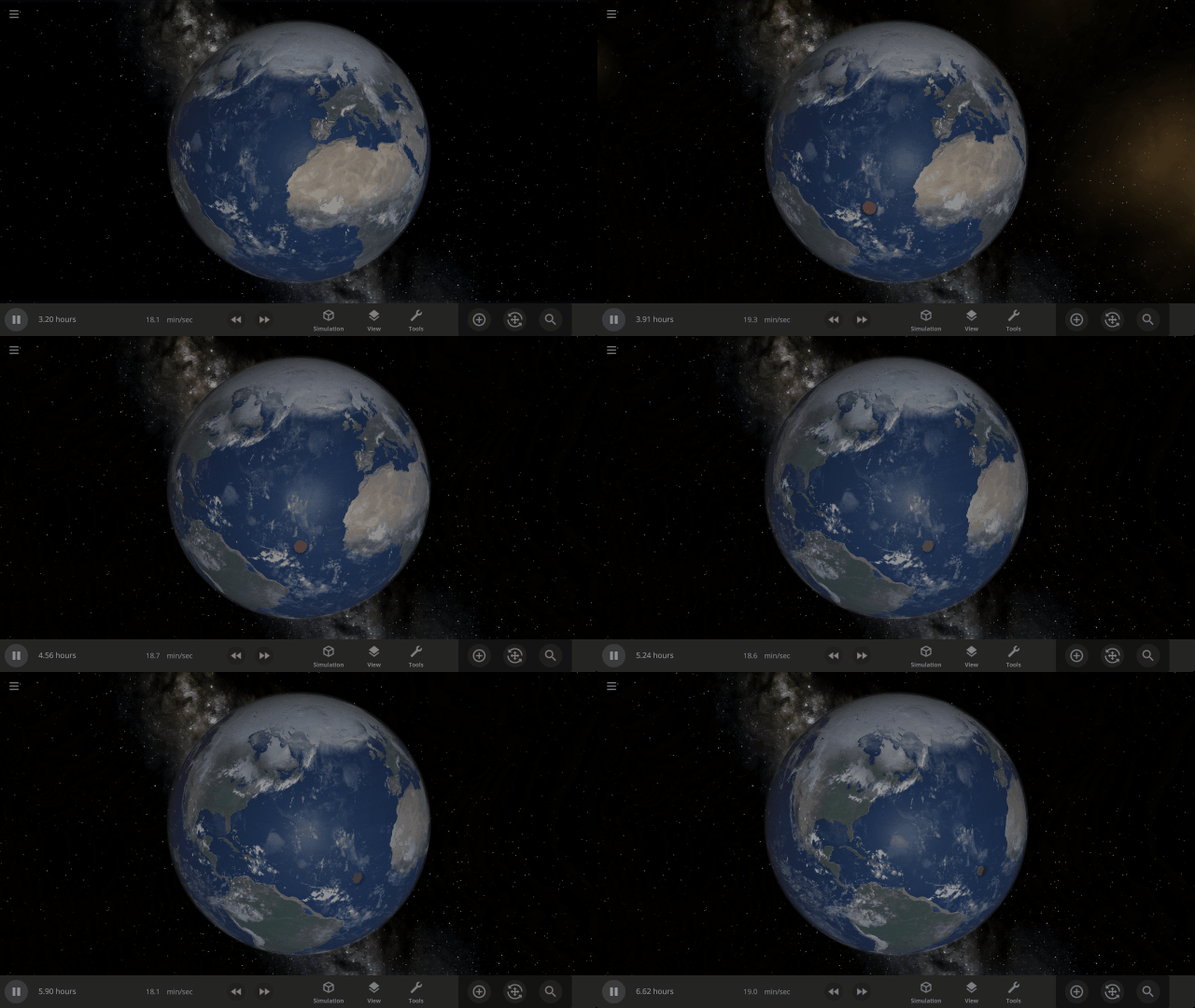
Create a more cinematic experience while watching simulations like Earth & 100 colliding moons
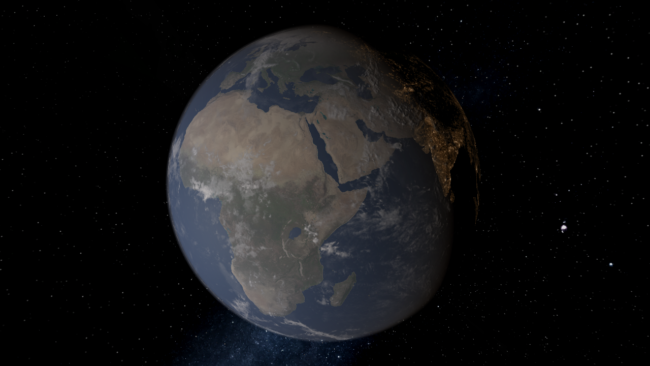
Rayleigh Scattering
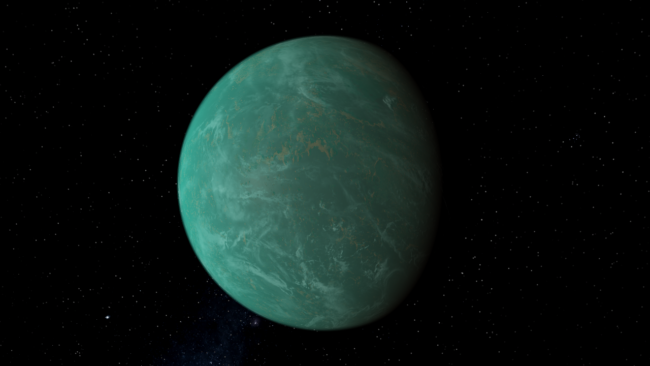
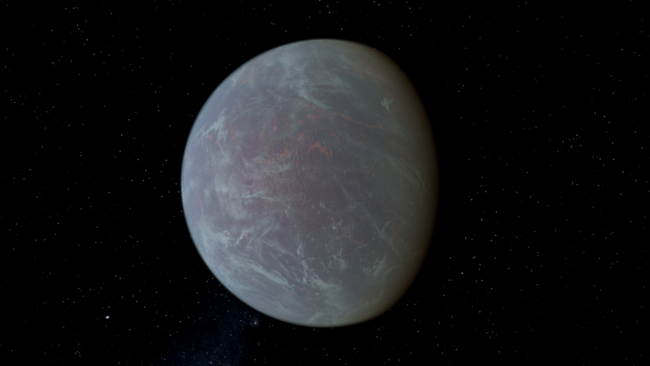
Object atmospheres now visually simulate Rayleigh scattering, which describes how light scatters in the atmosphere. Rayleigh scattering is what makes Earth’s daytime sky appear blue and the setting Sun appear red. Adjust the strength of the scattering under
Visuals > Atmosphere > Rayleigh Scattering Strength
Earth with realistic Rayleigh scattering
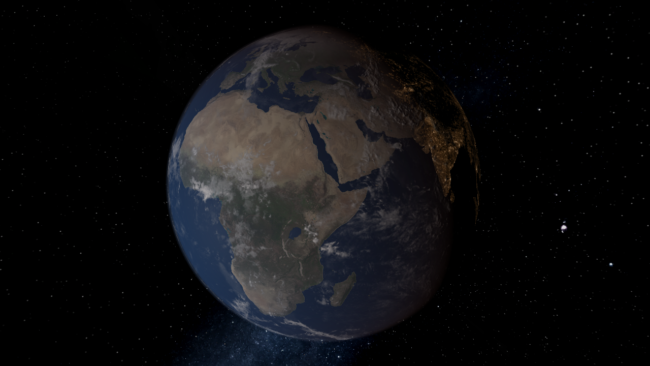
Custom object with Rayleigh scattering at 85% strength
More Highlights
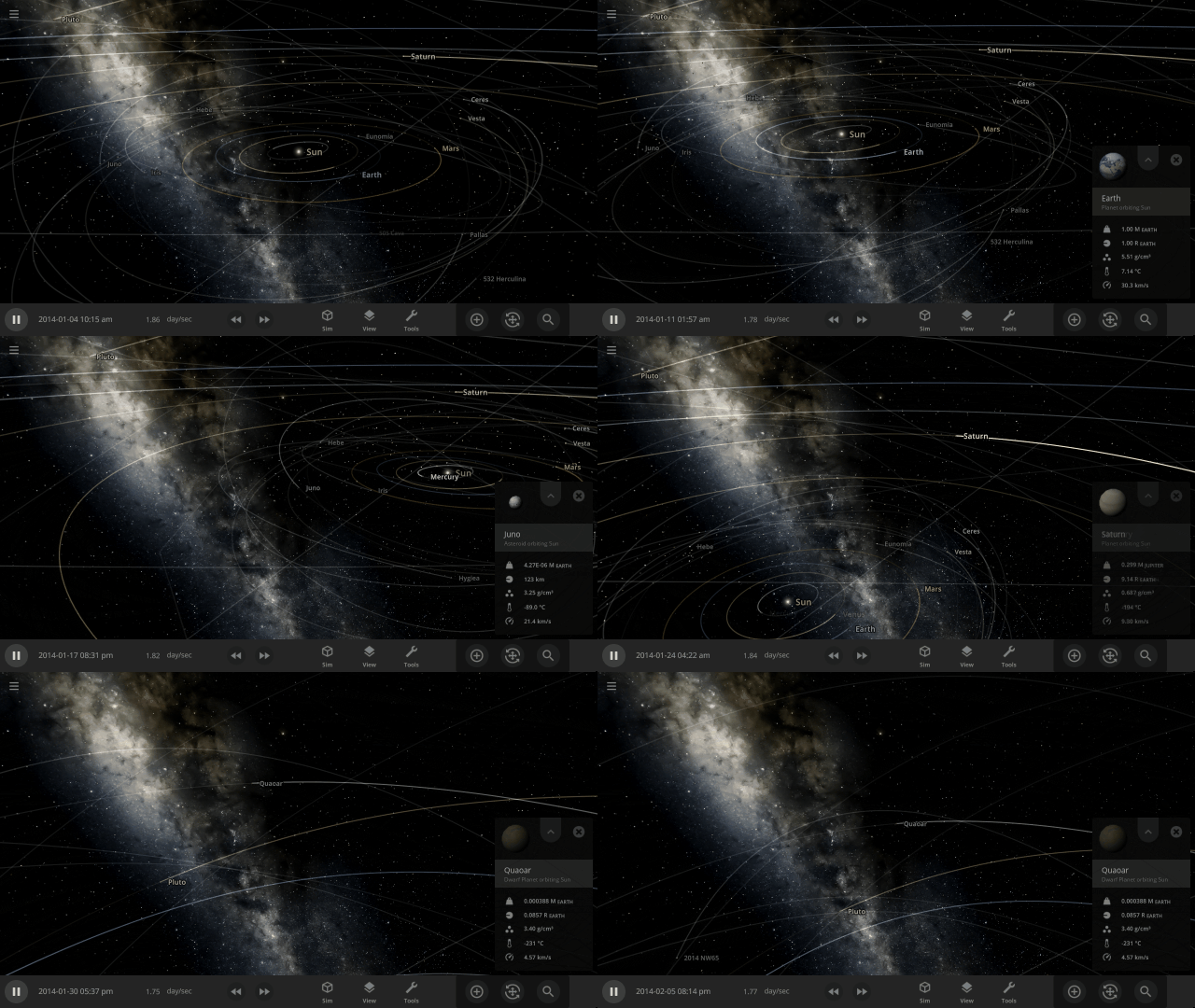
Your view now smoothly rotates, or pans, to focus on an object instead of sliding the view left or right, like a camera on rails
Atmospheres are now visible from the surface of planets. Land on a planet by pressing “c” on your keyboard to check it out.
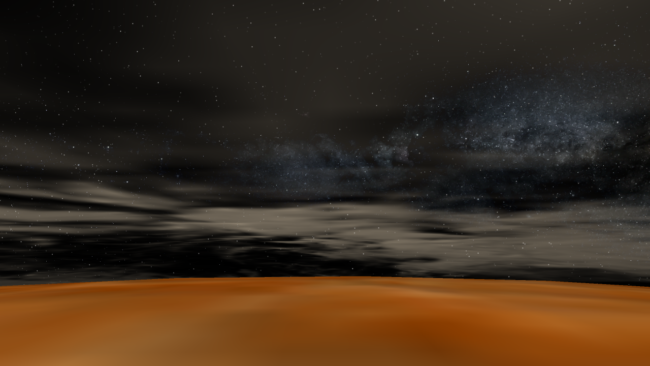
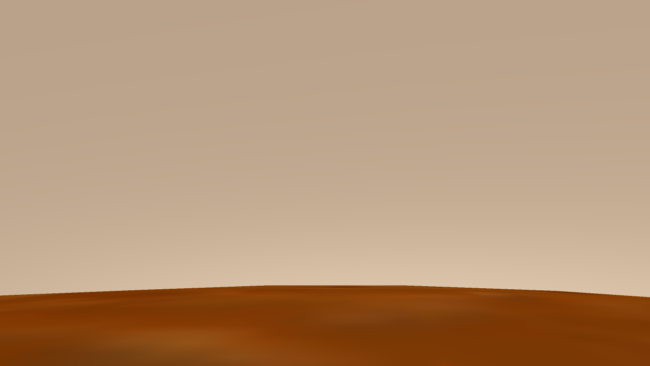
Check out the full list of What’s New in Update 32.1
Please report any issues on our Steam forum, on Discord, or in-game via Home > Send Feedback.

Build-A-Planet | Update 32
Nov 17th
If Update 32 does not download automatically, follow these update instructions. If you don’t own Universe Sandbox, you can buy it via our website.
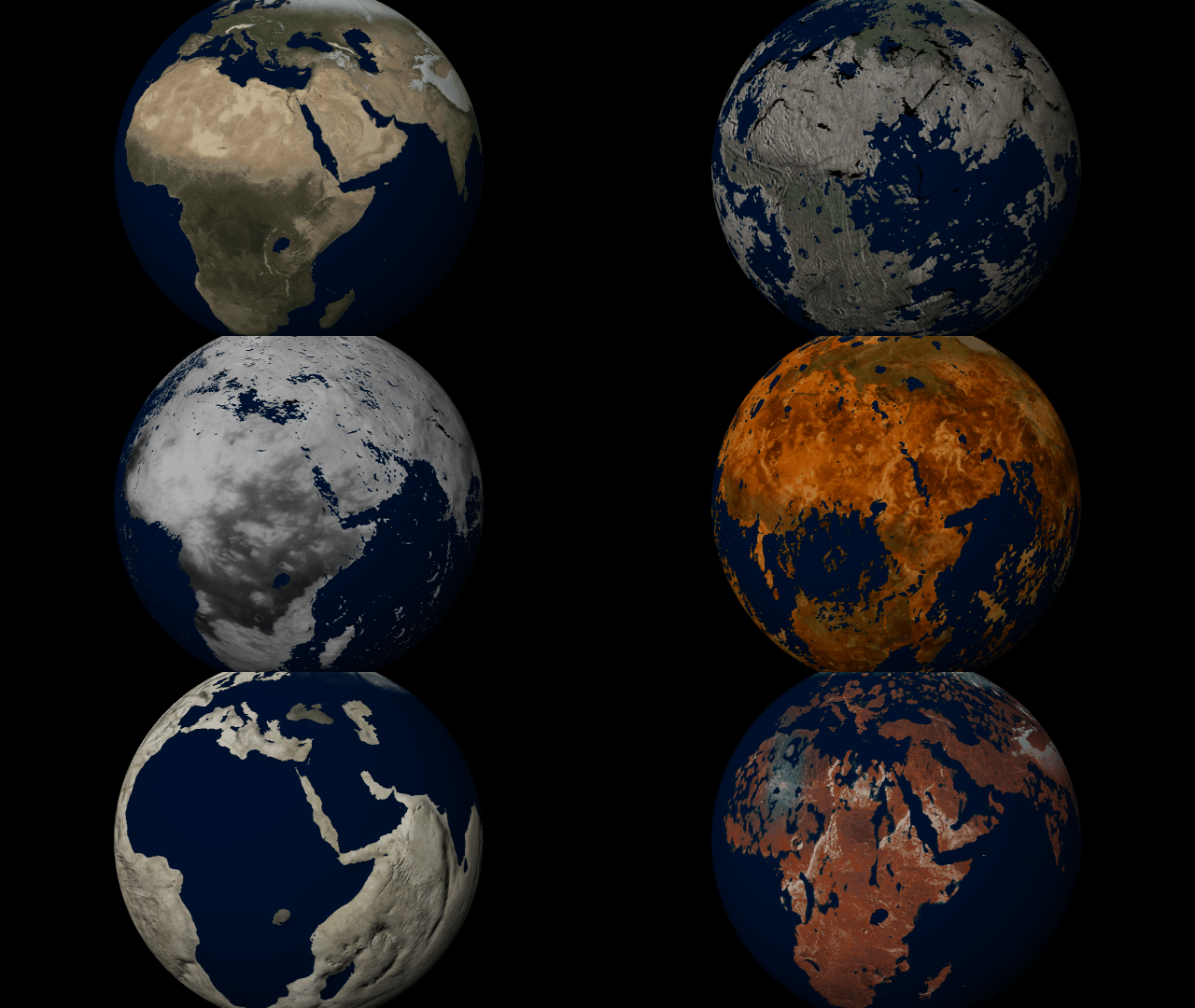
Customize the look and topography of planets and moons with a library of realistic color and height maps. Turn Earth into Mars or mix-and-match maps to create your own worlds.
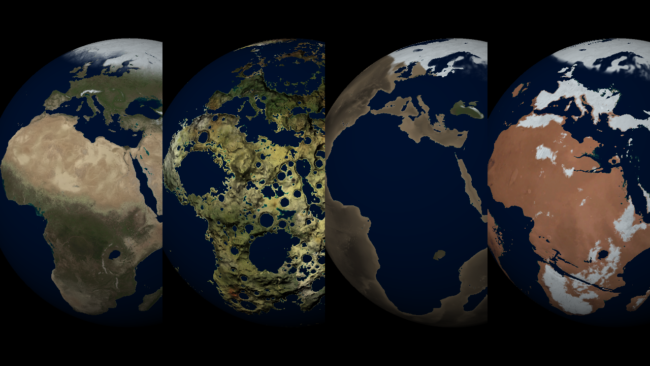
Elevation Maps
Blend, shift, and flip any two of the elevation maps in Universe Sandbox to create your own custom surface that governs water flow, temperature simulation, and more. Learn more
Guides > Tutorials > Creating Planets from Scratch & Transforming Planets
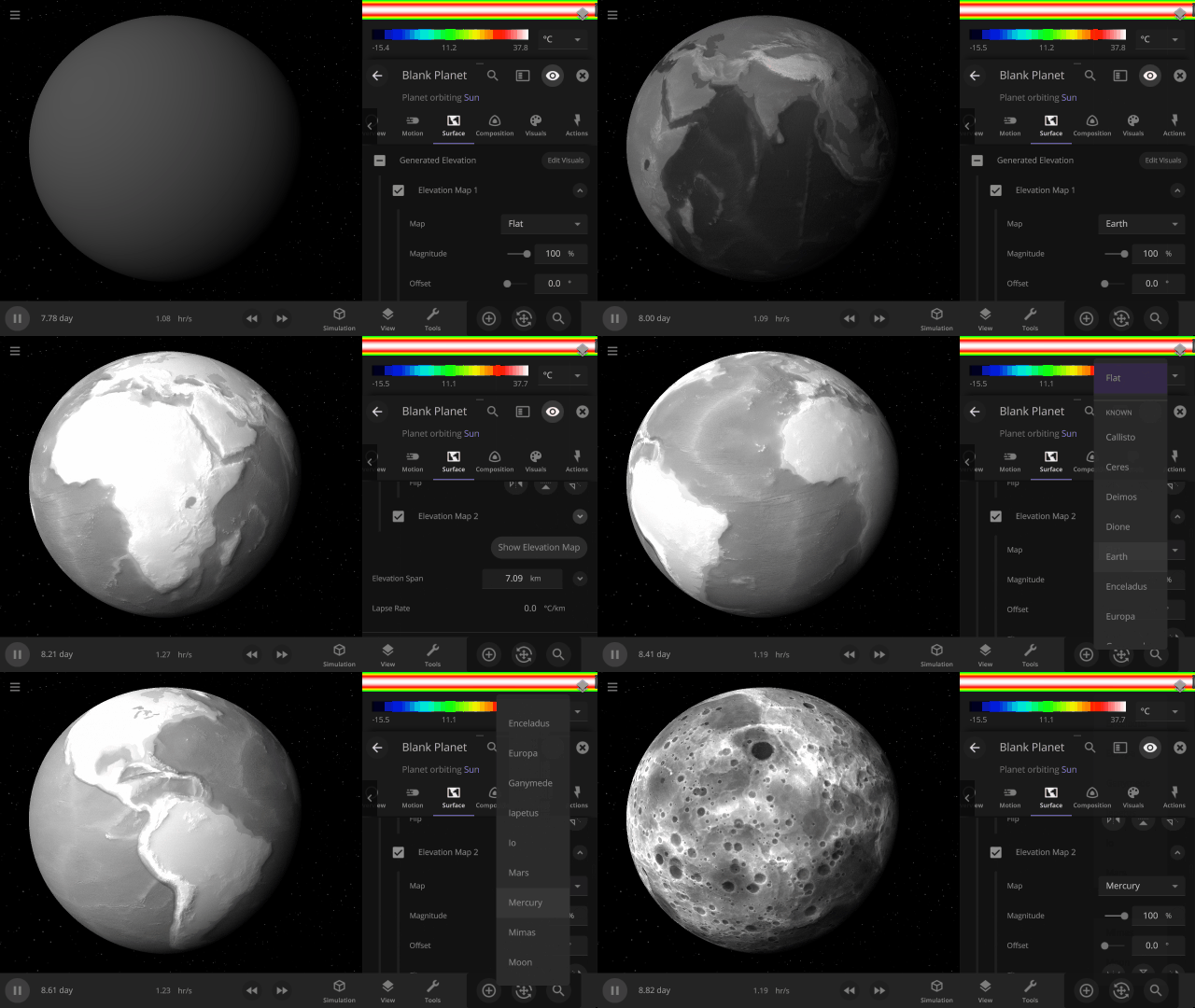
Color Maps
Change the surface map of any planet to match other planet images included in Universe Sandbox.
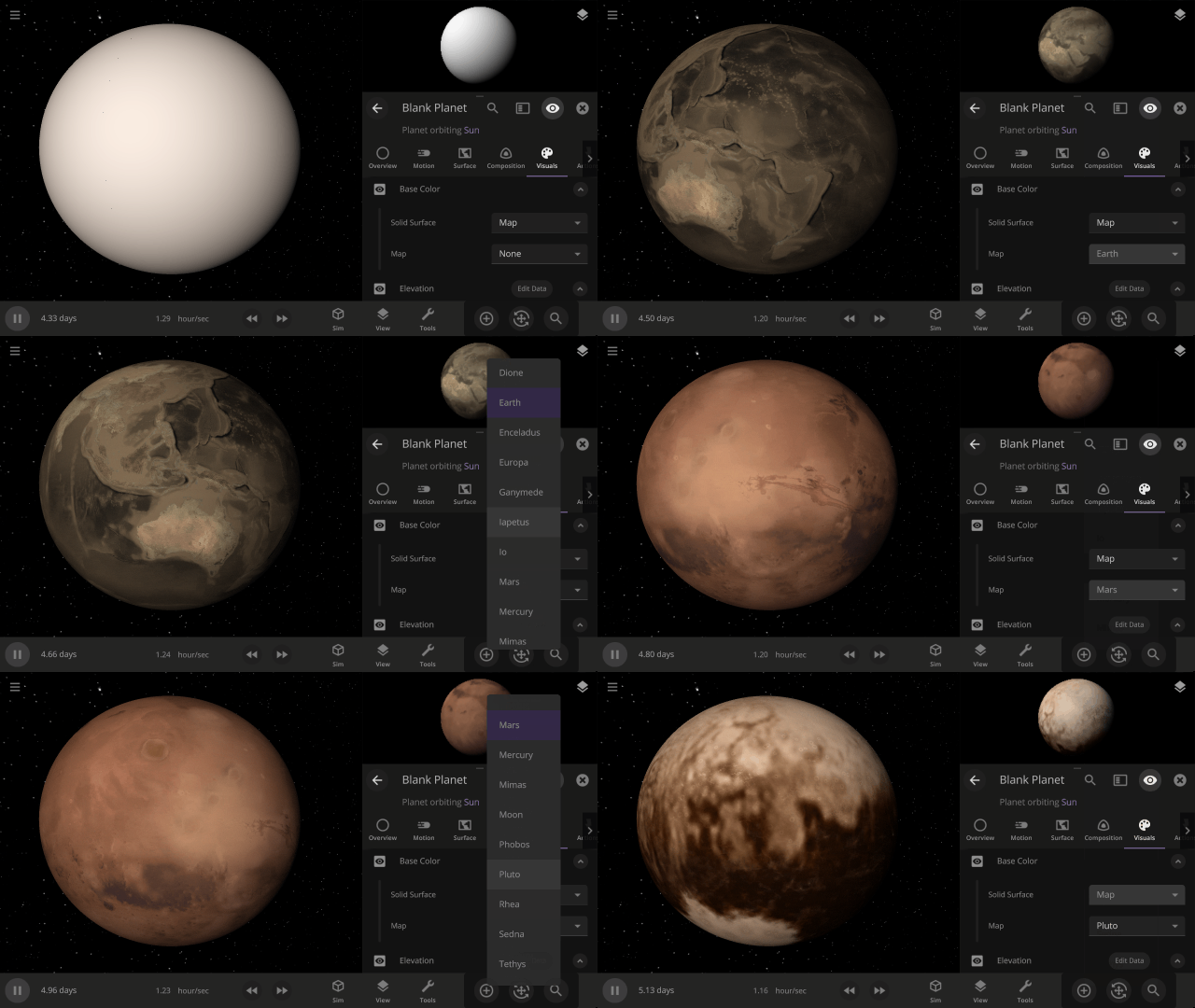
Apparent Elevation Intensity
Change the apparent difference between high and low elevation, also called the normal map, under
Visuals > Elevation > Exaggerated Terrain
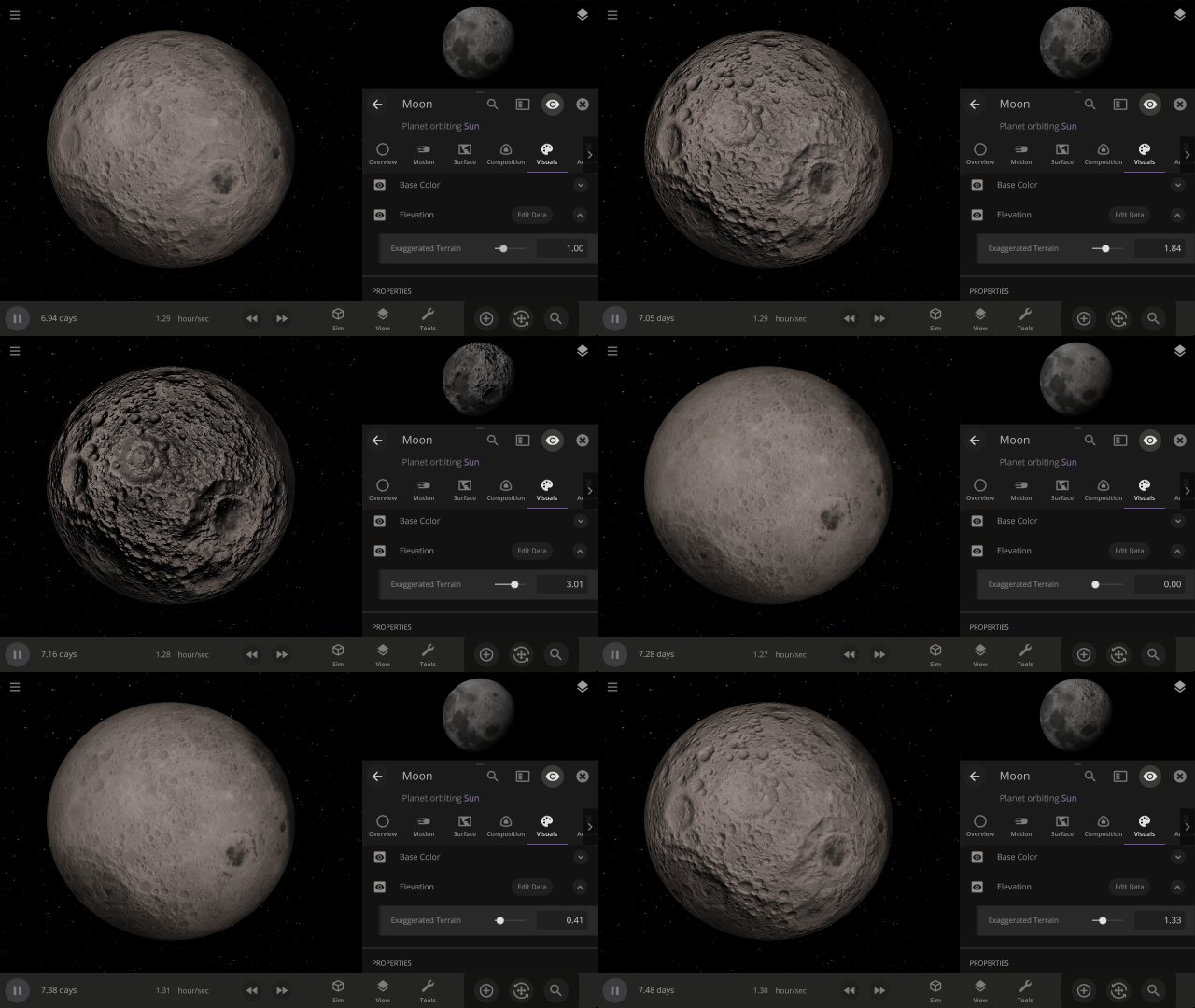
More Highlights
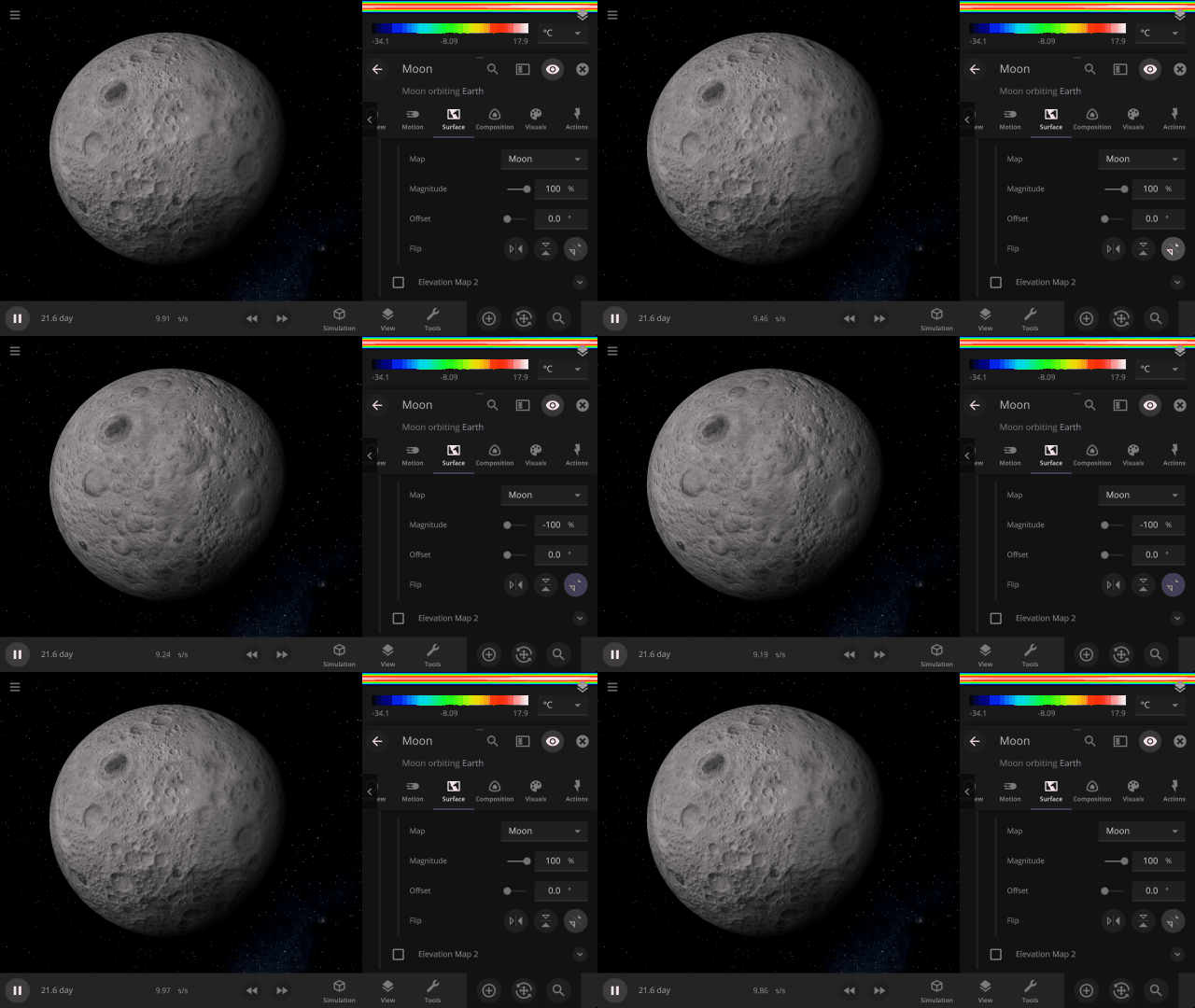
Invert a planet’s elevation with the push of a button under
Surface > Elevation > Elevation Map > Flip
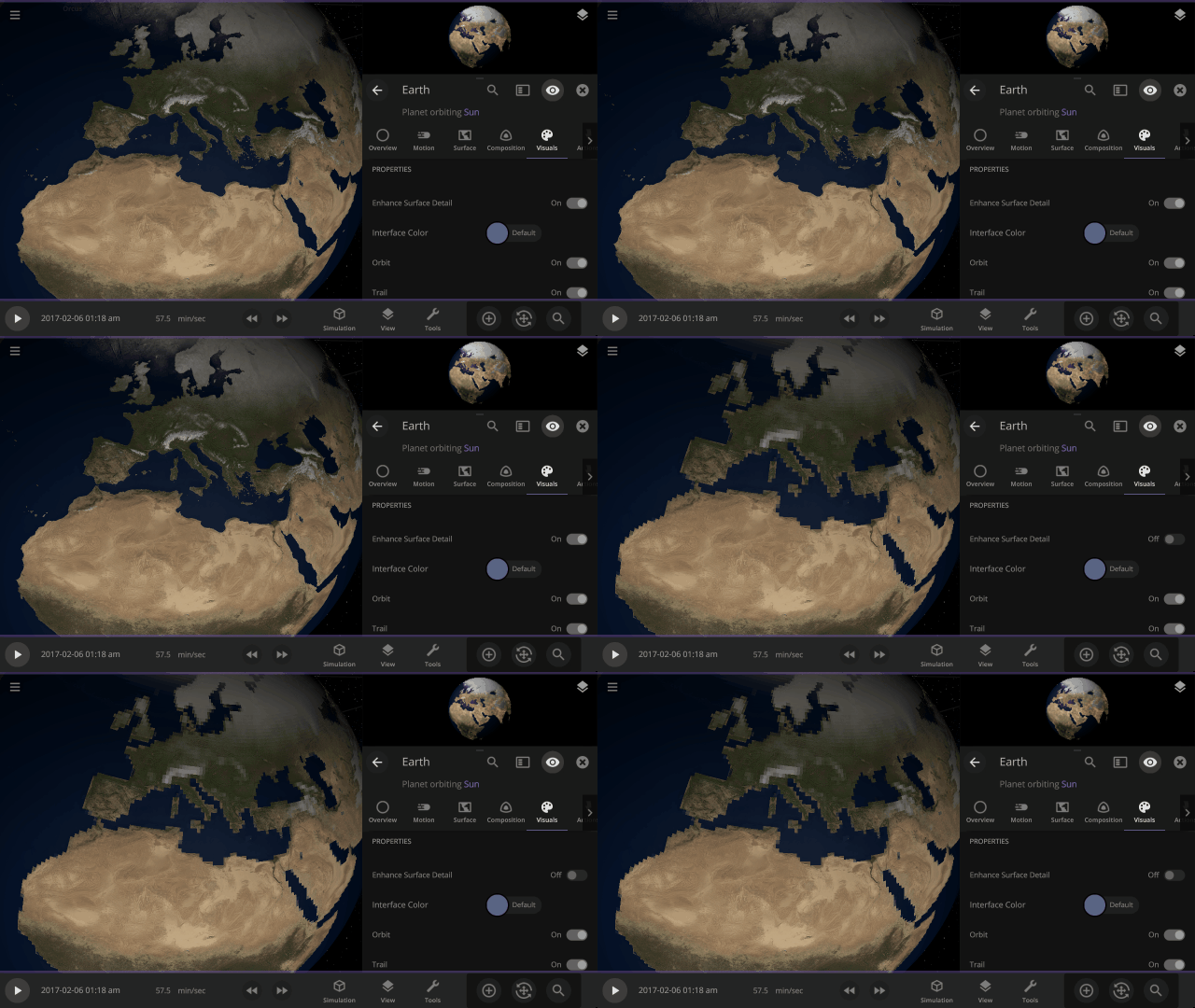
View a planet’s simulated surface without high-resolution corrections under
Properties > Visuals > Enhance Surface Detail
Turning off the enhanced view shows the map resolution we use for simulating object surfaces, including water flow and snow.
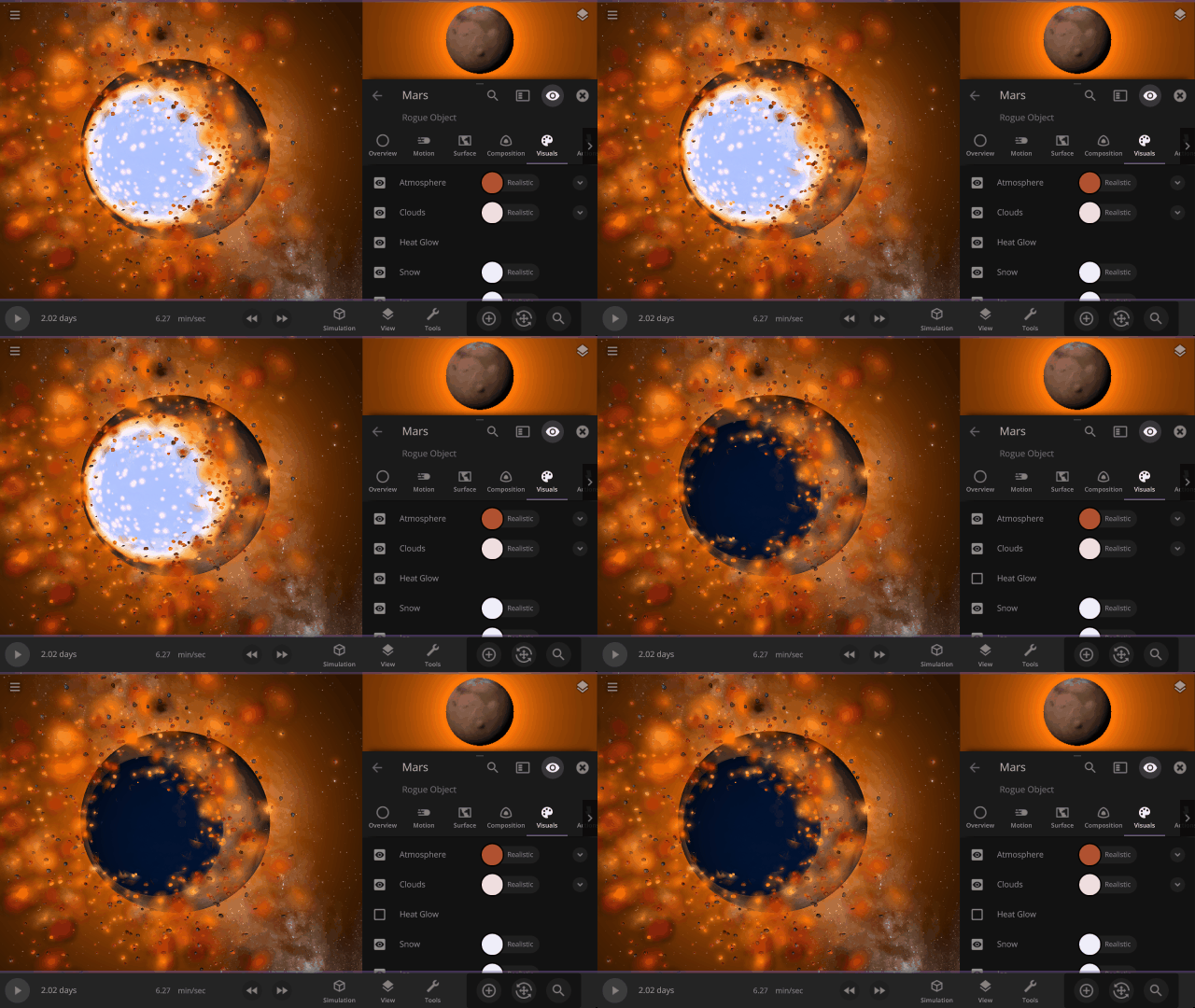
Turn off the visual glow from high temperatures, also called blackbody radiation, under
Properties > Visuals > Heat Glow
This update includes 9+ additions and 3+ fixes and improvements.
Check out the full list of What’s New in Update 32
Please report any issues on our Steam forum, on Discord, or in-game via Home > Send Feedback.

Space is Big | Update 31.4
Oct 27th
If Update 31.4 does not download automatically, follow these update instructions, or buy Universe Sandbox via our website.
“Space is big. You just won’t believe how vastly, hugely, mind-bogglingly big it is. I mean, you may think it’s a long way down the road to the chemist’s, but that’s just peanuts to space.”
- Douglas Adams, The Hitchhiker’s Guide to the Galaxy
And now we’ve made it a bit easier to comprehend the scale of space.
Scaling Space
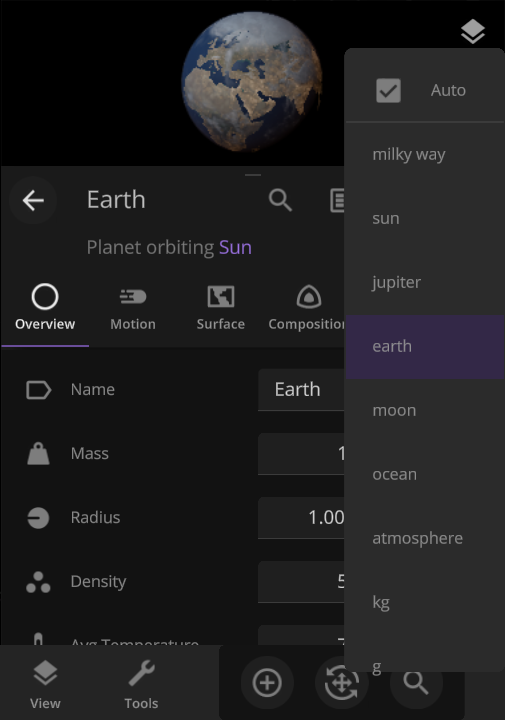
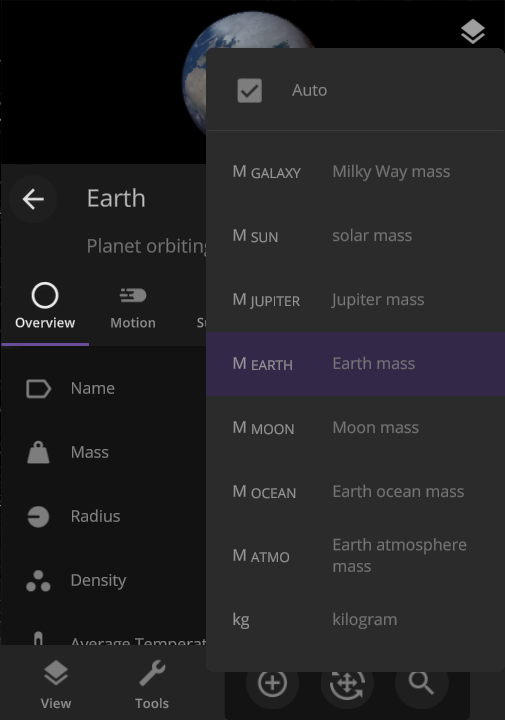
The unit of measurement selection menu now explains what each unit means to help you better understand the vastness of space. Unit names based on the properties of other objects (like Earth mass) have also been updated for clarity.
Juno Flyby of Europa
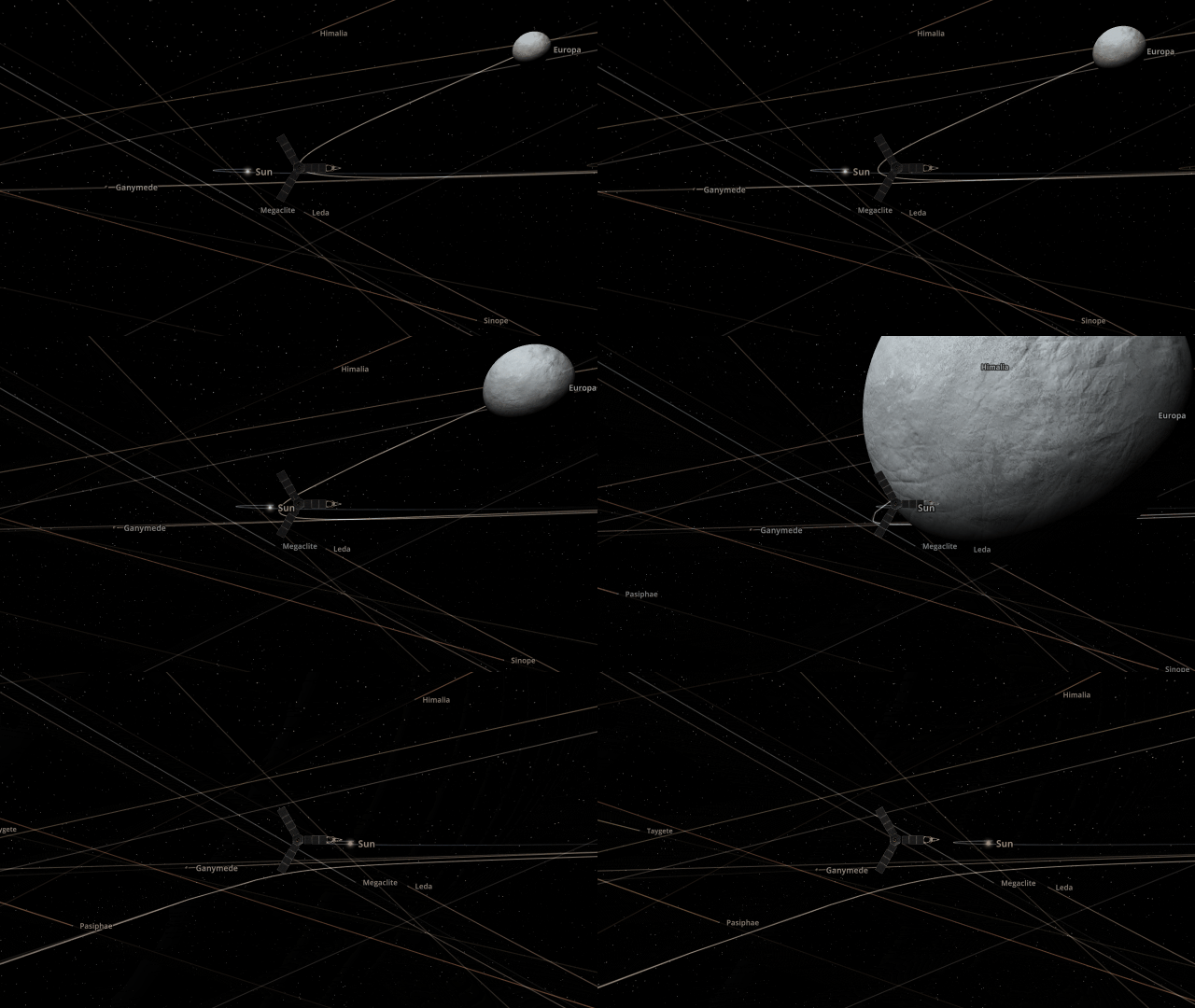
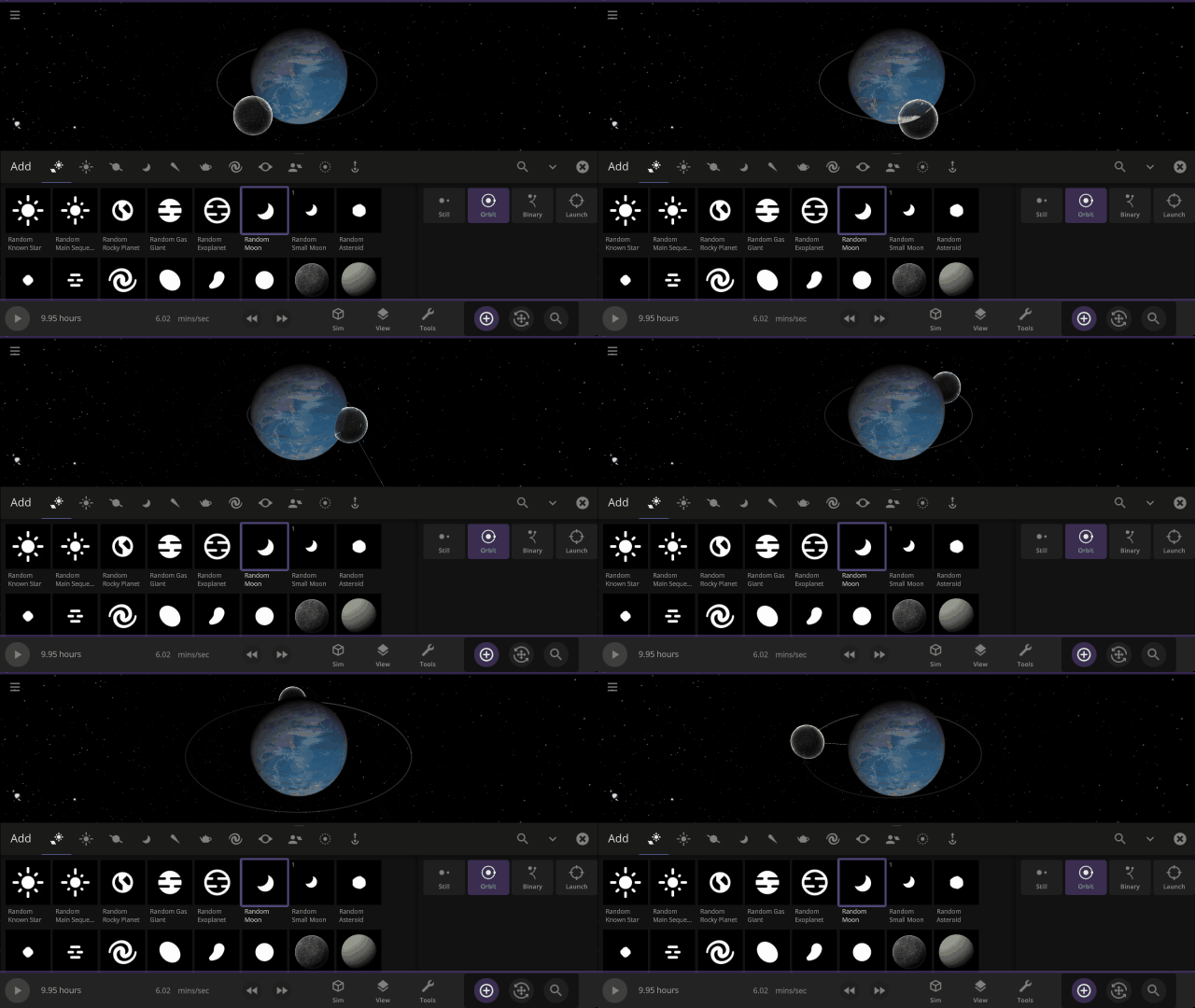
On September 29, 2022, the Juno spacecraft performed a flyby of Jupiter’s moon Europa, coming within 352 kilometers and taking the highest-ever resolution close-up image of the moon’s surface. Watch this close flyby in our new simulation
Juno Flyby of Europa in 2022
More Highlights
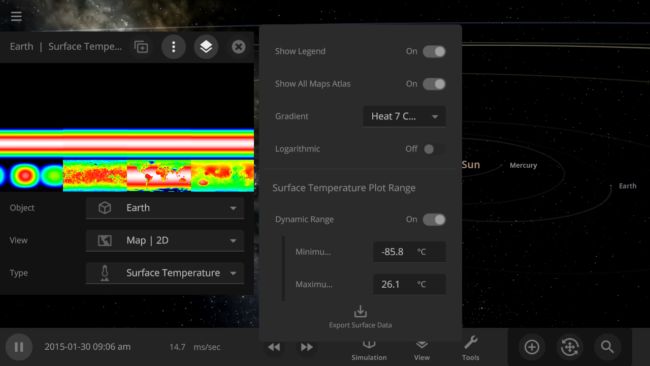
You can now view and monitor the data views for all objects in a simulation at once, also called the Atlas, by going to Open View Panel Settings > 2D Settings > Show All Maps Atlas. The interface for this type of view is a work in progress.
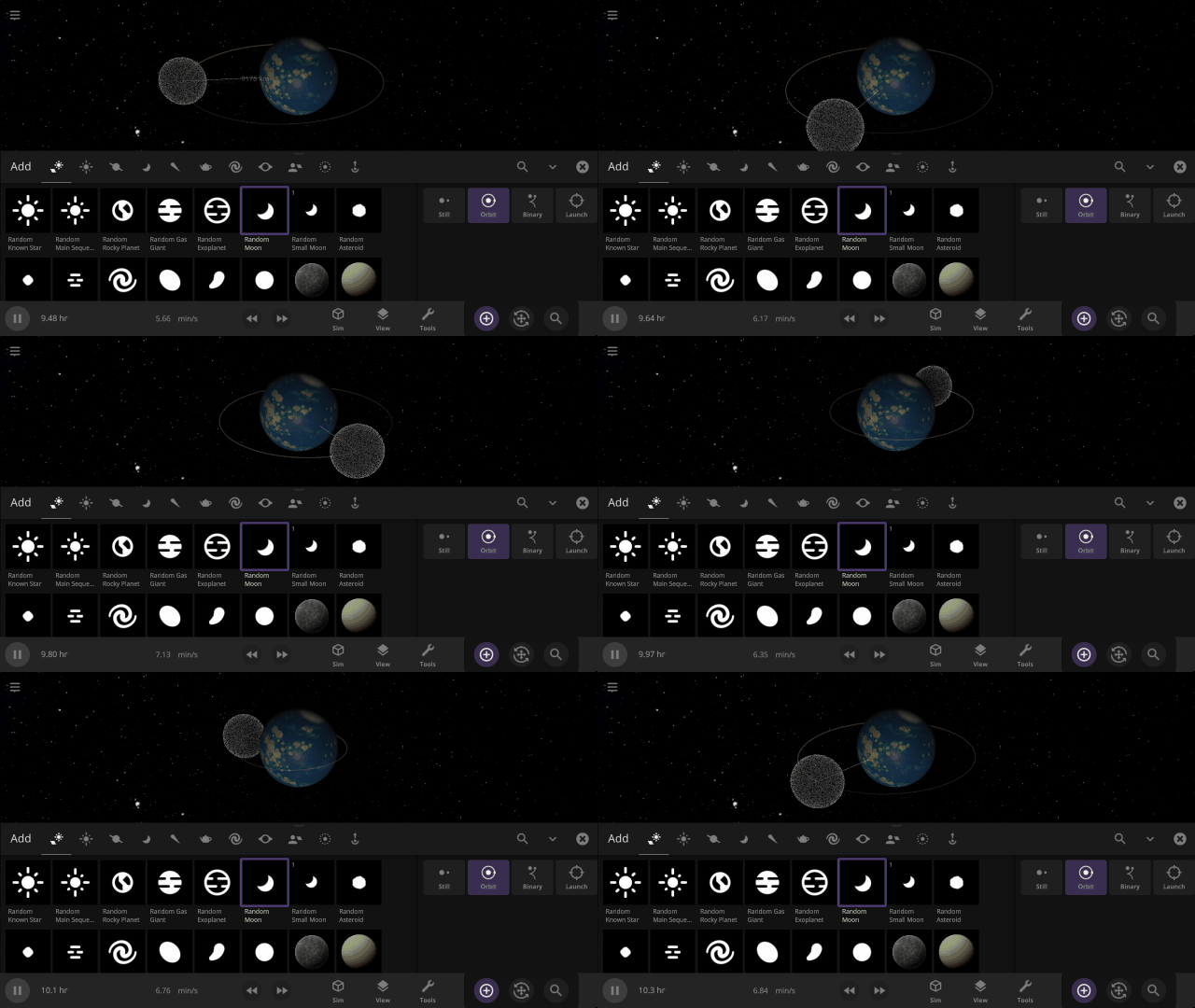
Object holograms have been updated to look the same, be more visible across different backgrounds, and clearly show their positions in front of or behind other objects
This update includes 4+ additions and 15+ fixes and improvements.
Check out the full list of What’s New in Update 31.4
Please report any issues on our Steam forum, on Discord, or in-game via Home > Send Feedback.

Planetary Defense DART | Update 31.3
Sep 22nd
If Update 31.3 does not download automatically, follow these update instructions, or buy Universe Sandbox via our website.
DART Mission
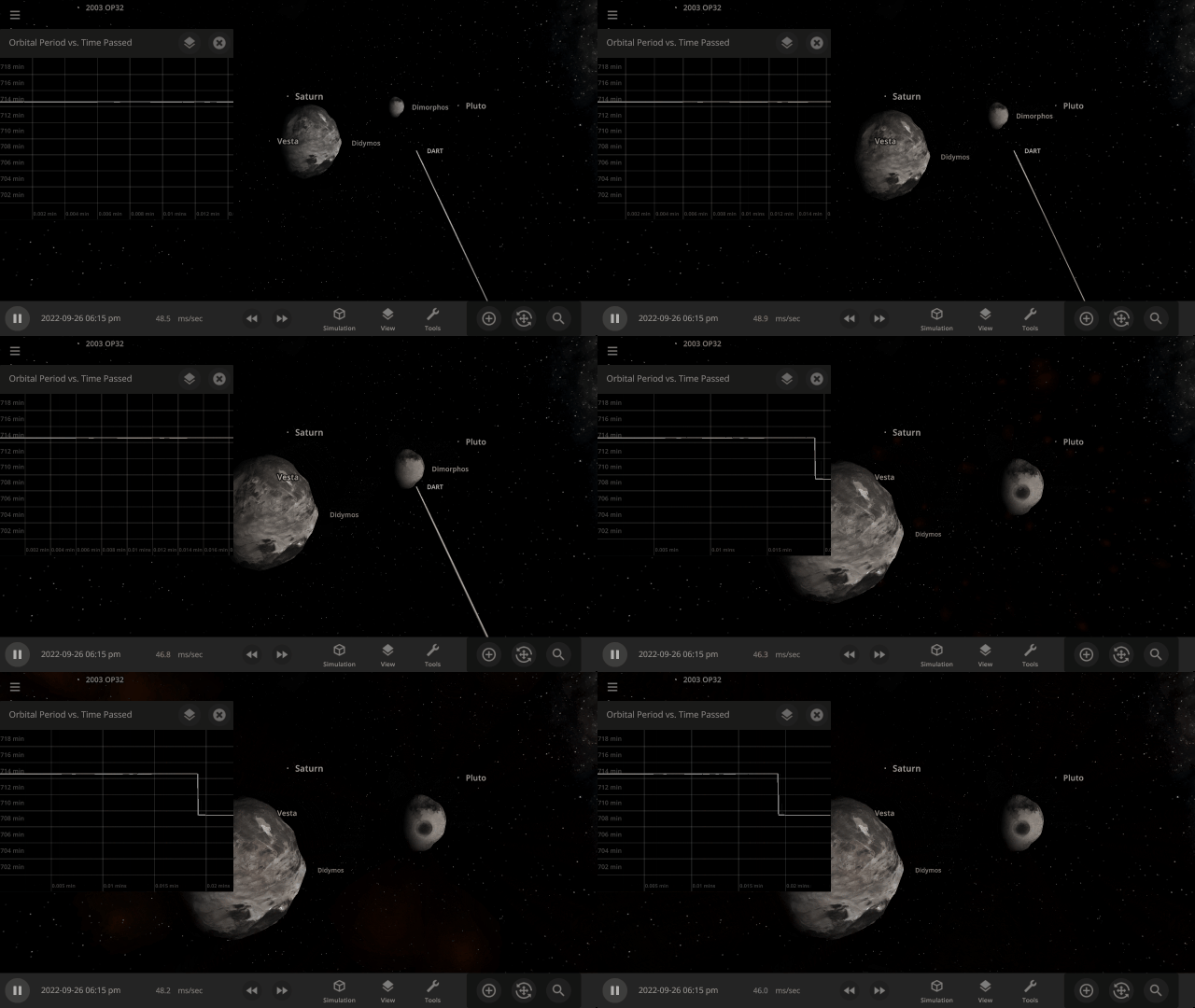
NASA’s DART mission will intentionally collide the DART spacecraft with the asteroid Dimorphos, attempting to change its orbit & testing humanity’s ability to protect Earth from future asteroids. Check out our simulation of this mission:
Open > DART: Humanity’s First Planetary Defense Experiment
More Highlights
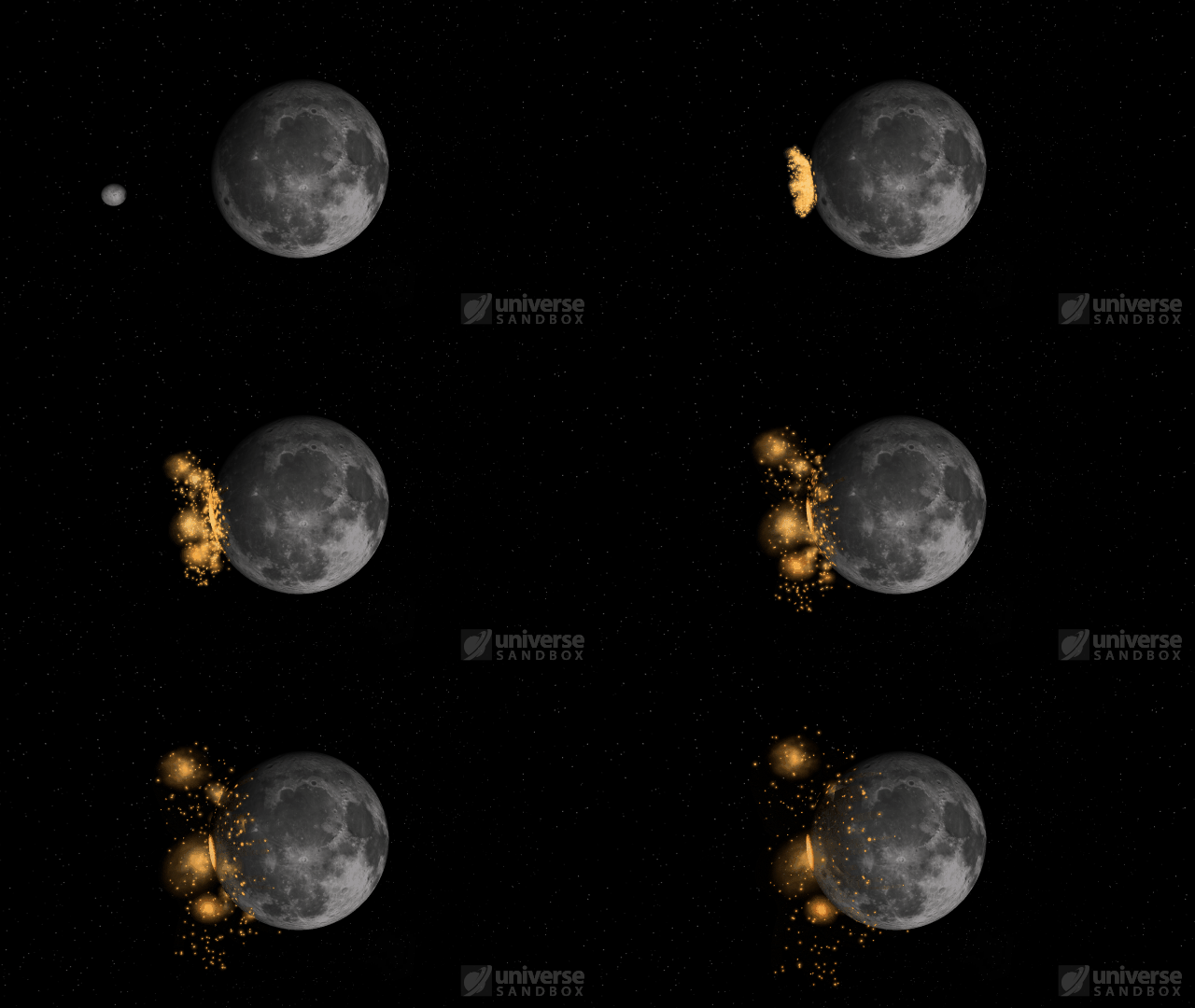
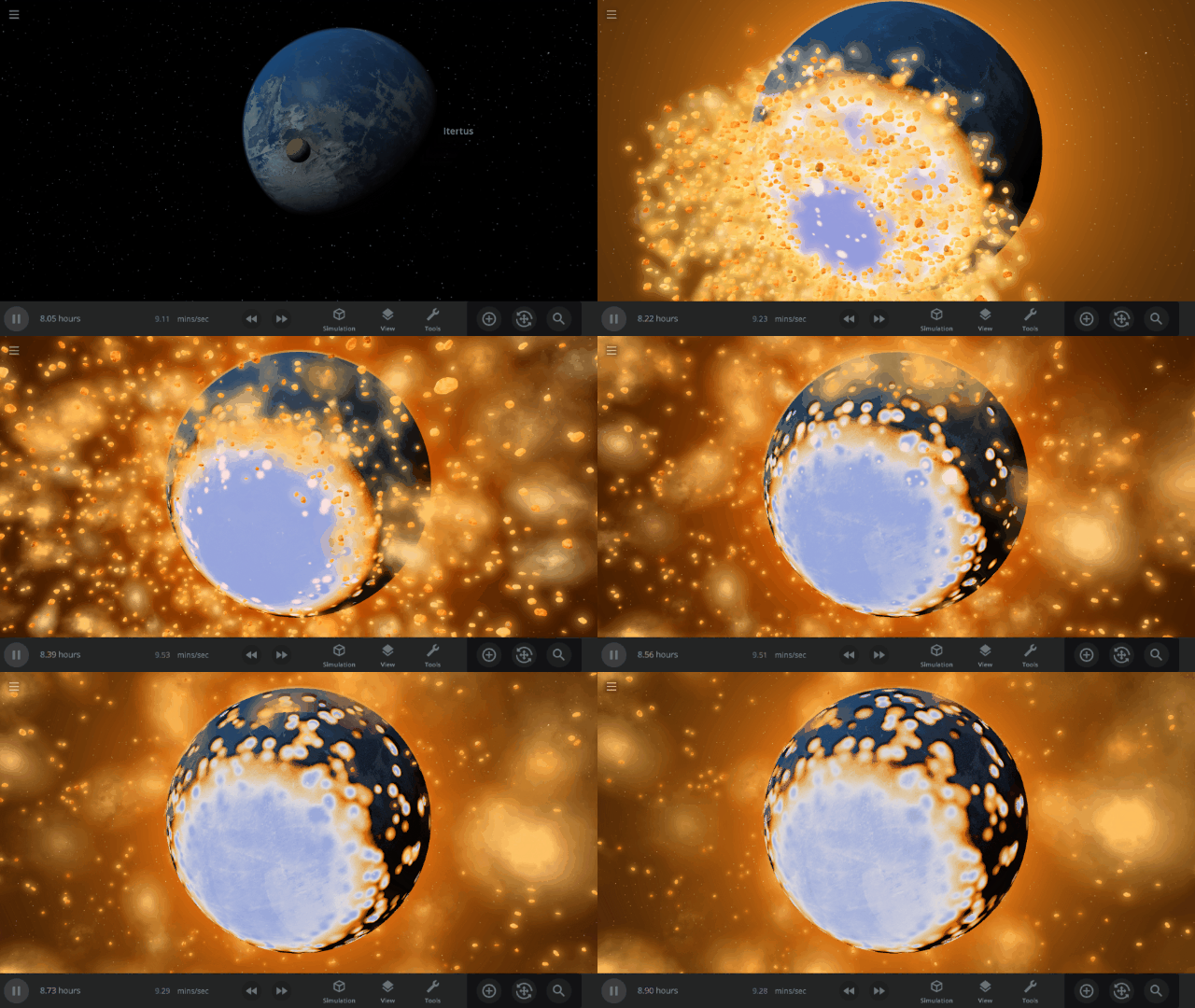
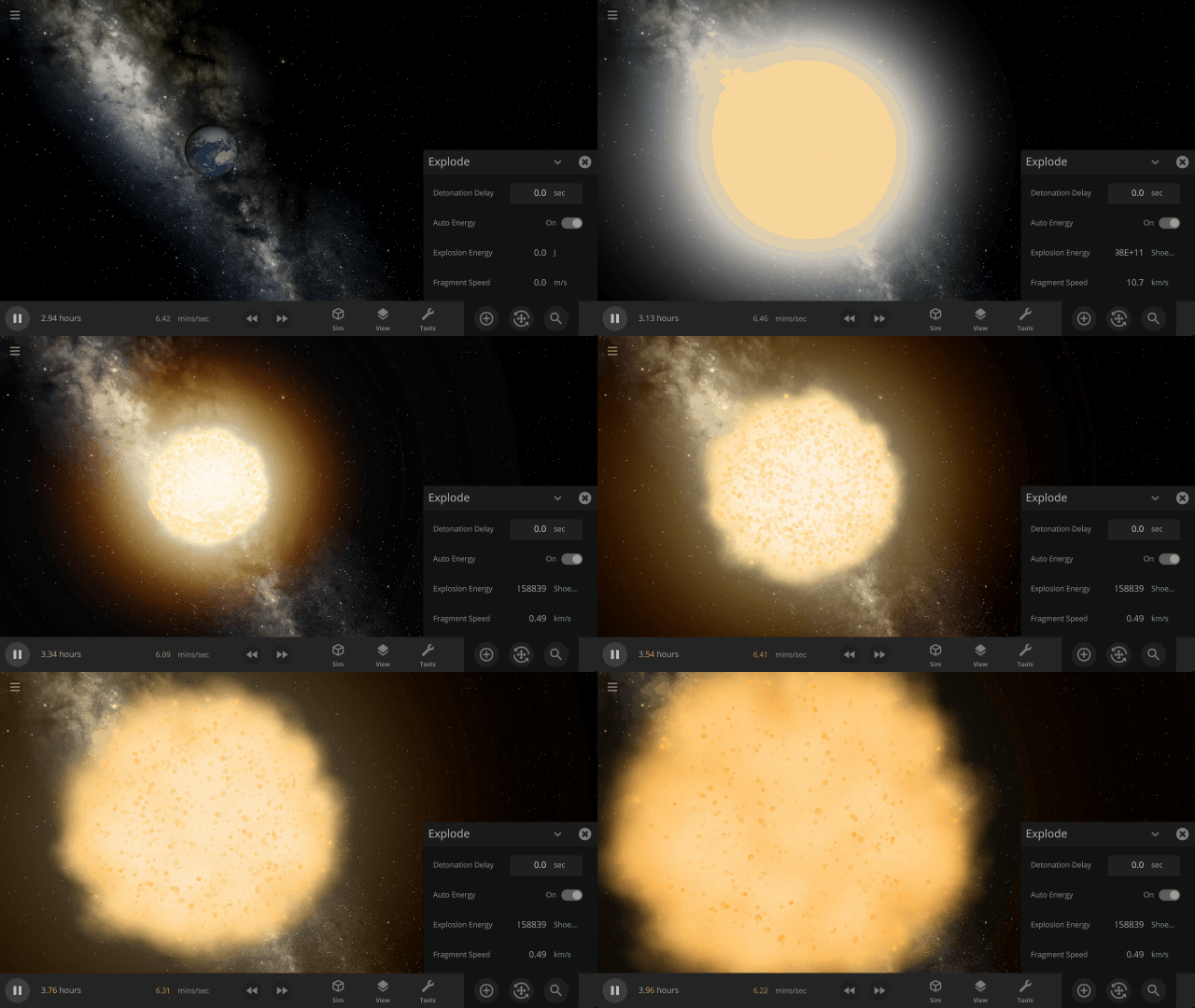
Fragment temperature and glow from collisions are now realistically based on the collision energy. Low energy collisions, like the one shown here, don’t generate enough energy to make the particles glow.
Camera transitions after the target collides are smoother
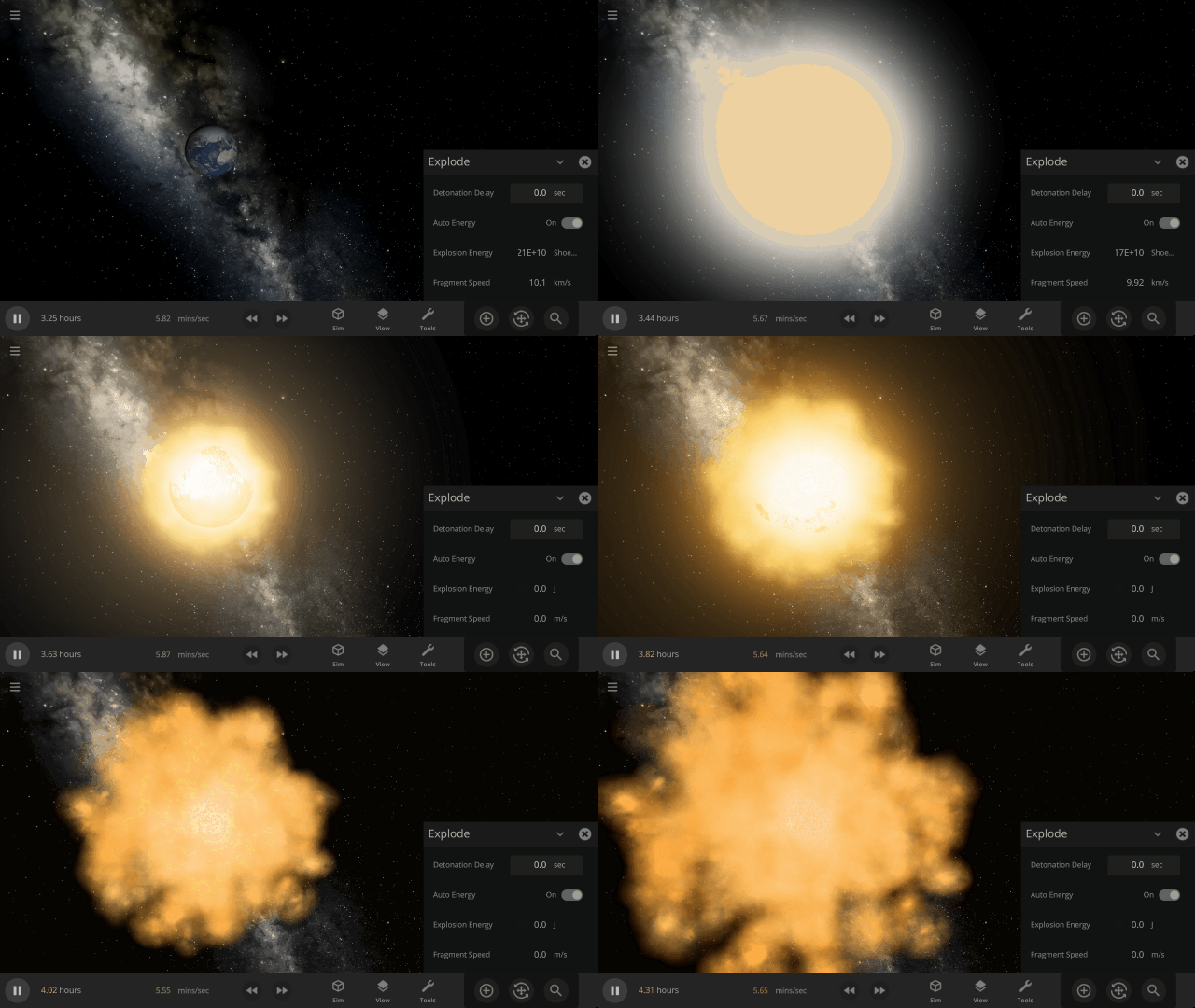
Explosions now create rock fragments and dust clouds
Under-the-hood improvements to make referencing known objects more reliable
This update includes 1+ additions and 20+ fixes and improvements.
Check out the full list of What’s New in Update 31.3
Please report any issues on our Steam forum, on Discord, or in-game via Home > Send Feedback.

Upgrading Our Engine | Update 31.2
Aug 18th
If Update 31.2 does not download automatically, follow these update instructions, or buy Universe Sandbox via our website.
Update 31.2
Unity Engine Upgrade
We’ve updated Unity, the game engine we use to create Universe Sandbox. While you won’t see immediate changes, this will allow us to utilize new features for future improvements to our physics simulation.
Instant Water Flow
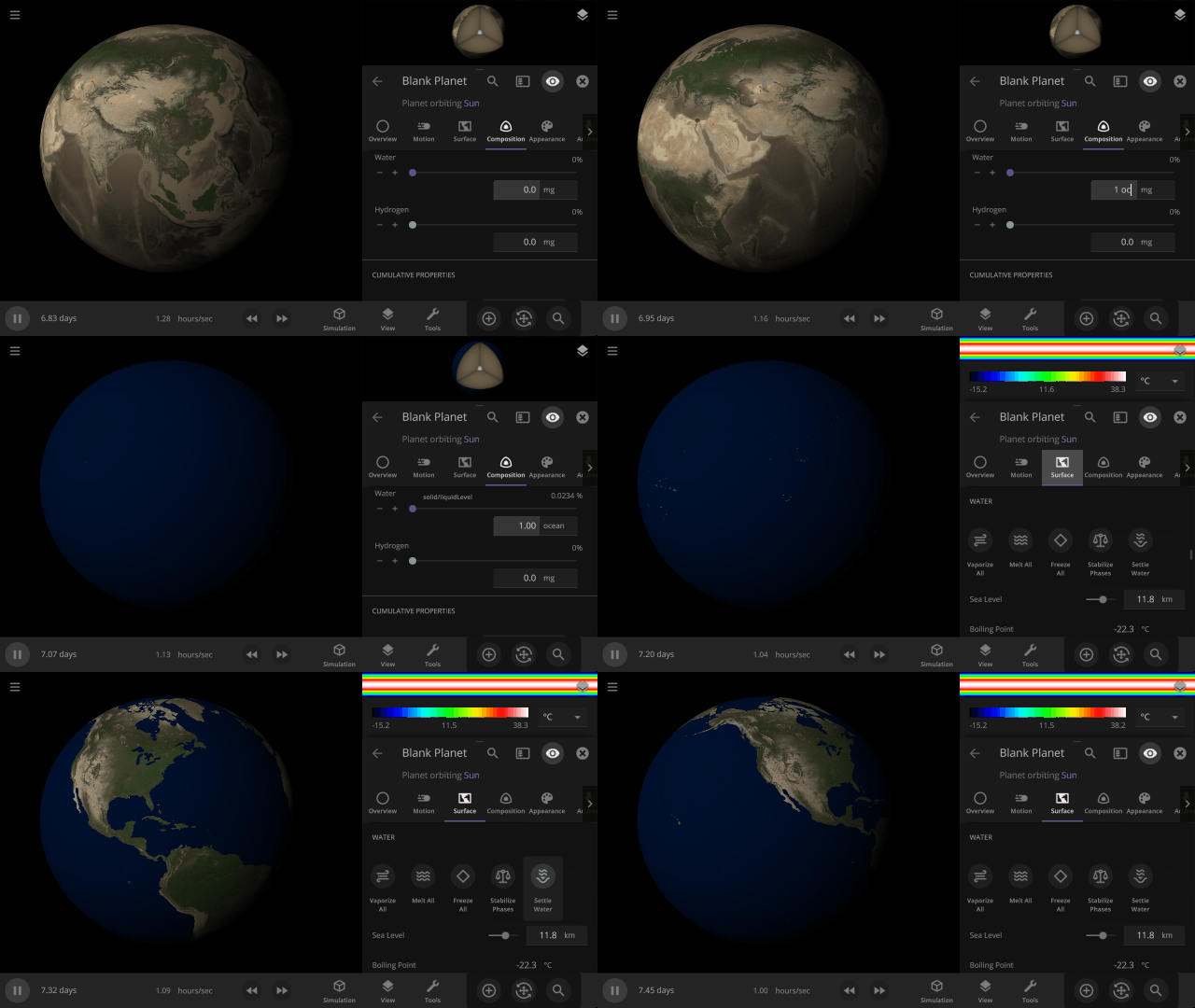
Use the Settle Water button to immediately stabilize the water level of a planet.
More Highlights
Control the lowest temperature of space with the Background Temperature. By default, this is 2.73 Kelvin to approximate the Cosmic Microwave Background. Adjust it under
Simulation > Advanced Simulation Settings > Temperature > Background Temperature
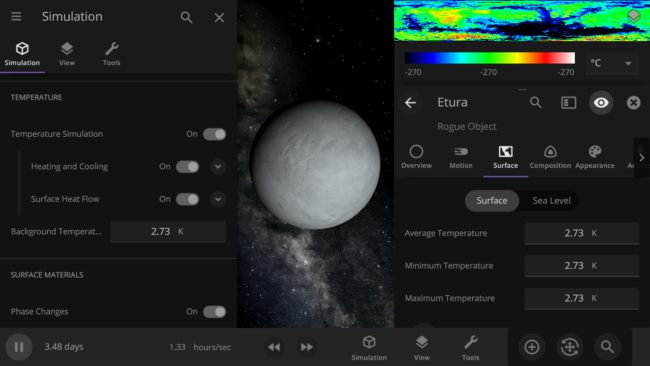
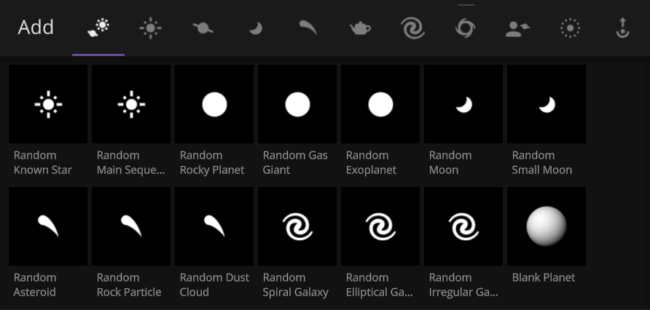
Random object icons in the Add tool have been updated

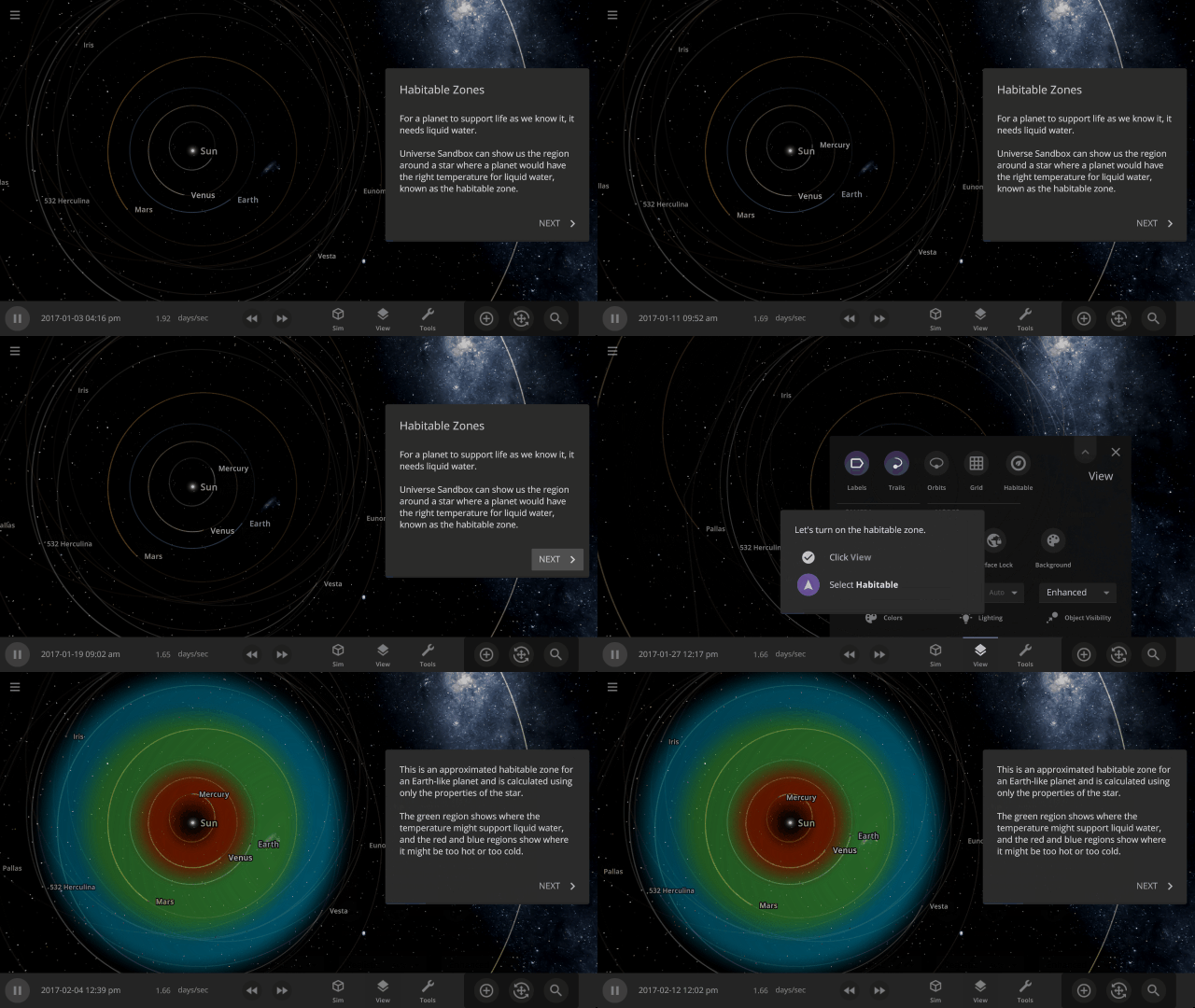
Learn about habitable zones and how Universe Sandbox models them in our guide
Guides > Science > Habitable Zones
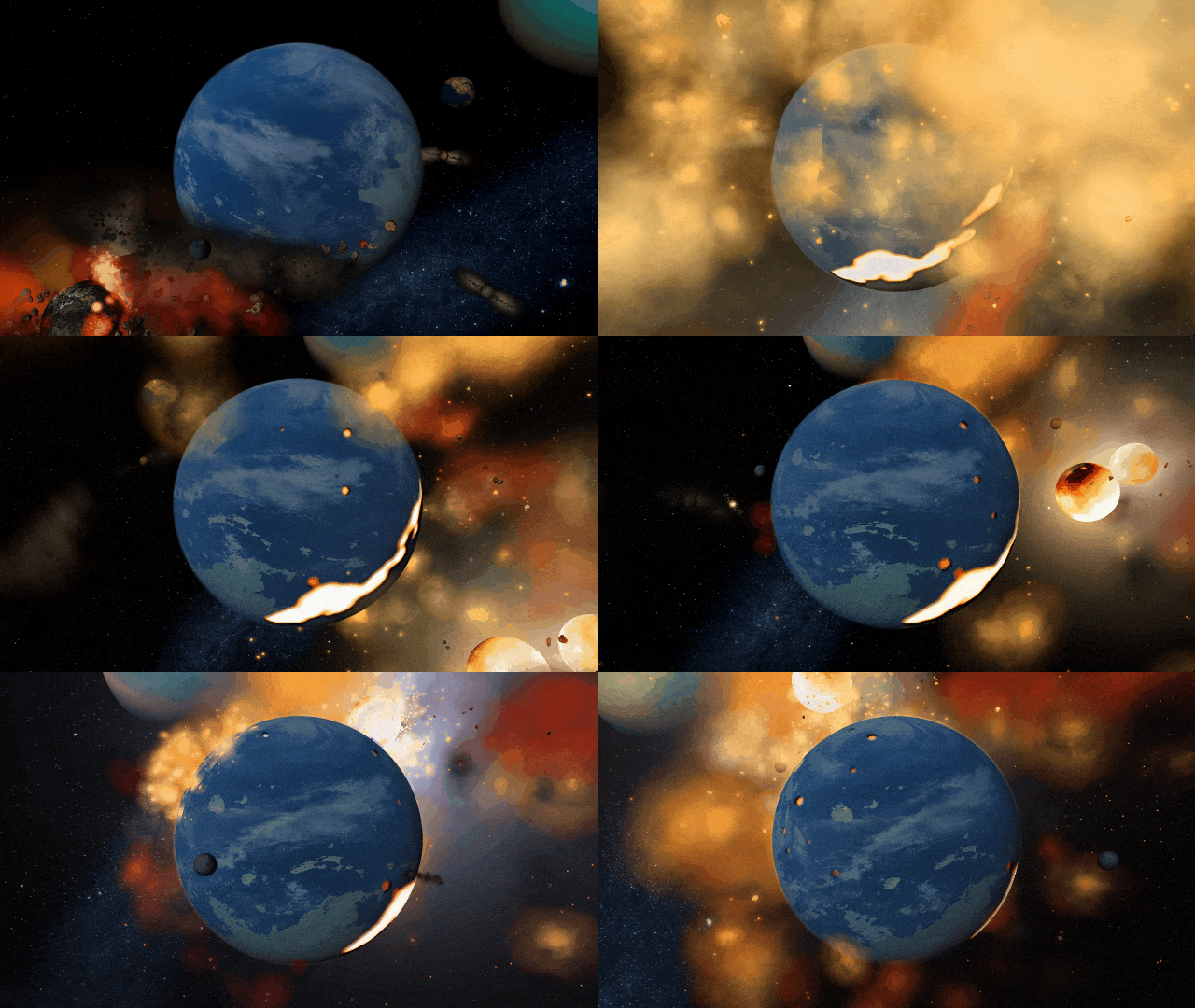
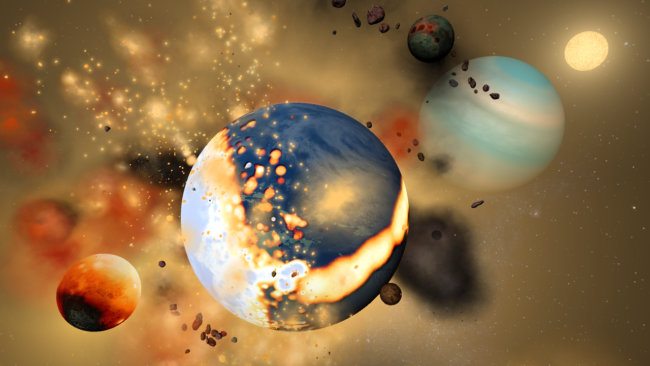
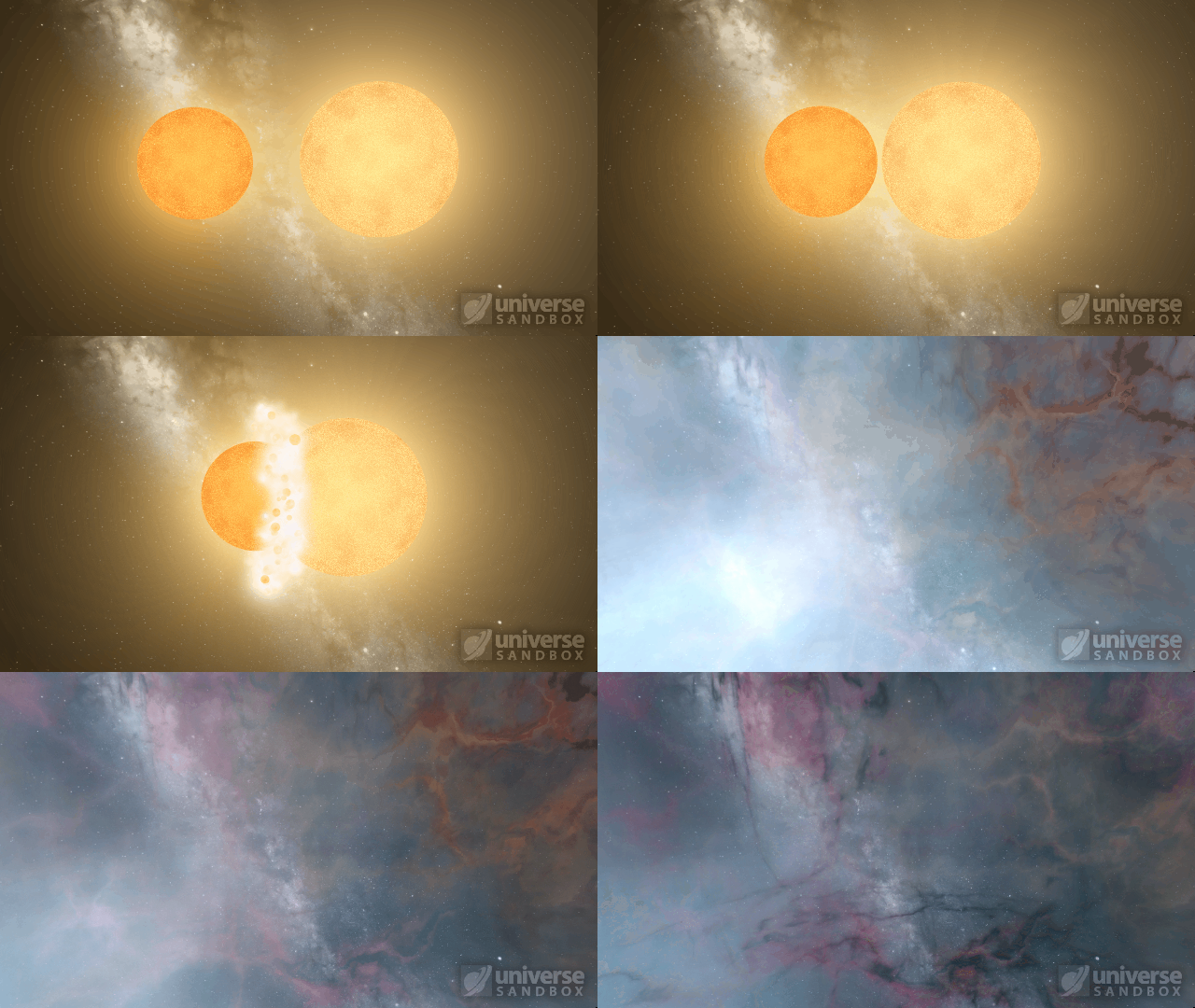
Stellar collisions now partially merge and transfer mass before going supernova
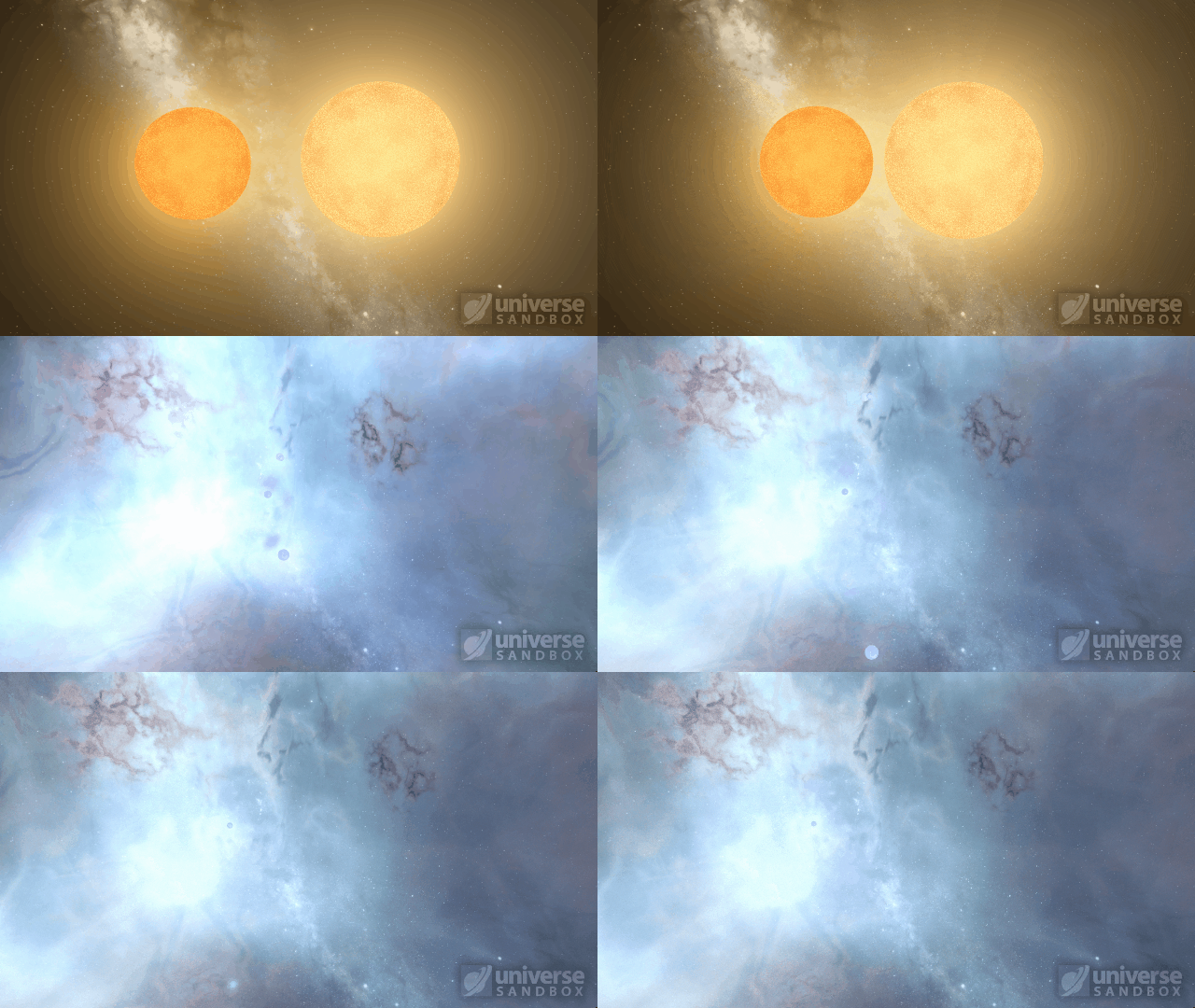
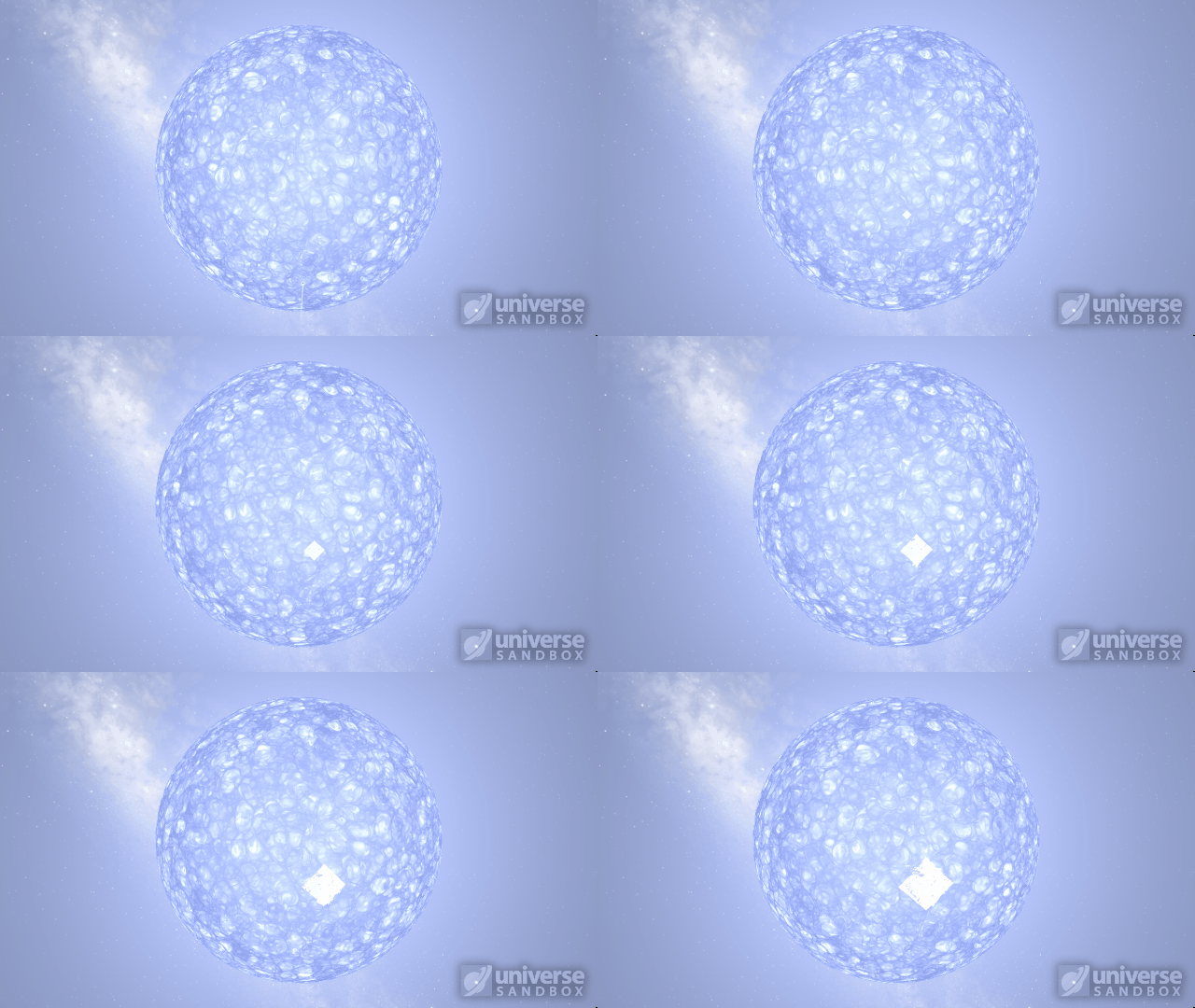
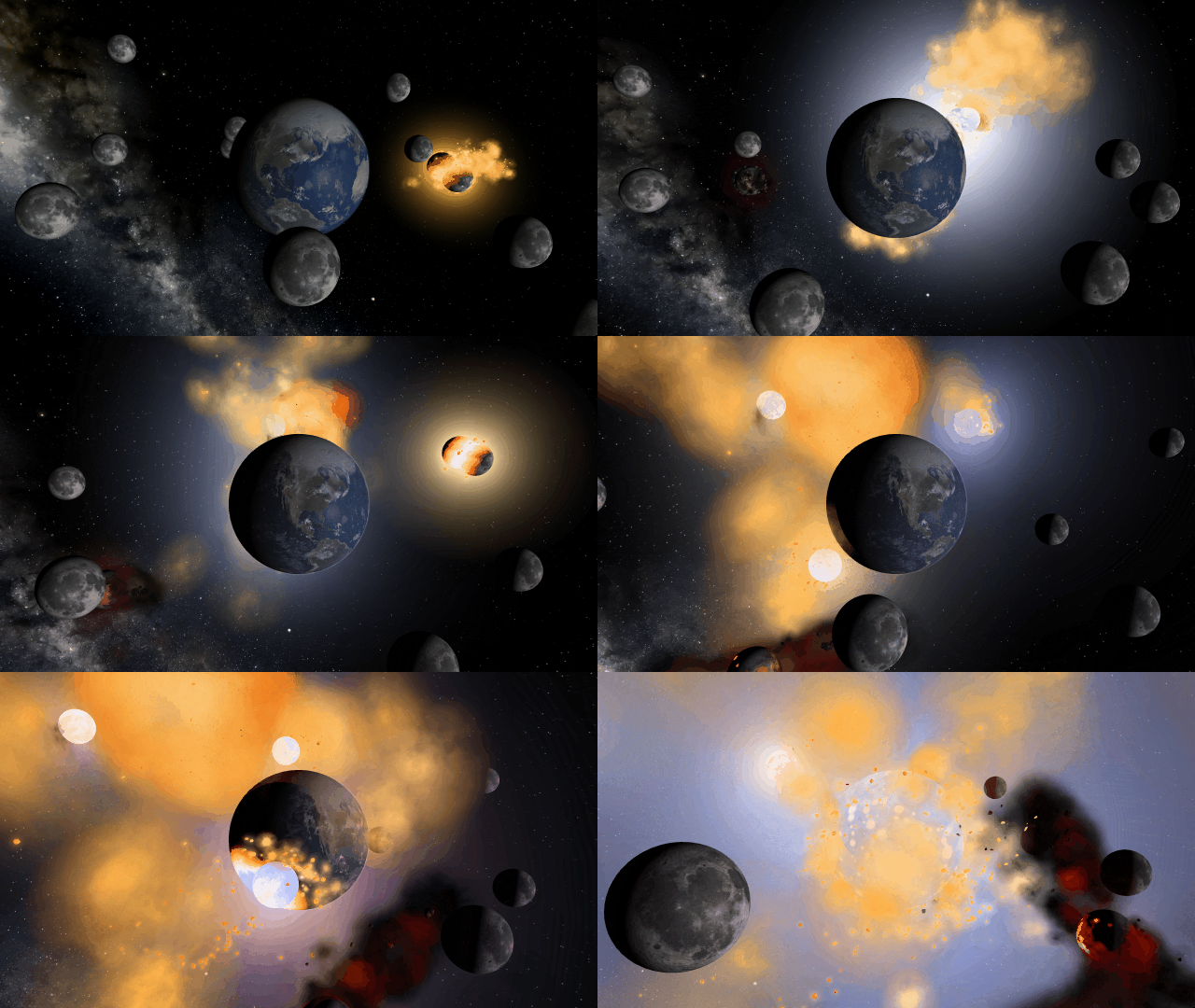
Collision shockwaves are now realistically circular
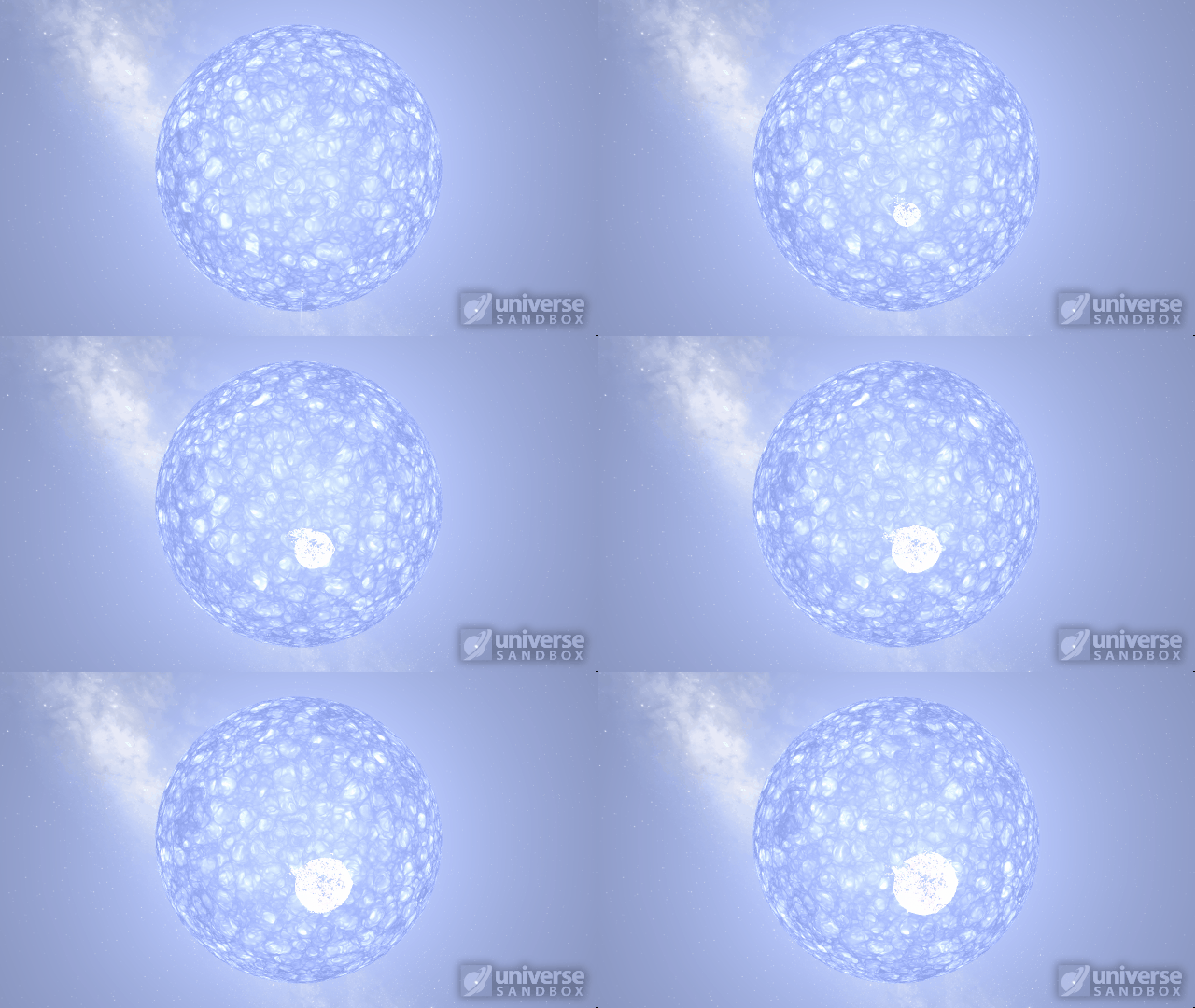
Particles now collide more consistently, and gas cloud momentum is now transferred to and from impacting objects


This update includes 3+ additions and 27+ fixes and improvements.
Check out the full list of What’s New in Update 31.2
Please report any issues on our Steam forum, on Discord, or in-game via Home > Send Feedback.

A Warmer Welcome | Update 31.1
Jun 23rd
If Update 31.1 does not download automatically, follow these update instructions, or buy Universe Sandbox via our website.
Update 31.1
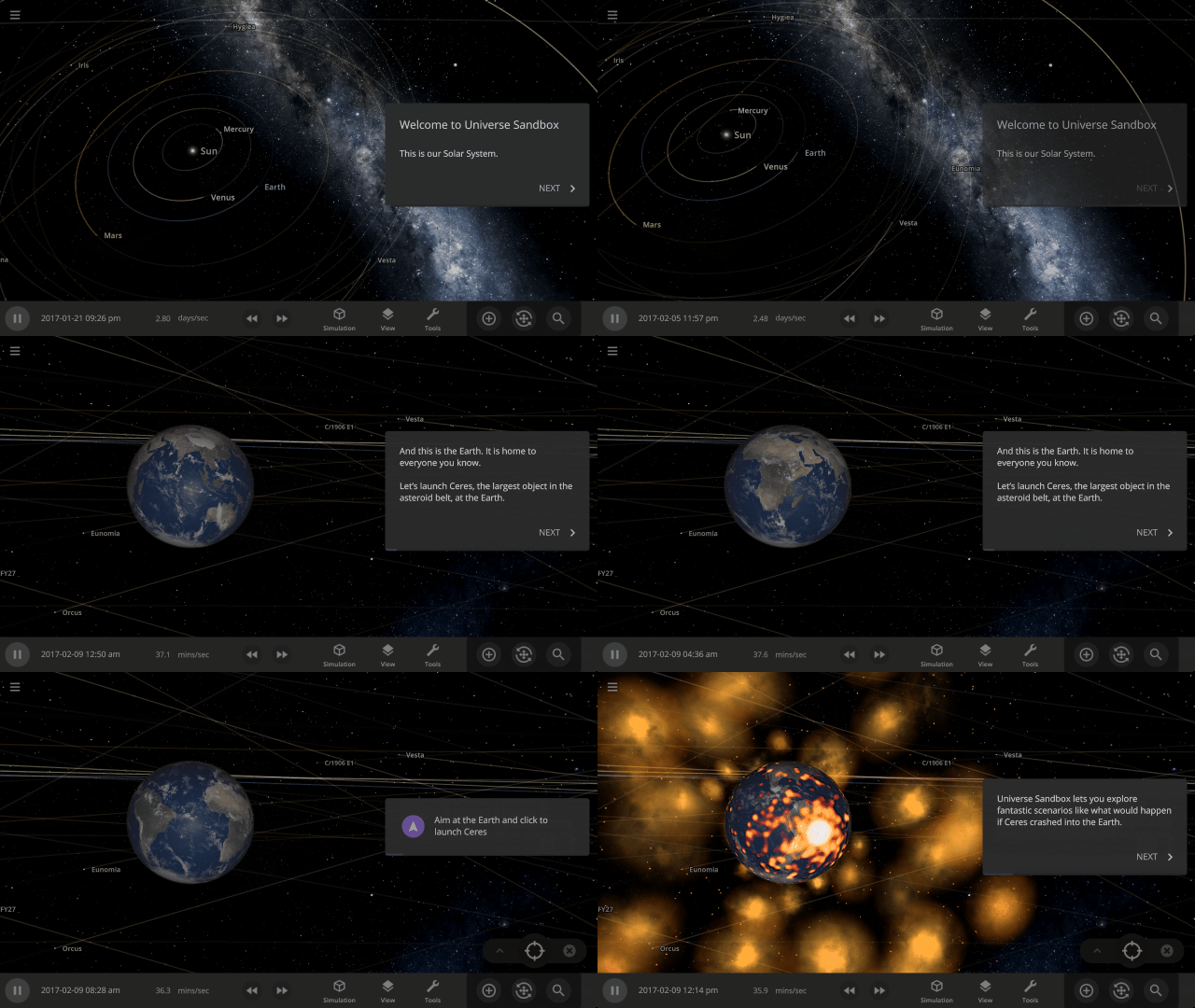
Welcome to Universe Sandbox
Discover your infinite power to create and destroy! Our all-new welcome guide now better highlights the awesome potential of Universe Sandbox. Check them out
Home > Guides > Welcome to Universe Sandbox
More Highlights
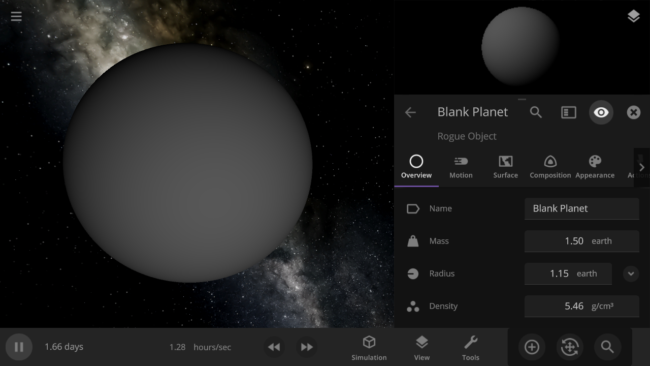
- Blank planets now have the densities of rocky planets instead of gas giants
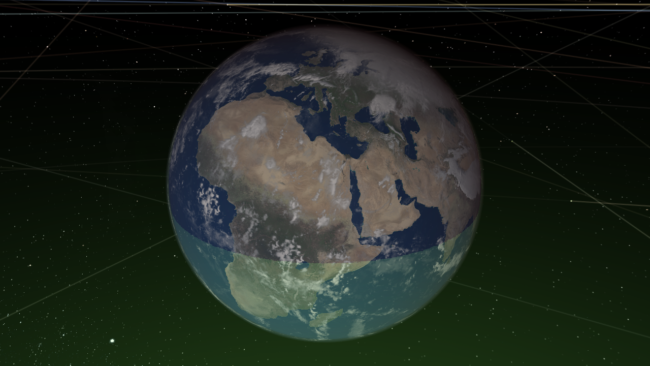
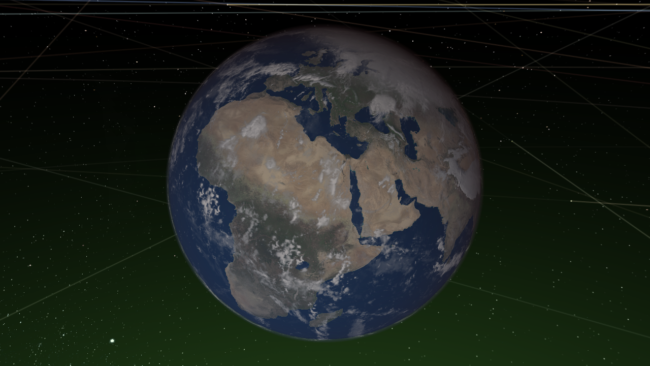
- The habitable zone no longer intersects planets, giving you a clearer view of the surface
This update includes 1+ additions and 18+ fixes and improvements.
Check out the full list of What’s New in Update 31.1
Please report any issues on our Steam forum, on Discord, or in-game via Home > Send Feedback.

Constellations | Update 31
Jun 9th
If Update 31 does not download automatically, follow these update instructions, or buy Universe Sandbox via our website.
Update 31
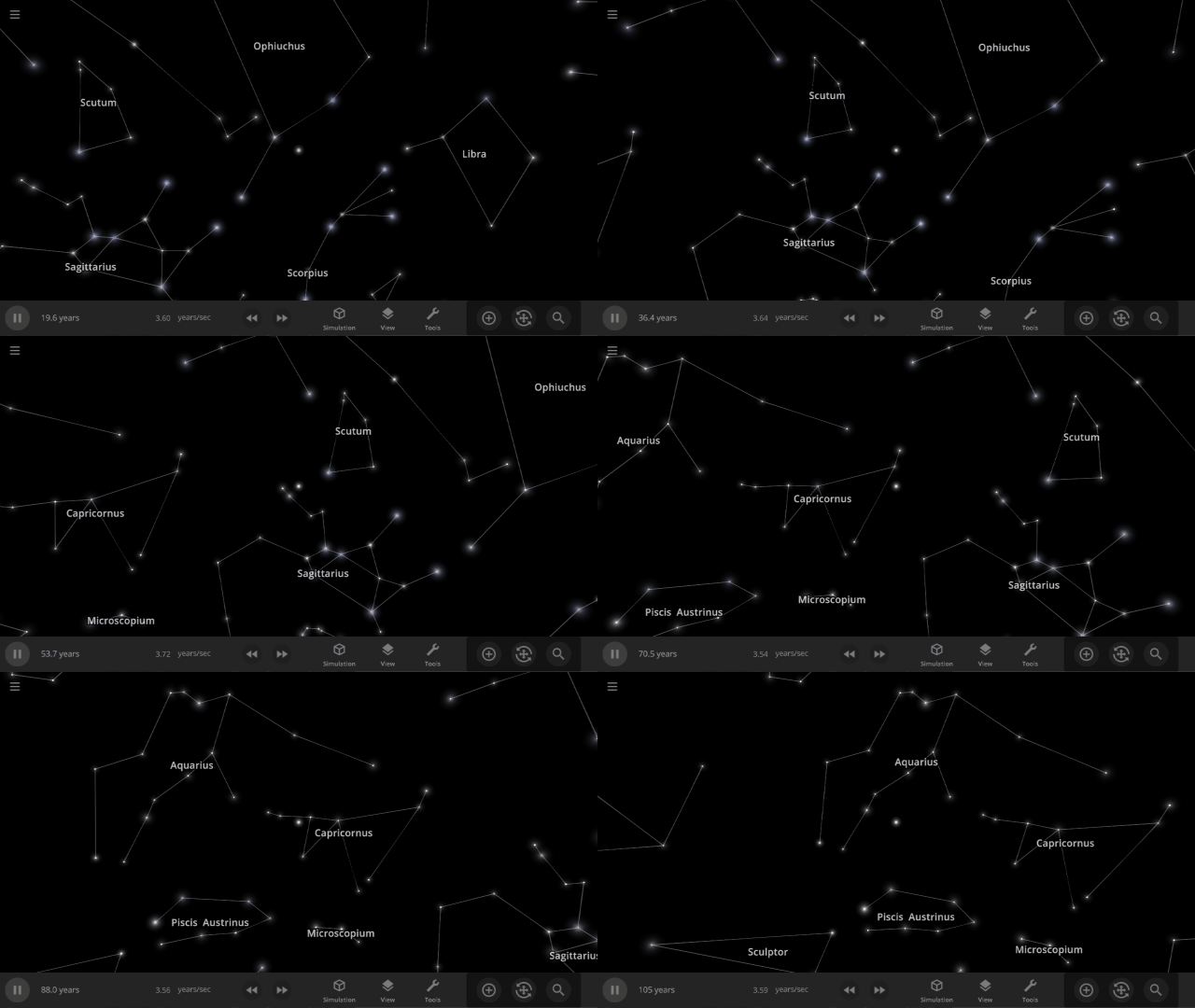
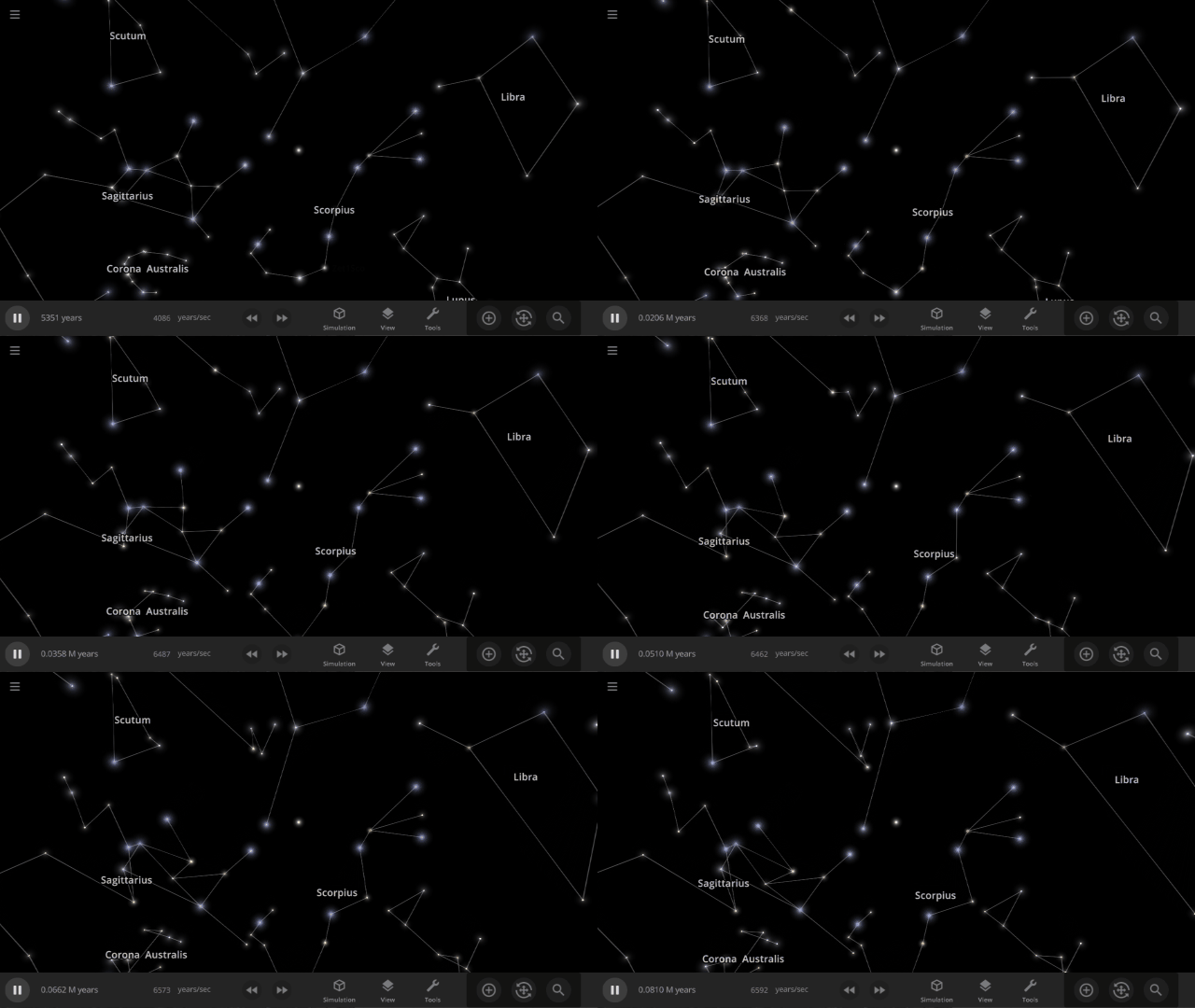
Explore constellations from different cultures and watch as they change over thousands of years as stars move across the sky. Stars also look more realistic and planet and star glows depend on the same physical properties.
Constellations
We’ve added constellations! There are currently constellation sets for 10 cultures. Find them under: Home > Open > Constellations
Learn more about constellations in our new guides: Home > Guides > Constellations
Realistic Stellar Edges
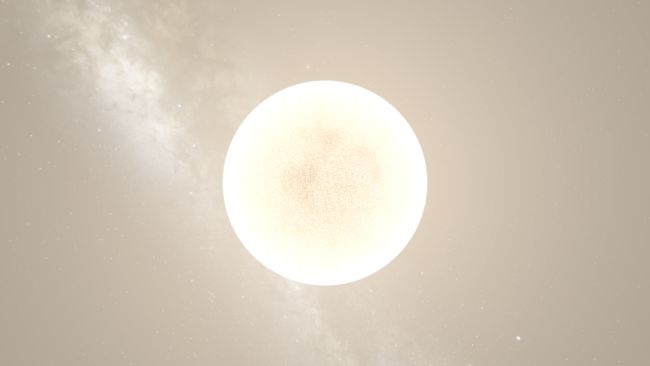
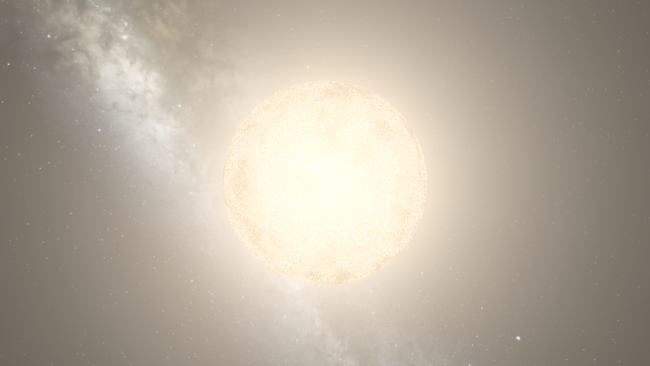
Stars now show limb darkening, an observed phenomenon where the edges appear dimmer than the center.
Dynamic Object Glows
The size of an object’s glow now corresponds to how bright the object is, in addition to its temperature and how far away it is, with brighter objects getting larger glows.
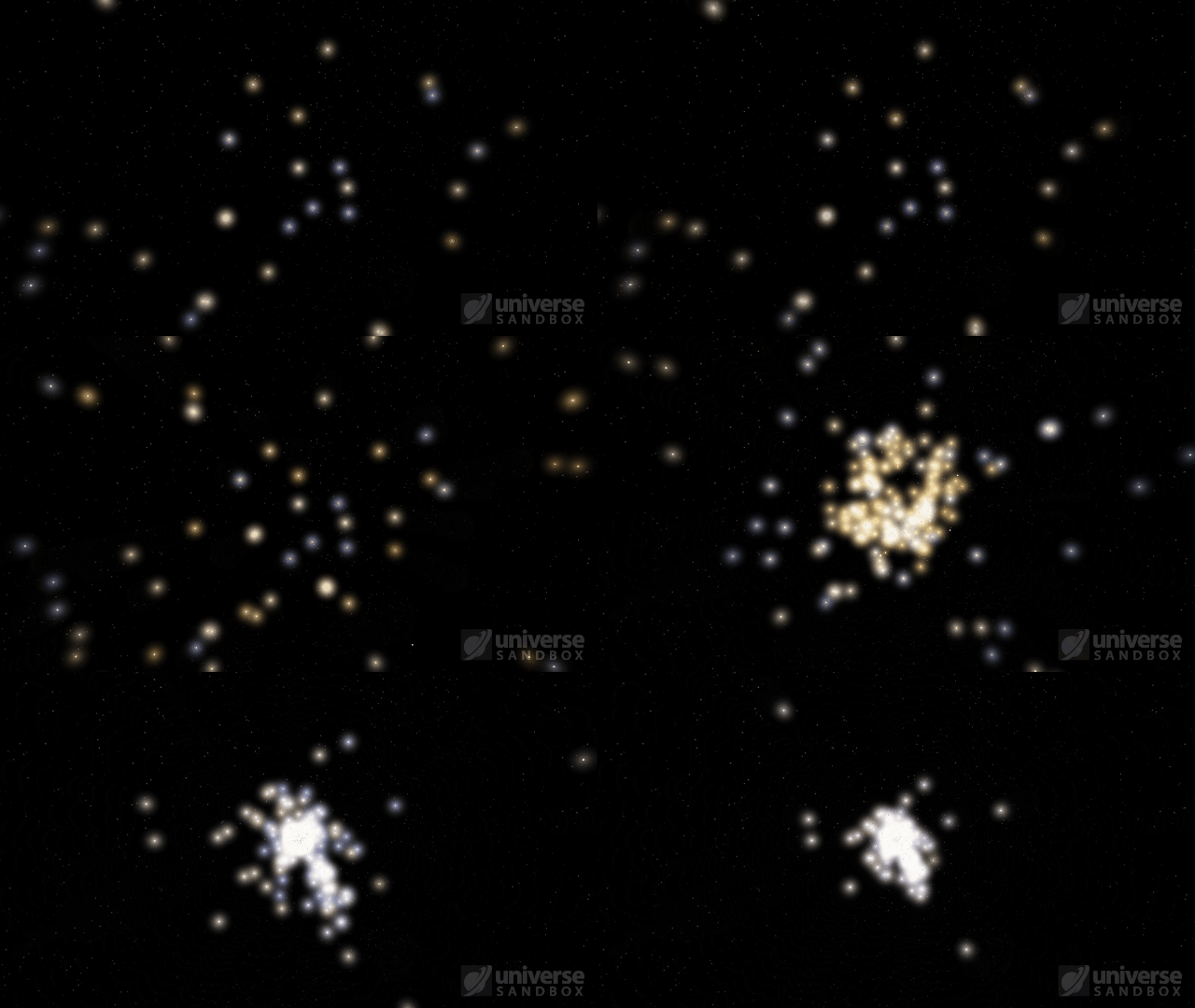
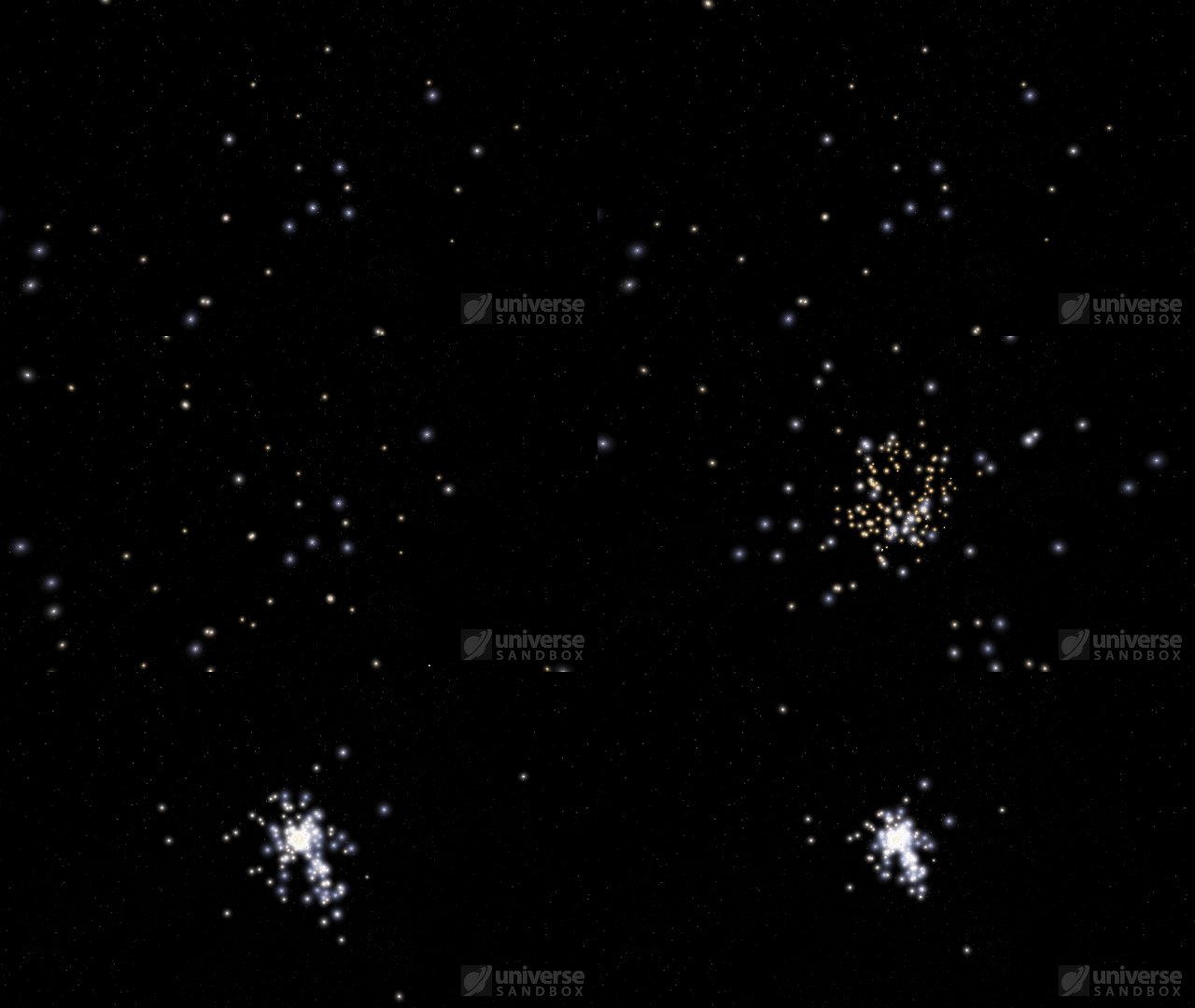
More Highlights
- Glows from stars and planets of the same radius and temperature are now the same size
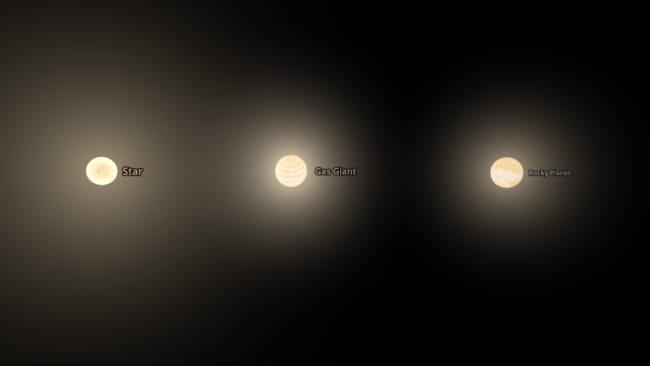
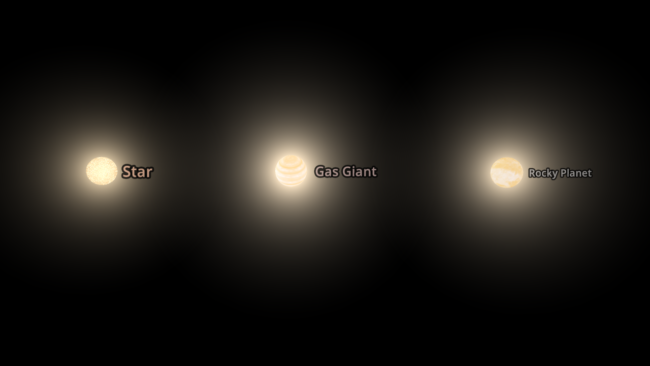
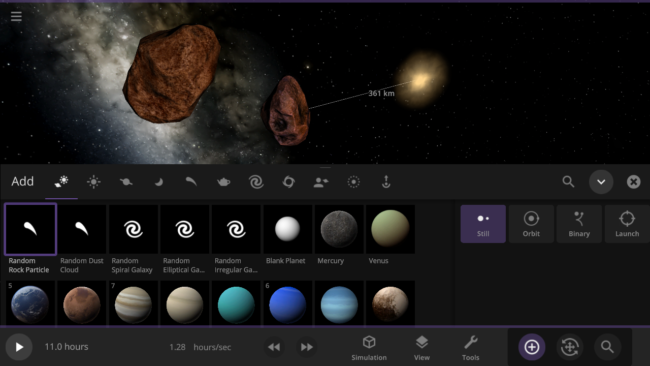
- Random Rock Particles and Dust Clouds can now be added directly from the Add panel
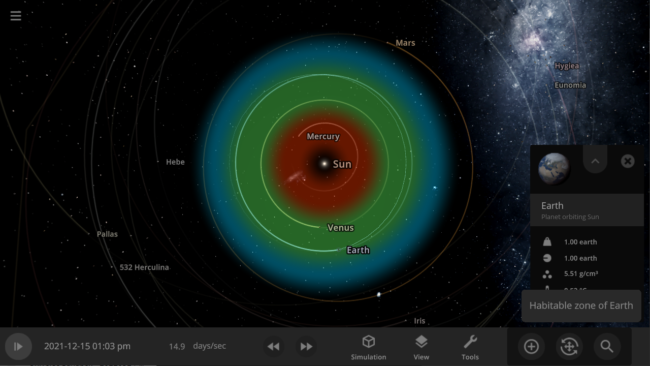
- The dynamic habitable zone now displays a notification indicating the object it is showing the habitable zone for
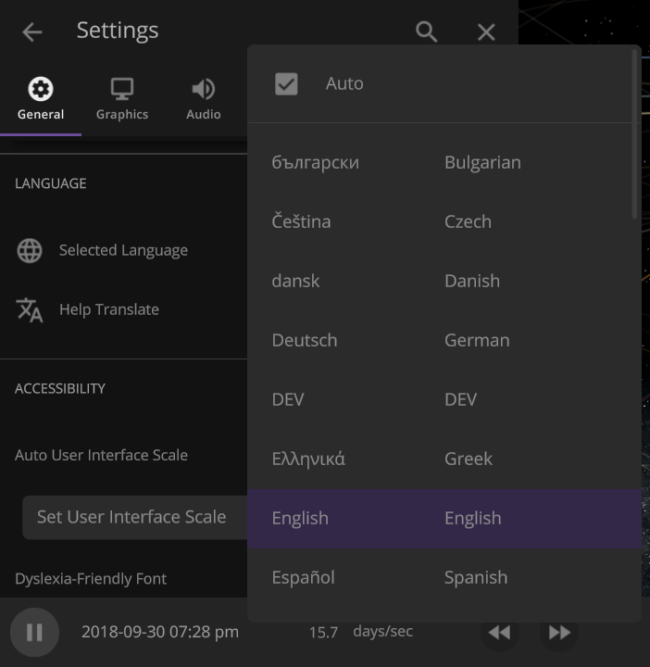
- Many user interface improvements: added two-column menus, fading scrollbars, and unit changes persisting in an object’s properties panel
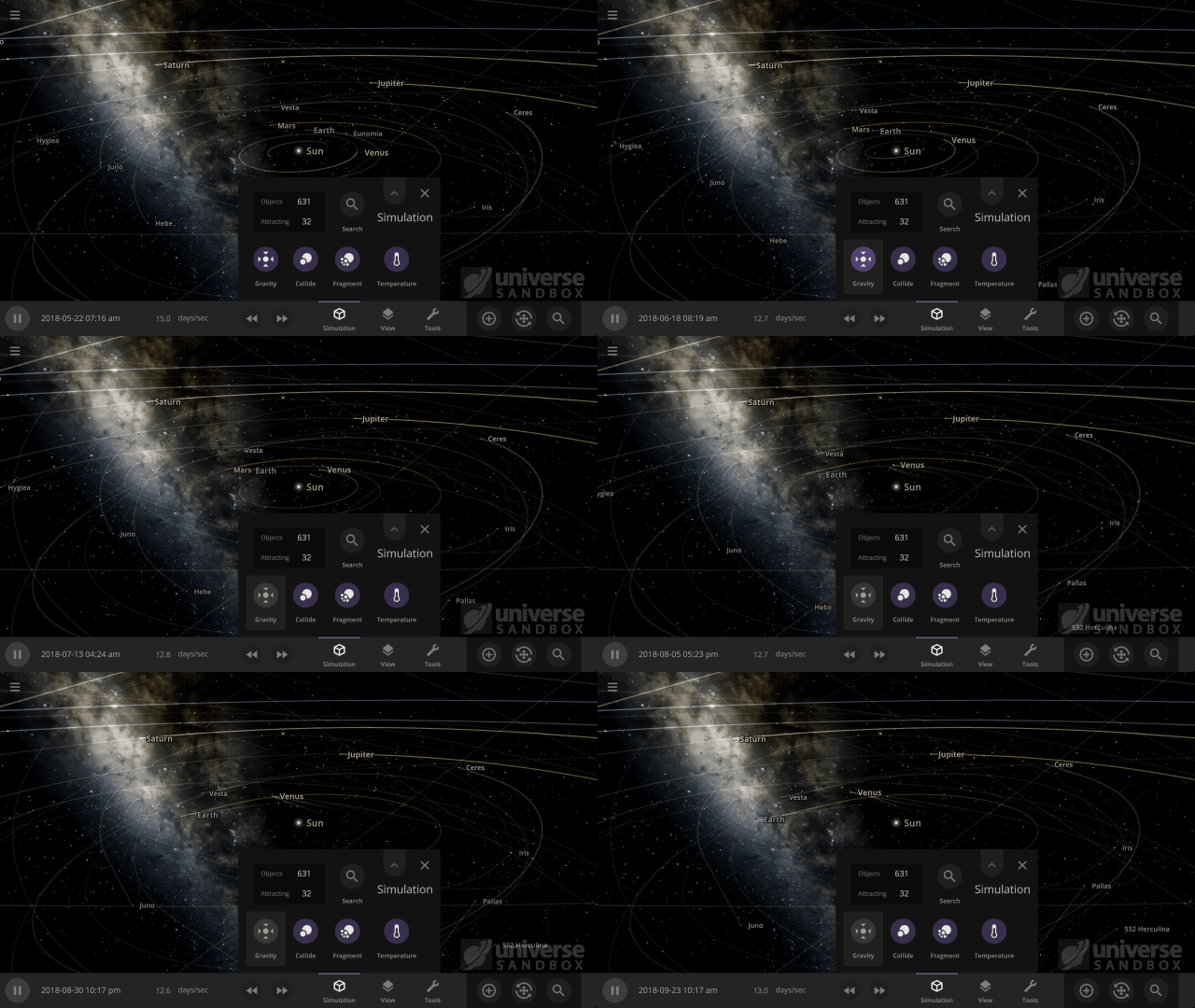
- The Gravity button now only turns the gravity between objects on or off. You can turn the gravity holding objects together on or off in the Advanced Simulation setting.
- The Guide panel has been reorganized. Check it out under: Home > Guides
This update includes 4+ additions and 25+ fixes and improvements.
Check out the full list of What’s New in Update 31
Please report any issues on our Steam forum, on Discord, or in-game via Home > Send Feedback.

Hit Hard, Spin Fast | Update 30
Apr 14th
Run Steam to download Update 30, or buy Universe Sandbox via our website or the Steam Store.
Update 30
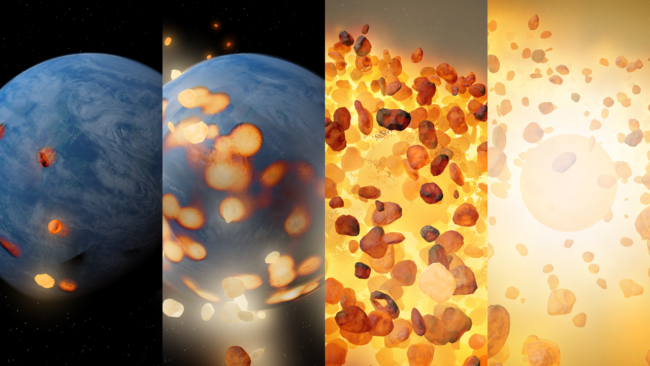
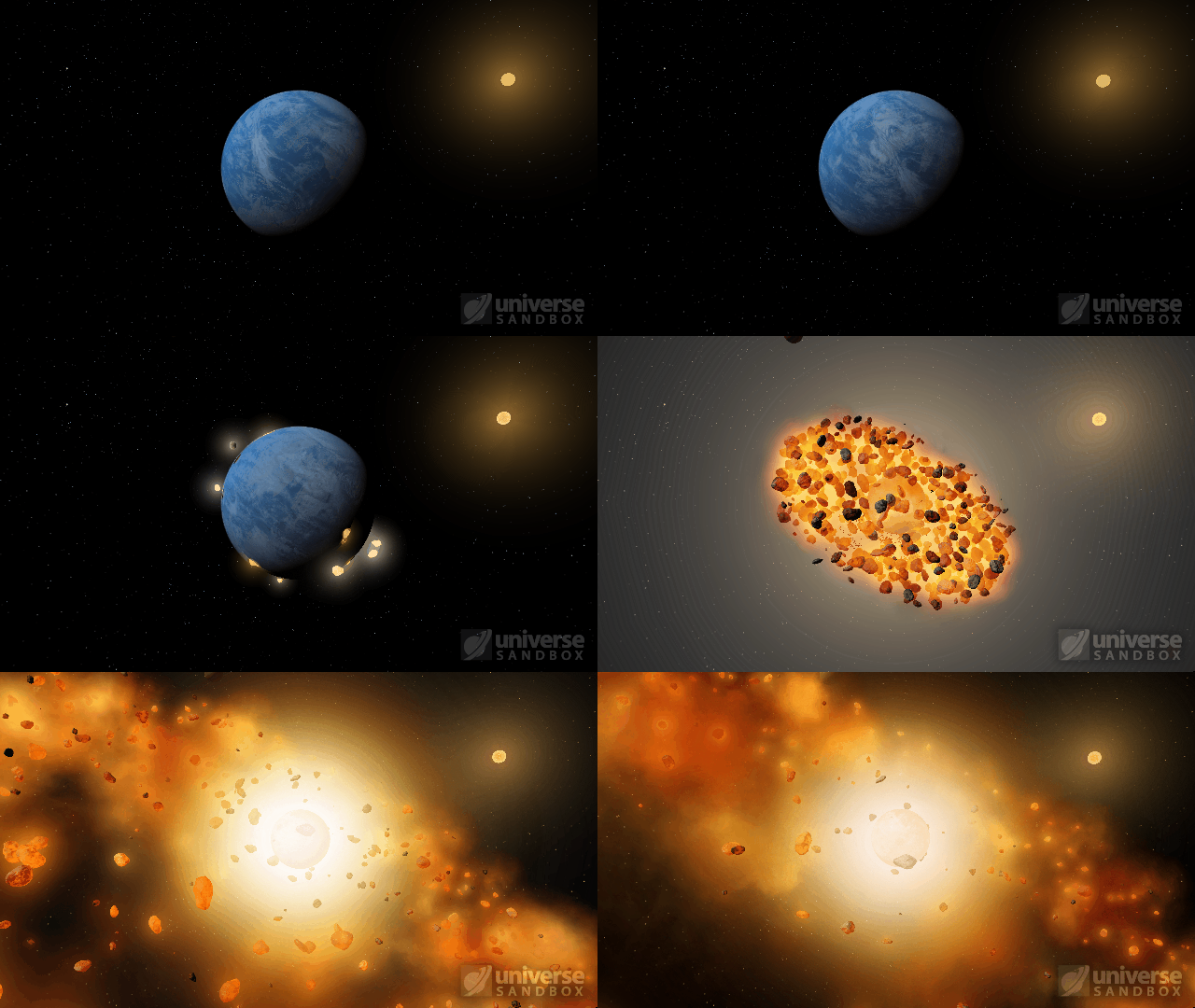
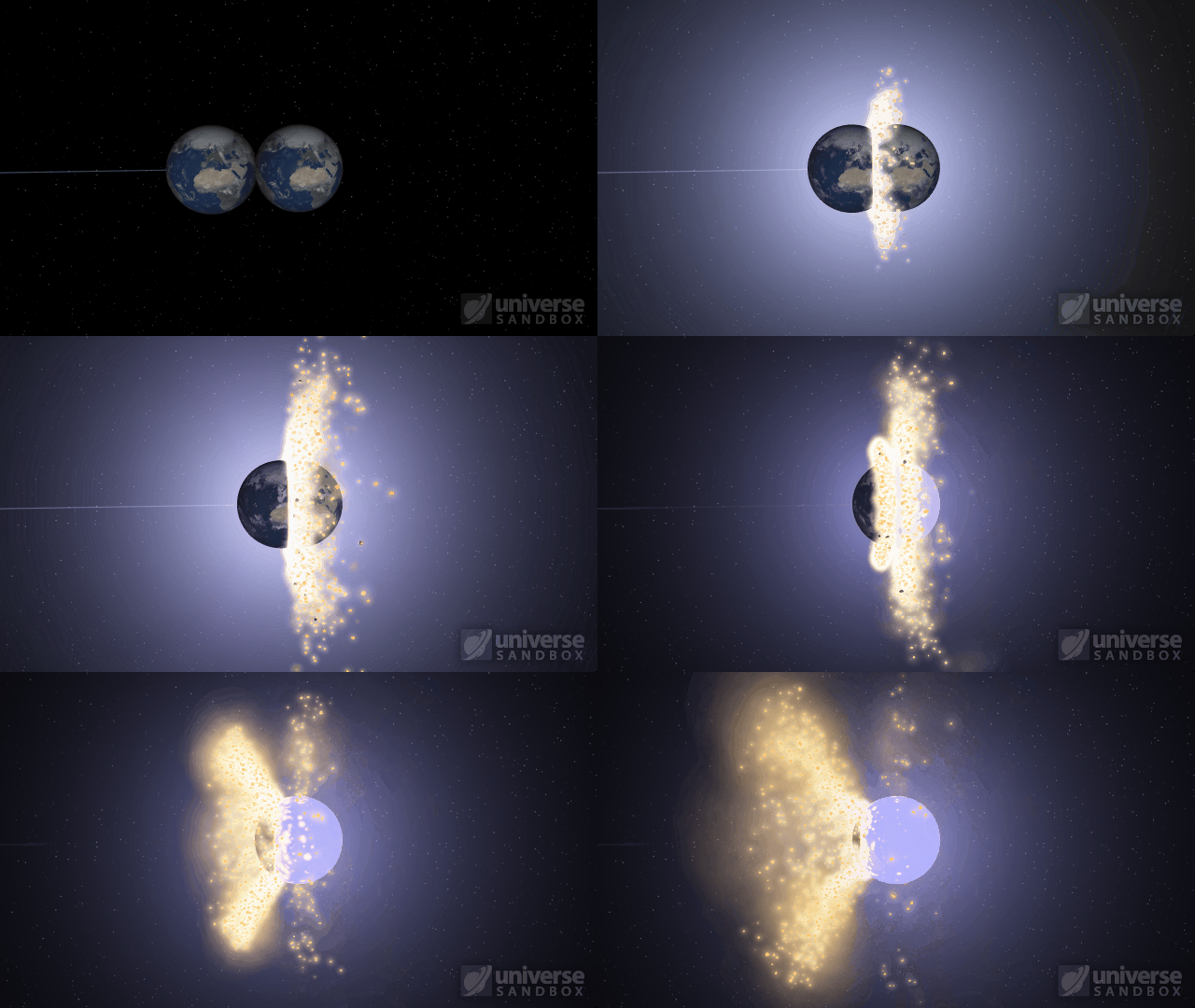
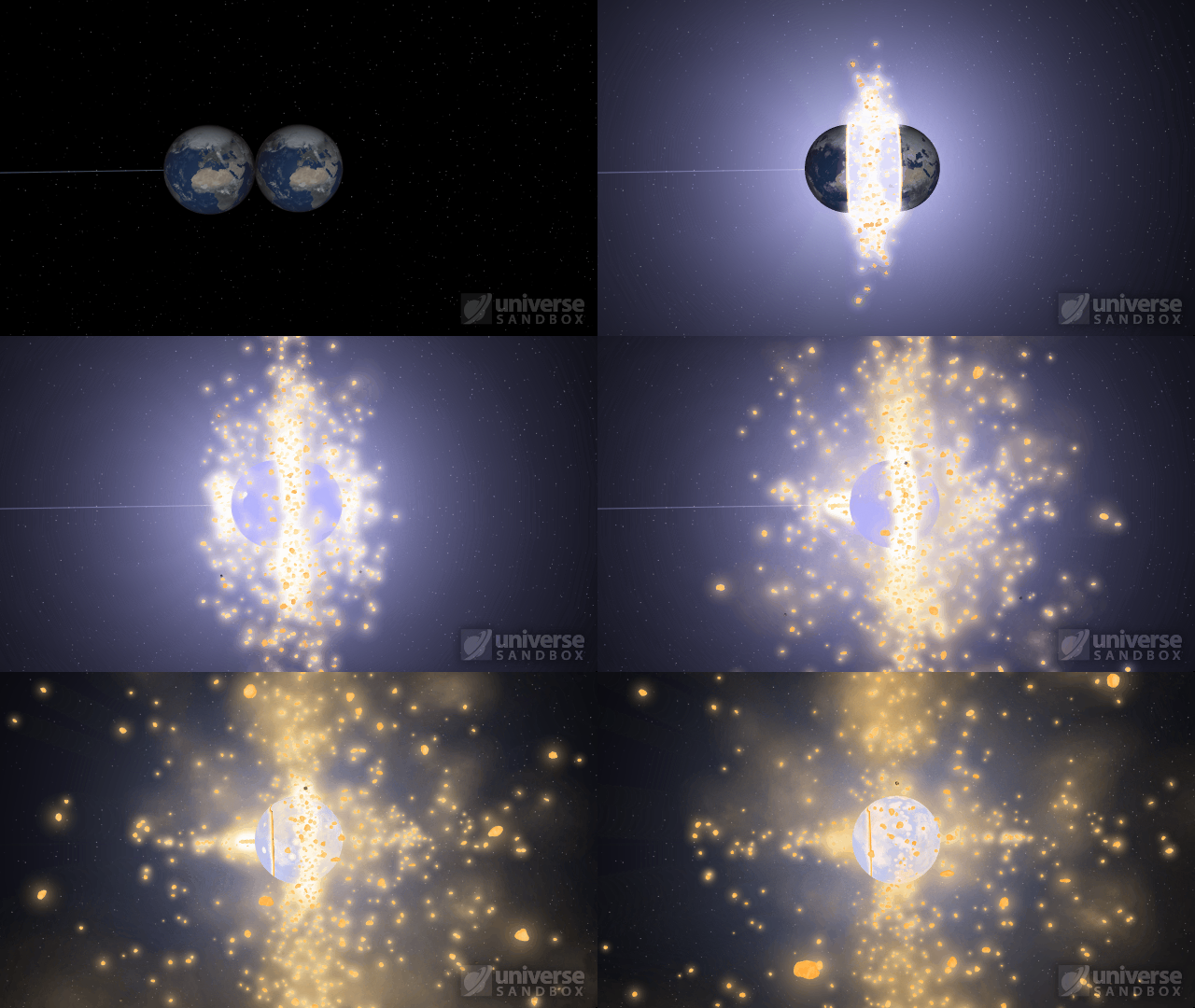
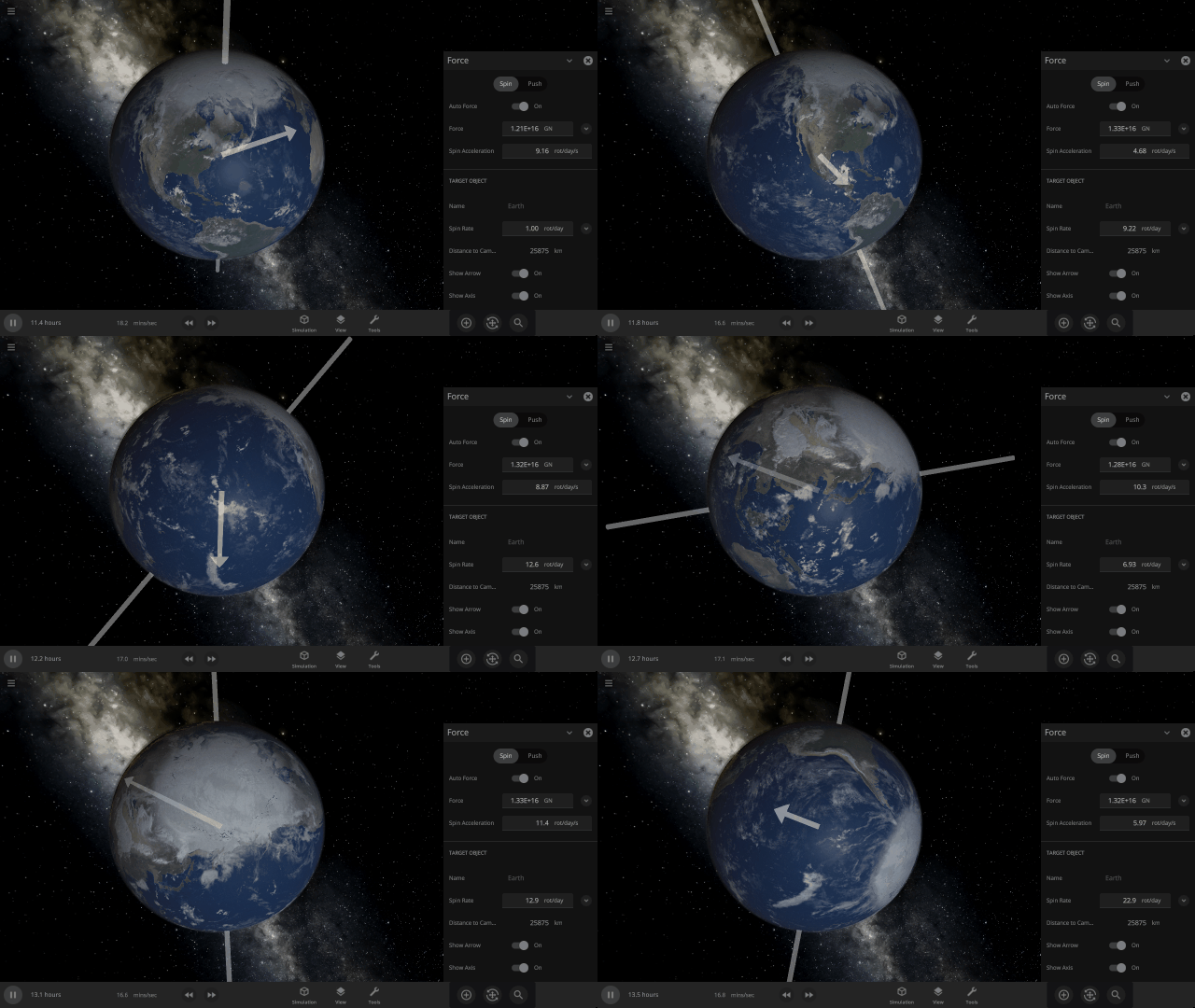
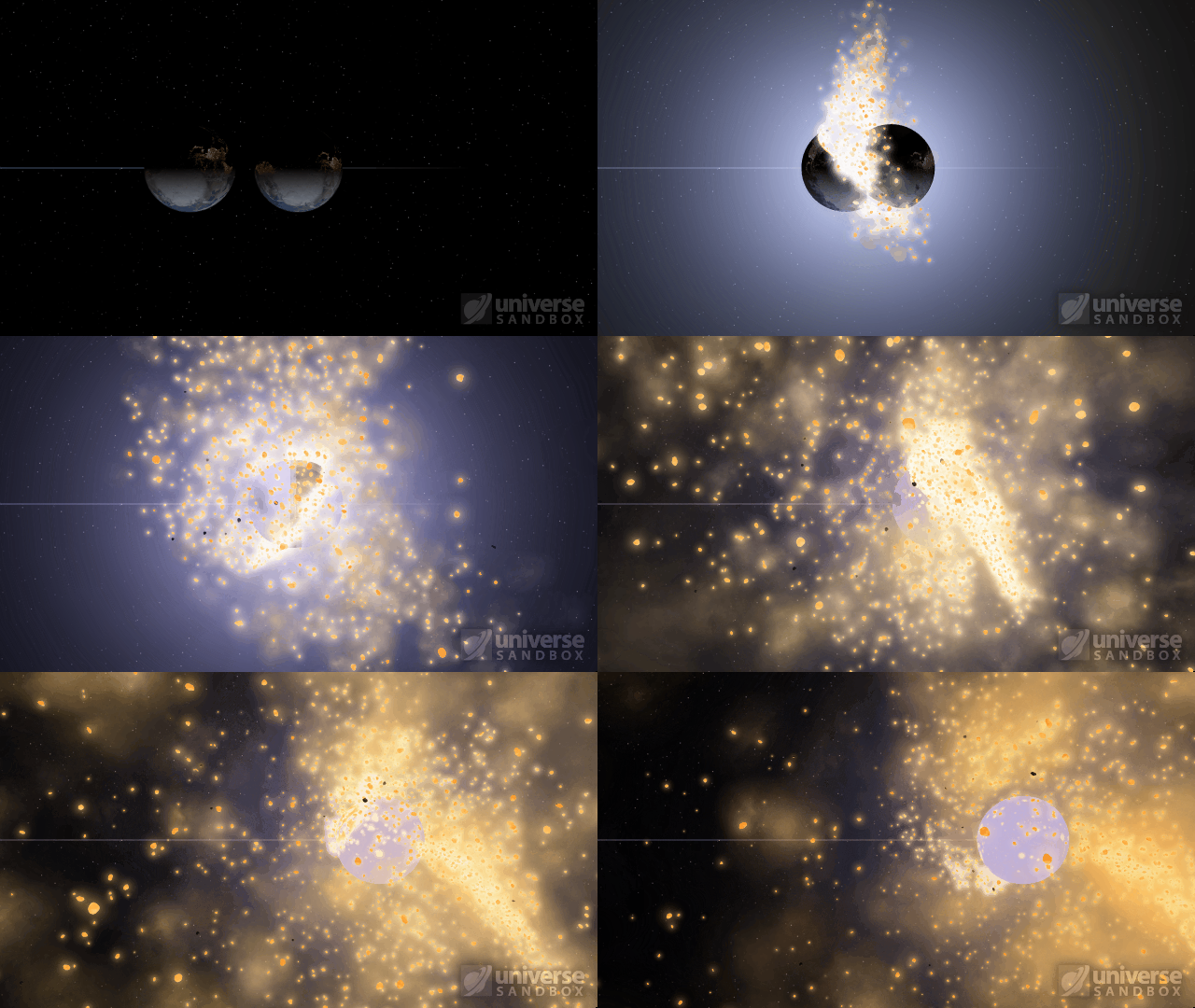
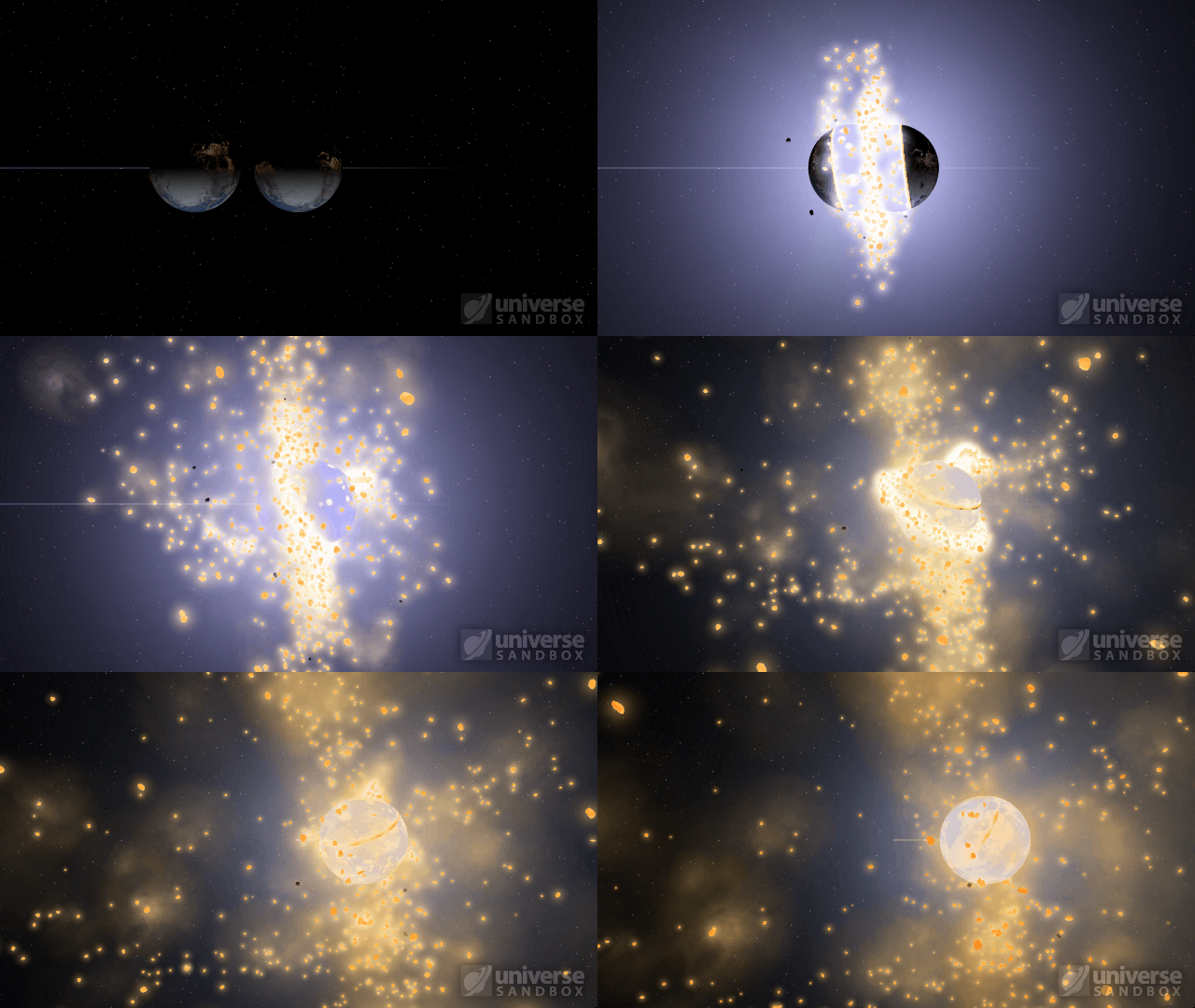
Spin apart planets with the Force Spin tool and discover the destructive potential of the newly simulated centrifugal force. We’ve also improved same-sized object collisions so you can launch the Earth at itself and watch the shockwaves heat and fragment both planets on impact.
Centrifugal Force
Planets will fragment at very high rotational speeds as the centrifugal force overwhelms the gravity holding them together. Learn more: Home > Guides > Centrifugal Destruction
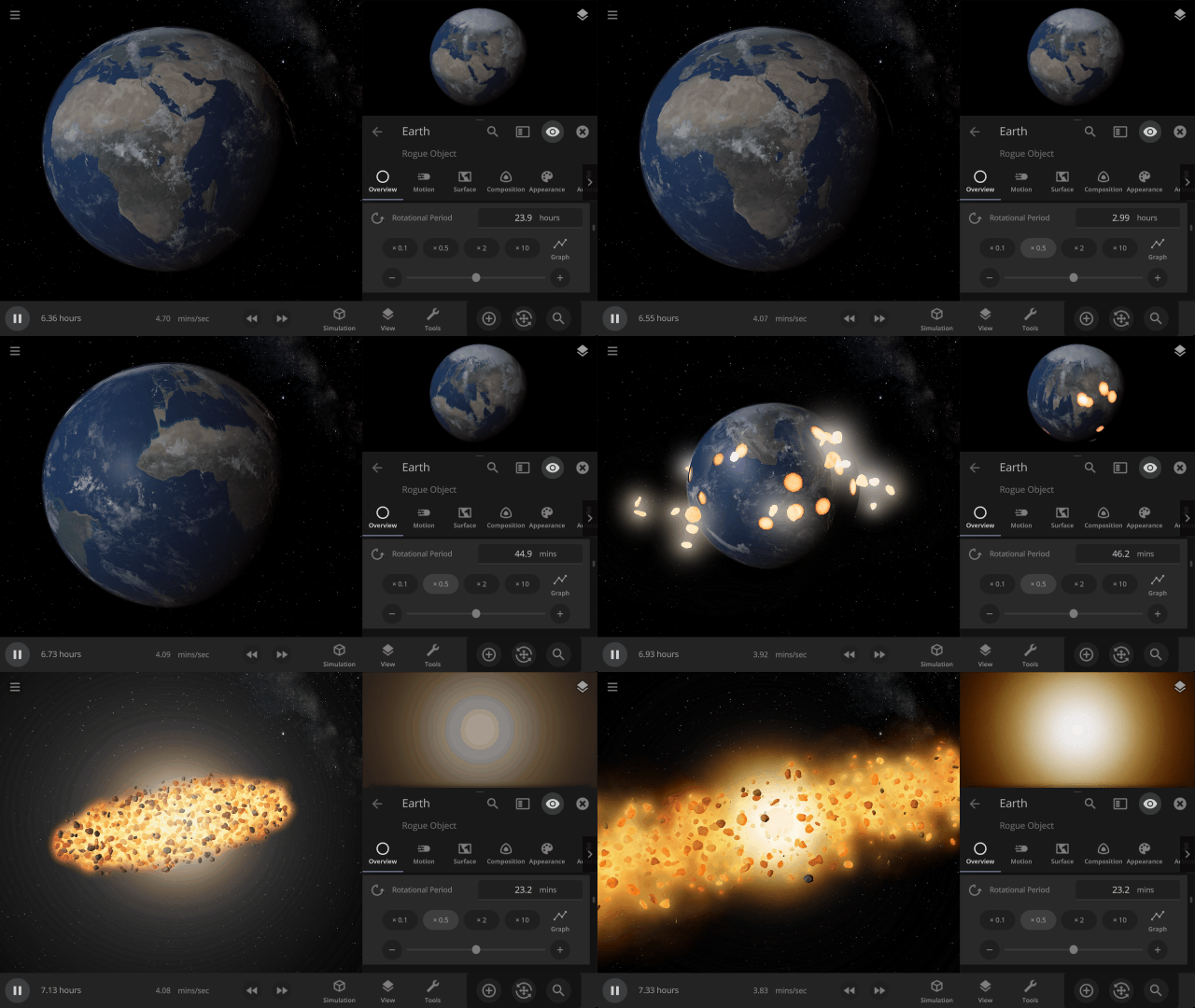
Same-Size Object Collision Improvements
Colliding two objects of similar size now causes heating and fragmentation on both objects. See the destruction yourself: Home > Open > Earth & Earth Collision
Move Oceans
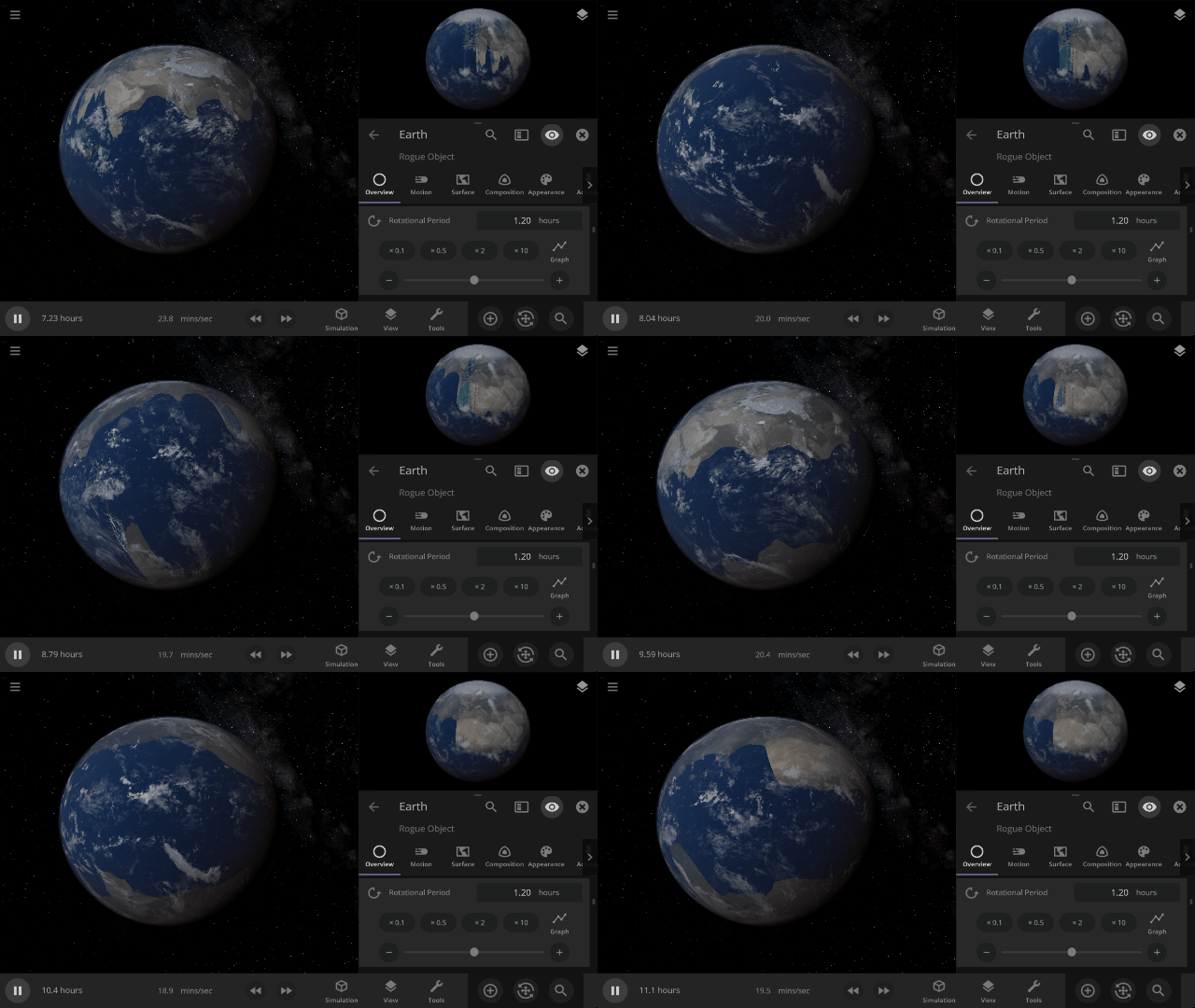
Centrifugal force now pushes water on fast-spinning objects toward the object’s equator.
Force Spin Tool
Change an object’s rotational speed, poles, and equator with the new Force Spin tool. Check it out in: Tools > Force > Spin
More Highlights
- Rotation and speed of objects after collisions are now more accurately conserved, decreasing when mass is gained and increasing when mass is lost
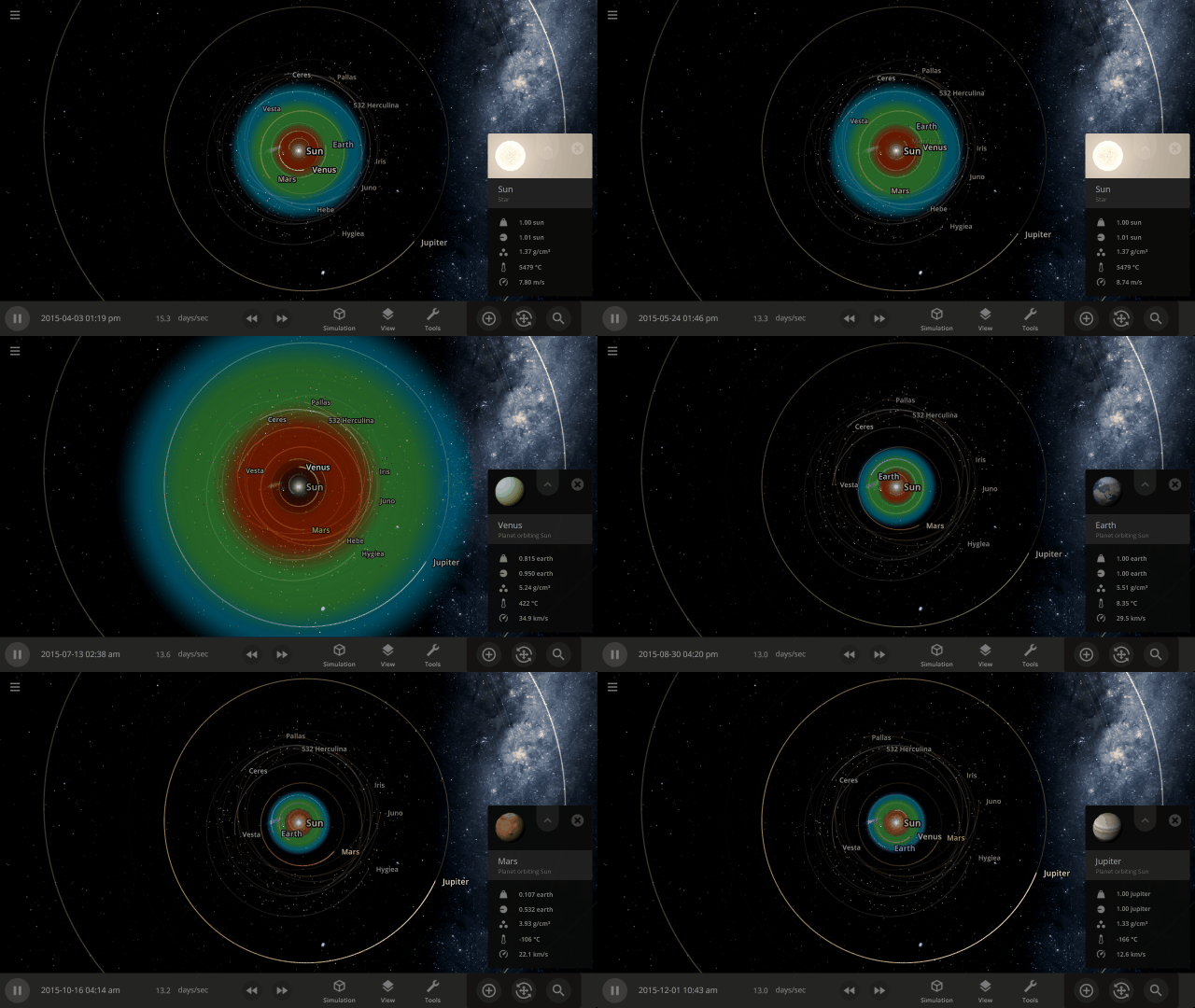
- The habitable zone changes to use the properties of the object you have selected to show its optimal habitable distance
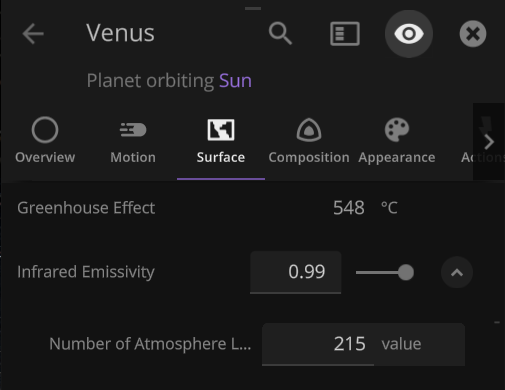
- You can now change the Number of Atmosphere Layers an object has and create Venus-like planets
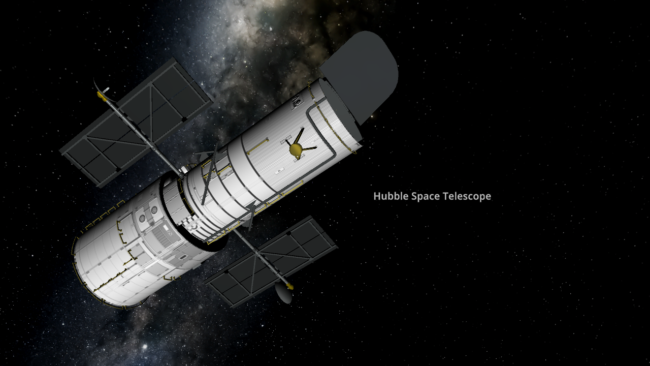
- The Hubble Space Telescope has been added to Universe Sandbox
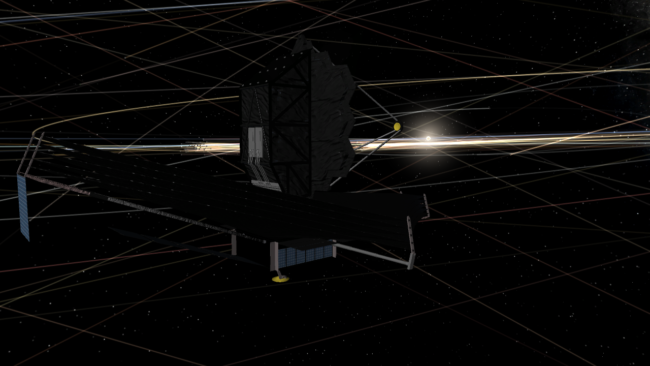
- We’ve corrected the orientations of the James Webb Space Telescope (now facing away from the Sun) and Parker Solar Probe (now facing toward the Sun)
This update includes 12+ additions and 43+ fixes and improvements.
Check out the full list of What’s New in Update 30
Please report any issues on our Steam forum, on Discord, or in-game via Home > Send Feedback.

Consistent Collisions, James Webb, & Planetscaping Tweaks | Update 29.1
Jan 27th
Run Steam to download Update 29.1, or buy Universe Sandbox via our website or the Steam Store.
Update 29.1
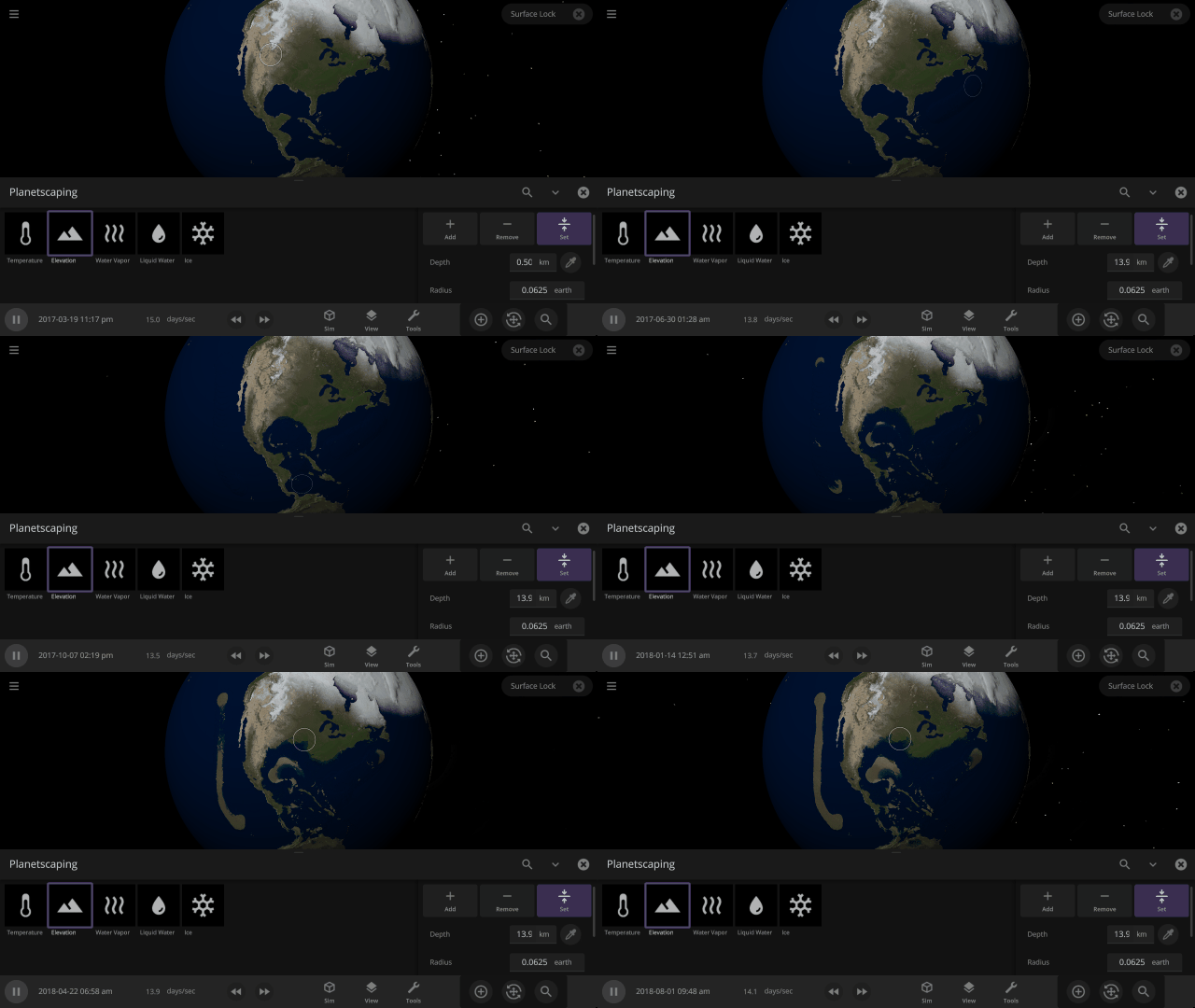
Planetscaping now has an eyedropper tool to sample the surface of an object to make creating (or flooding) land even smoother. We’ve also improved fragmentation during collisions, among other things.
Fragmentation
We’ve updated how we determine the number of fragments during collisions. This allows fragments to last longer in simulations with numerous collisions and makes collisions more consistent across different simulation speeds.
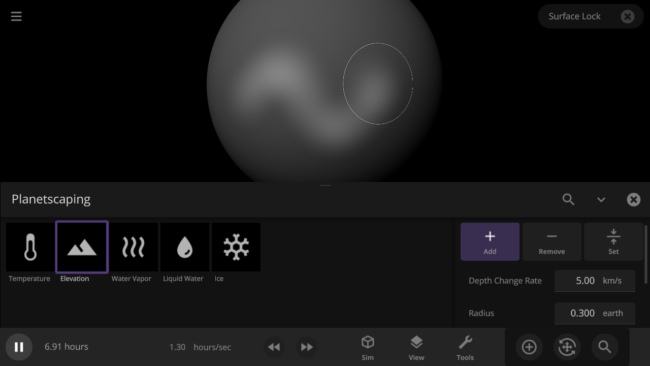
Planetscaping Eyedropper
There’s now an eyedropper in the Planetscaping tool so you can easily sample and set the Depth, Temperature, and Pressure to match those of the object you are Planetscaping.
More Highlights
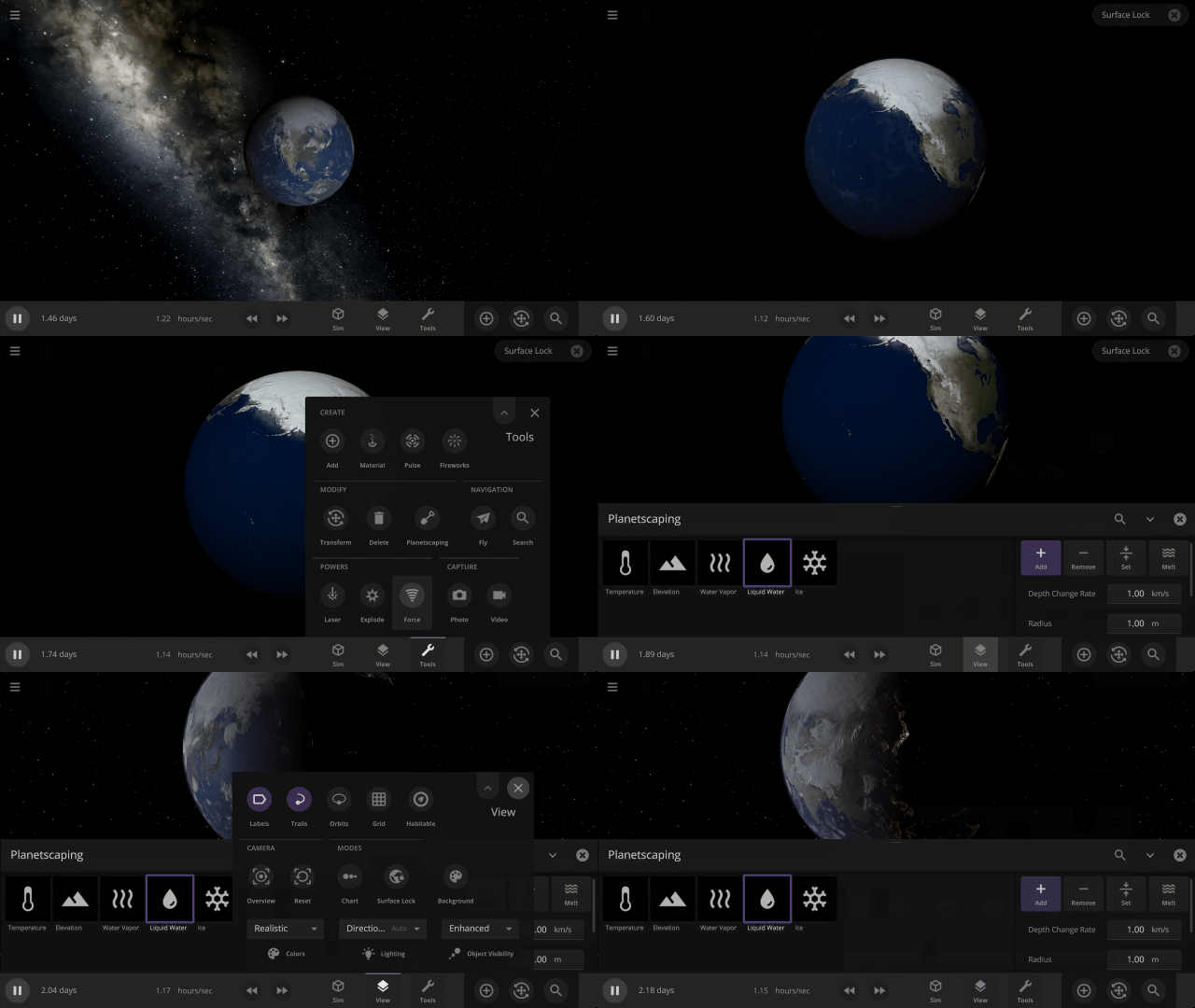
- Surface Lock is now a manual toggle, but turns on automatically when you are using the Planetscaping or Laser Tools
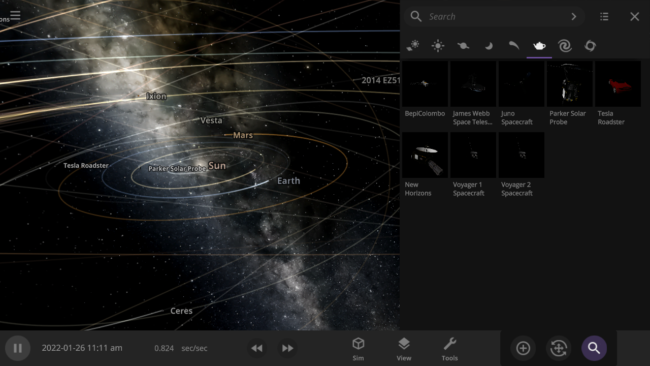
- The Solar System – Live View – Planets, Moons, Spacecraft simulation now has 7 additional spacecraft: Parker Space Probe, BepiColumbo, James Webb Space Telescope, Juno, New Horizons, Voyagers 1 & 2
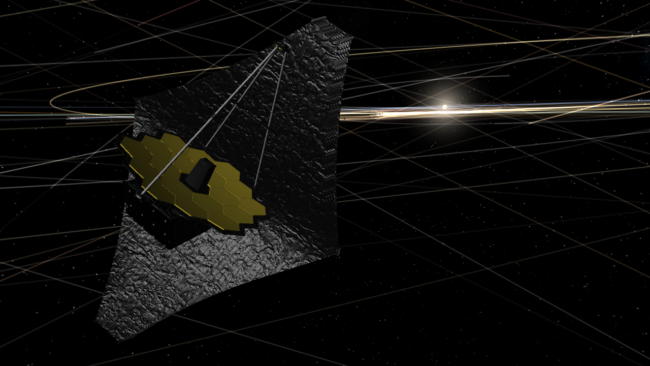
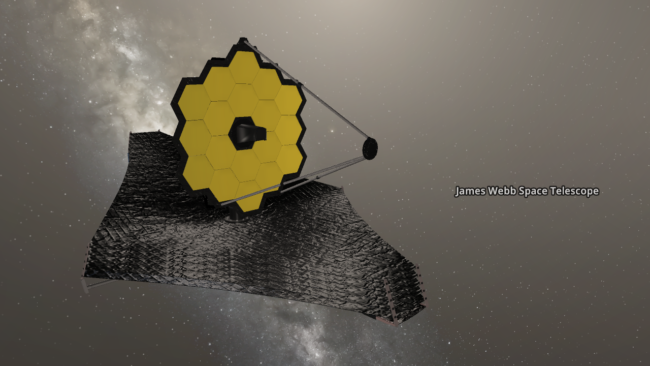
- Here’s a close-up of the James Webb Space Telescope in Universe Sandbox
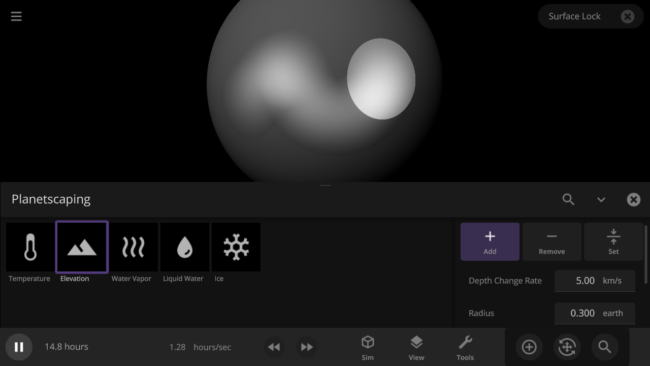
- We’ve polished the look and feel of the Planetscaping and Laser tool cursor
This update includes 3+ additions and 12+ fixes and improvements.
Check out the full list of What’s New in Update 29.1
Please report any issues on our Steam forum, on Discord, or in-game via Home > Send Feedback.

Planetscaping | Update 29
Dec 22nd
Run Steam to download Update 29, or buy Universe Sandbox via our website or the Steam Store.
Update 29
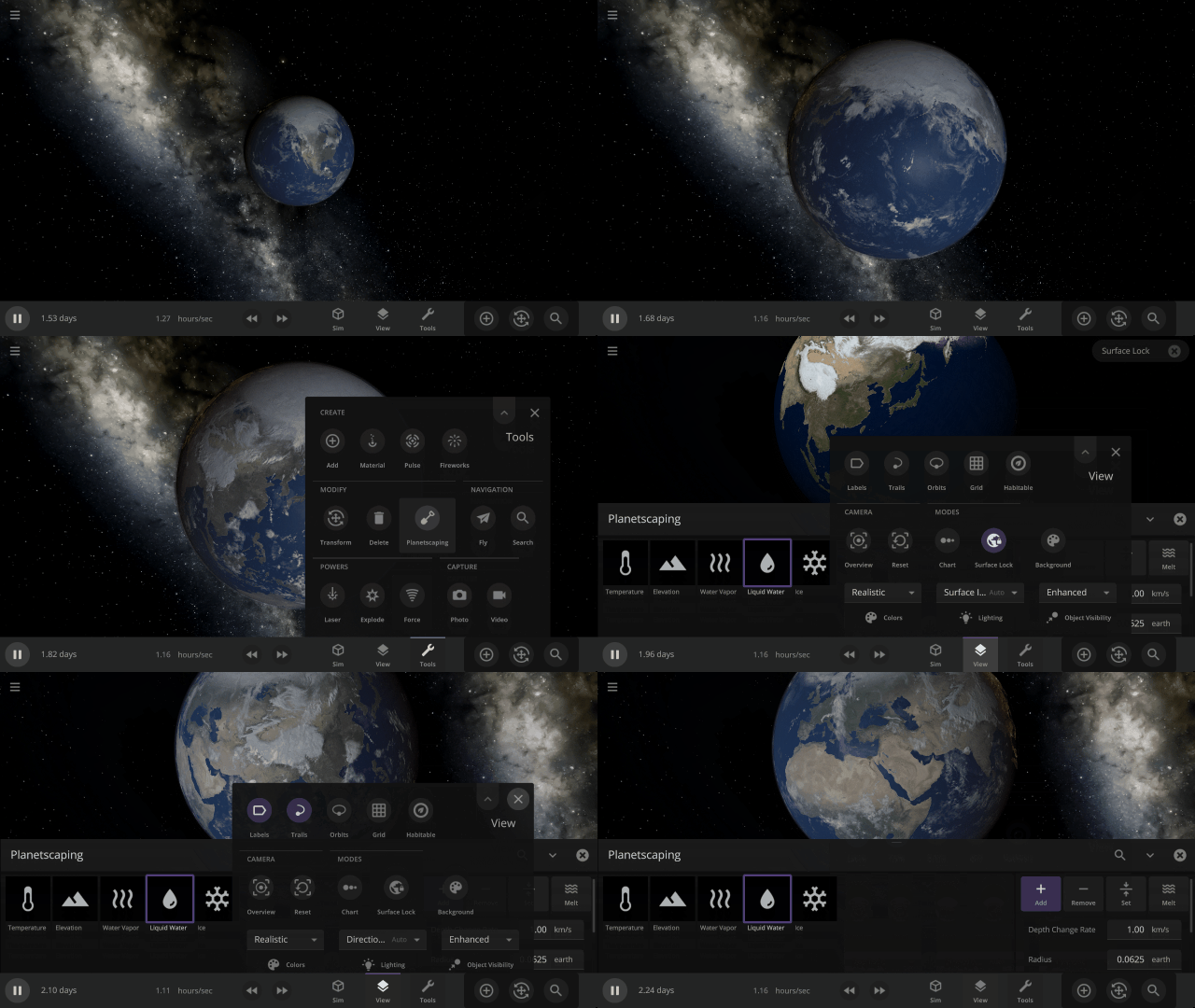
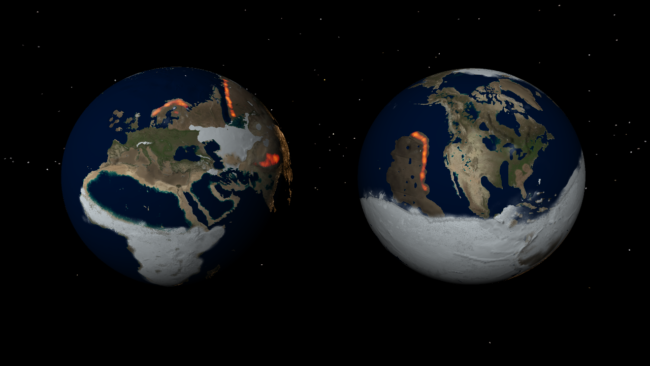
This update introduces Planetscaping, a powerful new way to design and shape planets to your whims. Surface Lock, which gives a clear, stationary, and illuminated view of the surface of a rotating object, has been enabled to better observe how an object’s surface is changing.
Planetscaping (Surface Editing)
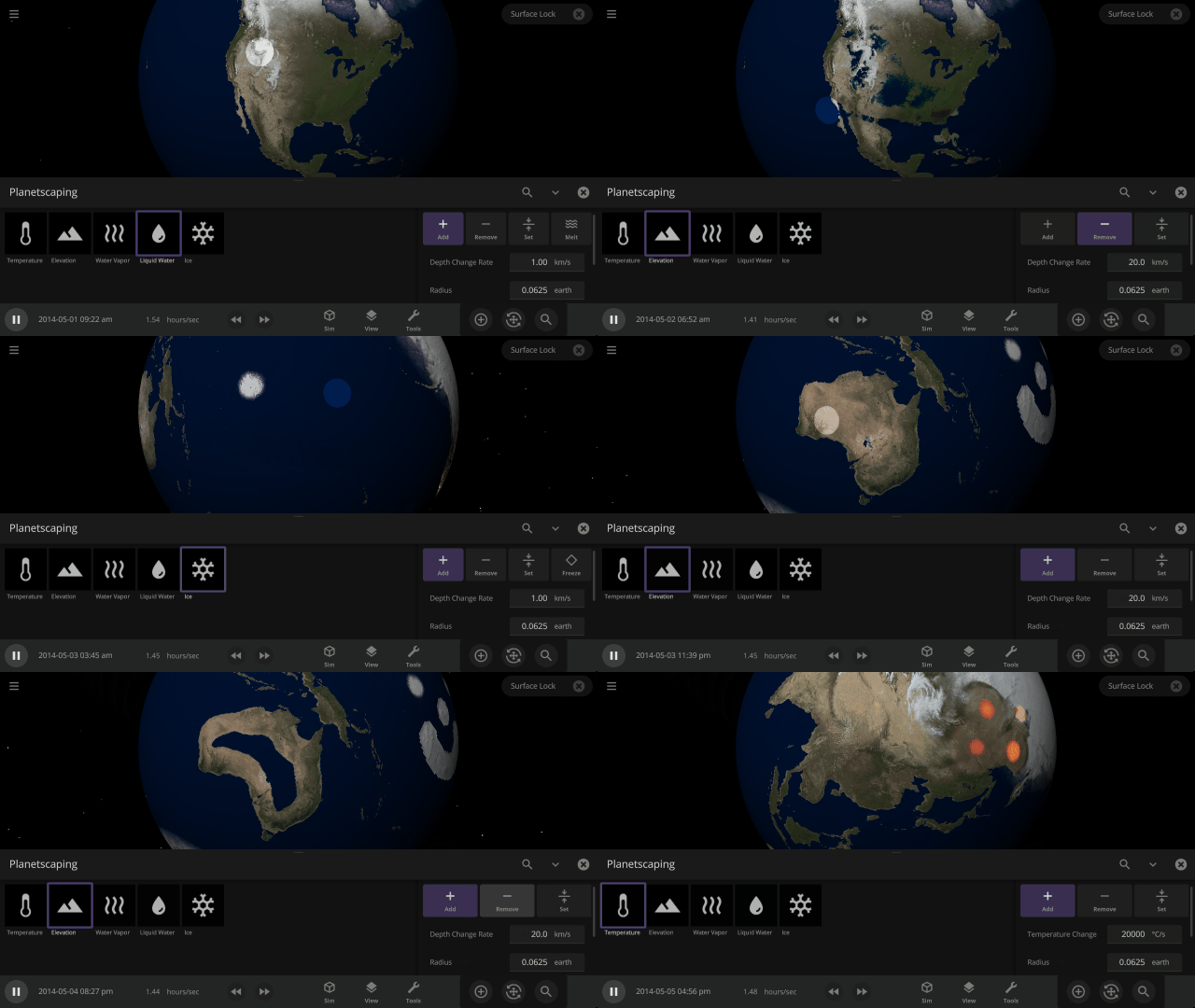
Create continents, freeze oceans, flood planets, and more with Planetscaping. Watch the realistic consequences of your actions unfold as you alter the face of planets. Learn more in our Planetscaping guide:
Guides > Tutorials > Planetscaping
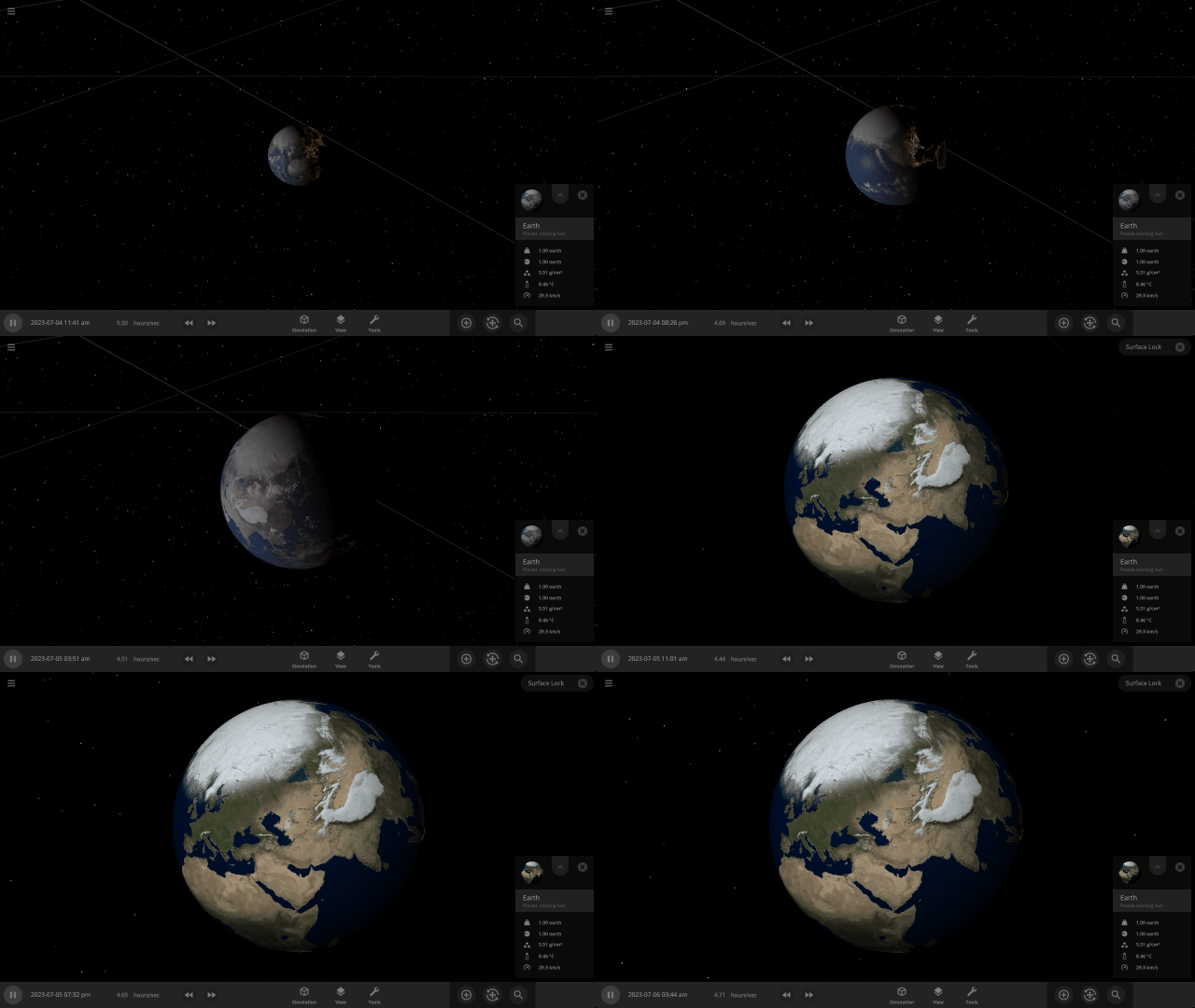
Surface Lock
We’ve made it easier to view how the surface of an object is changing by improving and enabling Surface Lock. This gives a clear, stationary, and illuminated view of the surface of a rotating object when you zoom close to it.
More Highlights
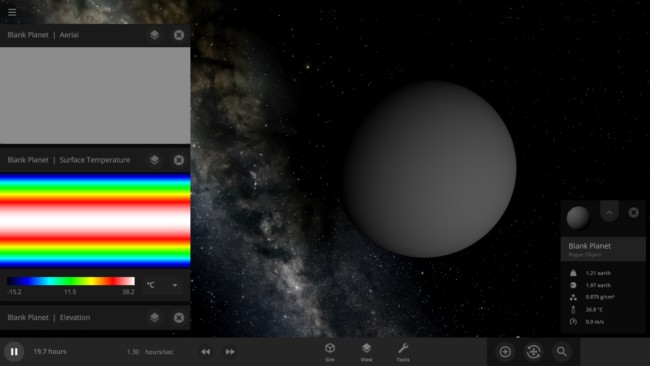
- We’ve added a Blank Planet, like a blank canvas for Planetscaping, to the Add panel
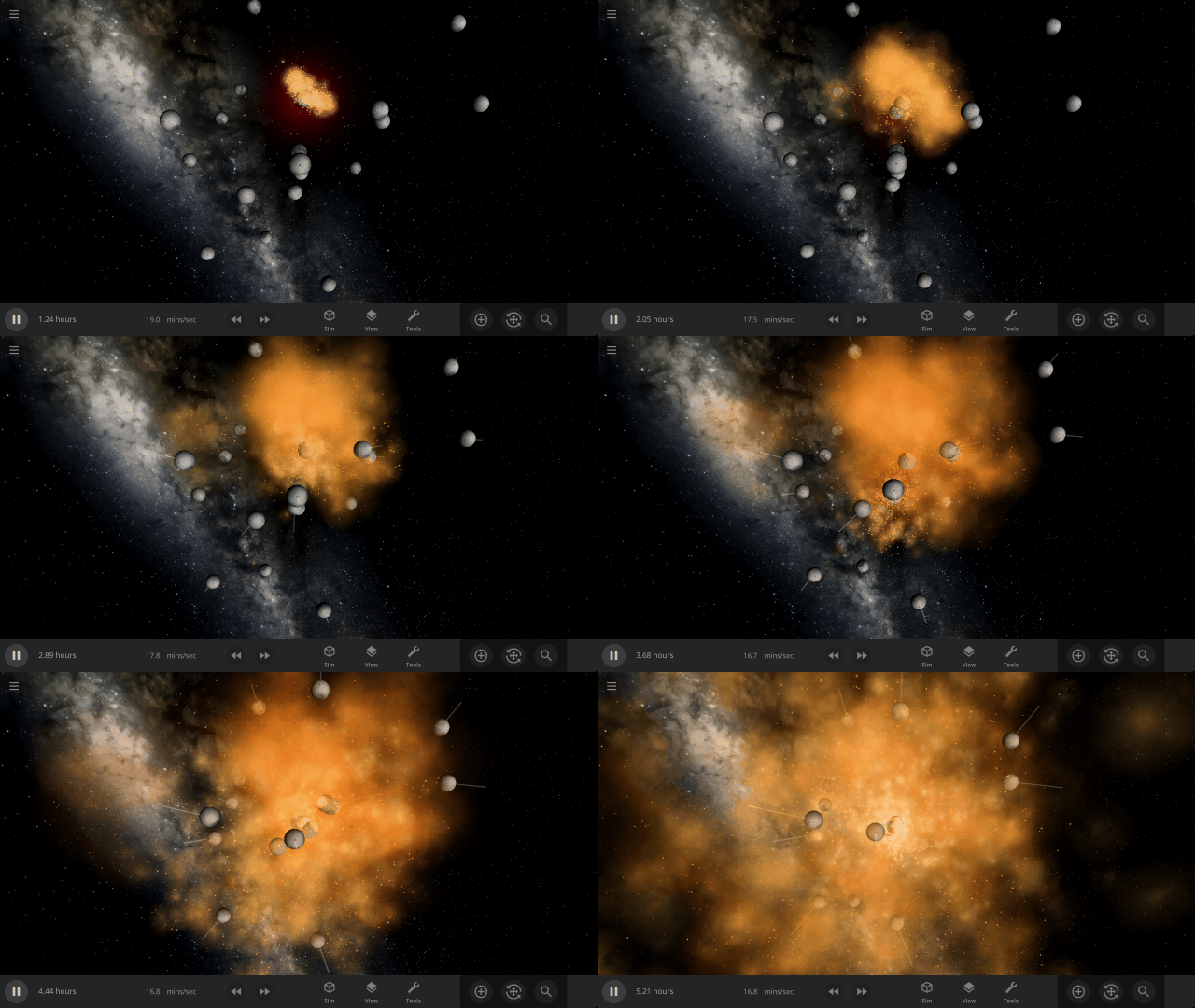
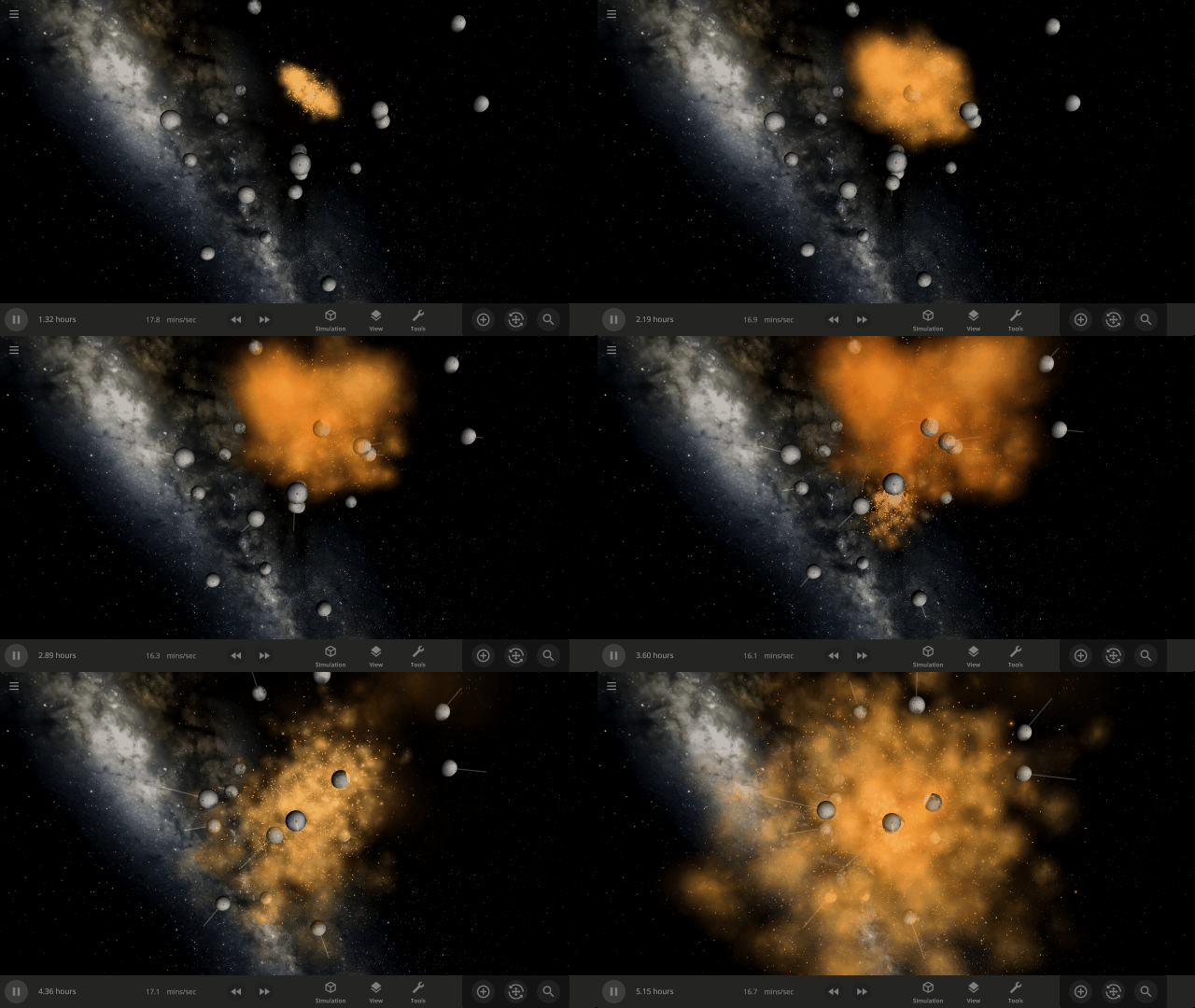
- Collisions have been further improved with updated frictional forces
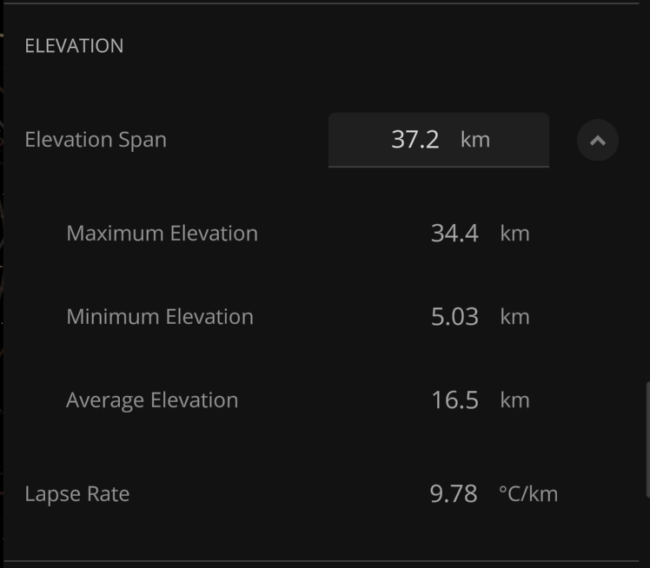
- We’ve exposed the Elevation Span, the distance between the lowest and the highest elevation point of an object, to better assist with Planetscaping
This update includes 5+ additions and 18+ fixes and improvements.
Check out the full list of What’s New in Update 29
Please report any issues on our Steam forum, on Discord, or in-game via Home > Send Feedback.