


Update

Planet Nine’s New Nemesis | Update 35.4
Oct 23rd
Learn about the recently discovered sednoid 2023 KQ14 and why it challenges the Planet Nine hypothesis. Enjoy a handful of bug fixes and quality-of-life improvements like the ability to quickly fly to planets just by selecting an already selected object. We’ve also updated our game engine and improved support for High Dynamic Range (HDR) displays.
A New Sednoid In the Outer Solar System
The recently discovered sednoid 2023 KQ14 orbits way out in the Oort Cloud with Sedna, and its position challenges the current predictions of a hypothetical Planet Nine in our Solar System. Check it out in our new simulation Sednoid 2023 KQ14.

Updating Our Engine
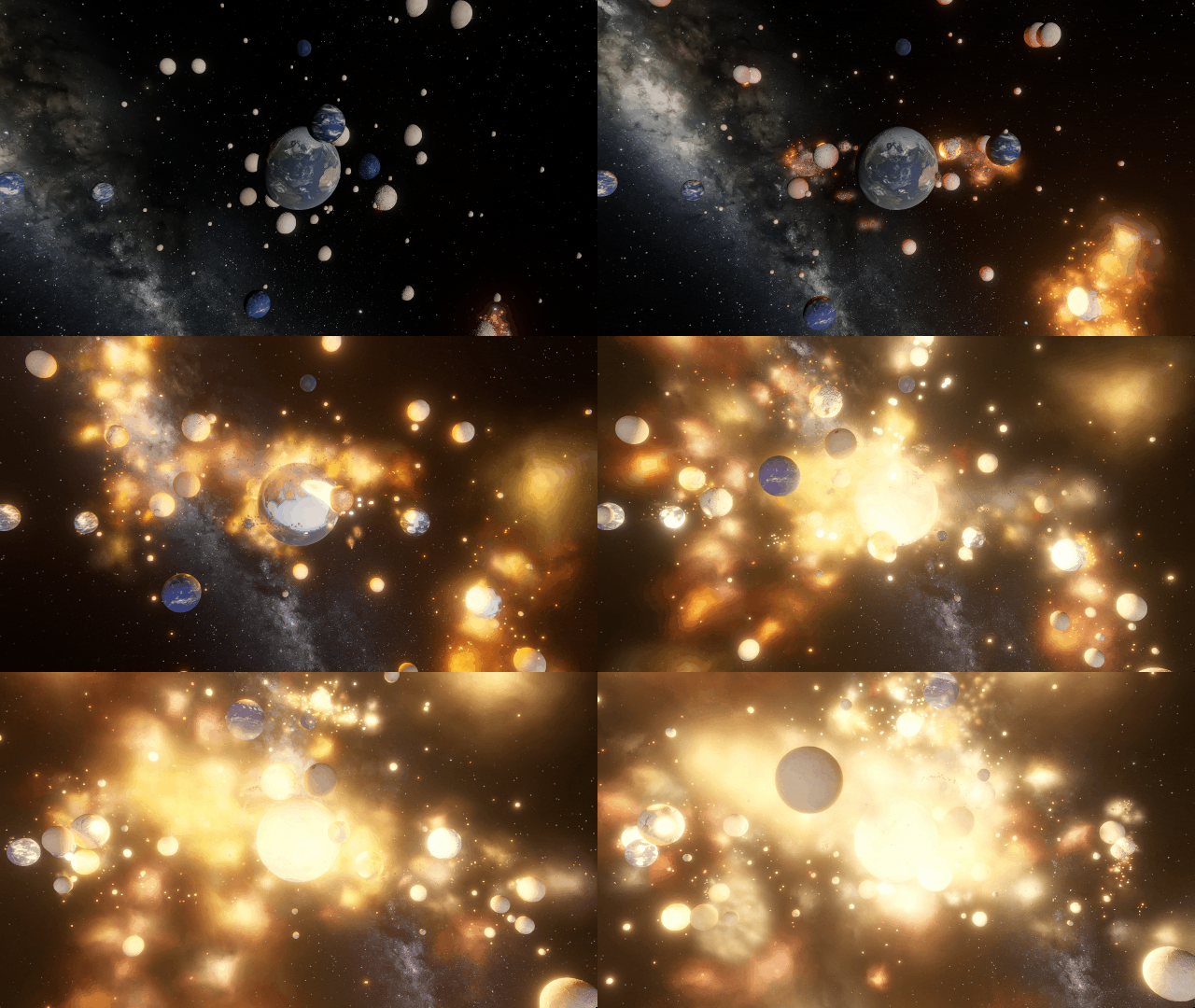
We’ve updated Unity, the game engine we use to build Universe Sandbox, to version 6.1. This update allows us to further improve our visuals with more accurate lighting, better support for High Dynamic Range (HDR) displays, and more.
More Highlights
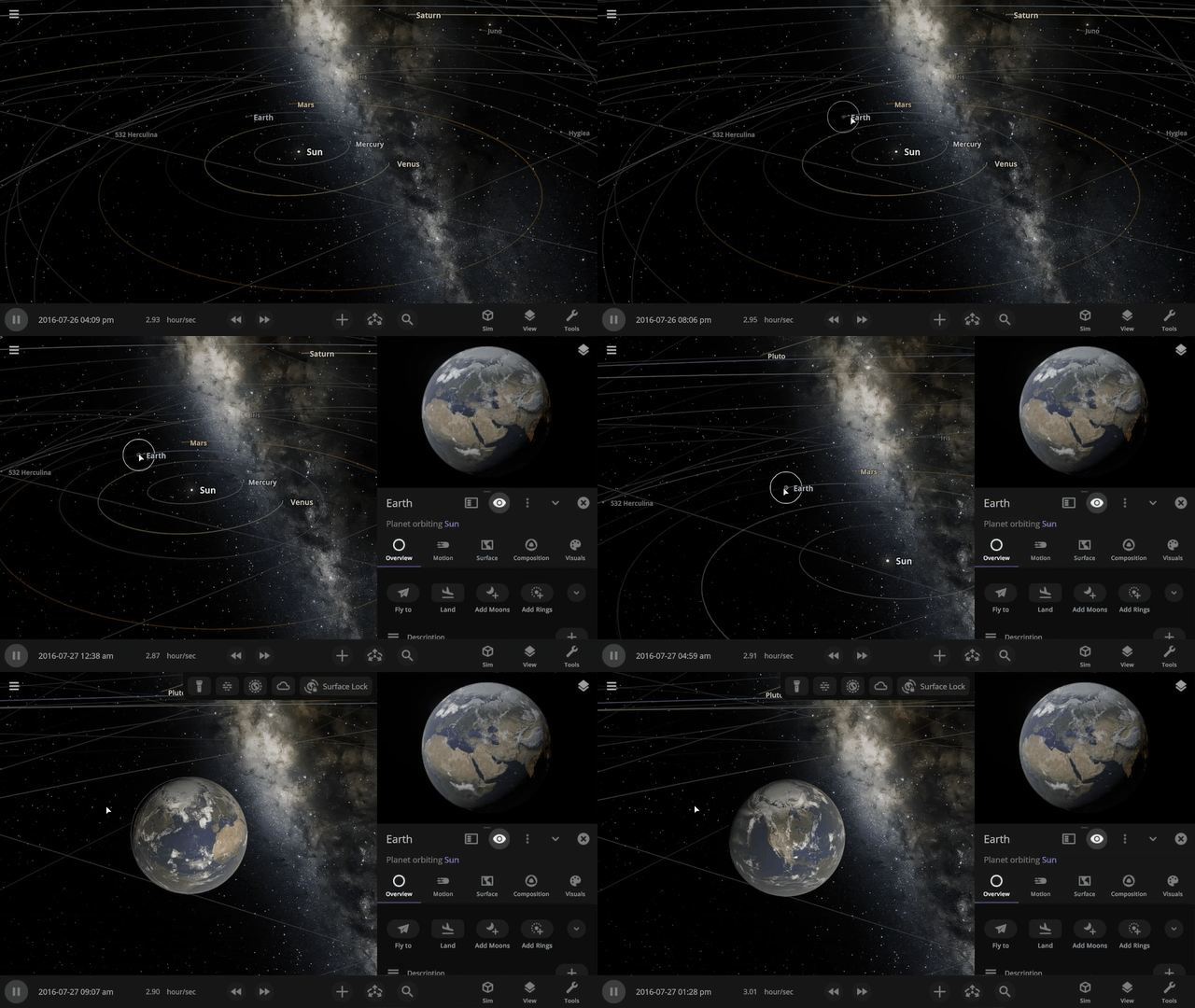
Clicking on a selected object now flies you to the object.
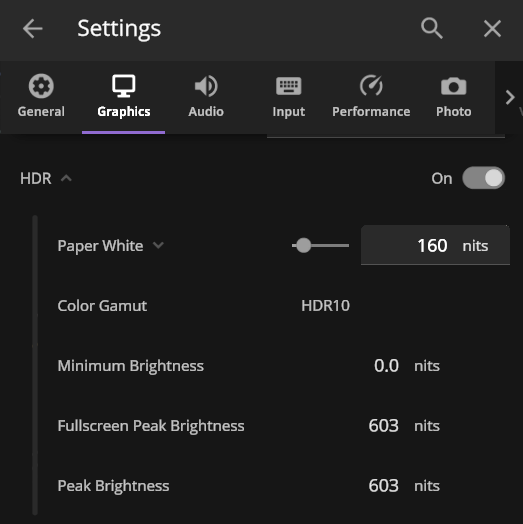
We’ve improved HDR (High Dynamic Range) support for those with HDR-compatible monitors. Playing Universe Sandbox with HDR on adds higher contrast and more vibrant colors. HDR support is still a work in progress, but you can try it out by enabling it under Home > Settings > Graphics > Display.
Check out the full list of What’s New in Update 35.4.
As of this update, Universe Sandbox on Windows now requires a graphics card that works with DirectX 12, which has been a stated minimum graphics requirement since March 2025. Learn more.
Please report any issues on our Steam forum, on Discord, or in-game via Home > Send Feedback.

Another Interstellar Visitor | Update 35.3
Aug 20th

Watch the third-ever discovered visitor from outside our Solar System, 3I/ATLAS, fly past the Sun and see how it compares it to other known interstellar interlopers. We’ve also improved the view that shows what parts of the surface of a planet are illuminated, updated our scientific notation, and more!
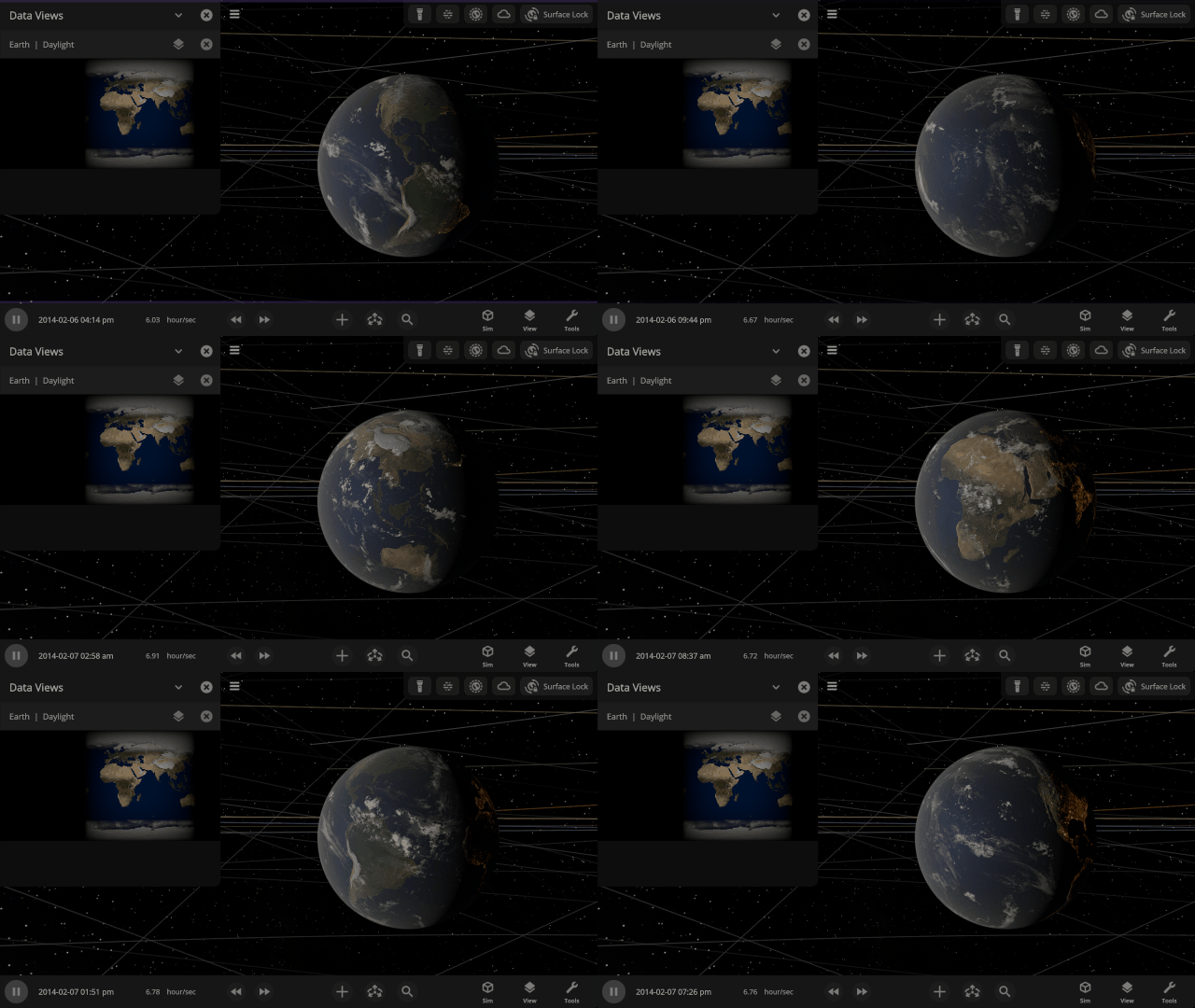
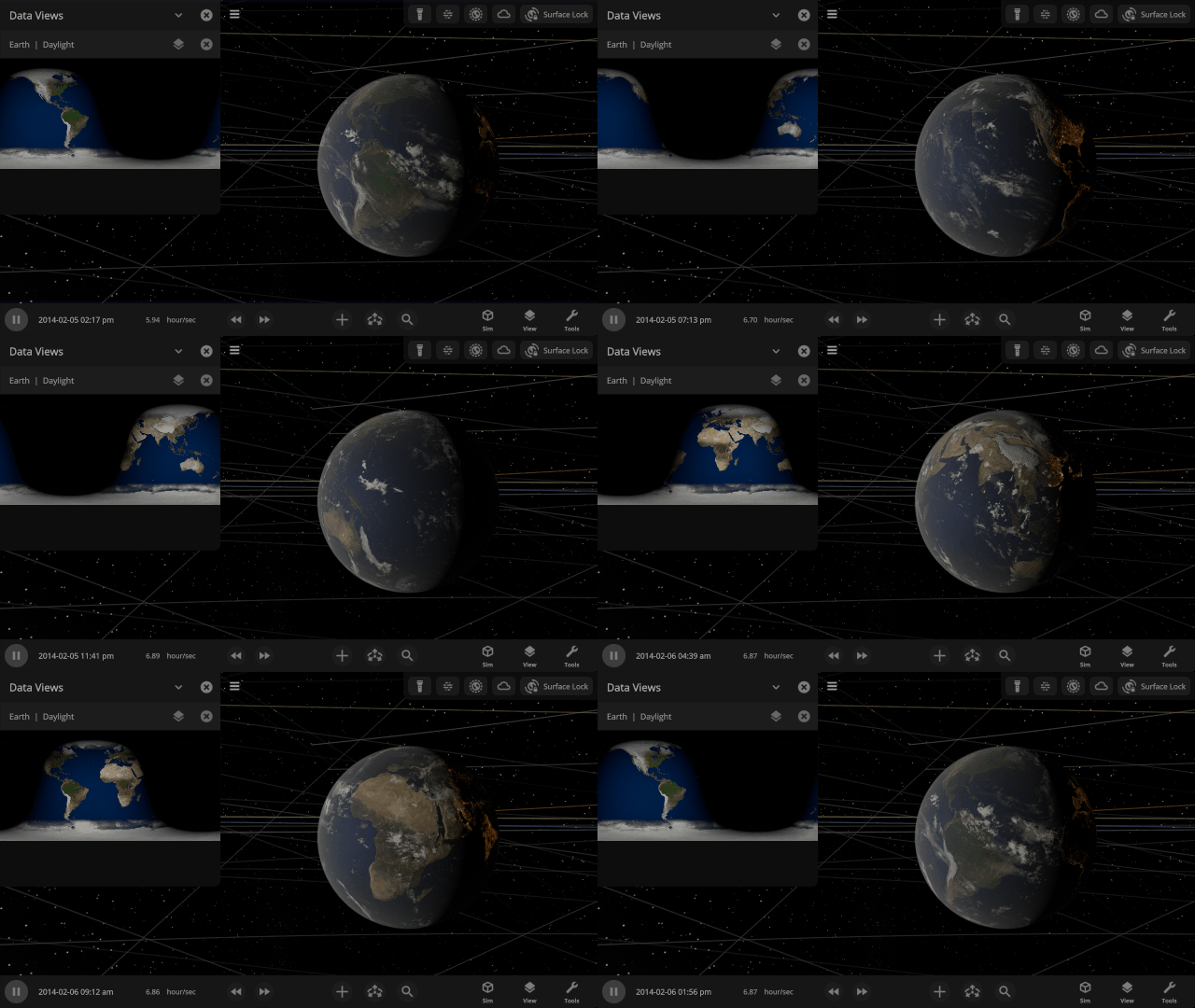
In the Light of Day
The Daylight view now shows surface illumination of a planet in real-time as the object rotates and orbits within the simulation. Previously it was a static snapshot of the daylight on a planet.
Comets from Beyond the Solar System
Watch the comet 3I/ATLAS, the third-ever discovered interstellar visitor to our Solar System, pass by on its journey through space and compare the trajectories of all three known interstellar visitors. Find them under
Home > Open > Interstellar Comet 31/ATLAS
Home > Open > Interstellar Object Trajectory Comparison


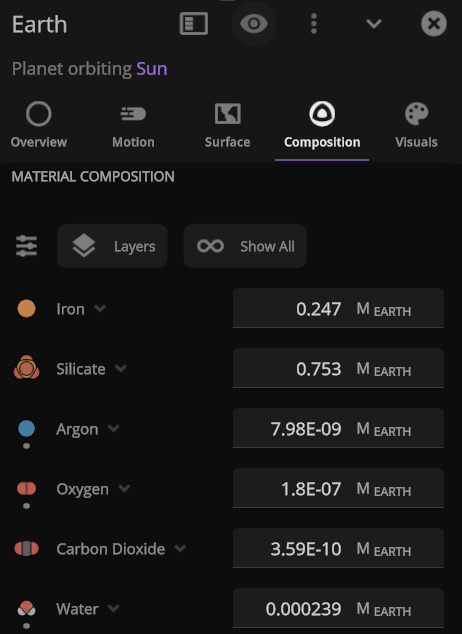
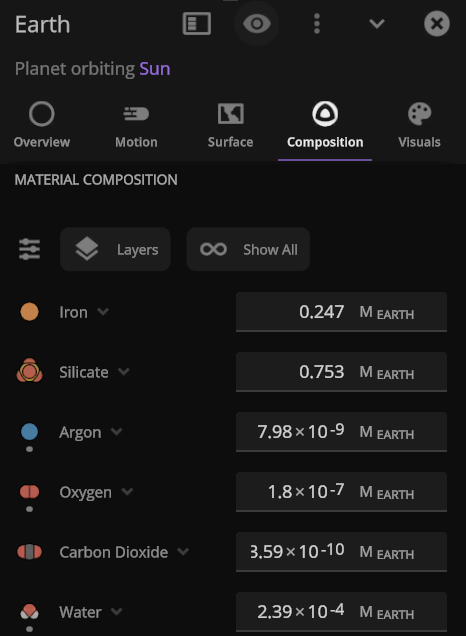
Scientific Notation
Astronomically large (and small) numbers are already hard to understand, so we’ve updated our scientific notation to be friendlier: “1 × 10#” (previously we used “1E+#”). Try changing Earth’s mass to 1×10^6 Earth masses and see what happens to the Solar System.
More Highlights
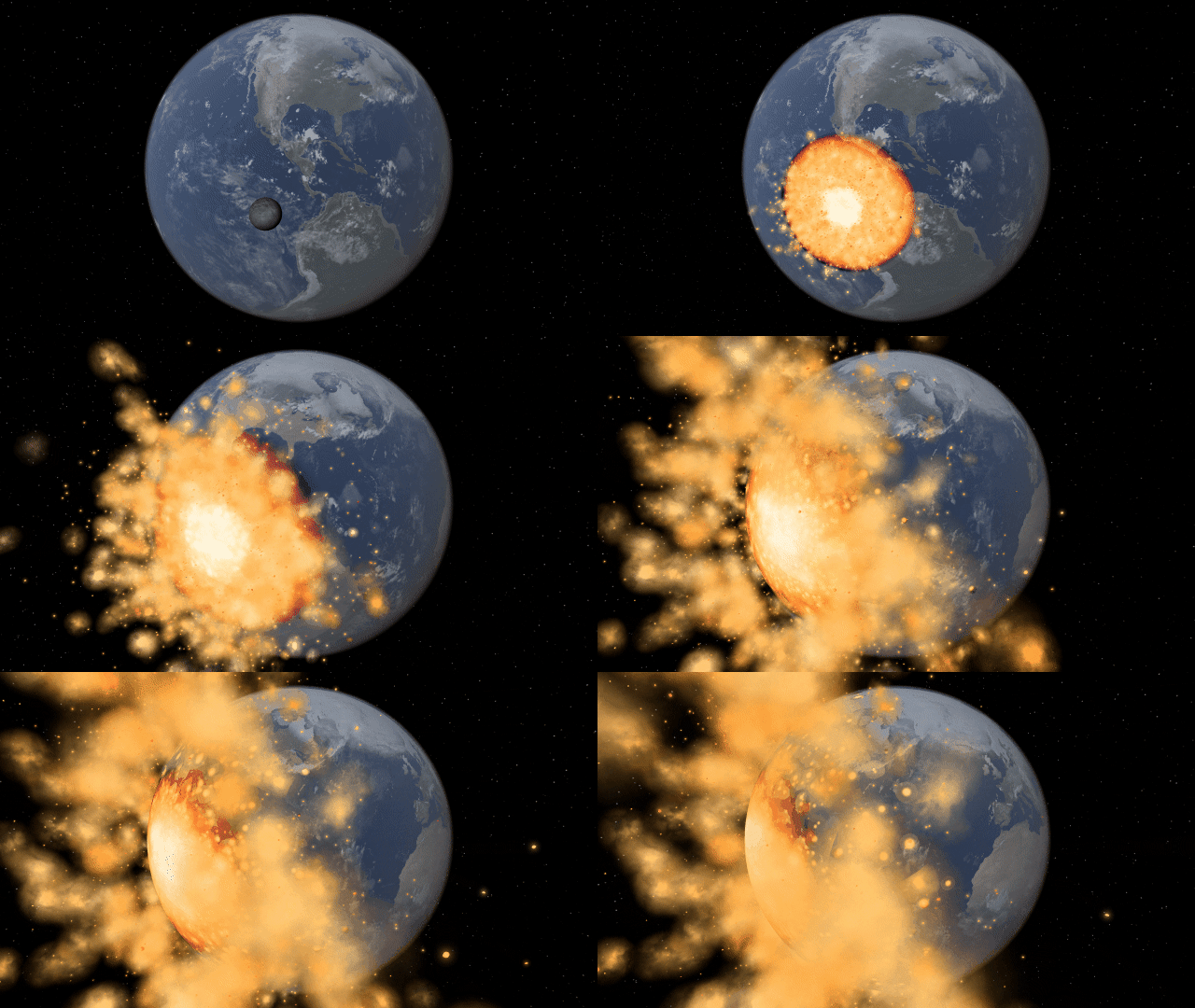
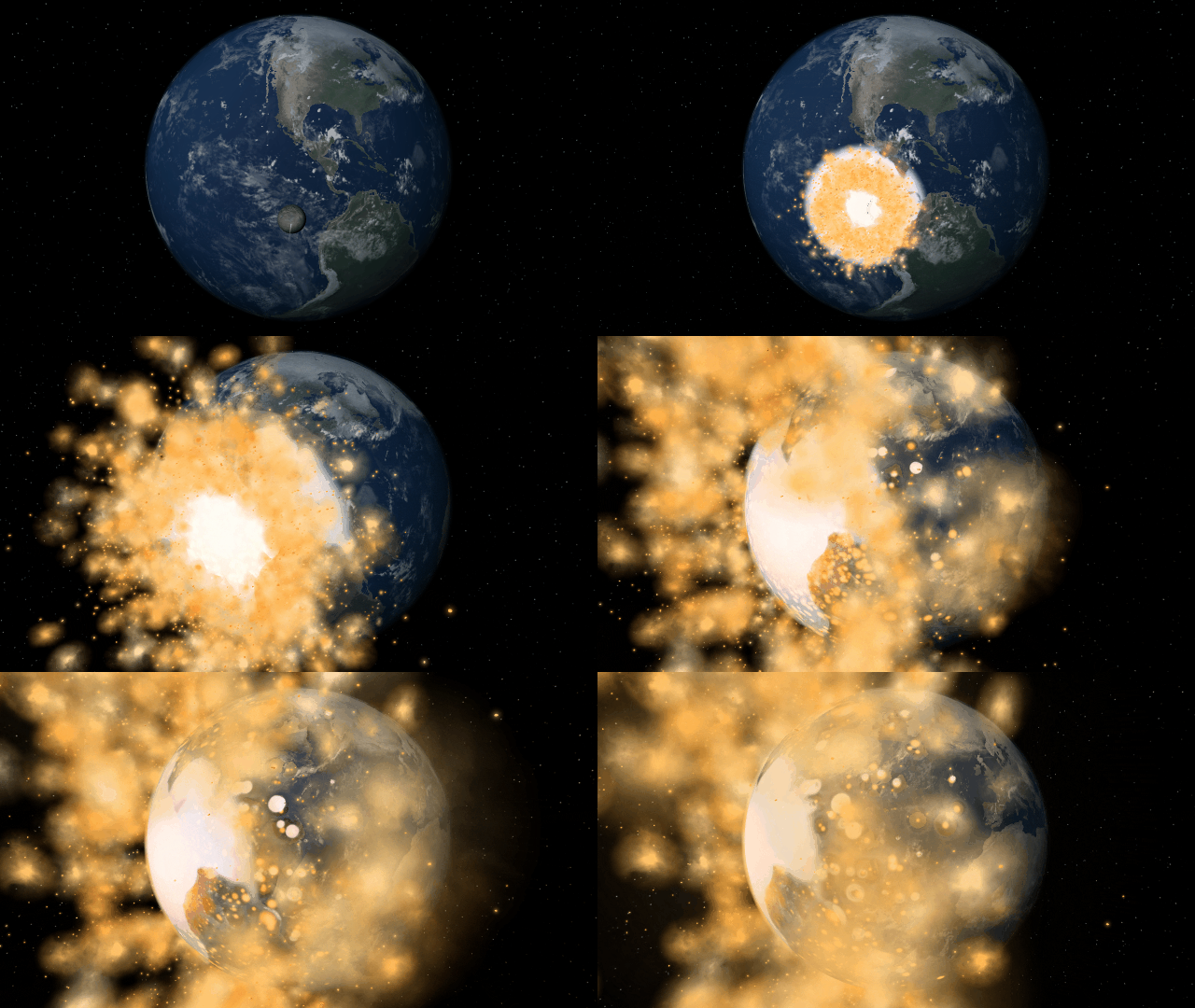
Watch what would happen to Earth if the Moon were replaced with a black hole of the same mass or the same radius. Which simulation do you think will be more destructive? Check them out under
Home > Open > Earth with a Black Hole Moon | Same Mass
Home > Open > Earth with a Black Hole Moon | Same Radius
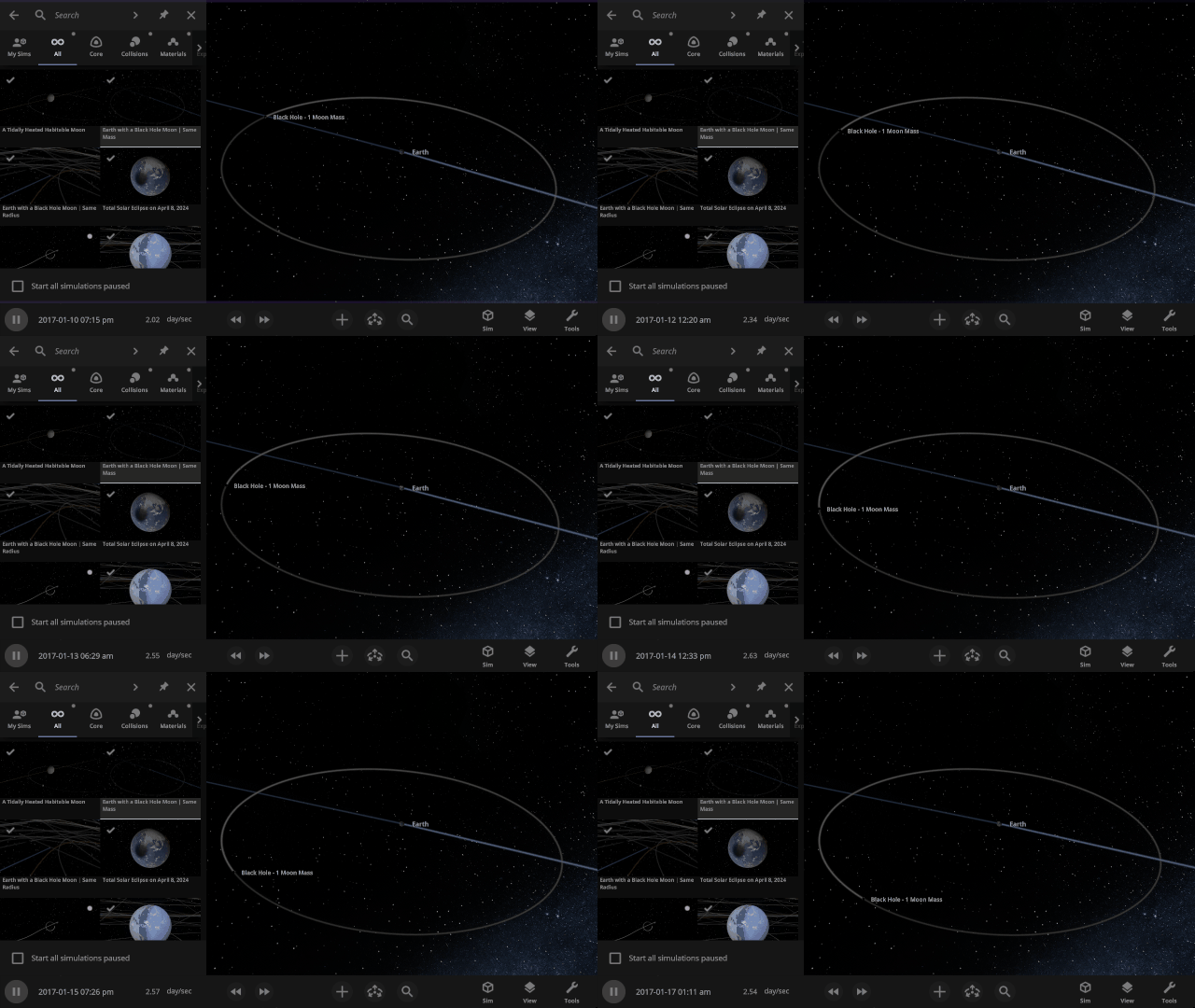
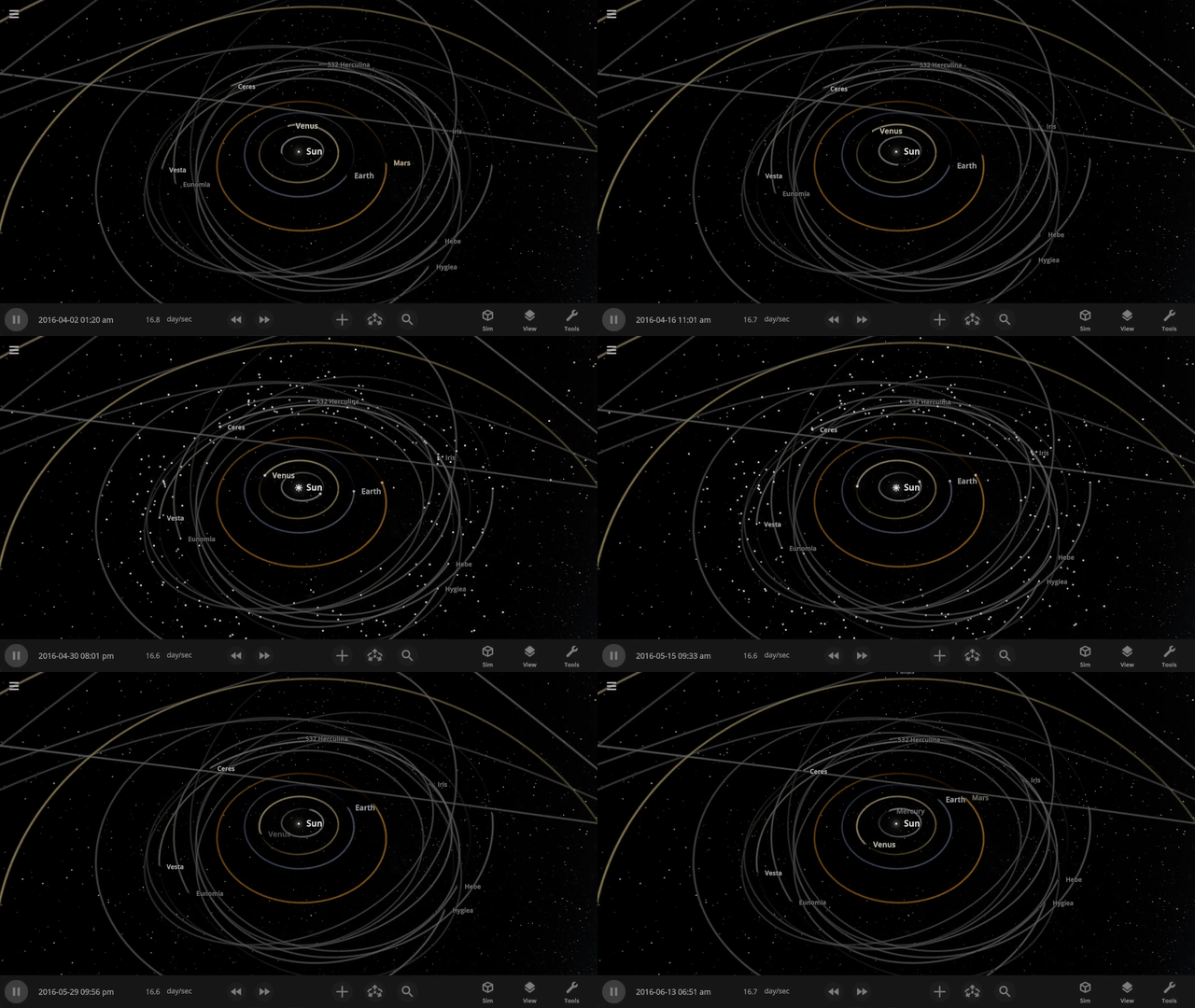
See small objects in your simulation even faster by turning on Markers by pressing “m” (previously “i”) on your keyboard. No need to go all the way to View > Markers.
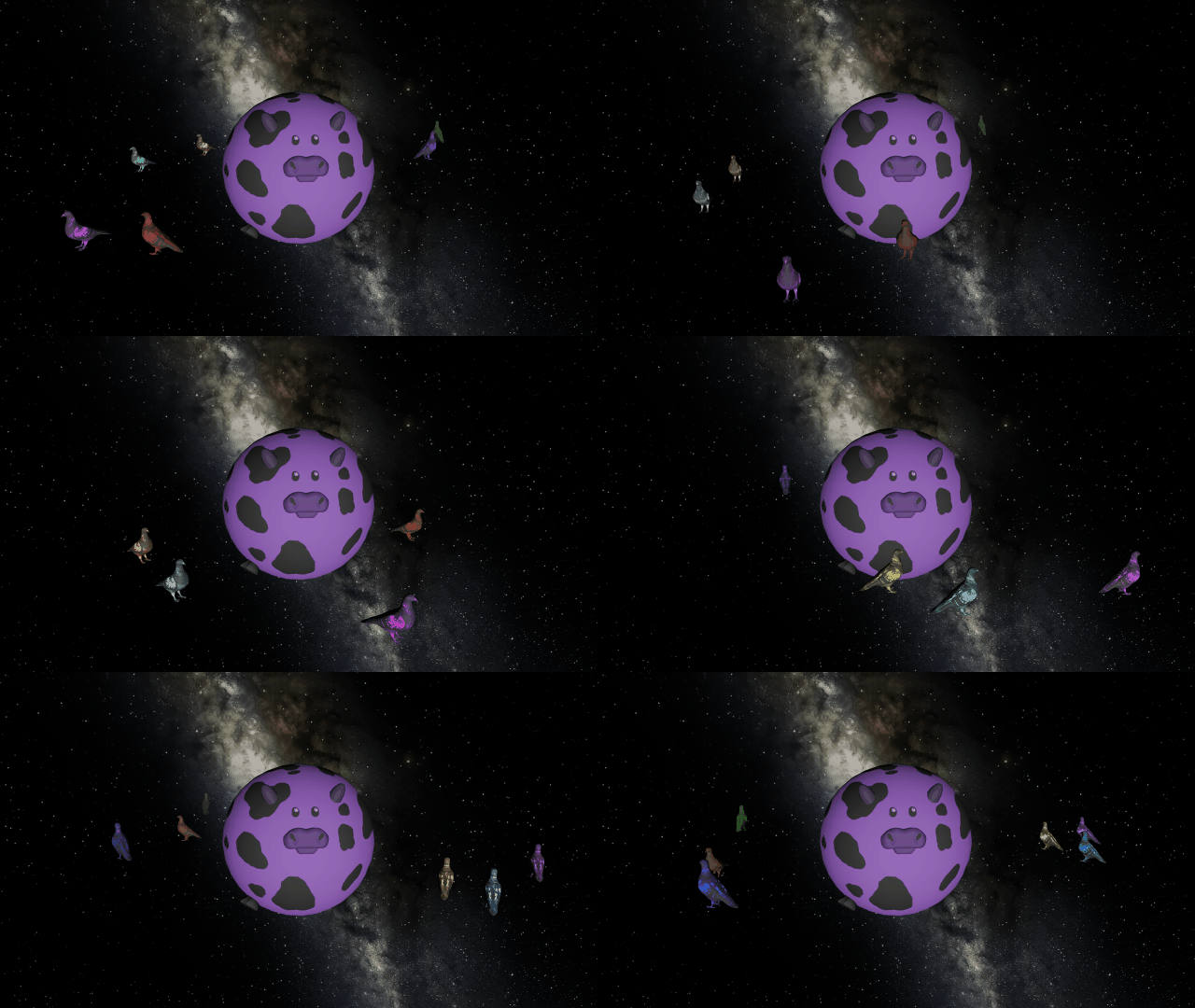
You can once again add custom colors to your human scale objects to make purple cows and a pigeon rainbow.
Check out the full list of What’s New in Update 35.3.
Please report any issues on our Steam forum, on Discord, or in-game via Home > Send Feedback.

Blinded by the Light | Update 35.2
Jun 17th
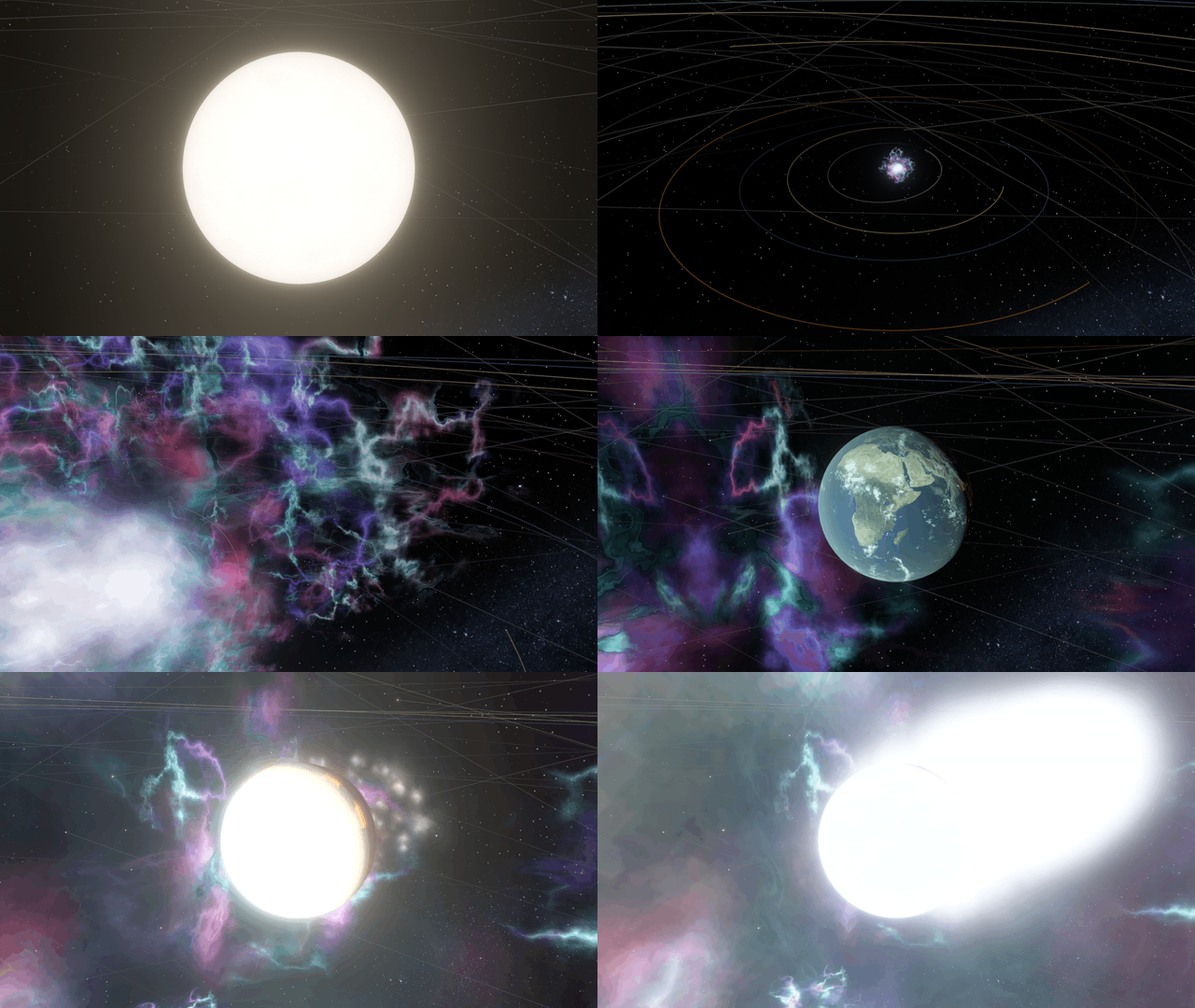
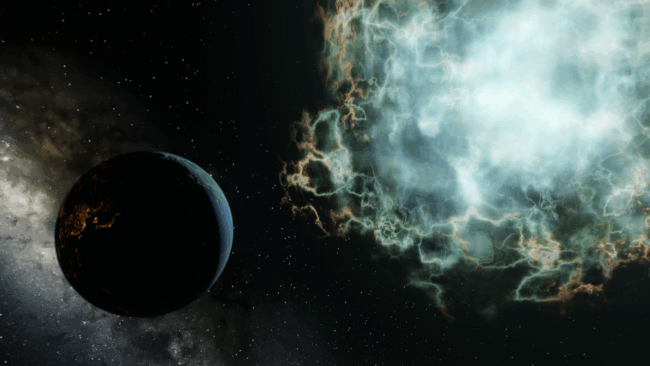
Watch the boiling surface of a star, then set off a supernova and light up your worlds (before your planets are vaporized anyways). Massive stars now leave behind a neutron star or black hole when they end their life with a bang, and much more!
Super(nova) Lighting
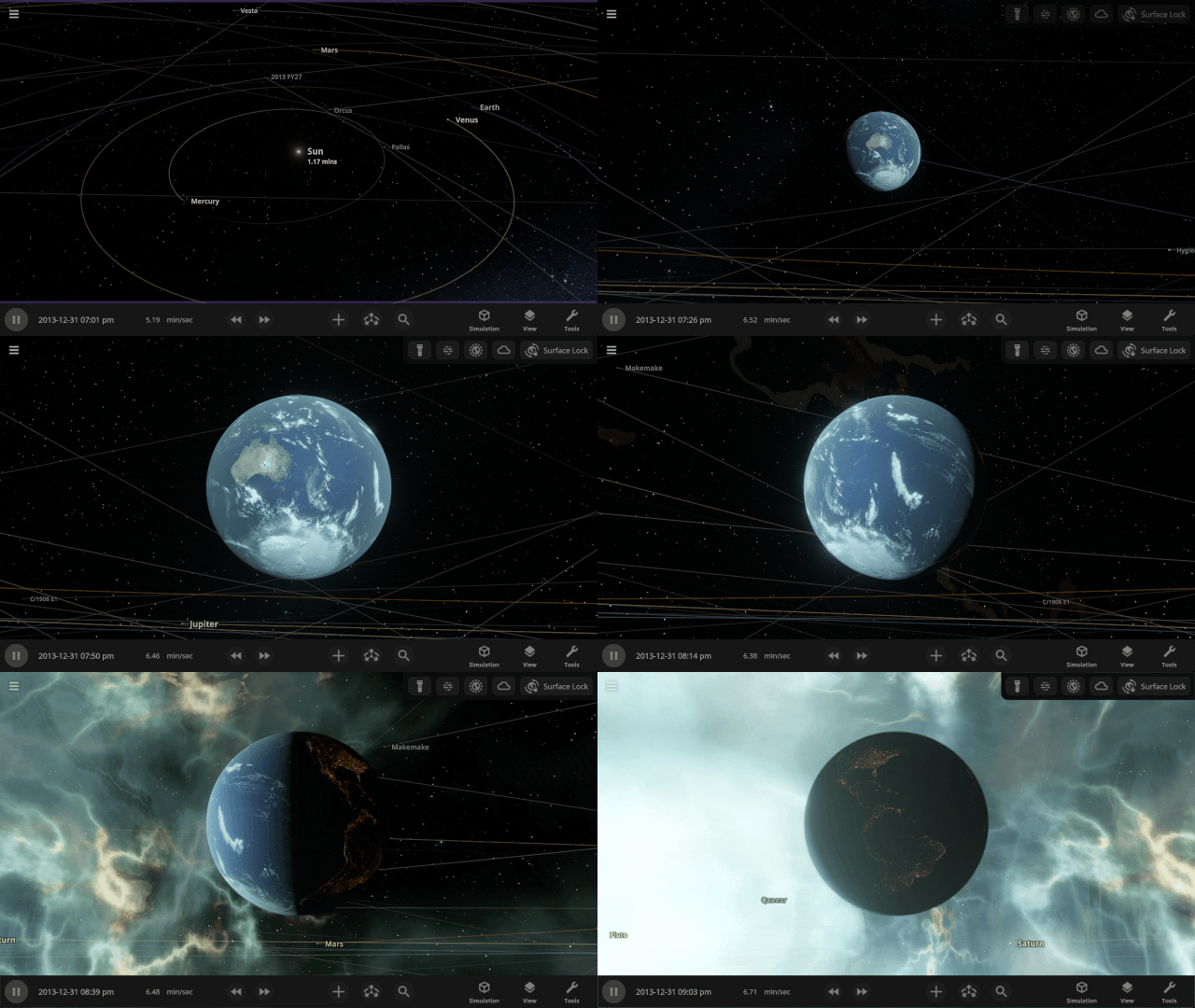
Supernovas now brilliantly light up space as they explode and boil away your planets. Be careful looking at them without your Space Goggles, they’re extremely bright before they realistically fade as they expand and cool down.
See Stellar Surfaces
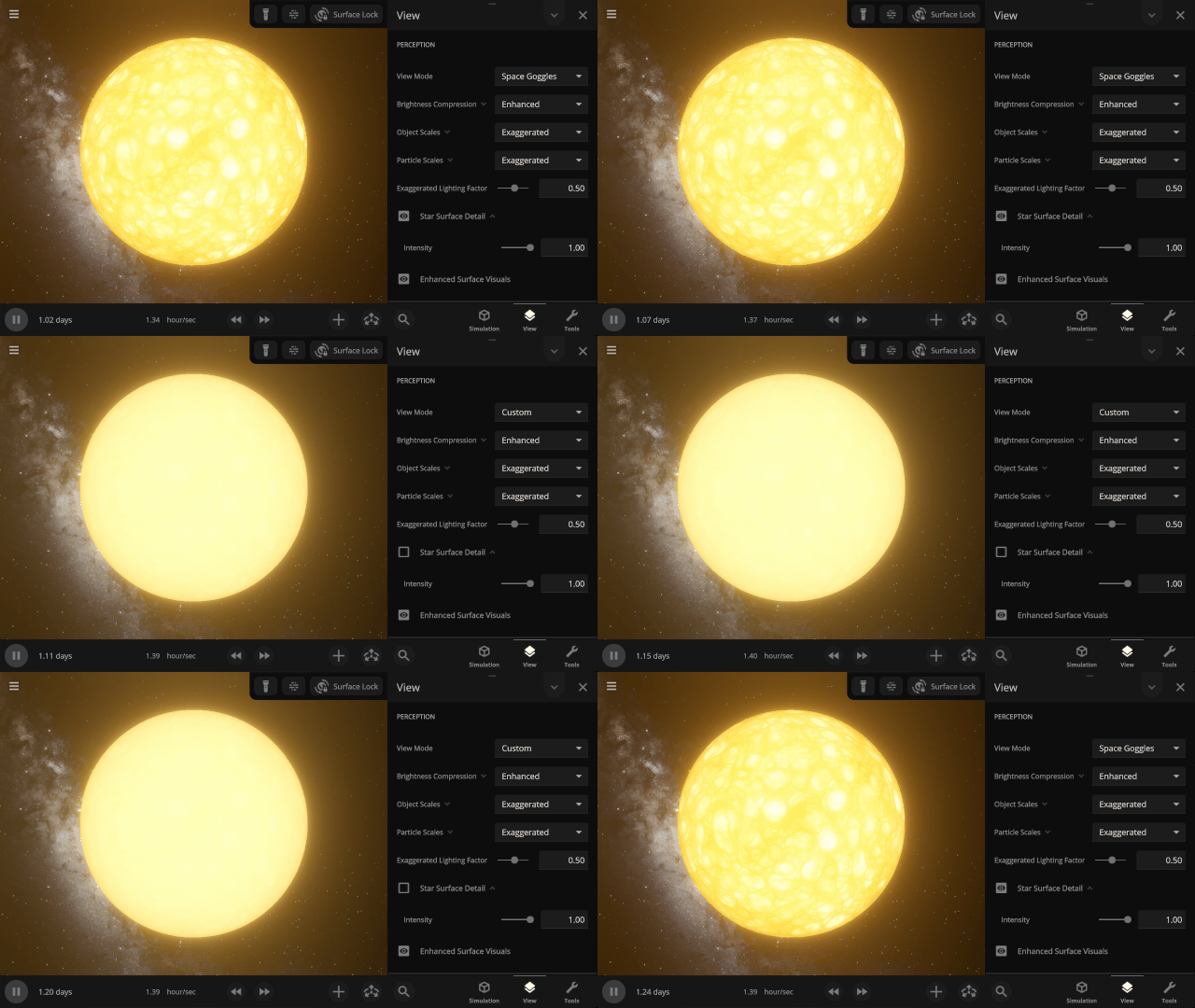
Examine the boiling surface of a star. Cells called stellar granules are created when currents of plasma bring bubbles of superheated materials from the interior to the surface. Star surfaces are too bright for the human eye to see any detail, so we’ve used false colors to make these granules visible. Find it under
View > Perception > Star Surface Detail
Zombie Stars
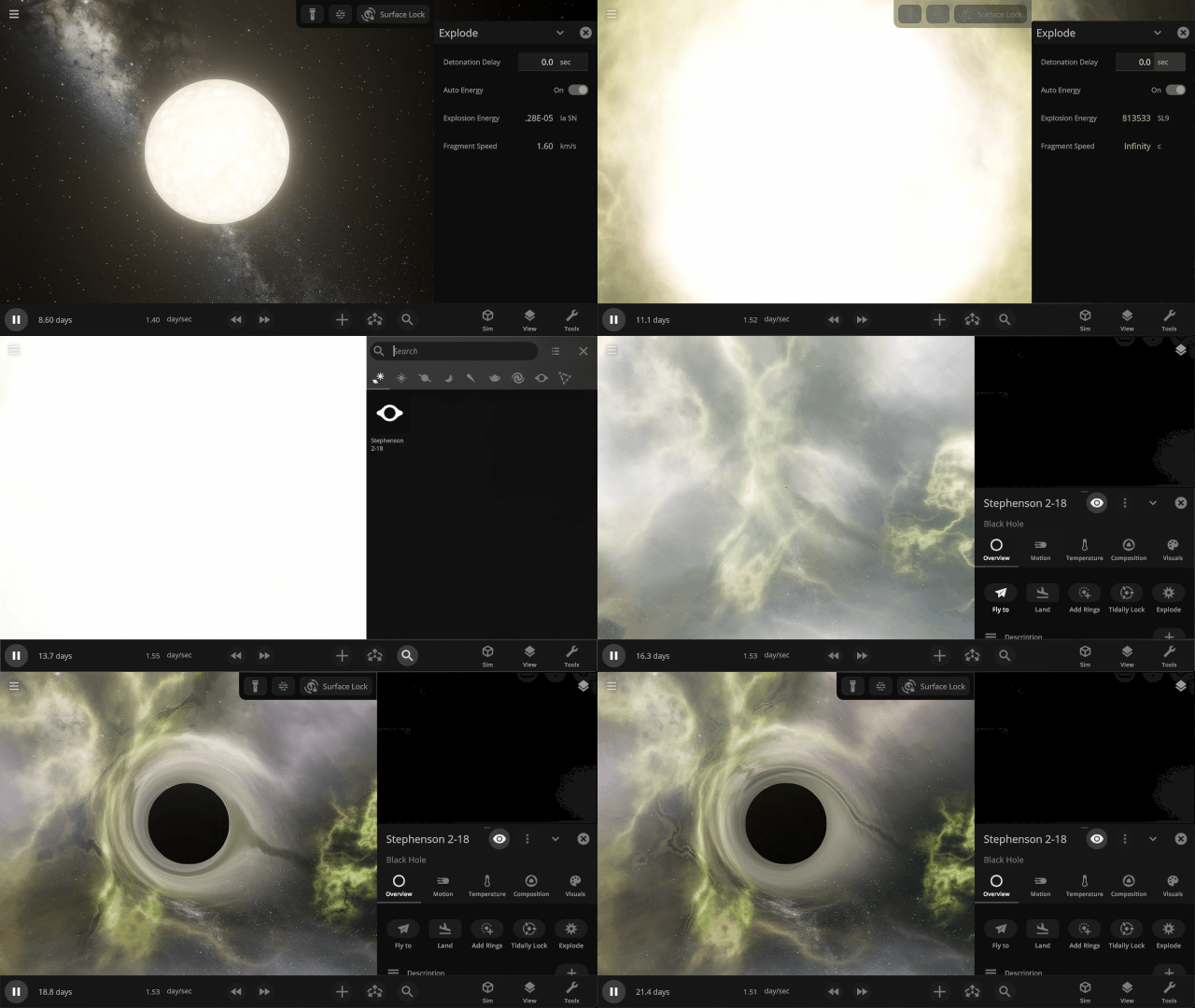
Massive stars that go supernova now leave behind a remnant. For stars between 8 and 20 times the mass of the Sun, the remnant is a neutron star. Stars over 20 times the mass of the Sun leave behind a black hole.
More Highlights
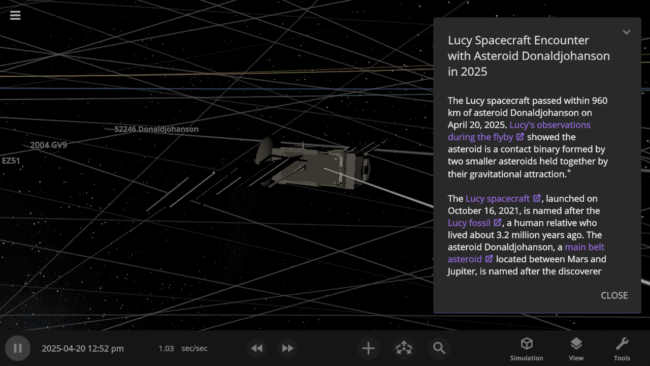
NASA’s Lucy spacecraft, named after the Lucy fossil, passed nearby asteroid Donaldjohanson, named after the fossil’s discoverer, on April 20, 2025. This flyby was a test run before Lucy begins its main mission studying the Trojan asteroids that share Jupiter’s orbit. Check out our simulation of the encounter under
Home > Open > Lucy Spacecraft Encounter with Asteroid Donaldjohanson in 2025
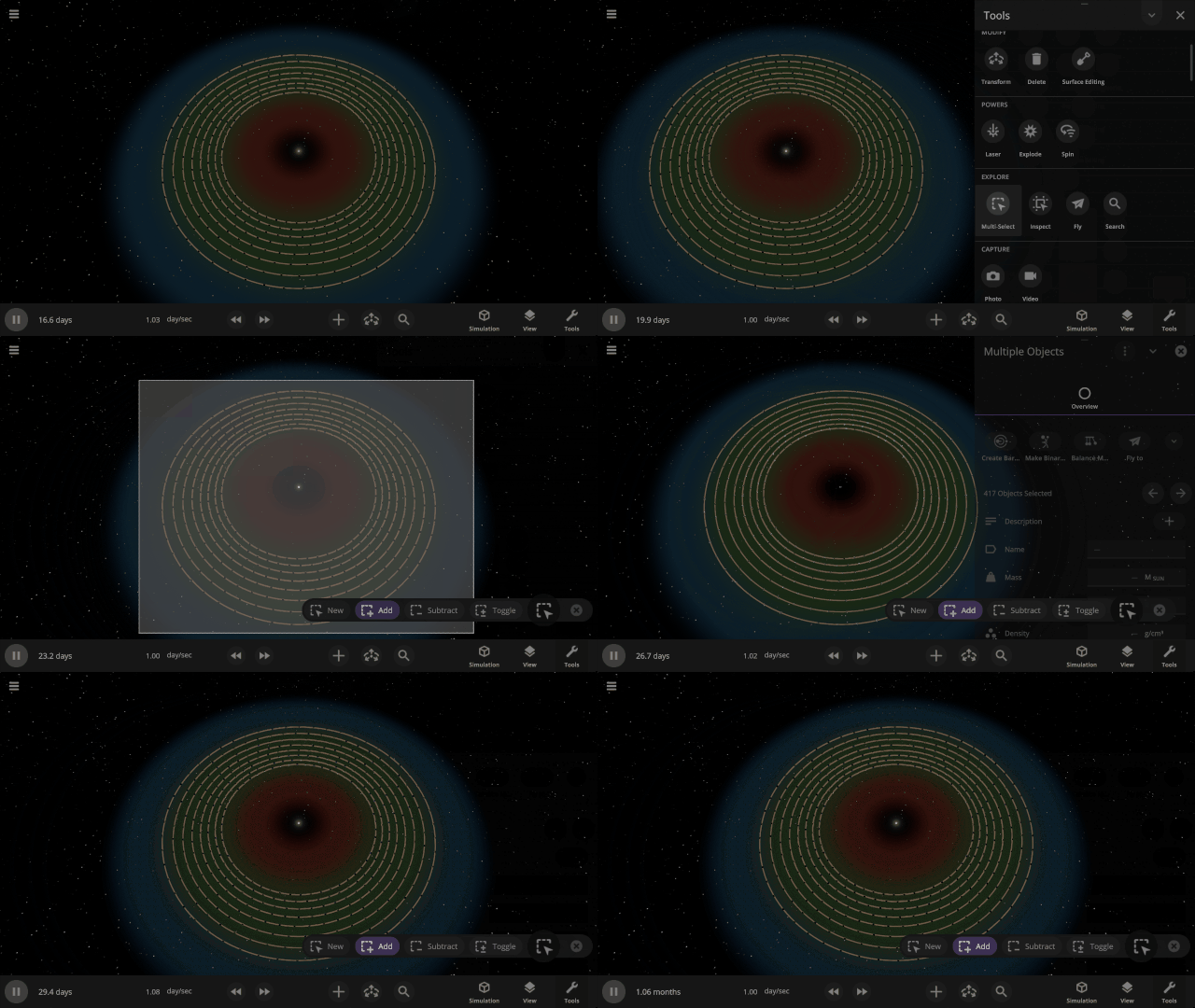
You can now smoothly undo the deletion of a large number of objects at once with Ctrl+Z (or Cmd+Z on Mac), and they’ll even have their trails regenerated. You can also undo launching objects.

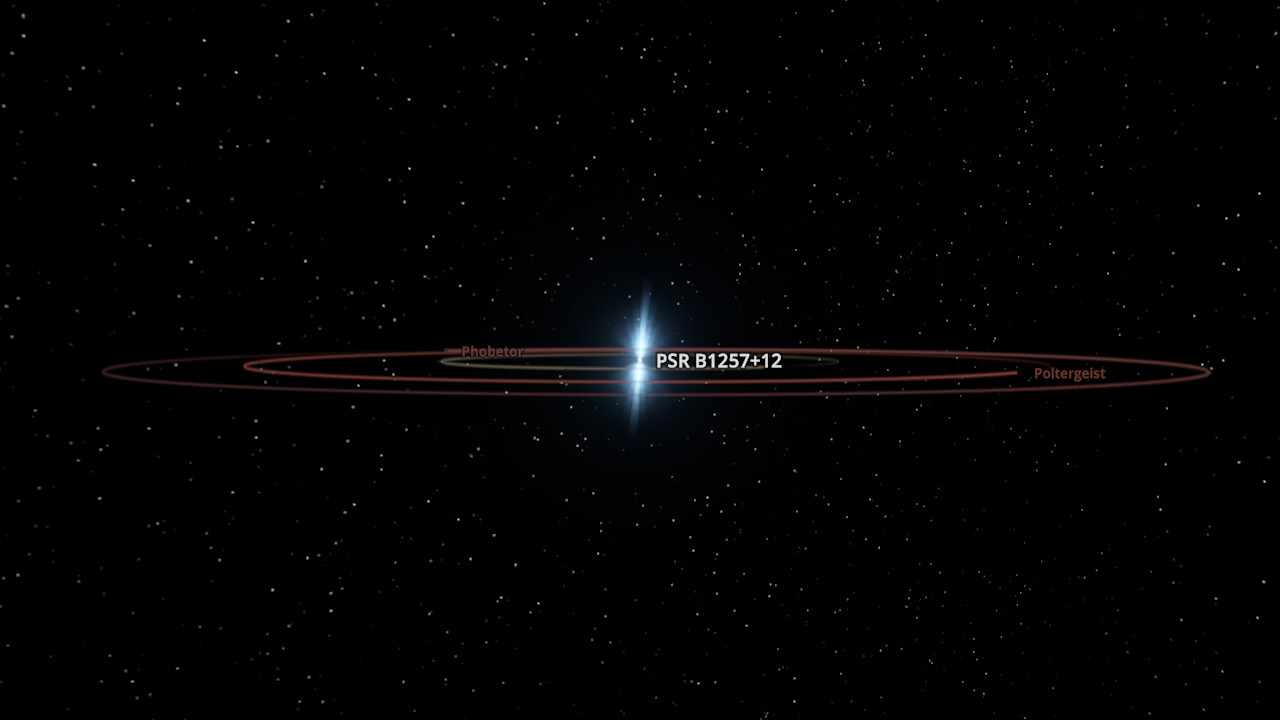
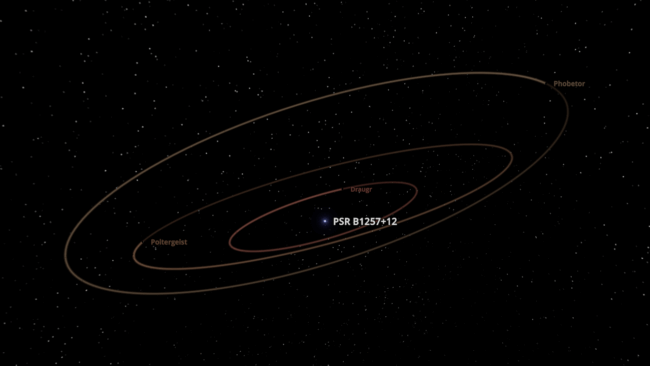
Exoplanet system simulations now include the inclination of known exoplanets around their host stars.
3D data views no longer color points on the object surface that have a value of zero.
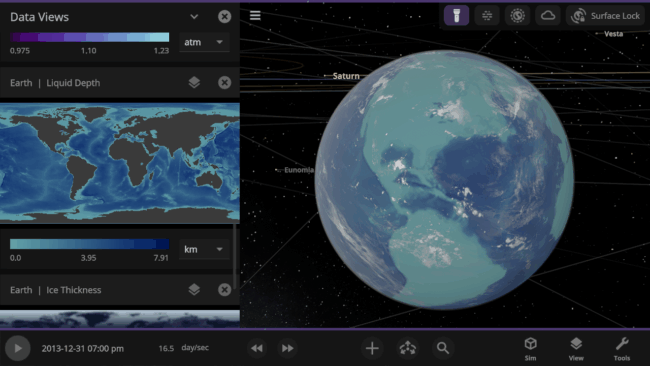
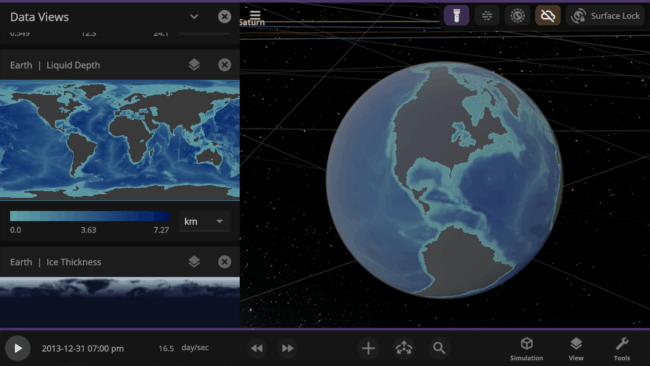
Check out the full list of What’s New in Update 35.2.
Please report any issues on our Steam forum, on Discord, or in-game via Home > Send Feedback.

Describing the Universe | Update 35.1
Apr 28th
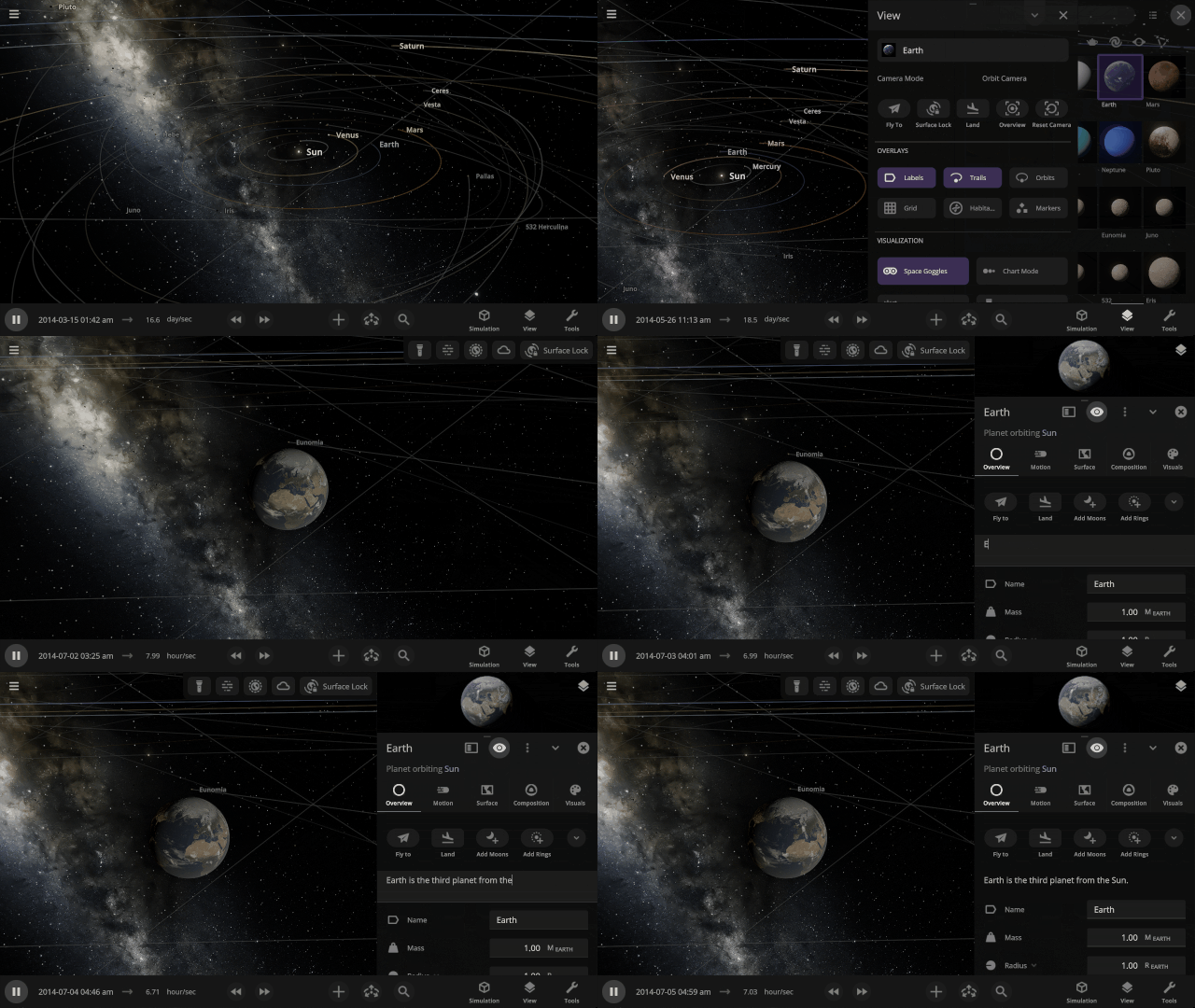
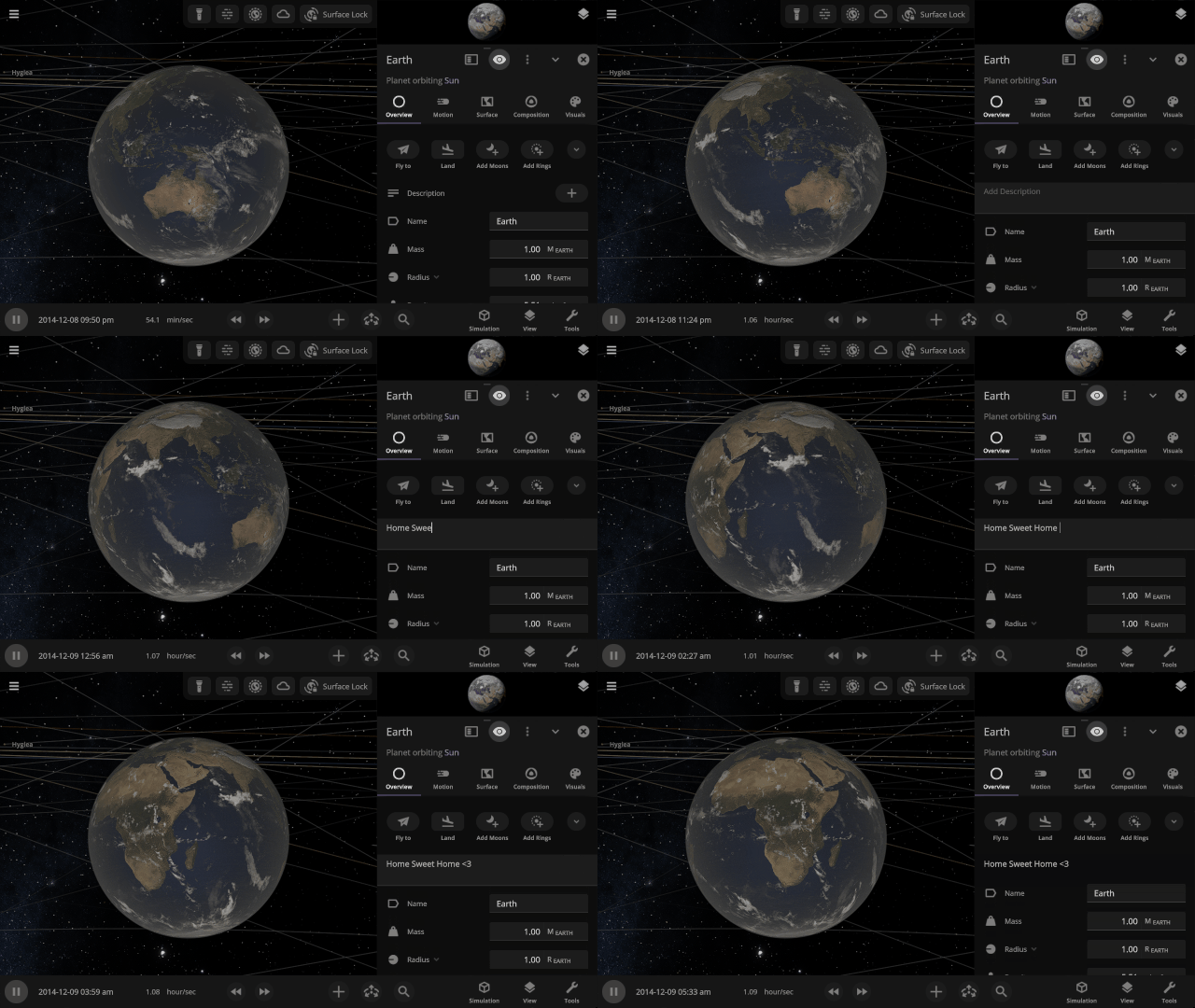
Describe Your Worlds
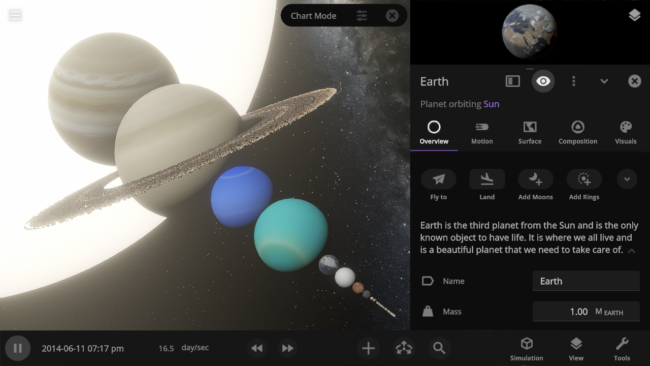
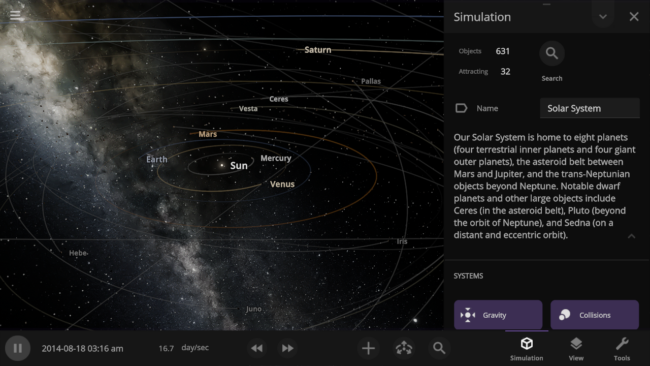
Add rich details to any object and the simulation itself with the new description properties. Include your favorite facts about each planet in the Solar System, or give a detailed backstory to your custom Tatooine! Add them under
- Object Properties > Overview > Description
- Simulation > Description
Choose Your Startup Simulation
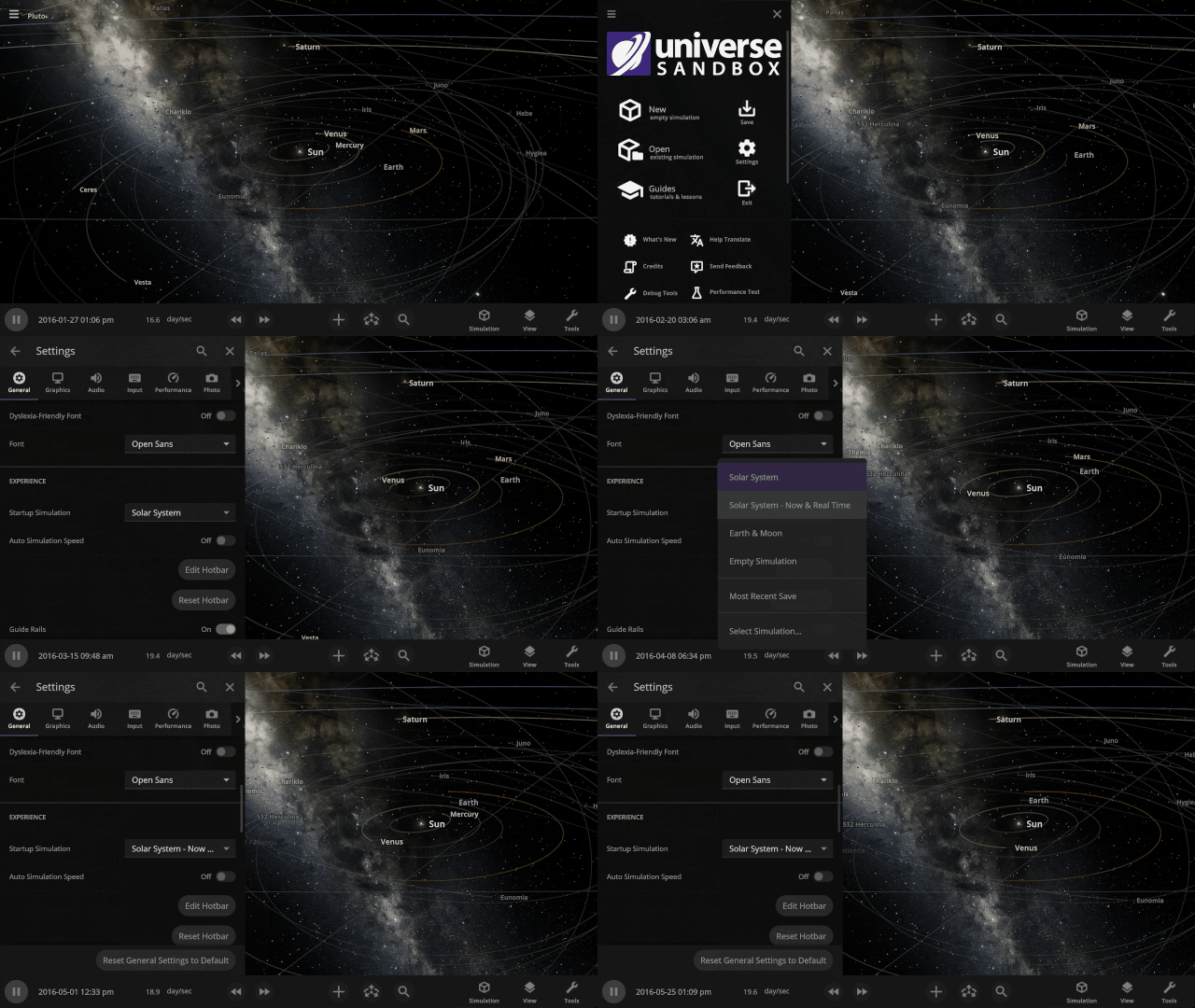
Pick up where you left off and have Universe Sandbox open your most recent save, your own custom work in progress, or any of our included simulations when it starts up. Set this under
Home > Settings > General > Experience > Startup Simulation
This feature was added in Space in a New Light | Update 35, but wanted to highlight it again in case you missed it.
Visualizing Planet Data
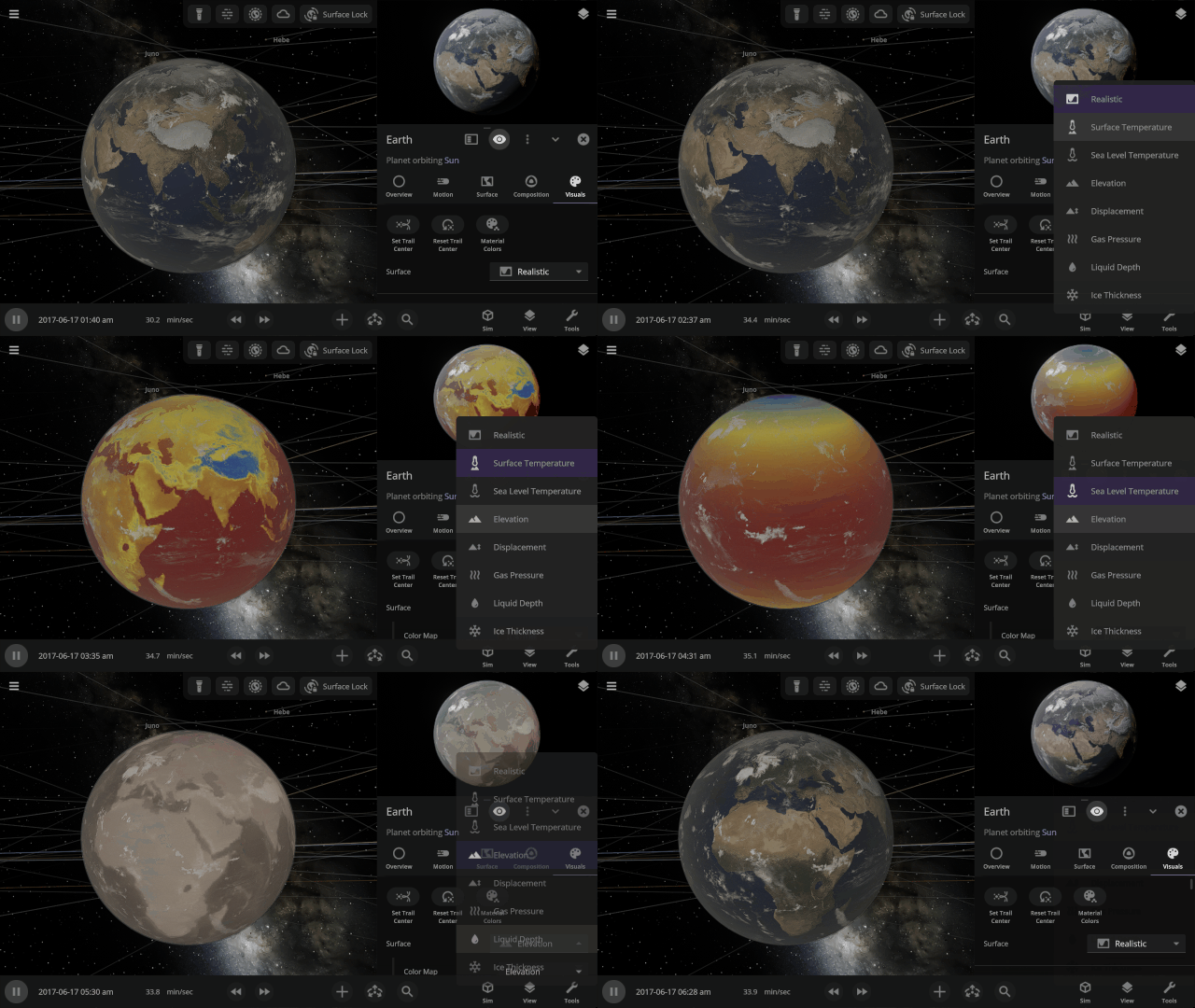
See information about your planets, like the Surface Temperature or Elevation, projected on their surfaces in 3D. This view is now shown in the object preview and on the objects in the simulation. Check it out under
Object Properties > Visuals > Surface
More Highlights
Use the new actions in the View panel to Fly, Land, reset the camera position, and more.
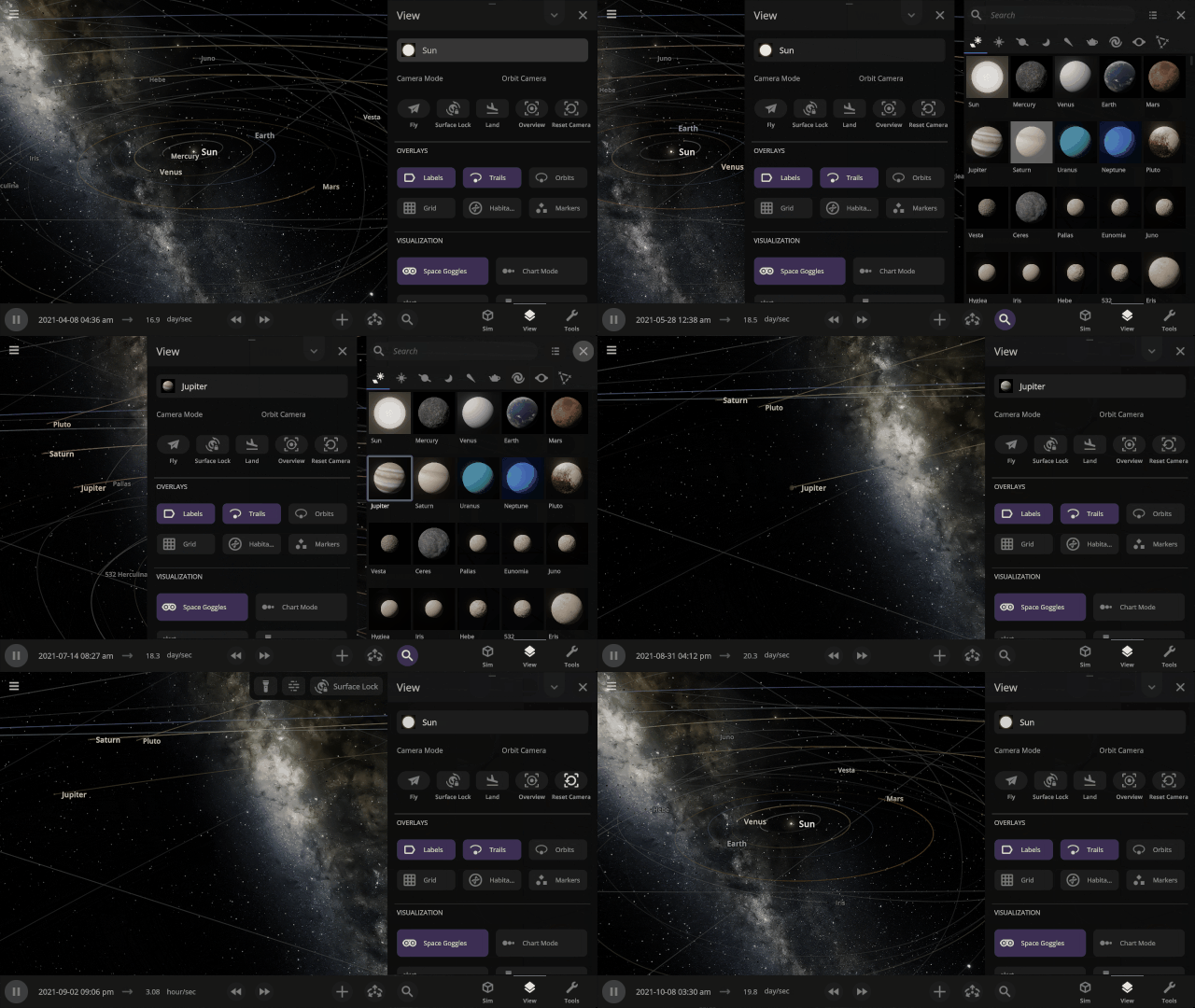
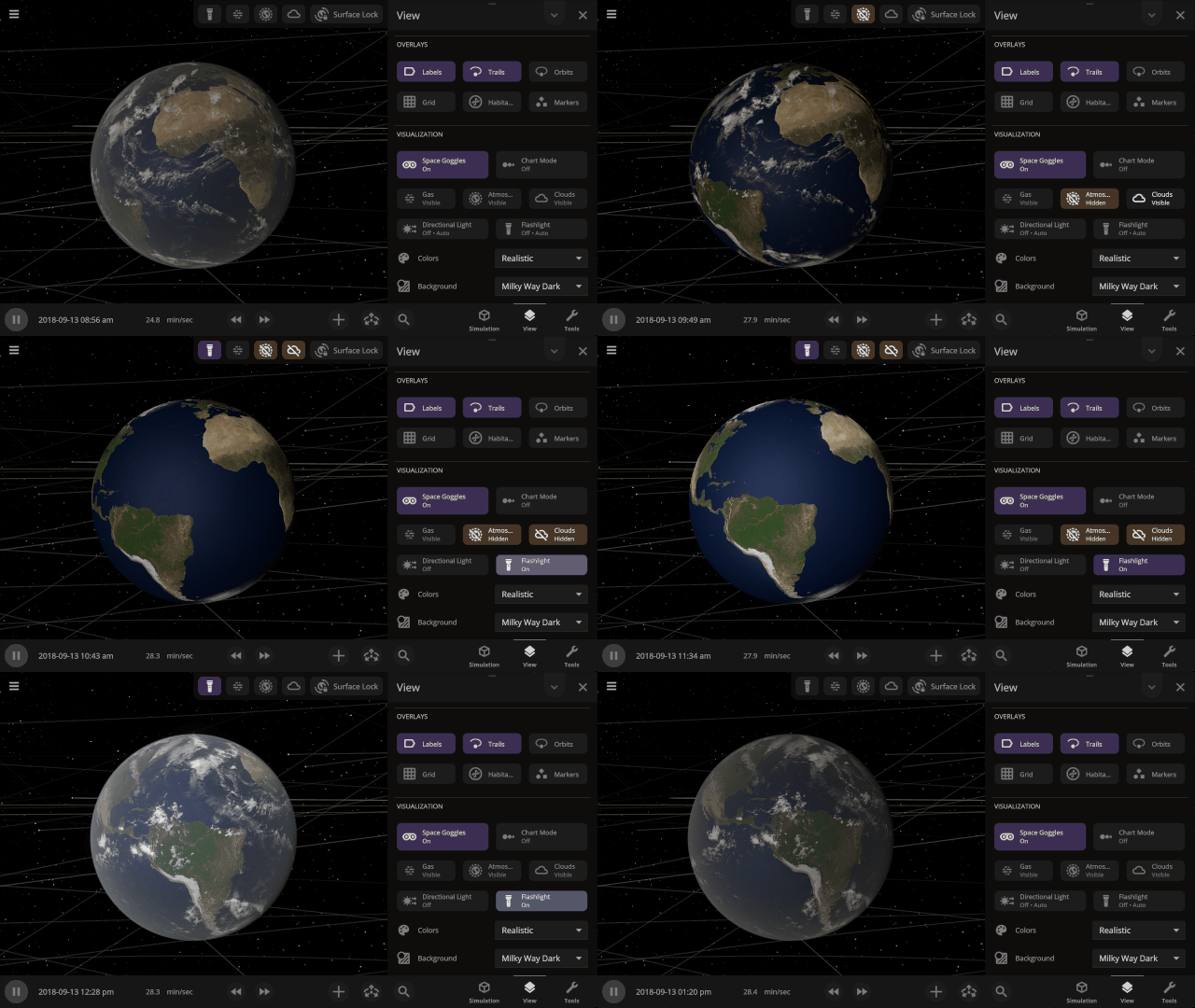
Controls to show and hide an object’s atmosphere, clouds, and dust clouds are now simulation-wide view settings instead of only applying when zoomed in on an object. Find them in the View panel.
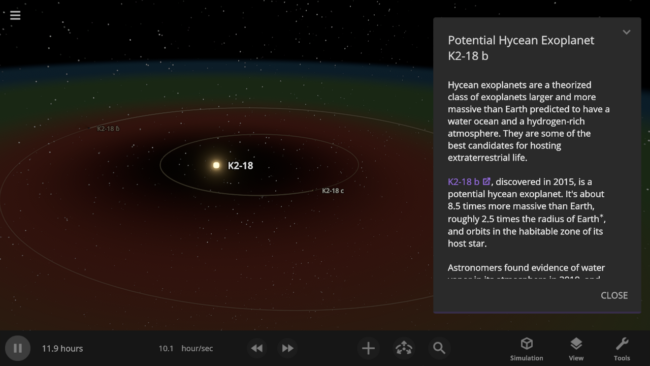
The simulation of exoplanet K2-18 b has been updated to reflect the recent evidence of specific molecules in K2-18 b’s atmosphere that are known to be produced by biological processes on Earth. However, some scientists have argued these molecules may be produced without life, and more data is needed to confirm these molecules are really present in K2-18 b’s atmosphere.
Check out the full list of What’s New in Update 35.1.
Please report any issues on our Steam forum, on Discord, or in-game via Home > Send Feedback.

Space in a New Light | Update 35
Mar 3rd
Immerse yourself in a universe more awe-inspiring and realistic than ever before with our next-generation graphics update! We’ve also added many interface improvements to make controlling the universe easier and more intuitive. You need to see it to believe it.
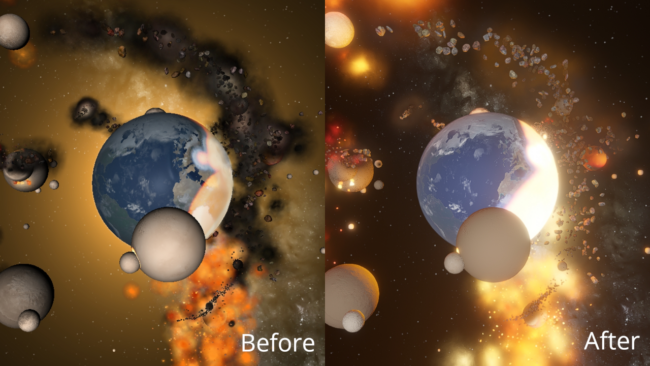
A More Realistic Graphics Engine
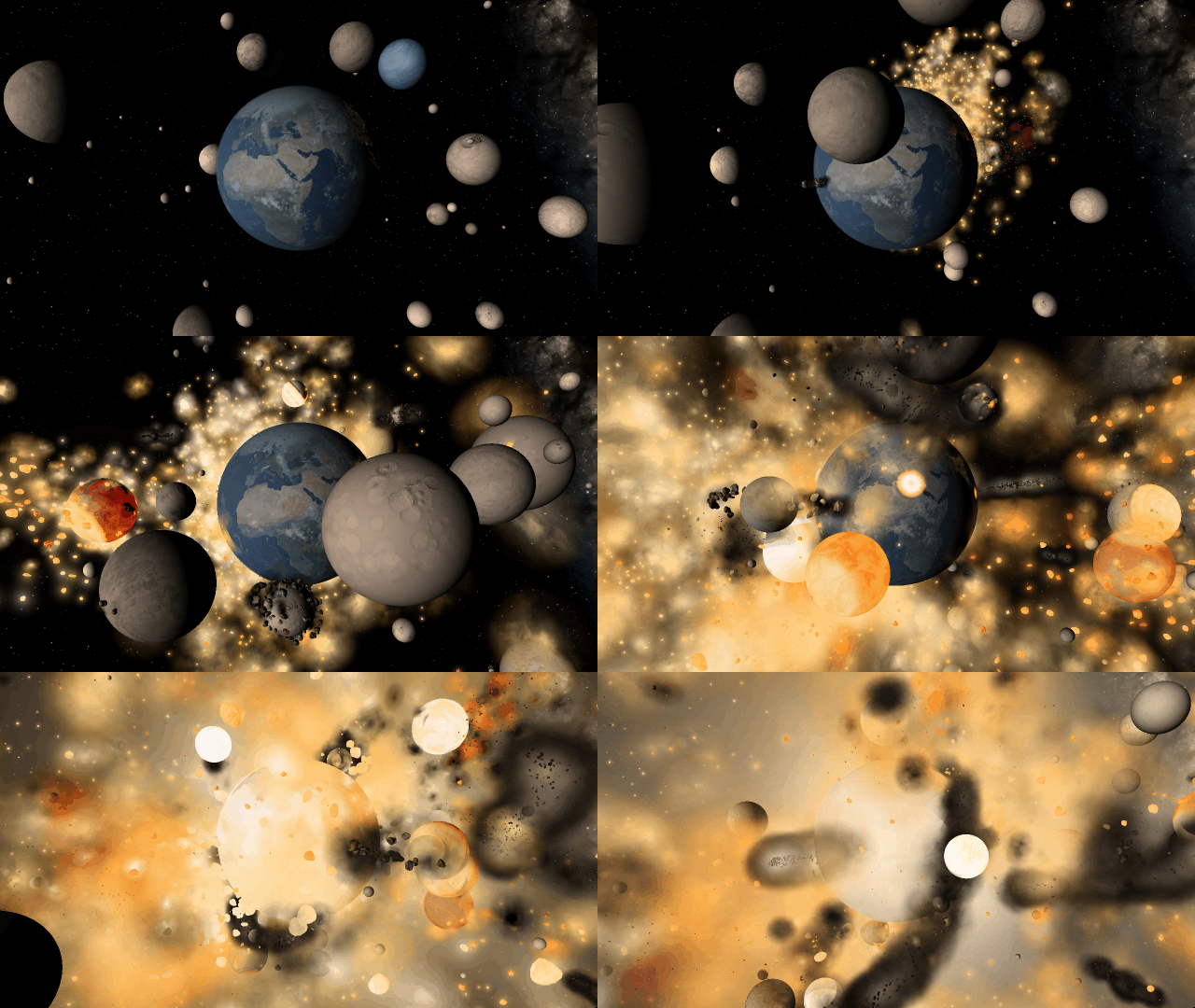
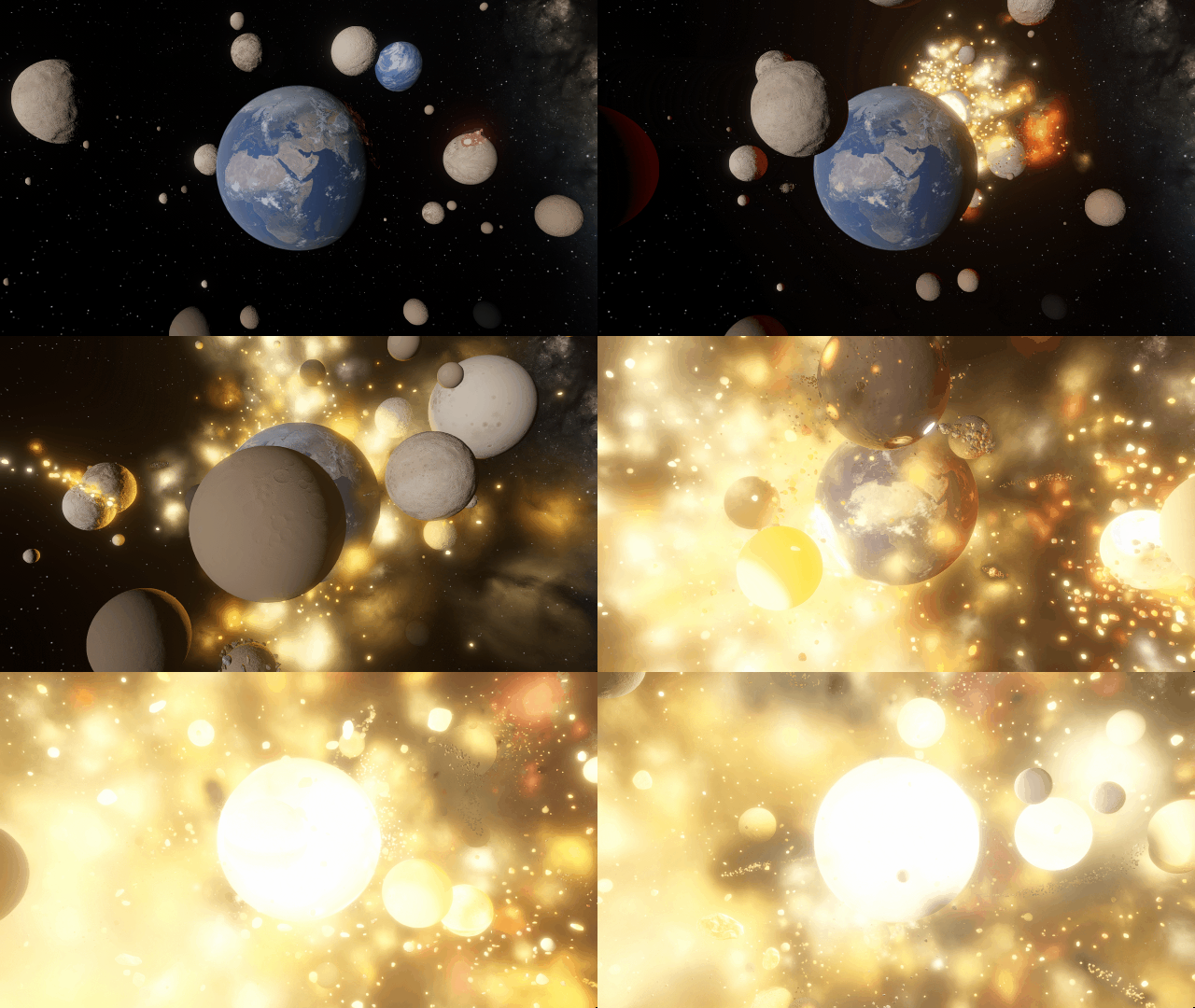
We’ve completely replaced our 10-year-old graphics technology with a state-of-the-art system to make Universe Sandbox look more realistic with physically-based lighting. This new system has required us to update our minimum requirements. Learn more.
Edit Objects Simultaneously
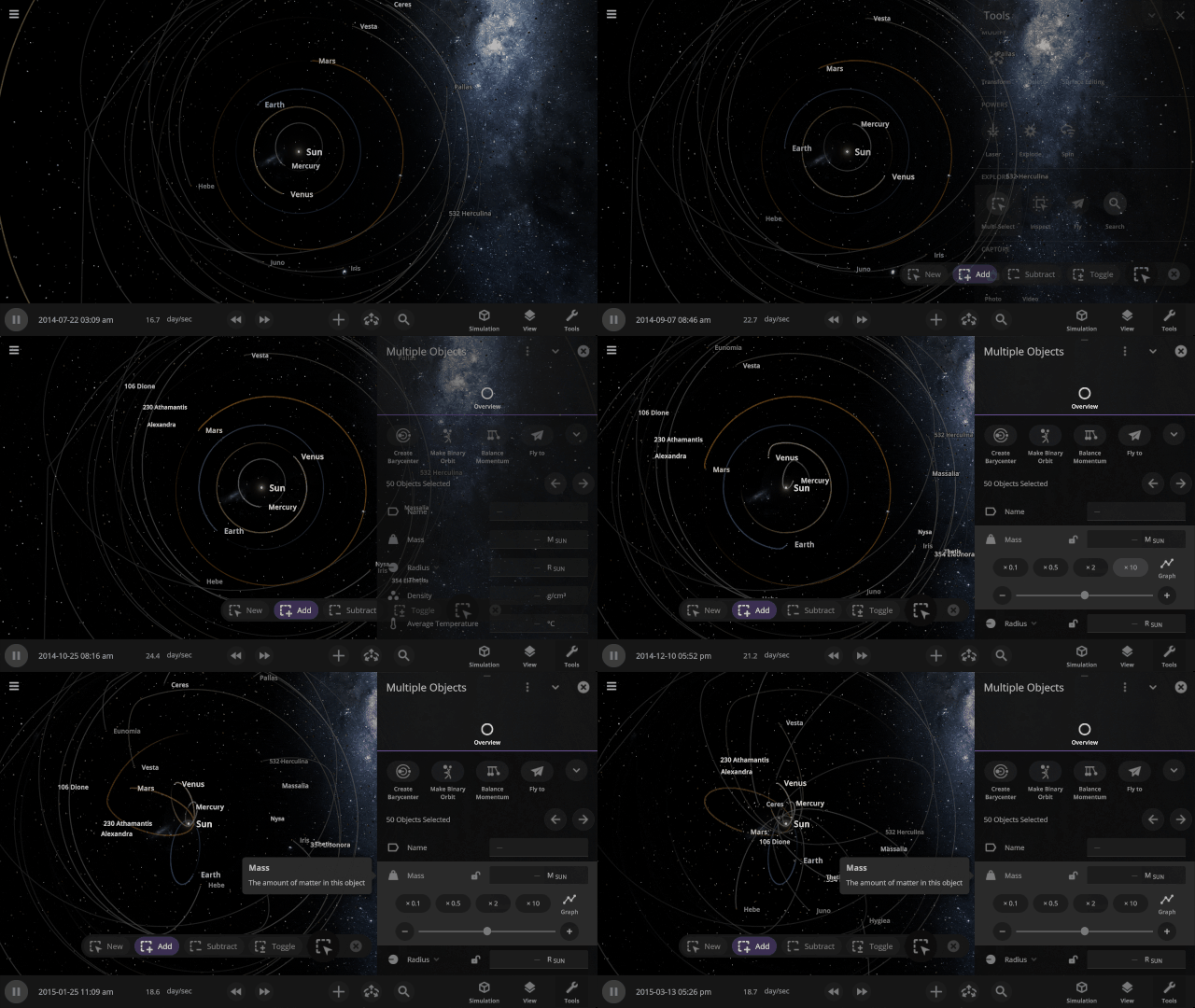
The properties panel now lets you edit multiple objects at once. Use the new Multi-Select tool to select multiple objects and try increasing the mass of every object in the Solar System simultaneously!
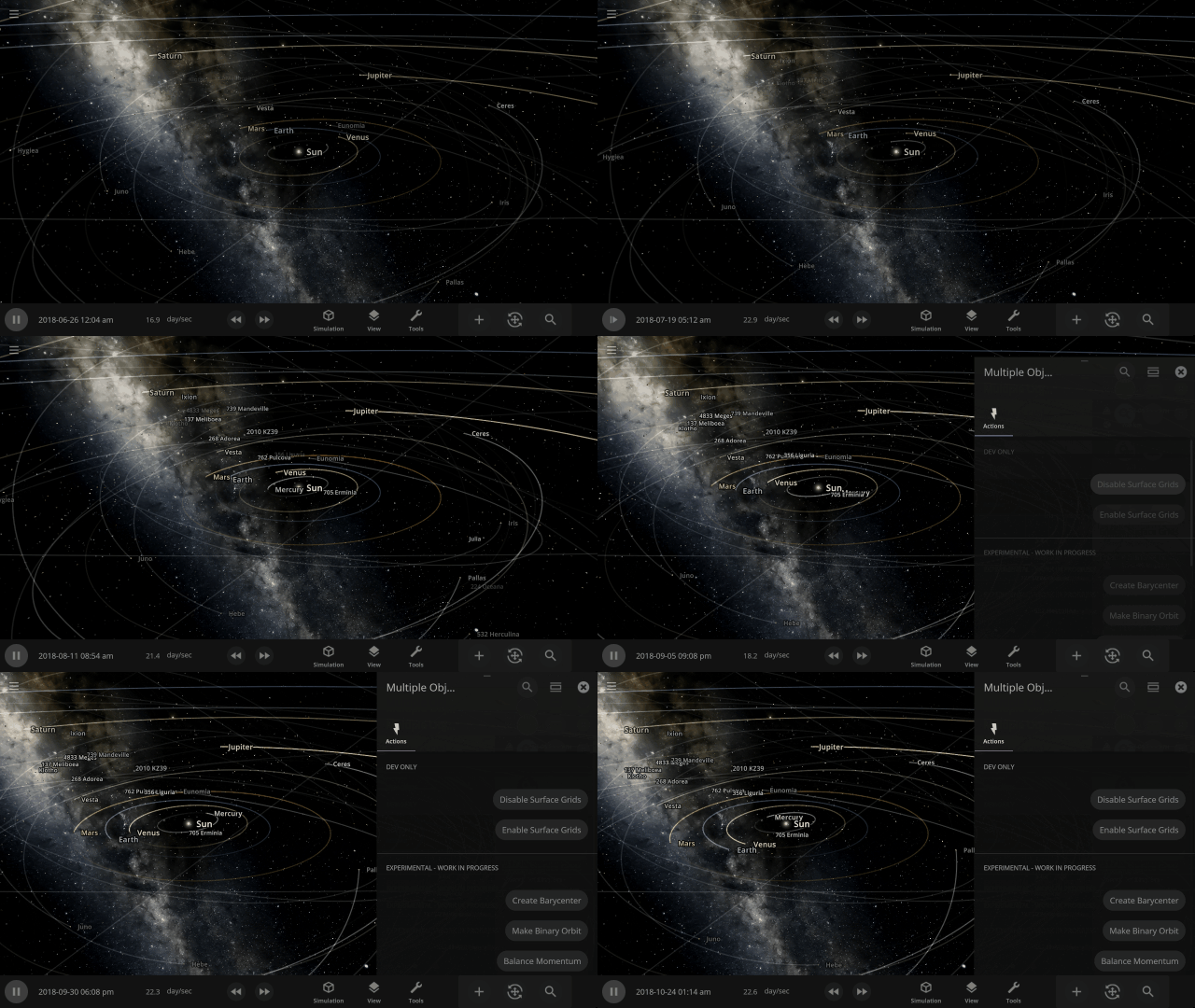
Automatic Interface Management
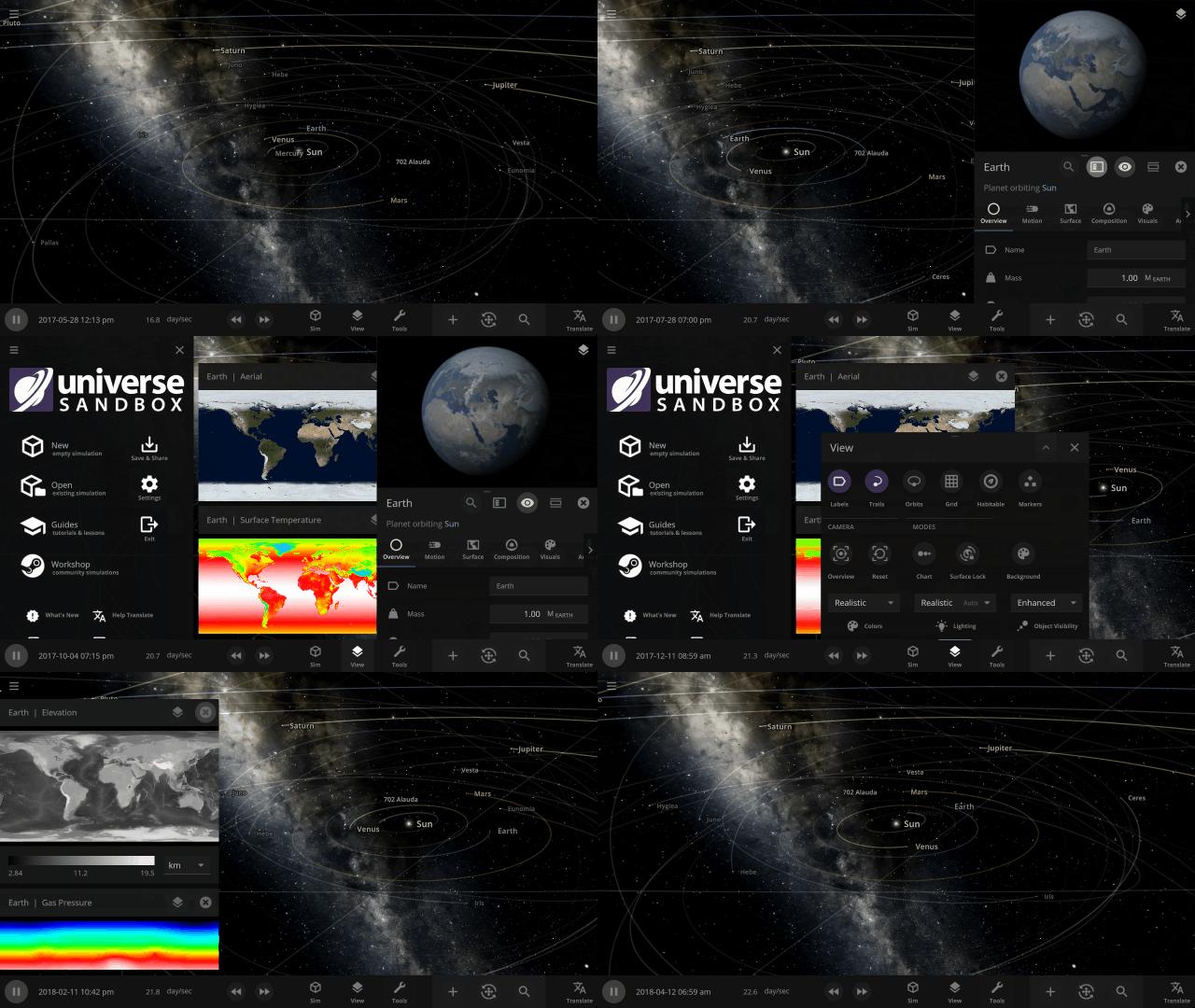
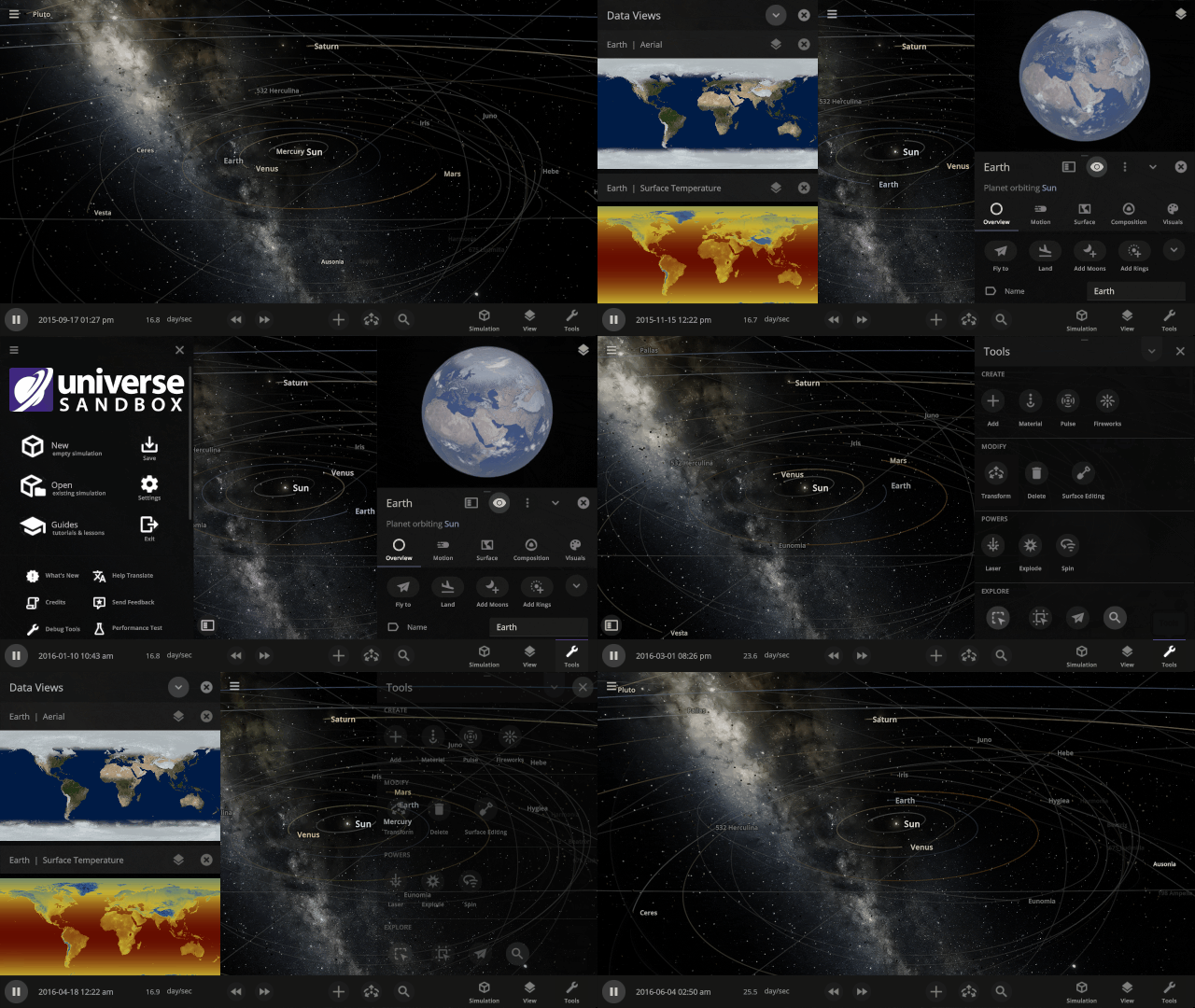
Focus on manipulating the universe instead of managing panels with our new interface system that automatically positions, resizes, and closes panels so you can always see the simulation. This immersive system also provides better support for ultrawide monitors and small screens (like smartphones).
More Highlights
Focus on realism
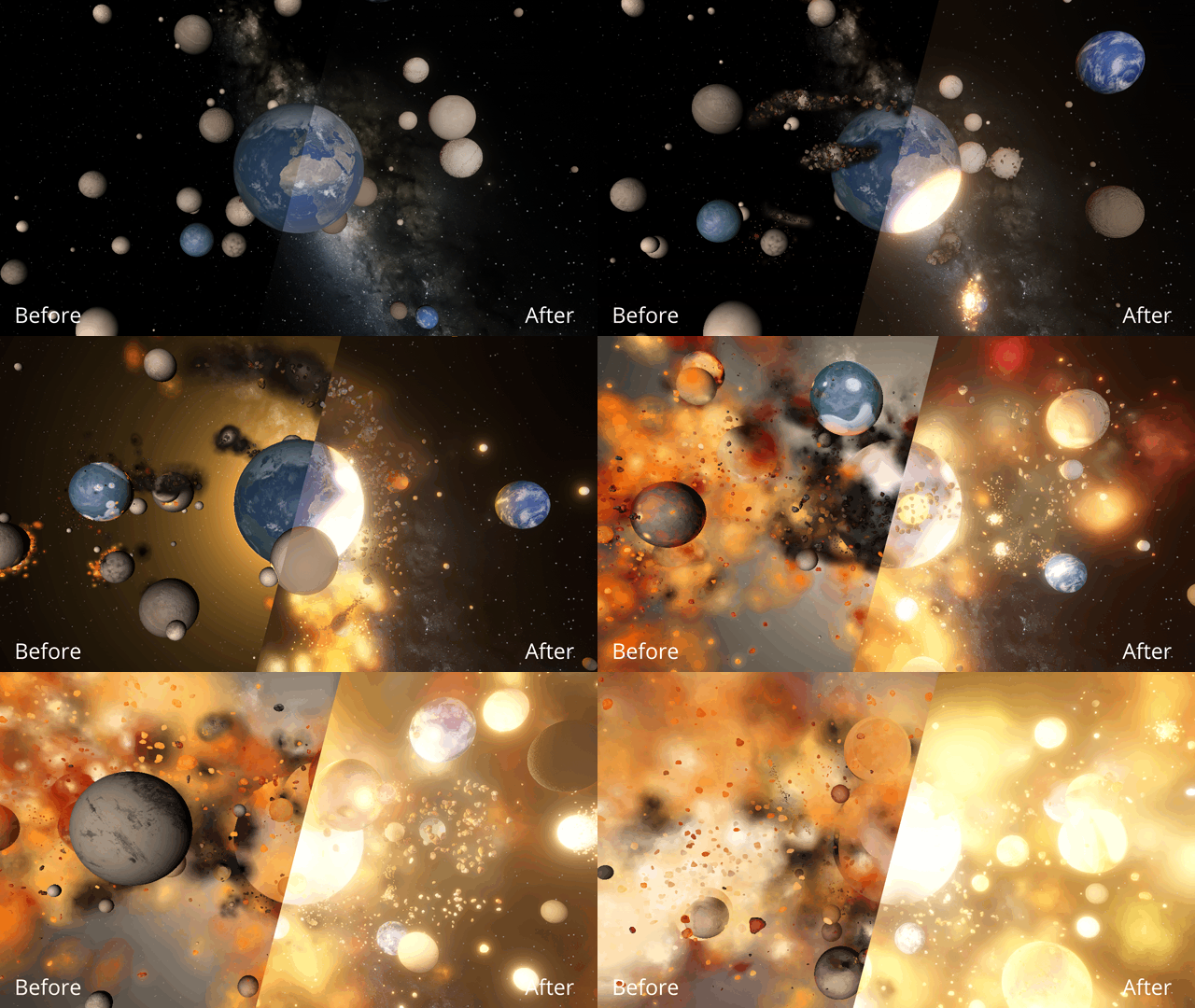
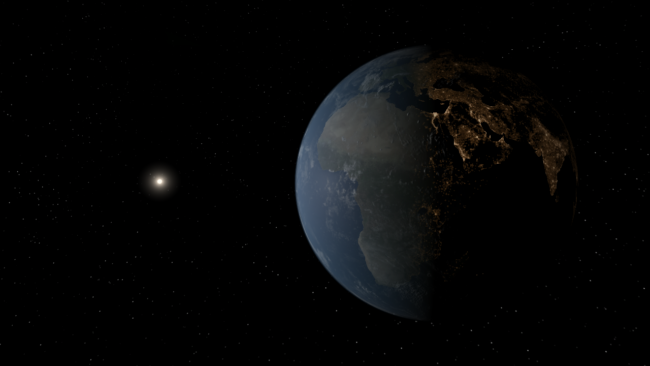
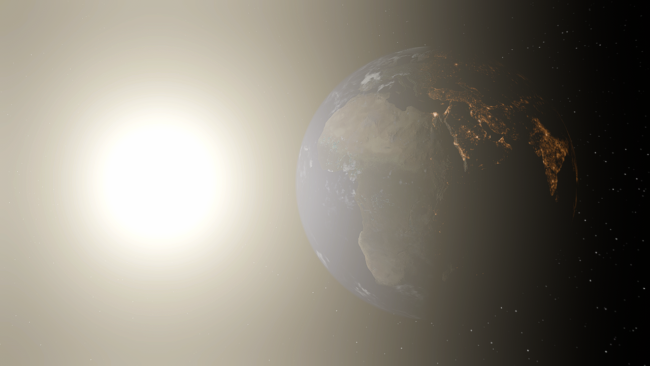
Making Universe Sandbox look as realistic as possible with physically-based lighting has made stars realistically bright, and collisions result in blindingly realistic hot spots. It turns out there’s a reason you’re not supposed to look at the Sun.
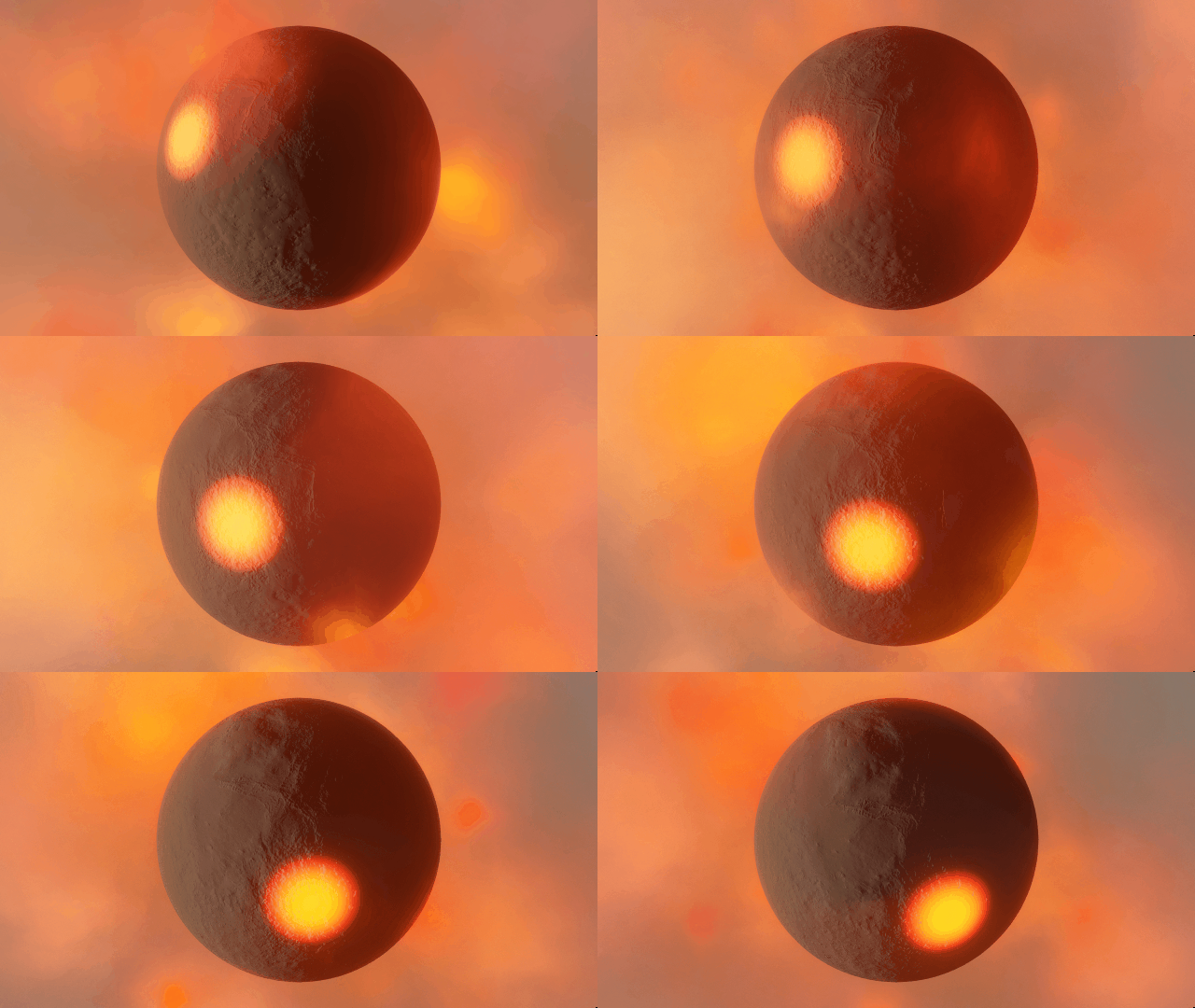
Light from hot planets
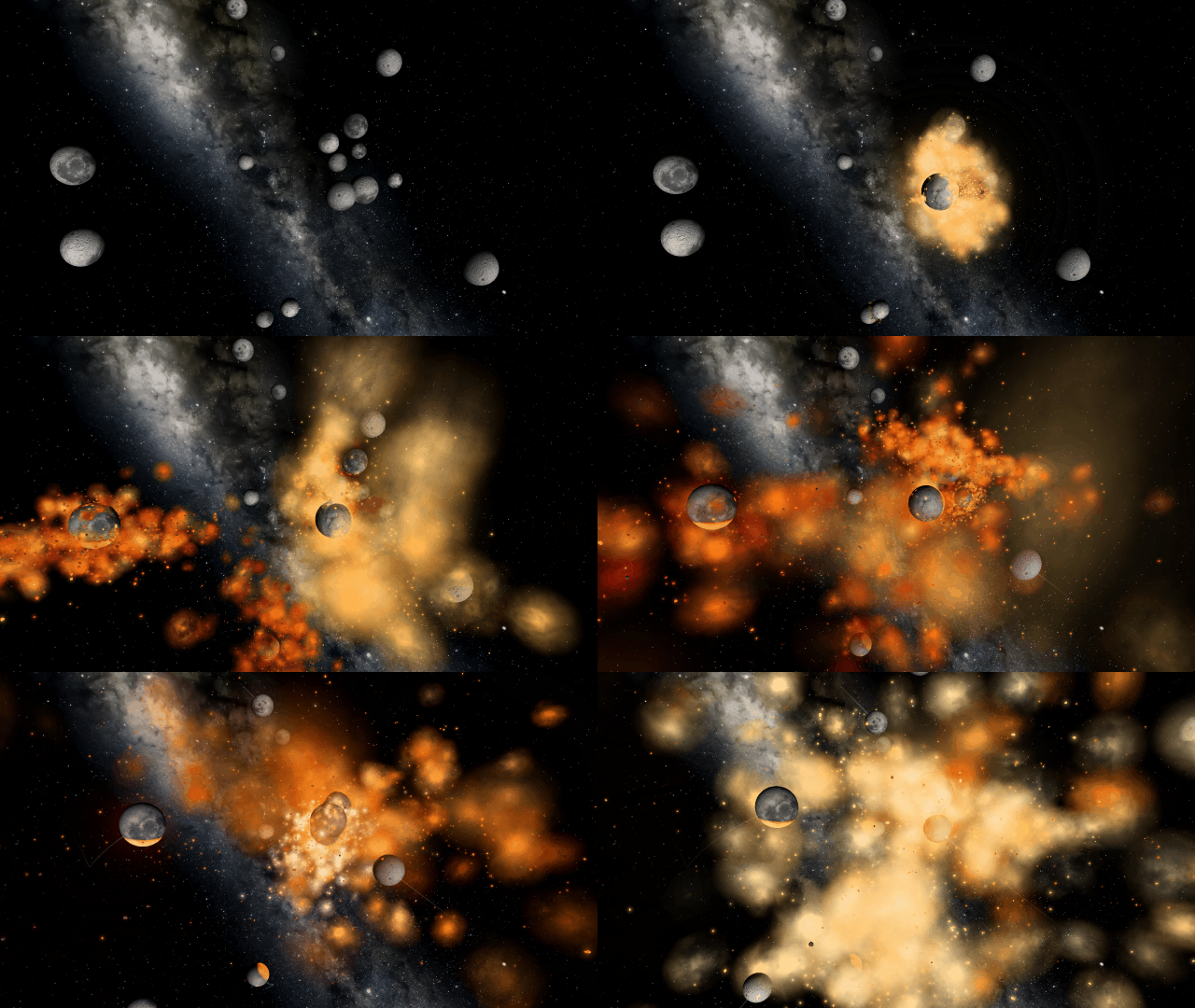
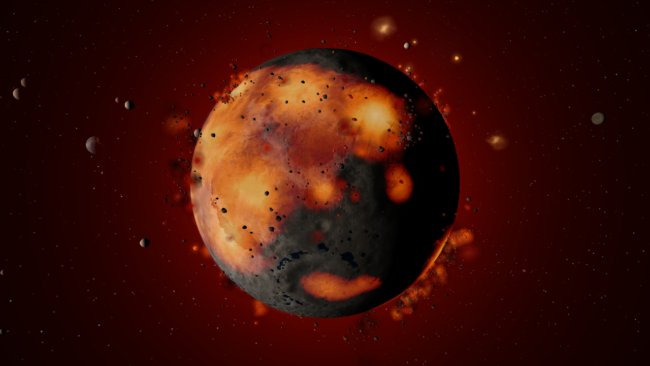
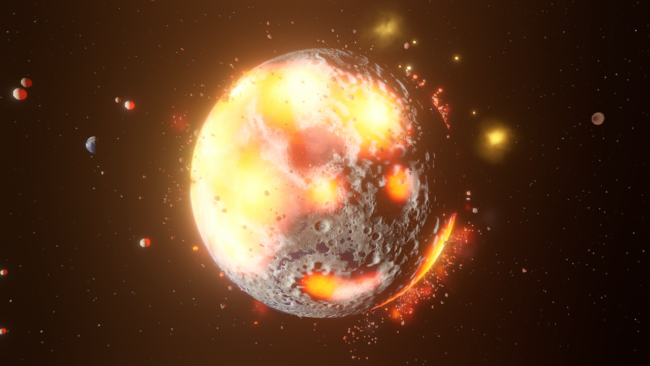
Hot objects now emit light based on their temperature so you can use intense impacts to light up your simulation. Previously, only stars could emit light.
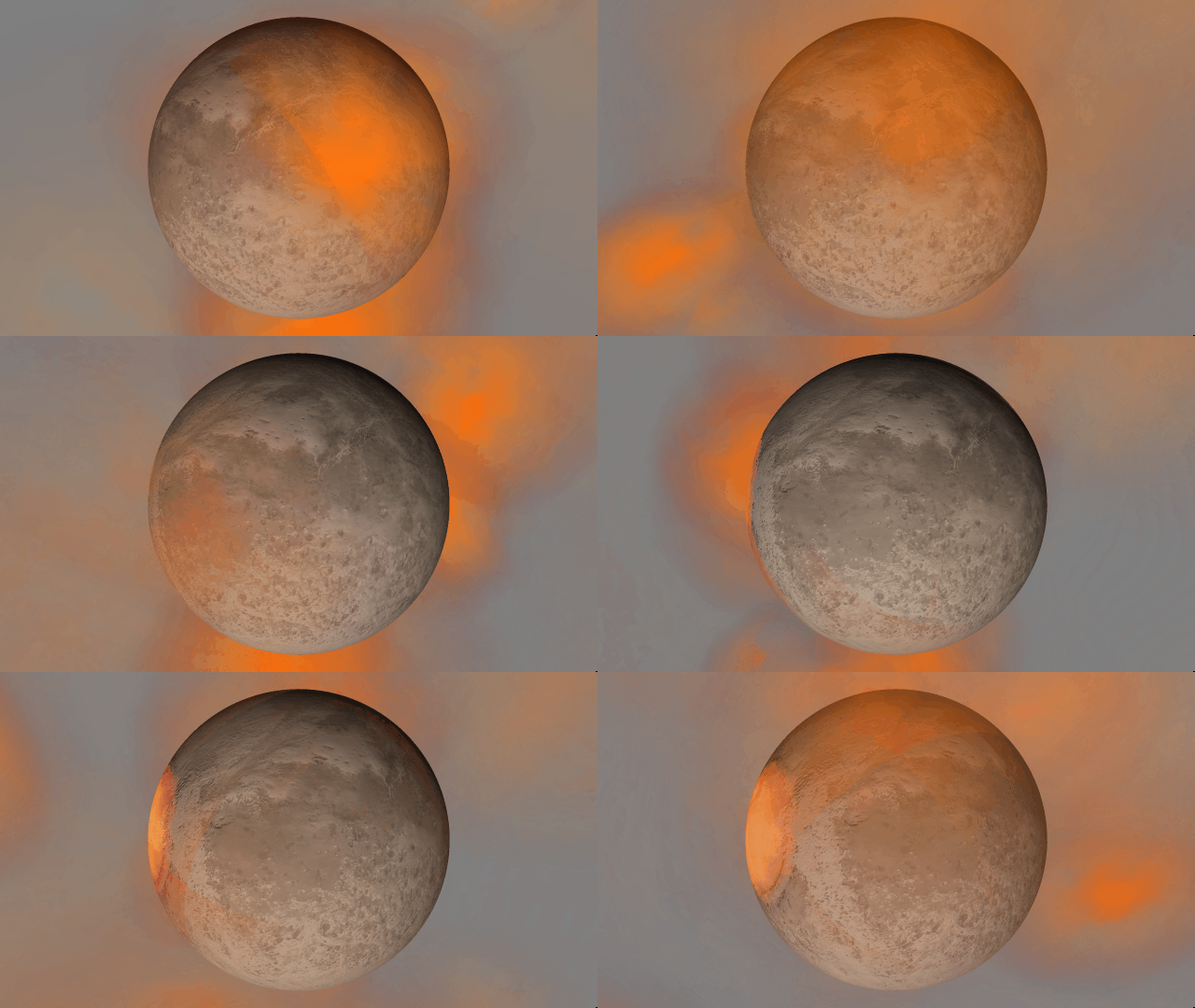
Localized glow
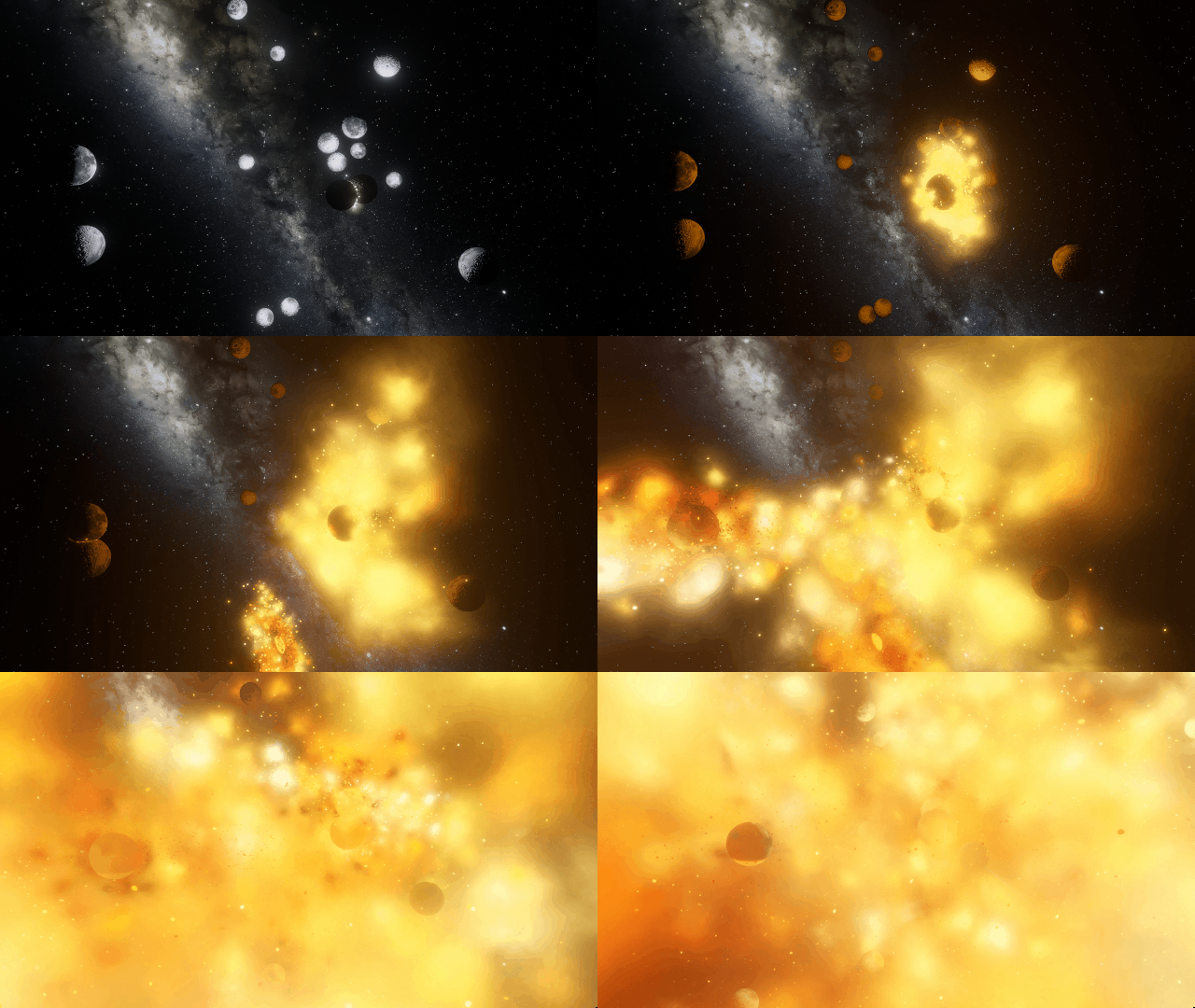
Objects now bloom only in hot areas, like those created from lasers or collisions, instead of being surrounded by a single uniform glow.
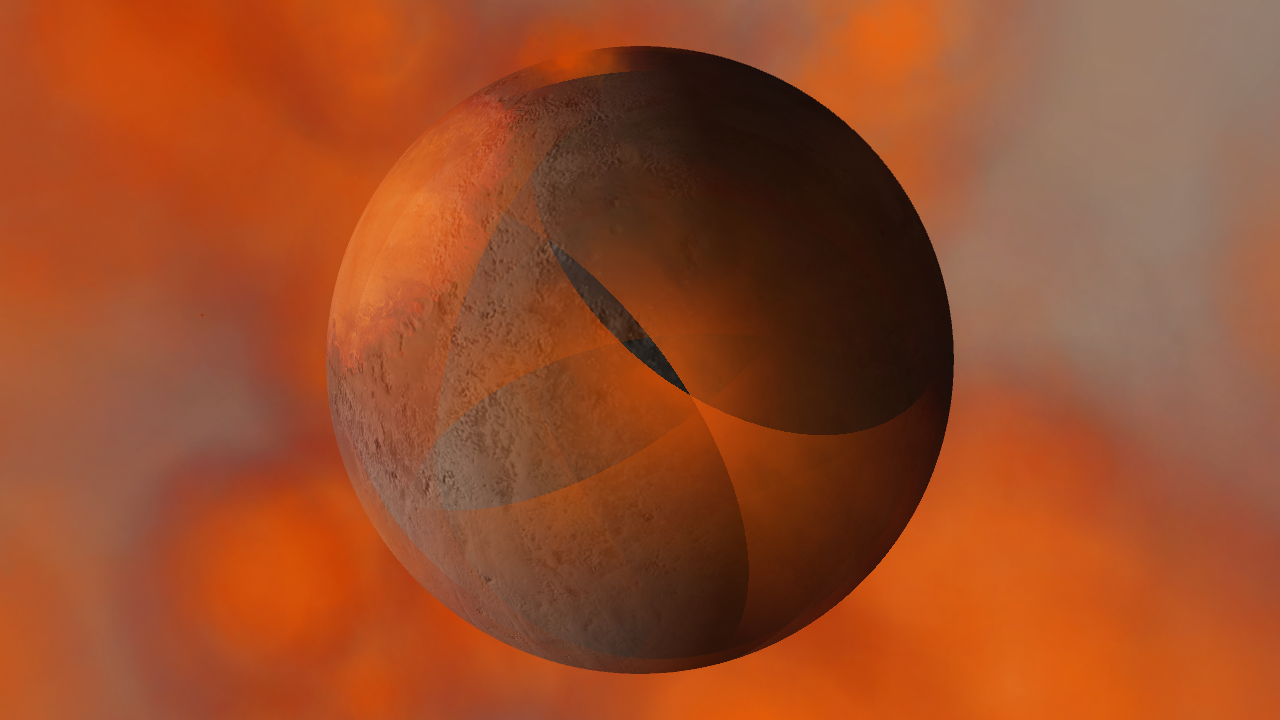
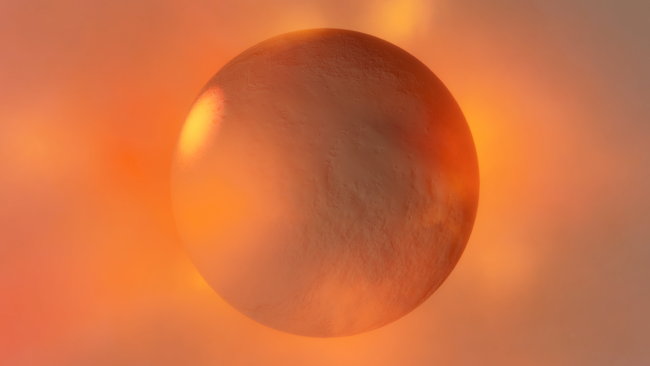
Smoothly blending clouds
Gas and dust clouds now smoothly pass over planets instead of creating sharp intersections.
Realistic artifacts
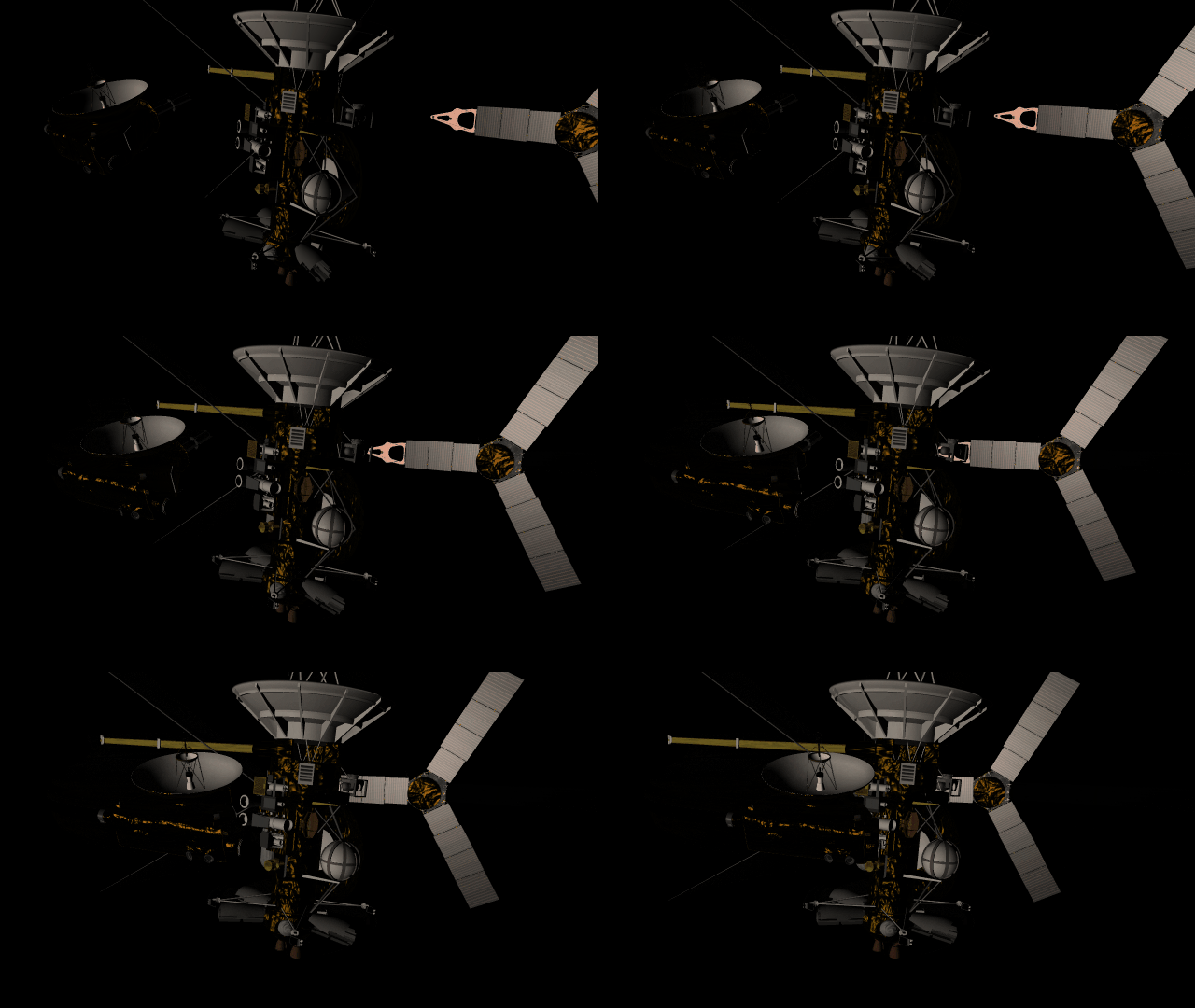
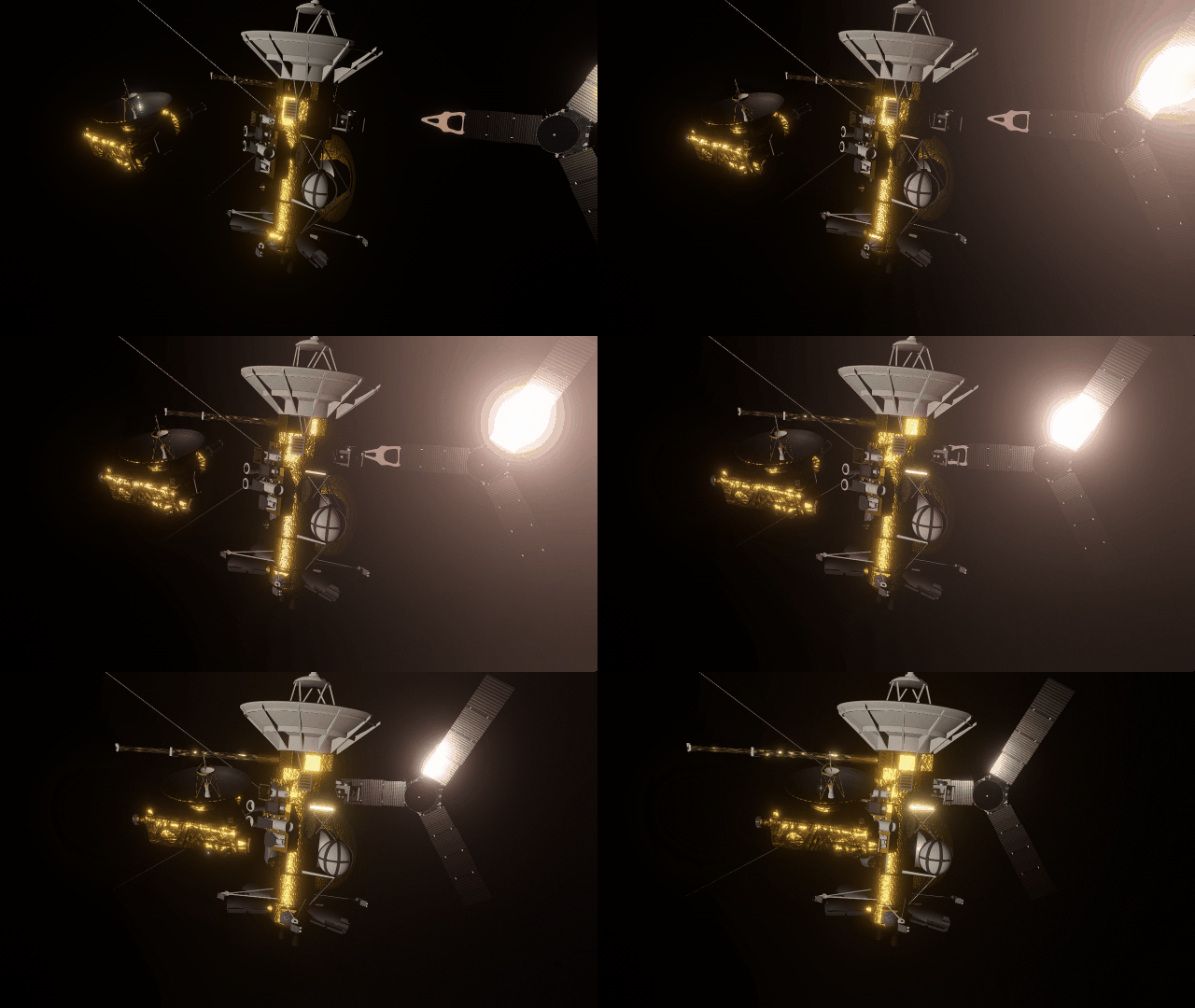
The surfaces of human-scale objects, or artifacts like spacecraft, have shiny, reflective metals and rough, rugged edges that interact with light more realistically.
Math in text fields
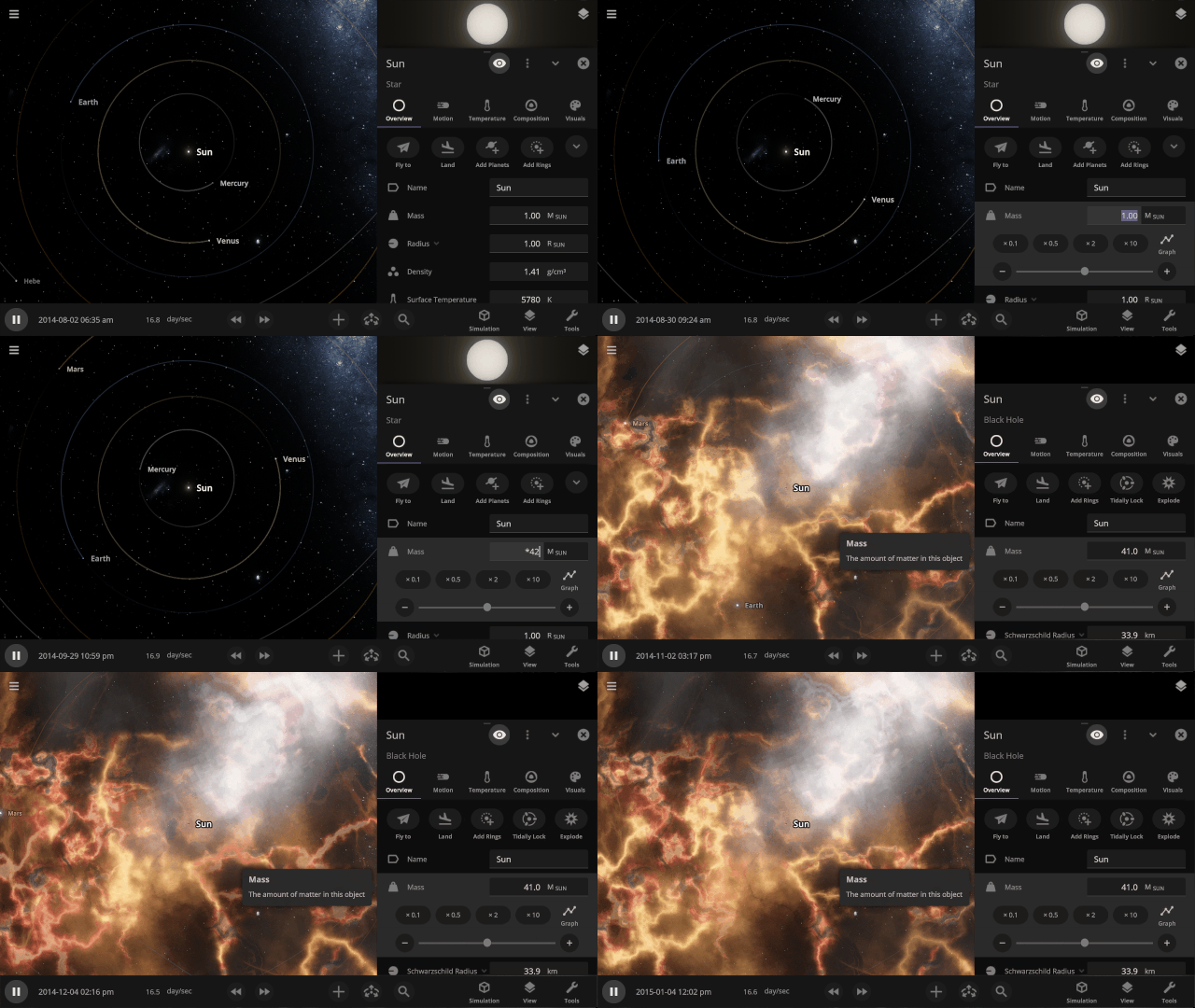
All object properties now support basic math. Try typing “*42” into a property to multiply by 42 or “/3” to divide by 3, for example.
Explore planet surfaces
Move across the surface of a planet with the WASD keys after landing on it by zooming in for a closer look or using the Land action button in the planet’s Overview tab.
Light intensity with distance
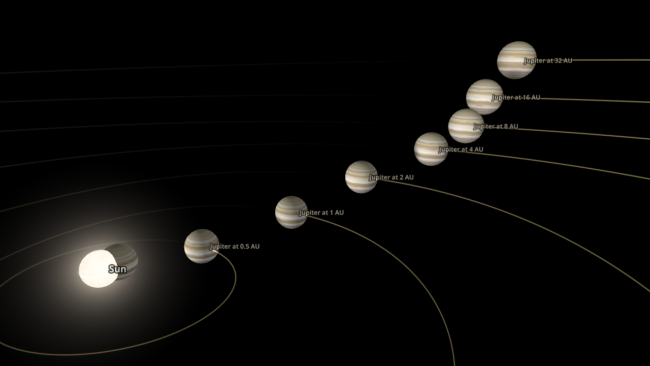
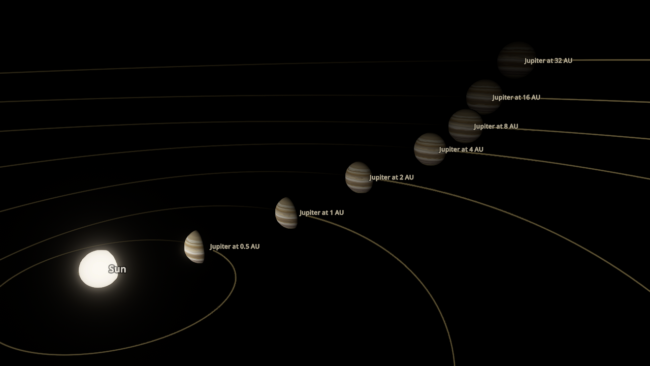
Objects are now always realistically lit based on their physical distance from a light source. Previously, objects were lit with the same intensity based on the camera’s distance from a light source instead of the object’s distance from a light source.
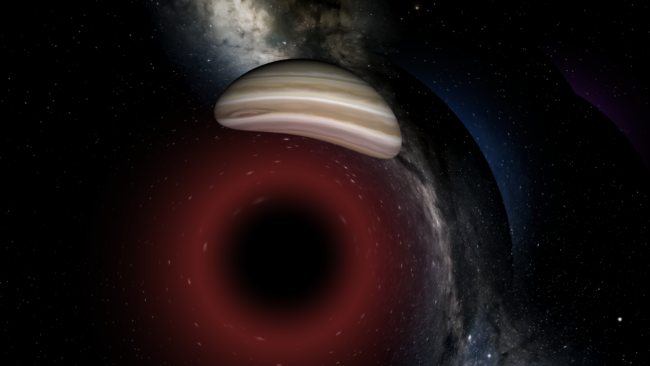
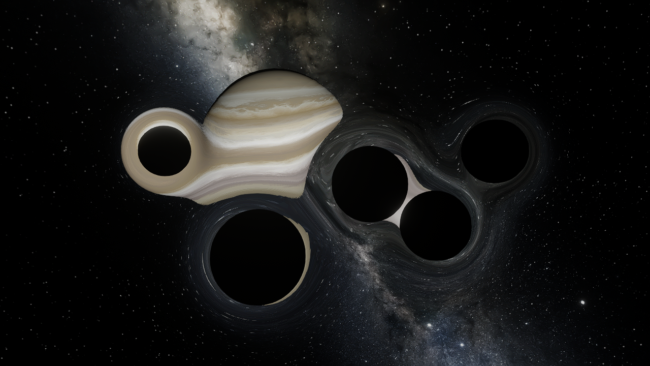
Light warping
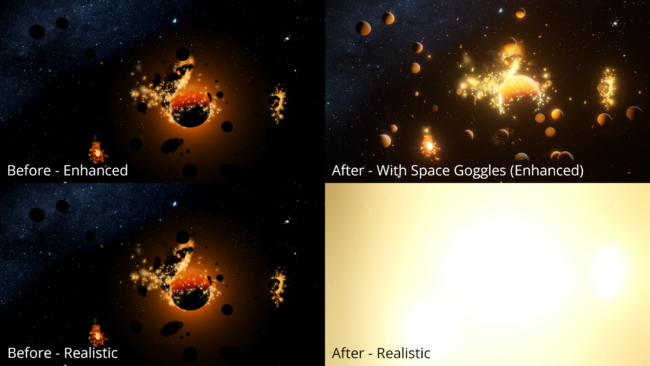
Black holes now realistically warp the visuals from other black holes instead of blocking any black holes behind them from being seen. The images below are from the same simulation, with custom colors in the “Before” image that make the black holes easier to see.
Updated View Panel
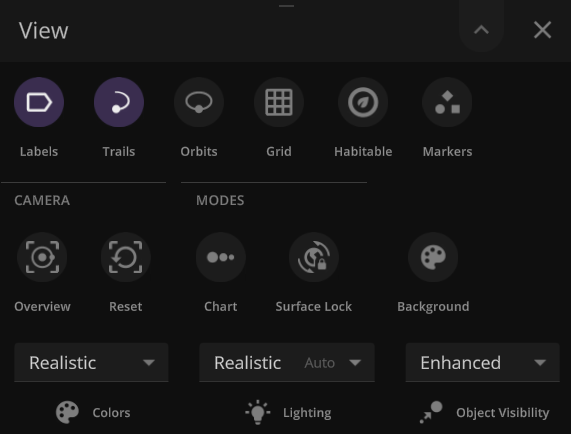
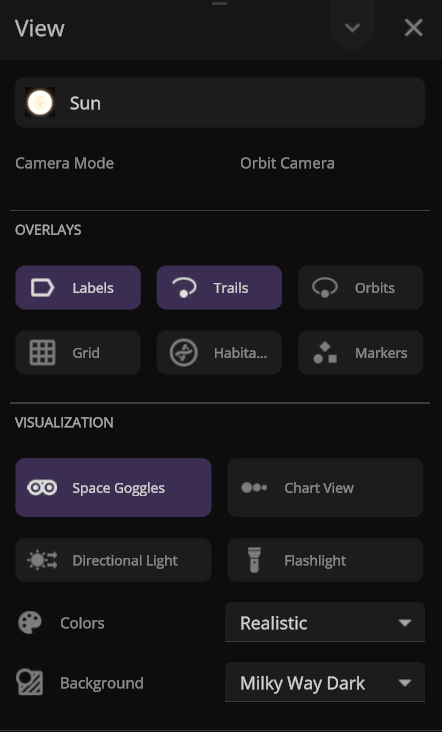
We’ve improved the View panel with more intuitive controls and lighting options
- You can now see and change the camera target from the View panel.
- Space Goggles provide a more comfortable view that filters the brightness to show the action while preserving realism. Turning them off switches to an unfiltered realistic view where stars, hot objects, and collisions can be blindingly bright.
Action Buttons
We’ve added all-new Action buttons at the top of every Properties tab. Quickly fly to a planet or explode it. Your call. (These buttons replace the Action tab.)
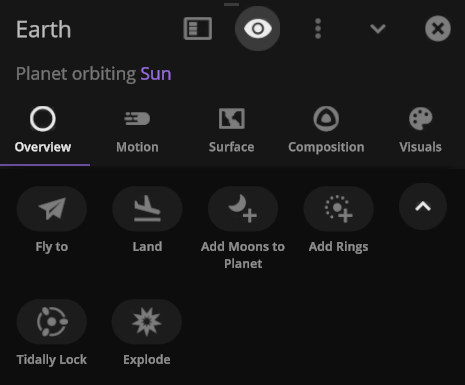
- Save objects or learn more about real astronomical ones with our new Wikipedia button under Additional Actions.

Color maps
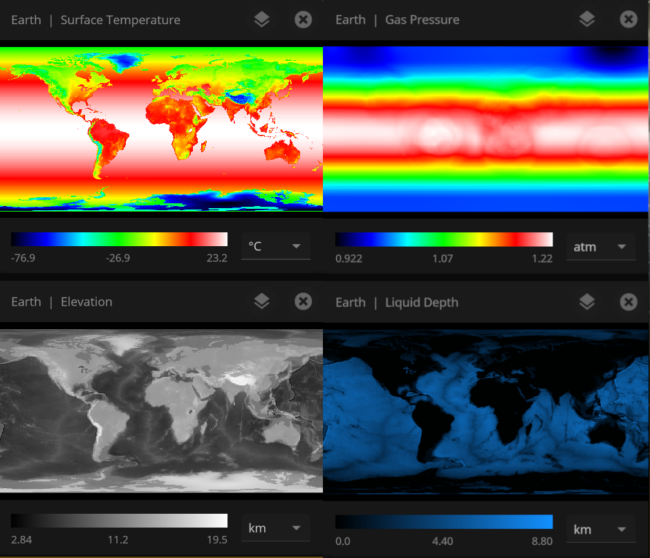
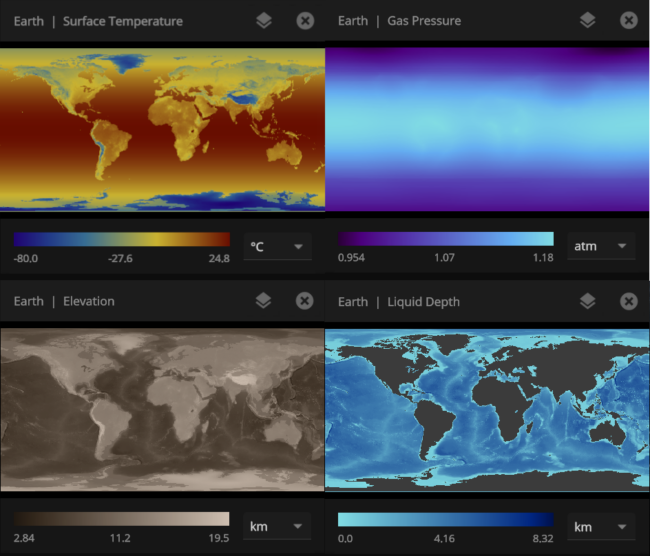
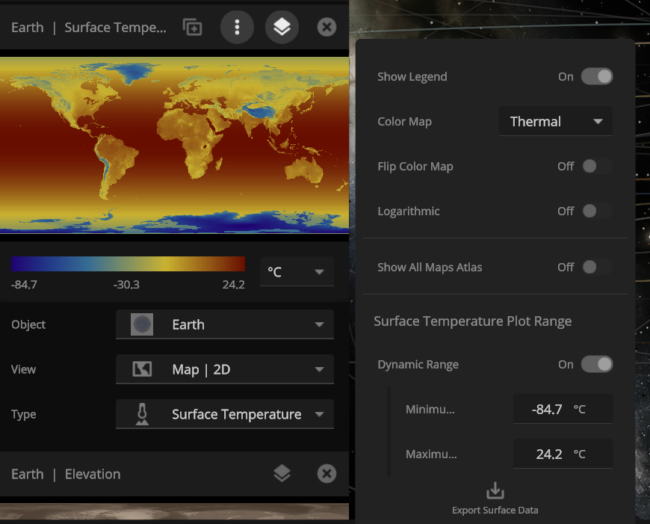
We’ve updated our Data View color maps to make them more perceptually uniform. We’ve also added colorblind-friendly color maps and the ability to invert them.
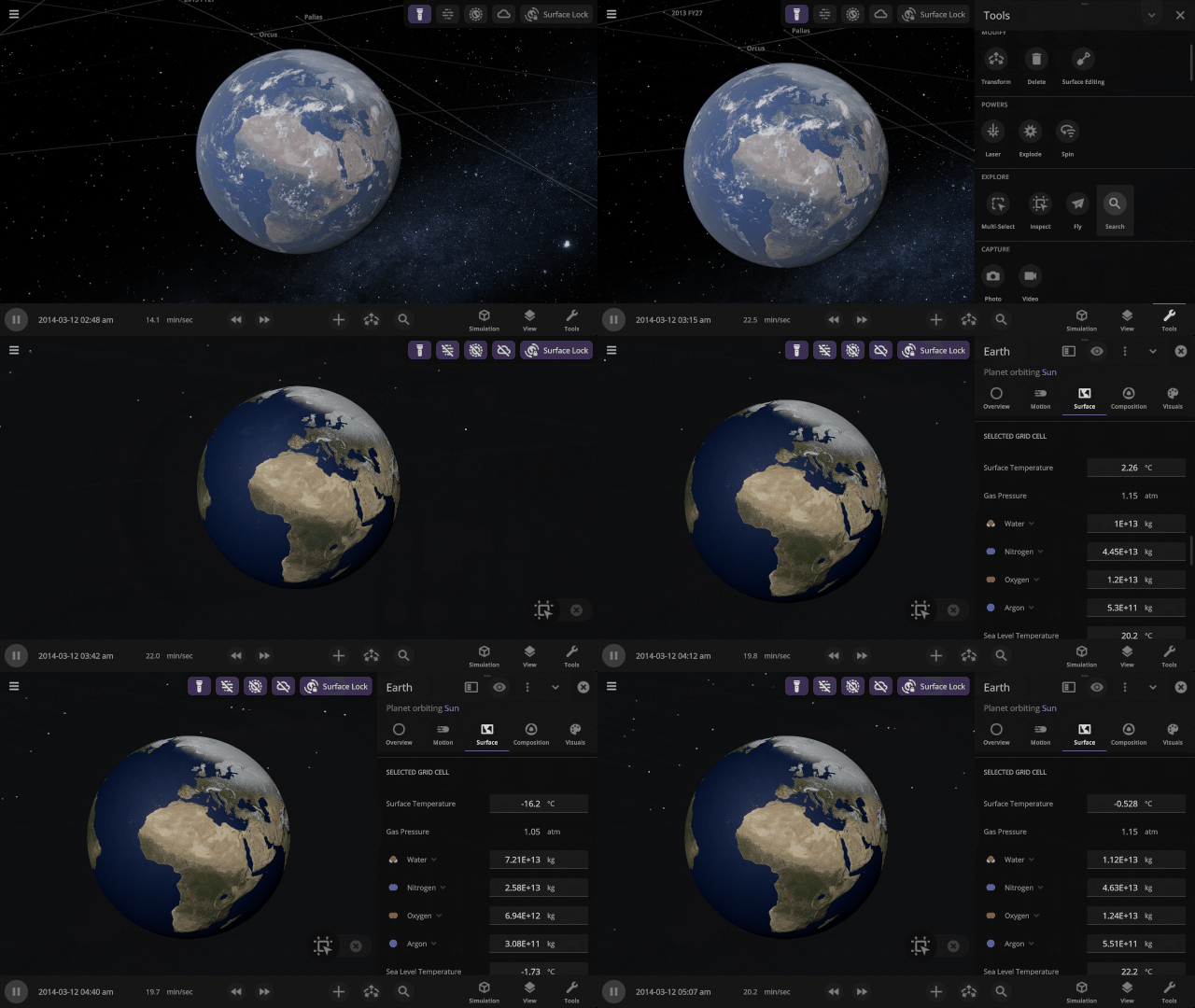
Inspecting the surface
Use the new Inspect tool to quickly see the temperature, material composition, elevation, and other properties of specific points on a planet’s surface.
Selectable Orbital Parent
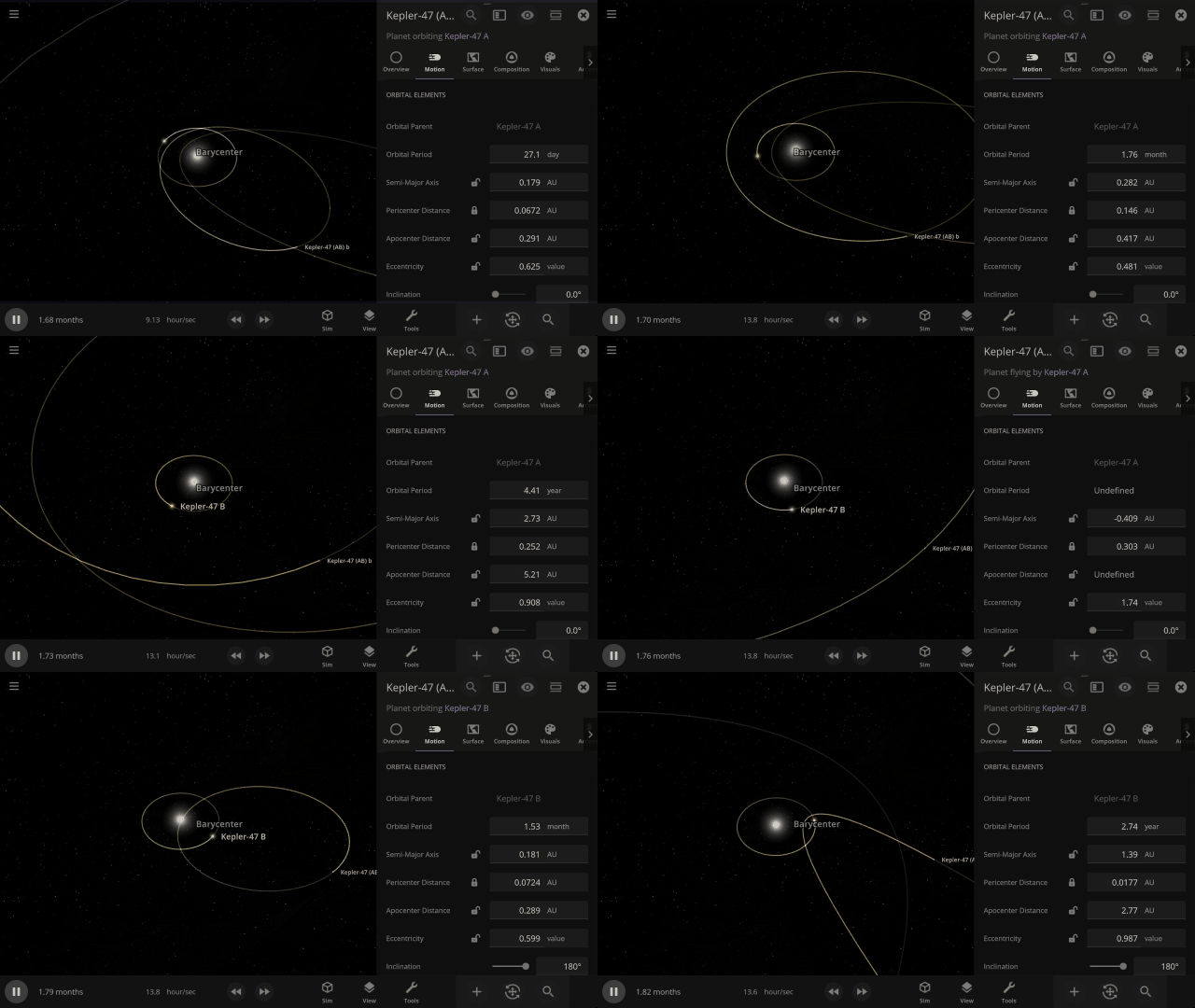
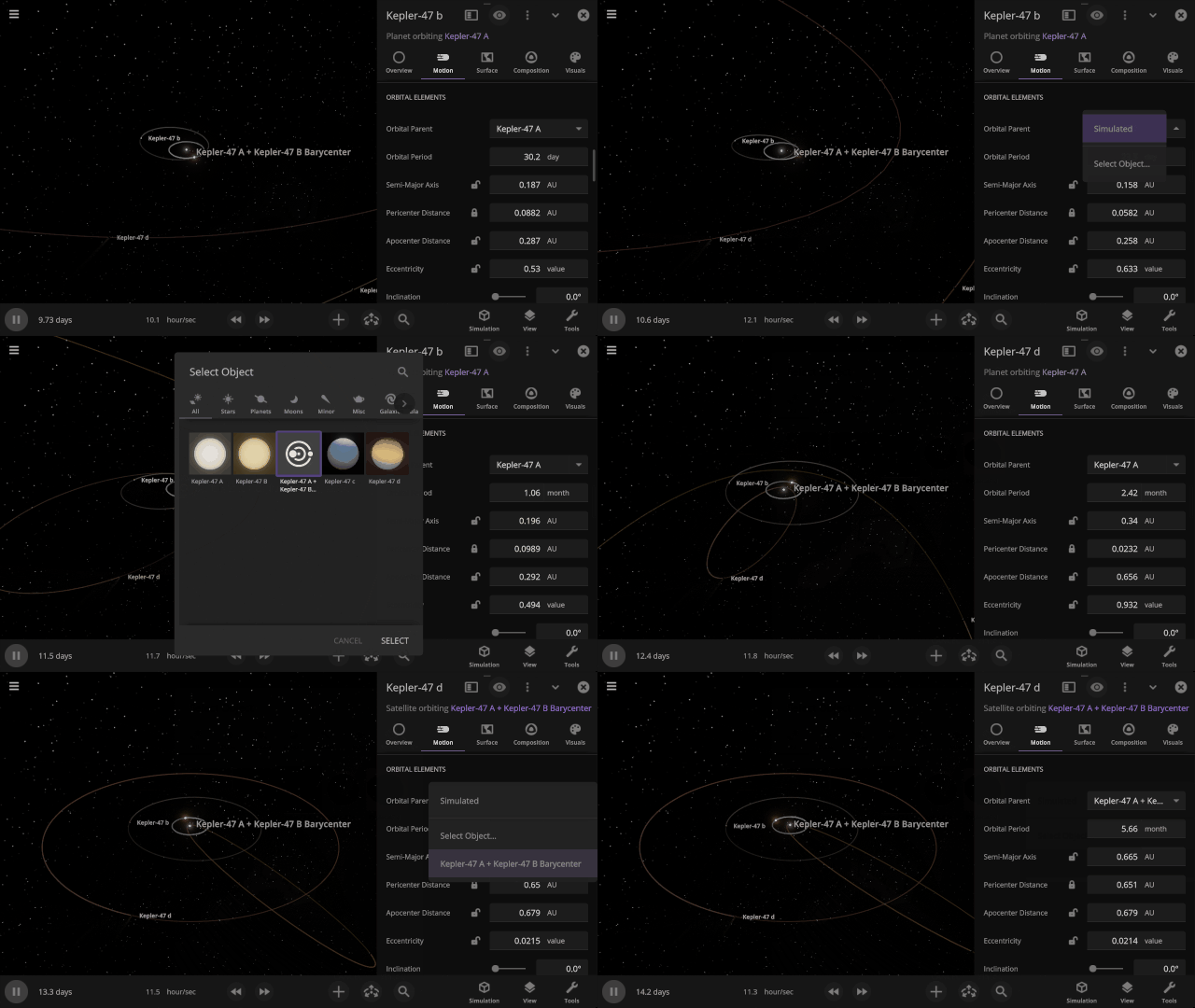
It’s now easier to create binary systems orbiting a common center of mass (also called a barycenter). View and adjust an object’s Orbital Elements around a binary by selecting the system’s barycenter as the object’s Orbital Parent.
Choose your Startup Simulation
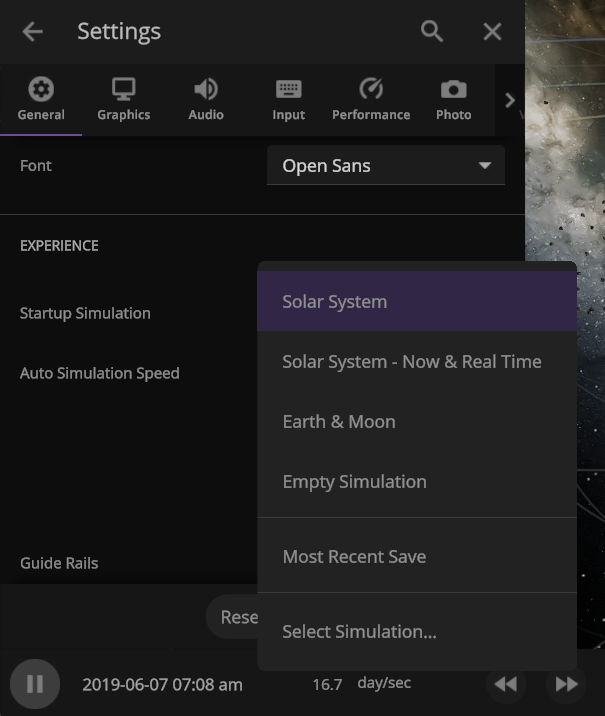
Choose the simulation that automatically opens when Universe Sandbox starts, from any of our included simulations to your own custom work in progress. Just go to
Home > Settings > General > Experience > Startup Simulation
New hotbar
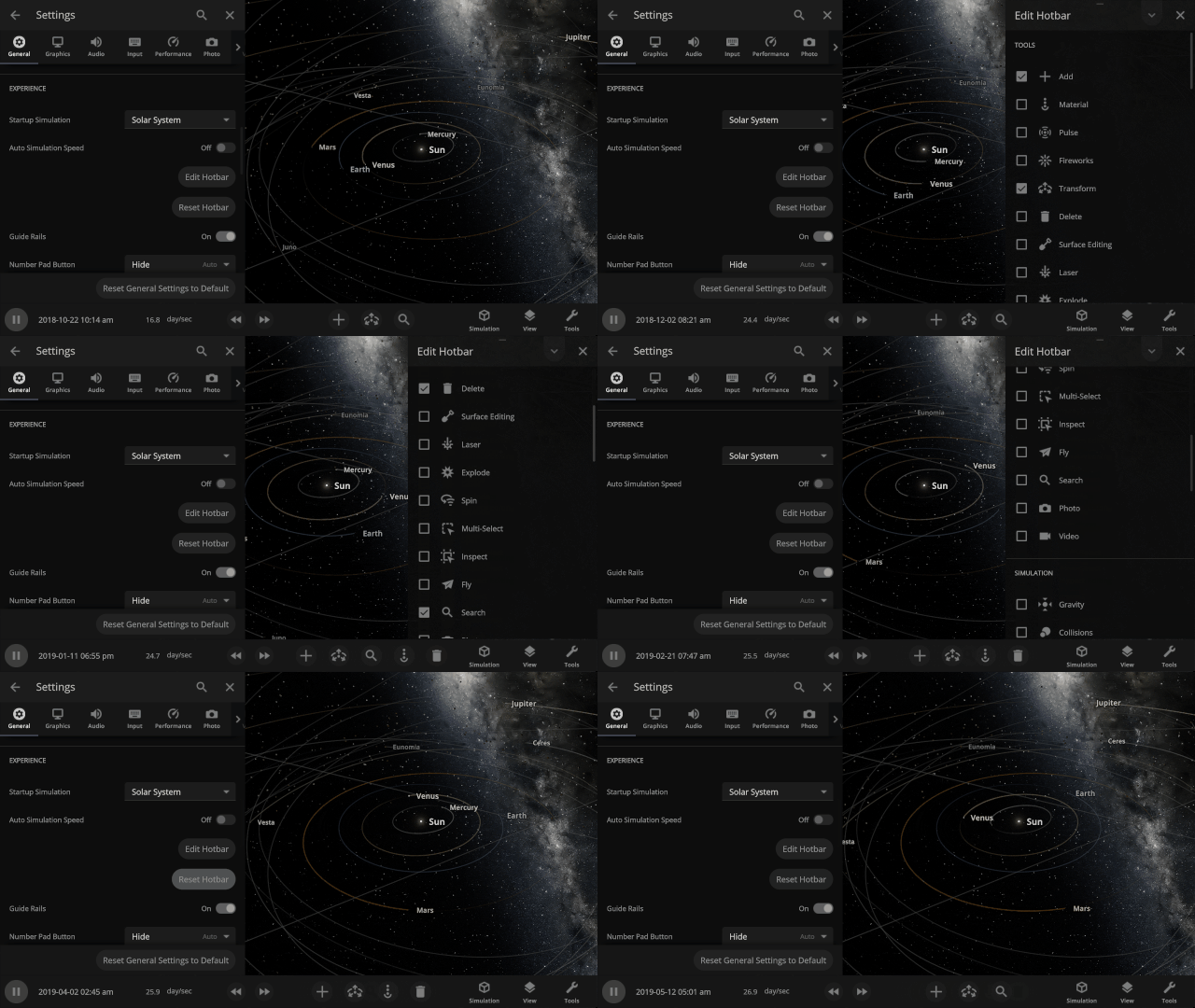
The hotbar has been overhauled so you can add even more shortcuts to manipulate the universe. To edit your hotbar, go to Settings > General > Edit Hotbar or right-click on it and then select “Edit Hotbar.”
A Potentially Dangerous Asteroid
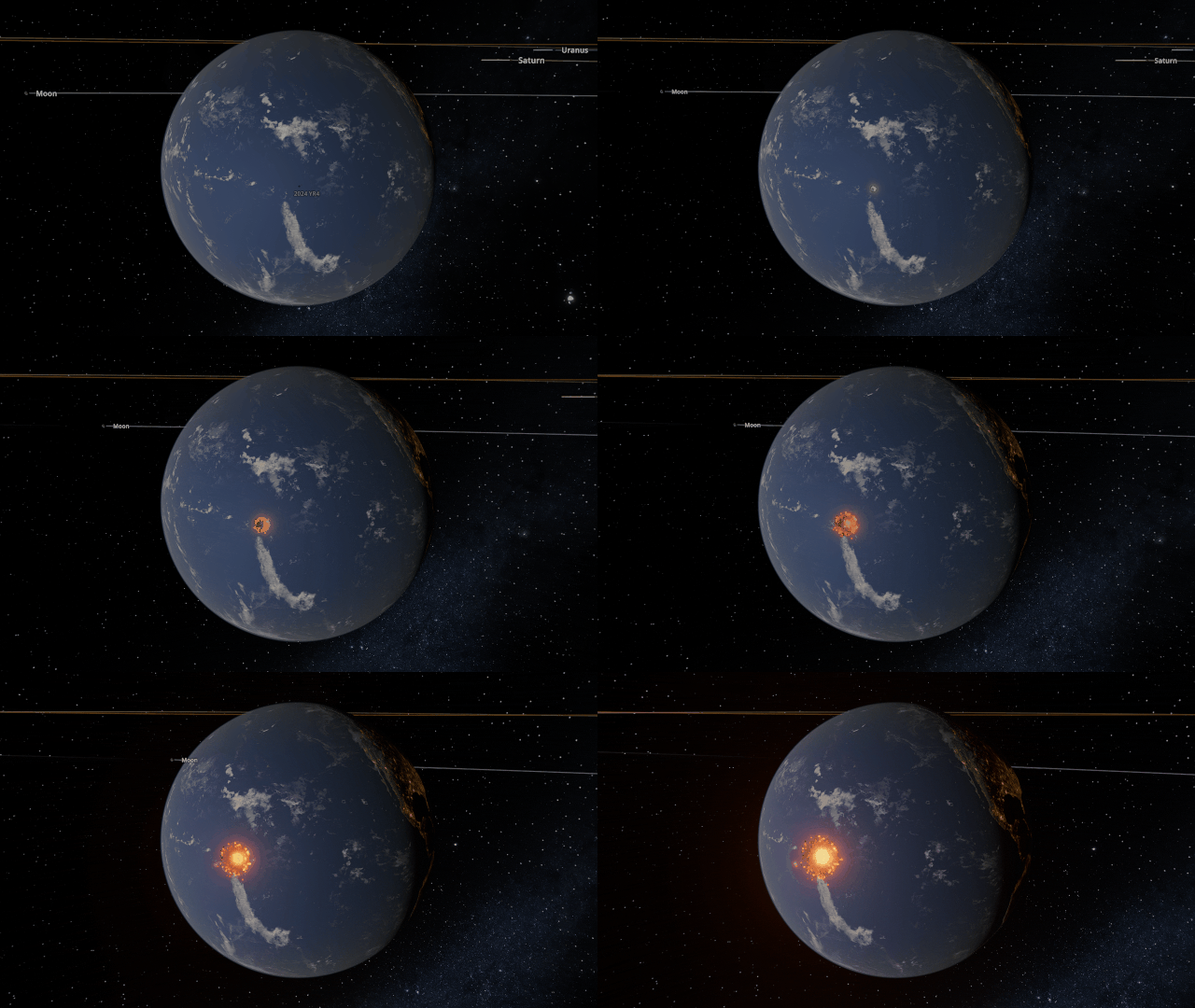
Watch the projected path of one of the most potentially dangerous asteroids ever detected, YR 2024, as it flies near Earth in 2032, or check out a What If? scenario of what the impact might look like under
Close Encounter of Asteroid YR4 2024 with Earth in 2032
And
What If Asteroid YR4 2024 Collides with Earth in 2032?
New Minimum Requirements
Improving our graphics means we need to update our minimum hardware requirements to include
- 4 GB dedicated video memory (up from 2 GB). 8 GB is recommended.
- 4 GB RAM (up from 2 GB). 8 GB is recommended.
- 4 GB of free disk space (up from 2 GB).
- Windows:
- DirectX 12
- Windows 10 21H1+ (support for Windows 7 SP1, 8, 8.1, and older versions of Windows 10 will be dropped)
- Apple:
- Silicon (M1 or newer). Intel Mac will no longer be supported.
- Universe Sandbox may still run on Intel-based Macs, but we cannot guarantee good performance for every Intel-based Mac.
- macOS 11.0+ (support for macOS 10.14 and 10.15 will be dropped)
- Silicon (M1 or newer). Intel Mac will no longer be supported.
While it is never fun to have support dropped, this new graphics system will allow us to improve performance and add new features to Universe Sandbox now and well into the future.
We’ll ensure all users affected by this change can always access the version of Universe Sandbox from before this minimum requirements update. Learn how.
Check out the full list of What’s New in Update 35.
Please report any issues on our Steam forum, on Discord, or in-game via Home > Send Feedback.

Eclipsed Improvements | Update 34.1
Mar 5th

If Update 34.1 does not download automatically, follow these update instructions. If you don’t own Universe Sandbox, you can buy it via our website.
2024 Total Solar Eclipse
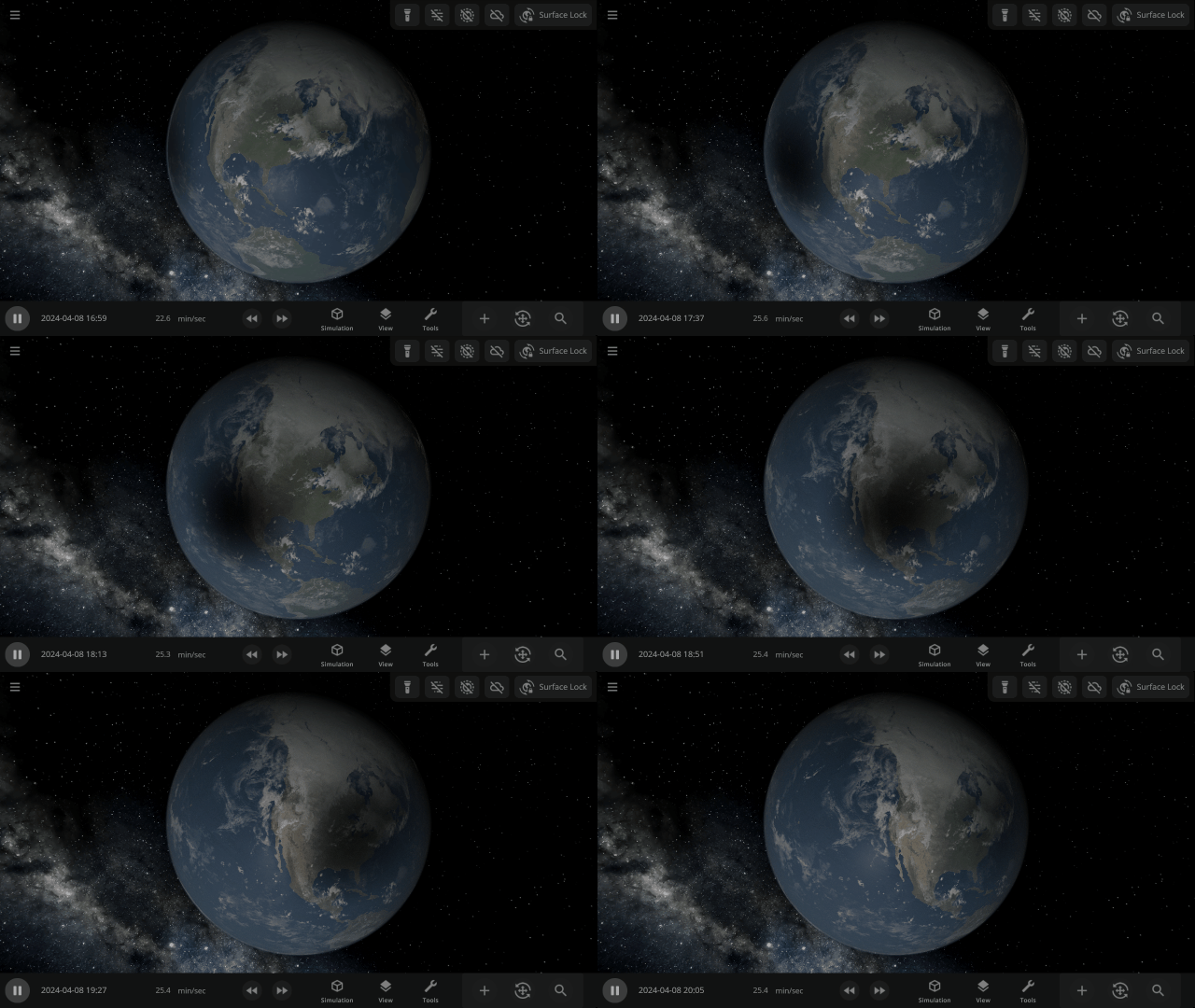
Watch the Moon completely block out the Sun across parts of Mexico, the United States, and Canada in our simulation of the April 8, 2024 total solar eclipse. Check it out under:
Home > Open > Total Solar Eclipse on April 8, 2024
Learn more about this eclipse.
Chaotic Collisional Aftermath
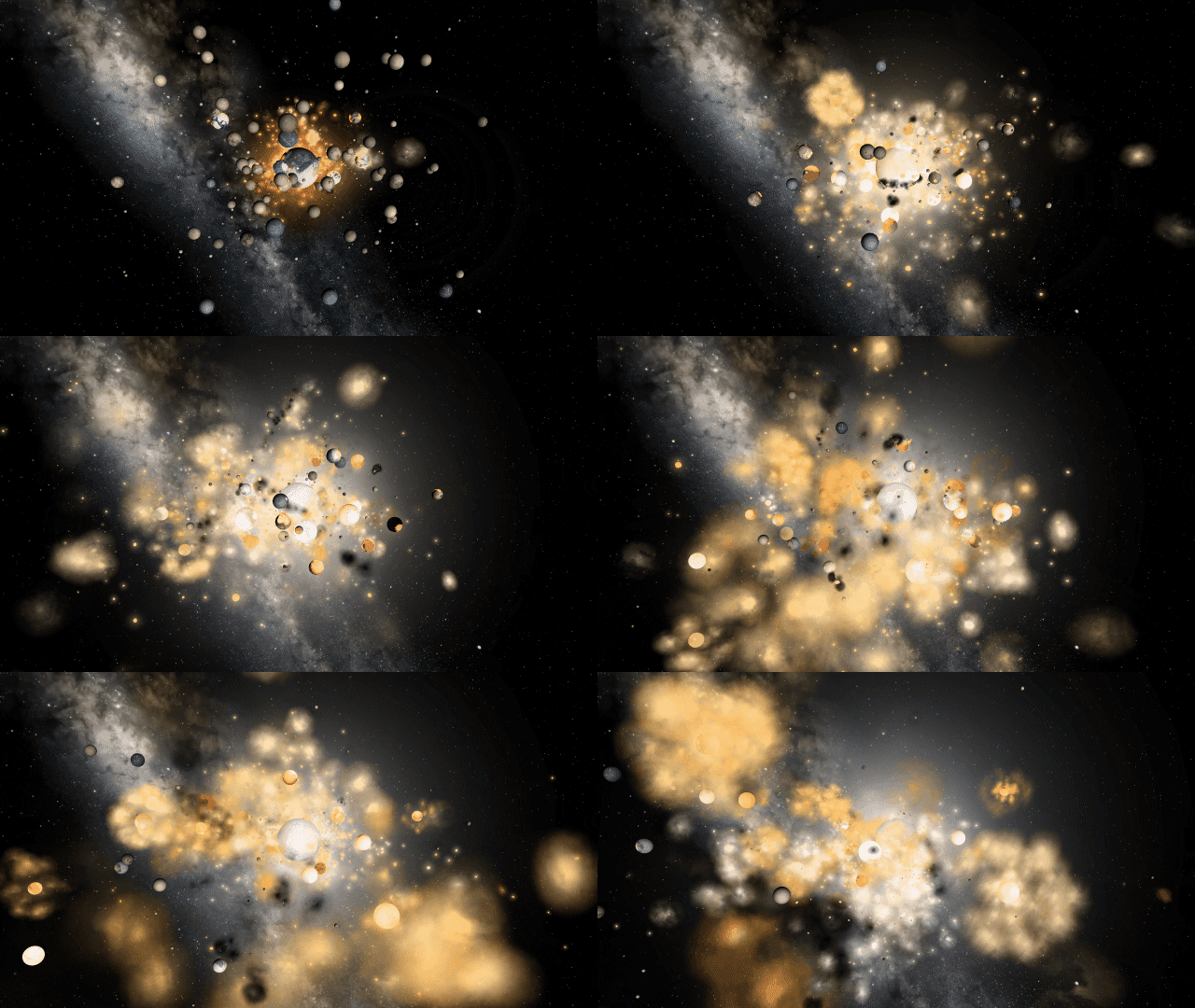
Immerse yourself in chaos as gas clouds expand and rock fragments collide in the aftermath of collisions. We’ve updated our particle system to preserve performance while simulating fuller, more realistic collisions.

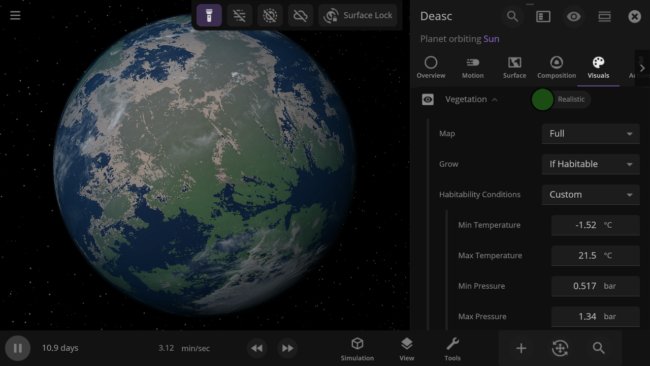
Custom Habitable Range
Customize the habitable temperature and atmospheric pressure of your planets for more unique vegetation and city lights coverage.
More Highlights
Explore the chaos of the fictional planetary system of Trisolaris from The Three-Body Problem. The number of objects gravitationally interacting makes it impossible to predict the planet’s orbits, called the three-body problem.

All gasses in a planet’s atmosphere now contribute to its color and opacity instead of just the 4 gasses with the most mass.

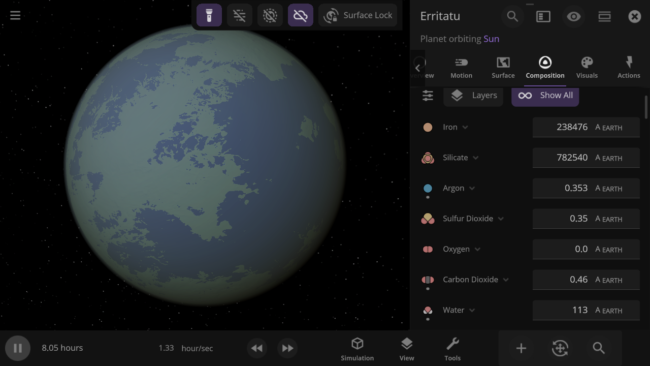
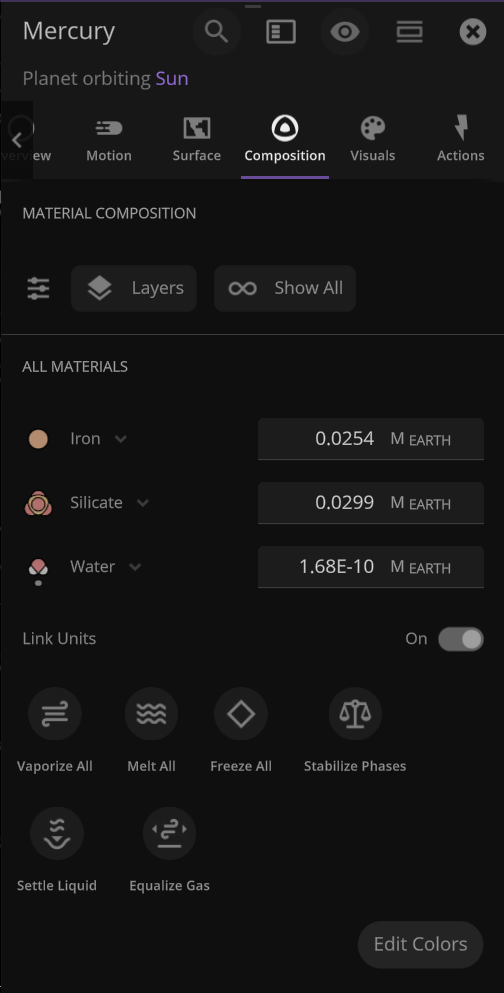
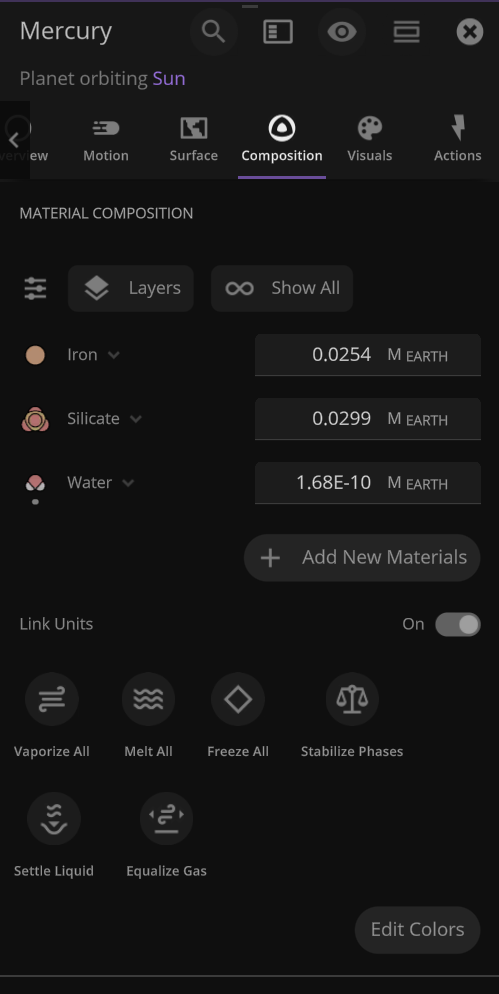
An object’s material composition now just shows the list of materials currently in the object by default. We’ve also added an Add New Materials button.
Use the new Hide Dust Clouds toggle to look at planet surfaces and see collisions through thick clouds of dust.
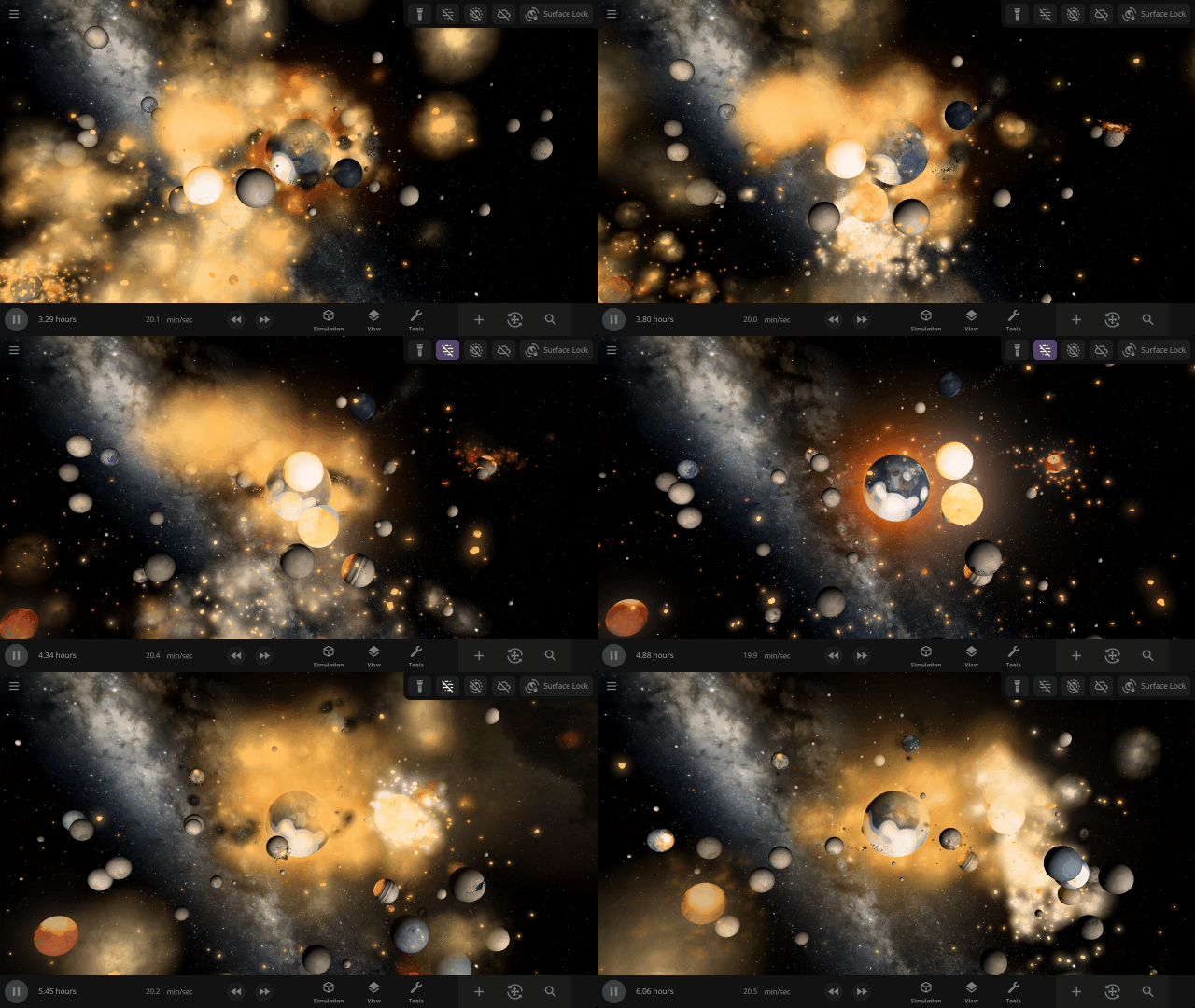
The object properties panel has been greatly optimized, making it faster to open and switch objects.
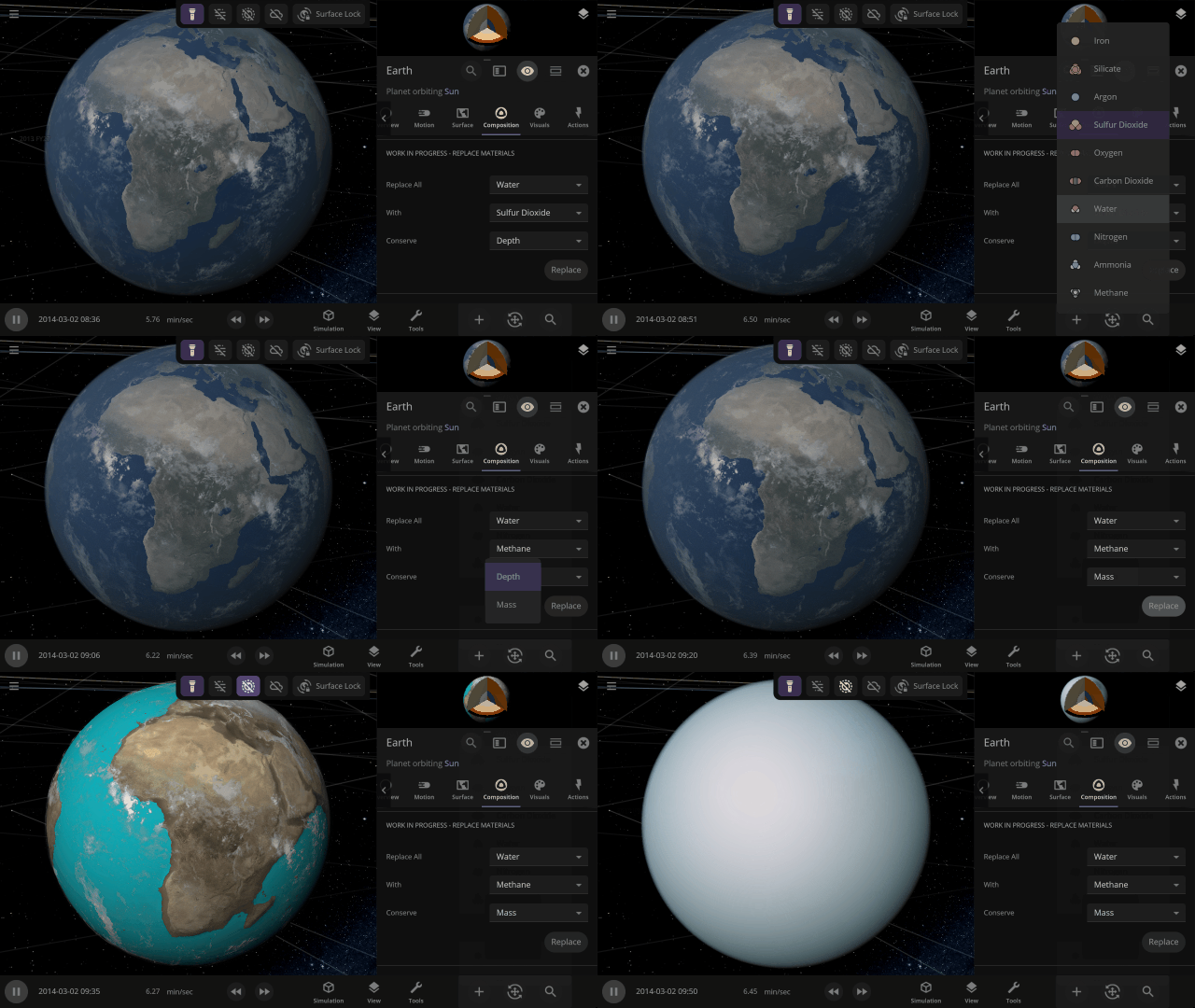
Completely swap one material on a planet for another with one tap. What would Earth look like if you switched out all the water for methane?
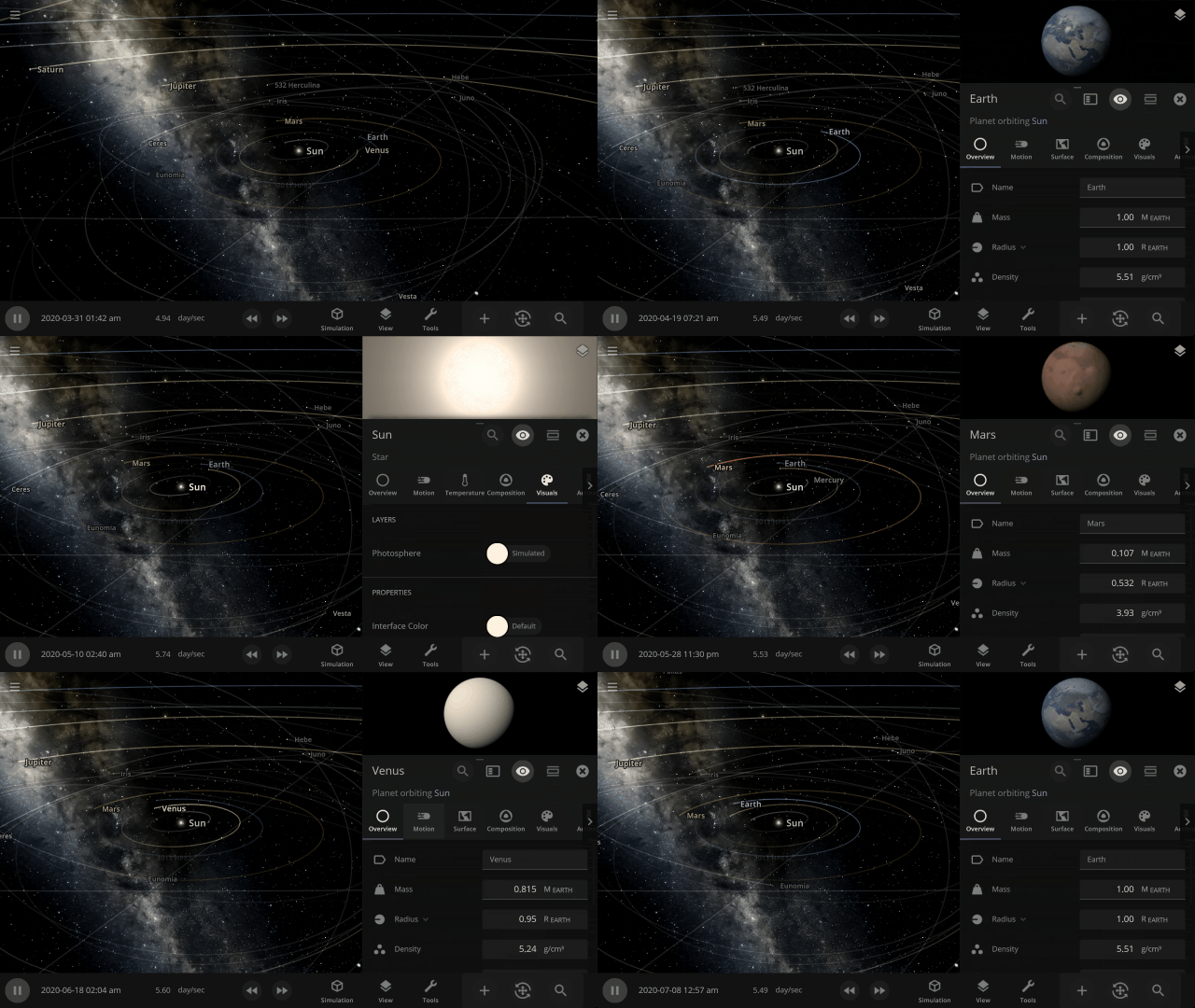
This update is brought to you by our completely new build system, which automatically creates different versions of Universe Sandbox whenever one of our team members updates the code it’s built on, allowing us to test and release new features even faster.
Listen to your favorite Universe Sandbox track over and over again by looping them under
Settings > Audio > Music Controls > Loop Track
Check out the full list of What’s New in Update 34.1
Please report any issues on our Steam forum, on Discord, or in-game via Home > Send Feedback.

Terraforming | Update 34
Dec 14th
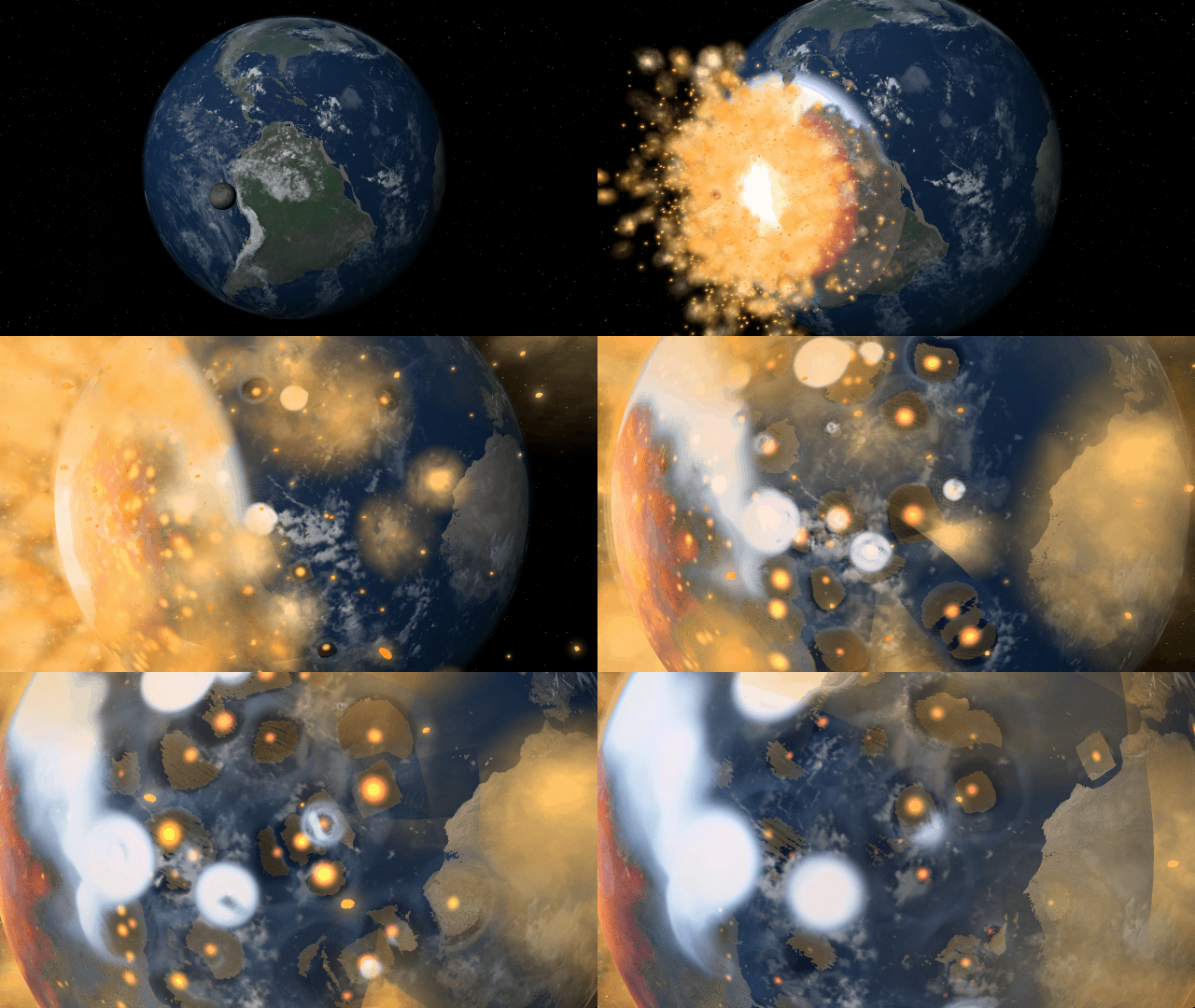
If Update 34 does not download automatically, follow these update instructions. If you don’t own Universe Sandbox, you can buy it via our website.
Simulate, construct, and terraform planets and atmospheres more realistically than ever before with new materials! Planet sizes, atmospheric heating, gas and liquid colors, and more are now simulated based on the mass and phase of each material in a planet’s composition.
Learn more about how we simulate materials in two new guides
Home > Guides > Tutorials > Playing with Materials
Home > Guides > Science > Terraforming Mars
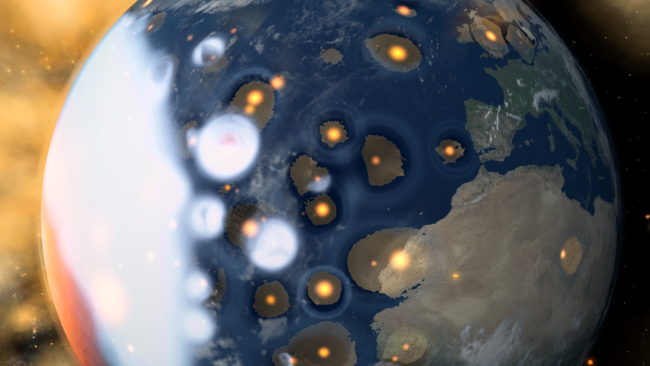
New Materials
Terraform planets, rain down oceans, and expand atmospheres with 8 new materials (for a total of 12) using the Material or Planetscaping tools, or adjust the materials directly under
Properties > Composition
In addition to silicate, iron, hydrogen, and water, we are now simulating helium, carbon dioxide, oxygen, sulfur dioxide, methane, nitrogen, argon, and ammonia.
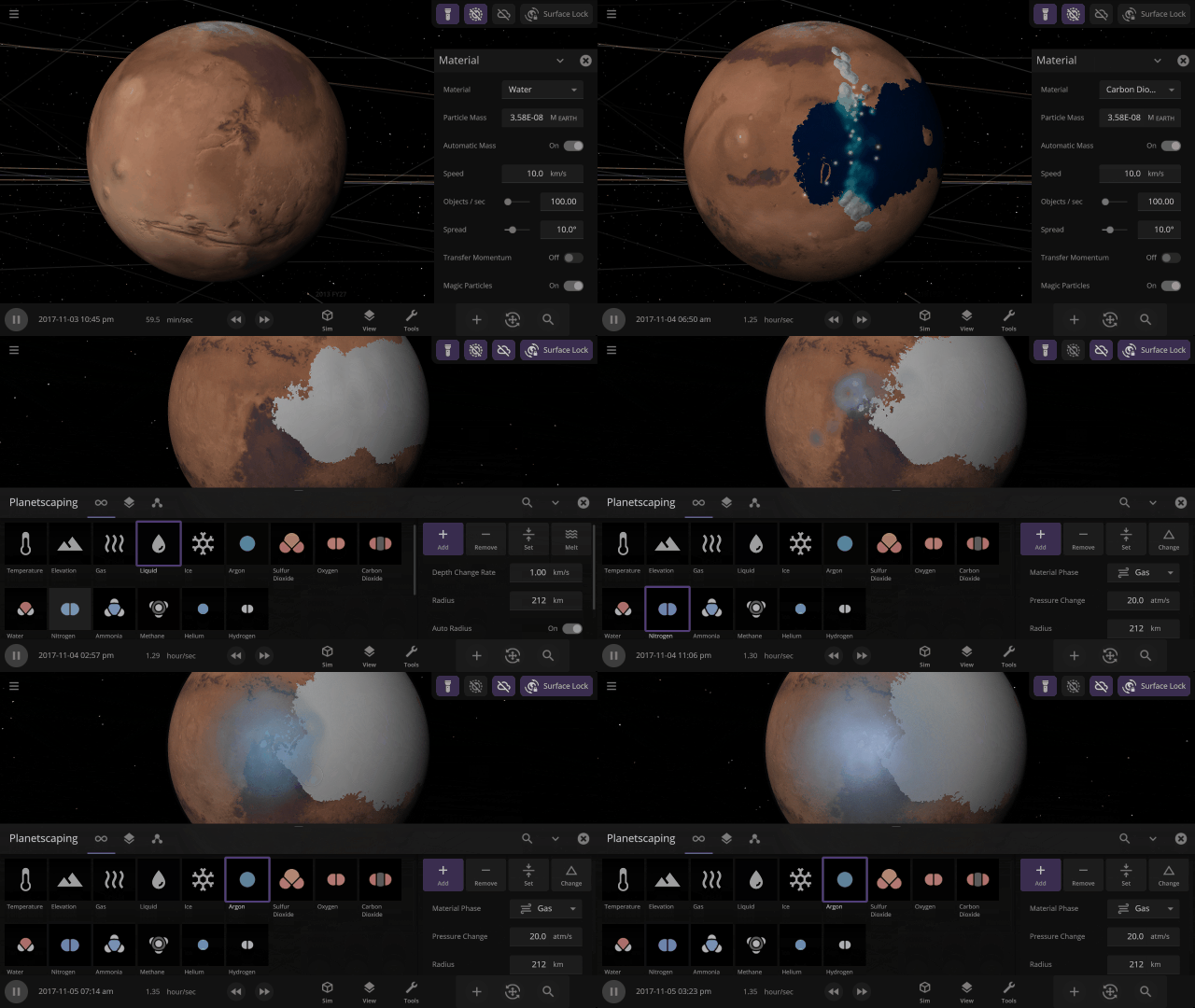
Planet Atmospheres
Create pleasant Earth-like or oppressive Venus-like atmospheres by adjusting the mix of materials in the atmosphere. Atmosphere colors are based on the amount of gas in a specific area, with thicker atmospheres being harder to see through.
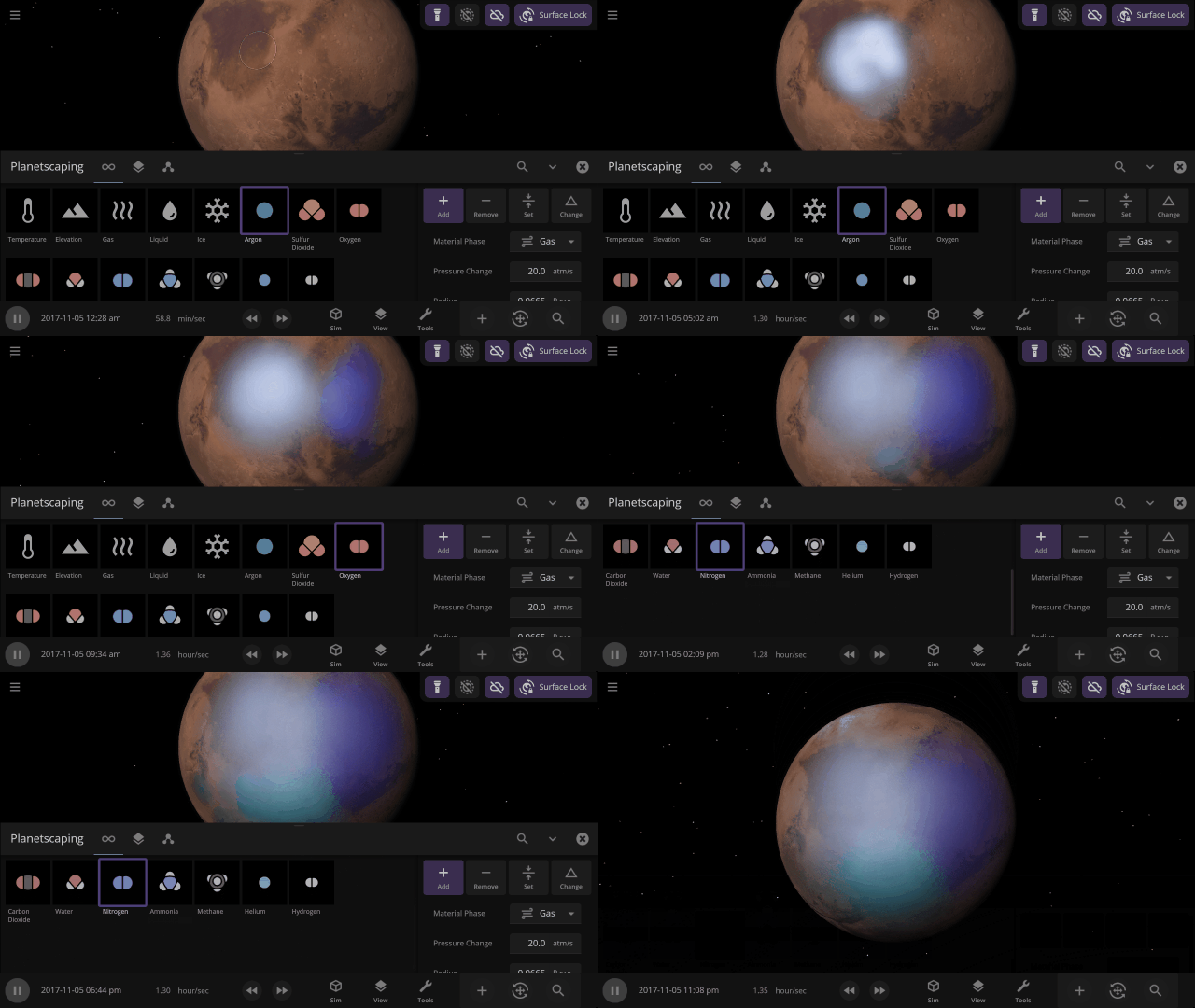
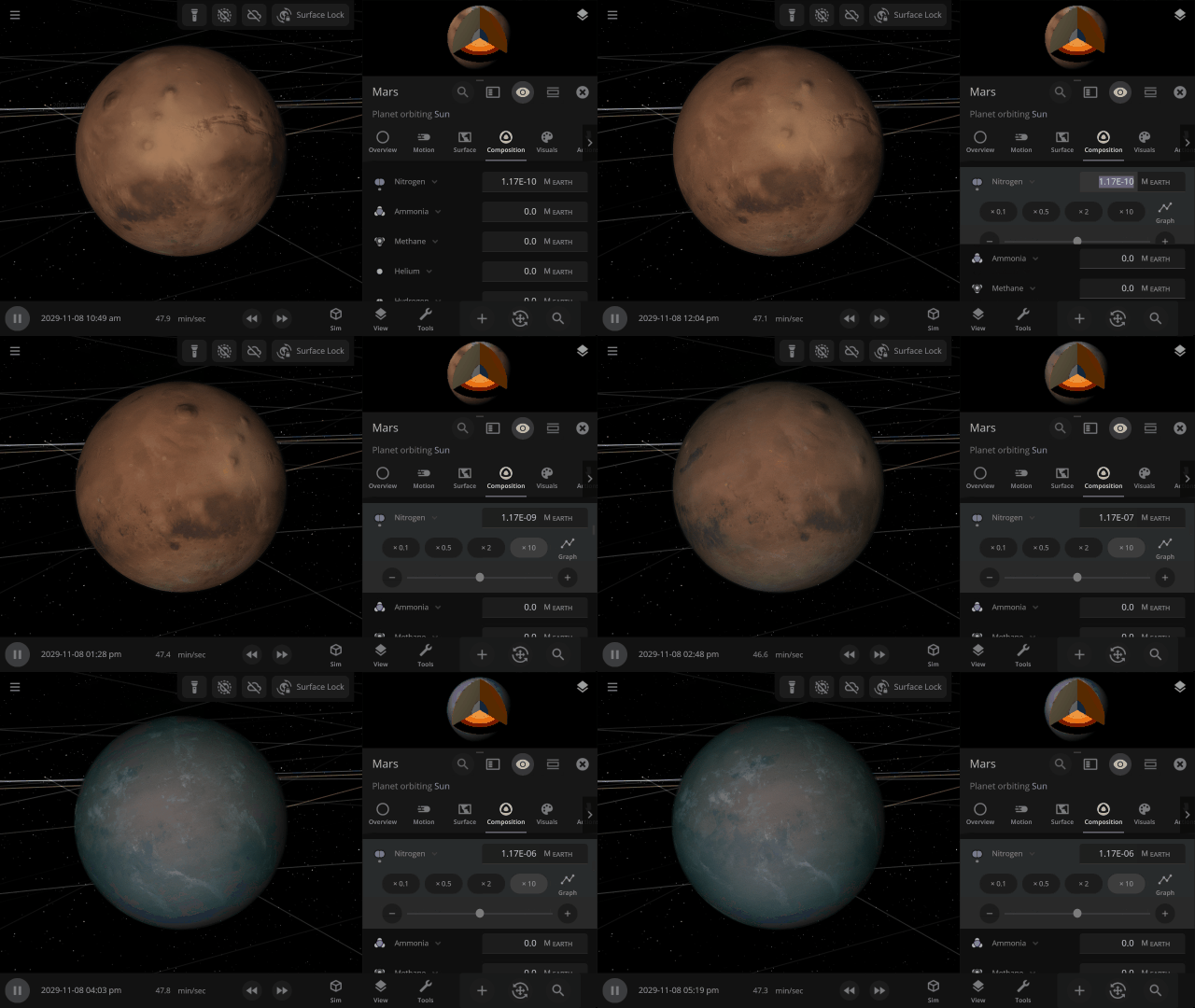
Material Collisions
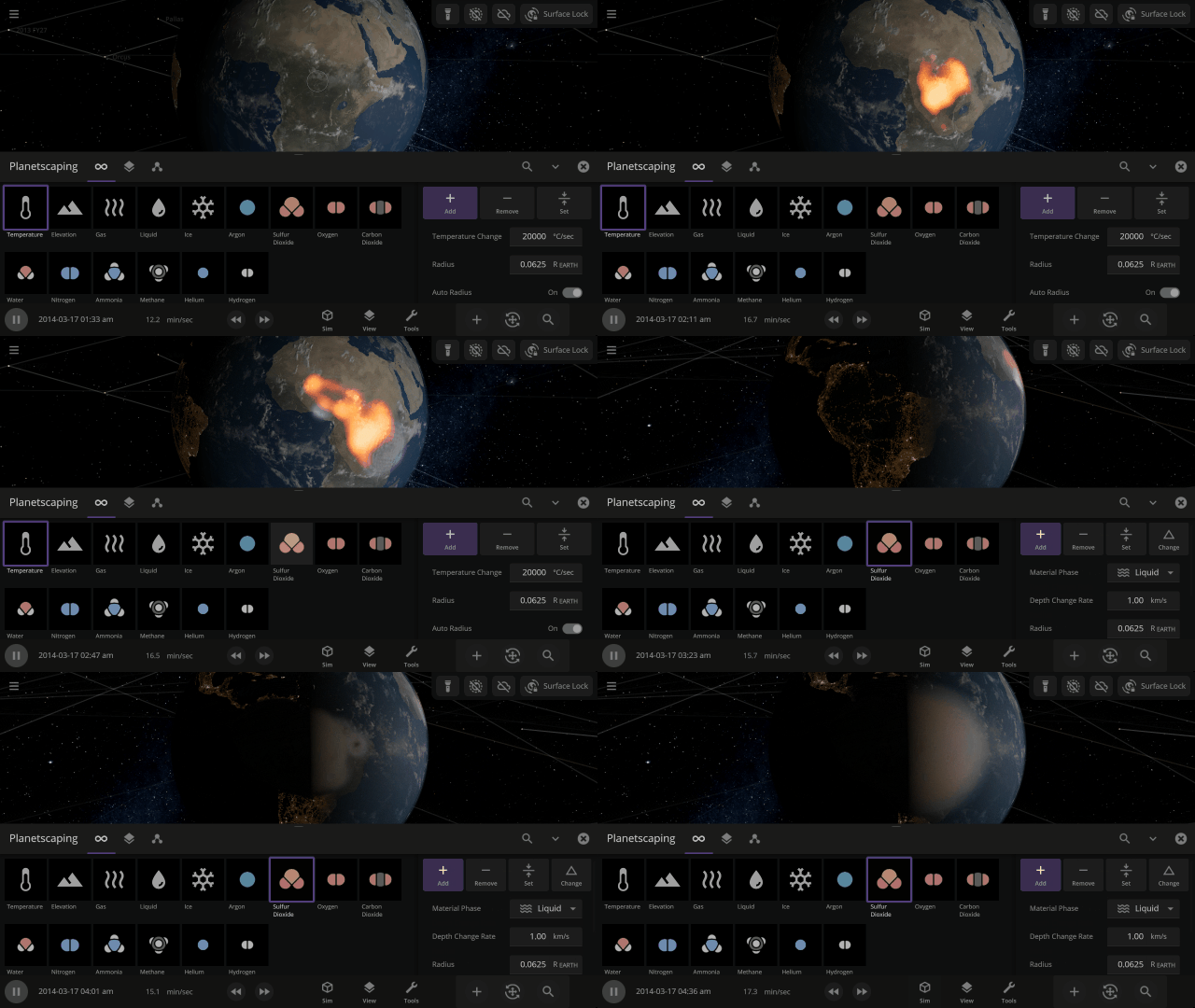
Bombard planets with materials to see their atmospheres and oceans indefinitely altered. Watch oceans boil, creating vapor-filled atmospheres. Impacts create shockwaves that push gases and punch holes in the atmosphere.
Object Size from Composition
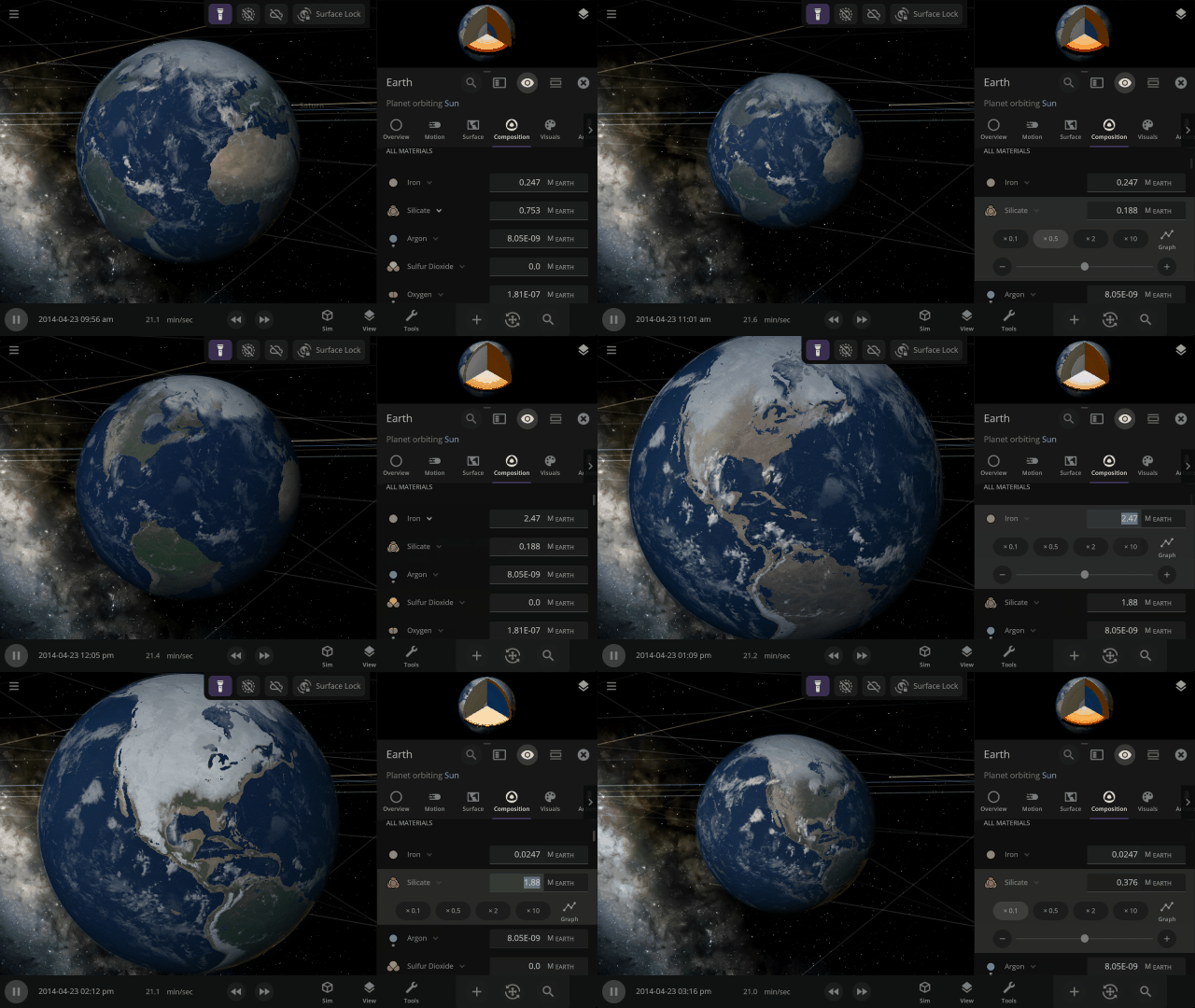
We’re using complex models of materials under the intense heat and pressure inside planets to compute realistic planet sizes.
More Highlights
Material colors are based on their real-life properties. Materials blend on the surface of planets and moons so you can watch oceans and gas clouds mix in real time. You can also customize material colors under
View > Advanced View Settings > Materials

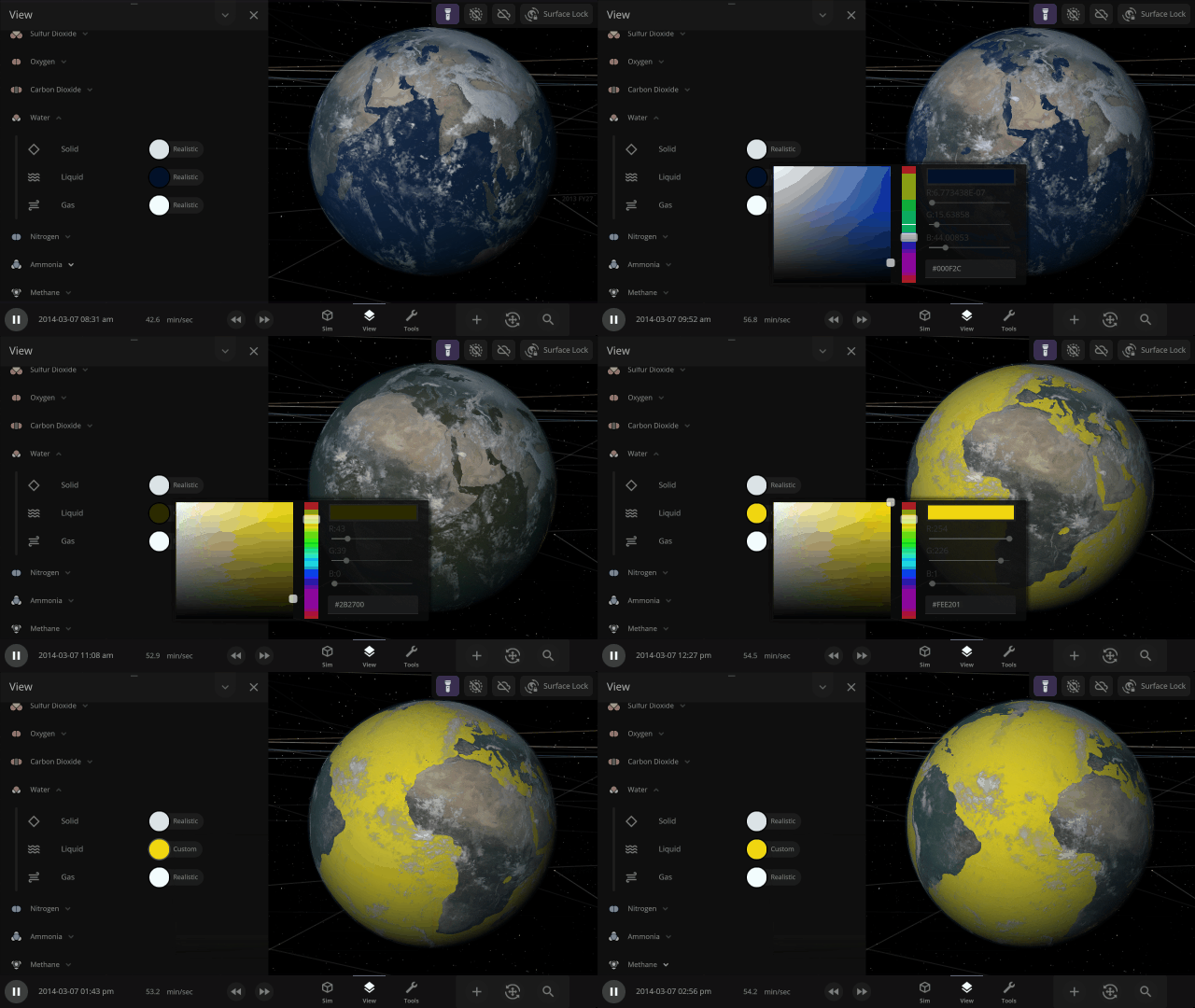
Adding materials beyond water allows us to simulate Titan’s methane lakes. In the future, these new materials will also be the foundation for simulating life.
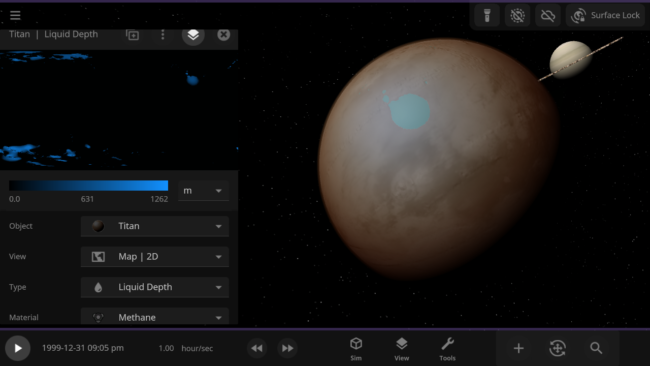
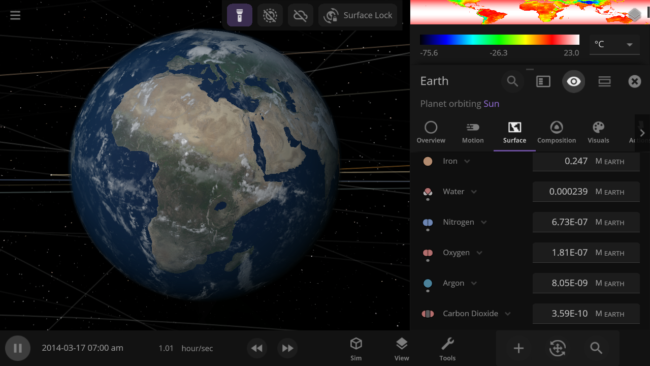
The 4 materials with the most mass will automatically be simulated across an object’s surface, indicated by a dot, similar to how water was simulated. You can also override this and choose any 4 materials to simulate across an object’s surface.
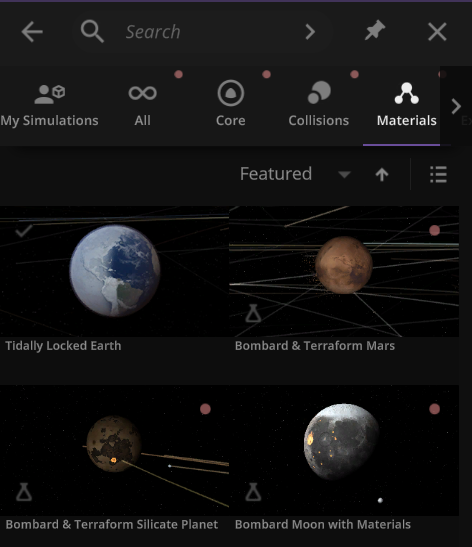
We’ve added a collection of material simulations so you can compare how they change phase between solid, liquid, and gas
Home > Open > Materials
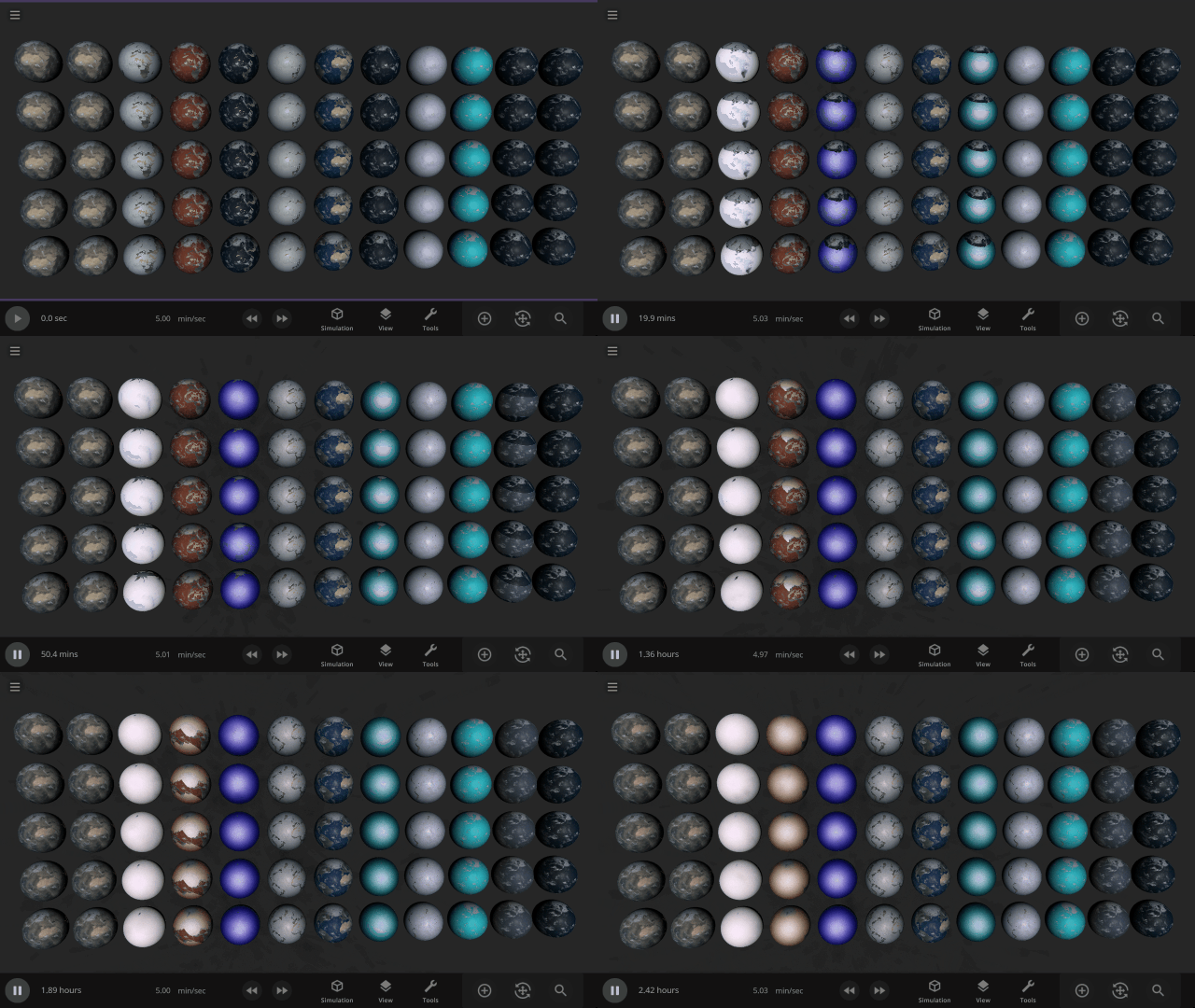
The simulation below shows Earth with different materials in each column and a different amount of that material as a liquid in each row. Some evaporate immediately, and some stay liquid under Earth-like conditions.
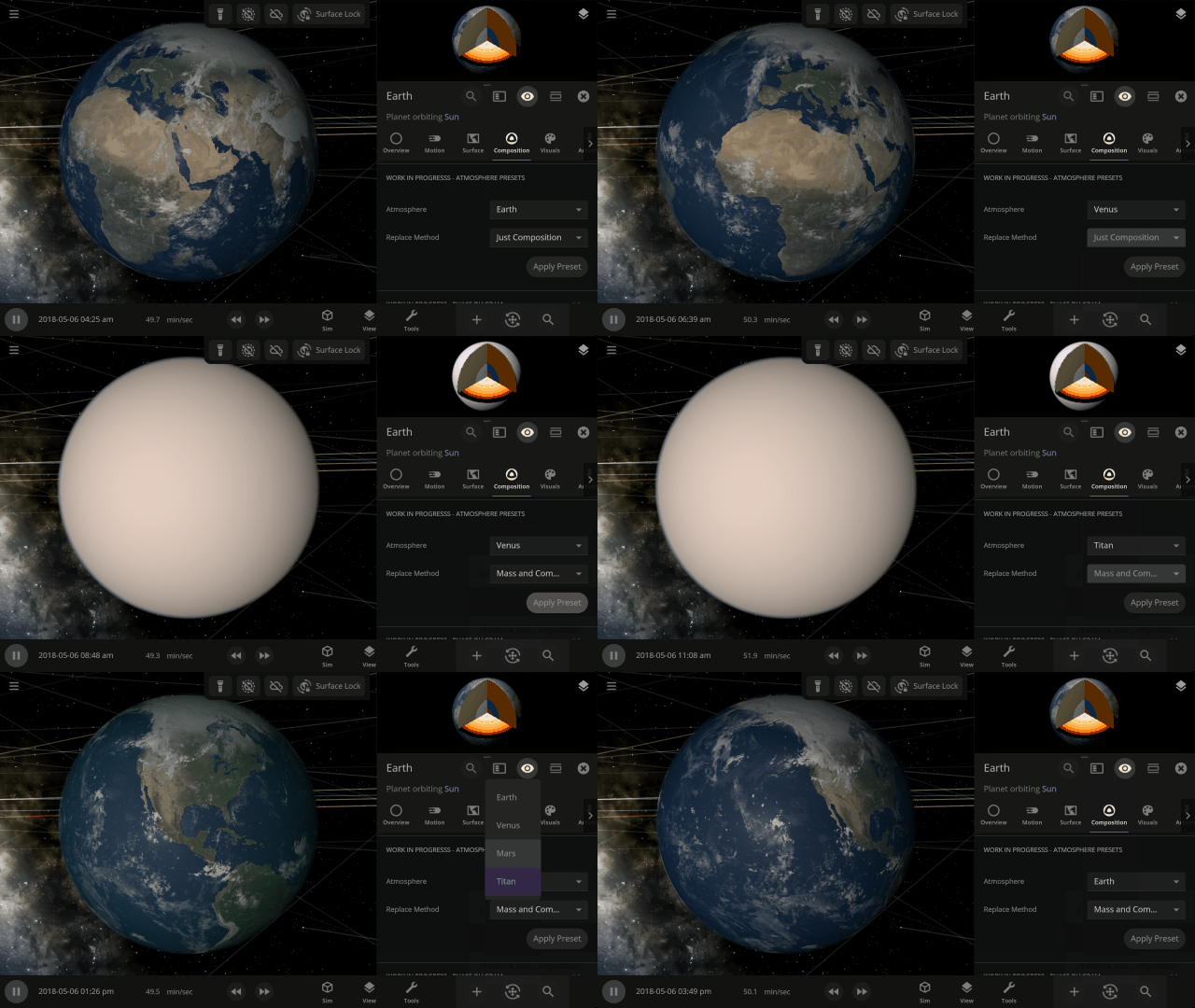
Easily change the atmospheres of custom planets, old and new, using atmosphere presets of known terrestrial planets. This interface is a work in progress.
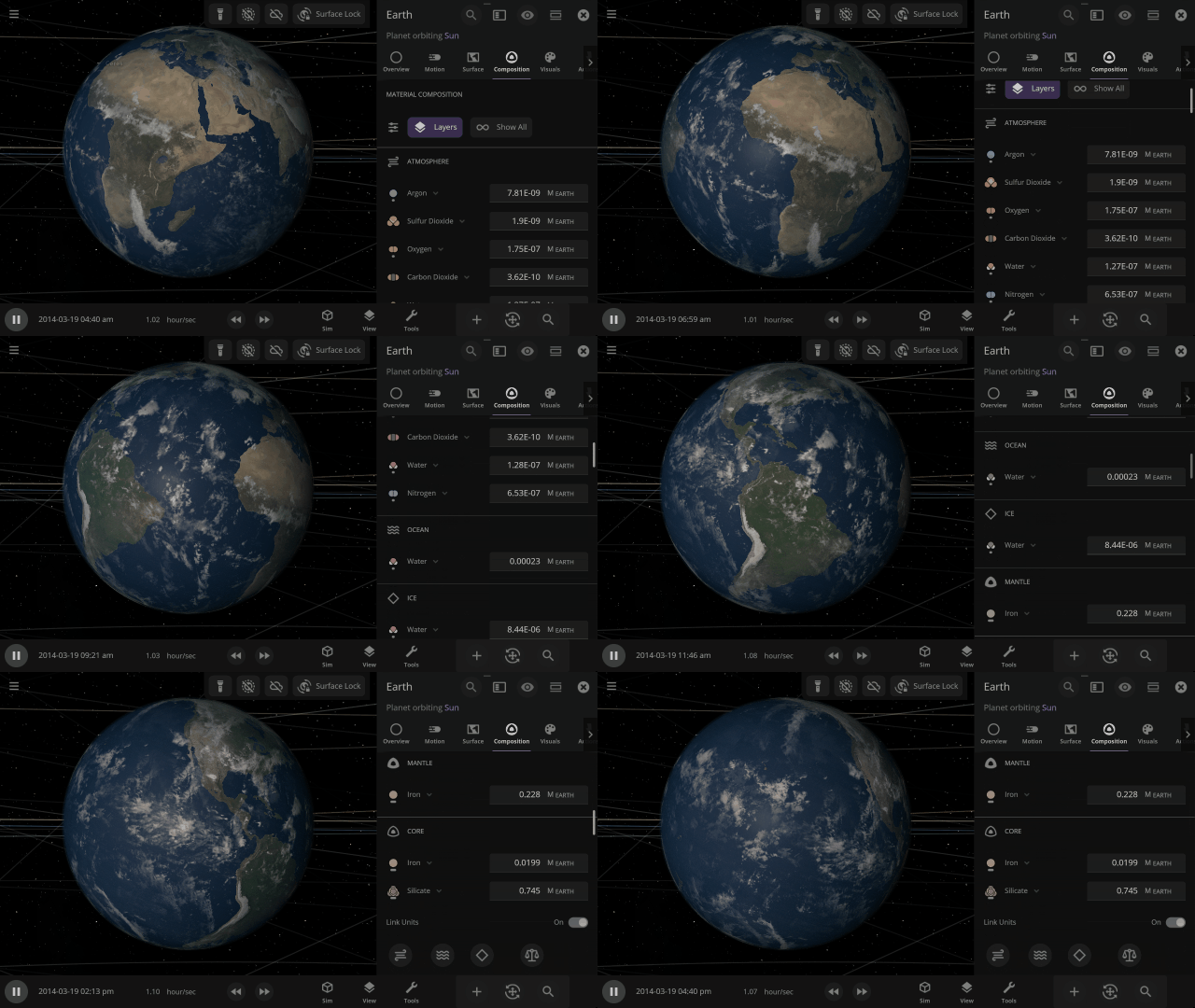
Materials masses can be viewed and adjusted by phase (solid, liquid, gas) or collectively at once under an object’s Composition.
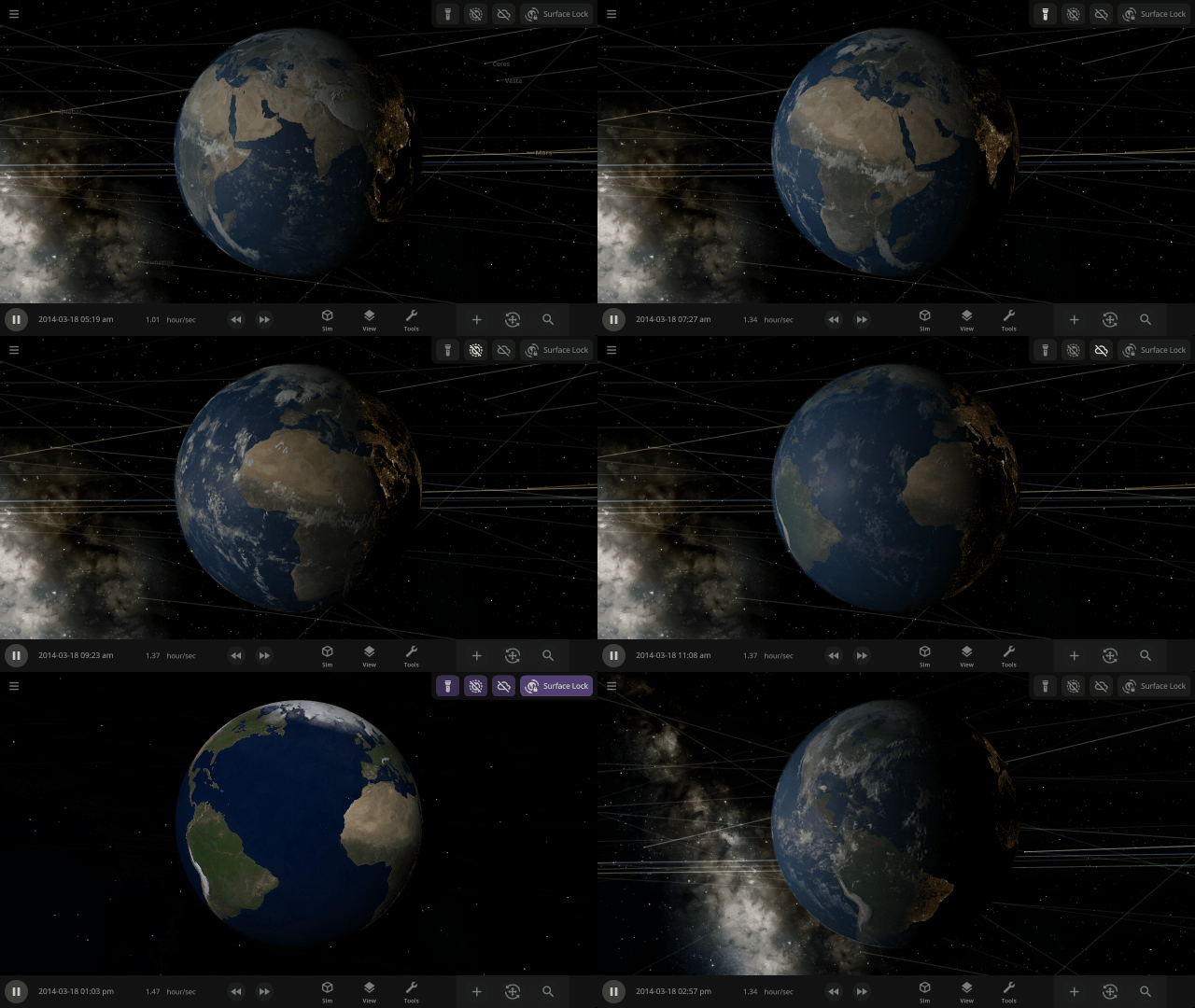
More accessible View toggles make it easy to turn on surface lock, illuminate the dark side of planets, or toggle the visibility of atmospheres and clouds.
City Lights and Vegetation now require a habitable gas pressure of 0.6 to 1.6 bars and a new habitable temperature of -25 °C to 55 °C (previously -55 °C to 55 °C) and to appear when set to “If Habitable.”
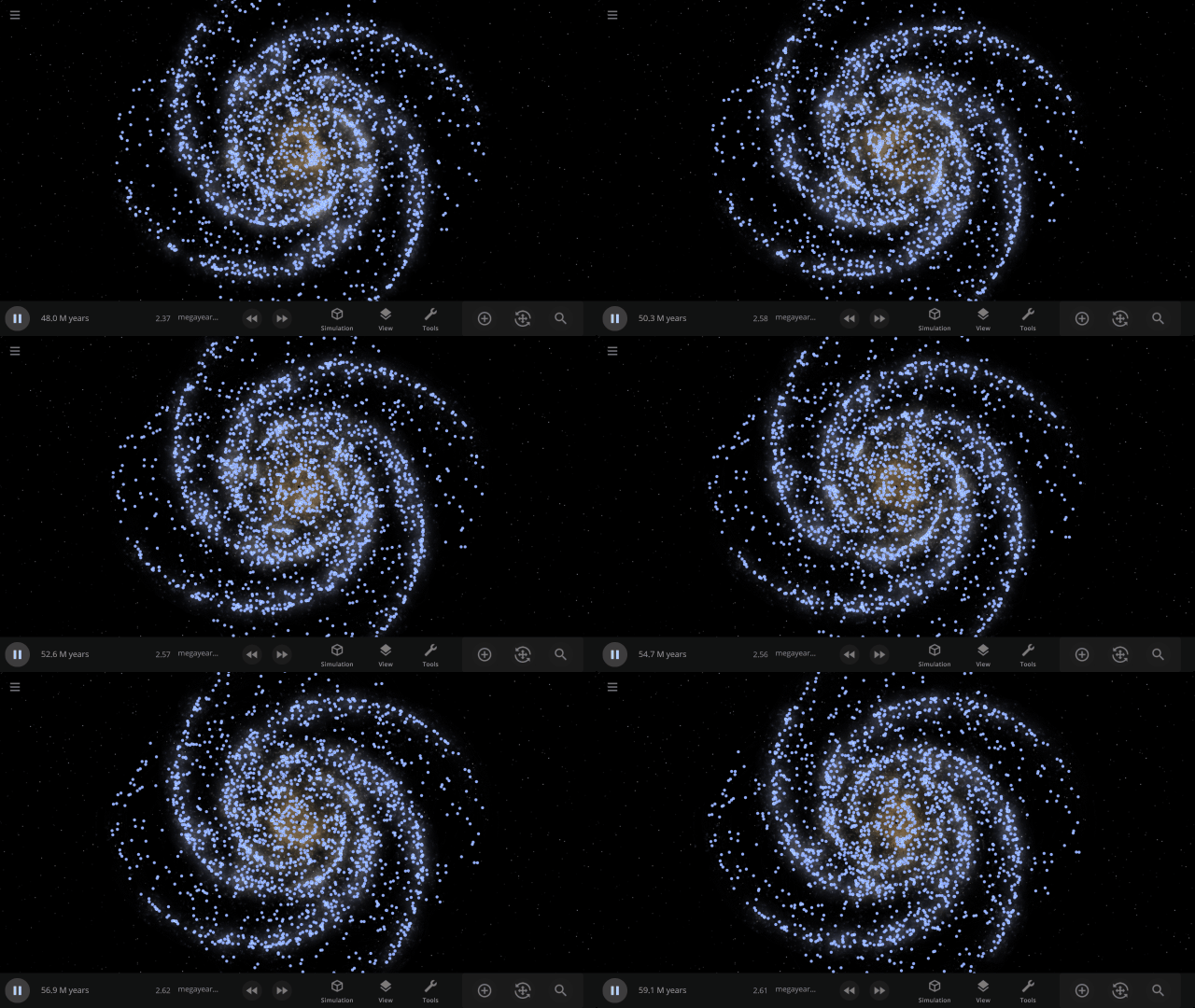
Use object Markers (formerly called Icons) to clearly see the position and movement of objects and particles in a simulation, like nebula in a galaxy, under
View > Markers
Check out the full list of What’s New in Update 34
Please report any issues on our Steam forum, on Discord, or in-game via Home > Send Feedback.
Known Limitations & Planned Improvements
- Only water vapor and gaseous carbon dioxide contribute to our simple atmospheric heating model. We plan to add heating from methane and other greenhouse gases in the future.
- Silicate and iron can only exist on the inside of a planet, not on the surface or in the atmosphere.
- To minimize the impact to performance, only a maximum of 4 materials can be simulated flowing across an object’s surface at a time. We plan to increase the number of materials simulated on object surfaces in the future.
- When a new material replaces one of the 4 simulated materials, it is evenly distributed over the surface, which can cause an atmosphere to seemingly “pop” into existence.
- Materials not simulated across the surface of objects do affect their atmospheric heating, but do not affect the atmosphere opacity.
- Planning updates to the materials interface, including:
- Viewing materials as a percentage of the mass
- Updated Phase Diagram interface
- Updated Atmosphere Preset selection interface
- Better explanation of the Composition cutaway view
- Add the ability to easily replace one material with another
- The maximum speed liquids and gases can flow across object surfaces is slower than the maximum speed of material phase changes and simulation speed.
- Computing planet radii from their composition does not take into account the object’s surface temperature (so heating a gas giant won’t make it expand, for example).
- Phase changes (like evaporation) do not affect the surface temperature of an object.
- Materials in small asteroids do not undergo phase changes.
- Materials transferred during collisions are currently always transferred in the liquid phase (although they can change phase quickly after being transferred).
- The color of Titan’s atmosphere is not fully simulated because they are caused by tiny amounts of organic particles called tholins that are not simulated in Universe Sandbox. We plan to simulate the colors of hazes like those in Titan’s atmosphere in the future.

Gravity Simulation Upgrade | Update 33
Aug 16th
If Update 33 does not download automatically, follow these update instructions. If you don’t own Universe Sandbox, you can buy it via our website.
Gravity Simulation
We’ve completely overhauled our gravity simulation to increase accuracy, stability, and overall performance. Run simulations at higher speeds than ever before while maintaining gravitational accuracy.
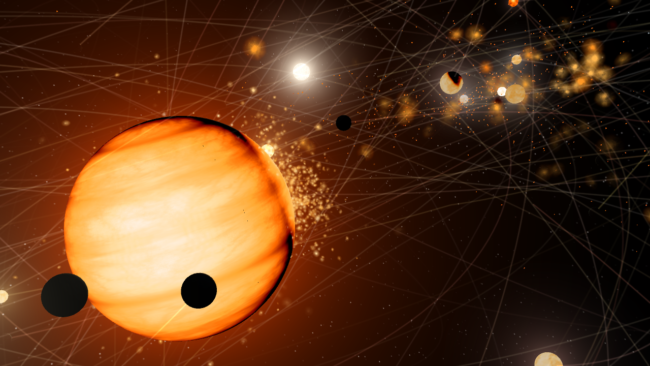
Many simulations can now be run at noticeably higher simulation speeds. Try increasing the simulation speed of the Solar System simulation or your own custom simulation.
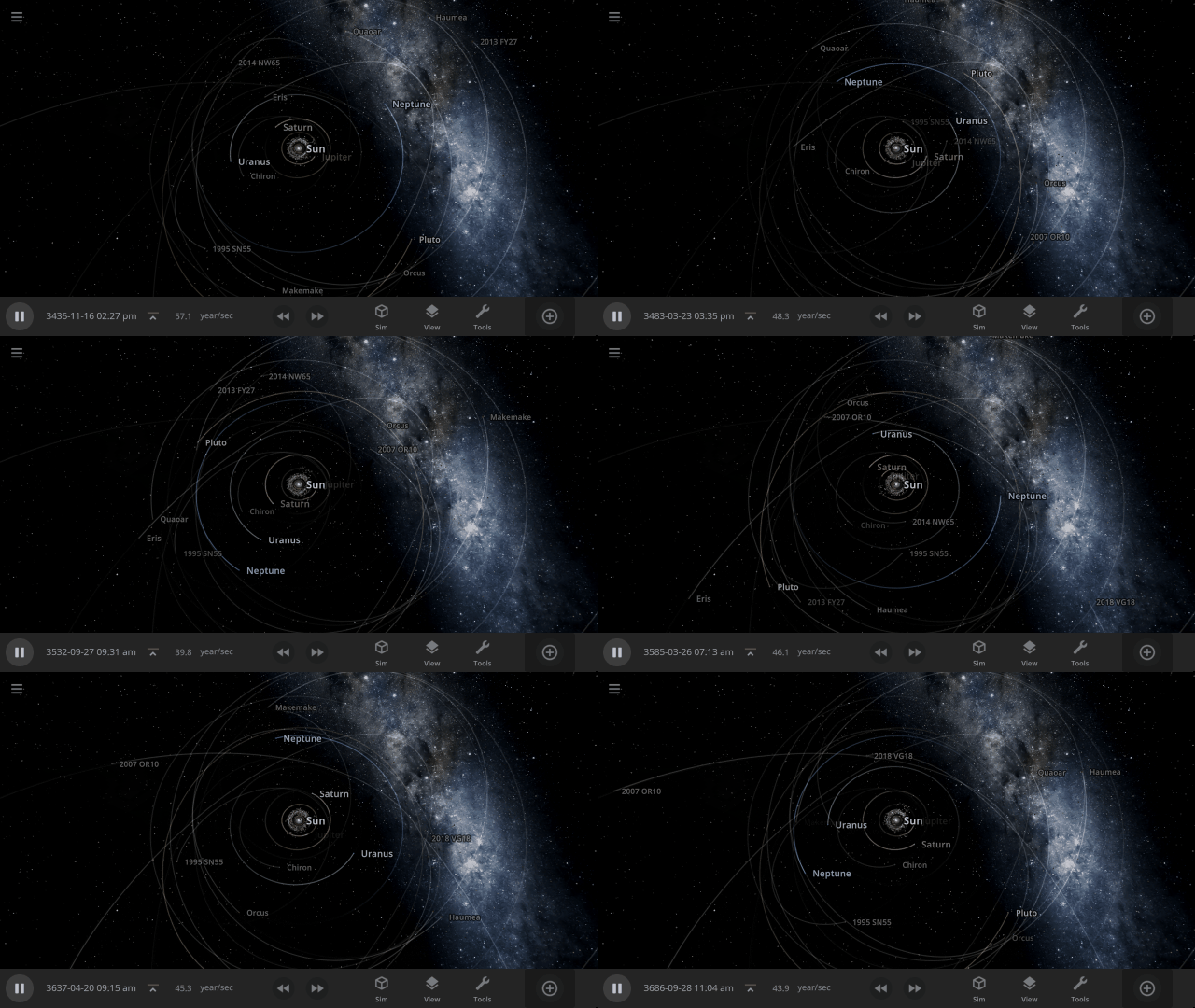
Before
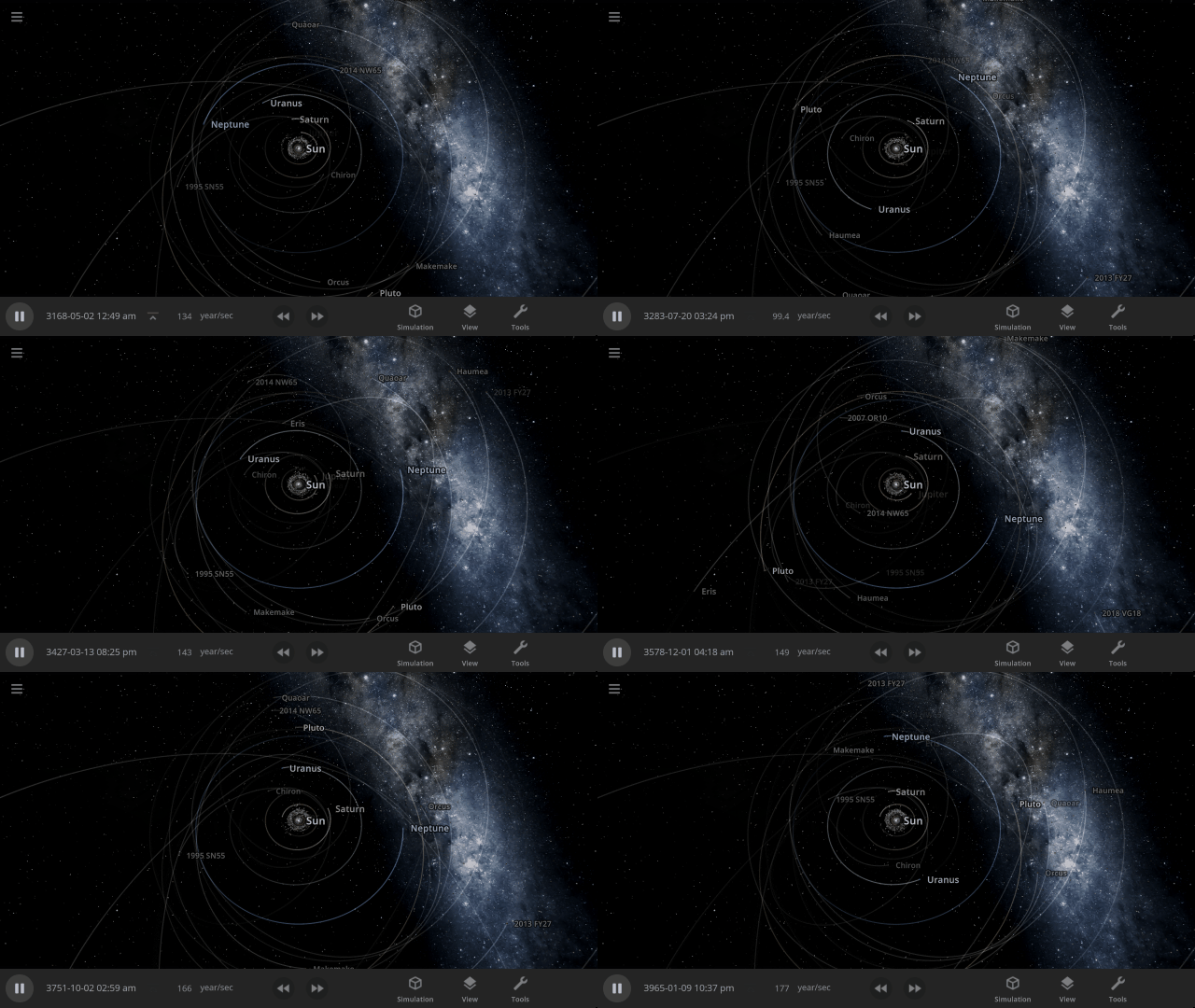
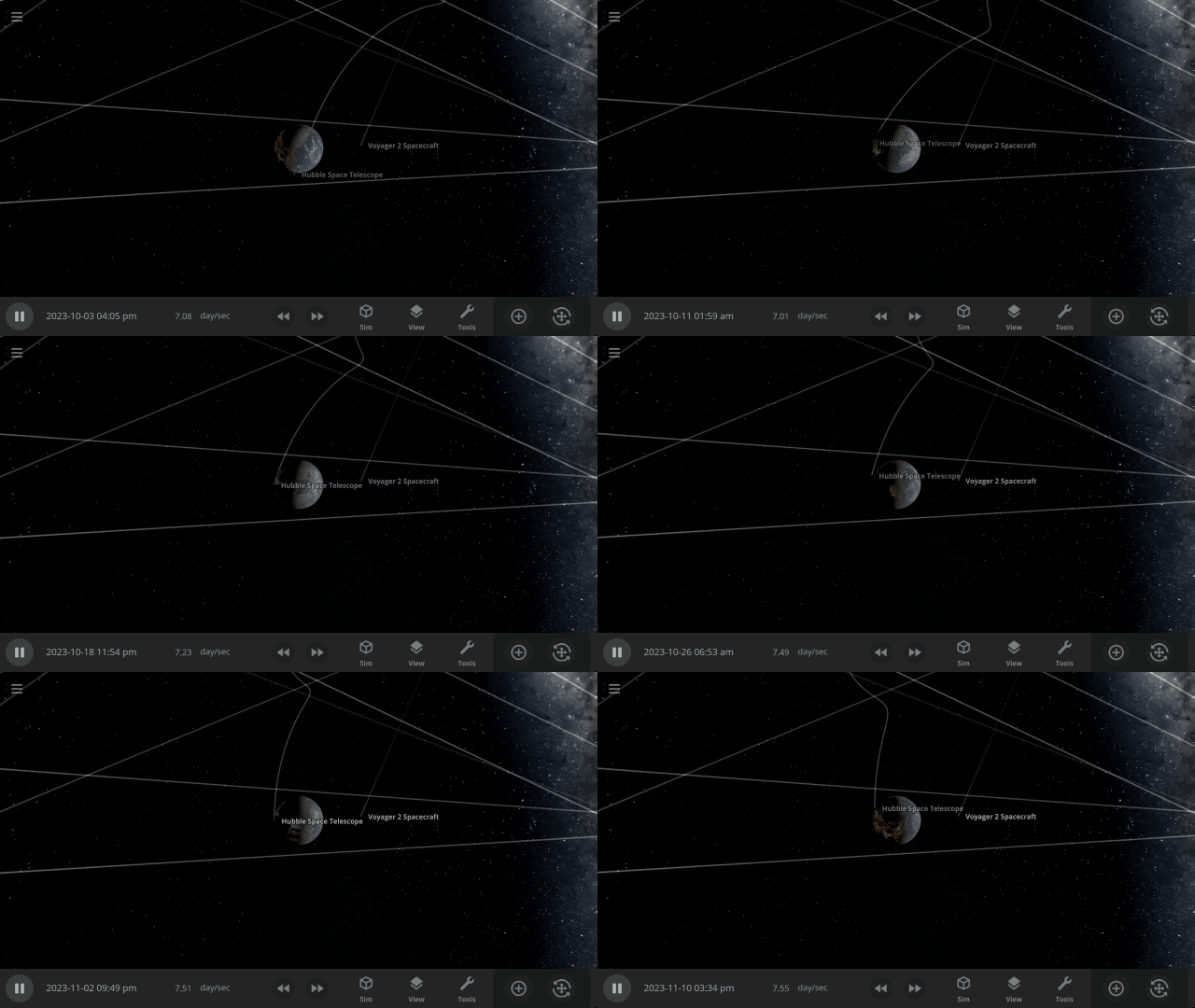
After
The Hubble Space Telescope used to crash into or fly away from Earth at simulation speeds greater than a couple days per second. Now it maintains a stable orbit at much higher simulation speeds.

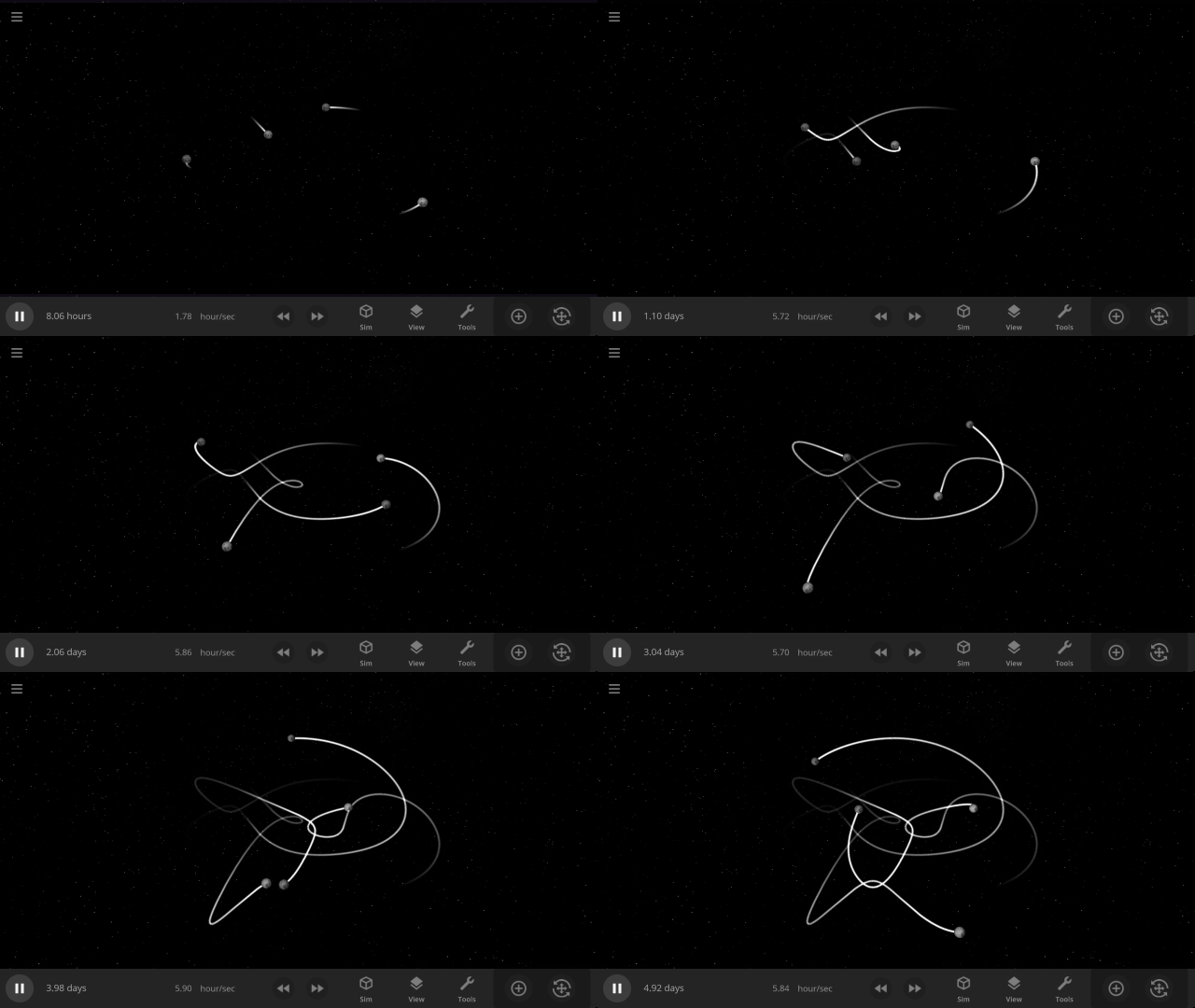
Choreography simulations, where moons are distributed evenly over a pre-computed path creating a unique design, are much more stable and create the desired patterns, like this fish, before becoming gravitationally unstable and falling apart, as expected.

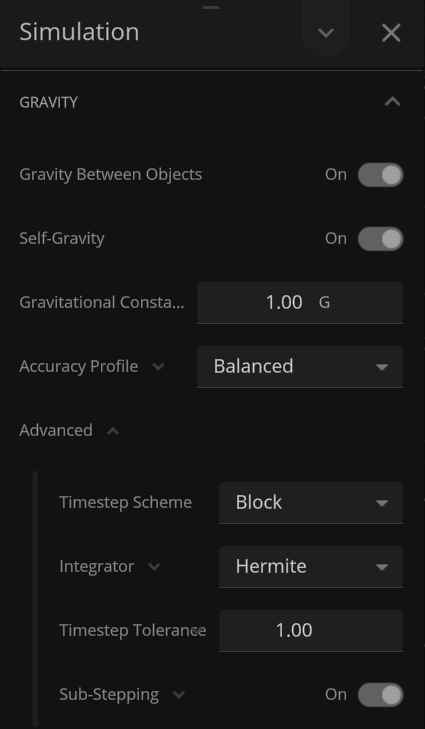
We’ve also added more controls so you can fine-tune the balance between maximum simulation speed and gravitational accuracy. Learn more in our updated guide
Guides > Tutorials > Advanced Simulation Speed Controls
More Highlights
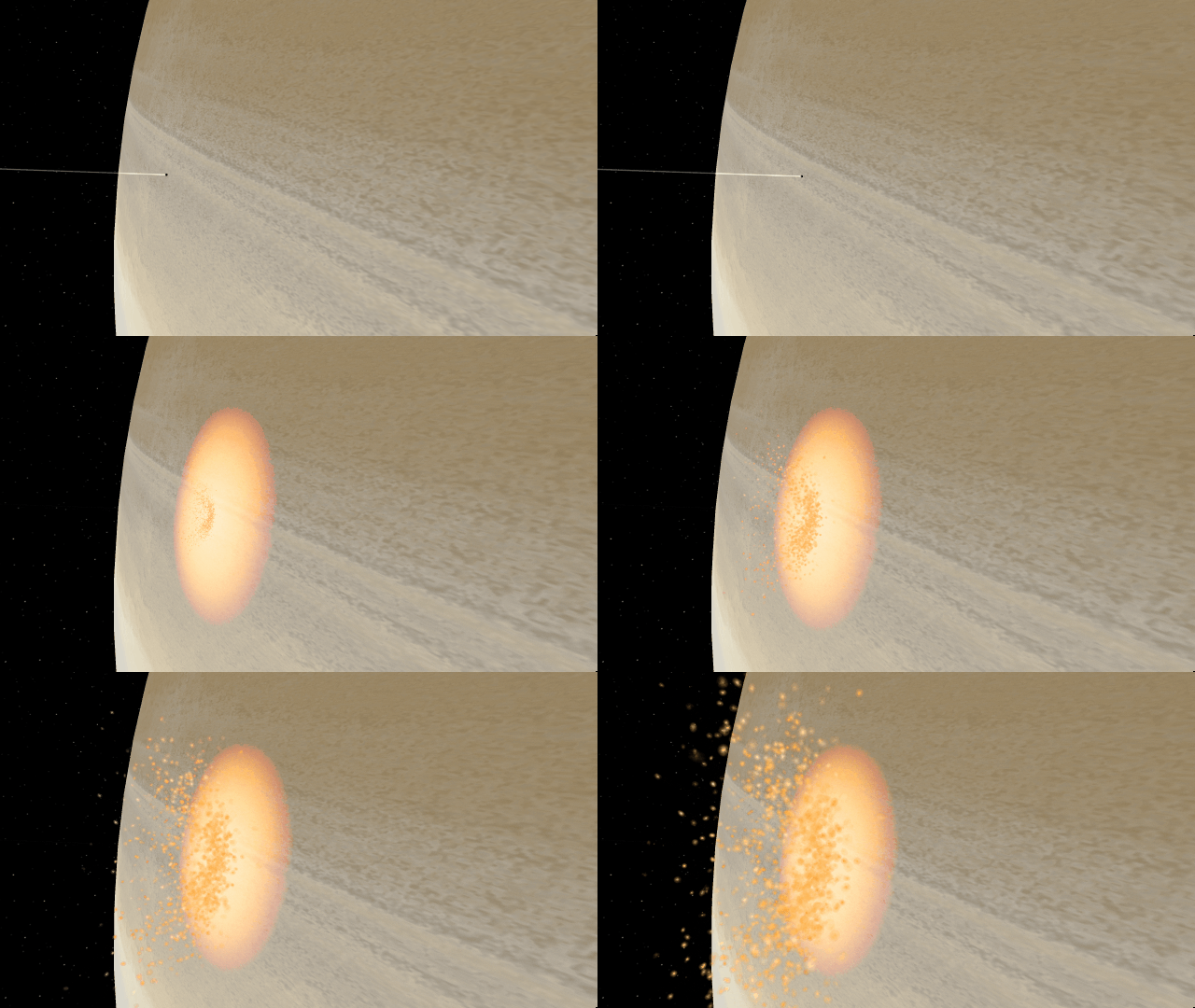
Small objects colliding with gas giants now create more realistic impacts with smaller, gradually growing impact areas

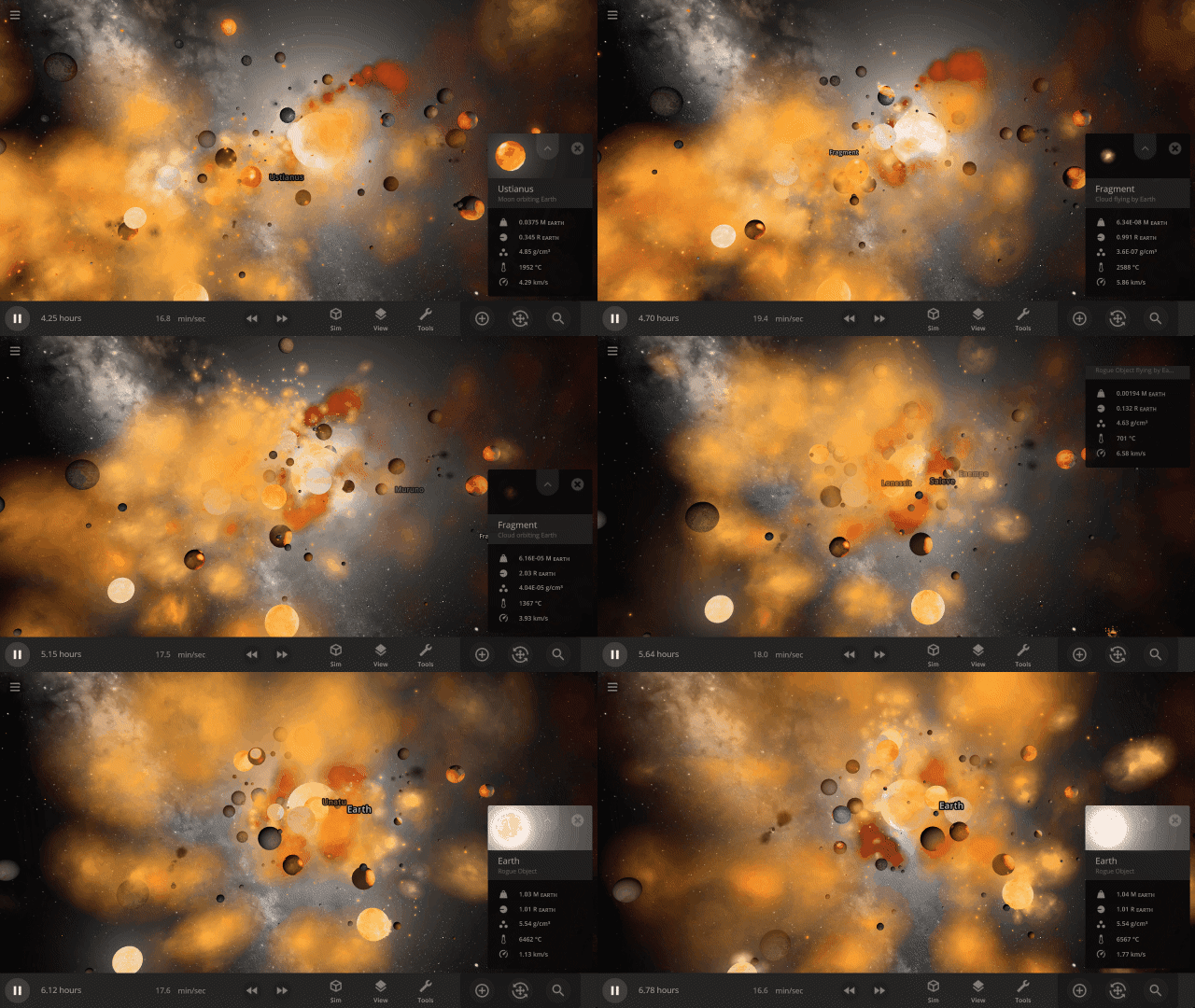
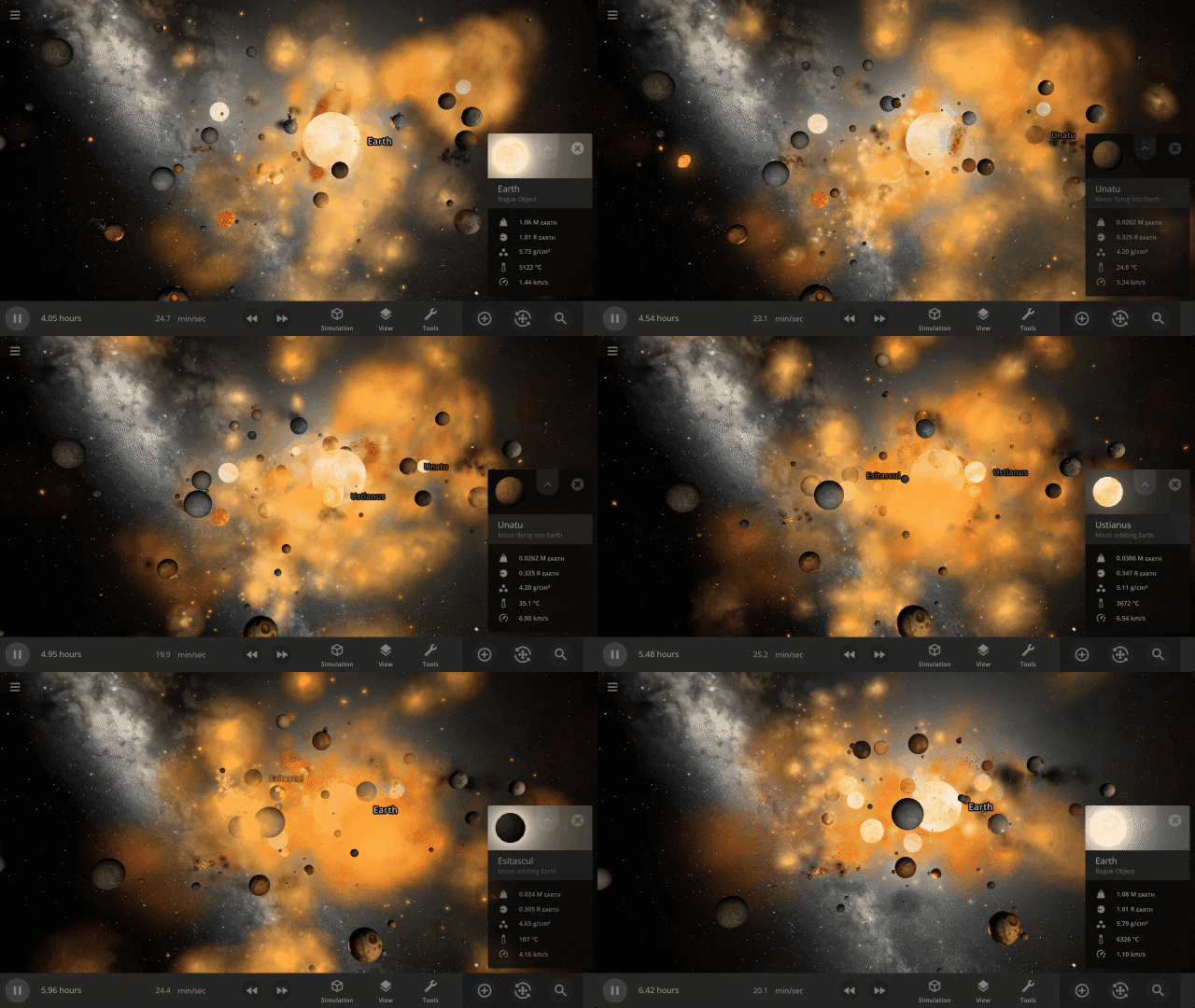
Object selection has been completely rewritten. It’s now much easier to select objects in crowded simulations with lots of dust clouds and fragments.
Check out the full list of What’s New in Update 33
Please report any issues on our Steam forum, on Discord, or in-game via Home > Send Feedback.

Grand Collision Unification | Update 32.3
Jun 29th
If Update 32.3 does not download automatically, follow these update instructions. If you don’t own Universe Sandbox, you can buy it via our website.
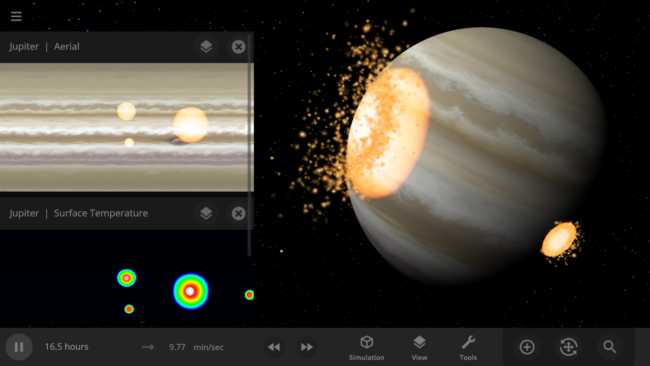
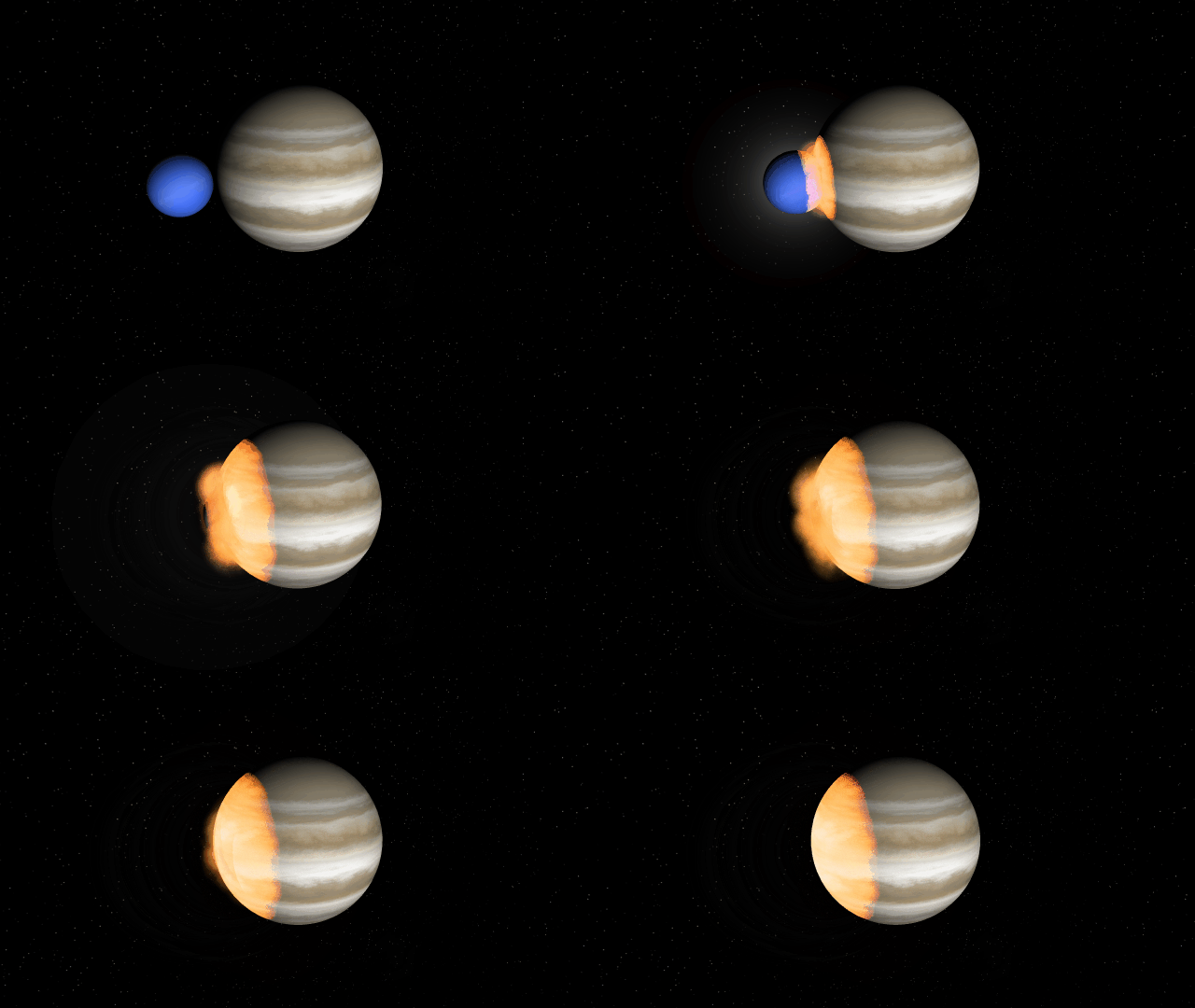
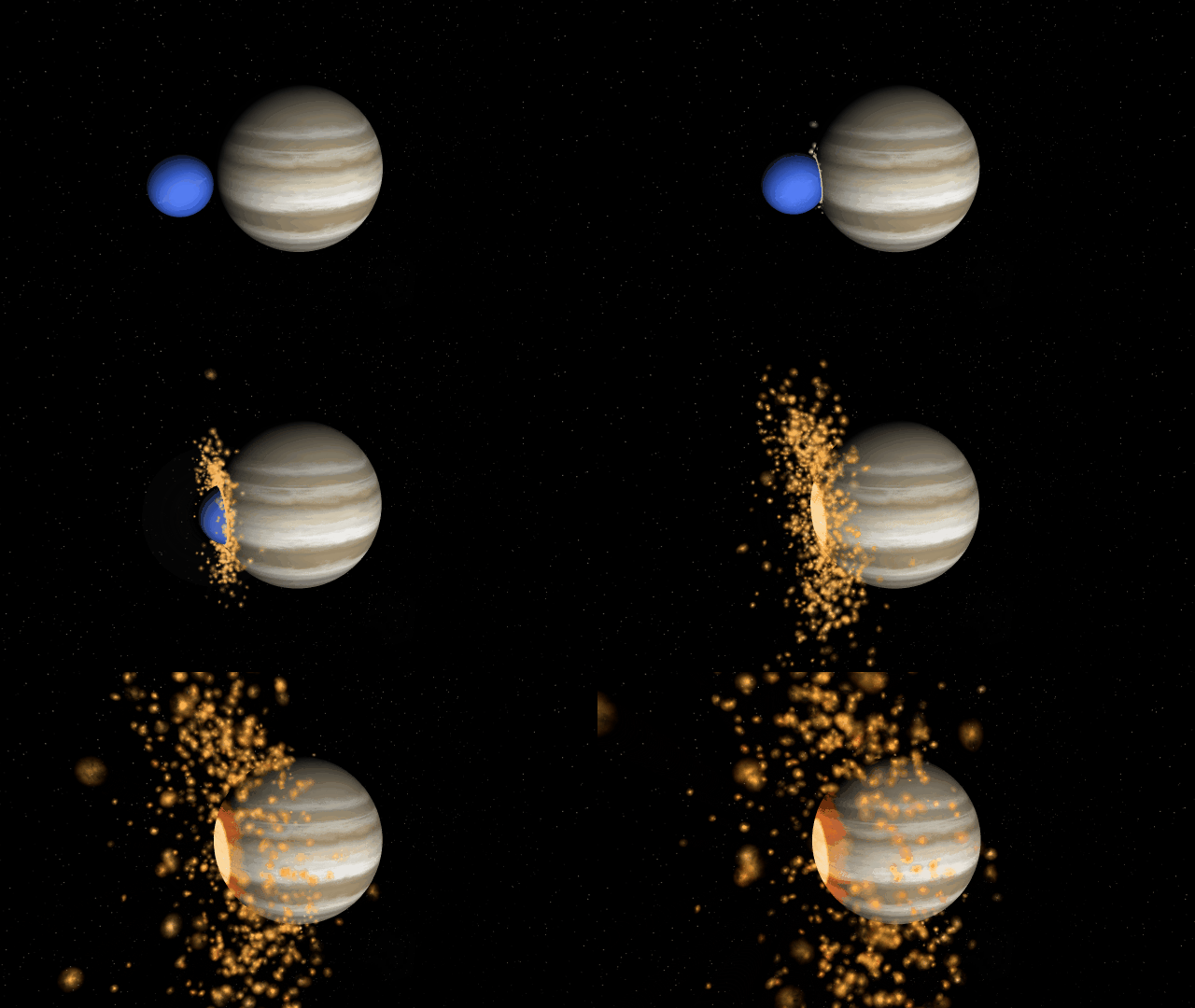
We’ve combined our two previously separate collision methods improving collisions so shockwaves now realistically eject fragments as they spread across gas giants during collisions. Interface panels, such as graphs, data maps, and object properties, are now remembered when you open saved simulations. We’ve also added new astronomical discoveries to explore, like the galaxy-sized detector used to find new evidence of supermassive black holes.
Unified Collisions
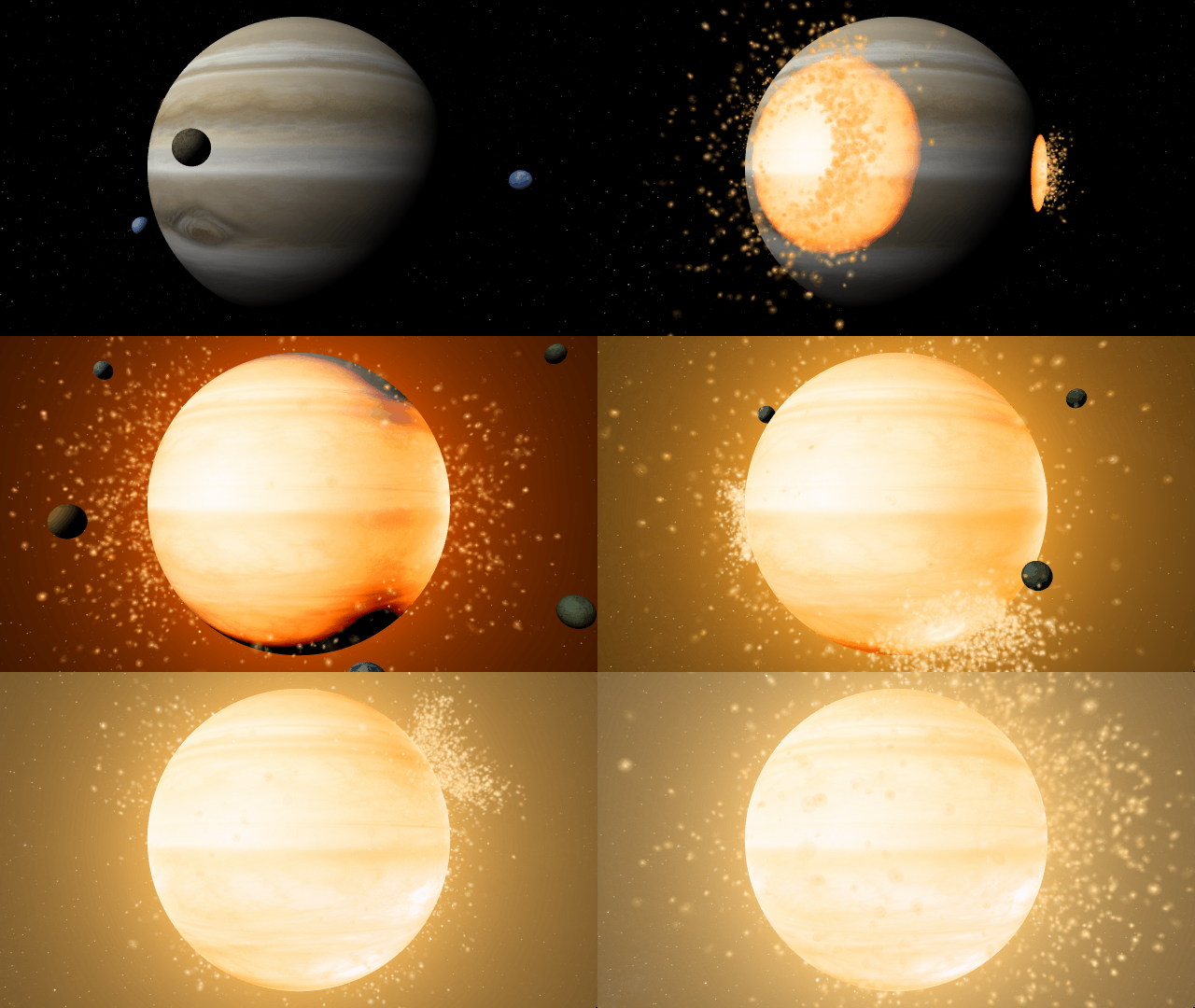
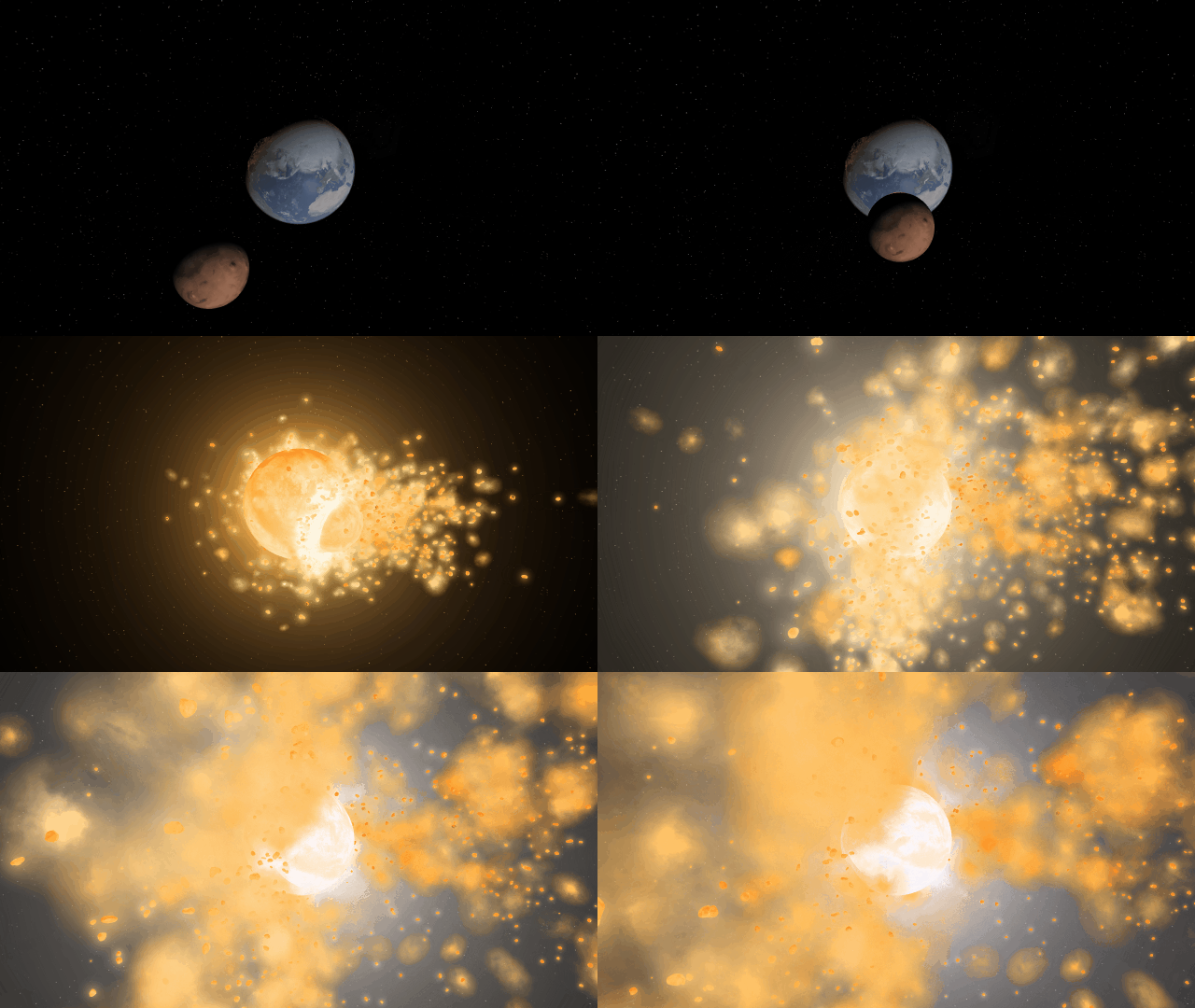
Collisions are more realistic, with shockwaves propagating across gas giant surfaces and fragment ejection direction based on impact angle with our new unified collision system. This new collision solution combines our two previous separate collision methods.

Saving Your Interface
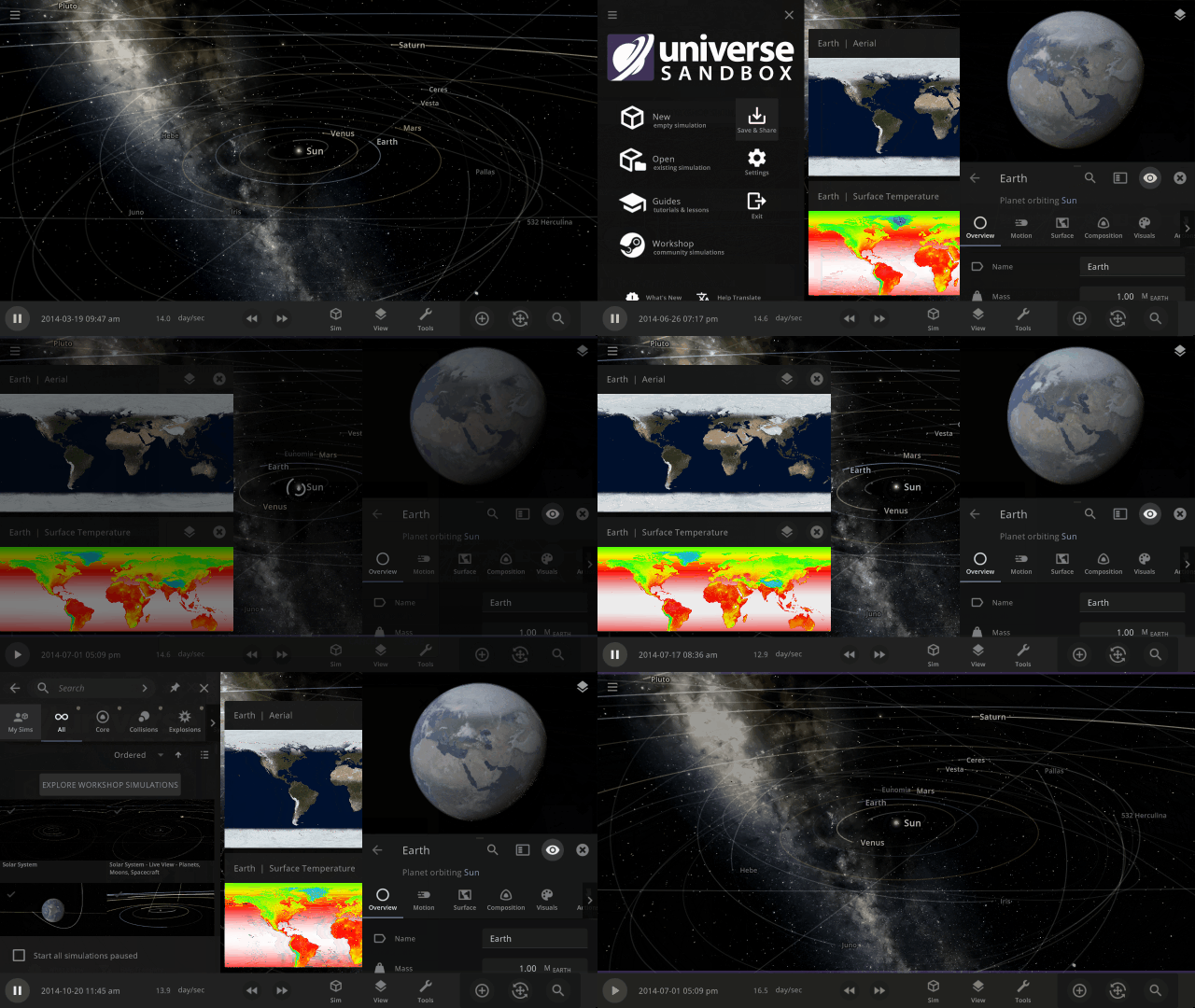
Pick up right where you left off with the properties panel open, or include a temperature graph in a shared simulation to show a planet heating up from a close encounter with a star. Saved simulations now remember the state of the interface panels. See it in action in
Open > Core > A Tidally Heated Habitable Moon or Tidally Locked Earth
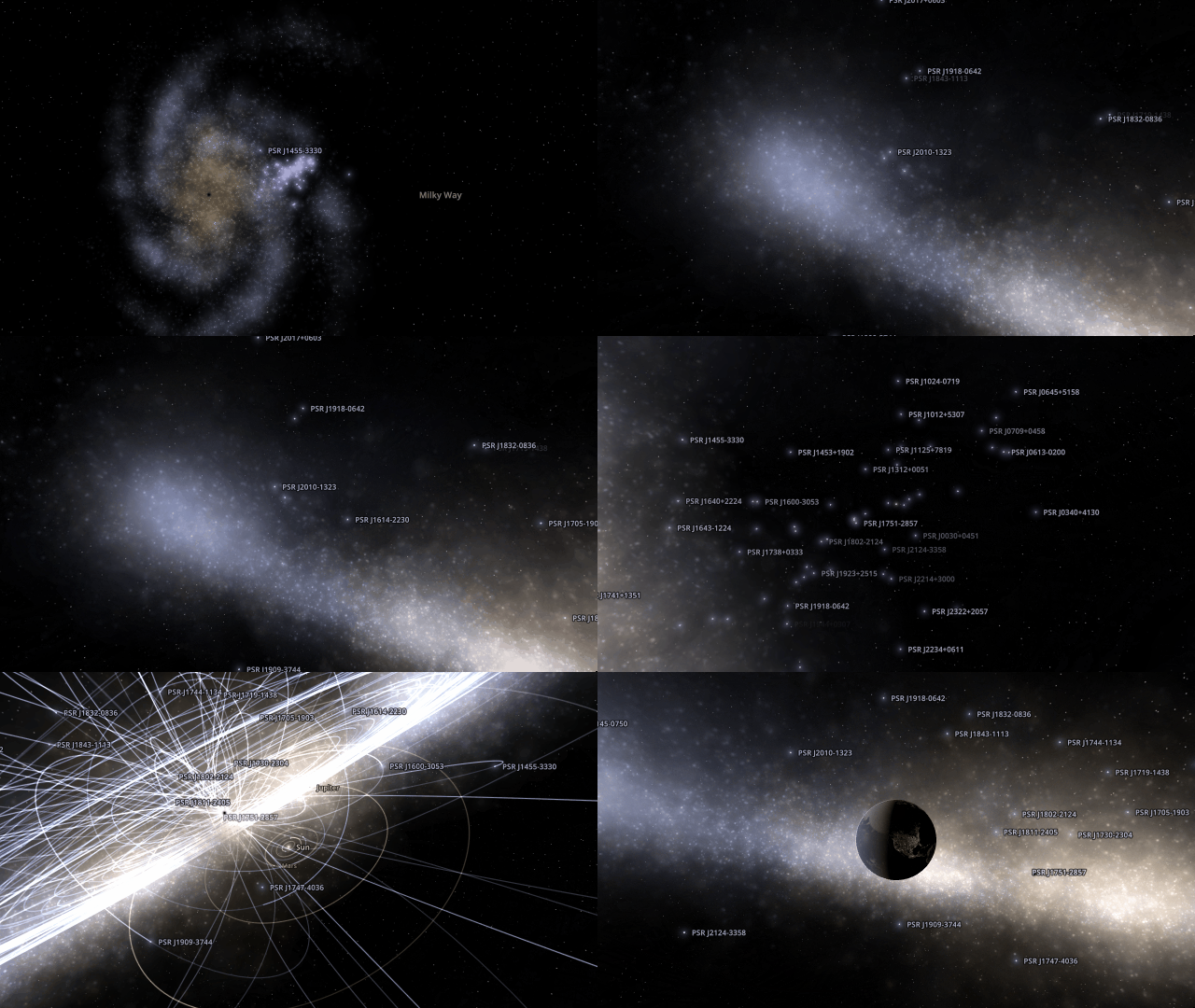
Searching for Supermassive Black Holes
On June 28, 2023, evidence for a signal generated from all supermassive black hole pairs from across the universe was announced by the North American Nanohertz Observatory for Gravitational Waves. Explore the galaxy-sized detector they used and learn how they found this evidence in our new guide
Guides > Discoveries > Searching for Supermassive Black Holes
More Highlights
See the dwarf planet Quaoar’s newly discovered rings in the new simulation
Open > Solar System > Quaoar with Rings
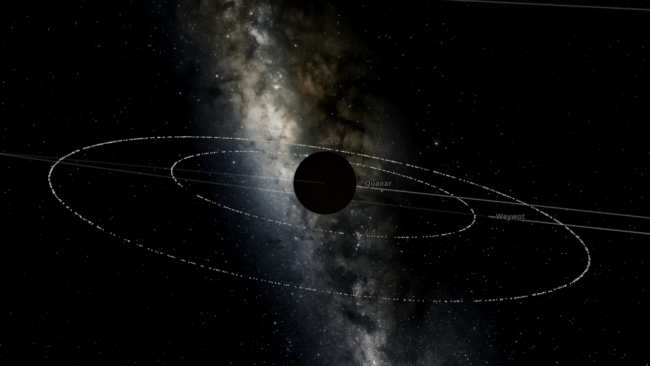
We’ve also added a simulation of the dwarf planet Haumea’s rings, which were discovered back in 2017, in the simulation
Open > Solar System > Haumea with Rings
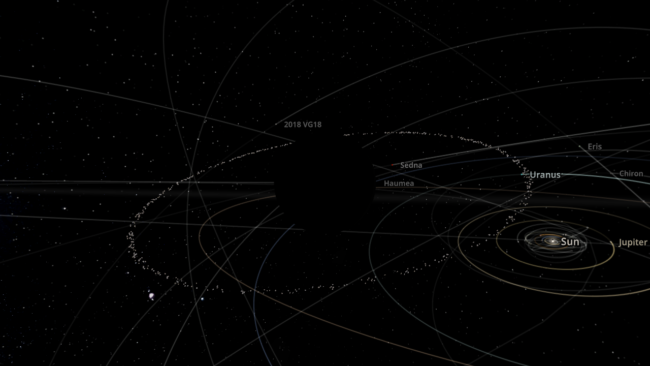
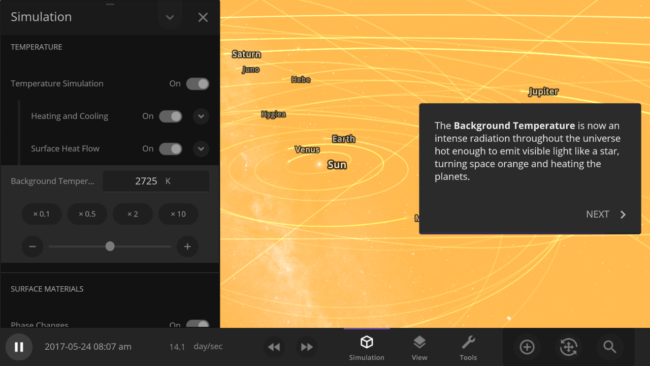
Manipulate the temperature of the universe and learn about the cosmic microwave background, a type of faint radiation spread across space, in our new guide
Guides > Science > Cosmic Microwave Background
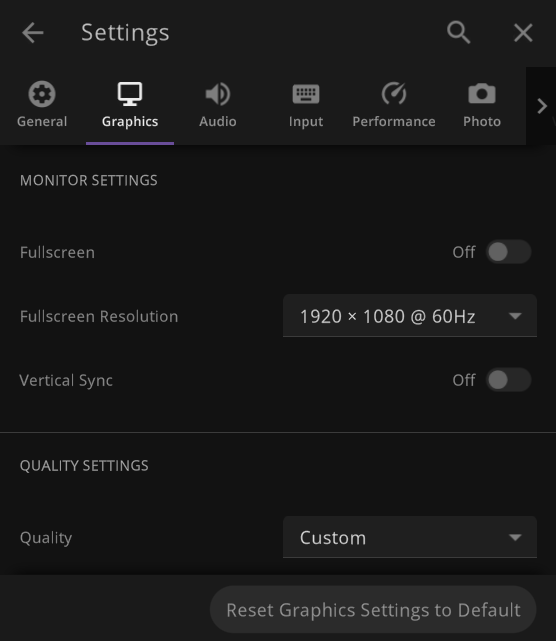
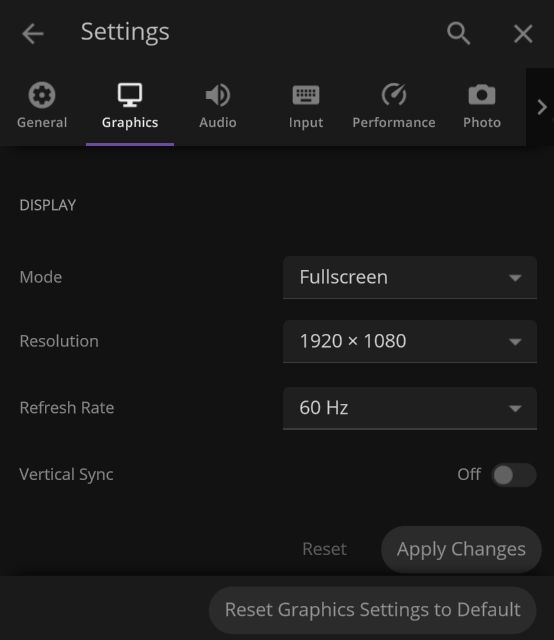
Display settings have been updated to include more options for exclusive fullscreen, fullscreen borderless, and windowed resolutions
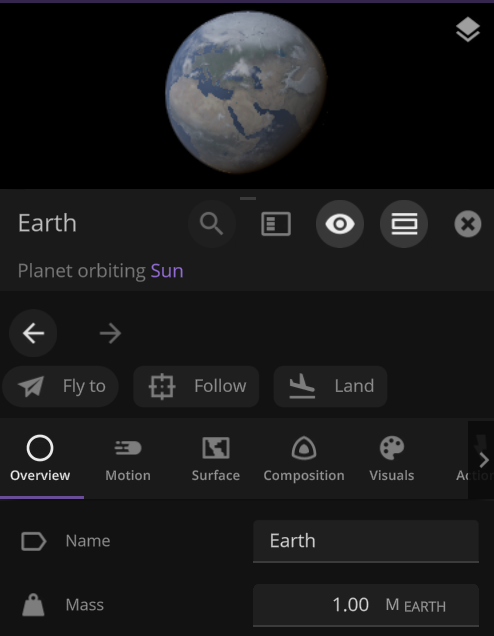
Additional Actions have been added to the Properties panel of objects so you can easily Fly To, Follow, or Land on objects
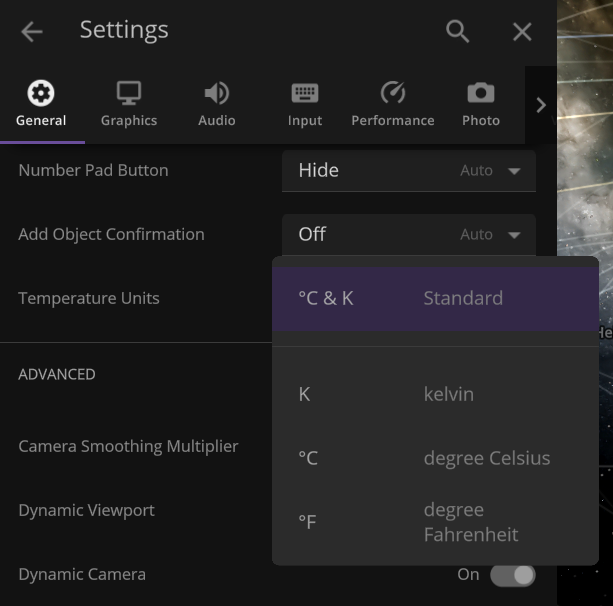
Default temperature unit can now be changed to °F, only °C, or only K under
Settings > General > Temperature Units
Check out the full list of What’s New in Update 32.3
Please report any issues on our Steam forum, on Discord, or in-game via Home > Send Feedback.

A Comet, an Asteroid, and a Planet Walk into the Solar System | Update 32.2
Mar 23rd
If Update 32.2 does not download automatically, follow these update instructions. If you don’t own Universe Sandbox, you can buy it via our website.
Watch a green comet pass by Earth for the first time in 50,000 years, see an asteroid swing by Earth in one of the closest ever encounters, and explore a hypothetical planet from the 1800s disproven by Einstein’s theory of relativity. Speaking of comets, asteroids, and planets…
A comet, an asteroid, and a hypothetical planet walk into the Solar System. The hypothetical planet says to the comet, “Why so green?” The comet says, “It’s the radiation from the Sun evaporating the carbon on my surface. You’d know that if you were as close to the Sun as people thought you were.” The hypothetical planet turns red with anger and ceases to exist. The asteroid says, “Phew, that was a close one!”
A Green Comet
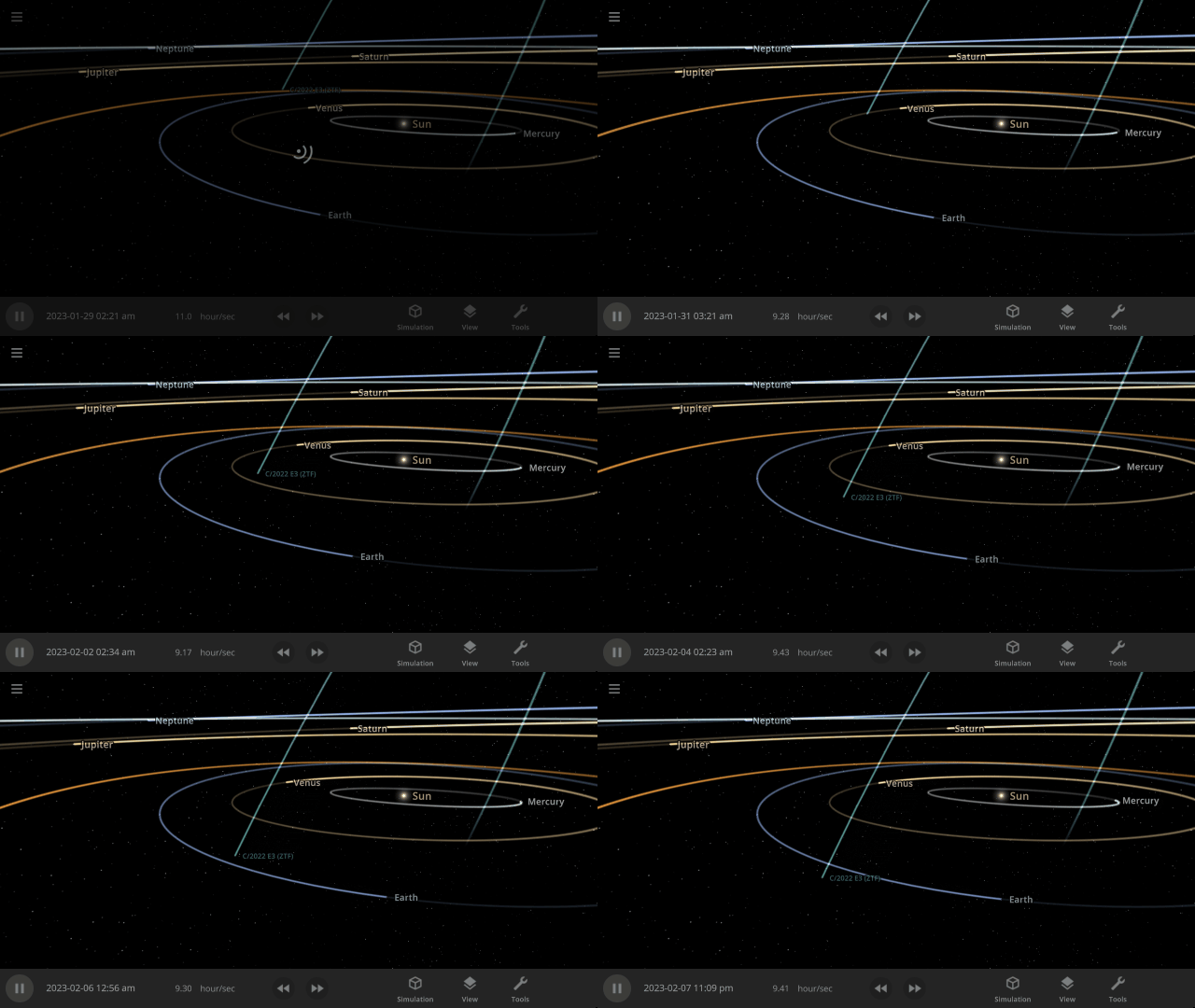
The green comet, C/2022 E3 (ZTF), recently passed by the Earth for the first time in 50,000 years. Explore its path and watch this once-in-a-lifetime event occur over and over with our new simulation
The Green Comet C/2022 E3 (ZTF) in 2023
Close Encounters of the Asteroid Kind
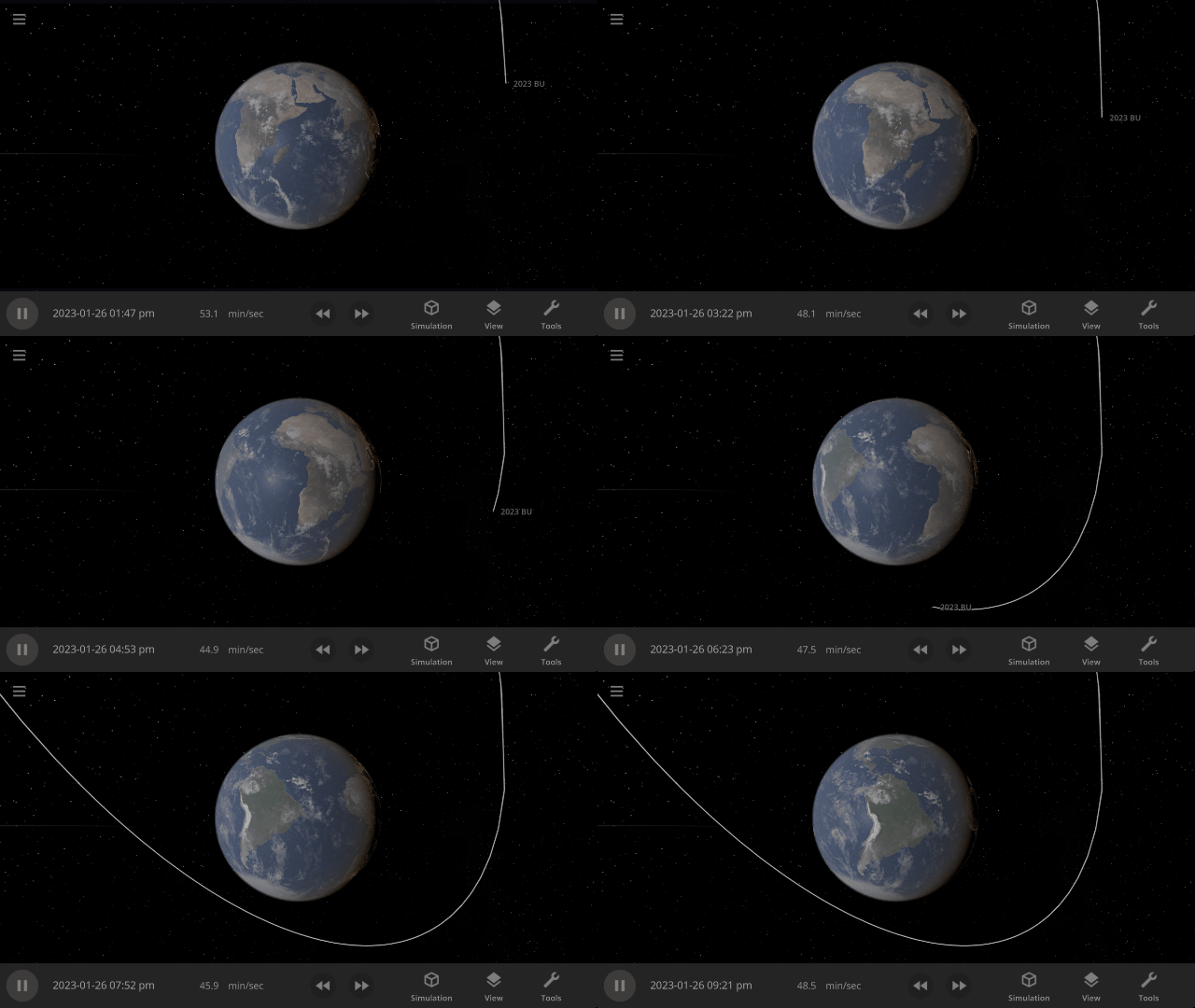
Asteroid 2023 BU performed a close pass of Earth (though it posed no threat), only 2,200 km from the surface. That’s just under half the length of the United States! Watch one of the closest asteroid encounters ever recorded in our new simulation
Asteroid 2023 BU Close Encounter in 2023
The Non-Existent Planet
In the 1800s, many astronomers thought there was a planet, dubbed Vulcan, between Mercury and the Sun. Mercury’s orbit was observed to wobble slightly more than predicted, and Vulcan was hypothesized to explain this. We now know Vulcan does not exist, and general relativity causes the additional wobble, but you can see Vulcan’s proposed orbit in the new simulation
Hypothetical Planet Vulcan

More Highlights
Landing (press “c”) on the surface of a planet now always points you toward the horizon. Taking off returns you to your previous position instead of in front of the planet.

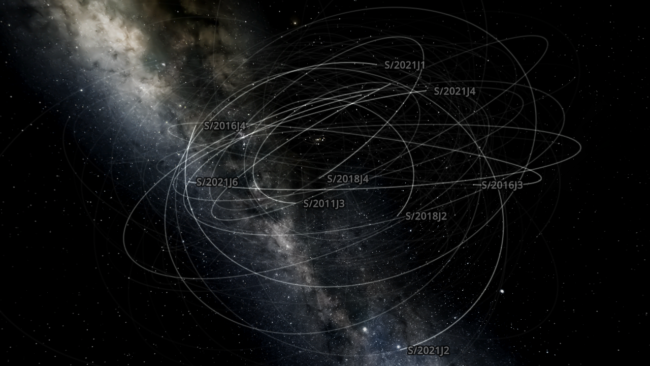
On February 3, 2023, astronomers announced the discovery of 12 more moons orbiting Jupiter. Learn about these new moons in our new simulation
Jupiter’s New Moons 2023
Or explore the history of the discovery of all of Jupiter’s 92 moons in our guide
History of Jupiter’s Moons
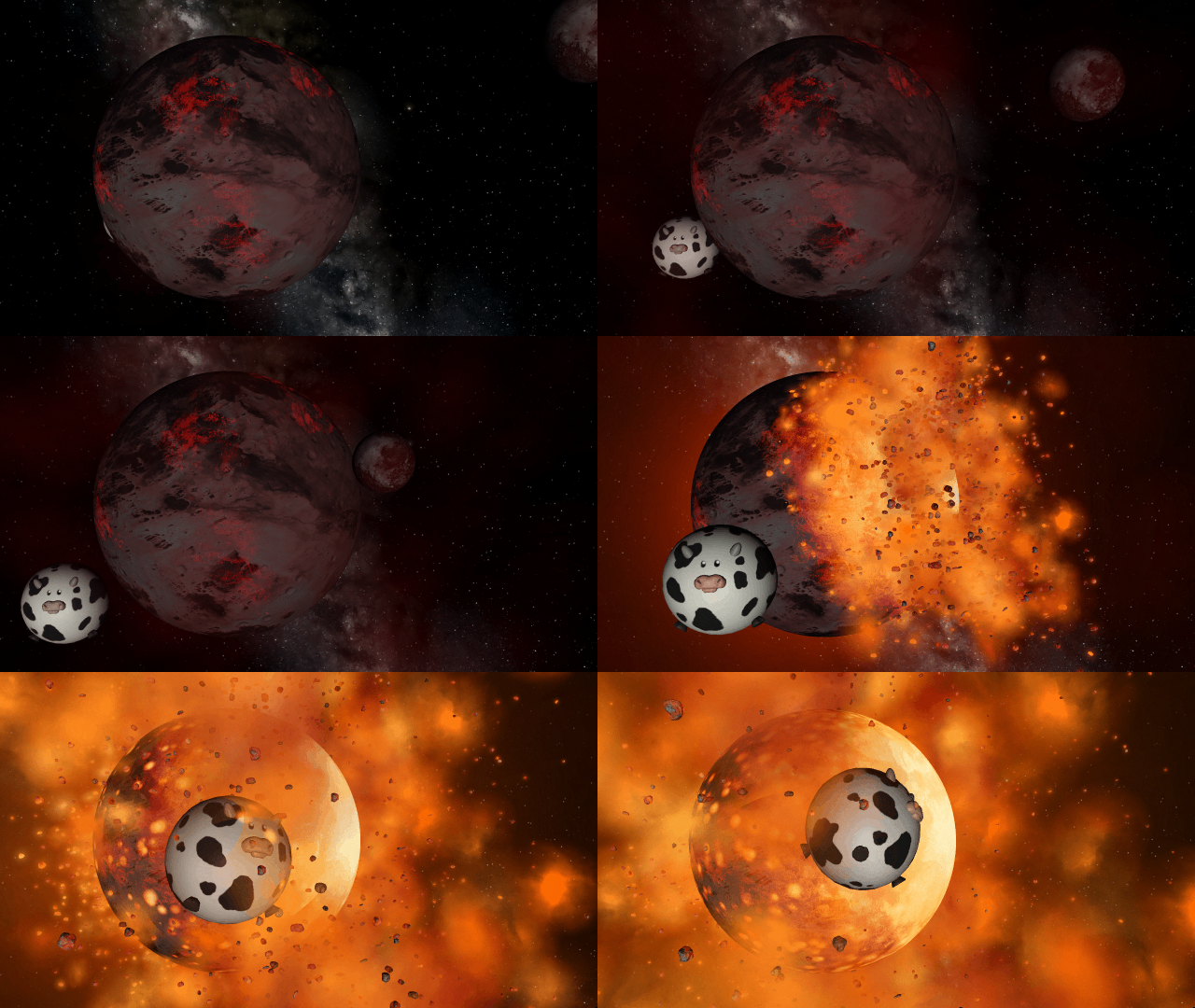
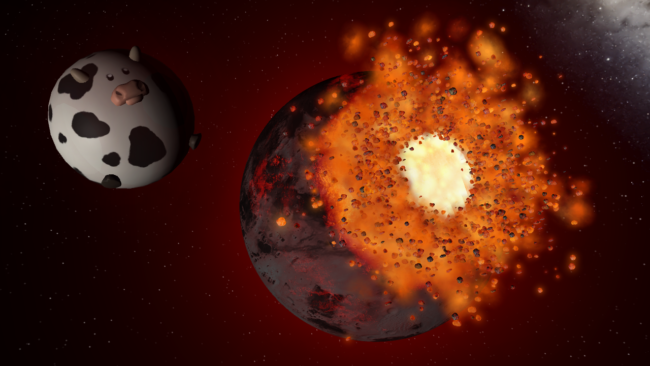
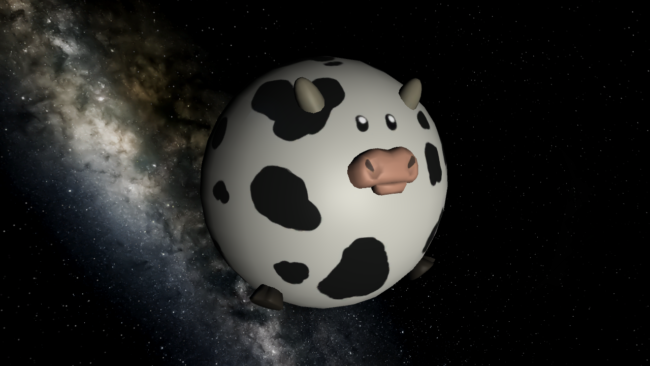
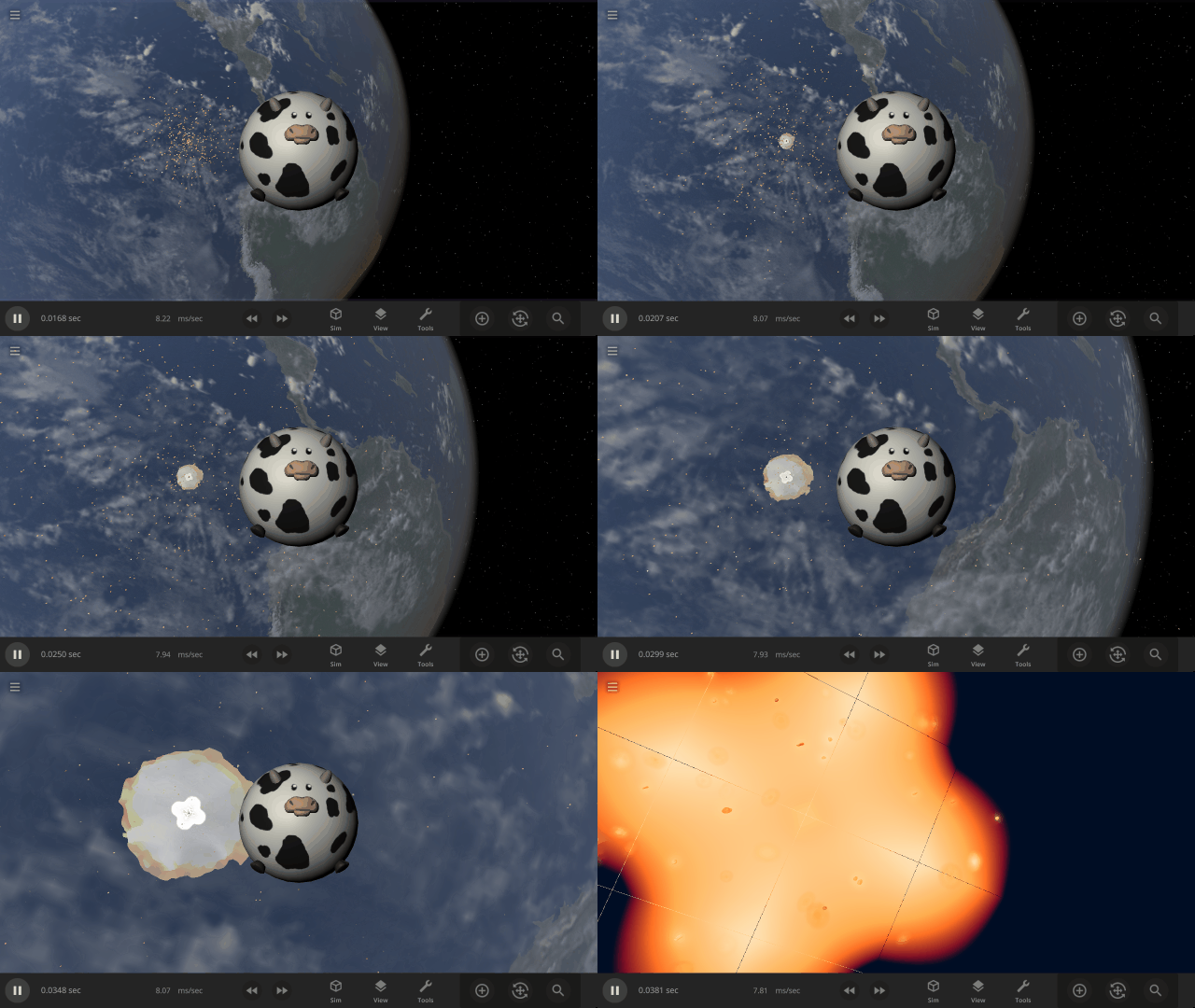
We added a Spherical Cow to Universe Sandbox! This refers to a joke that when physicists want to make a problem easier to handle, they sometimes simplify it so much it’s no longer realistic.
Experience 100 spherical cows hitting Earth at lightspeed in our new sim
Earth & 100 Spherical Cows at the Speed of Light
Because why not?
Check out the full list of What’s New in Update 32.2
Please report any issues on our Steam forum, on Discord, or in-game via Home > Send Feedback.