


Development

Hit Hard, Spin Fast | Update 30
Apr 14th
Run Steam to download Update 30, or buy Universe Sandbox via our website or the Steam Store.
Update 30
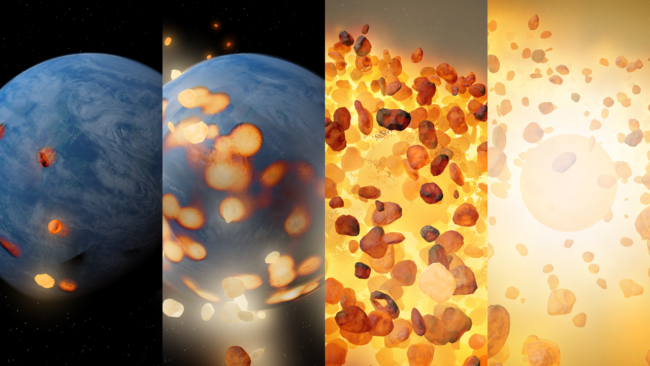
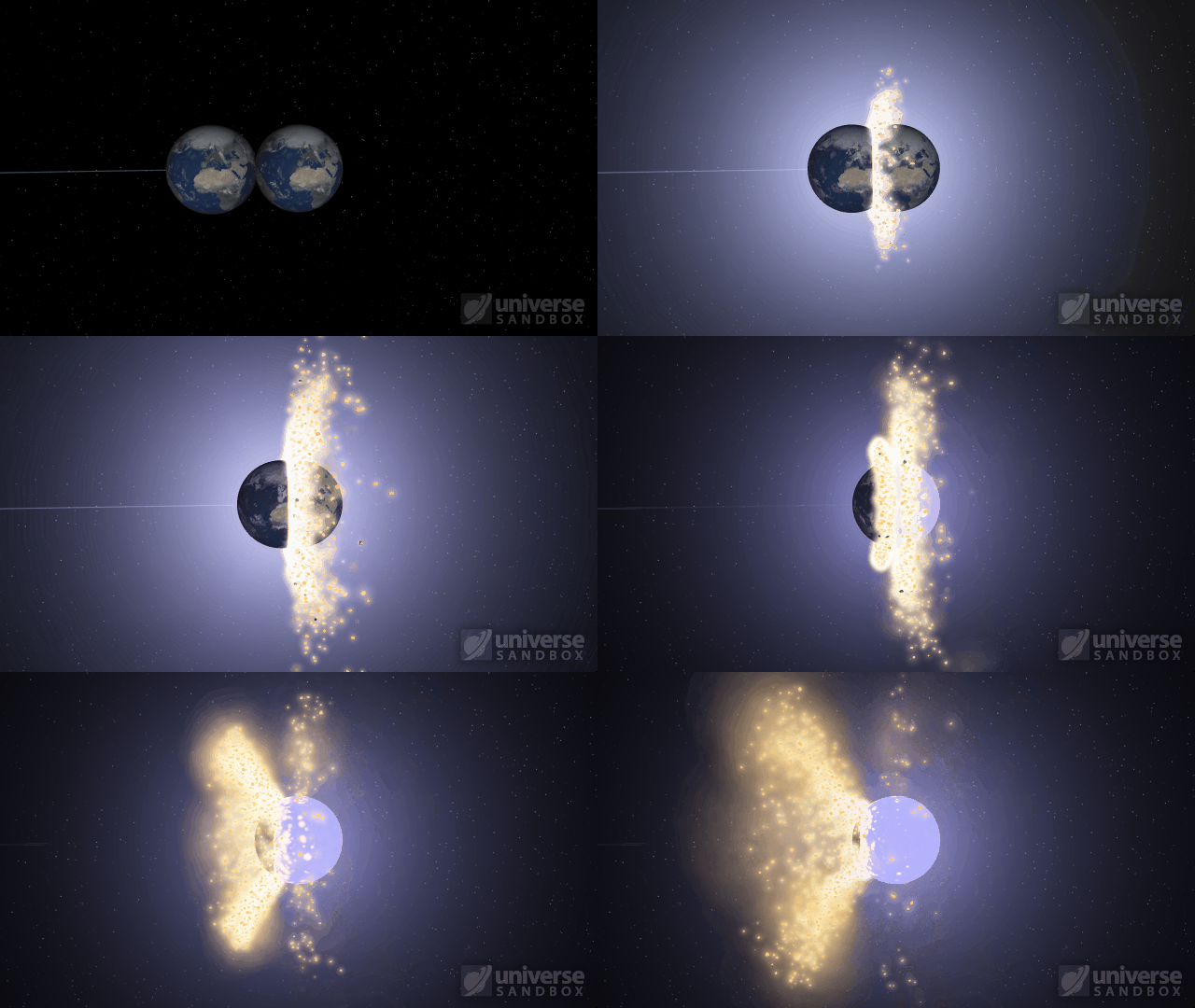
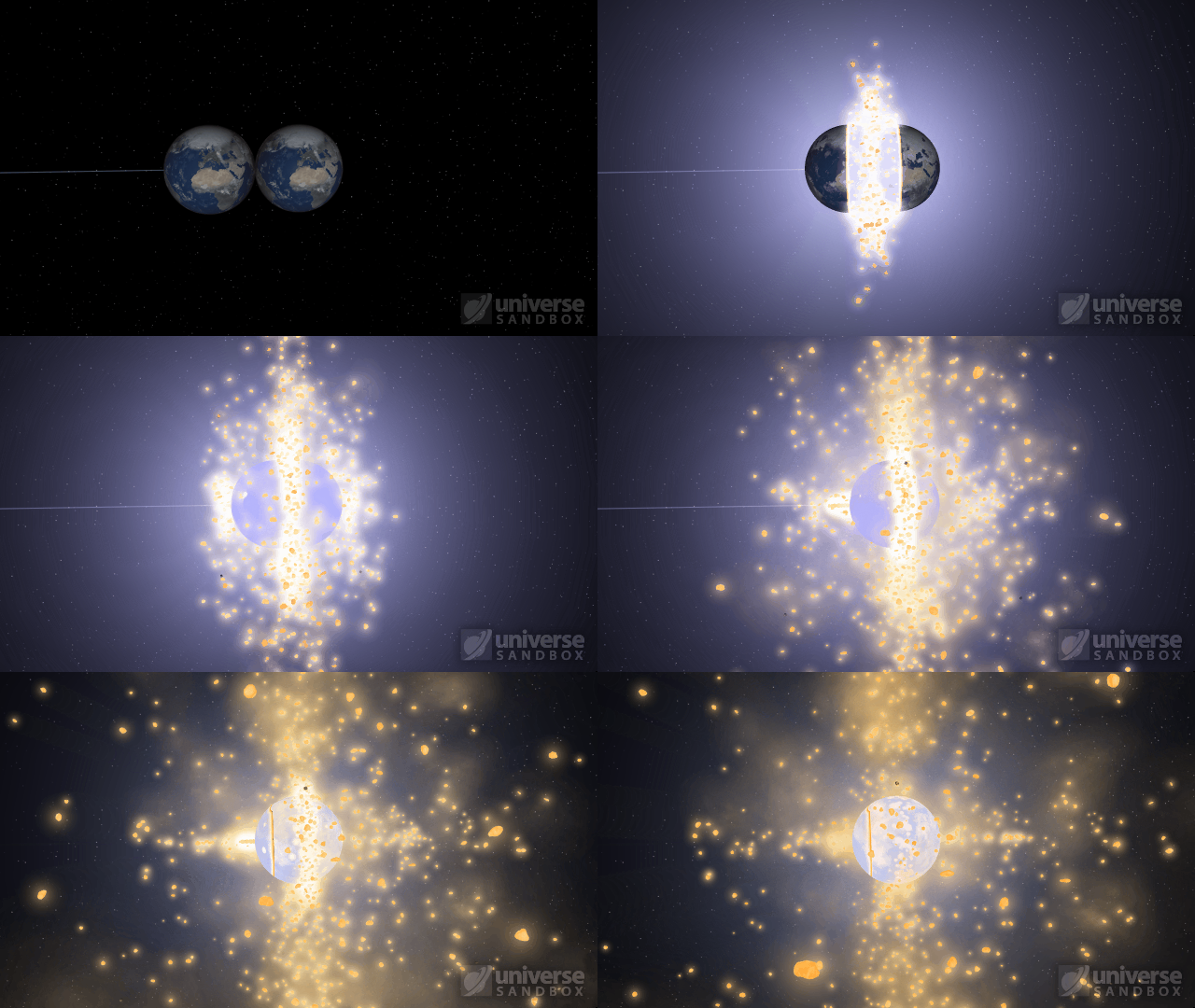
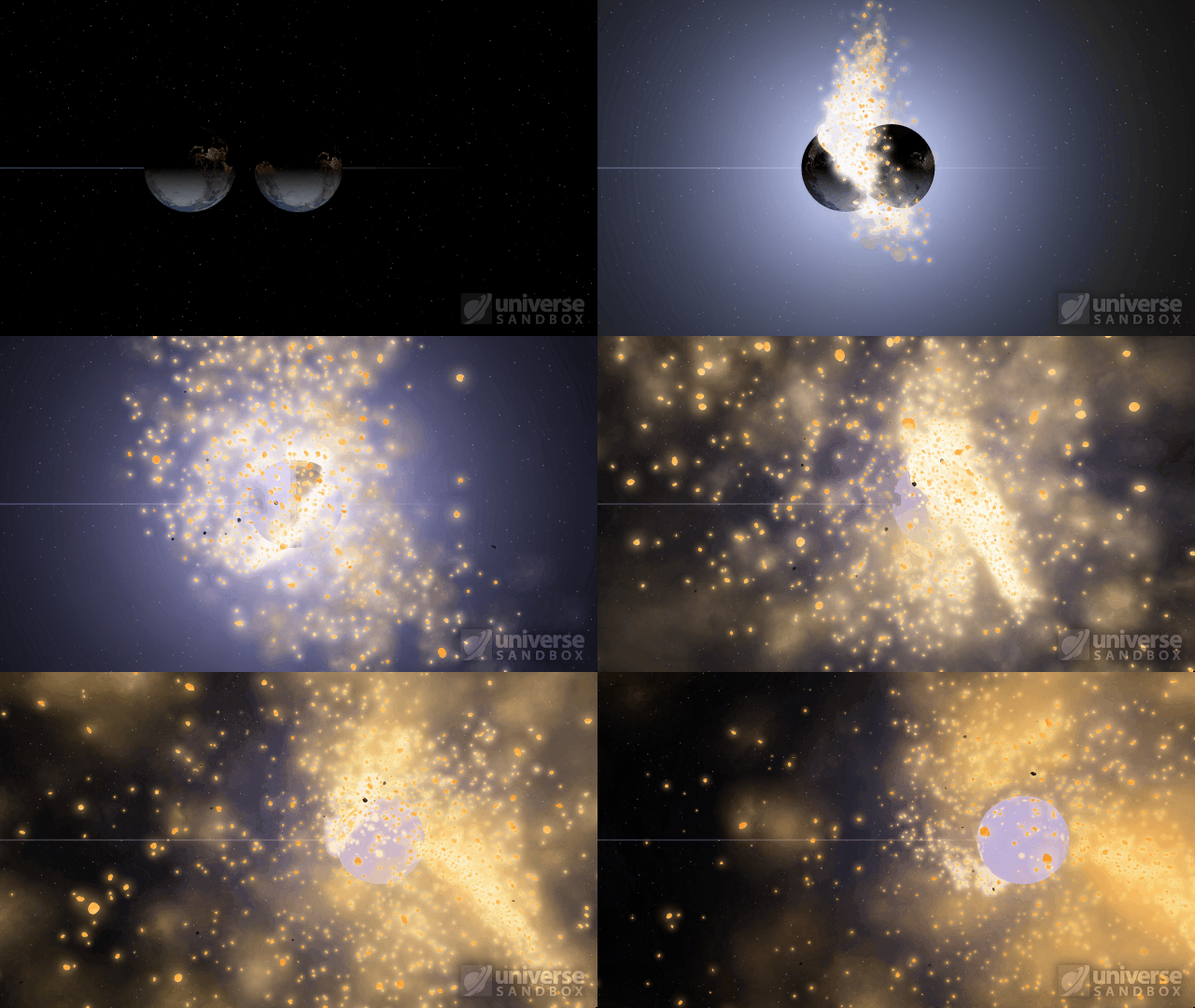
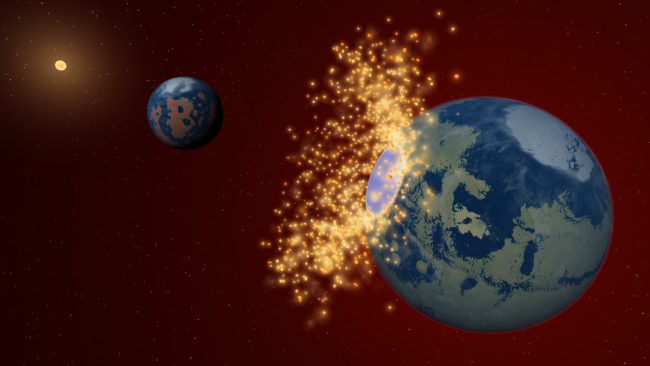
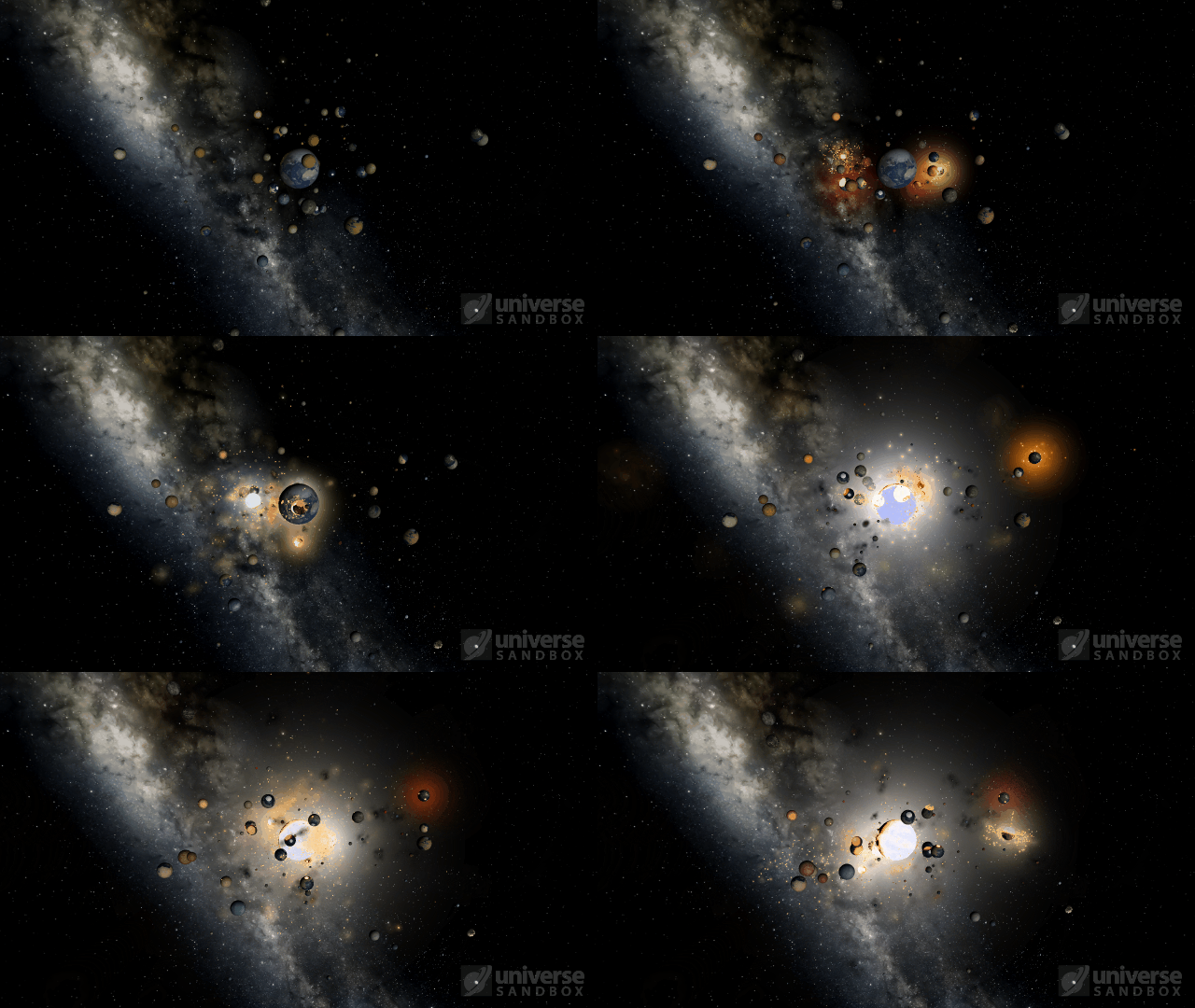
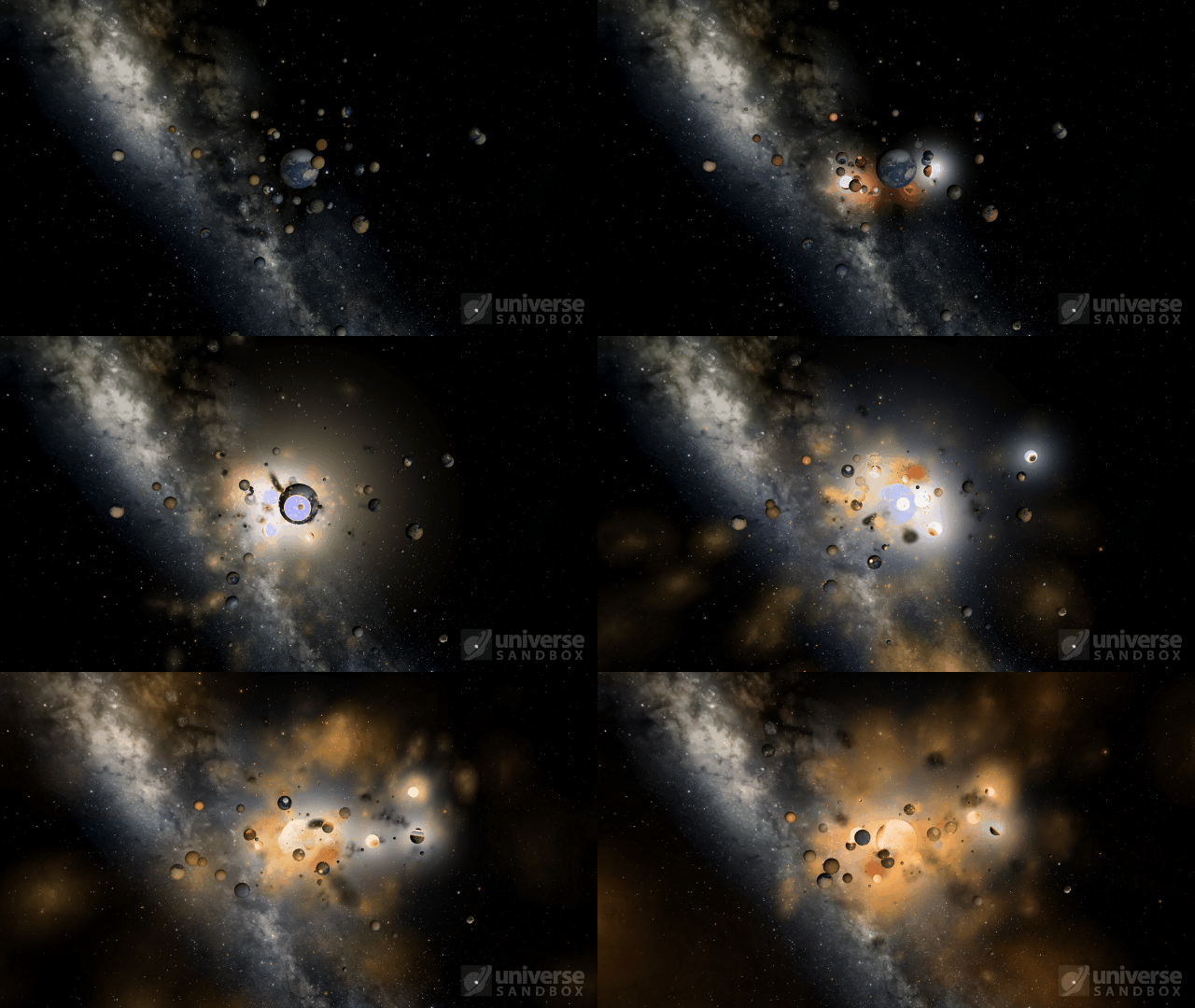
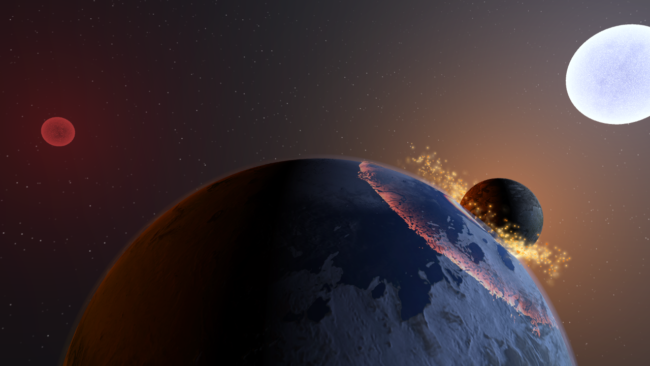
Spin apart planets with the Force Spin tool and discover the destructive potential of the newly simulated centrifugal force. We’ve also improved same-sized object collisions so you can launch the Earth at itself and watch the shockwaves heat and fragment both planets on impact.
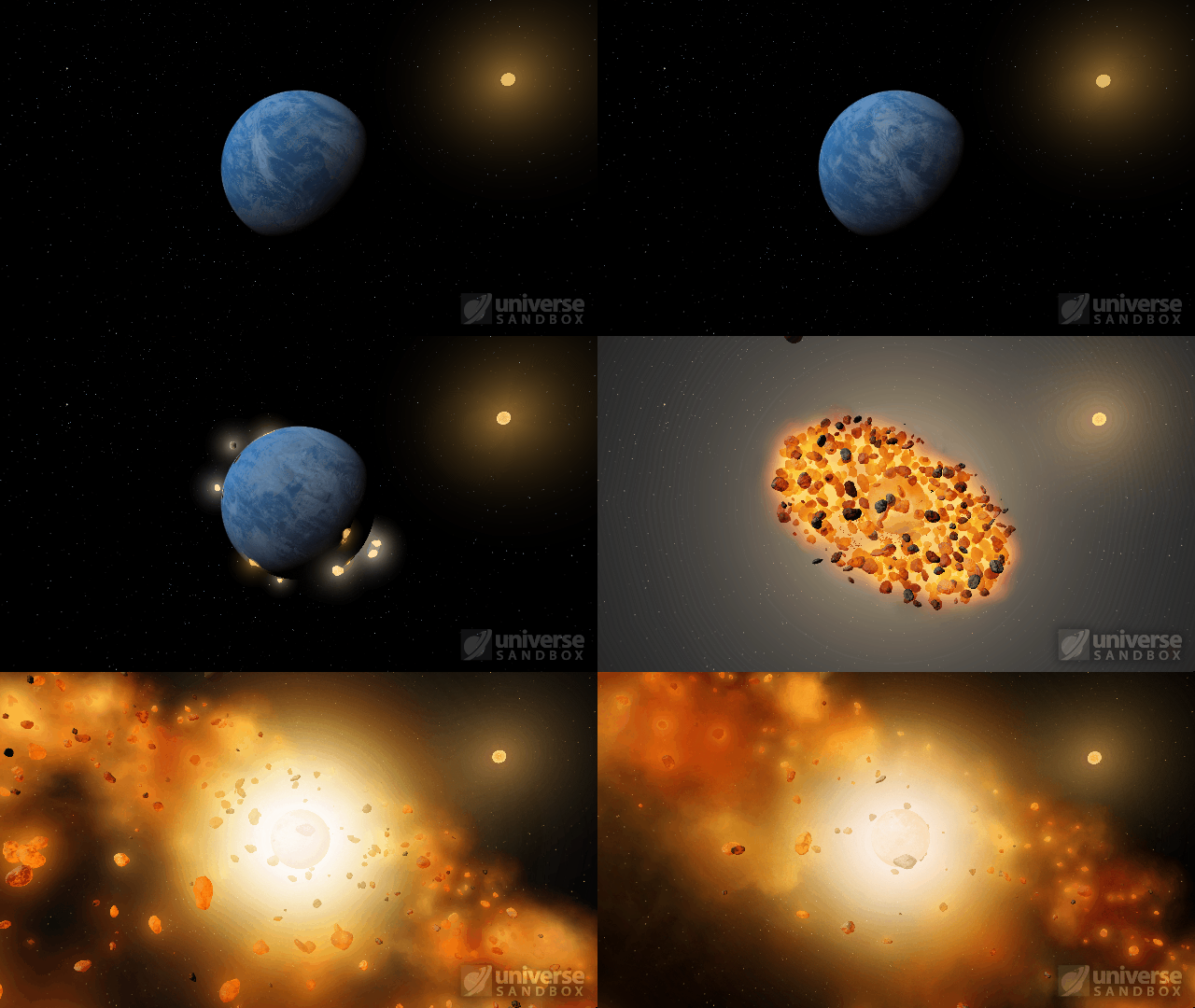
Centrifugal Force
Planets will fragment at very high rotational speeds as the centrifugal force overwhelms the gravity holding them together. Learn more: Home > Guides > Centrifugal Destruction
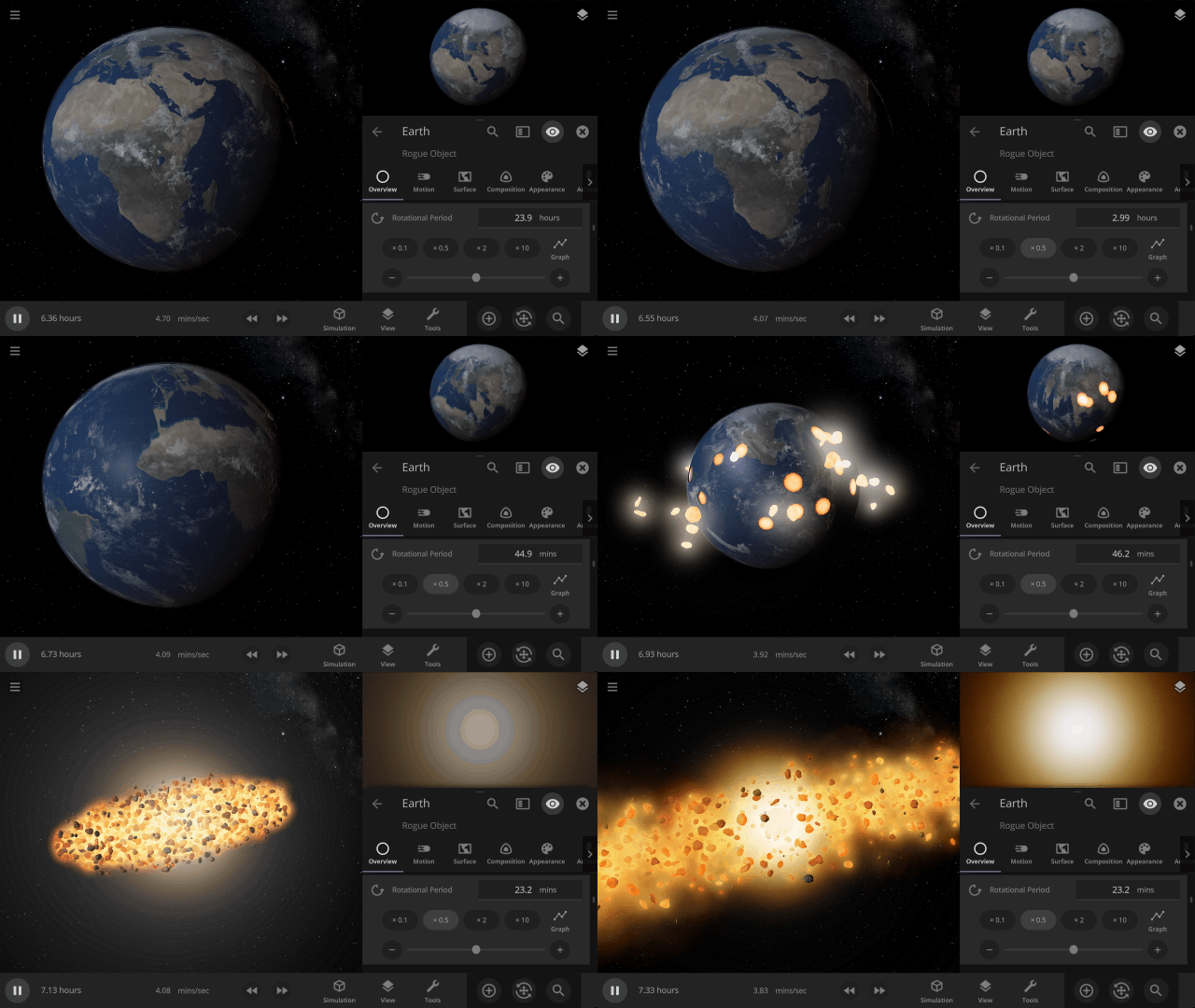
Same-Size Object Collision Improvements
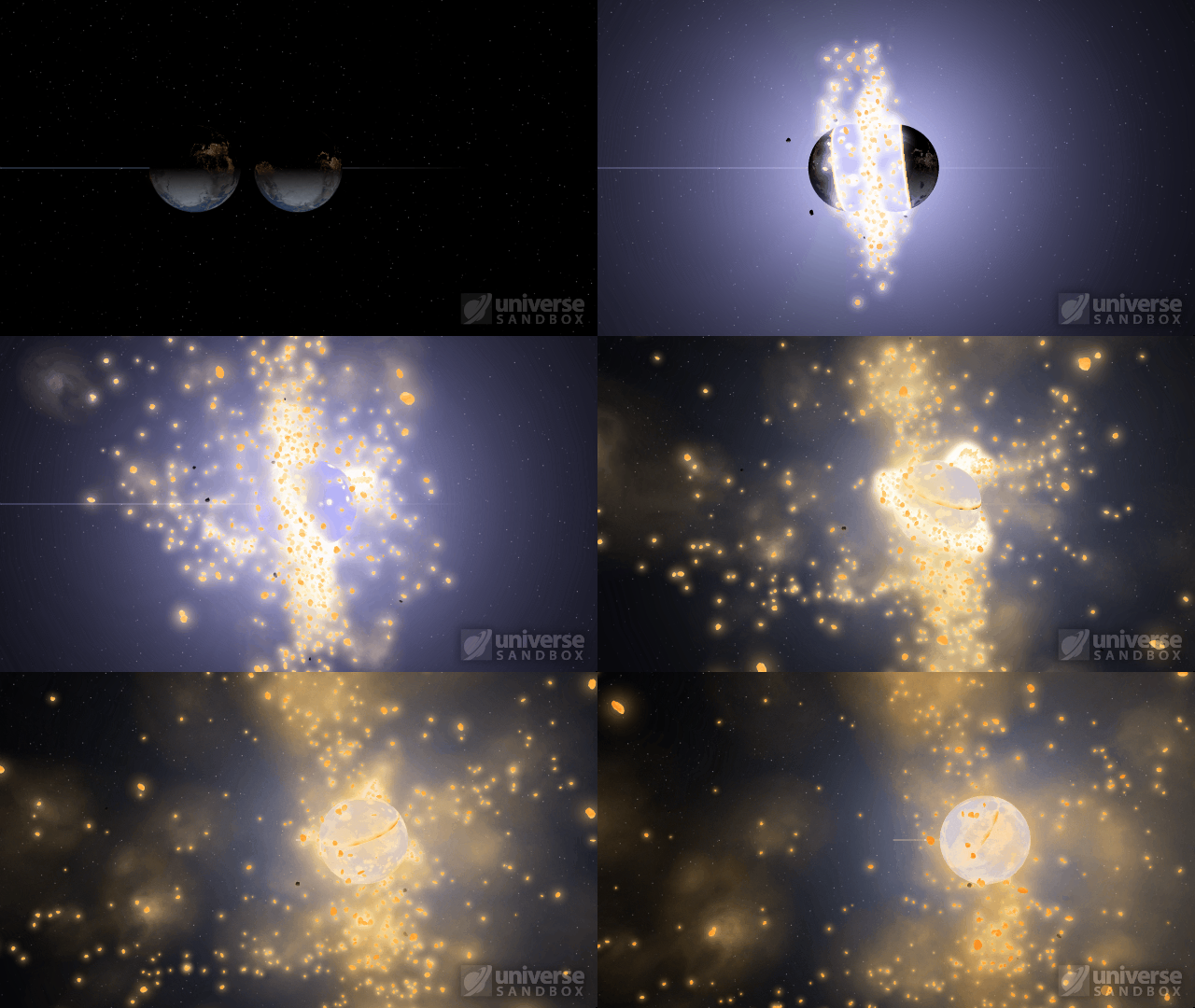
Colliding two objects of similar size now causes heating and fragmentation on both objects. See the destruction yourself: Home > Open > Earth & Earth Collision
Move Oceans
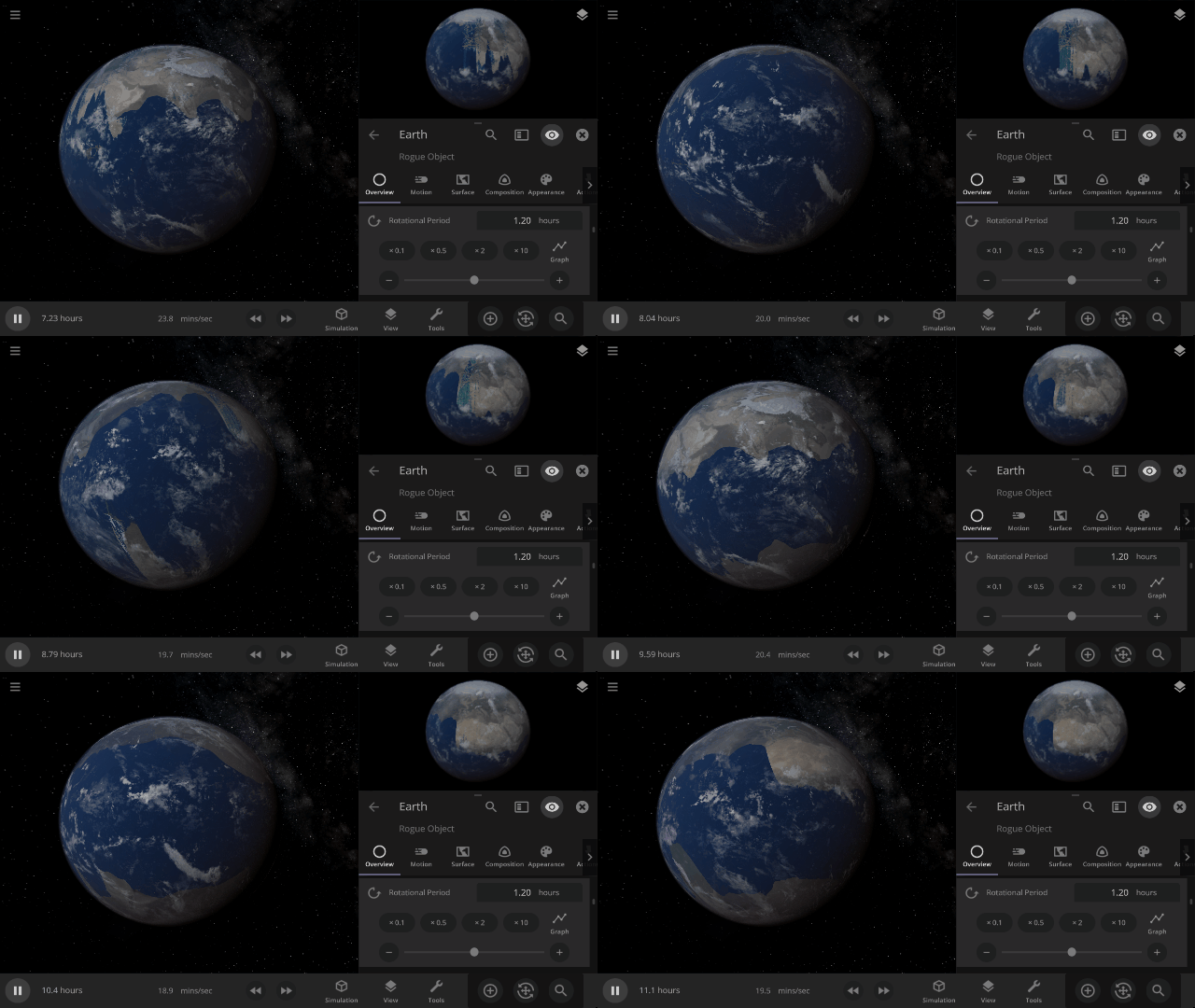
Centrifugal force now pushes water on fast-spinning objects toward the object’s equator.
Force Spin Tool
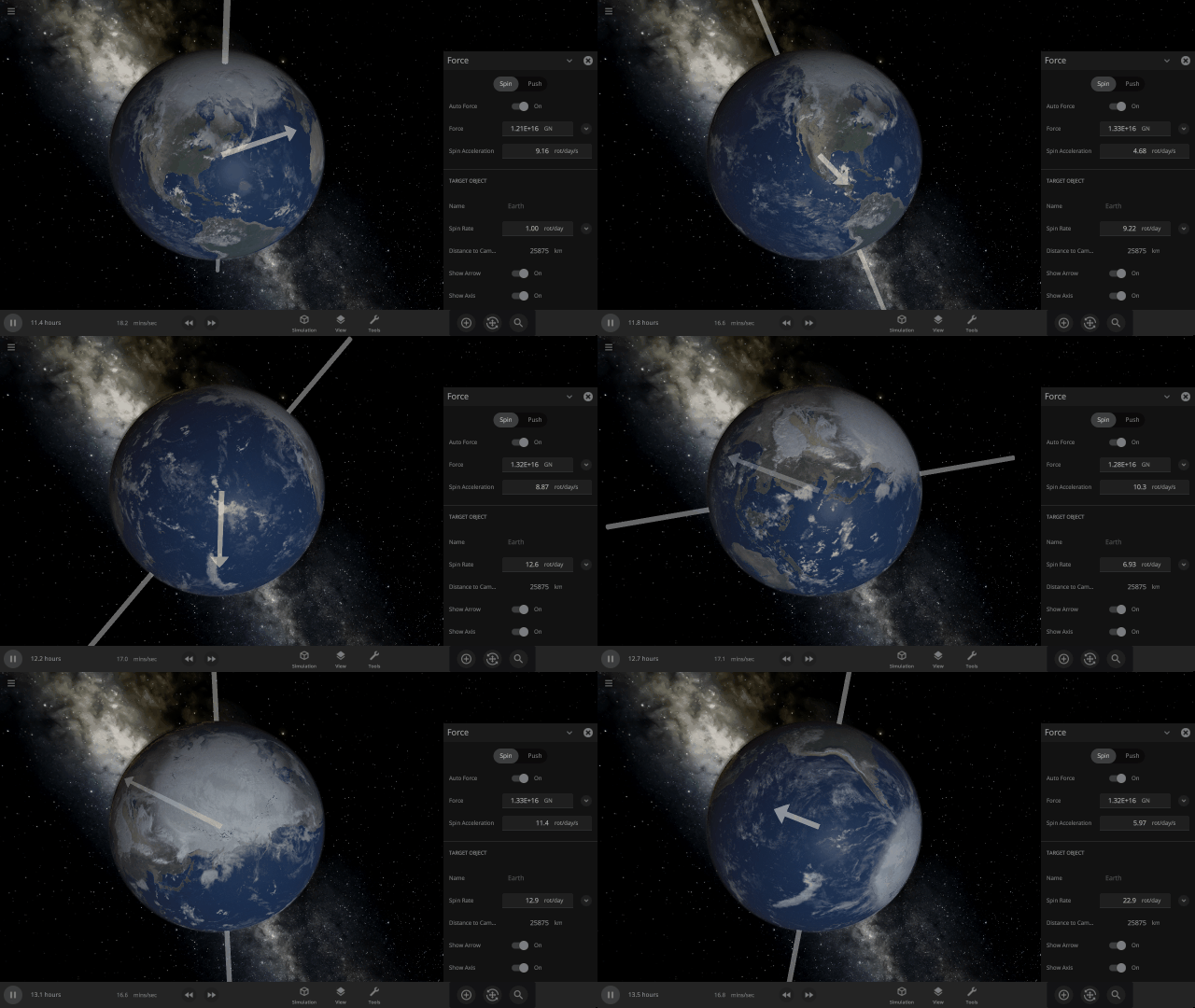
Change an object’s rotational speed, poles, and equator with the new Force Spin tool. Check it out in: Tools > Force > Spin
More Highlights
- Rotation and speed of objects after collisions are now more accurately conserved, decreasing when mass is gained and increasing when mass is lost
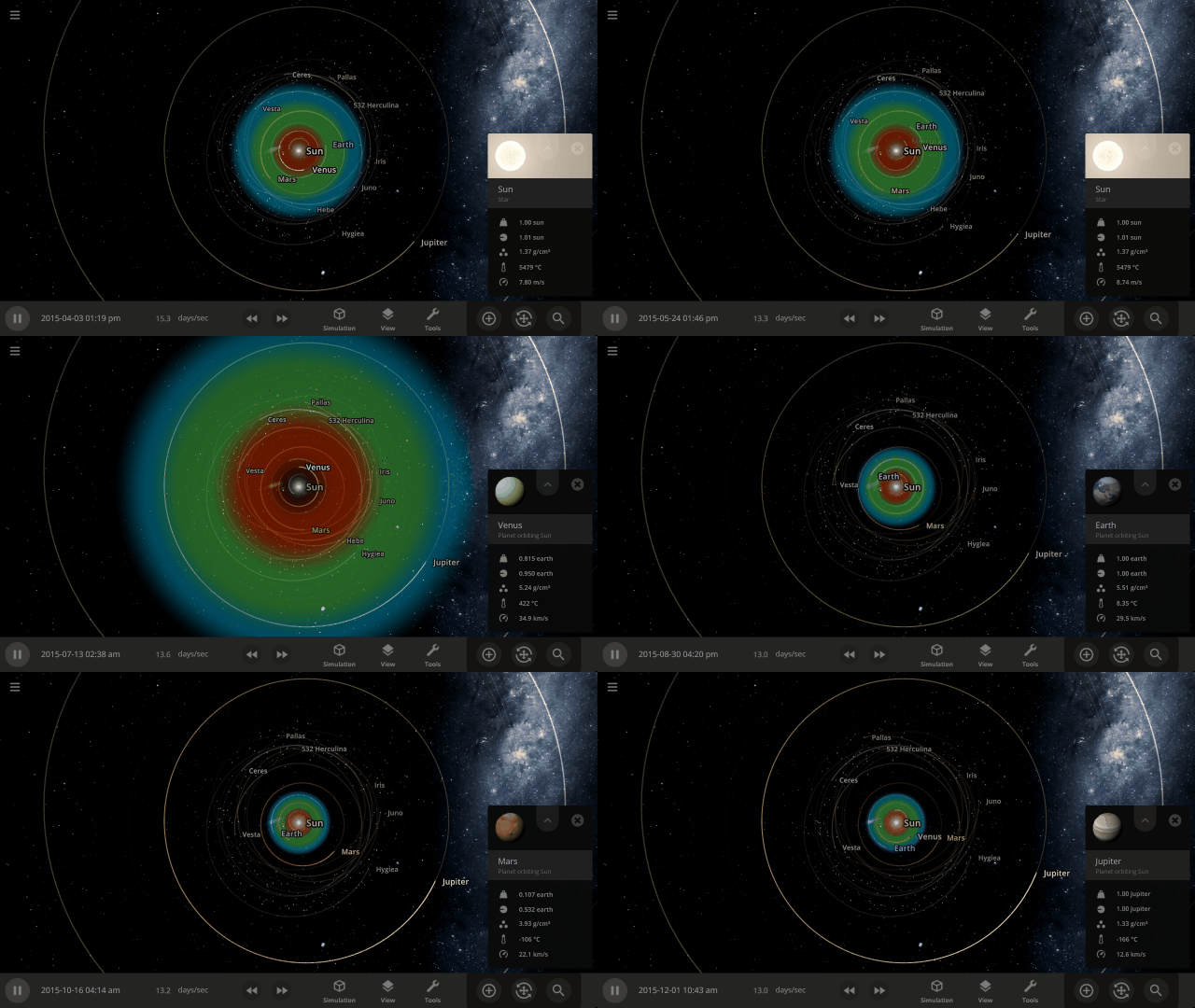
- The habitable zone changes to use the properties of the object you have selected to show its optimal habitable distance
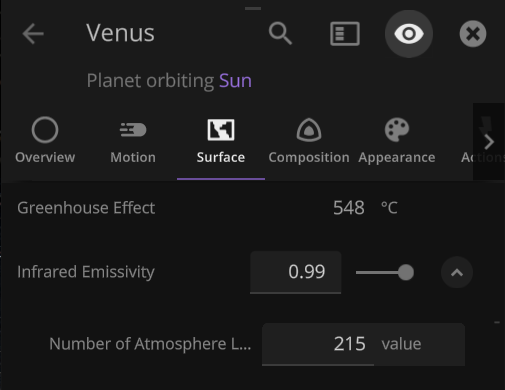
- You can now change the Number of Atmosphere Layers an object has and create Venus-like planets
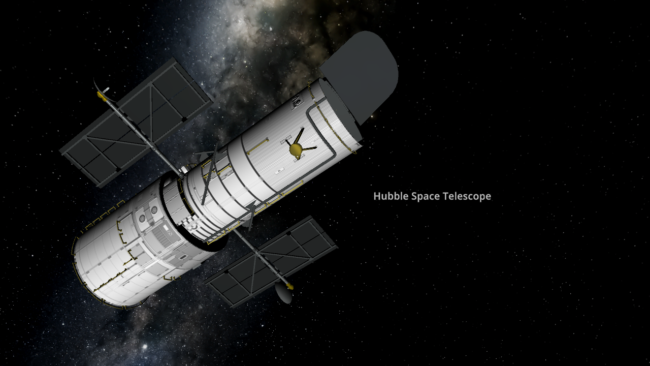
- The Hubble Space Telescope has been added to Universe Sandbox
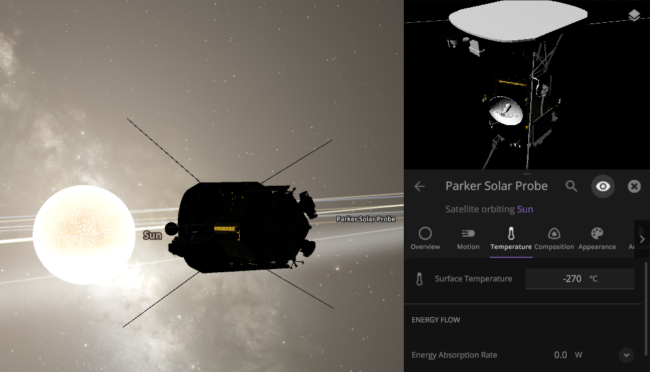
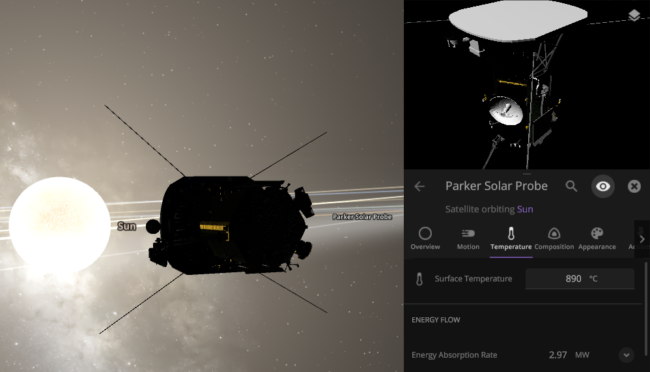
- We’ve corrected the orientations of the James Webb Space Telescope (now facing away from the Sun) and Parker Solar Probe (now facing toward the Sun)
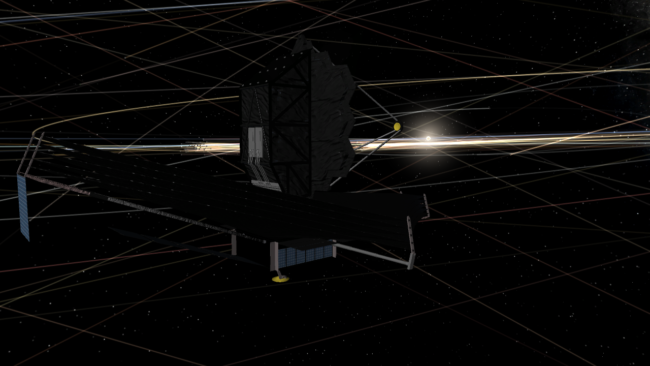
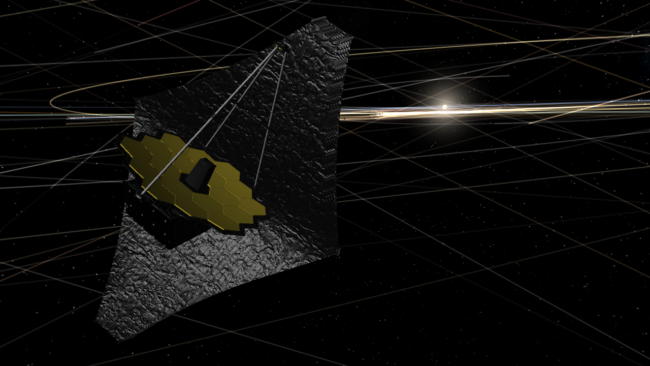
This update includes 12+ additions and 43+ fixes and improvements.
Check out the full list of What’s New in Update 30
Please report any issues on our Steam forum, on Discord, or in-game via Home > Send Feedback.

Universe Sandbox 2021 Retrospective
Feb 17th

With a new year comes many exciting new developments for Universe Sandbox! We’re already hard at work on some of our planned features for 2022, but we wanted to celebrate and reflect on all that we accomplished in the past year.
2
New team members
Brent was introduced in our 2021 Roadmap and was hired as our new Science Writer & Community Advocate in March 2021. Brent has a Ph.D. in Physics and has been writing about all of the awesome science and simulations that Universe Sandbox can do (including writing this post – Hi again, everybody 🙂 ).
In October 2021, Pavel was brought on as a Physics Engineer to work on all things collisions with Erika, Chris, and Anders. Pavel has a Ph.D. in Astrophysics and did his graduate research on impact simulations, using smoothed-particle hydrodynamics and N-body simulations, mostly focusing on the formation of asteroid families. He’s been hard at work improving our collision system, and we’re excited to have him on the team.
8
Significant updates to Universe Sandbox
These encompass over 56 new additions and over 219 bug fixes and improvements! We also started adding screenshots and gifs to show off the new features in each update this year.
- Splish, Splash, Filling a Bath | Update 26.3 | February 24, 2021
- Fast & Flurrious | Update 27 | May 3, 2021
- Clouds in Motion | Update 27.1 | June 21, 2021
- Atmospheric Adjustments | Update 27.2 | August 2, 2021
- Codename: Fire Ring | Update 28 | September 23, 2021
- My Eyes, the Space Goggles Do Nothing | Update 28.1 | October 28, 2021
- Starlite Starbrite | Update 28.2 | November 23, 2021
- Planetscaping | Update 29 | December 22, 2021
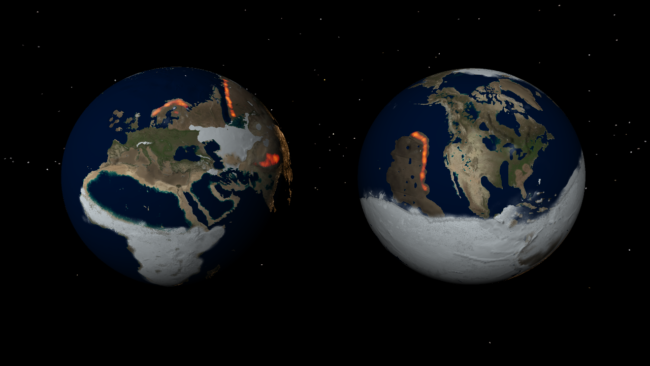
10
New guides and fly-by simulations added to Universe Sandbox in 2021
We hope you’ve enjoyed learning about all the new features we added in the last year. We’re planning to add even more guides and spacecraft simulations this coming year.
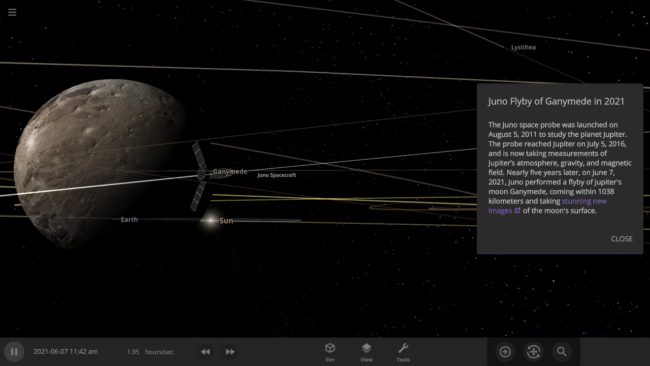
120
Tweets over the course of 2021
All of our tweets combined had a total of 361,300 views. Follow us on Twitter to get the latest news about Universe Sandbox.
648
Highest number of concurrent users in Universe Sandbox in 2021
This is the all-time high for the number of concurrent users and occurred on December 24, 2021! The second-highest number is 646 from the end of December 2020.
2,183
Code commits, or changes, made to the Universe Sandbox project in 2021
The most in one week were 102 commits made the week of April 25. This is about the same number of commits as we made in 2019.

2,246
Positive Steam reviews in 2021
Being Overwhelming Positive, recent and all time, has really overwhelmed us in the best way. Thank you all for your support and kindness over the last few years. We couldn’t do this without you.
6,082
Discord users in our server at the end of 2021
We’re already up to over 6600 since the start of 2022! Join us on Discord.
10,828
Shared items in the Universe Sandbox Steam Workshop
While slightly less than in 2019, this is truly an impressive number of creations from the community. Keep up the good work, we can’t wait to see what you all make next!
35,963
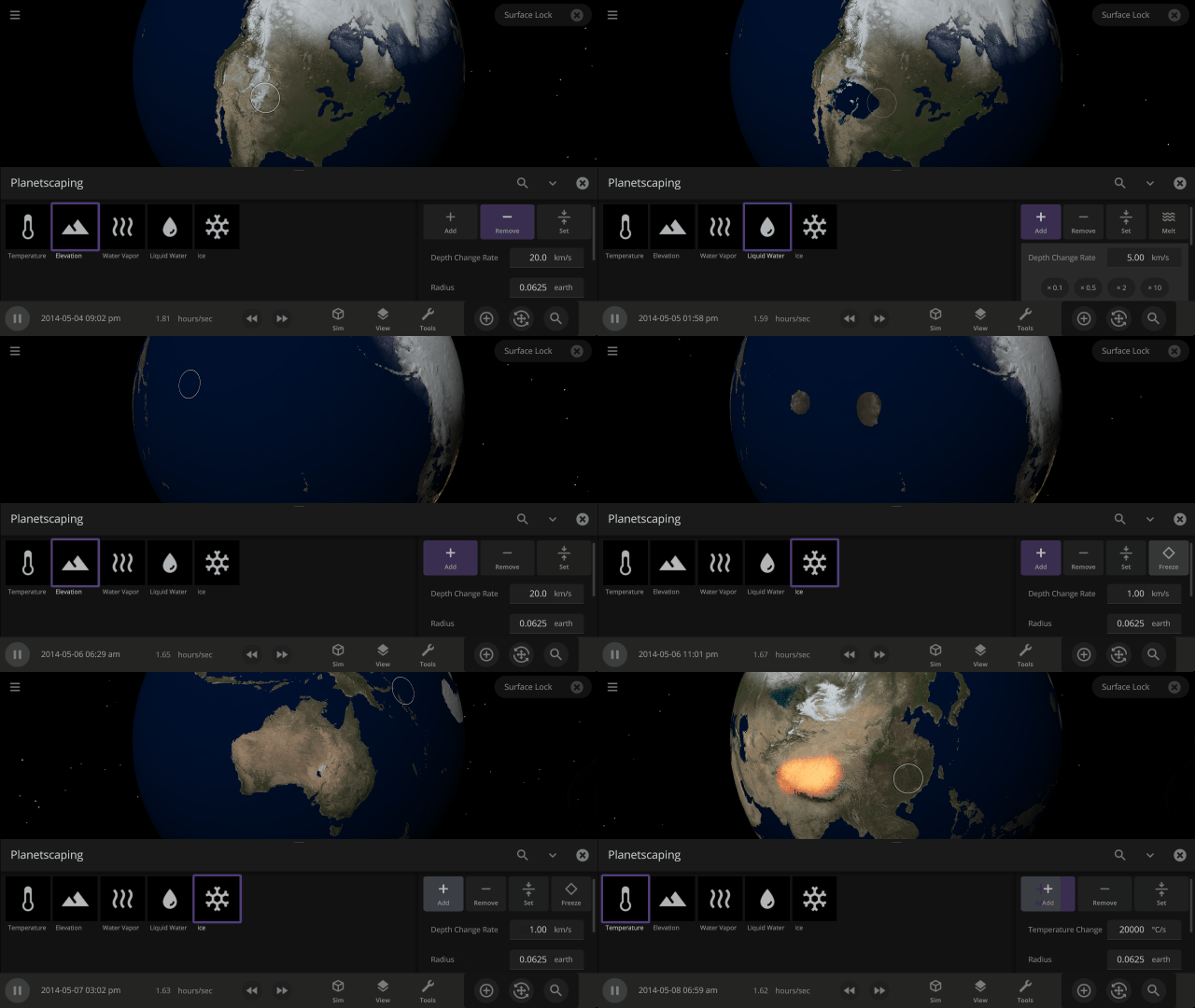
Times the Planetscaping tool was used since it was released at the end of December 2021
We’re so glad you’ve all been enjoying shaping planets to your whims.
46,929
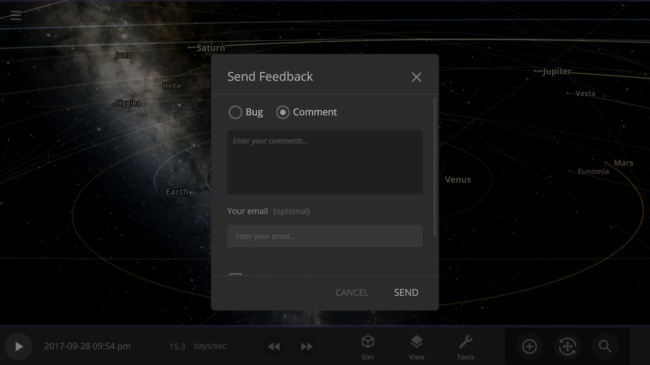
In-game feedback reports we received this year
We appreciate you sharing your feedback with us as we work to make Universe Sandbox the best that it can be.
97,345
Messages sent on Slack (the instant messaging platform we use to communicate)
While Slack has become more popular for remote work over the last 2 years, Giant Army has been remote since its founding in 2011. We have 13 team members across 3 continents and 5 time zones, so messaging on Slack is how we get most of our work done.
158,908
Times the Galactic Empire Superlaser was used in 2021
We’re sure that none of you had malicious intent when using this laser. It was for science right? Right?

240,181
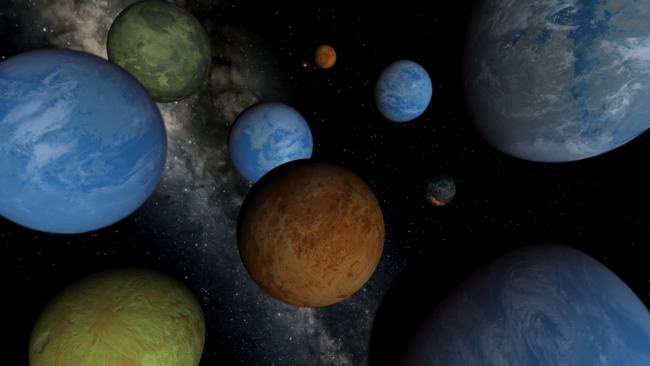
Random Rocky Planets were created in Universe Sandbox in 2021
We’re glad that you’ve enjoyed using these planets as a base for making your own habitable planets or causing epic celestial destruction.
399,650
Times our 13 blog posts from 2021 were read on Steam
The most-read post was our patch notes from Planetscaping | Update 29 with 45,933 reads.

4,878,285
Times Universe Sandbox was opened in 2021
That’s roughly once every 6.5 seconds!
6,921,033
New simulations were created in Universe Sandbox this past year
You all create so many amazing things it’s no wonder that there’s a new simulation created every 4.5 seconds.
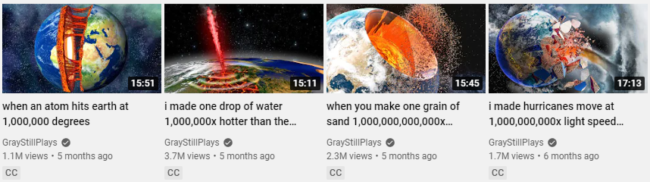
8,990,138
Views on the top 4 most viewed YouTube videos about Universe Sandbox this year
We’re humbled that GrayStillPlays is still making these videos after all this time.
8,994,616,623
Seconds played in Universe Sandbox among all of you in 2021
That’s 285 collective years! We know you have a choice when it comes to where to spend your free time and we’d like to thank you for spending it in Universe Sandbox.
What’s Next?
There’s so much we want to do in 2022, from finishing up some features we’ve been working on for a while, like rigid body physics and improving our Planetscaping tools, to new features like constellations and multiple materials. And that’s just beginning to scratch the surface.
We’re also planning a big push on mobile development and hoping to start console development this year. Keep an eye out for our 2022 Roadmap which we hope to share soon.
And Most Importantly…
Thank you. We wouldn’t be able to do this without all of your support and help. You all do amazing things with Universe Sandbox that we never could have imagined and that makes us so excited for its future. So whether you’ve been playing Universe Sandbox for 6 minutes or 6 years, thank you. We can’t wait to see how much Universe Sandbox is in another 6 years because of all of you.
The Universe Sandbox Team
Dan, Chris, Georg, Jonathan, Rappo, Mat, Jacob, Erika, Brendan, Anders, Brent, and Pavel

Consistent Collisions, James Webb, & Planetscaping Tweaks | Update 29.1
Jan 27th
Run Steam to download Update 29.1, or buy Universe Sandbox via our website or the Steam Store.
Update 29.1
Planetscaping now has an eyedropper tool to sample the surface of an object to make creating (or flooding) land even smoother. We’ve also improved fragmentation during collisions, among other things.
Fragmentation
We’ve updated how we determine the number of fragments during collisions. This allows fragments to last longer in simulations with numerous collisions and makes collisions more consistent across different simulation speeds.
Planetscaping Eyedropper
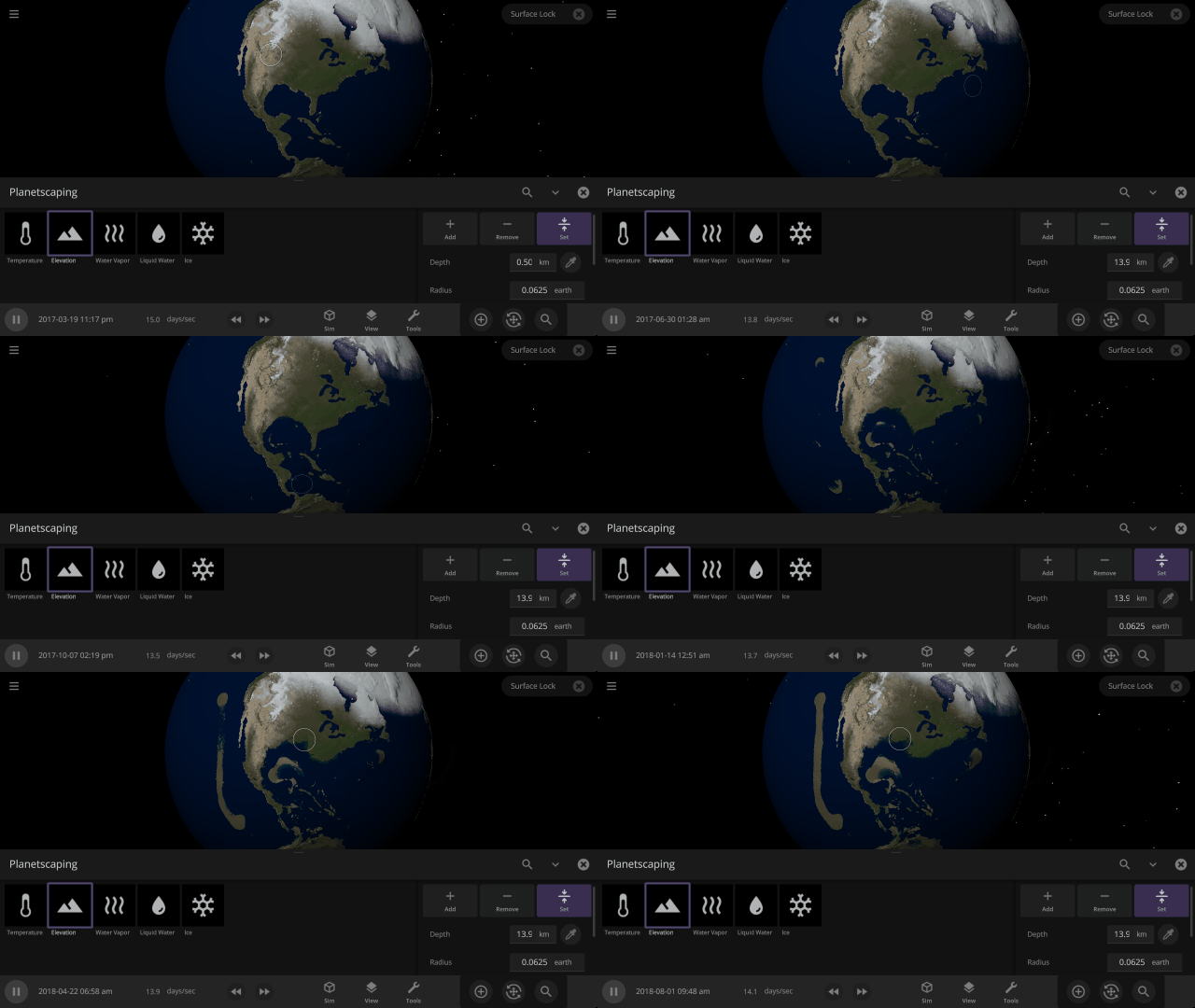
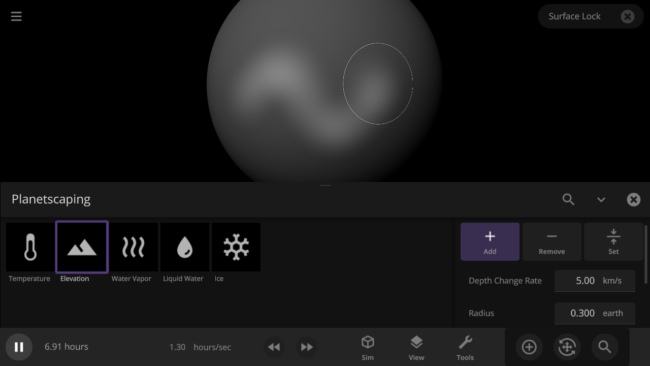
There’s now an eyedropper in the Planetscaping tool so you can easily sample and set the Depth, Temperature, and Pressure to match those of the object you are Planetscaping.
More Highlights
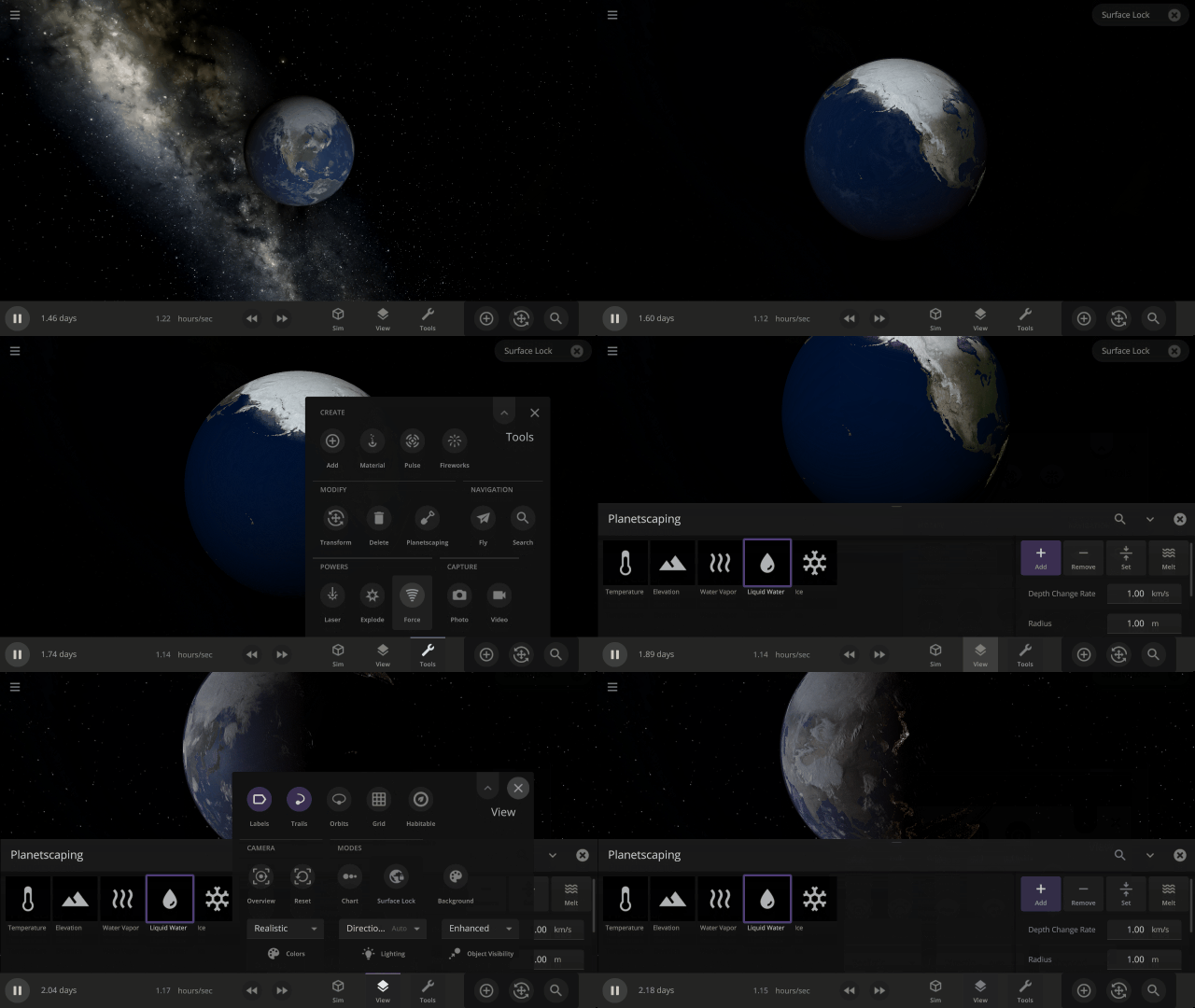
- Surface Lock is now a manual toggle, but turns on automatically when you are using the Planetscaping or Laser Tools
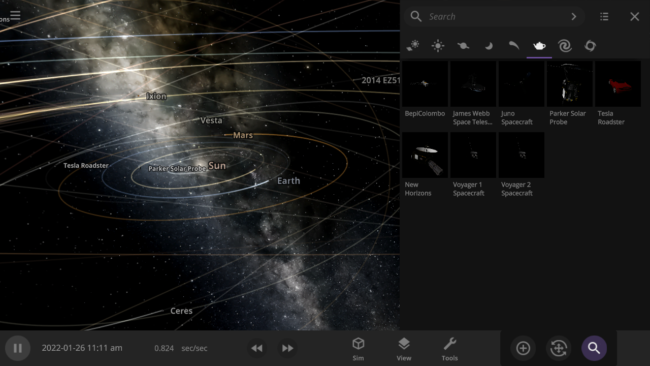
- The Solar System – Live View – Planets, Moons, Spacecraft simulation now has 7 additional spacecraft: Parker Space Probe, BepiColumbo, James Webb Space Telescope, Juno, New Horizons, Voyagers 1 & 2
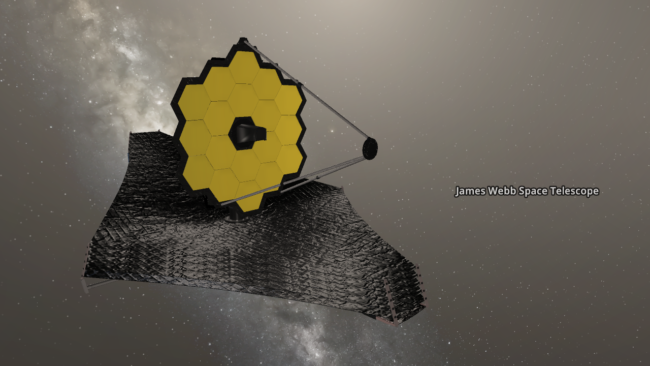
- Here’s a close-up of the James Webb Space Telescope in Universe Sandbox
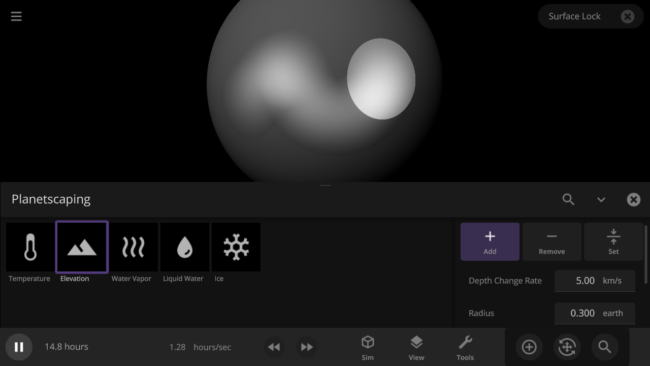
- We’ve polished the look and feel of the Planetscaping and Laser tool cursor
This update includes 3+ additions and 12+ fixes and improvements.
Check out the full list of What’s New in Update 29.1
Please report any issues on our Steam forum, on Discord, or in-game via Home > Send Feedback.

Planetscaping | Update 29
Dec 22nd
Run Steam to download Update 29, or buy Universe Sandbox via our website or the Steam Store.
Update 29
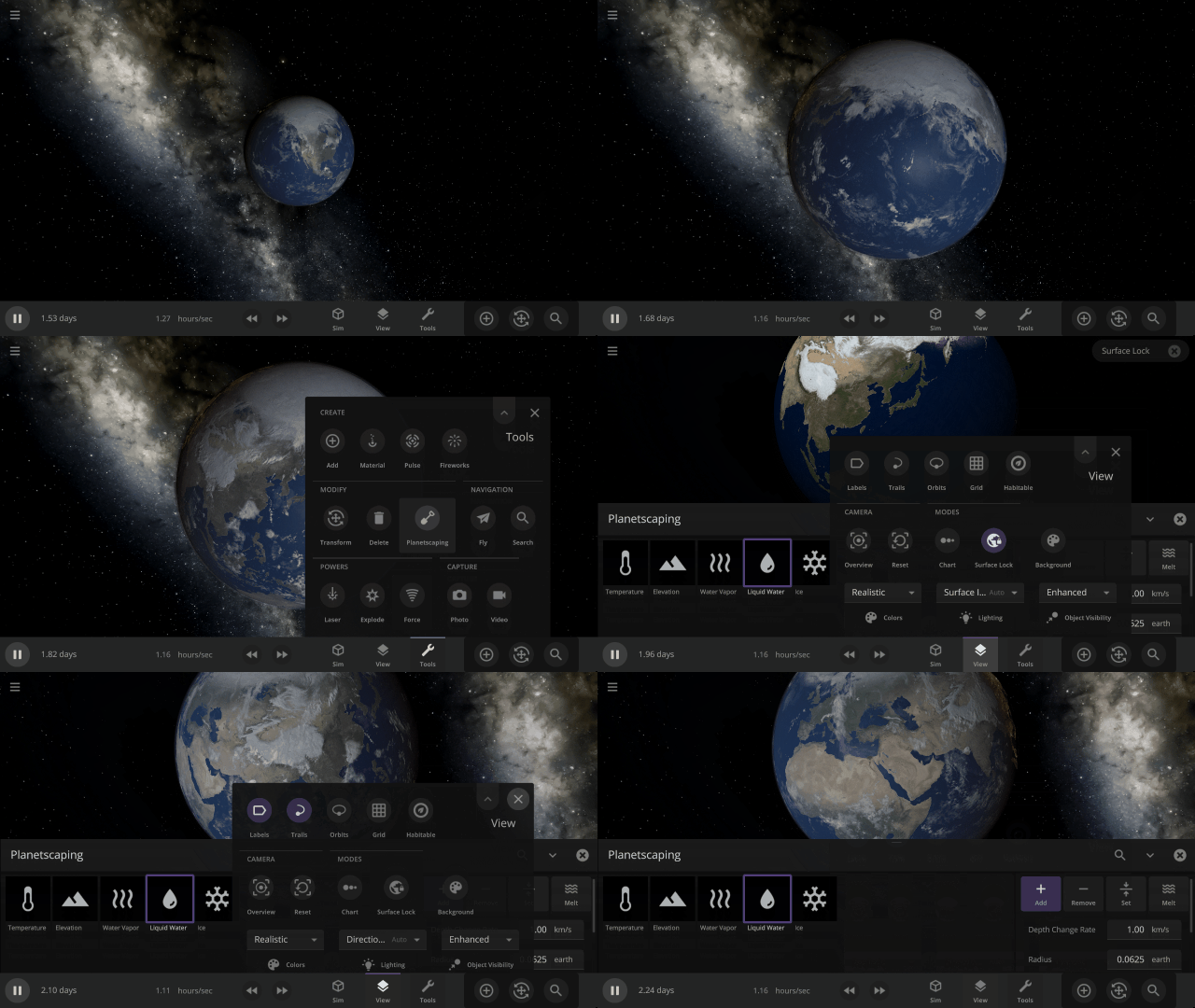
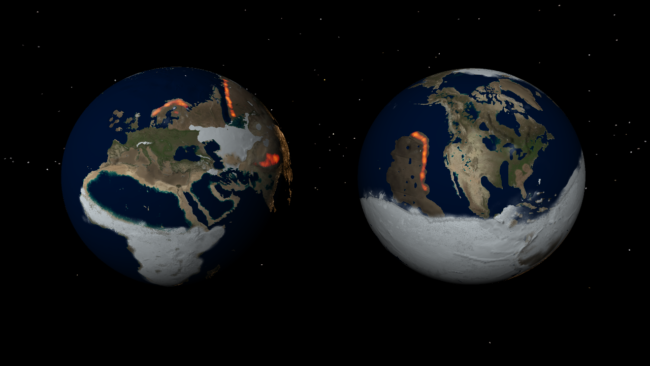
This update introduces Planetscaping, a powerful new way to design and shape planets to your whims. Surface Lock, which gives a clear, stationary, and illuminated view of the surface of a rotating object, has been enabled to better observe how an object’s surface is changing.
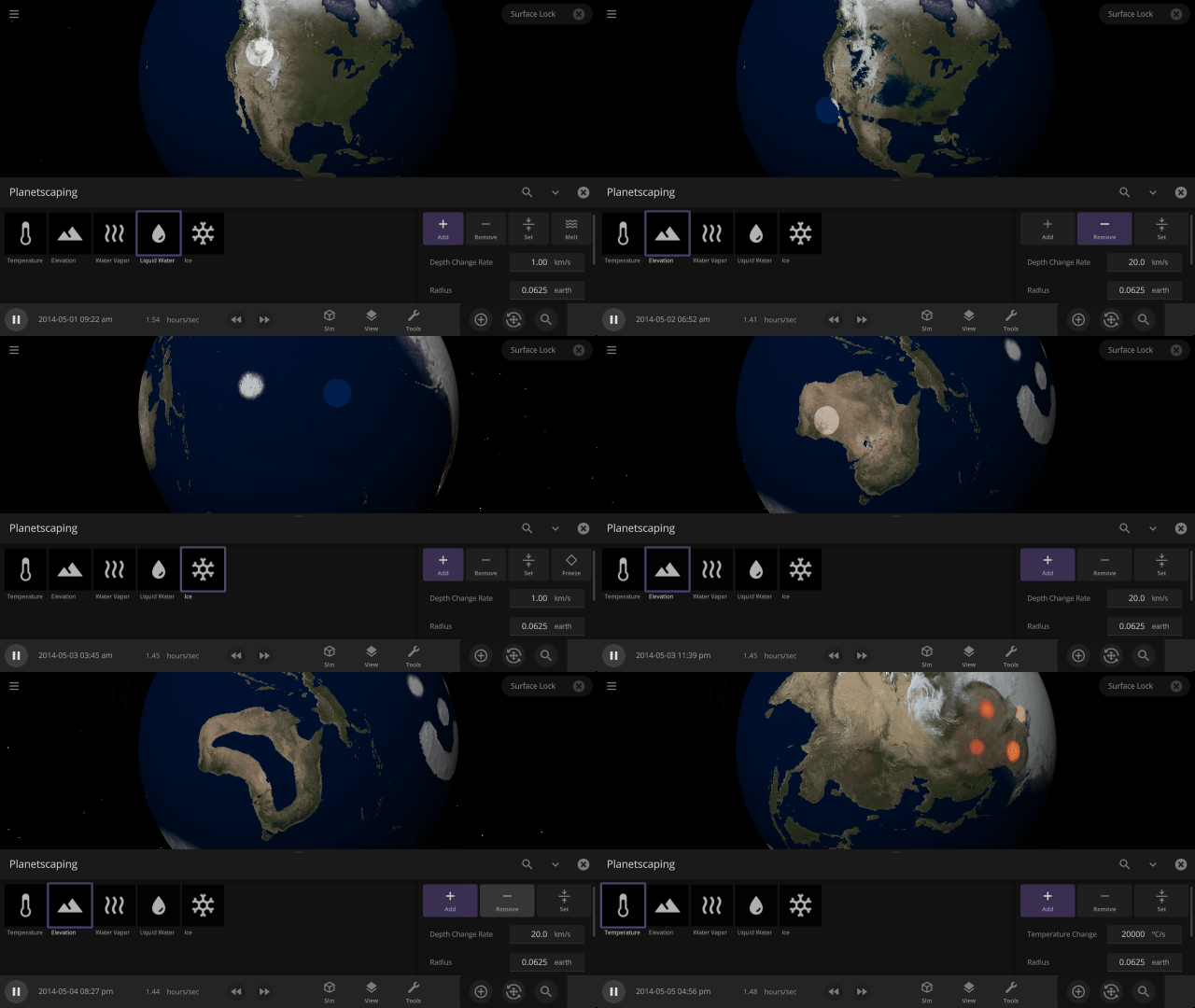
Planetscaping (Surface Editing)
Create continents, freeze oceans, flood planets, and more with Planetscaping. Watch the realistic consequences of your actions unfold as you alter the face of planets. Learn more in our Planetscaping guide:
Guides > Tutorials > Planetscaping
Surface Lock
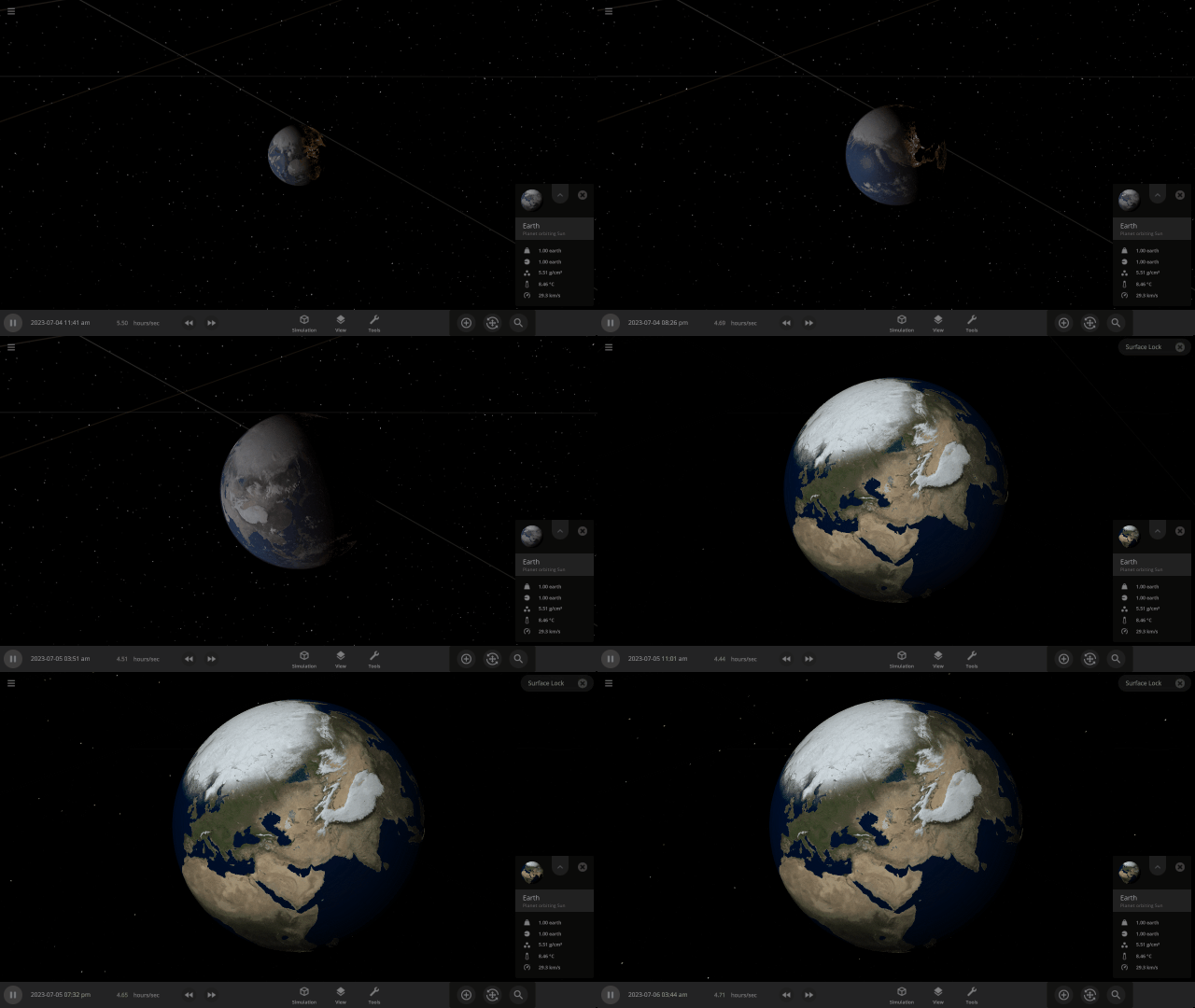
We’ve made it easier to view how the surface of an object is changing by improving and enabling Surface Lock. This gives a clear, stationary, and illuminated view of the surface of a rotating object when you zoom close to it.
More Highlights
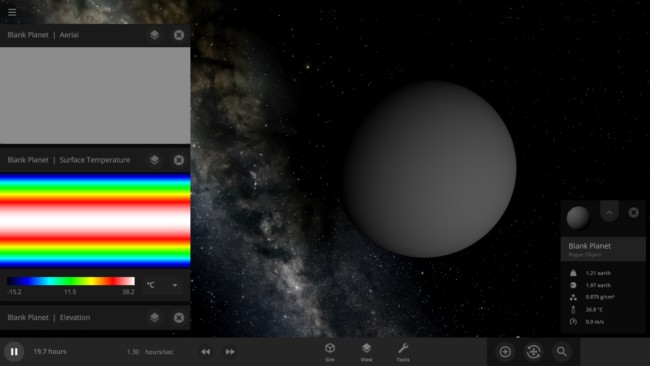
- We’ve added a Blank Planet, like a blank canvas for Planetscaping, to the Add panel
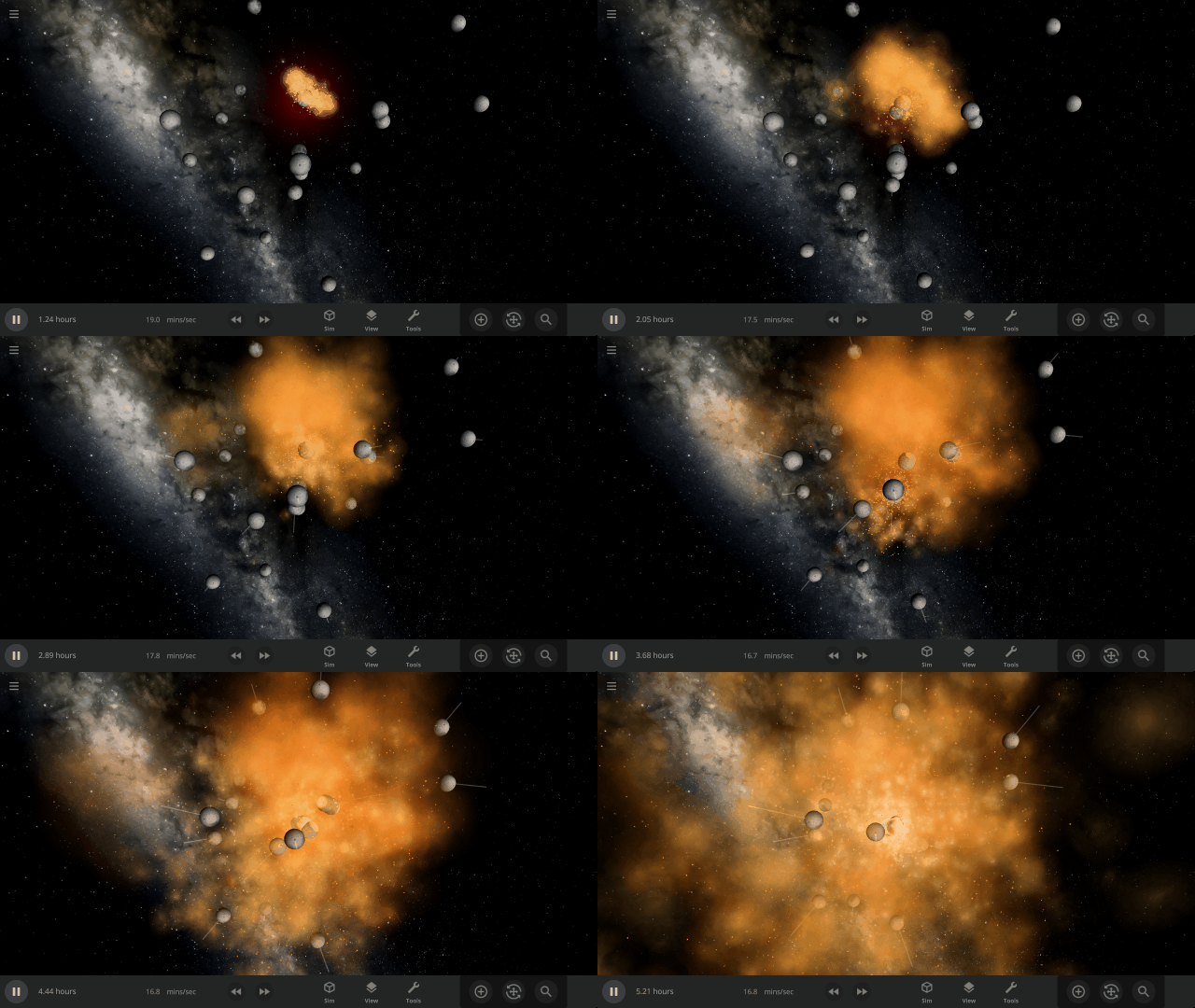
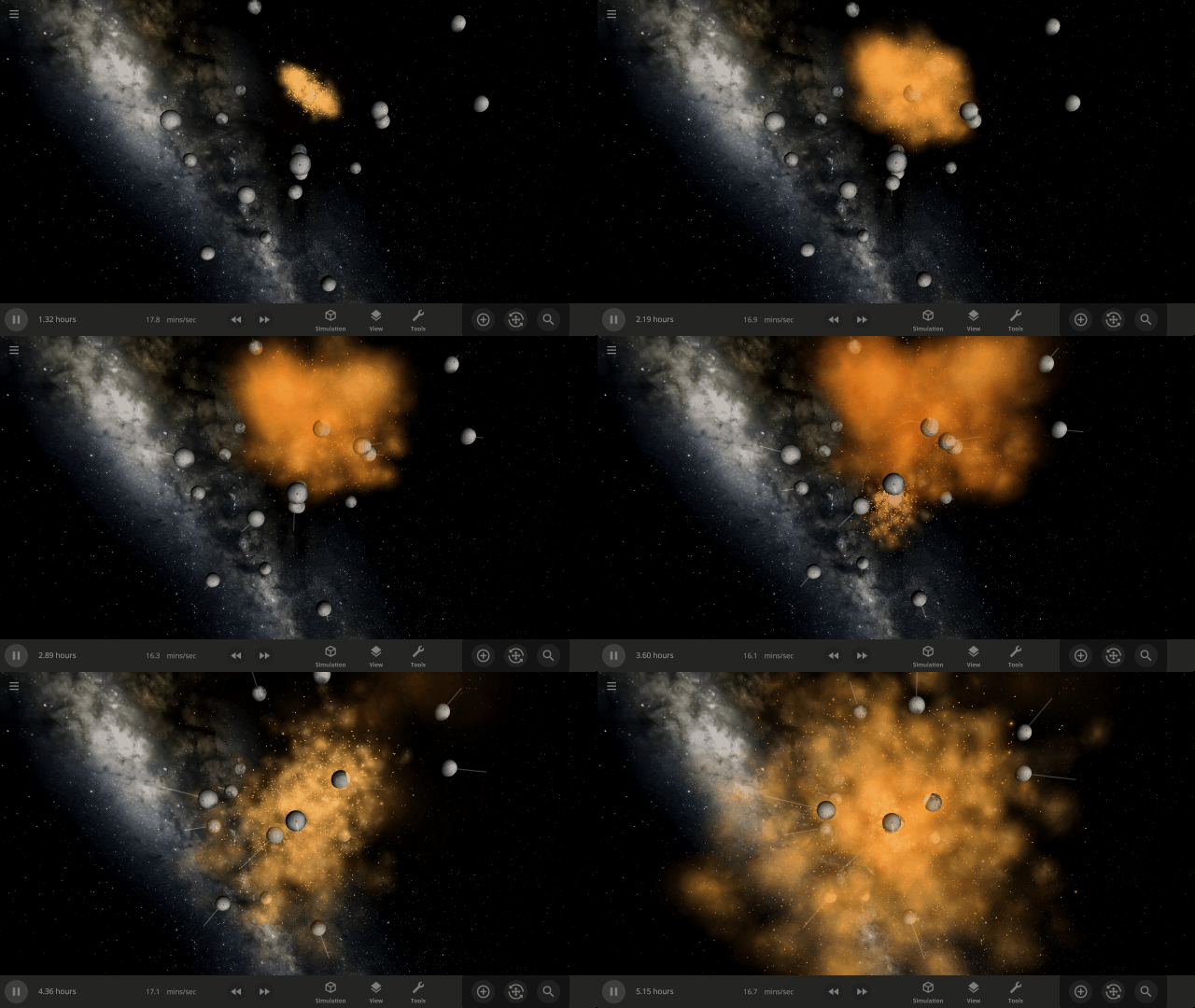
- Collisions have been further improved with updated frictional forces
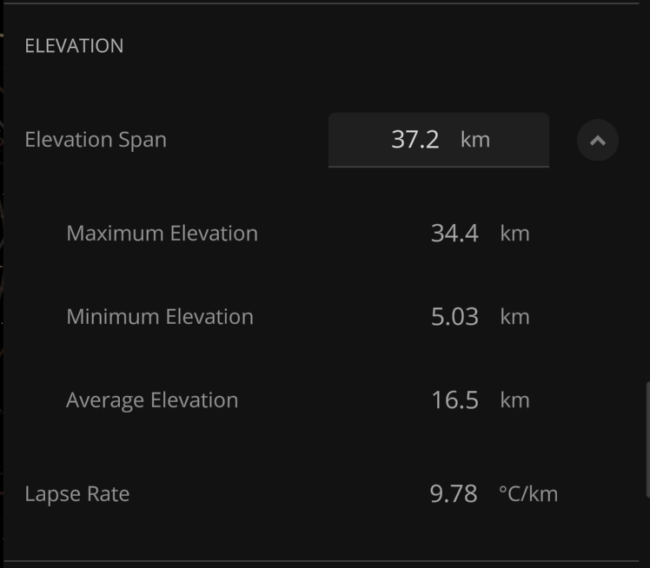
- We’ve exposed the Elevation Span, the distance between the lowest and the highest elevation point of an object, to better assist with Planetscaping
This update includes 5+ additions and 18+ fixes and improvements.
Check out the full list of What’s New in Update 29
Please report any issues on our Steam forum, on Discord, or in-game via Home > Send Feedback.

Starlite Starbrite | Update 28.2
Nov 23rd
Run Steam to download Update 28.2, or buy Universe Sandbox via our website or the Steam Store.
Update 28.2
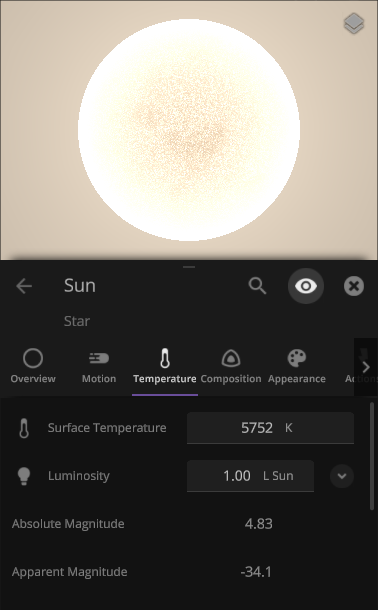
Stars have new Absolute and Apparent Magnitude properties, which measure their brightness from different distances. This minor update also includes improvements to black hole collisions, object trails, and bug fixes.
Stellar Magnitudes
Stars now have both Apparent and Absolute Magnitude properties, which are measures of the brightness of a star, under Properties > Temperature. Learn more in our new Stellar Magnitudes guide: Guides > Science > Stellar Magnitudes.
More Highlights
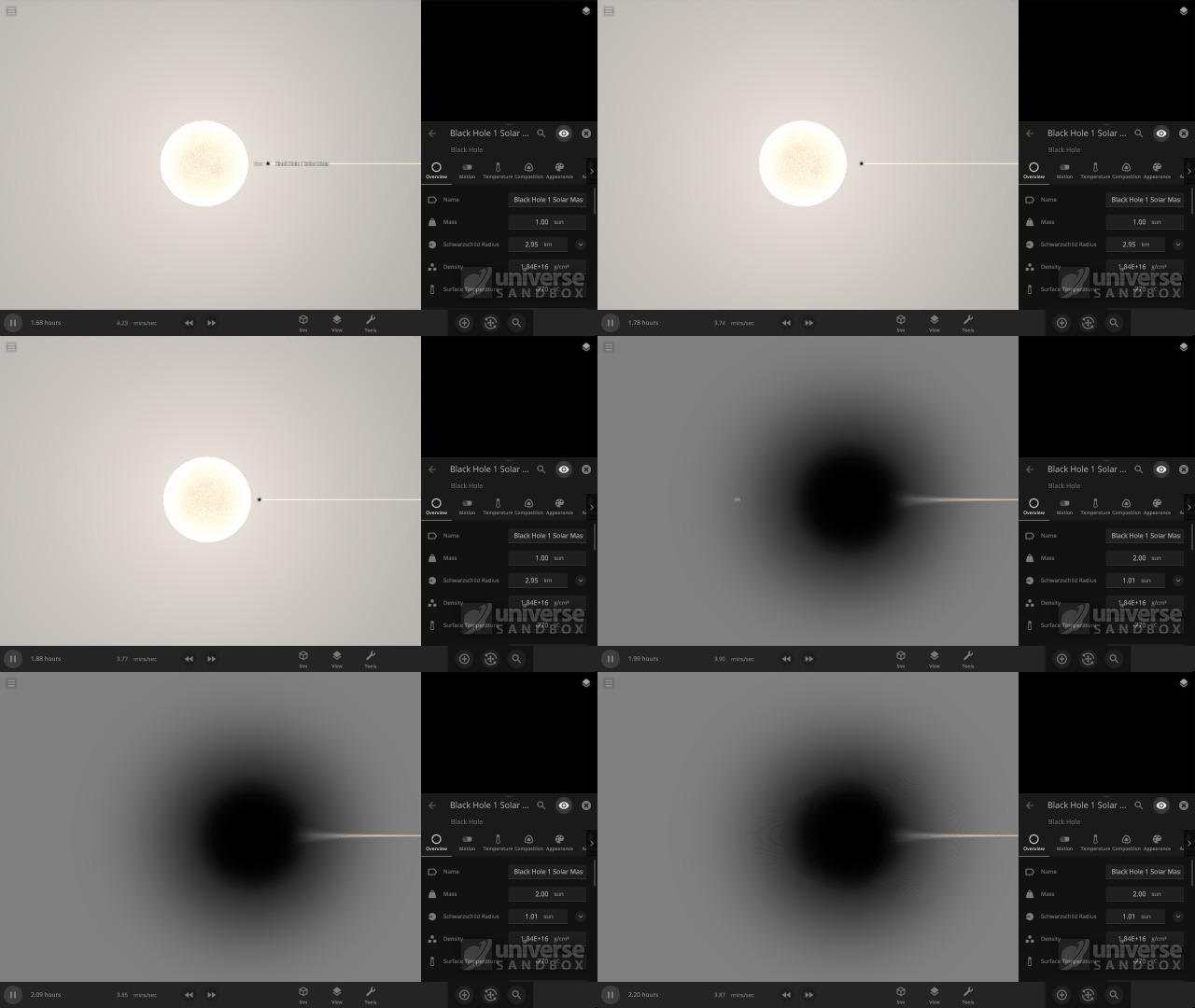
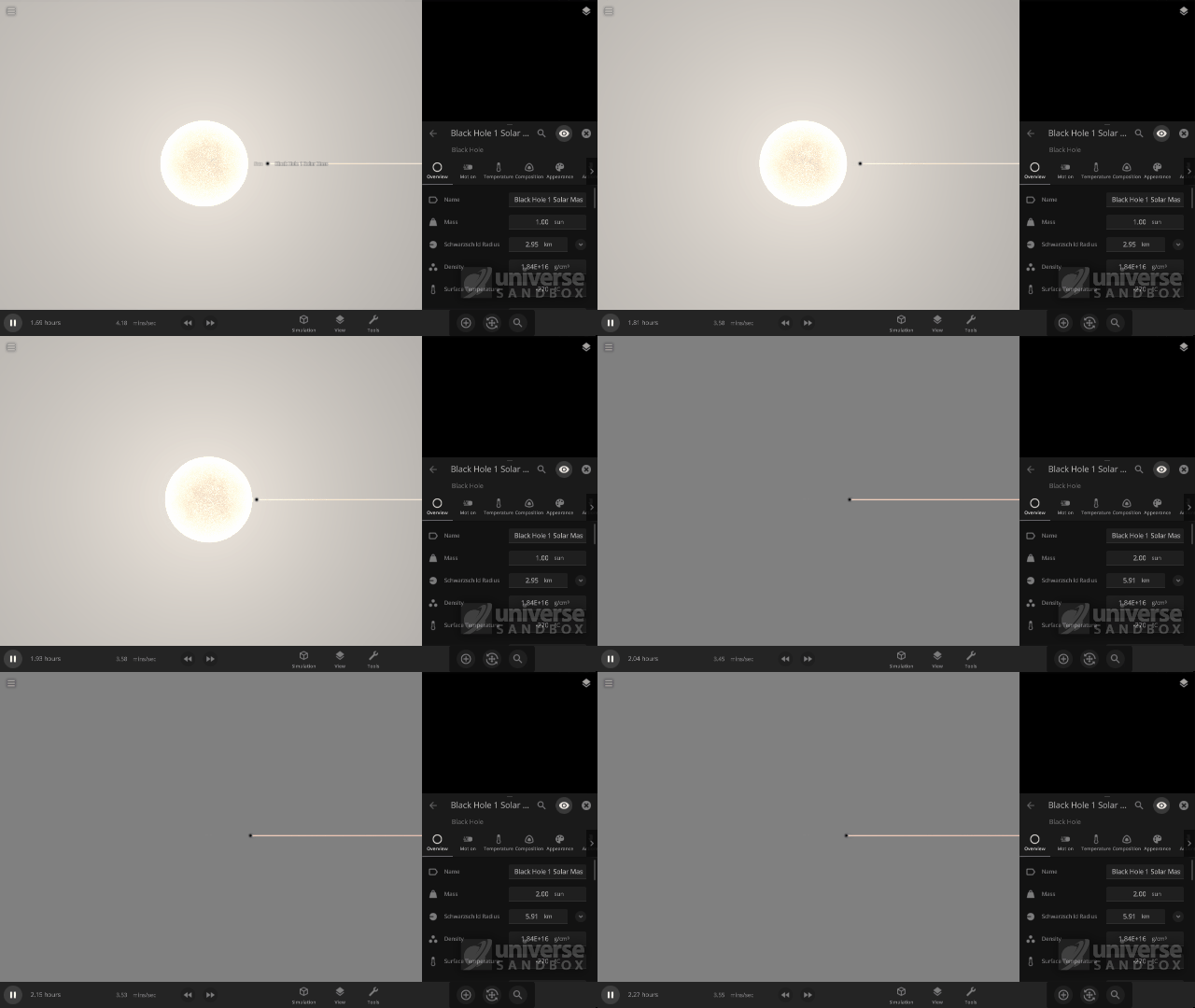
- Colliding black holes now compute the correct Schwarzschild radius
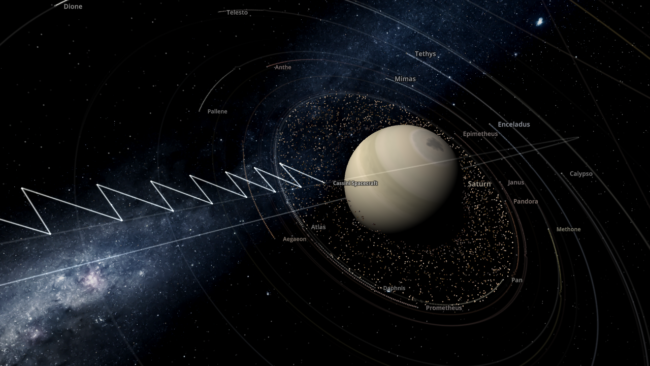
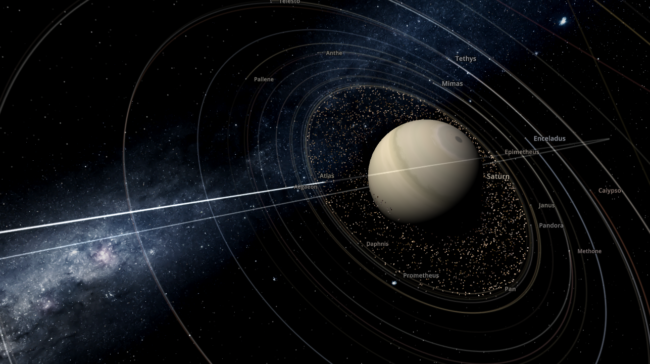
- Trails for objects are no longer broken and jagged when an object is set as the trail center
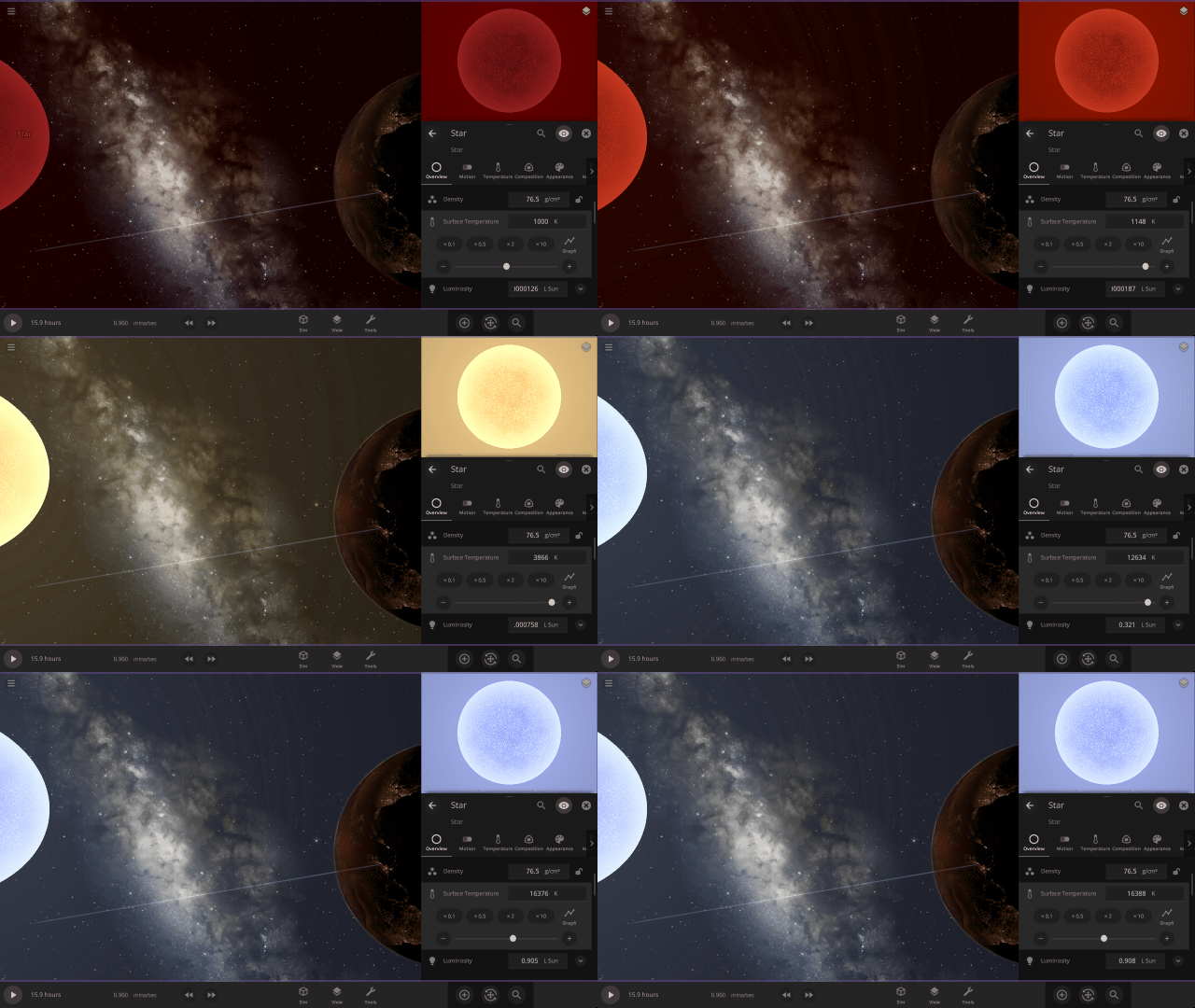
- Starlight color on nearby objects now updates in real-time
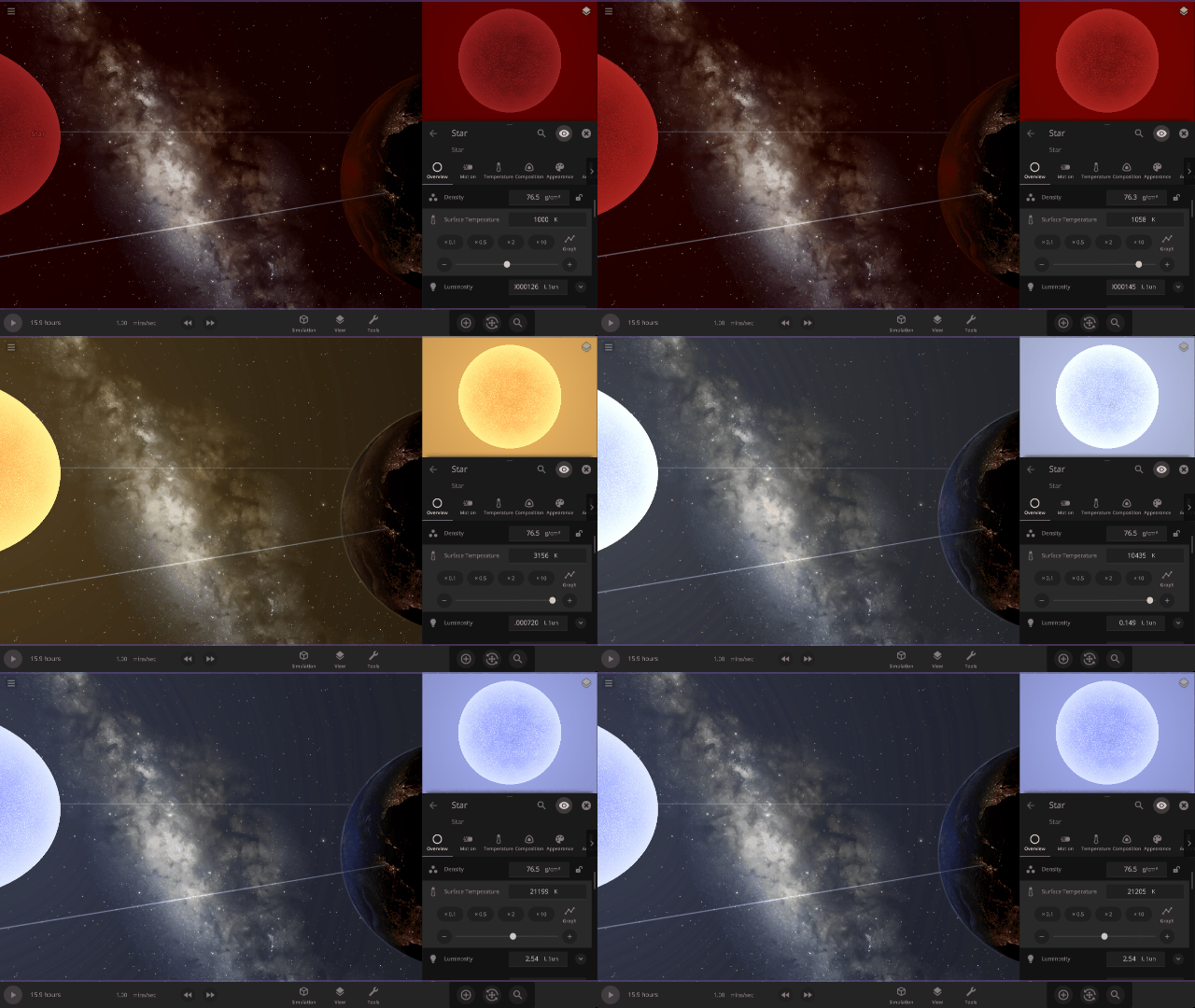
- Human scale objects are now simply heated by stars and supernovae to better reflect their temperature in space
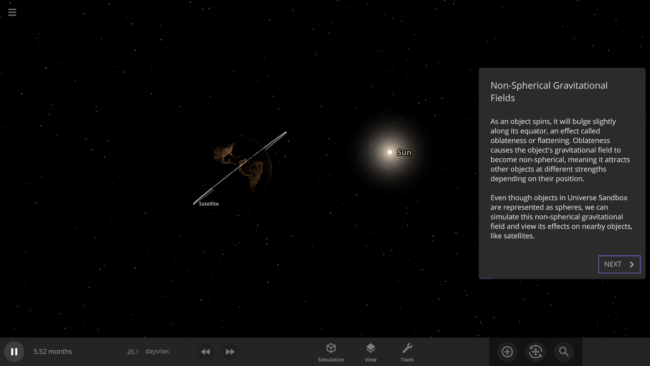
- Created a new guide about object oblateness and its effect on gravitational fields under: Guides > Science > Non-Spherical Gravitational Fields
This update includes 3+ additions and 13+ fixes and improvements.
Check out the full list of What’s New in Update 28.2
Please report any issues on our Steam forum, on Discord, or in-game via Home > Send Feedback.

My Eyes, the Space Goggles Do Nothing | Update 28.1
Oct 28th
Run Steam to download Update 28.1, or buy Universe Sandbox via our website or the Steam Store.
Update 28.1
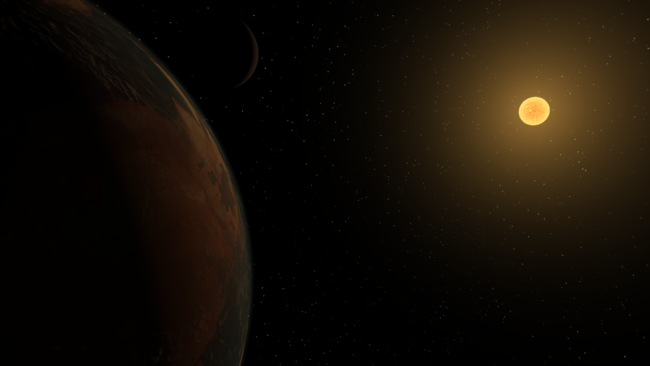
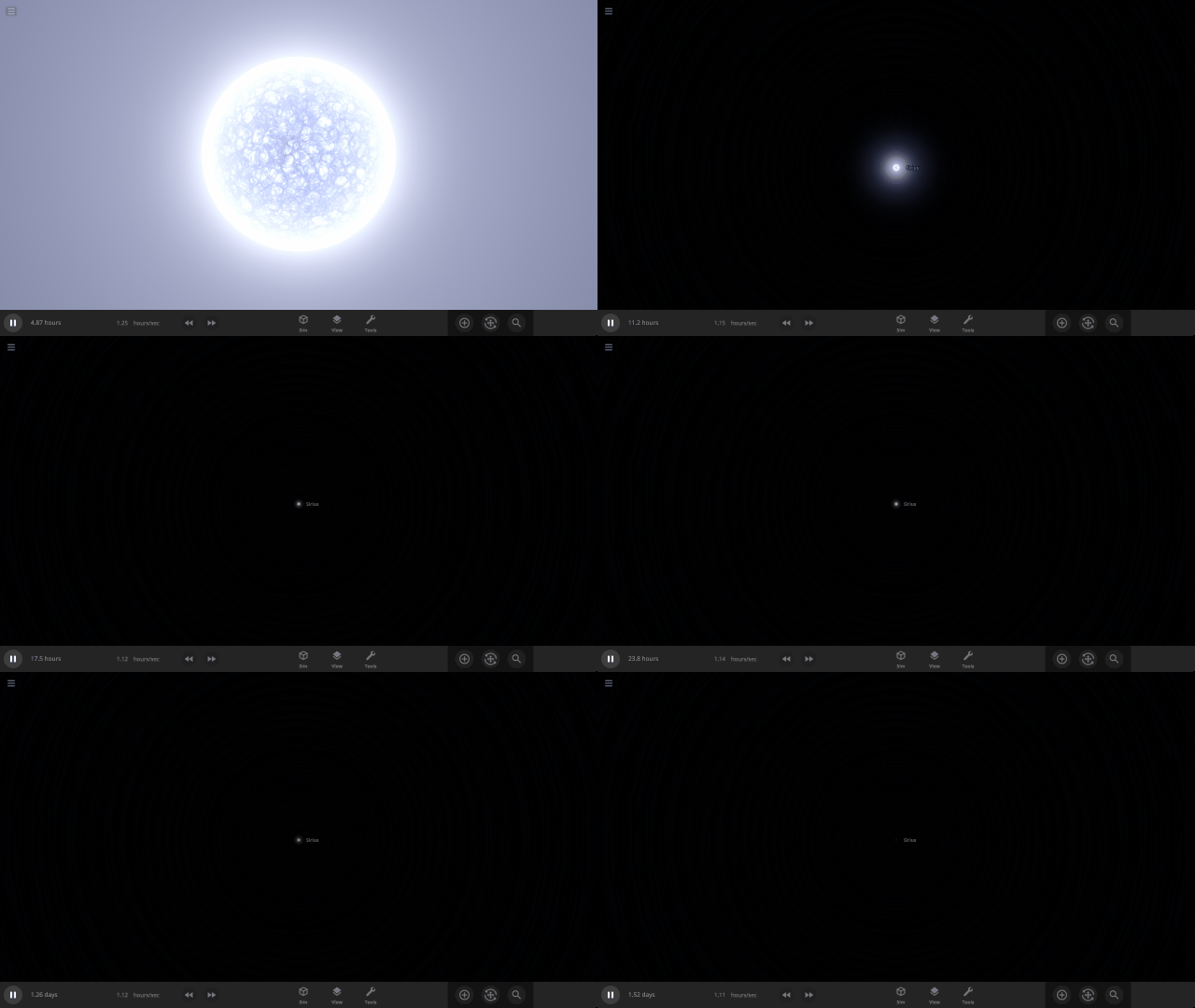
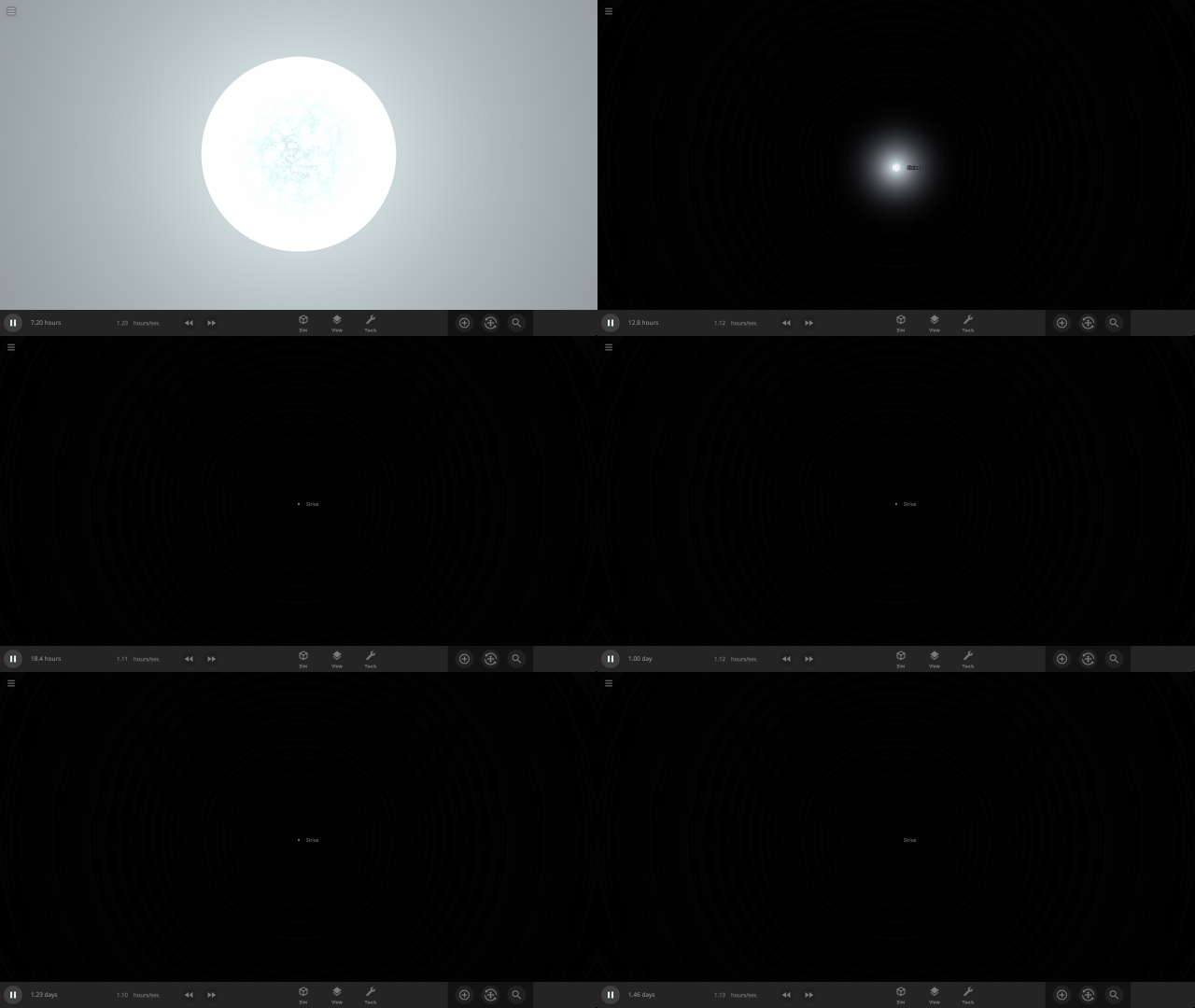
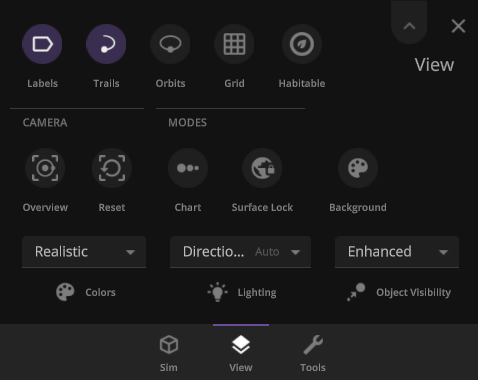
We’ve improved the “Realistic” Object Visibility setting to better reflect the sensitivity of the human eye to object brightness and colors. We also added a new “Enhanced” Object Visibility, improved collision detection, smoothed out habitable zones, added bug fixes, and more!
Realistic Object Visibility
The “Realistic” Object Visibility setting now shows objects fading in and out with adjusted colors tuned to what the human eye would see. Learn more in our guide, Limits of Human Eyes.
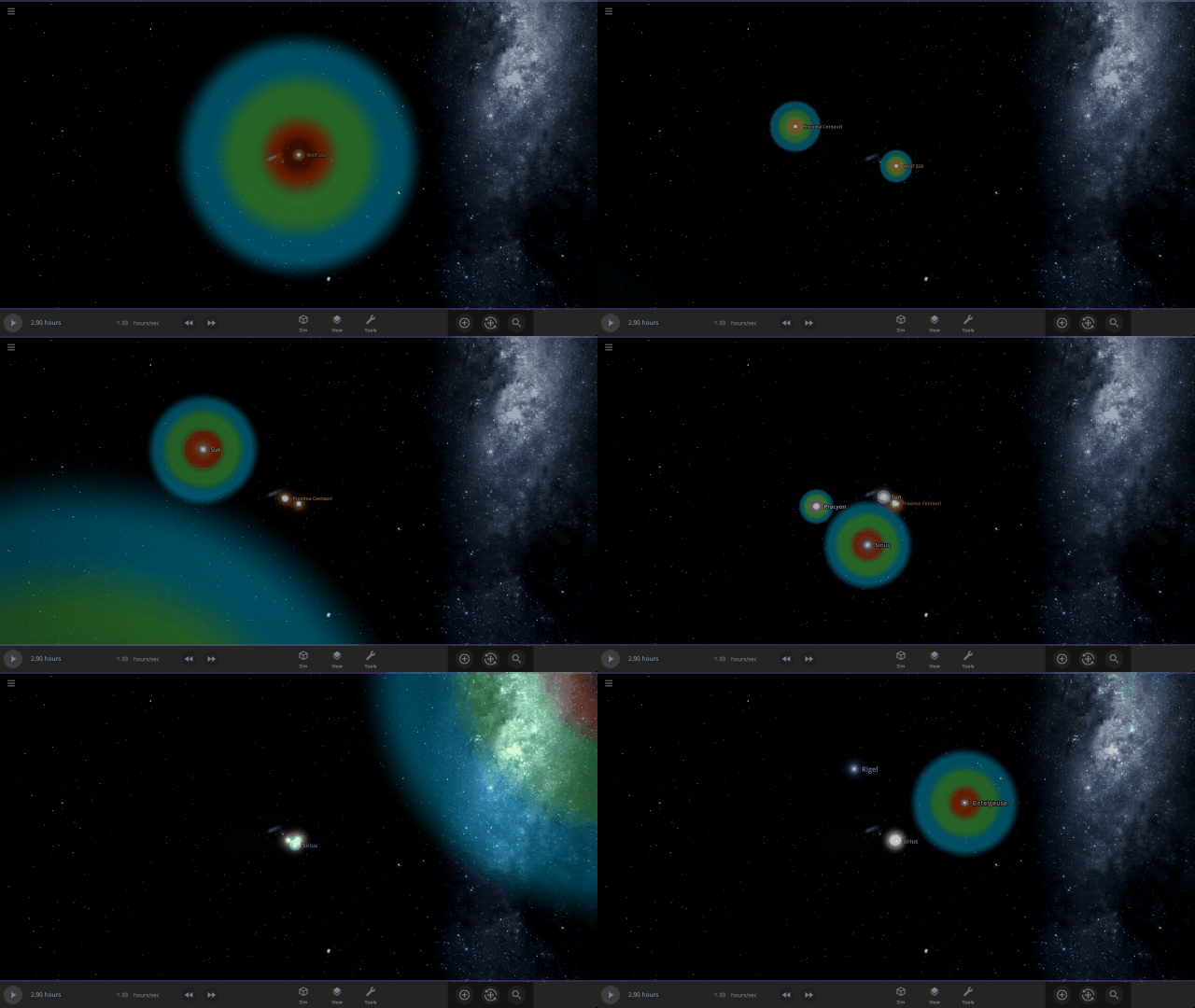
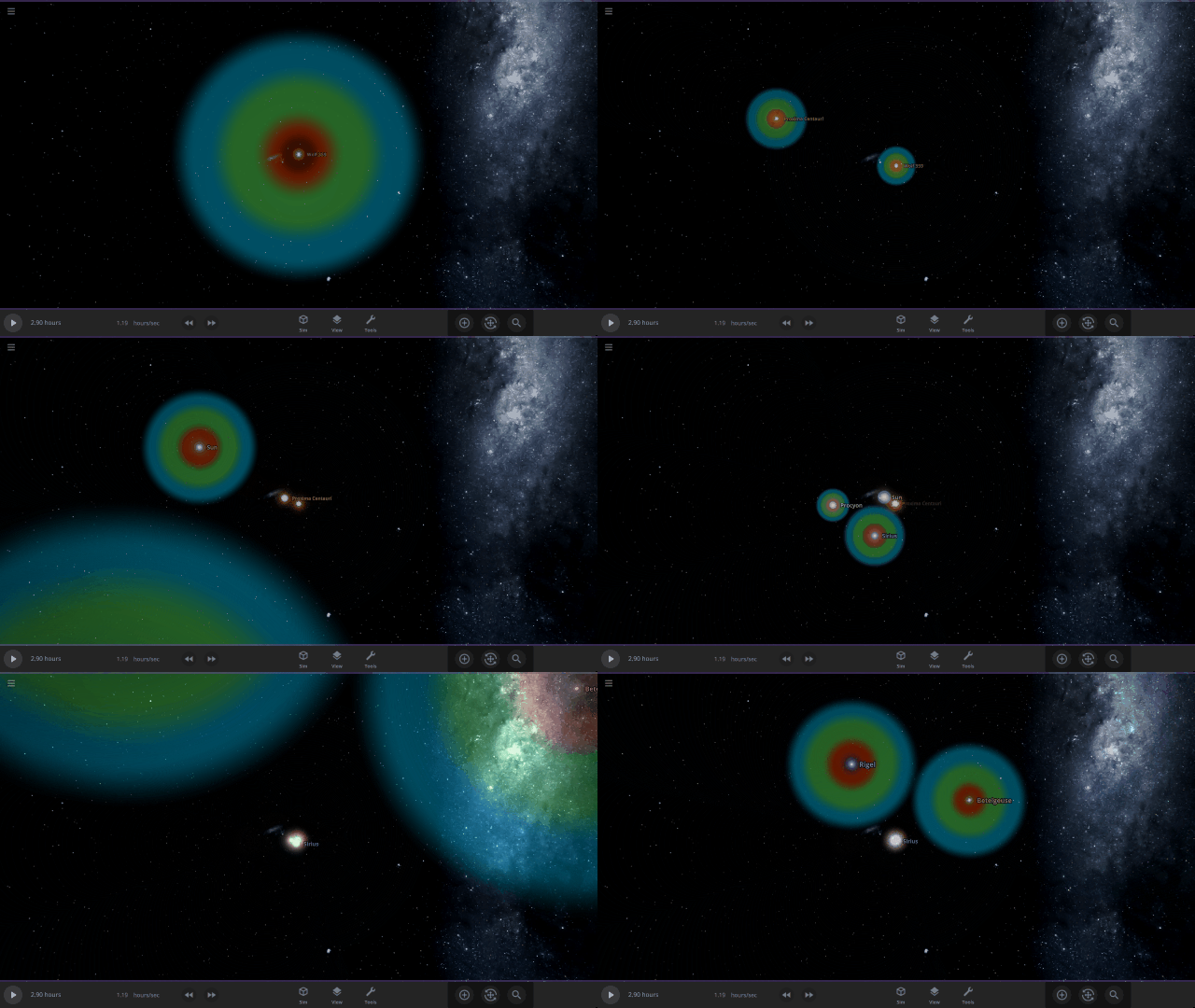
Smoother Habitable Zones
The habitable zone now smoothly changes size for stars of all luminosities, including very hot, bright stars like Rigel. Check it out under View > Habitable.
More Highlights
- “Enhanced” has been added as an Object Visibility option, which removes rim lighting from objects while keeping them always visible
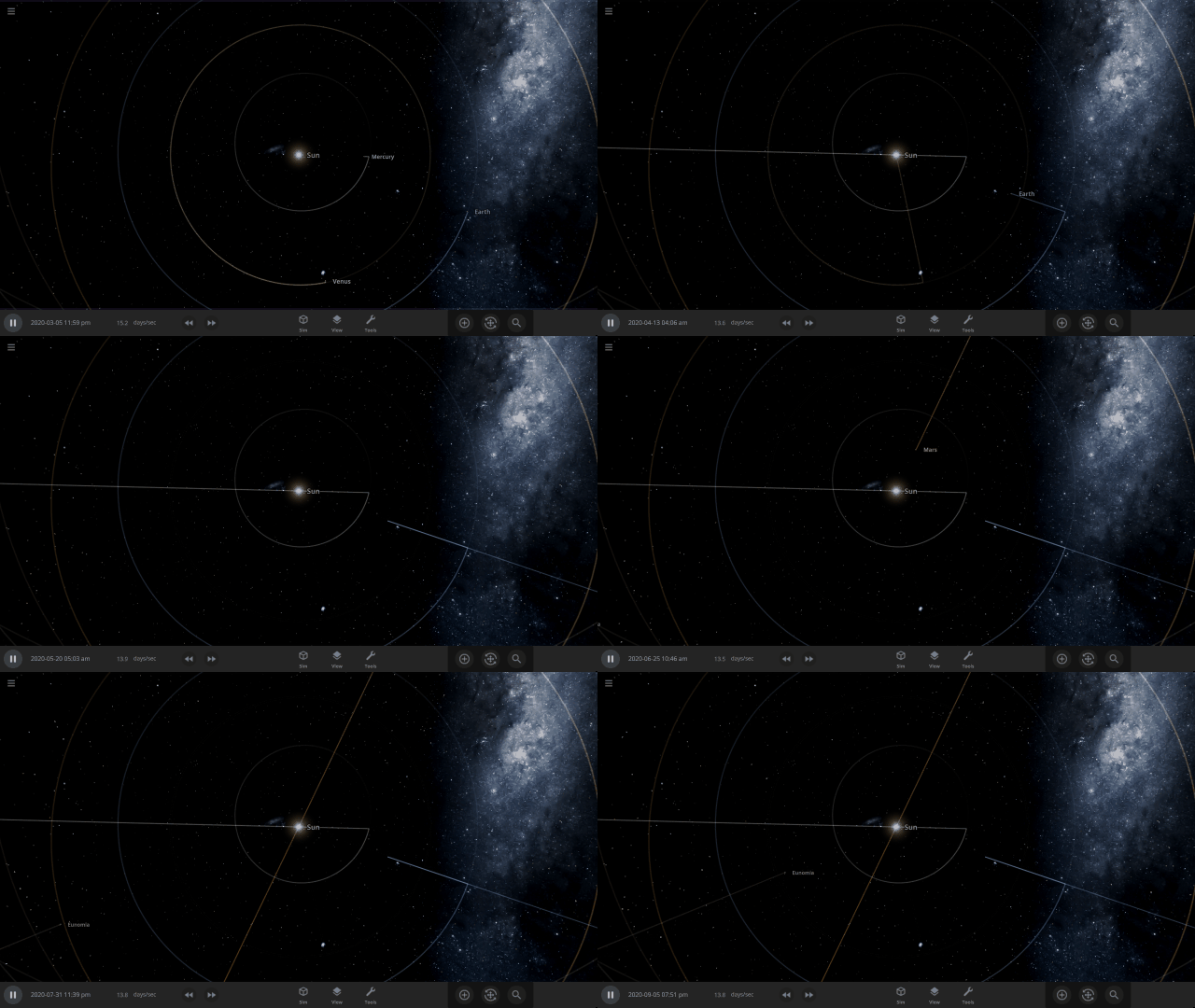
- Collision detection has been further improved as part of our continued work to make collisions even better
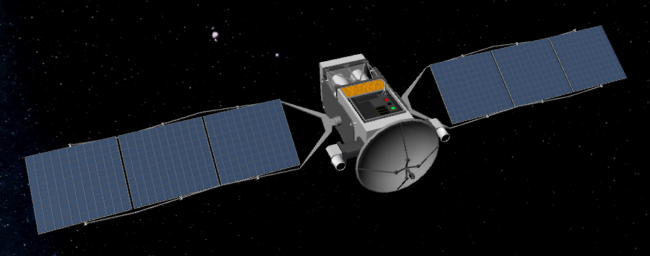
- We’ve added a satellite to our human-scale objects
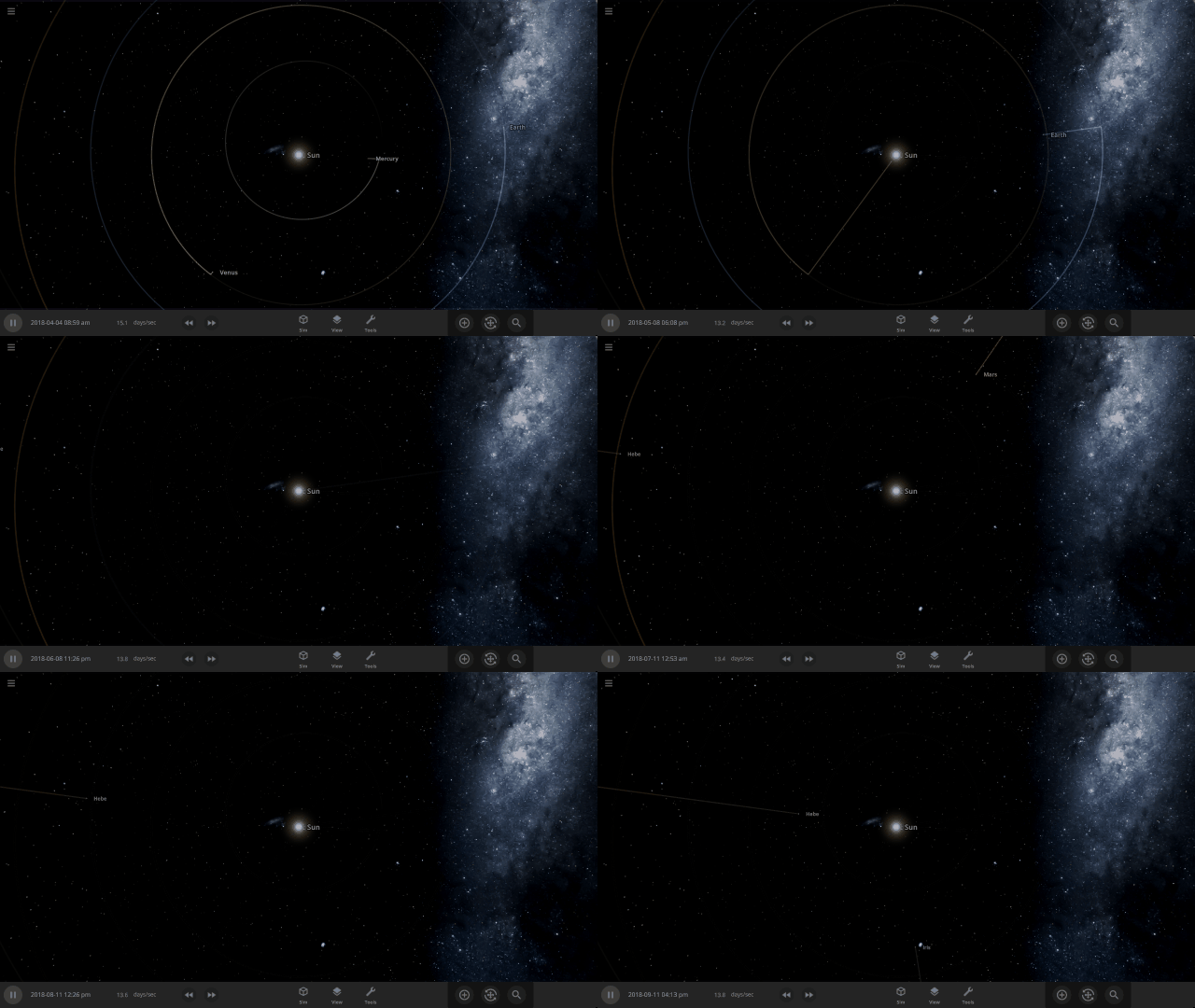
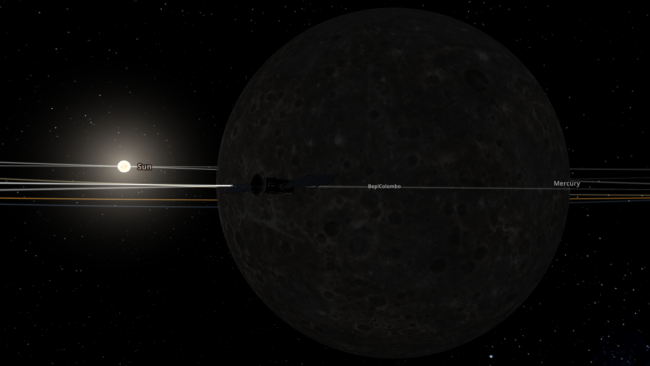
- Created simulation of ESA and JAXA’s BepiColombo spacecraft flyby of Mercury in October 2021: Open > Historical > BepiColombo Flyby of Mercury in 2021
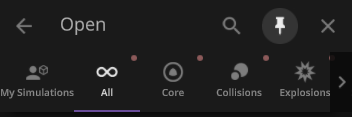
- Open, Guides, and Workshop panels can now be pinned open, allowing for much easier simulation browsing
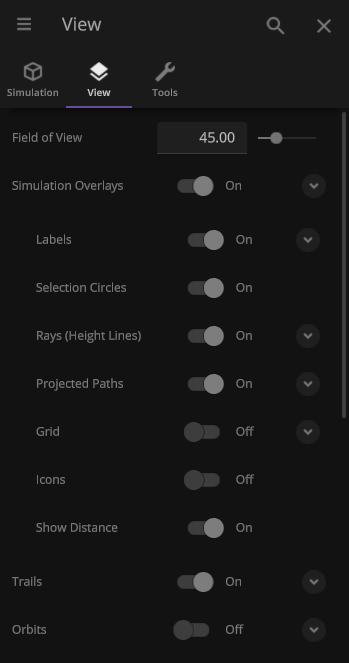
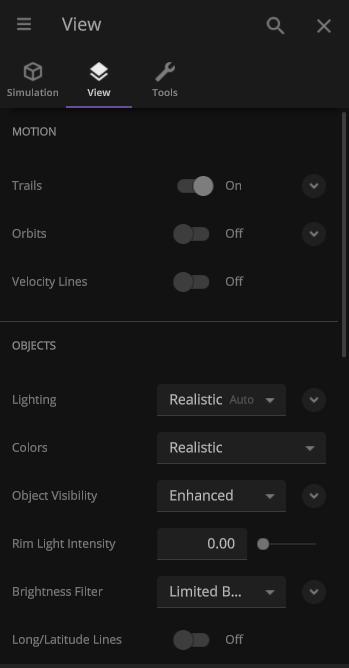
- The View Settings panel has been reorganized for better clarity and usability
This update includes 6+ additions and 12+ fixes and improvements.
Check out the full list of What’s New in Update 28.1
Please report any issues on our Steam forum, on Discord, or in-game via Home > Send Feedback.

Codename: Fire Ring | Update 28
Sep 23rd
Run Steam to download Update 28, or buy Universe Sandbox via our website or the Steam Store.
Update 28
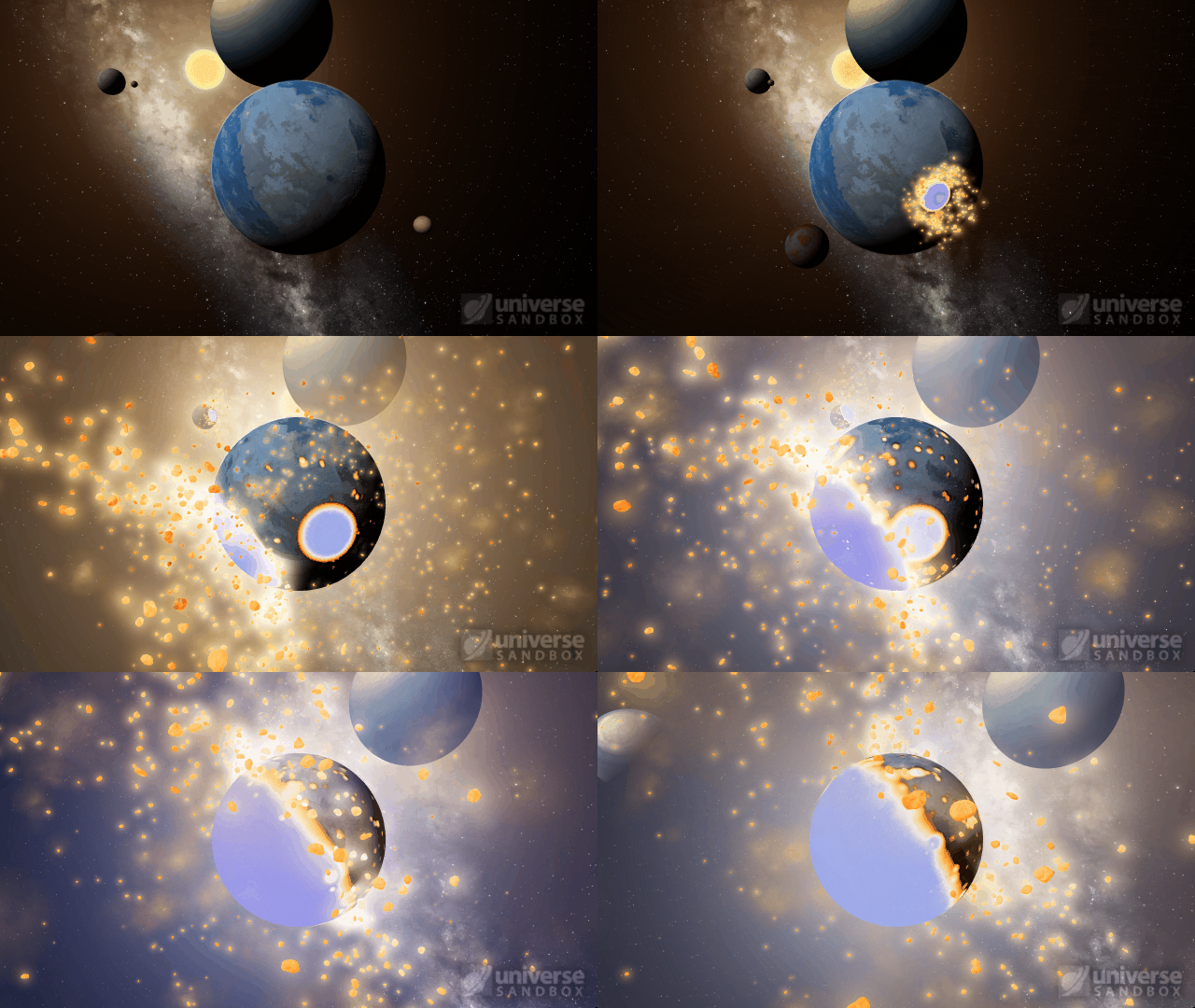
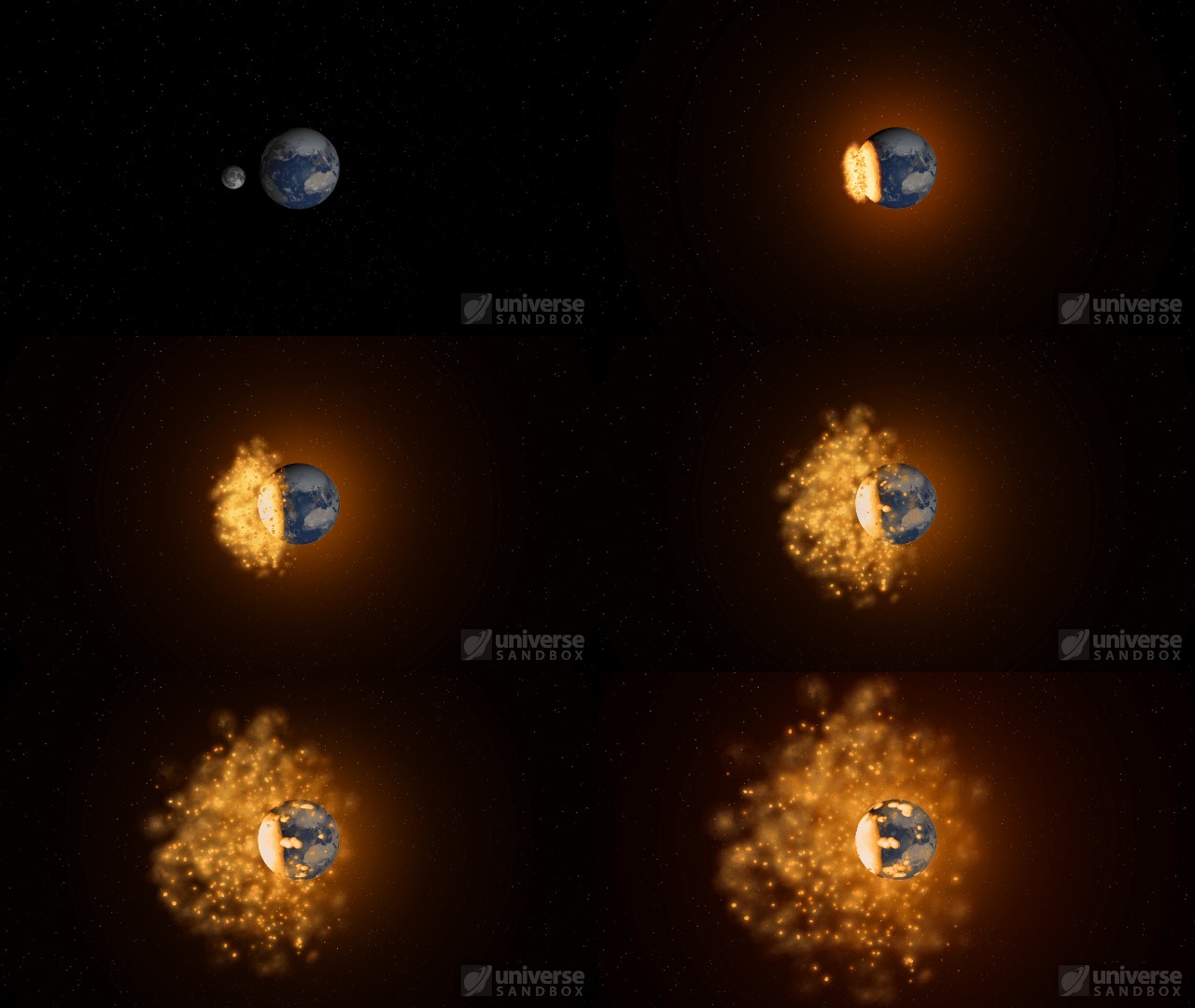
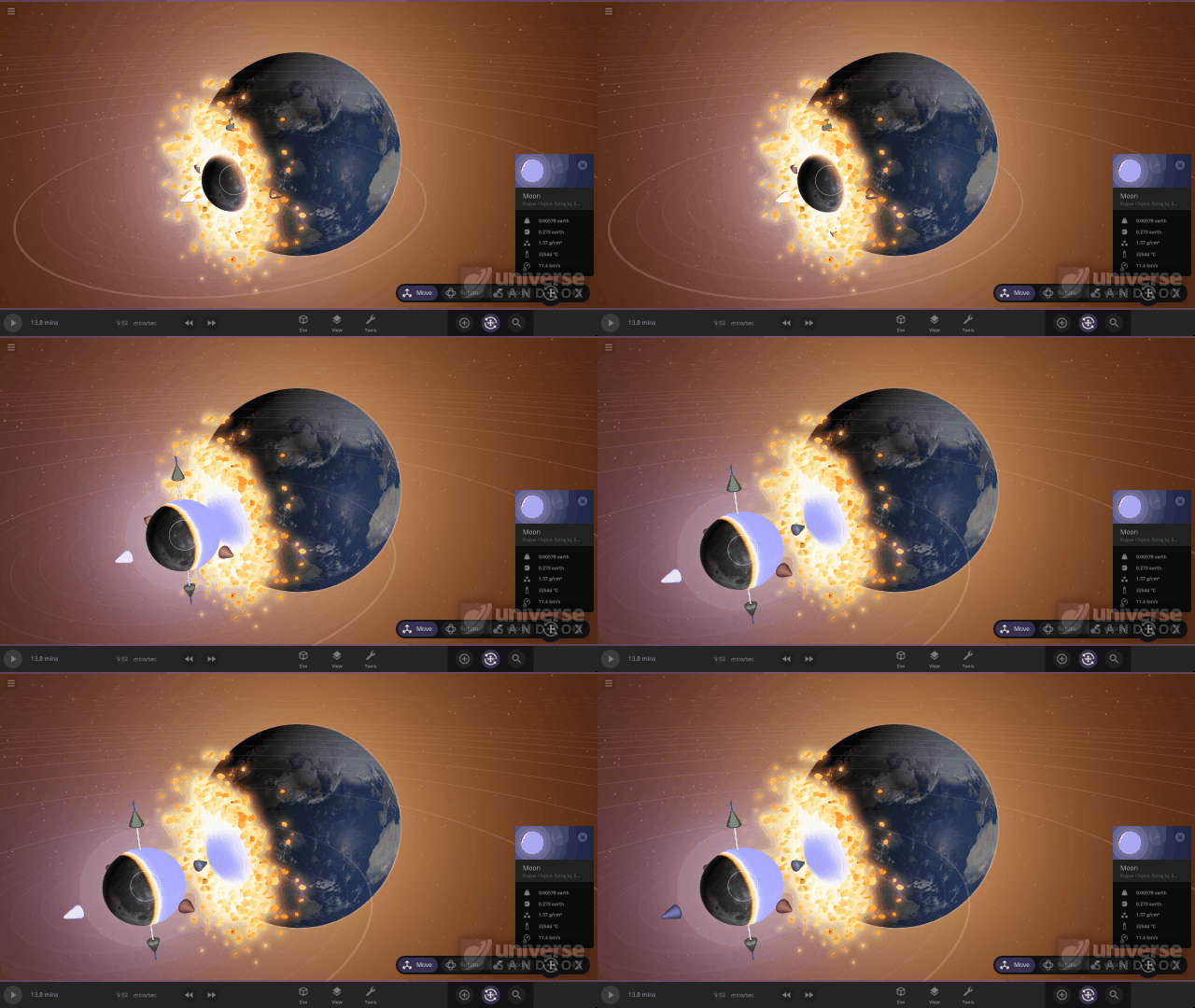
Fire Ring introduces a collision model that simulates an impact shockwave across the surface of an object, as part of our work to continuously improve collisions. In addition, there are improvements to object trails, additional object information, bug fixes, and more.
Shocking Collisions
Object heating from impacts now realistically moves over the impacted object as a shockwave. Fragments are ejected from the edge of the shockwave at more realistic angles. Learn more in our Collisions guides:
Guides > Tutorials > Planetary Collisions
Guides > Science > Collisions: Energy, Mass, and Speed
Impactor Heating
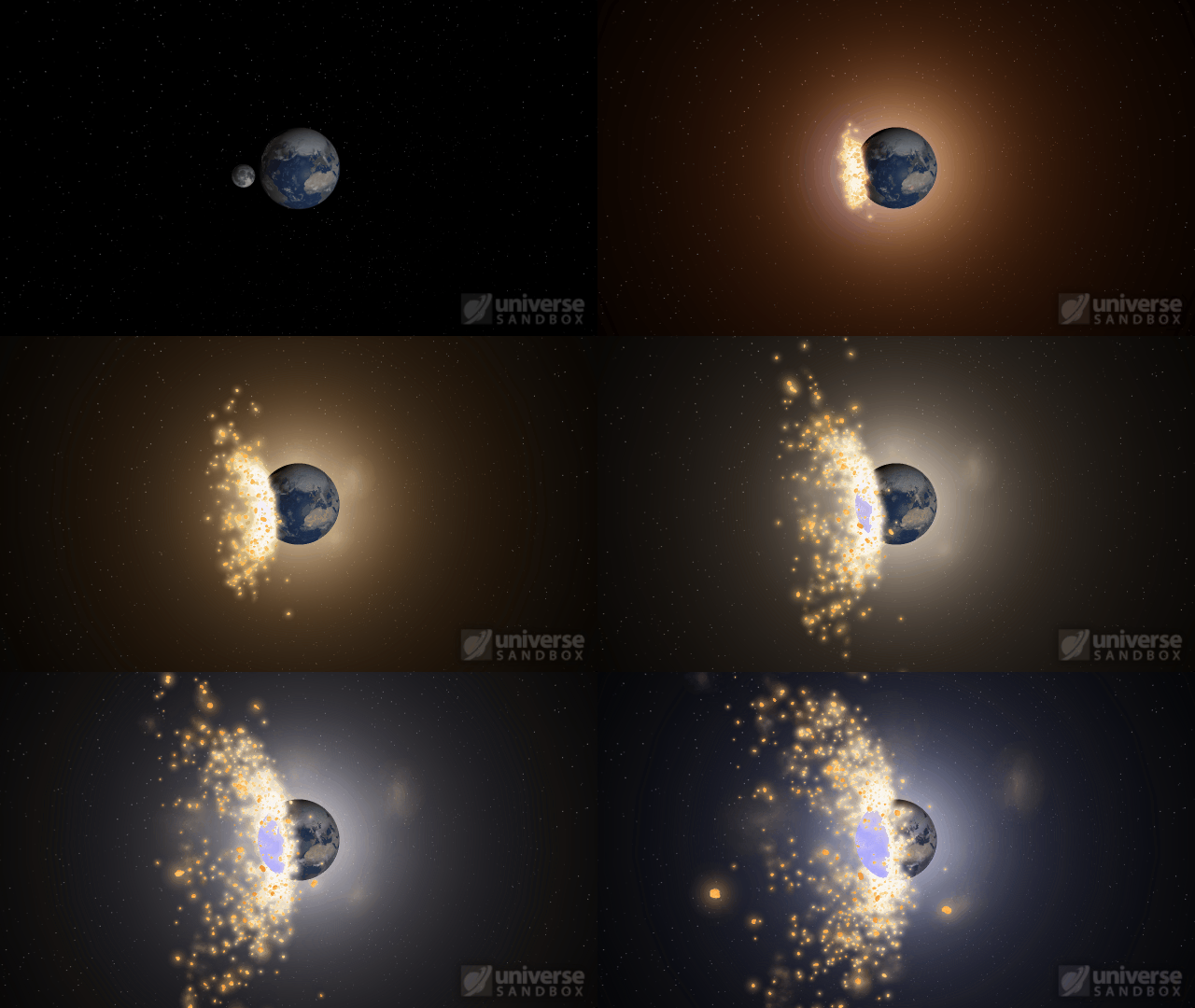
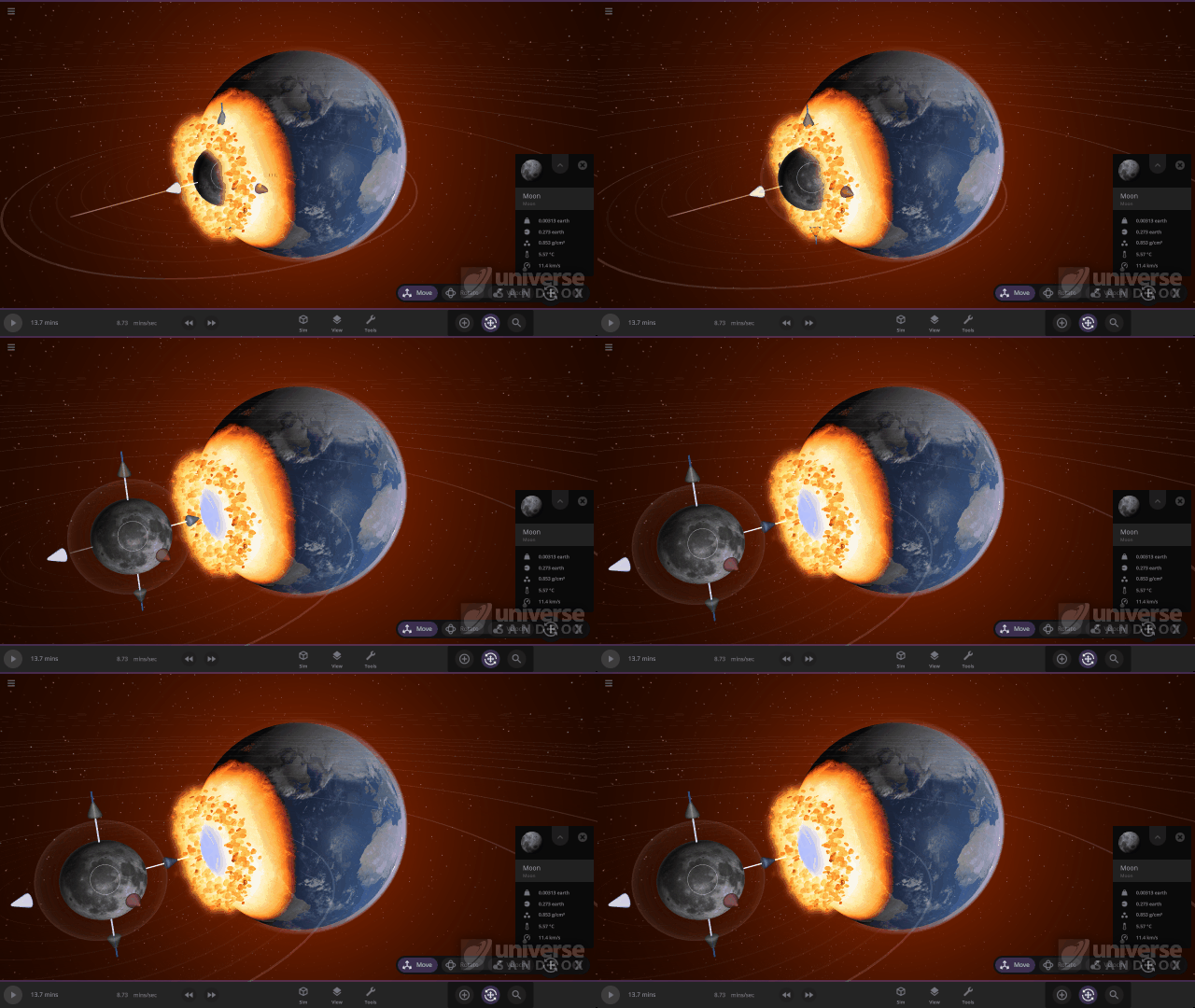
Both objects involved in a collision now experience collisional heating on their surfaces, instead of just the larger object.
More Highlights
- Grazing collisions now look more realistic with shockwaves and surface dragging
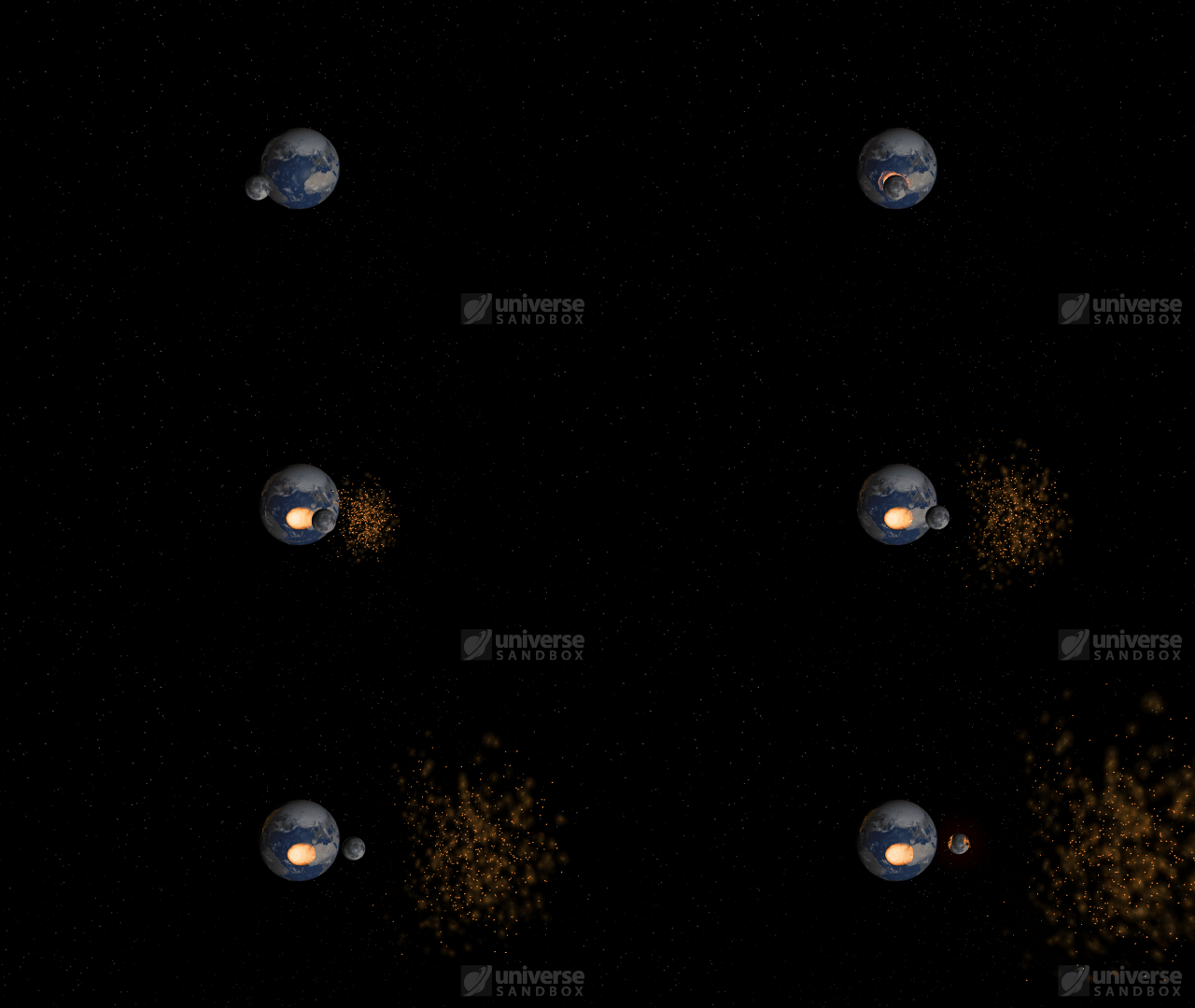
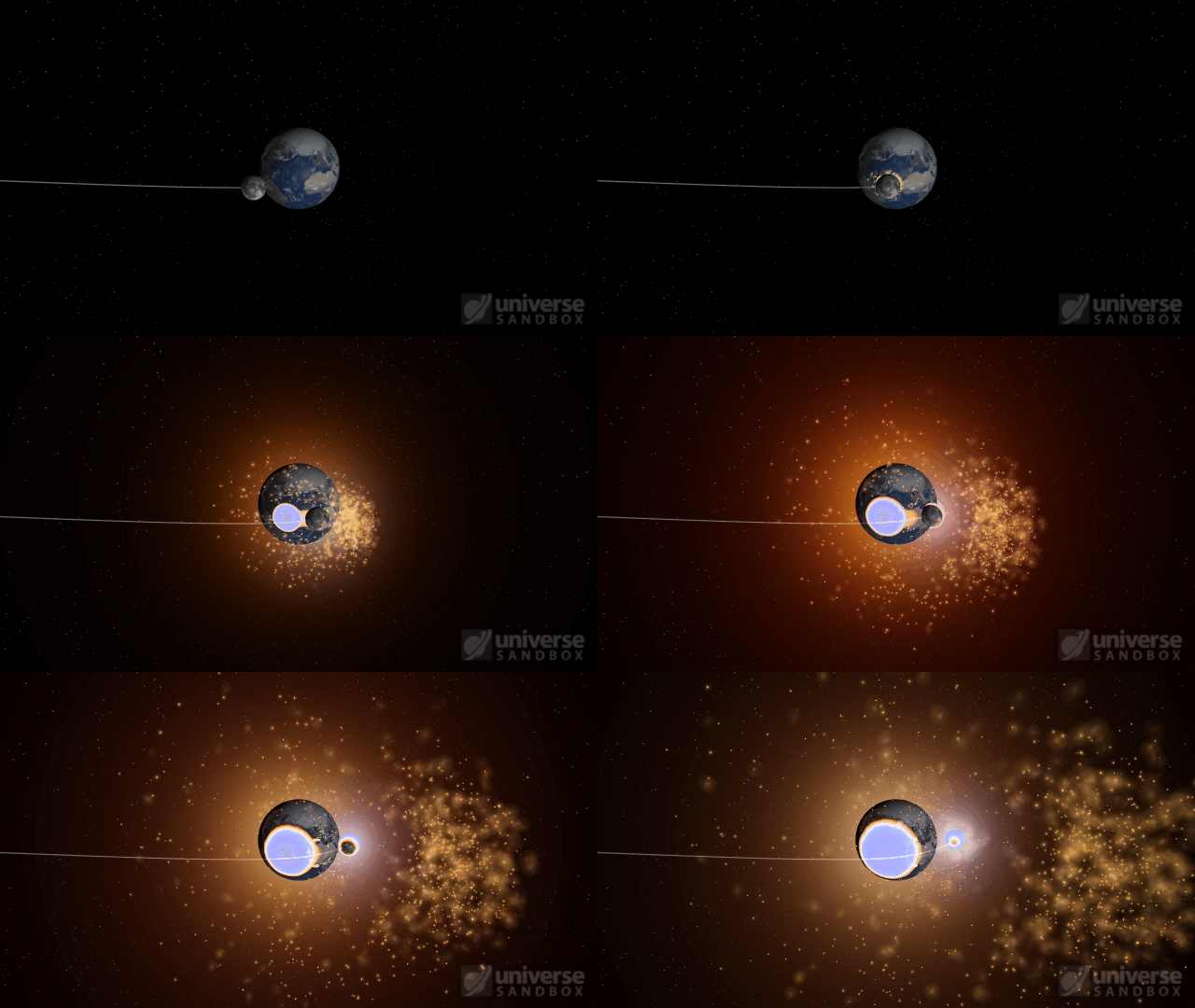
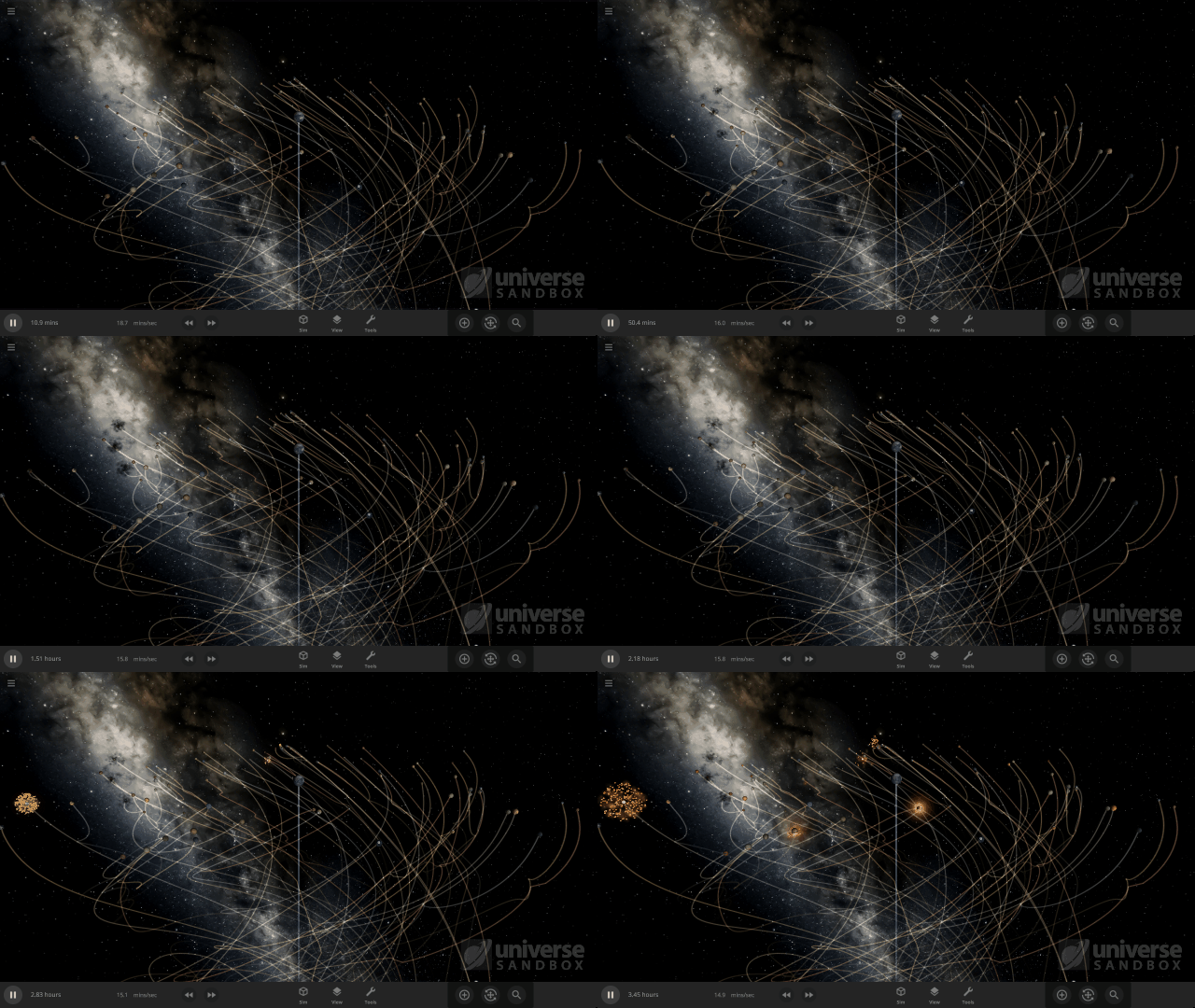
- Object trails are now projected back in time to show their full past trajectory

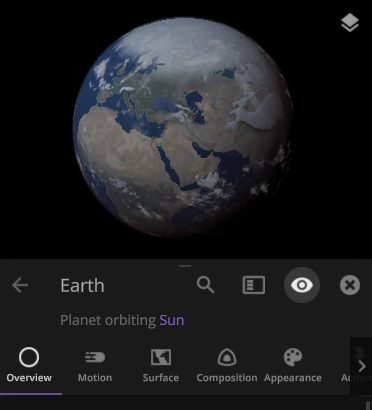
- Objects now have additional information (like, planet, moon, rogue object) in the property panel based on their relative motion around other objects
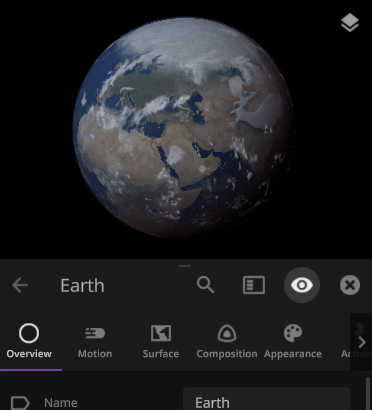
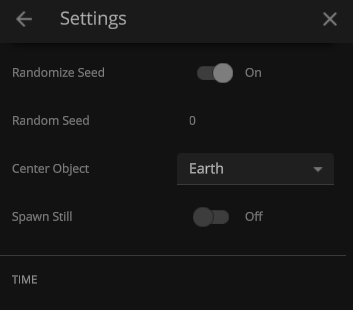
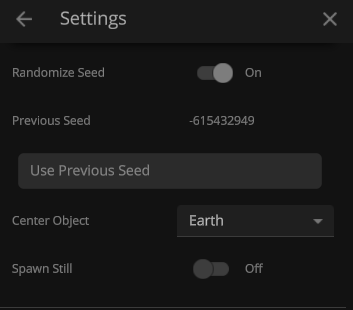
- As we work toward making our simulations more deterministic, seeds for randomized simulations are now easier to find, allowing you to recall previous random scenarios
This update includes 6+ additions and 22+ fixes and improvements.
Check out the full list of What’s New in Update 28
Please report any issues on our Steam forum, on Discord, or in-game via Home > Send Feedback.

Universe Sandbox for Mobile | DevLog 1
Sep 10th
You can purchase Universe Sandbox via our website or the Steam Store.
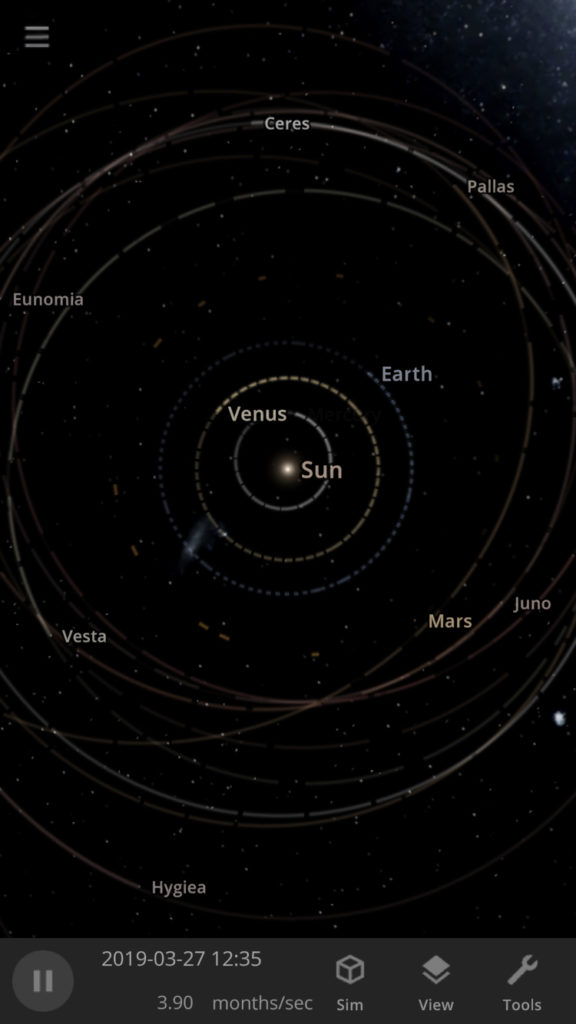
Have you ever wanted a universe in your pocket? We have too, and so we’ve been actively working on a mobile version of Universe Sandbox for both iOS and Android to make this a reality.
Universe Sandbox for mobile will have the same features and interface as the desktop version (in fact mobile and desktop are built from the same source code) and we are working to make sure it is an equally enjoyable experience.
All-Around Improved Experience
Our work on mobile has motivated many features and improvements that have already been made to the desktop version. This includes automatic scaling of graphics settings based on screen resolution and the separate, minimizable panel that comes up when you use a tool, like the laser. Additionally, optimizing Universe Sandbox for mobile has the added benefit of improving performance on the desktop version.
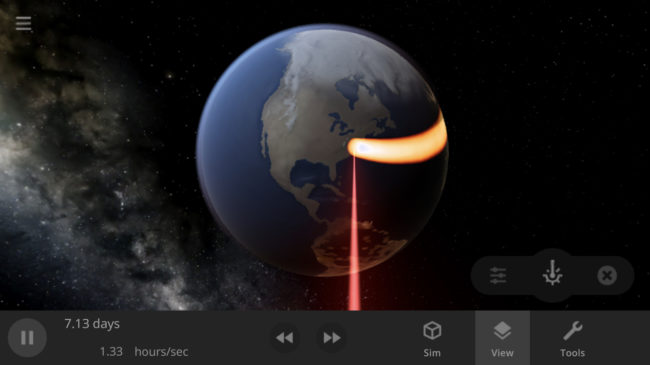
Designing a Handheld Universe Simulator
For the last few months, we’ve been focusing on making sure the mobile version is just as fun to play as the desktop version. In Update 26, we unified the user interface across desktop and VR, and we’re continuing to develop this unified interface with physically smaller (that is, mobile) screens in mind. You can check out how we are building this flexible user interface right now by making the window in the desktop version small. If you do try this, you’ll notice it presents quite a design challenge, not only for existing features but also for any features we add.
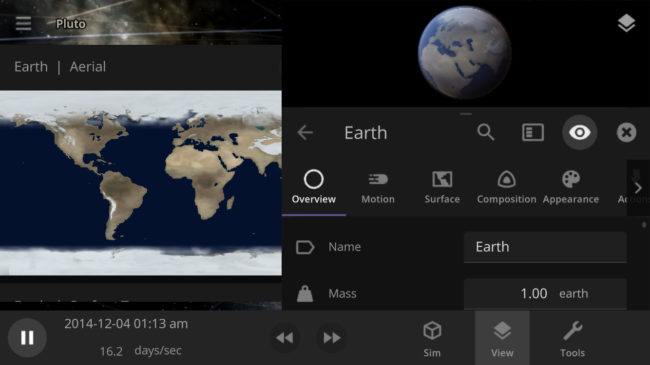
You may have seen some of the improvements we’ve made to our user interface in recent updates. For example, our bottom bar redesigns both create a sleeker, more adaptable desktop experience while also making everything more accessible on mobile. However, we are still working on solving a few design challenges including (but not limited to):
- What’s the best way to manage all of the different panels on a small screen (our guide system creates particular challenges)?
- Working around the limitations of minimum button sizes required for a touchscreens
- How do we make the user interface work in both portrait and landscape orientations?
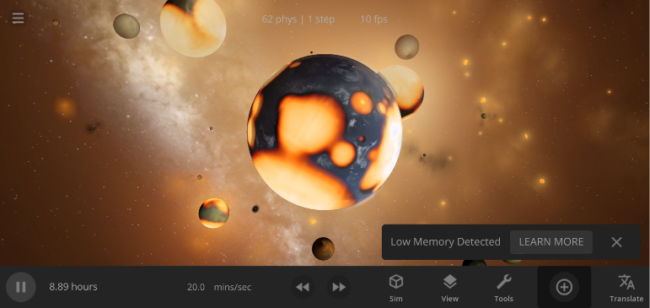
What’s Next for Mobile Development
We have been working on numerous updated user interface designs that improve functionality and clarity no matter what device you are on, and implementing those is one of our major next steps. We’re also currently hiring a cross-platform engineer to help bring Universe Sandbox to mobile and beyond.
While we still do not have a release date or official price for mobile, we currently plan on it being a one-time paid app with no ads or in-app purchases. We hope to write more of these mobile-focused DevLogs as we make more progress, so stay tuned!
If you want to receive updates when there is new information about mobile, like this DevLog, sign up for our mailing list:
https://universesandbox.com/mobile/
To join our community discussions, please join us on our Steam Forum and our official Discord community

Atmospheric Adjustments | Update 27.2
Aug 2nd
Run Steam to download Update 27.2, or buy Universe Sandbox via our website or the Steam Store.
Update 27.2
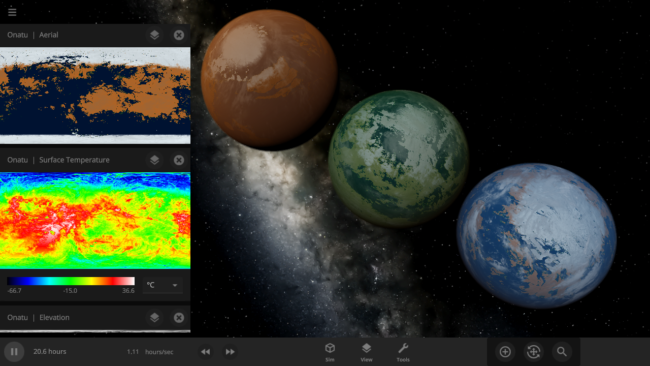
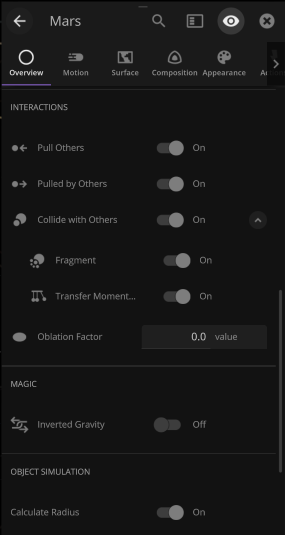
You can now change specific simulation interactions, like gravity and collisions, on a per-object basis! This minor update also includes simulated atmosphere opacity (a measure of how hard it is to see through the atmosphere), bug fixes, and more.
Individual Object Simulation Manipulation
The ability to turn off specific simulation interactions on a per-object basis has been added to all objects in Properties > Overview. We plan to add to this over time, and we hope you enjoy creating all kinds of crazy scenarios with these options as much as we do!
Opaque Atmospheres
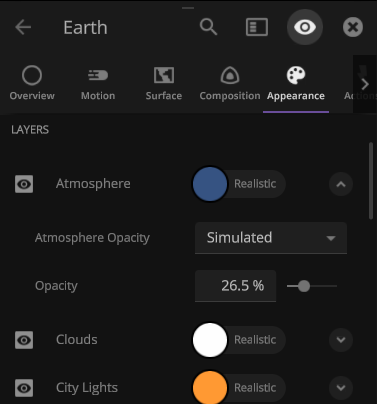
Atmosphere Opacity is now simulated based on an object’s properties, like Radius and Atmosphere Mass. Learn more about this new feature in our Atmospheres guide under Guides > Science > Atmospheres.
More Highlights
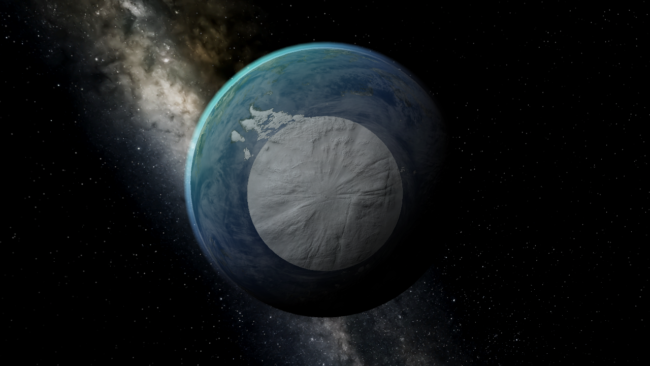
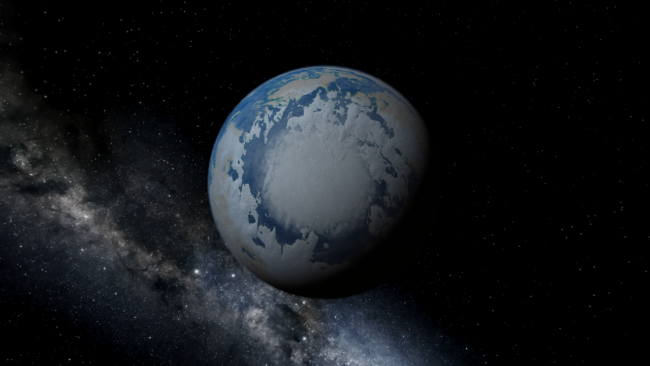
- Polar ice caps on random rocky planets are now informed by the water depth around the poles and are no longer circles
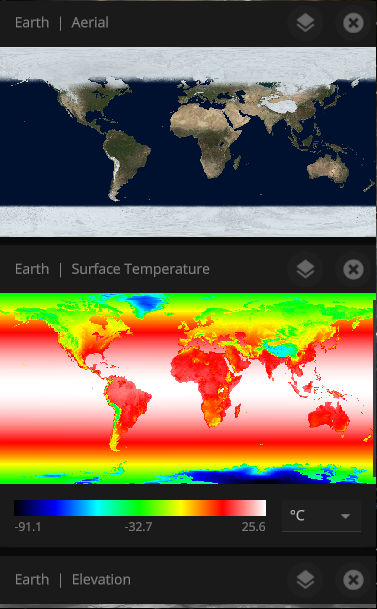
- Opening multiple surface data views no longer causes a noticeable reduction in performance
Check out the full list of What’s New in Update 27.2
Please report any issues on our Steam forum, on Discord, or in-game via Home > Send Feedback.

Clouds in Motion | Update 27.1
Jun 21st
Run Steam to download Update 27.1, or buy Universe Sandbox via our website or the Steam Store.
Update 27.1
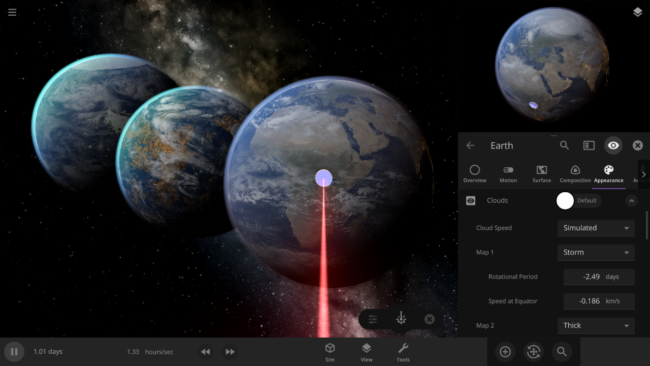
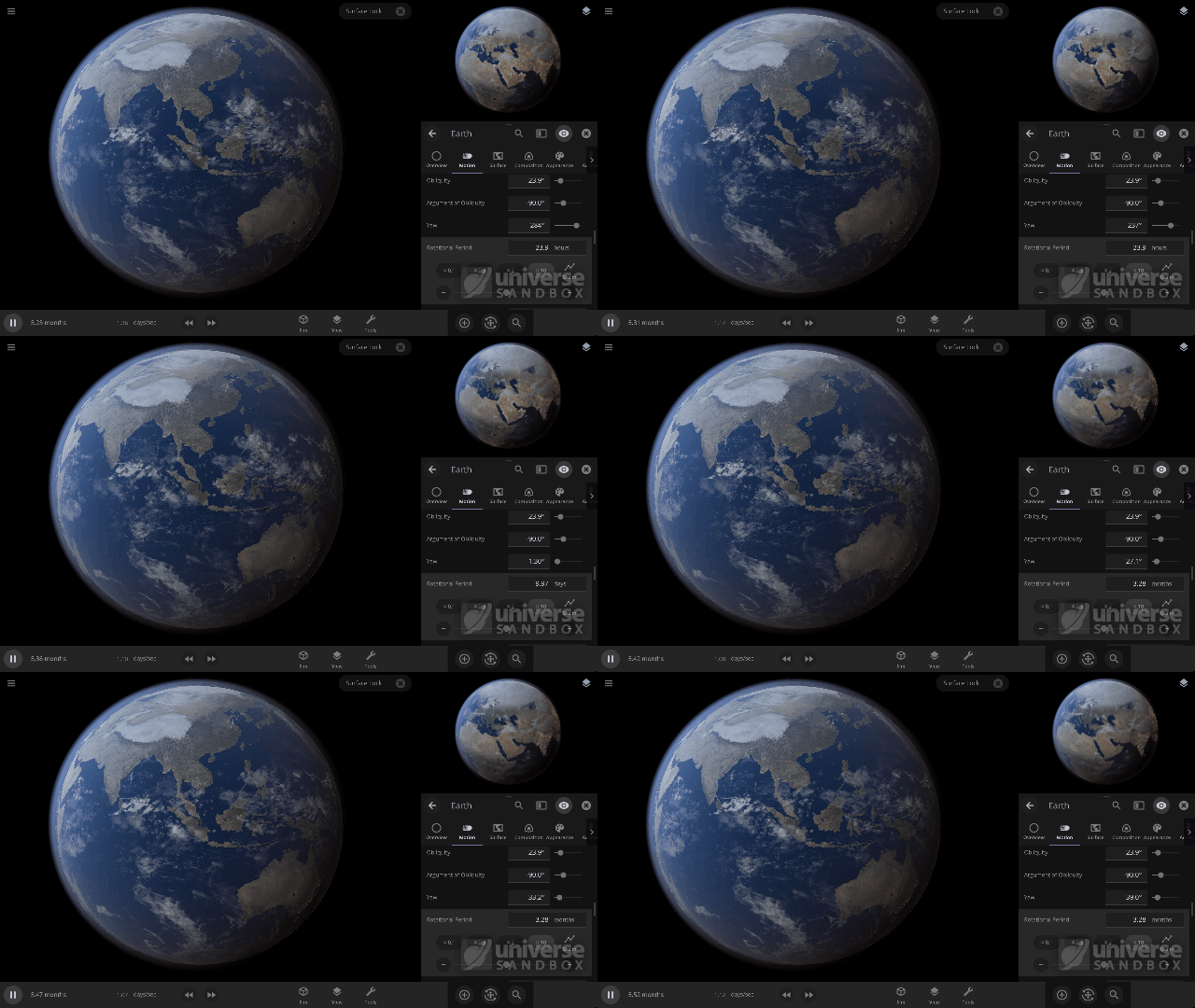
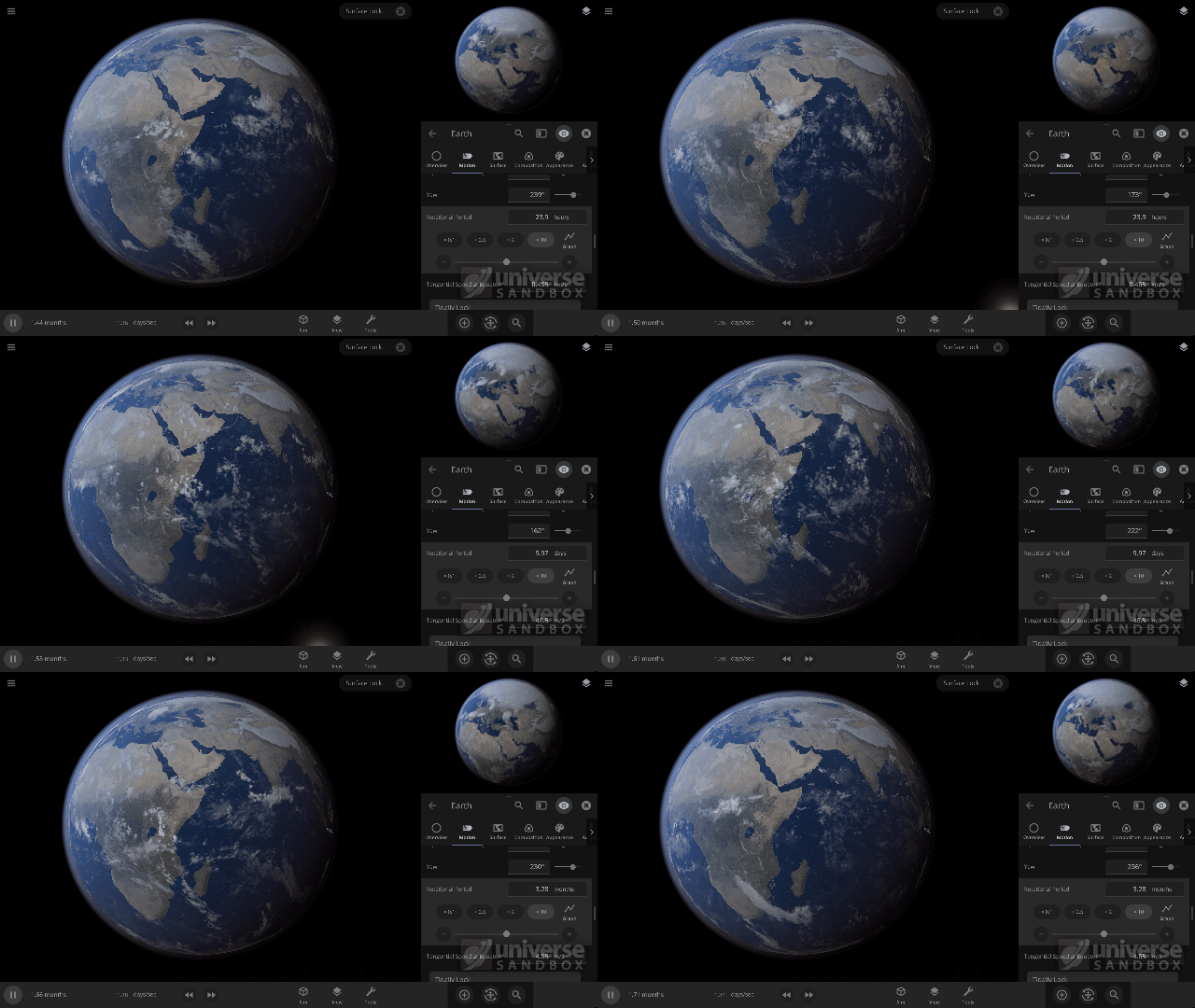
Cloud speed is now simulated based on an object’s temperature and rotation speed. Surface simulation performance improvements, an Appearance interface redesign, adjustable planetary rim lighting, and more round out this minor update.
The feature image shows a laser heating up the Earth to speed up the cloud rotation and our new atmosphere opacity property.
Simulated Cloud Speed
Cloud speed is now simulated based on an object’s temperature and rotation speed as part of our continued incremental improvements of clouds. Check out our new Clouds guide for a tour through our entire cloud system: Guides > Science > Clouds.
Easier Appearance Editing
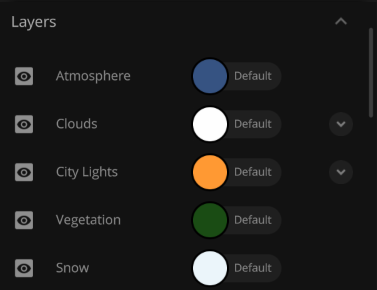
As part of our continued user interface improvements, the Properties > Appearance tab has been redesigned to combine color customization with visibility and other options to make changing the appearance of an object even easier.
More Highlights
- Surface Simulation has been improved to update only objects that are changing each frame, improving performance for simulations with many objects
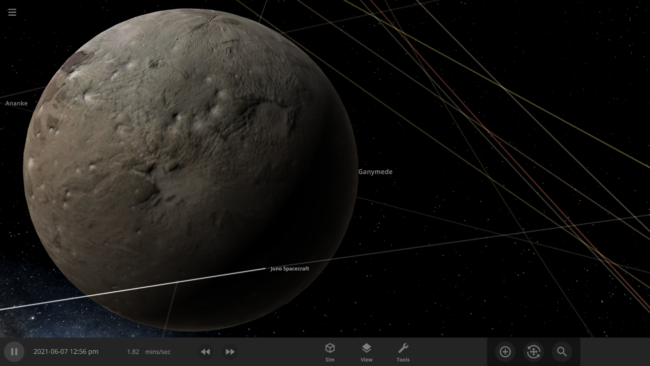
- Created simulation of NASA’s Juno spacecraft flyby of Ganymede in June 2021: Open > Historical > Juno Flyby of Ganymede in 2021
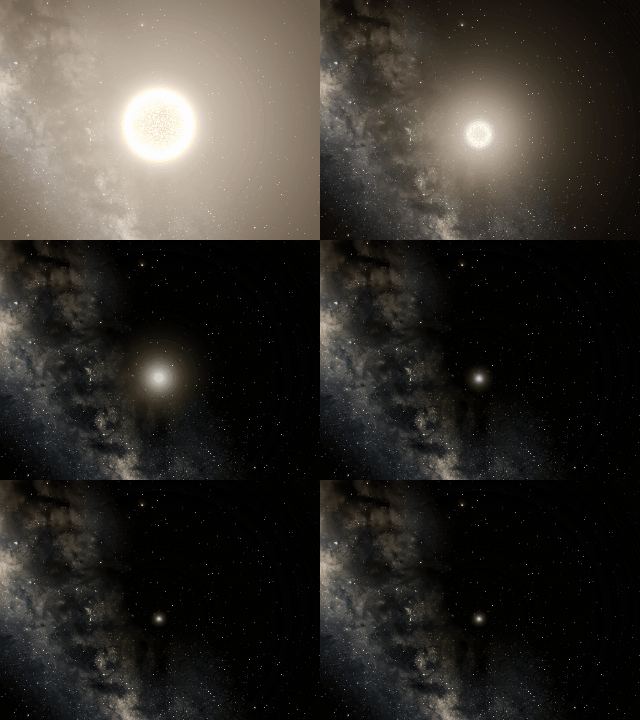
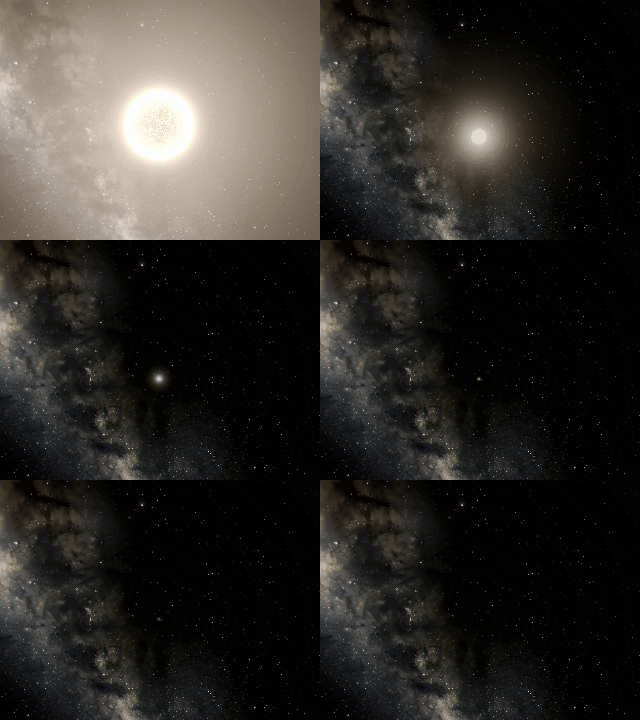
- Star glows correctly fade as you get farther away from them when Object Visibility is set to Realistic again
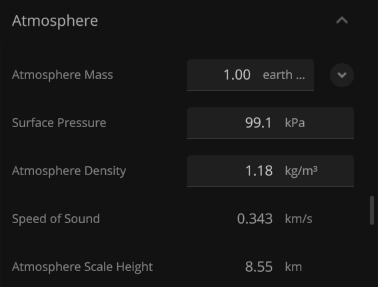
- Added Atmosphere Density and Speed of Sound Properties to Properties > Surface > Atmosphere
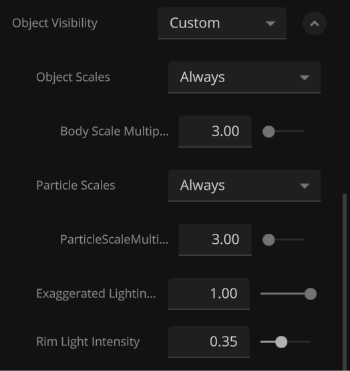
- Rim Lighting can now be adjusted under View > Object Visibility > Rim Lighting
Check out the full list of What’s New in Update 27.1
You can also check out our 2021 Roadmap to learn more about what we’re currently working on!
Please report any issues on our Steam forum, on Discord, or in-game via Home > Send Feedback.