


Development

Skies of Blue, Red Collisions Too | Update 32.1
Dec 14th
If Update 32.1 does not download automatically, follow these update instructions. If you don’t own Universe Sandbox, you can buy it via our website.
Collision shockwaves and atmosphere colors are more realistic, camera motion is smoother, and you can try the new Automatic Simulation Speed, which adjusts the simulation speed based on what’s happening in the simulation. Never miss a collision again!
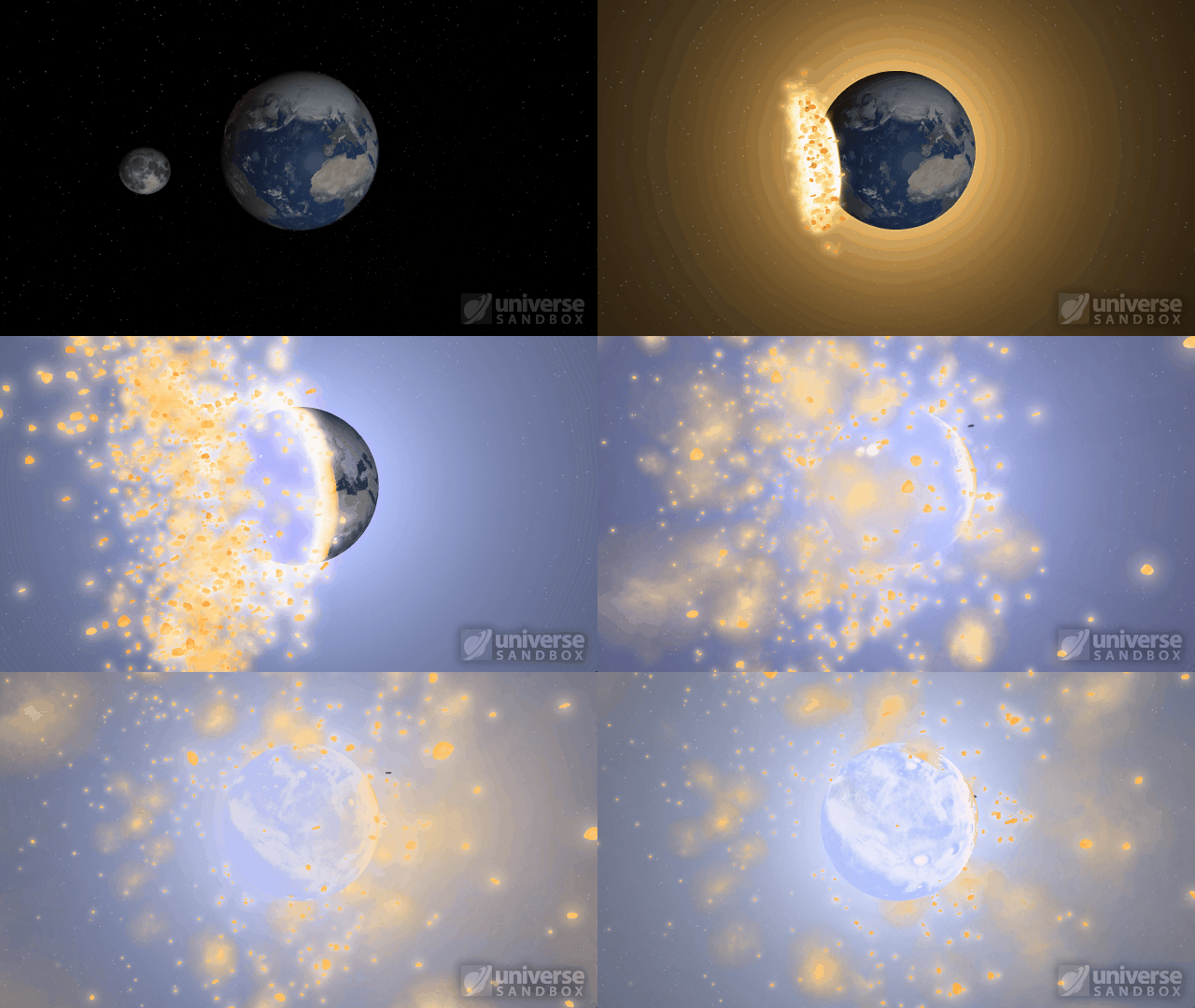
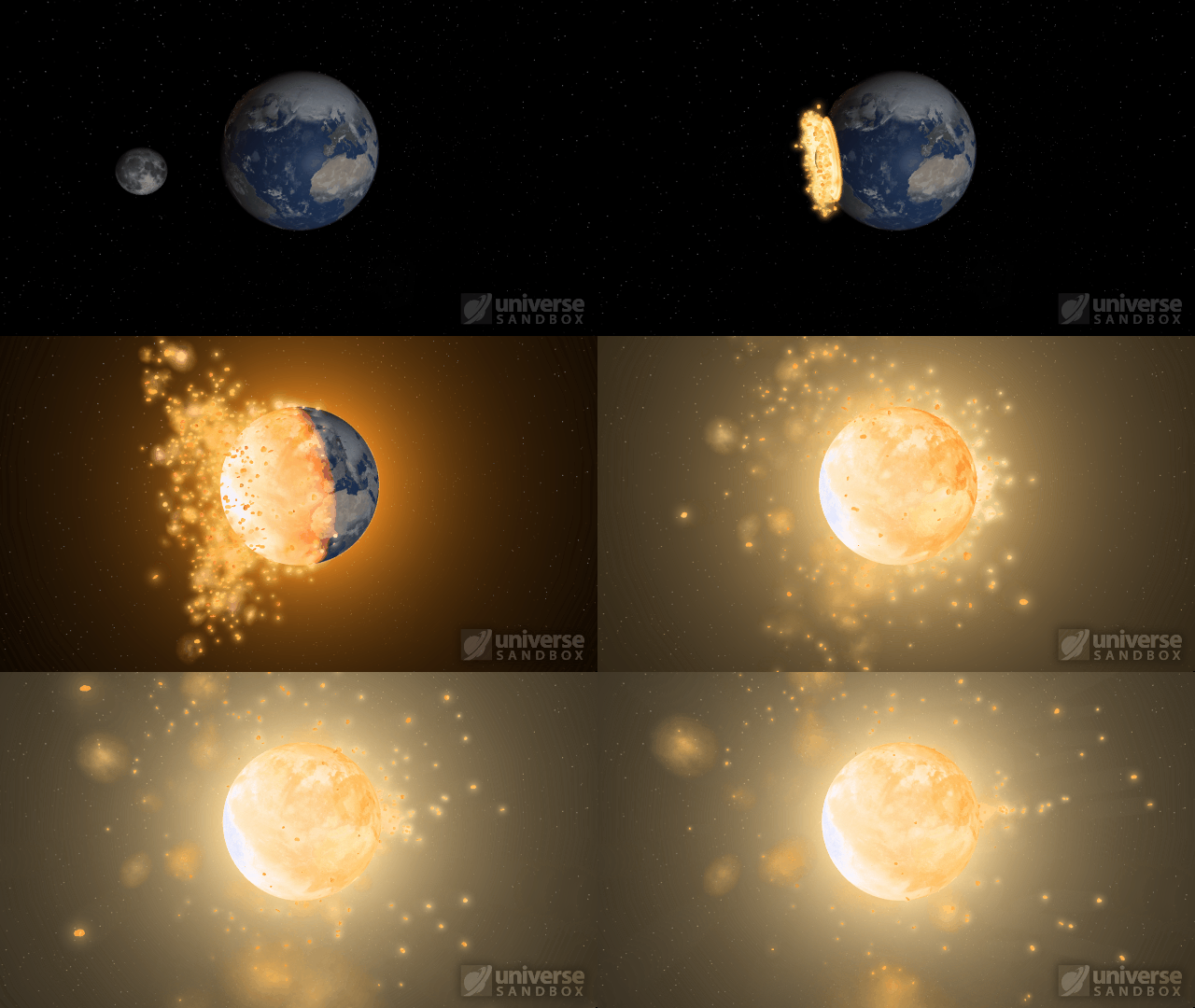
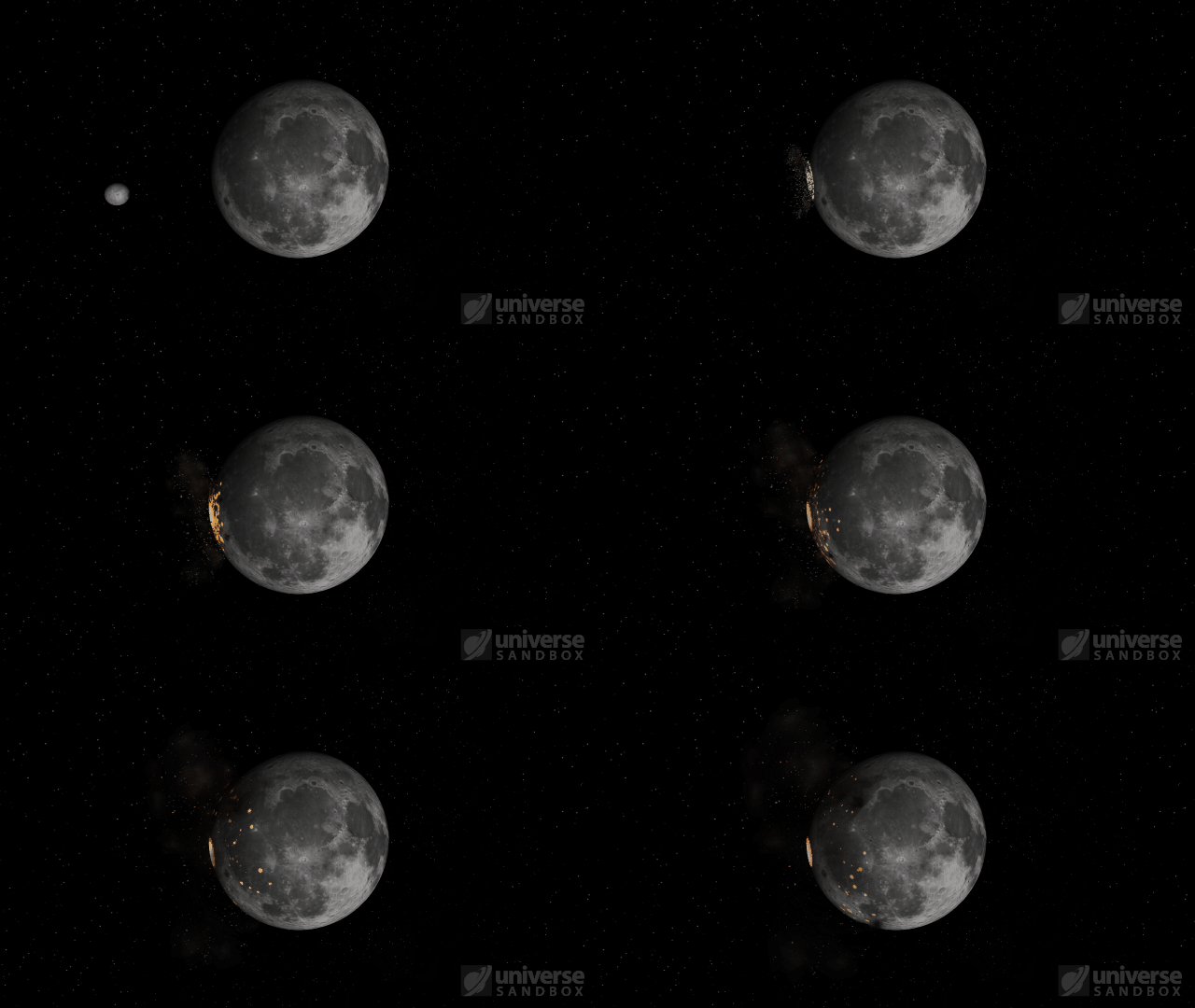
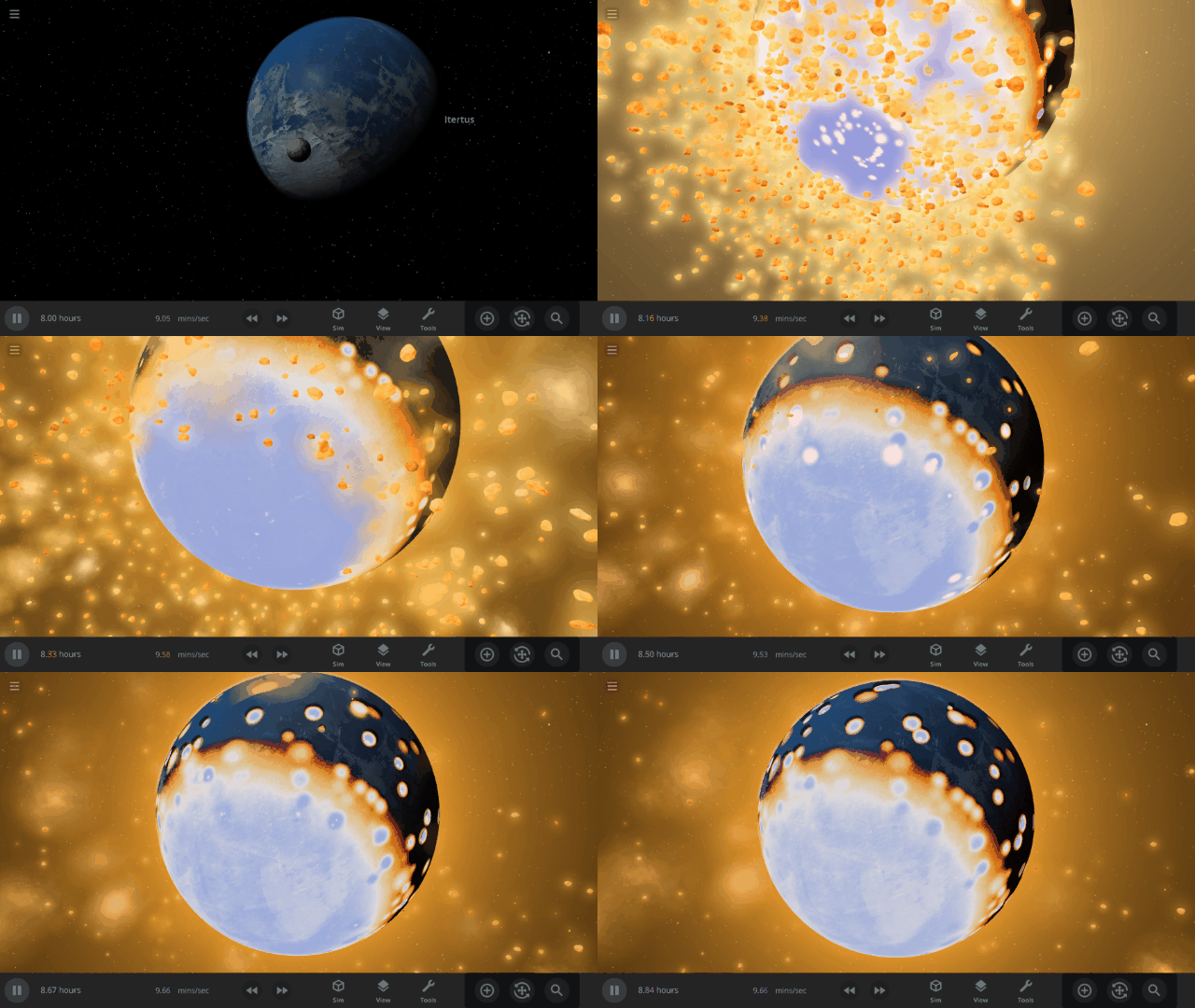
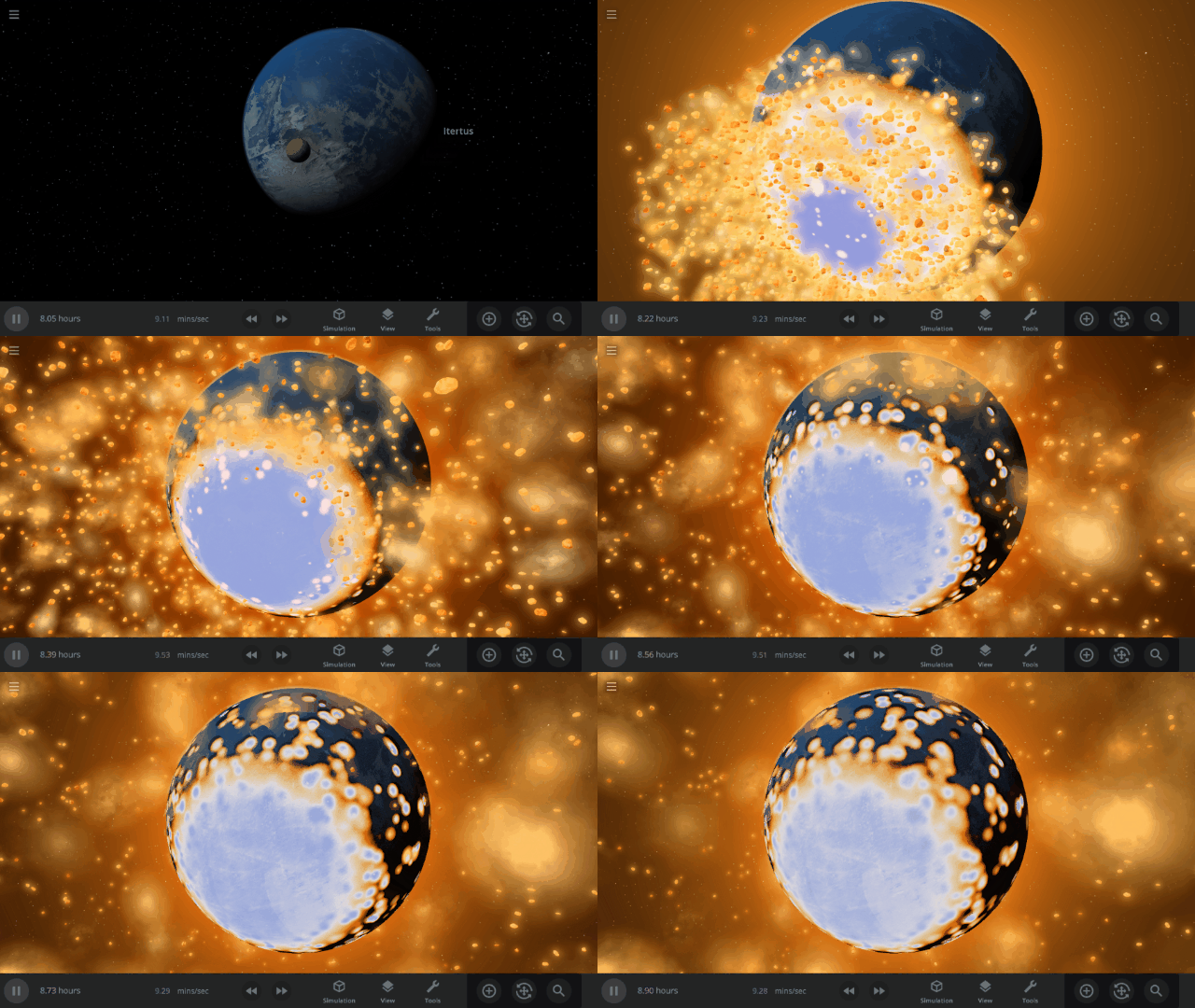
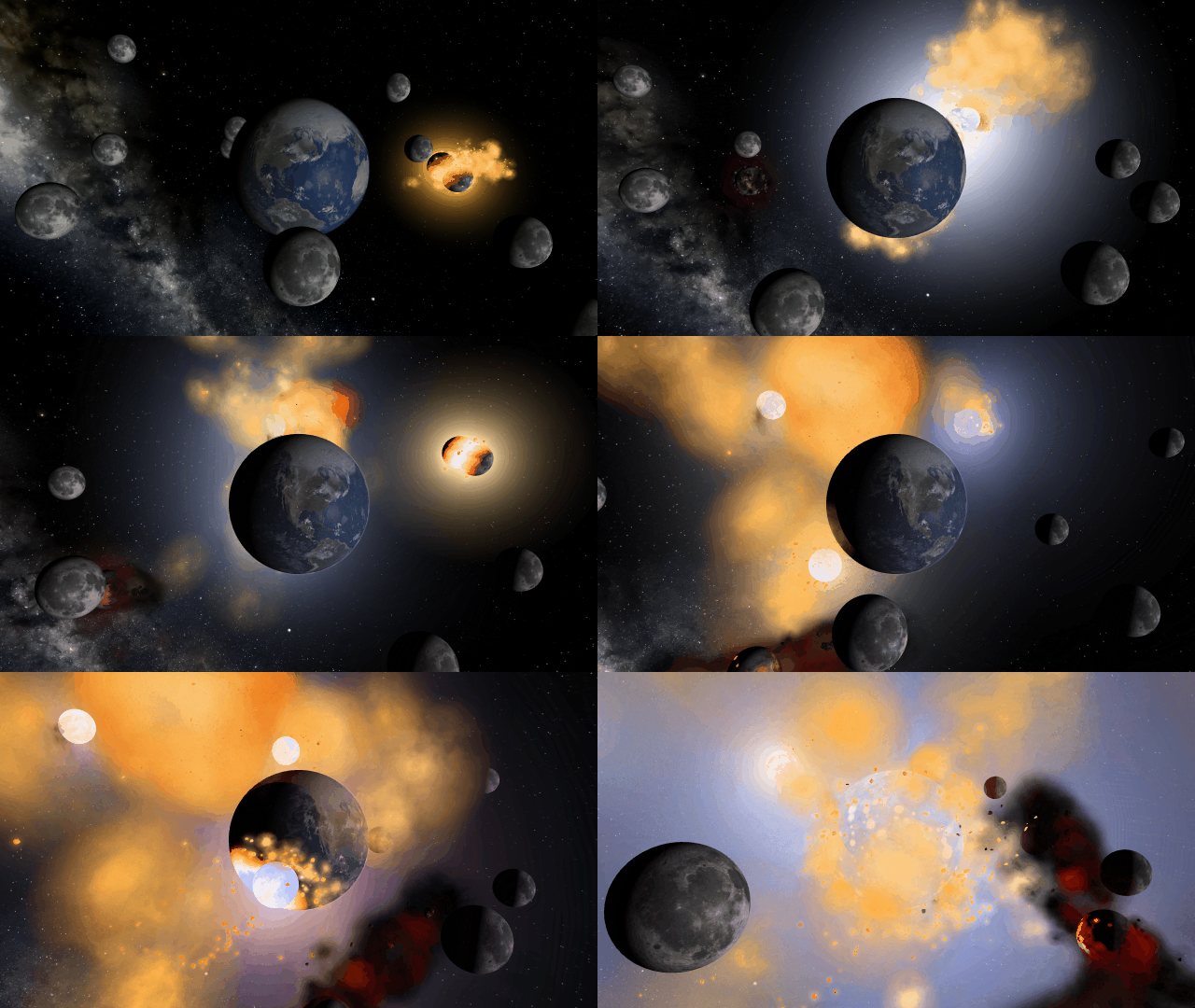
Improved Shockwaves
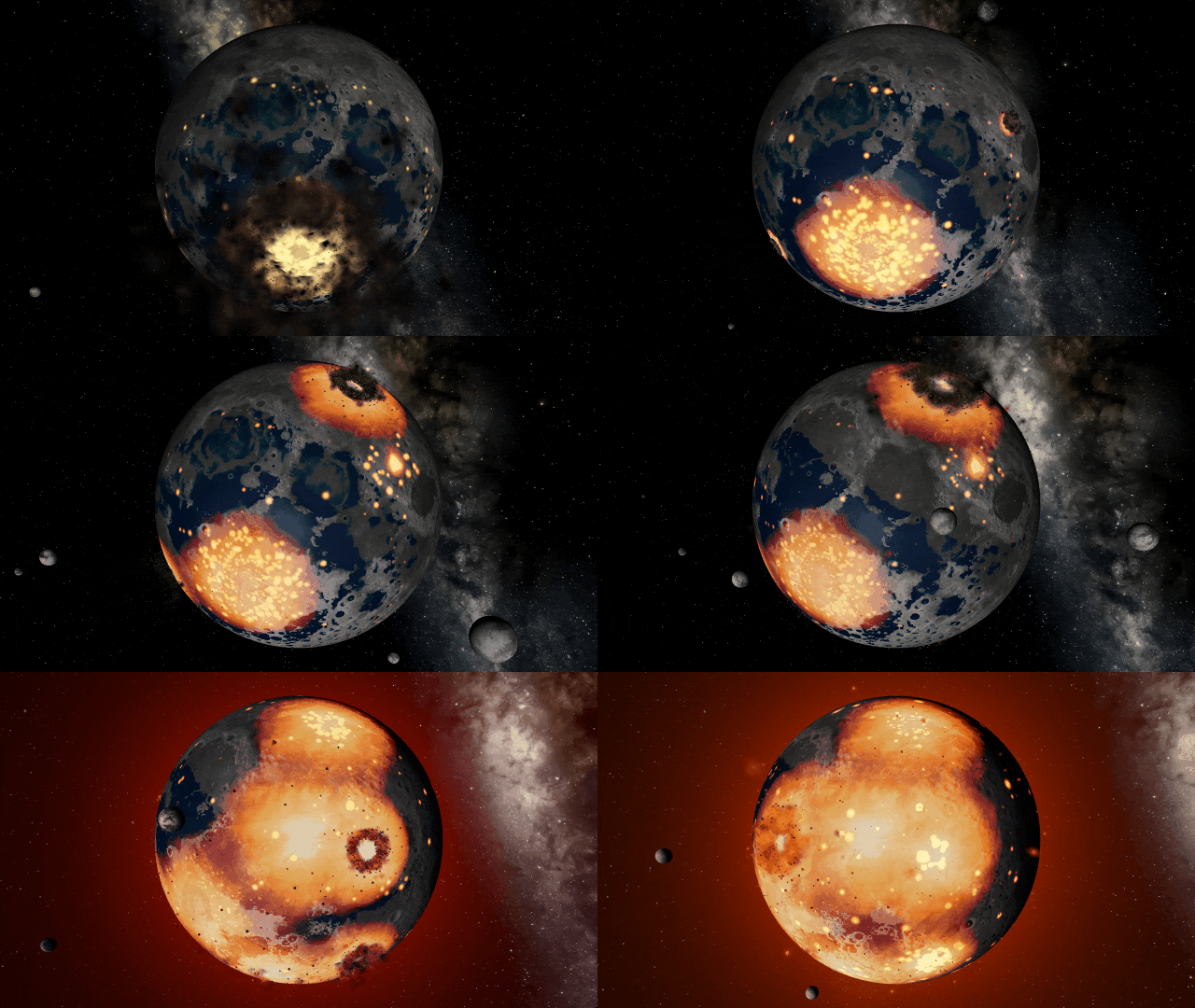
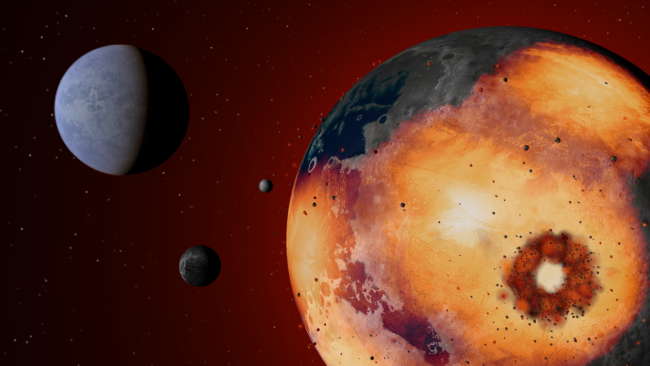
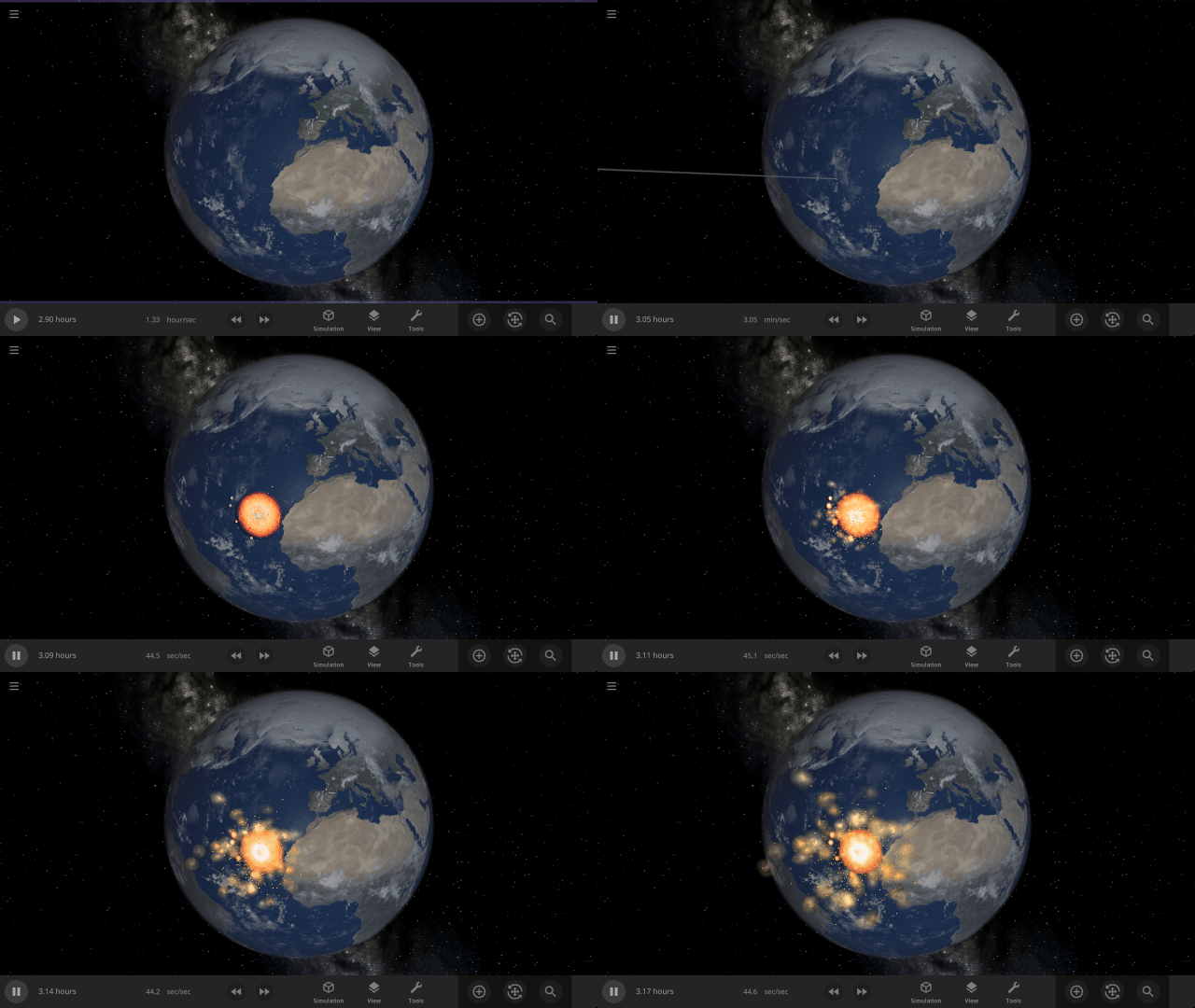
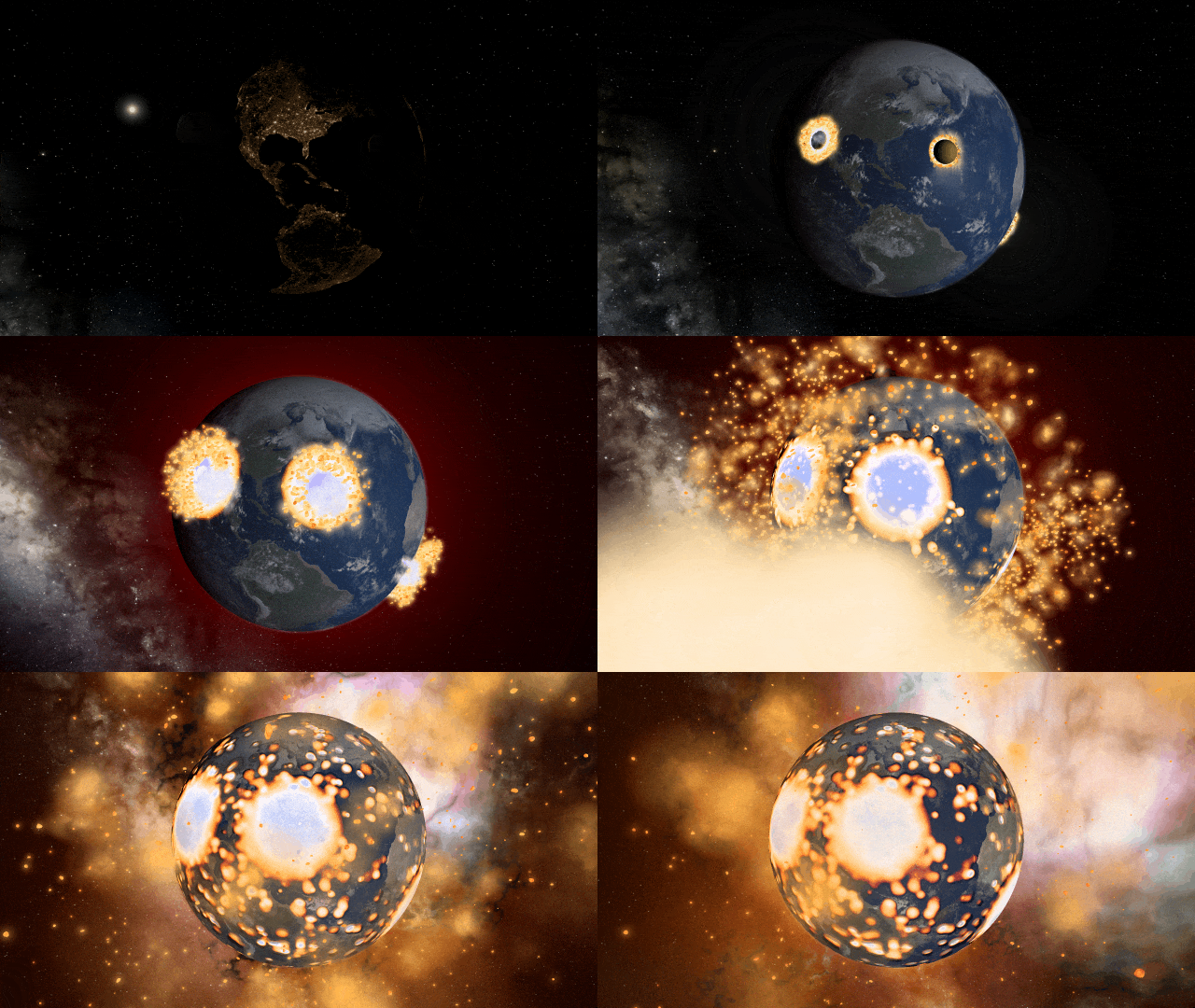
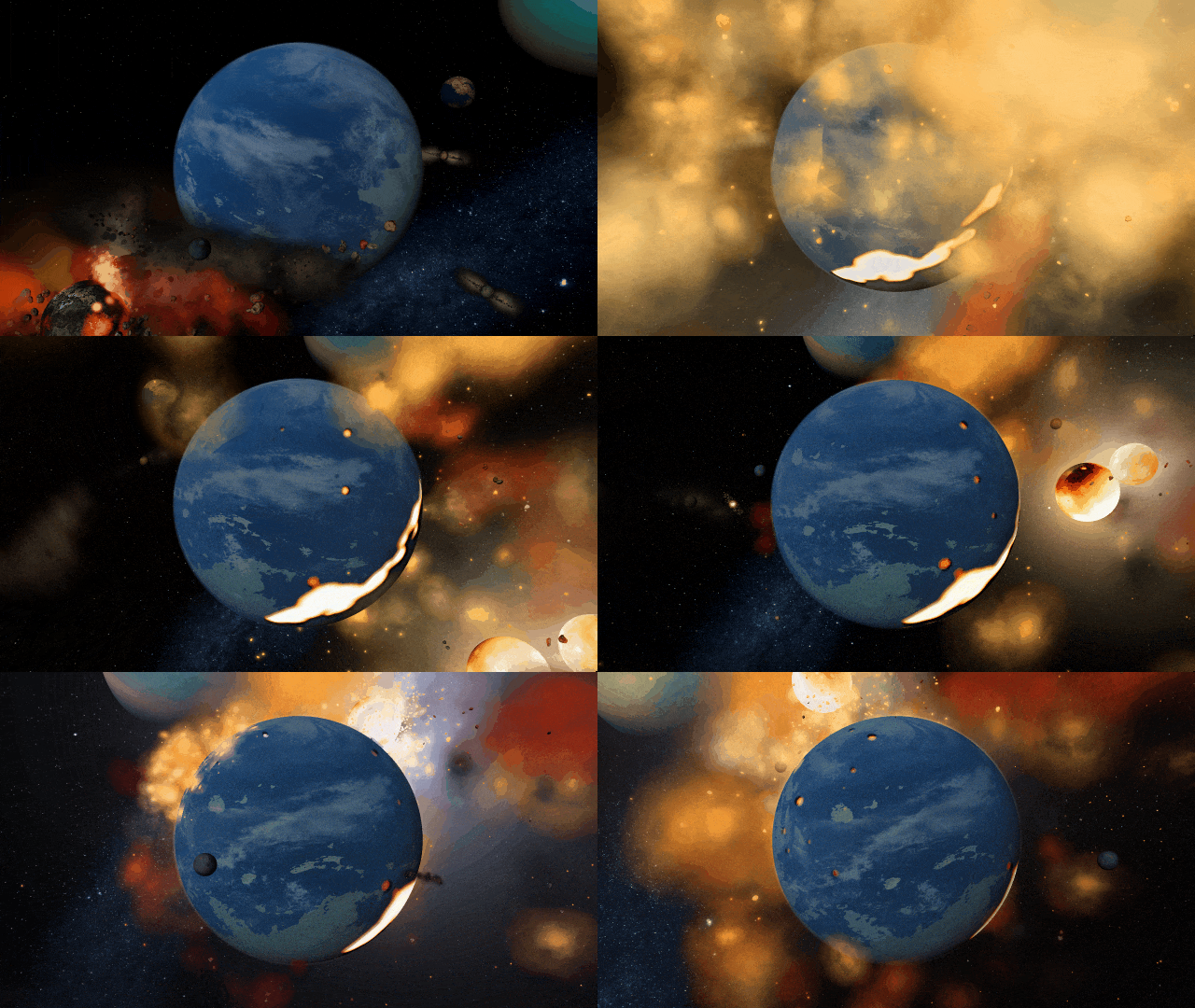
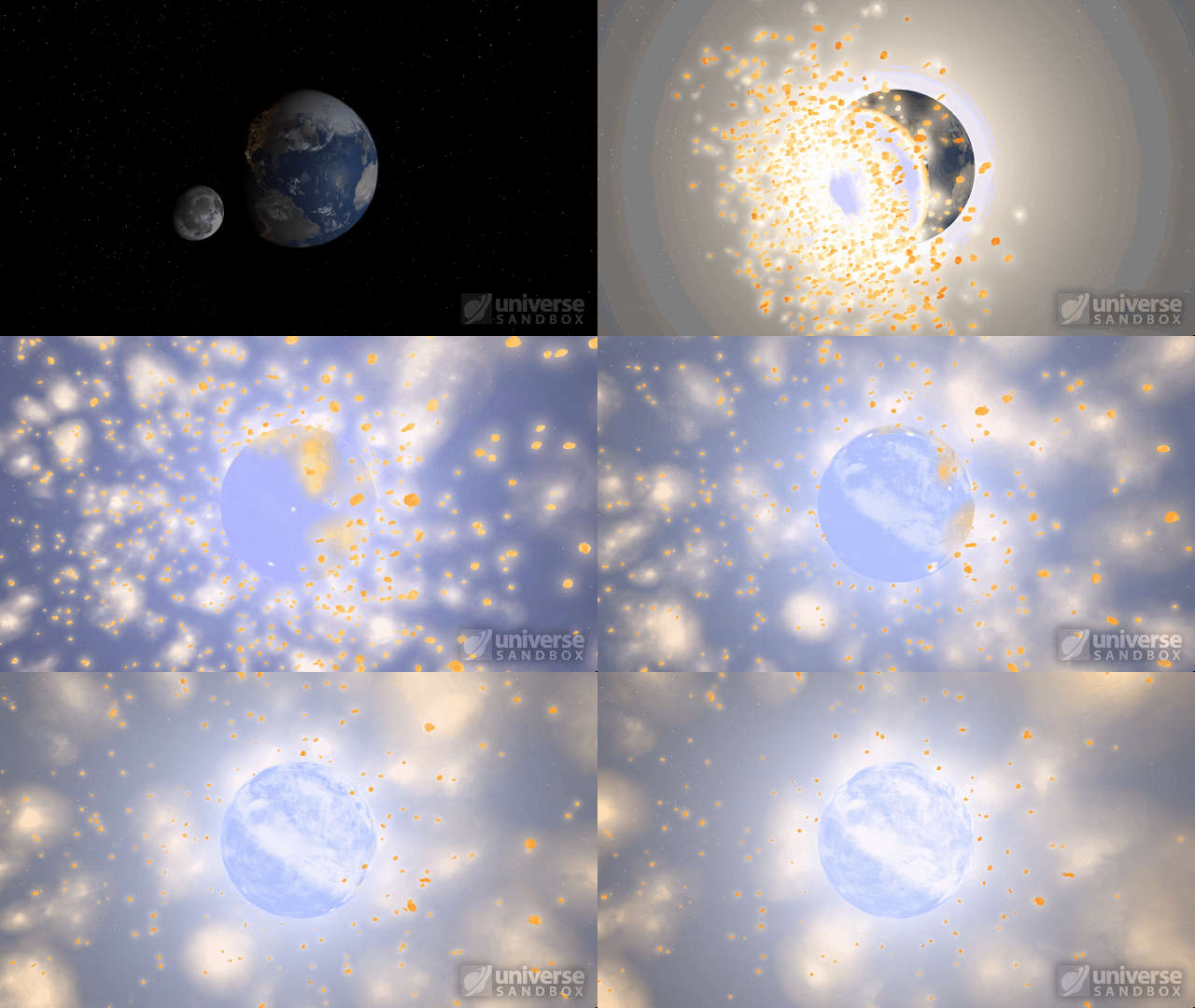
Energy from collisions spreads more realistically over the surface of an object, resulting in larger shockwaves. Heating from collisions is also less concentrated and spreads over a larger area. Previously, shockwave expansion ended abruptly in a smaller area, often resulting in blue-hot impact sites.
The dwarf planet Ceres colliding with Earth
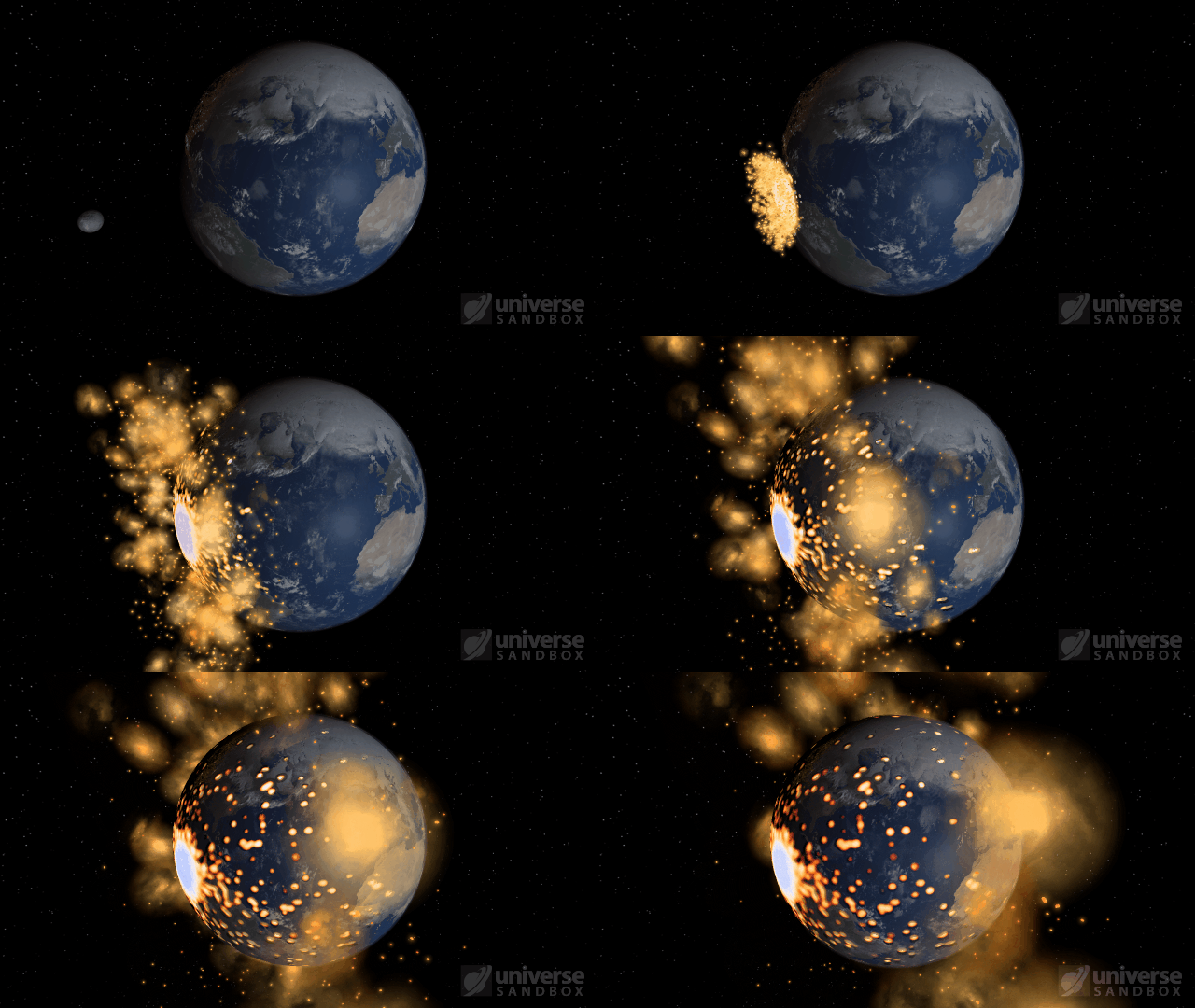
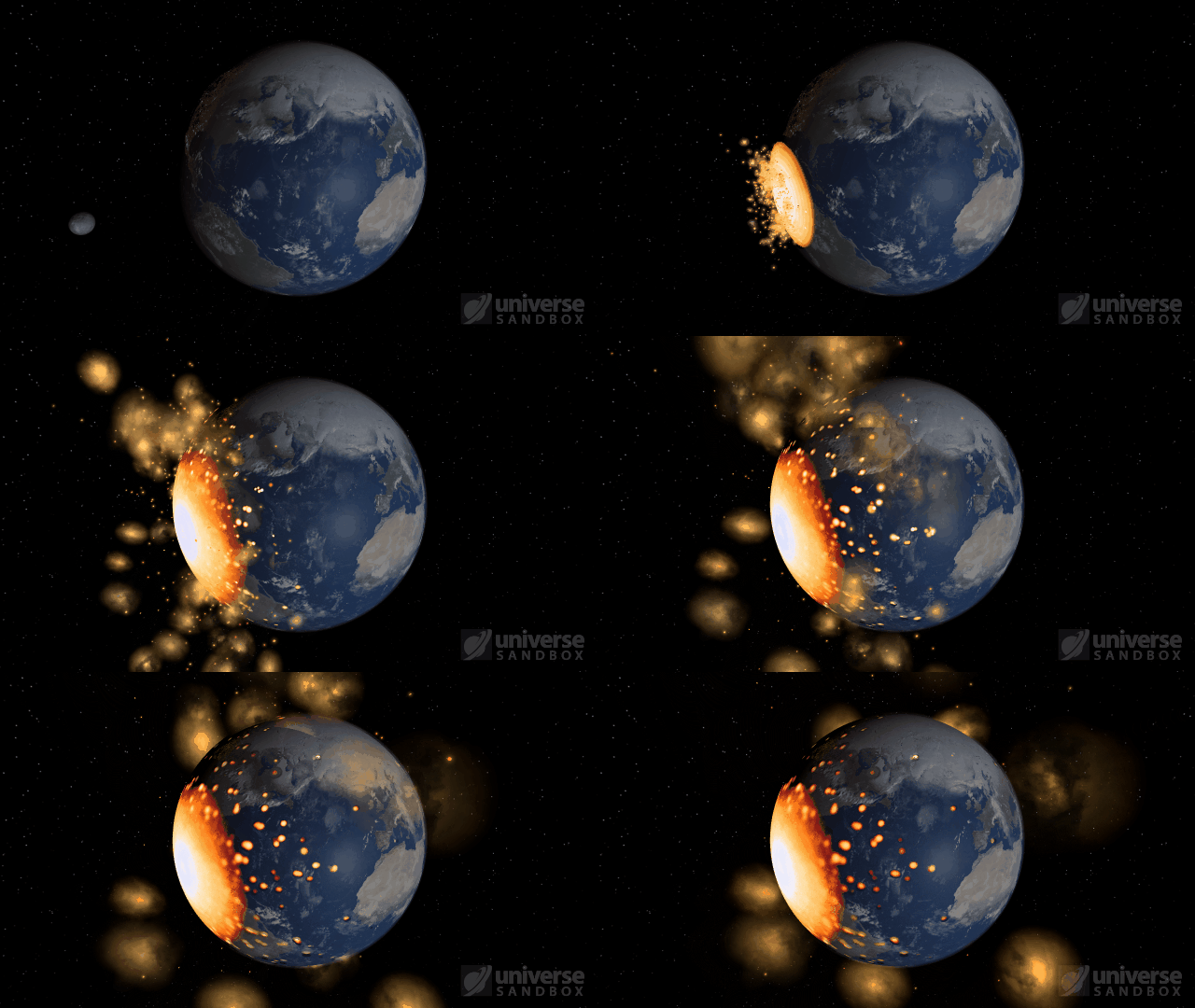
The Moon colliding with the Earth
Automatic Simulation Speed
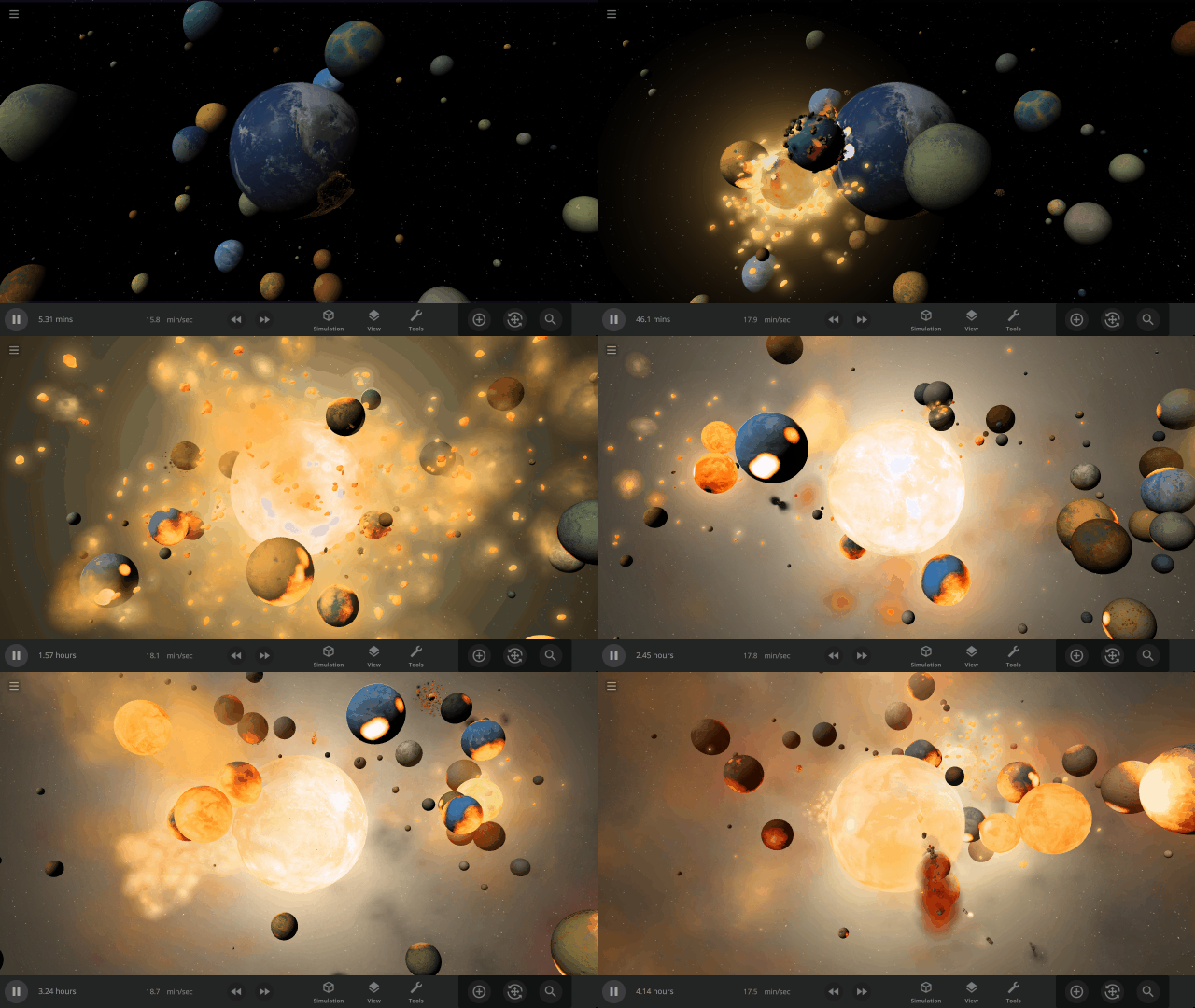
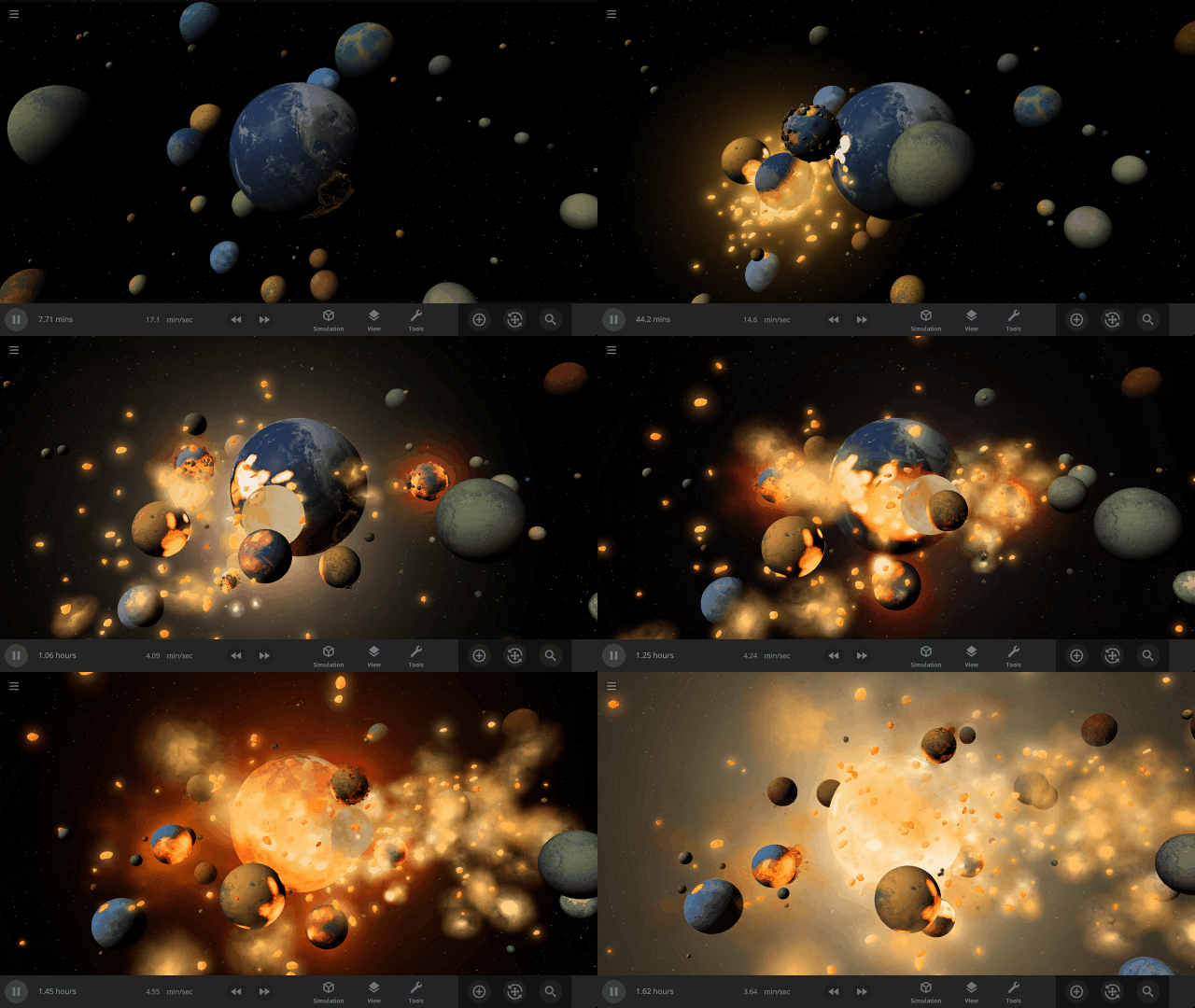
Allow the simulation speed to adjust itself automatically based on various conditions, like nearby objects and collisions, by turning on the new Automatic Simulation Speed feature. Automatically speeding up and slowing down the simulation speed provides an improved viewing experience for collisions, orbits, explosions, and more.
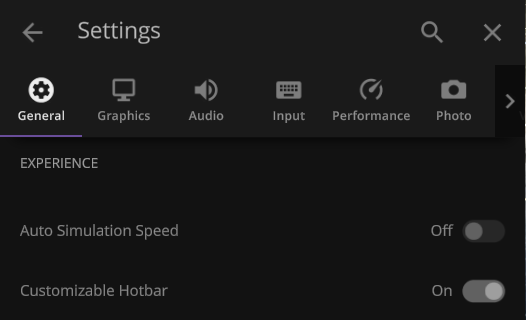
This feature is still in active development and is currently off by default. Turn it on under
Settings > General > Experience > Auto Simulation Speed
The simulation speed will slow down to show collisions that you might otherwise miss
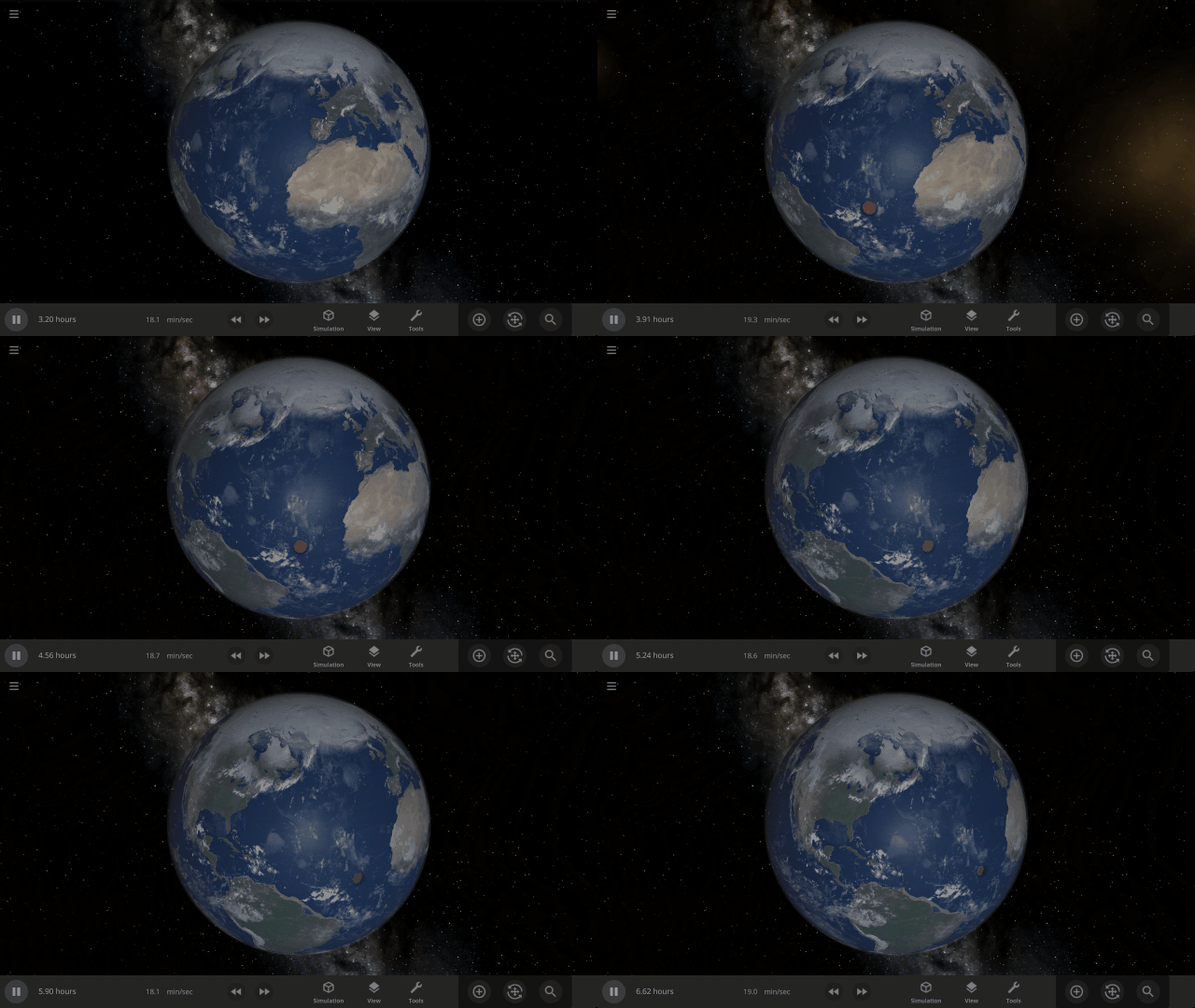
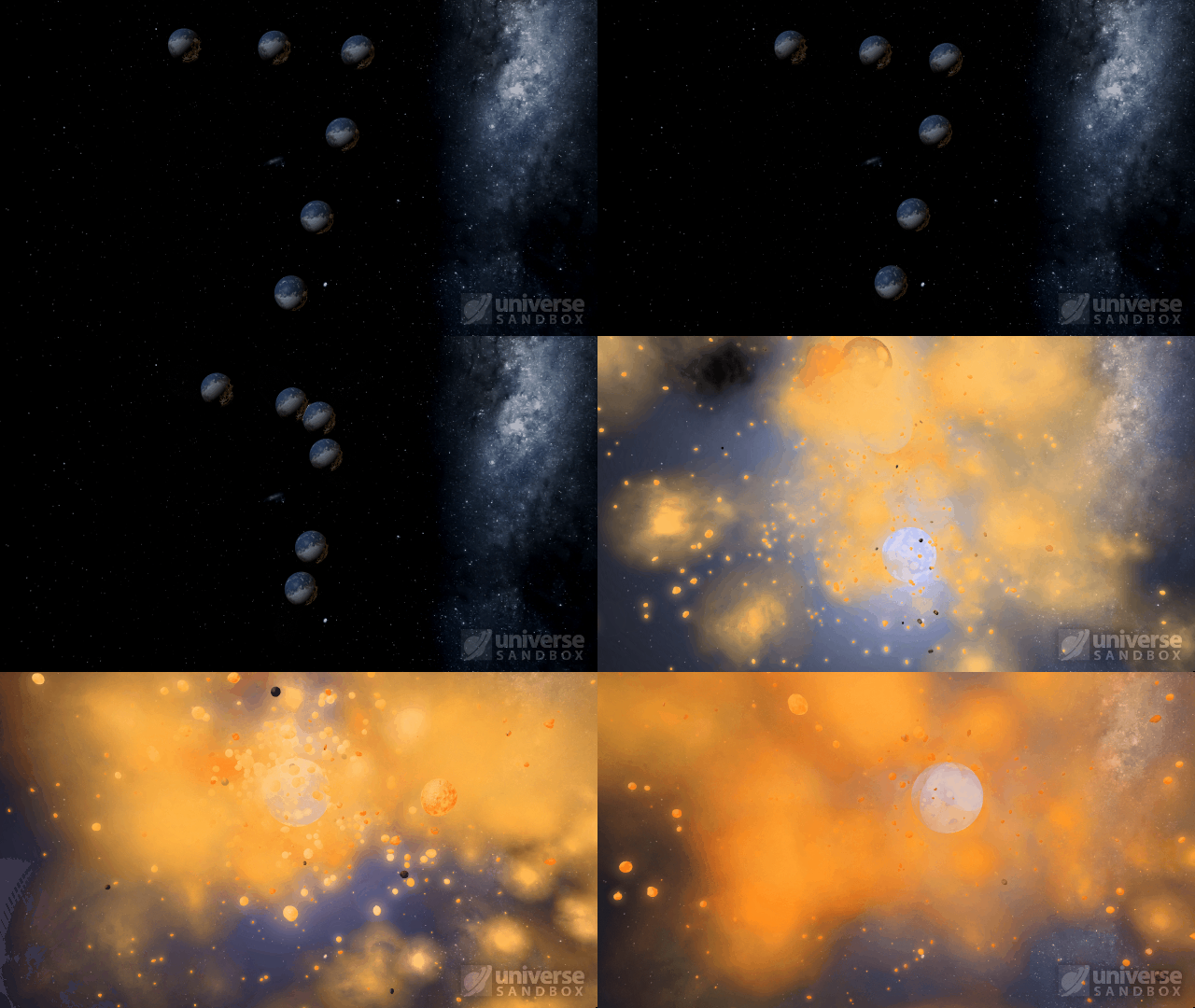
Create a more cinematic experience while watching simulations like Earth & 100 colliding moons
Rayleigh Scattering
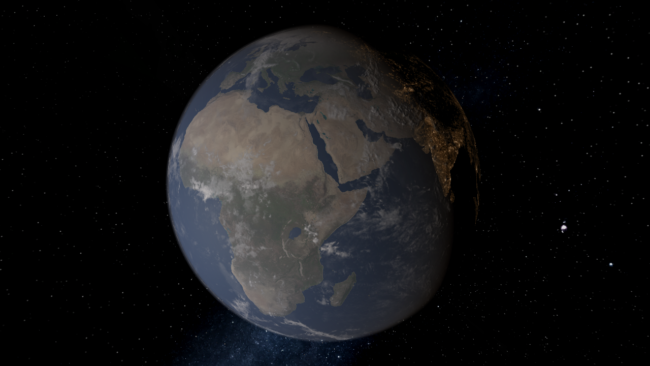
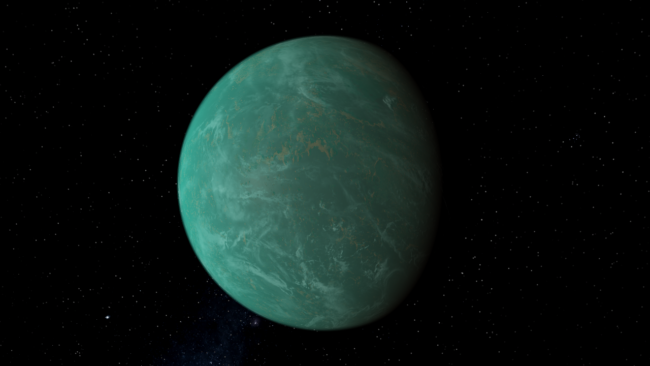
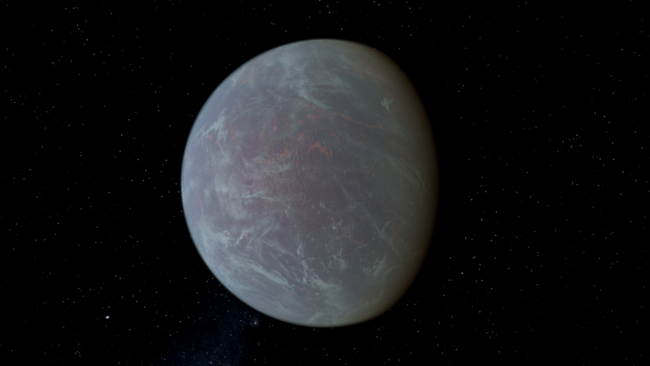
Object atmospheres now visually simulate Rayleigh scattering, which describes how light scatters in the atmosphere. Rayleigh scattering is what makes Earth’s daytime sky appear blue and the setting Sun appear red. Adjust the strength of the scattering under
Visuals > Atmosphere > Rayleigh Scattering Strength
Earth with realistic Rayleigh scattering
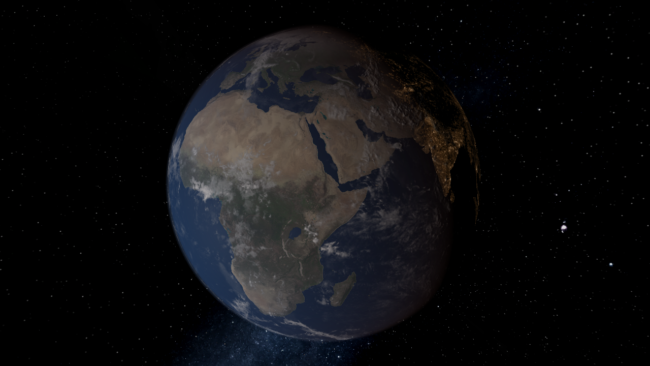
Custom object with Rayleigh scattering at 85% strength
More Highlights
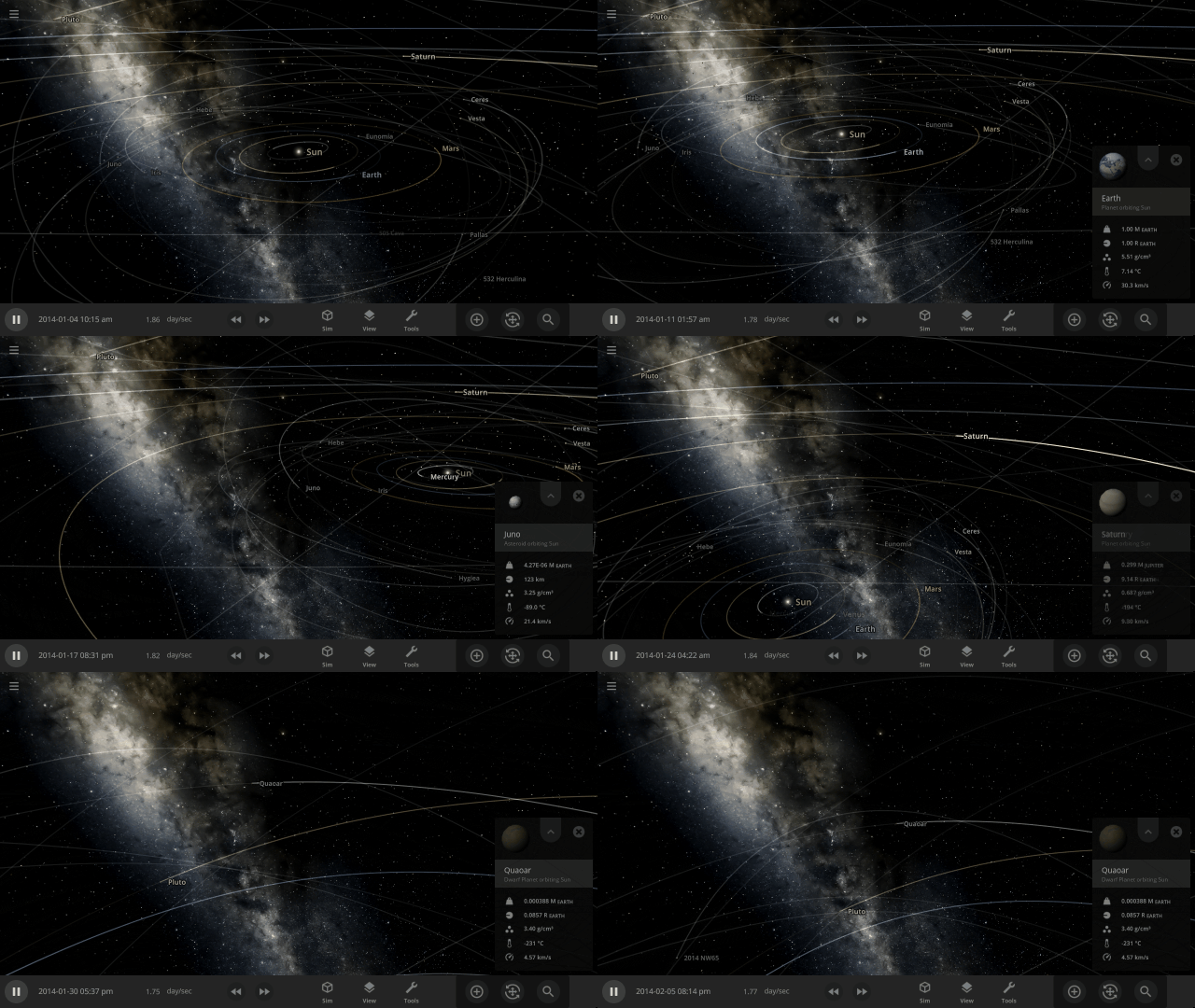
Your view now smoothly rotates, or pans, to focus on an object instead of sliding the view left or right, like a camera on rails
Atmospheres are now visible from the surface of planets. Land on a planet by pressing “c” on your keyboard to check it out.
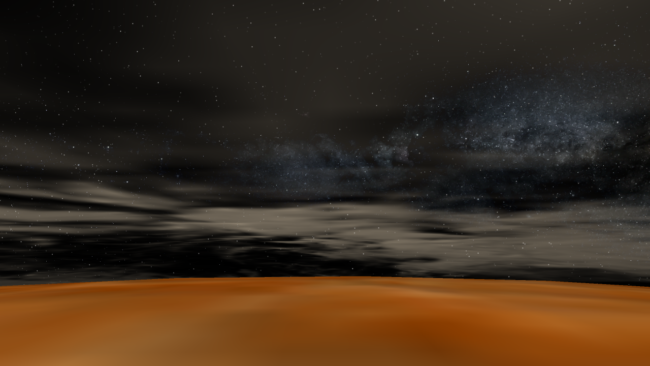
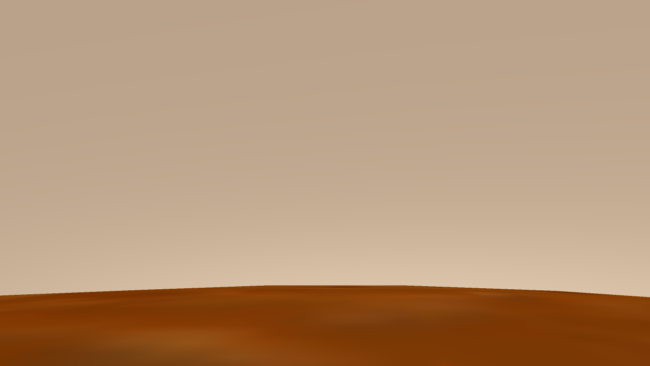
Check out the full list of What’s New in Update 32.1
Please report any issues on our Steam forum, on Discord, or in-game via Home > Send Feedback.

Build-A-Planet | Update 32
Nov 17th
If Update 32 does not download automatically, follow these update instructions. If you don’t own Universe Sandbox, you can buy it via our website.
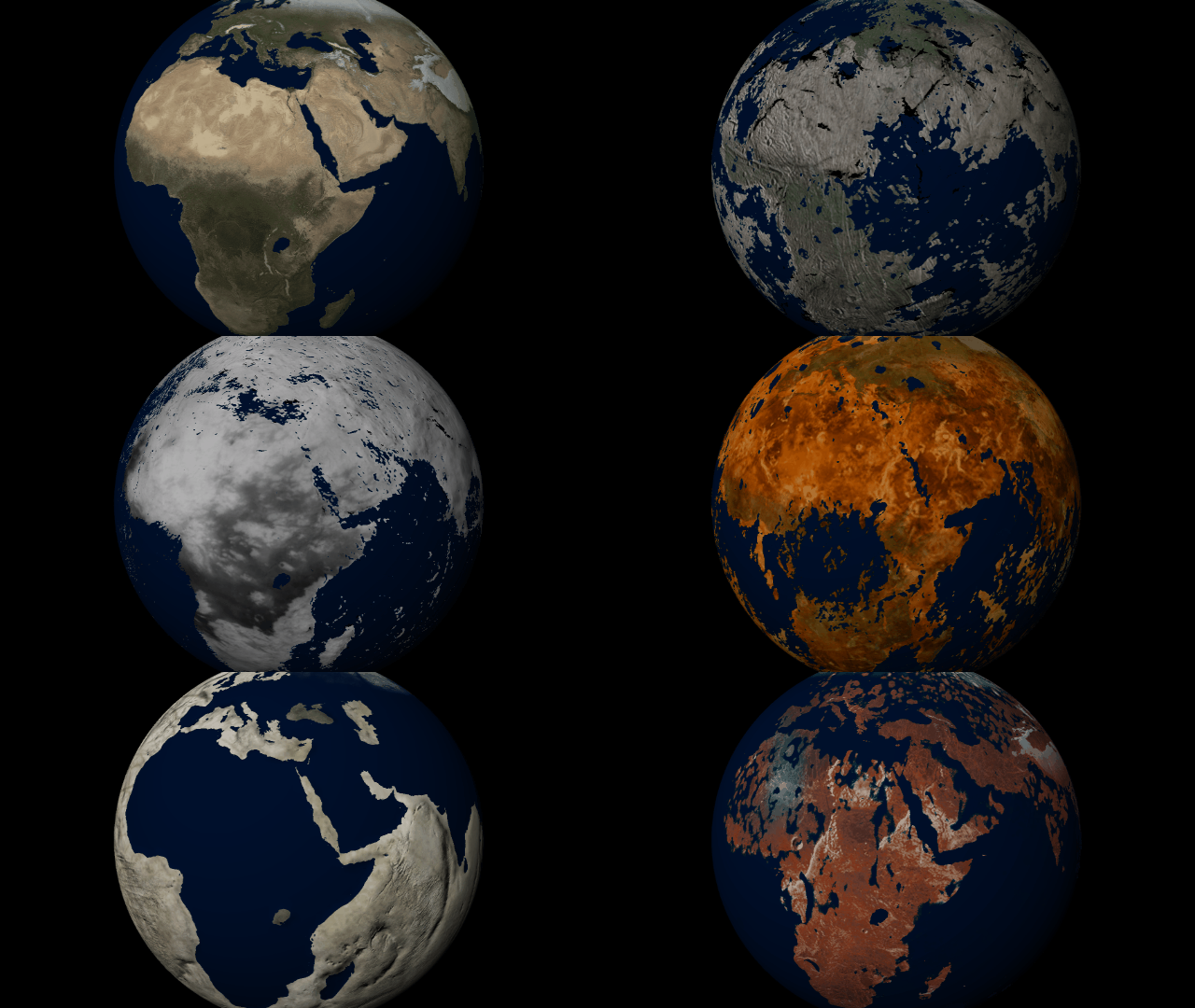
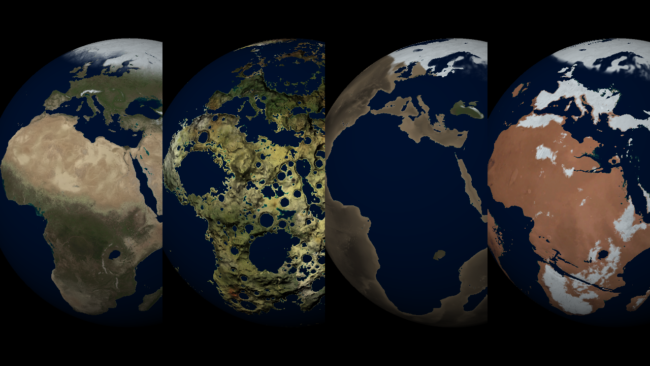
Customize the look and topography of planets and moons with a library of realistic color and height maps. Turn Earth into Mars or mix-and-match maps to create your own worlds.
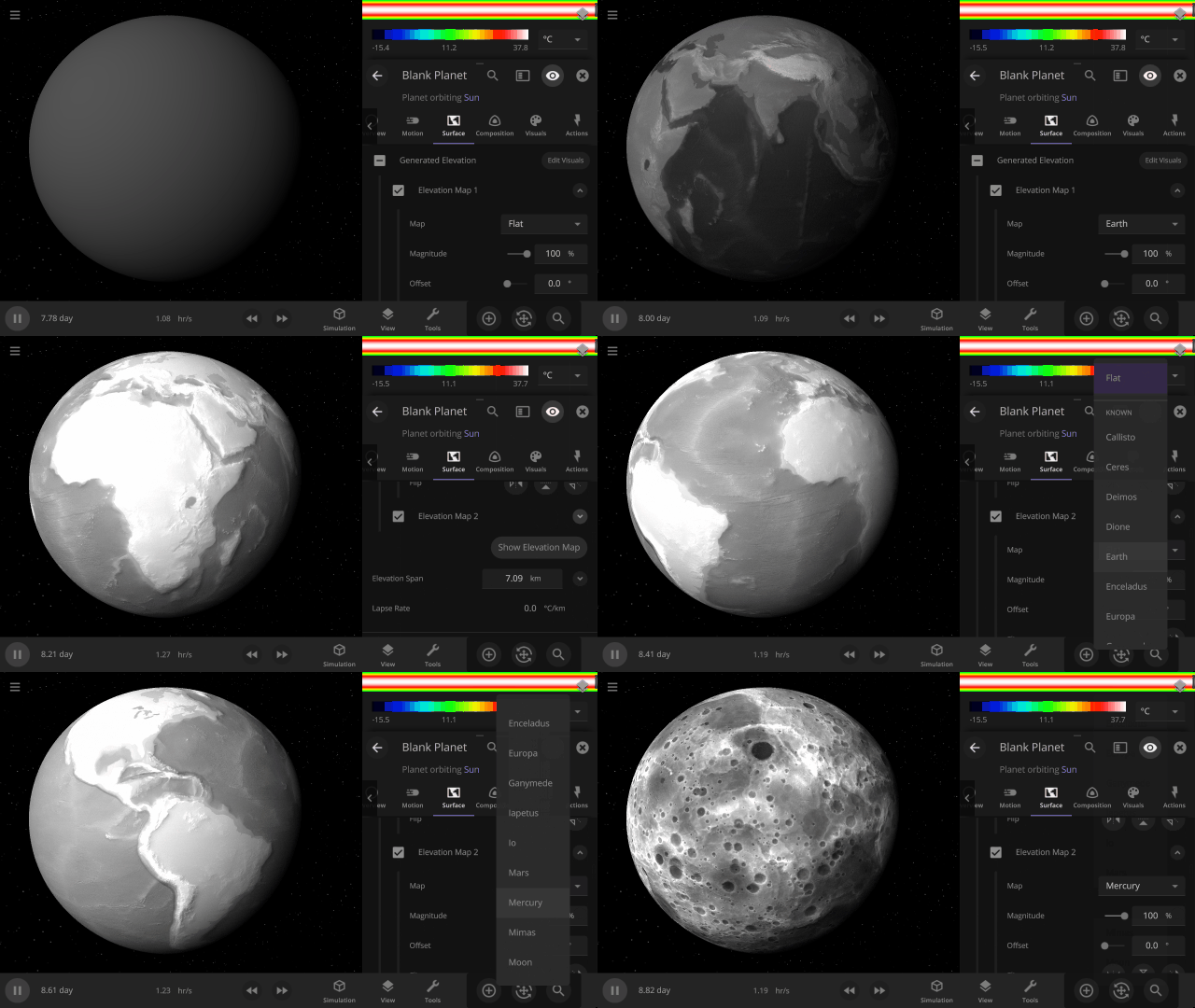
Elevation Maps
Blend, shift, and flip any two of the elevation maps in Universe Sandbox to create your own custom surface that governs water flow, temperature simulation, and more. Learn more
Guides > Tutorials > Creating Planets from Scratch & Transforming Planets
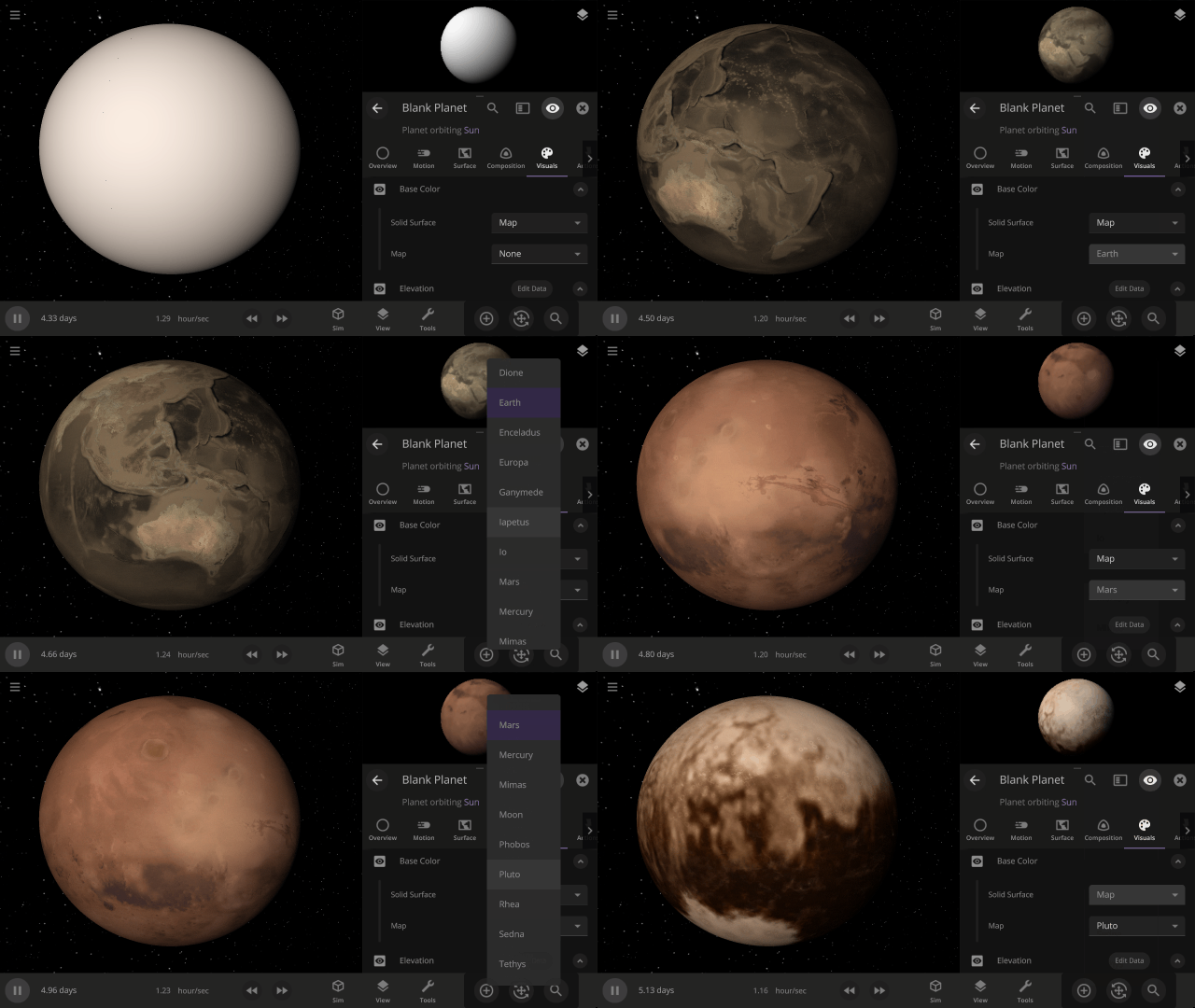
Color Maps
Change the surface map of any planet to match other planet images included in Universe Sandbox.
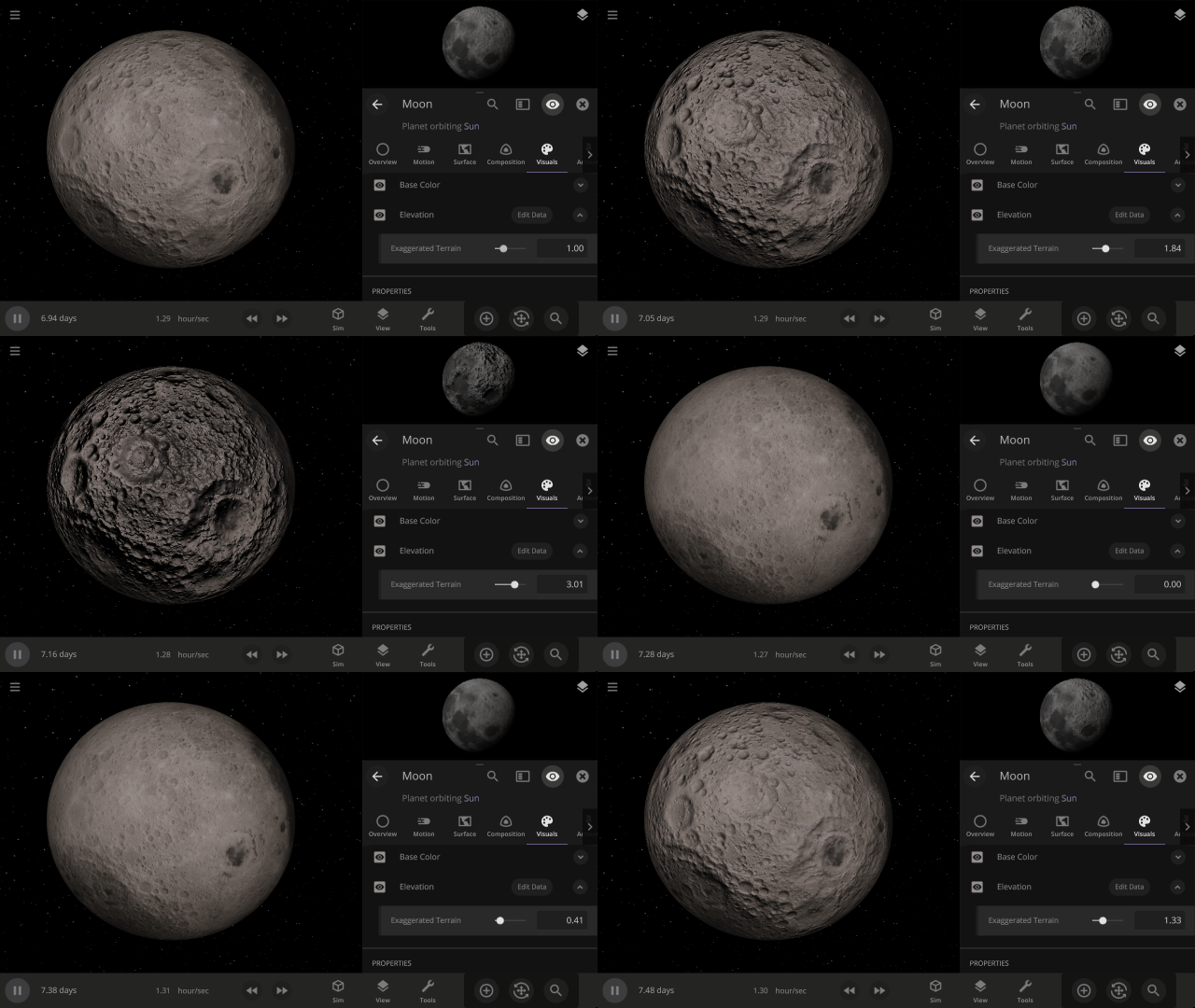
Apparent Elevation Intensity
Change the apparent difference between high and low elevation, also called the normal map, under
Visuals > Elevation > Exaggerated Terrain
More Highlights
Invert a planet’s elevation with the push of a button under
Surface > Elevation > Elevation Map > Flip
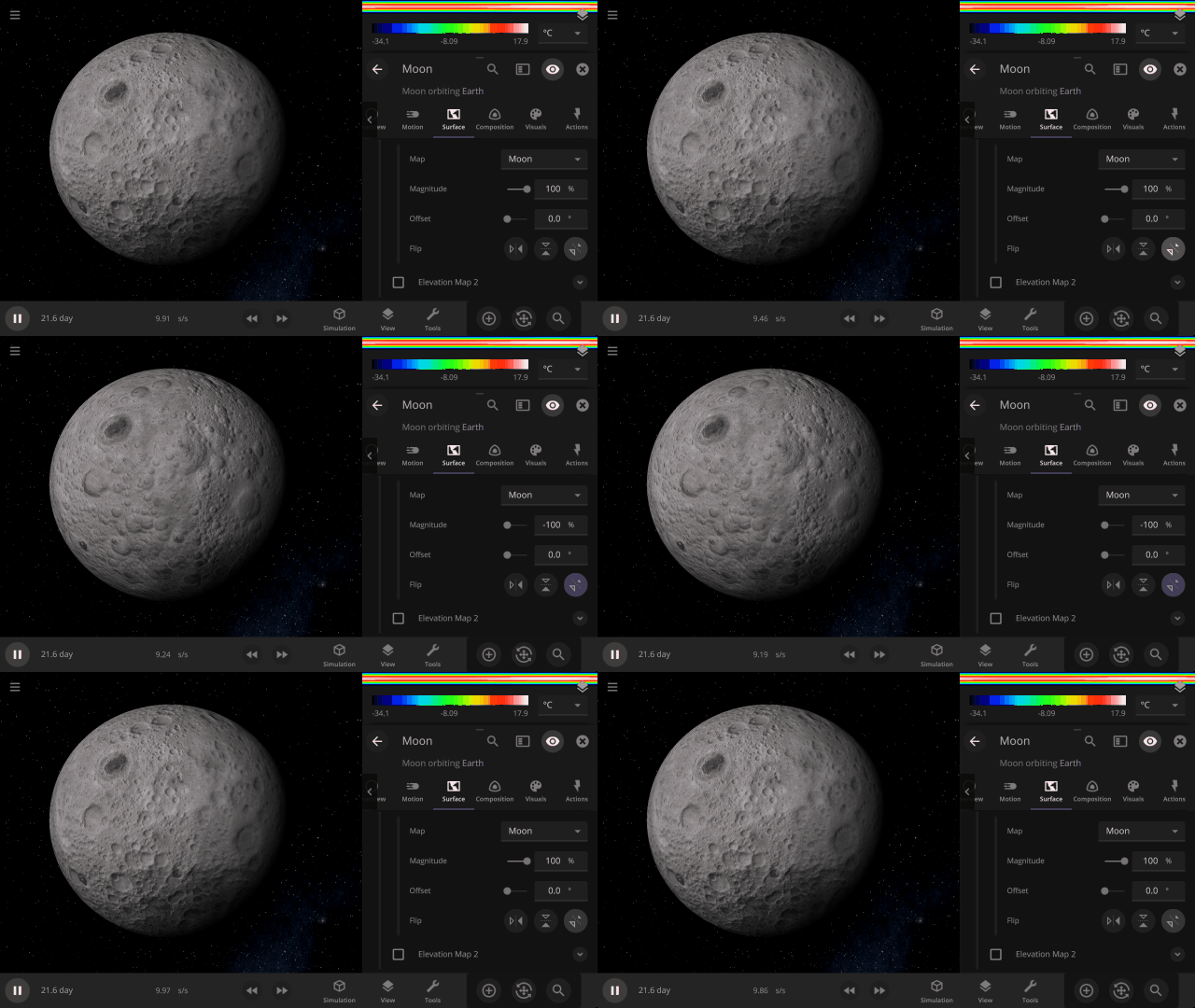
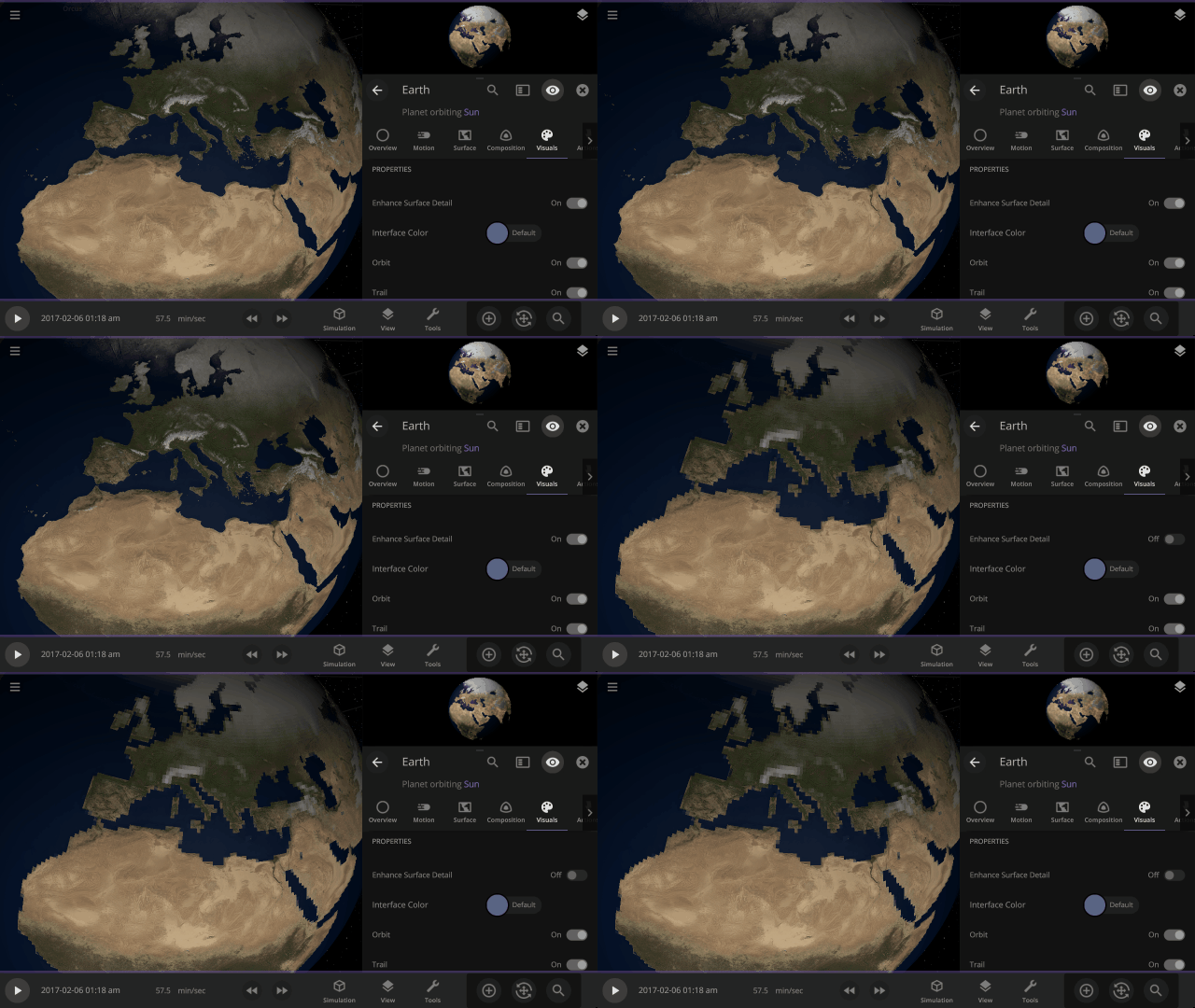
View a planet’s simulated surface without high-resolution corrections under
Properties > Visuals > Enhance Surface Detail
Turning off the enhanced view shows the map resolution we use for simulating object surfaces, including water flow and snow.
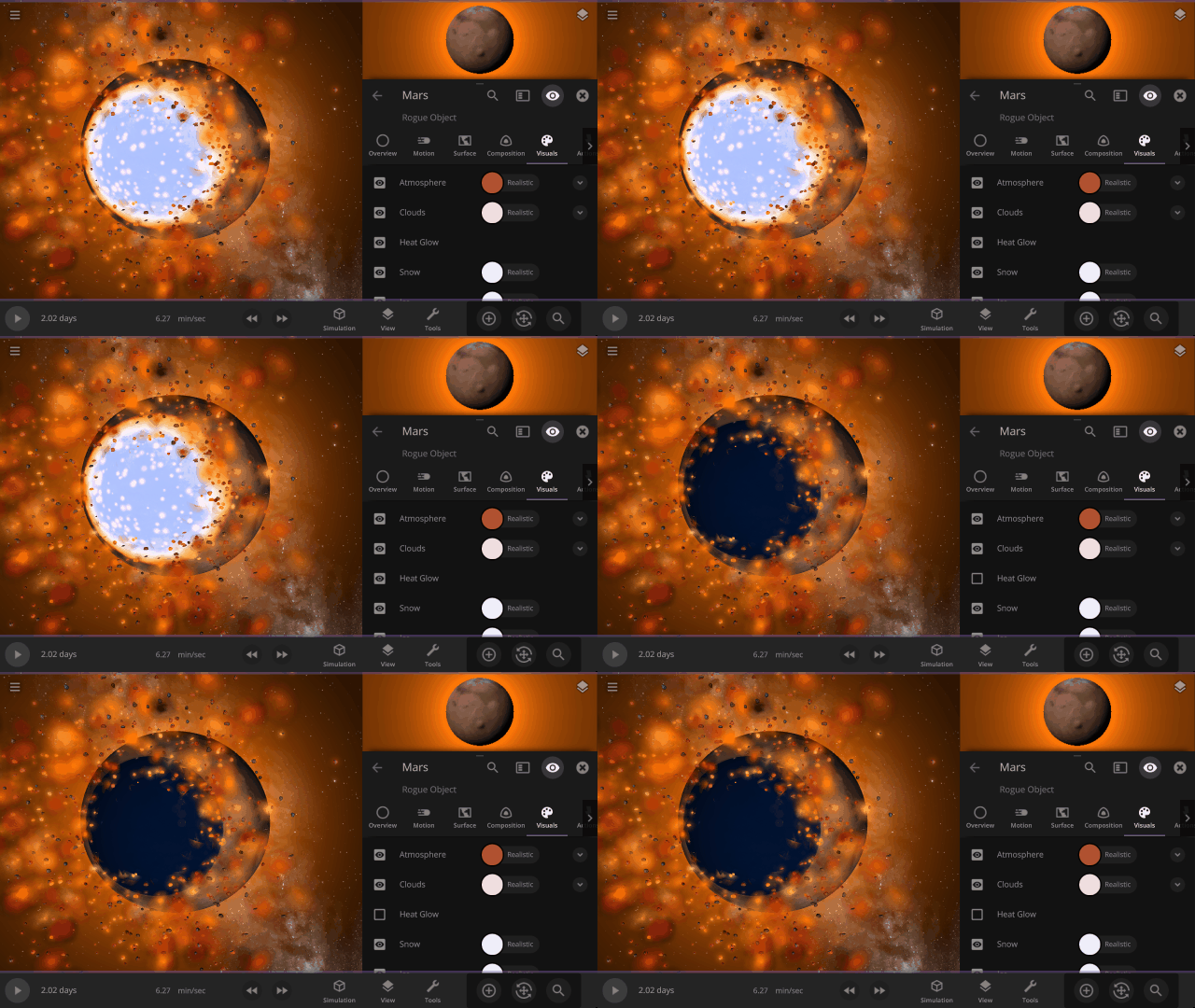
Turn off the visual glow from high temperatures, also called blackbody radiation, under
Properties > Visuals > Heat Glow
This update includes 9+ additions and 3+ fixes and improvements.
Check out the full list of What’s New in Update 32
Please report any issues on our Steam forum, on Discord, or in-game via Home > Send Feedback.

Space is Big | Update 31.4
Oct 27th
If Update 31.4 does not download automatically, follow these update instructions, or buy Universe Sandbox via our website.
“Space is big. You just won’t believe how vastly, hugely, mind-bogglingly big it is. I mean, you may think it’s a long way down the road to the chemist’s, but that’s just peanuts to space.”
- Douglas Adams, The Hitchhiker’s Guide to the Galaxy
And now we’ve made it a bit easier to comprehend the scale of space.
Scaling Space
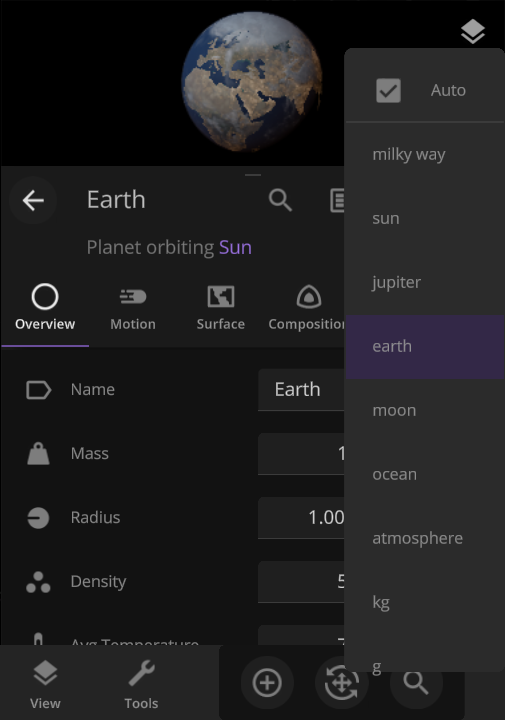
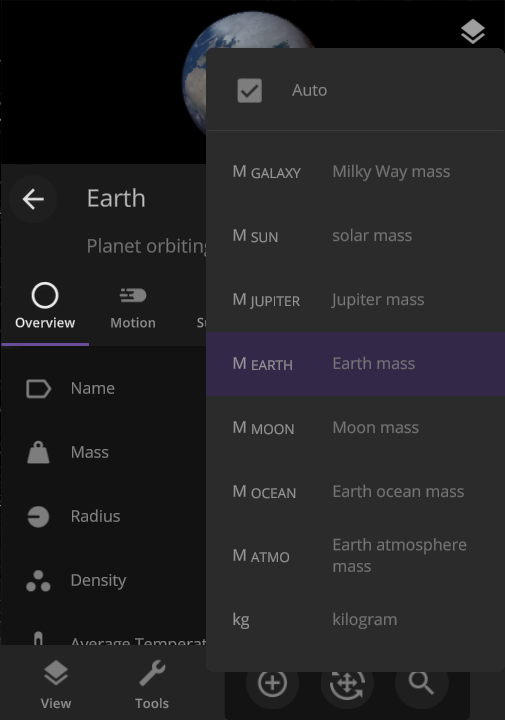
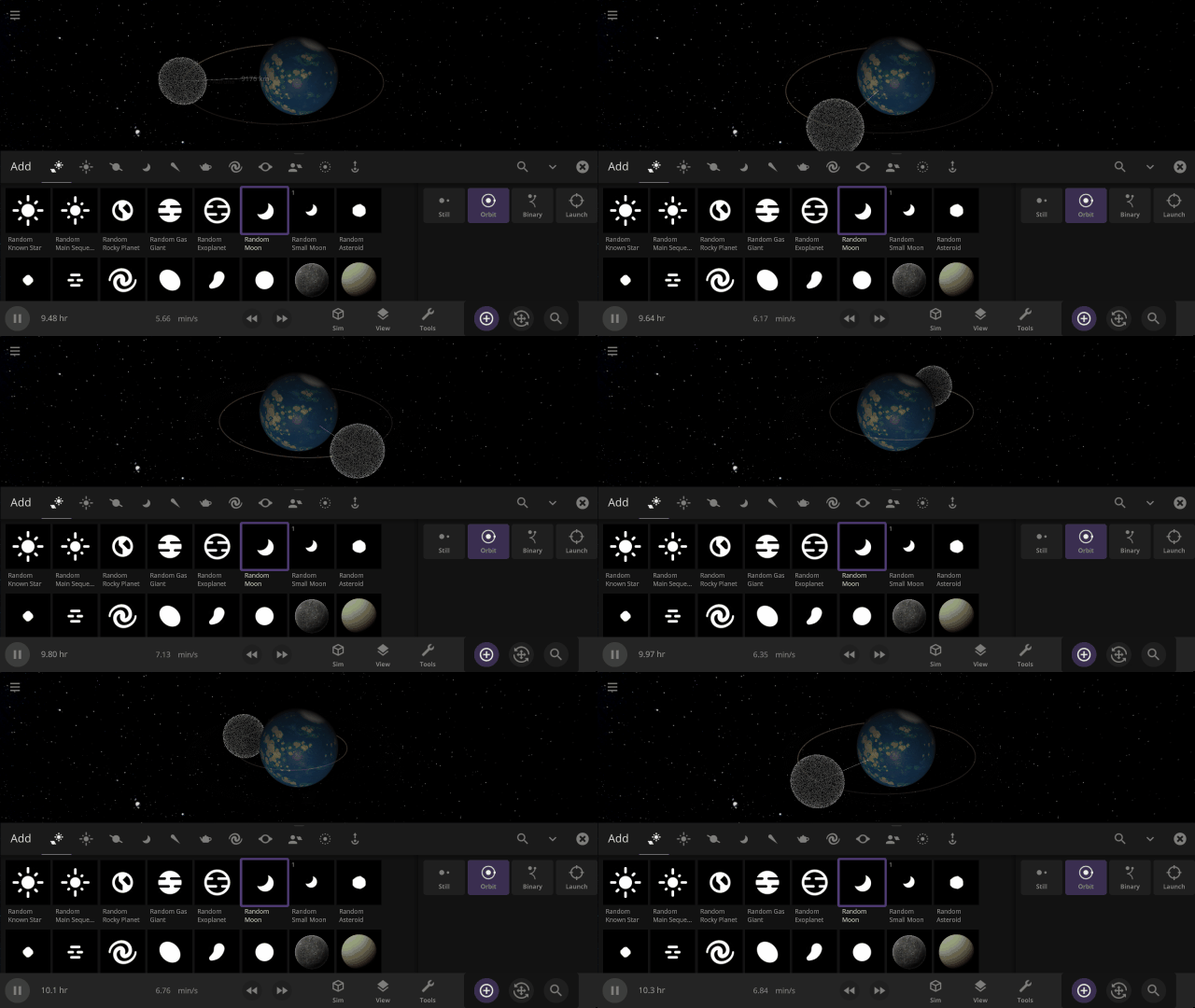
The unit of measurement selection menu now explains what each unit means to help you better understand the vastness of space. Unit names based on the properties of other objects (like Earth mass) have also been updated for clarity.
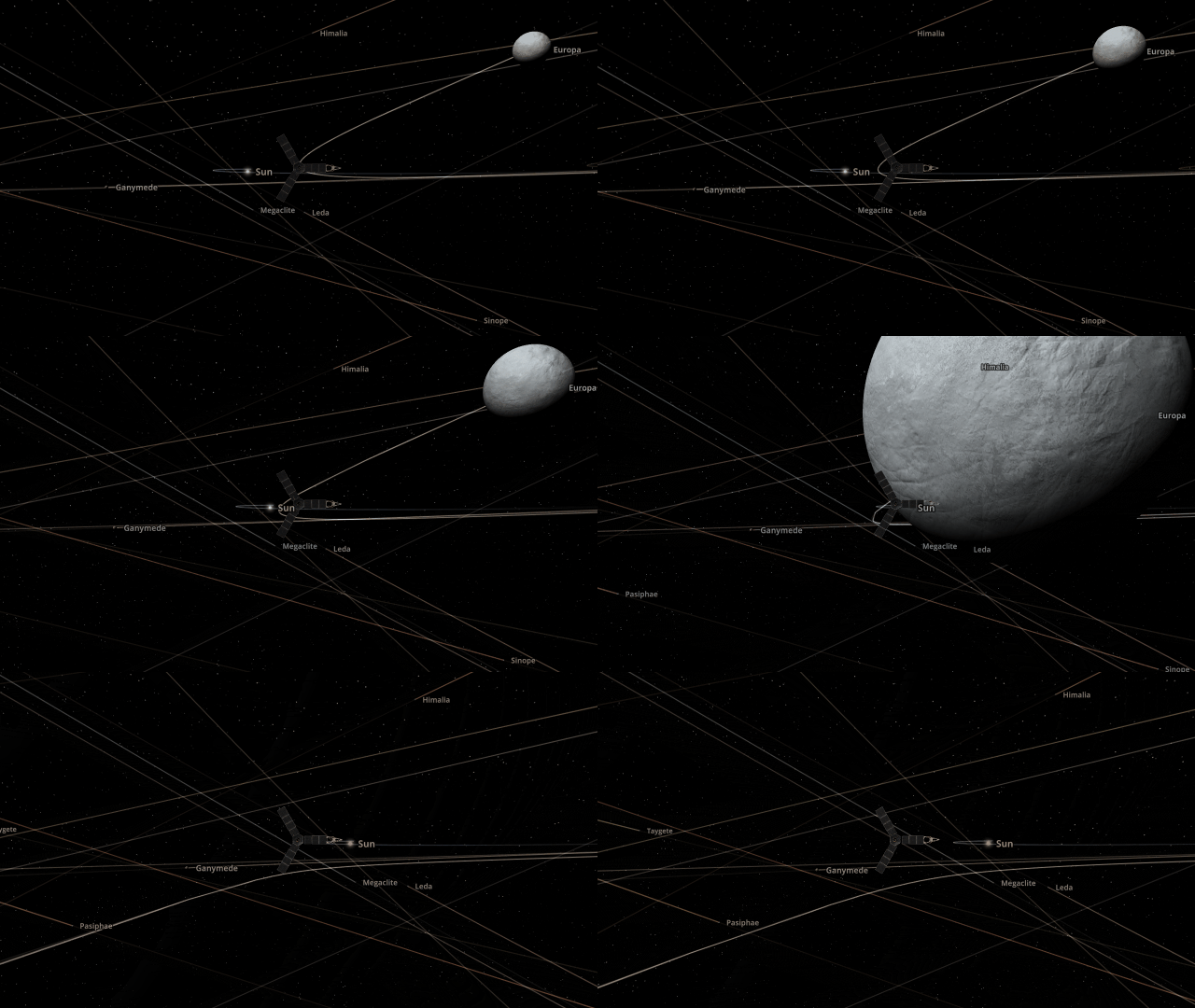
Juno Flyby of Europa
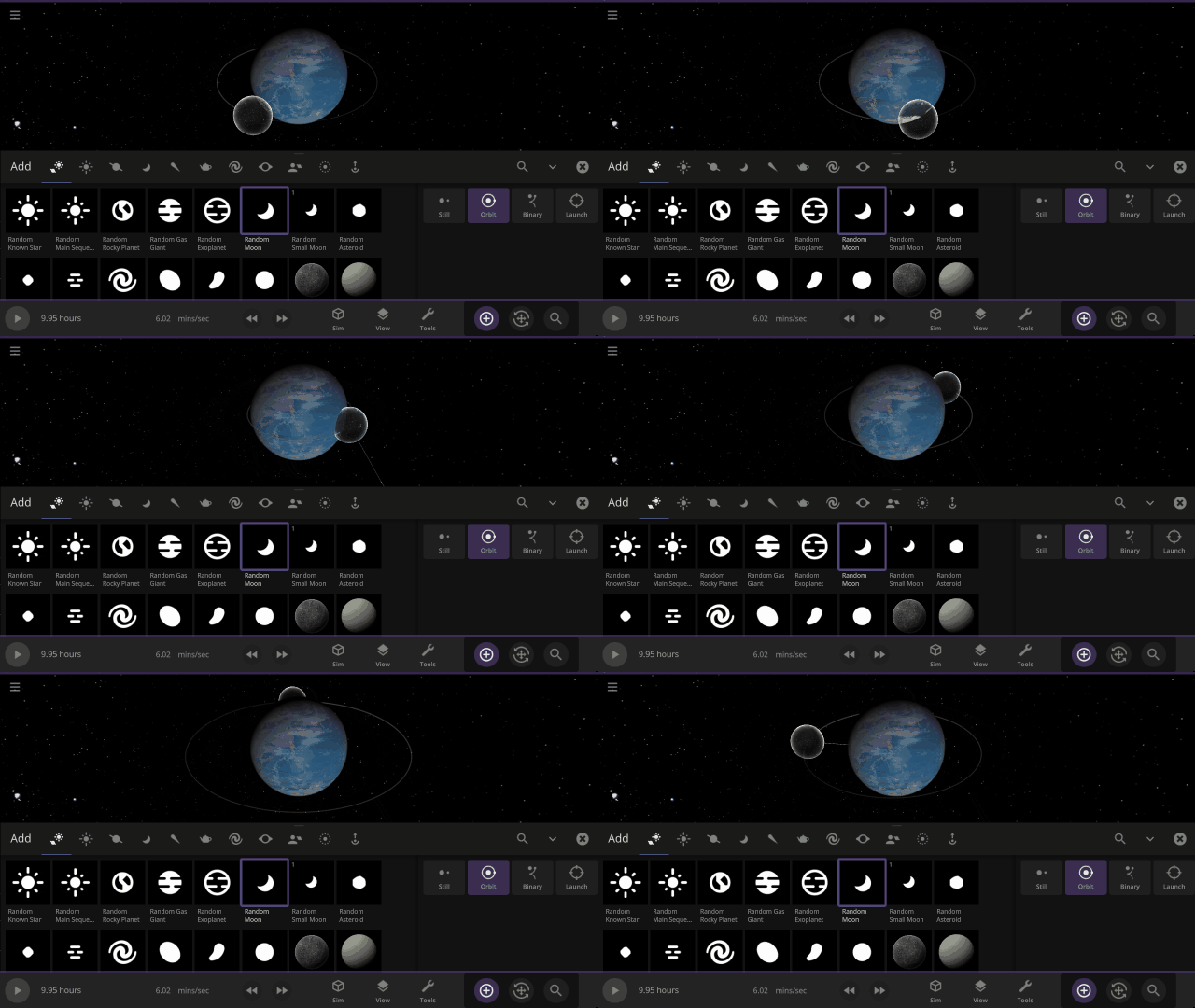
On September 29, 2022, the Juno spacecraft performed a flyby of Jupiter’s moon Europa, coming within 352 kilometers and taking the highest-ever resolution close-up image of the moon’s surface. Watch this close flyby in our new simulation
Juno Flyby of Europa in 2022
More Highlights
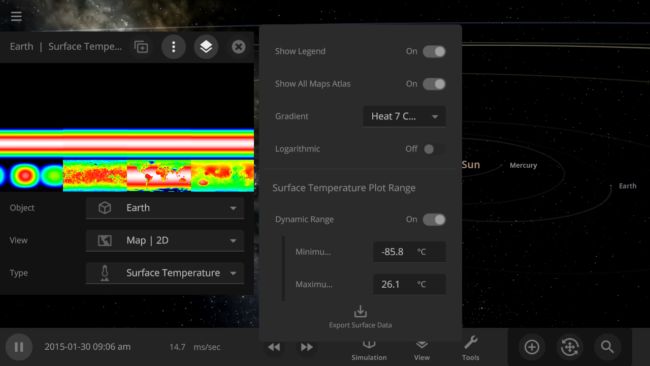
You can now view and monitor the data views for all objects in a simulation at once, also called the Atlas, by going to Open View Panel Settings > 2D Settings > Show All Maps Atlas. The interface for this type of view is a work in progress.
Object holograms have been updated to look the same, be more visible across different backgrounds, and clearly show their positions in front of or behind other objects
This update includes 4+ additions and 15+ fixes and improvements.
Check out the full list of What’s New in Update 31.4
Please report any issues on our Steam forum, on Discord, or in-game via Home > Send Feedback.

Planetary Defense DART | Update 31.3
Sep 22nd
If Update 31.3 does not download automatically, follow these update instructions, or buy Universe Sandbox via our website.
DART Mission
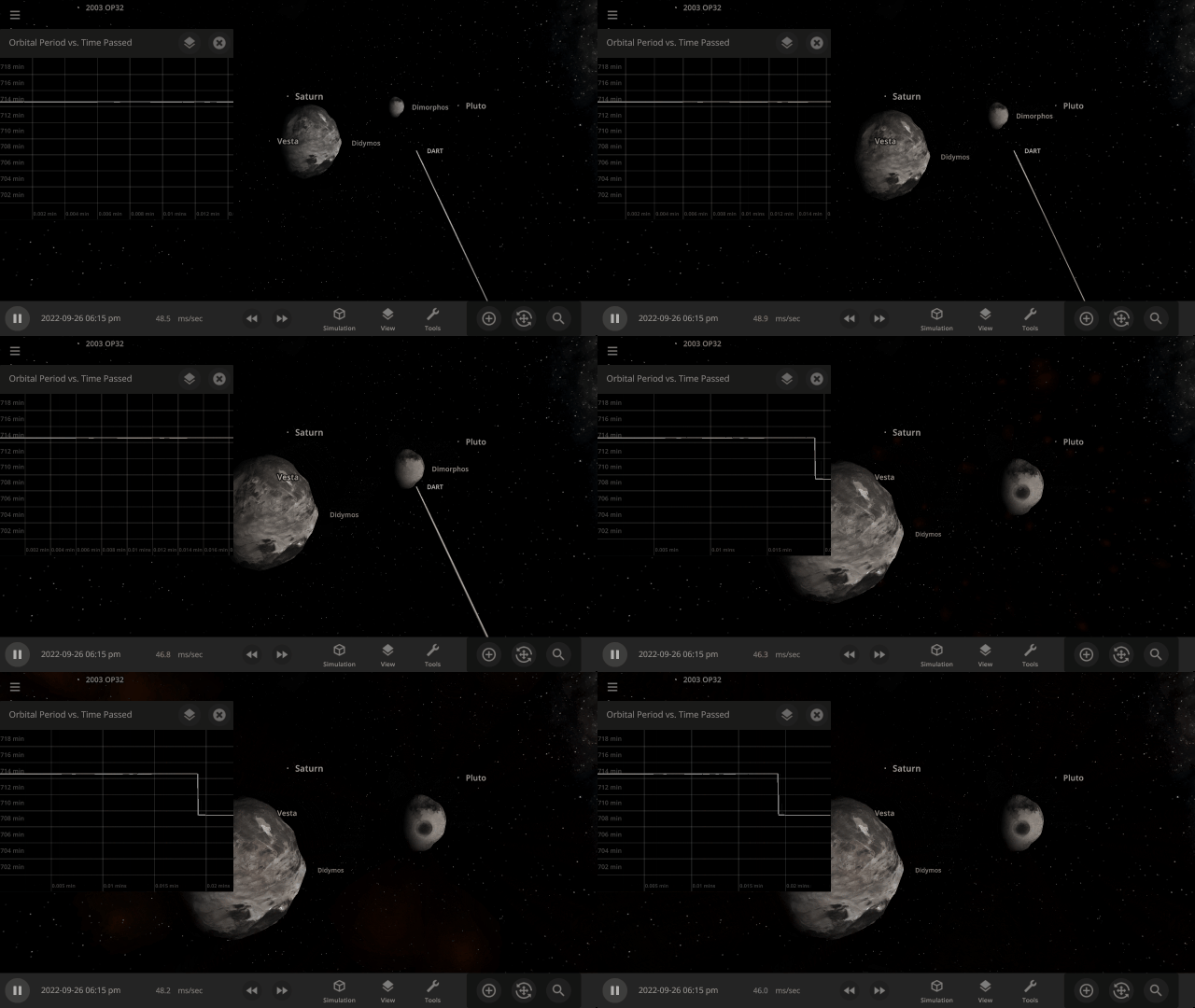
NASA’s DART mission will intentionally collide the DART spacecraft with the asteroid Dimorphos, attempting to change its orbit & testing humanity’s ability to protect Earth from future asteroids. Check out our simulation of this mission:
Open > DART: Humanity’s First Planetary Defense Experiment
More Highlights
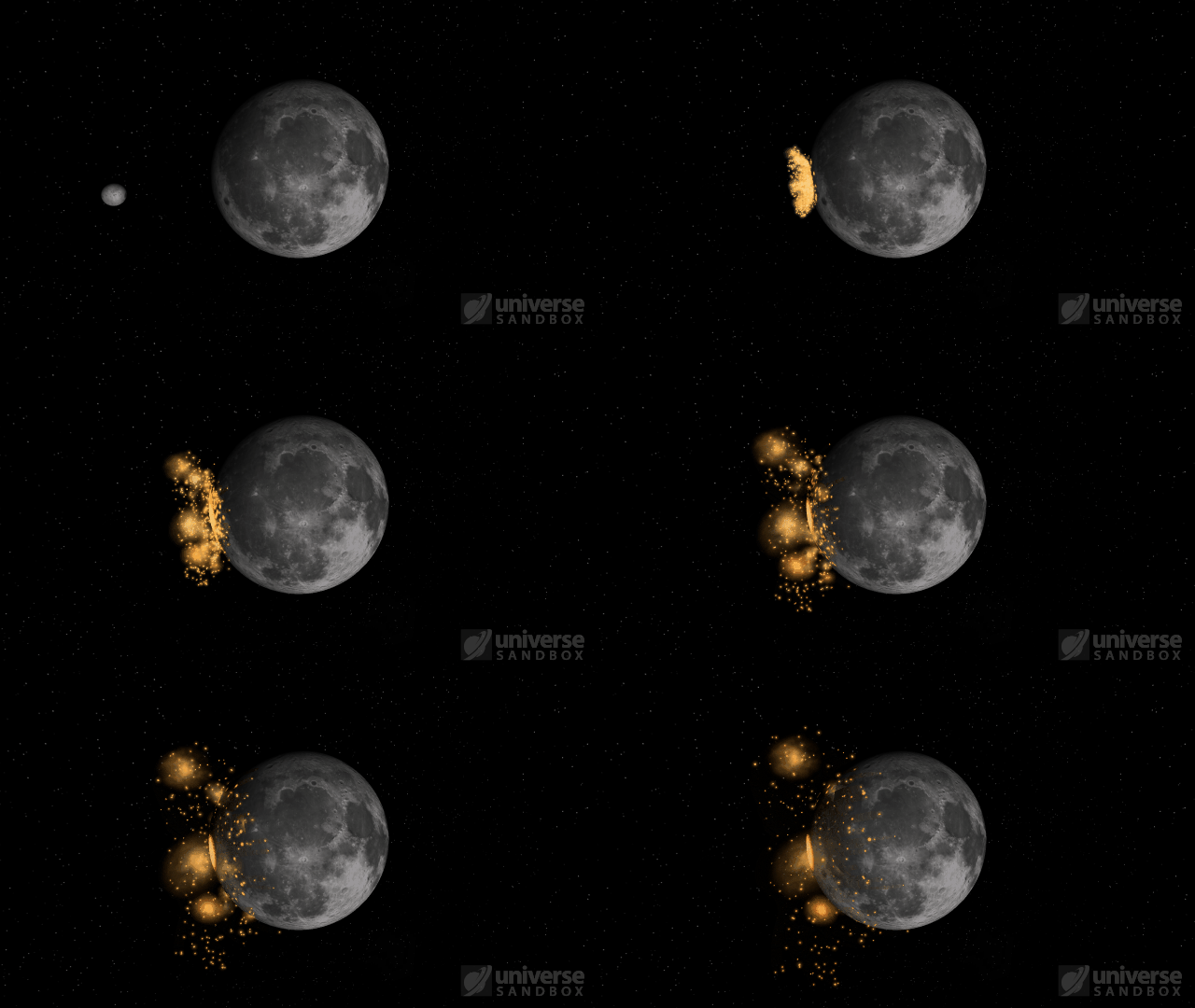
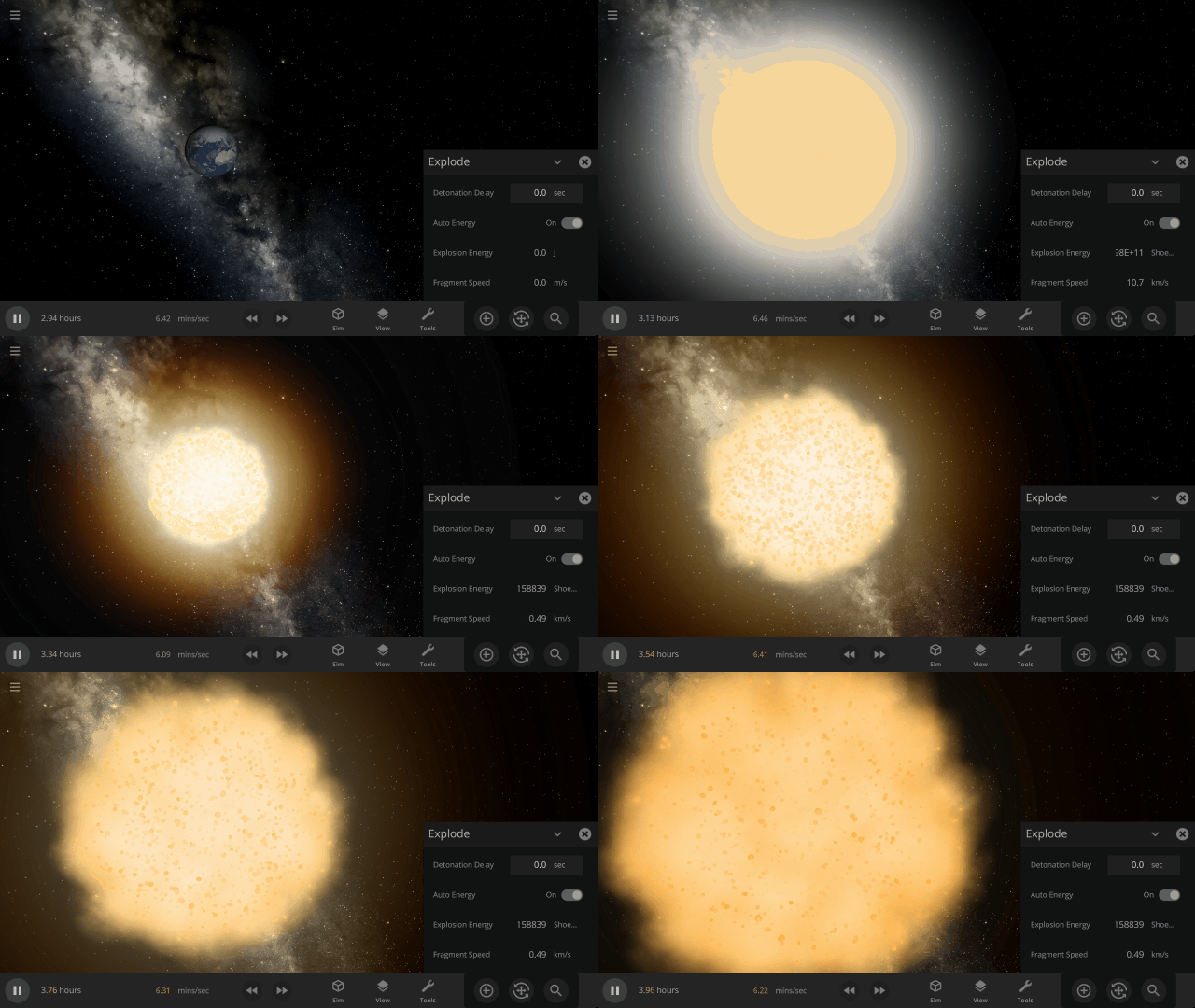
Fragment temperature and glow from collisions are now realistically based on the collision energy. Low energy collisions, like the one shown here, don’t generate enough energy to make the particles glow.
Camera transitions after the target collides are smoother
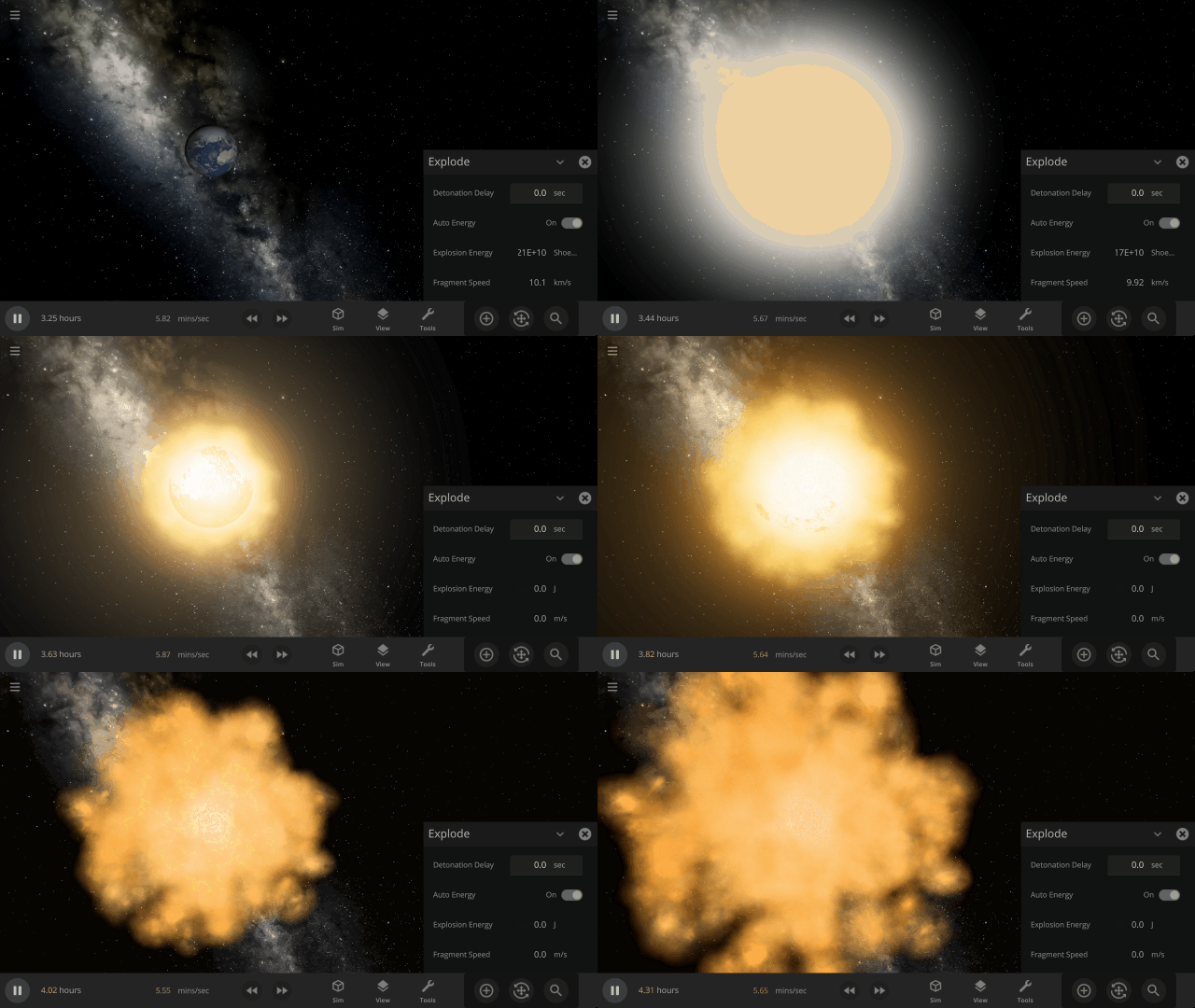
Explosions now create rock fragments and dust clouds
Under-the-hood improvements to make referencing known objects more reliable
This update includes 1+ additions and 20+ fixes and improvements.
Check out the full list of What’s New in Update 31.3
Please report any issues on our Steam forum, on Discord, or in-game via Home > Send Feedback.

Seven-Year Steam Launch Anniversary
Aug 24th
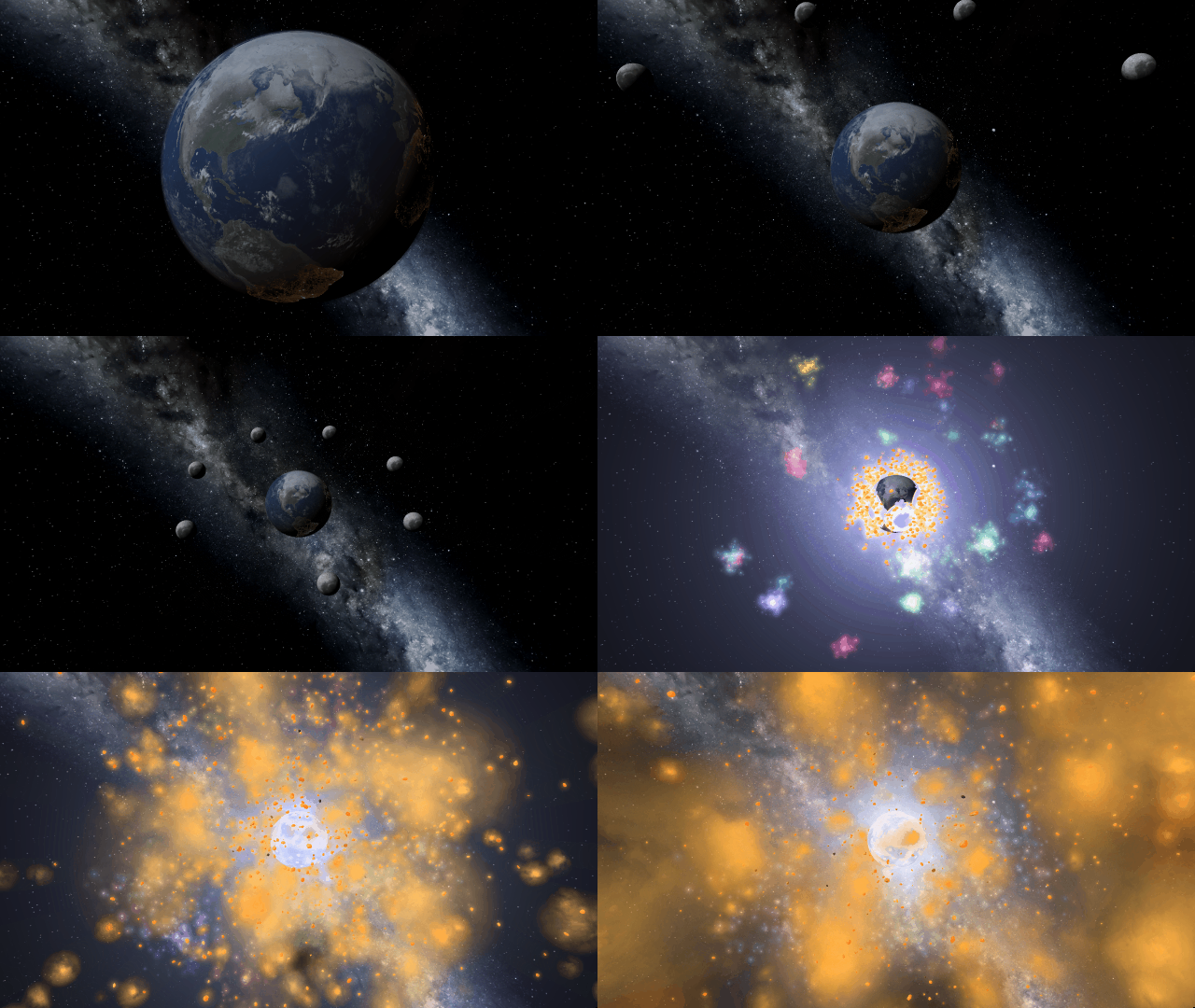
Today, August 24, 2022, marks the seventh anniversary of Universe Sandbox’s Early Access launch on Steam!
To celebrate, Universe Sandbox is on sale for another 120 hours (that’s until August 29, 2022). Pick up a copy for yourself or a friend today.
Over the last seven years, we’ve added tons of new features to make Universe Sandbox better than ever, and we’re still going strong. Our current development plans include
- Adding more materials to simulate planetary features lakes of liquid methane on Saturn’s moon Titan
- New rigid body physics for more realistic interactions between objects like bowling pins and satellites
- More realistic planetary collisions
Learn about what we’re working on in our 2022 Roadmap.
All of this would not be possible without the support of our community. You all use Universe Sandbox in ways we could never have imagined, and we are so grateful for all of you. Here’s to another amazing seven years.

Upgrading Our Engine | Update 31.2
Aug 18th
If Update 31.2 does not download automatically, follow these update instructions, or buy Universe Sandbox via our website.
Update 31.2
Unity Engine Upgrade
We’ve updated Unity, the game engine we use to create Universe Sandbox. While you won’t see immediate changes, this will allow us to utilize new features for future improvements to our physics simulation.
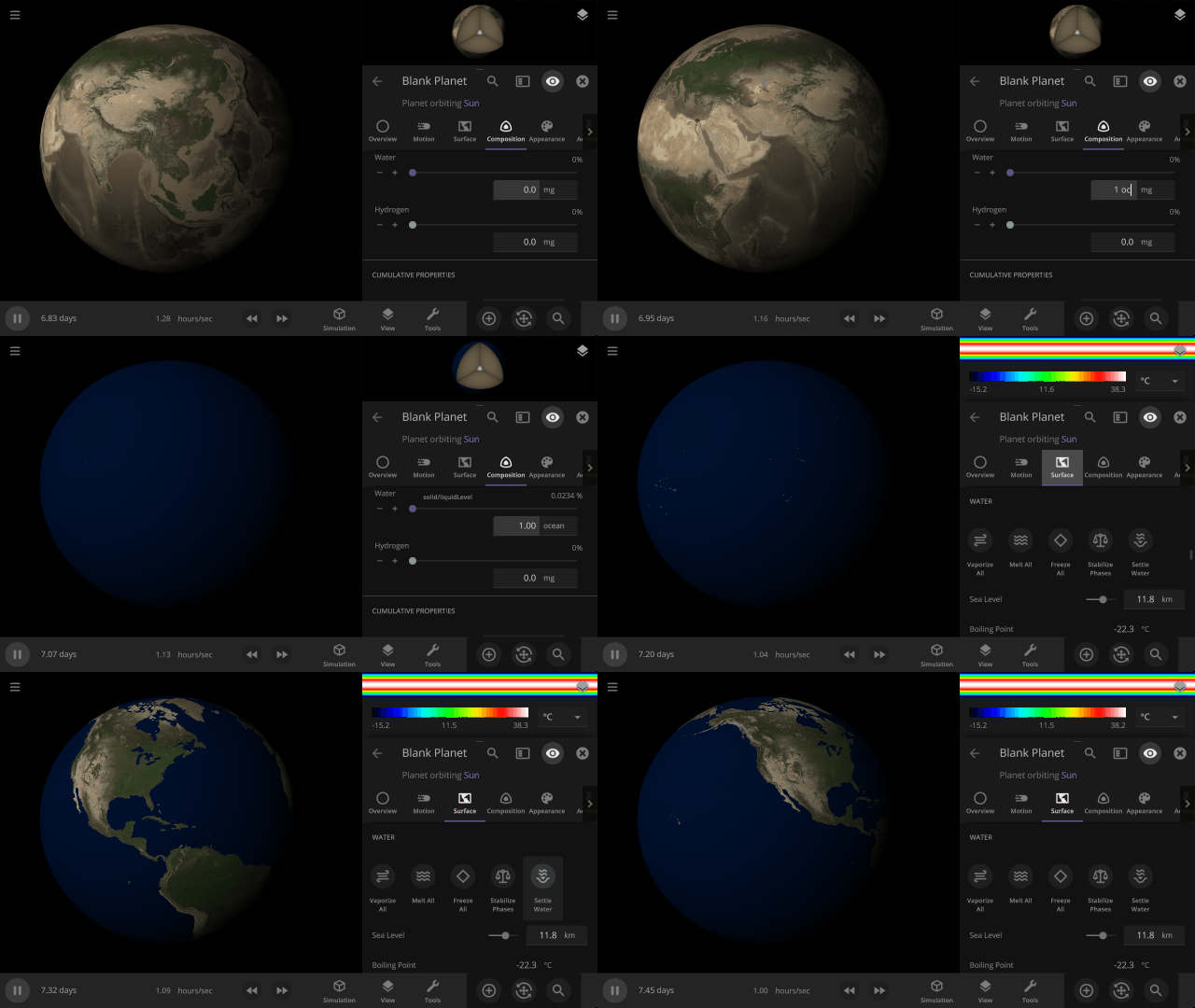
Instant Water Flow
Use the Settle Water button to immediately stabilize the water level of a planet.
More Highlights
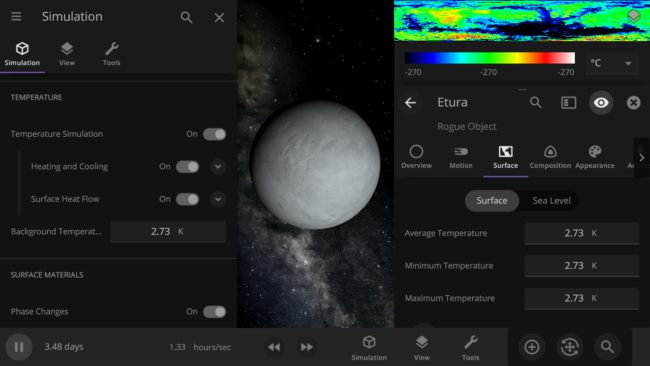
Control the lowest temperature of space with the Background Temperature. By default, this is 2.73 Kelvin to approximate the Cosmic Microwave Background. Adjust it under
Simulation > Advanced Simulation Settings > Temperature > Background Temperature
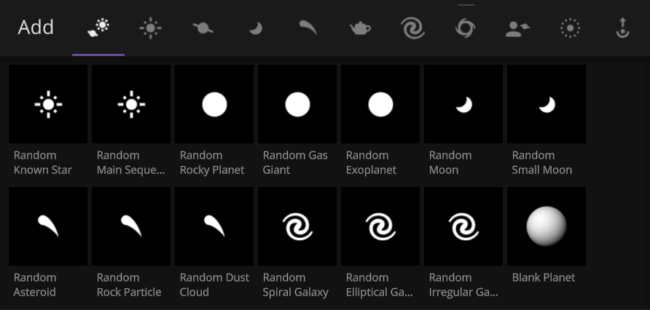
Random object icons in the Add tool have been updated

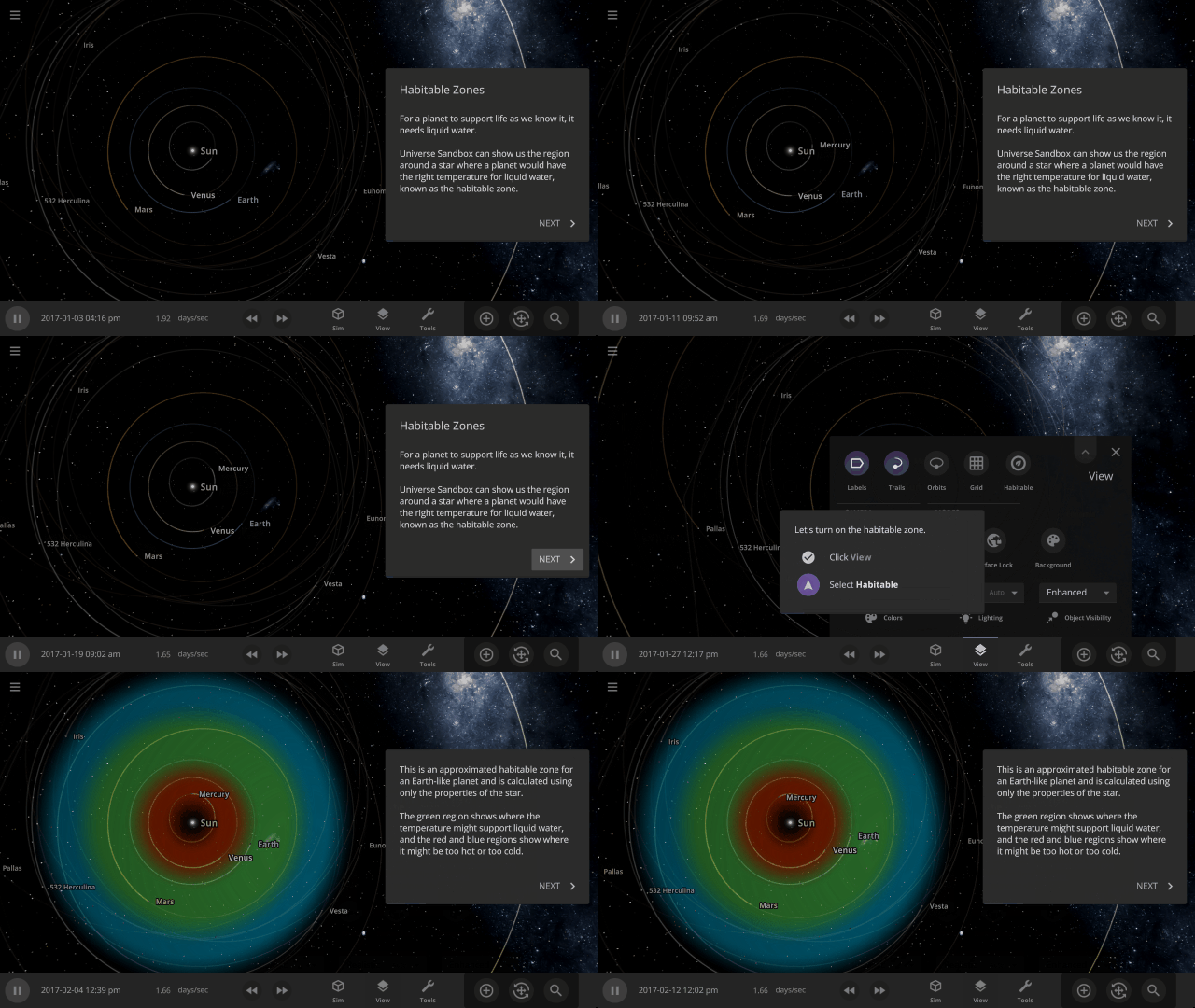
Learn about habitable zones and how Universe Sandbox models them in our guide
Guides > Science > Habitable Zones
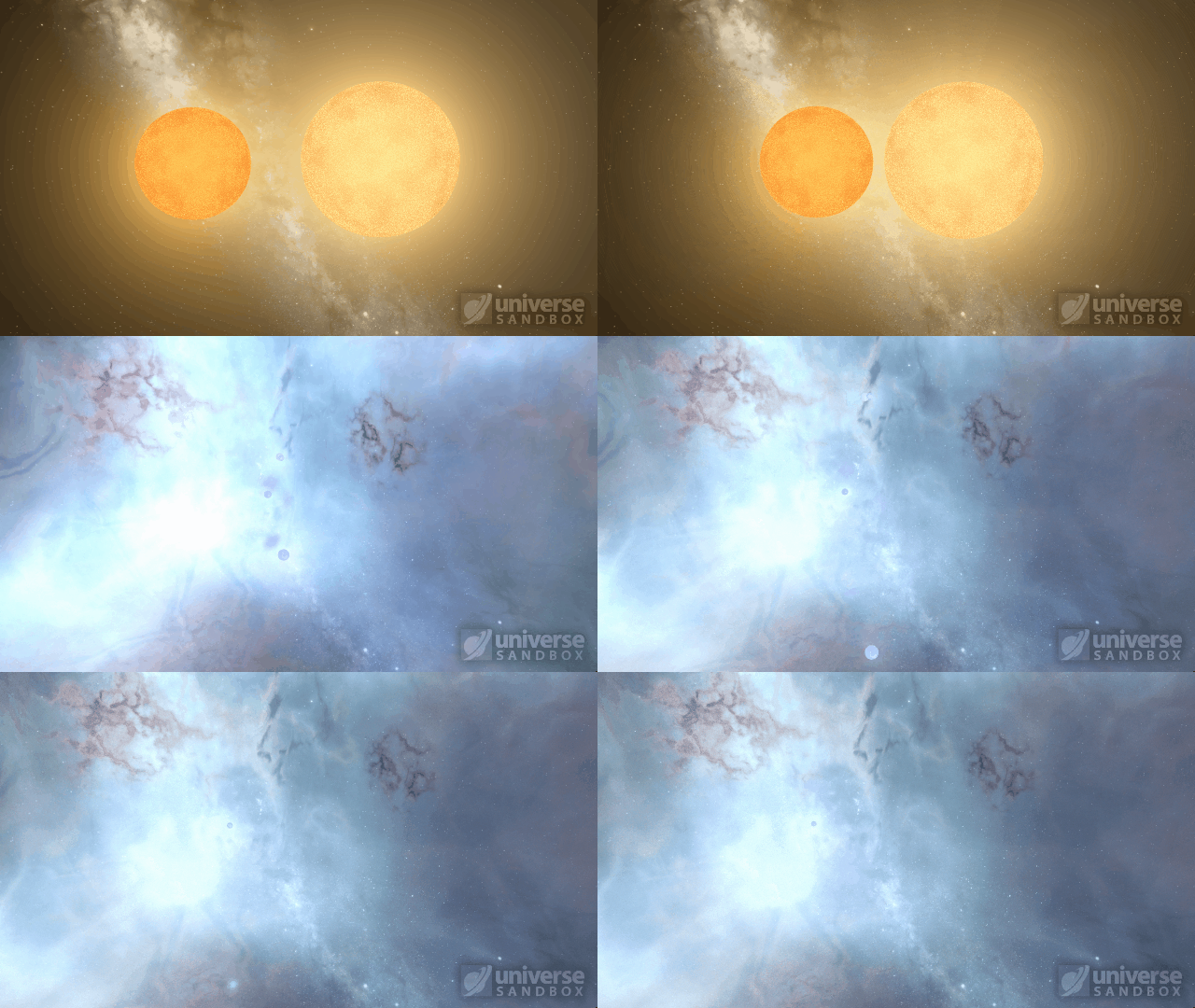
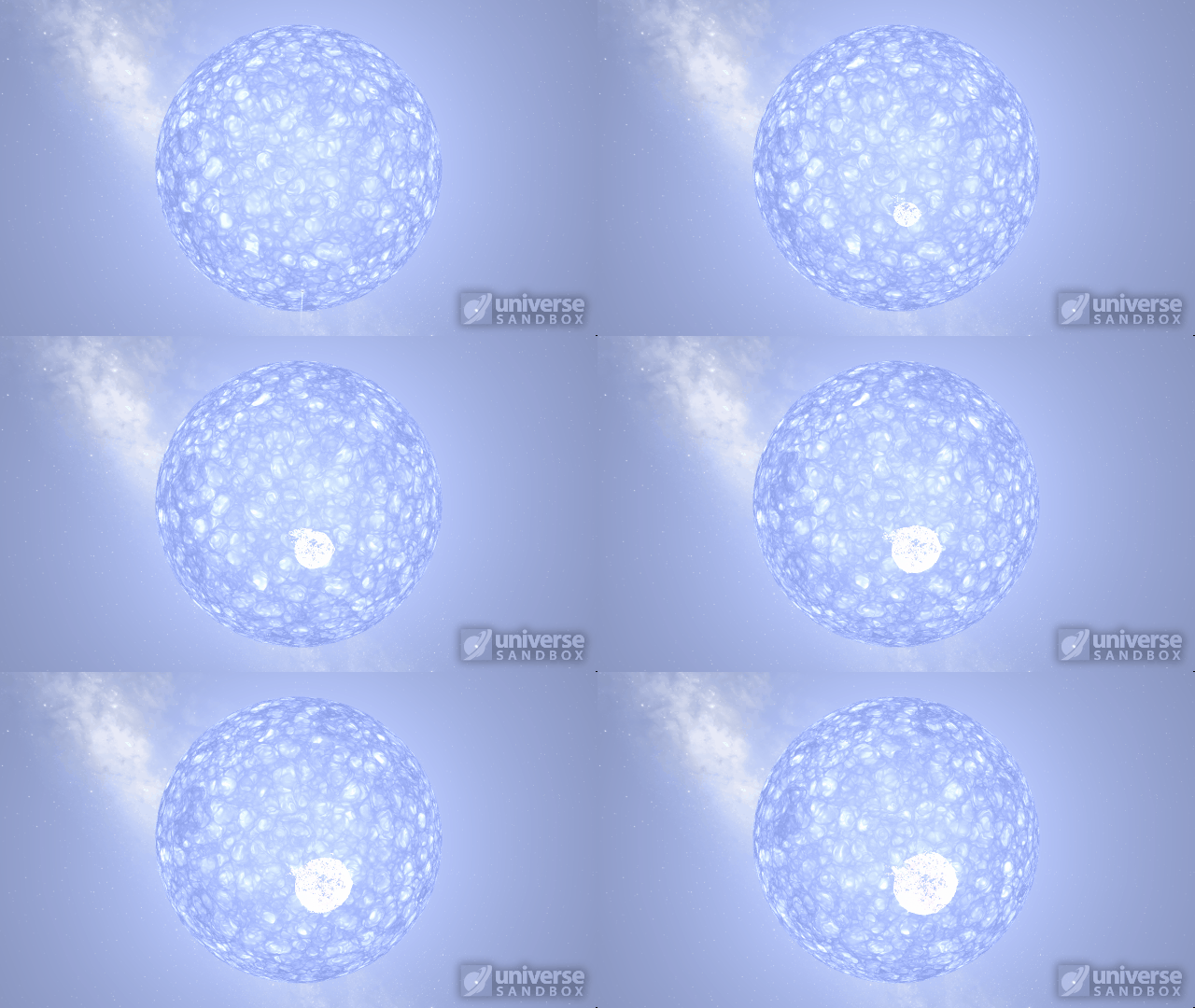
Stellar collisions now partially merge and transfer mass before going supernova
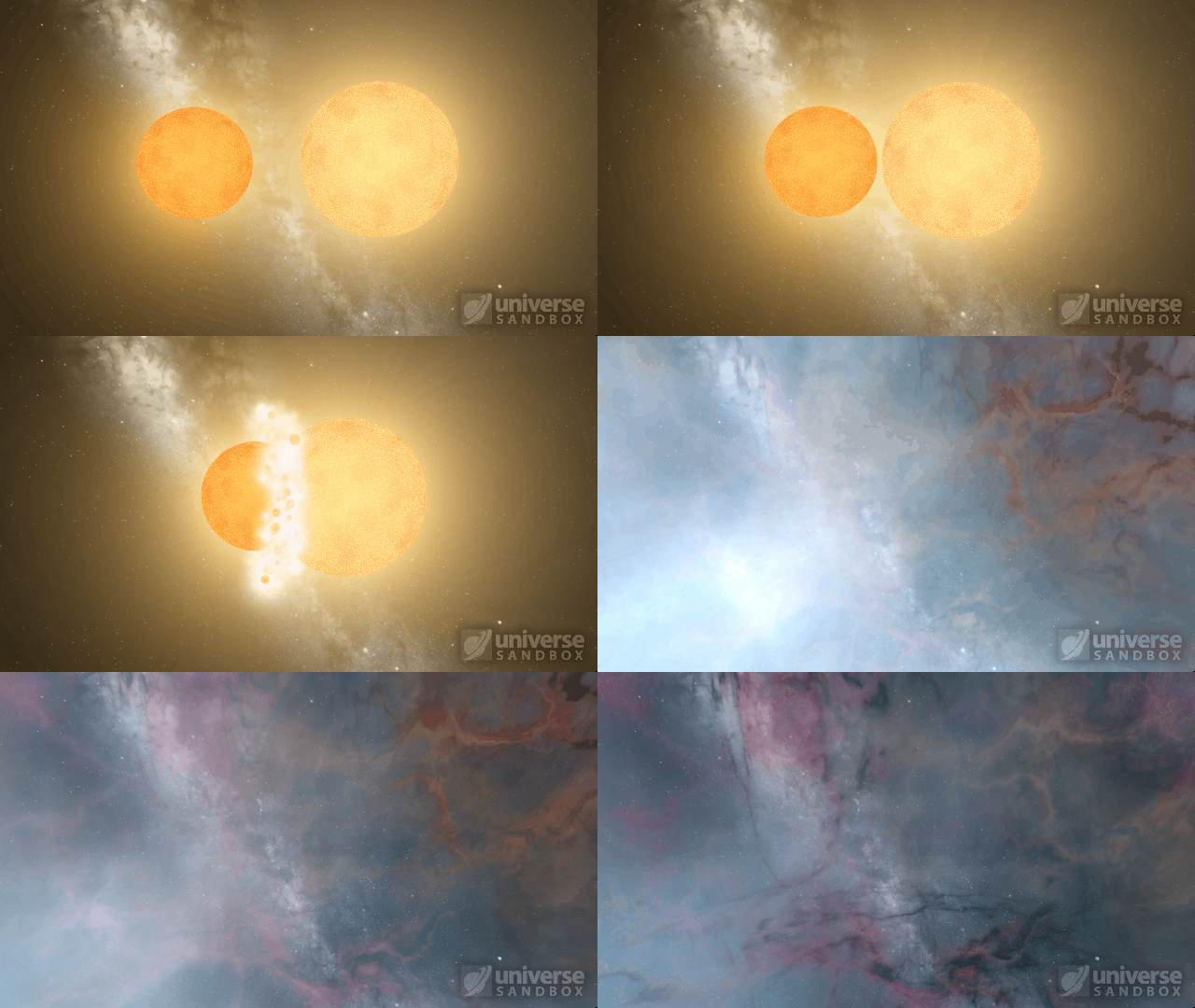
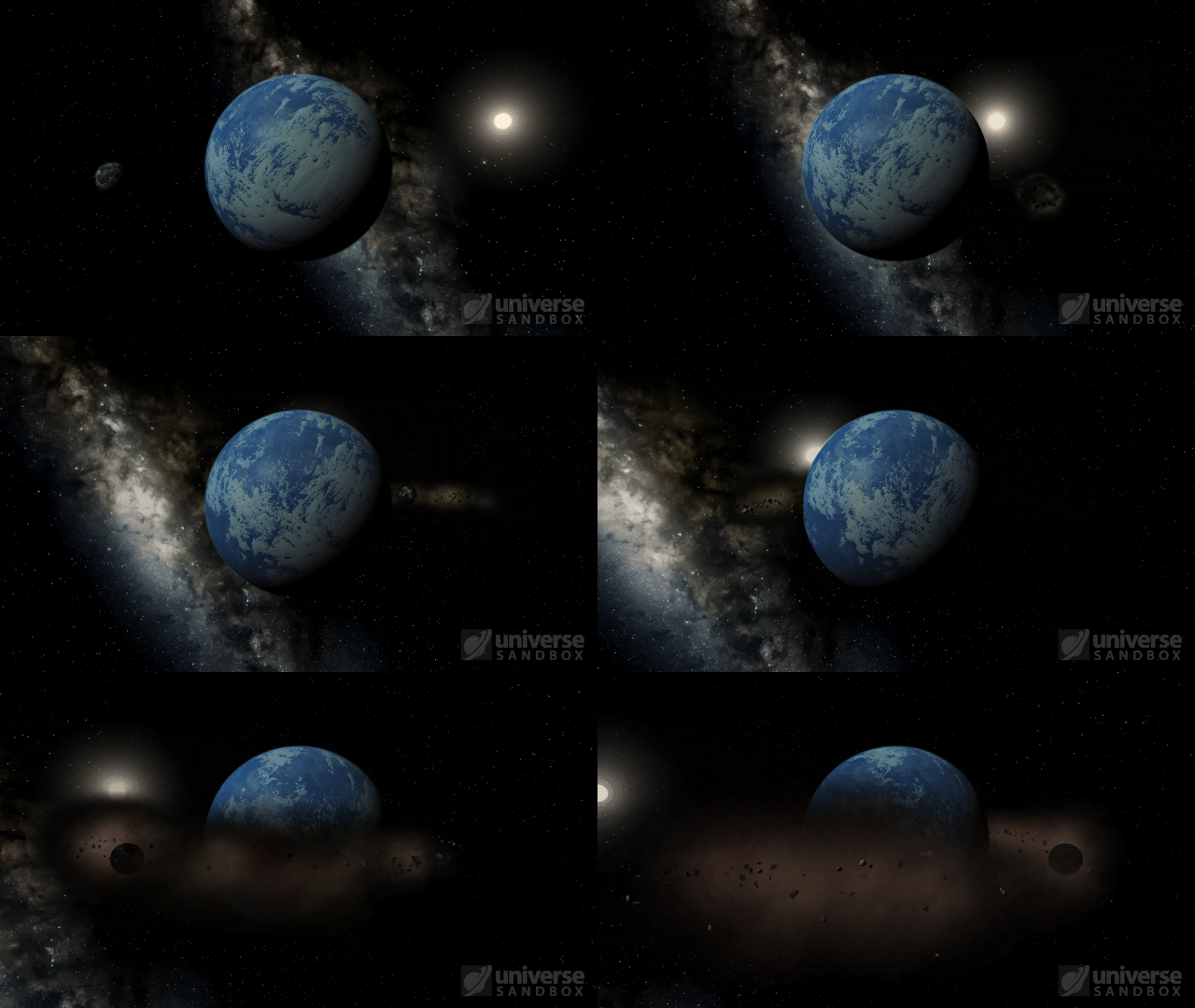
Collision shockwaves are now realistically circular
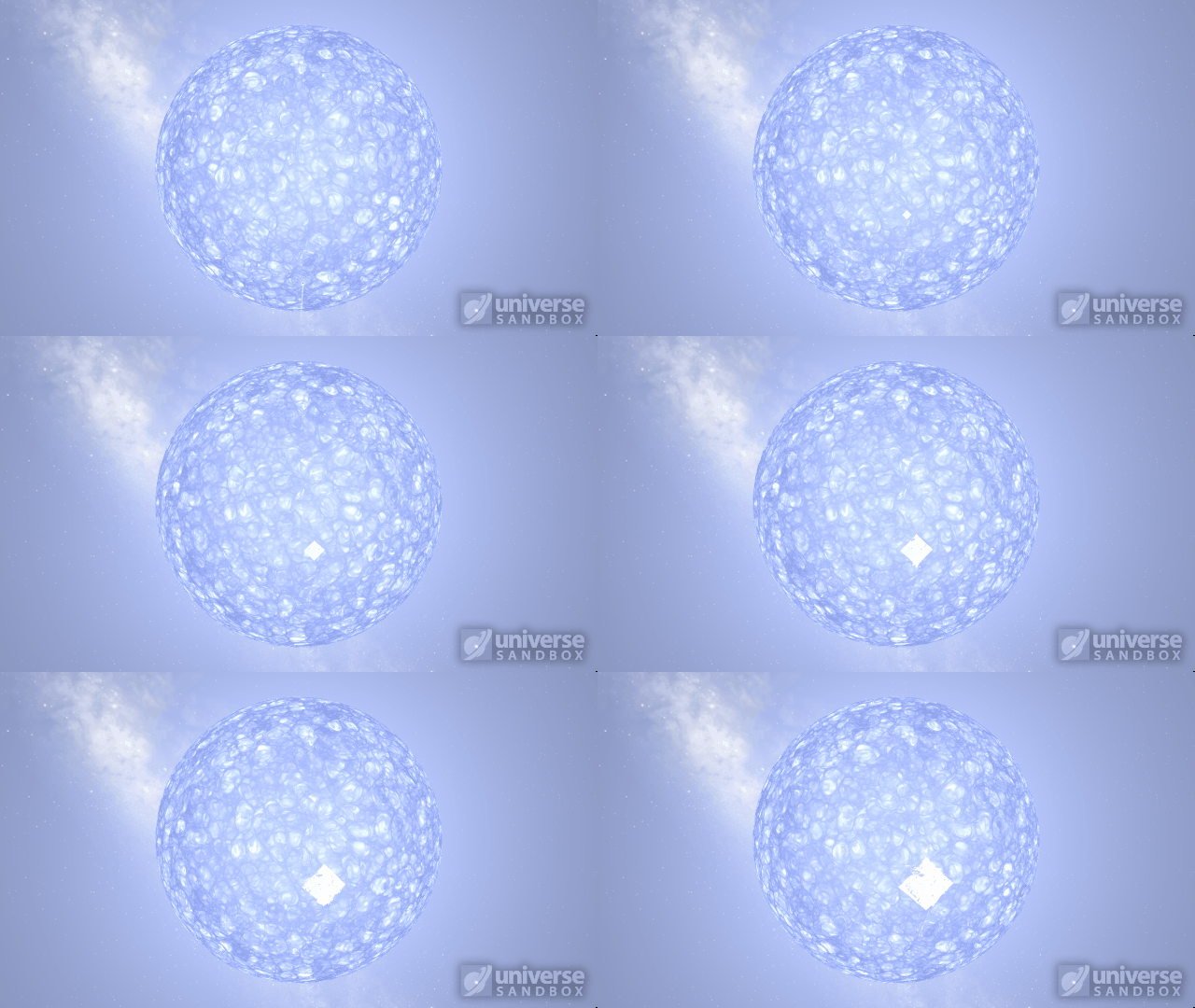
Particles now collide more consistently, and gas cloud momentum is now transferred to and from impacting objects


This update includes 3+ additions and 27+ fixes and improvements.
Check out the full list of What’s New in Update 31.2
Please report any issues on our Steam forum, on Discord, or in-game via Home > Send Feedback.

Moving to a 4-Day Workweek
Jul 14th
In October 2021, Giant Army, the creators of Universe Sandbox, a physics-based space simulator, officially adopted a 4-day, 8 hours a day workweek at full salary. This change has positively impacted our team, so we wanted to share how we made this decision to encourage other game studios and companies to experiment with a 4-day workweek.
Making the Decision
We started discussing a 4-day workweek after Microsoft Japan trialed it and found that it increased their productivity. Those discussions continued as we saw other companies and organizations experiment with it. In May 2021, as part of the team’s effort to reduce burnout, we decided to take Fridays off for a month.
Most of our team found that the 4-day workweek left them refreshed and just as productive, so we extended it for another month, and then another. In July 2021, we extended it through September but added one condition: you can take Friday off if you share a short daily update and screenshot summarizing what you did, Monday through Thursday.
For a fully remote team spread across multiple time zones, a quick, daily team meeting is not practical. This makes the importance of communication about progress or problems even more valuable.
Even after an extensive trial period, there was concern that a 4-day workweek would lead to reduced productivity. So why did we do it?
Support from the Team
The team supported it. Direct quotes from our team include:
“Working a 4-day workweek for me has been a positive experience overall. I feel more organized and less stressed with both personal and work time.”
“[The 4-day workweek has led to] Fewer typos, far fewer odd little mistakes… etc. The sort of mistakes that go away when you’re even 10% sharper than before, or you have less brain fade.”
Steady Progress
While it’s difficult to quantify productivity, one would imagine that dropping a day a week would result in a drop in productivity. However, we continued to innovate and iterate on Universe Sandbox, adding new features and providing regular updates. Given the steady progress and increased happiness, switching to a 4-day workweek seemed like the right decision.
Reflections on the Change
We think adopting a 4-day workweek has been a net positive for Giant Army. The shorter week has:
- Pushed us to optimize our time, leading to shorter and more efficient meetings
- Improved our work environment
- Helped us to attract candidates for our current and future open positions
There are some drawbacks to the shorter week:
- We have a rule not to release an update right before the weekend to avoid needing to be on-call during the weekend. Previously we did not release on Fridays. Now we don’t release on Thursdays (mostly).
- More emails and messages come in over a 3 day weekend
- Fewer days to schedule meetings (or is this a benefit?)
The number of code commits or changes (which are not generally a good measure of productivity) made to Universe Sandbox and the number of updates we released in 2021 is similar to the previous 2 years. While our official transition wasn’t until late 2021, and these measures don’t quantify how much work went into each commit or update, they support the idea that everybody has been just as productive.
Overall, we’re happier, and progress on Universe Sandbox is steady. If you have any questions about our 4-day workweek, please contact us.
Universe Sandbox is an interactive physics-based space simulator that merges gravity, collisions, and climate to reveal the awesomeness of our universe in a whole new way. Learn more on our website.
Addendum
Here are a few more details based on the questions we’ve received about our 4-day workweek:
Q: Did we take a pay cut because we are now working 4 8-hour days instead of 5?
A: No. Everybody on our team is salaried, and nobody took a pay cut as part of this transition.
Q: Did we consider having some team members work Monday-Thursday, and some work Tuesday-Friday so there would always be somebody reachable 5 days a week?
A: We actually did the opposite and tried to make sure everybody had as much overlap as possible to maximize collaboration. That means that our team member in Australia has Mondays off instead of Fridays because they’re a day ahead of our primary work time zone (PST).
Last Updated: July 21, 2022

A Warmer Welcome | Update 31.1
Jun 23rd
If Update 31.1 does not download automatically, follow these update instructions, or buy Universe Sandbox via our website.
Update 31.1
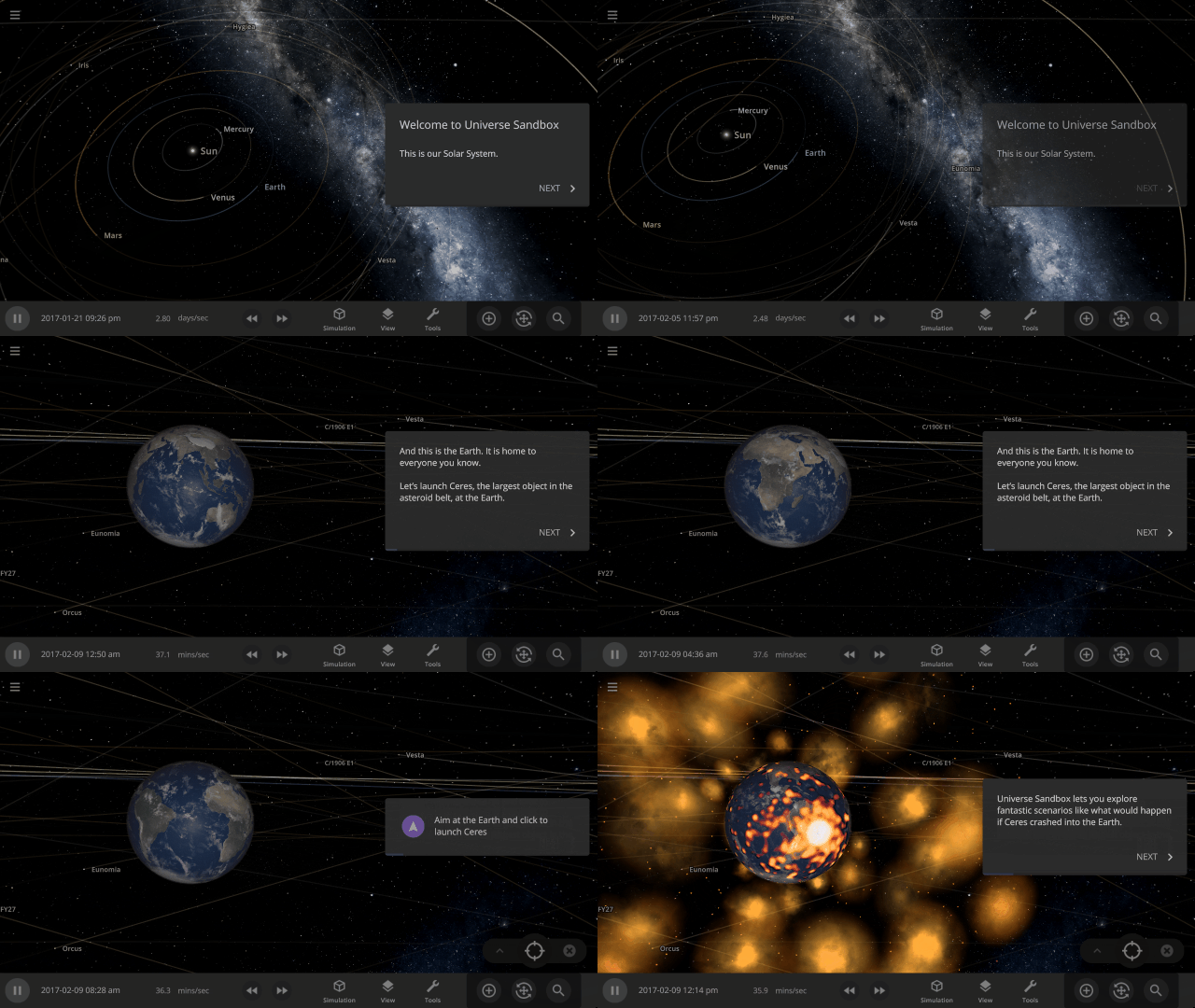
Welcome to Universe Sandbox
Discover your infinite power to create and destroy! Our all-new welcome guide now better highlights the awesome potential of Universe Sandbox. Check them out
Home > Guides > Welcome to Universe Sandbox
More Highlights
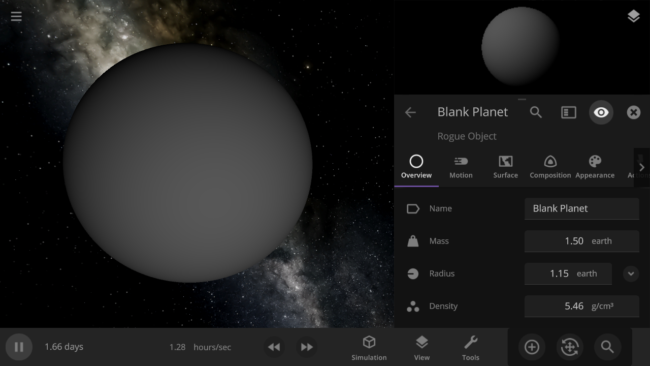
- Blank planets now have the densities of rocky planets instead of gas giants
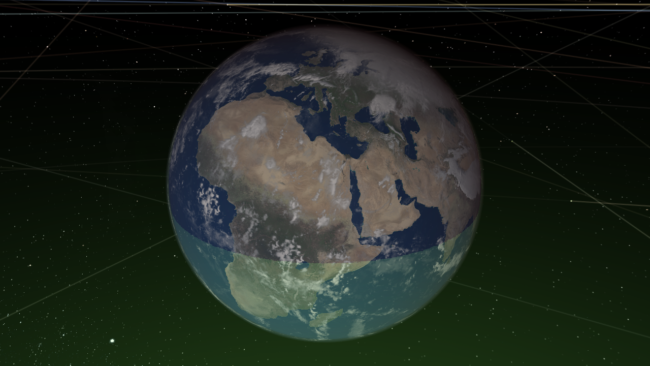
- The habitable zone no longer intersects planets, giving you a clearer view of the surface
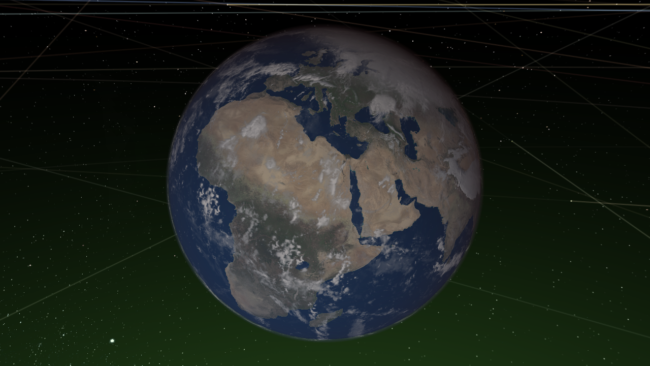
This update includes 1+ additions and 18+ fixes and improvements.
Check out the full list of What’s New in Update 31.1
Please report any issues on our Steam forum, on Discord, or in-game via Home > Send Feedback.

Constellations | Update 31
Jun 9th
If Update 31 does not download automatically, follow these update instructions, or buy Universe Sandbox via our website.
Update 31
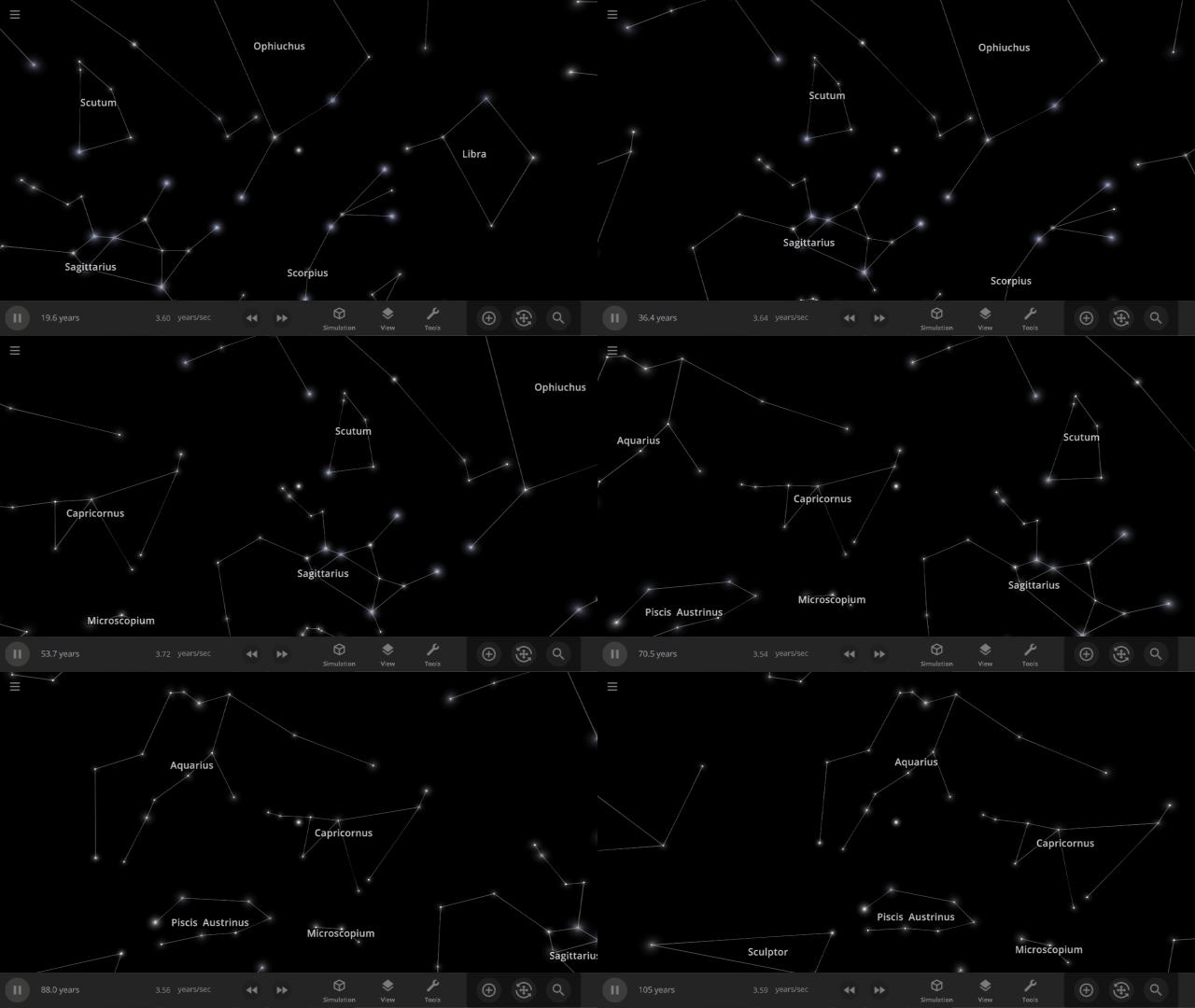
Explore constellations from different cultures and watch as they change over thousands of years as stars move across the sky. Stars also look more realistic and planet and star glows depend on the same physical properties.
Constellations
We’ve added constellations! There are currently constellation sets for 10 cultures. Find them under: Home > Open > Constellations
Learn more about constellations in our new guides: Home > Guides > Constellations
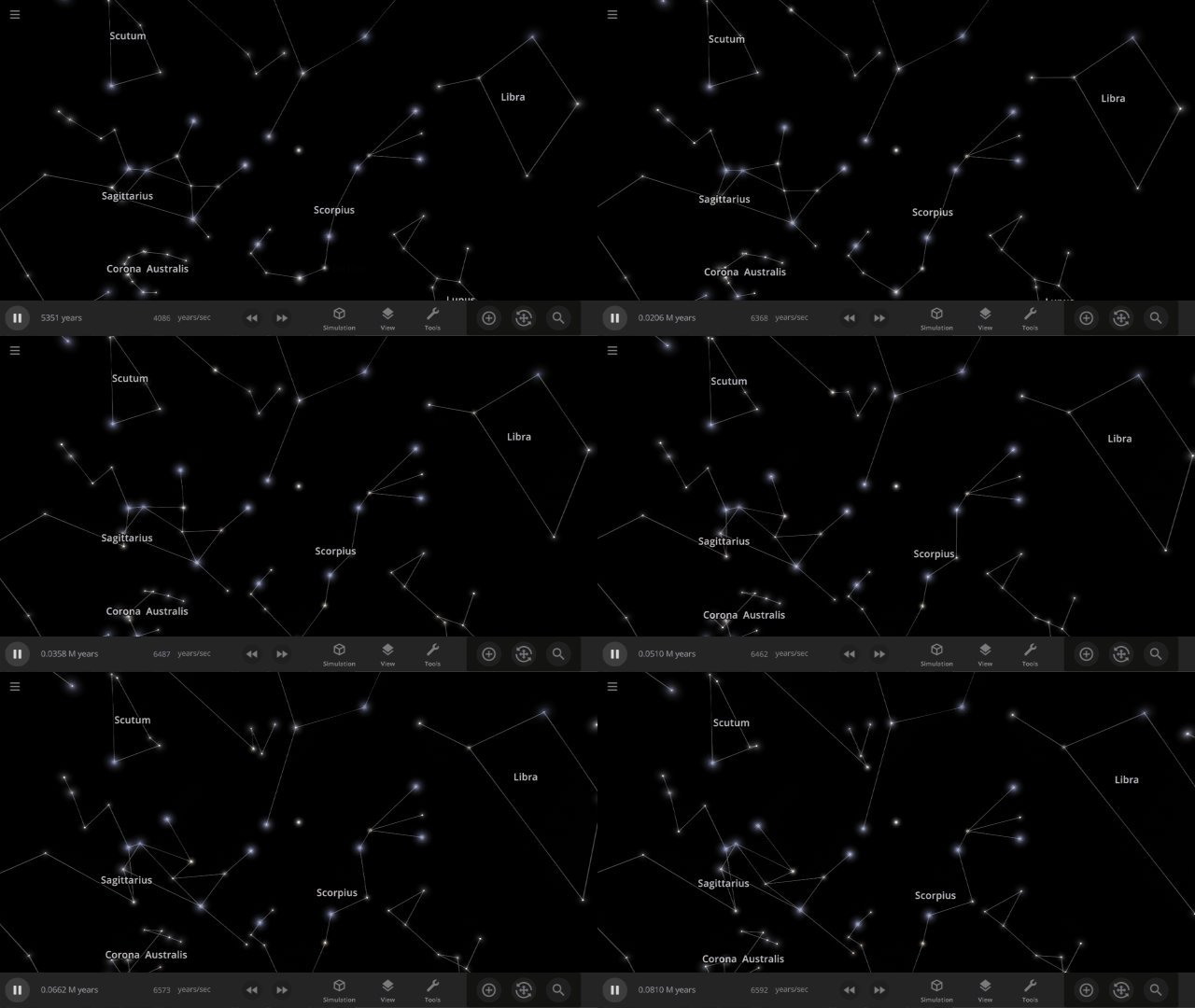
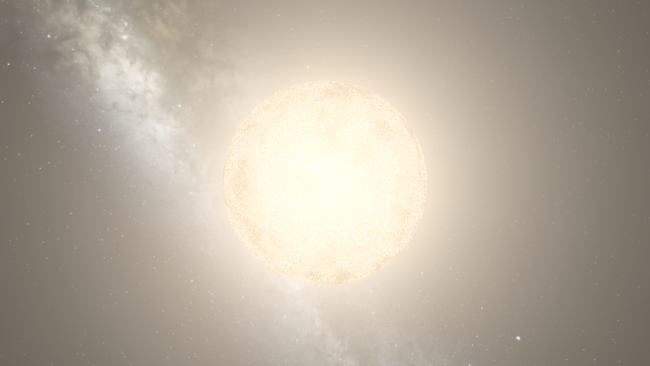
Realistic Stellar Edges
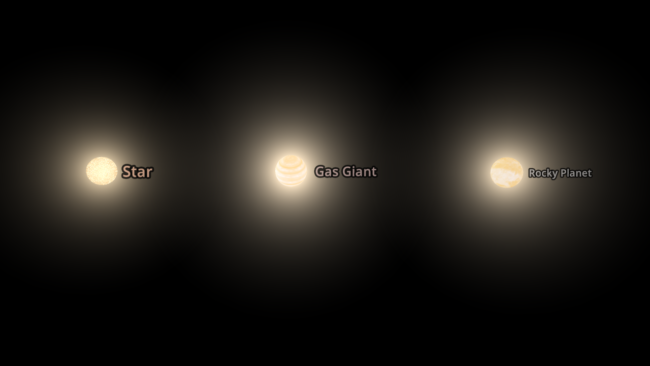
Stars now show limb darkening, an observed phenomenon where the edges appear dimmer than the center.
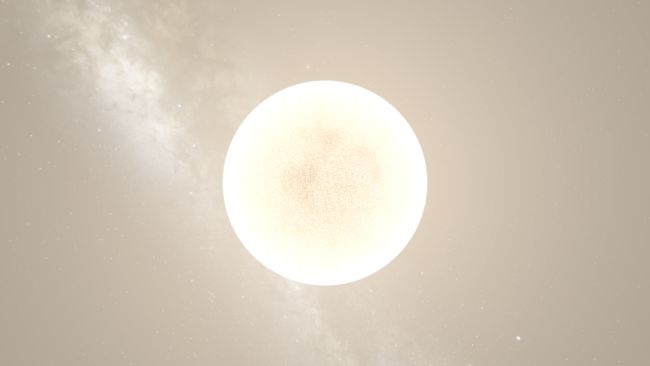
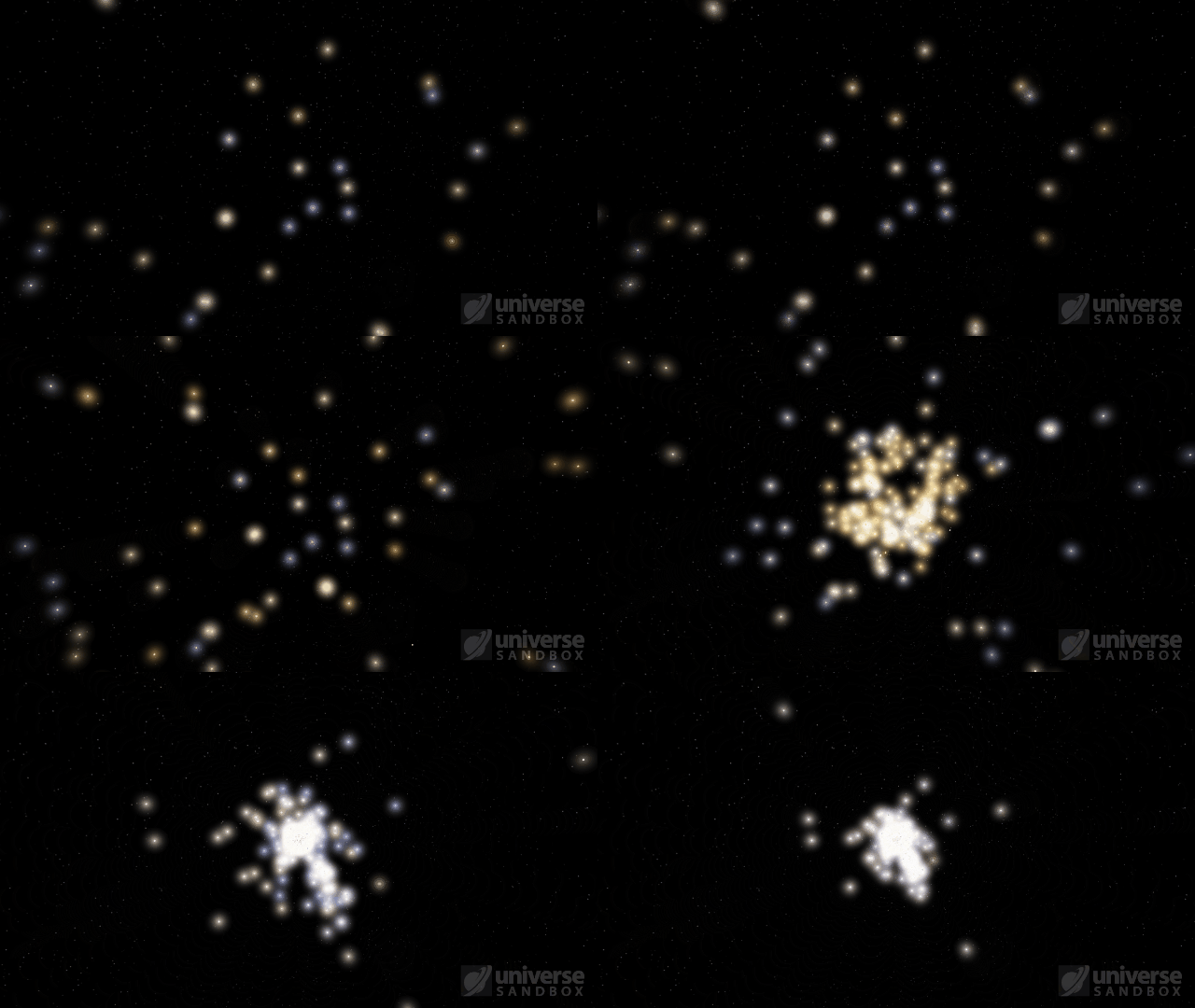
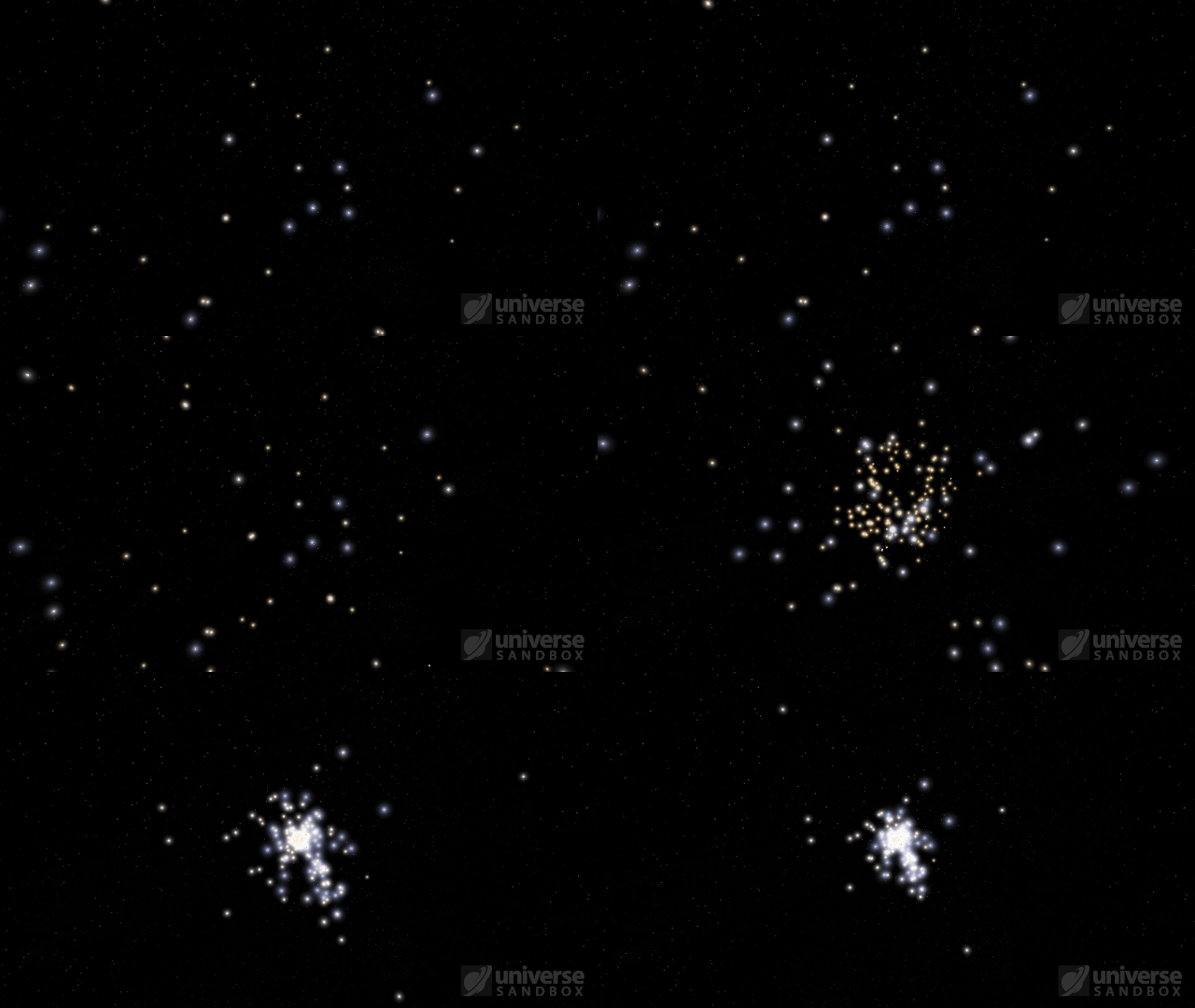
Dynamic Object Glows
The size of an object’s glow now corresponds to how bright the object is, in addition to its temperature and how far away it is, with brighter objects getting larger glows.
More Highlights
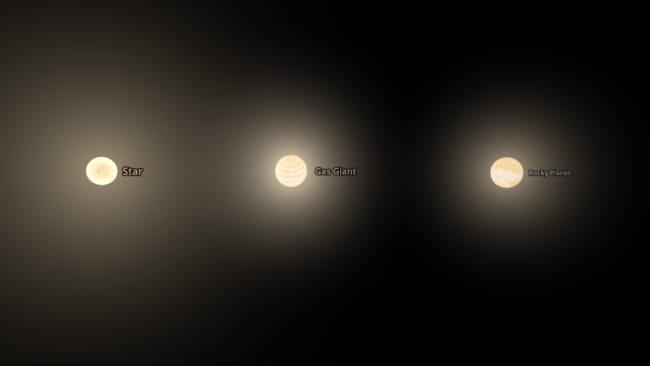
- Glows from stars and planets of the same radius and temperature are now the same size
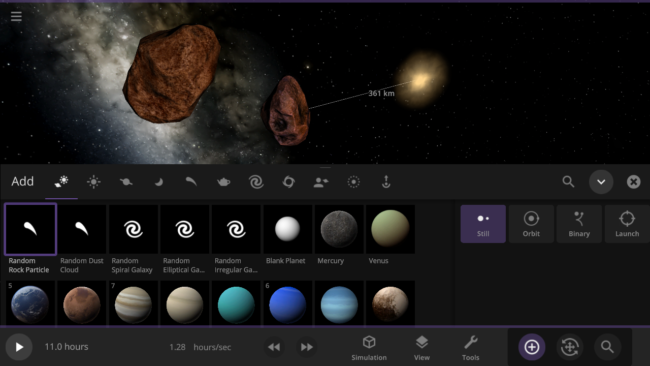
- Random Rock Particles and Dust Clouds can now be added directly from the Add panel
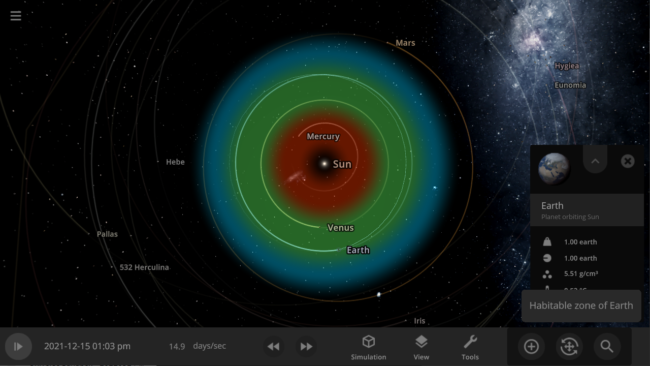
- The dynamic habitable zone now displays a notification indicating the object it is showing the habitable zone for
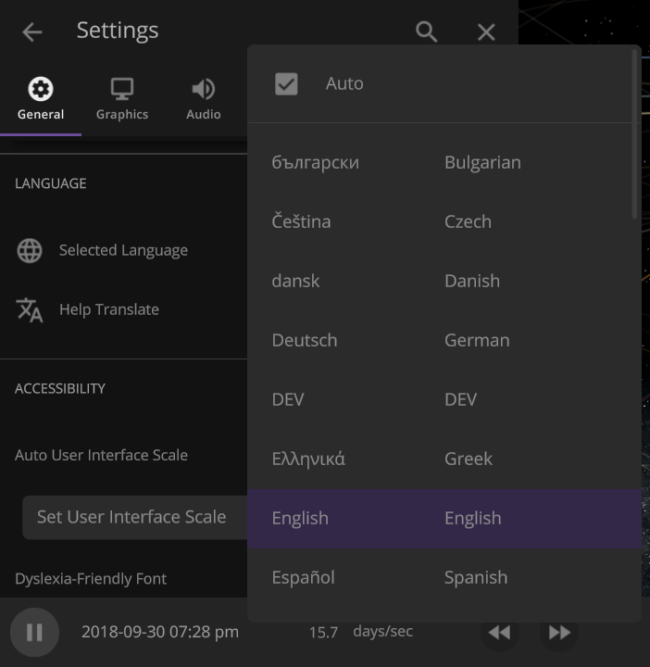
- Many user interface improvements: added two-column menus, fading scrollbars, and unit changes persisting in an object’s properties panel
- The Gravity button now only turns the gravity between objects on or off. You can turn the gravity holding objects together on or off in the Advanced Simulation setting.
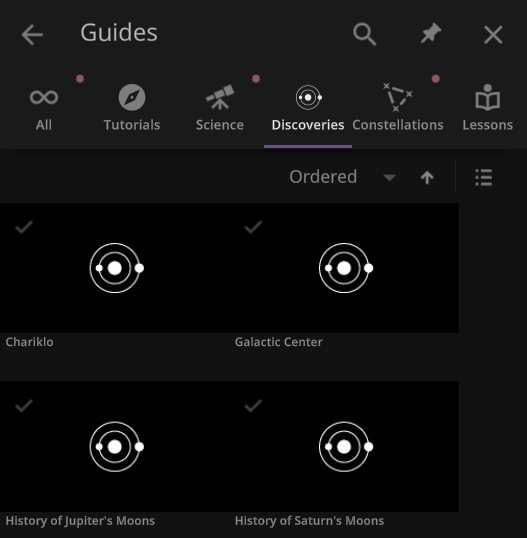
- The Guide panel has been reorganized. Check it out under: Home > Guides
This update includes 4+ additions and 25+ fixes and improvements.
Check out the full list of What’s New in Update 31
Please report any issues on our Steam forum, on Discord, or in-game via Home > Send Feedback.

Universe Sandbox Roadmap: 2022 & Beyond
May 16th
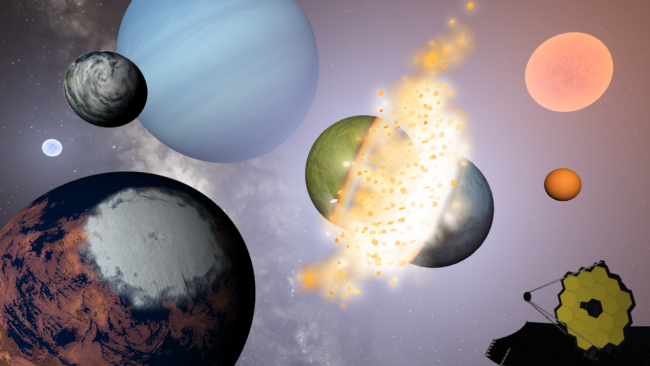
We’re constantly working to make Universe Sandbox even better, and we’ve only scratched the surface. Our plans this year include more materials, rigid body collisions, and more!
But first, what did we do in 2021?
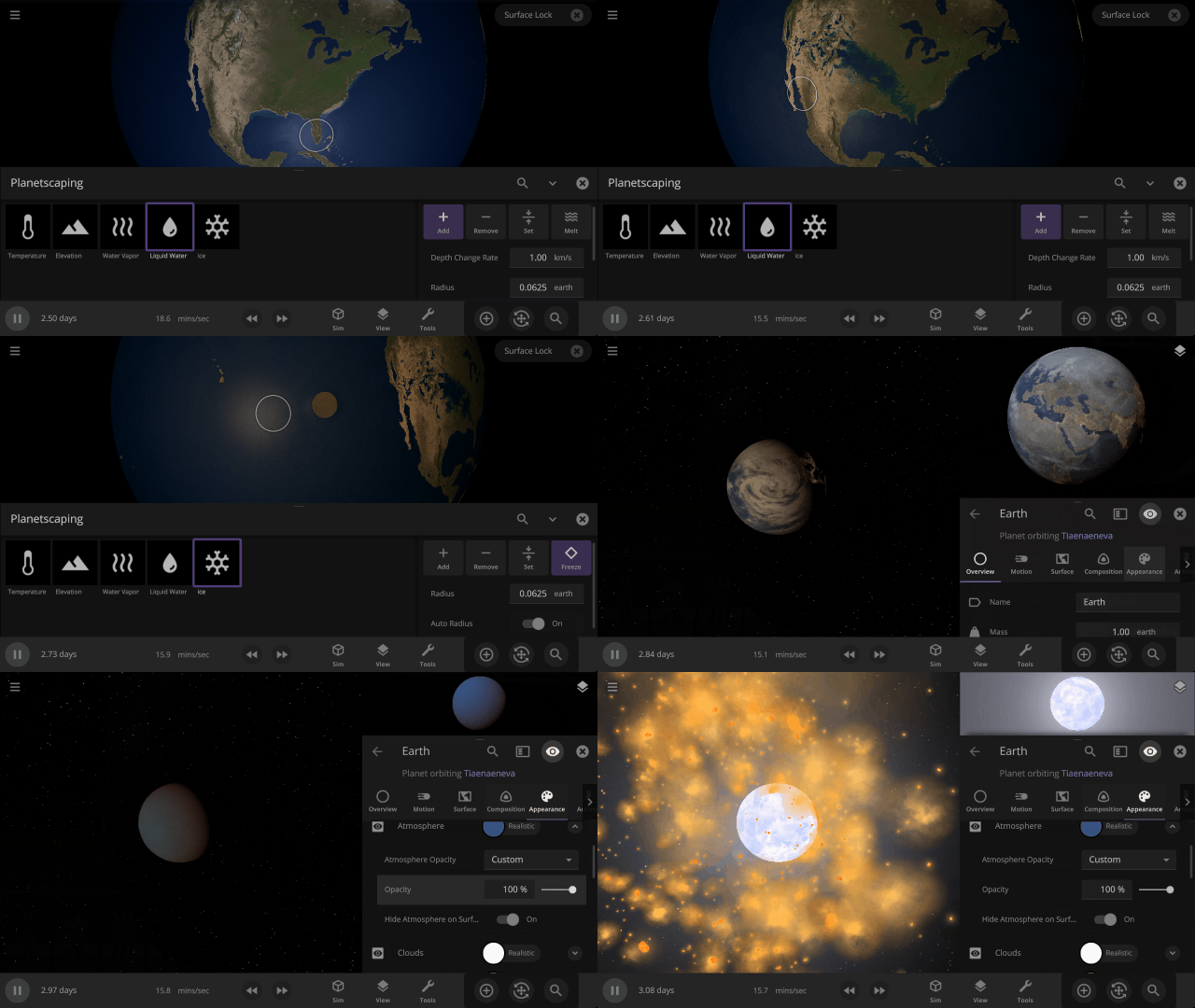
Over the course of 2021, we had 3 major updates and 5 minor updates.
- Splish, Splash, Filling a Bath | Update 26.3
- Oceans fill from lowest to highest elevations (like a bathtub)
- Fast & Flurrious | Update 27
- Snow simulation is more realistic for known and random rocky planets
- Temperature calculations are smoother at high sim speeds
- Clouds in Motion | Update 27.1
- Cloud speed is now simulated from an object’s temperature and rotational speed
- Atmospheric Adjustments | Update 27.2
- Atmosphere Opacity is now simulated (and customization)
- Codename: Fire Ring | Update 28
- Object collisions now have shockwave-based impacts
- Object trails project back in time and show their past trajectory
- My Eyes, the Space Goggles Do Nothing | Update 28.1
- Realistic Object Visibility better reflects what the human eye would see
- Starlite Starbrite | Update 28.2
- Stars now have Absolute and Apparent Magnitudes, which measure their brightness at different distances
- Starlight color on nearby objects updates in real-time
- Planetscaping | Update 29
- Manipulate object surfaces with the Planetscaping (Surface Editing) tool
- Collisions are more realistic with updated frictional forces
View our “What’s New” for a chronological list of changes.
And what have we already done in 2022?
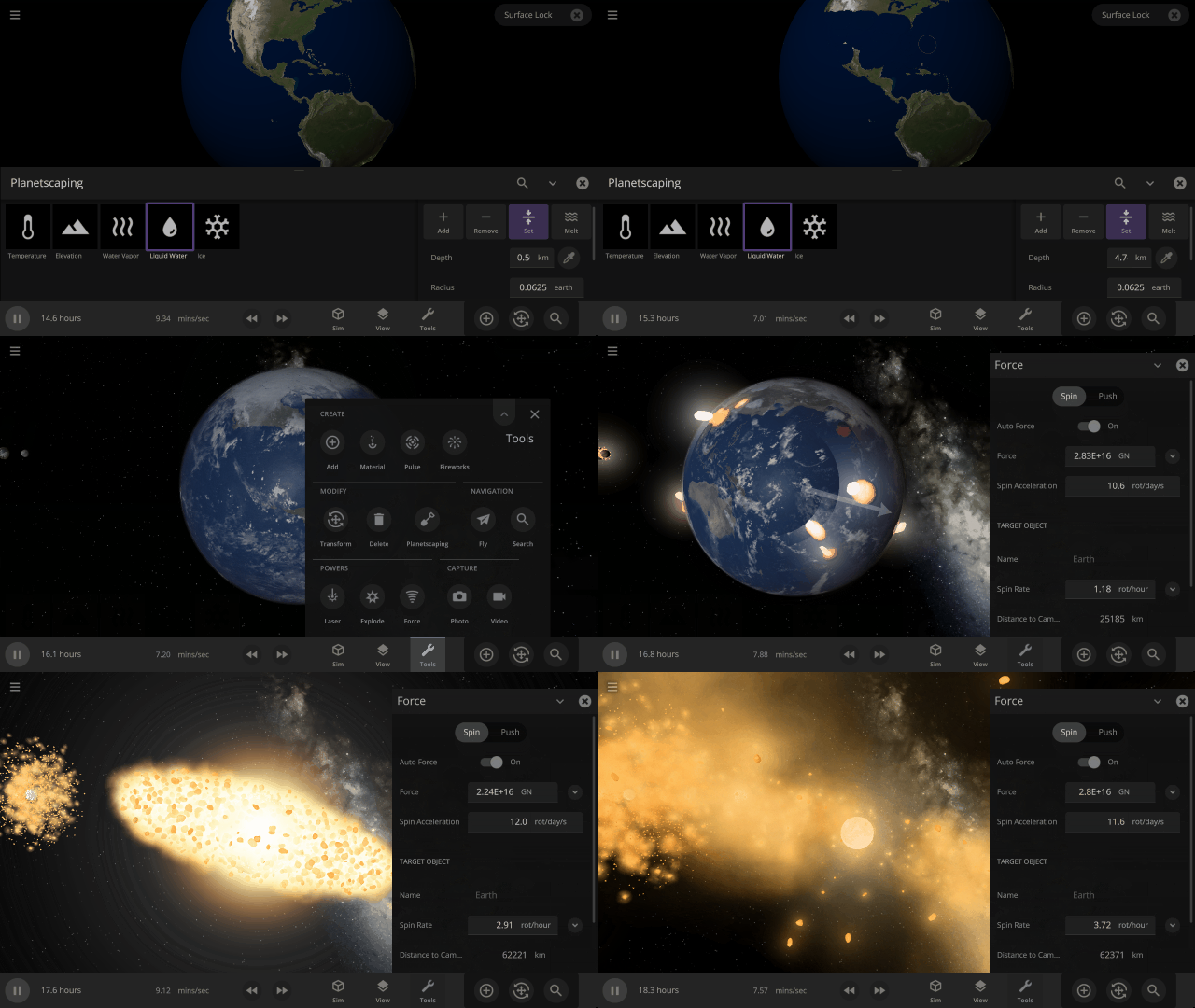
This year has already brought one major and one minor update, both focused on our collision-based goals for the year.
- Consistent Collisions, James Webb, & Planetscaping Tweaks | Update 29.1
- Fragments are now longer-lasting, and collisions are more consistent
- The Planetscaping tool now includes an eyedropper
- Hit Hard, Spin Fast | Update 30
- Spin planets apart at high rotational speeds with the new Force Spin tool
- Similar-size object collisions now symmetrically heat and fragment both objects
What’re we planning to do in 2022?
From simulation improvements to smoothing out our development process, we’re excited about what’s ahead. While we would like to do everything listed here this year, new priorities or unanticipated difficulties might arise and delay our plans.
Stellar Simulation
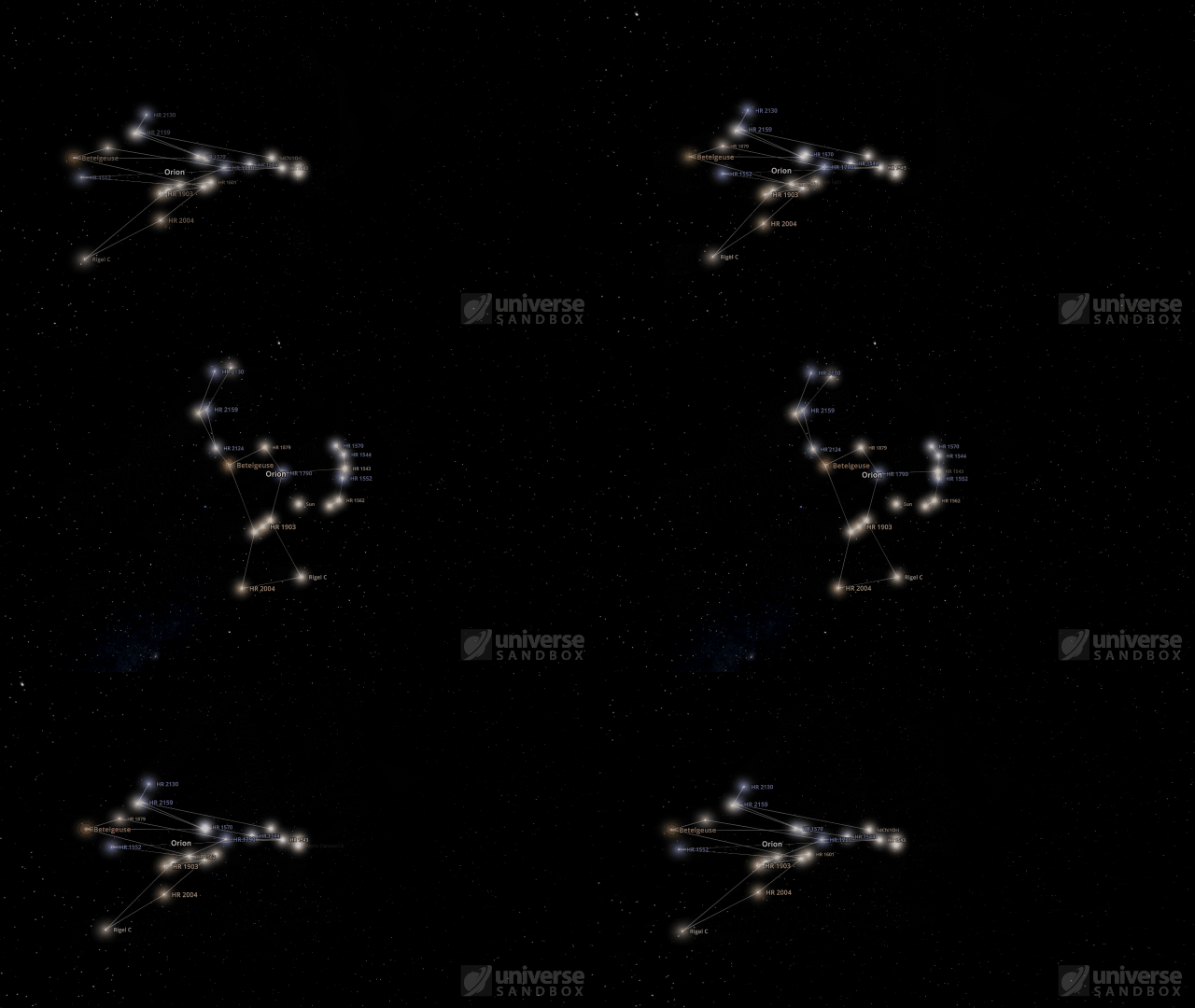
We’re planning to add new star-related features and are working to improve our star simulation.
- Constellations
- We want you to view and interact with Constellations dynamically. This is one of the oldest things on our to-do list.
- To simultaneously simulate the 691 stars for constellations, we’ve been improving performance for star glows, object labels, and more.
- Star Simulation
- Overhauling our current star simulation code to enable smooth star transitions as their properties change is a large task we’re actively working on.
- Revamped star simulation will lay the groundwork for improving stellar evolution.
Physics, Physics, Physics
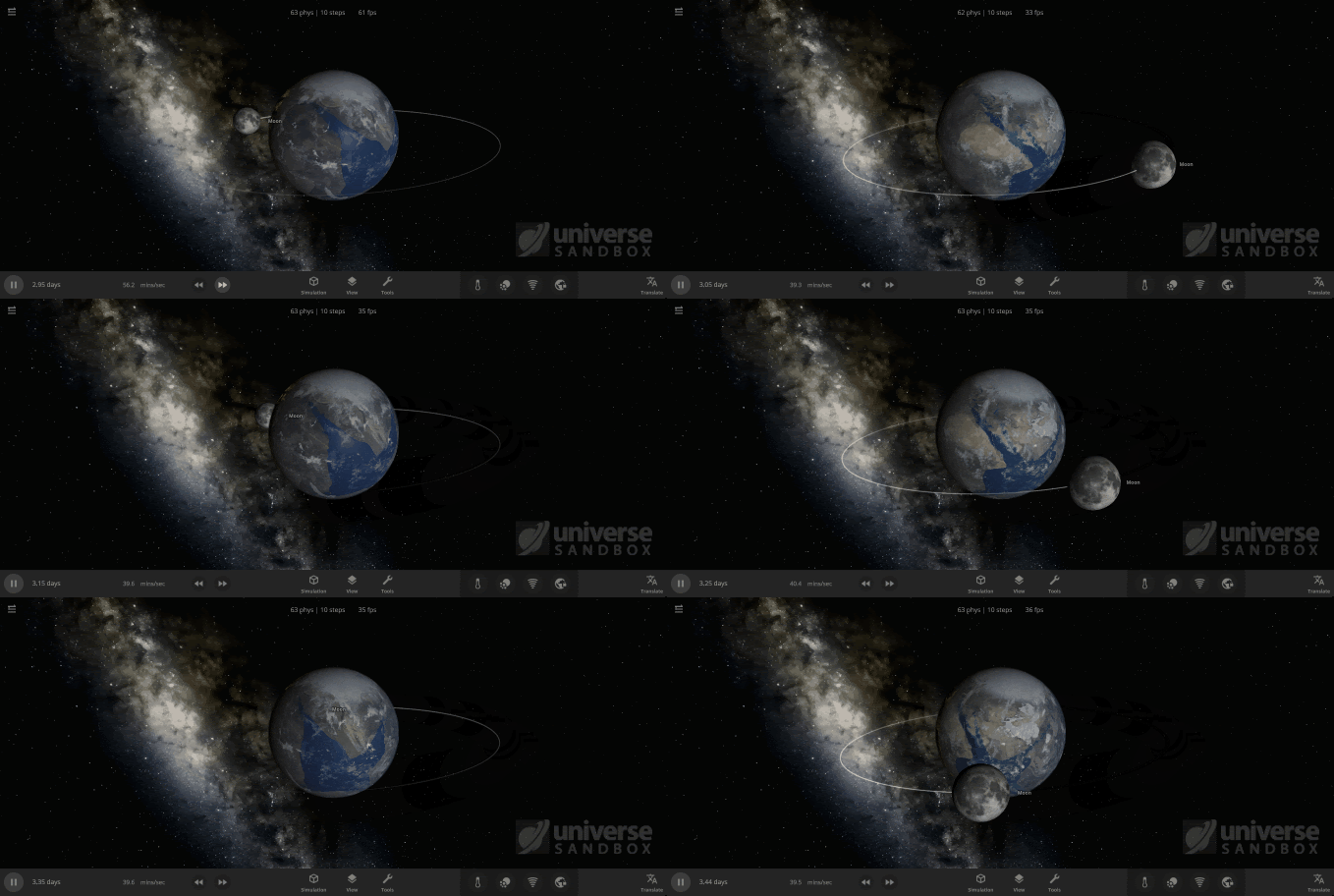
Collision and physics have been and continue to be a significant focus for us this year.
- Rigid Body Physics
- Anybody up for space-bowling? We’re continuing work to add new physics to allow better human-scale interactions (like bowling pins and satellites).
- This new system will serve as the foundation for spacecraft, thrusters, and megastructures in the future.
- Core Engine Rewrite
- As Unity continues to develop their new physics engine based on the Unity Data-Oriented Technology Stack (DOTS) framework, we’ve begun transitioning Universe Sandbox to this new system.
- This massive undertaking will eventually handle most computations in Universe Sandbox and will improve performance, particularly for physics simulation.
- Collisions: Physically Accurate & Overall More Awesome
- Allowing objects in collisions to deform fluidly will create more realistic collisions, including total disintegration.
- Previously we’ve looked into a method called Smoothed-particle hydrodynamics (SPH) for this simulation. However, due to some limitations of that method, we are now exploring other options more suitable for Universe Sandbox, like Positions Based Fluids (PBF) or Fluid-Implicit-Particle (FLIP).
- Rock fragments and gas clouds interacting and collecting more material over time will allow a more realistic planet or moon formation simulation.
- Allowing objects in collisions to deform fluidly will create more realistic collisions, including total disintegration.
Cross-Platform Support
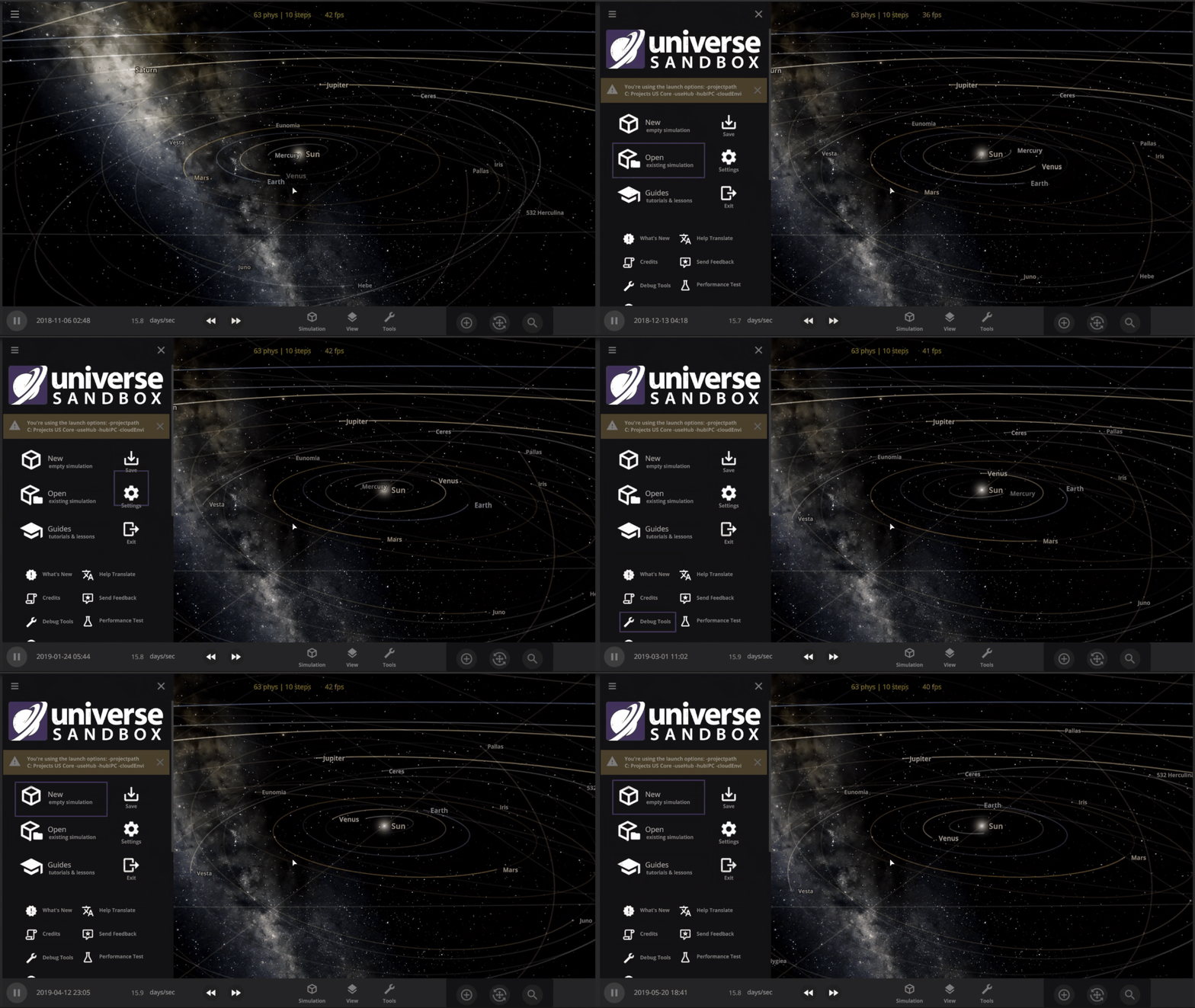
Our progress on the mobile version of Universe Sandbox (iOS and Android) was slower than expected last year, but we’re ramping it up this year.
- The Universe in Your Pocket
- Our two new user interface engineers will help us tackle the remaining challenges of mobile development, like window management on a small screen.
- Our goal is for the mobile version of Universe Sandbox to match the full desktop experience. Learn more in our Mobile DevLog.
- The Universe from Your Couch
- Want to play Universe Sandbox on your couch? Us too! We’ve begun experimenting with gamepad support for the desktop version, which is critical for future console development.
Materials & Beyond
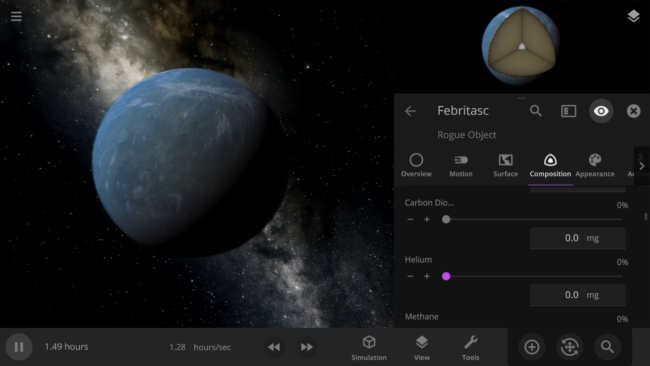
We want you to have access to more of the materials that make up our universe, like sulfur and oxygen, within Universe Sandbox. Adding more materials to our current system will allow better simulation of atmospheres, volatiles, and, eventually, life.
- Building with Basics
- Adding basic materials like methane, necessary for simulating the liquid lakes of methane on Titan, will be the first step for this material system.
- New materials will be included in surface simulation as we track their phase changes and movement across an object’s surface.
- Volatiles
- More materials will allow us to create a more realistic volatiles system, which determines both the composition of fragments and if an object is losing material.
Internal Automation & Testing
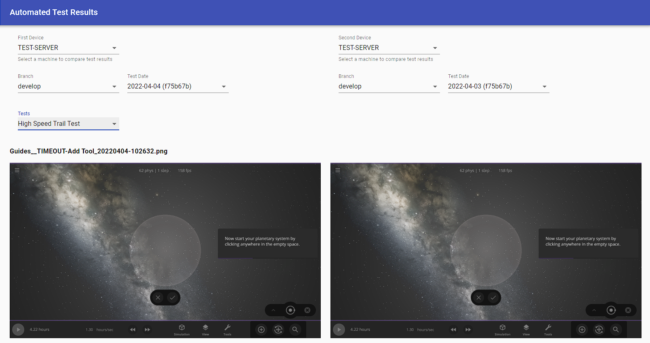
Part of developing Universe Sandbox (or any game) is identifying (and fixing!) bugs as early as possible. To help us with this, we’re creating new internal systems for our team to use to automate our deployment processes and test new and existing features.
- Build Automation
- An updated version, or build, of Universe Sandbox is automatically created every time we make a code change so we can easily playtest new changes.
- Developing tools to build and push new updates to Universe Sandbox automatically lets us get new features and fixes to you faster.
- Feature Testing
- We’re creating a suite of automated tests and setting up a system to compare their results so we can easily see simulation changes or issues.
- These tests can automatically click buttons, record GIFs, and more!
- We’re creating a suite of automated tests and setting up a system to compare their results so we can easily see simulation changes or issues.
Hiring
The key to creating a great game like Universe Sandbox is having a great team. Hiring the right people for the job takes time, but is always worthwhile.
- We’re Currently Hiring!
- If you know someone (or you’re someone) who you think would be great for our Cross-Platform Engineer or Spacecraft Physics Engineer positions, tell them to apply.
- If working on Universe Sandbox is your dream job, but we don’t have an open position for you, send us an email. We are always looking for help from the right candidates.
And More
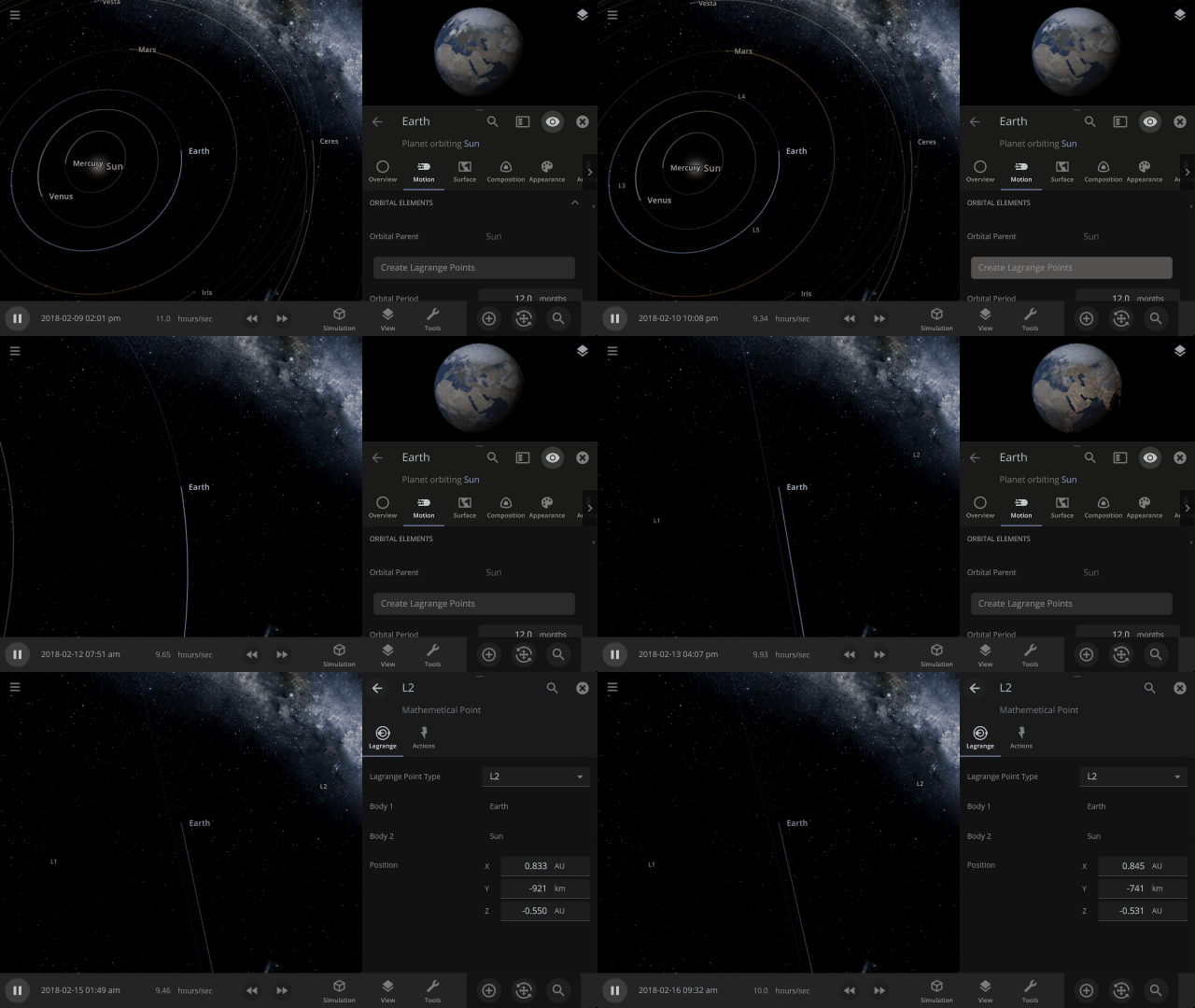
In addition to all of this, we have already
- Done some work to add Lagrange Points
- Started planning an expansion and overhaul of our in-game guide system
- Begun testing to allow access to even more planet customization options
We can’t wait to share this and more with you this year!