


What Are We Working On? | Alpha 17 & Beyond
Oct 26th
Our past few updates have been relatively minor releases. They’ve focused on fixing bugs and stability issues, and aside from a few minor features, haven’t introduced anything new. Fixing these issues is extremely important, but for those users who hadn’t experienced any problems, these updates weren’t the most exciting.
But now we’re getting back up to speed after some good time off post-Steam release. Alpha 17 will be the first major release since Alpha 16 at the end of August, and we’re excited to begin showing off some of the bigger projects we’ve been working on.
At this time we can’t say for sure which features will make it into Alpha 17. Some will be implemented only in their early stages, and others will likely have to wait until later updates. These disclaimers aside, here are a few of the things which you can look forward to in Alpha 17 and beyond:
1. Rewritten Stellar Evolution & Classification
Previously there were 5 star types in Universe Sandbox ². Now, with the rewrite, there will be 16. The improved stellar evolution model is now primarily a function of metallicity, and will work for types outside of main-sequence stars.
The result will be more dynamic and accurate properties for stars, as well as smoother transitions from type to type. The model also will now account for mass loss from solar winds. It may take a bit of time to fully incorporate all of the changes, but now that Jenn has added in these new, robust evolution models, many new possibilities await.
2. More Planetary Details
Random planets in Universe Sandbox ² are going to be visually more detailed and responsive to interactions, all part a project which we are internally calling “automata.”
In the beginning, this will work alongside our climate component to increase the spatial resolution. That is, instead of having one point of data for an object’s property, like temperature, there will now be a 2D grid of data. In the example of temperature, this means that collisions can impact values locally, so heat spreads from the impact site rather than just raising the overall temperature. In turn, this will make for much more dynamic visuals.
This higher resolution of data will also apply to elevation, influencing water levels, pressure, and material states. Further down the line this could open up doors for better surface deformation and shaping, and even set up the groundwork for basic life evolution. It’s a very exciting project, but also highly experimental: it’ll be a work-in-progress for some time to come, even when it first shows up in an update, and we can’t say for sure what it’ll eventually be able to do.
3. Better Star Glows & Rendering
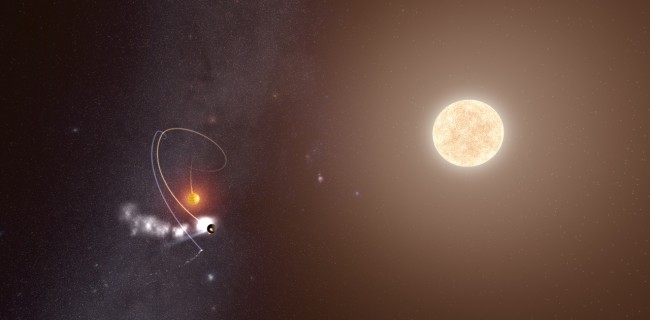
This one mostly speaks for itself. Star glows and rendering are going to look a whole lot better, with smoother fading and fewer clipping issues. Georg hopes to eventually add a little coronal animation, too.
4. Back-End Changes to the User Interface
Chris is busy porting over the current custom user interface to use Unity’s user interface system. At first this may fall into the category of “Not Too Exciting For Most Users,” as it won’t involve any design changes, but this rewrite of the user interface is going to make possible a handful of things for Universe Sandbox ² further down the line. Essentially, it’s future-proofing.
The biggest advantage of this is the support for multiple character sets and a scalable interface. This translates into support for languages using non-Roman characters, and an interface that works on non-standard resolutions, such as 4k or mobile. And while a mobile version of Universe Sandbox ² is not coming any time soon, should we eventually decide to take that path, this change will make it all the more feasible. Feel free to also use this as evidence that we are not planning on wrapping up development in the near future.
5. Native Physics Code
Alpha 15 introduced Thomas’s rewrite of the physics component in Universe Sandbox ², which made everything run a whole lot faster. That was only the first part. This second part is implemented as native code, versus the previously implemented managed code. Without getting too technical, this essentially removes a step from the process, making it run a bit faster. There will be more performance improvements to come after native implementation, but this one is a big step.
After all of this is firmly in place, then it’s time for VR… But that’s a blog post for another day.
Sign up to be notified whenever there’s a major update: Universe Sandbox ² Email List
Feeling the Love for Universe Sandbox ²
Sep 10th
Since our release on Steam Early Access two weeks ago, we’ve been seeing new videos and articles about Universe Sandbox ² every day.
But even better than the huge increase in exposure is seeing how much people are enjoying it. We appreciate each and every YouTube video and write-up that features Universe Sandbox ², but we can’t mention them all, so here’s a short list of some of our favorites.
Videos
Nerd³ made the most popular YouTube video about the original Universe Sandbox, and now he’s back to experiment with Earth in Universe Sandbox ². He “fixes” its axis, floods every continent, then hurls it toward the sun.
This is one of the more recent videos in ZeRoyalViking’s series on Universe Sandbox ². We had the pleasure of chatting with him in person at PAX Prime last week. Looking forward to seeing his future videos!
Have you heard of PewDiePie? No? He only has a small following on YouTube, with over 39 million subscribers. What does he have to say about Universe Sandbox ²? “This game is so ******* cool.”
Jacksepticeye, “the most energetic video game commentator on YouTube,” had nothing but good things to say about Universe Sandbox ²: “I just love this stuff. I could explore this game alllll day.” Jacksepticeye has almost 6.5 million subscribers, and right now this video is the most watched Universe Sandbox ² YouTube video with over 2.1 million views.
And this is one of our personal favorites — Justin and Griffin from Polygon have a blast playing through Universe Sandbox ² for the first time.
Articles
Rock Paper Shotgun: Premature Evaluation: Universe Sandbox 2
In this Early Access review from Rock Paper Shotgun, one of the most popular sources for indie game news and reviews, Marsh Davies writes: “It’s easy to use, beautifully tutorialised, and hugely fascinating.”
Kotaku: Universe Sandbox 2 Lets You Build, Destroy The Universe
My favorite quote from this write-up, published shortly after our launch on Steam Early Access: “Within a minute of booting it up, I’d already smashed Earth into a second, identical Earth and watched both erupt into flame, blossom thousands of tiny volcanic flowers. ‘That escalated quickly,’ I said, realizing even as the words came out of my mouth that it was an understatement.”
Geek Dad: My Top 10 Indie Games at PAX Prime 2015, Part I
At PAX we were able to talk to Mike LeSauvage, contributor for Geek Dad. In this article about Universe Sandbox ², Mike writes: “This was the first game I tried out after PAX, and my kids became instantly enamored with it, with my eight-year-old declaring it to be more fun than Splatoon!”
Brash Games: Universe Sandbox ² Early Access Review
Dan Jackson writes, “This will leave you mesmerized only after 5 minutes of navigating the tutorial and once left to your own devices you will lose yourself in the vast expanse of our known galaxy. […] I highly recommend this to anyone with a similar interest or if you’re just curious to see how the universe works. You will not be disappointed.”
Tweets
This is amazing! Computers are now making me and my wrath obsolete: http://t.co/SSCg7NC6jZ
— God (@god) September 10, 2015
@UniverseSandbox I just finished playing and my mind is blown. I spent most of my time staring at the screen, smiling like an idiot
— Dan & Matt (@realmattanddan) September 9, 2015
And to top it all off, here’s a humble recommendation from the writer and director of the films District 9 and Elysium, Neill Blomkamp:
everyone should be playing universe sandbox2
— Neill Blomkamp (@NeillBlomkamp) September 10, 2015
Universe Sandbox ² Alpha 16 is Now on Steam Early Access
Aug 24th
Steam Early Access Release
After nearly 4 years of development, Universe Sandbox ² is now on Early Access and available for purchase directly through the Steam Store.
Buy Universe Sandbox ² on Steam.
Today also marks the release of another big update, Alpha 16. If you already own Universe Sandbox ², just run Steam to download the latest version.
What’s New in Alpha 16
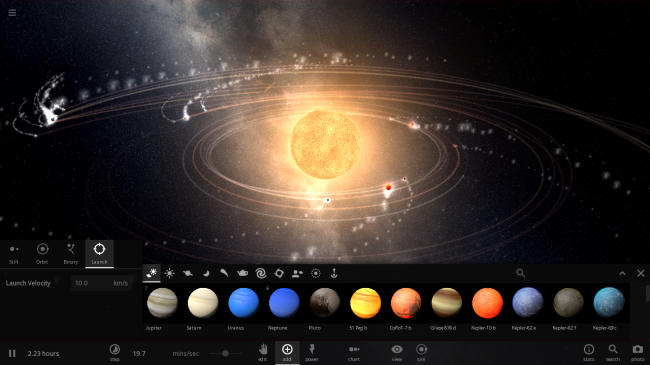
What’s new in Alpha 16? We’ve re-enabled and improved saving and loading and completely rewrote the rendering backend to implement logarithmic z-buffering, which addresses graphical issues and paves the way for some big visual changes.
We also made further improvements to the interface and fixed a bunch of bugs and stability issues.
Let us know what you think of Alpha 16 using the in-game feedback or our forums, Facebook, or Twitter.
Or if you’ll be at PAX Prime later this week in Seattle, Washington, stop by the Indie MEGABOOTH to say hello. The whole team will be there showing off the latest and best Universe Sandbox ² and celebrating our release on Steam. We look forward to all that is still to come.
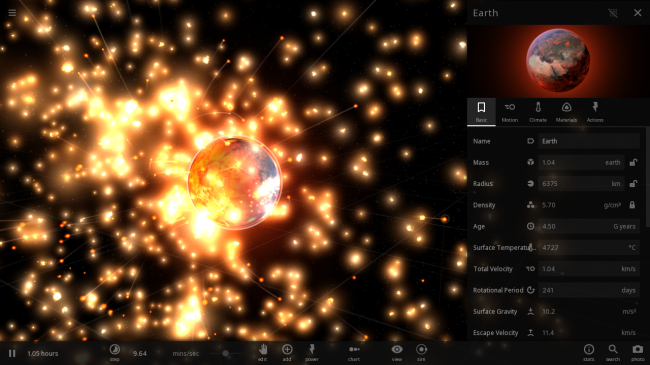
Logarithmic Z-Buffering in Universe Sandbox ²
Aug 19th
The Z-Fighting Problem
Z-fighting is a graphical issue which occurs when a game tries to draw two layers at the same depth.
The results vary — sometimes one layer can appear to poke through another or they will flicker back and forth as they “fight” over which one should be drawn in front and which one in back.

Z-fighting demonstration from Wikipedia article
From the Teapot to the Milky Way
If you’re a gamer, you’ve probably seen z-fighting before. But this issue mostly affects games which are working with very large camera distances. For example, open-world games may try to draw mountains and clouds in the distance, but because they both are designated as “very far away,” they fight over which is drawn in front.
Universe Sandbox ² handles camera distances on a scale even larger than this. The camera may be a few meters away from a teapot, and lightyears away from a galaxy. And somewhere in between there may be a whole bunch of planets. The issue here would be distinguishing which planet should be drawn in front when, relatively, they’re much closer to each other than they are to either the teapot or the galaxy.
Log-Z
This is where logarithmic z-buffering comes in. In non-technical terms, log-z is a programming technique which opens up more “options” at which layers can be drawn. For example, instead of all planets being grouped together at depth 5, they can be drawn at 5 as well as 5.1 and 5.2 and so on. And with their own personal space, they no longer fight!
Here’s a great interactive example of logarithmic versus standard z-buffering: http://threejs.org/examples/webgl_camera_logarithmicdepthbuffer.html
Using this technique in Universe Sandbox ² has been a long time coming — its implementation had been held up by a bug in Unity (the engine we use for development), which has now been fixed.
It won’t be an obvious change for users, but now that Georg has added it in, we’re ready to move forward with a whole bunch of other visual improvements as well, not to mention the small performance increase we expect.
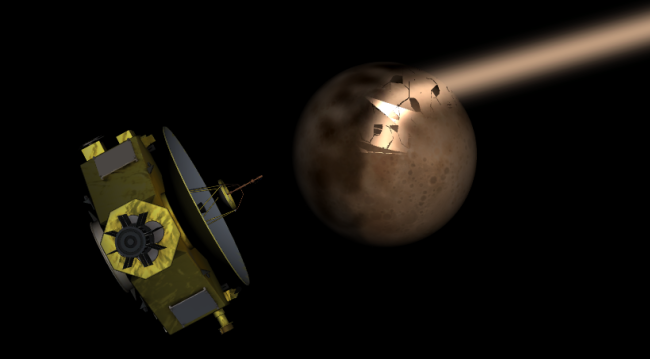
Thanks, Georg! Now there’ll be no more of this:
You can buy Universe Sandbox ² now for instant access to the alpha via our website: universesandbox.com/2
Universe Sandbox ² will be on Steam Early Access later this summer.
Listen to an Inteview with Dan, Creator of Universe Sandbox, on The Zachtronics Podcast
Aug 17th

Dan sits down for an interview with Zach on The Zachtronics Podcast, a series which explores indie game development.
They start out by talking about the humble beginnings of Universe Sandbox a long time ago as Dan’s personal project throughout middle school and high school. Then they get into discussions about the ideas and passions driving the current development, the limitations which present interesting problems and require creative solutions, and the future of Universe Sandbox ².
Listen to the full interview at the Zachtronics website: The Zachtronics Podcast: Episode #4
Simulating the World of Game of Thrones in Universe Sandbox ²
Jul 17th
An Unpredictably Long Winter is Coming
Fans of George R. R. Martin’s fantasy series A Song of Ice and Fire or the television series, Game of Thrones, know well the often repeated warning, “Winter is coming.”
For those living on the continent of Westeros in this fantasy world, summers can be long, and so can the winters. But some winters are especially cold and last for several years, while others are relatively mild and short.
What causes this variance in seasons? Martin doesn’t offer an explanation, so we’re free to speculate.
One research paper (“Winter is coming”) proposes that perhaps there’s a natural explanation: Westeros is on a circumbinary planet, meaning its orbit extends around a binary star system.
Simulating Westeros in Universe Sandbox ²
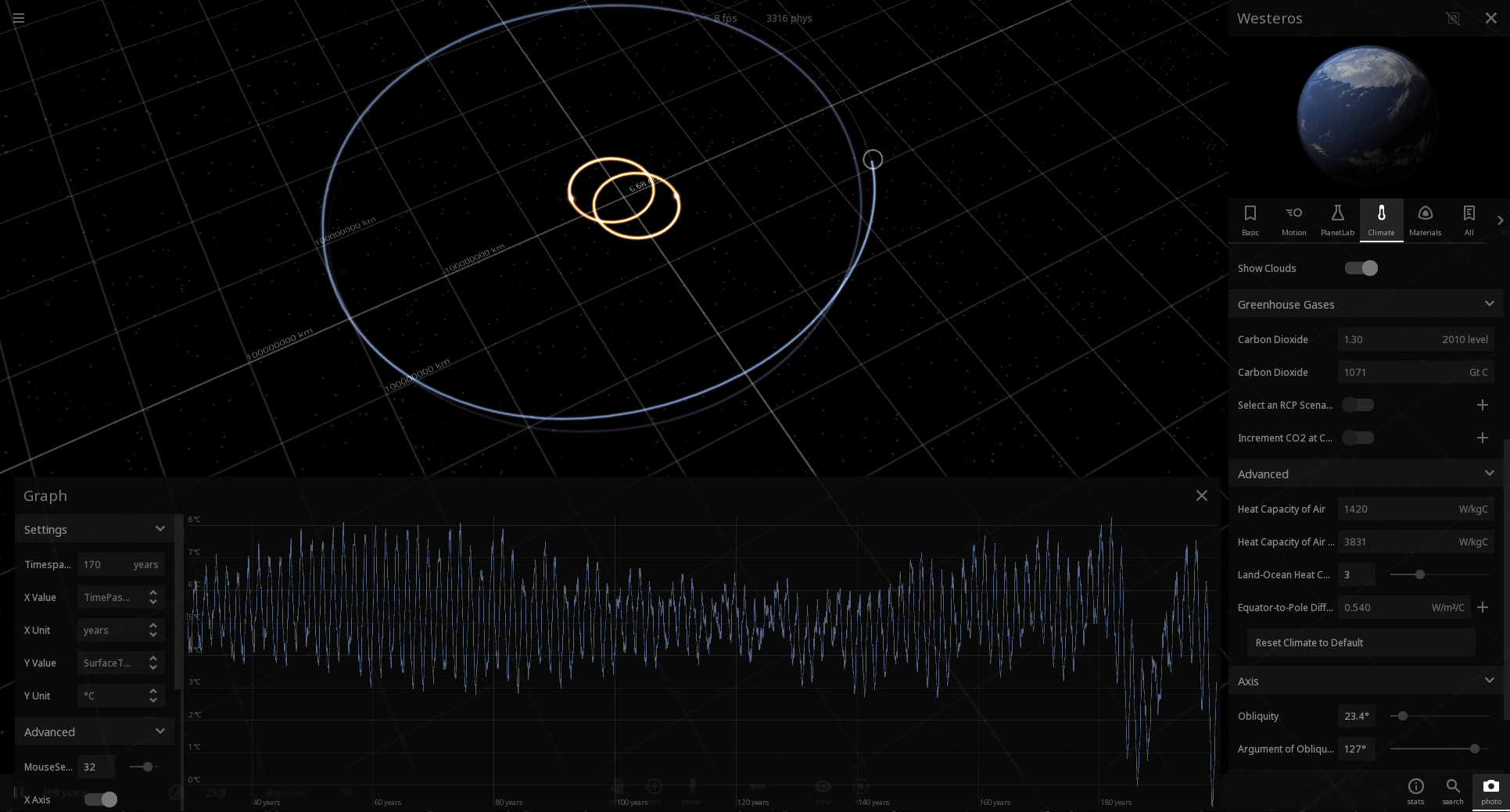
The paper may be tongue-in-cheek, but that doesn’t mean we can’t use its parameters to try simulating it in Universe Sandbox ². Like the paper, we were unable to find stable orbital parameters that would create the level of unpredictability discussed in the books or the show.
We could, however, create a system that has variable winter and summer intensities on regular predictable intervals with a large northern polar ice region. Though our results didn’t exactly match those in the paper, we managed to recreate similar seasonal patterns to what the authors describe in their paper.
If you own Universe Sandbox ², you can see this simulation for yourself in Alpha 15: Home -> Open -> Fiction -> Lands of Ice & Fire | Game of Thrones.
To open the temperature graph, open the Westeros planet’s Properties, select the Climate tab, hover over the Surface Temperature icon and click the Graph button.
If you don’t own Universe Sandbox ², you can buy it now to get instant access to the alpha via Steam code: https://universesandbox.com/2
Universe Sandbox ² Alpha 15.2 | The Pluto Encounter Update
Jul 10th
If you already own Universe Sandbox ², just run Steam to update to the latest version.
Or you can buy Universe Sandbox ² here:
https://universesandbox.com/buy/
New Horizons
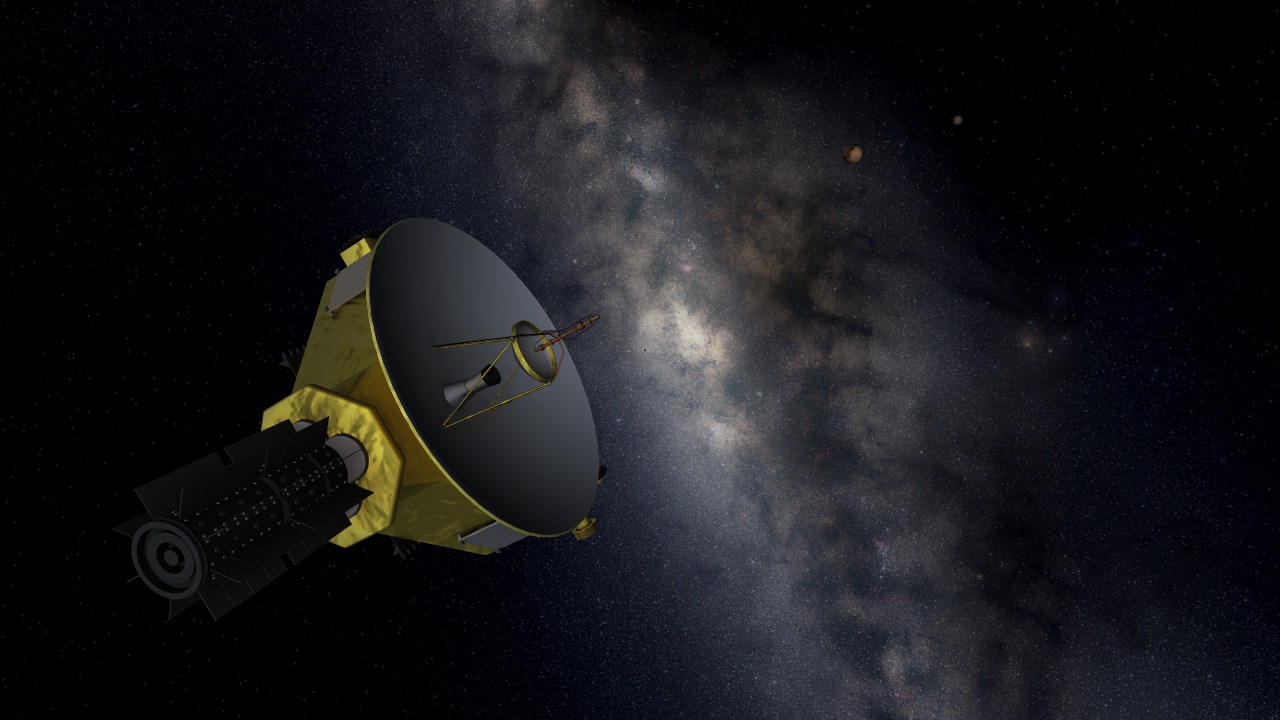
We’ve just released Alpha 15.2, which features a simulation of NASA’s New Horizons trip past Pluto and its moons. The spacecraft will be closest to the icy dwarf planet next Tuesday, July 14th. You can find the simulation in Home -> Open.
We will be updating Pluto’s and its moons’ textures as data is received from the New Horizons spacecraft.
If you keep the simulation running to 2019, you will see New Horizons approach its second target, 2014 MU69 (or PT1), an object with a diameter of 30-45 km orbiting in the Kuiper belt. New Horizons will likely be closer to PT1 than our simulation reflects, though, as NASA will be using a portion of its remaining fuel to get closer to its target.
You can also check out NASA’s own New Horizons simulation.
Recent Updates & Changes
In this update we’ve also made it possible to draw trails relative to a body and made additional tweaks and fixes.
In Alpha 15.1, released on June 26th, we updated the look of Ceres based on the latest photos from NASA, added a random asteroid feature, new moons of Pluto, pulsar jets, and improved the look of brown dwarfs. We also re-introduced the ability to customize launch bodies: Hover over bodies in the Add panel then press a number key to assign the body to that launch slot.
Alpha 15 Now Available
Jun 29th
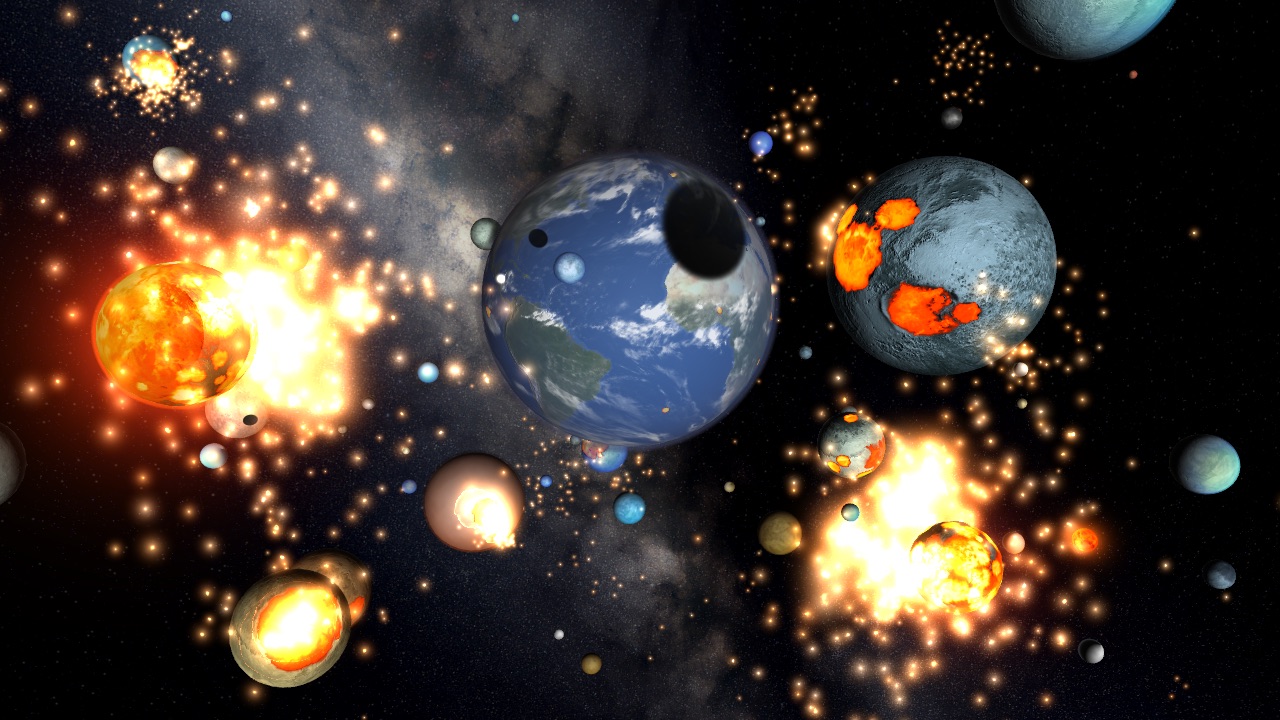
Universe Sandbox ² is now easier to use and explore, faster than ever before, and alive with the sound of music.
This is the biggest update yet for Universe Sandbox ².
Run Steam to update or buy Universe Sandbox ² now for instant access to Alpha 15.
Redesigned User Interface
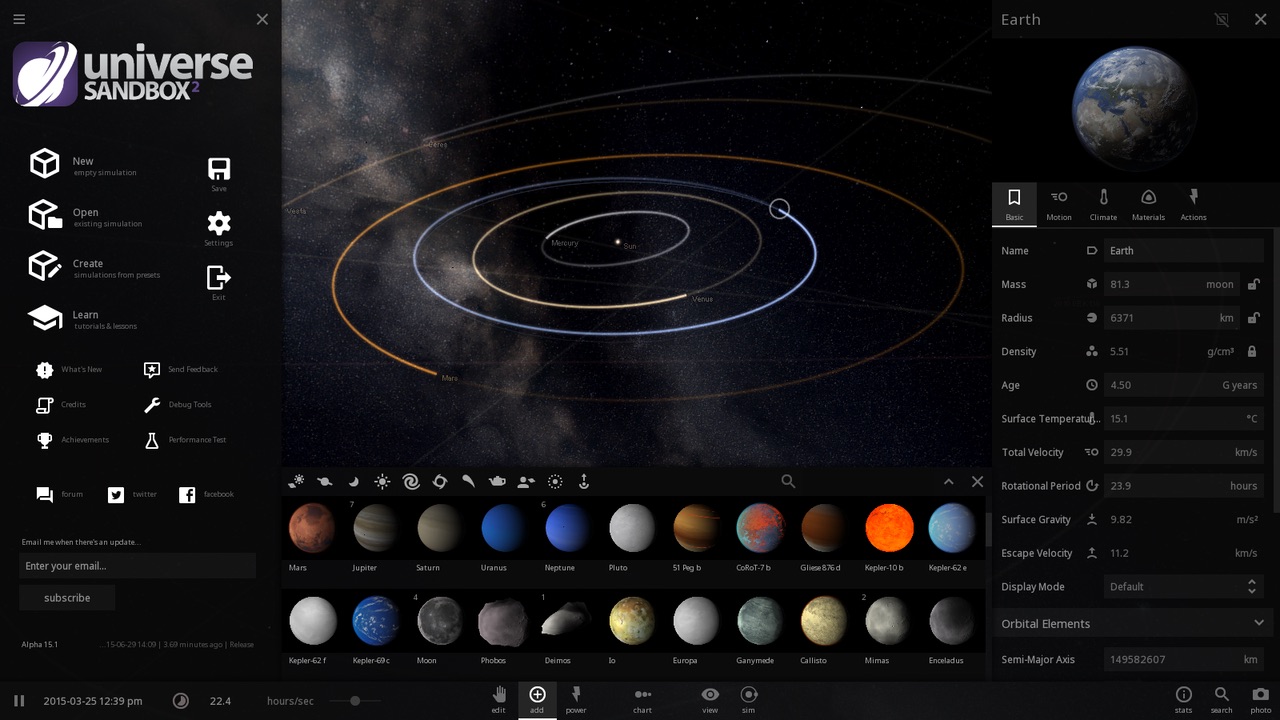
We redesigned the user interface for a cleaner, more intuitive experience. There’s a new layout, a whole new set of icons, cursors, and fonts, a brand new Home menu with generated thumbnails for previewing simulations, and a lot more. The interface is constantly being improved, but we’re very happy with the direction it is now heading.
Improved Performance
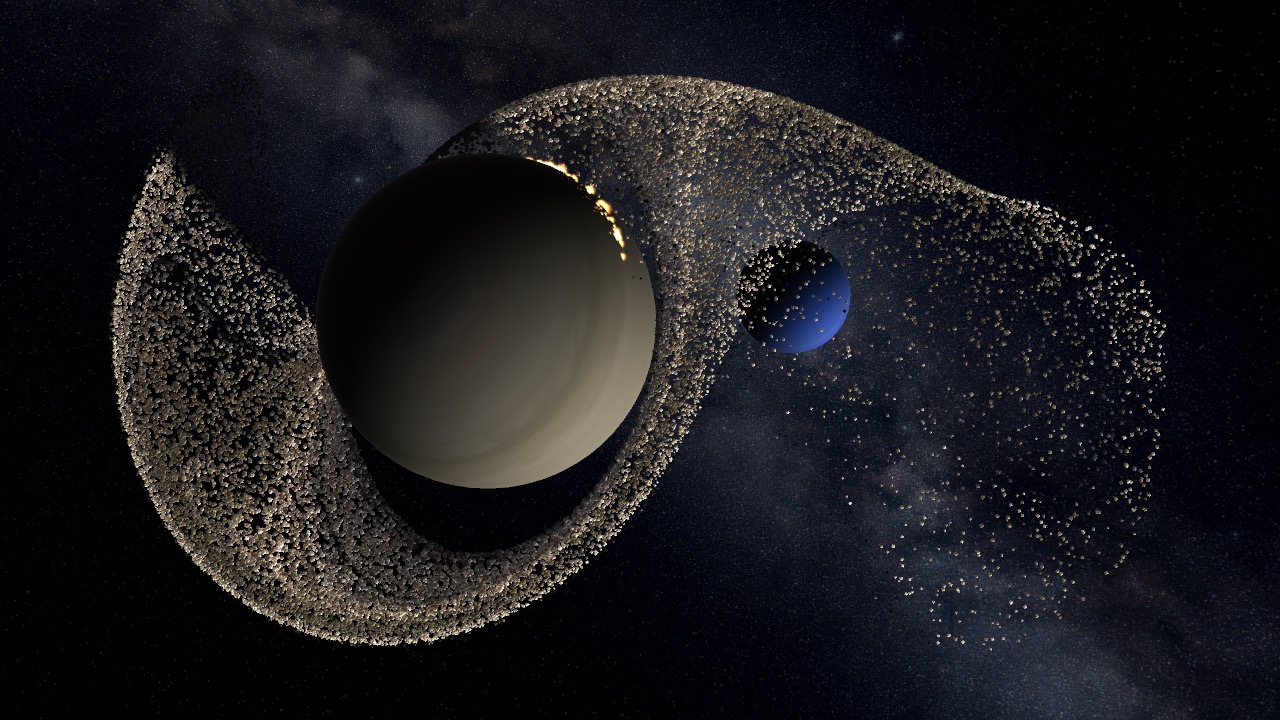
We rewrote physics from the bottom-up for much better performance. Physics also now runs asynchronously from other components, which means that even if it is busy with a ton of calculations, the user interface and camera should still be completely responsive.
New Dynamic Soundtrack
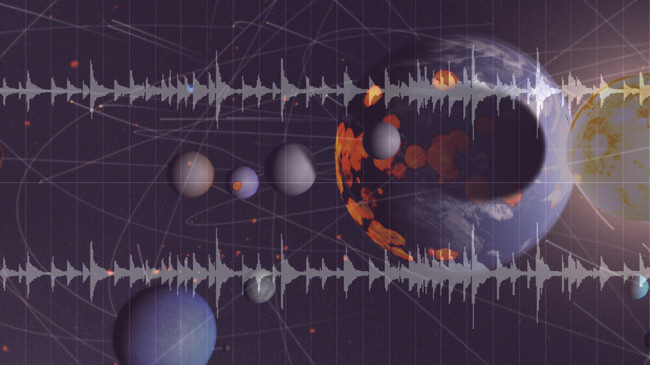
Universe Sandbox ² now features a soundtrack which responds to actions and events in the simulation. Collide two planets and listen to the music swell. Music by Ryan Macoubrie.
And A Lot More
- Magnetic Fields
- Pulsars
- Custom Keybindings
- Light pulses
- Fireworks
- Improvements & bug fixes
- Full list of What’s New
Alpha 15 took longer than we expected, but we think it’s well worth the wait. We’re excited to hear what you think:
Signup to be notified every time there’s an update for Universe Sandbox ²
New UI Screenshot & Alpha 15 Update
May 7th
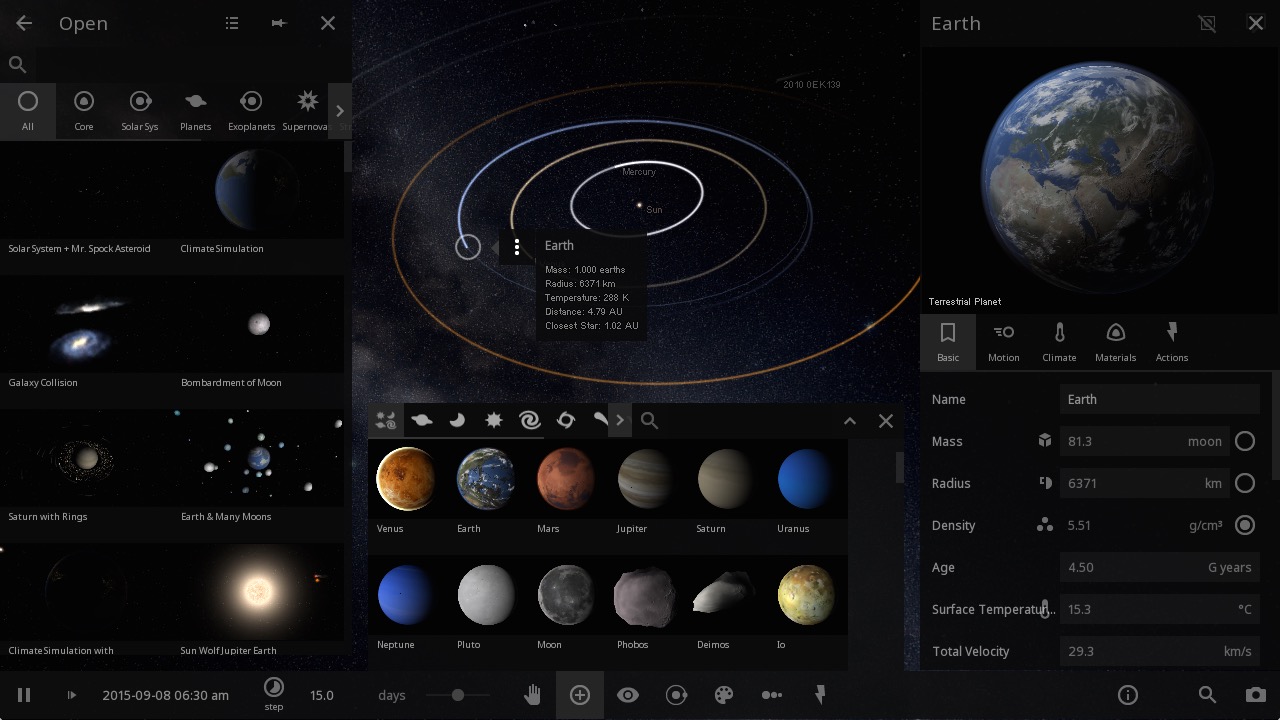
User Interface Improvements
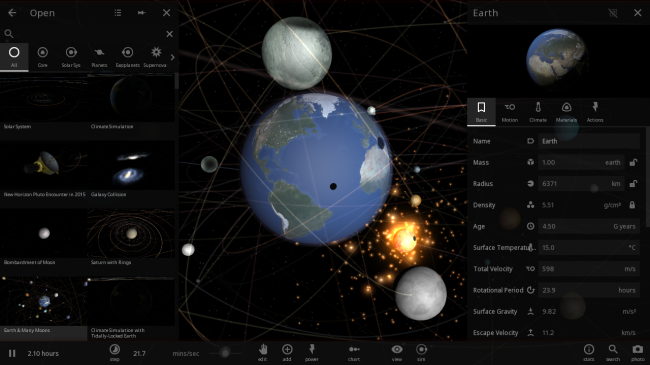
In the screenshot above you can see the improved Open, Add, and Properties panels. (Although you won’t usually have all 3 open simultaneously.)
The design will still change a bit as we continue development, but it’s a good representation of the direction we’re heading: unified icon styles, minimalistic design, better spacing, and a more intuitive organization of controls and settings.
One of our favorite new additions is the thumbnails in the Open panel, which provide a much more representative and inviting preview of the available simulations.
The biggest change? We’ve moved most of the actions you’ll need for exploring and interacting with a sim to a bottom bar. We pride ourselves on the amount of customizable options, but they’re only as useful as they are easy to find and adjust.
What else have we been working on since Alpha 14?
- Getting our newest team member up to speed
- A big welcome to astrophysicist Jenn Seiler!
- Jenn is currently working on improving volatile loss rates and implementing magnetic fields (look for these in future updates)
- Refactored physics and performance optimizations (see previous post)
- Transitioning to GIT for our source control
- This will help us maintain a monthly update schedule, as we can now develop features on the side without affecting the main project, then merge them in when they’re ready
- Improved graphics settings and options
- First steps in integrating backend visual improvements
- New tech which lets users heat up one side of a body (coming post-Alpha 15)
We’re working hard to get everything working again for Alpha 15. Keep your eyes peeled. We look forward to hearing what everyone thinks.
If you don’t own Universe Sandbox ², you can get instant access to the alpha through our website: universesandbox.com/2
Happy Earth Day!
Apr 22nd
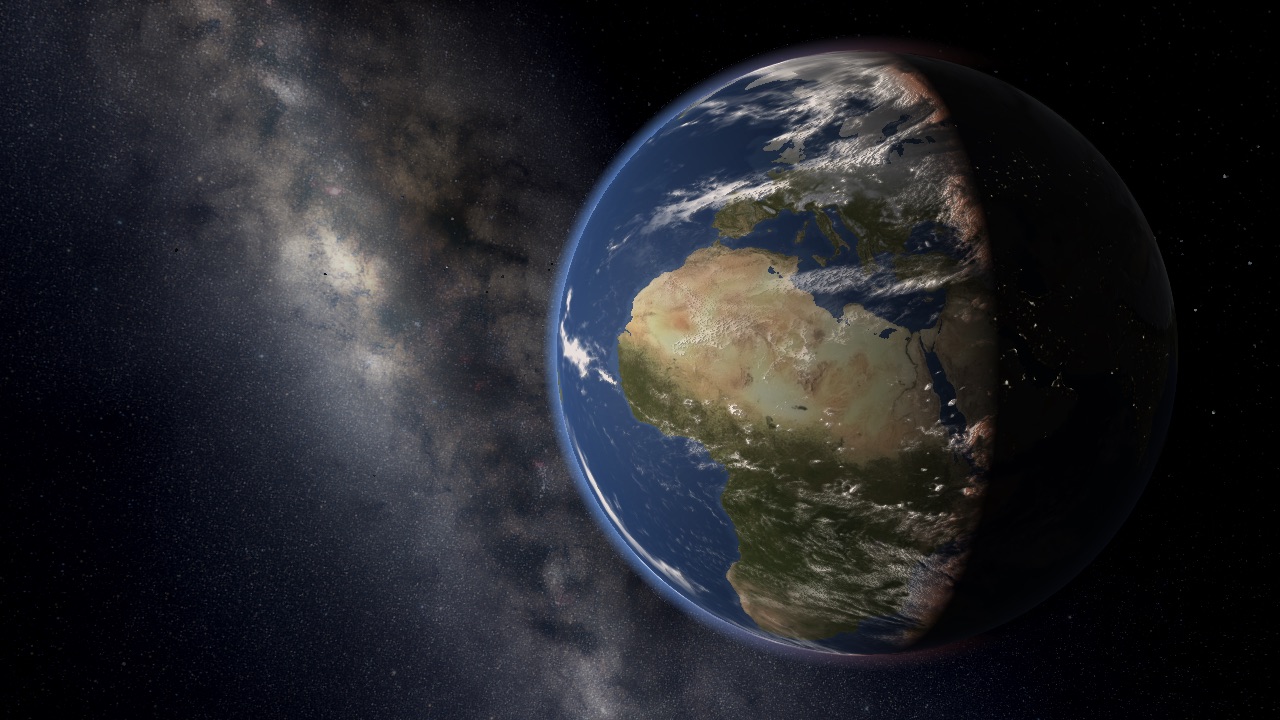
First observed in 1970, Earth Day now gathers over 1 billion people in 192 countries every year on April 22 to celebrate our planet and raise awareness of the issues it faces. According to Earth Day Network, that makes it the largest civic observance in the world.
The growth of this movement toward the care and appreciation for our planet is evident all around us. Environmental awareness is no longer reserved for activists and radicals. “Going green” and “reducing your footprint” have become familiar, if not trendy, concepts.
But despite this, human-caused climate change continues to take us further down the road toward inevitable crisis. It’s a bleak forecast, but one that we, as individuals, nations, and a global community, must confront if we want to create the necessary changes.
Earth in Universe Sandbox ²
In Universe Sandbox ², we’ve added a simple climate simulation for Earth. We hope it helps in understanding how our climate works, and how fragile our planet is.
Here are a few things you can try in Universe Sandbox ²:
-
Simulate Future Climate Scenarios
- We’ve included the ability to simulate scenarios based on data from the most recent IPCC report
- We recommend trying the Climate Scenarios activity (Home -> Main tab)
- You’ll learn how to use the different models and graph Earth’s temperature over time
- Learn more about simulating these scenarios in our previous blog post
-
Tidally lock the Earth to the Sun
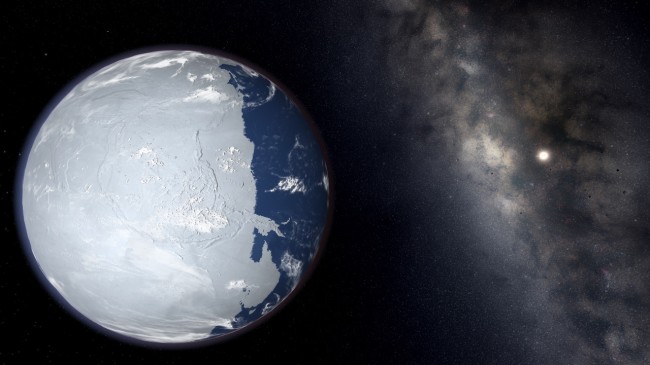
- Select Earth (in the default Solar System sim)
- In Earth’s properties window, click the “Motion” tab
- Scroll down and click “Tidally Lock”
- Now one side of the planet will always face the Sun
- And the other side of the planet will begin to freeze over
- Tidal locking is why there’s a “dark side of the moon.” From here on Earth, we can only ever see the same side
-
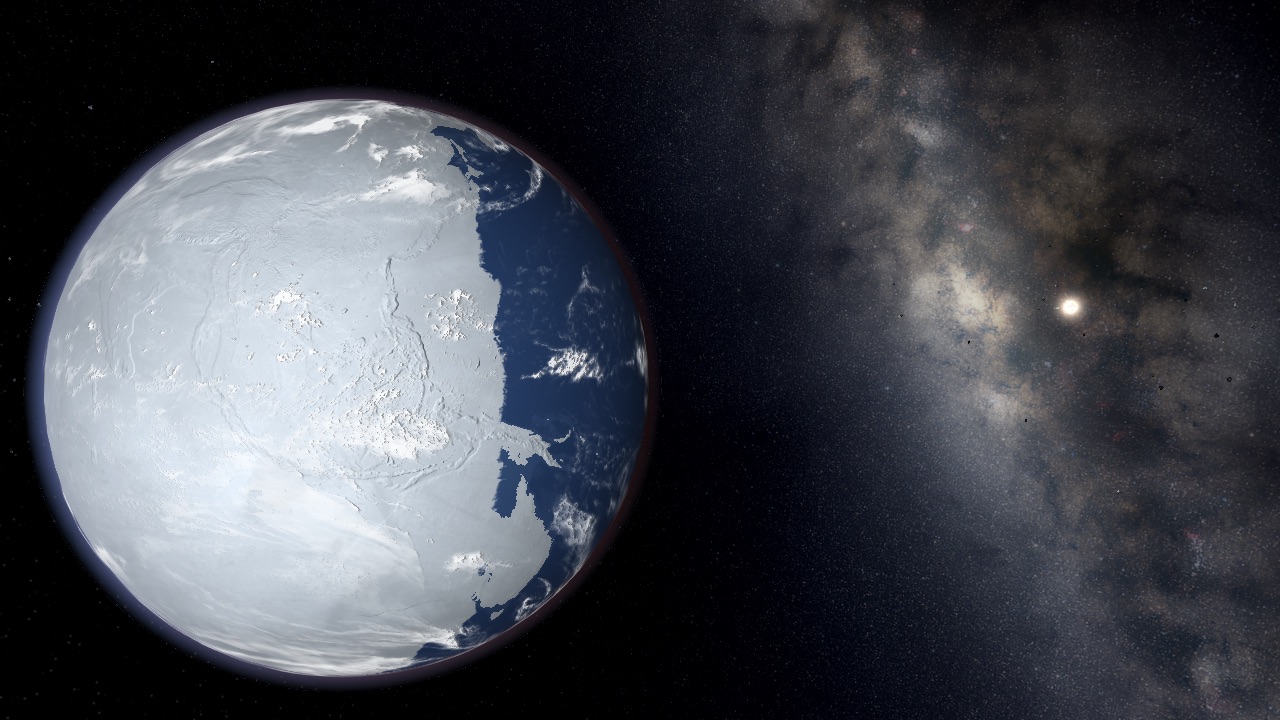
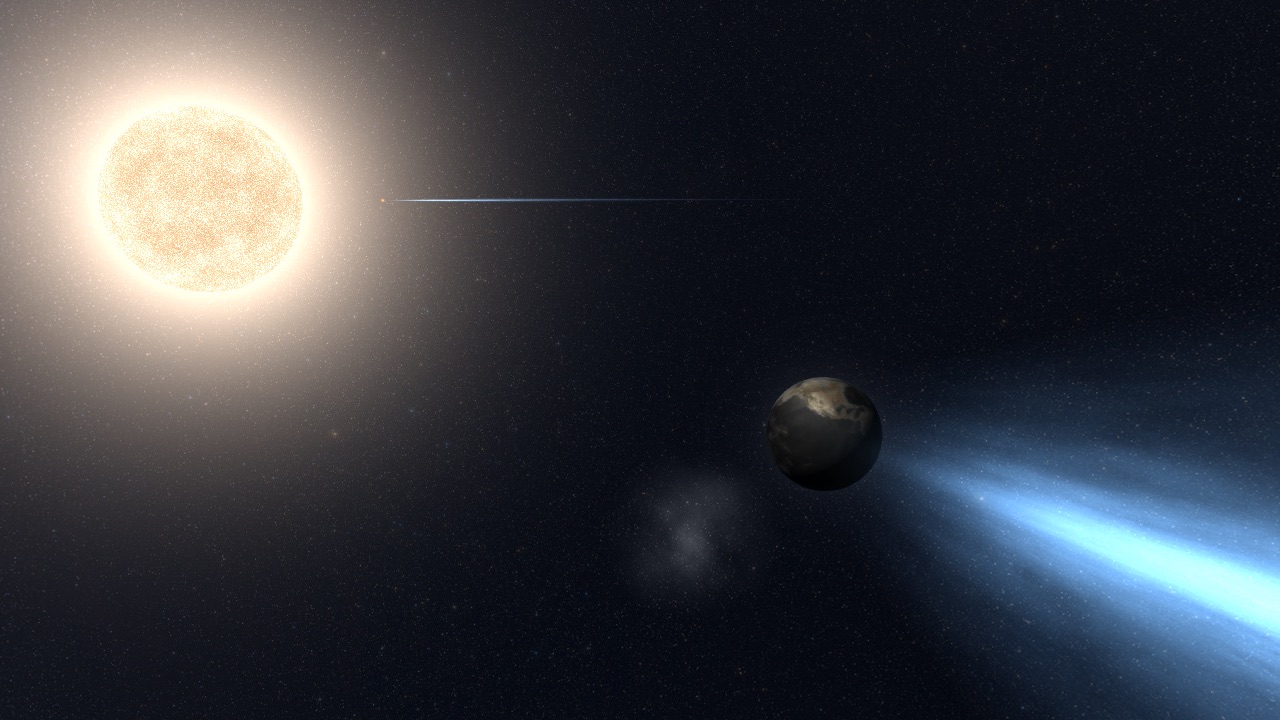
Turn Earth into a Comet or a Snowball
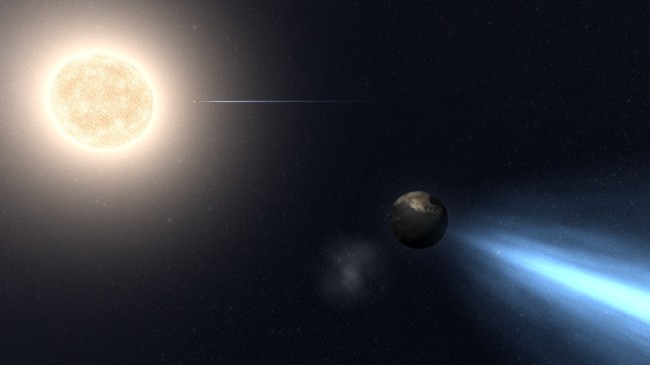
- Try moving the Earth closer to the sun to turn it into a comet.
- Or move the Earth out past Mars and watch it freeze over. (Load the sim “Earths Next to Sun” to see multiple Earths at various distances from the Sun)
If you don’t own Universe Sandbox ², you can get instant access to the alpha through our website: universesandbox.com/2