


Another Interstellar Visitor | Update 35.3


Watch the third-ever discovered visitor from outside our Solar System, 3I/ATLAS, fly past the Sun and see how it compares it to other known interstellar interlopers. We’ve also improved the view that shows what parts of the surface of a planet are illuminated, updated our scientific notation, and more!
In the Light of Day
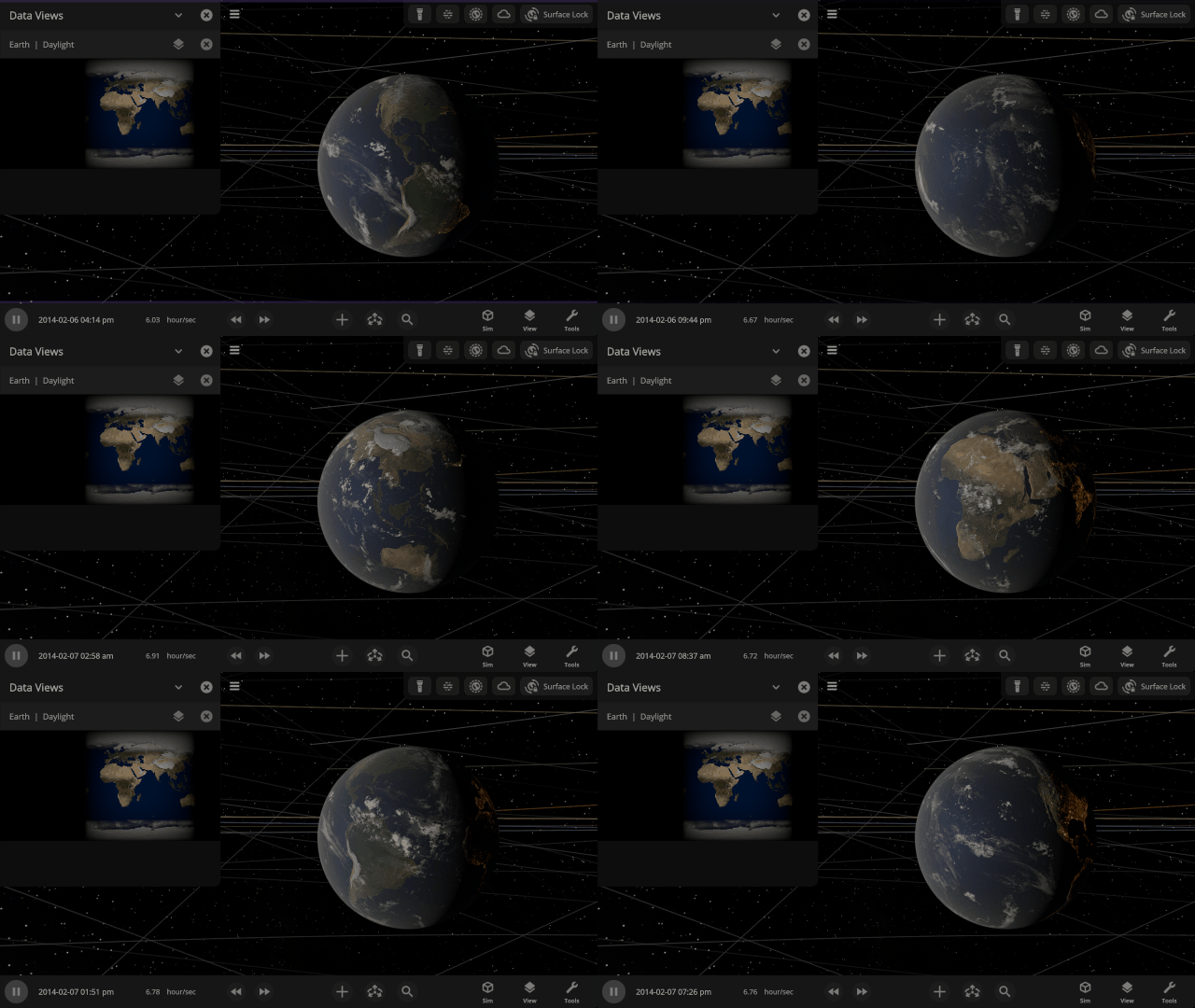
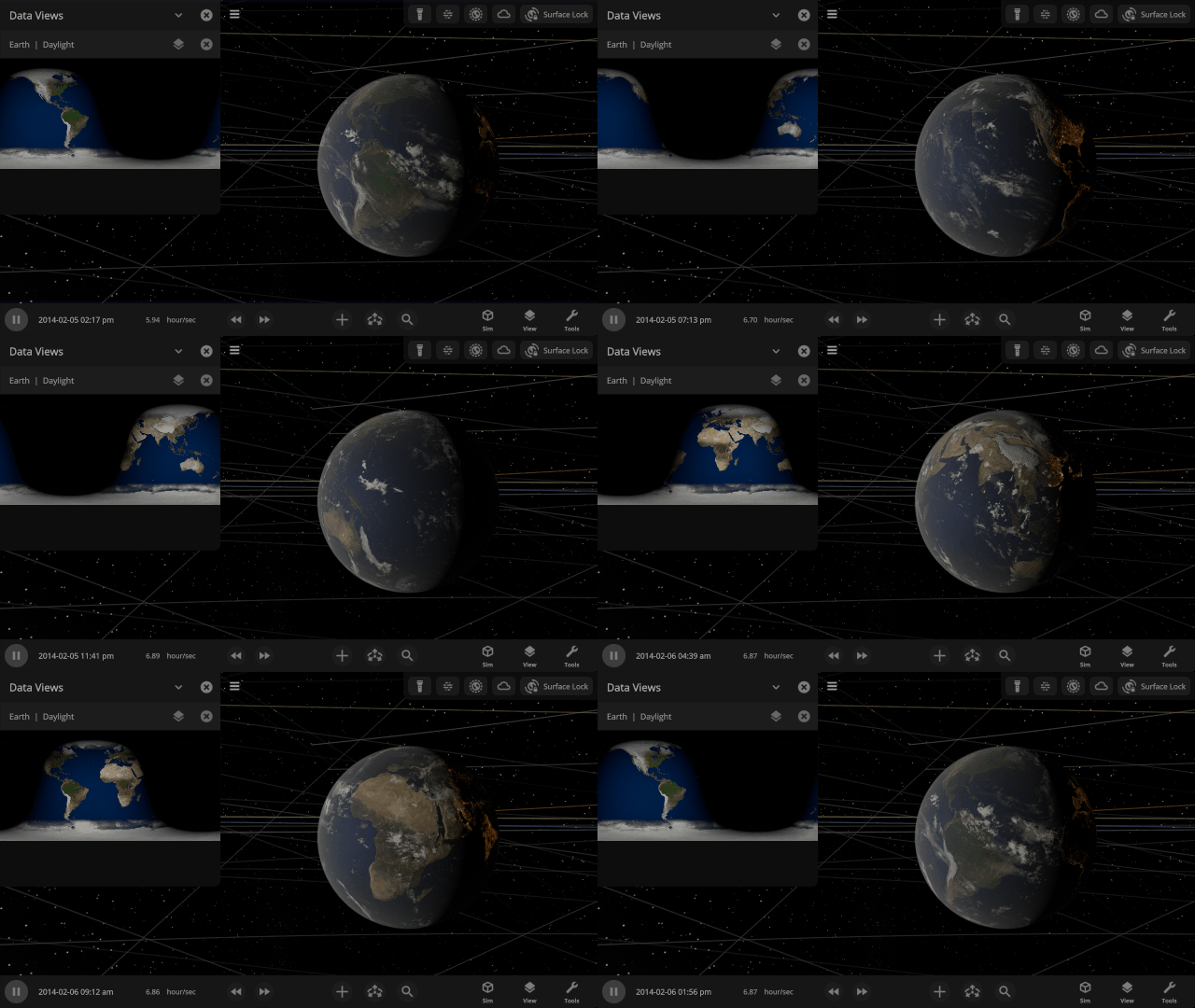
The Daylight view now shows surface illumination of a planet in real-time as the object rotates and orbits within the simulation. Previously it was a static snapshot of the daylight on a planet.
Comets from Beyond the Solar System
Watch the comet 3I/ATLAS, the third-ever discovered interstellar visitor to our Solar System, pass by on its journey through space and compare the trajectories of all three known interstellar visitors. Find them under
Home > Open > Interstellar Comet 31/ATLAS
Home > Open > Interstellar Object Trajectory Comparison


Scientific Notation
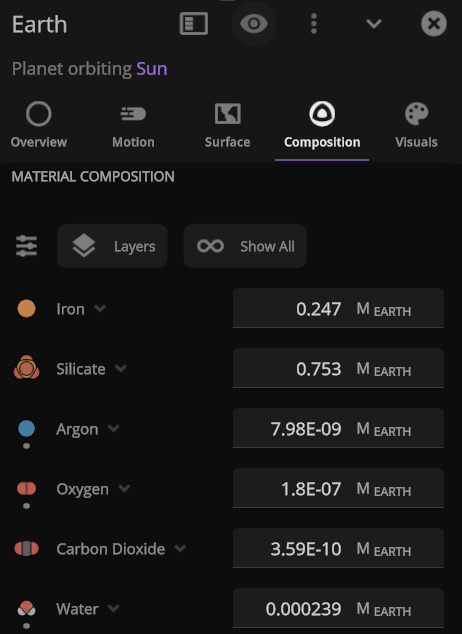
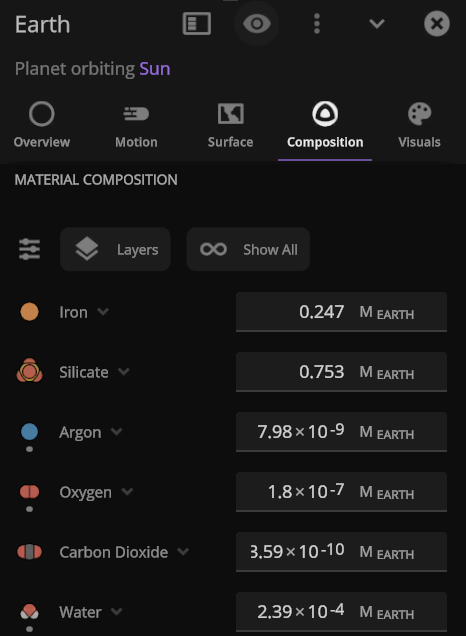
Astronomically large (and small) numbers are already hard to understand, so we’ve updated our scientific notation to be friendlier: “1 × 10#” (previously we used “1E+#”). Try changing Earth’s mass to 1×10^6 Earth masses and see what happens to the Solar System.
More Highlights
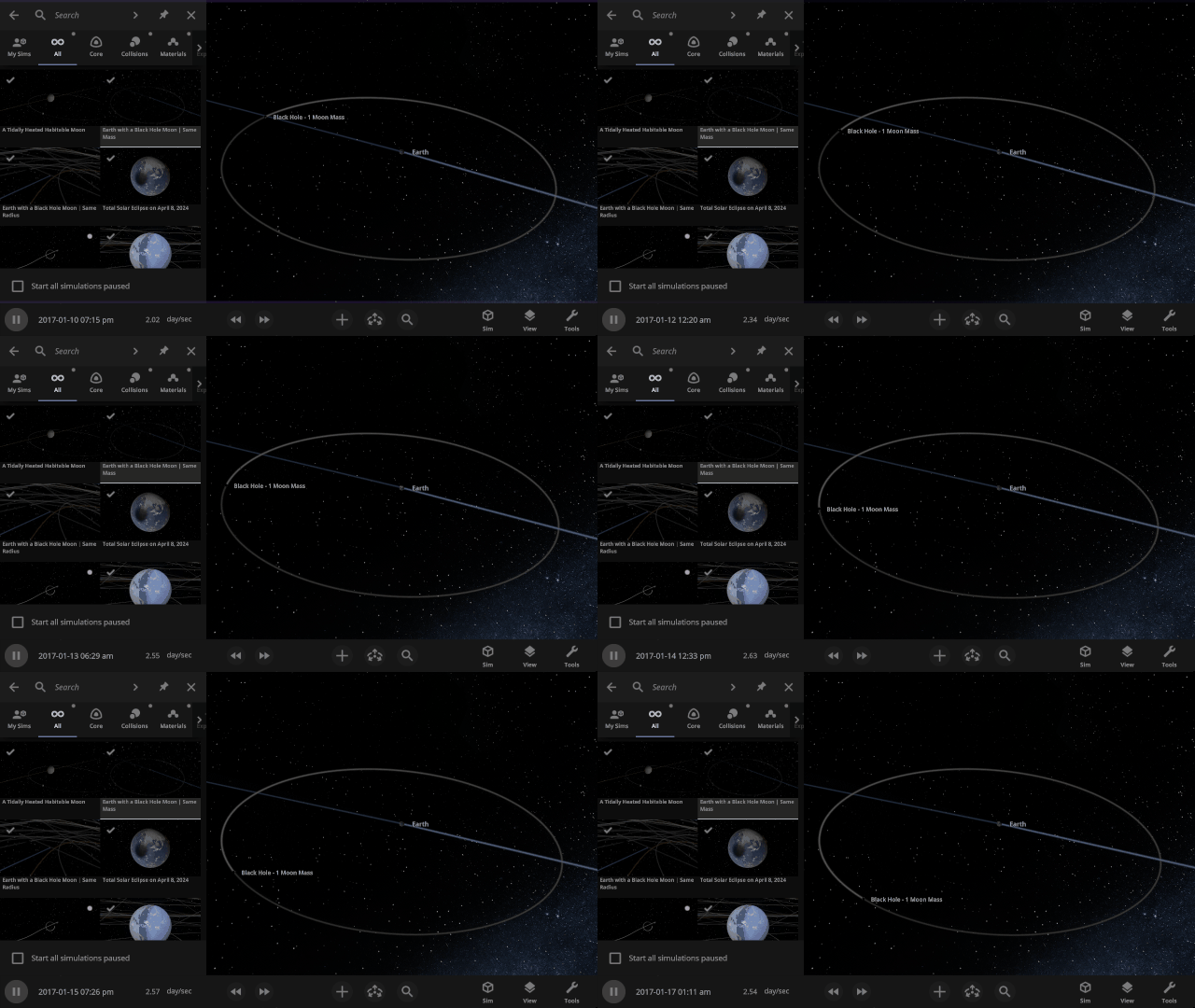
Watch what would happen to Earth if the Moon were replaced with a black hole of the same mass or the same radius. Which simulation do you think will be more destructive? Check them out under
Home > Open > Earth with a Black Hole Moon | Same Mass
Home > Open > Earth with a Black Hole Moon | Same Radius
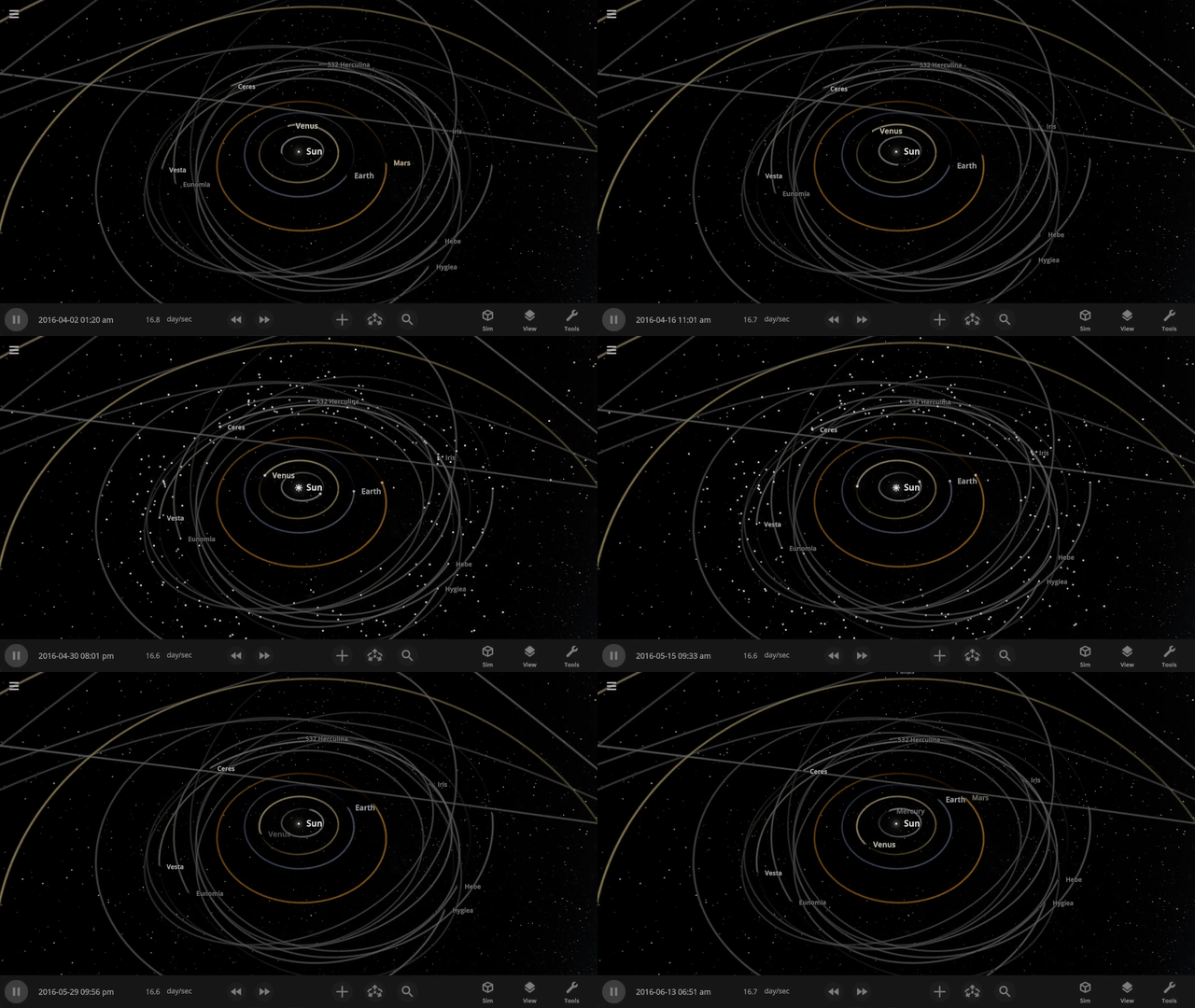
See small objects in your simulation even faster by turning on Markers by pressing “m” (previously “i”) on your keyboard. No need to go all the way to View > Markers.
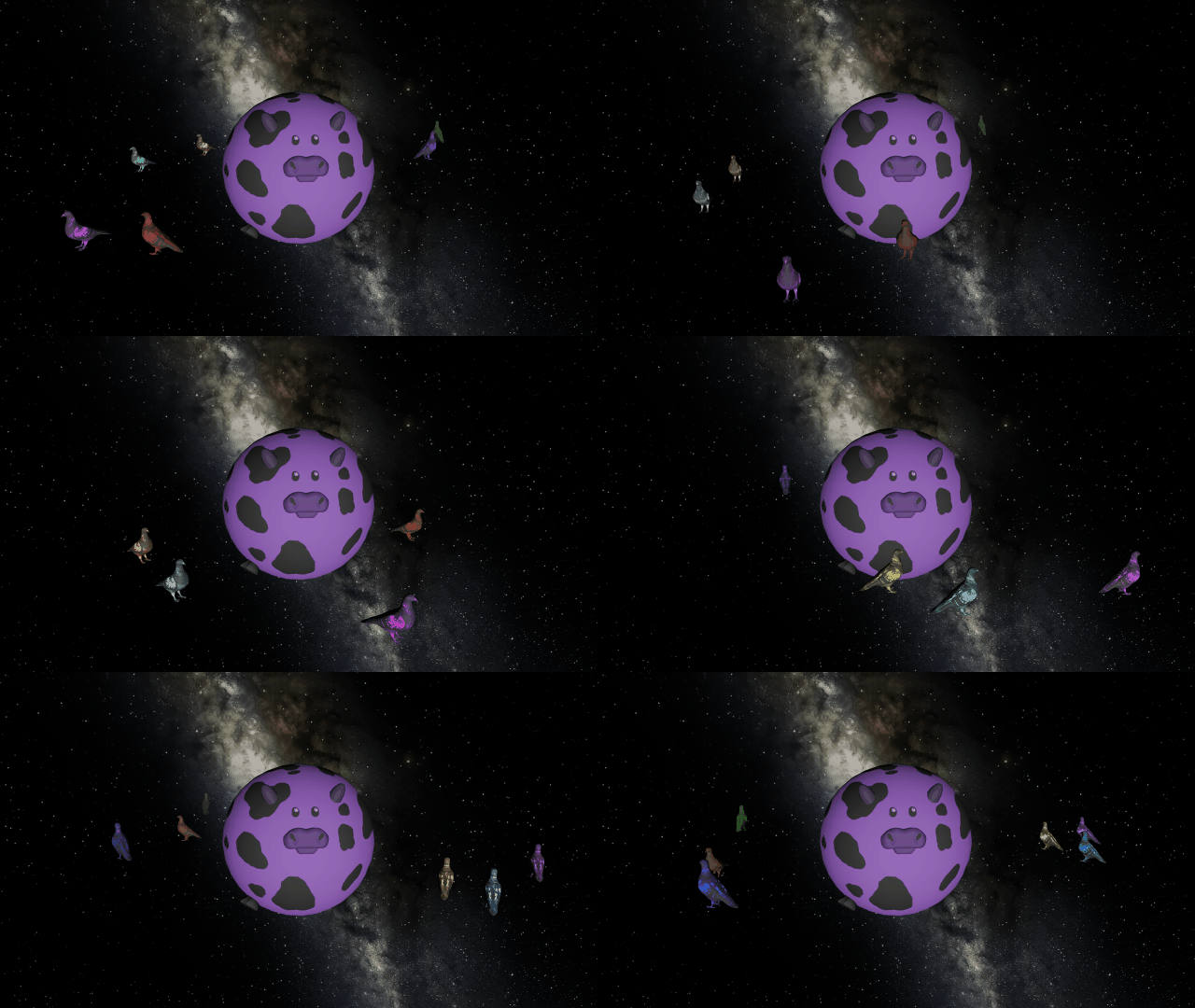
You can once again add custom colors to your human scale objects to make purple cows and a pigeon rainbow.
Check out the full list of What’s New in Update 35.3.
Please report any issues on our Steam forum, on Discord, or in-game via Home > Send Feedback.